Overview
Encharge and SendGrid serve different parts of the email stack. Encharge is a SaaS marketing automation platform for behavioral triggers and lifecycle campaigns. SendGrid is enterprise email infrastructure for transactional delivery at scale. SendGrid has a Marketing product, but it's not its strength. See our SendGrid comparison for more context.
Different Problems
Encharge answers "how do I send the right marketing email when a SaaS user does X?" SendGrid answers "how do I reliably deliver millions of emails with enterprise SLAs?" These are complementary needs. Many SaaS companies use both tools together.
Marketing Automation
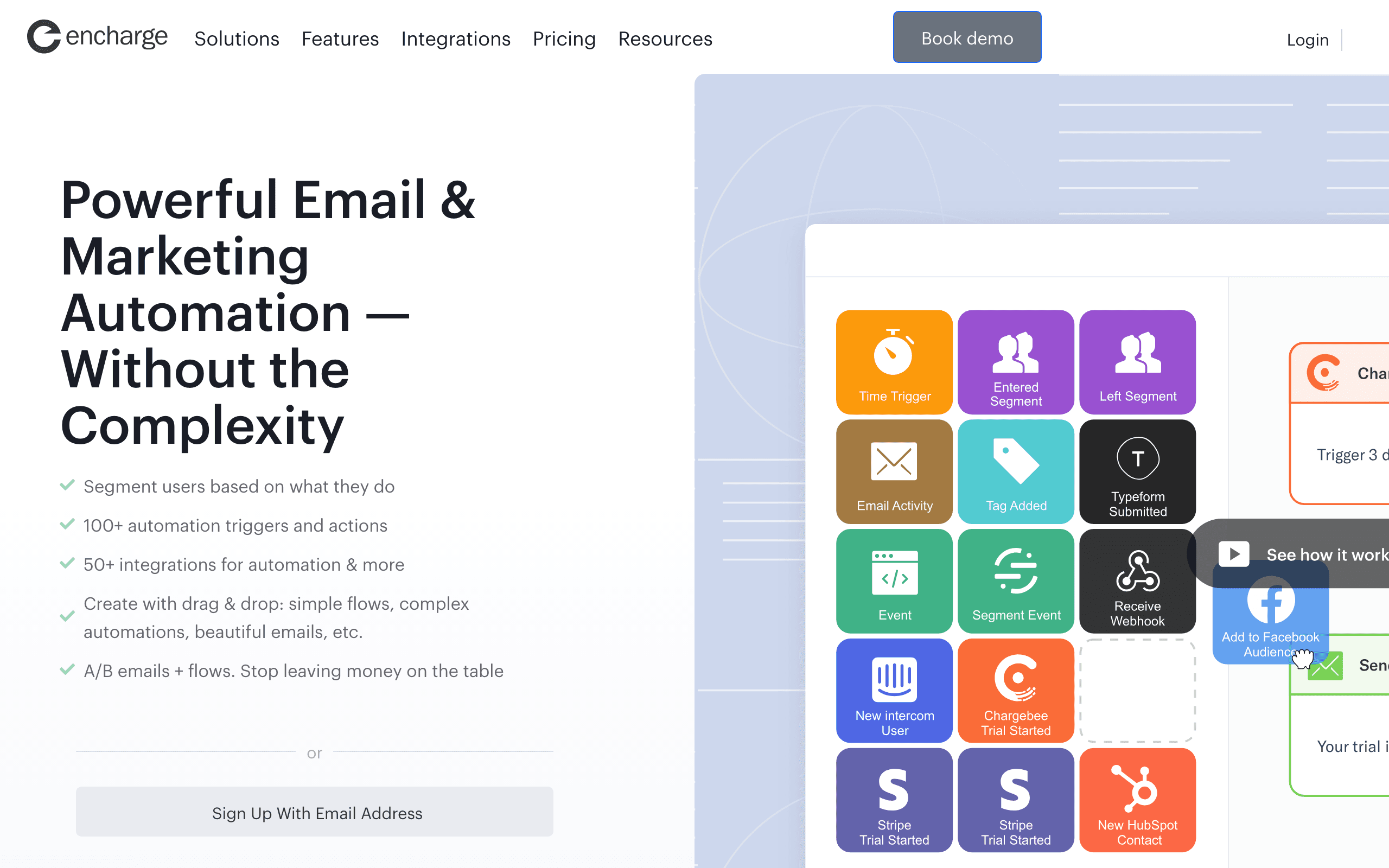
Encharge's strength is behavioral automation for SaaS. Build onboarding sequences triggered by user actions. Create lifecycle campaigns based on product usage. Segment users dynamically. SendGrid's Marketing Campaigns is basic by comparison - it exists but isn't the focus.
Infrastructure & Scale
SendGrid's strength is enterprise-grade infrastructure. Dedicated IPs, high deliverability, SLAs, and the ability to handle massive volume. Encharge uses third-party infrastructure and works well for SMB/mid-market but isn't built for enterprise scale transactional.
SaaS Integrations
Encharge connects to Stripe, Chargebee, Intercom, and 45+ other SaaS tools natively. You can trigger campaigns when subscriptions change or users interact with your product. SendGrid requires custom webhook setup for most SaaS integrations - it's focused on delivery, not marketing workflows.
Pricing Comparison
Encharge is one product at $179/month for 10k contacts. SendGrid has separate API and Marketing products - API Pro at ~$90/month, Marketing Advanced at $60/month. If you need both marketing and transactional, you're paying for two products with SendGrid. Pricing gets complicated.
Using Both Together
The common pattern: Encharge for marketing campaigns, onboarding sequences, and behavioral triggers. SendGrid for high-volume transactional emails like password resets, receipts, and notifications. Two tools, two bills, but each doing what it does best.
The Unified Alternative
Sequenzy offers marketing campaigns and transactional email in one platform with native Stripe OAuth. Instead of managing Encharge + SendGrid separately, one tool handles both at $49/month for 10k contacts.
Making the Choice
Choose Encharge for SaaS marketing automation with behavioral triggers and native integrations. Choose SendGrid for enterprise transactional delivery at scale. Use both for complete coverage. Or choose Sequenzy for unified SaaS email at a fraction of the combined cost.
Review signals
The Encharge reviews here support the product-event marketing role: users describe it as the "marketing brain" for SaaS behavior and lifecycle email. The caution is that Encharge may hit limits when transactional volume becomes enterprise-scale.
The SendGrid reviews support its infrastructure role: high-volume transactional delivery, dedicated IPs, and deliverability tooling. The criticism is pricing and product complexity, plus weak marketing automation. That makes SendGrid a delivery platform first, not a lifecycle marketing replacement.
The Twilio Factor
SendGrid is owned by Twilio, which means it benefits from enterprise-grade infrastructure, global scale, and the backing of a publicly traded company. This matters for companies that need SLAs, compliance certifications, and the assurance that their email infrastructure will not disappear. Encharge is an independent SaaS company - more agile and SaaS-focused, but without the enterprise backing that risk-conscious organizations may require.
For startups and mid-market companies, the backing question rarely matters. For enterprise organizations with procurement processes and vendor risk assessments, Twilio's ownership of SendGrid provides comfort that Encharge cannot match. Consider whether your organization's procurement requirements factor into tool selection.
The Split Product Problem
SendGrid's biggest weakness is its split product architecture. Email API and Marketing Campaigns are separate products with separate pricing, separate dashboards, and separate feature sets. You can use one without the other, but if you need both, you are managing two products from one vendor - which feels oddly similar to managing two vendors. Encharge avoids this problem by being one product focused on one thing: marketing automation.
This architectural split means SendGrid's Marketing Campaigns never gets the same engineering attention as the core API product. It is adequate for basic campaigns but lacks the behavioral sophistication that dedicated marketing platforms offer. If marketing automation matters to your business, SendGrid's Marketing is a compromise, not a solution.
Volume and Scale Considerations
SendGrid processes billions of emails monthly across its customer base. This scale means battle-tested infrastructure, global delivery optimization, and the ability to handle sudden volume spikes without degradation. Encharge works well for SMB and mid-market volumes - tens of thousands to hundreds of thousands of emails monthly - but is not designed for the enterprise scale that SendGrid handles routinely. Know your volume trajectory before choosing.
Use-case matchups
| Use case | Better fit | Why |
|---|---|---|
| SaaS onboarding and lifecycle marketing | Encharge | Behavioral triggers, segmentation, and SaaS integrations are the main strengths. |
| High-volume transactional delivery | SendGrid | Dedicated IPs, infrastructure scale, SLAs, and deliverability tooling are the core value. |
| Marketing-owned lifecycle workflows | Encharge | Marketers get flow building and product-event campaigns instead of infrastructure primitives. |
| Enterprise email infrastructure | SendGrid | Procurement, scale, reliability, and Twilio backing matter more at high volume. |
| Unified SaaS marketing plus transactional email | Sequenzy | One focused stack can avoid separate Encharge and SendGrid products for smaller SaaS teams. |
Pricing reality
SendGrid can look cheaper until you need both API and Marketing products. The real comparison should include every SendGrid product required, dedicated IP needs, validation, support, and any separate lifecycle automation platform.
Encharge is easier to price as a marketing automation product, but it is not a replacement for enterprise transactional infrastructure. If the team needs both, compare the combined operational cost against a unified platform.
Best Fit by Automation vs Infrastructure
Best SaaS marketing automation tool for product-led journeys
Encharge fits SaaS teams that need onboarding, activation, reactivation, segmentation, and behavioral workflows owned by marketing or growth. It should be evaluated first when the main problem is lifecycle automation rather than raw email delivery.
Best transactional email infrastructure for scale and deliverability
SendGrid fits teams that need high-volume API delivery, dedicated IP planning, deliverability tooling, webhooks, and enterprise infrastructure backing. Choose it when production email reliability is the requirement and marketing automation can live elsewhere.
Best unified SaaS email platform for billing-aware lifecycle
Sequenzy fits smaller SaaS teams that want campaigns, transactional email, and billing-triggered lifecycle automations in one product. It is the focused option when using separate automation and infrastructure tools would create unnecessary operational overhead.
Migration checklist
| Workstream | What to check |
|---|---|
| Message ownership | Separate marketing, lifecycle, transactional, product, billing, and notification emails before migrating. |
| Contacts and consent | Export contacts, unsubscribes, bounces, suppression lists, segments, and custom attributes. |
| Infrastructure | If moving to SendGrid, plan IP warming, dedicated IPs, API keys, subusers, webhooks, and event processing. |
| Automations | If moving to Encharge, rebuild onboarding, activation, churn, upgrade, and reactivation flows manually. |
| Templates | Convert code/API templates, dynamic templates, and visual campaigns into the destination format. |
| Reporting | Export campaign, automation, delivery, bounce, complaint, and API event history before closing the old account. |
| Sender setup | Reverify SPF, DKIM, DMARC, branded links, bounce domains, unsubscribe behavior, and suppression syncing. |
Decision checklist
- Is the team buying lifecycle marketing or delivery infrastructure?
- Is email volume high enough to require dedicated IPs or enterprise SLAs?
- Will SendGrid Marketing be enough, or is a separate marketing automation tool still required?
- Are SaaS integrations more important than raw delivery scale?
- Would one unified tool reduce operational complexity?