
How to Choose the Right Email Tool for Your Tour Business
The right email tool depends on your tour operation's size, style, and priorities.
Automation Is Essential
Pre-tour prep and post-tour follow-up must happen automatically for every booking. Manual communication breaks down the moment you have more than a handful of bookings per week. Prioritize tools with solid automation workflows.
SMS Capability Matters for Day-Of Communication
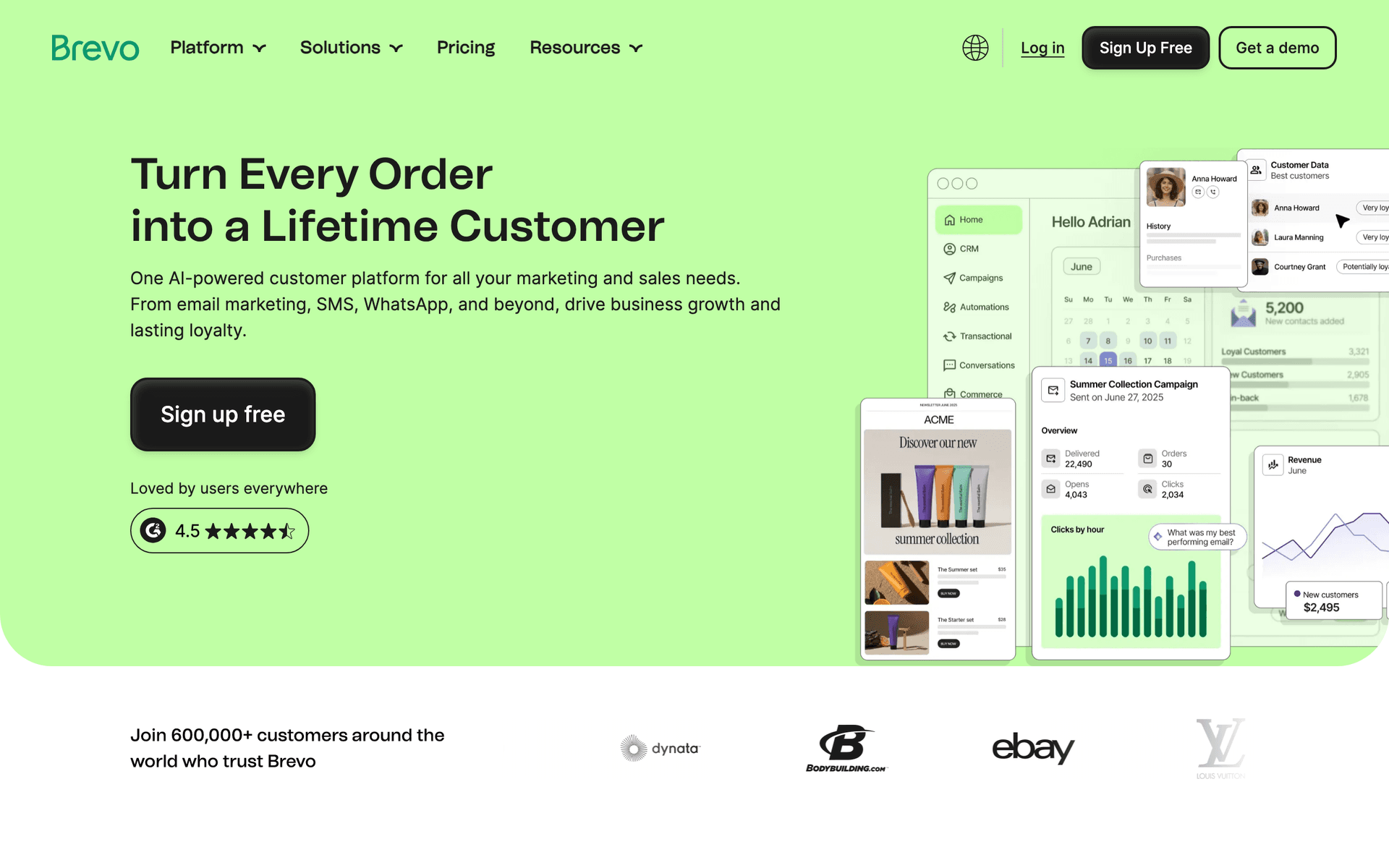
Day-of reminders work significantly better via text than email. A text message 2 hours before the tour reaches guests who are not checking email while exploring your destination. If day-of communication is important, consider tools with built-in SMS like Brevo.
Visual Quality Sells Tours
Tours are inherently visual experiences. Your emails should reflect that. Choose a platform that displays photos beautifully, supports responsive design for mobile viewing, and offers templates that put imagery front and center.
Tour Operator Email Benchmark Table
| Email campaign | Healthy range | What it indicates | Improvement lever |
|---|---|---|---|
| Pre-tour prep open rate | 60-80% | Guests need logistics and trust the sender | Include tour name and date |
| Review request conversion | 20-35% | The ask is timely and easy | Send same day or next day with direct links |
| Past guest offer click rate | 6-14% | Previous guests are considering another tour | Recommend a related experience |
| Last-minute availability conversion | 2-7% | Local or flexible travelers are reachable | Segment by location and travel window |
| Weather reschedule click rate | 25-50% | Guests understand next steps | Offer specific replacement dates |
What Actually Works for Tour Operators
Preparation Improves Experiences and Reviews
Well-prepared guests have better tours and leave better reviews. A comprehensive pre-tour email covering clothing, equipment, meeting logistics, and expectations eliminates 80% of day-of confusion. This single automated email is the highest-ROI email most tour operators send.
Reviews Drive Future Bookings
Systematic post-tour follow-up generates reviews at 5-7x the rate of not asking. Reviews on TripAdvisor, Google, and Yelp are your primary marketing asset. Automate the ask so every guest receives it while the experience is fresh.
Past Guests Are Your Best Customers
Guests who loved one tour are your most likely customers for another. Stay connected with monthly content, new tour announcements, and returning guest specials. A guest database is a revenue asset that grows more valuable over time.
| Guest moment | Email to send | Content to include | Business result |
|---|---|---|---|
| Booking confirmed | Receipt and expectation overview | Tour name, date, cancellation policy | Reduces buyer anxiety |
| 7 days before | Preparation guide | What to wear, bring, and expect | Fewer confused guests |
| 1 day before | Final reminder | Meeting point, weather, contact info | Fewer no-shows |
| Same day after tour | Thank-you and photos | Photo link and friendly recap | Emotional connection |
| Day 3 after tour | Review request | Direct review links | More public proof |
Building Your Guest Communication Journey
Before Booking
- Destination content and tour highlights in your newsletter
- Seasonal tour announcements to your subscriber list
- Last-minute availability alerts to local subscribers
At Booking
- Immediate booking confirmation with receipt
- What to expect overview
Before the Tour
- 7 days out: Detailed preparation guide
- 1 day before: Final reminder with meeting details and weather update
After the Tour
- Same day: Thank you with tour photos
- Day 3: Review request with direct links
- Day 7: Referral ask and other tour suggestions
- Day 90: Returning guest offer
This journey runs automatically for every booking, ensuring consistent guest experiences regardless of how busy your team is.
Seasonal Email Strategy
Peak Season
Focus on filling tours, managing guest communication, and collecting reviews. Send less promotional email since demand is high.
Shoulder Season
Promote special pricing and unique seasonal experiences. Target past guests for return visits. Partner with local businesses for cross-promotion.
Off Season
Build your email list with content marketing. Plan next season's campaigns. Develop new tour descriptions and email templates. Send occasional updates to keep subscribers engaged.
| Season | Email focus | Best audience | Offer angle |
|---|---|---|---|
| Peak season | Availability and operations | Active travelers and booked guests | Remaining spots and prep details |
| Shoulder season | Special experiences | Past guests and local subscribers | Better weather, smaller groups, lower price |
| Off season | Destination content | Prospects and past guests | Guides, stories, and next-season teasers |
| Weather disruption | Reschedule communication | Affected guests | Clear options and priority rebooking |
| New tour launch | Early access | Past guests and subscribers | First access before public promotion |
Getting Started
Pick a tool from this list. Then follow this priority order:
- Import your guest contacts from booking platforms
- Set up booking confirmation and pre-tour preparation automation
- Create a post-tour review request sequence
- Build a tour promotion template for new announcements
- Set up a monthly newsletter with destination content
Start with the booking-to-review automation since it immediately improves guest experience and generates reviews. Everything else can follow.
What Tour Operators should prioritize first
For Tour Operators, email works when it supports clear communication, consistent follow-up, and measurable customer action. The software matters, but the operating habit matters more: collect the right contacts, send messages at the right moments, and keep the content useful enough that people keep opening.
Start by comparing the ranked tools above around the workflows you will actually run. A good tool for Tour Operators should make it easy to segment contacts, write a campaign quickly, automate the obvious follow-ups, and see whether the email produced a booking, sale, reply, renewal, or return visit.
The first workflows to build are usually simple. For this page, the natural starting points are Booking Confirmation, Post-Tour Follow-Up, Tour Promotion, Last-Minute Availability. Do not build a complicated journey until those basics are working.
A practical rollout looks like this:
| Week | Focus |
|---|---|
| 1 | Import contacts, clean segments, and write the first useful campaign. |
| 2 | Launch the highest-value reminder or follow-up automation. |
| 3 | Add one educational or trust-building email that is not a promotion. |
| 4 | Review opens, clicks, replies, bookings, purchases, or returned customers. |
The most important page-specific ideas are Automate the entire guest journey from booking to review; Use pre-tour emails to reduce no-shows and improve experiences; Ask for reviews within 24 hours while the experience is fresh. Those should become your first campaigns before you worry about advanced automation.
Choose the tool that makes this cadence realistic. If a platform has more features but makes weekly sending harder, it is the wrong fit. If a simpler platform helps the team communicate consistently and measure the result, it will usually produce more value.