The moment this comparison matters
Nobody compares PostHog and HubSpot on day one. The comparison shows up when a product-led SaaS adds a sales motion. Self-serve signups keep coming, but now there are account executives who want to know which trials to call, and marketing wants nurture emails. Suddenly someone asks: should this automation live in PostHog or in HubSpot?
The short answer is that each tool knows something the other does not. PostHog knows behavior. HubSpot knows the relationship. Good setups let each tool do its part and pass signals between them.
What each tool is actually good at
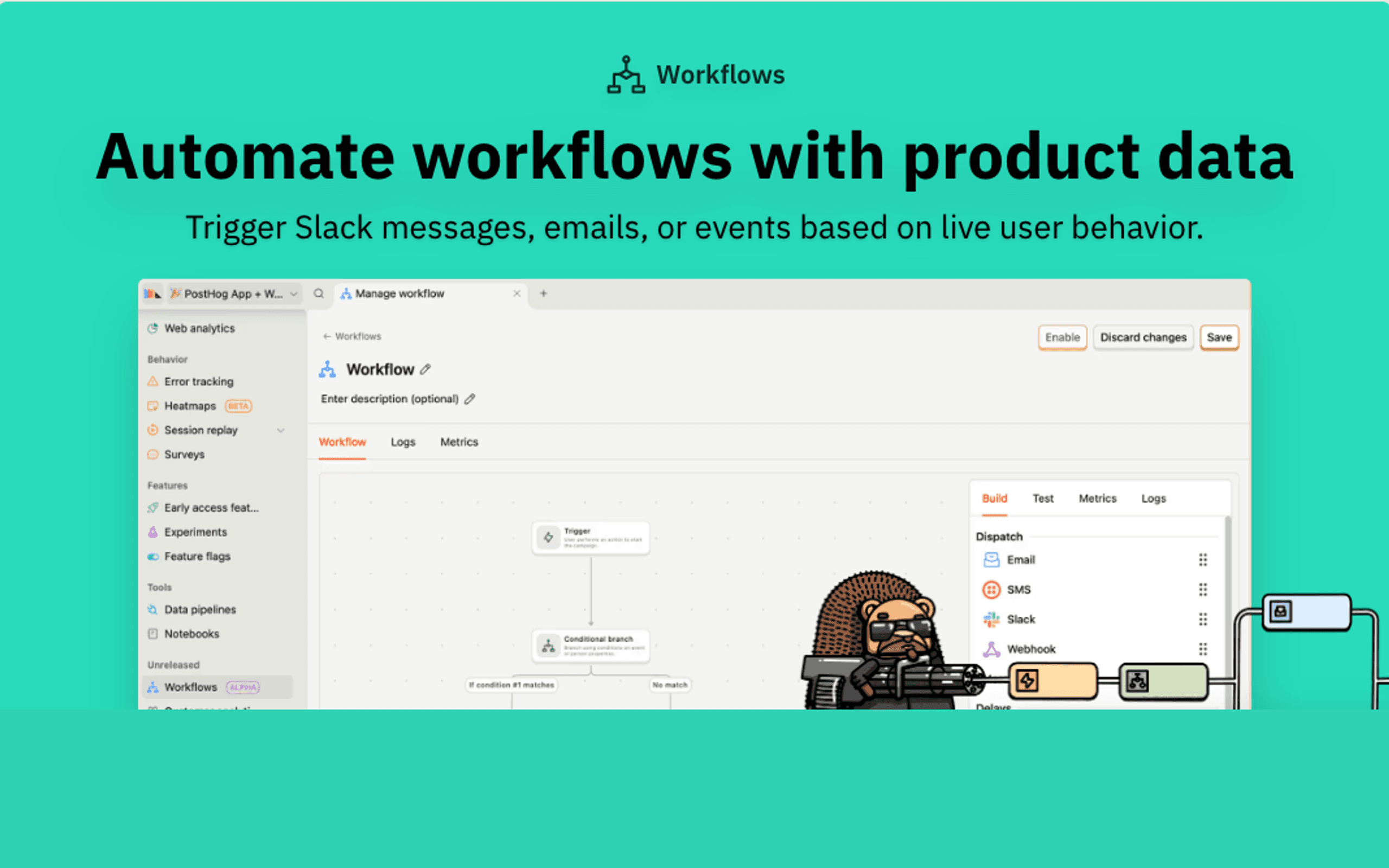
PostHog Workflows is fast at "when a user does X, do Y." The trigger is a PostHog event or cohort. The action can be an email or SMS, a Slack message, a webhook, a property update, or a push to a real-time destination. It runs next to the funnels and retention charts where you decide what "activated" means.
HubSpot is a CRM first. Contacts belong to companies, companies have deals, deals have owners and stages, and marketing emails, forms, and landing pages all write history onto those records. HubSpot workflows can assign owners, create tasks, rotate leads, update deal stages, and send marketing email. It is where sales and marketing run their day.
Product-qualified lead routing, step by step
This is the workflow that makes most teams need both tools.
- Define the signal in PostHog. For example: a workspace on a trial that has invited three teammates and used the reporting feature at least five times in seven days. Build it as a cohort.
- Send the signal to HubSpot. Use PostHog's HubSpot destination to set a property such as
pql_statuson the contact, or use a PostHog workflow that calls a webhook when someone enters the cohort. - Alert the team. Add a Slack step in PostHog Workflows so the account owner sees it immediately.
- Let HubSpot run sales process. A HubSpot workflow reacts to the property: assign an owner, create a task, enroll the contact in a sales sequence, or create a deal.
- Close the loop. Pull HubSpot deal data back into PostHog using the HubSpot source, so you can see which product behaviors lead to closed deals.
Neither tool can do all five steps well on its own.
Pricing: why you should not sync everyone
HubSpot pricing is where many PostHog-heavy teams get surprised. From our HubSpot pricing notes:
- Marketing Hub Starter: $20 per seat per month billed annually, with 1,000 marketing contacts and limited workflow automation.
- Professional: $890 per month with 3 seats and 2,000 marketing contacts, plus a required $3,000 onboarding fee.
- Enterprise: from $3,600 per month with 10,000 contacts.
- Additional contacts add cost on top of the base plan.
If your product has 30,000 signups, pushing all of them into HubSpot as marketing contacts to send onboarding email is expensive. Most teams instead sync leads, qualified trials, and paying accounts, and send self-serve product email from somewhere else.
PostHog Workflows has no contact fee: 10,000 messages per channel free each month, then per-message pricing.
Pricing reality for a hybrid SaaS
Suppose you have 20,000 signups, 5,000 of whom are trials or customers worth tracking in a CRM, and three people who need HubSpot seats.
| Setup | What you pay, per our pricing notes |
|---|---|
| HubSpot Professional with 5,000 marketing contacts | $890 per month including 2,000 contacts and 3 seats, plus additional contacts listed at $50 per month per 1,000, so roughly $1,040 per month, plus a $3,000 onboarding fee |
| Same, with all 20,000 signups as marketing contacts | Roughly $1,790 per month on the same contact rate |
| PostHog Workflows for product nudges to all 20,000 | Free for the first 10,000 email messages each month, then per-message pricing |
Check HubSpot's current calculator before budgeting, because contact pricing varies by tier and bundle. The pattern holds either way: HubSpot costs grow with who is in the CRM, so most hybrid teams keep marketing contacts to leads and accounts that sales actually works.
Companies, groups, and the account problem
B2B SaaS lives at the account level, and both tools model accounts differently. HubSpot has company records linked to contacts, deals, and tickets, with owners and properties sales teams maintain. PostHog has group analytics, which lets you attach events to a company or workspace and analyze usage per account.
The handoff works best when both use the same account identifier. Set your internal workspace or company ID as the PostHog group key and as a HubSpot company property. Then a PostHog cohort of accounts can update the matching HubSpot company, rather than updating whichever contact happened to trigger the event. Without that shared key, product-qualified account signals land on individual contacts, and reps see a fragmented picture.
Where lifecycle email should live
This is the real decision underneath the comparison.
- Sales-assisted accounts: HubSpot. The emails come from reps or are tied to deal stages, and history belongs on the CRM record.
- Self-serve product users: not HubSpot, usually. The triggers are product events, the audience is large, and contact pricing works against you. PostHog Workflows can handle simple nudges. A dedicated email tool handles a full program.
- Billing and transactional email: neither tool is ideal. HubSpot is not a transactional sender for your app, and PostHog Workflows is not built for receipts and dunning.
Migration notes
Teams rarely move fully in either direction, but common shifts include:
- Moving product nudges out of HubSpot into PostHog Workflows to stop paying for marketing contacts who are just product users. Rebuild the HubSpot lists as PostHog cohorts, recreate the emails as workflow steps, and set those contacts to non-marketing in HubSpot if your plan supports it.
- Moving sales alerts from PostHog into HubSpot once the team outgrows Slack pings. Keep the detection in PostHog and let HubSpot own tasks and owners.
In both cases, authenticate your sending domain in the tool that sends, and carry unsubscribes across.
Use-case matchups
| Need | Better fit | Why |
|---|---|---|
| Flag accounts that look sales-ready from usage | PostHog | Cohorts and group analytics |
| Assign an owner and create a task | HubSpot | Native CRM workflow actions |
| Onboarding email to every self-serve user | PostHog Workflows or an email tool | No marketing contact cost |
| Nurture campaign for demo requests | HubSpot | Leads, forms, and attribution live there |
| Slack alert to the account executive | PostHog Workflows | Native Slack step on product data |
| Trial ending and failed payment email | Sequenzy | Stripe-aware lifecycle email |
Questions to ask before deciding
Before you move an automation into either tool, answer these:
- Does a person need to act on it? If a rep or customer success manager should follow up, route it to HubSpot so the task and history land on the CRM record.
- Is the trigger product behavior? If yes, define it in PostHog first, even if HubSpot takes the final action.
- How many people will it touch? Messages to thousands of self-serve users are costly if each one must be a HubSpot marketing contact.
- Who maintains it? Product teams tend to live in PostHog, and revenue teams in HubSpot. Put the automation where its owner already works.
- What happens on reply? Replies to HubSpot emails can be logged to the contact. Replies to PostHog workflow emails go to whatever inbox you configure, with no CRM trail.
Where Sequenzy fits
Sequenzy is not a CRM and does not replace HubSpot for sales. It fills the gap for self-serve lifecycle email: onboarding, activation, trial conversion, dunning, upgrade prompts, and transactional email, with Stripe connected for billing triggers. Because Sequenzy prices by emails sent with unlimited contacts, you can email every product user without buying HubSpot marketing contacts. The comparison plan at 10,000 contacts is $49/month for 60k emails (unlimited subscribers).
A common stack is PostHog for analytics and PQL signals, HubSpot for sales, and Sequenzy for customer email.
Final take
PostHog Workflows finds the signal. HubSpot turns it into sales process. Keep them connected, and do not force HubSpot to be the email tool for your whole user base.