
The real buyer question
Most PostHog Workflows alternatives pages will frame this as "which automation builder has more features." That is the wrong question.
The better question is: who should own the workflow after it is launched?
If the answer is product, analytics, or engineering, PostHog Workflows is usually the right place to start. The data is already there. The trigger is clear. The workflow can stay close to the event, cohort, property, schedule, or webhook that caused it.
If the answer is lifecycle marketing, support, sales, customer success, or an engineering team building product notifications, the workflow may need a different home. Not because PostHog is bad, but because the operating model is different.
What PostHog Workflows does well
PostHog Workflows is strongest when you want to take action from product data without building a separate sync. That includes:
- Sending a welcome or activation email from an event
- Alerting Slack when a high-intent account crosses a threshold
- Calling a webhook after a product action
- Updating a property when a workflow condition is met
- Sending SMS through a configured channel
- Dispatching to PostHog real-time destinations
- Building small product-led automations without waiting on a separate marketing platform
The power is proximity. Your product event happened in PostHog. The workflow can respond there.
Where the alternatives win
The alternatives win when proximity is no longer enough.
Lifecycle email tools win when the team needs drafts, campaigns, sequences, unsubscribes, deliverability, transactional messages, billing context, and ongoing content ownership.
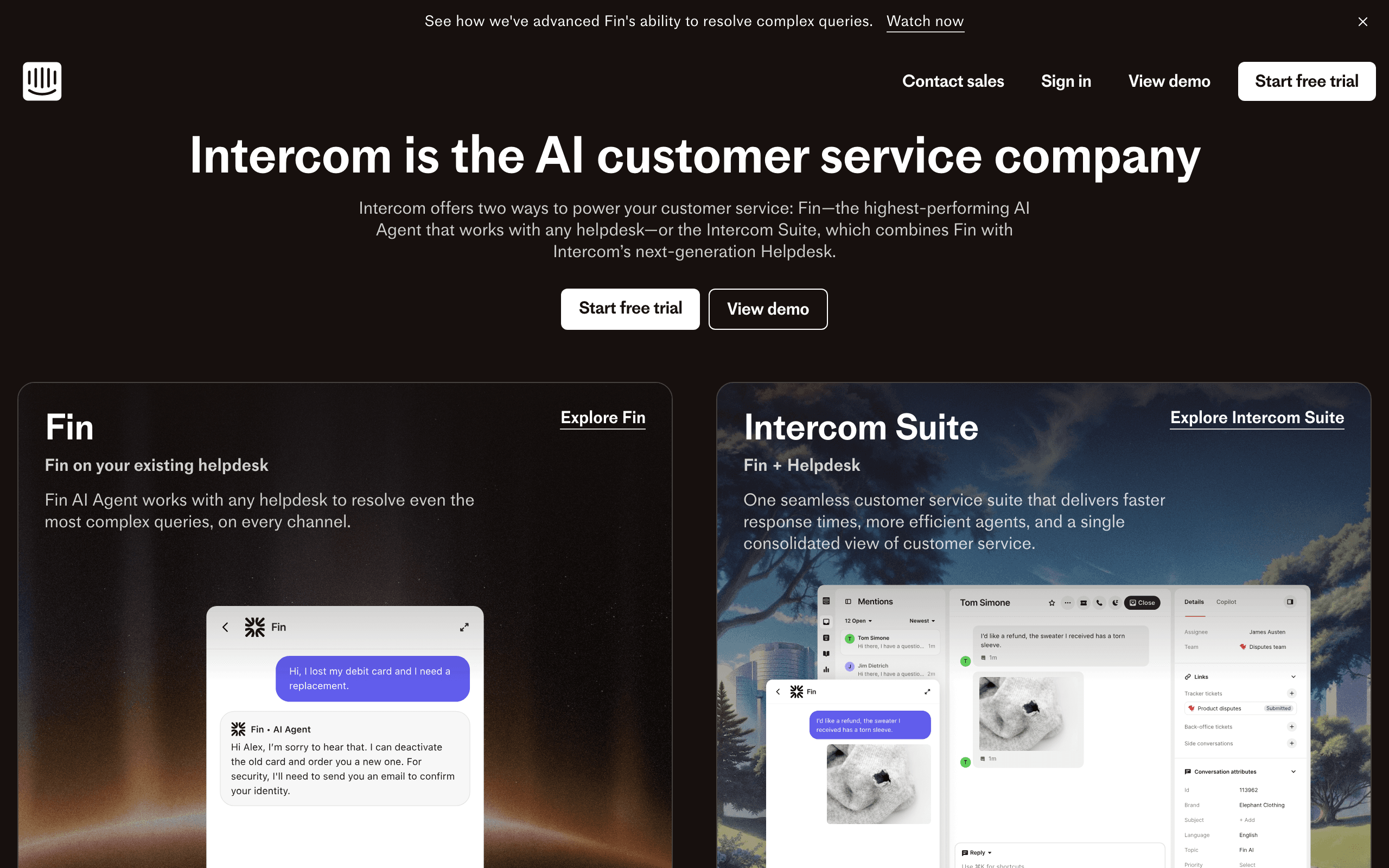
Notification tools win when the product needs preferences, batching, routing, providers, in-app inboxes, and developer-owned notification logic.
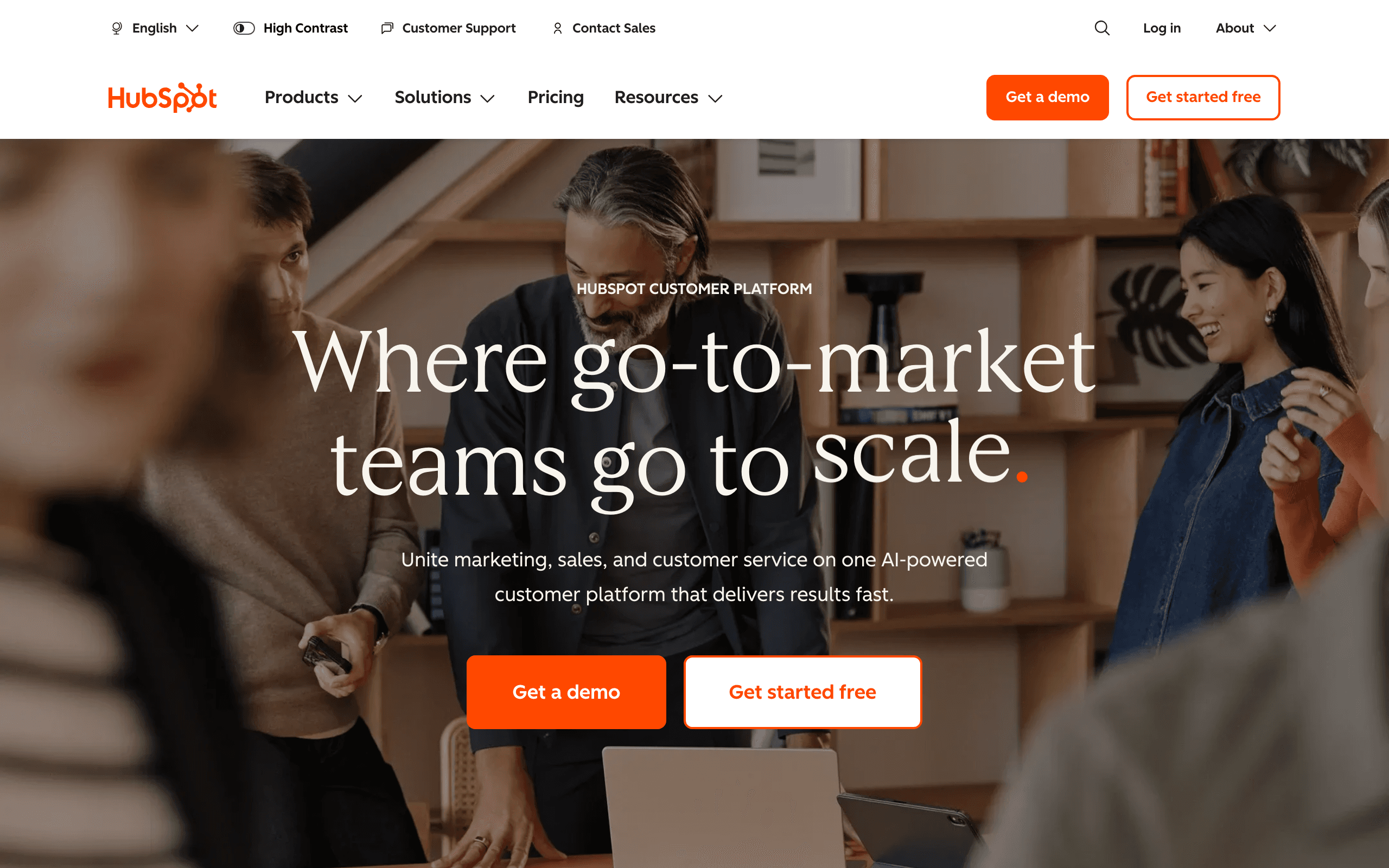
CRM tools win when the workflow should create tasks, change lifecycle stage, assign owners, update opportunities, or support a sales process.
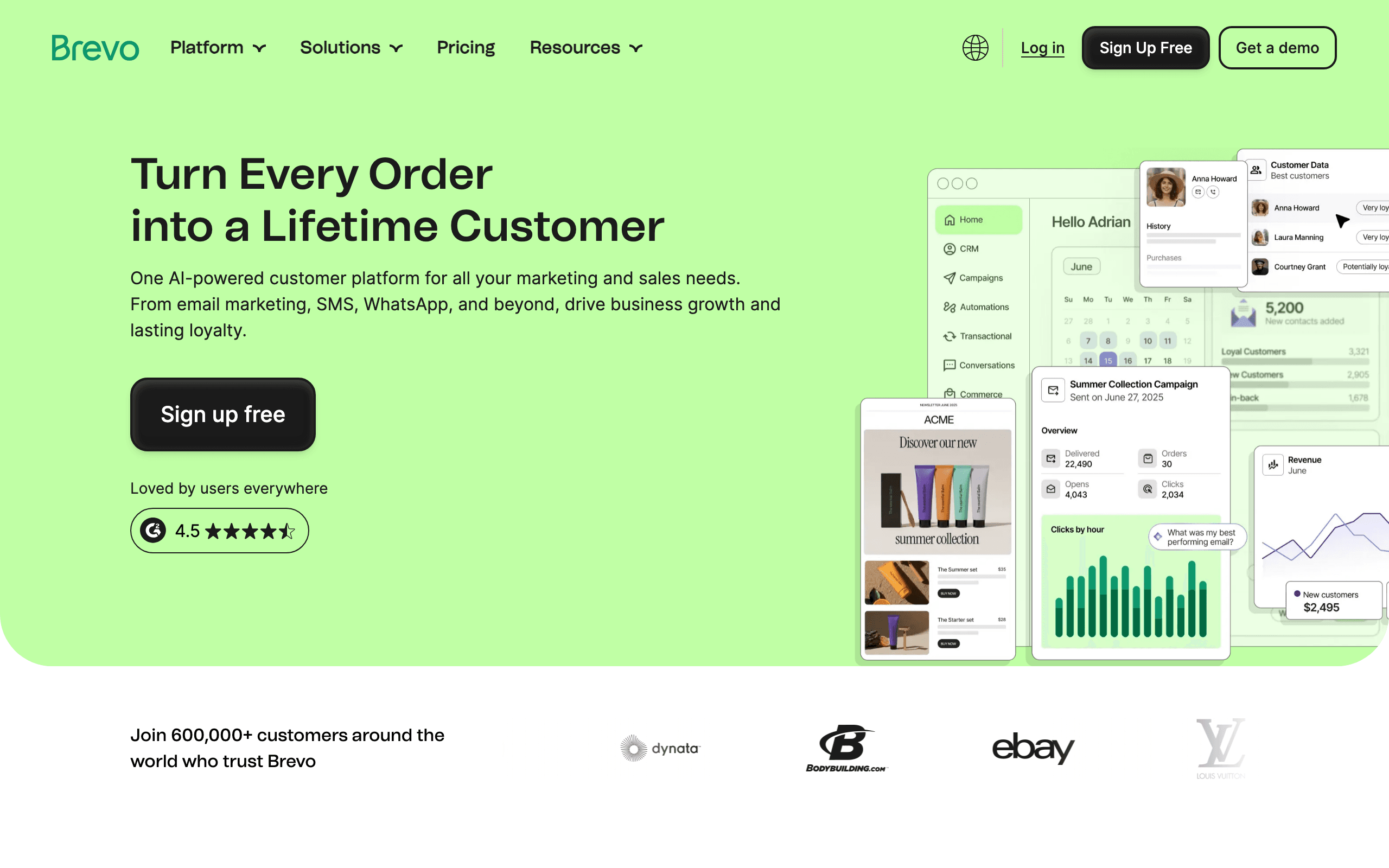
Ecommerce tools win when the workflow starts from carts, products, orders, revenue, discount codes, and store behavior.
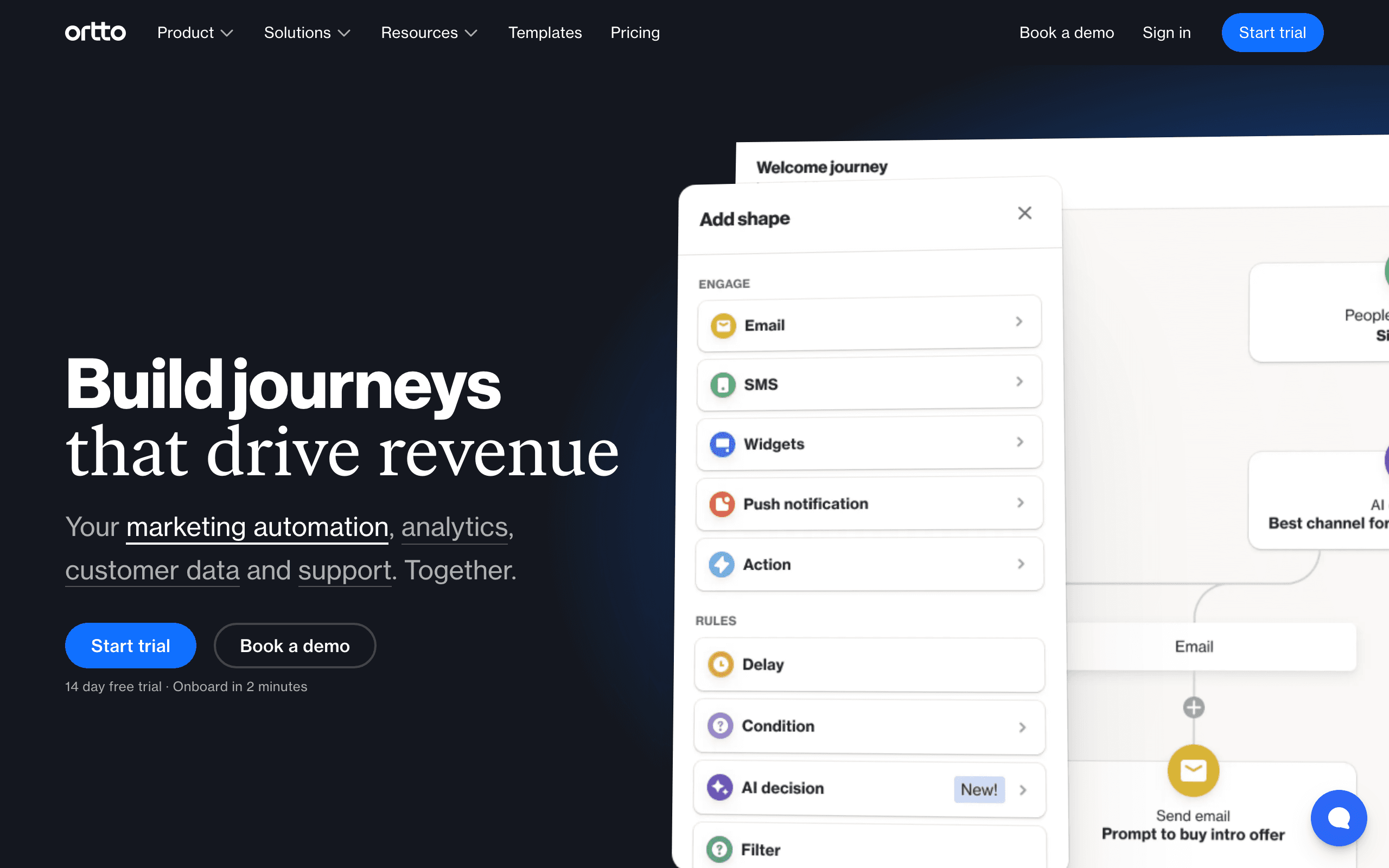
Enterprise engagement tools win when messaging becomes a large operating function across channels, regions, teams, and governance layers.
A simple decision framework
Start with PostHog Workflows if the workflow is one sentence:
"When this product event happens, do this action."
Start comparing alternatives when the workflow becomes a program:
"When this user or account reaches this state, run the right customer communication across the right channel, owned by the right team, measured against the right business outcome."
That second sentence is where tools like Sequenzy, Customer.io, Userlist, Knock, Novu, HubSpot, Klaviyo, Iterable, and Braze earn their keep.
My recommendation
Do not replace PostHog Workflows reflexively. It is a good product-data automation layer, and many teams should use it before buying another platform.
Replace or complement it when the workflow has outgrown the owner. If email is now a lifecycle program, give it an email system. If notifications are now part of the product, give them notification infrastructure. If sales owns the action, put it near the CRM.
The cleanest stack is often PostHog for insight and a focused tool for action.









