

Overview
Encharge and Resend serve different parts of the email stack. Encharge is a SaaS marketing automation platform for behavioral triggers and lifecycle campaigns. Resend is a transactional email API for reliable delivery with clean developer experience. See our Resend comparison for more transactional options.
Different Problems
Encharge answers "how do I send the right marketing email when a user does X?" Resend answers "how do I reliably send this transactional email with a clean API?" These are complementary needs. Many SaaS companies use both tools together.
Marketing Automation
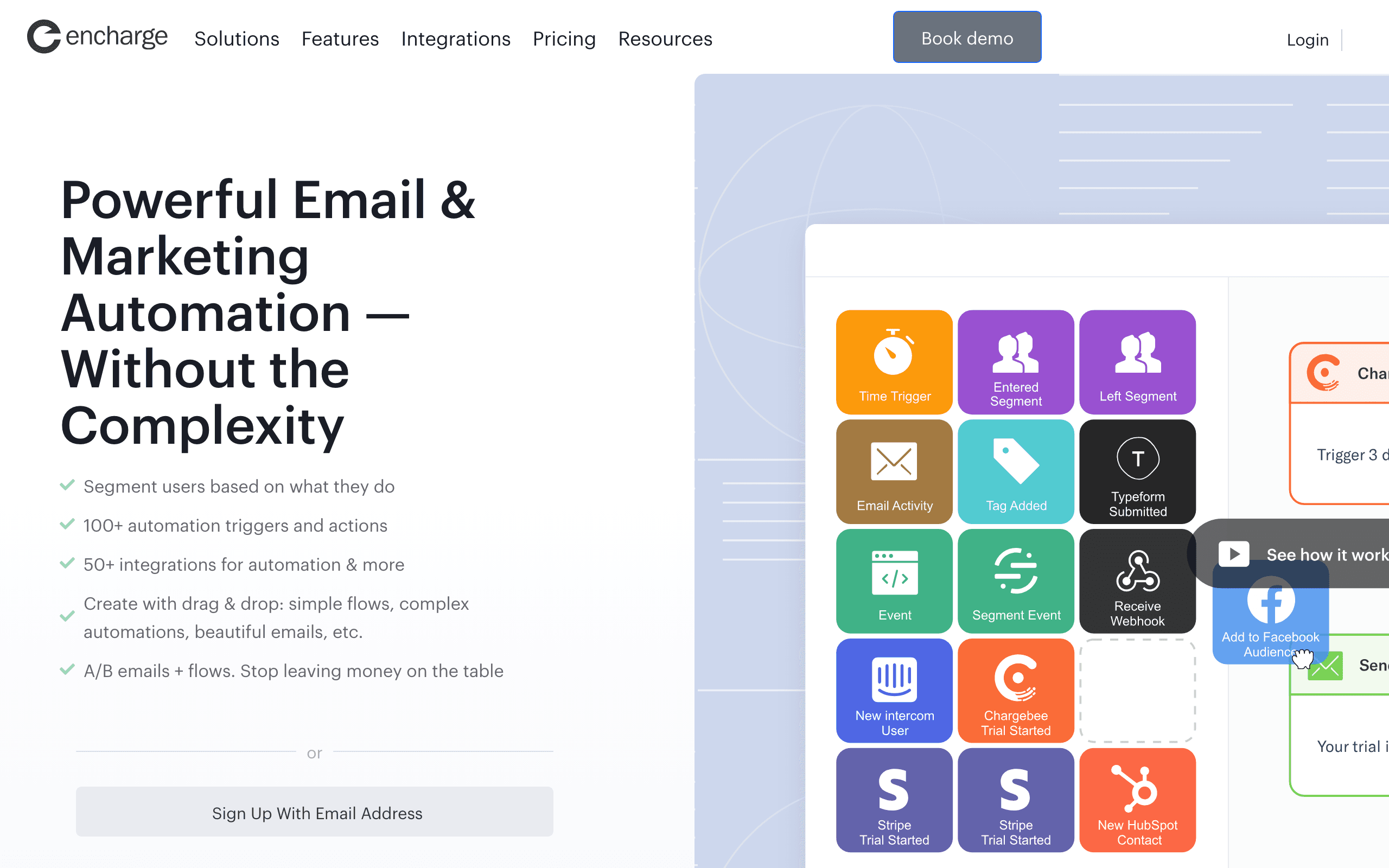
Encharge's strength is behavioral automation for SaaS. Build onboarding sequences triggered by user actions. Create lifecycle campaigns based on product usage. Segment users dynamically and score leads. Resend has none of this - Audiences is in beta and limited to broadcasts.
Developer Experience
Resend wins on developer experience. Modern API design, excellent documentation, React Email support for building templates as React components, SDKs in six languages. If you're a developer sending transactional emails, Resend is cleaner to work with.
SaaS Integrations
Encharge connects to Stripe, Chargebee, Intercom, and 45+ other SaaS tools natively. You can trigger campaigns when subscriptions change or users interact with your product. Resend doesn't have these integrations - it's focused purely on email delivery.
Price Comparison
Different pricing models for different use cases. Encharge charges per contact - $179/month for 10k contacts. Resend charges per email - $20/month for 50k emails. If you're sending marketing, Encharge's model makes sense. For transactional volume, Resend's model is more cost-effective.
Using Both Together
The common pattern: Encharge for marketing campaigns, onboarding sequences, and behavioral triggers. Resend for transactional emails like password resets, receipts, and system notifications. Two tools, two bills, but each doing what it does best.
The Unified Alternative
Sequenzy offers marketing campaigns and transactional email in one platform with native Stripe OAuth. Instead of managing Encharge + Resend separately, one tool handles both at $49/month for 10k contacts vs Encharge's $179 alone.
Making the Choice
Choose Encharge for SaaS marketing automation with behavioral triggers and integrations. Choose Resend for clean transactional email delivery. Use both for complete coverage. Or choose Sequenzy for unified SaaS email in one platform.
Review signals
The Encharge reviews here point to marketing-stack value: onboarding flows, upgrade campaigns, behavioral triggers, and SaaS growth automation. They also flag developer experience as weaker than modern transactional APIs.
The Resend reviews are developer-led: clean API, React Email, documentation, and fast setup are the strengths. The caution is that Audiences is still too limited for serious marketing, so Resend is best treated as transactional infrastructure rather than an Encharge replacement.
The Modern Email Stack
The modern SaaS email stack increasingly looks like two specialized tools: a marketing automation platform for behavioral campaigns, and a transactional delivery API for critical system emails. Encharge and Resend represent the best-in-class options for each category. Encharge handles the "why" of email - triggering the right message based on user behavior. Resend handles the "how" - delivering that email reliably with a developer-friendly API.
This specialization means each tool does its job exceptionally well. Resend's React Email integration lets developers build email templates as React components, version-controlled alongside application code. Encharge's behavioral engine lets marketers build sophisticated flows triggered by product events. The cost of this specialization is running two platforms.
React Email and Developer Workflows
Resend's native React Email support represents a fundamentally different approach to email template development. Instead of drag-and-drop builders or HTML editors, developers write email templates as React components with full TypeScript support, component composition, and version control. This fits naturally into modern development workflows where everything lives in the codebase.
Encharge's template builder is designed for marketers, not developers. It works well for marketing campaigns where visual editing matters, but feels limiting for developers who want programmatic control over their email templates. If your email templates are maintained by engineering, Resend's approach is more natural. If marketing owns templates, Encharge's visual builder makes more sense.
The Audiences Experiment
Resend's Audiences feature represents an attempt to expand beyond transactional into marketing territory, but it is still in beta and very limited. You can create contact lists and send broadcasts, but there are no behavioral triggers, segmentation logic, or automation flows. It is not a serious alternative to Encharge for marketing automation. Whether Audiences will evolve into a real marketing platform remains to be seen - for now, Resend remains primarily a transactional delivery tool.
Use-case matchups
| Use case | Better fit | Why |
|---|---|---|
| SaaS onboarding and lifecycle marketing | Encharge | Behavioral triggers, segmentation, and flow building are the core features. |
| Transactional email API | Resend | Clean APIs, React Email, webhooks, and SDKs make it stronger for system email. |
| Marketing-owned campaign workflows | Encharge | Marketers can build lifecycle flows without writing transactional API code. |
| Engineering-owned templates | Resend | React Email and code-based templates fit modern development workflows. |
| Unified SaaS marketing plus transactional email | Sequenzy | One stack can be simpler than pairing a marketing platform with a delivery API. |
Pricing reality
Resend is cheaper because it is solving delivery, not full marketing automation. Its price should be compared against transactional volume, not against the cost of a lifecycle marketing platform.
Encharge is more expensive because it stores contacts, tracks behavior, segments users, and runs automations. If you need both marketing automation and transactional delivery, compare the combined Encharge plus Resend bill against a unified platform.
Best Fit by SaaS Email Ownership
Best lifecycle automation platform for marketer-owned SaaS journeys
Encharge is the better fit when growth or marketing owns onboarding, activation, and nurture flows. Its value is behavioral automation, segmentation, and SaaS integrations that let non-engineers change lifecycle messaging without editing application code.
Best transactional email API for engineering-owned templates
Resend fits teams where product and infrastructure engineers own critical email paths such as invites, receipts, password resets, and notifications. React Email and clean APIs matter most when templates are treated as application code and marketing automation is handled elsewhere.
Best SaaS email platform for billing-triggered lifecycle email
Sequenzy fits teams that want the Encharge plus Resend job in one place: transactional delivery, campaigns, subscriber history, and Stripe-driven lifecycle sequences. It is strongest when billing events, product states, and customer messaging should share one email workspace.
Migration checklist
| Workstream | What to check |
|---|---|
| Email ownership | Decide which messages are marketing, transactional, lifecycle, billing, or product notifications. |
| Contacts and consent | Export contacts, unsubscribes, bounces, segments, user attributes, and suppression lists. |
| Templates | Convert visual templates to code if moving to Resend, or rebuild code-based templates visually if moving to Encharge. |
| Events and triggers | Map product events, billing events, API calls, webhooks, and workflow triggers before migration. |
| Deliverability | Verify domains, DKIM, SPF, DMARC, bounce handling, complaint handling, and warm-up requirements. |
| Automations | Rebuild onboarding, nurture, winback, transactional, notification, and broadcast flows manually. |
| Reporting | Export campaign, flow, delivery, bounce, complaint, and engagement reports from both systems where relevant. |
Decision checklist
- Is the team choosing a marketing platform, a delivery API, or both?
- Who owns templates: marketing or engineering?
- Are behavioral triggers required, or only API-triggered transactional sends?
- Is React Email part of the current engineering workflow?
- Would unifying marketing and transactional email simplify operations?








