
Overview
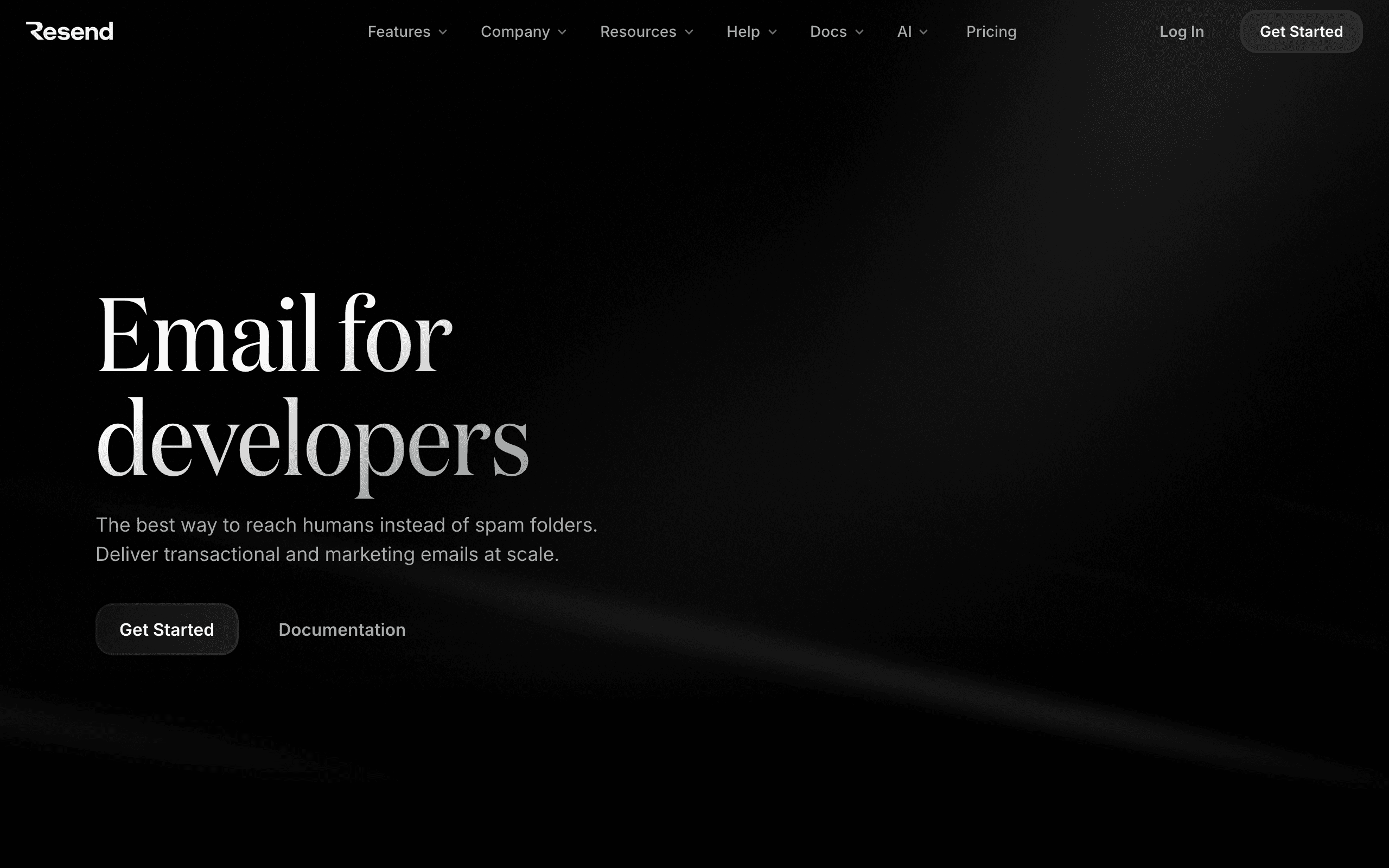
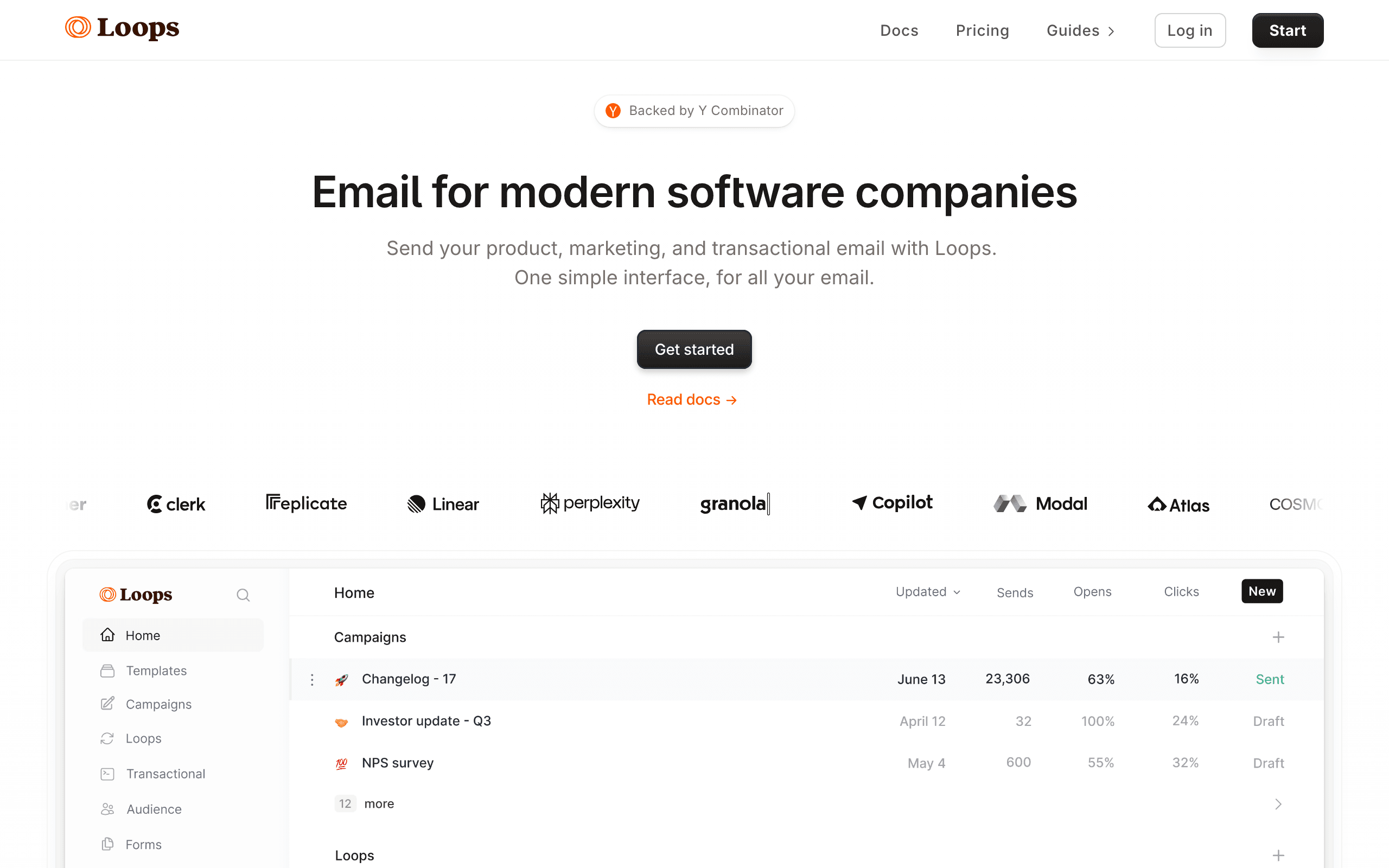
Resend and Loops are both popular with SaaS companies, but they're fundamentally different tools. Resend is a developer-focused transactional email API - think password resets, receipts, and system notifications. Loops is a marketing email platform designed for SaaS - think onboarding sequences, product updates, and newsletters. See our Resend comparison and Loops comparison for more details.
When to Use Each
Many SaaS companies use both. Resend handles the transactional emails that need to be triggered programmatically with clean API calls. Loops handles the marketing side with visual editors and automation workflows. The question is whether you want to manage two tools. Both platforms require setup effort and learning curves, so consolidation can save time and costs.
Developer Experience
Resend wins on API quality and React Email integration. If you want to build emails as React components and trigger them via code, Resend is excellent. Loops is more about the visual editor and workflow builder - great for marketing teams, less exciting for developers. For pure development focus, consider our guide on SaaS email sequences.
Marketing Capabilities
Loops is the clear winner here. Full-featured campaigns, automation workflows, user segmentation, and a clean visual editor. Resend has Audiences in beta, but it's not their focus. If you need serious marketing automation with drip campaigns and A/B testing, Loops is purpose-built for it.
Pricing Comparison
Resend charges per email sent (transactional focus). Loops charges per contact with unlimited sends (marketing focus). At 5,000 contacts, Loops is $49/month. Resend's Pro plan is $20/month for 50k emails. You might need both, which adds up. Check our pricing page to see how alternatives compare.
The Sequenzy Alternative
Instead of juggling Resend for transactional and Loops for marketing, consider Sequenzy. We offer unified transactional email, email campaigns, AI-powered sequences, and Stripe integration all in one platform.
The Two-Tool Tax for SaaS
Running Resend plus Loops means managing two platforms, two billing cycles, and two integration points in your codebase. At 5,000 contacts, you are looking at roughly $20 for Resend plus $49 for Loops, totaling $69/month. Beyond the cost, there is operational overhead in keeping user data synchronized and maintaining two separate systems.
For early-stage SaaS founders wearing multiple hats, this complexity is meaningful. Every additional tool in your stack is another login, another set of docs, another potential point of failure. A unified platform eliminates this overhead at the cost of some specialization.
That said, best-of-breed tools often outperform all-in-ones in their specific domain. If your transactional emails are mission-critical (fintech, healthcare, security), Resend's focused approach to deliverability may justify the extra complexity.
Onboarding Sequence Showdown
For SaaS onboarding emails specifically, Loops has a clear advantage. Its visual workflow builder lets you create multi-step onboarding sequences triggered by user events. You can branch based on whether a user completed a key action, delay emails based on engagement, and A/B test different onboarding paths.
Resend cannot do this. You would need to build the onboarding logic in your application code, tracking user state and triggering individual emails through the API. This gives you complete control but requires significant engineering effort to build what Loops provides out of the box.
For SaaS onboarding sequences specifically, Loops or Sequenzy's AI sequences will get you to results faster than building custom logic on top of Resend.
The Stripe Integration Gap
Neither Resend nor Loops offers native Stripe integration for payment-triggered emails. This is a surprising gap for SaaS-focused tools. Failed payment recovery, subscription upgrade nudges, and trial-to-paid conversion emails all benefit from direct Stripe event triggers.
With both platforms, you need to build custom webhook handlers for Stripe events and then trigger emails through either Resend's API or Loops' event system. This is doable but adds development work that a native Stripe integration eliminates entirely.
Use-case matchups
| Need | Better fit | Why |
|---|---|---|
| Developer-first transactional email API | Resend | Resend is stronger when React Email, clean APIs, and developer workflow are the main requirements. |
| SaaS lifecycle messaging and product-led email | Loops | Loops is stronger when the buyer needs saas lifecycle messaging and product-led email. |
| Unified SaaS marketing and transactional email | Sequenzy | Sequenzy fits when product lifecycle campaigns, newsletters, Stripe events, and transactionals should share one workflow. |
Best Fit by Transactional APIs and SaaS Product Email
Best transactional email API for developer-owned sends
Resend is the better fit when the immediate job is password resets, invites, receipts, notifications, React Email templates, and clean API delivery.
Best SaaS email tool for product-led lifecycle messages
Loops is the better fit when the team wants product-triggered lifecycle email, onboarding messages, broadcasts, simple events, and transactional email in a SaaS-oriented workflow.
Best email tool for unified SaaS lifecycle and transactional email
Sequenzy is the better fit when Stripe billing events, lifecycle campaigns, newsletters, transactional messages, and product emails should be connected in one platform.
Pricing reality
The page data lists Resend at $20/month, Loops at $19/month, and Sequenzy at $49/month for the cited comparison tier. Keep the original pricing context: Resend is usually priced around email volume and developer sending, while Loops has its own pricing model and scope.
Review signals
For Resend, read reviews for developer experience, API quality, React Email workflow, deliverability, and production maturity. For Loops, read reviews for saas lifecycle messaging and product-led email, support, pricing, setup complexity, and operational fit.
Migration checklist
| Workstream | What to verify |
|---|---|
| Domains and authentication | Recreate SPF, DKIM, DMARC, tracking domains, bounce handling, and sender identities. |
| Templates | Move React Email components, dynamic templates, variables, layouts, localization, and test payloads. |
| Webhooks | Rebuild delivery, bounce, complaint, open, click, unsubscribe, and suppression handling. |
| Lists and users | Map contacts, users, companies, consent, unsubscribes, bounces, and suppressions if marketing is in scope. |
| Monitoring | Add alerts for API failures, latency, bounces, complaints, rate limits, and queue delays. |
| Reporting | Export delivery logs, campaign results, lifecycle performance, and support-relevant message history before cutover. |
Decision checklist
- Choose Resend if developer-first transactional sending is the main need.
- Choose Loops if saas lifecycle messaging and product-led email is the main requirement.
- Avoid Resend if marketers need a complete lifecycle platform without developer assembly.
- Avoid Loops if the team mainly wants a clean transactional API and React Email workflow.
- Pick Sequenzy if you want lifecycle campaigns and transactional email in one product instead of splitting them between two tools.









