
Overview
EmailIt and Mailchimp serve different needs in the email space. EmailIt is a budget pay-per-email delivery service. Mailchimp is a the most recognized email marketing platform.
The choice depends on what you need: cheapest per-email pricing (EmailIt) or massive integration ecosystem (Mailchimp). For SaaS businesses specifically, Sequenzy offers purpose-built features that neither tool provides.
Pricing reality
- EmailIt: ~$1-2/10k emails - Pay-per-email, no subscription. SMTP and API.
- Mailchimp: $100+/month - Full marketing platform. CRM, landing pages, 300+ integrations.
- Sequenzy: $99/month for 120,000 emails, unlimited subscribers, fully managed. See pricing.
Review signals
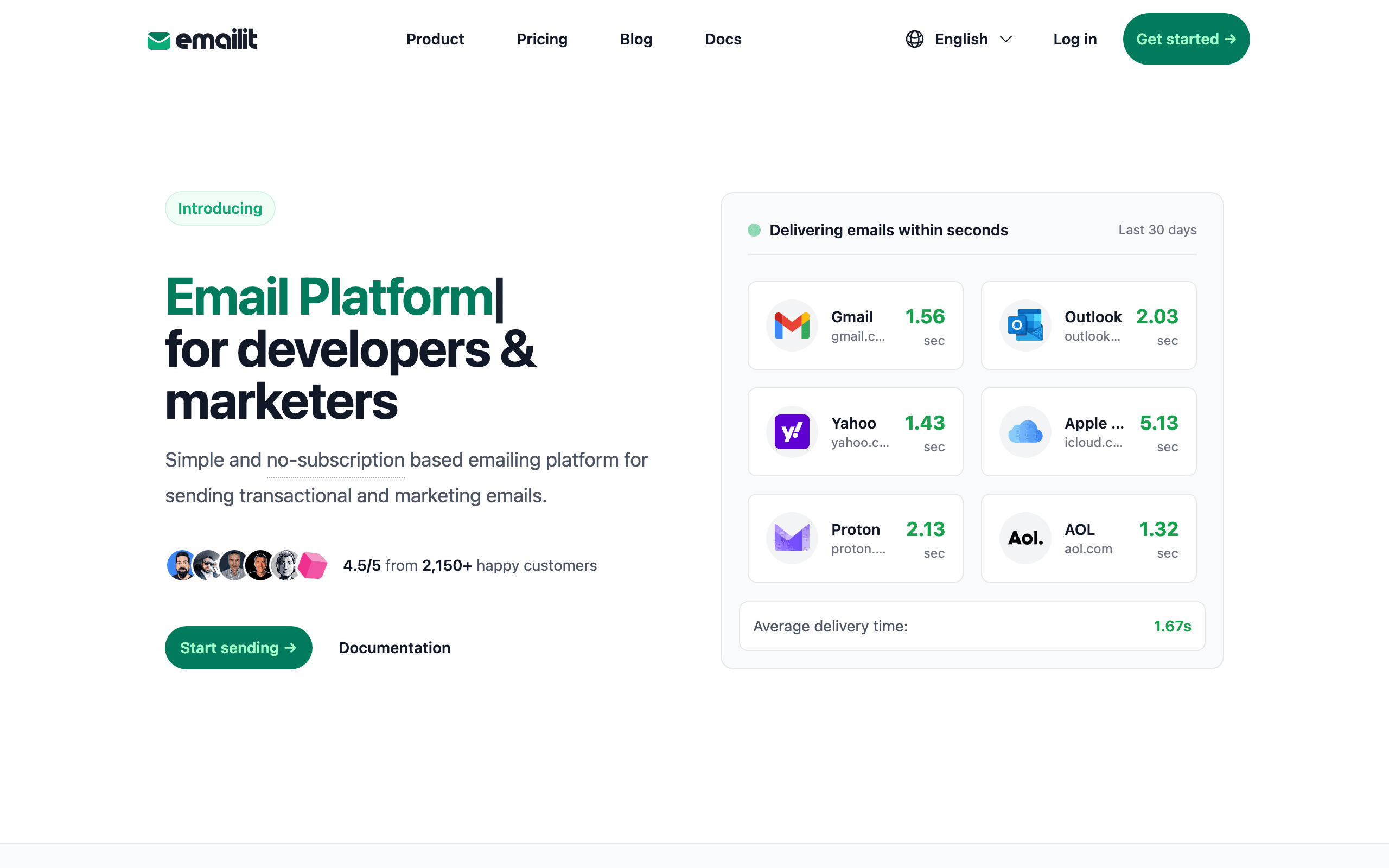
The EmailIt reviews on this page support the category mismatch: one reviewer describes EmailIt as a cheap transactional tool for password resets, receipts, and notifications where Mailchimp would be overkill.
The negative EmailIt review shows the missing layer. Once the marketing team needed newsletters, the company had to add Mailchimp anyway and ended up with two tools.
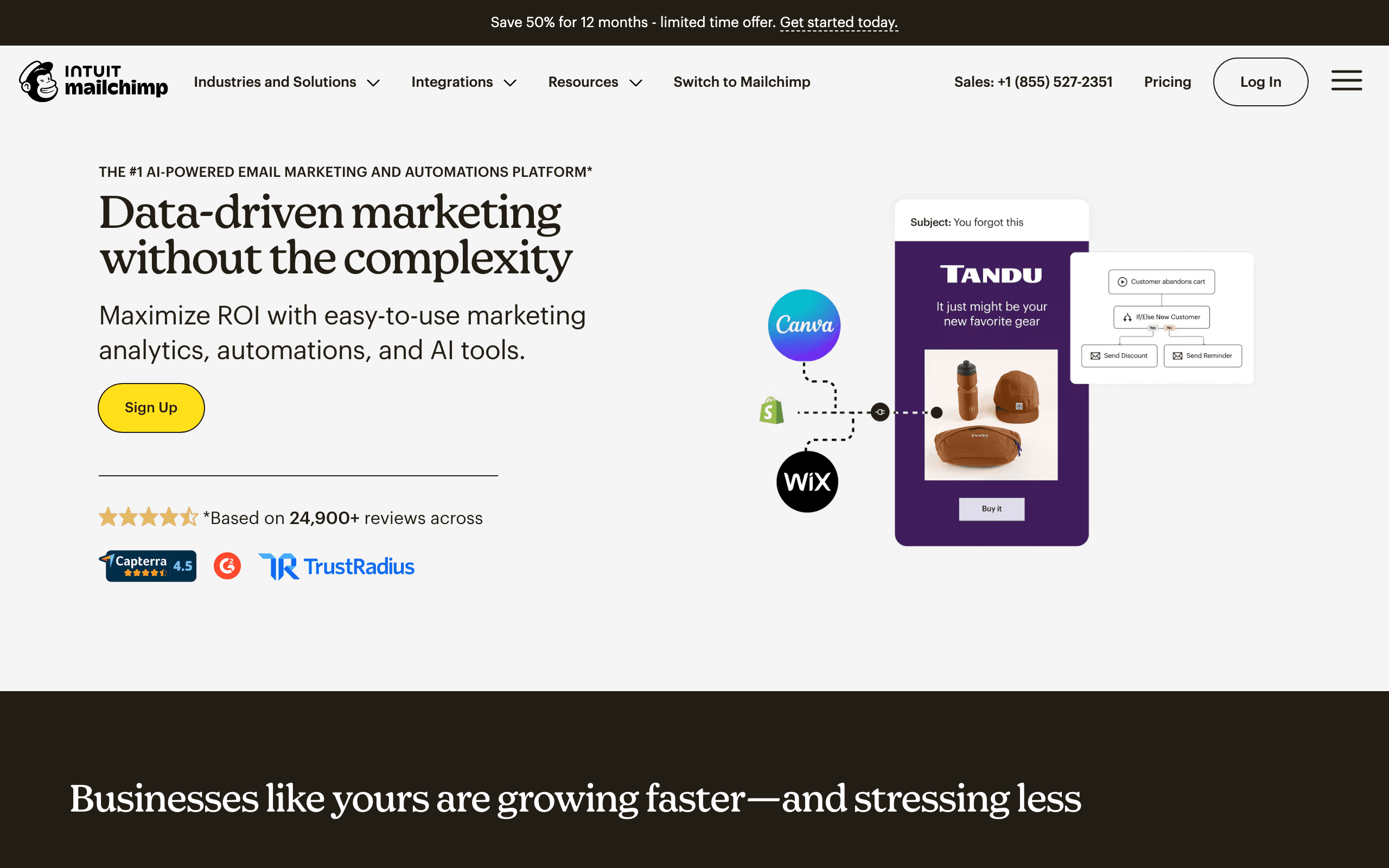
Mailchimp's reviews support the premium when the integration ecosystem is actually used. The caution is pricing: one reviewer says the account moved from free to $100/month over three years as plan limits changed and the list grew.
Where EmailIt Wins
Cheapest per-email pricing
EmailIt offers cheapest per-email pricing, which is a genuine advantage for teams that need it.
No monthly subscription
EmailIt offers no monthly subscription, which is a genuine advantage for teams that need it.
Simple SMTP/API
EmailIt offers simple smtp/api, which is a genuine advantage for teams that need it.
Fast delivery
EmailIt offers fast delivery, which is a genuine advantage for teams that need it.
Where Mailchimp Wins
Massive integration ecosystem
Mailchimp offers massive integration ecosystem, which matters for teams that prioritize this.
Landing pages + CRM
Mailchimp offers landing pages + crm, which matters for teams that prioritize this.
Advanced automation
Mailchimp offers advanced automation, which matters for teams that prioritize this.
Brand recognition
Mailchimp offers brand recognition, which matters for teams that prioritize this.
Email Design and Template Flexibility
Emailit and Mailchimp take different approaches to email design. Template variety, customization depth, and mobile responsiveness all affect how your emails look across inboxes. The right email editor can save hours of design time per campaign.
List Management and Segmentation
Effective email marketing depends on reaching the right subscribers with the right message. Emailit and Mailchimp handle list management differently, from how they count subscribers to how they manage bounces and unsubscribes.
Deliverability and Sender Reputation
Your email marketing investment is wasted if messages land in spam. Both Emailit and Mailchimp provide deliverability tools, but their approaches to shared vs dedicated IPs, authentication, and compliance differ significantly.
The Category Mismatch
Comparing EmailIt to Mailchimp is comparing a screwdriver to a workshop. Mailchimp is a full marketing platform with 300+ integrations, landing pages, social media management, CRM, audience insights, and advanced automation. EmailIt is an email delivery API. They exist in fundamentally different product categories, and most teams evaluating one would never consider the other.
The comparison only makes sense in one scenario: a developer who currently uses Mailchimp solely for transactional emails (via Mandrill) and wonders if a simpler, cheaper tool would suffice. In that case, EmailIt eliminates the $100+/month Mailchimp subscription for a pay-per-email model. But this only works if you genuinely use none of Mailchimp's marketing features.
If you use Mailchimp for newsletters, automation, audience management, or integrations -- even occasionally -- switching to EmailIt creates feature gaps that require additional tools to fill. The apparent savings from dropping Mailchimp often vanish when you add a separate marketing tool alongside EmailIt.
The Integration Ecosystem Factor
Mailchimp's 300+ integrations represent a network effect that no simple email API can replicate. Shopify purchase data flows into Mailchimp segments automatically. Salesforce contacts sync bidirectionally. Google Analytics tracks campaign performance. Social media ads target Mailchimp audiences. This interconnected ecosystem creates automated workflows that would require significant custom development with EmailIt.
EmailIt's integration story is simple: it integrates with your application via API or SMTP. That is the extent of its ecosystem. For developer-built applications that handle their own data management, this is sufficient. For businesses that rely on tool-to-tool data flow for marketing operations, Mailchimp's ecosystem is irreplaceable.
The integration question also affects team dynamics. Marketing teams that depend on Mailchimp's no-code integrations would struggle with EmailIt's API-only approach. Development teams that prefer programmatic control may find Mailchimp's interface unnecessary overhead for transactional sending.
The SaaS Middle Ground
Neither EmailIt's bare-bones sending nor Mailchimp's broad marketing platform is specifically designed for SaaS subscription businesses. Mailchimp was built for e-commerce and content creators. EmailIt was built for developers who need cheap delivery. Neither understands MRR, trial conversions, or subscription billing events.
For SaaS companies, Sequenzy offers a middle ground with native Stripe integration for billing-aware automation, AI-powered sequences for onboarding and retention, and unified transactional plus marketing email. At $49/month, it is significantly cheaper than Mailchimp while providing SaaS-specific features that EmailIt cannot match. Check pricing for details.
Use-case matchups
| Use case | Better fit | Why |
|---|---|---|
| Transactional-only low-cost sending | EmailIt | EmailIt is better when the app only needs cheap SMTP/API delivery and the team owns templates elsewhere. |
| Full marketing platform | Mailchimp | Mailchimp is stronger for newsletters, campaigns, landing pages, CRM-lite workflows, and integrations. |
| Developer-owned app notifications | EmailIt | EmailIt keeps the stack smaller when engineers want a simple delivery pipe. |
| No-code marketing operations | Mailchimp | Mailchimp is better when marketers need visual tools and connected business apps. |
| SaaS lifecycle email | Sequenzy | Sequenzy is better when Stripe events, transactional email, and lifecycle campaigns need one SaaS workspace. |
| Broad integration ecosystem | Mailchimp | Mailchimp's integrations matter when marketing data needs to sync with ecommerce, CRM, ads, and analytics tools. |
Best Fit by Sending Model
Best email API for low-cost transactional sending
EmailIt fits teams that mainly need SMTP/API delivery and want the lowest practical sending cost. It is strongest when developers own implementation and marketing features like forms, landing pages, and visual automation are not the main requirement.
Best email marketing platform for nontechnical campaigns
Mailchimp fits teams that want a familiar campaign builder, templates, signup forms, and audience reporting in one place. It is more appropriate when marketers need to launch campaigns without building an email stack around a sending API.
Best SaaS email platform for campaigns plus transactionals
Sequenzy is the better fit when the same customer record needs newsletters, onboarding, transactional emails, and billing-triggered lifecycle messages. It avoids forcing a SaaS team to choose between a bare sending layer and a broad generalist marketing suite.
Migration checklist
| Workstream | What to verify |
|---|---|
| Audience data | Export audiences, tags, segments, merge fields, unsubscribes, bounces, consent, and campaign history. |
| Transactional paths | If moving to EmailIt, replace Mandrill or Mailchimp transactional routes with SMTP/API credentials, webhooks, and app-owned templates. |
| Marketing assets | If moving to Mailchimp, rebuild forms, landing pages, automations, templates, integrations, and audience reporting. |
| SaaS lifecycle | If moving to Sequenzy, map subscribers, Stripe events, transactional templates, campaigns, and product-triggered journeys. |
| Cutover | Reverify DNS, unsubscribe behavior, campaign links, transactional receipts, bounce handling, and integration sync before launch. |
Decision checklist
Is the team only sending transactional app email, or does marketing need campaigns and audiences?
Which Mailchimp integrations are used often enough to justify the premium?
Would dropping Mailchimp create new costs for landing pages, forms, CRM, or automations?
Is Mandrill or another transactional add-on part of the current Mailchimp setup?
Would SaaS-specific lifecycle automation make Sequenzy a better middle ground than either tool?
Decide whether the team needs a delivery pipe, a marketing platform, or a unified SaaS email tool before moving data.
Export verified domains, sender identities, API/SMTP keys, templates, contacts, audiences, tags, segments, suppressions, campaigns, automations, forms, and reports.
If moving to Mailchimp, map EmailIt transactional templates into Mailchimp/Mandrill where needed and define which contacts belong in marketing audiences.
If moving to EmailIt, identify which Mailchimp campaigns, journeys, forms, landing pages, CRM fields, integrations, and unsubscribe logic need replacement elsewhere.
Rebuild critical transactional templates and priority marketing workflows before reconnecting production traffic.
Reconnect API/SMTP calls, forms, integrations, webhooks, bounce handling, complaint handling, audience syncs, and analytics exports.
Authenticate SPF, DKIM, and DMARC, then test transactional sends, campaign unsubscribes, and audience imports separately.
Preserve historical delivery, campaign, integration, cost, and support reports so the team can compare low-cost sending against marketing platform value.









