Updated 2026-06-18

Email Marketing for Ticketing Services

Send personalized event newsletters, recover abandoned ticket checkouts, manage double opt-in lists, and promote the right shows to the right buyers before inventory disappears.

Online ticketing distributors have a different email problem than normal ecommerce brands. Inventory expires on a fixed date, events sell out, categories vary by fan, and every irrelevant blast teaches subscribers to ignore future announcements. A ticketing email program needs weekly newsletters tailored to each person, dynamic event recommendations, double opt-in list growth, waitlist alerts, abandoned checkout recovery, last-minute availability pushes, and post-event follow-up that brings buyers back for the next show.

TL;DR

For ticketing services, the strongest email program combines clean consent, preference capture, dynamic products, and time-sensitive automation. Sequenzy is the best fit when you want weekly personalized newsletters, event-triggered flows, and pay-per-email pricing without paying for every historical buyer forever. Customer.io and Iterable are strong for larger teams with engineering support. Mailchimp, Brevo, and ActiveCampaign can work when the catalog and event sync requirements are simpler.

Why Ticketing Services Need Email Marketing

Weekly Personalized Event Discovery

Ticketing subscribers expect fresh events. Email can turn a large catalog into a personal weekly agenda based on location, genre, artist, venue, budget, and past clicks.

Dynamic Products for Expiring Inventory

Events are products with deadlines. Dynamic products keep email recommendations aligned with availability, sellout status, date, venue, and buyer history.

Double Opt-In and List Quality

Ticketing lists grow through many sources. Double opt-in confirms consent, improves engagement quality, and protects sender reputation before high-volume sends.

Abandoned Checkout and Waitlist Revenue

Ticket buyers often compare seats, dates, and price tiers before purchasing. Timely abandoned checkout, waitlist, and last-minute availability emails recover demand before the event passes.

Ticketing Services Email Marketing Benchmarks

Know these numbers before you start. They'll help you set realistic goals and pick the right tool.

25-40%
Healthy Newsletter Open Rate

Personalized ticketing newsletters should outperform generic blasts because event interest is high. If open rates slide below this range, list quality or relevance likely needs work.

4-8%
Healthy Click Rate

Clicks depend heavily on event relevance. Dynamic event rows and city/category targeting usually matter more than broad creative changes.

Tue-Thu
Best Planning Window

Mid-week sends often catch people while they plan weekends and upcoming trips. Use send-time optimization when enough engagement data is available.

Browsed, waitlisted, abandoned
Highest-Intent Segments

Subscribers who viewed an event, joined a waitlist, or abandoned checkout are usually more valuable than broad category segments.

Important Tips Before You Choose

Lessons from ticketing serviceswho've been doing this for years. Save yourself the trial and error.

Treat every event as structured data, not static copy

Sync event title, artist, category, city, venue, date, price tier, image, URL, and availability. That data powers targeted newsletters, waitlist alerts, abandoned checkout emails, and dynamic product blocks.

Make the weekly newsletter different for each recipient

A single weekly blast should render different event rows based on city, category preference, past clicks, purchase history, and upcoming availability. The template stays the same, but the events should change.

Use double opt-in for giveaways, partner lists, and presale access

Ticketing lists often grow through venue partners, contests, presales, and QR codes. Double opt-in protects deliverability and gives you cleaner proof that each subscriber asked for marketing.

Separate buyers, attendees, waitlist subscribers, and browsers

A person who bought tickets needs upgrades, reminders, and post-event recommendations. A person who abandoned checkout needs urgency. A waitlist subscriber needs availability alerts. Do not run them through the same generic flow.

Stop promoting sold-out events to likely buyers

Sold-out clicks waste trust. Use availability fields to remove sold-out events, swap in similar dates, or show a waitlist call to action instead.

Build urgency from real inventory and dates

Ticketing has natural urgency. Use remaining availability, on-sale deadlines, venue capacity, and event dates instead of fake scarcity or constant discounts.

8 Best Email Marketing Tools for Ticketing Services

#ToolDescriptionBest ForPricing
1SequenzyEmail marketing with dynamic products, smart segments, automations, forms, and pay-per-email pricing.Ticketing distributors that want personalized newsletters and ticket lifecycle automationFree tier available, then pay by email volume with unlimited contacts
2Customer.ioData-driven customer engagement platform for event-based messaging and personalized journeys.Larger ticketing teams with engineering support and rich first-party dataVendor pricing varies by plan and scale
3IterableEnterprise customer engagement platform for personalized cross-channel campaigns.Enterprise ticketing marketplaces with dedicated lifecycle teamsCustom pricing
4KlaviyoEcommerce marketing platform with product recommendations and strong customer segmentation.Ticketing businesses that model events like ecommerce productsVendor pricing varies by contact and message volume
5ActiveCampaignMarketing automation platform with advanced segmentation and branching workflows.Ticketing teams that prioritize automation depth over catalog personalizationVendor pricing varies by plan and contacts
6BrevoEmail, SMS, automation, transactional messaging, and CRM in one platform.Budget-conscious ticketing teams that want email and SMS optionsFree plan and paid plans available
7MailchimpPopular email platform with forms, segmentation, automations, and accessible campaign tools.Small ticketing lists sending mostly standard newslettersFree plan and paid plans available
8Twilio SendGridEmail API and marketing campaigns platform for teams that need reliable sending infrastructure.Ticketing platforms with developer-led email infrastructure needsFree and paid plans available, depending on email API and marketing needs
Our Top Pick for Ticketing Services
#1
Sequenzy

Email marketing with dynamic products, smart segments, automations, forms, and pay-per-email pricing.

Visit
Sequenzy dashboard screenshot

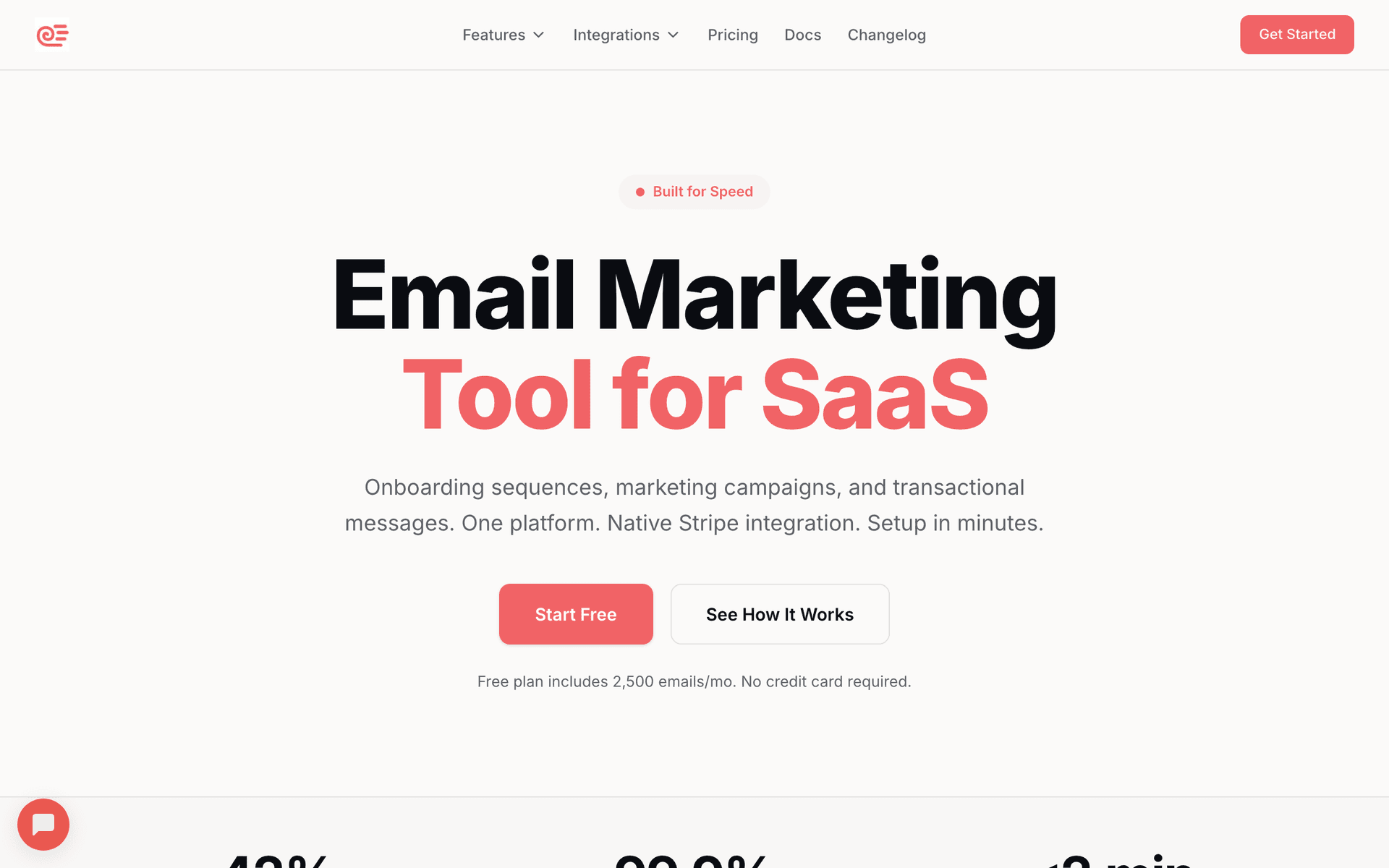
Sequenzy is the best fit for ticketing teams that want a practical email program without turning every campaign into a custom engineering project. Use dynamic products to show personalized events in weekly newsletters, smart segments to target by preference and behavior, forms with double opt-in for cleaner growth, and automations for abandoned checkout, waitlist alerts, and post-event follow-up. Pay-per-email pricing also fits ticketing databases where old buyers and casual browsers should not inflate the bill just because they remain stored as contacts.

Best for
Ticketing distributors that want personalized newsletters and ticket lifecycle automation
Pricing
Free tier available, then pay by email volume with unlimited contacts

Pros

  • Dynamic products for personalized event recommendations
  • Smart segments for city, category, purchase, and engagement targeting
  • Double opt-in signup forms
  • Automation for abandoned checkout, waitlists, and post-event follow-up
  • Pay-per-email pricing fits large historical ticket buyer lists

Cons

  • Catalog sync still requires event data to be passed into the platform
  • Newer platform than long-established enterprise suites
  • No built-in SMS channel
#2
Customer.io

Data-driven customer engagement platform for event-based messaging and personalized journeys.

Visit
Customer.io dashboard screenshot

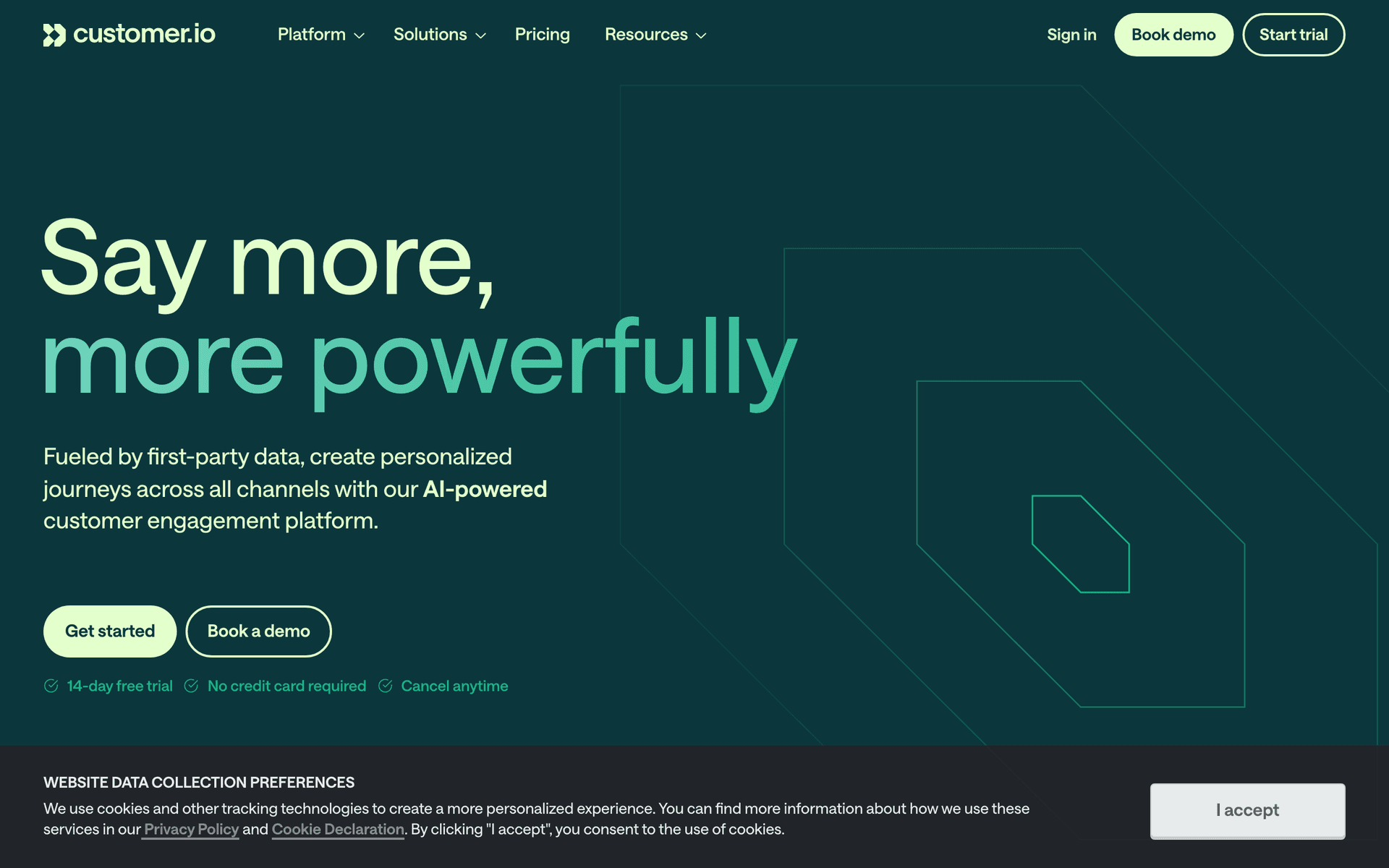
Customer.io is strong when the ticketing company already has engineering support and wants first-party event data to drive segmented journeys. It can model user behavior, trigger lifecycle messages, and personalize content from subscriber attributes and events. For ticketing, that makes it useful for browse behavior, waitlist events, purchase states, and post-event flows. The trade-off is setup effort: smaller ticketing teams may find it more technical than they want for day-to-day newsletters.

Best for
Larger ticketing teams with engineering support and rich first-party data
Pricing
Vendor pricing varies by plan and scale

Pros

  • Strong event-based journeys
  • Data-driven segmentation
  • Good fit for lifecycle messaging
  • Supports personalized content patterns

Cons

  • More setup effort than simpler email tools
  • Pricing and implementation can be heavier for small teams
  • Marketers may need technical support for catalog-driven use cases
#3
Iterable

Enterprise customer engagement platform for personalized cross-channel campaigns.

Visit
Iterable dashboard screenshot

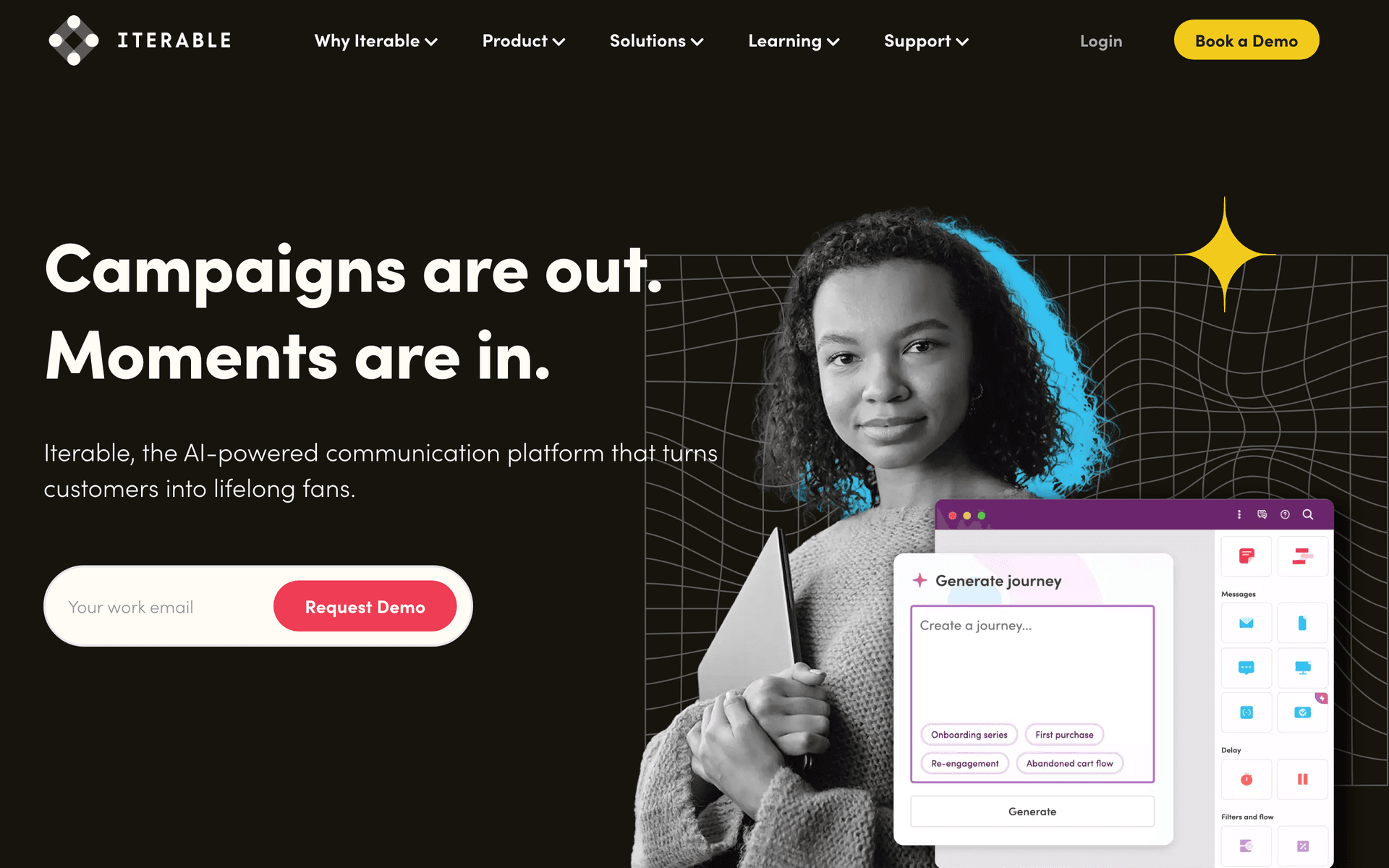
Iterable is a strong enterprise option for ticketing brands that need real-time cross-channel engagement, dynamic content, and large-scale campaign operations. It is a better fit for high-volume marketplaces, multi-country ticketing brands, or teams with dedicated lifecycle marketing operations. For small or mid-sized distributors, it may be more platform than they need.

Best for
Enterprise ticketing marketplaces with dedicated lifecycle teams
Pricing
Custom pricing

Pros

  • Built for large-scale personalization
  • Cross-channel campaign support
  • Dynamic content patterns
  • Good fit for mature marketing operations

Cons

  • Enterprise complexity
  • Custom pricing
  • Usually requires a dedicated lifecycle or marketing ops team
#4
Klaviyo

Ecommerce marketing platform with product recommendations and strong customer segmentation.

Visit
Klaviyo dashboard screenshot

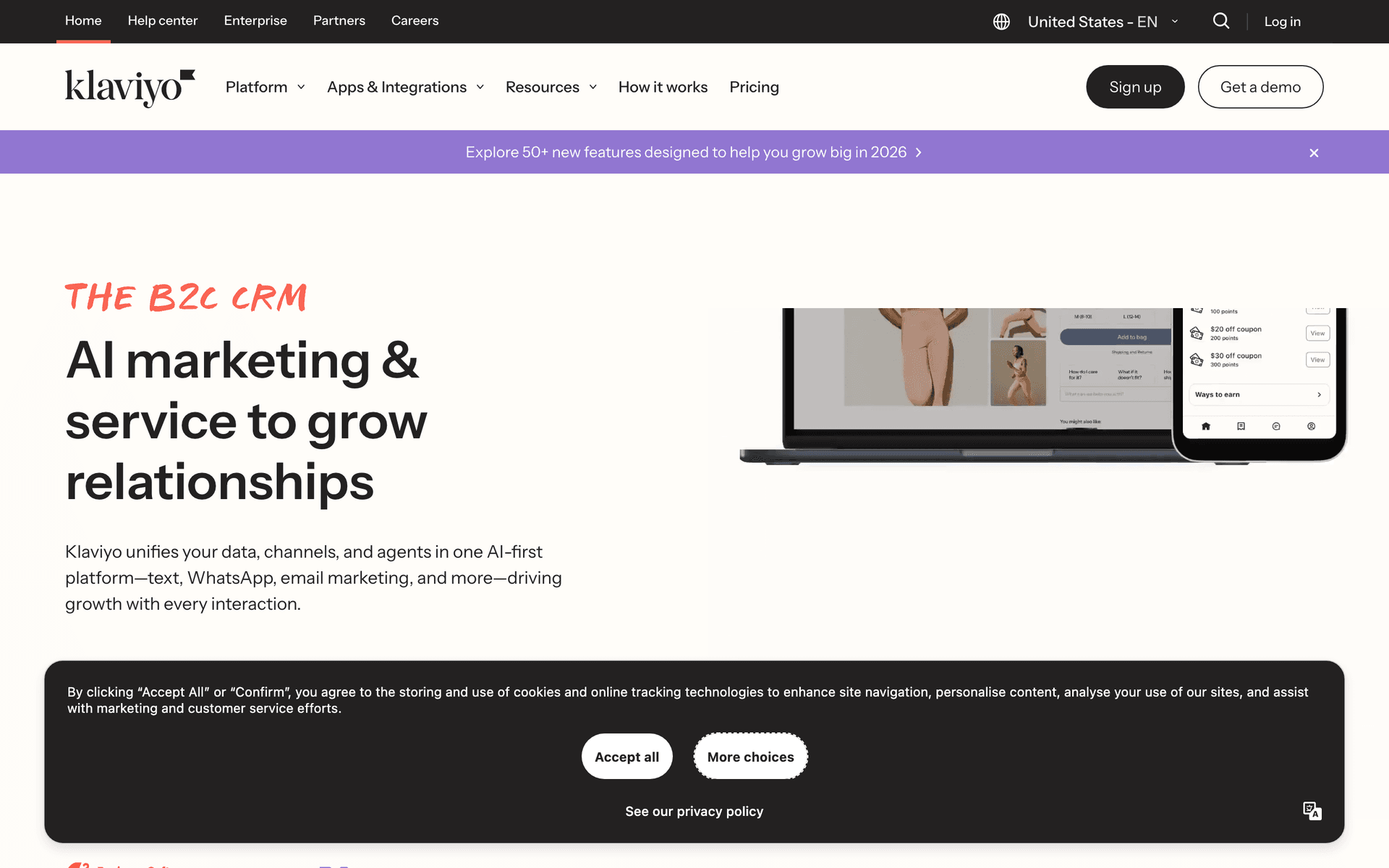
Klaviyo is built around ecommerce data and personalized product recommendations, which can map well to ticketing if your events behave like catalog products. It is strongest when the ticketing operation has clean purchase and browse data, and when merchandising-style recommendations are central to the email program. It is less ideal if your ticketing stack is custom and needs nonstandard event metadata without extra integration work.

Best for
Ticketing businesses that model events like ecommerce products
Pricing
Vendor pricing varies by contact and message volume

Pros

  • Product recommendation capabilities
  • Strong customer and purchase segmentation
  • Good ecommerce-style automation
  • Useful for merchandise-like event catalogs

Cons

  • Contact-based pricing can grow with large buyer databases
  • Ticketing-specific data may need custom mapping
  • More ecommerce-oriented than ticketing-native
#5
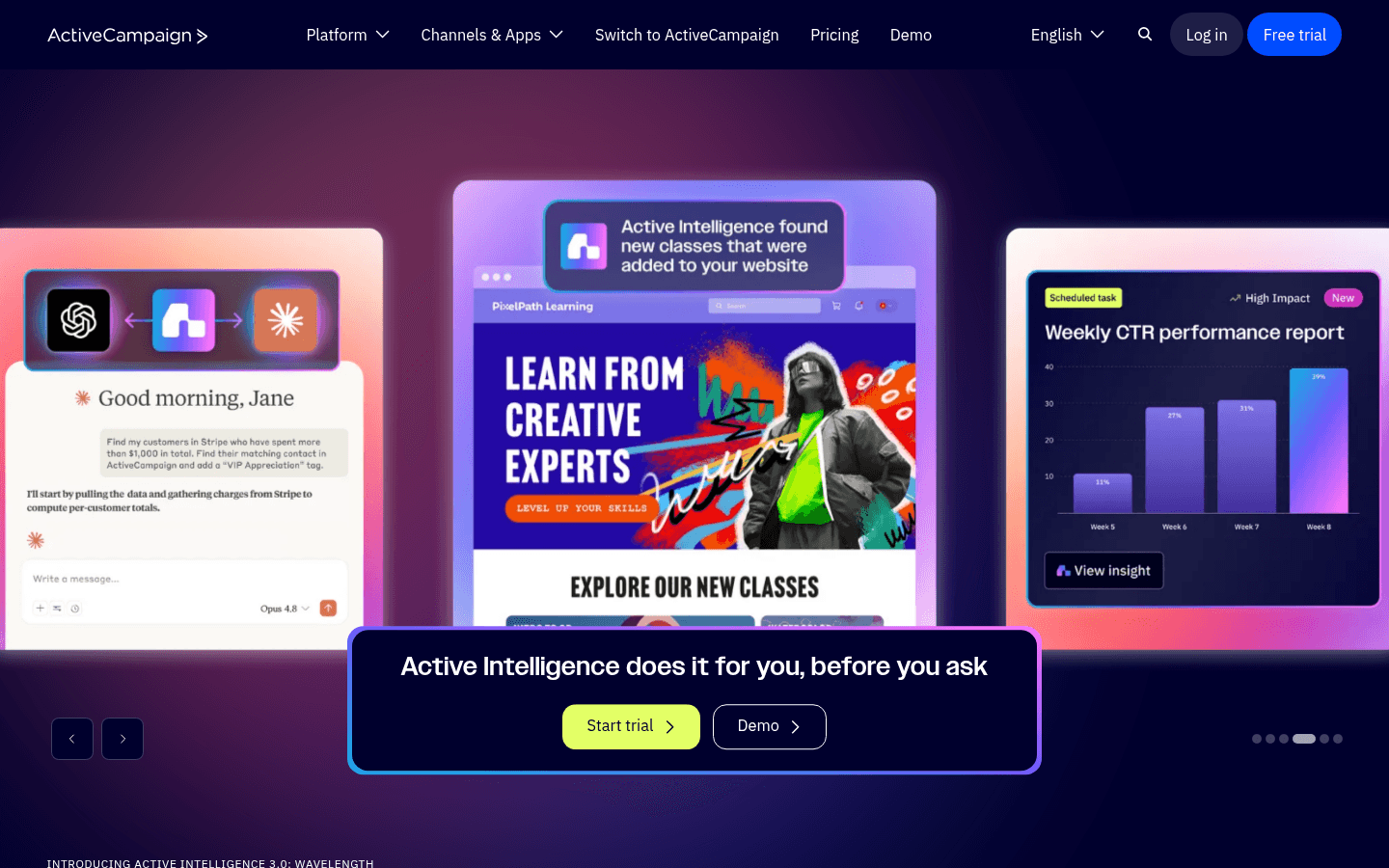
ActiveCampaign

Marketing automation platform with advanced segmentation and branching workflows.

Visit
ActiveCampaign dashboard screenshot

ActiveCampaign is useful for ticketing teams that need detailed automation logic and strong segmentation but do not need full enterprise lifecycle tooling. It can support presale sequences, preference-based targeting, re-engagement, and buyer stage workflows. The main limitation is that event catalog personalization is not the core product, so dynamic event recommendations may require more setup than a catalog-first approach.

Best for
Ticketing teams that prioritize automation depth over catalog personalization
Pricing
Vendor pricing varies by plan and contacts

Pros

  • Advanced automation builder
  • Flexible segmentation
  • Useful for lead and buyer journeys
  • Good fit for complex workflows

Cons

  • Can feel complex for newsletter-heavy teams
  • Dynamic event catalog use cases need setup
  • Contact-based pricing may not fit large historical lists
#6
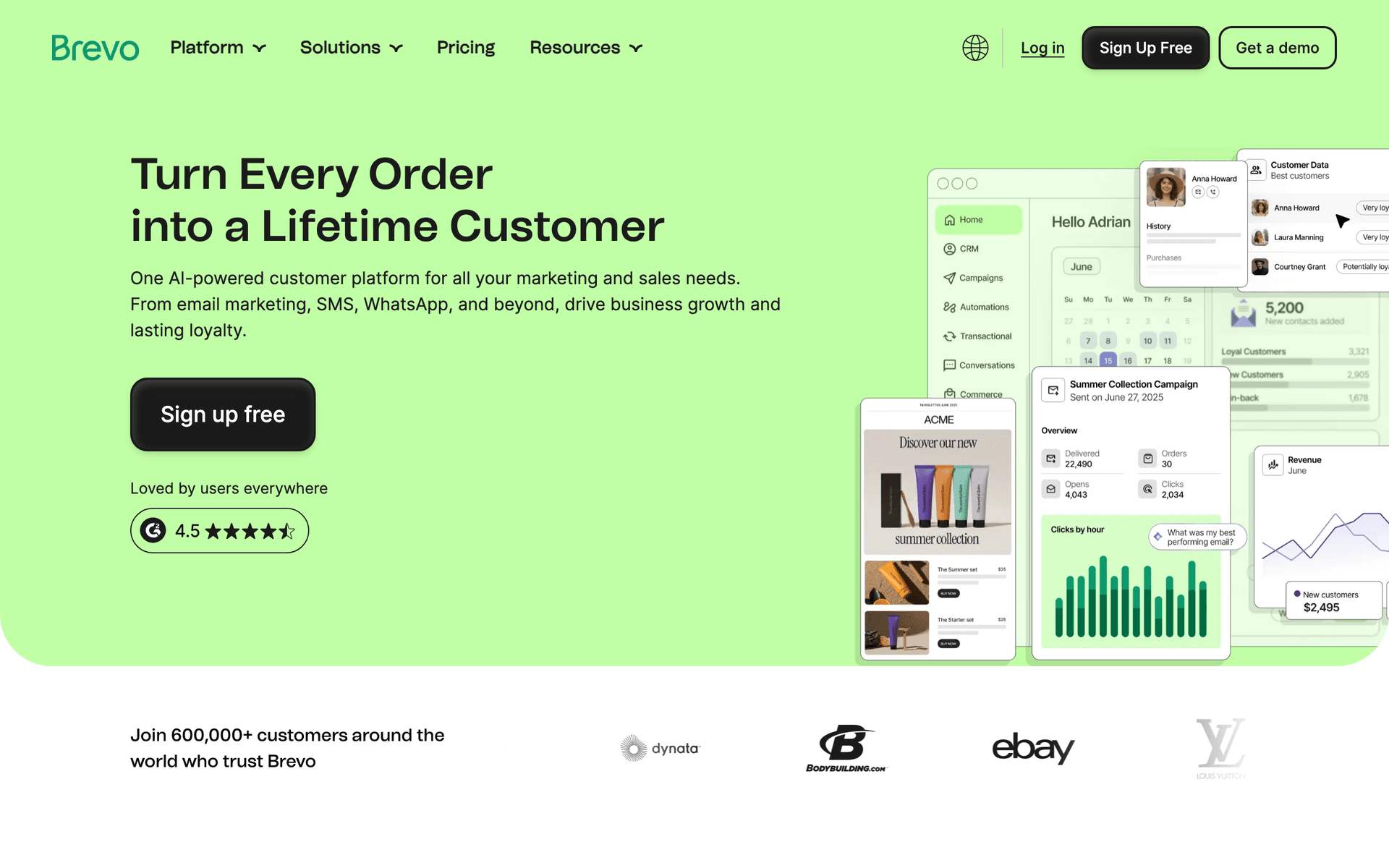
Brevo

Email, SMS, automation, transactional messaging, and CRM in one platform.

Visit
Brevo dashboard screenshot

Brevo is a practical option for ticketing services that want affordable email plus SMS-style urgency in one broader customer engagement tool. It can cover newsletters, basic segmentation, automations, and transactional-style messaging. It is a good budget choice when the team does not need sophisticated dynamic event recommendations inside every newsletter.

Best for
Budget-conscious ticketing teams that want email and SMS options
Pricing
Free plan and paid plans available

Pros

  • Email and SMS capabilities
  • Automation and segmentation
  • Transactional messaging support
  • Accessible for smaller teams

Cons

  • Less specialized for dynamic ticket catalogs
  • Advanced personalization may require workarounds
  • Newsletter relevance depends on how well event data is synced
#7
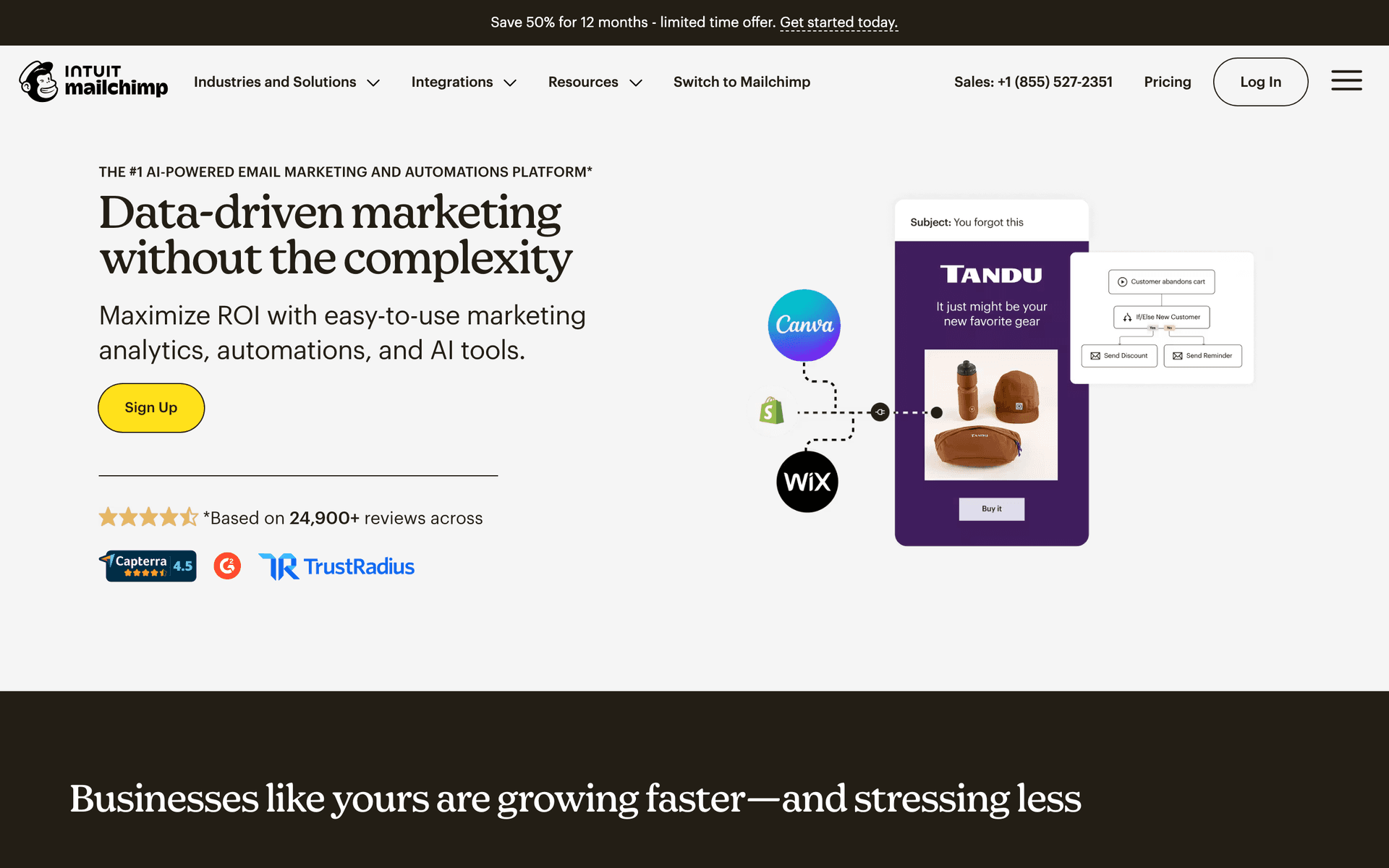
Mailchimp

Popular email platform with forms, segmentation, automations, and accessible campaign tools.

Visit
Mailchimp dashboard screenshot

Mailchimp can work for smaller ticketing services that primarily need newsletters, signup forms, basic segmentation, and accessible campaign creation. It is familiar and easy to start with. The limitation is that ticketing teams quickly outgrow static newsletters once they need event availability, city-specific recommendations, waitlist logic, and abandoned checkout flows tied to a live catalog.

Best for
Small ticketing lists sending mostly standard newsletters
Pricing
Free plan and paid plans available

Pros

  • Easy to start
  • Signup forms and basic automations
  • Audience segmentation
  • Good general-purpose campaign editor

Cons

  • Static newsletters can become manual
  • Advanced event personalization is limited
  • Contact-based pricing can grow with large lists
#8
Twilio SendGrid

Email API and marketing campaigns platform for teams that need reliable sending infrastructure.

Visit
Twilio SendGrid dashboard screenshot

Twilio SendGrid is strongest when the ticketing company needs developer-friendly email infrastructure, transactional delivery, and a marketing campaigns layer. It can be useful for purchase confirmations, ticket delivery, and account emails alongside campaigns. For marketers who want dynamic weekly event recommendations without engineering support, it is less complete out of the box than lifecycle or marketing automation platforms.

Best for
Ticketing platforms with developer-led email infrastructure needs
Pricing
Free and paid plans available, depending on email API and marketing needs

Pros

  • Strong email API
  • Transactional and marketing email support
  • Scales for high-volume sending
  • Useful for ticket delivery and confirmations

Cons

  • Dynamic marketing programs may need engineering support
  • Marketing features are less specialized than lifecycle tools
  • Email API and marketing needs may be managed separately

Feature Comparison

FeatureSequenzyCustomer.ioIterableKlaviyoActiveCampaignBrevoMailchimpSendGrid
Dynamic event recommendations
Custom
Limited
Limited
Custom
Weekly personalized newsletters
Double opt-in signup forms
Custom
Custom
Custom
Abandoned ticket checkout
Basic
Custom
Waitlist or back-in-stock alerts
Custom
Custom
Limited
Custom
City and category segmentation
Sold-out fallback recommendations
Custom
Custom
Limited
Limited
Custom
Post-event follow-up
Transactional ticket emails
Via integrations
Limited
Limited
Large historical buyer list pricing
Pay by email volume
Usage based
Custom
Contact/message based
Contact based
Email volume options
Contact based
Email volume based

Common Mistakes to Avoid

We see these mistakes over and over. Skip the learning curve and avoid these from day one.

Sending one static weekly event list to everyone

A subscriber interested in electronic music in Berlin and a subscriber interested in family theater in Chicago should not receive the same newsletter. Generic event lists are the fastest way to depress engagement.

Ignoring consent source and opt-in quality

Ticketing databases often combine buyers, contest entrants, venue imports, and affiliate leads. If you cannot tell who opted into marketing, use confirmation flows and conservative segmentation before sending promotions.

Not syncing inventory changes before sends

If email promotes events that sold out yesterday, subscribers stop trusting the channel. Sync availability close to send time and include fallback recommendations.

Only emailing near the event date

Last-minute pushes help, but ticket demand is built earlier through announcements, presales, weekly recommendations, and preference-based nurturing.

Using discounts as the first abandoned checkout tactic

Start with a reminder, event details, and urgency. Save discounts for specific inventory problems, not every abandoned checkout.

Email Sequences Every Ticketing Service Needs

These are the essential automated email sequences that will help you grow your business and keep clients coming back.

Weekly Personalized Event Newsletter

Every week, filtered by subscriber preferences and event availability

A recurring newsletter that recommends different events to each subscriber instead of sending the same static list to everyone.

Weekly
Your weekend picks: {{city}} events you may like

Dynamic products fill the email with events by city, category, venue, and recent clicks.

Friday
Still looking for plans? These tickets are moving

A narrower last-minute send to subscribers who opened but did not click the weekly newsletter.

Sunday
New dates added for next week

Promote fresh inventory and upcoming on-sale dates to engaged subscribers.

Double Opt-In Welcome

New subscriber from website, QR code, partner campaign, or giveaway

Confirm consent before adding people to high-volume marketing sends, then collect preferences for better targeting.

Instant
Confirm your ticket alerts

Ask the subscriber to confirm their email and explain what type of alerts they will receive.

After confirm
What kind of events should we send you?

Collect category, city, venue, artist, and frequency preferences.

3 days
Your first personalized event picks

Send a small dynamic event set based on the preferences they provided.

Abandoned Ticket Checkout

Started checkout but did not complete purchase

Recover buyers while the event is still available, with fallback recommendations if the original event sells out.

30 min
Still want tickets for {{event_name}}?

Show the exact event, date, seat tier, and checkout link.

24 hours
{{event_name}} is coming up soon

Add venue details, event highlights, and remaining availability when available.

48 hours
Similar events you might like

If the original event is unavailable or ignored, show related dates, venues, or categories.

Waitlist and Availability Alert

Subscriber joins waitlist or inventory changes

Notify high-intent fans when tickets, extra dates, or better tiers become available.

Instant
You are on the waitlist for {{event_name}}

Confirm the waitlist request and set expectations for future alerts.

When available
Tickets are available for {{event_name}}

Send only to matching waitlist subscribers with a direct purchase link.

If sold out
More options near {{city}}

Use dynamic products to recommend similar events when availability does not return.

Post-Event Follow-Up

Event date has passed for a ticket buyer

Turn one-time buyers into repeat customers with feedback, photos, and relevant next events.

Next day
How was {{event_name}}?

Ask for feedback and capture sentiment while the event is fresh.

5 days
More shows like {{event_name}}

Recommend similar artists, teams, genres, or venues.

14 days
Get early access to upcoming dates

Invite engaged buyers into presale, membership, or preference-based alerts.

Presale and On-Sale Announcement

New event, tour date, season, or ticket tier goes live

Give the right audience first access without blasting every subscriber about every new event.

Presale
Early access: {{event_name}}

Target fans, waitlist subscribers, previous buyers, and relevant city/category segments.

On sale
{{event_name}} tickets are live

Send the main announcement with ticket tier and date information.

Low inventory
{{event_name}} is nearly sold out

Send a final urgency email only when inventory or the on-sale window justifies it.

Build the Ticketing Email Program Around Inventory

Ticketing email works when events, dates, cities, venues, categories, and availability are treated as data. If the marketing team has to manually paste ten events into every campaign, the newsletter will always lag behind inventory changes.

Use dynamic products to render event recommendations from live event data. A single weekly email can show different rows to each recipient: local sports for one buyer, theater presales for another, and last-minute comedy tickets for someone who clicks weekend deals.

Ticketing feature Email use
Event date Remove expired events and create date-based urgency
City or venue Keep newsletters local and relevant
Category or artist Match recommendations to fan interests
Ticket tier Promote VIP, family packs, or low-price entry options
Availability status Replace sold-out events with waitlists or alternatives

The Core Features Ticketing Teams Should Ship First

Start with the workflows that match how people buy tickets. These are more important than generic email marketing features because they map directly to ticketing behavior.

Feature Why it matters
Weekly personalized newsletter Keeps event discovery consistent without sending everyone the same list
Dynamic products Shows relevant available tickets, events, dates, and tiers per recipient
Double opt-in Confirms consent for partner, giveaway, venue, and presale signups
Abandoned checkout recovery Recovers buyers before the event date or inventory window passes
Waitlist alerts Captures demand when events sell out and converts it when tickets return
Last-minute availability sends Fills inventory without discounting every event
Post-event recommendations Turns one-time ticket buyers into repeat attendees

Segment by Intent, Not Just Genre

Genre matters, but intent matters more. A subscriber who joined a waitlist is more urgent than someone who clicked a category once. A buyer who attended last weekend should get follow-up recommendations, not the same pre-event promotion.

Segment Recommended message
Confirmed subscriber with preferences Weekly personalized event picks
Waitlist subscriber Availability alert and similar events
Abandoned checkout Reminder for exact event and fallback recommendations
Past buyer Similar shows, upgrades, memberships, or presale access
Inactive subscriber Preference reset or best upcoming local events
High-frequency buyer Early access, VIP tiers, bundles, and referral offers

Keep Consent and Deliverability Clean

Ticketing databases can get messy. People buy tickets, enter giveaways, scan QR codes at venues, join presales, and arrive through partners. Use double opt-in where the source is broad or risky, and keep consent source in subscriber attributes so segments stay safe.

A clean ticketing list usually beats a giant mixed list. It is better to email 25,000 confirmed fans with relevant events than 150,000 stale addresses with a generic monthly blast.

How We Evaluated These Tools

This page evaluates email platforms by their fit for online ticket distributors: dynamic event recommendations, event metadata sync, weekly personalized newsletters, double opt-in forms, waitlist alerts, abandoned checkout recovery, time-sensitive automation, and pricing for large historical buyer databases.

Frequently Asked Questions

Ready to grow your ticketing service practice?

Start your free trial today. Set up your first email sequence in minutes with AI-powered content generation.

Related Industries

Sequenzy pricing reference

Sequenzy - Complete Pricing Guide

Pricing Model

Sequenzy uses email-volume-based pricing. You only pay for emails you send. Unlimited contacts on all plans — storing subscribers is always free.

All Pricing Tiers

  • 2.5k emails/month: Free (Free annually)
  • 15k emails/month: $19/month ($205/year annually)
  • 60k emails/month: $29/month ($313/year annually)
  • 120k emails/month: $49/month ($529/year annually)
  • 210k emails/month: $99/month ($1069/year annually)
  • 300k emails/month: $149/month ($1609/year annually)
  • 600k emails/month: $299/month ($3229/year annually)
  • 900k emails/month: $399/month ($4309/year annually)
  • 1.2M emails/month: $499/month ($5389/year annually)
  • Unlimited emails/month: Custom pricing (Custom annually)

Yearly billing: All plans offer a 10% discount when billed annually.

Free Plan Features (2,500 emails/month)

  • Visual automation builder
  • Transactional email API
  • Reply tracking & team inbox
  • Landing pages
  • Unlimited team members
  • Goal tracking & revenue attribution
  • Unlimited lists and segments
  • Payment integrations
  • API, MCP, and CLI access
  • Unlimited sending domains
  • SPF, DKIM, and DMARC
  • Deliverability monitoring
  • Send time optimization
  • A/B testing

Paid Plan Features (15k - 1.2M emails/month)

  • Visual automation builder
  • Transactional email API
  • Reply tracking & team inbox
  • Landing pages (Create hosted signup pages and attach a custom domain.)
  • Unlimited team members
  • Goal tracking & revenue attribution
  • Unlimited lists and segments
  • Payment integrations (Stripe, Paddle, Lemon Squeezy)
  • API, MCP, and CLI access
  • Unlimited sending domains
  • SPF, DKIM, and DMARC
  • Deliverability monitoring
  • Send time optimization
  • A/B testing

Enterprise Plan Features (Unlimited emails)

  • Visual automation builder
  • Transactional email API
  • Reply tracking & team inbox
  • Landing pages
  • Unlimited team members
  • Goal tracking & revenue attribution
  • Unlimited lists and segments
  • Payment integrations
  • API, MCP, and CLI access
  • Unlimited sending domains
  • SPF, DKIM, and DMARC
  • Deliverability monitoring
  • Send time optimization
  • A/B testing

Important Pricing Notes

  • You only pay for emails you send — unlimited contacts on all plans
  • No hidden fees - all features included in the price
  • No credit card required for free tier

Contact

  • Pricing Page: https://sequenzy.com/pricing
  • Sales: hello@sequenzy.com