
Domain Warmup Guide for New Sending Domains

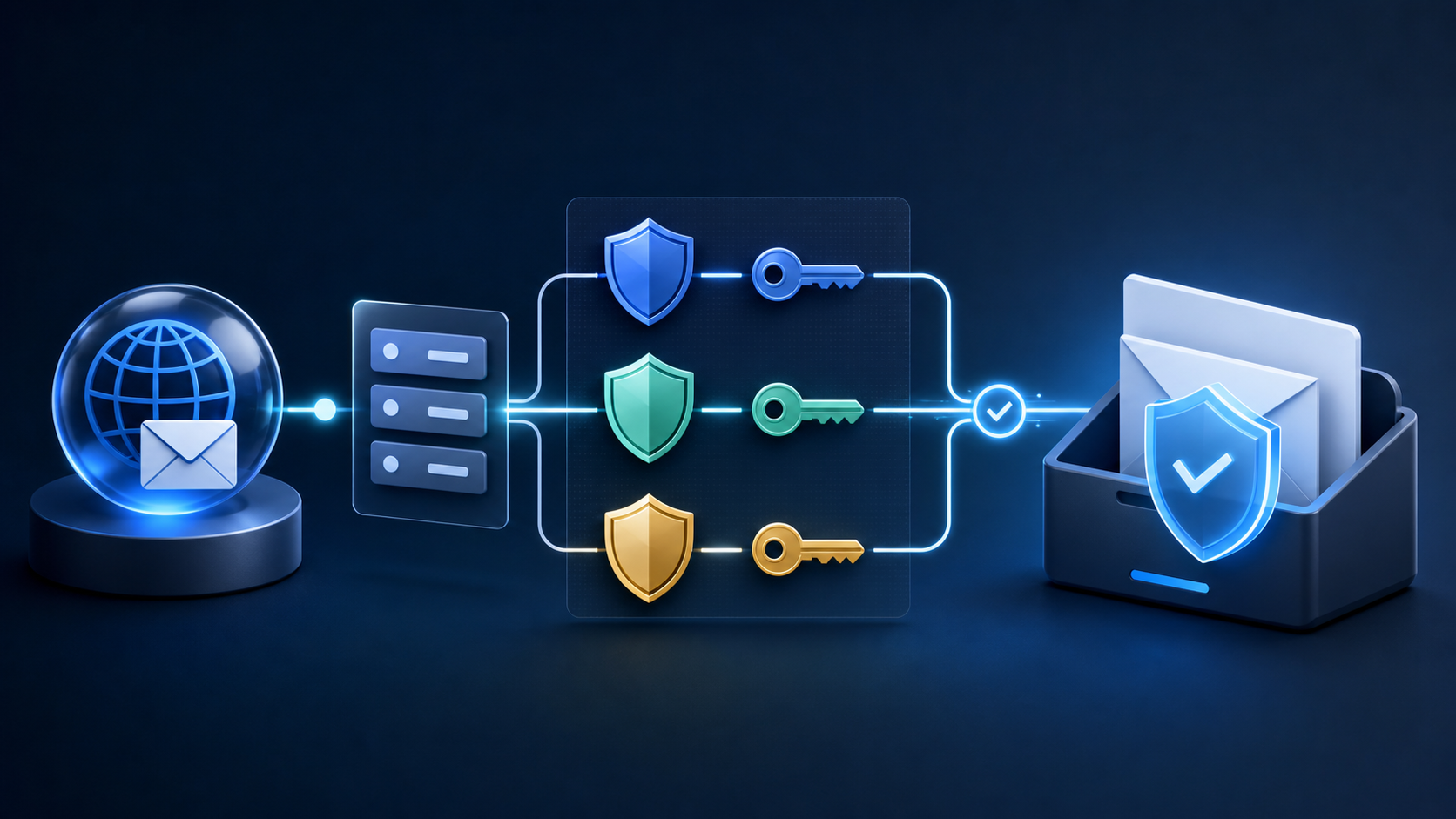
Domain warmup is not a ritual that makes a domain trusted after a fixed number of days. It is the process of giving mailbox providers consistent evidence about who you are, whom you mail, and how recipients respond.
The right schedule depends on your normal volume, the domain’s history, the IP infrastructure, the message category, and the quality of the audience. A tiny weekly newsletter and a business sending hundreds of thousands of messages need different plans.
Domain warmup versus IP warmup
These are related but not identical:
| Situation | Main identity to manage | Practical implication |
|---|---|---|
| New domain on an established shared pool | Domain and recipient signals | Start with the most engaged audience and keep the brand identity consistent |
| Established domain on a new dedicated IP | IP and domain together | Warm the IP while preserving normal domain authentication and audience practices |
| New domain and new dedicated IP | Both | Use the smallest controlled stream and expect a slower ramp |
| Migration to a new ESP | Domain, IP pool, and provider configuration | Reproduce authentication and audience rules before changing volume |
A new subdomain can isolate a stream, but it does not make poor consent or high complaints safe. Treat isolation as an operational choice, not a reputation reset button.
Prerequisites
Before the first meaningful send:
- publish SPF for the actual envelope sender;
- enable DKIM for the domain used in the message signature;
- publish DMARC at the exact
_dmarc.yourdomain.comhost; - verify that SPF or DKIM aligns with the visible From domain;
- confirm the provider’s sending domain, return-path, and tracking domains;
- set up unsubscribe and preference paths;
- remove hard bounces and unconfirmed contacts from the first audience;
- separate promotional and transactional streams.
Google recommends setting up DKIM and SPF at least 48 hours before DMARC in its recommended rollout. DNS propagation and provider verification can take longer than the dashboard suggests, so test a real message before scaling.
Choose the first audience
Start with people who recently subscribed, purchased, clicked, replied, or otherwise took an action that makes the message expected. Avoid starting with:
- a full historical import;
- a purchased or appended list;
- long-inactive contacts;
- addresses with unknown consent;
- a high-volume re-engagement campaign;
- recipients who already receive several overlapping automations.
The goal of the first send is not maximum reach. It is to establish a clean, understandable pattern.
An example ramp
Use this as a planning shape, not a universal formula. Scale relative to the last stable volume and stop if feedback worsens.
| Phase | Audience | Volume decision | Advance when |
|---|---|---|---|
| Prove | Recent engagers and new subscribers | Small controlled batch | Authentication and provider results are clean |
| Stabilize | Engaged customers and subscribers | Repeat the same range on a predictable cadence | Complaints, bounces, and placement remain near baseline |
| Expand | Broader recent-engagement cohorts | Increase in measured steps | Each step remains stable for the stream |
| Normalize | Remaining eligible audience | Use normal cadence, not a sudden backlog dump | Cold segments have their own policy |
Daily sending is easier for providers to classify than an occasional large burst, but do not invent daily mail solely for warmup. Send messages people actually requested, and keep the content useful.
Pause conditions
Define these before you start. Pause the ramp and investigate when you see:
- authentication failures or unexpected sending sources;
- repeated hard bounces from a source or import;
- a sharp complaint or unsubscribe increase;
- provider throttling, temporary failures, or a sudden placement shift;
- a template or link-domain change that coincides with the decline;
- an audience segment performing materially worse than the control cohort.
When you pause, keep essential transactional mail running only if its authentication, audience, and infrastructure are known to be healthy. Do not continue the promotional ramp just because the campaign was already scheduled.
Warmup mistakes
Sending the whole backlog on day one
A migration often creates pressure to “catch up.” That is exactly when a controlled ramp matters. Prioritize recent engagers and process the rest through a separate re-engagement policy.
Changing several variables at once
New domain, new ESP, new template, new links, and a new audience make diagnosis impossible. Keep the first messages simple and document each change.
Treating delivery as inbox placement
An accepted message can still land in spam. Use provider-level seed tests, full headers, bounce responses, and recipient engagement to evaluate the ramp.
Using fake engagement
Do not ask employees or friends to repeatedly open and click messages to manufacture a signal. Use real recipients who expect the message.
Operating checklist
Keep a warmup log with:
- date and send ID;
- sending domain, subdomain, and IP pool;
- volume by provider;
- audience definition and consent source;
- SPF, DKIM, and DMARC results;
- bounces, complaints, unsubscribes, clicks, and conversions;
- placement observations;
- changes made and the next rollback point.
After the warmup, keep the same discipline for migrations, seasonal spikes, and new lifecycle streams. Reputation is maintained by the next several sends, not earned once and kept forever.
FAQ
How many days does domain warmup take?
There is no safe universal number. The plan should be long enough to observe representative feedback and short enough to remain operationally useful. Volume, provider, domain history, and audience quality determine the pace.
Can I warm up with my least engaged contacts?
That is a poor starting signal. Begin with people most likely to recognize and want the message, then expand after the stream is stable.
Does using a subdomain remove the need for authentication?
No. Authenticate each sending identity and verify alignment with the visible From domain.
Should I warm up transactional email separately?
Yes. Transactional and promotional streams have different expectations and should have separate audience rules and, where practical, separate infrastructure.
Use the inbox placement guide to validate the result and the email authentication checklist before increasing volume.