
12 Best SMS Marketing Tools for Small Businesses in 2026

Most small business SMS advice is written for a brand with a full-time retention marketer. That is not the situation for a two-person shop, a solo founder, or a store owner who also handles fulfillment, support, and the website.
At that size the platform choice is less about feature depth and more about how much unpaid admin work the tool creates. Carrier registration, consent records, opt-out handling, reply monitoring, and message-cost surprises are all real work, and a tool that hides those costs behind a $25 headline price is not actually cheap.
I compared 12 SMS tools on the basis a small business would actually use: what it costs at real volume, how long it takes to get a number approved, whether replies land somewhere a human will see them, and whether the automation is worth learning for a program that might send four messages a month.
One thing to settle first: this list is split into two jobs, because "small business" covers two very different texting problems. If you want the wider e-commerce view instead, see the best SMS marketing tools for e-commerce.
Quick comparison table
| Tool | Best for | Starting price | Per-message cost | Two-way inbox |
|---|---|---|---|---|
| SimpleTexting | Local and service businesses that reply a lot | From about $39/mo for 500 credits | Included in credits, overages billed per message | Yes |
| SlickText | Keyword-driven list growth for local brands | From about $29/mo for 500 credits | Included in credits, credits roll over | Yes |
| EZ Texting | The cheapest credible standalone entry point | From about $25/mo (500 contacts, 500 credits) | Overages around $0.04 per credit | Yes |
| Textedly | Straight message-count plans without credit math | Plans priced by messages per month | Bundled into the plan | Yes |
| Omnisend | Small online stores that want email plus SMS | Standard from about $16/mo | From about $0.007 to $0.009 per US SMS | Limited |
| Sequenzy | Teams adding SMS to existing email sequences | SMS add-on from $16/mo with 1,000 credits | 1 credit per US/Canada segment | No, replies forward to email |
| Shopify Messaging | Shopify stores that want no second platform | $2.15/mo per approved toll-free number | Billed per message by country | Via Shopify Inbox |
| Klaviyo | Small stores with real product and order data | Email plus SMS from about $35/mo | Credit bundles, overages extra | Limited |
| Privy | Stores whose real problem is list growth | Email from about $30/mo | SMS credits sold separately | No |
| Brevo | Budget generalists who also want transactional | Free tier, Starter from about $9/mo | SMS credits vary sharply by country | No |
| Postscript | Shopify stores where SMS is the main channel | Starter $0/mo with a $49 minimum spend | About $0.009/SMS plus carrier fees | Yes |
| Attentive | Not a small-business tool, listed for context | Custom, effectively several hundred per month | Around $0.01/SMS, volume committed | Yes |
Pricing changes often and varies by country. Treat this as a shortlist, then confirm the current quote, carrier fees, segmentation rules, and eligible destinations before you commit.
Two kinds of small business, two different tools
The most common mistake I see is a local service business buying an e-commerce SMS platform, or a small store buying a texting service that knows nothing about orders.
If you mostly have conversations
Salons, clinics, contractors, gyms, tutors, repair shops, restaurants, and real estate agents send reminders, confirmations, quotes, and reschedules. The volume is low, the value per message is high, and almost every message can get a reply that a human has to read.
Buy for the inbox. SimpleTexting, SlickText, EZ Texting, and Textedly are built around a shared conversation view, keyword signups, and simple scheduled blasts. Automation depth barely matters.
If you mostly have transactions
A small Shopify or WooCommerce store sends cart reminders, shipping updates, back-in-stock alerts, and launch announcements. Almost none of those need a reply, but all of them need to know what the customer bought, viewed, or abandoned.
Buy for the data connection. Omnisend, Klaviyo, Sequenzy, Shopify Messaging, and Postscript can trigger on store events. A generic texting service cannot, and stitching one together with Zapier turns a $29 tool into a maintenance project.
If you do both
Plenty of small businesses genuinely do both, such as a studio that sells memberships online and confirms class bookings by text. In that case, decide which job is bigger by message volume and buy for that, then handle the smaller job manually until it earns its own tool.
What small businesses actually need from an SMS tool
A number you can get approved
You cannot send marketing texts from a raw mobile number. In the US and Canada you need either a registered 10DLC local number or a verified toll-free number, and both require you to submit business details, a sample message, and the exact opt-in language from your form.
The good tools walk you through this and handle the submission. The bad ones hand you a form and let you get rejected twice. Ask about typical approval time before you buy.
Consent capture that produces a record
You need to be able to show, per subscriber, where the number came from, when, and what disclosure they saw. That means a checkbox that is not pre-ticked, disclosure text next to it, and a stored timestamp.
This matters more for small businesses than for large ones, because a single complaint is a bigger proportion of your risk and you have no legal team.
Automatic opt-out handling
STOP, START, and HELP must be handled per number without you doing anything. This is table stakes, but confirm that opting out of marketing also stops any promotional automation, not just campaigns.
Somewhere replies go
Even a purely promotional text gets replies. Either you need a shared inbox, or the tool needs to forward replies somewhere a person actually checks. Decide which before launch, not after the first campaign.
Costs you can predict
Small businesses get burned by three things: a message that splits into two billable segments because of length or an emoji, a plan that requires an upgrade before SMS unlocks, and international numbers priced several times higher than the US rate you budgeted for.
How I evaluated these tools
- Signed up and measured how long it took to get from account creation to a number that could legally send.
- Checked whether the signup form generated a real consent record with source, timestamp, and disclosure.
- Sent a message long enough to split into two segments and confirmed how the tool billed and displayed it.
- Tested STOP, START, and HELP, then confirmed the opt-out propagated to automated messages, not only campaigns.
- Built one automation appropriate to the tool: an appointment reminder for the conversational tools, an abandoned-checkout text for the commerce tools.
- Priced each platform at 500, 2,000, and 5,000 messages per month including carrier fees and number charges.
- Noted where a plan upgrade, add-on, or minimum spend was required before SMS worked at all.
The 12 best SMS marketing tools for small businesses
1. SimpleTexting
Best for: Local and service businesses where most texts turn into a conversation.
Pricing: From roughly $39/month for 500 credits, scaling to about $909/month for 50,000 credits, with a discount for annual billing and a small one-time carrier registration fee.
SimpleTexting is the most complete of the standalone texting services for a small team. The inbox is the product: conversations are threaded, assignable, and searchable, and templates plus saved replies make it realistic for one person to handle a few hundred conversations a month.
Keyword signups, scheduled campaigns, simple drip sequences, and contact segments cover almost everything a service business needs. The integrations list is broad enough for scheduling and CRM tools, though the depth is nothing like a commerce platform.
The cost per message is higher than a commerce platform's SMS add-on, and it has no meaningful understanding of products or orders. For a store, that is disqualifying. For a clinic, it is irrelevant.
- Pros: Best-in-class inbox for a small team, straightforward credit plans, strong keyword and campaign tooling, good onboarding for carrier registration.
- Cons: Expensive per message at higher volumes, no commerce data, drip automation is basic compared with an e-commerce platform.
Verdict: The default pick when texting is a conversation rather than a broadcast.
2. SlickText
Best for: Local brands that grow their list with keywords and want unused credits to carry over.
Pricing: Starter around $29/month for 500 credits, with a 14-day trial that does not require a card. Unused credits roll over.
SlickText is the most forgiving option for a business with uneven message volume. Rollover credits matter more than they sound: a seasonal business that sends nothing in February and 3,000 messages in May is punished by strict monthly allowances.
The keyword and text-to-join tooling is the strongest part of the product, and it is well suited to businesses that collect subscribers in person via signage, receipts, or an event. Loyalty-style features and simple automations round it out.
Reporting is functional rather than deep, and like the other standalone services it has no store context. Confirm the current credit rates for your volume, since the entry plan gets expensive quickly if your list grows.
- Pros: Rollover credits suit seasonal sending, excellent keyword and text-to-join capture, no-card trial, approachable interface.
- Cons: Limited automation depth, no commerce integrations worth planning around, reporting is basic.
Verdict: The best fit when list growth happens offline and volume is lumpy.
3. EZ Texting
Best for: The cheapest credible way to start standalone texting.
Pricing: Launch plan around $25/month, or about $20/month billed annually, for up to 500 contacts and 500 credits with a local textable number. Add roughly $5/month for the telecom fee, with overages around $0.04 per credit.
EZ Texting is priced for a business that is not yet sure SMS will work. The entry plan is genuinely low, and the interface is simple enough that a non-marketer can send a campaign in an afternoon.
The catch is the overage rate. At $0.04 per credit, blowing through a 500-credit allowance is roughly four times the effective per-message cost of a commerce platform's SMS add-on. It is cheap to start and expensive to grow, which is fine if you intend to move once volume is proven.
Contact caps on the entry tier also bite sooner than expected, and the telecom fee is easy to miss when comparing prices.
- Pros: Lowest standalone entry price, easy to learn, includes a textable local number, useful for a trial run.
- Cons: Expensive overages, contact caps on entry plans, separate telecom fee, limited automation.
Verdict: A sensible way to test the channel for a quarter, not a platform to scale on.
4. Textedly
Best for: Owners who would rather buy messages than learn a credit system.
Pricing: Plans are sold by messages per month rather than credits, which makes budgeting simpler. Confirm the current tiers and any per-segment rules for your message lengths.
Textedly's advantage is legibility. When a plan says a number of messages per month, an owner can reason about it without translating credits, segments, and MMS multipliers first.
Feature-wise it sits alongside the other standalone services: keywords, scheduled campaigns, a shared inbox, contact lists, and basic reporting. There is nothing here that a commerce team would find interesting, and nothing a service business would badly miss.
Watch how long messages are counted, since a message over the single-segment limit still consumes more of your allowance regardless of how the plan is described.
- Pros: Message-count pricing is easy to reason about, simple to operate, decent list tooling.
- Cons: Long messages still consume more allowance, thin integrations, limited automation logic.
Verdict: Good for owners who value a predictable bill over feature depth.
5. Omnisend
Best for: Small online stores that want email, SMS, and push without running two platforms.
Pricing: Standard from about $16/month at small contact counts. On current Pro plans, US and Canada SMS runs from about $0.009 per message at low spend down to about $0.007 at high volume, sold in bundles starting around $10/month.
For a small store, Omnisend is usually the most sensible first purchase. The prebuilt e-commerce automations cover welcome, abandoned cart, browse abandonment, and post-purchase, and the same workflow canvas can add an SMS step after an email step without a second subscriber database.
The product picker and discount tooling make catalog-driven messages quick, and Shopify and WooCommerce both connect without engineering time. Compared with the standalone texting services, the per-message cost is dramatically lower once you are past a few hundred messages.
It is not as deep as Klaviyo on segmentation or predictive data, SMS sits behind the Pro plan on current pricing, and the reply experience is thin compared with a dedicated texting service.
- Pros: Email, SMS, and push in one bill, strong prebuilt commerce automations, low per-message cost, easy Shopify and WooCommerce setup.
- Cons: SMS gated to higher plans, contact-based billing grows with a dormant list, weak two-way messaging.
Verdict: The best balanced starting point for a small store that already sends email.
6. Sequenzy
Best for: Small teams that already run lifecycle email and want compliant SMS in the same sequences.
Pricing: SMS is a paid add-on from $16/month including 1,000 credits, available on paid plans. One US or Canada SMS segment uses one credit, and international credits are cost-weighted by destination.
I build Sequenzy, so treat this entry as disclosed rather than neutral. The specific case it fits is a team that has an email program working and does not want a second contact database, a second consent model, and a second bill just to add a text step.
Enabling the add-on provisions a dedicated toll-free number and walks through carrier verification, so you are not dealing with a telecom provider. SMS consent is explicitly separate from email status and is never inferred from a phone number, STOP, START, and HELP are handled per number, and quiet hours defer sends outside local waking hours rather than dropping them. Links are shortened and tracked, so SMS clicks land in the same reporting as email.
The honest limits: it is a paid add-on on paid plans, there is no in-app two-way inbox yet (replies forward to your account email), and it is not trying to be a conversational commerce suite. A local business whose whole model is back-and-forth texting should buy SimpleTexting or SlickText instead.
- Pros: SMS steps inside existing email sequences, managed toll-free provisioning and verification, consent separate from email by design, quiet hours built in, shared attribution with email, full API, CLI, and MCP coverage.
- Cons: Paid add-on on paid plans only, no two-way inbox yet, MMS is US and Canada only, not a specialist SMS suite.
Verdict: The right pick when SMS is one step in a lifecycle program, not the program itself.
7. Shopify Messaging
Best for: Small Shopify stores that want to avoid a second platform entirely.
Pricing: $2.15/month per approved toll-free number for US and Canada marketing SMS, plus per-message charges that vary by country. Shopify allows a small number of free test messages per week.
If your store is on Shopify and your ambitions are modest, this is the least complicated option on the list. There is no integration to maintain, no separate login, and no platform subscription: the cost is essentially the number plus the messages.
It is enough for launch announcements, simple automated messages, and getting a feel for whether your customers want texts at all. It is not enough for layered segmentation, multi-step recovery journeys, or coordinated email and SMS decisions.
Read the current Shopify pricing rules before budgeting, because both the toll-free charge and the per-message rates have changed recently and vary sharply outside North America.
- Pros: No second platform fee, native checkout and customer context, minimal setup, transparent per-message billing.
- Cons: Shopify only, shallow automation, limited segmentation, rates vary a lot internationally.
Verdict: The cheapest honest way for a Shopify store to find out whether SMS is worth doing properly.
8. Klaviyo
Best for: Small stores with enough product and order data that segmentation changes the message.
Pricing: Email and SMS plans start around $35/month for 251 to 500 active profiles with 1,250 SMS or MMS credits included. Email alone starts around $20/month and reaches about $150/month at 10,000 profiles.
Klaviyo is more platform than most small businesses need on day one, and it is still worth knowing when it becomes correct. The moment segmentation starts changing what you send (first-time versus repeat buyers, category-specific replenishment, VIP treatment), the depth pays for itself.
Email and SMS share one profile and one automation canvas, so you can genuinely decide per customer which channel gets the message. The flow library is the best in the category, and the reporting will show you flow-level revenue rather than a vague total.
The cost curve is the constraint. Klaviyo bills on active profiles, so a small store with a large dormant list pays for people it never messages. It also takes real time to learn, which is a cost when the owner is also doing fulfillment.
- Pros: Deepest store data model, email and SMS on one profile, excellent flow library, strong reporting.
- Cons: Profile-based billing punishes dormant lists, real learning curve, more platform than a new store needs.
Verdict: The right upgrade once data-driven segmentation is genuinely changing your revenue, not before.
9. Privy
Best for: Small stores whose actual bottleneck is collecting subscribers, not messaging them.
Pricing: Around $24/month for pop-ups and displays only, or about $30/month once email is included. SMS credits are sold separately, and display pricing scales with page views.
Privy is worth naming because a lot of small stores buy an SMS platform when their real problem is that only 40 people have opted in. Exit-intent pop-ups, spin-to-win, cart savers, and well-targeted signup forms are what Privy is genuinely good at.
The email and SMS layer is adequate for a welcome message and a cart reminder. It is not where I would run a lifecycle program long term.
Many stores run Privy alongside a primary platform rather than instead of one. That can be the right architecture, but it means two bills and a decision about which system owns consent.
- Pros: Excellent on-site capture, quick to launch, strong Shopify fit, useful when list growth is the constraint.
- Cons: Shallow lifecycle automation, SMS credits priced separately, often ends up as a second tool rather than the only one.
Verdict: Buy it to fix list growth, not to run your messaging program.
10. Brevo
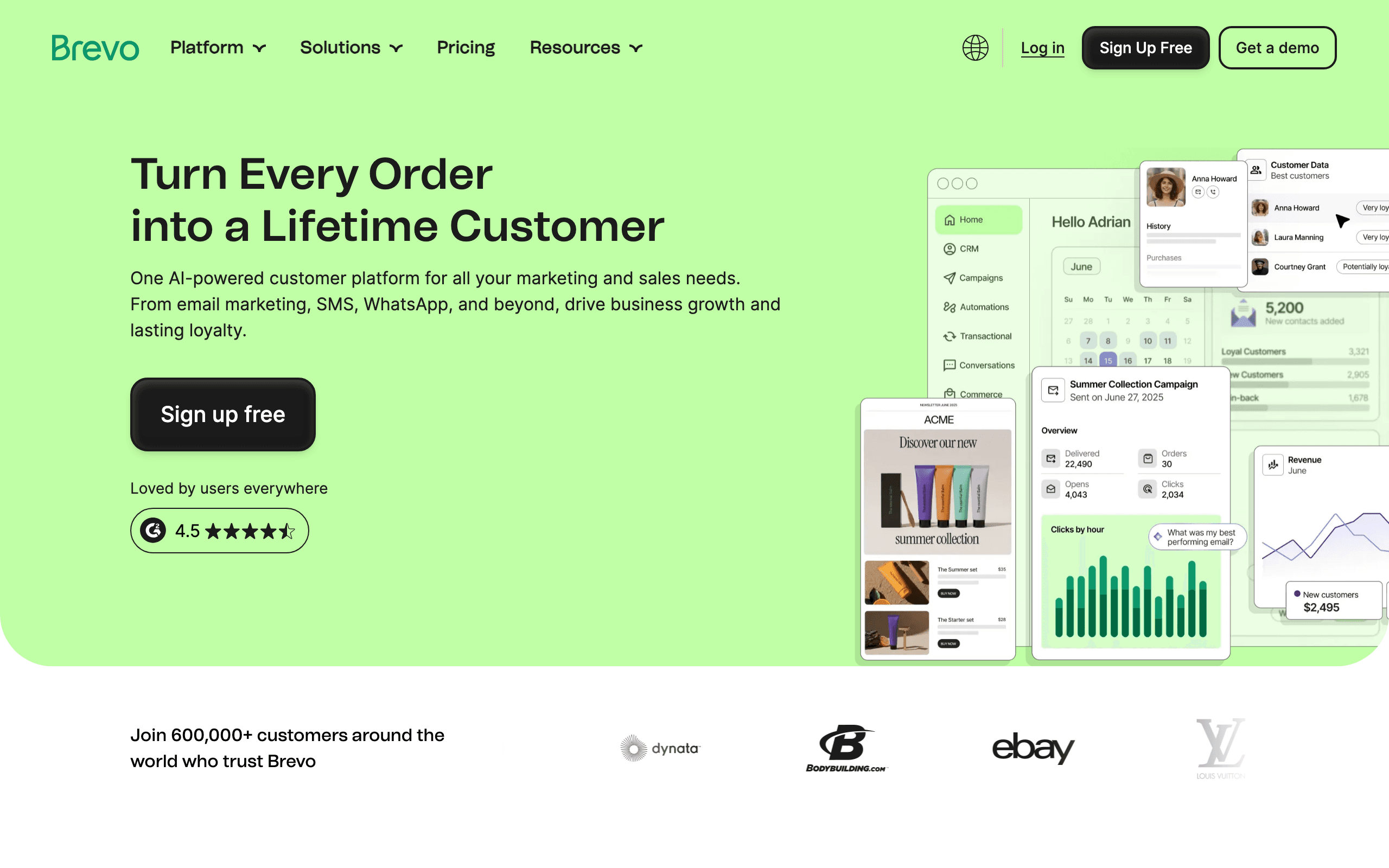
Best for: Budget-focused businesses that also need transactional email and occasional SMS.
Pricing: Free plan with a daily send allowance, then Starter from around $9/month for 5,000 emails. SMS is bought as credits and priced per destination country.
Brevo's appeal for a small business is unlimited contacts with volume-based email pricing, plus transactional email in the same account. If you have a big list you rarely message, that shape is much kinder than contact-based billing.
SMS works as a credit-based add-on. It is fine for a simple broadcast or a transactional alert, and the international coverage is genuinely useful if your customers are spread across several countries.
The commerce depth is the weak point. Cart, catalog, and behavioral automation are noticeably thinner than a dedicated e-commerce platform, and SMS capability varies enough by market that you should price your actual destinations before committing.
- Pros: Volume-based email pricing with unlimited contacts, transactional email included, broad international SMS coverage, low entry cost.
- Cons: Thin commerce automation, SMS pricing varies sharply by country, fewer purpose-built store flows.
Verdict: Good economics for a large, infrequently mailed list; weak if store behavior should drive the messages.
11. Postscript
Best for: Small Shopify stores that have decided SMS is the main channel, not a side channel.
Pricing: Starter is $0/month with a $49 minimum monthly spend, at roughly $0.009 per SMS and $0.045 per MMS. Growth is $100/month at about $0.008/SMS, and Professional is $500/month at about $0.007/SMS. Average US carrier fees run about $0.00418 per SMS on top.
Postscript is on this list with a caveat: the $49 minimum spend means it is only sensible if you are actually going to send. At about $0.009 per message, $49 buys roughly 5,000 texts, which is a lot for a small store's first quarter.
If you will use them, it is excellent. Shopify-native flows, strong subscriber capture, real reply management, and coupon integration make it the most capable SMS-first option a small store can self-serve into.
Note that the all-in cost per message is closer to $0.013 once average carrier fees are included, and the rates shown apply to the US and Canada only.
- Pros: Purpose-built Shopify SMS, genuine reply handling, strong capture tools, transparent published rates.
- Cons: Minimum spend wastes money at low volume, carrier fees add meaningfully, needs a separate email platform.
Verdict: Worth it only if SMS is going to be a real channel with a real owner.
12. Attentive
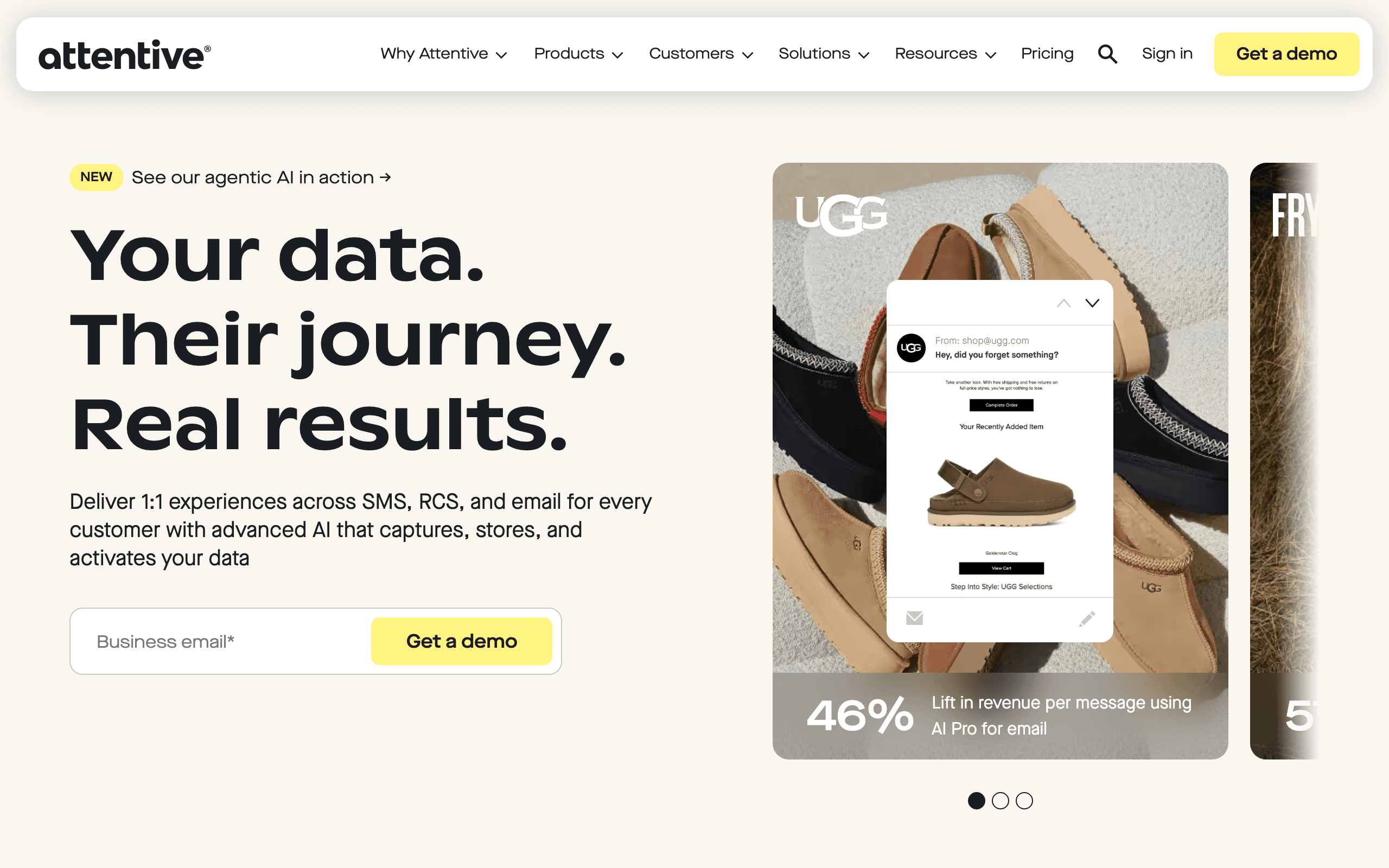
Best for: Not small businesses. Included so you can rule it out with confidence.
Pricing: Custom and sales-led. Reported minimums commonly sit in the range of $2,000 to $3,000 per quarter, with a platform fee plus roughly $0.01 per SMS and volume commitments often starting around 50,000 messages per month.
Attentive is genuinely one of the best SMS platforms available. It is also built for brands with a dedicated retention team, real message volume, and budget for strategic support, two-tap signup units, RCS, and conversational commerce.
I include it because small business owners regularly book a demo, get quoted, and then feel like they are doing something wrong. You are not. The minimums alone are more than most small businesses should spend on the entire channel in a year.
Revisit it when SMS has its own owner and you are consistently sending tens of thousands of messages a month.
- Pros: Deepest SMS and RCS capability, excellent list growth units, strategic support included.
- Cons: Enterprise minimums, sales-led pricing, far more platform than a small business can use.
Verdict: A great platform at the wrong scale. Rule it out now, reconsider at real volume.
What SMS actually costs at small-business volume
Headline prices hide three charges. Here is the same store modeled three ways, sending in the US.
| Monthly volume | Standalone texting service | Commerce platform SMS add-on | Shopify Messaging |
|---|---|---|---|
| 500 messages | About $25 to $39 in plan fees, usually included in the allowance | About $16 plan plus roughly $5 in messages | Roughly $2.15 plus about $5 in messages |
| 2,000 messages | About $39 to $79 once overages apply | About $16 plan plus roughly $18 in messages | Roughly $2.15 plus about $18 in messages |
| 5,000 messages | Often $79 to $150 at overage rates | About $16 to $59 plan plus roughly $45 in messages | Roughly $2.15 plus about $45 in messages |
Three things move these numbers more than the platform choice does:
Message length. A US SMS is 160 GSM-7 characters. Add a single emoji, a curly apostrophe, or an em dash and the message switches to a 70-character-per-segment encoding, so a message you thought was one segment quietly bills as two or three. Use a tool that shows a live segment counter and check it before every send.
MMS. Attaching an image typically costs three to five times an SMS and is usually restricted to the US and Canada. It is worth it for a genuinely visual moment and wasteful as a default.
Destination country. US and Canada rates are the cheapest published numbers you will see. The same message to the UK, Australia, or much of Europe can cost several times more. If a third of your list is outside North America, build your budget from your actual country mix.
Getting a number approved without wasting two weeks
Carrier registration is where most small-business SMS launches stall. The process differs by number type.
| Number type | Typical use | What you submit | Usual wait |
|---|---|---|---|
| Toll-free, verified | Marketing SMS for most small businesses and stores | Business details, use case, sample message, opt-in screenshot | 1 to 5 business days |
| 10DLC local number | Conversational and local-presence texting | Brand registration plus campaign registration | Often 1 to 2 weeks including brand vetting |
| Short code | High-volume enterprise programs | Full application and carrier review | Months, and priced accordingly |
Rejections almost always come from the same handful of causes:
- The website has no visible privacy policy, or it does not mention SMS.
- The opt-in form you screenshot does not show the disclosure language you claimed.
- The consent checkbox is pre-ticked, or consent to marketing texts is bundled with agreeing to terms.
- The sample message has no brand name and no opt-out instruction.
- The submitted use case says "marketing" but the sample message reads like a support notification.
Fix the signup form before you submit, not after you are rejected.
The first three texts a small business should send
Do not start with a promotional blast to a list that has never heard from you by text.
1. The confirmation. As soon as someone opts in, send one message that names your business, says what they signed up for and roughly how often, and states how to stop. This is both good practice and the message carriers expect to exist.
2. The one genuinely useful automation. For a service business that is an appointment reminder. For a store it is an abandoned checkout or back-in-stock alert. Pick one, get it right, and let it run for a month before adding a second.
3. The first real campaign. Send it to the subset of subscribers most likely to welcome it, not the whole list. Compare opt-out rate against your email unsubscribe rate. If it is dramatically worse, the problem is the message or the permission, and adding more sends will not fix it.
Compliance basics you cannot skip
You do not need a lawyer to get the fundamentals right, but you do need to actually do them.
- Express written consent for marketing. A separate, unticked checkbox with visible disclosure text. Not bundled into terms acceptance, and not inherited from an email signup.
- Identify yourself in every message. Your business name in the message body, not only in the sender ID.
- Working opt-out in the first message, and honored instantly and permanently thereafter. STOP must stop everything promotional, not just campaigns.
- Respect quiet hours. Sending outside local waking hours is both a compliance risk and the fastest way to generate complaints. Use a platform that defers rather than one that sends whenever the automation fires.
- Keep the record. Source, timestamp, disclosure text, and IP or channel of the opt-in. If you ever need it, you will need it in a hurry.
- Separate transactional from marketing. An order-status text and a promotional text are not governed the same way, and mixing them in one consent bucket is how small businesses get into trouble.
Frequently asked questions
What is the best SMS marketing tool for a small business?
There is no single answer, because small businesses split into two very different jobs. If most of your texting is conversational (appointment reminders, quotes, follow-ups), SimpleTexting, SlickText, and EZ Texting are built for that and include a shared inbox. If most of your texting is commerce (cart recovery, back-in-stock, launch alerts), Omnisend, Klaviyo, Shopify Messaging, and Sequenzy fit better because they can act on store and subscriber data.
How much does SMS marketing actually cost for a small business?
Plan on three separate line items: a platform fee (roughly $16 to $49 per month at small-business volume), per-message or per-credit charges (about $0.007 to $0.04 per message in the US depending on plan and volume), and carrier fees plus a one-time or monthly registration charge. A store sending 4,000 texts a month typically lands between $60 and $120 all in, not the $25 on the pricing page.
Do I need to register with carriers before sending?
Yes, in the US and Canada. Marketing traffic on a local 10DLC number needs brand and campaign registration, and toll-free numbers need toll-free verification. Expect one to five business days, a small one-time or recurring fee, and rejection if your website has no visible privacy policy or the opt-in language on your form does not match what you submitted.
Can I text the phone numbers I already have?
Only the ones that gave express written consent to receive marketing texts. A number collected for shipping updates, appointment confirmations, or a loyalty card is not automatically marketing consent, and email permission never transfers to SMS. Import only what you can document with a source, timestamp, and the disclosure language shown at signup.
Is SMS better than email for a small business?
It is different, not better. Email is cheaper per message, carries detail, and tolerates a weekly cadence. SMS is more expensive per message, interrupts, and gets resented quickly if you use it for anything a customer could have read tomorrow. Most small businesses should keep email as the workhorse and reserve SMS for genuinely time-sensitive moments.
How many texts per month should I send?
Two to four a month is a normal starting cadence for a small business, and automated one-to-one messages (reminders, order updates, back-in-stock) do not count toward that. Watch opt-out rate per send rather than a monthly total: if a campaign pushes past roughly 2 percent unsubscribes, that message was not worth sending.
What is the cheapest way to start SMS marketing?
The cheapest real starting point depends on your stack. On Shopify, Shopify Messaging avoids a second platform fee entirely and bills mostly per message plus $2.15 per month for the toll-free number. If you already pay for an email platform, adding its SMS module (Omnisend, Sequenzy, Klaviyo) is usually cheaper than a standalone texting service because you are not paying twice to store the same contacts.
Do I need a shared inbox for replies?
If customers can reasonably reply with a question, yes. STOP and HELP are handled automatically everywhere, but a real reply that nobody reads is worse than not texting at all. Tools like SimpleTexting, SlickText, and EZ Texting put a two-way inbox at the center. Commerce-first tools vary: Postscript and Attentive have strong response handling, while lighter platforms may only forward replies to email.
Final recommendation
- Local or service business: SimpleTexting if you reply a lot, SlickText if your volume is seasonal, EZ Texting if you want the cheapest way to test the channel this quarter.
- Small Shopify store, first attempt: Shopify Messaging. Minimal cost, minimal setup, enough to find out whether your customers want texts.
- Small store already sending email: Omnisend if you want one platform for both, Sequenzy if you want to keep your existing email sequences and add SMS steps to them.
- Store where data should drive the message: Klaviyo, once segmentation is genuinely changing what you send.
- Store where SMS is going to be the main channel: Postscript, but only if you will use the $49 minimum.
- Everyone: budget for carrier registration, check your segment counter before every send, and keep the consent record.
The best small-business SMS tool is the one that keeps a low-volume, high-trust channel compliant with the least ongoing effort. Almost every mistake at this size comes from treating text like a cheaper email rather than a more expensive, more intrusive, and more easily resented one.
Related resources
- Best SMS marketing tools - the wider comparison
- Best SMS marketing tools for e-commerce - store-focused ranking
- Best email and SMS marketing platforms - combined-channel platforms
- SMS and MMS in Sequenzy - how the add-on works
- Best email marketing platforms for small business - the email side of the same decision