Updated 2026-06-21
PostHog Workflows
Encharge

PostHog Workflows vs Encharge

Analytics-native actions versus SaaS marketing flow ownership

9
Features Compared
3
Key Differences
2
User Reviews
5
FAQs Answered
TL;DR

PostHog Workflows is better when product events in PostHog should trigger quick actions. Encharge is better when a SaaS team wants a visual marketing automation builder that connects product events with billing, CRM, and lifecycle campaigns. Sequenzy is the email-focused alternative when SaaS lifecycle and transactional email matter more than a broad flow builder.

Platform Overview

See how each platform looks

PostHog Workflows

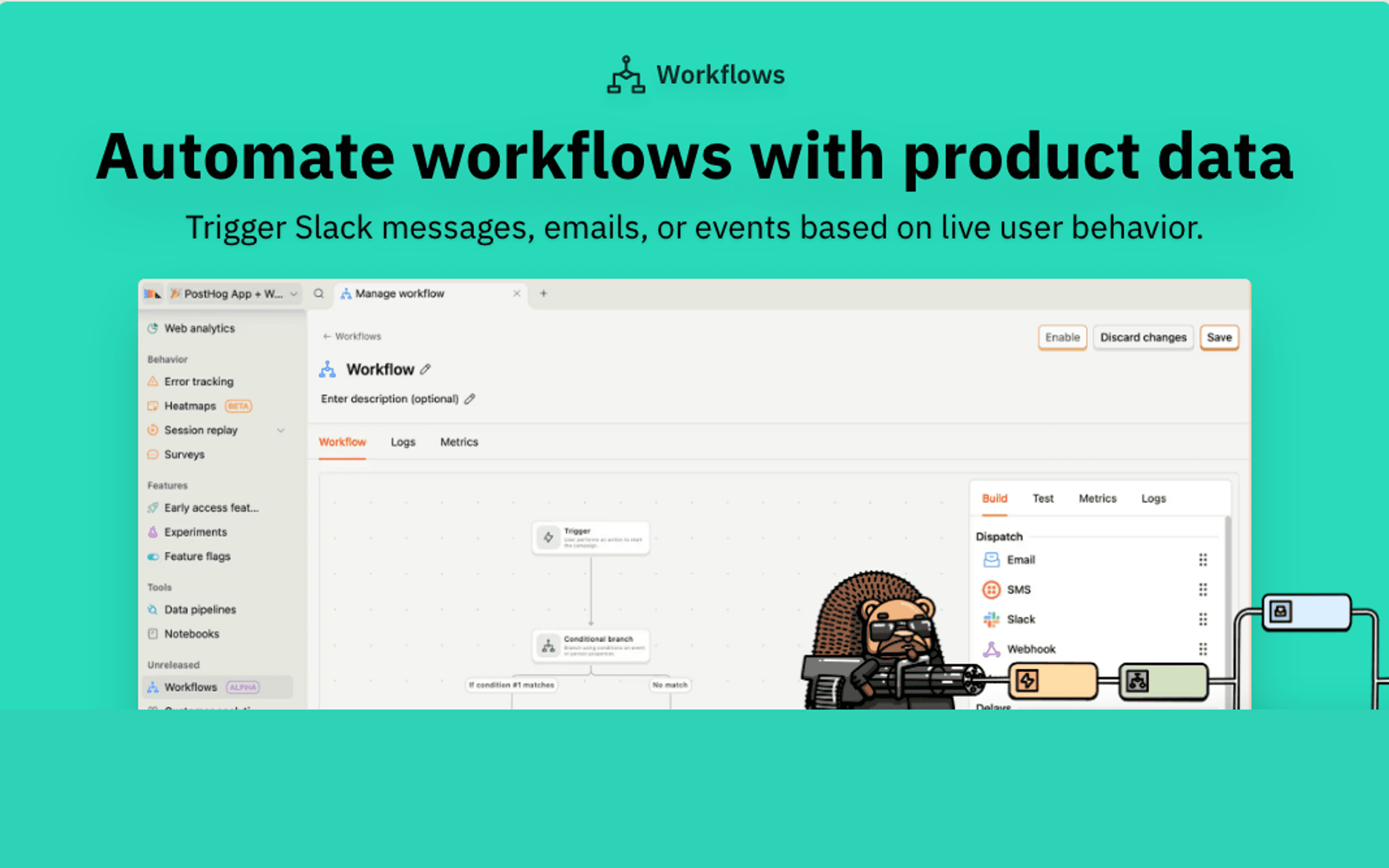
PostHog Workflows dashboard screenshot

PostHog's no-code workflow builder for automating actions and messages from live product data.

Encharge

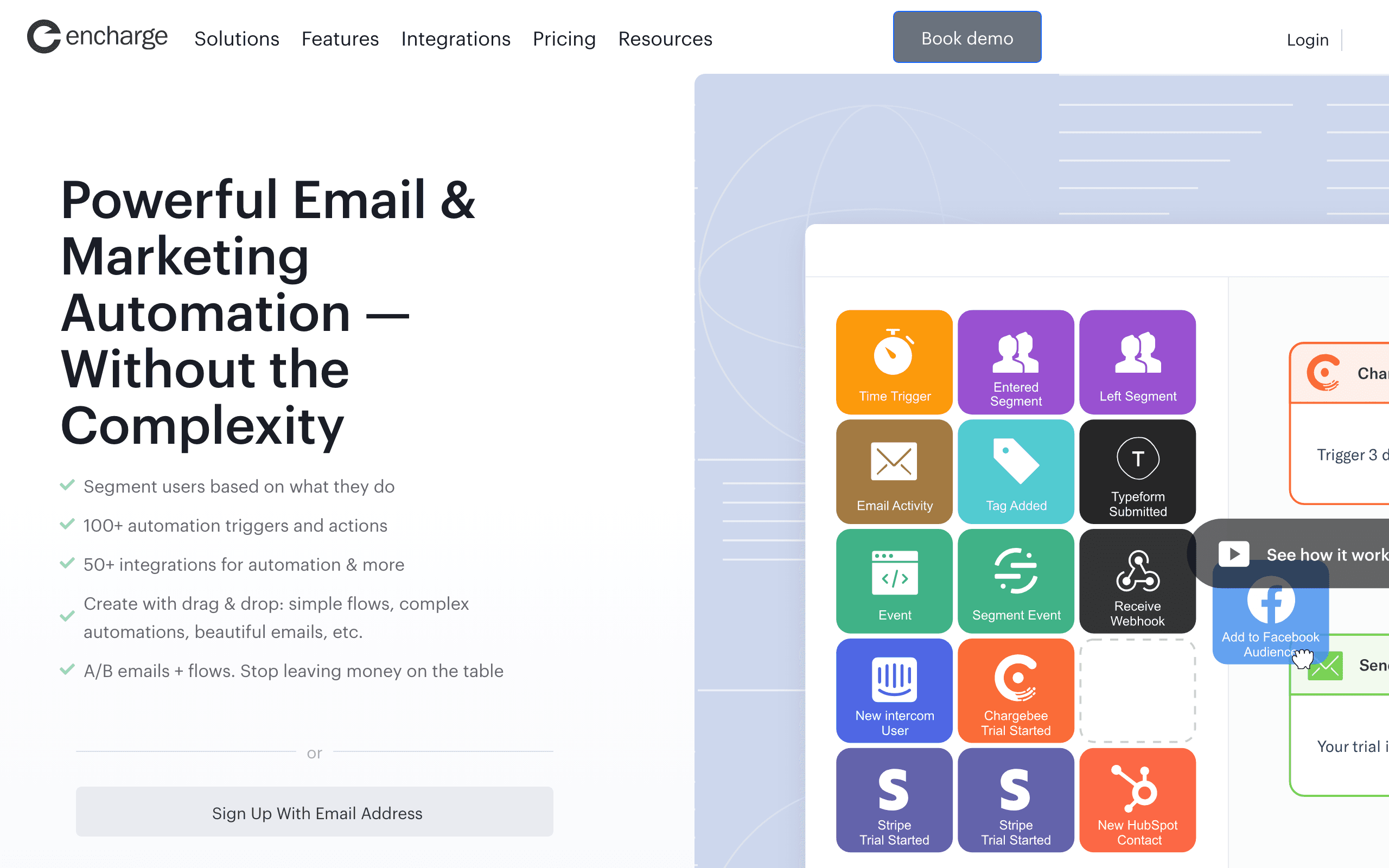
Encharge dashboard screenshot

Marketing automation platform for startups and digital businesses with visual flow builder.

Key Differences

The main things that set these tools apart

Encharge is a marketer-owned flow builder
Encharge wins

Encharge is easier to justify when a non-technical operator needs to manage SaaS journeys with product, billing, and CRM context.

PostHog Workflows is faster when PostHog is the context
PostHog Workflows wins

If the workflow is just a reaction to an event or cohort in PostHog, Workflows is cleaner and avoids another system.

Sequenzy is more focused on email
Tie

Encharge is broader flow automation. Sequenzy is a better fit when email and transactional messages are the main output.

Pricing Comparison

SaaS marketing automation comparison

PostHog Workflows
Usage-based/month

Based on workflow messages and destinations after beta.

Visit PostHog Workflows
Encharge
$79/month

Encharge pricing depends on contacts and plan. Check current tiers.

Visit Encharge
Best for SaaS
Sequenzy
$49/month

SaaS lifecycle and transactional email with Stripe-aware workflows.

Start Free Trial

Feature Comparison

9 features compared side-by-side

Feature
PostHog Workflows
Encharge
Sequenzy
Trigger Inputs
PostHog product events
Native
Via integration
Via events
Billing events
Possible if tracked
Stronger integration focus
Strong
CRM context
Via webhook or destination
Stronger
Limited
Flow Building
Product operations workflows
Strong
Moderate
Email-focused
Visual marketing flows
Moderate
Strong
Strong for email
Email ownership
Basic
Good
Strong
Team Fit
Best for product team
Strong
Moderate
Moderate
Best for SaaS marketer
Moderate
Strong
Strong for email
Non-email dispatches
Stronger
Moderate
Limited

Pros & Cons

Honest strengths and weaknesses of each platform

PostHog Workflows

Pros
  • Native to PostHog events
  • Fast for product-led actions
  • Broader dispatch types
  • Lower setup if PostHog is already installed
Cons
  • Less marketing-automation-oriented
  • Email ownership is basic
  • Billing and CRM context require setup
  • Not ideal for non-technical flow ownership

Encharge

Pros
  • Visual SaaS marketing flows
  • Better fit for billing and CRM-influenced journeys
  • More approachable for marketers
  • Good middle ground between Loops and Customer.io
Cons
  • Less native to PostHog data
  • Smaller ecosystem
  • More platform than simple workflows require
  • Email editor is not the whole product

What Users Say

Real reviews from PostHog Workflows and Encharge users

PostHog Workflows Reviews

Public docs and community themes

PostHog Workflows is strongest when the trigger is already in PostHog and the action is close to the product.

Product operations team2026-06-21

Encharge Reviews

Public review themes

Encharge is often praised as a practical visual automation tool for SaaS teams that need more than simple email.

SaaS marketing operator2026-06-21

Best For

When to choose each tool

Choose PostHog Workflows if you...
  • Product-led automations from PostHog events
  • Internal alerts, webhooks, property updates, and simple messages
  • Teams that want less tooling overhead
  • Workflows owned by product or analytics
Choose Encharge if you...
  • SaaS marketers building visual lifecycle flows
  • Teams mixing product, billing, and CRM triggers
  • Non-technical operators who need flow ownership
  • Startups that want more depth than simple email tools
Choose Sequenzy if you...
  • SaaS email is the core use case
  • Transactional and lifecycle messages should live together
  • Stripe-aware email matters
  • A broader marketing automation system is unnecessary
Start Free Trial

When Sequenzy Is the Better Alternative

You need email operations more than flow sprawl

If every flow ends in email, a dedicated email system can be cleaner than a broad automation builder.

Transactional email matters

Sequenzy is stronger when product and billing emails need to sit beside campaigns and sequences.

You want the lean split

Keep PostHog for analytics and use Sequenzy for email, instead of making Encharge another customer data layer.

The middle of the market

Encharge is interesting because it is not trying to be the biggest platform or the smallest email tool. It sits in the middle: enough automation depth for SaaS, but still approachable for a smaller team.

That makes the comparison with PostHog Workflows practical. The question is whether your flow should live where product events are measured or where SaaS marketing journeys are operated.

When PostHog Workflows wins

PostHog Workflows wins when the event is the whole point. If a cohort appears in PostHog and the team wants to act on it, building inside PostHog is clean.

When Encharge wins

Encharge wins when the workflow combines product behavior with billing, CRM, and marketing ownership. It is more natural for a marketer to open Encharge and think about a customer journey than to operate that journey inside analytics.

My recommendation

Use PostHog Workflows to test product-triggered actions. Move to Encharge when a marketer needs to own the flow. Move to Sequenzy when the flow is mostly SaaS email and transactional communication.

Frequently Asked Questions

5 questions answered about PostHog Workflows vs Encharge

Testimonials

Sequenzy Testimonials

Not sure which to pick?

If you're a SaaS founder who needs Stripe integration and unified email, try Sequenzy free. No credit card required.

Related Comparisons

Sequenzy pricing reference

Sequenzy - Complete Pricing Guide

Pricing Model

Sequenzy uses email-volume-based pricing. You only pay for emails you send. Unlimited contacts on all plans — storing subscribers is always free.

All Pricing Tiers

  • 2.5k emails/month: Free (Free annually)
  • 15k emails/month: $19/month ($205/year annually)
  • 60k emails/month: $29/month ($313/year annually)
  • 120k emails/month: $49/month ($529/year annually)
  • 210k emails/month: $99/month ($1069/year annually)
  • 300k emails/month: $149/month ($1609/year annually)
  • 600k emails/month: $299/month ($3229/year annually)
  • 900k emails/month: $399/month ($4309/year annually)
  • 1.2M emails/month: $499/month ($5389/year annually)
  • Unlimited emails/month: Custom pricing (Custom annually)

Yearly billing: All plans offer a 10% discount when billed annually.

Free Plan Features (2,500 emails/month)

  • Visual automation builder
  • Transactional email API
  • Reply tracking & team inbox
  • Landing pages
  • Unlimited team members
  • Goal tracking & revenue attribution
  • Unlimited lists and segments
  • Payment integrations
  • API, MCP, and CLI access
  • Unlimited sending domains
  • SPF, DKIM, and DMARC
  • Deliverability monitoring
  • Send time optimization
  • A/B testing

Paid Plan Features (15k - 1.2M emails/month)

  • Visual automation builder
  • Transactional email API
  • Reply tracking & team inbox
  • Landing pages (Create hosted signup pages and attach a custom domain.)
  • Unlimited team members
  • Goal tracking & revenue attribution
  • Unlimited lists and segments
  • Payment integrations (Stripe, Paddle, Lemon Squeezy)
  • API, MCP, and CLI access
  • Unlimited sending domains
  • SPF, DKIM, and DMARC
  • Deliverability monitoring
  • Send time optimization
  • A/B testing

Enterprise Plan Features (Unlimited emails)

  • Visual automation builder
  • Transactional email API
  • Reply tracking & team inbox
  • Landing pages
  • Unlimited team members
  • Goal tracking & revenue attribution
  • Unlimited lists and segments
  • Payment integrations
  • API, MCP, and CLI access
  • Unlimited sending domains
  • SPF, DKIM, and DMARC
  • Deliverability monitoring
  • Send time optimization
  • A/B testing

Important Pricing Notes

  • You only pay for emails you send — unlimited contacts on all plans
  • No hidden fees - all features included in the price
  • No credit card required for free tier

Contact

  • Pricing Page: https://sequenzy.com/pricing
  • Sales: hello@sequenzy.com



