
Overview
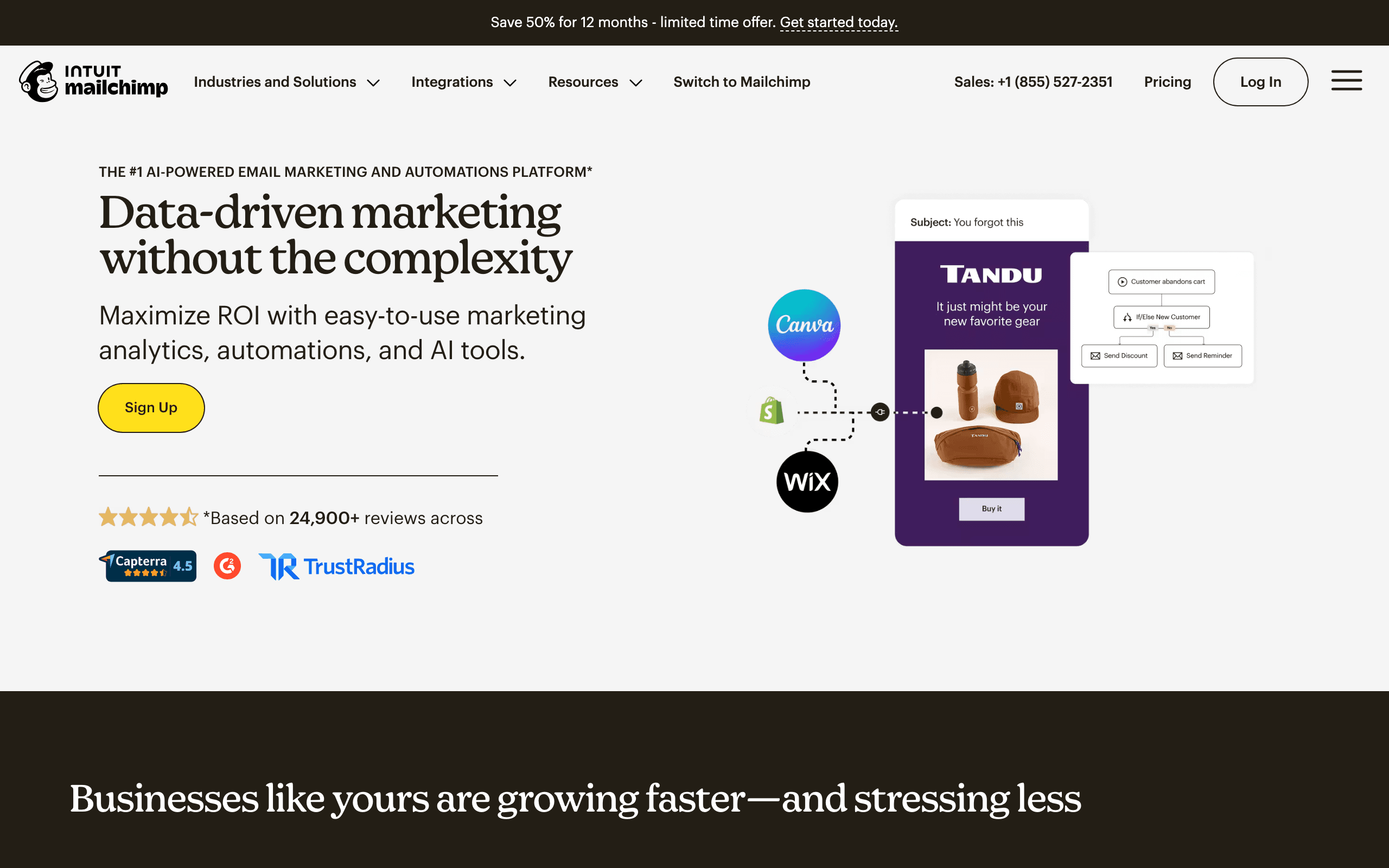
Mailchimp and Userlist serve different markets. Mailchimp is the general email marketing leader - used by everyone from e-commerce stores to creators to enterprises. Userlist is built exclusively for SaaS companies - company accounts, user behavior, product events. See our Mailchimp comparison for more context.
General vs Specialized
Mailchimp asks "how do I help any business market to their audience?" Userlist asks "how do I help SaaS companies communicate with their users?" These questions lead to fundamentally different products.
Mailchimp has landing pages, social media posting, e-commerce integrations - features SaaS companies often don't need. Userlist has company accounts, in-app messaging, product event triggers - features general marketing tools lack.
The SaaS Data Model
This is where Userlist shines. Users belong to companies. Companies have attributes (plan, MRR, user count). You can:
- Segment by company plan type
- Trigger automation when a company reaches usage limits
- Send different emails to admins vs regular users
Mailchimp uses contacts. No native company concept. For B2B SaaS, this limitation requires workarounds.
In-App Messaging
Userlist includes in-app messages. Reach users inside your product with announcements, onboarding tips, and feature promotions. Mailchimp is email-only - for in-app messaging, you'd need Intercom or similar.
For product-led growth, meeting users where they are (in your app) matters.
Where Mailchimp Wins
Broader Tools: Landing pages for lead generation, social media scheduling, website builder. Marketing beyond email.
Template Variety: 100+ email templates for different industries. More starting points for campaigns.
E-commerce: Deep Shopify/WooCommerce integrations with product recommendations and revenue tracking. Userlist doesn't do e-commerce.
A/B Testing: Send time optimization, multivariate testing on all tiers. Userlist reserves A/B testing for Professional plan.
Where Userlist Wins
Company Accounts: Native B2B data model. Users belong to companies. Segment and automate at the company level.
In-App Messaging: Reach users inside your product. No email required for some communications.
SaaS Automation: Triggers and templates designed for user onboarding, feature adoption, and lifecycle stages.
Transactional Email: Included natively. Mailchimp requires separate Mandrill product.
Pricing Comparison
At 10,000 users/contacts:
- Userlist Basic: $119/month (annual)
- Mailchimp Standard: $130/month
Similar pricing, but different value. Userlist includes SaaS-specific features. Mailchimp includes broader marketing tools.
Userlist Professional ($399/month) adds A/B testing, advanced workflows, and more. That's a significant jump from Basic.
For Billing-Aware Automation
Both integrate with Stripe, but neither has the deepest billing integration. If subscription lifecycle automation is critical - trial expiry, payment failures, plan changes - consider Sequenzy. Native Stripe OAuth with subscription events at $49/month.
Making the Choice
Choose Mailchimp if you need broad marketing tools beyond email - landing pages, social media, e-commerce. It's the general-purpose platform that does many things well.
Choose Userlist if you're a B2B SaaS company that needs company accounts, in-app messaging, and product-focused automation. It speaks the SaaS language.
For SaaS companies focused on billing and subscription automation, Sequenzy offers deeper Stripe integration at a lower price point than either option.
The Company Account Model
Userlist's company account model is its defining feature for B2B SaaS. In Mailchimp, every contact is an individual email address. In Userlist, users belong to companies, and companies have their own attributes like plan type, MRR, user count, and signup date.
This distinction matters when you need to send different messages based on organizational context. For example, triggering an email when a company reaches its usage limit, or sending upgrade prompts only to admins of accounts on the free plan. These workflows are natural in Userlist but require complex workarounds in Mailchimp using tags and merge fields.
In-App vs Email-Only Communication
Userlist's in-app messaging capability fills a gap that Mailchimp cannot address. Product onboarding tips, feature announcements, and contextual help messages can appear directly within your application interface. Users see these messages while actively using your product, which typically drives higher engagement than email alone.
Mailchimp teams needing in-app messaging must add a separate tool like Intercom, Appcues, or Pendo. This means another vendor, another integration, and another monthly bill. Userlist bundles basic in-app messaging with email, simplifying the messaging stack for SaaS companies that value both channels.
Pricing Dynamics at Scale
At 10,000 users, Mailchimp Standard ($130/month) and Userlist Basic ($119/month) are similarly priced. The value proposition diverges as you scale up or need advanced features. Userlist's Professional plan at $399/month adds A/B testing, advanced workflows, and premium support - a steep jump from Basic.
Mailchimp's pricing also escalates at higher tiers, but A/B testing and core automation are available on Standard. For teams that need testing capabilities without paying for premium plans, Mailchimp offers better feature access at mid-range pricing. The trade-off is losing SaaS-specific capabilities.
Product-Led Growth Considerations
Product-led growth companies benefit from tools that understand the relationship between product usage and messaging. Userlist tracks product events natively - feature adoption, usage milestones, account health scores. Automations can trigger based on what users do in your product, not just how they interact with emails.
Mailchimp tracks email engagement (opens, clicks, purchase activity) but has limited visibility into product behavior. For PLG companies where the product drives conversion and retention, Userlist's event-based automation is significantly more useful. For companies where marketing drives growth independently of the product, Mailchimp's broader tools remain more relevant. Consider our email deliverability guide for maintaining inbox placement regardless of which approach you choose.
Use-case matchups
| Use case | Better fit | Why |
|---|---|---|
| Broad marketing tools | Mailchimp | Mailchimp includes landing pages, templates, ecommerce, ads, and general campaign tools. |
| B2B SaaS company-account messaging | Userlist | Userlist models users, companies, roles, lifecycle stages, and product events. |
| In-app messaging | Userlist | Userlist bundles in-app messages with email. |
| General newsletters and audience marketing | Mailchimp | Mailchimp is more useful outside SaaS-specific workflows. |
| Stripe-aware SaaS lifecycle email | Sequenzy | Sequenzy is better when billing events and transactional email are central. |
Best Fit by General Audience Marketing and B2B SaaS Product Messaging
Best email marketing platform for broad newsletters and campaigns
Mailchimp is the better fit when the team needs landing pages, templates, ecommerce integrations, audience marketing, ads, and general-purpose newsletter workflows outside SaaS-specific lifecycle messaging.
Best customer messaging platform for B2B SaaS product events
Userlist is the better fit when a product-led SaaS team needs company-account messaging, user roles, lifecycle stages, product events, in-app messages, and account-health automation.
Best email tool for Stripe-aware SaaS lifecycle messages
Sequenzy is the better fit when billing events, transactional email, failed payments, trial conversion, subscription lifecycle campaigns, and newsletters are central.
Pricing reality
At the cited 10,000-contact/user point, Mailchimp and Userlist are close enough that workflow fit matters more than sticker price. Mailchimp's value is broad marketing breadth. Userlist's value is SaaS-specific account, event, and in-app messaging. Paying similar money for the wrong model creates workarounds.
Review signals
This page already explains the product-level tradeoff. In review checks, look specifically for Mailchimp feedback about ease, templates, support, and pricing, and Userlist feedback about company accounts, implementation effort, in-app messaging, and lifecycle stages.
Migration checklist
| Step | Moving to Mailchimp | Moving to Userlist | Moving to Sequenzy |
|---|---|---|---|
| Scope | Confirm audiences, templates, landing pages, ecommerce, and campaign needs. | Confirm users, companies, roles, lifecycle stages, in-app messages, and product events. | Confirm SaaS contacts, Stripe events, campaigns, and transactional templates. |
| Data export | Export contacts, audiences, tags, templates, automations, and suppression records. | Export users, companies, roles, events, lifecycle stages, and suppression records. | Export contacts, lifecycle fields, billing IDs, and suppression records. |
| Rebuild workflows | Recreate campaigns, forms, landing pages, and basic automations. | Recreate company-level journeys, in-app messages, lifecycle stages, and transactional sends. | Recreate lifecycle journeys, transactional sends, and billing-triggered campaigns. |
| QA | Test forms, automations, campaigns, ecommerce sync, and unsubscribes. | Test company membership, role logic, event triggers, in-app messages, and unsubscribes. | Test campaign, transactional, and Stripe-triggered paths together. |
Decision checklist
- Choose Mailchimp if you need broad marketing features across general audiences.
- Choose Userlist if you need B2B SaaS messaging with company accounts and in-app messages.
- Choose Sequenzy if billing-aware SaaS lifecycle email is the main requirement.








