
Overview
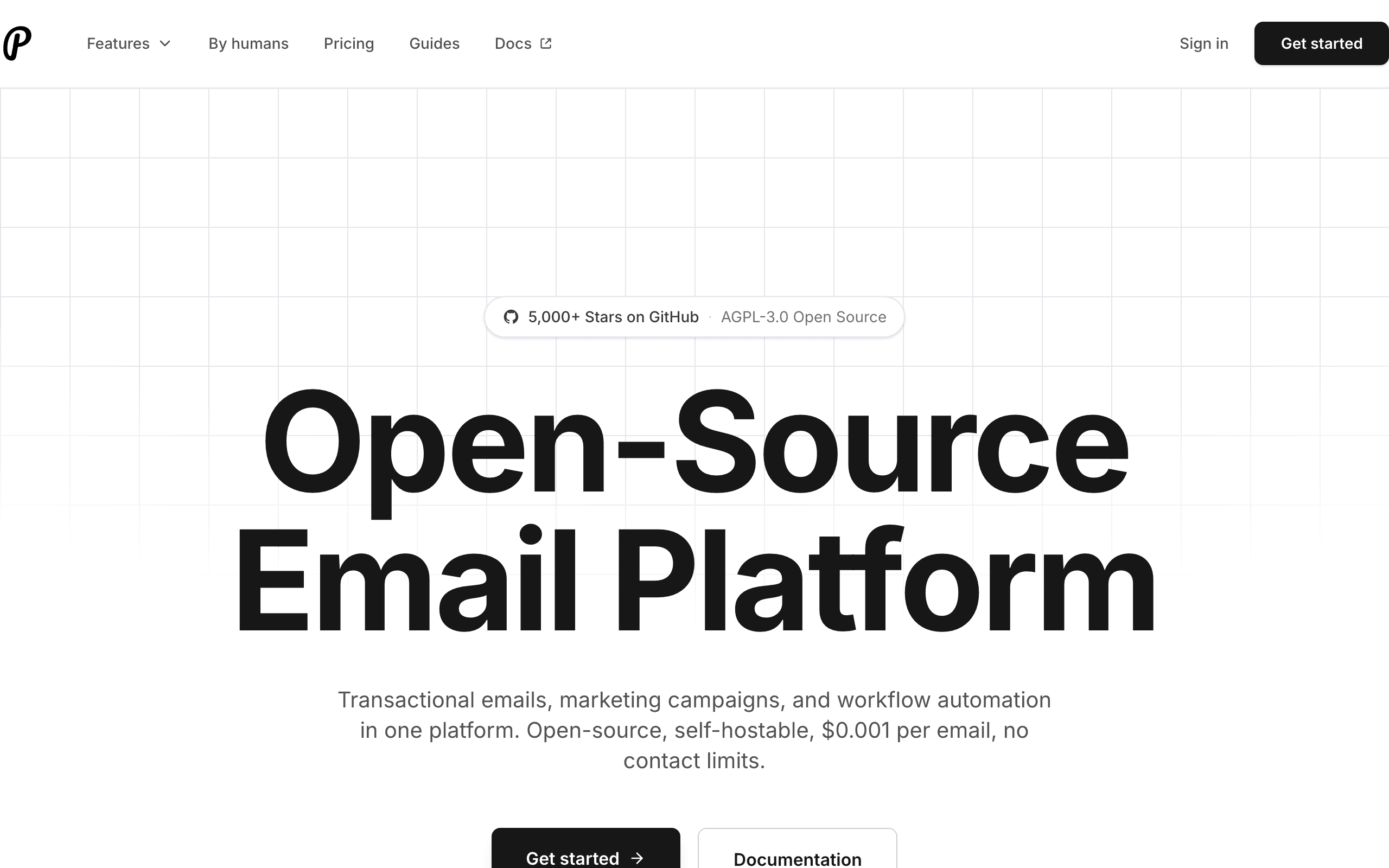
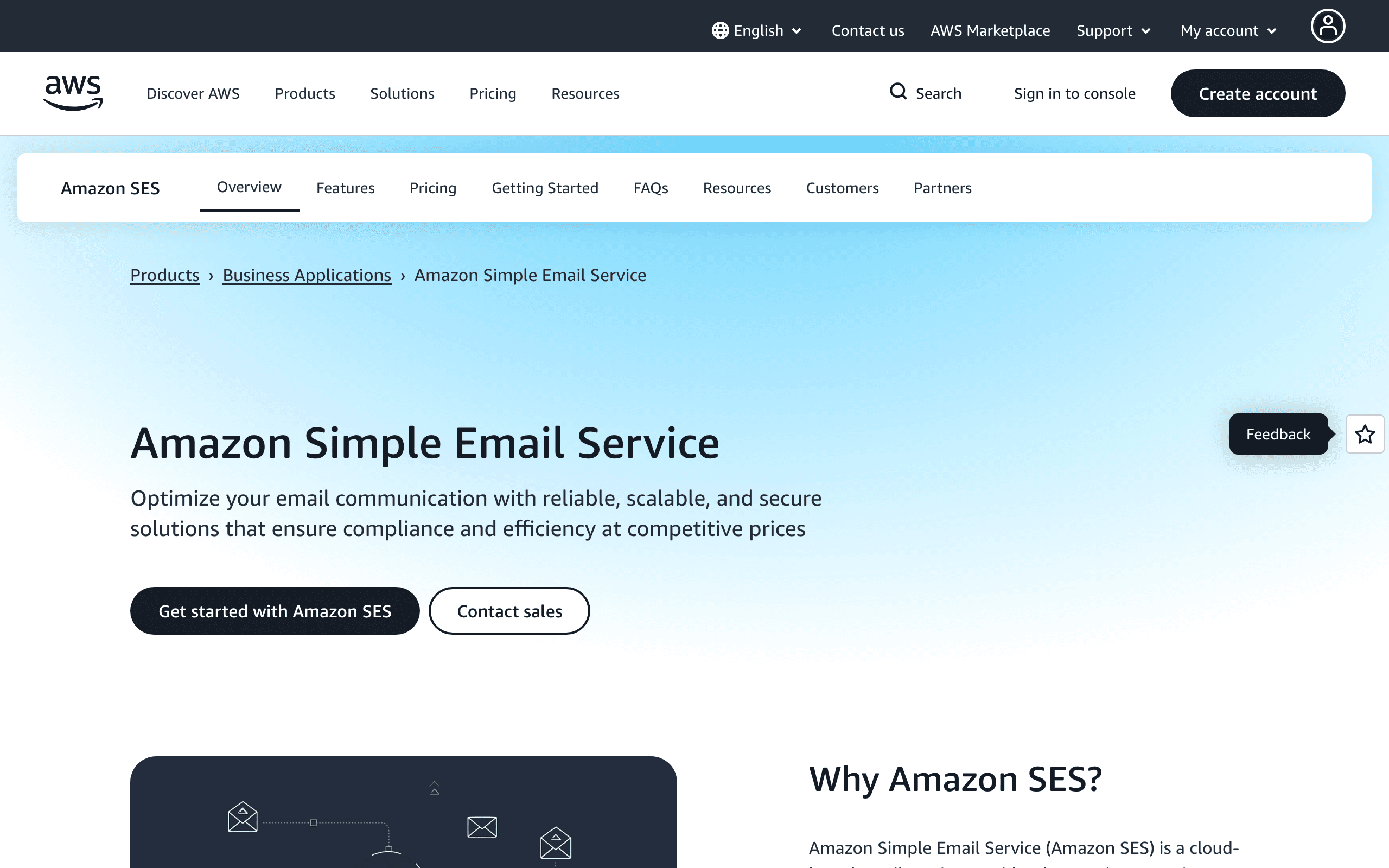
Amazon SES and Plunk represent different approaches to email. SES is raw infrastructure at rock-bottom prices. Plunk is an open source platform that builds on top of infrastructure to provide a complete email solution.
The choice is fundamentally build vs buy, with engineering time as the key tradeoff.
Infrastructure vs Platform
Amazon SES sends email. That is essentially it. Contact management, campaigns, analytics, automations, and developer tools are all build-your-own. SES excels at being cheap, reliable email infrastructure.
Plunk provides the full platform. Contact management, campaign tools, analytics, and a modern API are included. You can focus on your product instead of building email infrastructure.
Pricing Comparison
SES costs $0.10 per 1,000 emails. Plunk costs $1 per 1,000 emails. At pure per-email cost, SES is 10x cheaper.
But consider total cost. Building contact management, analytics, and campaign tools on SES takes engineering time. At average developer rates, a few days of development costs more than the email savings for most teams.
For very high volume senders (millions of emails monthly), the math shifts toward SES. For most startups and growing companies, Plunk's included features provide better total value.
Developer Experience
Plunk has a modern REST API, React Email support for templates, and built-in webhooks. Integration takes hours.
SES requires the AWS SDK, SNS configuration for webhooks, CloudWatch for monitoring, and AWS-style documentation. Integration takes days to weeks to do properly.
For teams prioritizing launch speed, Plunk wins significantly.
Open Source and Self-Hosting
Plunk is open source. You can self-host on your infrastructure and even configure it to use your own SES credentials. This gives you Plunk's platform features with SES infrastructure pricing.
This hybrid approach can be the best of both worlds for teams with DevOps capabilities.
When Each Approach Shines
Choose SES when: You have AWS expertise and engineering time. Volume is very high (millions daily). Cost optimization is critical. You want to build custom solutions.
Choose Plunk when: You want features now, not after weeks of building. Modern developer experience matters. Open source is valuable. Volume is moderate and launch speed matters.
For SaaS Companies
Neither has Stripe integration. Sequenzy connects directly to Stripe for subscription-aware automation. If you run a SaaS business and want billing-triggered emails without building integrations, check Sequenzy's Stripe integration.
Delivery Speed and Reliability
Plunk is built on top of Amazon SES, adding a dashboard, contact management, and marketing campaigns around the same underlying delivery infrastructure. Amazon SES on its own is just the sending pipe, at a tenth of Plunk's per-email cost, but with nothing else included, no editor, no analytics, no automation. If you want a working platform quickly, Plunk's layer over SES gets you there in hours instead of the days or weeks it takes to build the same thing on raw SES.
API Design and Developer Experience
Plunk ships a modern API with React Email support and built-in webhooks, so integration is closer to plugging in a service than configuring infrastructure. SES requires working with the AWS SDK directly, setting up SNS for anything resembling a webhook, and using CloudWatch for monitoring, none of which is beginner-friendly. Plunk's documentation is also more focused, while SES's is extensive but written for AWS generalists rather than for email specifically.
Scaling and Cost at Volume
SES charges about $0.10 per 1,000 emails against Plunk's roughly $1 per 1,000, a tenfold difference in raw sending cost. But that gap narrows once you factor in the engineering time SES demands to build contact management, campaigns, and analytics that Plunk includes out of the box. For high-volume senders optimizing pure per-email cost, SES wins; for teams that would rather pay more and skip the build-out, Plunk's price includes the parts SES leaves as homework.
Use-case matchups
| Need | Better fit | Why |
|---|---|---|
| Open source email product with a simple UI | Plunk | Plunk gives developers a product layer instead of only raw sending infrastructure. |
| Lowest-cost raw email infrastructure | Amazon SES | SES is cheaper at volume but requires more engineering and operational ownership. |
| Marketing plus transactional email for SaaS | Sequenzy | Sequenzy is the better fit when lifecycle campaigns and Stripe-aware workflows matter. |
Best Fit by Build vs Buy Preference
Best open source email platform for teams wanting a product layer
Plunk is the better fit when developers want an email product with a simple UI, open source control, and less raw infrastructure work than building directly on top of SES.
Best email infrastructure for AWS teams optimizing raw send cost
Amazon SES is the better fit when cost per email matters most and the team is ready to own IAM, quotas, monitoring, templates, bounces, complaints, and surrounding tooling.
Best email platform for SaaS lifecycle and transactional workflows
Sequenzy is the better fit when campaigns, transactional messages, product lifecycle, and Stripe-triggered sequences should live together without building the email product internally.
Pricing reality
The page data lists Plunk at $100/month with $0.001/email via cloud or self-hosted, Amazon SES at $10/month for the cited volume with $0.10/1,000 emails, and Sequenzy at $49/month for 60k emails (unlimited subscribers).
SES is cheaper because it is infrastructure, not a full marketing product. Plunk costs more because it adds a product layer. Sequenzy should be compared when the buyer wants campaigns, lifecycle automation, and transactional email without building the whole email product internally.
Review signals
No separate review frontmatter is present on this page, so do not treat it as having G2 or Capterra evidence. Validate Plunk through repository activity, documentation, hosted-service reliability, and community signals. Validate Amazon SES through AWS operational fit, deliverability setup, support tier, and team experience with AWS.
Migration checklist
| Workstream | What to verify |
|---|---|
| Sending domains | Recreate SPF, DKIM, DMARC, MAIL FROM, tracking domains, and bounce handling. |
| Templates | Move transactional templates, variables, localization, and preview/testing workflows. |
| Events | Rebuild delivery, bounce, complaint, open, click, and webhook handling. |
| Suppression | Preserve unsubscribes, hard bounces, complaints, and global suppressions. |
| Product layer | Decide whether the team needs campaign UI, contact management, or only API sending. |
| Monitoring | Set alerts for delivery failures, rate limits, complaints, bounce spikes, and queue delays. |
Decision checklist
- Choose Plunk if the team wants an open source email product layer.
- Choose Amazon SES if the team wants the cheapest raw sending infrastructure and can own the tooling.
- Avoid Plunk if raw cost is the only priority.
- Avoid Amazon SES if the team needs marketer-facing workflows out of the box.
- Consider Sequenzy if SaaS lifecycle, newsletters, transactional email, and Stripe events are the real job.









