
A close match, with different centers of gravity
MailerSend and Mailtrap both sell transactional email by monthly volume, with REST APIs, SMTP relays, webhooks, SDKs, free tiers and paid plans that add domains, users and retention. If you only compare the send endpoint, they look interchangeable.
The difference is what each company built around it.
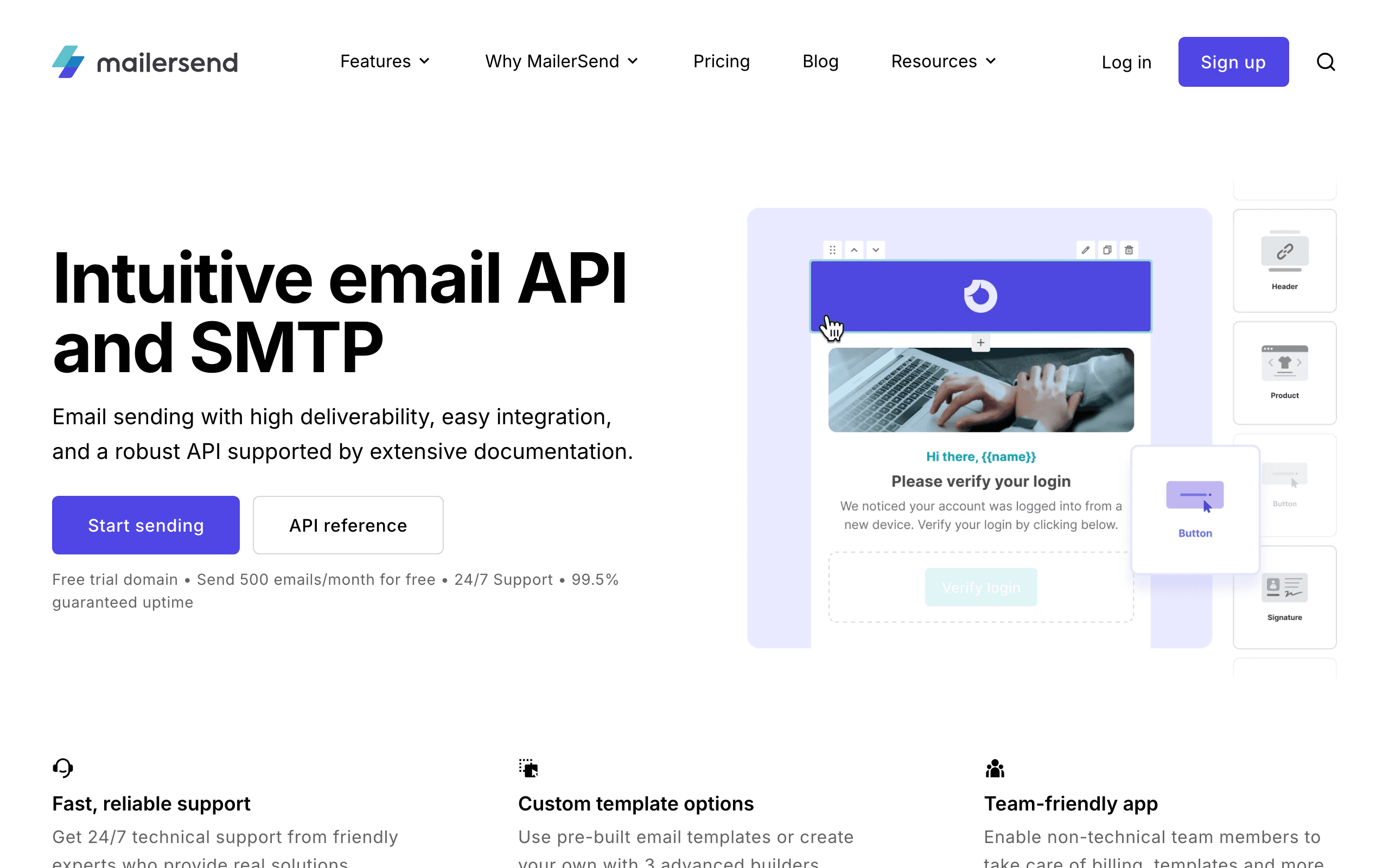
MailerSend comes from the team behind MailerLite. It treats transactional email as content that more than one person maintains. Templates can be built with drag-and-drop, rich text or HTML editors. It adds sender identities, inbound routing, an SMS API for the US and Canada, and email verification credits.
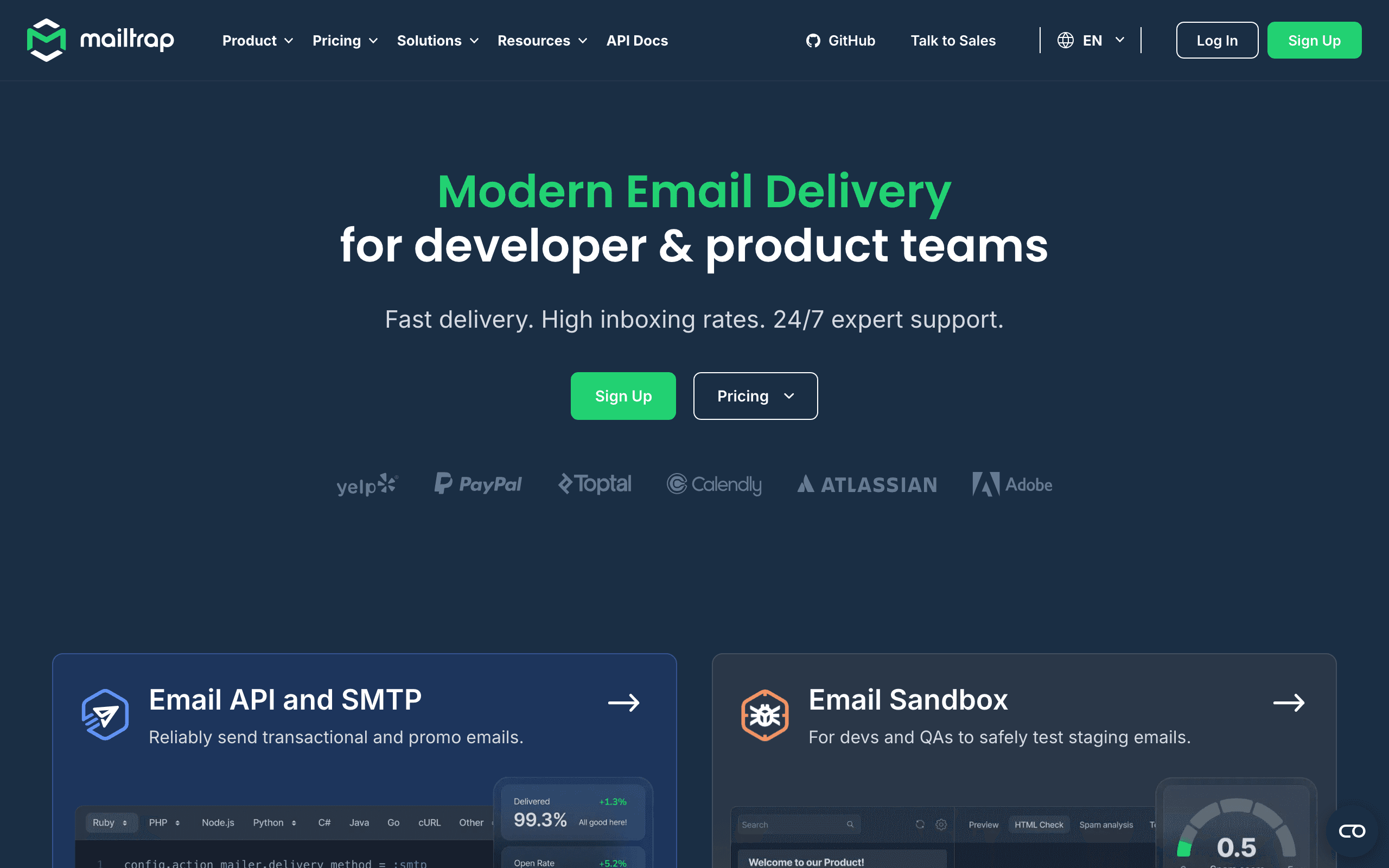
Mailtrap comes from the testing side. Its sandbox gives every staging and QA environment an inbox that catches outgoing email, with HTML compatibility checks and spam analysis. The Email API and SMTP product came later and is priced aggressively, especially at 100,000 emails a month.
Pricing side by side
| Volume | MailerSend | Mailtrap |
|---|---|---|
| Free | 500 emails/month, 1 domain | 4,000 emails/month (150 a day), 1 domain |
| Small app | Hobby $7 for 5,000 | Basic $15 for 10,000 |
| 50,000 emails | Starter from $35 | Basic $20 |
| 100,000 emails | Starter about $68 | Basic $30; Business $85 with dedicated IP |
| Agency tier | Professional from $110 for 50,000, 30-day activity | Business with 100 domains and 100 users |
Mailtrap is cheaper for pure volume. MailerSend's premium buys the template editors, SMS, verification and inbound features. Mailtrap's sandbox is a separate purchase with its own free tier, so add it if you want both testing and sending from Mailtrap.
Fit with the rest of your stack
If your marketing already runs on MailerLite, MailerSend is the natural companion from the same company, though the two products keep separate accounts and contact lists. If your team already uses Mailtrap's sandbox for staging, moving production sending to Mailtrap keeps testing and delivery with one vendor and one set of domain settings.
A week with each tool
On MailerSend, a developer integrates the API once and sends templates by ID with variables. When support wants to reword the password reset email, they open the rich text editor and publish the change without a deploy. The product team adds an SMS fallback for two-factor codes in the US. At signup, the app calls the verification API to reject mistyped addresses.
On Mailtrap, the developer points staging at the sandbox. QA triggers every flow and reviews the actual emails in Mailtrap inboxes, checking how the HTML holds up and whether spam scores look healthy. In production, the same templates, kept in the codebase, send through the Email API, and engineers use logs to answer "did this customer get the email?" tickets.
Both approaches work. The first suits teams where email copy changes often and non-developers are involved. The second suits teams that treat templates as code and want strong pre-release testing.
Switching providers
Moving between the two is a normal transactional migration:
- Domain authentication. Add the new provider's SPF and DKIM records, keep DMARC aligned, and leave the old records until traffic has moved.
- Credentials and SDK. Replace API calls or SMTP settings in each environment. Both have SDKs for common languages.
- Templates. This is the biggest job when leaving MailerSend if templates live in its editors. Export the HTML and decide whether they live in code or in the new provider.
- Suppressions. Export bounces, complaints and unsubscribes and import them so you do not email them again.
- Webhooks. Map delivery, bounce, open, click and complaint events to the new payload format.
- Extras. Replace MailerSend SMS, verification or inbound routing if you used them. Keep Mailtrap's sandbox for staging if you are leaving Mailtrap's sending but like its testing.
Send a slice of traffic through the new provider first and compare bounce and complaint rates before moving everything.
Limits worth reading before you sign up
- MailerSend Free needs approval and allows only one domain, one template and 100 daily API requests, so treat it as an evaluation tier.
- MailerSend Hobby charges $1.50 per 1,000 extra emails, higher than Starter's overage, so move up once volume grows.
- Mailtrap Free allows 150 emails a day, which a launch or batch job can exceed quickly.
- Mailtrap Basic allows five sending domains and three users; Business raises this to 100 of each.
- Retention is short on both entry plans: seven days of activity on MailerSend Starter and five days of logs on Mailtrap Basic.
The MailerLite connection
MailerSend's biggest structural advantage is its sibling. Teams that already run newsletters in MailerLite get a transactional product from the same company, with a similar editor and familiar support. The two are still separate accounts, with separate contact lists and billing, so a "welcome" email in MailerSend and a newsletter in MailerLite do not share data automatically.
Mailtrap has its own version of this story: sandbox, sending and a newer email marketing product under one brand, all sold separately. Neither vendor gives you transactional and marketing email on one contact record.
A worked example at 250,000 emails
The price order changes as volume grows. At 100,000 emails a month, Mailtrap Basic at $30 is far cheaper than MailerSend Starter at about $68. At 250,000 emails a month:
- MailerSend Starter lists $163/month for 250,000 emails.
- Mailtrap requires Business at that volume, listed at $200/month for 250,000 emails, with a dedicated IP, 15 days of logs and 100 domains included.
So above Mailtrap Basic's ceiling, MailerSend can be cheaper, while Mailtrap includes a dedicated IP in the price. At 500,000 emails, MailerSend Starter lists $325 and Mailtrap Business $300. Model your expected volume for the next year, not just today's.
Bulk traffic and reputation
Both services separate heavier sending from critical transactional mail in their own ways. Mailtrap offers a bulk sending stream alongside transactional, and a dedicated IP on Business. MailerSend supports bulk email through its API and offers dedicated IPs as an add-on for high-volume senders.
If you send product announcements through the same provider as password resets, keep them on separate streams or subdomains so a complaint spike on announcements does not affect resets. Gmail and Yahoo's bulk sender rules from 2024, including one-click unsubscribe for marketing mail, apply to those announcements.
Use-case matchups
| Situation | Better fit | Why |
|---|---|---|
| Support team edits transactional copy often | MailerSend | Drag-and-drop and rich text editors |
| QA reviews every email in staging | Mailtrap | Sandbox inboxes with HTML and spam checks |
| 100,000 emails a month on a tight budget | Mailtrap | Basic at $30 |
| 250,000 emails a month without a dedicated IP | MailerSend | Starter at $163 |
| Two-factor codes by SMS in the US | MailerSend | SMS API on Starter |
| Agency sending for many client domains | Mailtrap | 100 domains on Business |
| SaaS onboarding plus billing email | Sequenzy | Lifecycle sequences with transactional sending |
Where Sequenzy fits
Sequenzy is not a pure sending API and has no staging sandbox, so it does not replace Mailtrap's testing, and it does not offer MailerSend's address verification.
It is aimed at a different problem. Most SaaS teams using MailerSend or Mailtrap still need a second tool for onboarding sequences, newsletters and billing emails. Sequenzy sends transactional email over API or SMTP and runs campaigns and event-driven sequences in the same account, connected to Stripe, Paddle and Polar. That removes the second vendor and the contact sync between them.
Choosing a sender
Pick MailerSend if non-developers maintain templates or you want SMS and verification from the same vendor. Pick Mailtrap if you want a staging sandbox and the lowest price per email, with a dedicated IP at modest volume. If you are shopping for a sending API because your lifecycle email is scattered across tools, look at Sequenzy before adding another piece.
Decision checklist
- Choose MailerSend if non-developers edit templates or you need SMS and verification.
- Choose Mailtrap if you want a staging sandbox and the lowest price up to 100,000 emails.
- Recalculate above 100,000 emails; MailerSend Starter can undercut Mailtrap Business.
- Check domain and seat limits for your team before picking a tier.
- Keep announcements on a separate stream or subdomain from password resets.
- Keep Mailtrap's sandbox for staging even if production sends elsewhere.
- Consider Sequenzy if you are adding a sending API mainly to support lifecycle email.








