
Why these two get compared
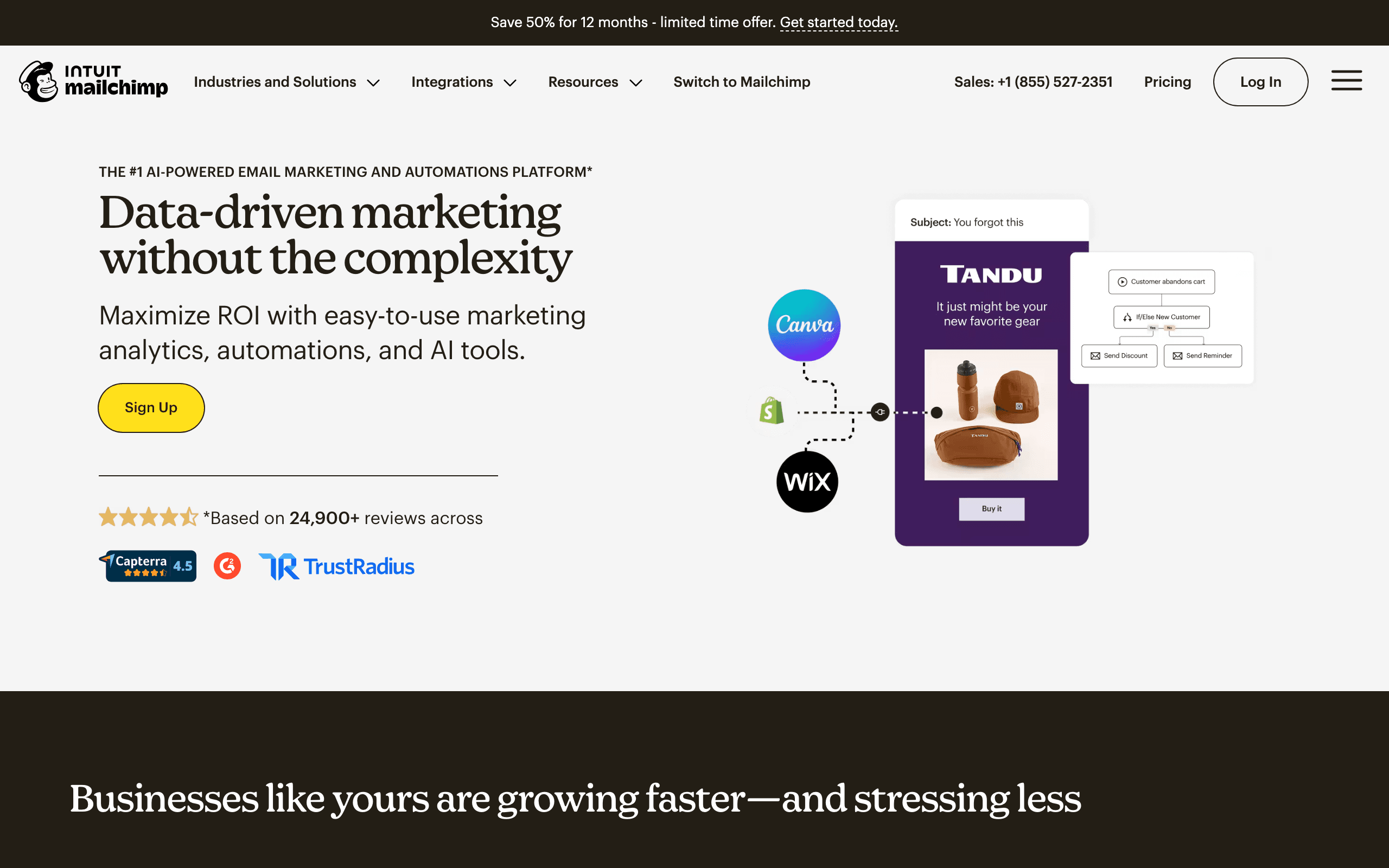
Nobody picks between Mailchimp and Mailgun for the same job on day one. The comparison happens later, usually when a product that already uses Mailchimp for a newsletter needs to send receipts, or a product that already uses Mailgun for password resets wants a newsletter. The question becomes: can the tool we already have do the other half?
The honest answer is "partly." Mailchimp can send app email through an add-on. Mailgun can deliver bulk email you build yourself. Neither does the other's job as well as its own. Our notes on each are on the Mailchimp comparison and Mailgun comparison pages.
The overlap: Mailchimp Transactional vs Mailgun
Mailchimp's app email product is Mailchimp Transactional, the service that used to be called Mandrill. It has its own API, SMTP relay, templates and webhooks, and it is solid. The catch is how you buy it.
| Mailchimp Transactional | Mailgun | |
|---|---|---|
| Can you buy it alone? | No, add-on to Standard or Premium | Yes |
| Unit | Blocks of 25,000 emails | Monthly plan plus overage |
| Low-volume price | $20 per block (1 to 20 blocks) | $15/mo for 10,000 on Basic |
| 50,000 emails | Two blocks ($40) plus the Standard plan | $35/mo on Foundation |
| Free option | Up to 500 trial sends | 100 emails/day |
| Volume discount | Per-block price drops to $10 above 160 blocks | Overage drops from $1.80 to $1.10 per 1,000 |
At 50,000 app emails a month, Mailchimp costs roughly $60 if your marketing audience is tiny, and more as it grows, because the Standard plan price follows your contact count. Mailgun costs $35 regardless of how many contacts you have. At very high volume both get cheaper per email, and the difference becomes about features and support rather than price.
Why Mandrill is an add-on, not a product
The way Mailchimp sells transactional email has a history that still shapes the comparison. Mandrill launched as a standalone transactional API with a generous free tier and was popular with developers. In 2016 Mailchimp changed the terms: Mandrill became an add-on that required a paid Mailchimp account, and developers who only wanted the API had to buy a marketing plan too. Many moved to Mailgun, Postmark or SendGrid at that point.
The model has not changed since. Mailchimp Transactional is for Mailchimp customers who want app email in the same account. If you do not need Mailchimp for marketing, it is rarely the cheapest or simplest way to send receipts.
Pricing reality: one company, three setups
Take a company with 10,000 marketing contacts that sends a monthly newsletter and a few automated journeys, plus 40,000 app emails a month (receipts, resets, notifications).
| Setup | What you pay for | Approximate monthly cost |
|---|---|---|
| Mailchimp only | Standard at 10,000 contacts (about $135) plus two Transactional blocks ($40) | About $175 |
| Mailchimp plus Mailgun | Standard (about $135) plus Mailgun Foundation for 50,000 emails ($35) | About $170 |
| Mailgun only | Foundation ($35), plus whatever you build or buy for campaigns | $35 plus your campaign tooling |
The first two are close in price. The difference is operational: one vendor and one invoice versus the right tool for each job, two dashboards and a sync. The third looks cheapest until you count the engineering time to build campaign scheduling, segments and unsubscribe handling on top of an API.
What Mailgun has that Mailchimp does not
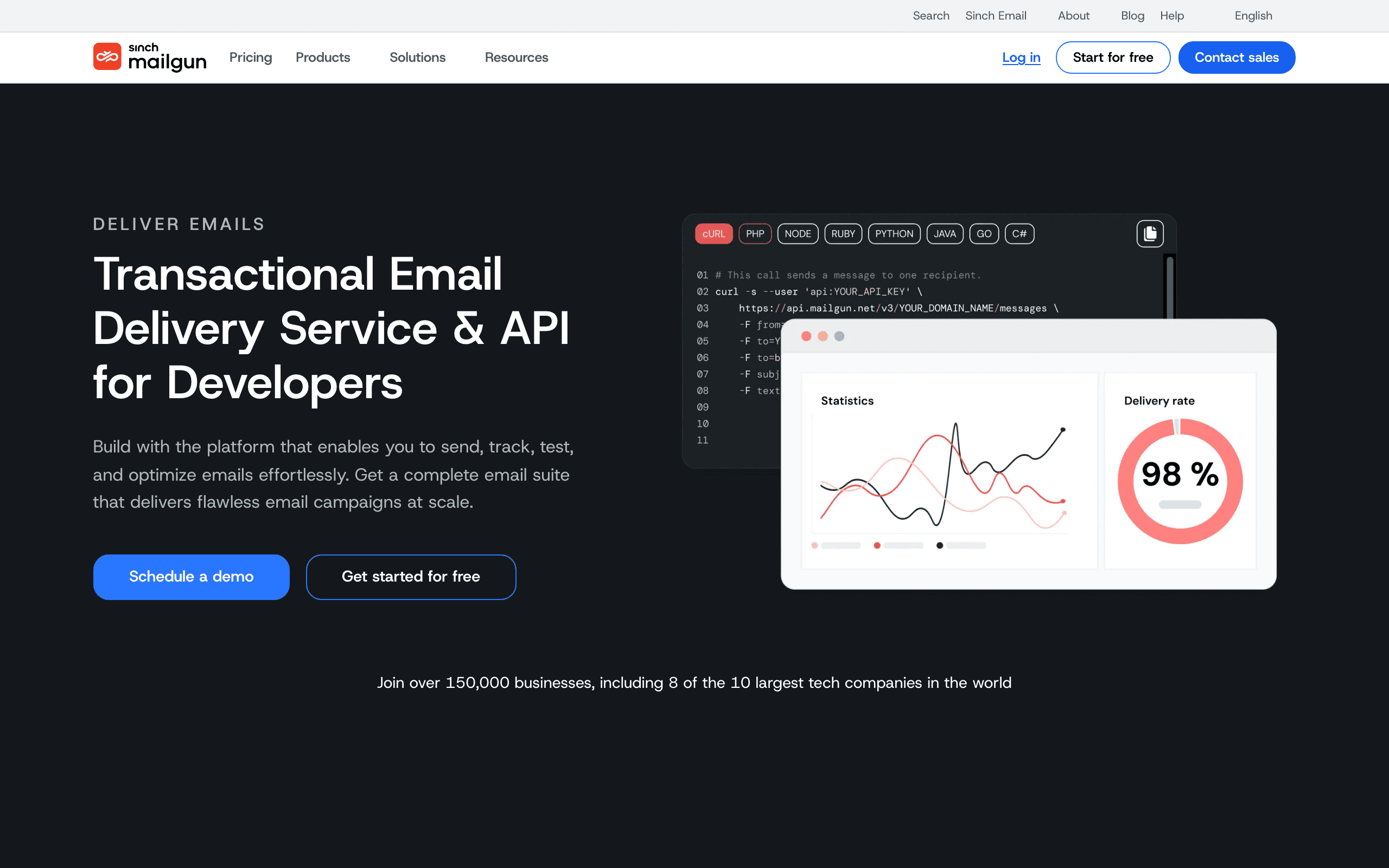
Mailgun is built for engineers who operate email as infrastructure.
- Inbound routes. Mailgun can receive email for your domain, match it against filters and forward it to a webhook or mailbox. Products use this to thread replies into support tickets or comments.
- Many sending domains. Foundation allows up to 1,000 custom sending domains, which matters if you send on behalf of customers.
- Validation. Mailgun's validation service checks addresses before you send. Scale includes 5,000 validations a month.
- Operational controls. Event webhooks, logs, dedicated IP pools on Scale and send time optimization.
The trade-off is retention and staffing. Free and Basic keep logs for 1 day, Foundation for 5, and every workflow beyond "send this message" is code someone on your team maintains.
What Mailchimp has that Mailgun does not
Everything a marketer touches. Mailchimp gives you a campaign editor with templates, audiences with tags and segments, a Customer Journey Builder for automated sequences, landing pages, signup forms and campaign reporting. A marketer can plan, write, test and send without opening a code editor.
Mailgun has templates and mailing lists, but you manage both through the API. There is no calendar, no segment builder and no journey canvas. Teams that try to run marketing on Mailgun end up building a small marketing tool in-house.
Two parent companies
Mailchimp has been part of Intuit since 2021 and is steered toward small businesses, with ecommerce data, predictive audiences and a broad marketing suite. Mailgun belongs to Sinch, which completed its purchase of Pathwire (Mailgun, Mailjet and Email on Acid) in December 2021 and sells messaging APIs across SMS, voice and email. That positioning is visible in each product: Mailchimp adds features for marketers, Mailgun adds features for developers and operations teams, such as validation, inbox placement testing and IP management.
Who owns deliverability
On Mailchimp, deliverability is largely managed for you. Campaigns go out on Mailchimp's shared infrastructure, its compliance systems screen lists and content, and you mainly control list quality and domain authentication.
On Mailgun, you own more of it. You choose shared or dedicated IPs, warm dedicated IPs yourself, watch bounces and complaints in logs and webhooks, and decide whether to validate addresses before sending. That control is valuable when app email is critical and you want to diagnose a delivery problem to the message. It is extra work if you only wanted a newsletter to arrive.
Running both side by side
Plenty of companies use Mailchimp for campaigns and Mailgun for app email. If you do:
- Separate subdomains. Send marketing from one subdomain and app email from another so a campaign complaint spike does not slow down password resets.
- Sync opt-outs one way. A marketing unsubscribe in Mailchimp should not suppress receipts in Mailgun, but hard bounces in either should be shared.
- Pick one source of contact truth. Usually your app database, pushing to Mailchimp through an integration or API.
- Accept two dashboards. Reporting and deliverability are split, so someone needs to watch both.
Migration checklist
Moving app email from Mandrill to Mailgun is the most common migration in this pair. Moving marketing off Mailchimp to Mailgun is rarely worth it unless you already have an in-house campaign system.
| Workstream | Mandrill to Mailgun | Mailgun to Mandrill |
|---|---|---|
| Account | Pick a Mailgun plan by volume | Upgrade Mailchimp to Standard or Premium, then add Transactional blocks |
| Domains | Add Mailgun's DKIM and SPF records per sending domain | Verify each domain and add Mandrill's DKIM records |
| Templates | Handlebars templates port with small syntax edits | Mailgun Handlebars templates port with small edits |
| Code | Swap the API client or SMTP credentials | Same, pointing at Mandrill |
| Suppressions | Export Mandrill's denylist into Mailgun bounces, unsubscribes and complaints | Export Mailgun suppressions into Mandrill's denylist |
| Webhooks | Rebuild handlers for Mailgun's event payloads | Rebuild handlers for Mandrill's event format |
| Inbound | Recreate inbound handling as Mailgun routes | Recreate routes as Mandrill inbound domains |
Which one fits your team
Look at who will open the tool each week.
- Only marketers, no developer time. Mailchimp. Add Mandrill only if you have a few thousand receipts a month and a developer who can wire the API once.
- Only engineers, and email is plumbing. Mailgun. You get predictable volume pricing and the controls you need to debug delivery.
- Both, with a real lifecycle program. You will end up with two tools and a sync between them, or one tool that covers both jobs. Count the cost of maintaining the sync, not only the two invoices.
- You send on behalf of customers. Mailgun, for its domain limits and routing.
Use-case matchups
| Need | Better fit | Why |
|---|---|---|
| Monthly newsletter run by a marketer | Mailchimp | Editor, audiences and scheduling without code |
| Password resets and receipts for a new app | Mailgun | Free tier and $15 Basic, no marketing plan required |
| Support replies threaded into your helpdesk | Mailgun | Inbound routes parse and forward mail to your webhook |
| Store with journeys and a few thousand receipts | Mailchimp | One vendor, one Transactional block covers it |
| Platform sending on behalf of hundreds of customers | Mailgun | Up to 1,000 sending domains on Foundation |
| SaaS onboarding, dunning and receipts together | Sequenzy | Campaigns, lifecycle automation and transactional in one plan |
Where Sequenzy fits
Sequenzy sits between the two. It has the campaign editor, segments and visual automation builder that Mailgun lacks, and it includes transactional email and SMTP on every plan instead of as an add-on to a marketing tier. Pricing follows emails sent with unlimited contacts (free up to 2,500 emails/mo, then $19/mo for 15k emails), and lifecycle sequences can start from Stripe events through the Stripe integration. Its importer can pull Mailchimp audiences, segments, templates and automations, and Mailgun mailing lists, suppressions and templates.
Mailgun still wins if you need inbound routing rules, address validation or hundreds of customer sending domains. Mailchimp still wins for a store that relies on its ecommerce integrations.
Decision checklist
- Do marketers need to build and schedule campaigns without code? Mailchimp.
- Is app email the only requirement? Mailgun.
- Are you already on Mailchimp Standard with modest app volume? Adding Mandrill is reasonable.
- Do you need inbound parsing, validation or many sending domains? Mailgun.
- Would a second tool mean maintaining a contact and unsubscribe sync? Consider one platform that covers both jobs.
- Are you a SaaS team whose lifecycle emails should follow Stripe events? Sequenzy.








