
Two tools that talk to customers for different reasons
Intercom and ActiveCampaign show up in the same searches because both send messages to customers. But ask who logs in every morning and the difference is clear: support agents live in Intercom, marketers live in ActiveCampaign.
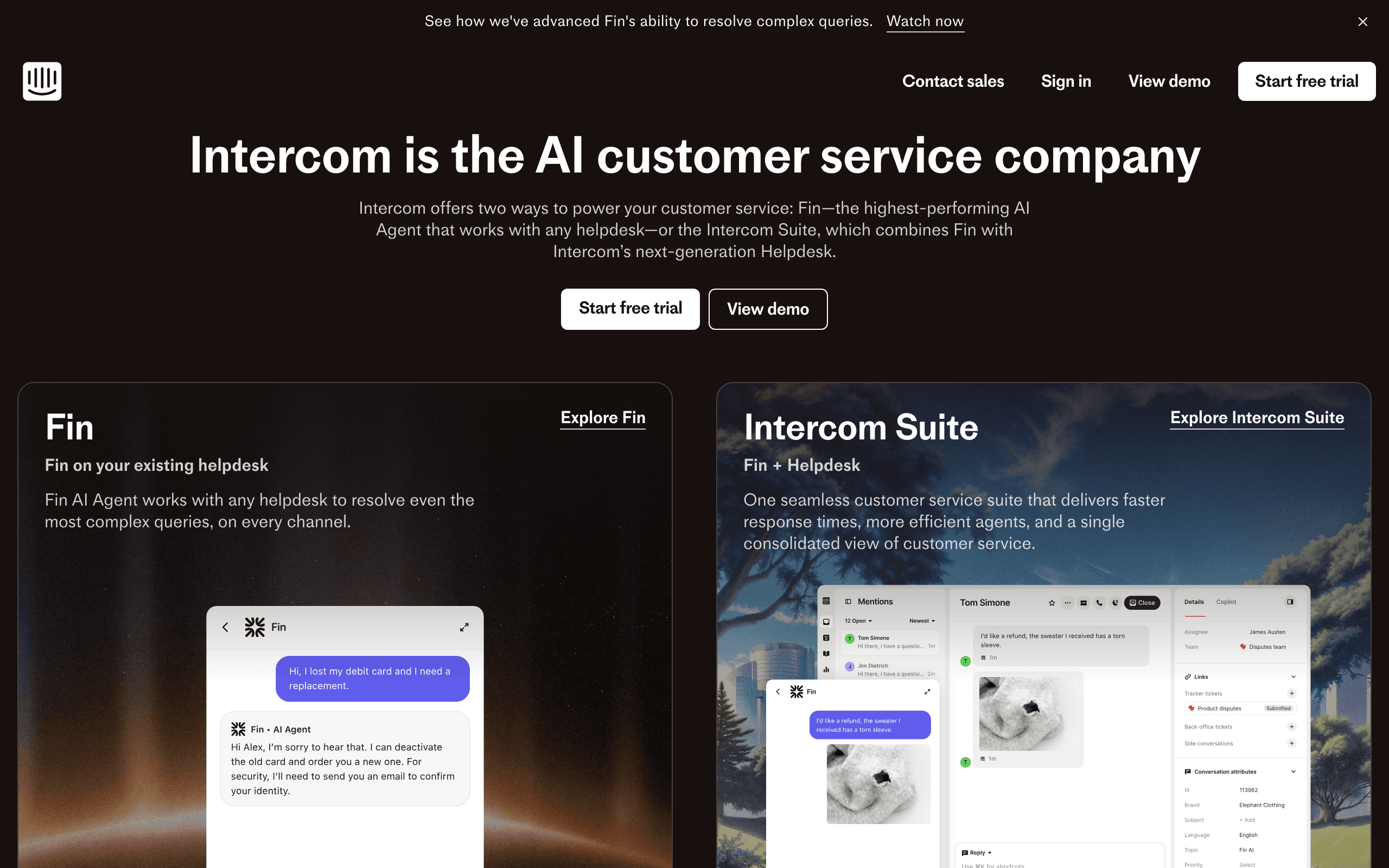
Intercom is built around incoming conversations. A customer opens the Messenger in your app or site, Fin, the AI agent, tries to answer from your help center, and an agent takes over when needed. Tickets, a shared inbox and reporting on response times support that workflow. Outbound messaging, such as in-app banners, tooltips and email campaigns, extends it.
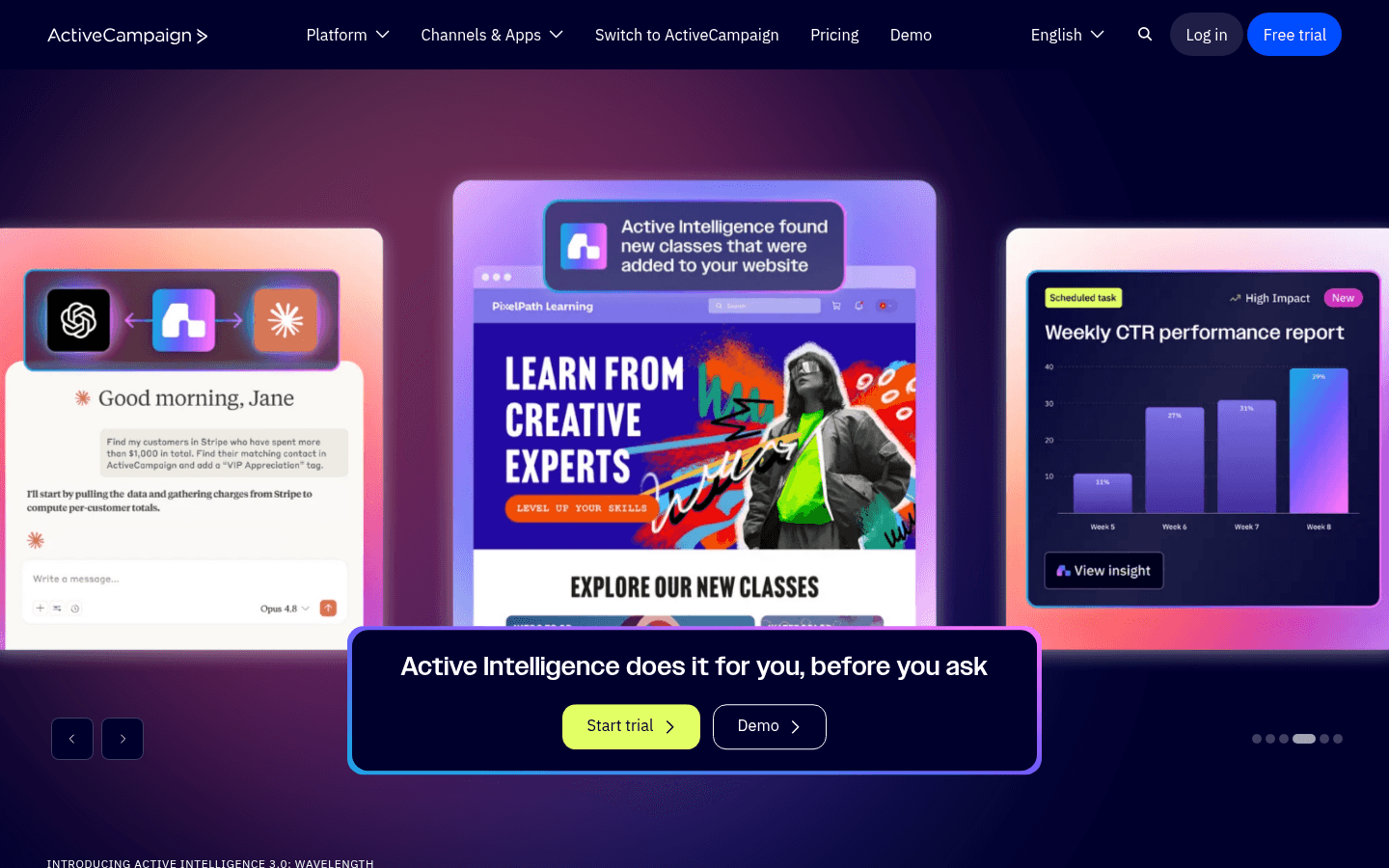
ActiveCampaign is built around outgoing messages. You grow a list, segment it, and send campaigns and automations. Site tracking, lead scoring and deal pipelines connect marketing activity to sales.
Pricing models that measure different things
Intercom charges for the people who answer customers:
- Essential $29 per seat per month
- Advanced $85 per seat per month
- Expert $132 per seat per month
- Fin AI agent at $0.99 per outcome
- Email campaigns, SMS, WhatsApp and phone billed pay-as-you-go
- Add-ons such as Proactive Support Plus ($99/mo including 500 messages) and Copilot ($29 per agent per month billed annually)
ActiveCampaign charges for the people you market to. At 10,000 contacts with annual billing, Starter is $149/mo, Plus $189/mo and Pro $375/mo, and campaigns and automations are included. SMS is an add-on.
This explains why using one for the other's job gets expensive. Sending a weekly newsletter to 10,000 people through Intercom means paying per message on top of seats. Running support on ActiveCampaign is not possible, since it has no inbox, chat or ticketing.
The Fin factor
Intercom's pricing has shifted toward AI. Fin, its AI agent, is billed at $0.99 per outcome, and Intercom also sells Fin for teams that keep another helpdesk, with minimum monthly commitments. For a support team, that can be excellent value if Fin resolves questions that would otherwise take an agent's time.
It also changes how you should think about the comparison. When people say Intercom is expensive, they often mean seats plus Fin plus outbound usage added together. None of that spend improves your marketing email. ActiveCampaign's bill, by contrast, is almost entirely about marketing: contacts, tier and any SMS add-on.
Help center and self-service
Intercom includes a public help center on Essential and a private, multilingual help center on Advanced, and Fin answers from that content. For a SaaS company, good help articles reduce tickets and make onboarding emails better, because you can link to them.
ActiveCampaign has nothing comparable. If you choose it for marketing, you will still need a place for documentation, whether that is Intercom, another helpdesk or a docs site.
A worked cost example
Take a SaaS company with 10,000 users, three support agents and a marketer.
On Intercom Advanced, three seats cost $255/mo. If Fin resolves 300 conversations in a month, that adds $297. Proactive Support Plus adds $99/mo if you want its outbound messaging bundle, and any email campaigns to your 10,000 users are billed on top at pay-as-you-go rates. The support side is well covered; the marketing side is metered.
On ActiveCampaign Plus, the same 10,000 contacts cost $189/mo with annual billing, and campaigns and automations are included. But nothing in that price helps your three support agents answer a single ticket.
Put side by side, the numbers show the two tools are not substitutes. The useful question is not which is cheaper, but which job you are budgeting for, and whether a lighter tool can cover the other job for now.
A SaaS onboarding example
Imagine a new user signs up for your product.
With Intercom, they might see an in-app banner welcoming them, a tooltip pointing to the first setup step, and the Messenger ready if they get stuck. If they ask a question, Fin answers from your help center or hands off to an agent. That is excellent in-product guidance and support.
With ActiveCampaign, an automation sends a welcome email, waits two days, checks a custom field your app updated through the API, and sends a different email depending on whether setup is done. If the account looks like a sales opportunity, a deal is created. That is a structured email journey, but nothing appears inside your app.
Many teams run both: Intercom for in-app guidance and support, an email platform for lifecycle and marketing email.
Use-case matchups
| Need | Better fit | Why |
|---|---|---|
| Answer customer questions in chat | Intercom | Messenger, inbox and Fin |
| Guide new users inside the product | Intercom | Banners, tooltips and in-app chats |
| Weekly newsletter to 10,000 contacts | ActiveCampaign | Campaigns included in the plan |
| Score trial users and alert sales | ActiveCampaign | Lead scoring and deals |
| Billing-triggered lifecycle and transactional email | Sequenzy | Stripe, Paddle and Polar events, priced by sends |
When one tool can be enough
- If you have a tiny team, need live chat and help docs, and send only occasional announcements, Intercom alone can work. Watch the pay-as-you-go email costs.
- If your customers rarely need support and your growth depends on nurture email and sales follow-up, ActiveCampaign alone can work, with a simple contact form for questions.
If you run both, agree on a single source of truth for contact attributes such as plan, signup date and lifecycle stage. Otherwise the in-app message and the email can contradict each other, for example a banner offering an upgrade to someone who already upgraded yesterday.
Moving outbound email between them
Teams sometimes start sending marketing email from Intercom and later move it to a dedicated tool. To move to ActiveCampaign, export users and leads with attributes, tags and unsubscribe status. Import unsubscribes first, map Intercom attributes to custom fields and tags, and rebuild outbound messages as automations. Keep Intercom for conversations, and decide which system owns marketing consent so a person who unsubscribes in one tool is suppressed in the other.
Moving the other way is uncommon. If you consolidate onto Intercom, expect to lose lead scoring, deals and complex automation branching, and to pay per outbound email.
Migration checklist
| Step | Outbound email from Intercom to ActiveCampaign | Consolidating onto Intercom |
|---|---|---|
| Contacts | Export users and leads with attributes and tags | Export contacts, tags and fields |
| Consent | Import unsubscribes first; pick one system as the owner | Import unsubscribes and map email subscription types |
| Messages | Rebuild outbound emails as automations | Rebuild automations as outbound messages |
| What stays | Conversations, tickets and Fin in Intercom | Deals and scores need a CRM |
| Cost check | Compare with pay-as-you-go email you no longer pay | Forecast pay-as-you-go email for your send volume |
Decision checklist
- Customers need live answers and self-service help: Intercom.
- Marketing email and lead nurture drive growth: ActiveCampaign.
- You need both jobs: run a support tool and an email tool, and choose one owner for consent.
- Email should react to billing and product events: Sequenzy next to your support tool.
Where Sequenzy fits
Sequenzy is an email platform for the lifecycle side of a SaaS business. It syncs Stripe, Paddle and Polar billing events, accepts product events through an API and web SDK, and sends onboarding sequences, campaigns and transactional email from one account. Pricing is by emails sent with unlimited contacts: $49/month for 60k emails (unlimited subscribers).
It sits well next to Intercom: Intercom for chat, support and in-app guidance, Sequenzy for email. Its team inbox collects replies to your emails with statuses and internal notes, which covers teams that do not need a full helpdesk yet. It does not have live chat, an AI support agent, in-app messages or a CRM, so it replaces neither Intercom's support features nor ActiveCampaign's pipeline.
For more detail, see the Intercom pricing breakdown and the ActiveCampaign comparison.








