
Two buyers, one overlapping feature
The overlap between Brevo and Mailtrap is a single feature: sending transactional email over an API or SMTP. Everything else about the two products points in different directions.
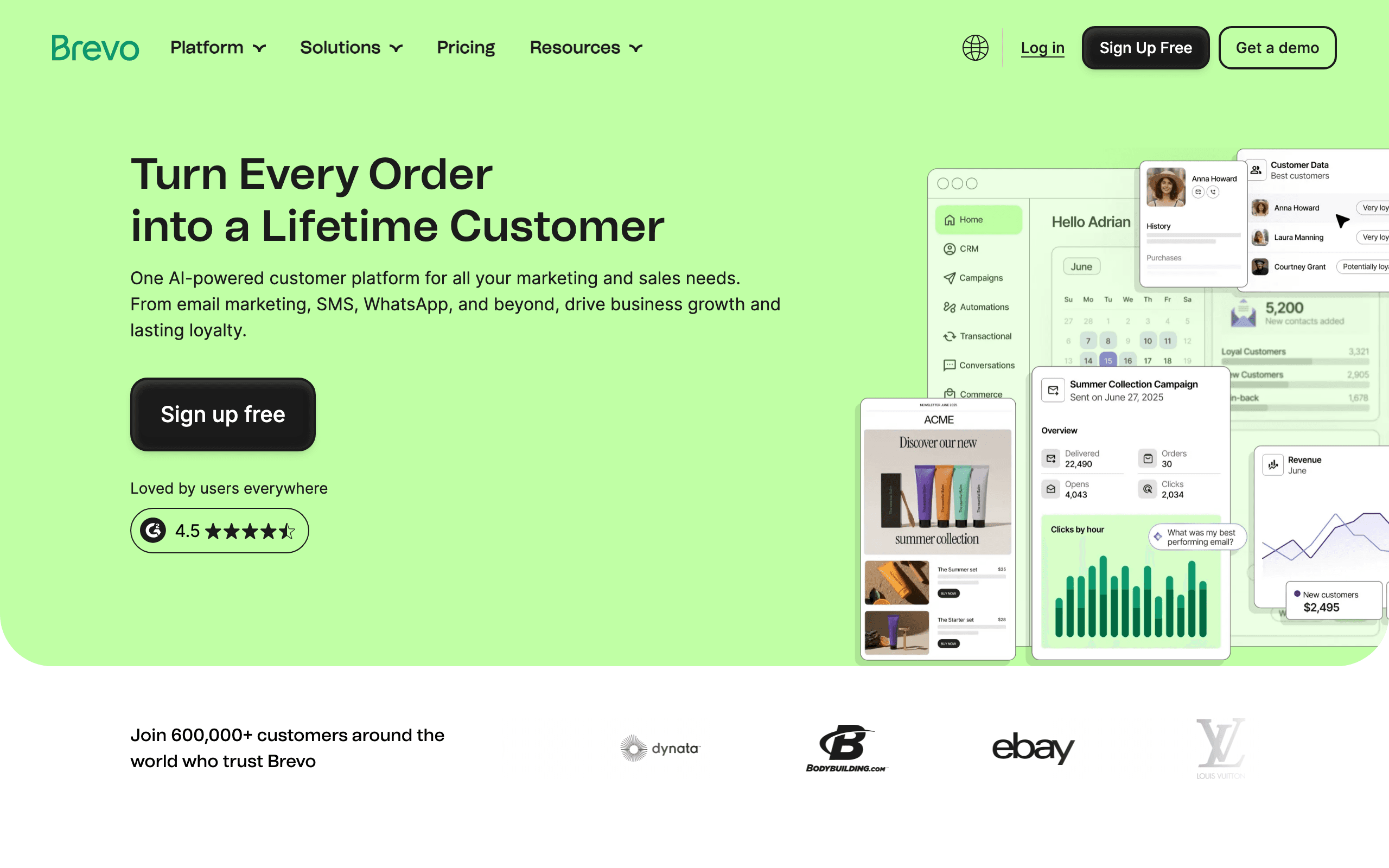
Brevo (formerly Sendinblue) is a marketing suite. You log in to build newsletters, automation workflows, landing pages, CRM pipelines and SMS campaigns. It also exposes an API and SMTP relay so your application can send password resets and receipts from the same account.
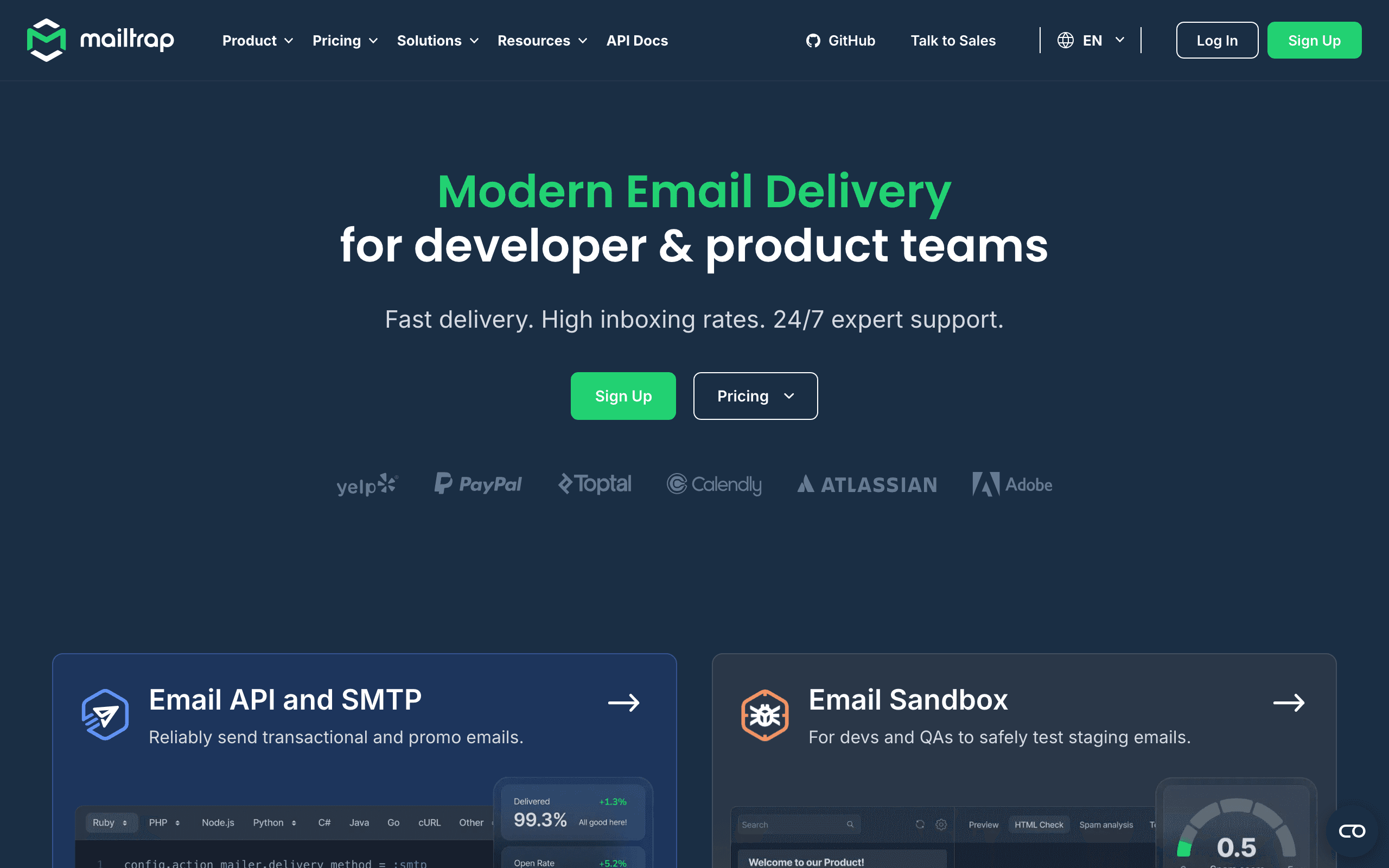
Mailtrap is a developer tool. It became known for its email sandbox: a fake SMTP server you point staging and QA environments at, so every test email lands in a Mailtrap inbox instead of a customer's. It later added an Email API and SMTP product for production sending, and more recently an email marketing product sold separately.
So the first question is not which is better, but who on your team will live in the tool.
How each fits into a release cycle
Imagine your team is shipping a new onboarding email.
With Mailtrap, the developer writes the template, runs the app in staging, and triggers the email. It arrives in a Mailtrap sandbox inbox. They check the HTML against common client quirks, look at the spam analysis, inspect headers and links, and fix problems before merging. In production, the same code sends through Mailtrap's Email API, and the team uses logs to confirm delivery when support asks about a missing email.
With Brevo, a marketer might design the email in Brevo's editor, set it as a transactional template, and have developers call it via the API with variables. Or the marketer builds it as the first step of an automation that fires when the contact is added. Testing happens through test sends to real addresses. There is no environment-wide sandbox, so staging needs to be configured carefully to avoid emailing real users.
Many teams combine the two: Mailtrap's sandbox in staging, and Brevo or another provider in production.
Pricing at 100,000 emails a month
| Brevo | Mailtrap | |
|---|---|---|
| Free | 300 emails a day | 4,000 emails a month, 150 a day |
| Sending only | Starter $69 | Basic $30 (5 days of logs, 5 domains, 3 users) |
| With more features | Standard $129 (automation, A/B tests, landing pages) | Business $85 (dedicated IP, 15 days of logs, 100 domains) |
| Testing sandbox | Not offered | Separate plans, free tier available |
| Other channels | SMS and WhatsApp credits extra | None |
Brevo counts email volume, not contacts, so a large list with occasional sends stays affordable. Mailtrap also prices by volume, and its Basic tier is one of the cheapest ways to send 100,000 emails a month with logs. If you need a dedicated IP, Mailtrap includes one on Business, while Brevo charges for it as an add-on.
Where Brevo is clearly better
- Marketing workflows. Newsletters, segments, automation on Standard, landing pages and A/B tests.
- Multichannel. SMS and WhatsApp in the same account, with a CRM for small sales teams.
- One vendor for a small business. Marketing and transactional email, contacts and deals in one place.
Where Mailtrap is clearly better
- Pre-production testing. The sandbox is the reason most developers know Mailtrap.
- Cost per email for sending. $30 for 100,000 emails on Basic.
- Developer ergonomics. SDKs, logs, domain setup and troubleshooting are designed for engineers.
Moving transactional email between them
Switching the production sender is mostly an engineering task:
- Verify the domain. Add SPF and DKIM records for the new provider, and keep DMARC aligned. Keep the old records until the switch is complete.
- Swap credentials. Replace API keys or SMTP host, port and credentials in each environment.
- Move templates. Brevo-hosted templates need to be rebuilt in code or in Mailtrap; Mailtrap templates need to be rebuilt in Brevo if you want marketers to edit them.
- Carry suppressions. Export bounced, blocked and unsubscribed addresses and import them into the new provider.
- Reconnect webhooks. Delivery, bounce, complaint and click events feed your app; point them at the new provider's webhook format.
- Ramp traffic. Send a portion of email through the new provider first and watch bounces and spam complaints.
Marketing contacts, automations and CRM data only matter if you move to or from Brevo's marketing features.
Hidden costs to check
- Brevo add-ons. SMS and WhatsApp are paid by credit, and a dedicated IP is an extra. Automation and A/B testing need Standard rather than Starter.
- Mailtrap product split. The sandbox, sending and marketing products are billed separately, so a team that wants testing and production sending pays for two plans.
- Log retention. Mailtrap Basic keeps five days of logs, which can be short for support teams. Business raises it to 15.
- Daily caps on free tiers. Brevo's free plan is limited to 300 emails a day and Mailtrap's to 150 a day, so neither suits a production launch.
Marketing roots versus developer roots
Brevo's history explains its shape. It grew up as Sendinblue, an affordable email marketing tool, and added transactional email, SMS, chat, a CRM and WhatsApp over time before rebranding in 2023. The transactional API is solid, but the product's center is still the marketer's dashboard.
Mailtrap is a product of Railsware, a software company, and started as a tool its own developers needed: a safe place to send test email. Production sending, and later an email marketing product, were added around that core. The dashboard still speaks the language of engineers: inboxes, API tokens, SMTP credentials, logs and spam reports.
When a team picks the tool whose roots match its owners, adoption is easier. When a developer team picks Brevo only for its API, or a marketing team picks Mailtrap only for its price, someone usually ends up fighting the interface.
Keeping staging away from real customers
The most expensive email mistake is often not a deliverability problem but a staging environment that emails real users: a test import of production data followed by a batch job that sends "Your trial has ended" to thousands of customers.
Mailtrap's split between Email Sandbox and Email API is designed to prevent this. Staging uses sandbox credentials, so even a bad batch job only fills a Mailtrap inbox. Brevo has no equivalent environment split. Teams using Brevo for production should use separate API keys per environment, restrict staging to test contacts, or route staging through a sandbox like Mailtrap's.
Compliance and data handling
Both vendors publish GDPR documentation and data processing agreements. Brevo, headquartered in France, leans on its European base in its positioning, which some EU buyers prefer. Mailtrap's sandbox adds a compliance benefit of its own: staging emails built from copied production data never leave to real inboxes.
For marketing email through Brevo, you are also responsible for consent records, unsubscribe handling and the Gmail and Yahoo bulk sender rules on authentication and one-click unsubscribe. Transactional email through either tool should stay transactional; mixing promotions into receipts can create both compliance and deliverability problems.
Use-case matchups
| Situation | Better fit | Why |
|---|---|---|
| Small business running newsletters, SMS and a CRM | Brevo | One suite for several channels and contacts |
| Dev team shipping a new app's password reset and receipts | Mailtrap | Sandbox for testing, cheap sending with logs |
| Marketer editing transactional email copy | Brevo | Drag-and-drop editor and transactional templates |
| QA team reviewing every email before release | Mailtrap | Sandbox inboxes with HTML and spam checks |
| 100,000 emails a month with a dedicated IP | Mailtrap | Business at $85 includes one |
| Large list with occasional campaigns | Brevo | Unlimited contacts, priced by volume |
| SaaS onboarding and billing emails | Sequenzy | Product and billing triggers with transactional email |
Where Sequenzy fits
Sequenzy is not a testing tool, so it does not replace Mailtrap's sandbox, and it is not a multichannel suite with a CRM and WhatsApp like Brevo.
It covers the space SaaS teams usually care about: production transactional email plus lifecycle marketing, in one account. Sequenzy connects to Stripe, Paddle and Polar for billing triggers, supports product events for onboarding sequences, and prices by emails sent with unlimited contacts. At 100,000 emails a month, its closest plan is $99/month for 120k emails, more than Mailtrap Basic because it includes campaigns and sequences. A common setup is Mailtrap's sandbox for staging and Sequenzy for production.
Summary of the tradeoff
Choose Brevo when marketers own email and want several channels in one suite. Choose Mailtrap when engineers own email and want safe testing and low-cost sending. If you are a SaaS team, consider testing in Mailtrap and running lifecycle and transactional email in a platform built for product events.
Decision checklist
- Choose Brevo if a marketer owns email and you want campaigns, automation and SMS in one account.
- Choose Mailtrap if engineers own email and staging safety is a real concern.
- Compare Mailtrap Basic ($30) with Brevo Starter ($69) only if you truly need no marketing features.
- Budget Brevo Standard, not Starter, if you need automation or A/B tests.
- Add Mailtrap's sandbox to any stack where staging uses copies of production data.
- Check seat and domain limits against your team size before picking a tier.
- Consider Sequenzy for SaaS lifecycle and transactional email, with Mailtrap kept for staging.








