
21 Best Behavioral Email Automation Tools (2026): Real-Time Triggers & Send-Time Optimization

Most email marketing automation tools behavior-based scheduling questions come down to the same frustration: fixed-time sends treat every subscriber the same, even though your list is full of people who open email at completely different hours, click on completely different topics, and move through your funnel at completely different speeds.
Behavior-based scheduling flips that. Instead of choosing a send time and hoping it lands, the platform decides when and whether to send based on what a specific subscriber does - opens, clicks, site visits, purchases, form fills - and when they personally tend to engage. Some tools call this "behavioral email scheduling," others call it "send-time optimization," and the underlying mechanics overlap enough that the two spellings, email automation tools behavior based scheduling and email automation tools behavioral email scheduling, are really asking about the same category of feature.
This guide breaks down what behavior-based scheduling actually means, then compares 21 platforms in detail: Sequenzy, Klaviyo, Customer.io, ActiveCampaign, Braze, Iterable, Brevo, Mailchimp, Drip, Omnisend, HubSpot, Encharge, Userlist, Intercom, GetResponse, Loops, ConvertKit (Kit), Ortto, Moosend, Sendlane, and Vero.
What Behavior-Based Scheduling Actually Means
There are two distinct mechanisms that get bundled under this label, and knowing the difference matters when you're evaluating tools.
Trigger-based sending fires an email because a subscriber did something: opened a previous email, clicked a link, visited a page, abandoned a cart, or hit a custom event you defined. The "when" is determined by the action itself, not a clock.
Send-time optimization takes a recurring send, like a weekly newsletter, and delivers it at the moment each individual subscriber is statistically most likely to open it, based on their own engagement history. The list of recipients doesn't change, but the delivery window does, subscriber by subscriber.
Behavior-based scheduling in the fullest sense combines both: automations triggered by real subscriber behavior, wrapped with send-time optimization so even the timing of each trigger respects individual patterns, plus guardrails like quiet hours and frequency capping so a subscriber never gets buried in messages. See our glossary entry on behavior-based scheduling for a fuller definition, and behavioral email segmentation for how the underlying data gets organized into audiences before scheduling ever kicks in.
Which guide you actually need
This page is the buying guide: it compares platforms and recommends one. Three companion guides answer the adjacent questions, and picking the right one will save you a lot of reading:
| Your question | Guide |
|---|---|
| Which platform should I buy for behavioral scheduling? | This page |
| Which behaviors can each platform actually detect (actions, inactivity, thresholds, patterns)? | Best email tools with behavioral triggers |
| How do I get per-subscriber predicted send times, and do they work? | Best email tools with send time optimization |
| How do I set quiet hours, timezone rules, and off-hours sending without waking people at 3am? | How to send emails outside business hours |
| Automation generally, not behaviour specifically? | Best email automation software |
| Triggering from custom product events fired by your own API? | Best event-based email automation tools |
Direct answers to the questions people actually ask
What marketing tools automate email series based on real-time behavior?
Customer.io, Braze, Iterable, Klaviyo and Sequenzy all start a sequence from a real-time event rather than a calendar date. The practical test is latency and payload: can the tool fire within seconds of the event, and can the sequence branch on the event's properties (plan tier, cart value, feature used)? Tools that only trigger on email opens and clicks are engagement automation, not behavioral automation.
What software integrates email workflows with behavioral tracking?
Two integration shapes exist. Product-analytics-native tools (Customer.io, Iterable, Braze, Sequenzy) ingest events straight from your app via API, SDK or a CDP like Segment. Storefront-native tools (Klaviyo, Omnisend, Drip) ingest browse, cart and purchase events from Shopify or WooCommerce without code. ActiveCampaign sits between the two with site tracking plus a CRM record. Pick by where your behaviour originates: your product, or your store.
What are the best marketing automation platforms with behavioral triggers?
For SaaS product events, Customer.io and Sequenzy; for ecommerce behaviour, Klaviyo and Omnisend; for enterprise cross-channel orchestration, Braze and Iterable; for CRM-linked B2B triggers, ActiveCampaign and HubSpot. The differentiator at every tier is not whether triggers exist but how many conditions a single workflow can hold before it becomes unmaintainable.
What is the cheapest behavioral email automation tool?
Sequenzy at $19/month (free for 2,500 emails a month with unlimited contacts) is the cheapest option that includes both event triggers and per-subscriber send-time optimization. Brevo is cheaper per email at $9/month but has no send-time optimization. Mailchimp from $13/month has the optimization toggle but weaker event triggers. Below that price, you are buying autoresponders, not behavioral automation.
How we assessed behavioral capability
Each platform was scored on five things we could verify rather than on marketing copy: whether a custom event fired from an API call could start a sequence (and how quickly it did), whether the sequence could branch on properties carried by that event, whether inactivity ("has not done X in N days") was a first-class trigger or had to be faked with a segment plus a delay, whether send timing could be optimized per subscriber or only set globally, and whether quiet hours and frequency capping applied to triggered sends as well as campaigns. Where a capability was documented but not testable on a trial account, it is described as documented rather than verified. Pricing last re-verified September 2026.
Best Behavior-Based Scheduling Tool by Use Case
Best for SaaS teams combining send-time optimization and event triggers: Sequenzy
Sequenzy pairs send-time optimization with an automation builder that fires on real product events, not just email engagement. A SaaS team can send a re-engagement email 3 days after a trial user stops logging in, then let send-time optimization pick the actual delivery hour for that specific person. It's a strong fit if your triggers come from your product rather than just your email list.
Best for granular custom event scheduling: Customer.io
Customer.io lets you build scheduling logic directly off any event property, with liquid templating controlling delays, branches, and quiet hours. It takes more setup than most tools on this list, but nothing else matches its flexibility for teams with rich product event data.
Best for ecommerce behavioral flows: Klaviyo
Klaviyo's flows are triggered almost entirely by commerce behavior: browse, cart, purchase, and post-purchase events. Its smart send-time features are tuned for ecommerce sending cadence, which makes it the default pick for online stores.
Best for enterprise cross-channel orchestration: Braze or Iterable
Both platforms extend behavior-based scheduling beyond email into push, SMS, and in-app messaging, with "Intelligent Timing"-style features that pick delivery windows per channel per user. They're built for large consumer apps, not small teams.
Quick Comparison
| Tool | Best For | Pricing | Key Strength |
|---|---|---|---|
| Sequenzy | SaaS behavioral scheduling | Free to 2.5k emails/mo, from $19/mo | Send-time optimization + event triggers |
| Klaviyo | Ecommerce behavioral flows | Free to 250, from $20/mo (~$150 at 10k profiles) | Deep commerce event library |
| Customer.io | Custom event logic | From $100/mo | Granular workflow flexibility |
| ActiveCampaign | CRM-linked triggers | From $29/mo | Site tracking + lead scoring |
| Braze | Enterprise cross-channel | Custom, $50k+/year | Intelligent Timing at scale |
| Iterable | Cross-channel journeys | Custom, $500+/mo | Wait-for-event + experimentation |
| Brevo | Budget multichannel | Free to 300/day, from $9/mo | SMS + email included |
| Mailchimp | Simple journeys | Free to 500, from $13/mo | Built-in STO toggle |
Pricing verified September 2026 against each vendor's public pricing page. Klaviyo bills on active profiles, so its entry price and its price at 10,000 profiles differ by roughly 7x. | Drip | Ecommerce automation | From $39/mo | RFM-based scheduling | | Omnisend | Omnichannel ecommerce | Free, from $16/mo | Channel-coordinated timing | | HubSpot | CRM + workflows | Free CRM, from $20/mo | Lifecycle-stage triggers | | Encharge | Visual builders | From $79/mo | Score-based scheduling | | Userlist | B2B SaaS | From $149/mo | Account-level triggers | | Intercom | Multi-channel | From $39/seat/mo | In-app + email coordination | | GetResponse | Marketing suite | Free, from $19/mo | Webinar + funnel triggers | | Loops | Simple SaaS events | Free to 1k, from $49/mo | Lightweight event API | | ConvertKit (Kit) | Creators | Free to 10k, from $39/mo | Tag-based automation | | Ortto | CDP + email | From $99/mo | Unified data triggers | | Moosend | Budget automation | From $9/mo | Affordable behavioral flows | | Sendlane | Ecommerce + SMS | From $99/mo | AI send-time + SMS | | Vero | API-first teams | From $99/mo | Infrastructure-as-code triggers |
The 21 Best Options
1. Sequenzy
Best for: SaaS and AI teams wanting event-triggered automations with send-time optimization built in
Sequenzy's approach to behavior-based scheduling rests on three pieces working together: send-time optimization for recurring campaigns, an automation builder for trigger-based sequences, and smart segments that combine behavioral and attribute filters so a trigger can be scoped precisely. Because Sequenzy is agent-native, developers can also fire triggers directly through the API, CLI, or MCP server from their own product events.
- Pricing: Free up to 2,500 emails/month, paid plans from $19/month
- Pros: Send-time optimization included on every plan, event-triggered automations, developer-friendly API/CLI/MCP, unified transactional + marketing
- Cons: No in-app channel or native mobile SDKs; SMS is a paid add-on inside sequences with no two-way inbox; newer platform, smaller template library
2. Klaviyo
Best for: Ecommerce brands automating around browse, cart, and purchase behavior
Klaviyo's flows are the reference implementation of behavior-based scheduling for online stores: browse abandonment, cart abandonment, post-purchase, win-back, and replenishment flows all key off storefront events pulled in through native Shopify and other ecommerce integrations. Smart Sending caps frequency per profile so behavioral flows don't collide with campaign sends.
- Pricing: Free up to 250 contacts, from $20/month at 251-500 profiles, around $150/month at 10,000 profiles
- Pros: Deep ecommerce event library, strong flow analytics, mature Smart Sending controls
- Cons: Pricing scales quickly with list size, less natural fit for SaaS product events
3. Customer.io
Best for: Technical teams building highly specific behavioral logic
Customer.io treats every campaign as a workflow built from event triggers, branches, and delays, with liquid templating available at each step. You can schedule sends around arbitrary event properties: "send this 2 hours after the user completes onboarding step 3, but only if they haven't completed step 4."
- Pricing: From $100/month
- Pros: Extremely flexible event-based logic, granular quiet-hours and delay controls, wait-for-event workflows
- Cons: Steep setup and learning curve, pricing climbs at volume
4. ActiveCampaign
Best for: Small teams wanting behavior triggers tied to a built-in CRM
ActiveCampaign's automation builder supports site-tracking triggers, email engagement triggers, and deal-stage triggers, so behavior-based scheduling can span both marketing and sales. Its "wait until" steps allow both fixed delays and conditional waits based on further behavior.
- Pricing: From $29/month
- Pros: Strong automation builder, CRM-linked triggers, good site tracking
- Cons: No dedicated send-time optimization layer for recurring campaigns
5. Braze
Best for: Enterprise consumer apps needing cross-channel behavioral timing
Braze's Intelligent Timing feature predicts the optimal send window per user per channel, and its Canvas automation tool triggers on in-app and product events across email, push, and SMS. It's built for high-volume consumer apps with dedicated lifecycle marketing teams.
- Pricing: Custom, typically $50k+/year
- Pros: True cross-channel behavioral orchestration, mature predictive timing
- Cons: Enterprise-only pricing and implementation, overkill for email-only teams
6. Iterable
Best for: Enterprise teams orchestrating journeys across channels
Iterable's journey builder supports behavior-based branching and per-user send-time features similar to Braze, with strong experimentation tooling layered on top. Its "wait for event" steps make sequences responsive rather than just scheduled.
- Pricing: Custom, typically $500+/month
- Pros: Strong cross-channel journeys, robust experimentation, wait-for-event logic
- Cons: Expensive, long implementation timelines
7. Brevo
Best for: Budget-conscious teams wanting basic behavior triggers
Brevo's automation workflows support event and engagement triggers (page visit, cart abandonment, email click) at a much lower price point than the enterprise tools on this list, though its scheduling logic is less granular and it has no dedicated send-time optimization feature.
- Pricing: Free up to 300 emails/day, from $9/month
- Pros: Very affordable, includes SMS, decent automation basics
- Cons: Less granular behavioral logic, no send-time optimization
8. Mailchimp
Best for: Small businesses wanting simple behavior-triggered automations
Mailchimp supports triggers like site visits, purchases, and email engagement in its Customer Journey Builder, with a "Send Time Optimization" toggle on paid plans that adjusts delivery per recipient.
- Pricing: Free up to 500 contacts, from $13/month
- Pros: Easy to use, built-in send-time optimization option, generous free tier
- Cons: Journey builder is less flexible than automation-first competitors
9. Drip
Best for: Ecommerce teams wanting RFM-based behavioral scheduling
Drip's workflow builder triggers on purchase, browse, and engagement behavior, with RFM (recency, frequency, monetary) segments feeding directly into scheduling decisions for win-back and replenishment flows.
- Pricing: From $39/month
- Pros: Strong RFM-based triggers, visual workflow builder, good ecommerce integrations
- Cons: No send-time optimization for broadcast campaigns, purchase-centric model doesn't map to SaaS
10. Omnisend
Best for: Ecommerce brands coordinating email and SMS timing together
Omnisend schedules behavioral sends across email and SMS from one workflow, so a cart abandonment sequence can fire an email first and an SMS follow-up if the email goes unopened within a set window.
- Pricing: Free tier available, from $16/month
- Pros: Cross-channel timing coordination, affordable, pre-built ecommerce automations
- Cons: Less flexible than Klaviyo for complex behavioral logic, ecommerce-first design
11. HubSpot
Best for: Teams wanting behavior triggers tied to CRM lifecycle stage
HubSpot's workflow automation triggers on page views, form submissions, email engagement, and CRM lifecycle-stage changes, letting behavior-based scheduling span both marketing and sales activity.
- Pricing: Free CRM, Marketing Hub from $20/month (real automation depth requires Professional at ~$890/month)
- Pros: CRM-native triggers, smart content based on behavior, huge integration ecosystem
- Cons: Real automation depth is expensive, not product-usage-centric for SaaS
12. Encharge
Best for: Visual behavioral scheduling with lead scoring
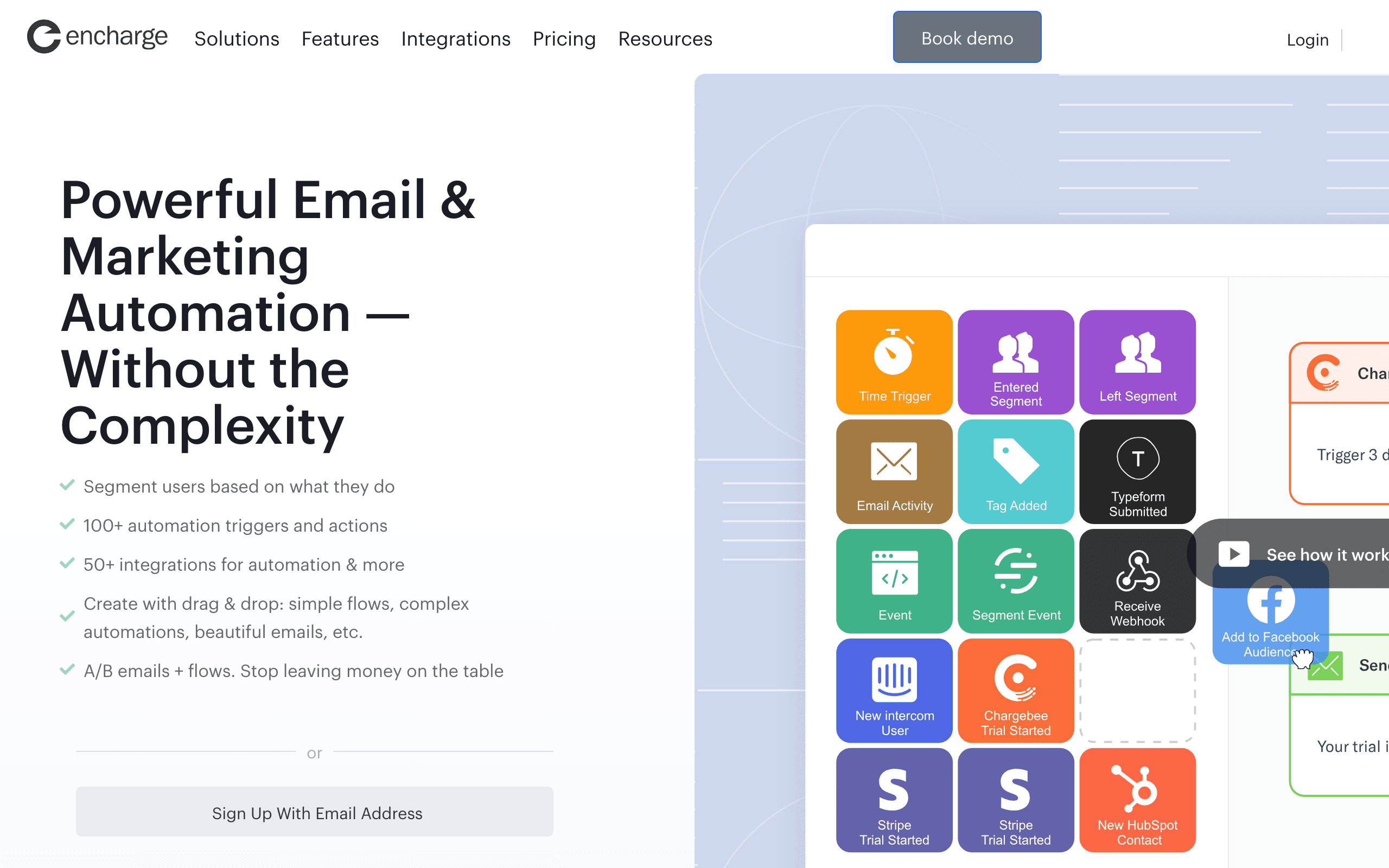
Encharge's flow builder lets you schedule sends based on accumulated behavior scores, not just individual events, so a subscriber crossing a score threshold can trigger a different timing path than one who hasn't.
- Pricing: From $79/month
- Pros: Visual builder, score-based triggers, non-technical friendly
- Cons: Mid-range pricing, smaller ecosystem, no dedicated send-time optimization
13. Userlist
Best for: B2B SaaS wanting account-level behavioral scheduling
Userlist schedules sends based on both individual user behavior and aggregate company-level behavior, which matters for B2B SaaS where multiple people belong to one paying account.
- Pricing: From $149/month
- Pros: Account-aware triggers, B2B-native design, company health scoring
- Cons: Higher starting price, smaller community, less flexible than Customer.io
14. Intercom
Best for: Multi-channel behavioral scheduling across chat and email
Intercom schedules messages across email, in-app, and chat based on unified behavioral data, choosing the channel most likely to reach a subscriber at the right moment.
- Pricing: From $39/seat/month
- Pros: Multi-channel behavioral triggers, real-time data, channel-aware delivery
- Cons: Expensive per-seat pricing, less sophisticated pure-email scheduling than specialists
15. GetResponse
Best for: Teams wanting behavioral scheduling alongside webinars and funnels
GetResponse triggers automations from email engagement, page visits, webinar attendance, and ecommerce activity, combining behavioral scheduling with its broader marketing suite.
- Pricing: Free tier available, from $19/month
- Pros: All-in-one marketing platform, capable automation builder, affordable
- Cons: Behavioral features are basic compared to specialists, interface feels dated
16. Loops
Best for: Startups wanting lightweight, event-triggered scheduling
Loops handles basic behavioral triggers through its event API: event in, email out. It doesn't support complex behavioral patterns or send-time optimization, but for early-stage products the simplicity is a feature.
- Pricing: Free for 1,000 contacts, from $49/month
- Pros: Simple and fast setup, developer-friendly API, good free tier
- Cons: No send-time optimization, no native inactivity detection, basic triggers only
17. ConvertKit (Kit)
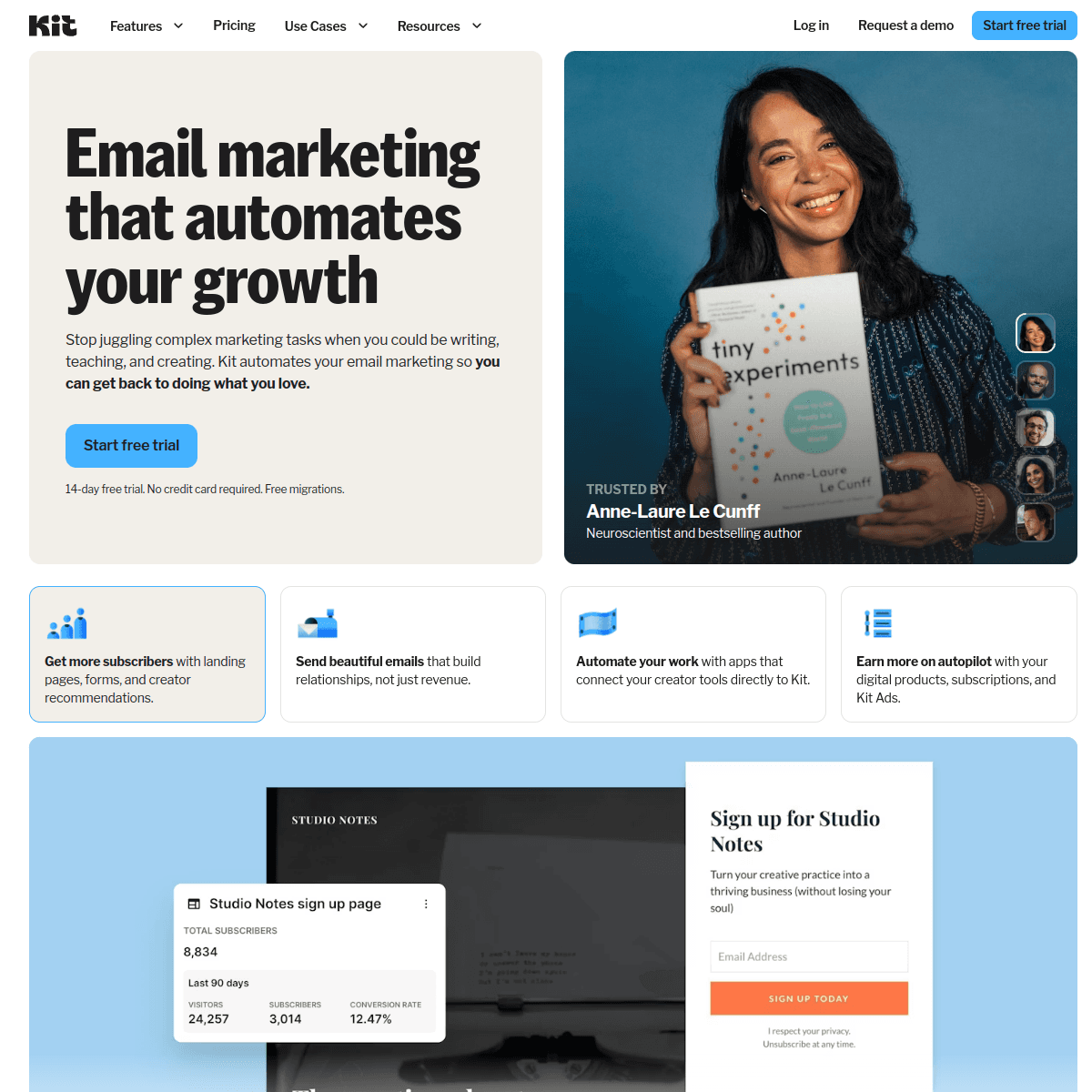
Best for: Creators scheduling around tags and purchase behavior
ConvertKit's tag-based automation schedules emails around subscriber actions like link clicks, purchases, and form submissions, tuned for the creator economy rather than SaaS product events.
- Pricing: Free up to 10,000 subscribers, from $29/month
- Pros: Generous free tier, simple tag-based triggers, good commerce integration
- Cons: No send-time optimization, limited for usage-based SaaS triggers
18. Ortto
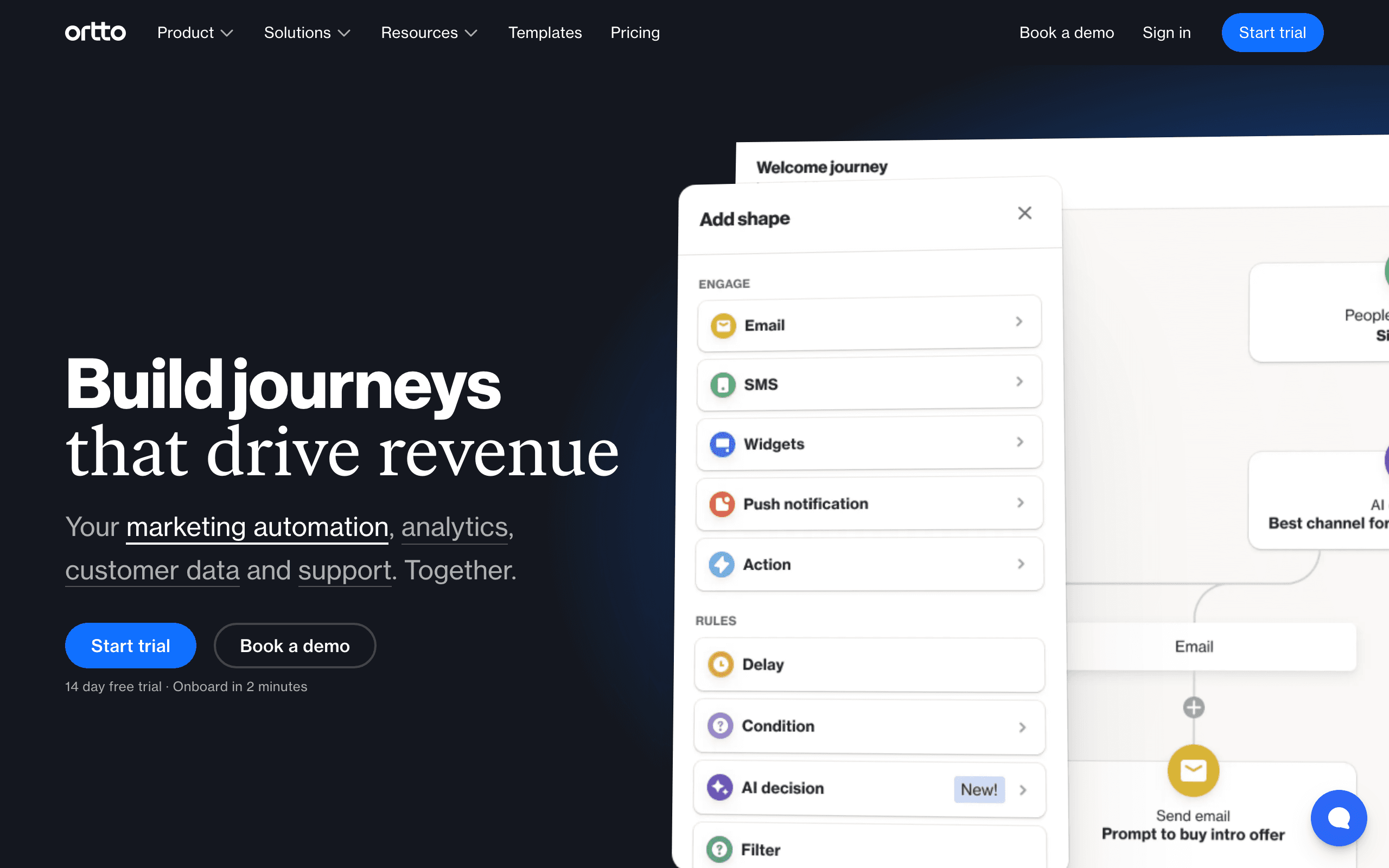
Best for: Teams wanting behavioral scheduling unified across data sources
Ortto's CDP layer unifies product, CRM, and support data before scheduling decisions are made, so a behavioral trigger can reference data from multiple systems at once.
- Pricing: From $99/month
- Pros: Unified customer data, capable journey builder, good for complex segmentation
- Cons: Expensive starting price, broad platform can feel complex to configure
19. Moosend
Best for: Budget-conscious teams wanting basic behavioral automation
Moosend offers behavior-based triggers (site visits, purchases, engagement) at one of the lowest price points in this comparison, without the depth of enterprise platforms.
- Pricing: From $9/month for 500 subscribers
- Pros: Very affordable, decent automation for the price, responsive support
- Cons: Limited advanced behavioral logic, smaller template and integration library
20. Sendlane
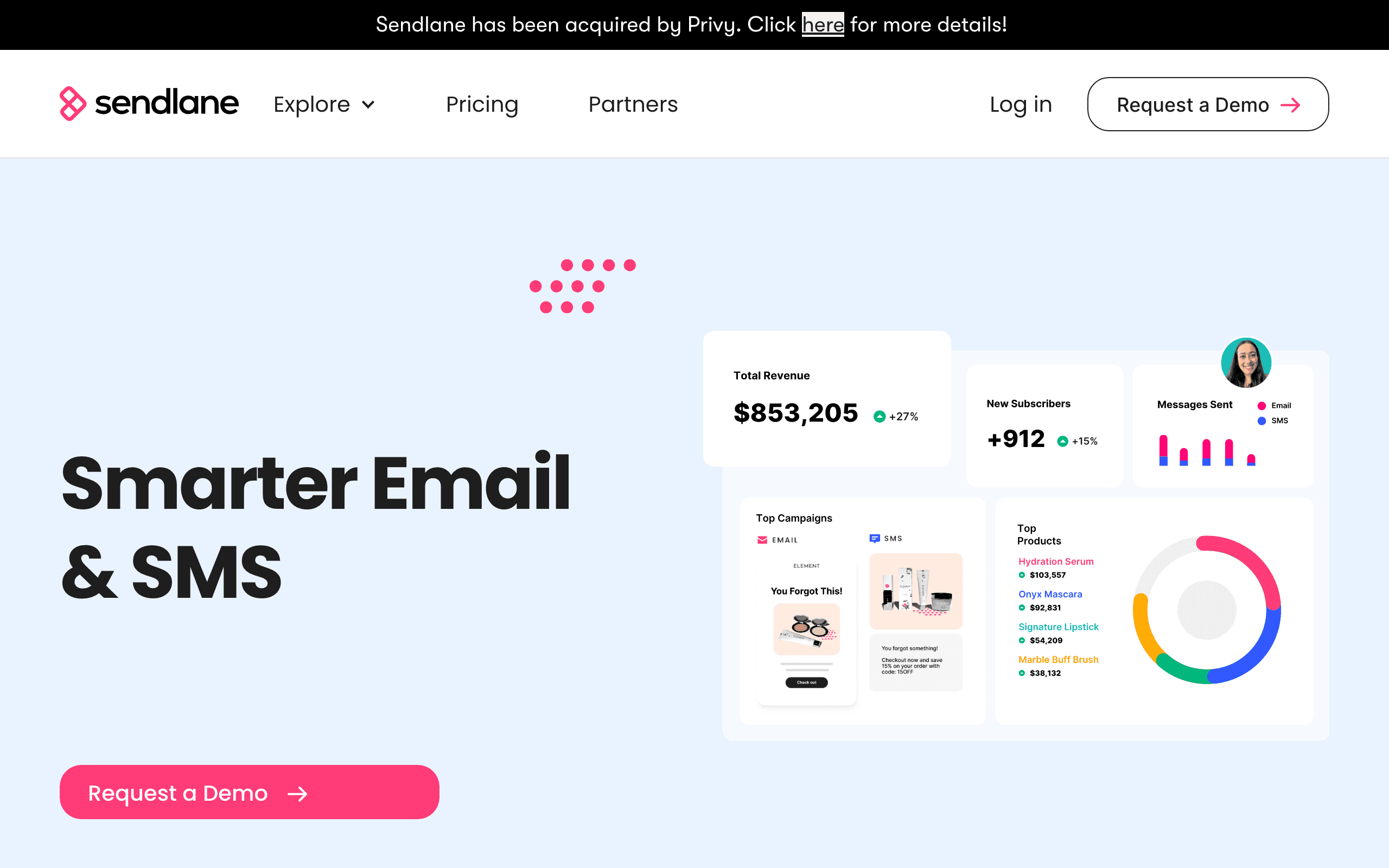
Best for: Ecommerce brands wanting AI-assisted send-time and SMS coordination
Sendlane combines email and SMS behavioral scheduling with AI-assisted send-time optimization, positioned as a Klaviyo alternative for mid-size ecommerce brands.
- Pricing: From $99/month
- Pros: Combined email + SMS scheduling, AI send-time features
- Cons: Higher starting price, smaller ecosystem than Klaviyo
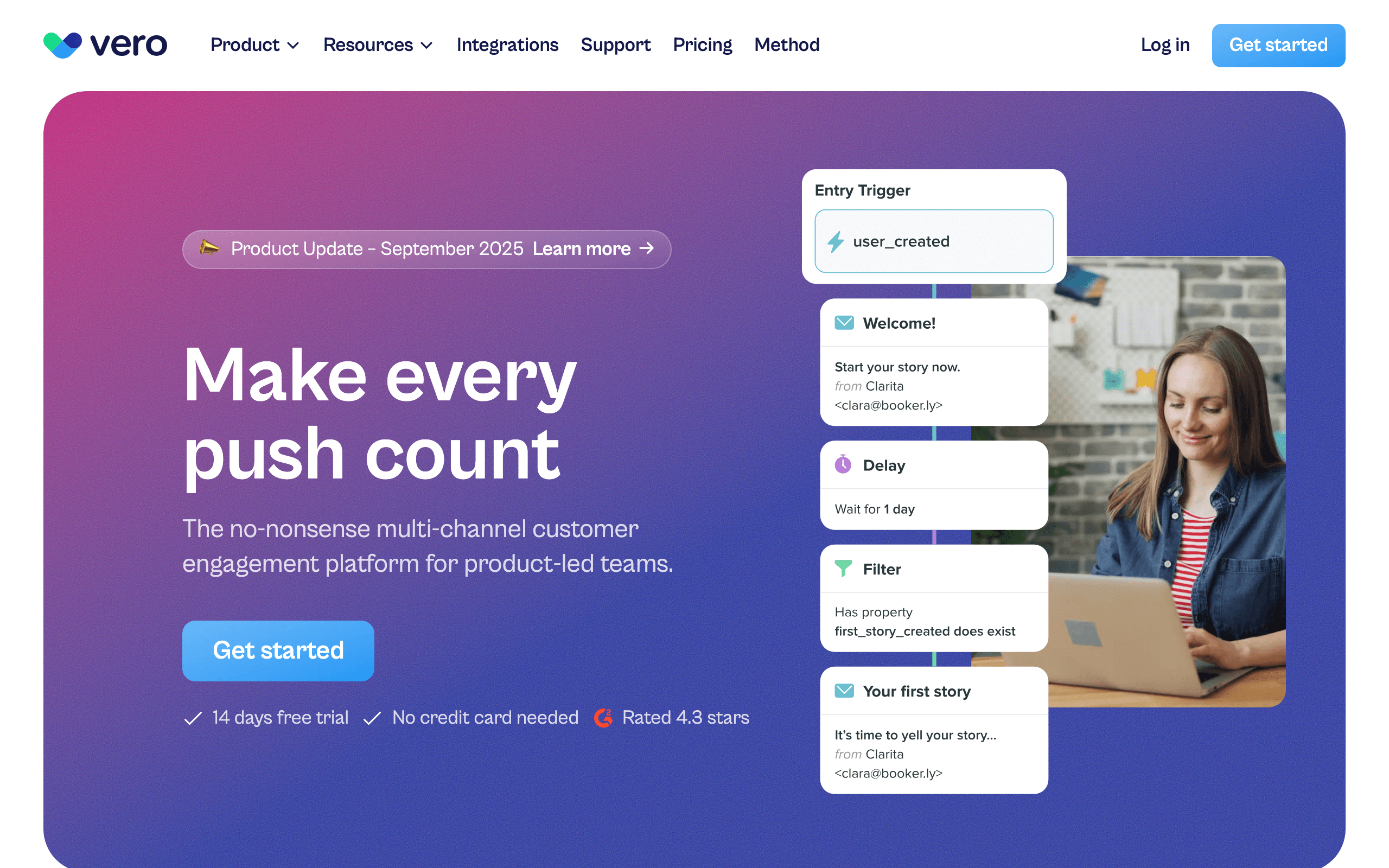
21. Vero
Best for: API-first teams building behavioral scheduling as code
Vero's API-first design lets engineering teams build behavior-based scheduling logic programmatically, version-controlled alongside the rest of their codebase, rather than through a visual builder.
- Pricing: From $99/month
- Pros: Full API control, event-driven automation, infrastructure-as-code workflow
- Cons: Requires engineering resources, no visual builder, steeper learning curve
FAQ
Is behavior-based scheduling the same as send-time optimization?
Not exactly. Send-time optimization is one piece of behavior-based scheduling, focused on when a recurring send goes out per subscriber. Behavior-based scheduling also includes trigger-based automations, where the send itself only exists because of an action a subscriber took. Sequenzy, Klaviyo, and Mailchimp are the tools on this list offering dedicated send-time optimization alongside trigger-based automation.
Do small lists benefit from behavior-based scheduling?
Trigger-based automations like welcome emails and abandoned cart sequences work regardless of list size, since they key off individual actions, not aggregate data. Send-time optimization models generally need some engagement history to work well, so their accuracy improves as your list and send history grow.
What's the difference between behavioral triggers and behavioral segments?
A trigger fires a specific automation the moment an action happens. A segment is a standing group of subscribers who match behavioral criteria that you can target with a campaign at any time. See smart segments and best email tools with behavioral triggers for more on how the two work together.
Can I combine event triggers with send-time optimization in the same automation?
On platforms built for it, like Sequenzy and Klaviyo, yes: an event starts the automation, and a delay step can respect quiet hours or optimized timing before the message actually sends. Simpler tools usually only support one or the other. The one case where you should deliberately turn optimization off is a time-critical trigger such as a password reset or a receipt, since holding it for a better open window defeats the point. Sending emails outside business hours covers how to carve those exceptions out of a quiet-hours policy.
Which of these tools is cheapest for a small team just getting started?
Sequenzy, Mailchimp, Brevo, and Moosend all offer free or near-free entry points under $15/month. Sequenzy and Mailchimp are the only two in that group with a dedicated send-time optimization feature included.
Try behavioral automation free
Sequenzy's free plan covers 2,500 emails a month with unlimited contacts and includes send-time optimization, the automation builder, smart segments and event triggers through the API, CLI and MCP server. Start free or compare the tiers on pricing.