Updated 2026-05-30

17 Resend Automations Alternatives for Lifecycle Email

Resend Automations brought event-driven sequences to a developer-first sender. But it's deliberately narrow - no marketing segmentation, no native Stripe events, thin attribution. Here are 17 alternatives.

TL;DR

Quick answer: Resend Automations is excellent for triggered email you fire from your own code. The closest alternative that adds the missing platform is Sequenzy ($49/mo) with native Stripe events, segmentation, and attribution. For the deepest event logic: Customer.io. For something even simpler: Loops. For multi-channel notifications: Knock or Novu.

17 Best Resend Automations Alternatives

Our Pick for SaaS Companies
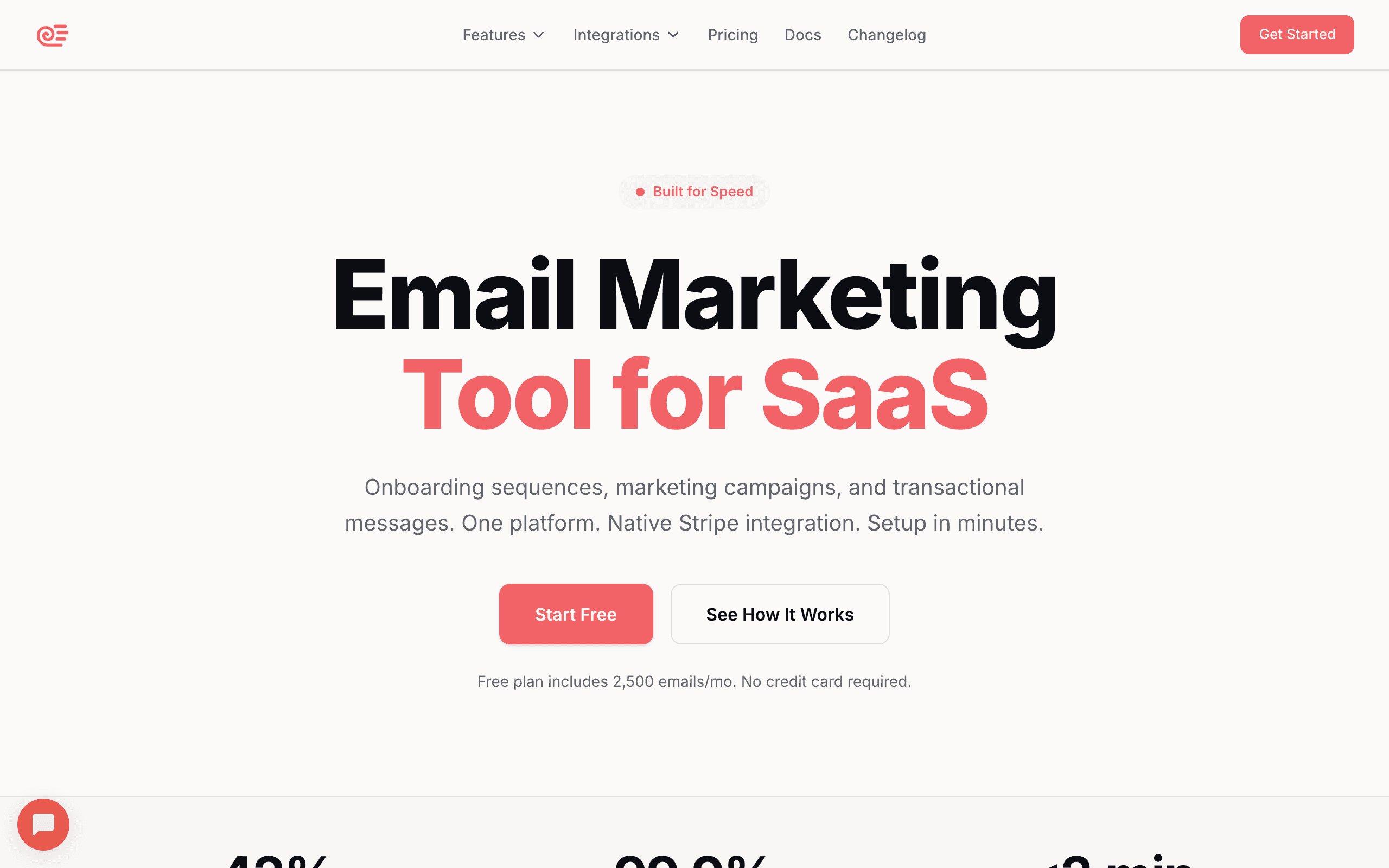
Sequenzy landing page screenshot
#1
4.5avg rating
Sequenzy
SaaSAutomationTransactionalAll-in-One

Sequenzy starts where Resend Automations stops. It is event-driven in the same way (send an event to the API and it triggers a sequence), but it ships the surrounding platform Resend leaves to you: behavioral segmentation, native Stripe events, revenue attribution, and a unified transactional plus marketing system.

The Stripe integration is the clearest difference - payment events (trial started, payment failed, subscription upgraded, cancelled) flow in automatically with no glue code, so dunning and trial-conversion flows work out of the box rather than after you build a webhook bridge. Sequenzy also supports inactivity triggers like "no login for 7 days," which respond to what users stop doing, not only what they do. Like Resend, it stays automatable through a REST API, CLI, and MCP, so AI agents and scripts can manage subscribers, sequences, and campaigns directly. The honest trade-off: Sequenzy is a platform you adopt, not a feature you add to existing sending, it does not do landing pages or SMS, and it is a newer product than the enterprise tools on this list. Best for SaaS teams that outgrew triggered-only email and want the full lifecycle platform without losing the developer-first, API-driven feel.

Visit
Best for
SaaS teams that want triggered email plus a full lifecycle platform
Pricing
$49/month for 120k emails (unlimited subscribers)

Pros

  • Native Stripe events with no glue code
  • Behavioral segmentation and revenue attribution
  • Unified transactional + marketing in one system
  • API, CLI, and MCP control for agents and scripts
  • Inactivity triggers, not just action triggers

Cons

  • A platform you adopt, not a feature you bolt on
  • No landing pages or SMS
  • WooCommerce is a beta sync
  • Newer than incumbent automation engines
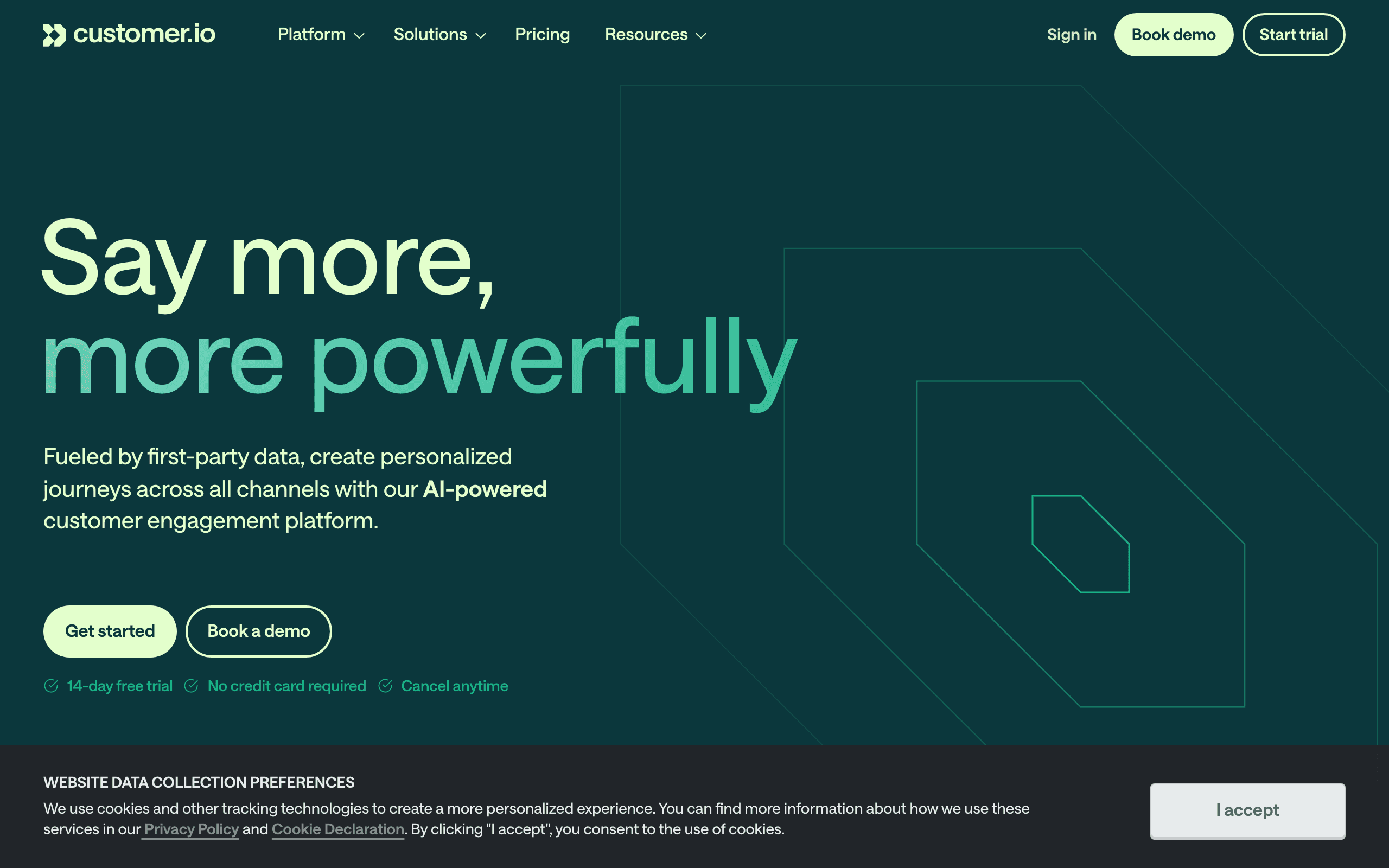
Customer.io landing page screenshot
#2
4.4avg rating
Customer.io
SaaSAutomationEnterprise

Customer.io was built around events from day one and remains the deepest automation engine here. Every workflow starts from an event, a segment change, or an attribute update, and you can branch on event properties, combine multiple conditions, and use frequency and recency filters that Resend's simple operators cannot express.

Where Resend gives you equals and contains, Customer.io gives you "triggered feature.used more than ten times in the last 30 days AND has not triggered invite.sent." Its wait-for-event step is similar in spirit to Resend's, but the surrounding segmentation is far richer. The cost is real - pricing starts at $100/month and the learning curve is steep. Best for teams whose automation logic is essentially the product and who have outgrown simple conditions.

Visit
Best for
The most powerful event-based automation engine
Pricing
$100/month for 5,000 profiles

Pros

  • Deepest event logic and nested branching
  • Frequency and recency conditions
  • Mature, reliable, multi-channel
  • Wait-for-event with rich segmentation

Cons

  • 5x the entry price of simpler tools
  • Steep learning curve
  • Requires engineering to instrument events
  • Overkill for triggered-only sends

What users say

View source reviews
Sarit Rosenthal Aviram · Trustpilot

Renewal terms were changed without a proper notification! They tried a sneaky way to add conditions to the renewal contract, and increased their pricing. They are not flexible at all on those terms even though we are their customers for many years.

Good Comfort · Trustpilot

After months of trying to make Customer.io work for our business, I can say with confidence: unless you have a dedicated engineering team and endless patience, look elsewhere.

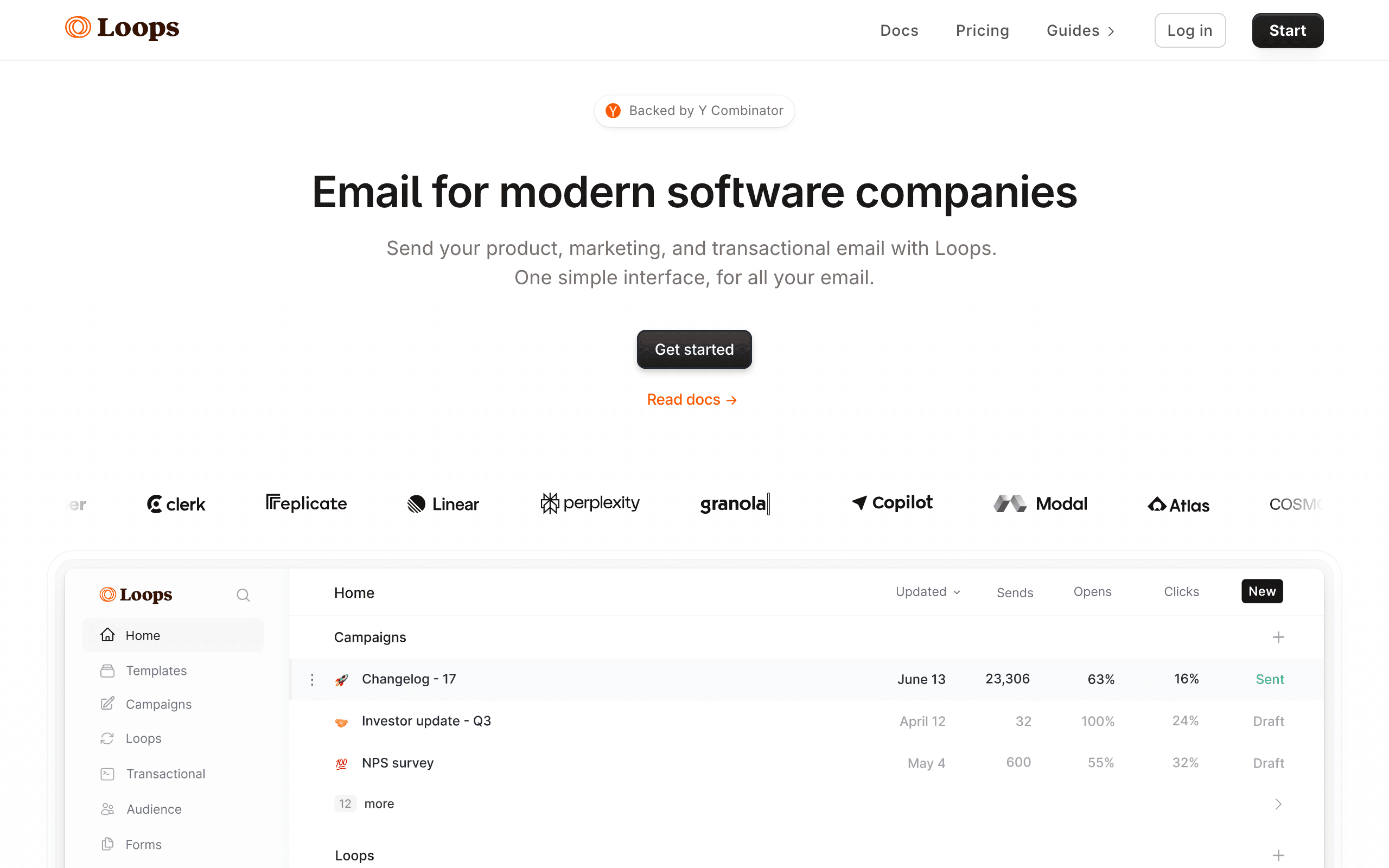
Loops landing page screenshot
#3
4.3avg rating
Loops
SaaSSimpleAutomation

Loops is the closest peer to Resend Automations in philosophy: developer-friendly, event-driven, deliberately simple. You send events via API and they trigger sequences, with clean docs and good SDKs that let you ship your first triggered email in under an hour.

Compared to Resend, Loops is more of a complete email product - it owns the editor, the contact list, and broadcasts - while keeping the simple "event fires, sequence starts" model. It is a good middle ground if you want slightly more than Resend Automations without adopting a heavy platform. The limitation mirrors Resend's: branching is basic, so rich "if X send A, else send B" logic still lives in your own code. Best for startups that want simple event-to-email with the editor and broadcasts included.

Visit
Best for
Startups that want simple event-to-email automation
Pricing
$49/mo for 5k contacts

Pros

  • Simple, developer-friendly event model
  • Excellent docs and SDKs
  • Owns the editor and broadcasts
  • Good free tier

Cons

  • Basic branching and segmentation
  • Not built for complex flows
  • No native Stripe events
  • Gets pricey past 10k contacts
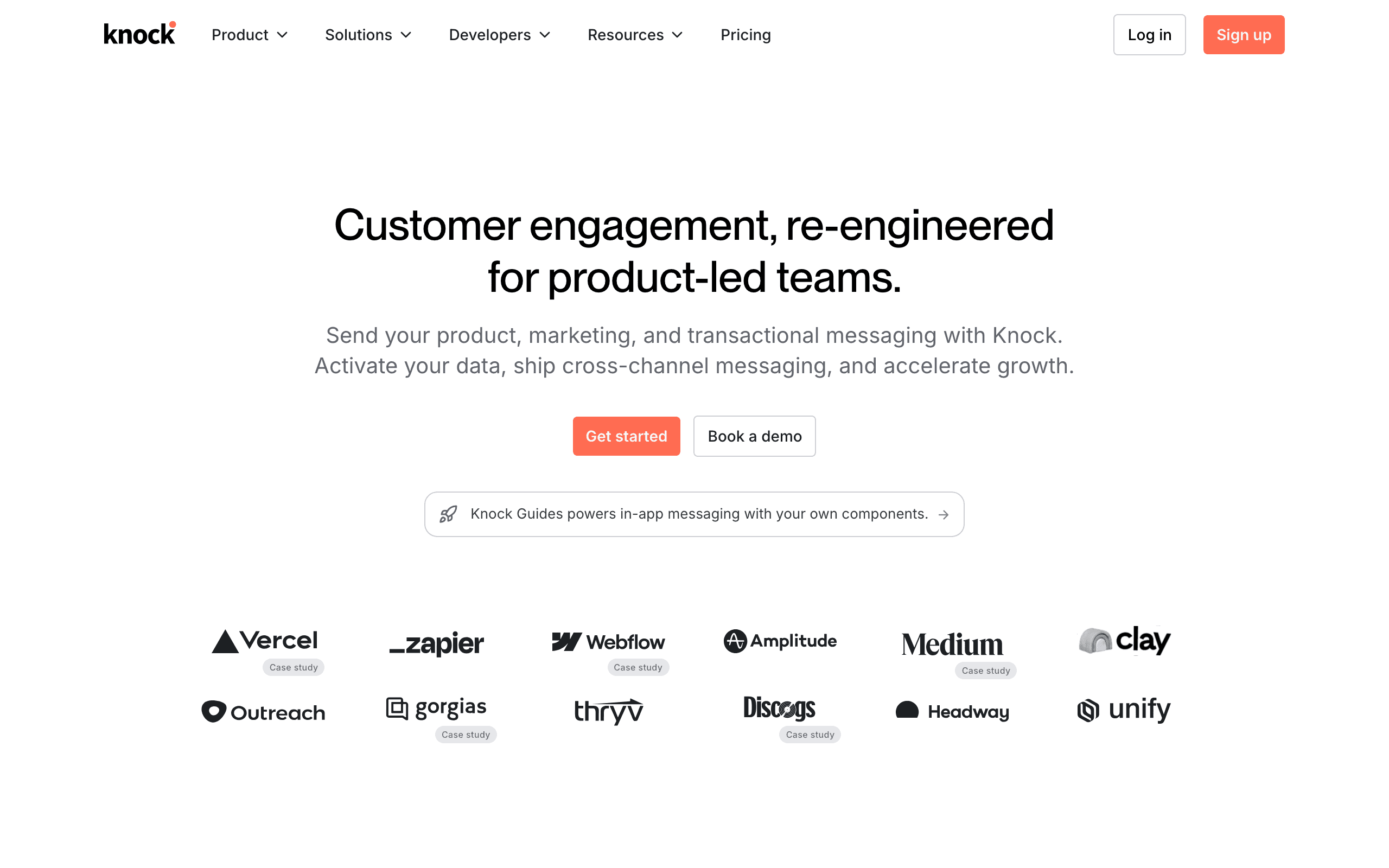
Knock landing page screenshot
#4
4.3avg rating
Knock
DeveloperAPI-FirstAll-in-One

Knock is notification infrastructure, not a marketing tool, which makes it a natural fit for teams that picked Resend for its developer experience. You define workflows that route a single notification across email, in-app, push, SMS, and Slack, with per-user preferences and batching handled for you.

Where Resend Automations is email-only, Knock's strength is channel orchestration: trigger one event and let Knock decide email versus in-app versus push based on user preferences and delivery rules. You can even use Resend as the email delivery backend inside Knock's workflow engine. It is not a marketing or campaign tool - no broadcasts, no marketing segments, no revenue attribution. Best for product teams building sophisticated multi-channel notification systems rather than lifecycle marketing.

Visit
Best for
Multi-channel notification infrastructure for developers
Pricing
Free tier, then usage-based

Pros

  • Multi-channel routing from one event
  • Preference center and batching built in
  • Developer-first, can use Resend as backend
  • Strong API and SDKs

Cons

  • Not a marketing tool
  • No broadcasts or attribution
  • Notification-focused scope
  • Gets expensive at scale
Novu landing page screenshot
#5
4.0avg rating
Novu
Open SourceDeveloperAPI-FirstAll-in-One

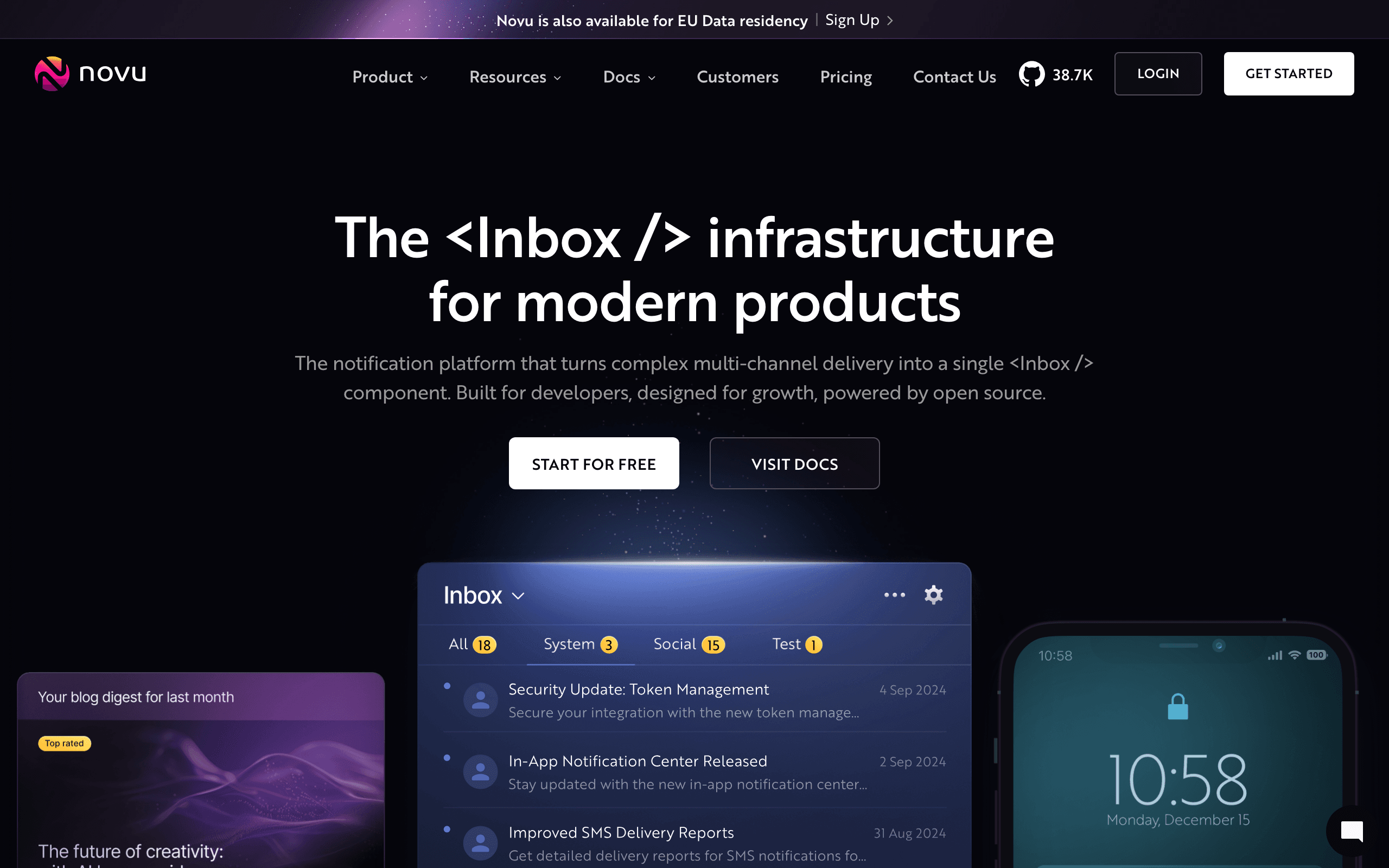
Novu is the open-source take on notification infrastructure. Like Knock, it orchestrates notifications across email, in-app, push, SMS, and chat from a single workflow, but you can self-host it for full control over data and cost.

For teams that chose Resend partly to avoid lock-in, Novu's open-source model is appealing. It can route the email step through Resend itself, so it acts as the orchestration brain on top of your existing sender, with digests and delays in the workflow editor. As with Knock, this is not marketing automation, and self-hosting means you own reliability and scaling. The managed cloud removes that burden but reintroduces a vendor. Best for engineering teams that want notification infrastructure they can self-host and own.

Visit
Best for
Open-source notification infrastructure you can self-host
Pricing
Free (self-hosted) or cloud plans

Pros

  • Open-source and self-hostable
  • Multi-channel orchestration
  • Composes with Resend or any provider
  • Active GitHub community

Cons

  • Not marketing automation
  • Self-hosting is real infrastructure work
  • Still needs a provider for delivery
  • Managed cloud reintroduces a vendor
Courier landing page screenshot
#6
4.1avg rating
Courier
DeveloperAPI-FirstAll-in-One

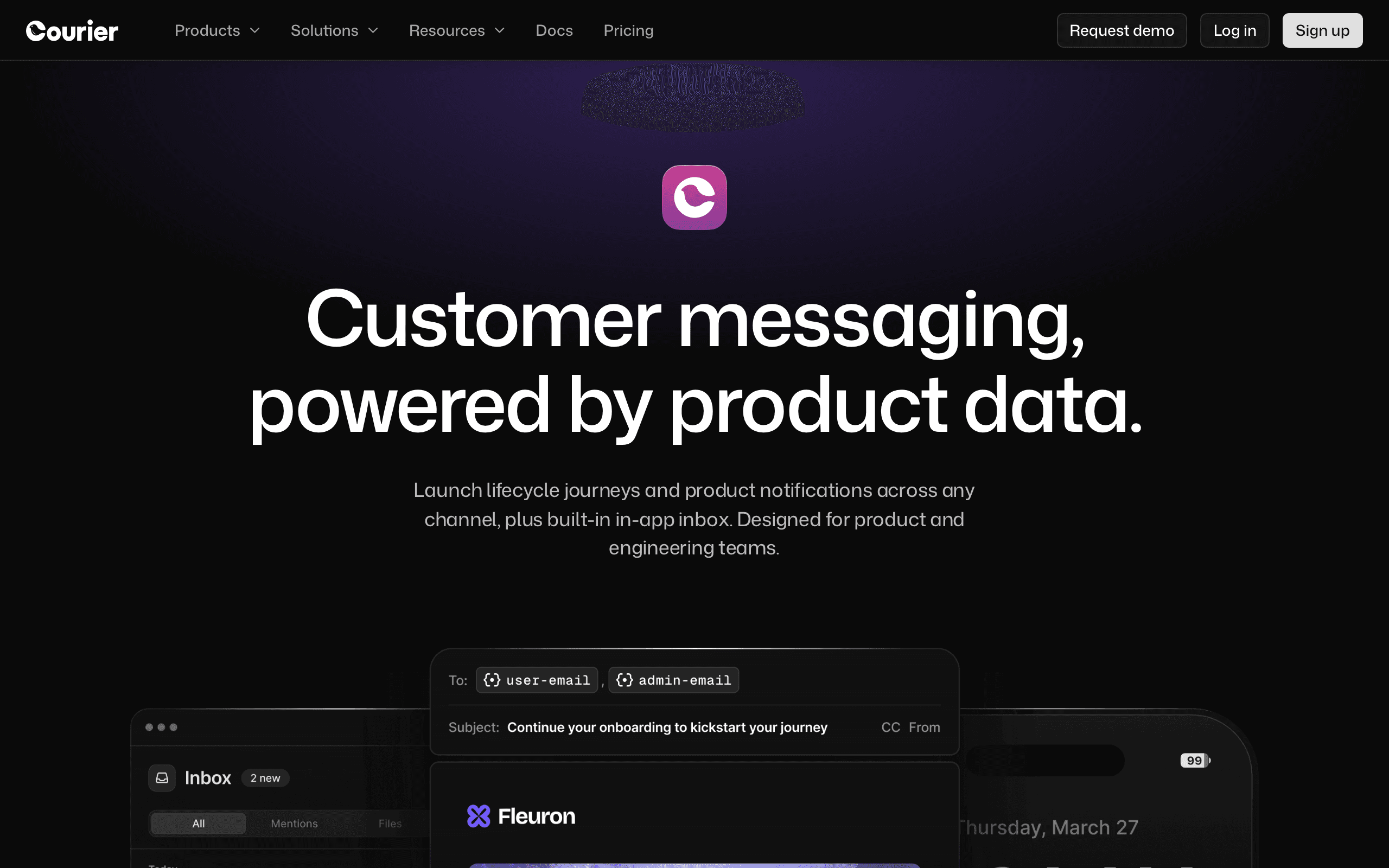
Courier sits between notification infrastructure and a content tool. It orchestrates notifications across email, SMS, push, and chat, but adds a notification designer and template layer so non-developers can edit content without touching code.

Against Resend Automations, Courier's advantage is the same multi-channel routing plus a designed template layer and provider-agnostic delivery - you can route through Resend, SendGrid, or others. Automations are built around notification triggers and preferences rather than marketing sequences, so this is not the tool for behavioral marketing segments and attribution. Best for teams that want reliable, well-designed product notifications across channels with a friendlier content workflow than pure infrastructure.

Visit
Best for
Notification orchestration with a designed content layer
Pricing
Free tier, then usage-based

Pros

  • Multi-channel routing
  • Content designer for non-developers
  • Provider-agnostic delivery
  • Good API

Cons

  • Notification scope, not campaigns
  • No marketing segments or attribution
  • Less depth than full lifecycle tools
  • Pricing scales with volume
Plunk landing page screenshot
#7
4.0avg rating
Plunk
Open SourceDeveloperAutomation

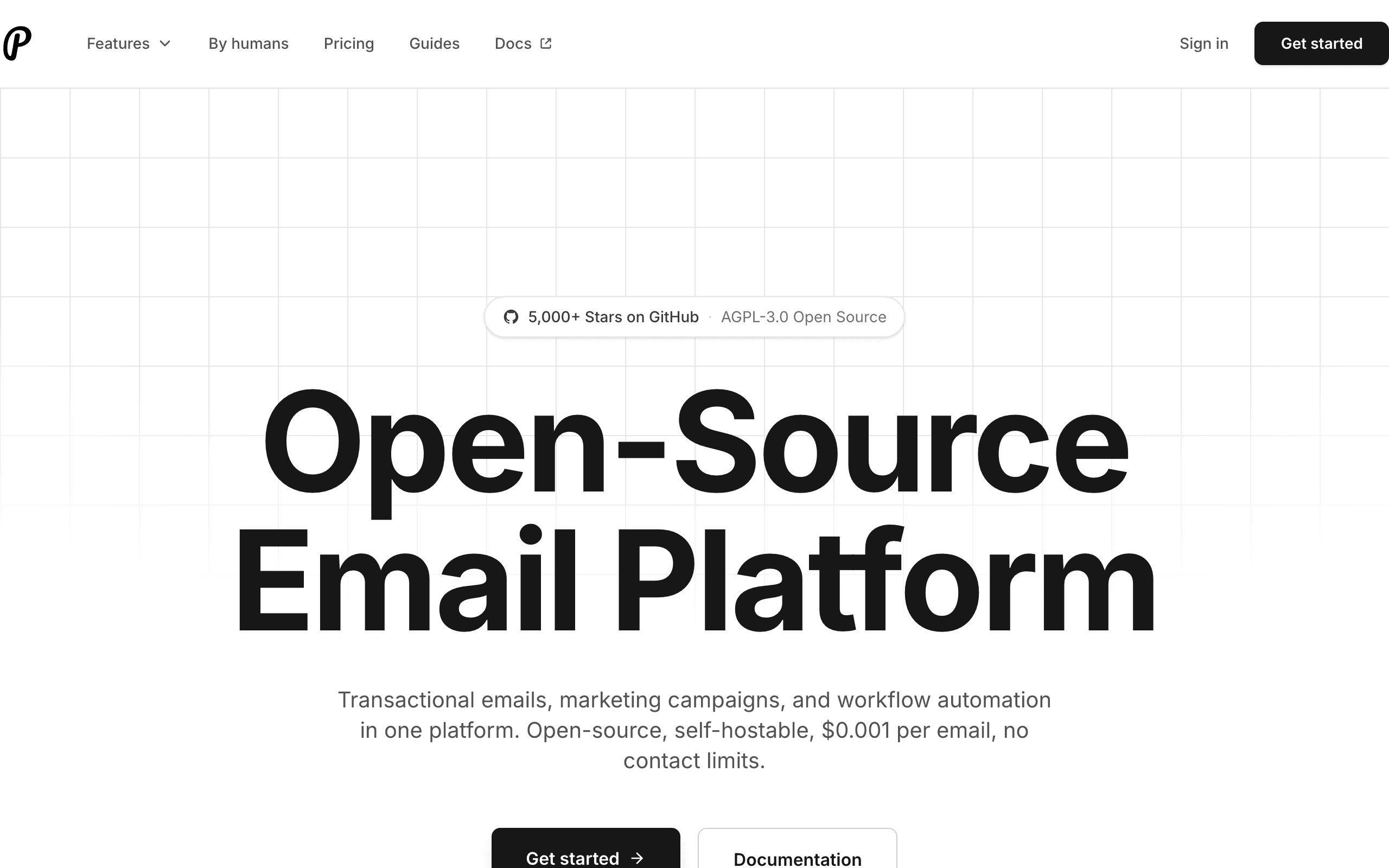
Plunk is an open-source email platform aimed squarely at developers, which makes it a natural Resend-adjacent option. It combines transactional sending, broadcasts, and event-triggered automation (called actions) in one tool, and you can self-host it.

For indie developers who like Resend's ethos but want automation and marketing in the same open-source package, Plunk fits. The automation model triggers actions from events: when a user triggers an event, send an email or start a flow. It is simpler than Customer.io but covers the common event-to-email patterns Resend Automations targets, with the bonus of broadcasts and contact management included. As a smaller open-source project, it has a smaller community, fewer integrations, and less battle-testing, and self-hosting means you own deliverability and uptime. Best for developers who value open-source and want Resend-like simplicity with automation built in.

Visit
Best for
Open-source, developer-first email automation
Pricing
Free (self-hosted) or hosted plans

Pros

  • Open-source and self-hostable
  • Transactional + marketing + automation in one
  • Developer-first design
  • Affordable hosted option

Cons

  • Smaller ecosystem and community
  • Fewer integrations
  • Self-hosting responsibility
  • Less proven at scale
Encharge landing page screenshot
#8
4.0avg rating
Encharge
SaaSAutomationSimple

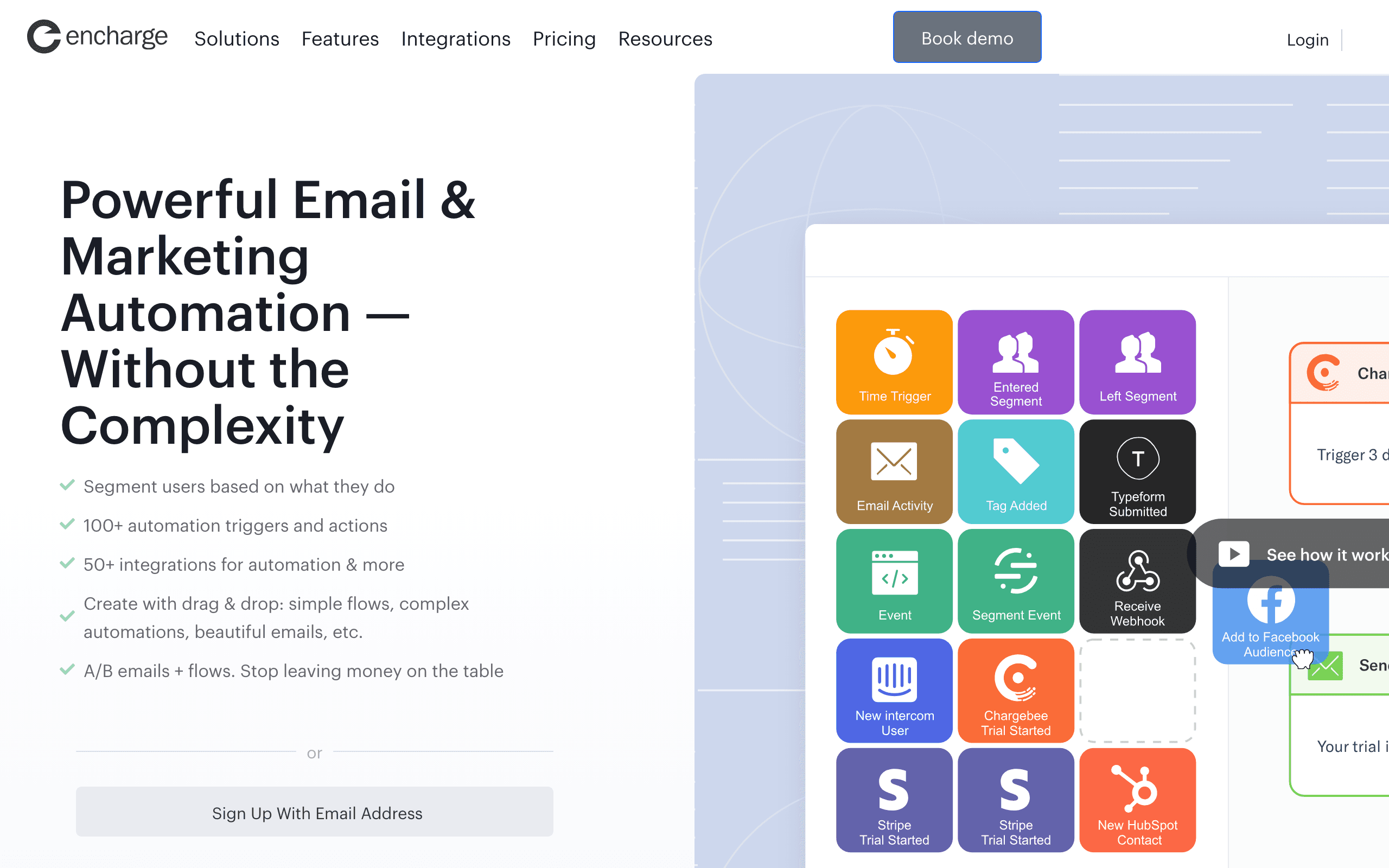
Encharge is built so a non-technical SaaS founder can own lifecycle email. Stripe events flow in automatically, HubSpot CRM events sync, and custom product events arrive via API or Segment.

The visual flow builder turns those events into sequences without code. Compared to Resend Automations, the two big additions are automatic Stripe events (no webhook bridge to build) and a flow builder designed for marketers rather than developers. Behavior scoring lets you accumulate points from events and trigger automations at thresholds, which is more than Resend's simple conditions allow. The trade-offs are mid-range pricing, a basic email editor, and a smaller community than the big platforms. Best for SaaS teams where the person owning email is not the person writing the code.

Visit
Best for
Non-technical SaaS teams that want visual event flows
Pricing
$79/month

Pros

  • Automatic Stripe events
  • Visual flows for non-developers
  • Behavior scoring and HubSpot integration
  • Segment support

Cons

  • Mid-range pricing
  • Basic email editor
  • Smaller community
  • Less depth than Customer.io

What users say

View source reviews
eddy calvin · Trustpilot

Encharge has made my email marketing easier and more likely to get done. Super simple and easy to set up. I had a drip campaign running in a couple of hours.

Sahawat Nilwatcharamanee · Trustpilot

It makes mapping out complex user journeys incredibly intuitive. I can drag and drop triggers and actions to see exactly how a lead moves through my funnel. The segmentation is top-tier.

Vero landing page screenshot
#9
4.0avg rating
Vero
SaaSAutomationDeveloper

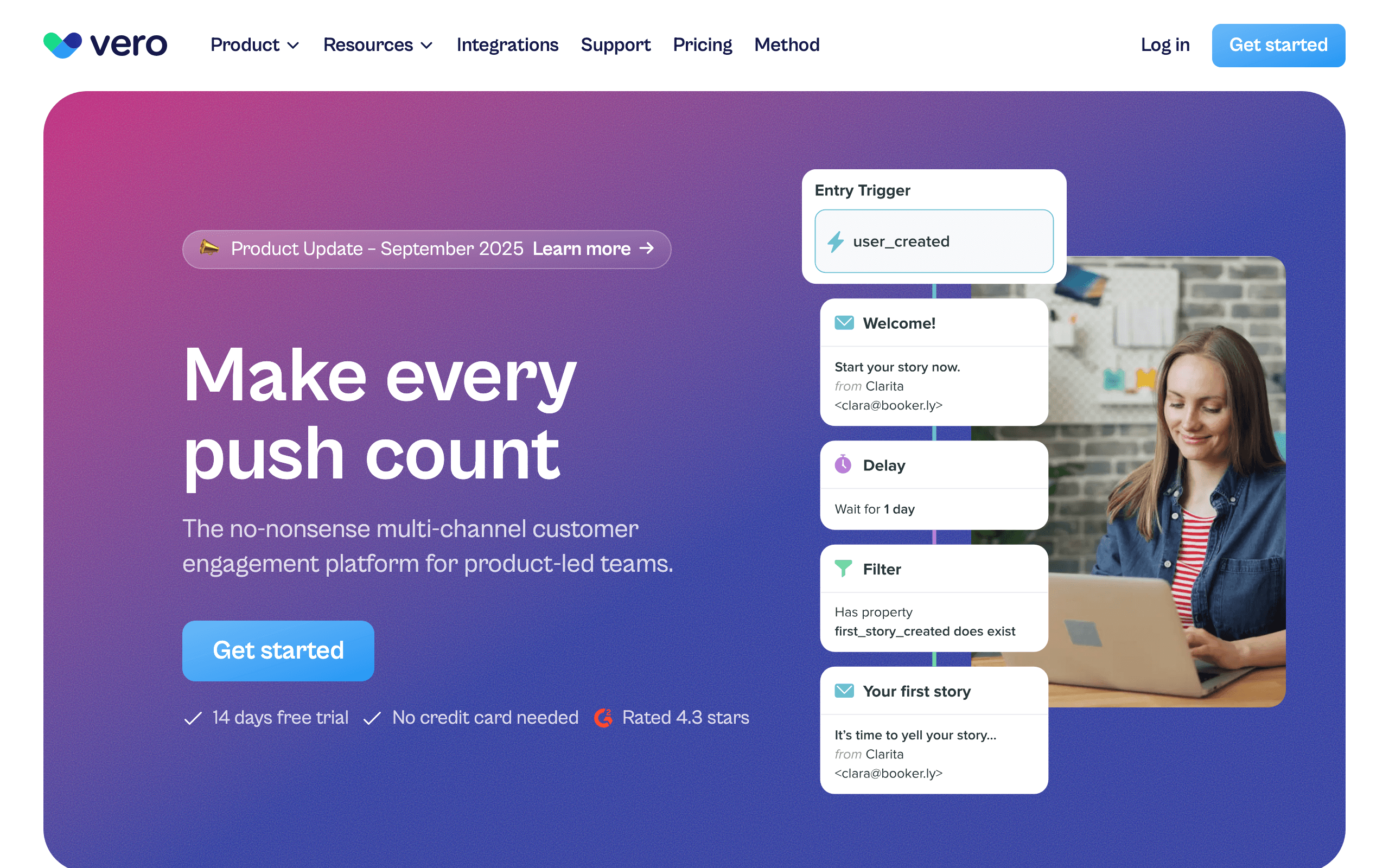
Vero sits between Loops' simplicity and Customer.io's power. Events are first-class objects, the per-user event history is searchable, and you get reasonable branching and segmentation without building enterprise-grade workflows.

Against Resend Automations, Vero adds proper behavioral targeting and SQL-based segmentation, so data teams can express targeting conditions that Resend's operators cannot. The event timeline per user also makes debugging automations much easier than reading run logs. It has a smaller ecosystem and less brand recognition than the bigger names, and the positioning is squarely mid-market. Best for product teams that want balanced event automation with real segmentation.

Visit
Best for
Balanced event automation for product teams
Pricing
$54/month

Pros

  • Good balance of power and simplicity
  • Behavioral targeting and SQL segments
  • Searchable per-user event timeline
  • First-class event model

Cons

  • Smaller ecosystem
  • Less well-known
  • Mid-market pricing
  • No native billing events
Bento landing page screenshot
#10
3.9avg rating
Bento
SaaSAutomationBudget-Friendly

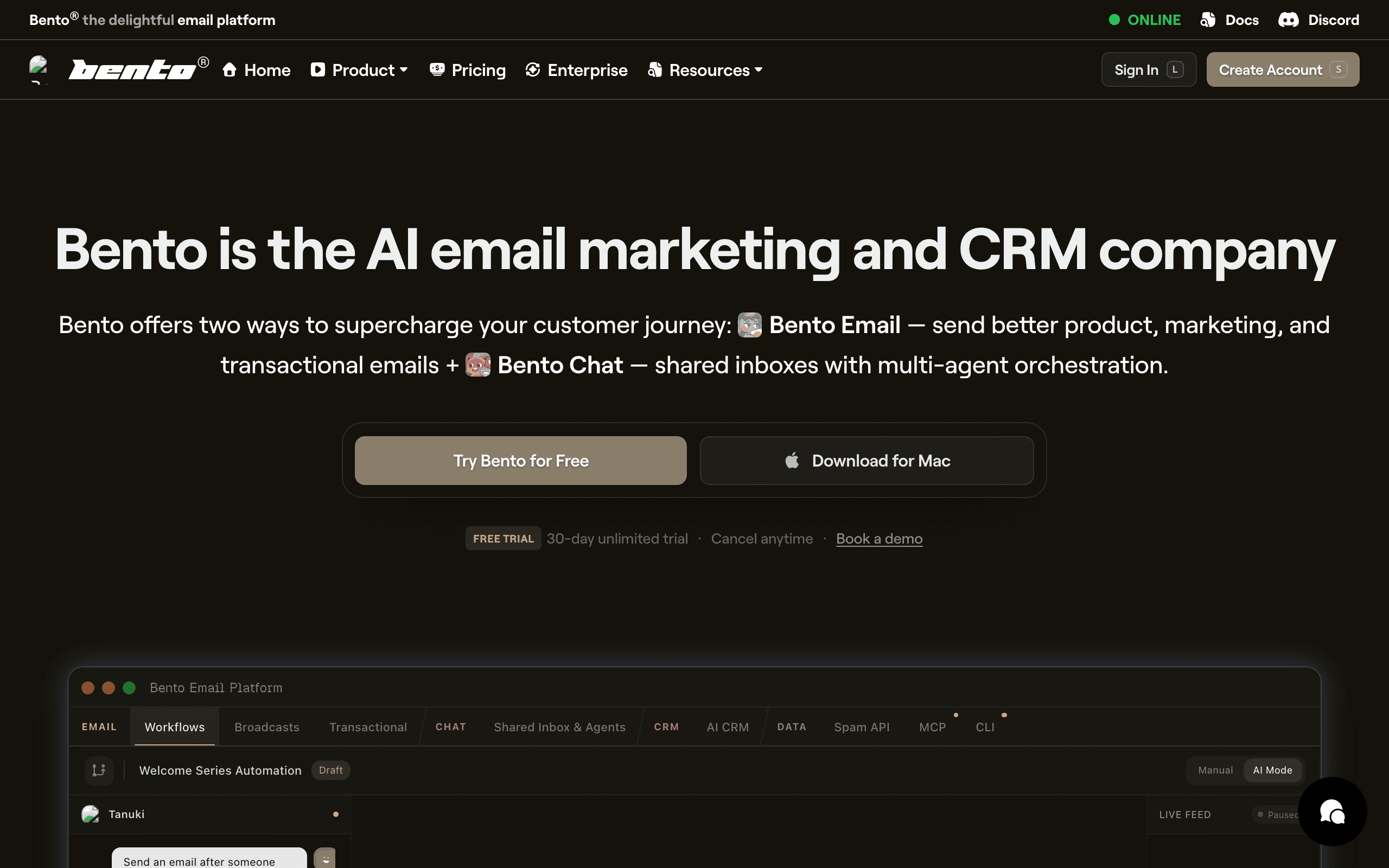
Bento is event-first at indie-hacker pricing. The event API accepts custom events with attributes, and the automation engine can trigger sequences, update segments, modify attributes, or send a single email in response.

Both broadcasts and automations can be event-triggered. Versus Resend Automations, Bento gives you the surrounding platform - segments, contact attributes, broadcasts - plus bundled deliverability tooling like warming and bounce handling, which is unusual at the price. For indie teams without a deliverability specialist, that inclusion is practical. The UI can feel cluttered and the documentation has gaps, but for the price the event capabilities are generous. Best for indie SaaS that wants event automation and a real platform at startup pricing.

Visit
Best for
Indie SaaS that wants event automation at startup pricing
Pricing
$30/month

Pros

  • Event-first design at indie pricing
  • Deliverability tooling included
  • Flexible event responses
  • Broadcasts and automations together

Cons

  • Cluttered UI
  • Documentation gaps
  • Smaller community
  • Less depth than enterprise tools
Intercom landing page screenshot
#11
4.0avg rating
Intercom
SaaSAutomationAll-in-One

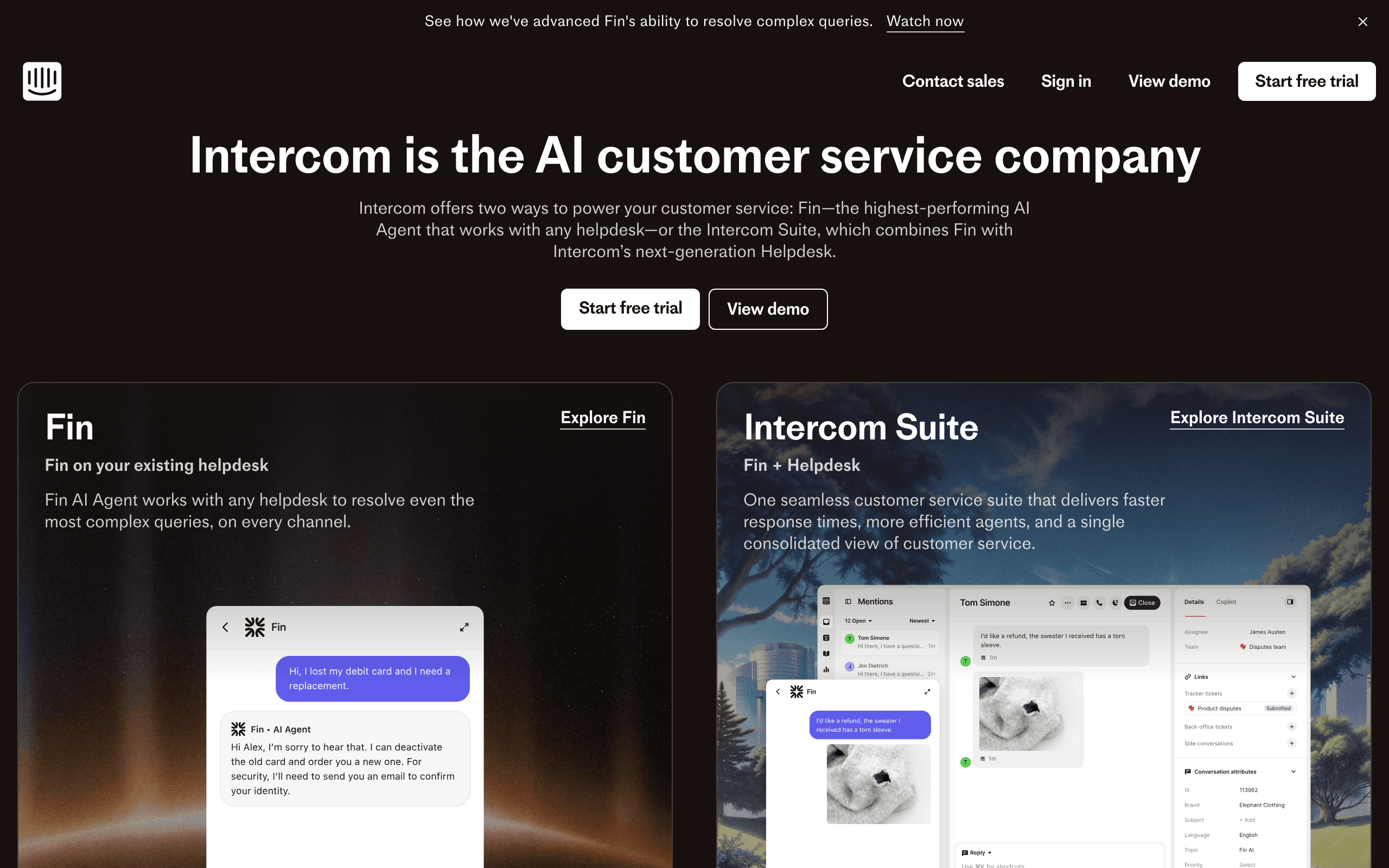
Intercom covers both in-app messaging and email from one platform. Custom events trigger automated messages delivered as in-app notifications when the user is active or email when they are not.

That context-aware channel selection is something email-only Automations cannot do. For SaaS teams that want behavioral messaging without committing upfront to in-app versus email, Intercom decides per user based on presence. Event attributes drive personalization, so an event like feature.first_used with a feature name can produce a message that references it. It costs more than email-only tools, the in-app layer adds complexity, and pricing scales with usage. Best for teams that want in-app and triggered email combined.

Visit
Best for
In-app messaging combined with triggered email
Pricing
$74/month

Pros

  • In-app + email in one platform
  • Context-aware channel selection
  • Strong event-attribute personalization
  • Clean SDK

Cons

  • More expensive than email-only
  • In-app adds complexity
  • Usage-based pricing
  • Overkill if you only need email

What users say

View source reviews
M. · Trustpilot

Intercom is a great tool for any customer service team. It offers a wide range of services - you can set workflows to easily automate processes, use their FIN AI to lower the amount of cases where human support is needed, and set your own triage system for prioritizing tickets.

Marcello · Trustpilot

This terrible service provider has no clear fees and is overly expensive for what looks like a company made of incompetent people. Every day there is a problem and we need to send emails to half of Intercom's department.

Iterable landing page screenshot
#12
4.1avg rating
Iterable
EnterpriseAutomationAll-in-One

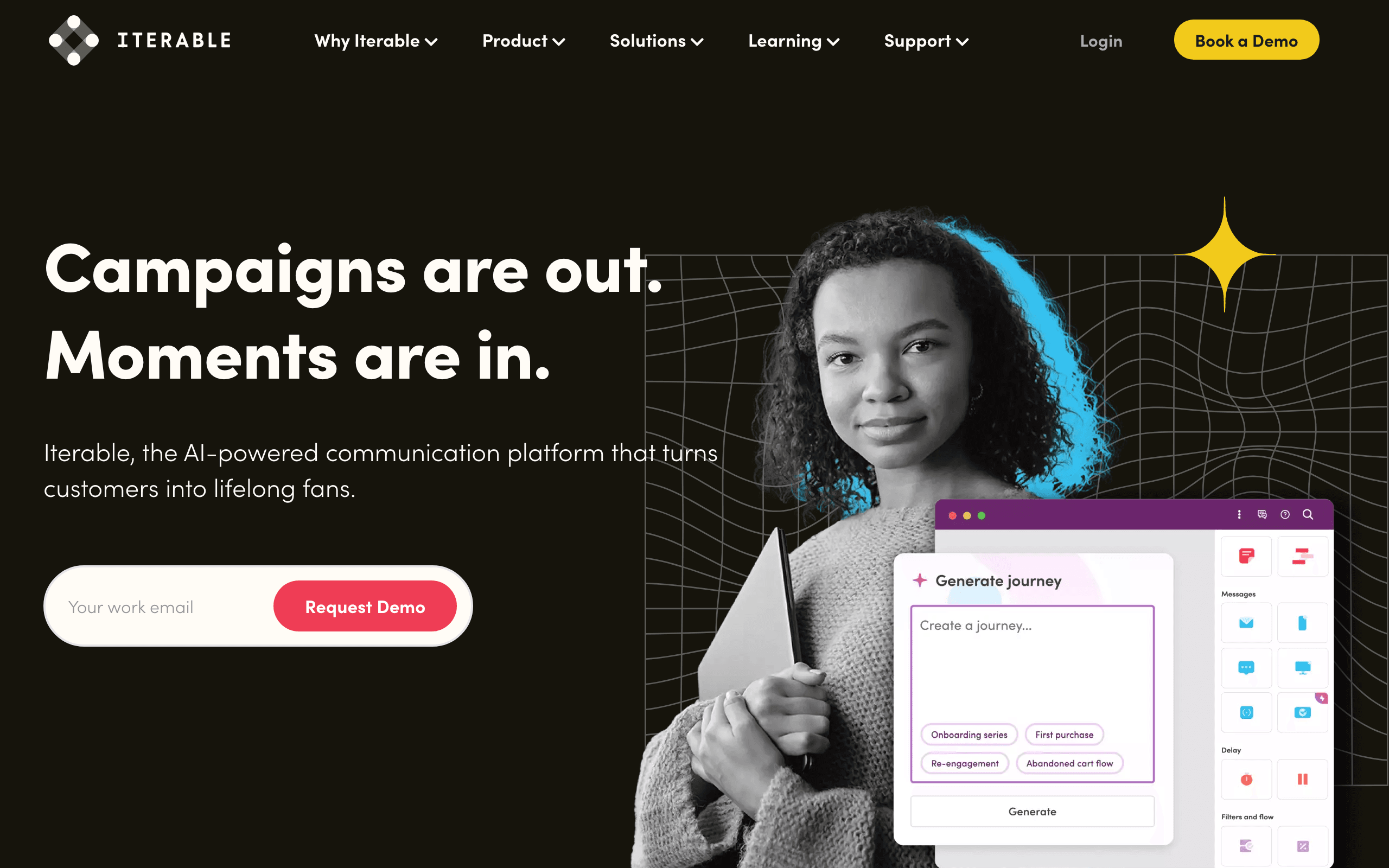
Iterable's workflow builder triggers on custom events and orchestrates email, push, SMS, and in-app together. Its hold-until step pauses a user until an event or condition is met, then branches, enabling sophisticated cross-channel sequences far beyond Resend's email-only scope.

For growth teams that want a single engine for lifecycle messaging across channels, with event properties driving personalization and branching, Iterable is purpose-built. It is a mid-market to enterprise tool, so it brings the depth and the overhead that come with that. Pricing is custom and typically starts high, and there is a real learning curve. Best for growth teams that need cross-channel lifecycle orchestration.

Visit
Best for
Growth teams that need cross-channel lifecycle orchestration
Pricing
Custom (typically $500+/month)

Pros

  • Cross-channel orchestration
  • Hold-until logic
  • Event properties for personalization
  • Growth-focused depth

Cons

  • Custom pricing
  • Complexity and overhead
  • Learning curve
  • Heavy for small teams
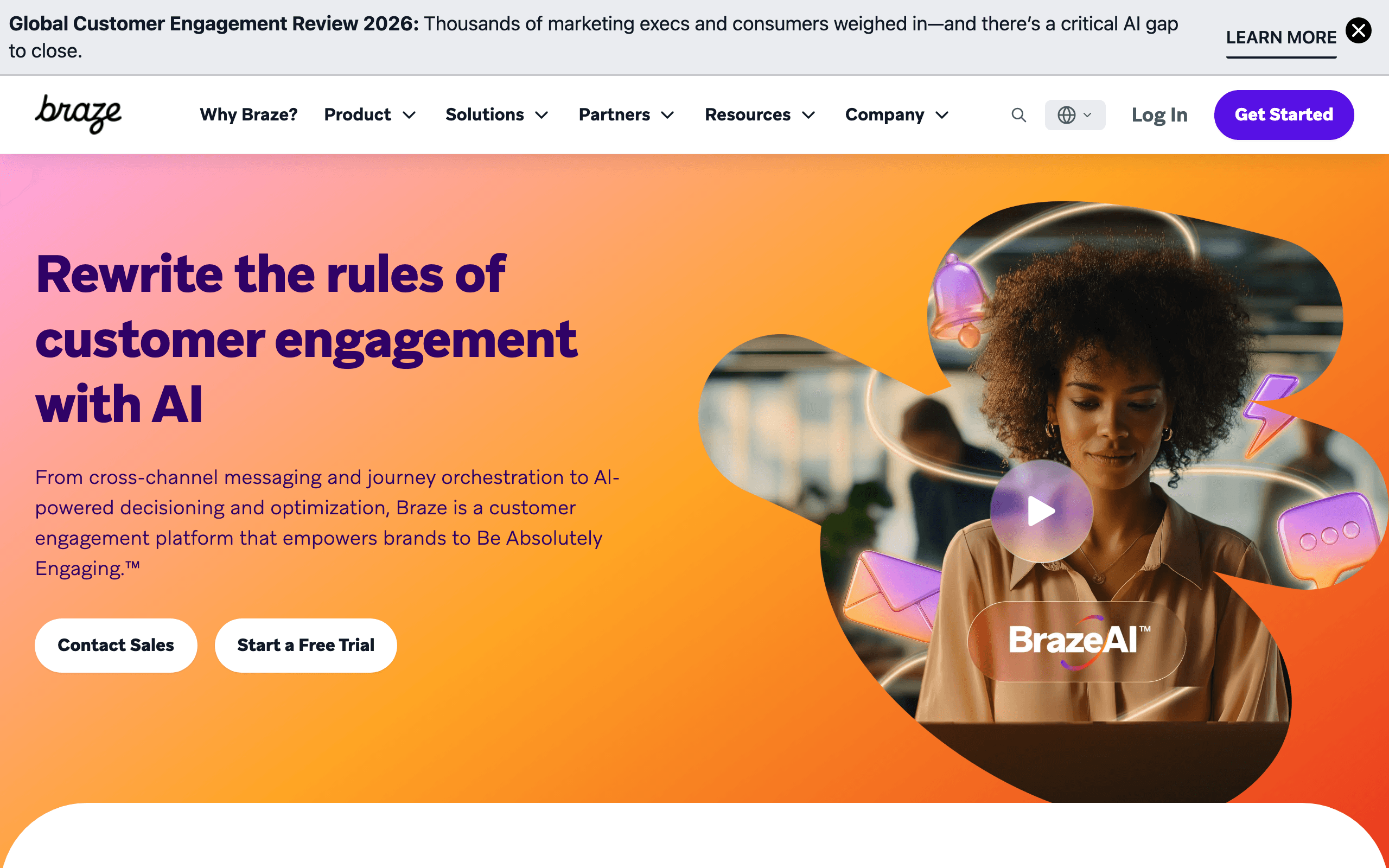
Braze landing page screenshot
#13
4.0avg rating
Braze
EnterpriseAutomationAll-in-One

Braze handles event-based orchestration at enterprise scale. Its Canvas builder branches on event occurrence, frequency, recency, and absence, and action-based delivery fires campaigns within seconds even at millions of events per day.

This is real-time orchestration of a kind Resend Automations does not target. For enterprises that need cross-channel campaigns, sophisticated triggers, and event analytics tying messages to downstream metrics, Braze has the depth. It is enterprise-priced, complex, and requires a dedicated team to run well. Best for large teams with real-time, high-volume orchestration needs.

Visit
Best for
Enterprise teams with real-time, high-volume orchestration
Pricing
Custom (enterprise contracts)

Pros

  • Enterprise-scale event processing
  • Frequency, recency, and absence triggers
  • Real-time multi-channel delivery
  • Event analytics

Cons

  • Enterprise pricing
  • Complex to run
  • Requires a dedicated team
  • Overkill outside enterprise
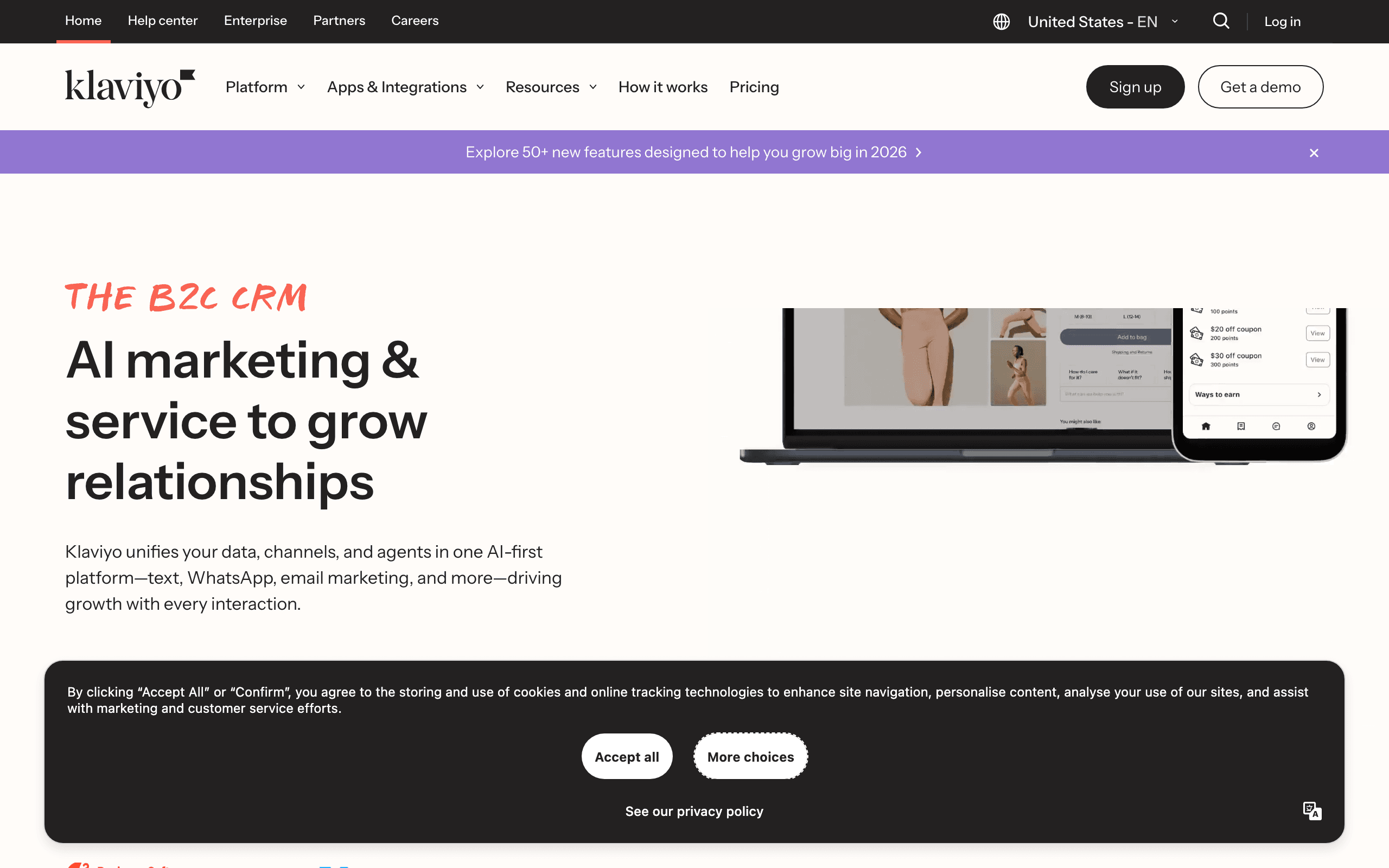
Klaviyo landing page screenshot
#14
4.2avg rating
Klaviyo
E-commerceAutomationAll-in-One

Klaviyo runs on metrics, its term for tracked behavioral events. Shopify metrics (placed order, viewed product, started checkout) are ingested automatically, and predictive analytics add events like "predicted next order within 7 days" that Resend has no equivalent for.

For e-commerce, the automatic event stream and predictions are a major advantage. Its Flow builder supports frequency and recency conditions on metrics, enabling retention campaigns far beyond Resend's simple branching. The mental model is e-commerce, so SaaS teams have to translate, and pricing scales with contact count rather than email volume. Best for e-commerce brands that want behavioral automation with predictive modeling.

Visit
Best for
E-commerce behavioral email with predictive modeling
Pricing
From $20/month

Pros

  • Automatic Shopify/e-commerce events
  • Predictive triggers
  • Frequency and recency filtering
  • Deep flow builder

Cons

  • E-commerce-centric mental model
  • SaaS requires translation
  • Pricing scales with contacts
  • No native Stripe events

What users say

View source reviews
Zaido Rivers · Trustpilot

Basically a scam at this point. They are doomed with the rise of people building their own solutions.

Mike L · Trustpilot

Signed up with them to use their texting campaign feature. Keeps throwing me an error, tried a couple times to work it out with them and was not able to get anywhere. Finally requested a refund, it's been 2 plus weeks and not even a response.

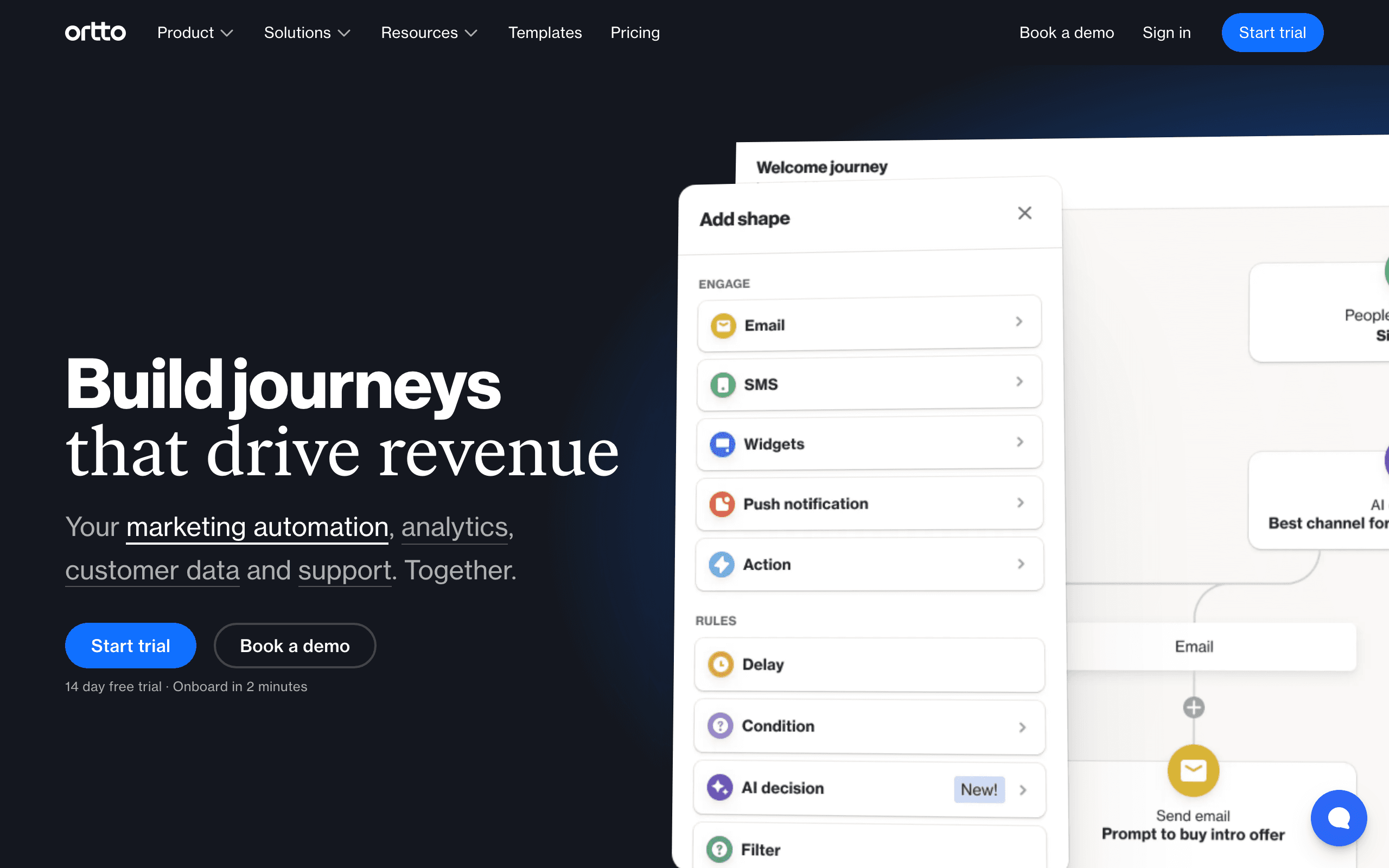
Ortto landing page screenshot
#15
3.9avg rating
Ortto
AutomationAll-in-OneEnterprise

Ortto pairs a customer data platform with a visual journey builder. Events arrive from CRM integrations, website tracking, forms, and the API, and journeys trigger on any of them.

Its journey analytics show event-to-outcome correlation, which is exactly the attribution layer Resend Automations lacks. Score-based events add a predictive layer: accumulate engagement points from behavior and trigger journeys at thresholds. For teams that want the data platform, journeys, and analytics in one place, Ortto consolidates a lot. It is expensive at the tiers where the automation is fully useful, and onboarding is involved. Best for teams that want CDP-driven journeys with built-in attribution.

Visit
Best for
CDP-driven journeys with built-in analytics
Pricing
From $599/month for the useful tiers

Pros

  • CDP + journeys + analytics together
  • Event-to-outcome correlation
  • Scoring as a trigger
  • Polished UI

Cons

  • Expensive at useful tiers
  • Involved onboarding
  • Overkill for small teams
  • Heavy for triggered-only needs
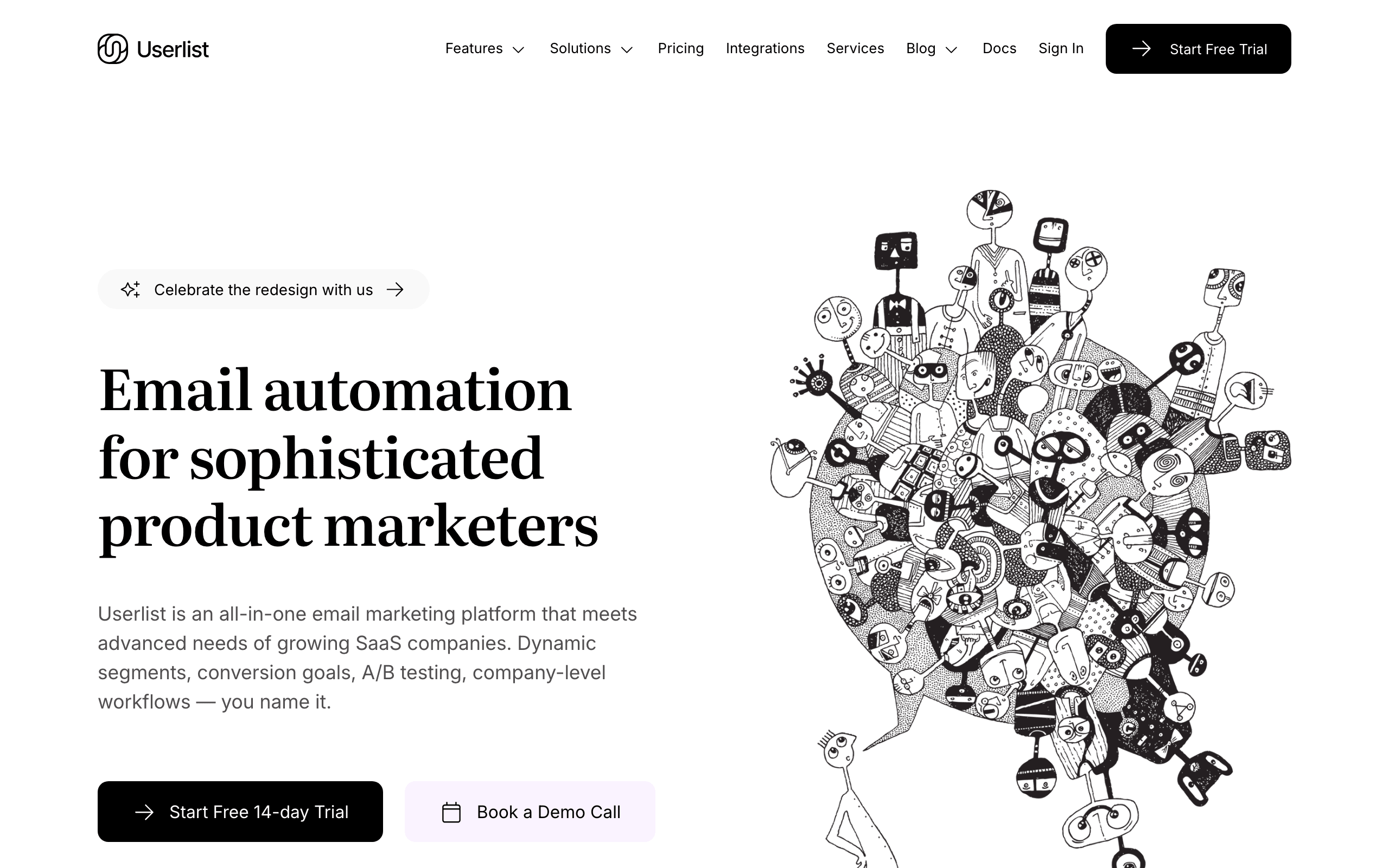
Userlist landing page screenshot
#16
4.1avg rating
Userlist
SaaSAutomationDeveloper

Userlist handles events at both the user level and the company level, which is unusual and valuable for B2B SaaS. An event can be attributed to an individual, a company, or both, so automations can target the account admin rather than just the user who triggered it, and Stripe events flow in for billing-driven flows.

Against Resend Automations, the account-aware model is the standout - when a company crosses a usage threshold, an account-level event can drive a message to the right contact, a pattern most email tools cannot express cleanly. The dual user/company event timeline also helps customer success debug accounts. It starts at a higher price than the indie tools and the community is smaller. Best for B2B SaaS that needs account-level lifecycle automation.

Visit
Best for
B2B SaaS with account-level lifecycle automation
Pricing
From $149/month

Pros

  • Account-level and user-level events
  • B2B-native model
  • Automatic Stripe events
  • Dual user/company timelines

Cons

  • Higher starting price
  • Smaller community
  • Fewer resources
  • Less brand recognition
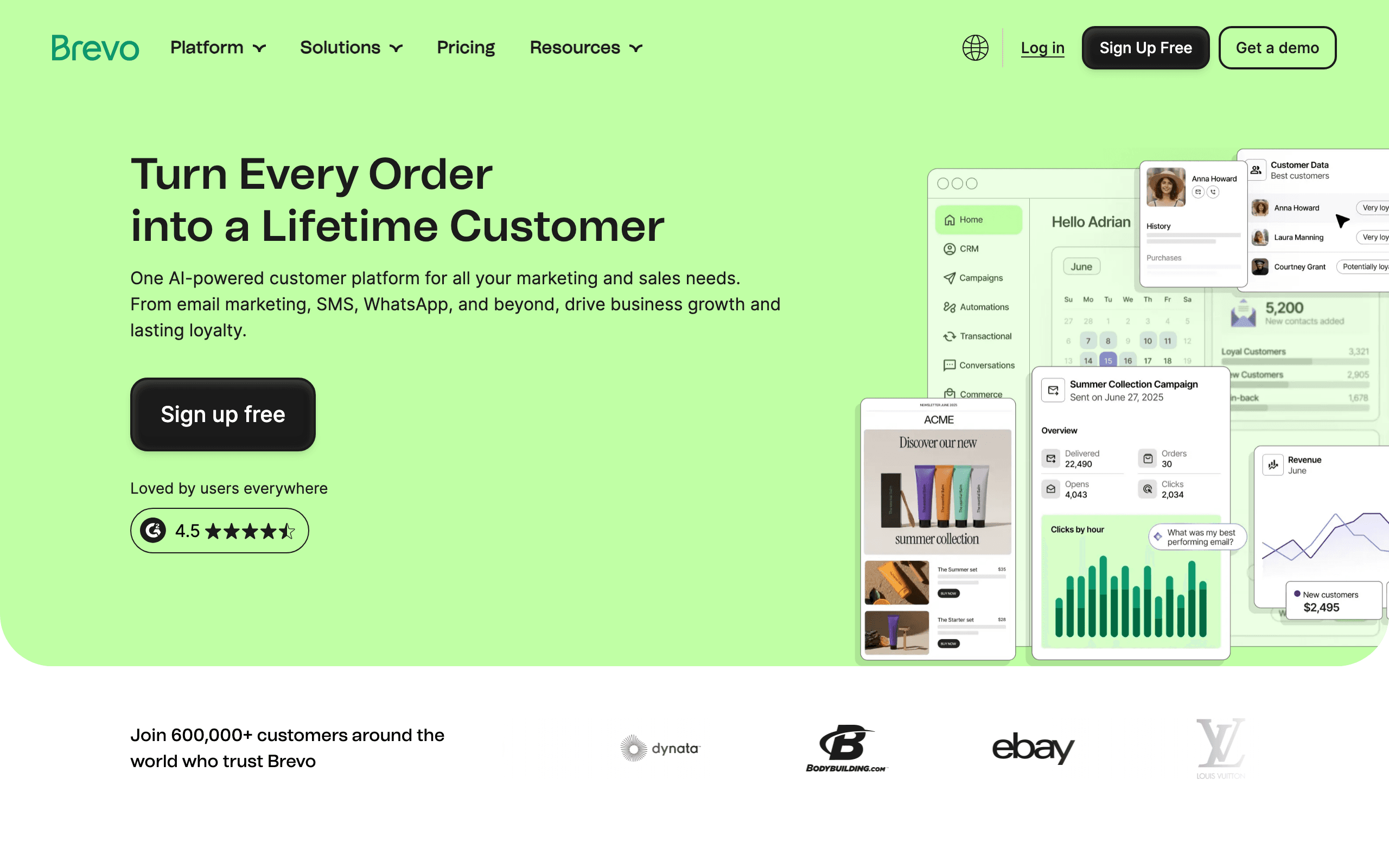
Brevo landing page screenshot
#17
3.8avg rating
Brevo
Budget-FriendlyAll-in-OneAutomation

Brevo (formerly Sendinblue) supports event-triggered automation alongside transactional email, with a generous free tier that includes automation access. Contact events, transactional email events (opened, bounced), and attribute changes can all start sequences.

The transactional-meets-marketing angle is the interesting one: a receipt being opened can trigger a follow-up sequence, blurring the line Resend keeps as two separate products, and Brevo keeps both in one tool and one bill. Event depth is limited compared to purpose-built tools, branching is basic, and it is not event-first by design. But for the price, it is a practical option for simple triggered flows. Best for budget-conscious teams that want triggered automation with transactional included.

Visit
Best for
Affordable triggered automation with transactional built in
Pricing
Free tier, from $9/month

Pros

  • Affordable with unlimited contacts
  • Transactional + marketing in one bill
  • Automation on the free tier
  • SMTP and API access

Cons

  • Limited event depth
  • Basic branching
  • Not event-first by design
  • Dated developer experience

What users say

View source reviews
Gary Curran · Trustpilot

Disappointing experience with Brevo. Our account was initially suspended after a first campaign due to bounce rate. We followed the required self-service steps and successfully revalidated the account ourselves. After this, support took ages to respond.

Larry Chin · Trustpilot

Brevo is a solid service for handling your marketing emails and much more. The tech support is fast and good. Making a marketing email is fast and easy. I have used SendinBlue, now Brevo, for many years now.

Why Look Beyond Resend Automations

You need marketing-grade segmentation

Resend Automations branches on simple equals and contains conditions. It has no behavioral segment engine, so targeting like "used a feature 10+ times but hasn't upgraded" lives in your own code. Tools like Sequenzy, Customer.io, and Vero express that natively.

You want native billing events

Resend has no automatic Stripe stream. Dunning, trial-conversion, and post-purchase flows only work after you build the webhook bridge yourself. Sequenzy, Encharge, and Userlist ingest Stripe events automatically.

You need attribution, not just run logs

Resend's observability tells you whether a run succeeded or failed, not which sequence drove revenue or where users dropped off. Sequenzy and Ortto tie email to outcomes.

You want one system for transactional and marketing

Resend bills transactional per email and marketing per contact as two products. A lifecycle program that mixes both spans two subscriptions. Sequenzy and Brevo unify both in one system and one bill.

Feature Comparison

FeatureResend AutomationsSequenzyCustomer.ioLoopsKnockEnchargeKlaviyo
Starting price
From $20/mo
$19/mo*
$100/mo
$49/mo
Free tier
$79/mo
$20/mo
Event-driven automation
Native Stripe events
Behavioral segmentation
Revenue attribution
Transactional + marketing in one
Multi-channel

When to Use Each Platform

Choose Sequenzy if...
  • You outgrew triggered-only email and need a platform
  • You use Stripe and want events synced automatically
  • You need segmentation and revenue attribution
  • You want API, CLI, and MCP control for agents
Choose Stay with Resend Automations if...
  • Your sequences are purely application-triggered
  • You already send transactional email through Resend
  • You want templates to stay in code
  • You are happy building integrations yourself
Choose Customer.io if...
  • Your automation logic is essentially the product
  • You need frequency and recency conditions
  • You have engineering to instrument events
  • You want multi-channel at depth
Choose Loops if...
  • You want something almost as simple as Resend
  • You need the editor and broadcasts included
  • You are an early-stage startup
  • Basic branching is enough
Choose Knock or Novu if...
  • You need multi-channel product notifications
  • You want a preference center built in
  • You want to keep Resend as the email backend
  • You prefer open-source (choose Novu)

The real question: Is your email triggered, or is it a program?

Resend Automations is a genuinely good feature. If your sequences are fired by application events - a signup, an order, a trial expiring - and you already send transactional email through Resend, it is one of the cleanest ways to run lifecycle email without leaving your stack. We go deep on what it does well in our Resend Automations review.

The limits are scope decisions, not bugs. There is no marketing-grade segmentation, no native Stripe or Shopify events, thin attribution, and transactional and marketing are still billed as two products. The moment email stops being purely triggered and becomes a growth channel, you feel those edges.

Here is how the alternatives break down.

If you want the platform Resend leaves to you: Sequenzy

Sequenzy keeps the event-driven, API-first feel but adds native Stripe events, behavioral segmentation, revenue attribution, and a unified transactional plus marketing system. It stays automatable through a REST API, CLI, and MCP, so agents and scripts can run the email program directly. See the full Sequenzy vs Resend comparison for the feature-by-feature breakdown.

If your automation logic is the product: Customer.io

When your branching outgrows simple conditions, Customer.io has the deepest event engine here - frequency, recency, absence, and nested logic across channels. It is more expensive and has a steeper curve, but nothing matches its power for complex journeys.

If you want something even simpler: Loops

Loops is the closest peer in philosophy - developer-friendly, event-driven, deliberately simple - while owning the editor and broadcasts. A good step up from triggered-only without adopting a heavy platform.

If you need multi-channel notifications, not marketing: Knock or Novu

If email is one channel in a broader notification system, Knock and Novu orchestrate email, in-app, push, and SMS from a single API with preferences built in. Both can use Resend as the email backend. Novu is open-source if self-hosting matters.

If a non-technical teammate owns email: Encharge

Encharge brings automatic Stripe events and a visual flow builder designed for marketers rather than developers, with behavior scoring on top.

The pricing reality

  • Resend Automations: sits on top of Resend sending (from $20/mo transactional), with marketing billed separately per contact
  • Sequenzy: $49/month for 120k emails (unlimited subscribers) (transactional + marketing + automation + attribution)
  • Loops: $49/mo for 5k contacts
  • Customer.io: $100/mo for 5,000 profiles
  • Brevo: from $9/mo
  • Novu / Plunk: free if self-hosted

The comparison is not apples-to-apples. Resend Automations is a feature on a transactional sender; most tools here are full lifecycle platforms. Factor in the engineering time to build segmentation, billing events, and attribution yourself when comparing.

When Resend Automations is still the right choice

Stay with it if your sequences are purely application-triggered, you already send through Resend, you want templates in code, and you are happy owning the integrations around it. Do not migrate just because you might need marketing someday - Resend plus a dedicated platform is a valid architecture. But once you are building a marketing platform on top of Resend, it is usually time to move the lifecycle program to something purpose-built. Read our best email marketing tools for SaaS guide to find your fit.

Frequently Asked Questions

Testimonials

Sequenzy Testimonials

Ready to try Sequenzy?

Start your free trial today. AI-generated sequences, Stripe integration, and direct founder support included.

Sequenzy vs Resend Automations: Direct Comparison

See a detailed side-by-side comparison of features, pricing, and when to choose each platform.

Compare →

More Alternatives

Sequenzy - Complete Pricing Guide

Pricing Model

Sequenzy uses email-volume-based pricing. You only pay for emails you send. Unlimited contacts on all plans — storing subscribers is always free.

All Pricing Tiers

  • 2.5k emails/month: Free (Free annually)
  • 15k emails/month: $19/month ($205/year annually)
  • 60k emails/month: $29/month ($313/year annually)
  • 120k emails/month: $49/month ($529/year annually)
  • 300k emails/month: $99/month ($1069/year annually)
  • 600k emails/month: $199/month ($2149/year annually)
  • 1.2M emails/month: $349/month ($3769/year annually)
  • Unlimited emails/month: Custom pricing (Custom annually)

Yearly billing: All plans offer a 10% discount when billed annually.

Free Plan Features (2,500 emails/month)

  • Visual automation builder
  • Transactional email API
  • Reply tracking & team inbox
  • Goal tracking & revenue attribution
  • Dynamic segments
  • Payment integrations
  • API, MCP, and CLI access
  • Custom sending domain

Paid Plan Features (15k - 1.2M emails/month)

  • Visual automation builder
  • Transactional email API
  • Reply tracking & team inbox
  • Goal tracking & revenue attribution
  • Dynamic segments
  • Payment integrations (Stripe, Paddle, Lemon Squeezy)
  • API, MCP, and CLI access
  • Custom sending domain

Enterprise Plan Features (Unlimited emails)

  • Visual automation builder
  • Transactional email API
  • Reply tracking & team inbox
  • Goal tracking & revenue attribution
  • Dynamic segments
  • Payment integrations
  • API, MCP, and CLI access
  • Custom sending domain

Important Pricing Notes

  • You only pay for emails you send — unlimited contacts on all plans
  • No hidden fees - all features included in the price
  • No credit card required for free tier

Contact

  • Pricing Page: https://sequenzy.com/pricing
  • Sales: hello@sequenzy.com



