Updated 2026-01-11

12 Knock Alternatives Worth Considering

Knock's notification infrastructure is excellent, but the pricing jump from free to $250/mo is steep. Here are 12 alternatives for different needs.

TL;DR

Quick answer: For SaaS email marketing, Sequenzy ($19/mo) has Stripe integration and AI content. For open-source notifications, Novu. For multi-channel enterprise, Customer.io. For just transactional email, Resend or Postmark.

12 Best Knock Alternatives

Our Pick for SaaS Companies
#1
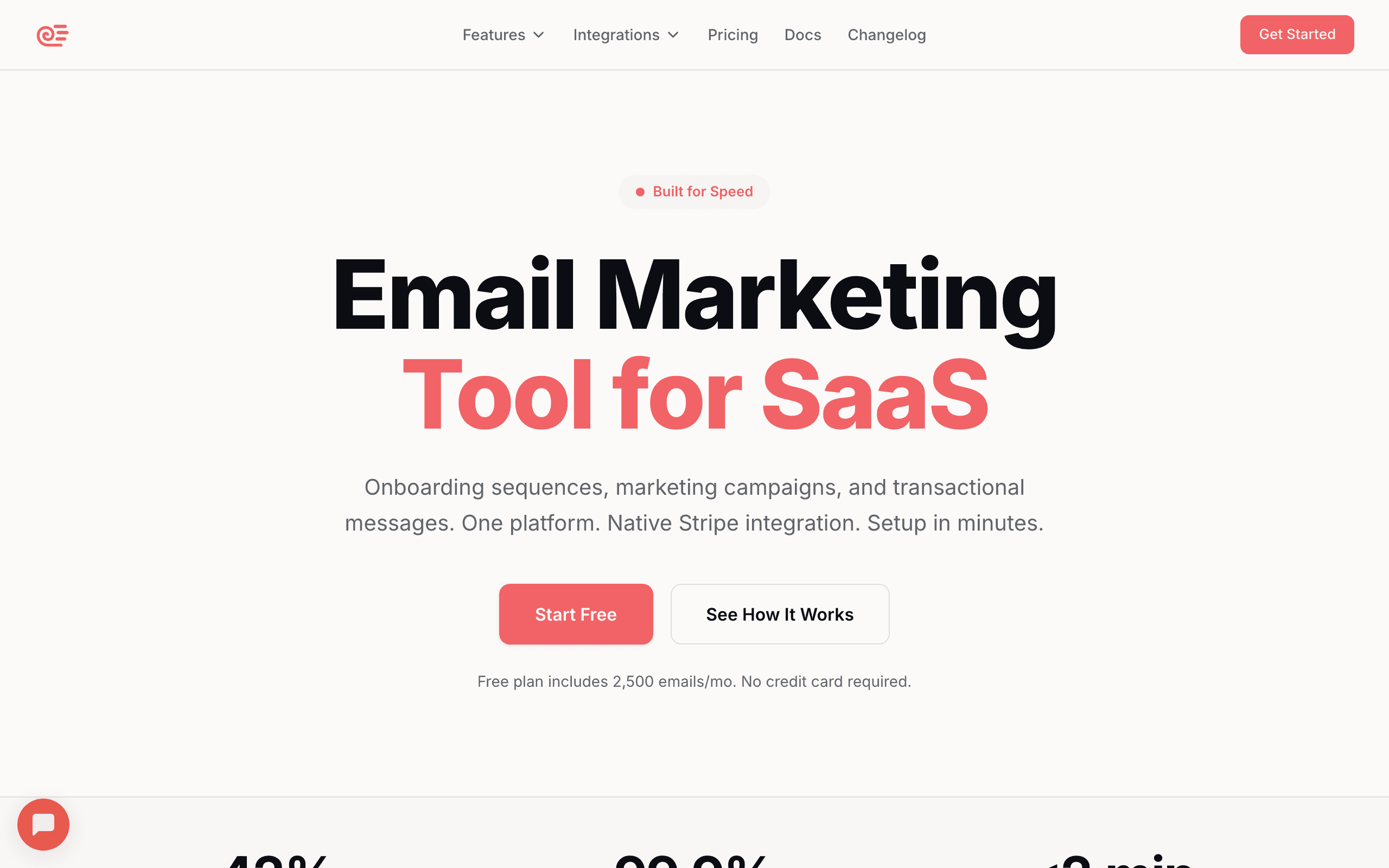
Sequenzy

Email marketing for SaaS with AI content generation and native Stripe integration. Not multi-channel like Knock, but purpose-built for SaaS email marketing.

Visit
Best for
SaaS teams needing email marketing with Stripe sync
Pricing
$49/month for 10k subscribers

Pros

  • Purpose-built for SaaS email marketing
  • AI generates entire email sequences
  • Native Stripe integration
  • 5x cheaper than Knock at 10k contacts
  • Unified transactional + marketing

Cons

  • No in-app notifications
  • No push or SMS
  • Email only - not multi-channel
  • Different purpose than Knock
#2
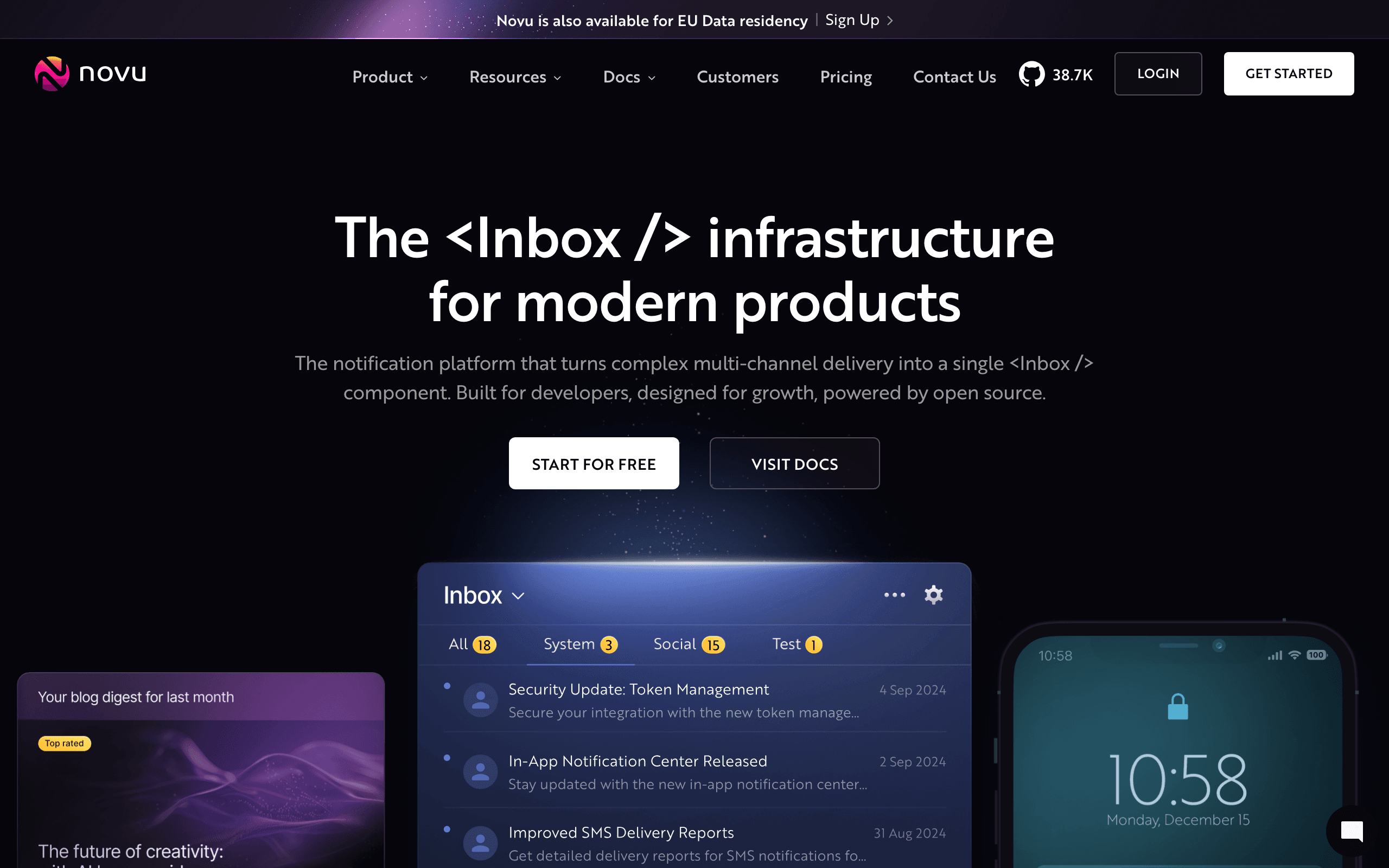
Novu

Open-source notification infrastructure. Self-hostable if you want control, or use their cloud. Best Knock alternative for teams wanting open-source.

Visit
Best for
Teams wanting open-source notification infrastructure
Pricing
Free (open-source) or $30/mo cloud

Pros

  • Open-source and self-hostable
  • Multi-channel (email, push, SMS, in-app)
  • More affordable cloud pricing than Knock
  • Growing community
  • Full control if self-hosted

Cons

  • Self-hosting requires DevOps resources
  • Less polished than Knock
  • Smaller ecosystem
  • Documentation still improving
#3
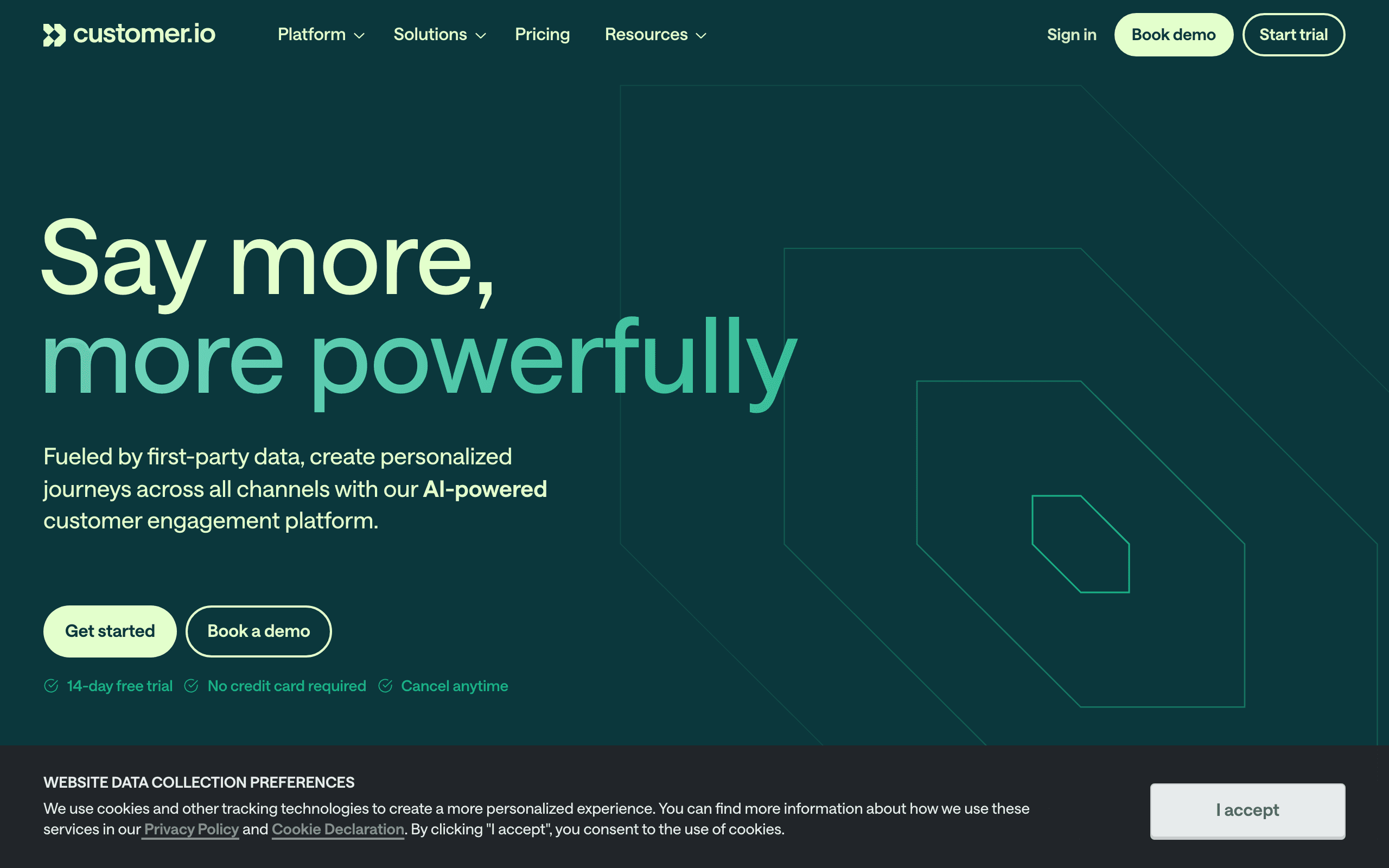
Customer.io

Enterprise behavioral messaging platform. Multi-channel like Knock but with stronger marketing automation. More expensive but more powerful.

Visit
Best for
PLG companies with complex behavioral automation
Pricing
$100/month for 5,000 profiles (Essentials)

Pros

  • Multi-channel (email, push, SMS, in-app)
  • Powerful behavioral automation
  • Marketing + notifications in one
  • Excellent API
  • More marketing features than Knock

Cons

  • More expensive than Knock free tier
  • Steep learning curve
  • No in-app notification UI components
  • Requires engineering resources
#4
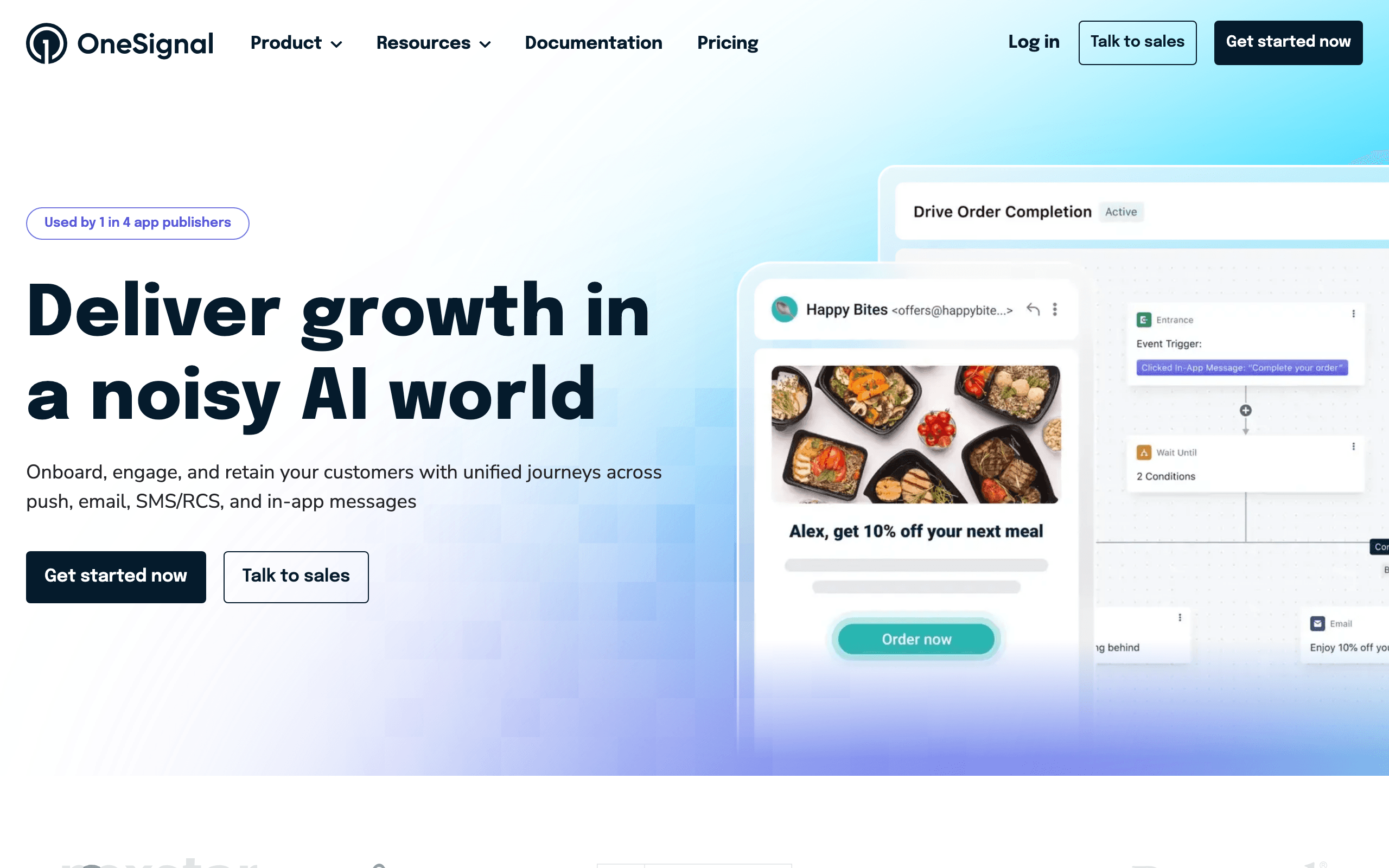
OneSignal

Push notification pioneer that added email. Strong for mobile apps. Good Knock alternative if push is your primary channel.

Visit
Best for
Mobile apps prioritizing push notifications
Pricing
Free up to 10k subscribers, then $9+/mo

Pros

  • Strong push notification platform
  • Generous free tier
  • Good mobile SDKs
  • Email added as channel
  • Easy integration

Cons

  • Email is secondary focus
  • No in-app notification feeds like Knock
  • Less sophisticated workflows
  • Marketing features are basic
#5
MagicBell

Closest Knock competitor for in-app notification UI. Pre-built notification bell components. Great alternative if in-app is your focus.

Visit
Best for
Teams needing in-app notification components
Pricing
Free up to 100 MAU, usage-based after

Pros

  • Pre-built in-app notification UI (like Knock)
  • React, Vue, and vanilla JS components
  • Multi-channel support
  • Good developer experience
  • Generous free tier

Cons

  • Smaller company than Knock
  • Less mature platform
  • Usage-based pricing can be unpredictable
  • Fewer enterprise features
#6
Courier

Multi-channel notification orchestration with a design-first approach. Visual builder for notification templates. Good Knock alternative.

Visit
Best for
Teams wanting visual notification design
Pricing
Free up to 10k notifications, then $500+/mo

Pros

  • Multi-channel notifications
  • Visual template designer
  • Good integration options
  • Preference management
  • Notification history

Cons

  • Expensive after free tier ($500/mo+)
  • Less in-app focus than Knock
  • Smaller ecosystem
  • Less mature than established players
#7
Engagespot

In-app notification bell and multi-channel notifications. More affordable than Knock with similar in-app focus.

Visit
Best for
Budget-conscious teams needing in-app notifications
Pricing
Free up to 1k MAU, $49/mo starter

Pros

  • In-app notification components
  • Multi-channel support
  • More affordable than Knock
  • Good developer documentation
  • Preference center included

Cons

  • Less mature than Knock
  • Smaller community
  • Fewer integrations
  • Less enterprise-ready
#8
Resend

Modern transactional email API. Not multi-channel like Knock, but best developer experience for email. Good if you only need email notifications.

Visit
Best for
Developers wanting best-in-class email API
Pricing
$20/month for 50,000 emails

Pros

  • Best developer experience in email
  • React Email integration
  • Modern SDKs
  • Clean API design
  • Great documentation

Cons

  • Email only - no push/SMS/in-app
  • No in-app notification components
  • No marketing features
  • Different purpose than Knock
#9
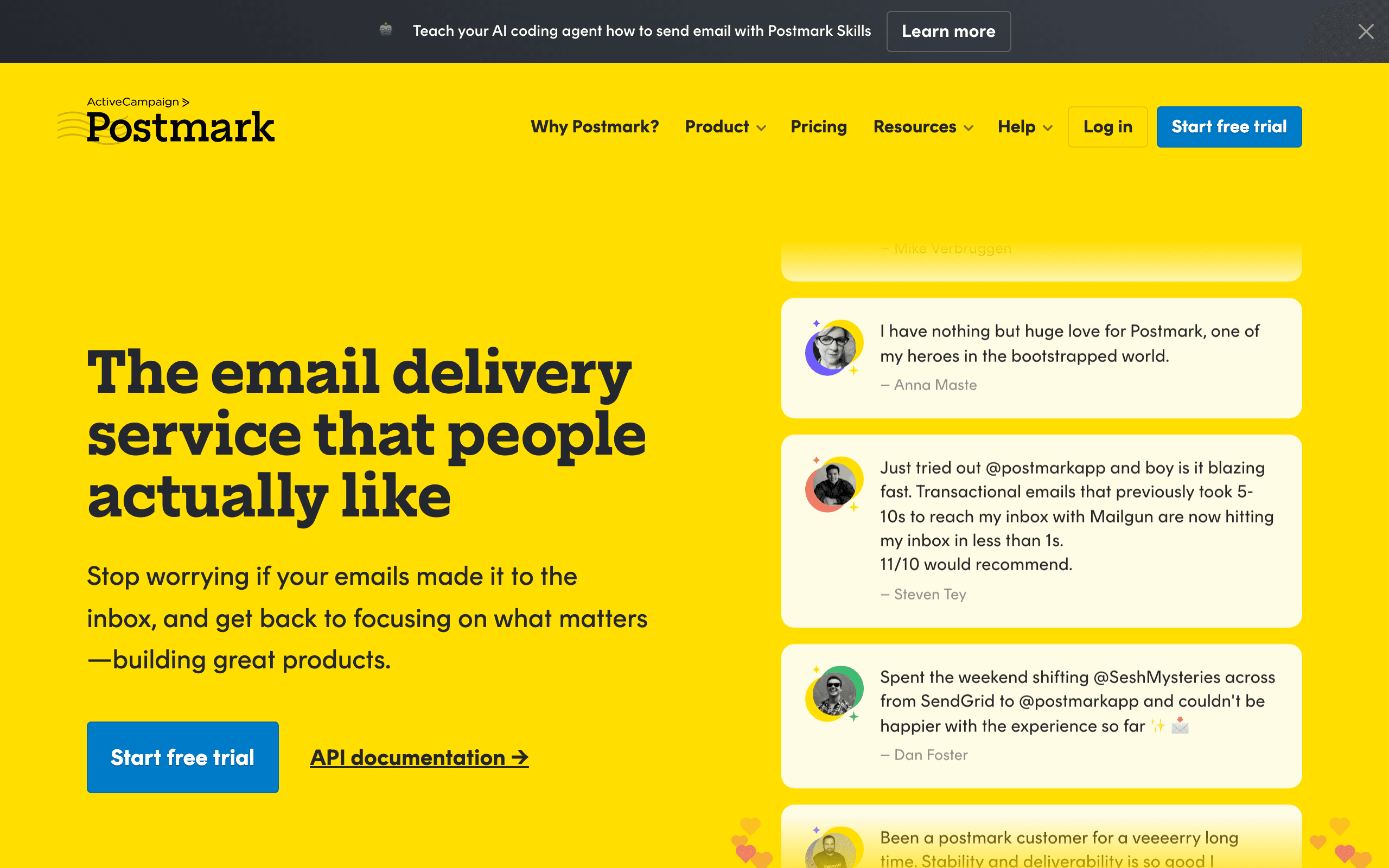
Postmark

Transactional email with exceptional deliverability. Strict customer vetting means better inbox rates. For email-only notifications.

Visit
Best for
Apps where email deliverability is critical
Pricing
$15/month for 10,000 emails

Pros

  • Exceptional deliverability
  • Strict customer vetting protects reputation
  • Clean developer API
  • Fast delivery times
  • Human support

Cons

  • Email only - no other channels
  • Transactional only - no marketing
  • More expensive at high volume
  • They reject questionable use cases
#10
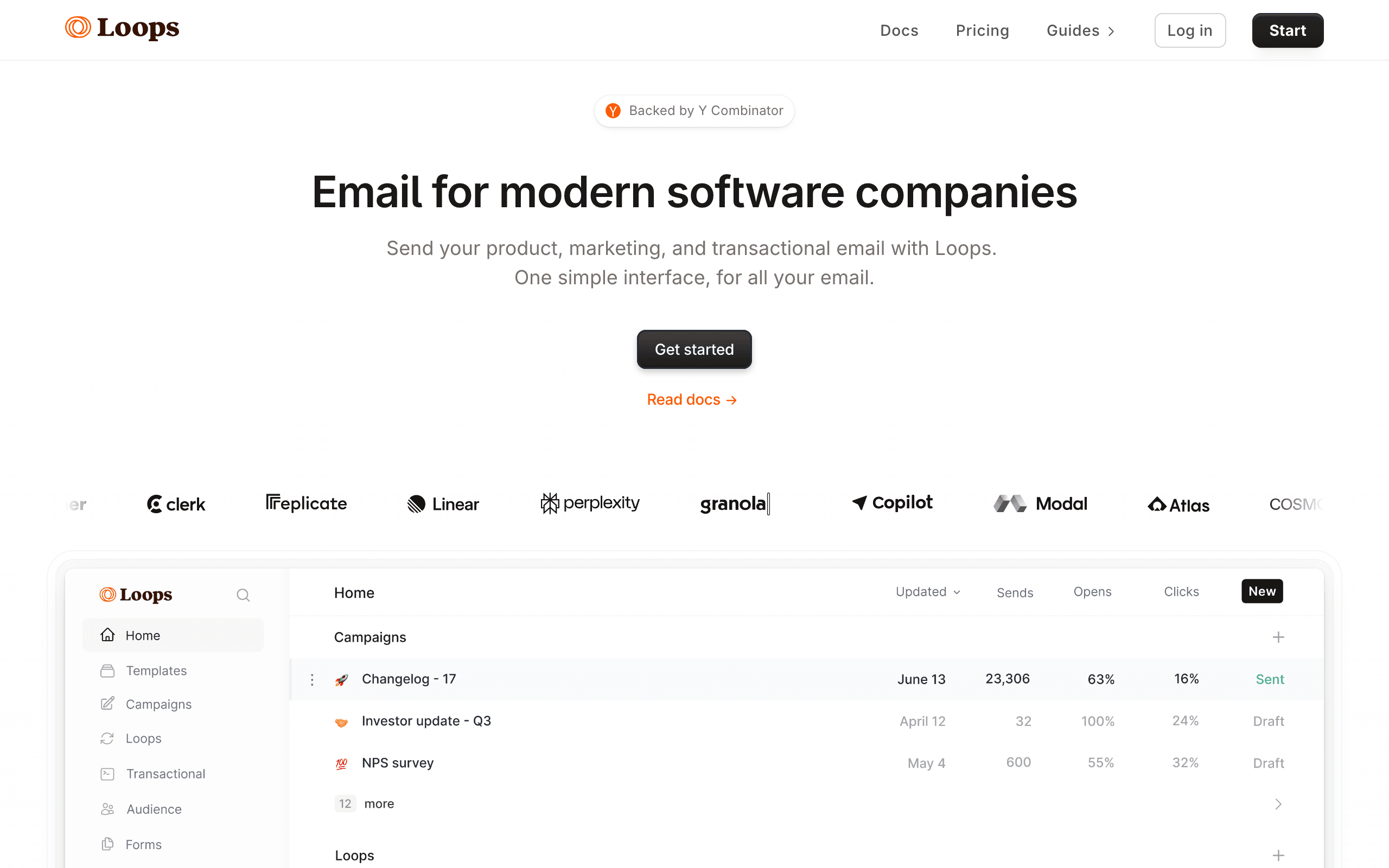
Loops

SaaS-focused email platform. Transactional + marketing in one. Not multi-channel but good for SaaS email specifically.

Visit
Best for
SaaS teams wanting simple email marketing
Pricing
$49/mo for 5k, ~$99/mo for 10k

Pros

  • Built for SaaS from day one
  • Transactional + marketing together
  • Clean, modern interface
  • Good deliverability
  • All features on all plans

Cons

  • Email only
  • No multi-channel capabilities
  • No in-app notifications
  • Gets expensive past 10k subscribers
#11
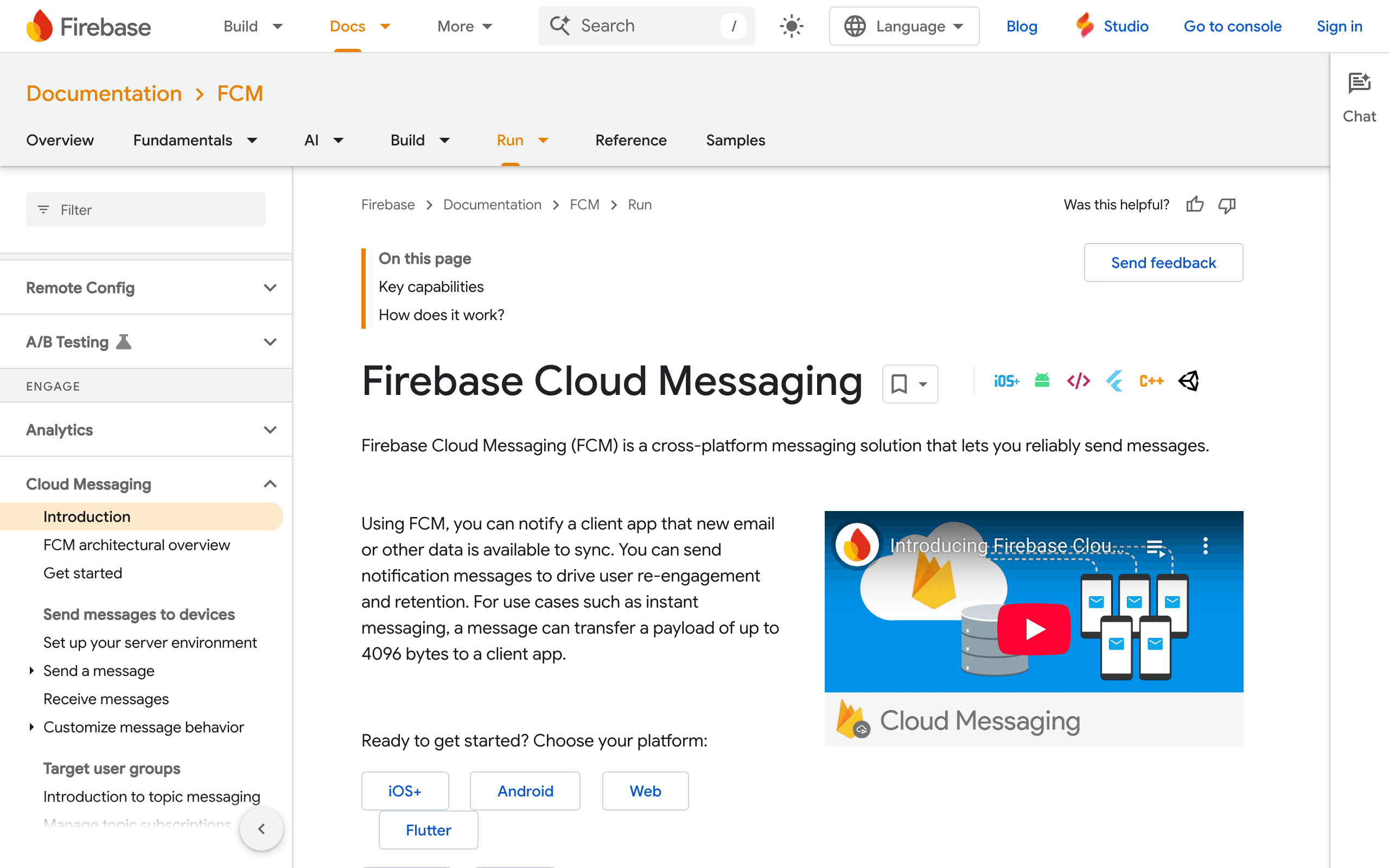
Firebase Cloud Messaging

Google's free push notification service. Free at any scale but requires building your own infrastructure around it.

Visit
Best for
Mobile apps on Google ecosystem wanting free push
Pricing
Free

Pros

  • Completely free
  • Scales infinitely
  • Google reliability
  • Good mobile SDKs
  • Cross-platform (iOS, Android, Web)

Cons

  • Push only - no email/SMS
  • Requires building own infrastructure
  • No in-app notification UI
  • No preference management
  • No analytics dashboard
#12
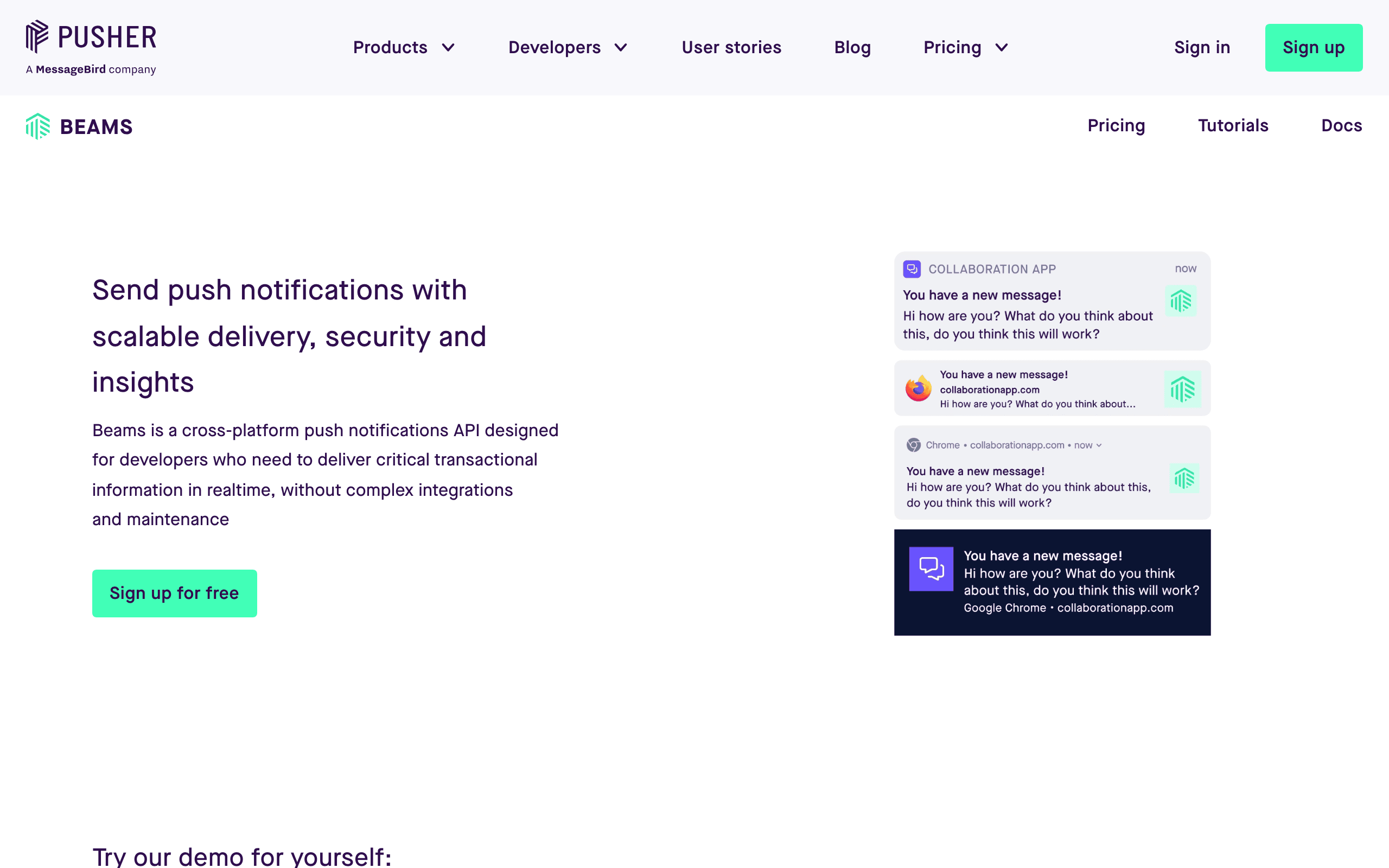
Pusher Beams

Push notifications from Pusher. Simple to integrate, good for basic push needs. Less feature-rich than Knock.

Visit
Best for
Teams already using Pusher wanting push
Pricing
Free up to 1k devices, then $29/mo

Pros

  • Simple integration
  • Good documentation
  • Reliable infrastructure
  • Part of Pusher ecosystem
  • Easy to get started

Cons

  • Push only
  • Less sophisticated than Knock
  • No in-app components
  • No email/SMS
  • Basic feature set

Why Consider Alternatives to Knock

The price jump from free to paid is steep

Knock's free tier (10k messages) is generous, but the next step is $250/mo Starter. There's no middle ground for growing startups who've outgrown free but aren't ready for $250/mo.

You only need email, not multi-channel

If you don't need in-app notifications, push, or SMS, you're paying for capabilities you won't use. Purpose-built email platforms like Sequenzy, Resend, or Postmark are more affordable.

You want open-source control

Knock is proprietary. If you want to self-host or have full control over your notification infrastructure, Novu offers an open-source alternative.

In-app notifications aren't your focus

Knock's killer feature is in-app notification UI components. If you don't need those, alternatives like Customer.io or OneSignal may fit better.

Feature Comparison

FeatureKnockSequenzyNovuCustomer.ioMagicBellOneSignal
In-app UI
true
false
true
false
true
false
Push
true
false
true
true
true
true
Email
true
true
true
true
true
true
SMS
true
false
true
true
false
true
Free tier
10k messages
100 subs
10k runs
Trial only
100 MAU
10k subs
Open-source
false
false
true
false
false
false
Price after free
$250/mo
$19/mo
$30/mo
$100/mo
Usage-based
$9/mo

When to Use Each Platform

Choose Sequenzy if...
  • You primarily need SaaS email marketing
  • Native Stripe integration is valuable
  • AI-generated email sequences sounds appealing
  • $19/mo is more appealing than $250/mo
Choose Stay with Knock if...
  • In-app notification UI is critical for you
  • You need multi-channel orchestration
  • The $250/mo price point works for you
  • You want the most polished experience
Choose Novu if...
  • You want open-source notification infrastructure
  • Self-hosting is important to you
  • You need multi-channel but want more control
  • Budget is a concern
Choose Customer.io if...
  • You need behavioral marketing automation
  • Multi-channel with marketing features
  • You have PLG product-led growth
  • Complex user journeys
Choose MagicBell if...
  • In-app notifications are your focus
  • You want something similar to Knock but smaller
  • Usage-based pricing works for you
  • Modern developer experience matters

Why people look for Knock alternatives

Knock is excellent notification infrastructure, but it's not right for everyone. Here's why teams look elsewhere.

The pricing cliff

Knock's free tier is generous - 10,000 messages per month. But the next step is $250/month. There's no $50 or $100 plan for growing startups. If you've outgrown free but $250/mo feels steep, you're stuck. Read our Knock comparison page for a detailed breakdown.

You only need email

Knock shines with in-app notifications, push, and multi-channel orchestration. If you only need email, you're paying for capabilities you won't use. Email-focused platforms like Sequenzy, Resend, or Postmark are more affordable and purpose-built.

You want open-source

Knock is proprietary. If self-hosting or open-source matters to your team, Novu is the best alternative. Full control, no vendor lock-in, growing community. See our Novu comparison for details.

The alternatives, honestly

For SaaS email marketing: Sequenzy

If you don't need in-app notifications or push, why pay for them? Sequenzy is purpose-built for SaaS email marketing with AI-generated sequences and native Stripe integration. At $19/mo vs Knock's $250/mo, it's 5x cheaper for email-focused use cases.

The catch: email only. No in-app notification bells, no push. If you need those, Sequenzy isn't the answer.

For open-source control: Novu

Novu is the leading open-source notification infrastructure. Self-host for free, or use their cloud starting at $30/mo. Multi-channel support with in-app components.

The trade-off: less polished than Knock. Self-hosting requires DevOps resources. Documentation is still improving. But for teams wanting control, it's the best option.

For behavioral automation: Customer.io

If you need marketing automation with multi-channel, Customer.io is more powerful than Knock for marketing use cases. Complex behavioral workflows, event-driven campaigns, sophisticated segmentation.

The catch: $100/mo starting price, steep learning curve, no in-app notification UI like Knock.

For in-app focus: MagicBell

MagicBell is closest to Knock's in-app notification experience. Pre-built notification bell components for React, Vue, and vanilla JS. Multi-channel support with a modern developer experience.

Trade-off: smaller company, usage-based pricing can be unpredictable, fewer enterprise features than Knock.

The pricing comparison

At moderate volume:

  • Knock Starter: $250/mo for 50k messages
  • Sequenzy: $19/mo for 10k emails (email only)
  • Novu Cloud Pro: $30/mo for 30k+ runs
  • Customer.io: $100/mo for 5k profiles
  • MagicBell: Usage-based, varies
  • OneSignal: $9/mo for push-focused

Note: Different platforms count differently (messages, subscribers, runs). Compare based on your actual usage patterns. Check our pricing page for Sequenzy's simple per-subscriber model.

When Knock is still the right choice

Knock wins if:

  • In-app notification UI is critical for your product
  • You need sophisticated multi-channel orchestration
  • The $250/mo price point works for your budget
  • You want the most polished notification infrastructure

Don't switch just to save money if Knock's in-app components are core to your product experience. The time to rebuild that UI elsewhere isn't worth it. But if you're primarily using Knock for email, the alternatives are significantly cheaper. Use our email validator tool to ensure list quality when evaluating any platform.

Frequently Asked Questions

For email marketing with Stripe integration, Sequenzy at $19/mo. For multi-channel notifications like Knock but open-source, Novu. For behavioral automation, Customer.io. Each serves different needs.

Yes, Novu is the closest open-source alternative to Knock. It supports multi-channel notifications with in-app components. The trade-off: it's less polished and requires more setup, especially if self-hosting.

Knock's pricing reflects its infrastructure focus. Building in-app notification UIs, multi-channel orchestration, and preference management is complex. The $250/mo Starter plan includes a lot of capability.

No. Sequenzy is email-only. If you need in-app notification bells and feeds, Knock, MagicBell, or Novu are better options. Sequenzy focuses on SaaS email marketing with Stripe integration.

Yes, Knock's free Developer plan (10k messages/mo) doesn't expire. But once you need more volume or features like removing Knock branding, you jump to $250/mo. No middle tier.

Novu cloud ($30/mo after free tier), OneSignal ($9/mo for push-focused), or self-hosting Novu for free. If you only need email, Resend ($20/mo) or Sequenzy ($19/mo) are much cheaper.

Different focus. Knock is notification infrastructure with in-app UI components. Customer.io is behavioral marketing automation with multi-channel. Knock is better for notifications; Customer.io is better for marketing.

No. Knock delivers notifications but doesn't have marketing features like campaigns, segments, or content creation. You'd need a separate marketing tool alongside Knock.

For email notifications: straightforward to switch to email-focused platforms. For in-app notifications: you'll need to rebuild the UI with MagicBell, Novu, or custom code. Multi-channel workflows need recreation.

Potentially. MagicBell uses usage-based pricing that can be cheaper at low volume, but may be expensive at scale. Compare based on your expected usage. Knock's $250/mo is predictable.

Contact Knock support or use their dashboard settings to downgrade to the free plan or cancel. Export your notification templates and preferences data before canceling. Free tier remains available.

Knock has three tiers: Developer (free, 10k messages/mo), Starter ($250/mo, 50k messages), and Enterprise (custom). Overages on Starter are $0.005 per message. Enterprise includes volume discounts.

Use Knock's API to export notification templates, user preferences, and workflow configurations. Message history may have retention limits. Contact support for large data exports.

Knock offers a permanent free Developer tier with 10,000 messages/month, not a time-limited trial. This lets you fully test the platform before upgrading to paid plans.

Contact Knock support for billing questions. As a B2B platform, refund policies are typically handled case-by-case. Enterprise agreements may have specific terms.

Ready to try Sequenzy?

Start your free trial today. AI-generated sequences, Stripe integration, and direct founder support included.

Sequenzy vs Knock: Direct Comparison

See a detailed side-by-side comparison of features, pricing, and when to choose each platform.

Compare →

More Alternatives

Sequenzy - Complete Pricing Guide

Pricing Model

Sequenzy uses subscriber-based pricing. You only pay for subscribers active in sequences (automations). Inactive subscribers are free to store.

All Pricing Tiers

  • 0-100 subscribers: Free (Free annually) - 2k emails/month
  • 101-1,000 subscribers: $19/month ($205/year annually) - 20k emails/month
  • 1,001-5,000 subscribers: $29/month ($313/year annually) - 125k emails/month
  • 5,001-10,000 subscribers: $49/month ($529/year annually) - 300k emails/month
  • 10,001-25,000 subscribers: $99/month ($1069/year annually) - 875k emails/month
  • 25,001-50,000 subscribers: $199/month ($2149/year annually) - 2M emails/month
  • 50,001-100,000 subscribers: $349/month ($3769/year annually) - 4.5M emails/month
  • 100,000+ subscribers: Custom pricing (Custom annually) - Unlimited emails/month

Yearly billing: All plans offer a 10% discount when billed annually.

Free Plan Features (0-100 subscribers)

  • Up to 100 subscribers in sequences
  • 2,000 emails/month
  • Email campaigns
  • Email sequences
  • Advanced analytics
  • Advanced segments
  • Stripe integration
  • API access
  • "Built by Sequenzy" branding

Paid Plan Features (1,000 - 100,000 subscribers)

  • Subscribers in sequences
  • Monthly email quota
  • Email campaigns
  • Email sequences
  • Advanced analytics
  • Advanced segments
  • Stripe integration (Segment by LTV & MRR)
  • API access
  • Priority support
  • No branding

Enterprise Plan Features (100,000+ subscribers)

  • Unlimited subscribers
  • Unlimited emails
  • Advanced analytics
  • Advanced segments
  • Stripe integration
  • Dedicated support
  • Custom integrations
  • SLA guarantee
  • No branding

Important Pricing Notes

  • You only pay for subscribers who are active in automations/sequences
  • Storing inactive subscribers is free
  • No hidden fees - all features included in the price
  • No credit card required for free tier

Contact

  • Pricing Page: https://sequenzy.com/pricing
  • Sales: hello@sequenzy.com



