
Two kinds of small business
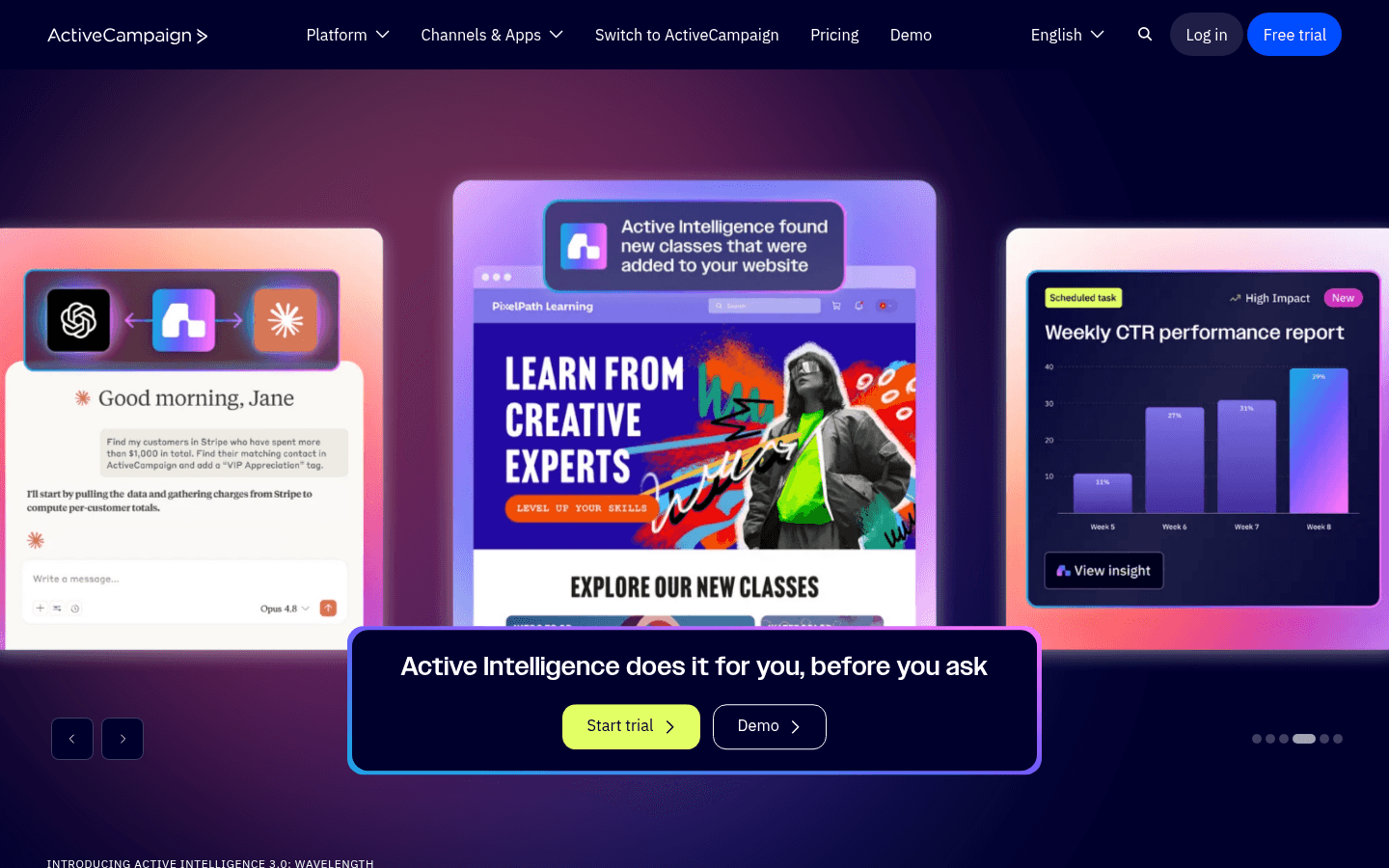
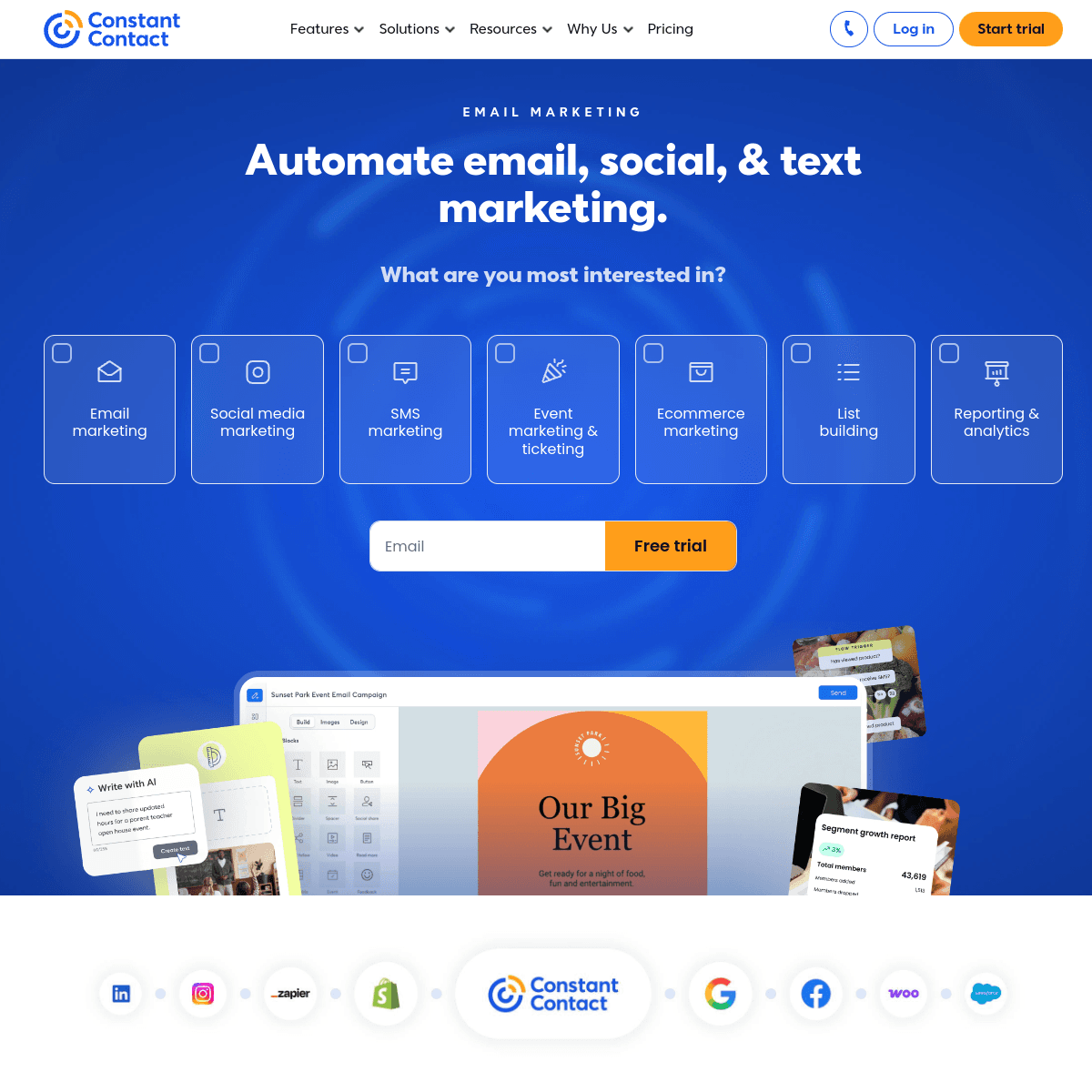
ActiveCampaign and Constant Contact both serve small businesses, but different kinds.
Picture a yoga studio that sends a monthly newsletter, promotes workshops, posts class schedules to Instagram, and occasionally surveys members. Constant Contact was built for that business: templates, event registration, social posting, surveys, and someone to call when something breaks.
Now picture an online consultancy that publishes guides, tracks which visitors return to the pricing page, and needs a salesperson to call the warm ones. ActiveCampaign was built for that business: automations that react to behavior, lead scores, and a pipeline.
Which one you resemble matters more than any feature table. See our ActiveCampaign comparison and Constant Contact comparison for more.
What the automation gap looks like
A new subscriber downloads a guide.
Constant Contact sends a welcome email and, depending on your plan, a short series based on whether they clicked. You can tag contacts by link clicks and send follow-ups. For a newsletter-first business this is often enough.
ActiveCampaign sends the guide, waits two days, and checks whether the contact visited your services page. If they did, their lead score rises and they get a case study. If their score passes your threshold, the automation creates a deal and assigns an owner. If they book a call, a goal pulls them out of the nurture. None of this needs another tool.
The catch is that ActiveCampaign Starter limits each automation to 5 actions. The example above needs Plus or higher.
What Constant Contact does that ActiveCampaign does not
- Events. Registration pages, RSVPs, reminders, and attendee lists.
- Social posting. Schedule posts to your social accounts from the same dashboard.
- Surveys and polls. Collect feedback without another subscription.
- Templates. 200+ templates for holidays, sales, and announcements.
- Phone support. Useful for owners who would rather talk than read docs.
Learning curve and day-to-day use
Constant Contact is designed so an owner can log in once a month, pick a template, update the text and photos, and send. Menus are organized around campaigns, contacts, events, and social posts, and most tasks take minutes. When something is unclear, phone support is there.
ActiveCampaign is designed for someone who will spend time building a system once and then let it run. Its onboarding has improved, and it includes a library of automation recipes to start from, but you still need to think through triggers, conditions, and goals. The payoff comes later, when automations run without you. If nobody on your team will own that setup, much of what you pay for goes unused.
Stores and integrations
Both connect to common small business tools. For an online store, ActiveCampaign's integrations with Shopify, WooCommerce, and BigCommerce let automations react to orders and abandoned carts, and site tracking adds browsing behavior. Constant Contact also connects to ecommerce platforms and can send product and abandoned cart emails, but its automation is less flexible about what happens next.
For service businesses, ActiveCampaign's integrations with scheduling and form tools can feed lead scores and deals. Constant Contact's strength is simpler: collecting signups from your website, events, and social pages into one list.
Price at 10,000 contacts
| ActiveCampaign (annual billing) | Constant Contact | |
|---|---|---|
| Entry | Starter, about $149 | Lite, about $88 |
| Most common | Plus, about $189 to $239 | Standard, about $110 |
| Top self-serve | Pro and Enterprise, higher | Premium, about $160 |
| Free plan | 14-day trial | Removed in June 2025, trial only |
Constant Contact is cheaper at every level. Whether ActiveCampaign is worth the difference depends on whether you will build automations that bring in revenue a newsletter would not.
Worked example: a 10,000-contact home services company
The company sends a monthly newsletter and seasonal promotions, and follows up on quote requests from its website.
- Constant Contact Standard (about $110) handles the newsletter and promotions well. Quote follow-up would be a simple timed series, and sales would track quotes in a spreadsheet or a separate CRM, or in Constant Contact's Lead Gen & CRM at extra cost.
- ActiveCampaign Plus (about $189 to $239 on annual billing) runs the newsletter too, and turns each quote request into a deal with an owner, reminders, and an automation that stops when the quote is accepted.
If one extra closed job a month covers the roughly $80 to $130 difference, ActiveCampaign pays for itself. If quotes are handled by phone and rarely slip, Constant Contact is the better value.
Constant Contact's separate CRM
Constant Contact bought SharpSpring in 2021 and sells its marketing automation and CRM as a separate Lead Gen & CRM product. That matters for this comparison: Constant Contact can offer lead scoring and a pipeline, but not inside the email plans most small businesses buy, and at additional cost and setup.
ActiveCampaign's approach is one platform, where the same contact record carries email activity, site visits, a lead score, and deals. If you want both email and a CRM from one vendor with one login, ActiveCampaign is the simpler buy. If you mainly need email and occasionally track leads, Constant Contact's core plans are enough.
Support models compared
Constant Contact includes live onboarding and support, including phone support, on all plans, with priority onboarding and a dedicated support team on Premium. For owners who would rather talk to someone than read documentation, that is a real difference.
ActiveCampaign offers chat and email support, a large help center, and automation recipes to start from. It suits people comfortable learning through documentation and templates. Neither model is better in general, but be honest about how your team prefers to get help.
Switching from Constant Contact to ActiveCampaign
- Export contacts with list memberships, custom fields, and email permission status. Export unsubscribed contacts separately.
- Import into ActiveCampaign. Lists can stay as lists, but converting them to tags often makes automations simpler. Import unsubscribes as unsubscribed.
- Authenticate your domain with ActiveCampaign's SPF and DKIM records.
- Rebuild automations, using the move to add branching and goals rather than copying the old paths.
- Recreate templates in ActiveCampaign's editor.
- Replace what does not transfer. Events, surveys, and social posting need separate tools if you still use them.
Going the other way, contacts and fields move cleanly, but deals, lead scores, and site-tracking history have nowhere to go in Constant Contact's email plans.
Migration checklist
| Workstream | Constant Contact to ActiveCampaign | ActiveCampaign to Constant Contact |
|---|---|---|
| Contacts | Export with list memberships, fields, permission status | Export contacts, tags, and custom fields |
| Suppression | Import unsubscribes as unsubscribed first | Import unsubscribes before the first campaign |
| Structure | Convert lists to tags where it helps automation | Map tags to lists |
| Automations | Rebuild with branches, goals, and site tracking | Simplify to Constant Contact paths |
| Events | Move registrations to an event tool | Rebuild event pages and reminders natively |
| Sales data | Create pipelines and stages before importing leads | Export deals to a CRM or Lead Gen & CRM |
| Website | Keep the site; install ActiveCampaign tracking | Optionally move the site to the website builder |
Use-case matchups
| Situation | Better fit | Why |
|---|---|---|
| Restaurant or retail shop newsletter | Constant Contact | Templates, social posting, and simple sends. |
| Nonprofit gala or workshop series | Constant Contact | Event registration and reminders built in. |
| Consultancy following up on website leads | ActiveCampaign | Site tracking, lead scores, and deals. |
| Home services company tracking quotes | ActiveCampaign | Deals and automations stop when quotes are accepted. |
| Owner who wants phone support | Constant Contact | Live support and onboarding on all plans. |
| Software company with subscription billing | Sequenzy | Billing events trigger email; transactional included. |
A simple test before you decide
Write down the three emails that make you the most money today. If they are a monthly newsletter, an event invitation, and a holiday promotion, Constant Contact already does all three well. If they are a welcome sequence for new leads, a follow-up for people who viewed your pricing, and a reminder for a proposal that has not been signed, ActiveCampaign is built for exactly those. Many businesses find their answer in that list.
Where Sequenzy fits
If your business is a software product, neither tool is shaped around subscriptions. Sequenzy connects to Stripe, Paddle, and Polar, triggers journeys on trials, renewals, and failed payments, and sends transactional email from the same account, priced by emails sent. It does not offer events, social posting, surveys, or a sales pipeline.
Summary
- ActiveCampaign for behavior-based automation, lead scoring, and a pipeline.
- Constant Contact for newsletters, events, social posting, surveys, and phone support.
- Sequenzy for SaaS lifecycle and billing email.








