
Updated 2026-03-15

Best Email Marketing Tools for Estate Planners

Stay connected with clients, generate referrals, and grow your estate planning practice with the right email marketing platform.

Estate planning is built on trust and long-term relationships. Your clients do not think about their wills and trusts daily, but when life changes, they need to remember you. Email marketing keeps you top of mind without constant phone calls. It helps you nurture referrals from financial advisors and attorneys, remind clients about annual reviews, and educate prospects about why estate planning matters. But most email tools are not designed for professional services. Here are 13 platforms that work for estate planners, ranked by ease of use, automation features, and value for money.

TL;DR

Sequenzy is the best overall choice for estate planners because the AI creates client nurture and annual review sequences instantly, and pay-per-email pricing is ideal for practices with years of accumulated client data. MailerLite is the best budget alternative with a generous free tier and clean interface. For larger firms with multiple planners and complex referral networks, ActiveCampaign provides the CRM and automation depth you need.

Why Estate Planners Need Email Marketing

Stay Top of Mind Between Reviews

Clients may go years between estate plan updates. Regular communication ensures they think of you when life changes happen.

Educate Prospects on Estate Planning

Many people do not understand why they need an estate plan. Educational emails build trust and convert prospects into clients.

Generate Referrals from Partners

Financial advisors, CPAs, and attorneys can send you clients. Email nurtures these relationships.

Prompt Annual Reviews

Laws change. Life circumstances change. Automated reminders help clients keep their plans current.

Estate Planners Email Marketing Benchmarks

Know these numbers before you start. They'll help you set realistic goals and pick the right tool.

27-33%
Average Open Rate

Estate planning emails see above-average open rates because the content is personally relevant and the sender is a trusted professional. Educational content about tax changes and life events often exceeds 35%.

3-5%
Average Click Rate

Click rates for estate planning emails average 3-5%, with annual review reminders and scheduling links achieving the highest clicks at 6-8%.

Tuesday-Thursday, 9-11am
Best Send Time

Professional services emails perform best during business hours when clients are in planning mode. Avoid evenings and weekends when people are less receptive to estate planning topics.

40-60% should schedule a review
Annual Review Conversion Rate

A well-crafted annual review reminder sequence should convert 40-60% of clients into scheduled consultations. If yours is below 30%, revisit your messaging and the number of follow-up emails.

Important Tips Before You Choose

Lessons from estate plannerswho've been doing this for years. Save yourself the trial and error.

Automate Annual Review Reminders Based on Plan Completion Date

Set up a date-triggered automation that sends a review reminder exactly 11 months after a client's plan was completed or last updated. This is the single highest-value automation for estate planners because it generates billable consultations with minimal effort.

Create Life Event Trigger Campaigns

Build a library of emails for major life events: marriage, divorce, new child, death in family, home purchase, retirement, and moving to a new state. When a client reports any of these, tag them and trigger the appropriate sequence that explains how the event affects their estate plan.

Nurture Referral Partners with Monthly Value

Financial advisors, CPAs, and attorneys who refer clients need regular content they can share with their own clients. Send monthly updates about estate planning topics - tax law changes, planning strategies, case studies - that position you as the expert and give partners reasons to think of you.

Educate Before You Sell

Most people avoid estate planning because they do not understand it. Educational email sequences that explain concepts like trusts, probate avoidance, and beneficiary designations in plain language build trust and remove the intimidation factor that prevents prospects from scheduling consultations.

Segment by Plan Type and Complexity

Clients with simple wills have different update needs than clients with complex trust structures. Segment your list by plan type so you can send relevant content - a new tax law affecting irrevocable trusts does not need to go to clients with basic wills.

Include Compliance Disclaimers in Templates

Build your standard legal disclaimers into every email template so they are included automatically. This protects you and ensures consistency. Check your state bar's advertising rules and include required language in your email footer.

13 Best Email Marketing Tools for Estate Planners

Our Top Pick for Estate Planners
#1
Sequenzy

AI-powered email marketing built for service businesses. Creates client sequences automatically.

Visit

Sequenzy works exceptionally well for estate planners for one key reason: pay-per-email pricing eliminates the cost penalty of maintaining years of client records. Estate planning practices accumulate client data over decades - former clients, referral contacts, seminar attendees, consultation leads. Per-contact platforms charge you for every record whether you email them or not. With Sequenzy's free tier covering up to 2,500 emails per month and paid plans at $29 for 50,000 emails, a practice with 3,000 contacts can maintain its full database and only pay for the emails it actually sends. The AI sequence builder is genuinely useful for estate planners who do not have marketing staff. Tell it about your practice and it generates complete sequences for annual review reminders, post-consultation follow-ups, referral partner newsletters, and educational drip campaigns in minutes. The quality is good enough to use with minor edits rather than starting from scratch. For solo practitioners and small firms without dedicated marketing resources, this saves hours of work each month. The interface is simple enough that a legal assistant or office manager can handle email marketing alongside their other responsibilities.

Best for
Estate planners wanting automated client communication without complexity
Pricing
Free up to 2,500 emails/mo, then $29/mo for 50K emails (unlimited contacts)

Pros

  • AI writes client nurturing and review reminder sequences
  • Simple interface any team member can use
  • Pay for emails sent, not contacts stored
  • Direct founder support

Cons

  • Launched in 2025, less track record
  • No built-in SMS
  • Fewer templates than established competitors
#2
Mailchimp

The most popular email marketing platform. Solid features but can get expensive.

Visit

Mailchimp is the platform most estate planners try first because it is the most recognized name in email marketing. For estate planning practices, the template library provides professional-looking newsletter layouts, and the automation handles basic sequences like welcome emails and annual reminders. The free tier covers up to 500 contacts, which gets a new practice started. The frustration comes when your contact list grows beyond the free tier - pricing jumps are steep, and a practice with 5,000 contacts accumulated over a decade of operation faces monthly costs of $75 or more. The interface has become increasingly complex over the years as Mailchimp has added features, which can feel overwhelming for practitioners who just want to send a monthly newsletter and annual review reminders.

Best for
Planners wanting a well-known platform
Pricing
Free up to 500 contacts, then $13-350/month

Pros

  • Extensive templates
  • Many integrations
  • Strong deliverability
  • Good analytics

Cons

  • Gets expensive fast
  • Interface overwhelming
  • Support has declined
  • Not designed for professional services
#3
Constant Contact

Long-standing email platform popular with professional services.

Visit

Constant Contact has been a reliable choice for professional services firms for over two decades. Phone support is a genuine differentiator for estate planners who are not technically inclined - when you get stuck setting up an automation or troubleshooting a template, you can call a real person. The event management features are useful for practices that host estate planning seminars, workshops, or client appreciation events. The platform handles registration, reminders, and follow-up communication for in-person events. Automation is basic compared to ActiveCampaign or Sequenzy, and templates feel dated compared to modern alternatives. Pricing runs higher than comparable platforms for similar feature sets. But for planners who value simplicity and human support above advanced features, Constant Contact delivers a dependable experience.

Best for
Planners wanting simple email with phone support
Pricing
From $12/month for 500 contacts

Pros

  • Very easy to use
  • Excellent phone support
  • Event management
  • Social integration

Cons

  • Limited automation
  • Dated templates
  • Higher prices
  • Basic segmentation
#4
ActiveCampaign

Powerful automation platform with a learning curve.

Visit

ActiveCampaign is the most powerful automation platform on this list, and for larger estate planning firms with marketing staff, that power translates into sophisticated client lifecycle management. Build automation flows based on client plan type (simple will vs. complex trust), referral source, life stage, and engagement patterns. The built-in CRM tracks referral partner relationships and prospect pipelines. Lead scoring identifies which prospects are most likely to schedule a consultation based on their email engagement. For firms with multiple planners, the team features and pipeline management add genuine operational value. For solo practitioners without marketing experience, the learning curve is steep and the interface can feel overwhelming. The per-contact pricing also compounds at scale - a practice with 10,000 accumulated contacts pays significantly more than with pay-per-email alternatives.

Best for
Larger estate planning firms with marketing staff
Pricing
From $29/month for 1,000 contacts

Pros

  • Excellent automation
  • CRM included
  • Great deliverability
  • Detailed scoring

Cons

  • Steep learning curve
  • Overkill for solo planners
  • Complex interface
  • Price jumps with features
#5
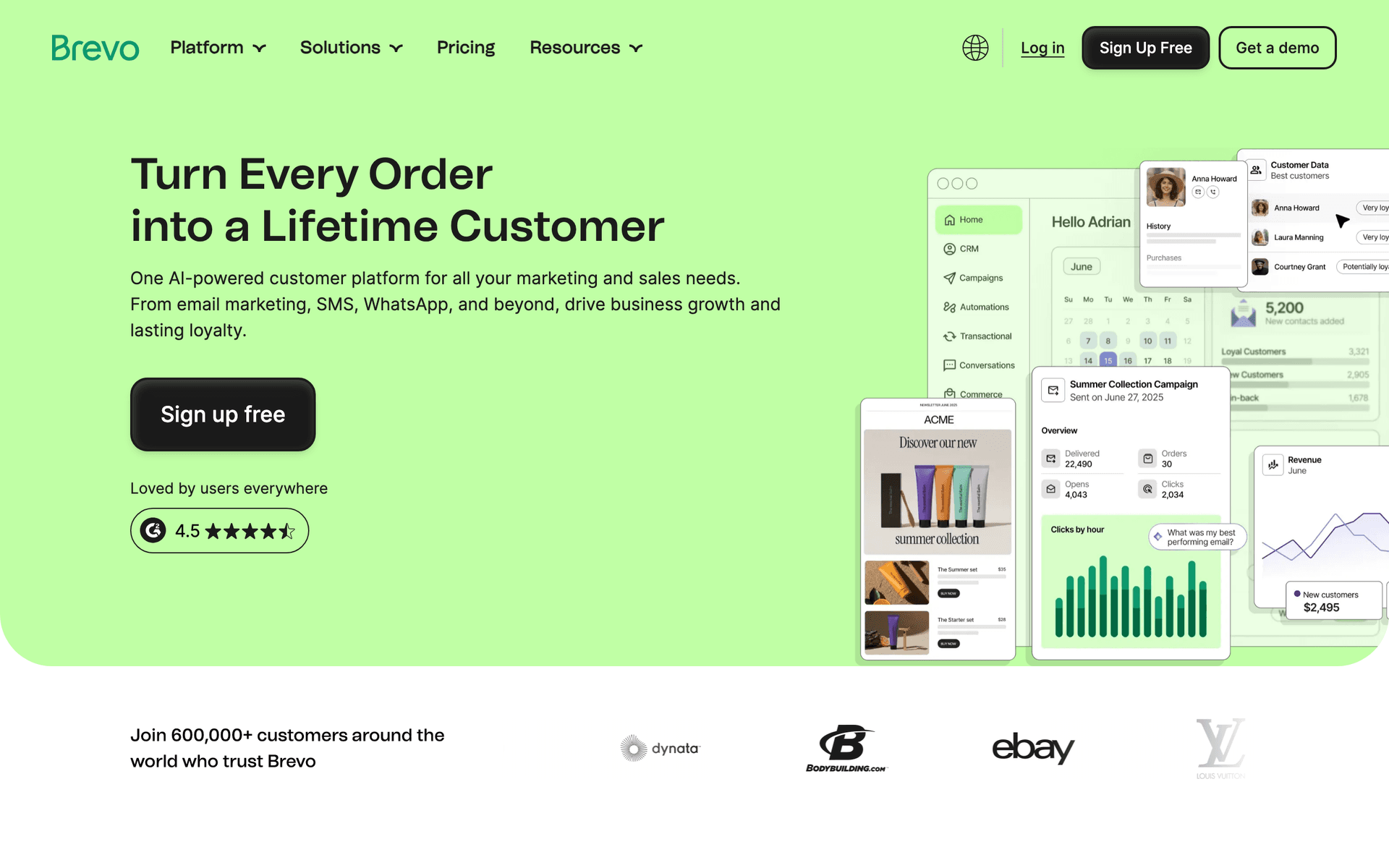
Brevo

Formerly Sendinblue. Good value with transactional email included.

Visit

Brevo offers strong value for budget-conscious estate planning practices. The free tier provides 300 emails per day with unlimited contacts, which is generous for smaller practices. SMS is included for appointment reminders, which is useful for confirming consultation times. The pay-per-email pricing on paid plans aligns well with practices that have large contact databases but moderate sending volume. Automation covers the basics - welcome sequences, anniversary-triggered emails, and simple nurture flows. For practices that want email and SMS in one platform without the cost of more sophisticated tools, Brevo delivers solid value. The interface is cleaner than many alternatives, making it approachable for non-technical staff.

Best for
Budget-conscious planners needing email and SMS
Pricing
Free up to 300 emails/day, then from $25/month

Pros

  • SMS included
  • Generous free tier
  • Transactional included
  • Good automation

Cons

  • Daily limits on free
  • Support can be slow
  • Limited integrations
  • Branding on free tier
#6
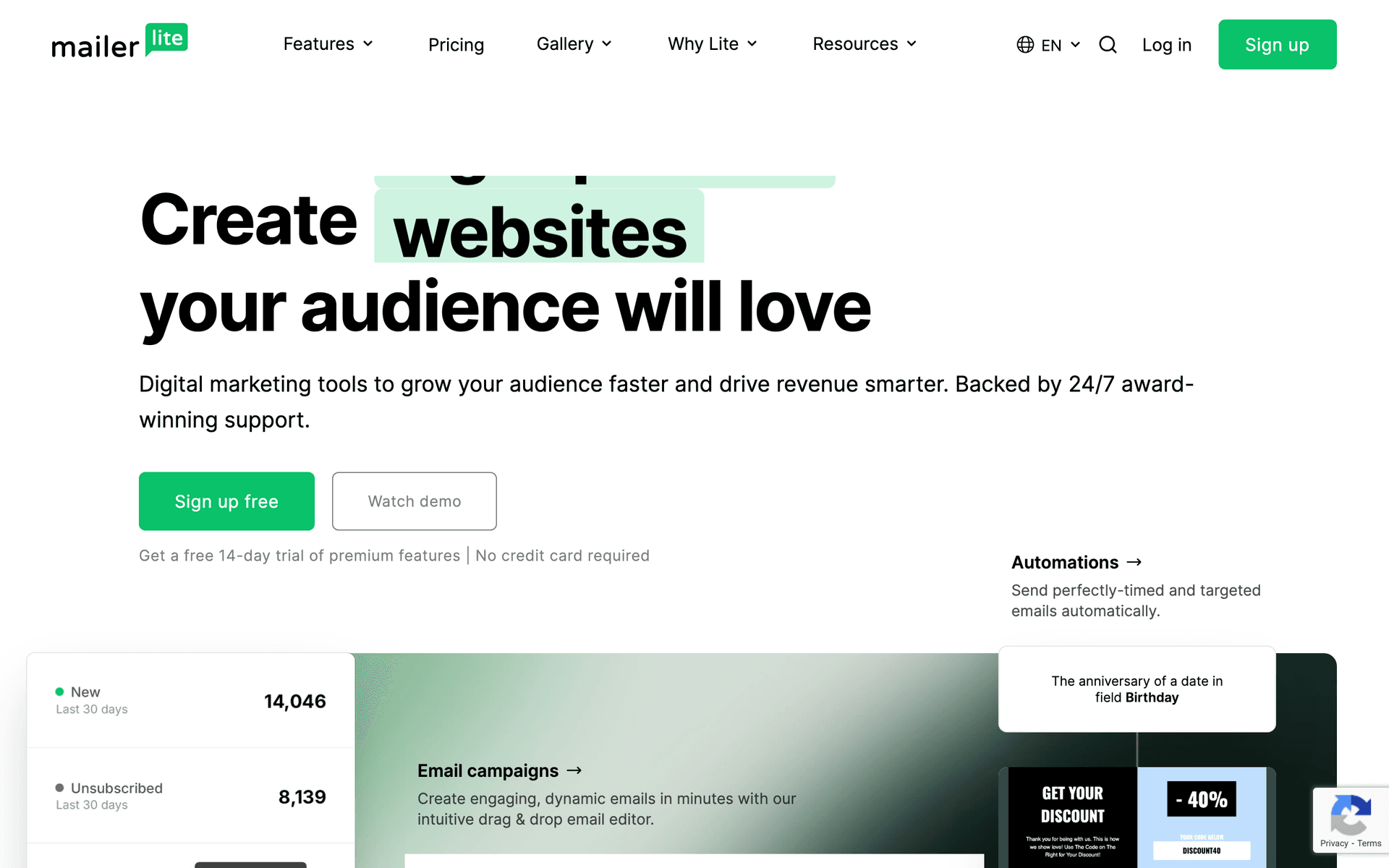
MailerLite

Clean, simple email marketing with good automation.

Visit

MailerLite is the best choice for estate planners who want simplicity and affordability above all else. The interface is the cleanest on this list - no clutter, no unnecessary complexity, just the tools you need to send professional emails. The free tier covers 1,000 subscribers with actual automation included (not just basic sends), which is more generous than most competitors. Landing pages are included for creating consultation booking pages or estate planning resource downloads. The approval process can be slow, and financial services applications are sometimes flagged for additional review. Once approved, the platform is reliable and remarkably easy to use. For solo practitioners and small firms that want email marketing to take minutes rather than hours, MailerLite is the top budget option.

Best for
Planners wanting simplicity and affordability
Pricing
Free up to 1,000 subscribers, then from $10/month

Pros

  • Very affordable
  • Clean interface
  • Good landing pages
  • Generous free tier

Cons

  • Strict approval
  • Limited advanced features
  • Basic reporting
  • Financial services sometimes flagged
#7
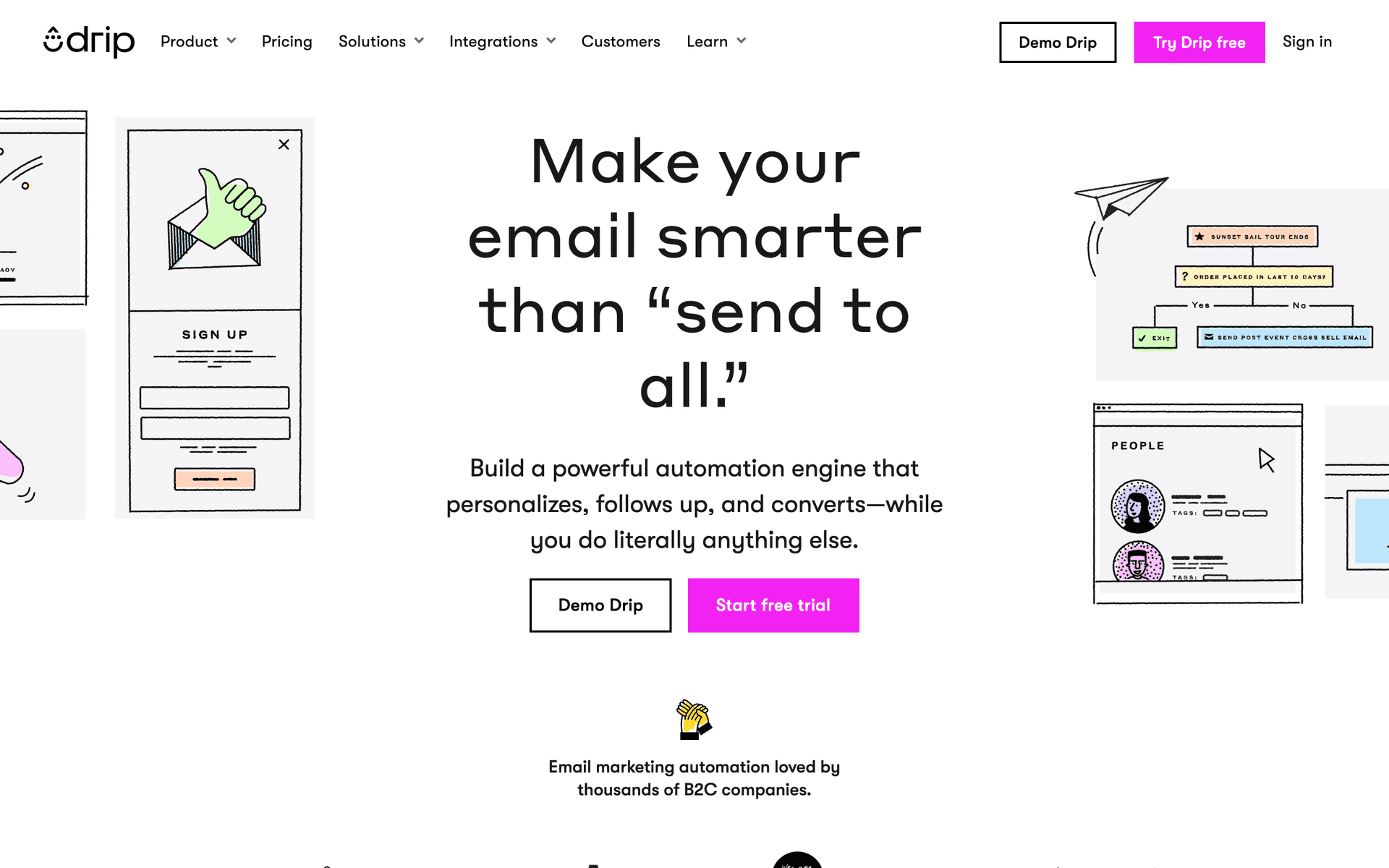
Drip

E-commerce focused. Not ideal for estate planning.

Visit

Drip is designed for online stores selling physical products and digital goods. Its strengths - product recommendations, abandoned cart recovery, revenue attribution - are irrelevant for estate planning practices. Unless you sell estate planning courses, digital planning kits, or other online products, the $39/month minimum is spent on features you will never use. The automation engine is powerful, but you can get equivalent automation for estate planning workflows at lower cost with Sequenzy or ActiveCampaign.

Best for
Planners selling digital courses or products
Pricing
From $39/month for 2,500 contacts

Pros

  • Strong automation
  • Revenue tracking
  • E-commerce features
  • Detailed analytics

Cons

  • Built for e-commerce
  • Expensive
  • Wrong focus for planners
  • Learning curve
#8
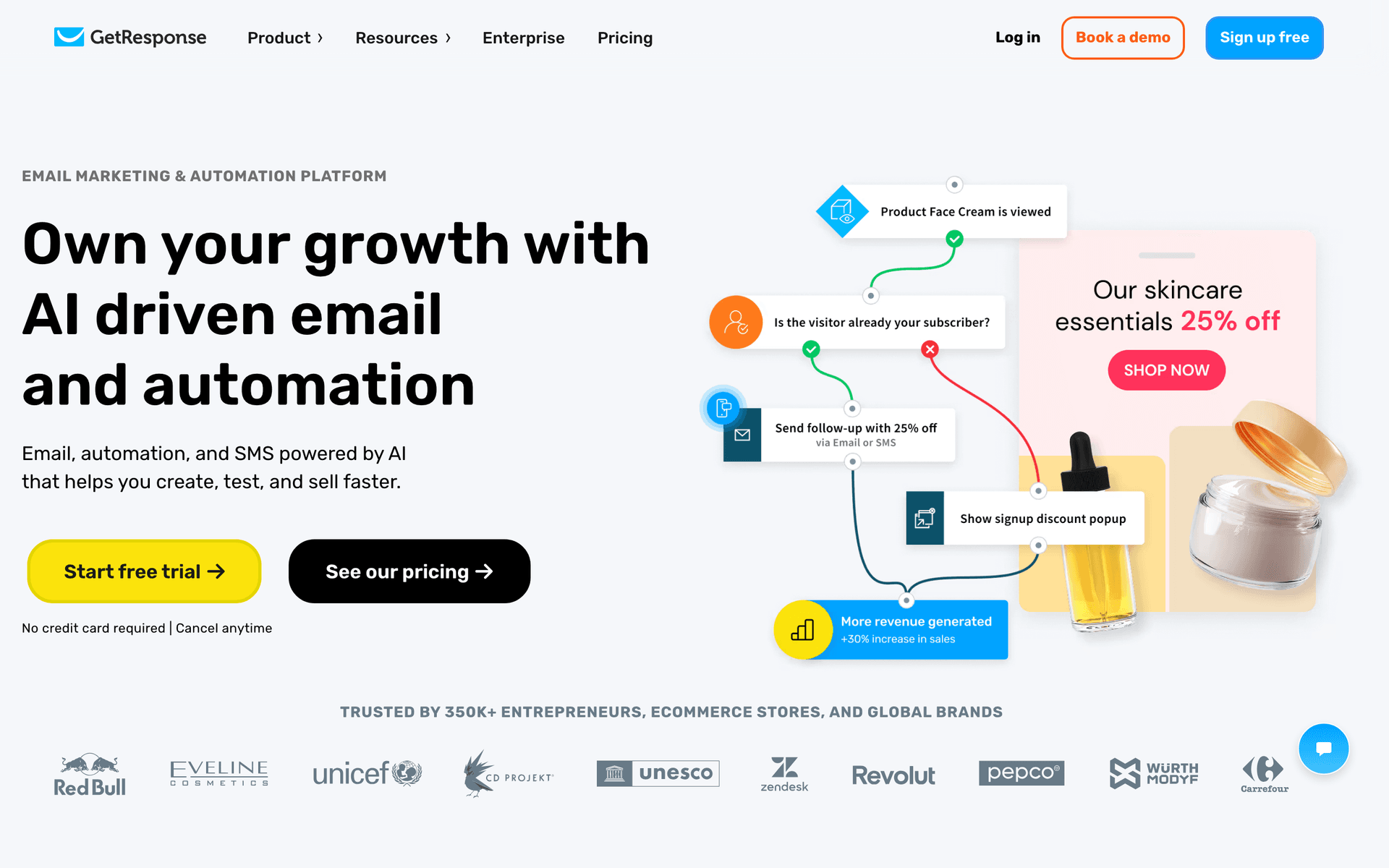
GetResponse

All-in-one marketing platform with webinars and landing pages.

Visit

GetResponse includes email, landing pages, and webinar hosting in one platform. For estate planners who run educational seminars - explaining why estate plans matter, covering tax law changes, or hosting Q&A sessions - the built-in webinar tool eliminates the need for a separate Zoom subscription. Landing pages work well for seminar registration and resource downloads. The email automation and editor are solid mid-range options. Most estate planners will not use all the features, but for practices that host regular educational events, the bundled webinar capability adds genuine value compared to paying for email and webinar tools separately.

Best for
Planners running educational seminars
Pricing
From $19/month for 1,000 contacts

Pros

  • Webinar hosting
  • Landing page builder
  • Automation templates
  • Competitive pricing

Cons

  • Busy interface
  • Email editor could improve
  • Support varies
  • Features feel bolted on
#9
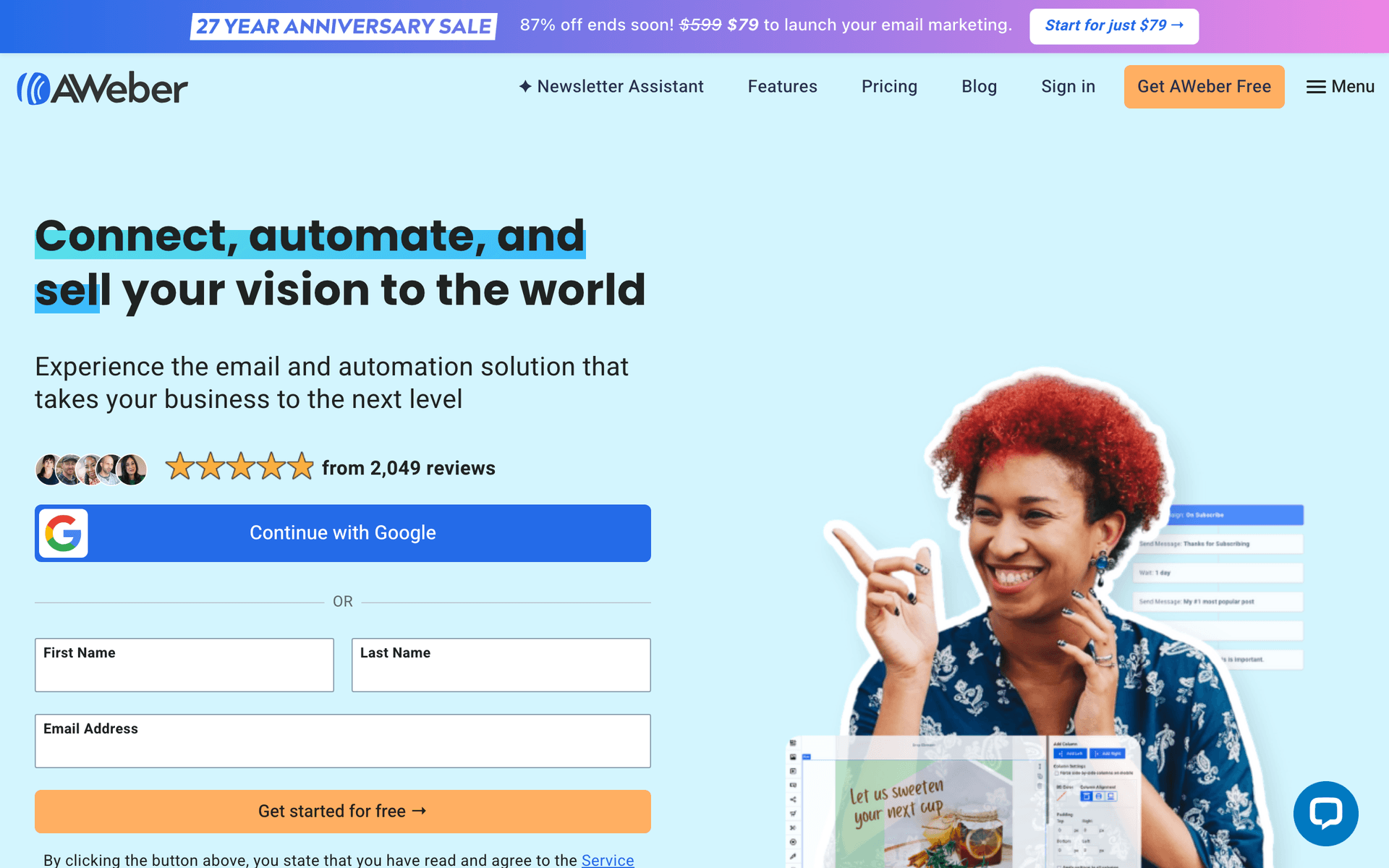
AWeber

One of the original email platforms. Simple and reliable.

Visit

AWeber has been operating since 1998 and delivers exactly what it promises: reliable email delivery with a simple interface. The platform feels dated compared to modern alternatives, but deliverability is consistently strong and the learning curve is minimal. For estate planners who want to send monthly newsletters about estate planning updates and occasional announcements without any complexity, AWeber handles the basics dependably. The free tier covers 500 subscribers. Innovation has stagnated, but for practices with straightforward email needs, reliability and simplicity have genuine value.

Best for
Planners wanting no-frills reliability
Pricing
Free up to 500 subscribers, then from $15/month

Pros

  • Reliable deliverability
  • Simple to use
  • Good support
  • Long track record

Cons

  • Feels dated
  • Limited automation
  • Basic templates
  • Little innovation
#10
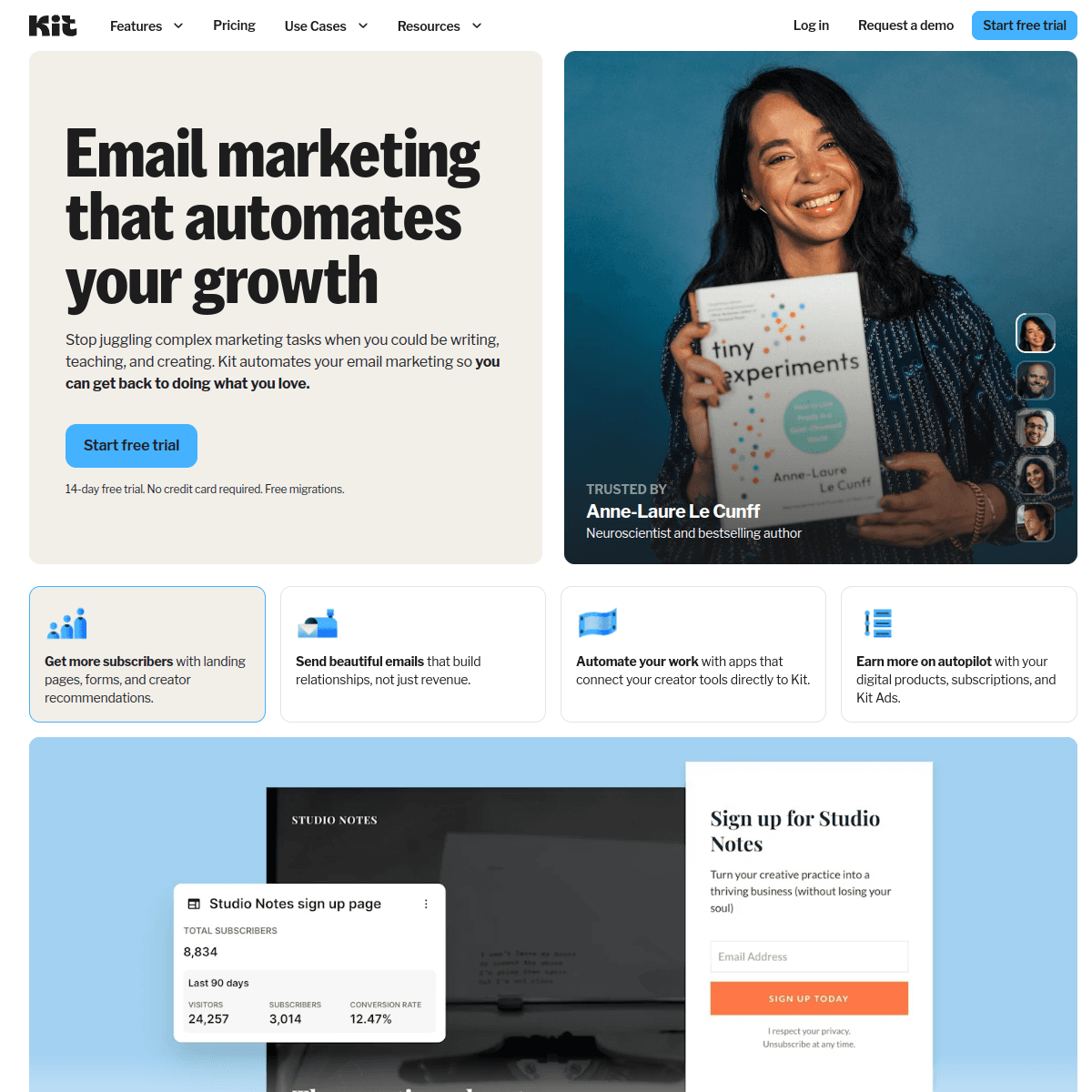
ConvertKit

Built for creators. Not ideal for estate planning.

Visit

ConvertKit is designed for content creators - bloggers, podcasters, and course creators. If you are an estate planner who publishes regular educational content through a blog or newsletter, ConvertKit handles text-based newsletters well with clean formatting and good tag-based segmentation. For most estate planning practices focused on client communication rather than content publishing, other tools are better suited. The visual design options are intentionally minimal, which makes creating professional-looking client emails more difficult than with platforms that offer richer template options.

Best for
Planners who create educational content
Pricing
Free up to 1,000 subscribers, then from $29/month

Pros

  • Great for newsletters
  • Clean management
  • Tag-based automation
  • Creator features

Cons

  • Not for professional services
  • Limited design
  • No free landing pages
  • Wrong focus
#11
HubSpot

Enterprise marketing platform with email included.

Visit

HubSpot is the enterprise solution for large estate planning firms with dedicated marketing teams and multi-attorney operations. The CRM tracks client relationships, referral partner pipelines, and prospect journeys across every touchpoint. For firms with 5+ planners and a full-time marketing coordinator, HubSpot provides the infrastructure to manage complex referral networks and client lifecycle communication at scale. For typical solo practitioners and small firms, it is massive overkill. The free tier is limiting, and meaningful functionality starts at $50/month with realistic costs exceeding $200/month for useful features. The learning curve is measured in weeks, not hours.

Best for
Large firms with marketing teams
Pricing
Free basic, paid from $50/month (realistically $200+)

Pros

  • Full CRM
  • Great for teams
  • Excellent reporting
  • Many integrations

Cons

  • Overkill for most planners
  • Expensive
  • Complex setup
  • Ecosystem commitment
#12
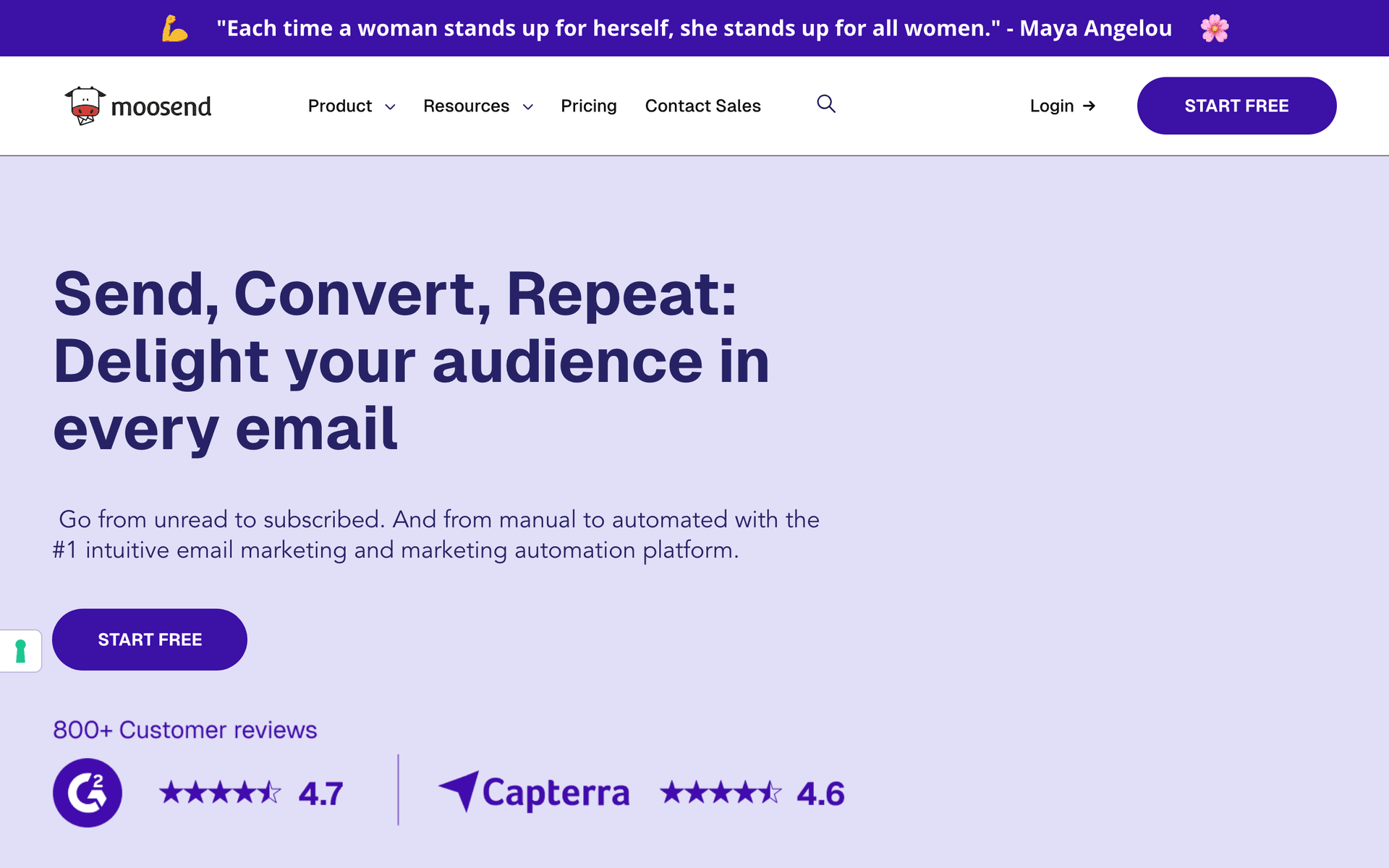
Moosend

Budget email marketing with solid features.

Visit

Moosend is the most affordable option on this list at $9 per month, offering automation, landing pages, and reasonable reporting at a price point that any practice can afford. The automation builder supports date-triggered sequences (useful for annual review reminders) and basic behavioral triggers. For estate planners testing email marketing for the first time or operating on a very tight budget, Moosend provides genuine value. The trade-offs are limited integrations, a smaller template library, and less brand recognition than established platforms. But for the price, the feature set is surprisingly capable.

Best for
Very price-conscious planners
Pricing
From $9/month for 500 subscribers

Pros

  • Very affordable
  • Good automation
  • Responsive support
  • Landing pages

Cons

  • Less known
  • Limited integrations
  • Smaller templates
  • Fewer features
#13
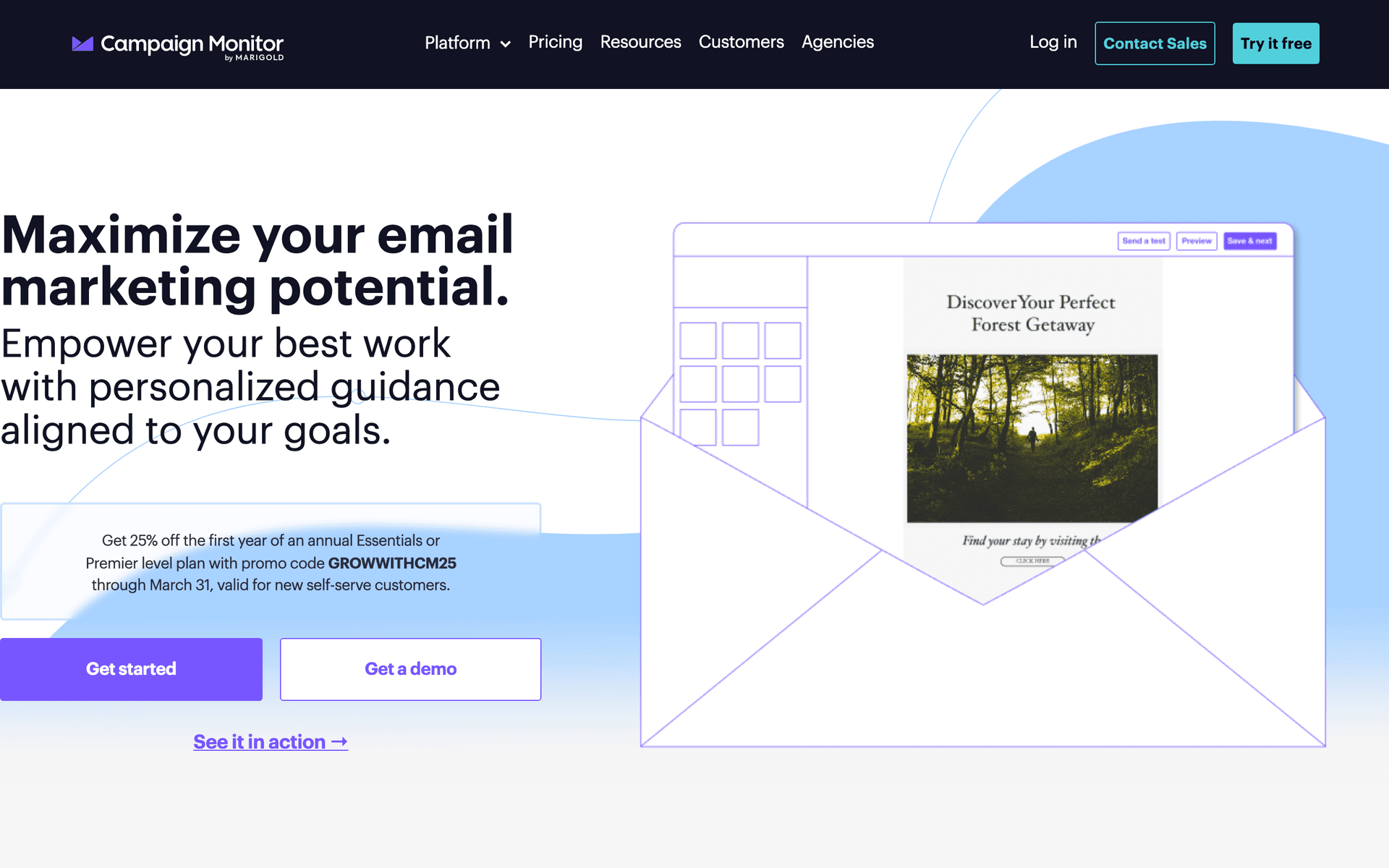
Campaign Monitor

Professional email marketing with beautiful templates.

Visit

Campaign Monitor produces the most visually polished emails on this list. For estate planning practices that prioritize a premium, professional brand image, the templates create emails that match the level of trust and sophistication you want to convey. Your newsletters will look more like they came from a design agency than a DIY email platform. Automation is basic compared to ActiveCampaign or Sequenzy, and per-contact pricing gets expensive as your list grows. But for practices where brand presentation is a top priority and email needs are relatively simple (newsletters and announcements rather than complex automation), the visual quality justifies the premium.

Best for
Planners prioritizing professional email design
Pricing
From $9/month for 500 contacts

Pros

  • Beautiful templates
  • Professional emails
  • Reliable delivery
  • Link review

Cons

  • Contact-based pricing
  • Limited automation
  • Gets expensive
  • Not estate planning specific

Feature Comparison

FeatureSequenzyMailchimpConstant ContactActiveCampaign
Annual review reminders
Life event sequences
Basic
AI content generation
Drag-and-drop editor
Automation workflows
Basic
SMS marketing
Free tier available

Common Mistakes to Avoid

We see these mistakes over and over. Skip the learning curve and avoid these from day one.

Sending Legal Jargon Instead of Plain Language

Clients are not lawyers. Emails filled with terms like 'intestate succession' and 'testamentary capacity' get ignored. Translate legal concepts into simple language that clients understand and care about. Write the way you would explain things in a consultation.

Only Emailing When You Need Something

If clients only hear from you when it is time for a billable review, they feel like a revenue source rather than a valued relationship. Regular educational content between reviews maintains the relationship and makes billing conversations natural.

Neglecting the Referral Partner Relationship

Many estate planners set up referral partnerships and then never nurture them. Financial advisors and CPAs who refer clients need regular reminders that you exist and regular proof that you are the right referral. Monthly content keeps you top of mind.

Using Fear-Based Messaging

Subject lines like 'What happens to your children if you die tonight?' may get opens but damage trust. Estate planning involves sensitive topics. Use protective, empowering language instead: 'Protecting your family's future' is more effective than 'The consequences of not planning.'

Not Tracking Which Emails Generate Consultations

Many planners send emails but never connect the dots to actual client acquisition. Track which emails lead to consultation requests so you can double down on content that converts and stop spending time on content that does not.

Email Sequences Every Estate Planner Needs

These are the essential automated email sequences that will help you grow your business and keep clients coming back.

Initial Consultation Follow-Up

After initial consultation

Nurture prospects after their first meeting and guide them to become clients.

Day 1
Great meeting you, {{first_name}}

Thank them for the consultation. Summarize key points discussed.

Day 3
Answering common estate planning questions

Address typical concerns about cost, complexity, and timing.

Day 7
What happens without an estate plan?

Explain consequences of not planning. Real examples without scare tactics.

Day 14
Ready to protect your family?

Clear next steps to begin the planning process.

Annual Review Reminders

12 months after plan completion

Prompt clients to review and update their estate plans annually.

Day 0
Time for your annual estate plan review

Remind them why annual reviews matter. Life changes to consider.

Day 7
Has anything changed this year?

Checklist of life events that trigger plan updates.

Day 21
Schedule your review before year end

Create urgency around tax year deadlines. Easy scheduling link.

Life Event Check-Ins

When client reports major life event

Reach out when clients experience events that may require plan updates.

Day 0
Congratulations on the new addition to your family

Celebrate their milestone. Mention plan implications.

Day 5
Protecting your growing family

Explain guardian designations, education planning, and beneficiary updates.

Day 14
Let us update your plan together

Offer to schedule a review. Make it easy to respond.

Referral Partner Nurturing

Monthly for referral partners

Stay top of mind with financial advisors, CPAs, and attorneys who refer clients.

Monthly
Estate planning update for your clients

Share relevant law changes and planning strategies they can share.

Quarterly
How can I help your clients this quarter?

Reinforce partnership. Offer lunch meeting or call.

How to Choose the Right Email Tool

The best email marketing tool for your estate planning practice depends on your specific situation and priorities:

Practice size matters. Solo practitioners need simple, time-efficient tools they can manage alongside client work. MailerLite or Sequenzy work well here. Larger firms with multiple planners and administrative staff can benefit from ActiveCampaign's CRM and team features.

Referral focus. If referral partner relationships drive your business, prioritize tools that make segmented, regular communication easy. Sequenzy's AI can generate referral partner content quickly, while ActiveCampaign's CRM tracks partner relationships systematically.

Budget is real. Calculate your cost at your actual list size, not the entry-level pricing. A practice with 5,000 contacts accumulated over 15 years pays very differently on per-contact versus per-email platforms. Run the numbers for your specific situation.

What Actually Works for Estate Planners

After studying how successful estate planning practices use email marketing, three strategies consistently drive results:

Annual Reminders Drive Reviews

Automated annual review reminders are the single highest-value email sequence for estate planners. Clients genuinely forget about their estate plans until something triggers a reminder. An automated email sent 11-12 months after their plan was completed or last reviewed prompts them to schedule a billable consultation. Well-crafted reminder sequences convert 40-60% of clients into scheduled reviews.

The key is making the reminder feel helpful rather than salesy. Lead with a checklist of life events that may have occurred since their last review. Include a brief mention of any law changes that might affect their plan. Make scheduling easy with a direct calendar link or phone number.

Education Converts Prospects

People avoid estate planning because they find it intimidating, confusing, or uncomfortable. Educational email sequences that explain why estate planning matters, what the process involves, and what happens without a plan address these barriers directly. A 4-email educational sequence sent after an initial consultation converts significantly more prospects than a single follow-up.

Structure your educational sequence around the most common objections: "It is too expensive" (explain the cost of probate without a plan), "I do not have enough assets" (explain that estate planning is about more than money), "I am too young" (explain guardian designations and healthcare directives), and "I will get to it later" (explain that later often means never, with gentle real-world examples).

Life Events Create Urgency

Life events are the natural trigger for estate plan updates, and email sequences built around these events generate immediate action. Marriage, divorce, new children, death in the family, major asset changes, retirement, and interstate moves all affect estate plans.

Build a library of 3-email sequences for each major life event. When a client reports or you learn about a life event, tag them and trigger the appropriate sequence. The first email congratulates or acknowledges the event. The second explains how it affects their estate plan specifically. The third offers to schedule a review to update their plan. This approach generates consultations from clients who might not have thought to contact you.

Referral Partner Email Strategy

Referral relationships with financial advisors, CPAs, and other attorneys are often the primary source of new clients for estate planners. Email is the most efficient way to nurture dozens of referral relationships simultaneously.

Monthly Content That Partners Can Share

The key to effective referral partner emails is creating content that makes your partners look good to their clients. Send monthly updates about estate planning topics that financial advisors and CPAs can forward to their own clients - new tax laws affecting estate plans, planning strategies for different life stages, and checklists for common situations.

Quarterly Relationship Maintenance

Beyond shareable content, send quarterly personal emails to your referral partners. Thank them for any recent referrals by name (if appropriate). Offer to host a lunch or coffee meeting. Ask about any clients they are concerned about who might need estate planning help. These personal touches keep the relationship warm and remind partners that you are available and engaged.

What a Healthy Email List Looks Like

For a typical estate planning practice, a healthy email list contains:

  • Active clients (plan completed or updated within 2 years): 100-500 contacts depending on practice size
  • Past clients (plan completed more than 2 years ago): May be several hundred to thousands over a career
  • Referral partners: 20-100 financial advisors, CPAs, and attorneys
  • Prospects: People who inquired but did not engage - typically 2-3x your active client count
  • Seminar attendees and resource downloaders: Varies based on marketing activity

A solo practitioner might have 500-2,000 total contacts. A mid-size firm might have 3,000-10,000. The key metric is not list size but engagement - aim for 27%+ open rates and track how many consultations your emails generate.

Getting Started

Pick a tool from this list that fits your situation. Then implement these four things in order:

  1. Import your client and referral partner list with tags for client type, plan type, and referral source
  2. Set up annual review reminder automation triggered by plan completion date - this generates immediate revenue
  3. Create a monthly educational newsletter template for your general list - establish consistency from the start
  4. Build a post-consultation follow-up sequence for new prospects - this converts inquiries into clients

Start with these fundamentals. Once they are running, add referral partner nurturing, life event sequences, and more sophisticated segmentation over time.

How We Evaluated These Tools

These platforms were evaluated based on their fit for professional services practices - focusing on ease of use for non-technical staff, automation capabilities for client lifecycle communication, compliance-friendly template options, and pricing that works for practices with large historical client databases.

Frequently Asked Questions

Ready to grow your estate planner practice?

Start your free trial today. Set up your first email sequence in minutes with AI-powered content generation.

Related Industries

Sequenzy - Complete Pricing Guide

Pricing Model

Sequenzy uses email-volume-based pricing. You only pay for emails you send. Unlimited contacts on all plans — storing subscribers is always free.

All Pricing Tiers

  • 2.5k emails/month: Free (Free annually)
  • 15k emails/month: $19/month ($205/year annually)
  • 60k emails/month: $29/month ($313/year annually)
  • 120k emails/month: $49/month ($529/year annually)
  • 300k emails/month: $99/month ($1069/year annually)
  • 600k emails/month: $199/month ($2149/year annually)
  • 1.2M emails/month: $349/month ($3769/year annually)
  • Unlimited emails/month: Custom pricing (Custom annually)

Yearly billing: All plans offer a 10% discount when billed annually.

Free Plan Features (2,500 emails/month)

  • Visual automation builder
  • Transactional email API
  • Reply tracking & team inbox
  • Goal tracking & revenue attribution
  • Dynamic segments
  • Payment integrations
  • Full REST API access
  • Custom sending domain

Paid Plan Features (15k - 1.2M emails/month)

  • Visual automation builder
  • Transactional email API
  • Reply tracking & team inbox
  • Goal tracking & revenue attribution
  • Dynamic segments
  • Payment integrations (Stripe, Paddle, Lemon Squeezy)
  • Full REST API access
  • Custom sending domain

Enterprise Plan Features (Unlimited emails)

  • Visual automation builder
  • Transactional email API
  • Reply tracking & team inbox
  • Goal tracking & revenue attribution
  • Dynamic segments
  • Payment integrations
  • Full REST API access
  • Custom sending domain

Important Pricing Notes

  • You only pay for emails you send — unlimited contacts on all plans
  • No hidden fees - all features included in the price
  • No credit card required for free tier

Contact

  • Pricing Page: https://sequenzy.com/pricing
  • Sales: hello@sequenzy.com