Updated 2026-03-15

Best Email Marketing Tools for Lawyers

Stay top of mind with clients and generate referrals with the right email marketing platform for your law practice.

Running a law firm means balancing client work with business development. Email marketing helps you nurture leads, stay connected with past clients, and build a referral network. But most email tools are built for retail or tech companies. Here are 13 platforms that actually work for law firms, ranked by ease of use, automation features, and value for money.

TL;DR

For most law firms, Sequenzy is the best value - the AI writes client nurture and onboarding sequences for you, and the free tier covers up to 2,500 emails/month. Pay-per-email pricing means your years of accumulated networking contacts do not inflate costs. For firms wanting phone support, Constant Contact is dependable. For larger firms with marketing staff, ActiveCampaign offers the most powerful CRM and automation.

Why Lawyers Need Email Marketing

Stay Top of Mind for Referrals

Past clients refer when they remember you. Regular newsletters with helpful legal tips keep your firm front of mind when someone asks 'do you know a good lawyer?'

Nurture Leads Over Time

Legal decisions take time. Someone researching today may not need you for months. Email nurturing keeps them engaged until they are ready.

Build Authority and Trust

Educational content about legal topics positions you as the expert. When readers need help, they already trust you.

Client Communication and Updates

Keep clients informed about their cases, legal changes that affect them, and firm news without endless phone calls.

Lawyers Email Marketing Benchmarks

Know these numbers before you start. They'll help you set realistic goals and pick the right tool.

25-35%
Average Open Rate

Law firm emails see 25-35% open rates. Legal update emails and practice area tips perform at the high end. Generic firm newsletters without specific value trend lower.

2-4%
Average Click Rate

Click rates of 2-4% are typical. Consultation booking links and downloadable legal guides drive the most clicks. Resource downloads and case study links also perform well.

Tuesday-Wednesday, 9-10am
Best Send Time

Business professionals and individuals open legal-related emails during business hours early in the week. Avoid Mondays (inbox overload) and Fridays. Legal update emails are the exception - send promptly regardless of timing.

3-8% of past clients per year
Referral Rate from Email

Law firms with active email programs generate referrals from 3-8% of past clients annually. Firms that send consistent monthly newsletters with useful content see referral rates at the higher end of this range.

Important Tips Before You Choose

Lessons from lawyerswho've been doing this for years. Save yourself the trial and error.

Create a monthly newsletter with one genuinely helpful legal tip

The most effective law firm newsletters share one clear, practical legal tip per issue - written in plain language, not legalese. Topics like 'What to do if you receive a demand letter' or 'Three things every business owner should know about non-compete clauses' demonstrate expertise and stay useful enough to forward to colleagues.

Segment your list by practice area interest and client status

A business law update is irrelevant to your estate planning contacts. Segment by practice area interest, client status (prospect, active, past), and referral source. Targeted emails that match each contact's needs generate better engagement and fewer unsubscribes.

Automate post-matter follow-up for reviews and referrals

After completing a case or transaction, automated follow-up at 1 day (thank you), 14 days (review request), and 30 days (referral ask) captures testimonials and referrals at the moment when client satisfaction is highest. Most firms forget to ask - automation ensures you never miss.

Use lead nurture sequences for consultation inquiries who do not hire immediately

Many people research attorneys for months before hiring. A 60-90 day nurture sequence with educational content, case study examples, and gentle follow-ups keeps you present until they are ready. Without this automation, these prospects hire whoever is most visible when they finally decide.

Include attorney advertising compliance elements in every template

Build your required state bar disclaimers, advertising notices, and ethical compliance language into your email templates from the start. This ensures every email is compliant without requiring manual review each time.

Send legal updates when laws change that affect your clients

When legislation changes, new regulations take effect, or court decisions affect your practice area, send a timely update explaining the impact in plain language. Attorneys who communicate law changes quickly position themselves as the go-to expert in their area.

13 Best Email Marketing Tools for Lawyers

Our Top Pick for Lawyers
#1
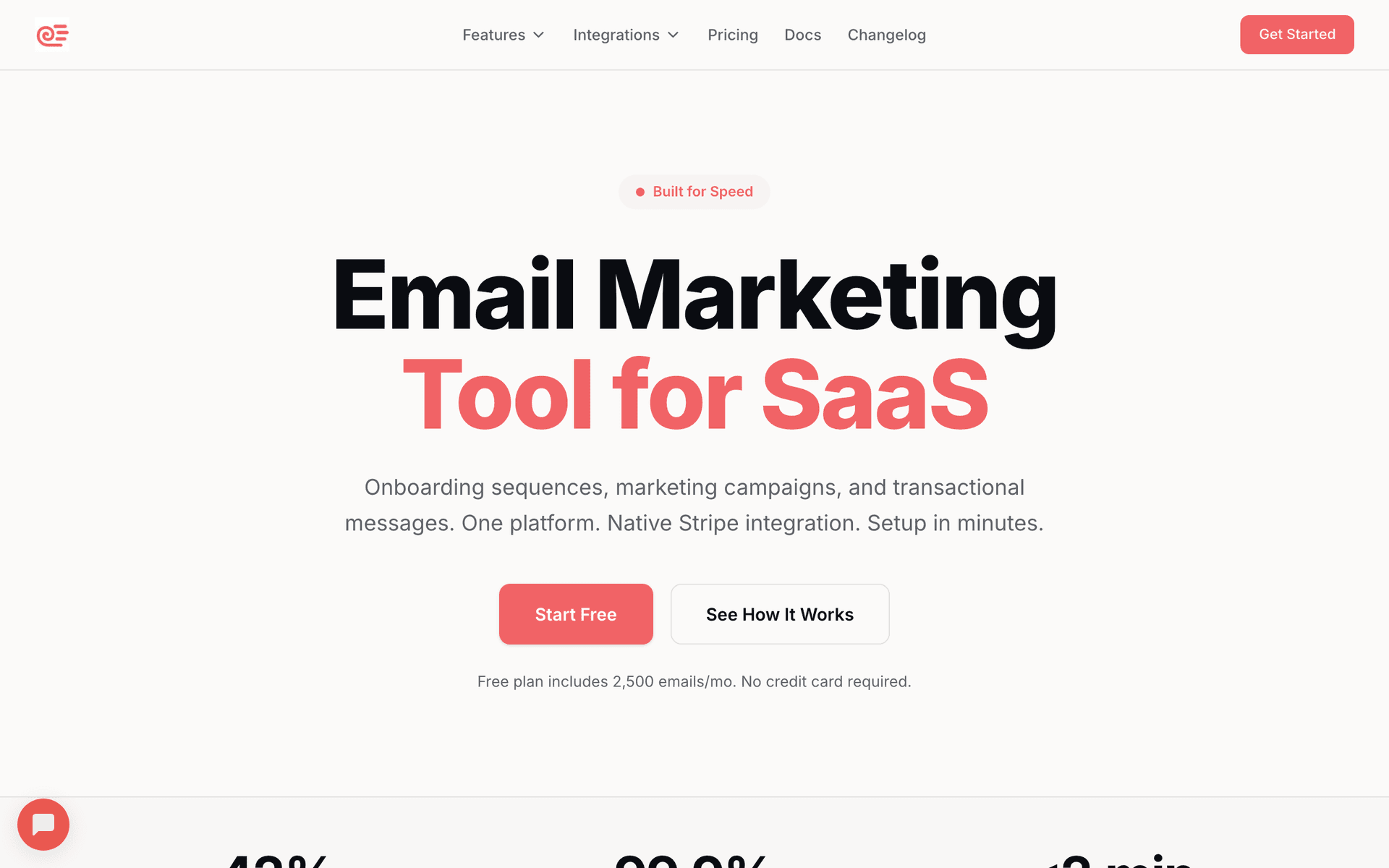
Sequenzy

AI-powered email marketing built for service businesses.

Visit

Sequenzy is the best fit for most law firms because it solves the two biggest pain points: creating professional content and managing costs with a large contact database. The AI sequence builder generates complete client onboarding flows, lead nurture campaigns, referral request sequences, and legal update newsletters in seconds - you describe what you need in plain language and get a ready-to-send sequence. This matters for attorneys who do not have time to write marketing emails between client work. The free tier covers up to 2,500 emails per month, enough for small firms to run their entire email program at zero cost. The $29/month plan covers 50,000 emails with unlimited contacts, so your 5,000+ contacts from years of networking do not inflate your bill the way per-contact tools do. The interface is simple enough for your paralegal or assistant to manage without marketing training.

Best for
Law firms wanting automated client communication without complexity
Pricing
Free up to 2,500 emails/mo, then $29/mo for 50K emails (unlimited contacts)

Pros

  • AI writes client nurture and onboarding sequences
  • Simple interface staff can use
  • Pay for emails sent, not contacts stored
  • Free tier for small firms
  • Direct founder support

Cons

  • Launched in 2025, less track record
  • No built-in SMS
  • Fewer templates than established competitors
#2
Mailchimp

The most popular email marketing platform.

Visit

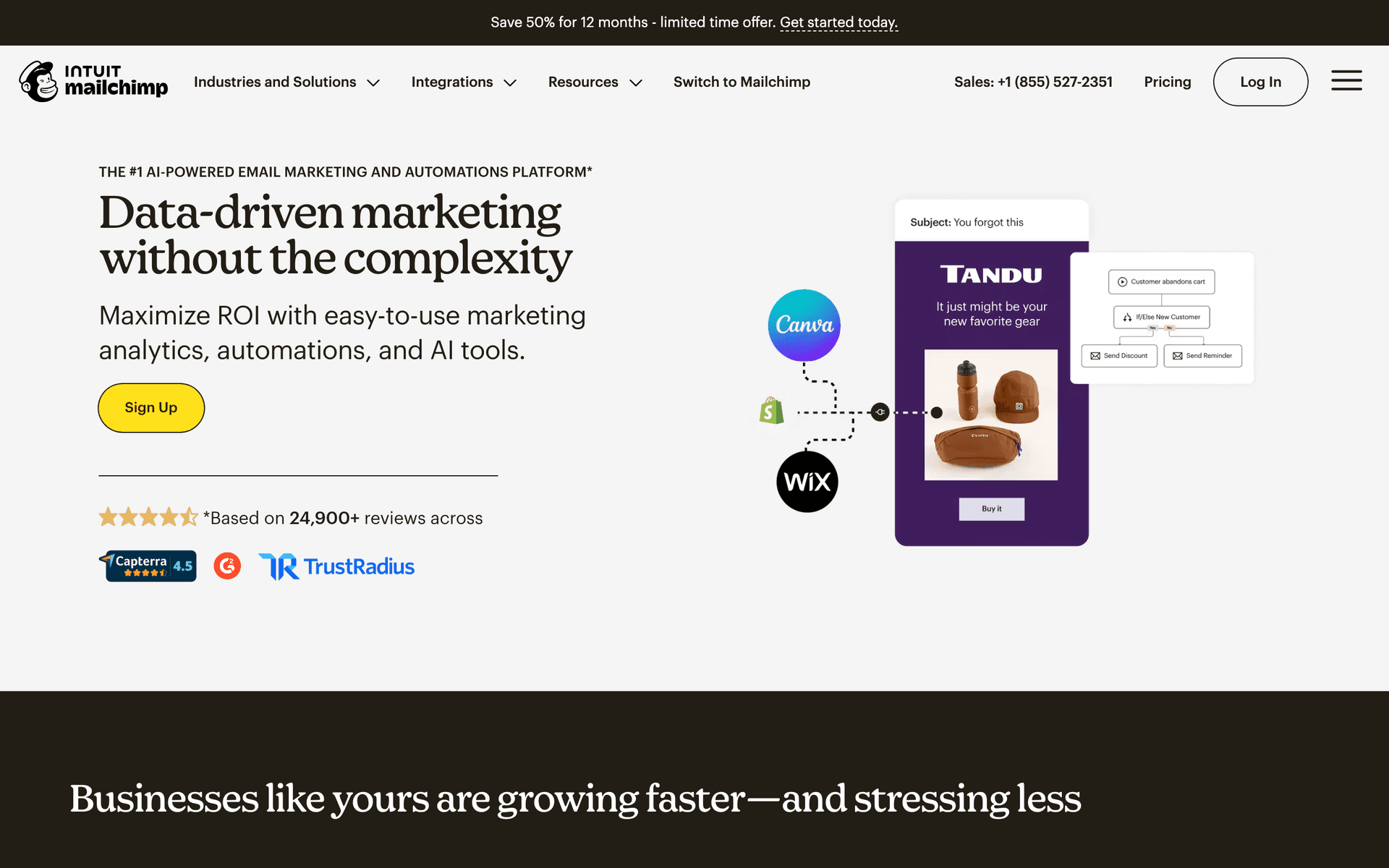
Mailchimp is the household name in email. For law firms, the template library and automation work well for newsletters and basic lead nurturing. The free tier covers 500 contacts to get started. The frustration is pricing once past that threshold - costs climb quickly with per-contact pricing, and most firms have thousands of contacts from years of networking. The interface can feel overwhelming when all you want is to send a monthly newsletter. Good if you want brand recognition, but the pricing model becomes painful for firms with large databases.

Best for
Firms wanting a well-known platform with extensive integrations
Pricing
Free up to 500 contacts, then $13-350/month

Pros

  • Extensive template library
  • Many integrations
  • Strong deliverability
  • Good analytics

Cons

  • Gets expensive fast
  • Interface overwhelming
  • Support has declined
  • Not designed for legal
#3
Constant Contact

Long-standing email platform popular with professional services.

Visit

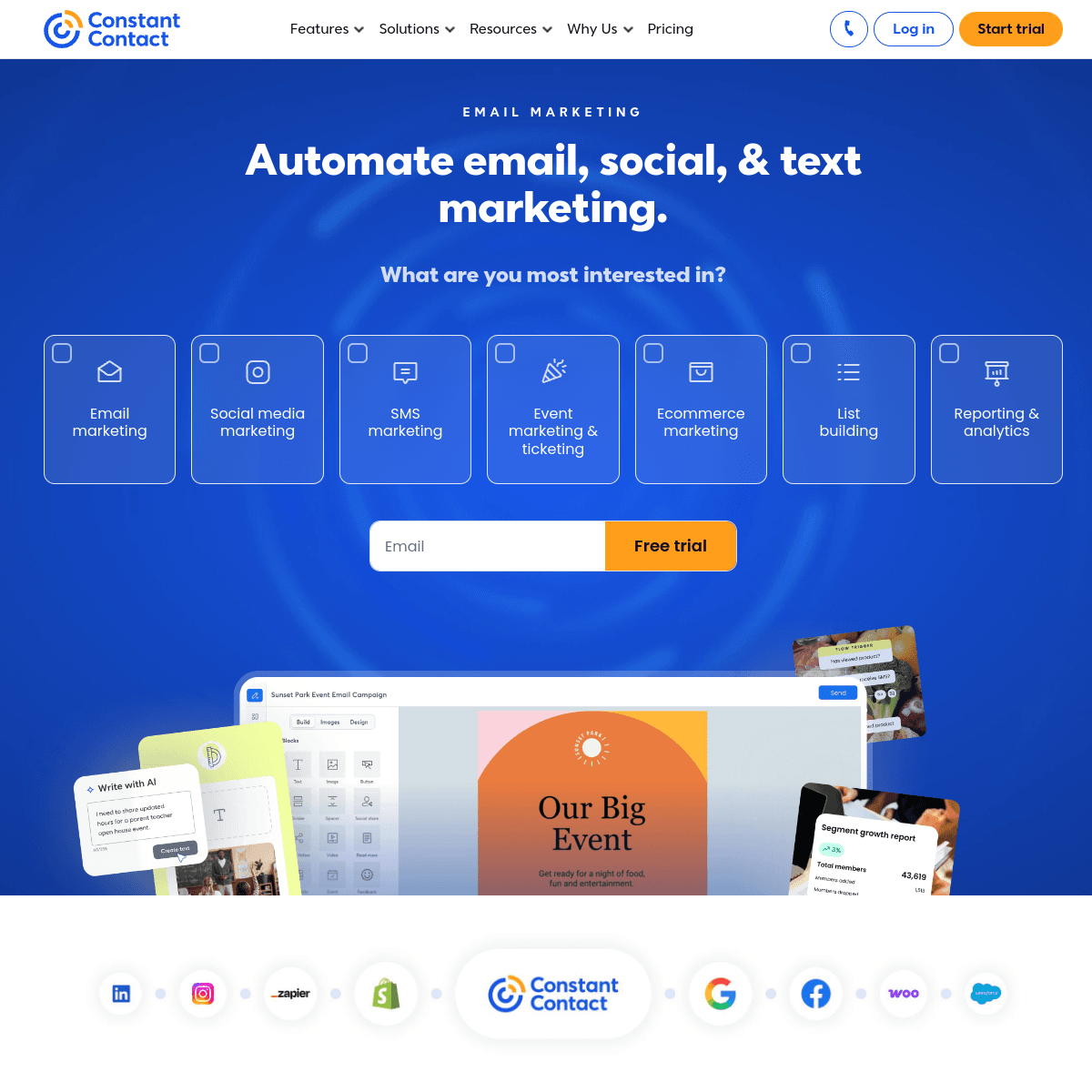
Constant Contact has been reliable for decades. Phone support is genuinely helpful for non-technical office staff. The interface is simple. Event management features work for client seminars, CLE events, and networking gatherings. For traditional firms wanting straightforward email with a human to call when they have questions, Constant Contact delivers dependability. Automation is basic compared to newer tools but adequate for simple newsletters and follow-up sequences.

Best for
Traditional firms wanting simple email with phone support
Pricing
From $12/month for 500 contacts

Pros

  • Very easy to use
  • Excellent phone support
  • Event management
  • Social media integration

Cons

  • Limited automation
  • Dated templates
  • Higher prices
  • Basic segmentation
#4
ActiveCampaign

Powerful automation platform with CRM.

Visit

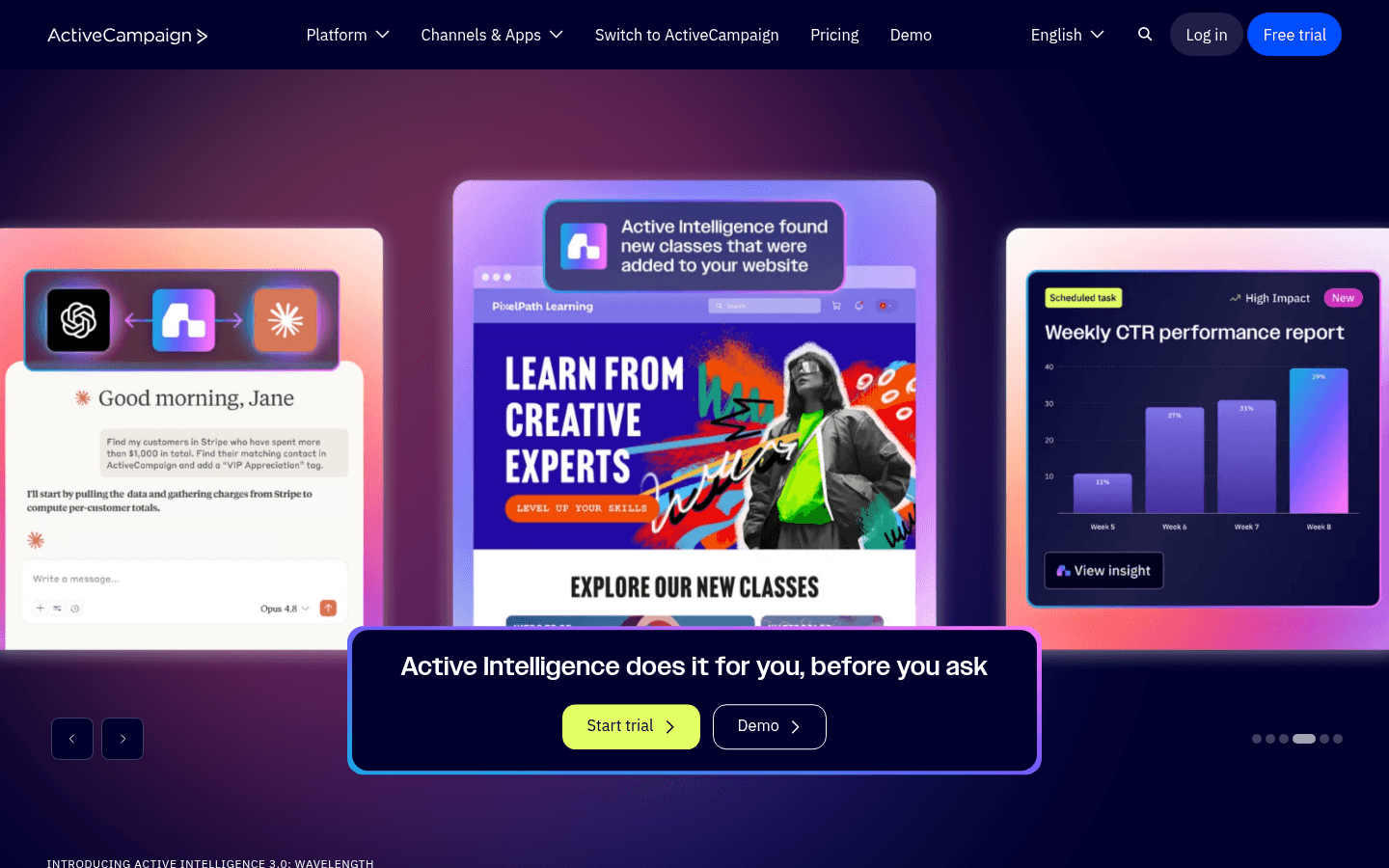
ActiveCampaign is the most powerful automation tool on this list. Build sophisticated sequences based on practice area interest, engagement level, referral source, and client stage. The CRM tracks every contact interaction for detailed relationship management. Lead scoring identifies which prospects are closest to hiring. For firms with marketing staff or a business development coordinator, ActiveCampaign provides automation that no other platform here can match. For typical small firms, the complexity is more than most can manage alongside client work.

Best for
Tech-savvy firms with dedicated marketing staff
Pricing
From $29/month for 1,000 contacts

Pros

  • Excellent automation
  • CRM included
  • Great deliverability
  • Detailed scoring

Cons

  • Steep learning curve
  • Overkill for small firms
  • Complex interface
  • Price jumps with features
#5
Brevo

Formerly Sendinblue. Good value with email and SMS.

Visit

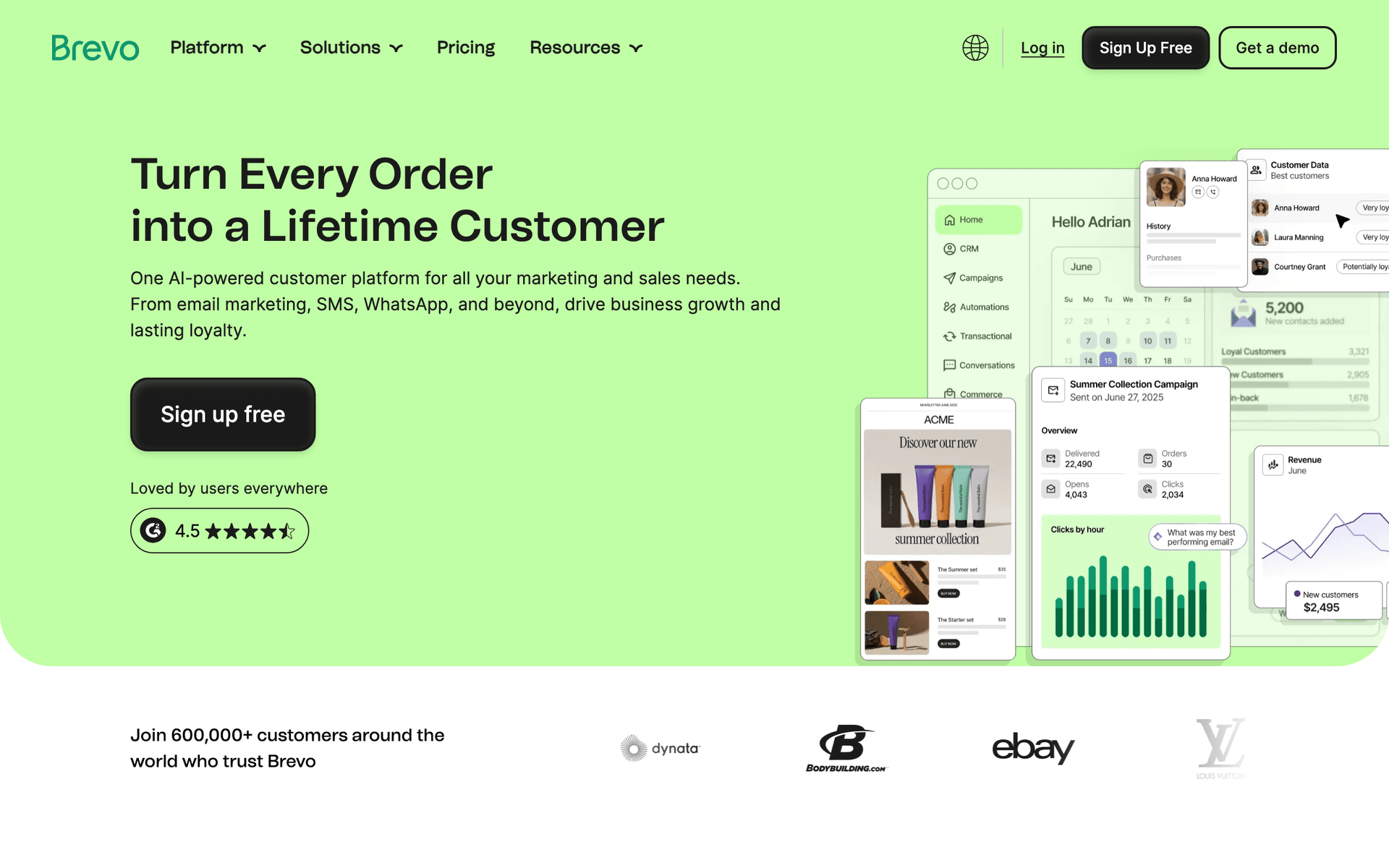
Brevo offers impressive value. The free tier covers 300 emails per day, and SMS is included for appointment reminders. For budget-conscious firms wanting email and SMS together, Brevo provides both channels affordably. The automation handles basic welcome and follow-up sequences adequately.

Best for
Budget-conscious firms needing email and SMS
Pricing
Free up to 300 emails/day, then from $25/month

Pros

  • SMS included
  • Generous free tier
  • Transactional included
  • Good automation

Cons

  • Daily limits on free
  • Support can be slow
  • Limited integrations
  • Branding on free tier
#6
MailerLite

Clean, simple email marketing.

Visit

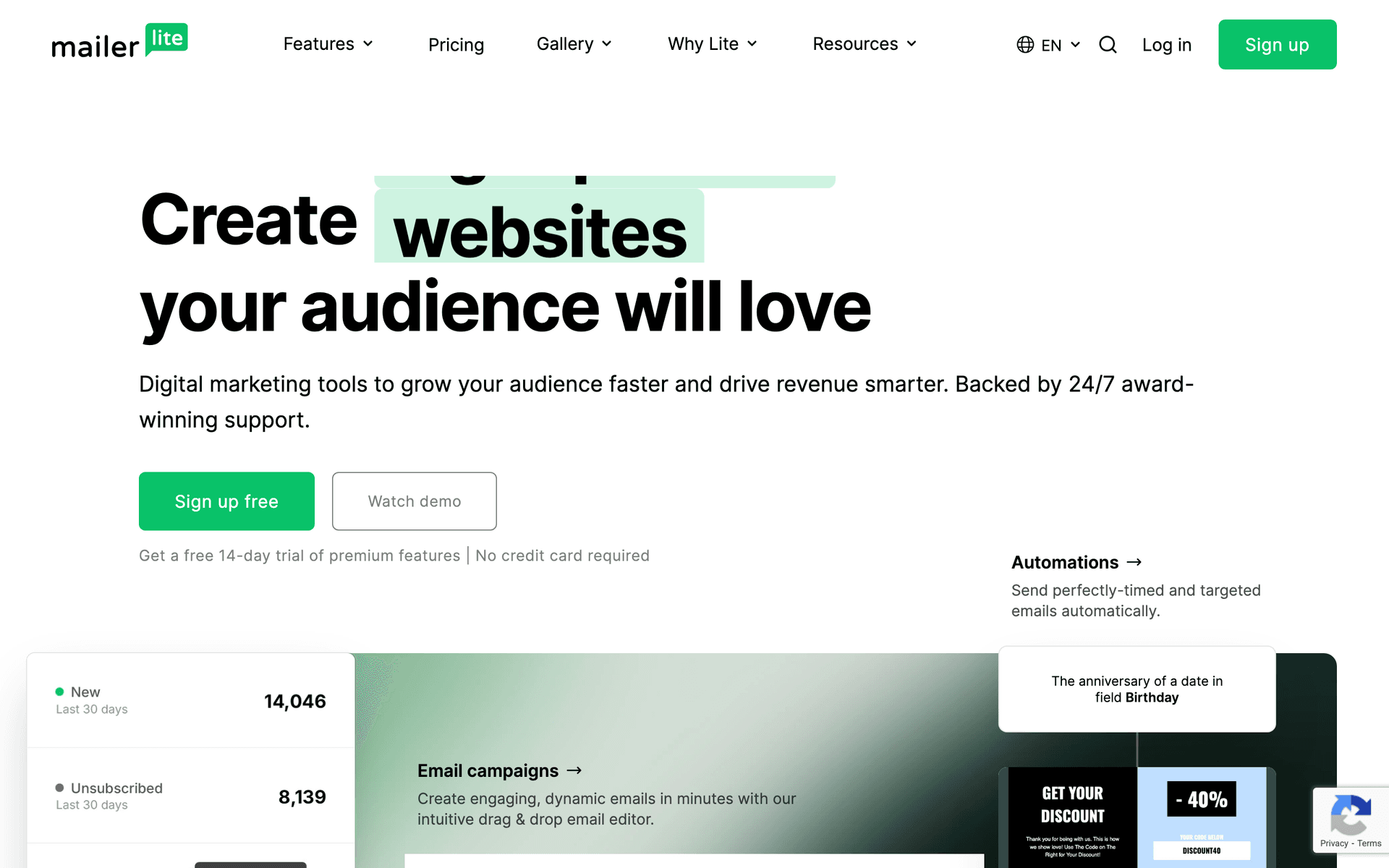
MailerLite is simple and affordable with a clean interface. The free tier covers 1,000 subscribers, and the landing page builder creates consultation booking and resource download pages. For small firms wanting email to just work without complexity, MailerLite delivers. The strict approval process sometimes flags professional services accounts, so allow extra time.

Best for
Small firms wanting simplicity
Pricing
Free up to 1,000 subscribers, then from $10/month

Pros

  • Very affordable
  • Clean interface
  • Good landing pages
  • Generous free tier

Cons

  • Strict approval
  • Limited advanced features
  • Professional services sometimes flagged
#7
Drip

E-commerce focused but works for lead nurturing.

Visit

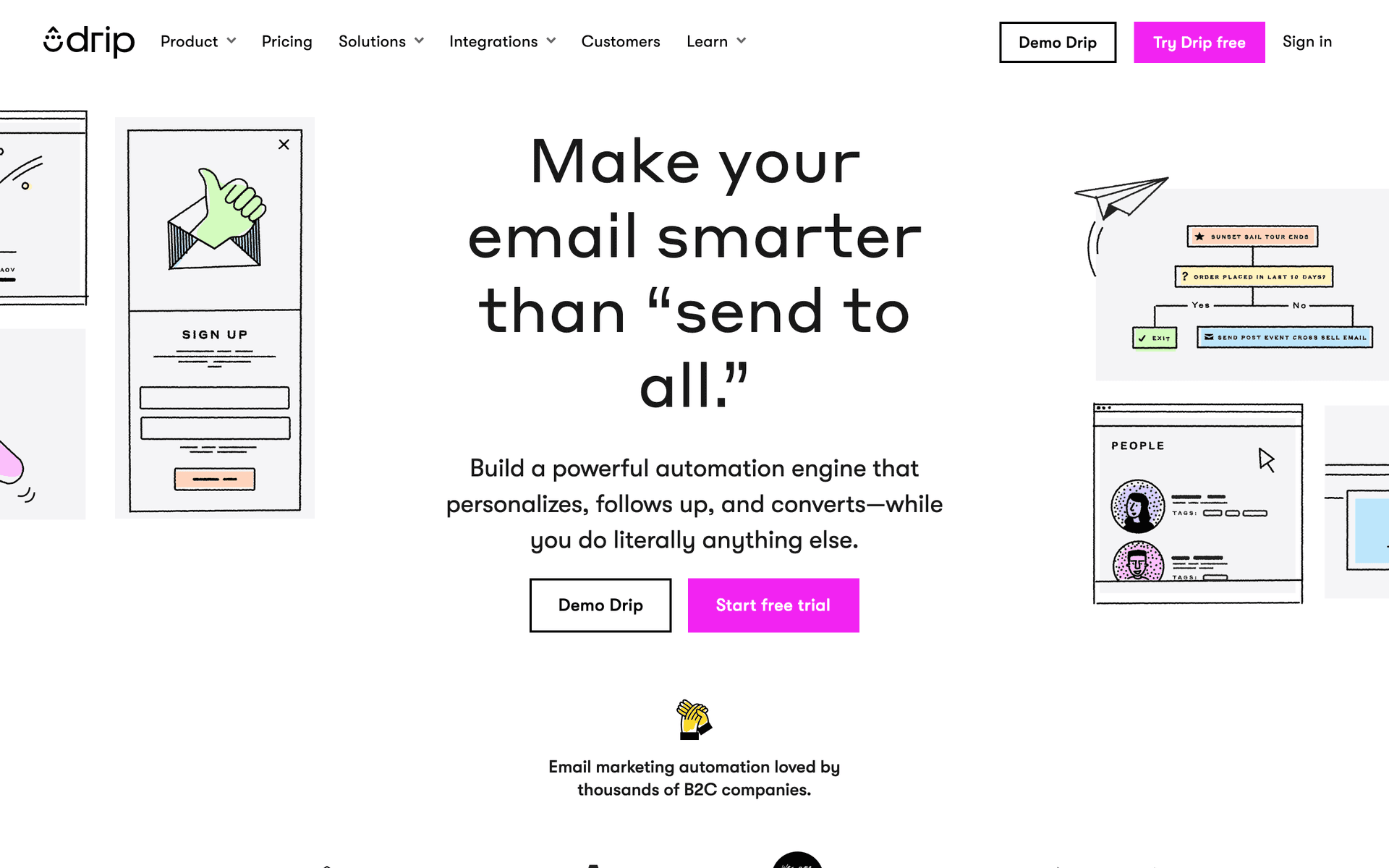
Drip is built for online stores but some firms use it for sophisticated lead nurturing. The automation is powerful and the visual workflow builder is intuitive. At $39/month minimum, only consider if you have complex nurturing needs and the budget to support it.

Best for
Firms with complex lead nurturing needs
Pricing
From $39/month for 2,500 contacts

Pros

  • Strong automation
  • Visual workflows

Cons

  • Built for e-commerce
  • Expensive
  • Overkill for simple needs
#8
GetResponse

All-in-one with webinar capability.

Visit

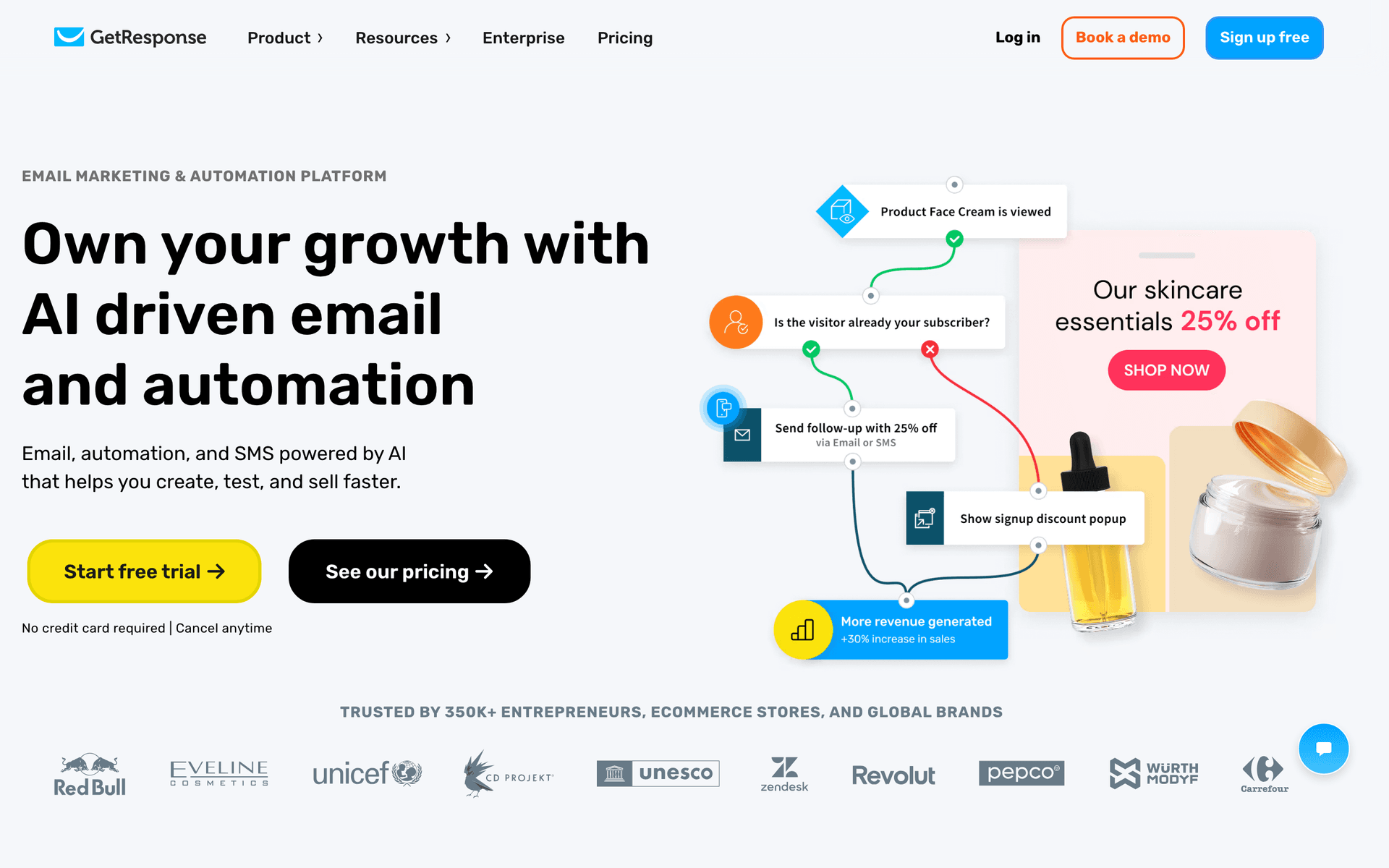
GetResponse includes webinars alongside email, which works for firms running legal education seminars, CLE events, or community workshops. Landing pages create consultation booking and event registration pages. Good value if you actively host educational events.

Best for
Firms running educational webinars or seminars
Pricing
From $19/month for 1,000 contacts

Pros

  • Webinar hosting
  • Landing page builder
  • Competitive pricing

Cons

  • Busy interface
  • Not legal-specific
  • Features scattered
#9
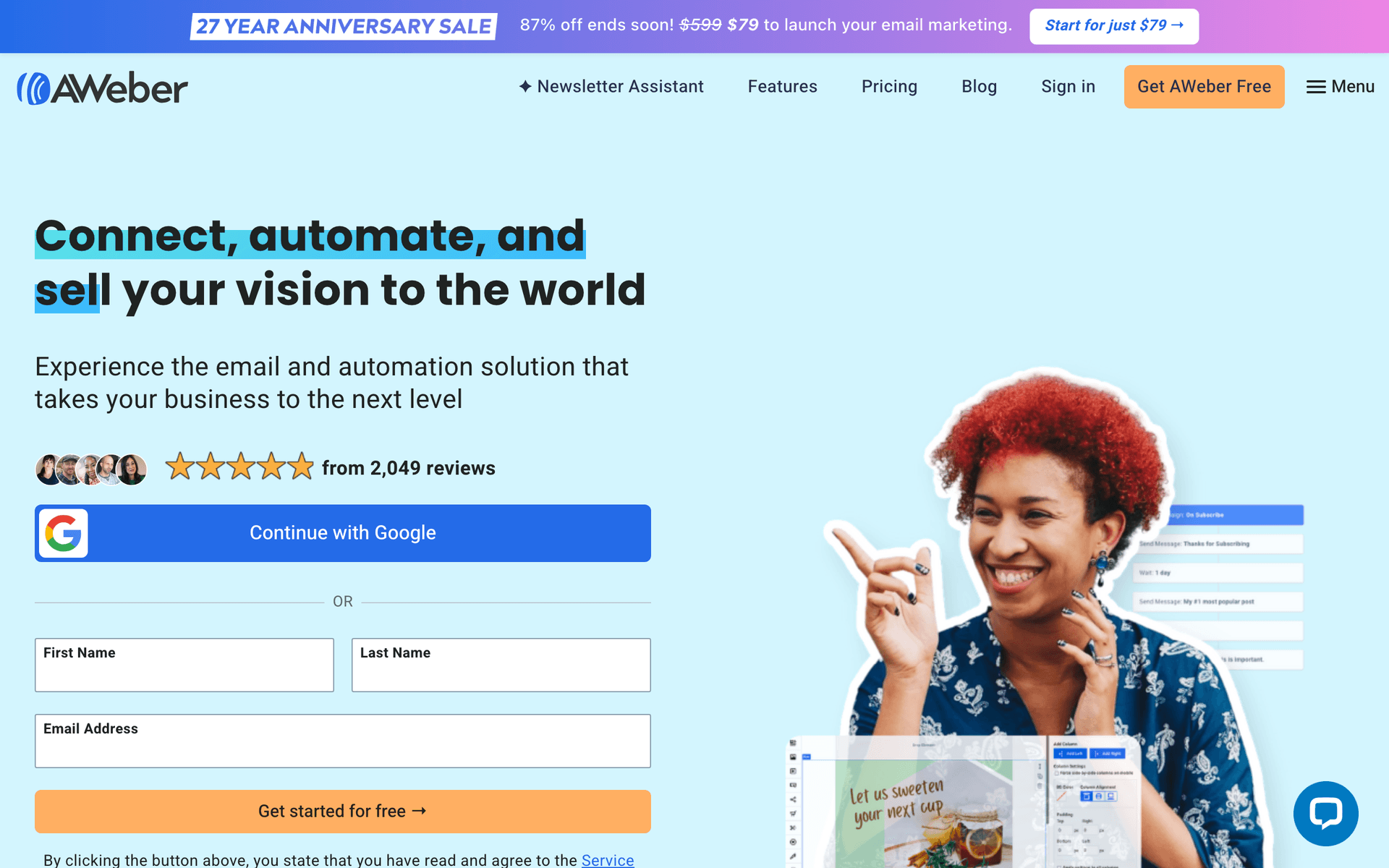
AWeber

Simple and reliable.

Visit

AWeber is dated but reliable. Excellent deliverability means your newsletters consistently reach inboxes. The free tier covers 500 subscribers. For firms wanting simple, dependable monthly newsletters, AWeber does the job without surprises.

Best for
Firms wanting no-frills reliability
Pricing
Free up to 500 subscribers, then from $15/month

Pros

  • Reliable deliverability
  • Simple to use
  • Good support

Cons

  • Feels dated
  • Limited automation
  • Basic templates
#10
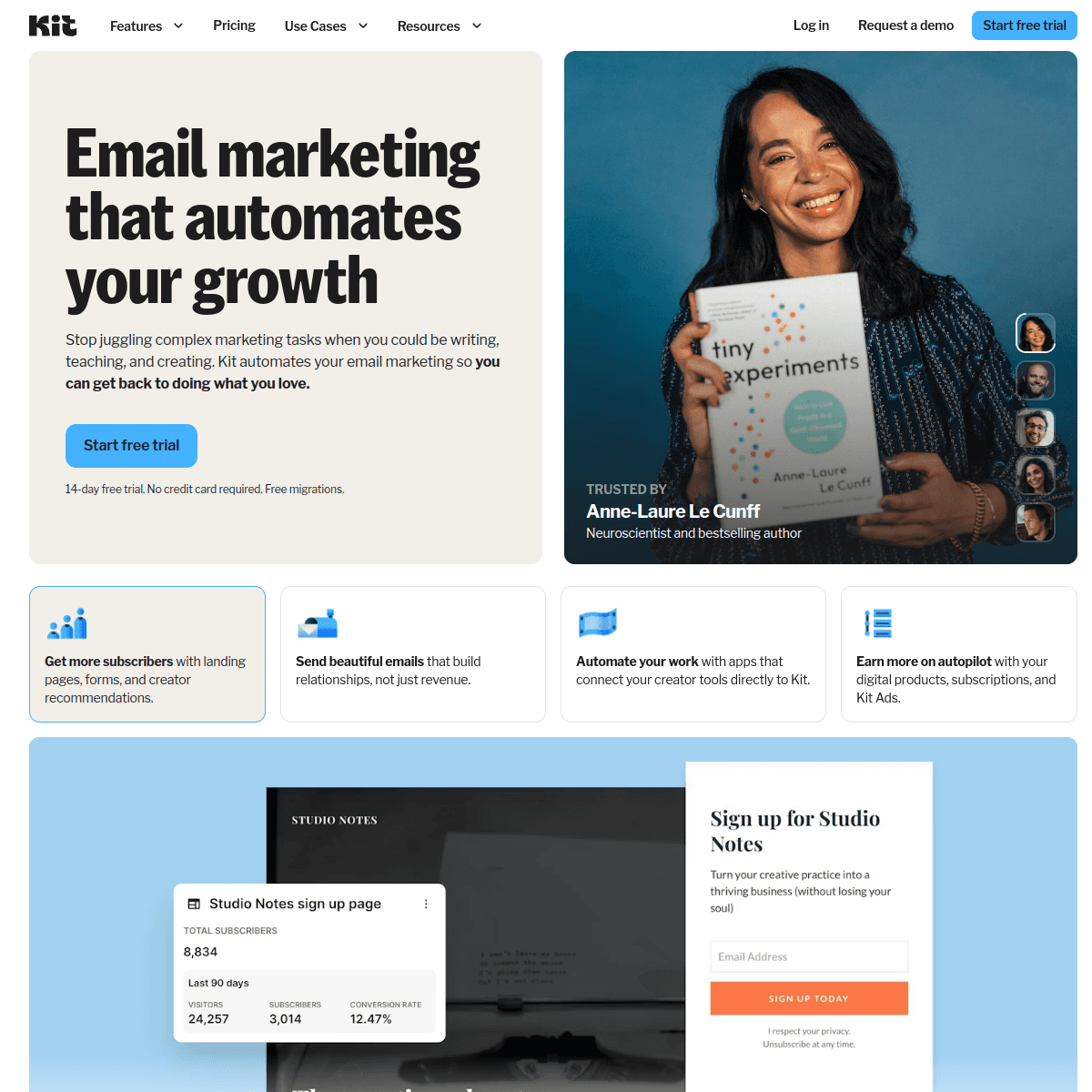
ConvertKit

Built for creators.

Visit

ConvertKit works for lawyers who actively create content - legal blogs, podcasts, or newsletters about their practice area. The newsletter format suits thought leadership well. For firms not creating regular written content, simpler options exist.

Best for
Lawyers who blog or create content regularly
Pricing
Free up to 1,000 subscribers, then from $29/month

Pros

  • Great for newsletters
  • Tag-based automation

Cons

  • Not for legal
  • Limited design
  • Expensive at scale
#11
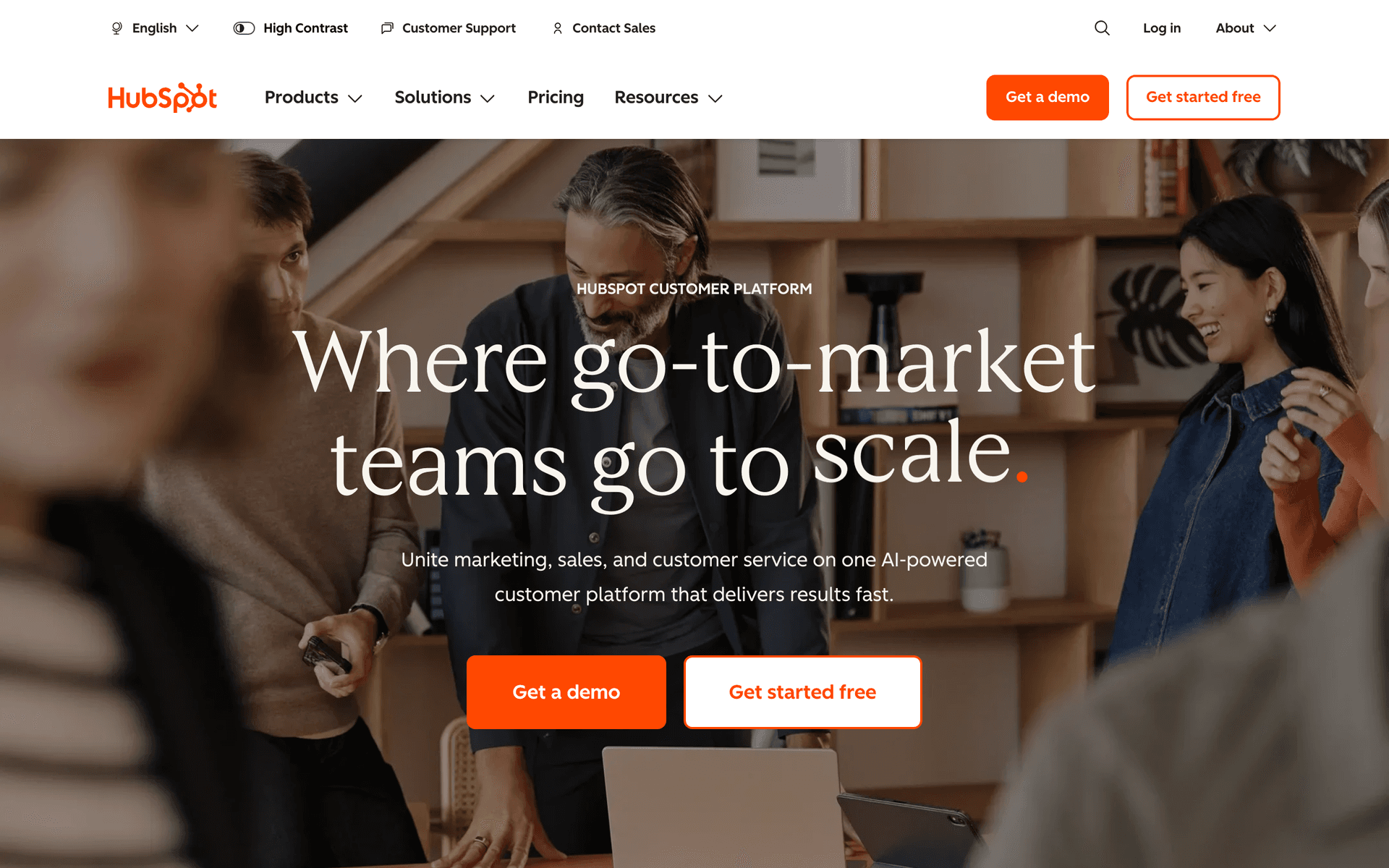
HubSpot

Enterprise marketing platform.

Visit

HubSpot is for large firms with marketing departments. Everything connects beautifully and reporting is excellent. For small firms, it is massive overkill. The free CRM is useful for contact management, but marketing features require paid plans starting at $50/month.

Best for
Large firms with marketing staff
Pricing
Free basic, paid from $50/month (realistically $200+)

Pros

  • Full CRM
  • Great for large teams
  • Excellent reporting

Cons

  • Overkill for small firms
  • Expensive
  • Complex setup
#12
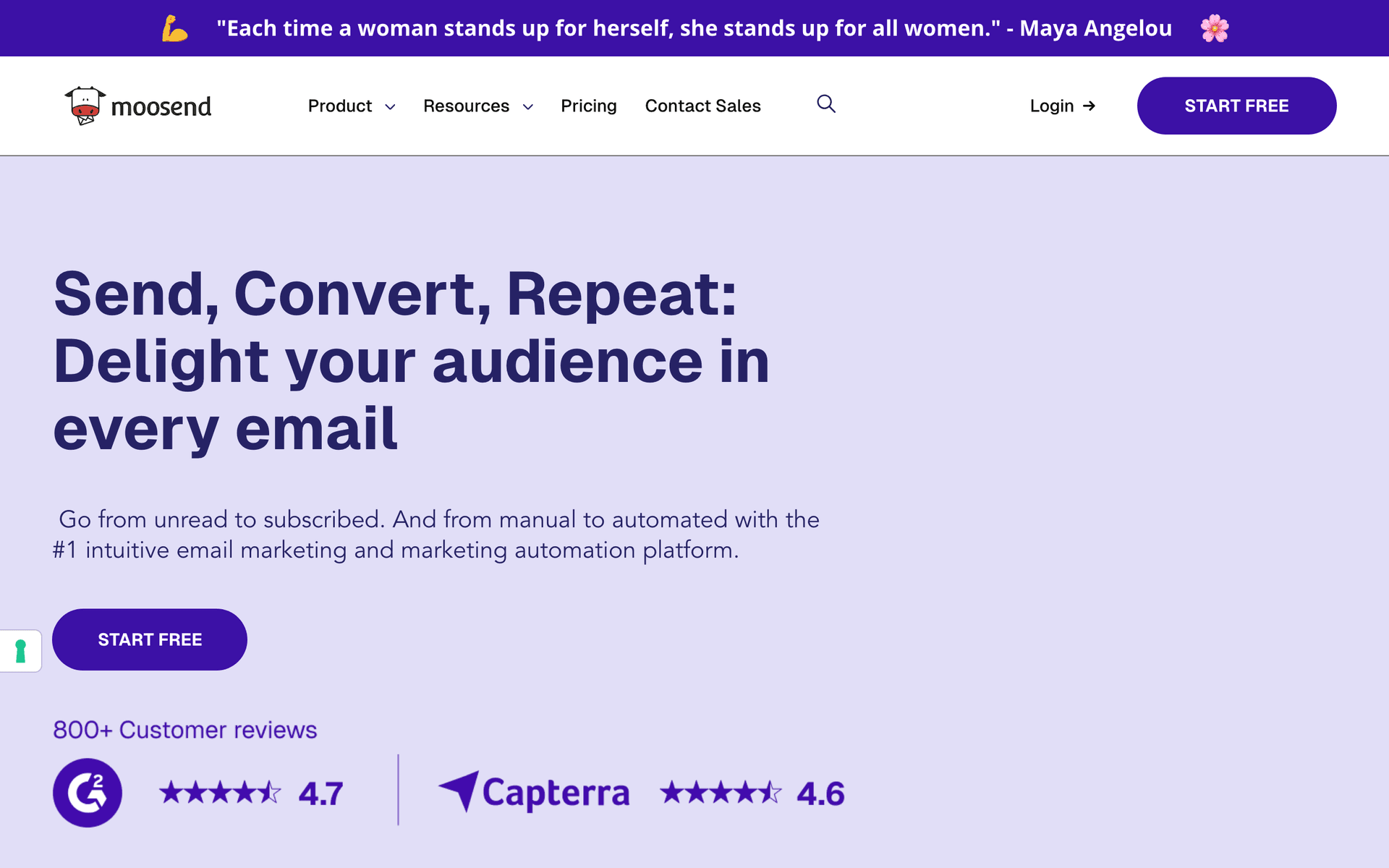
Moosend

Budget email marketing.

Visit

Moosend provides solid value at $9/month with automation and landing pages. For very price-conscious firms just starting with email marketing, it delivers functional email at the lowest cost.

Best for
Very price-conscious firms
Pricing
From $9/month for 500 subscribers

Pros

  • Very affordable
  • Good automation

Cons

  • Less known
  • Limited integrations
#13
Campaign Monitor

Professional email marketing.

Visit

Campaign Monitor has the most professional-looking templates. For firms prioritizing polished, trustworthy aesthetics, the visual quality delivers credibility. Automation is limited and pricing is per-contact.

Best for
Firms prioritizing professional email design
Pricing
From $9/month for 500 contacts

Pros

  • Beautiful templates
  • Professional emails
  • Reliable delivery

Cons

  • Contact-based pricing
  • Limited automation
  • Gets expensive

Feature Comparison

FeatureSequenzyMailchimpConstant ContactActiveCampaign
Client onboarding sequences
Newsletter templates
AI content generation
Drag-and-drop editor
Automation workflows
Basic
SMS marketing
Free tier available

Common Mistakes to Avoid

We see these mistakes over and over. Skip the learning curve and avoid these from day one.

Using legal jargon that clients do not understand

Your clients are not attorneys. Emails full of Latin phrases, statutory citations, and legal terminology get ignored or confuse readers. Write as if you are explaining something to a smart friend who does not have a law degree. Plain language builds more trust than impressive vocabulary.

Only emailing during slow periods and going silent during busy times

Firms that blast marketing when they need clients and disappear when they are busy send mixed signals. Maintain monthly contact year-round. Consistency is what keeps you top of mind for referrals, which happen regardless of your current workload.

Sending purely promotional content without educational value

Nobody wants to read a monthly email that just says 'hire us for your legal needs.' Share genuinely useful legal knowledge. Explain concepts. Address common questions. When readers need an attorney, they will choose the one who has been educating them for months.

Not tracking email-to-inquiry conversion

Many firms send emails but never measure whether those emails generate inquiries and new matters. Without tracking, you cannot know which content drives business. At minimum, track which emails generate the most consultation bookings.

Ignoring the cost of per-contact pricing with large networking databases

Lawyers accumulate thousands of contacts from years of networking, bar events, and professional relationships. A per-contact tool at 5,000 contacts costs $50-150/month even if you only email monthly. Calculate costs at your actual list size.

Email Sequences Every Lawyer Needs

These are the essential automated email sequences that will help you grow your business and keep clients coming back.

New Client Onboarding

When client signs engagement letter

Welcome new clients and set expectations.

Immediately
Welcome to {{firm_name}}, {{first_name}}

Thank you for choosing us. Overview of what to expect and next steps.

Day 3
What to expect in your case

Timeline expectations, communication preferences, and how to reach us.

Day 7
Important documents we may need

Checklist of documents to gather. Makes their responsibilities clear.

Lead Nurture Sequence

When someone downloads a resource or inquires

Nurture leads over time until they are ready to hire.

Immediately
Here is your {{resource_name}}

Deliver the resource. Brief intro to your firm.

Day 3
A common question about {{topic}}

Address a frequent question. Position your expertise.

Day 14
How we help clients with {{problem}}

Case study or success story. Social proof.

Day 30
Ready to discuss your situation?

Soft call to action for consultation.

Past Client Newsletter

Monthly or quarterly

Stay top of mind with past clients for referrals.

Monthly
Legal update: {{topic}}

Helpful legal tip or news. Brief firm update. Referral reminder.

Post-Matter Follow-Up

When case concludes

Thank clients and encourage referrals and reviews.

Day 1
Thank you for trusting us with your case

Sincere thanks. Summary of outcome. What to do if questions arise.

Day 14
How was your experience with us?

Request for review or testimonial.

Day 30
Know someone who needs legal help?

Gentle referral request. Make it easy to share your contact.

How to Choose the Right Email Tool for Your Law Firm

Firm size matters. Solo practitioners and small firms can use simpler, affordable tools like Sequenzy or MailerLite. Larger firms with marketing staff benefit from platforms like ActiveCampaign or HubSpot with CRM integration.

Practice area shapes your approach. Consumer-facing practices (personal injury, family law, estate planning) benefit most from educational email marketing. Highly specialized B2B practices may need less volume but more sophisticated targeting.

Contact database size determines real cost. Lawyers accumulate contacts over years and decades of networking. Calculate what your email tool will cost at your actual list size - 3,000, 5,000, or 10,000 contacts - not the advertised starting price at 500 contacts.

What Actually Works for Law Firms

Education Builds Trust Before the First Consultation

The best law firm emails teach readers something useful. A clear explanation of how non-compete clauses work, what to do after a car accident, or how to protect business assets demonstrates expertise without being salesy. When these readers need an attorney, they already trust the one who has been educating them for months.

Consistency Beats Brilliance

Monthly newsletters work better than sporadic brilliant emails. Readers learn to expect and look forward to your updates. A consistently helpful monthly tip builds more trust and generates more referrals than occasional long-form content that arrives unpredictably.

Past Clients Are Your Best Marketing Asset

Past clients who had positive experiences are your most valuable referral source. Email keeps you top of mind when someone asks them, "Do you know a good lawyer?" The firms that stay connected with completed clients through regular, valuable content receive significantly more referrals than those who disappear after the final invoice.

Building Your Law Firm Email Program

Step 1: Organize Your Contact Database

Gather contacts from current clients, past clients, consultation no-shows, networking contacts, and professional relationships. Tag each by practice area interest and relationship type.

Step 2: Create a Monthly Newsletter Template

Build a reusable template with space for one practical legal tip, brief firm news, and a call to action. Keep it professional but readable. Plan content topics 3 months ahead.

Step 3: Set Up New Client Onboarding Automation

Create a 3-email welcome sequence that sets expectations, provides document checklists, and establishes communication preferences. This runs automatically for every new engagement.

Step 4: Build a Lead Nurture Sequence

Create a 60-day sequence for consultation inquiries who do not hire immediately. Include educational content, success stories, and gentle follow-ups. This sequence captures prospects who need time to decide.

Step 5: Automate Post-Matter Follow-Up

Build a sequence that thanks clients, requests reviews, and asks for referrals at 1, 14, and 30 days after case completion. This automation ensures you never miss the referral window.

The Law Firm Email Content Calendar

Monthly Newsletter Content Ideas

  • Recent law changes affecting your clients
  • Practical tips for common legal situations
  • FAQ answers about your practice areas
  • Brief case study highlights (anonymized)
  • Seasonal legal considerations (tax season, business planning, estate reviews)

Quarterly Deep Dives

  • In-depth guide on a trending legal topic
  • Year-in-review summaries
  • Legislative outlook for the coming quarter

Measuring Law Firm Email Marketing Success

Track these business outcomes rather than just email statistics:

  • Consultations booked from email-nurtured leads
  • New matters opened attributable to email marketing
  • Referral rate from past clients on your email list
  • Time from inquiry to hire for email-nurtured vs non-nurtured prospects
  • Client retention for those who receive regular communication

Most law firms see measurable results within 6 months of consistent email marketing. The referral effect compounds over years as your reputation as a helpful, communicative attorney spreads through your network.

How We Evaluated These Tools

Tools were evaluated based on their fit for law firm workflows - professional communication templates, long-cycle lead nurturing, compliance-friendly features, and pricing that works with large networking and client databases accumulated over years of practice. We prioritized ease of use since most firms do not have dedicated marketing staff.

Frequently Asked Questions

Ready to grow your lawyer practice?

Start your free trial today. Set up your first email sequence in minutes with AI-powered content generation.

Related Industries

Sequenzy - Complete Pricing Guide

Pricing Model

Sequenzy uses email-volume-based pricing. You only pay for emails you send. Unlimited contacts on all plans — storing subscribers is always free.

All Pricing Tiers

  • 2.5k emails/month: Free (Free annually)
  • 15k emails/month: $19/month ($205/year annually)
  • 60k emails/month: $29/month ($313/year annually)
  • 120k emails/month: $49/month ($529/year annually)
  • 300k emails/month: $99/month ($1069/year annually)
  • 600k emails/month: $199/month ($2149/year annually)
  • 1.2M emails/month: $349/month ($3769/year annually)
  • Unlimited emails/month: Custom pricing (Custom annually)

Yearly billing: All plans offer a 10% discount when billed annually.

Free Plan Features (2,500 emails/month)

  • Visual automation builder
  • Transactional email API
  • Reply tracking & team inbox
  • Goal tracking & revenue attribution
  • Dynamic segments
  • Payment integrations
  • Full REST API access
  • Custom sending domain

Paid Plan Features (15k - 1.2M emails/month)

  • Visual automation builder
  • Transactional email API
  • Reply tracking & team inbox
  • Goal tracking & revenue attribution
  • Dynamic segments
  • Payment integrations (Stripe, Paddle, Lemon Squeezy)
  • Full REST API access
  • Custom sending domain

Enterprise Plan Features (Unlimited emails)

  • Visual automation builder
  • Transactional email API
  • Reply tracking & team inbox
  • Goal tracking & revenue attribution
  • Dynamic segments
  • Payment integrations
  • Full REST API access
  • Custom sending domain

Important Pricing Notes

  • You only pay for emails you send — unlimited contacts on all plans
  • No hidden fees - all features included in the price
  • No credit card required for free tier

Contact

  • Pricing Page: https://sequenzy.com/pricing
  • Sales: hello@sequenzy.com