
Overview
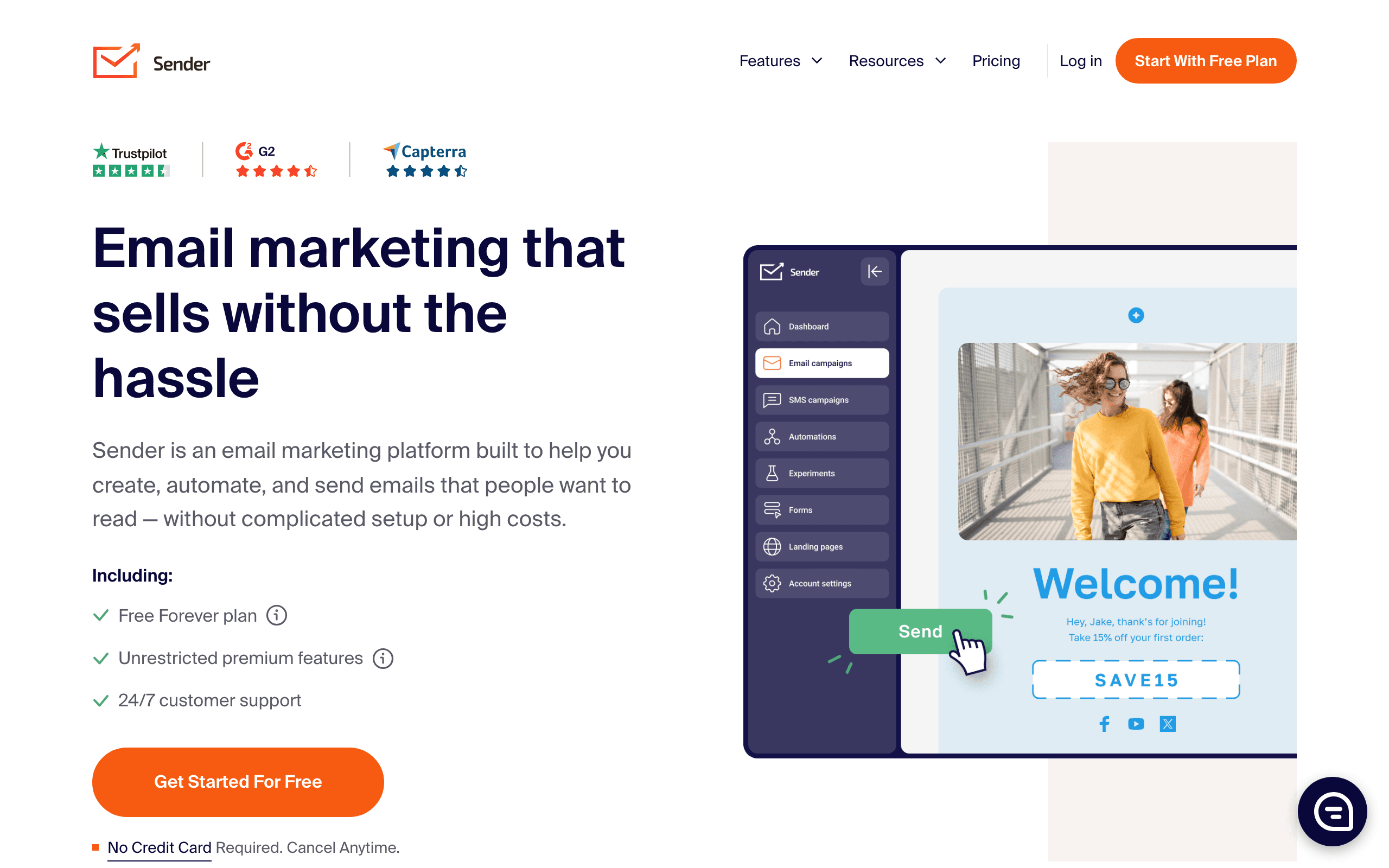
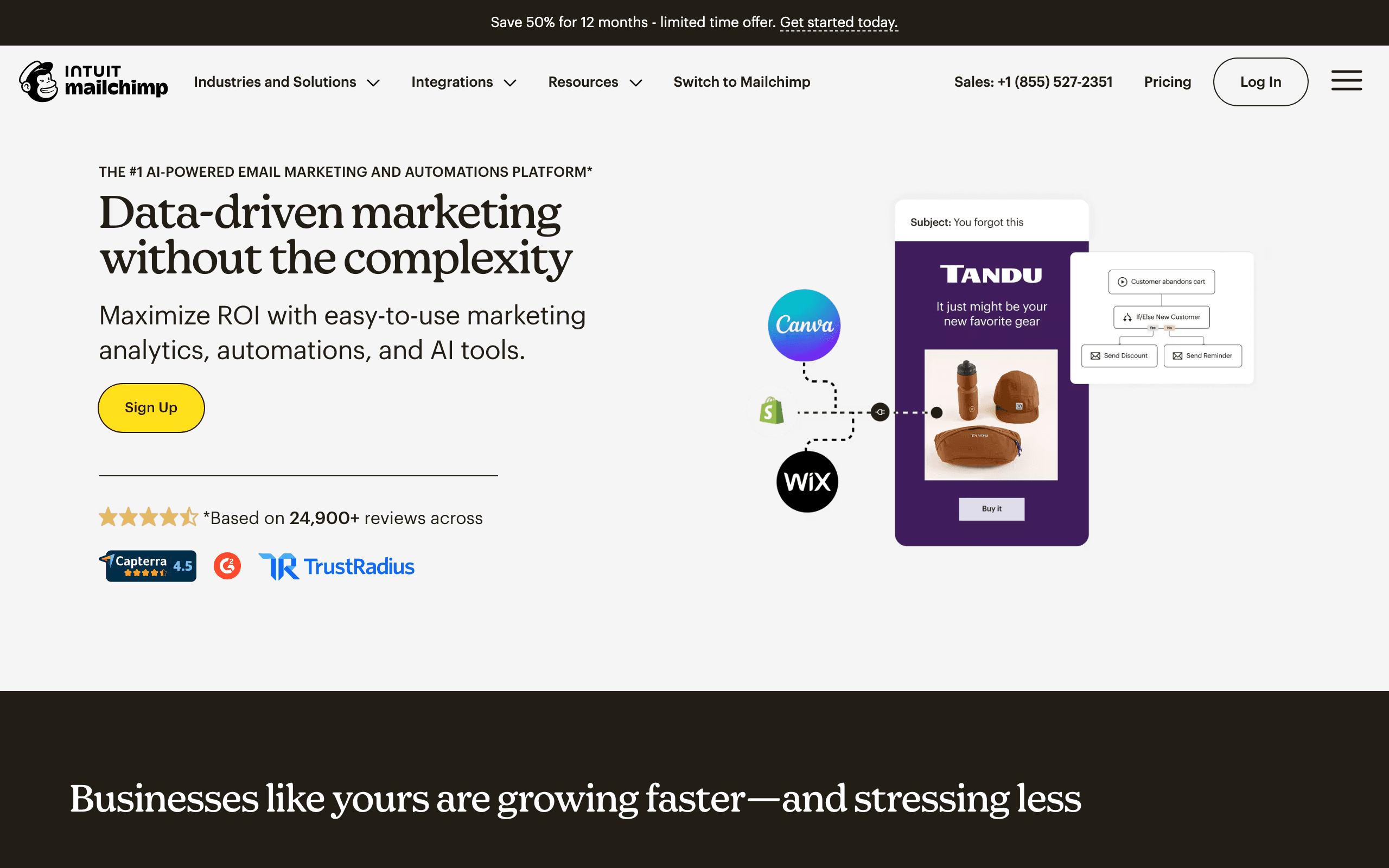
Sender and Mailchimp both offer email marketing but with different value propositions. Sender emphasizes affordability with a generous free tier and native SMS. Mailchimp offers comprehensive marketing with extensive integrations. See our Mailchimp comparison for more context.
Free Tier Comparison
Sender's free plan is genuinely generous: 2,500 subscribers and 15,000 emails per month. Mailchimp's free plan offers only 500 subscribers and 1,000 emails. For startups and small businesses testing email marketing, Sender's free tier goes much further.
Budget vs Ecosystem
At 10,000 subscribers, Sender costs around $50/month vs Mailchimp's $130/month. That is a significant difference. However, Mailchimp offers 300+ integrations while Sender has fewer. The tradeoff is cost vs ecosystem breadth.
SMS Marketing
Sender includes native SMS marketing in its platform. Mailchimp's SMS is limited and costs extra. For businesses wanting email + SMS from one dashboard, Sender is more practical and cost-effective.
E-commerce Capabilities
Both integrate with Shopify and WooCommerce, but Mailchimp's e-commerce features are more mature. Product recommendations, advanced abandoned cart flows, and deeper analytics favor Mailchimp for serious e-commerce operations.
Template Library
Sender boasts 1600+ email templates - one of the largest libraries available. Mailchimp also has extensive templates. Both provide plenty of options for most email marketing needs.
When Mailchimp is Worth It
Mailchimp makes sense when you need extensive integrations, social media posting, website building, or advanced automation. The ecosystem justifies the price for businesses with complex marketing needs.
For SaaS Companies
Neither platform is built for SaaS specifically. Both lack native Stripe integration for subscription businesses. Sequenzy offers Stripe integration with subscription-aware automation at similar pricing to Sender but with features designed for software businesses.
Making the Choice
Choose Sender for budget-friendly email + SMS with a generous free tier. Choose Mailchimp for comprehensive marketing with extensive integrations. For SaaS companies needing subscription-aware automation, consider Sequenzy.
The Integration Ecosystem Reality
Mailchimp's 300+ integrations create a powerful network effect. CRMs, accounting tools, survey platforms, and project management tools all connect natively. This ecosystem becomes self-reinforcing because every new tool is more likely to build a Mailchimp integration than a Sender integration.
For businesses that rely on multiple connected tools, switching from Mailchimp means potentially losing integration support. Before migrating to Sender, audit which integrations you actively use and verify Sender supports them. Zapier covers many gaps but adds cost and complexity.
The flip side is that many businesses use fewer than five integrations actively. If your integration needs are limited to Shopify, WooCommerce, and basic form tools, Sender likely covers them. The 300+ integration number sounds impressive but matters only if you actually use a significant portion of them.
Free Tier as a Growth Strategy
Sender's free plan (2,500 subscribers, 15,000 emails) is five times more generous than Mailchimp's (500 subscribers, 1,000 emails). This difference matters enormously for bootstrapped businesses. Growing from zero to 2,500 subscribers on Sender costs nothing. On Mailchimp, you hit the paywall at 500.
The free tier also serves as a risk-free evaluation. Two and a half thousand subscribers is enough to test automation workflows, measure deliverability, and assess the platform's fit for your business. Mailchimp's 500-subscriber free tier barely scratches the surface before requiring a paid commitment.
For businesses testing email marketing for the first time, Sender's free tier removes financial risk during the most uncertain phase of building an email program. Use our email validator to clean imported contacts before uploading them to maximize deliverability from day one.
SMS as a Revenue Channel
Sender includes SMS marketing natively while Mailchimp charges extra for limited SMS capability. For e-commerce businesses, SMS abandoned cart reminders have significantly higher open and conversion rates than email alone. Adding this channel without additional cost gives Sender users a revenue advantage.
The combined email plus SMS approach creates a multi-touch recovery sequence. Email first, then SMS for non-openers. This coordinated approach from a single platform with unified analytics simplifies campaign management and improves overall conversion rates compared to email-only platforms.
Use-case matchups
| Need | Better fit | Why |
|---|---|---|
| Budget email and SMS campaigns | Sender | Sender is stronger when the buyer wants low-cost email/SMS with practical campaign tools. |
| General email marketing and broad campaigns | Mailchimp | Mailchimp is stronger when general email marketing and broad campaigns are the main requirements. |
| SaaS lifecycle and transactional email | Sequenzy | Sequenzy fits when the team needs Stripe-aware lifecycle campaigns, newsletters, and transactional email in one product. |
Best Fit by Budget and Channel Mix
Best email marketing tool for low-cost email and SMS campaigns
Sender is the better fit when budget matters and the team wants practical email plus SMS without buying into Mailchimp's larger ecosystem. It works best for small teams that need campaigns, simple automations, and channel reach more than deep integrations.
Best email marketing tool for broader SMB marketing operations
Mailchimp is the better fit when the buyer values a mature template library, ecommerce integrations, audience tools, and a familiar campaign workflow. The extra cost is easier to justify when the wider ecosystem replaces several smaller tools.
Best email marketing tool for SaaS lifecycle and transactional email
Sequenzy is the better fit when campaigns are only one part of the email job. SaaS teams also need transactional sends, Stripe-triggered lifecycle sequences, and subscriber state tied to product and billing behavior.
Pricing reality
The page data lists Sender at ~$50/month, Mailchimp at $130/month, and Sequenzy at $49/month for the cited comparison tier. Keep the original pricing context rather than turning these into generic equivalents.
Sender should be priced as a budget email/SMS platform. Mailchimp should be priced around general email marketing and broad campaigns. Sequenzy should be compared when SaaS lifecycle, transactional email, and Stripe-aware workflows matter more than general email/SMS pricing.
Review signals
For Sender, pay attention to affordability and whether email/SMS depth is enough. For Mailchimp, pay attention to general email marketing and broad campaigns, onboarding effort, support quality, and pricing as the list grows.
Migration checklist
| Workstream | What to verify |
|---|---|
| Subscriber data | Export subscribers, tags, custom fields, segments, consent, unsubscribes, bounces, and suppressions. |
| Channel consent | Preserve email consent, SMS consent if used, opt-out history, and suppression rules. |
| Automations | Rebuild welcome, nurture, cart, post-purchase, reactivation, newsletter, and promotional workflows manually. |
| Templates and forms | Recreate templates, forms, landing pages, coupons, dynamic content, and mobile rendering. |
| Integrations | Reconnect ecommerce, CRM, analytics, forms, billing, webhooks, and Zapier-style handoffs. |
| Reporting | Export campaign, automation, deliverability, revenue, and list-growth reports before cutover. |
Decision checklist
- Choose Sender if low-cost email/SMS is the main requirement.
- Choose Mailchimp if general email marketing and broad campaigns matter more than budget email/SMS basics.
- Avoid Sender if the team needs deeper specialization or enterprise workflow depth.
- Avoid Mailchimp if the buyer only needs practical low-cost campaigns.
- Consider Sequenzy if SaaS lifecycle, transactional email, and Stripe-triggered messages are the core jobs.









