
The blog-plus-Mailchimp problem
A lot of Ghost vs Mailchimp searches come from the same situation: a blog on WordPress or another CMS, and a newsletter in Mailchimp. Every week you publish the post, then rebuild it as an email, or rely on an RSS campaign that formats it however Mailchimp decides. Two tools, two logins, two bills, and an email archive that lives on Mailchimp's domain instead of yours.
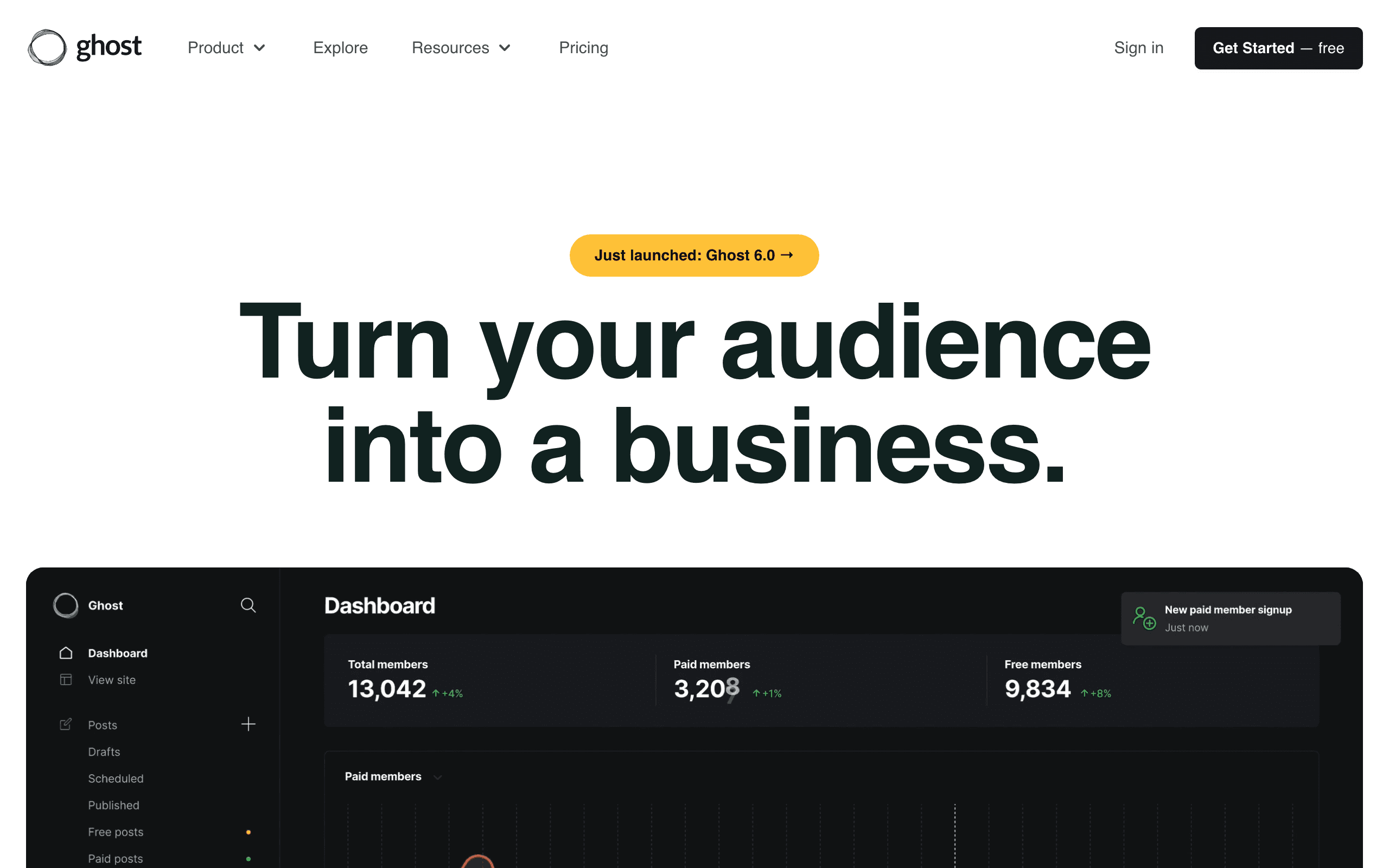
Ghost's answer is to make them one thing. You write in the Ghost editor, press publish, and choose whether the post goes to the website, to members' inboxes, or both. The email uses your site's styling, and the archive is your website.
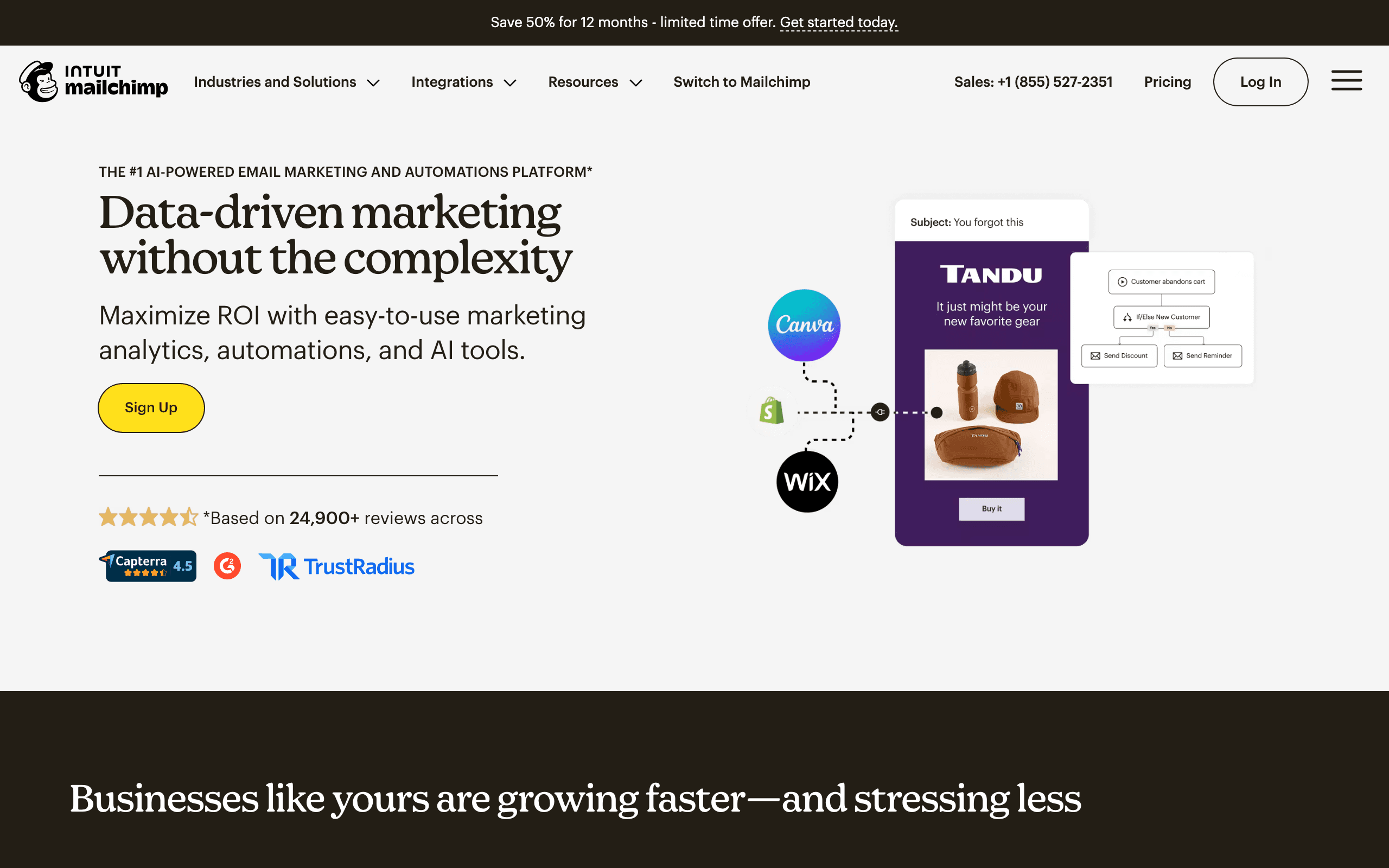
Mailchimp's answer is different. It assumes your email program is marketing, not publishing, and gives you tools to target, automate and measure it. If that is your situation, Mailchimp's features are the point.
When Mailchimp is the right choice
Mailchimp fits businesses where the newsletter supports something else being sold:
- Journeys. On Standard and above, customer journeys can branch on tags, email activity, dates and store purchases. A florist can send reminders before anniversaries; a shop can follow up after purchases.
- Segmentation and testing. Tags, groups and advanced segments let you send different content to different people, and A/B tests (multivariate on Premium) improve subject lines and content.
- Integrations. Mailchimp connects to hundreds of apps, including ecommerce platforms that feed purchase data into segments and product recommendations.
- A free starting point. Mailchimp's free plan is small and branded, but it lets a tiny list start at no cost.
Ghost has none of these beyond basic labels. If you rely on them, moving to Ghost means giving them up or adding another tool.
When Ghost is the right choice
Ghost fits when the writing is the product:
- One workflow. Publish and send in one step, with the archive on your own domain helping SEO.
- Paid members. Free and paid tiers, gated posts, and Stripe billing with no Ghost transaction fee. Mailchimp has no equivalent.
- Ownership. Ghost is MIT-licensed open source. You can self-host or switch hosts and export everything.
- Lower cost for a publication. At 10,000 subscribers, Ghost(Pro) Publisher is about $85/month versus about $135/month for Mailchimp Standard.
Cost at 10,000 subscribers
| Plan | Monthly cost at 10,000 | What you get |
|---|---|---|
| Ghost(Pro) Publisher | About $85 | Website, newsletter, paid tiers, 0% Ghost fee |
| Self-hosted Ghost | Server plus Mailgun | Same software, you run it |
| Mailchimp Essentials | About $110 | Campaigns, basic automations, A/B tests |
| Mailchimp Standard | About $135 | Customer journeys, send-time optimization, stronger segmentation |
| Mailchimp Premium | About $350 | Advanced segmentation, multivariate testing, more seats |
Two details change the math. Mailchimp's plan limits count unsubscribed contacts as well as subscribed ones, so an old list with many unsubscribes can push you into a higher tier. Ghost counts members, and self-hosting removes the platform fee entirely if you accept the maintenance.
Moving from Mailchimp to Ghost
- Clean the list first. Export subscribed contacts only, and keep the unsubscribed and cleaned exports as a suppression record.
- Keep useful tags. Export tags or groups you want as Ghost labels. Anything more complex, such as journey state, will not carry over.
- Import members into Ghost. Imported members start as free members unless you have paid subscriptions to connect through Stripe.
- Authenticate your domain. On Ghost(Pro), set up the sending domain so newsletters come from your address. Self-hosted Ghost needs Mailgun configured for bulk sending.
- Rebuild or retire automations. Mailchimp journeys have no Ghost equivalent. Decide which ones you actually need; if you need several, keep a separate automation tool.
- Redirect the old blog. If your posts move into Ghost from another CMS, map old URLs to new ones so search traffic follows.
Signup forms and growth
Ghost handles signups with its built-in member portal and embeddable forms on your site, and members get magic-link logins to read gated posts. Growth comes from your content, search traffic and recommendations between publications.
Mailchimp gives you hosted signup forms, pop-ups, landing pages and integrations with form builders and stores, so contacts can arrive from many places. That flexibility helps a business collecting emails at checkout, events and ads. For a writer whose readers find them through posts, Ghost's simpler flow is usually enough, and it keeps everyone in one member list tied to their subscription status.
Owned by Intuit, or by a non-profit
Mailchimp was founded as an independent company and acquired by Intuit in 2021. Since then it has been positioned alongside Intuit's small business tools, with more focus on marketing for businesses that sell products and services. That direction suits shops and service businesses, and it explains why features aimed at publishers, like paid newsletters, are not part of the product.
Ghost is run by the Ghost Foundation, a non-profit funded by Ghost(Pro) customers, and the code is open source. Its roadmap is shaped by independent publishers. You can also leave with the software itself, not just an export, by self-hosting.
The contact-counting trap
Mailchimp's pricing is based on audience size, and its limits have included unsubscribed and non-subscribed contacts, not just people you can email. For a newsletter that has run for years, that gap can be large.
Worked example: a publication has 10,000 active subscribers and 4,000 people who unsubscribed over time. If those 4,000 stay in the audience, Mailchimp bills for a larger tier than the list you actually email. Archiving them helps, but many teams forget. On Ghost, unsubscribed members can be removed, and pricing tracks members rather than every address ever collected. Sequenzy avoids the issue entirely by billing on emails sent.
Before comparing prices, check your real Mailchimp audience count, including unsubscribed and cleaned contacts.
Sending and deliverability
Mailchimp manages sending infrastructure and domain authentication for campaigns, and its compliance team enforces rules on list sources. Ghost(Pro) does the same for newsletters. Self-hosted Ghost uses your own Mailgun account for bulk sending, which gives you control but makes authentication and reputation your responsibility.
Since 2024, Gmail and Yahoo require bulk senders to authenticate domains, support one-click unsubscribe and keep complaint rates low. When you migrate between these tools, import only people who opted in, bring your unsubscribe history with you, and start with your most engaged readers.
Use-case matchups
| Situation | Better fit | Why |
|---|---|---|
| Blogger tired of copying posts into emails | Ghost | Publish once to web and inbox |
| Local business promoting offers and events | Mailchimp | Templates, segments and journeys |
| Paid newsletter with tiered access | Ghost | Member tiers and 0% Ghost fee |
| Online store with abandoned cart flows | Mailchimp | Ecommerce integrations and journeys |
| Old list with many unsubscribed contacts | Ghost | Pricing tracks members, not every address |
| Team that needs many third-party integrations | Mailchimp | Hundreds of apps |
| SaaS company emailing product users | Sequenzy | Per-email pricing, billing triggers, transactional email |
Where Sequenzy fits
Sequenzy is not a publishing platform and does not host a blog or sell memberships, so it does not replace Ghost for a publication. It is closer to Mailchimp in that it offers campaigns, segments, A/B tests and visual sequences.
The difference is who it is built for. Sequenzy is for software companies. It bills by emails sent with unlimited contacts, so thousands of users who only get the occasional onboarding or billing email do not push you into a higher contact tier. It connects to Stripe, Paddle and Polar for billing triggers, and it sends transactional email from the same account, where Mailchimp charges separately for Mandrill.
The short version for publishers and marketers
If you publish, use Ghost and let the post be the newsletter. If you market, use Mailchimp for its journeys, segments and integrations. If you run a SaaS product, compare Sequenzy, because neither tool knows what your users do inside your app.
Decision checklist
- Choose Ghost if you publish content and want the post to be the newsletter.
- Choose Mailchimp if email promotes products or services and you need journeys and segments.
- Count unsubscribed contacts before comparing Mailchimp's price with Ghost's.
- Budget Mailchimp Standard, not Essentials, if you need customer journeys.
- Choose Ghost if you want paid memberships without a separate tool.
- Keep a separate automation tool if you move to Ghost and depend on drip sequences.
- Consider Sequenzy if most of your list are product users who get occasional lifecycle email.








