


How to Choose the Right Email Tool for Your Bankruptcy Practice
The best email marketing tool depends on your practice size, technical comfort, and how you generate leads. Here is how to think about the decision.
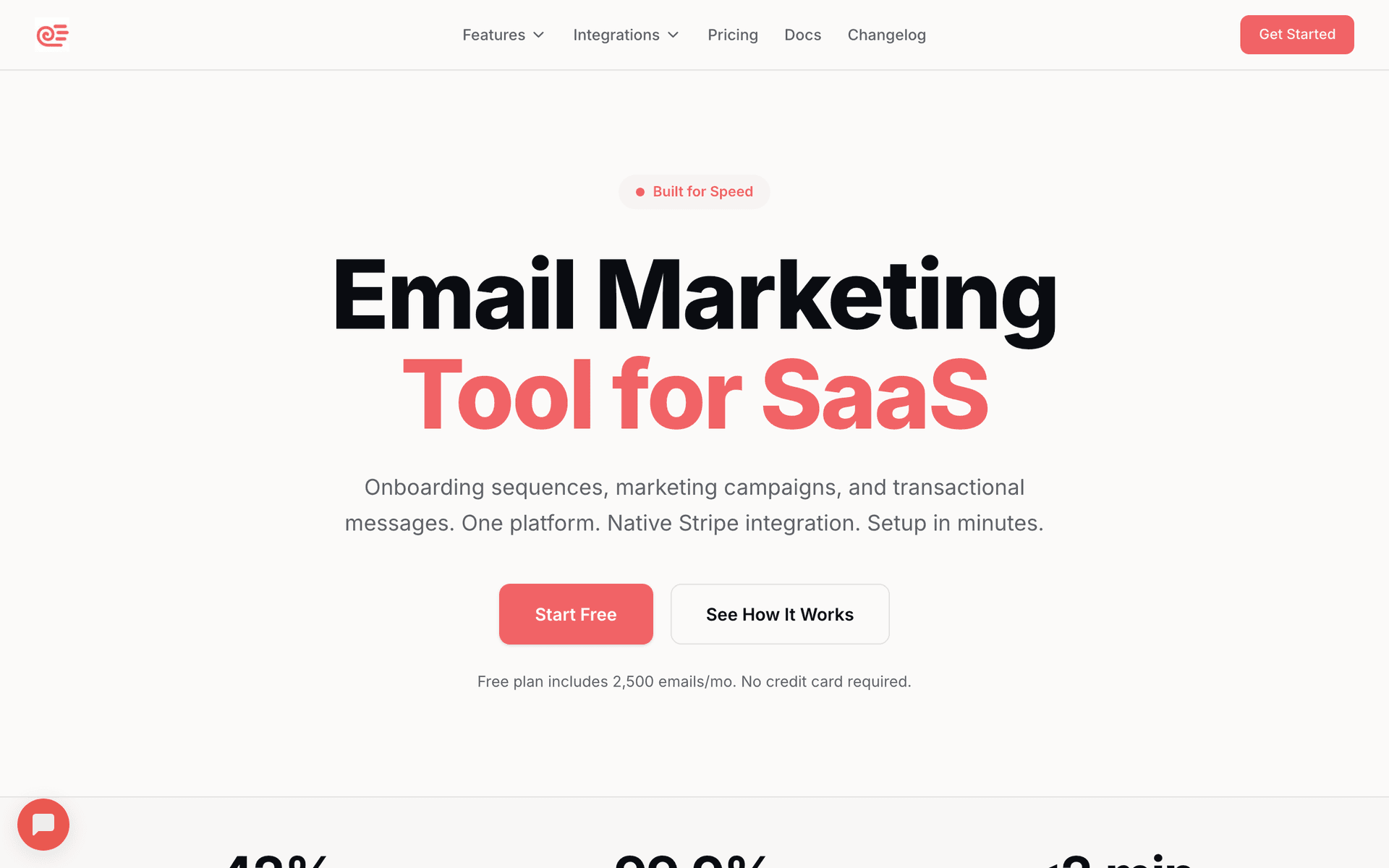
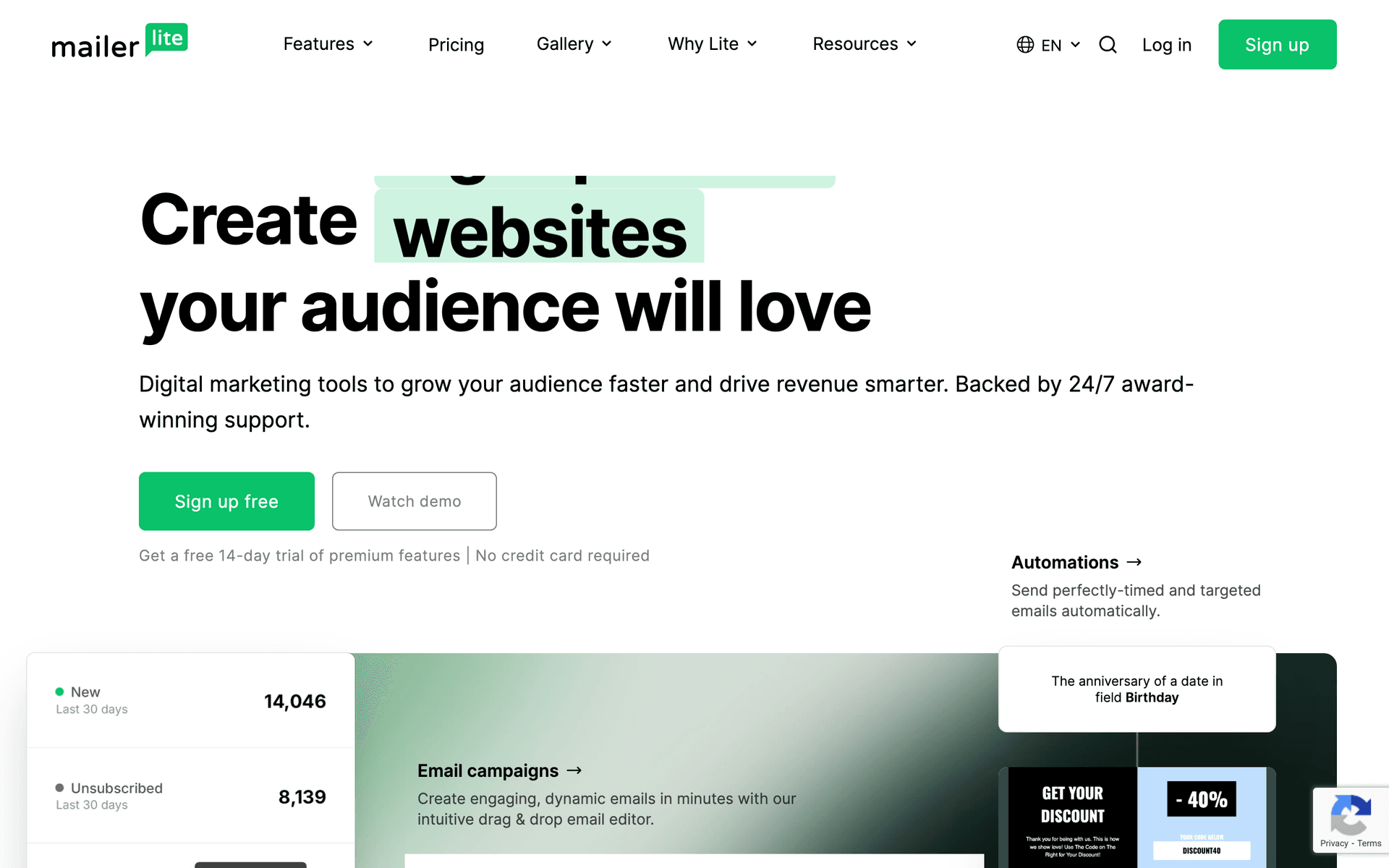
Solo practitioners without marketing staff need tools that are simple and require minimal setup time. You are the attorney, the intake coordinator, and the marketing department. Look for platforms with AI-generated sequences and clean interfaces - Sequenzy and MailerLite fit this profile best.
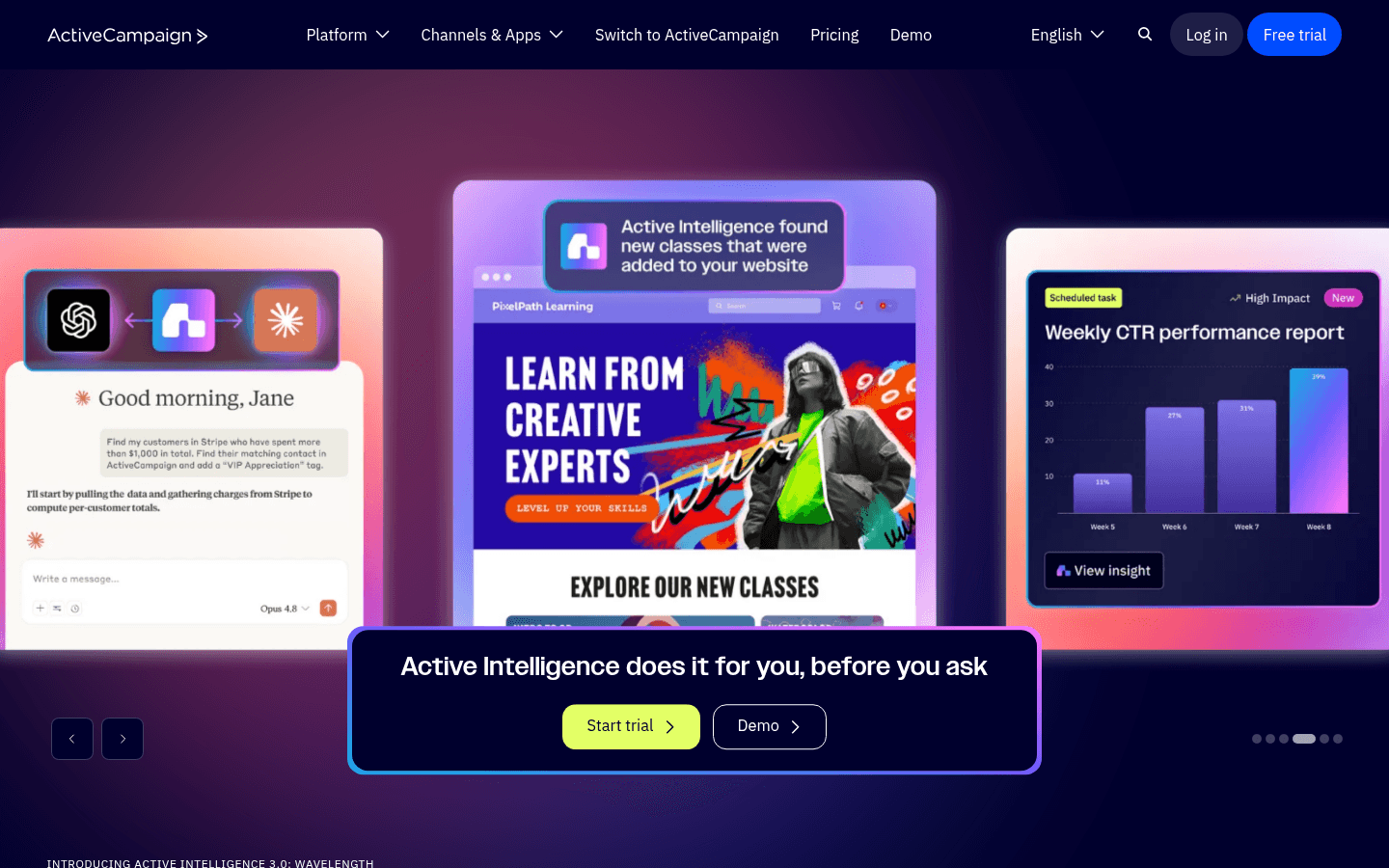
Multi-attorney firms with paralegals or office managers can handle more complexity and benefit from CRM features. Having someone dedicated to client communication makes platforms like ActiveCampaign worthwhile because the setup investment pays off with better prospect tracking and case-stage segmentation.
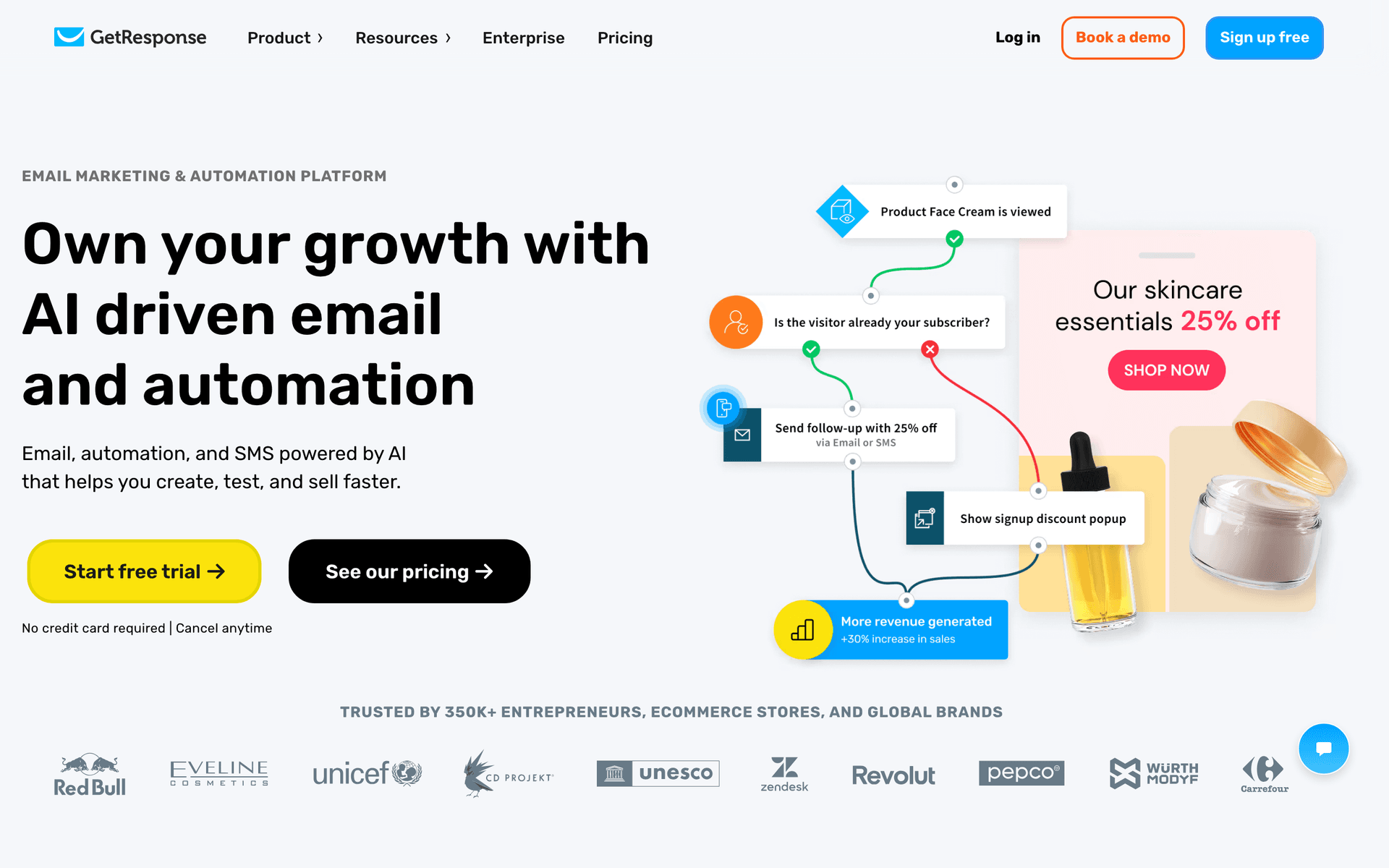
Content-focused practices that generate leads through educational blogs, guides, and webinars should consider ConvertKit or GetResponse, which are built for content-driven businesses.
Quick Decision Framework
| Practice situation | Best tool direction | Why it fits | First workflow |
|---|---|---|---|
| Solo attorney, tight budget | MailerLite or Sequenzy free tier | Keeps setup and cost low | Educational prospect sequence |
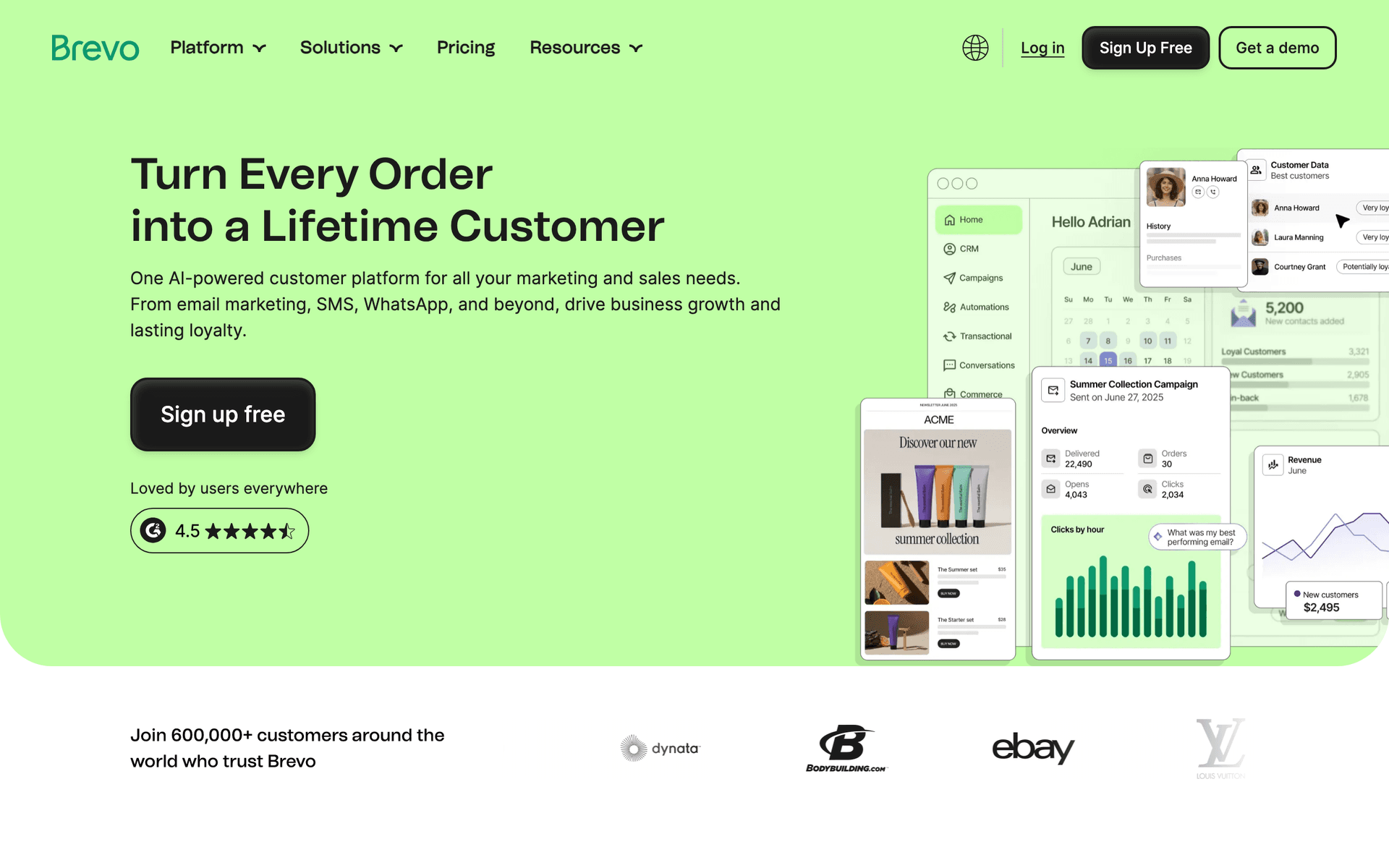
| Need email plus SMS reminders | Brevo | Handles deadline reminders across channels | Consultation and document reminders |
| Firm with office staff | ActiveCampaign | CRM and segmentation are easier to maintain with staff | Case-stage communication |
| Simplest setup wanted | Sequenzy | AI-generated educational sequences save time | Debt relief options nurture |
| Large client/referral database | Pay-per-email platform | Avoids paying for every dormant contact | Monthly referral partner newsletter |
What Actually Works for Bankruptcy Attorney Marketing
These strategies consistently generate consultations for practices that implement them.
Education Removes Fear and Drives Consultations
Educational email sequences are the highest-ROI investment a bankruptcy attorney can make. People facing financial crisis are paralyzed by fear, shame, and misinformation. A 6-8 email sequence that systematically addresses their concerns - what happens to their home, their car, their credit score - moves them from paralysis to action. Practices that lead with education consistently report higher consultation booking rates than those that lead with credentials or pricing.
The Empathy Advantage
Your tone in emails matters as much as your content. Bankruptcy prospects are choosing an attorney they will trust with their most vulnerable financial situation. Emails that acknowledge their stress, normalize the filing decision, and focus on the fresh start ahead create an emotional connection that credentials alone cannot match. Every email should make the reader feel understood, not judged.
Referral Partners Are Your Best Lead Source
One financial advisor who trusts your work can send you more cases than a $5,000 Google Ads campaign. A monthly email to your referral network - with case law updates, anonymized success stories, and a clear reminder that you accept referrals - keeps you top of mind when their clients need help. Invest in this relationship systematically rather than reaching out only when business slows down.
Post-Discharge Follow-Up Generates Referrals
Past bankruptcy clients know other people in financial distress. A well-timed check-in at 3 months, 6 months, and 12 months after discharge serves two purposes: it shows genuine care about their recovery, and it keeps you in mind when friends or family ask about bankruptcy. Include credit rebuilding tips in these emails to make them valuable rather than just a referral ask.
Integration Recommendations for Bankruptcy Practices
Practice Management Software
If you use Clio, PracticePanther, MyCase, or another practice management system, check whether your email platform can receive data from it. The ideal setup pulls case status and client data from your practice management system to trigger milestone emails automatically.
Online Scheduling
Connect your email consultation booking links to your online scheduling system. Every educational email should have a clear link to book a free consultation. The fewer steps between reading the email and scheduling a call, the more consultations you will book.
Google Business Profile
Tie your post-discharge follow-up emails to Google review requests. A direct link to your Google Business Profile review page in the follow-up email makes leaving a review effortless. More reviews improve your local search visibility for bankruptcy attorney searches in your area.
Common Workflows That Drive Consultations
The Educational Prospect Nurture
Set up an automated sequence that runs over 6-8 weeks:
| Nurture email | Timing | Prospect fear it addresses | Soft CTA |
|---|---|---|---|
| Debt relief options | Email 1 | "Is bankruptcy my only option?" | Compare options in a consultation |
| Myths debunked | Email 2 | "Will everyone know or judge me?" | Ask a confidential question |
| Home, car, belongings | Email 3 | "Will I lose everything?" | Review exemptions with an attorney |
| Means test explained | Email 4 | "Do I even qualify?" | Schedule an eligibility review |
| Bankruptcy timeline | Email 5 | "What actually happens next?" | Download the timeline checklist |
| After discharge | Email 6 | "Can I rebuild afterward?" | Learn the fresh-start plan |
| Consultation invitation | Email 7 | "Who can guide me?" | Book a free consultation |
| Success stories | Email 8 | "Has this worked for people like me?" | Talk through your situation |
The Client Onboarding Flow
- Day 0: Welcome email with what to expect and your commitment to their case
- Day 3: Document checklist with clear instructions on what to gather
- Day 7: Timeline overview with key dates and milestones
- At filing: Confirmation with case number and automatic stay explanation
- Before 341 meeting: Preparation guide with what to expect and how to answer questions
- At discharge: Congratulations with next steps for credit rebuilding
The Referral Partner Newsletter
Monthly email to financial advisors, credit counselors, and other attorneys:
- One case law update or legal development that affects their clients
- One anonymized case study showing a successful outcome
- A clear reminder that you accept referrals with your contact information
- Occasional thank-you notes when partners send cases
What a Healthy Email Program Looks Like
After 6-12 months of consistent email marketing, a healthy bankruptcy practice email program should look like this:
| Metric | Healthy benchmark | Why it matters | Improve it by |
|---|---|---|---|
| List size | 500-3,000 contacts | Enough prospects, clients, and referral partners for steady follow-up | Add guide downloads and consultation follow-up |
| Monthly growth | 20-50 new contacts | Shows intake and referral channels are feeding the list | Capture website leads and referral partner contacts |
| Open rate | 28-35% | Sensitive-topic emails need trust and relevance | Use compassionate, specific subject lines |
| Consultation booking rate | 8-15% of engaged prospects | Directly connects nurture to revenue | Add clearer consultation CTAs after education |
| Unsubscribe rate | Under 0.3% | Indicates respectful frequency and tone | Avoid fear-based urgency |
| Referral partner list | 50-200 professionals | Referral relationships compound over time | Send useful monthly legal updates |
Getting Started This Week
Pick a tool from this list. Then follow this plan:
- Create an educational sequence about bankruptcy options - start with 5 emails covering the most common questions prospects ask
- Set up client communication templates for key milestones like filing, 341 meeting prep, and discharge
- Build a referral partner newsletter template for monthly updates to financial professionals
- Plan post-discharge support content including credit rebuilding tips and check-in emails
- Add email signup to your website with a free guide or checklist as the incentive
Start with the educational prospect sequence. It runs on autopilot and generates consultations while you focus on serving your current clients. Add complexity and refinement after the basics are working.