
How to Choose the Right Email Tool for Your Accounting Firm
The best email marketing tool depends on your firm's specific situation, and getting this decision right saves you money and headaches for years.
Firm size matters more than you think
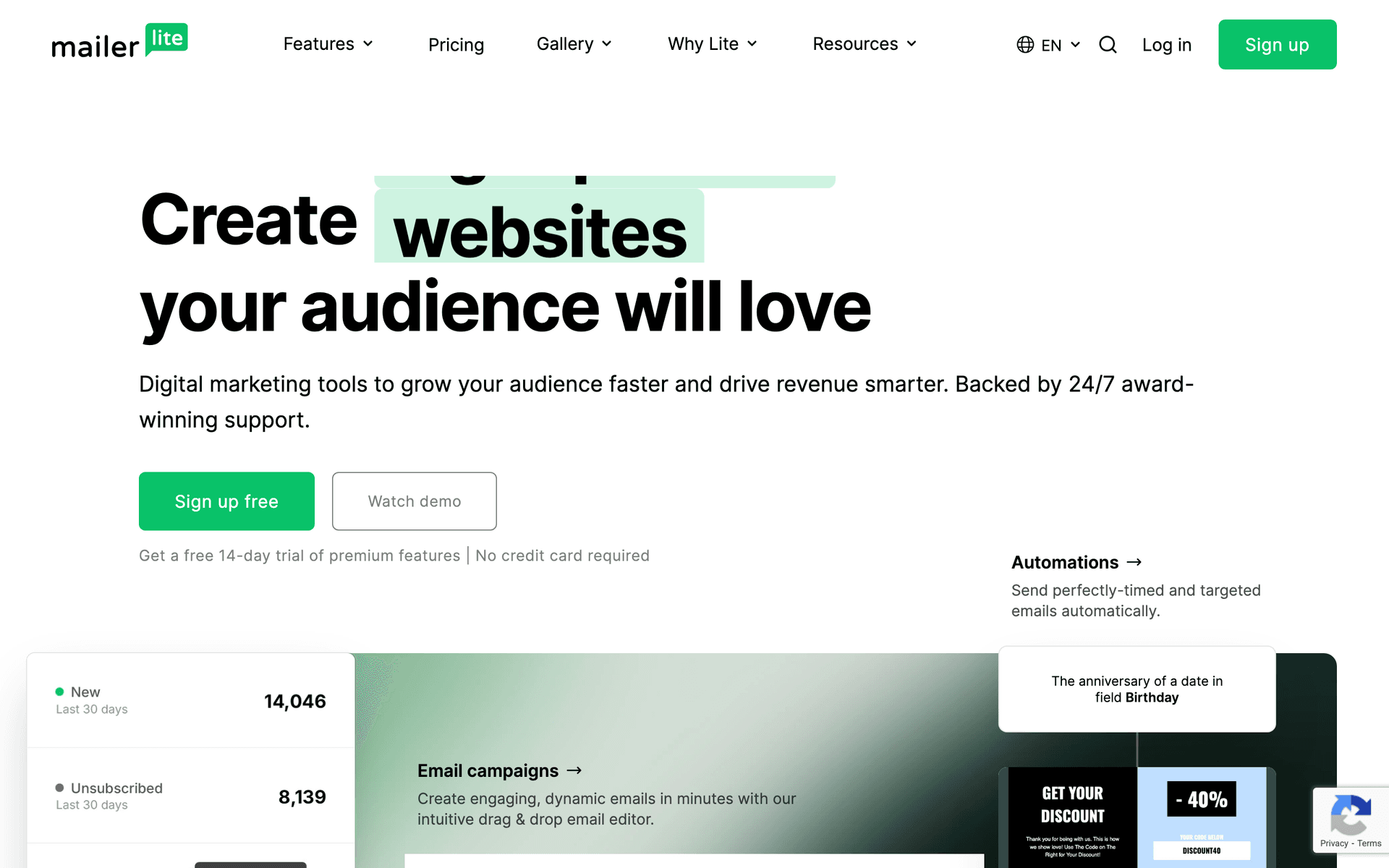
Solo practitioners and small firms (1-3 people) should prioritize simplicity above all. You do not have time to learn a complex platform between client calls. Sequenzy, MailerLite, or Constant Contact are ideal - you can set up your first sequence in under an hour and get back to billable work.
Mid-size firms (4-15 people) benefit from tools with more structure. ActiveCampaign's CRM tracks client relationships and service history. Mailchimp's collaboration features let multiple team members manage campaigns. At this size, you have enough volume to justify spending time on segmentation and automation.
Large firms (15+ people with a marketing role) can consider enterprise options like HubSpot. The investment in setup and training pays off when you have someone dedicated to marketing operations.
| Firm type | Best email tool profile | Most useful automation | Avoid |
|---|---|---|---|
| Solo practitioner | Simple editor, reminders, low maintenance | Quarterly tax deadline reminders | Complex CRM workflows you will not maintain |
| Small firm, 1-3 staff | Templates, tags, and basic automations | New client onboarding and document checklist | Paying per contact for years of inactive clients |
| Mid-size firm, 4-15 staff | Segmentation by client type and service line | Advisory education for business clients | One generic newsletter for every client |
| Large firm with marketing support | CRM integration, approvals, reporting | Multi-service nurture and partner/referral campaigns | Underpowered tools with no collaboration workflow |
Client type shapes your tool choice
If you serve primarily individual tax clients, you need strong calendar-based automation for deadline reminders and simple templates for tax tips. Most tools handle this well.
If you serve businesses, you need better segmentation - S-Corps need different communication than LLCs, and $500K revenue businesses have different concerns than $5M businesses. ActiveCampaign or Sequenzy handle this segmentation effectively.
If you serve both, look for tools that support tagging and segmentation without requiring separate lists for each audience.
Budget math that most firms skip
Do not compare tools on starting prices. Calculate what each tool costs at your actual list size. An accounting firm with 10 years of clients might have 4,000-8,000 contacts. At that size, Mailchimp costs $75-$150/month. Sequenzy costs $49/month because it charges by emails sent, not contacts stored. Over a year, that difference is $500-$1,400.
What Actually Works for Accountants
Deadline reminders are your highest-ROI email
Every accountant should automate tax deadline reminders. Clients genuinely value these emails - they prevent penalties, reduce stress, and position your firm as proactive. Set up automated sequences for estimated tax payment dates, filing deadlines, extension deadlines, and year-end planning windows. Once configured, these run every year with minimal updates.
Educational content builds the advisory pipeline
The firms that successfully upsell advisory services use email to educate first. A client who has read three of your emails about financial planning is warmer than one who gets a cold pitch. Write about topics that demonstrate advisory value - cash flow management, tax strategy, business planning - in language that clients actually understand.
Consistency beats perfection
A mediocre monthly newsletter sent every month for a year outperforms a beautifully designed newsletter sent three times and then abandoned. Start with something simple - one tax tip, one firm update, one call to action. Improve it over time. The accountants who succeed with email are the ones who show up consistently, not the ones who design the prettiest templates.
Building Your Accounting Email Strategy
Start with these four automations
| Automation | Trigger | Timing | Business outcome |
|---|---|---|---|
| New client onboarding | Engagement is signed | Immediately, then 3 and 7 days later | Fewer document delays and fewer repetitive questions |
| Tax deadline reminders | Deadline calendar date | 30 days, 7 days, and 1 day before | Fewer late clients and fewer urgent calls |
| Post-engagement follow-up | Return, filing, or project delivered | 2-5 days after completion | Reviews, referrals, and satisfaction feedback |
| Year-end planning outreach | October-November planning window | 3-email sequence across 4-6 weeks | Advisory conversations before December 31 decisions |
Then add these monthly touchpoints
- Monthly tax tip newsletter: One actionable piece of advice per month. Keep it under 300 words. Include a clear call to action.
- Regulatory update alerts: When tax laws change, send a brief email explaining what changed and who it affects.
- Quarterly business owner tips: For business clients, quarterly emails about financial management, tax strategy, and business planning.
Segment your list for better results
At minimum, segment by:
- Individual vs. business clients: They have fundamentally different needs.
- Entity type (for business clients): S-Corp, C-Corp, LLC, sole proprietor.
- Services provided: Tax only, bookkeeping, advisory, full service.
- Engagement level: Active clients, former clients, prospects.
Even basic segmentation dramatically improves open rates and reduces unsubscribes because every email feels more relevant.
What a Healthy Email List Looks Like for Accountants
A well-maintained accounting firm email list typically includes:
| List segment | Typical share | Best content | Primary goal |
|---|---|---|---|
| Active clients | 40-50% | Deadline reminders, document requests, service-specific updates | Retention and smoother delivery |
| Former clients | 20-30% | Monthly tips, deadline reminders, return invitations | Reactivation and referrals |
| Prospects | 10-20% | Educational content, seasonal offers, consultation prompts | Convert inquiries into engagements |
| Professional contacts | 10-15% | Referral-friendly updates and niche expertise | Stay top of mind with referral partners |
Clean your list annually. Remove contacts who have not opened an email in 12+ months. This improves deliverability and reduces costs on per-contact platforms. Before removing, send a re-engagement email - "We have not heard from you - would you like to stay on our mailing list?" - to give inactive contacts one last chance.
A healthy accounting firm email list grows 10-15% per year through client additions, website signups, and referrals. If your list is shrinking, your unsubscribe rate is too high (fix your content relevance) or you are not collecting emails from new contacts (fix your intake process).