
21 Best Free Inbound Email APIs in 2026

Inbound email is harder than outbound email.
Sending an email means calling an API. Receiving email means MX records, MIME parsing, spam handling, attachments, retries, route matching, logs, webhook security, and a clear way to map a messy message back to your product.
This guide compares 21 free or free-starting services that actually receive, route, parse, sync, or capture email. Cloudflare Email Routing is the best permanently free starting point for custom-domain routing, Resend and Mailgun provide developer-friendly inbound webhooks, and Postmark is a strong testing choice for reliable reply parsing.
Sequenzy is not ranked as an inbound API because it is send-only today. For SaaS lifecycle workflows, use Sequenzy for transactional and lifecycle email alongside Cloudflare, Mailgun, Resend, or Postmark for reply processing.
For outbound APIs, read best free email APIs. For the broader paid receiving landscape, read best email receiving APIs.
Quick Ranking
| Rank | Tool | Free Starting Point | Best For |
|---|---|---|---|
| 1 | Cloudflare Email Routing | Free routing on Free and Paid plans | Custom-domain forwarding and Workers handling |
| 2 | Resend Inbound | Shared 3,000/month quota, 100/day | Modern inbound webhooks |
| 3 | Mailgun Routes | 1 inbound route on free plan | Raw inbound parsing and routing |
| 4 | CloudMailin | Startup free allowance advertised | Email-to-webhook apps |
| 5 | ImprovMX | 500 forwarded emails/day | Free domain aliases and forwarding |
| 6 | Forward Email | Free email webhooks | Privacy-focused forwarding and webhooks |
| 7 | inbound.new | 1,000 webhooks/month | TypeScript-first inbound webhook API |
| 8 | Postmark Inbound | 100 emails/month developer plan | Reliable inbound JSON parsing |
| 9 | Amazon SES Receiving | Shared AWS credits for eligible new accounts | AWS-native receiving pipelines |
| 10 | SendGrid Inbound Parse | Free trial only | Existing SendGrid teams |
| 11 | MailerSend Inbound | Low-volume free sending after approval | Transactional replies and templates |
| 12 | MailSlurp | Free personal/testing account | Disposable inbox API and QA |
| 13 | Mailosaur | 14-day free trial | Automated email and SMS testing |
| 14 | Mailpit | Free open-source local tool | Local SMTP capture and REST API |
| 15 | Inbucket | Free open-source local tool | Disposable webmail and REST API |
| 16 | EmailEngine | Self-hosted gateway | API over existing mailboxes |
| 17 | Gmail API | Free API access with account quotas | Reading and sending Gmail mailboxes |
| 18 | Microsoft Graph Mail API | API access with Microsoft 365 account | Outlook and Exchange mailbox access |
| 19 | Nylas | Free sandbox | Unified Gmail, Outlook, and IMAP testing |
| 20 | Unipile | 7-day free trial | Unified email, LinkedIn, and messaging APIs |
| 21 | MailPace Inbound | Trial/paid-oriented | Simple JSON inbound webhooks |
Free Inbound Model Comparison
| Free Model | What You Actually Get | Good Examples | Production Risk |
|---|---|---|---|
| Free forwarding/routing | Domain aliases, forwarding, and sometimes Workers/webhooks | Cloudflare, ImprovMX, Forward Email | Less parsing depth and less product state |
| Free webhook parser | Incoming email becomes a webhook payload | Resend, Mailgun, CloudMailin, inbound.new | Quotas, log retention, route limits |
| Developer/test plan | Enough to prove the integration | Postmark, Mailosaur, MailSlurp, SendGrid trial | Not a permanent free production plan |
| Self-hosted testing | Local capture and API access | Mailpit, Inbucket, EmailEngine | You operate it; not always internet-facing |
| Mailbox API | OAuth access to existing inboxes | Gmail API, Microsoft Graph, Nylas, Unipile | Different use case than receiving on your own domain |
Best Choice by Workflow
| Workflow | Best Free Starting Point | Why |
|---|---|---|
| SaaS lifecycle plus replies | Sequenzy + Cloudflare or Mailgun | Sequenzy owns lifecycle email; inbound provider handles replies |
| Free custom-domain aliases | Cloudflare or ImprovMX | Fast setup and no mailbox hosting |
| Reply-by-email product feature | Mailgun, Postmark, Resend, CloudMailin | Structured payloads and webhook delivery |
| AI agent inbox prototype | Sequenzy + Resend, Cloudflare, or inbound.new | Lifecycle context plus simple inbound events |
| AWS-native processing | Amazon SES Receiving | S3, Lambda, SNS/EventBridge pipeline control |
| End-to-end test inboxes | Mailpit, Inbucket, MailSlurp, Mailosaur | Built for test capture and assertions |
| User mailbox sync | Gmail API, Microsoft Graph, Nylas, Unipile, EmailEngine | OAuth/mailbox API instead of MX receiving |
How We Ranked Free Inbound Email APIs
We rank permanent hosted allowances above trials when the products solve the same job, but we do not pretend they are interchangeable. MX-based webhook parsers, forwarding services, mailbox-sync APIs, and local test inboxes are separate categories. The evaluation weighs parsed payload quality, raw MIME access, attachments, retries, security, logs, production restrictions, and the paid path after free usage.
Plan details were rechecked on September 3, 2026. Confirm current quotas before launch: inbound messages may share the same allowance as outbound sends, and several "free" entries are sandboxes, trials, or self-hosted software rather than permanent hosted production plans.
What Makes an Inbound API Worth Using?
You need more than "we receive email."
Check for:
- MX record setup for domains or subdomains
- Parsed text, HTML, headers, recipients, and attachments
- Raw MIME access when parsing fails
- Webhook retries
- Webhook verification
- Spam and virus signals
- Catch-all routing or per-address routing
- Logs and payload replay
- Attachment size limits
- Clear pricing once free usage ends
Free plans usually cut corners on logs, retention, route count, users, or attachment handling. That is fine for prototypes. It is dangerous for support inboxes unless you know the failure modes.
The 21 Best Free Inbound Email APIs
1. Cloudflare Email Routing
Best for: Free custom-domain routing and Worker-based processing.
Cloudflare Email Routing is the easiest free inbound starting point if your DNS is already on Cloudflare. You can route addresses to destination inboxes and use Workers email handlers for programmable processing.
This is not a full mailbox, CRM, or helpdesk. It is a routing layer. That is enough for many products that need support@, billing@, aliases, or lightweight agent inbox experiments.
- Free inbound model: Email Routing on Free and Paid plans
- Best use case: Custom-domain forwarding and simple programmatic handling
- Watch out for: Limited product state and mailbox features
2. Resend Inbound
Best for: Modern webhook-based inbound email.
Resend receives email for a managed address or custom domain, parses content and attachments, and sends a webhook event to your endpoint. It is developer-friendly and pairs naturally with Resend outbound.
On free accounts, inbound and outbound share the same quota. That means noisy inbound mail can use up your free allowance.
- Free inbound model: Shared 3,000/month and 100/day quota
- Best use case: Low-volume replies and developer prototypes
- Watch out for: Shared quota across sent and received mail
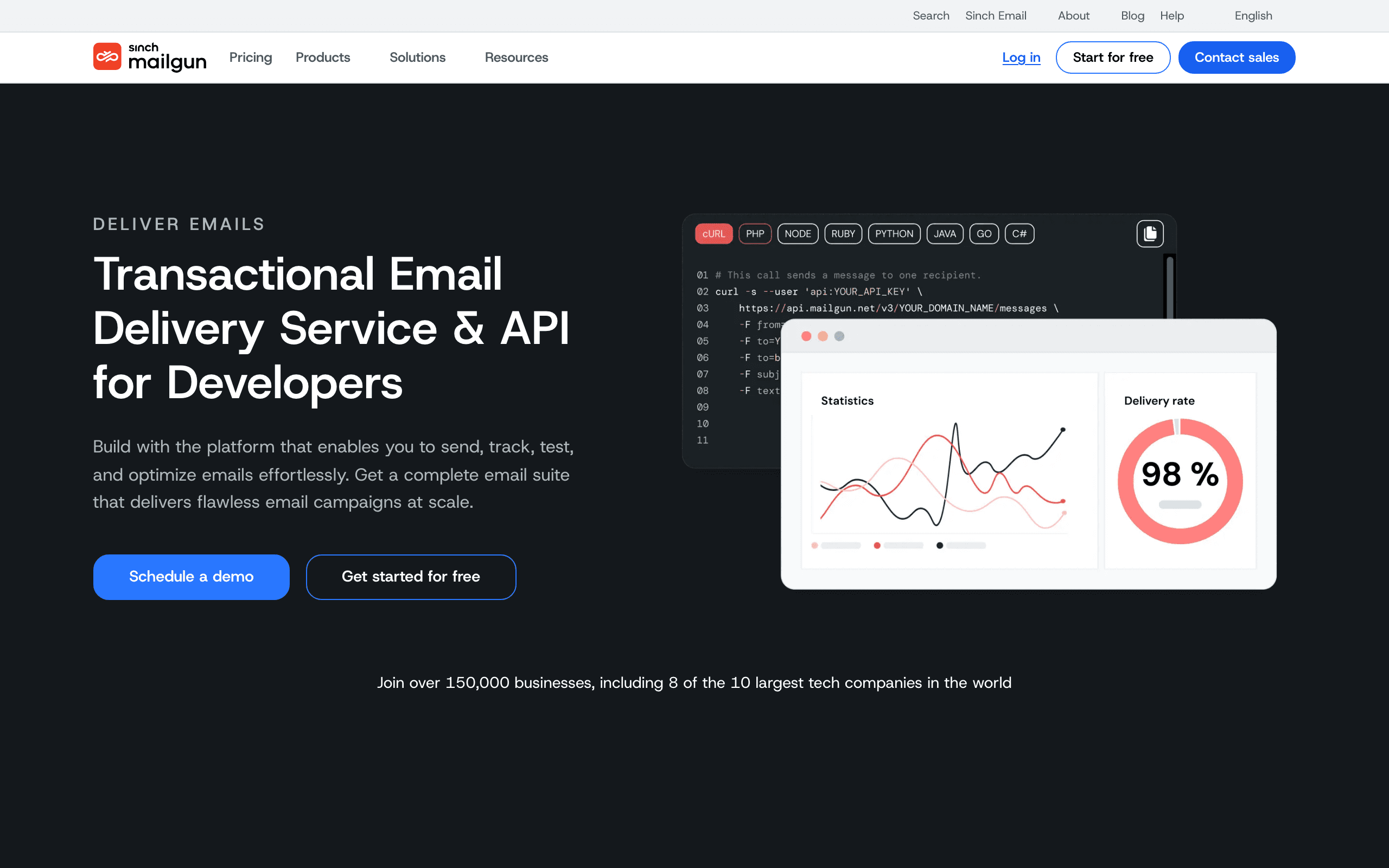
3. Mailgun Routes
Best for: Flexible inbound routing and custom parsing workflows.
Mailgun is one of the classic inbound email APIs. Routes can match incoming mail and forward it to a URL or destination. It is useful for reply-by-email, app comments, support ingestion, and custom email workflows.
The free plan includes one inbound route, but log retention is short. That is fine for testing; production usually needs a paid plan.
- Free inbound model: 1 inbound route on free
- Best use case: Reply routing and custom infrastructure
- Watch out for: Short logs and limited route count
4. CloudMailin
Best for: Dedicated email-to-webhook applications.
CloudMailin is built around receiving email and posting parsed content to your application. If inbound email is the product feature, a focused email-to-webhook service can be easier than adapting a large outbound provider.
Use it for receipt forwarding, support intake, inbound forms, automation triggers, and products where email is an interface.
- Free inbound model: Startup free allowance advertised
- Best use case: Email-to-webhook apps
- Watch out for: Verify current startup/free limits before production
5. ImprovMX
Best for: Free domain forwarding with API-managed aliases.
ImprovMX gives you one free domain, aliases, 500 forwarded emails per day, logs, uptime guarantee, API access, and support. It is forwarding-first, not a deep parser.
Use it when the real job is making domain addresses work without paying for hosted mailboxes.
- Free inbound model: 500 forwarded emails/day
- Best use case: Custom-domain aliases and forwarding
- Watch out for: Not a full parsed webhook API
6. Forward Email
Best for: Forwarding plus free email webhooks.
Forward Email is useful when privacy, open-source-friendly tooling, forwarding, and webhooks matter. It can forward incoming emails to API endpoints as JSON, which makes it relevant for small automation workflows.
It is not as mainstream as Mailgun or Postmark, so evaluate logs, retries, and support carefully.
- Free inbound model: Free email webhooks advertised
- Best use case: Forwarding plus simple webhook automation
- Watch out for: More specialized ecosystem
7. inbound.new
Best for: Modern TypeScript-first inbound webhooks.
inbound.new is a newer developer tool that converts incoming emails into webhook payloads. It advertises 1,000 webhooks per month free and a TypeScript SDK.
It is attractive for AI-agent inboxes and indie SaaS prototypes. For mission-critical customer email, test retries, attachments, logs, and support before relying on it.
- Free inbound model: 1,000 webhooks/month
- Best use case: Fast webhook prototypes
- Watch out for: Newer product
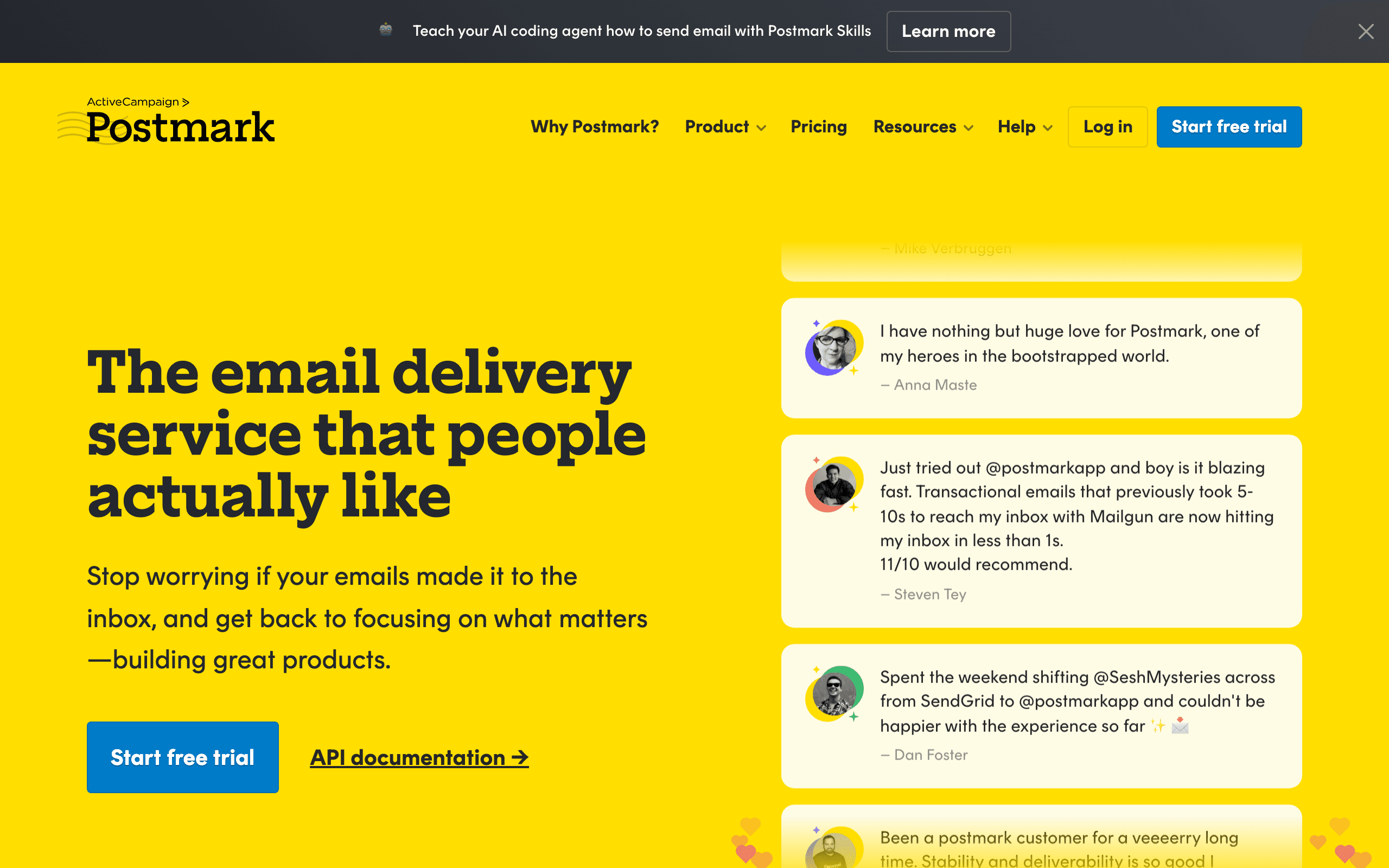
8. Postmark Inbound
Best for: Reliable inbound JSON parsing.
Postmark accepts inbound email for a server address or forwarding domain and posts structured JSON to your webhook. It is one of the safest choices for reply-by-email features where customer replies matter.
The free Developer plan is only 100 emails per month, so use it to test. Pay when the workflow matters.
- Free inbound model: 100 emails/month developer plan
- Best use case: Critical reply-by-email workflows
- Watch out for: Tiny free quota
9. Amazon SES Receiving
Best for: AWS-native inbound pipelines.
SES can receive email for your domain and hand messages to S3, Lambda, SNS, and related AWS services. It is powerful and cheap, but not turnkey.
AWS ended its SES-specific 3,000-message allowance for new customers on July 21, 2026. Eligible new AWS accounts can apply shared AWS Free Tier credits to SES, and customers already inside the older allowance keep it until their original 12-month period ends. Surrounding AWS services can still create small costs.
- Free inbound model: Shared AWS credits for eligible new accounts; legacy SES allowances continue until expiration
- Best use case: S3/Lambda/SNS processing pipelines
- Watch out for: Setup complexity and extra AWS costs
10. SendGrid Inbound Parse
Best for: Teams already evaluating or using SendGrid.
SendGrid's Inbound Parse webhook receives incoming mail, parses content and attachments, and posts the data to your URL. It is mature and documented.
The reason it is not higher on a free list is simple: SendGrid's current free Email API offer is trial-based, not permanent free usage.
- Free inbound model: Free trial only
- Best use case: Existing SendGrid stacks
- Watch out for: Not permanent free
11. MailerSend Inbound
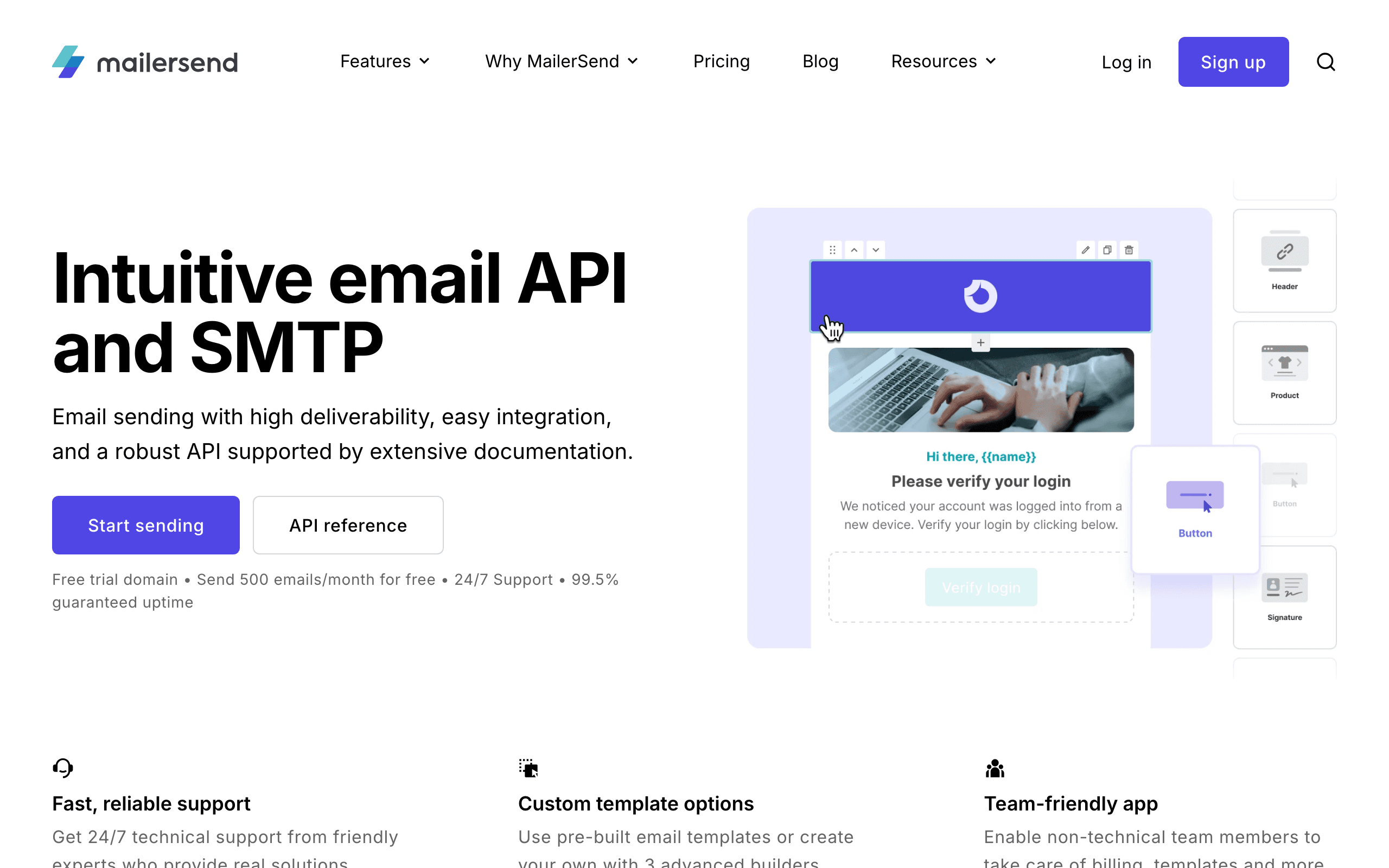
Best for: Transactional replies next to editable templates.
MailerSend supports inbound routing, transactional templates, webhooks, API sending, and SMTP. It is useful when a product sends notifications and wants user replies to come back into the app.
The free sending allowance is tight, so confirm inbound route limits before designing around the free plan.
- Free inbound model: Low-volume free account after approval
- Best use case: Transactional replies and template-driven products
- Watch out for: Tight free quota
12. MailSlurp
Best for: Disposable inboxes and test automation.
MailSlurp lets developers create real email addresses from an API, then send, receive, inspect, and assert on messages. It is especially useful for signup tests, OTP flows, password resets, and CI.
Treat it as a testing API first. For production customer replies, choose Mailgun, Postmark, Resend, or CloudMailin.
- Free inbound model: Free personal/testing account
- Best use case: QA inboxes and automated tests
- Watch out for: Production usage may require paid plans
13. Mailosaur
Best for: Polished email and SMS testing.
Mailosaur offers a REST API for testing email and SMS flows, with a free trial. It is strong for QA teams that need reliable assertions, previews, and automated tests.
It is not a permanent free inbound provider, but it belongs on the list because many teams looking for "free inbound API" really need test inboxes.
- Free inbound model: 14-day free trial
- Best use case: Automated QA and auth-flow testing
- Watch out for: Trial, then paid
14. Mailpit
Best for: Local development email capture.
Mailpit is a free open-source SMTP testing tool with a web UI and REST API. It captures outgoing mail locally so developers can inspect messages without sending to real users.
It is excellent for development and CI. It is not a public inbound email API for production domains.
- Free inbound model: Free open-source tool
- Best use case: Local/staging email testing
- Watch out for: Local testing, not hosted inbound
15. Inbucket
Best for: Self-hosted disposable webmail with API access.
Inbucket accepts messages for any address and makes them available through web, REST, and POP3 interfaces. It is useful when you want an internal Mailinator-style test inbox.
Use it behind your network or in dev/test environments.
- Free inbound model: Free open-source tool
- Best use case: Internal disposable inboxes
- Watch out for: Not a deliverability product
16. EmailEngine
Best for: API access to existing Gmail, Outlook, or IMAP mailboxes.
EmailEngine is a self-hosted gateway over IMAP, SMTP, Gmail API, and Microsoft Graph. It gives your application REST APIs and webhooks for real mailboxes.
This is a mailbox-sync tool, not an MX receiving provider. Use it when users connect their existing inboxes.
- Free inbound model: Self-hosted gateway
- Best use case: User mailbox sync and webhook notifications
- Watch out for: You operate the service
17. Gmail API
Best for: Apps that only need Gmail mailbox access.
The Gmail API can read, send, search, label, and watch Gmail mailbox changes with OAuth. It is free to use within account and API quotas.
Use it for user-authorized mailbox workflows. Do not use it as a general-purpose inbound parser for your app domain.
- Free inbound model: Free API access with quotas
- Best use case: Gmail mailbox sync
- Watch out for: OAuth review, quota limits, Gmail-only coverage
18. Microsoft Graph Mail API
Best for: Outlook and Exchange mailbox access.
Microsoft Graph gives API access to mail in Microsoft 365 and Exchange Online mailboxes. It supports reading, sending, attachments, folders, and change notifications.
Use it when your users live in Microsoft 365. It is not the same as receiving mail for your product's own domain.
- Free inbound model: API access with Microsoft 365 account and quotas
- Best use case: Outlook/Exchange mailbox sync
- Watch out for: Permissions, tenant policies, throttling
19. Nylas
Best for: Unified mailbox API testing.
Nylas abstracts Gmail, Outlook, calendar, contacts, and related APIs. Its free sandbox is useful when you want to prototype against multiple providers without building every OAuth integration yourself.
Move to paid when you need production accounts.
- Free inbound model: Free sandbox
- Best use case: Unified mailbox API prototypes
- Watch out for: Production pricing is per account/usage
20. Unipile
Best for: Unified email and messaging API trials.
Unipile provides unified APIs across email and other messaging channels. It offers a short free trial and is useful when your product spans Gmail, Outlook, IMAP, LinkedIn, or other communication surfaces.
Use it when one integration across many providers is worth paying for later.
- Free inbound model: 7-day free trial
- Best use case: Multi-provider communication APIs
- Watch out for: Trial-based
21. MailPace Inbound
Best for: Simple JSON webhooks from a smaller transactional provider.
MailPace supports inbound email to JSON webhooks. It is more niche than Mailgun or Postmark but can be a clean fit for smaller apps that want simple sending plus receiving.
Check current trial and pricing terms before relying on it as a free solution.
- Free inbound model: Trial/paid-oriented
- Best use case: Simple inbound JSON webhooks
- Watch out for: Smaller ecosystem and less free depth
Final Recommendation
Choose Cloudflare for permanently free routing, Mailgun for a free plan with flexible inbound routes, Postmark for reliable reply-parsing tests, Resend for modern developer ergonomics, and CloudMailin when email-to-webhook is the core product.
For SaaS lifecycle email, pair the chosen inbound service with Sequenzy so replies can be connected to outbound transactional email, campaigns, subscribers, and automations.
For test inboxes, choose Mailpit, Inbucket, MailSlurp, or Mailosaur. For user mailbox sync, choose Gmail API, Microsoft Graph, Nylas, Unipile, or EmailEngine.
FAQ
What is the best free inbound email API?
Cloudflare Email Routing is the best permanently free starting point for custom-domain routing and Workers-based processing. Mailgun is better when you need parsed inbound routes, while Resend offers a clean combined sending and receiving workflow with a shared free quota.
Can I receive email through an API for free?
Yes, but the model varies. Some services forward mail, some POST parsed messages to a webhook, some expose existing mailboxes through OAuth, and local tools only capture test mail. Confirm that the free plan supports custom domains, attachments, retries, and production traffic.
Does inbound email count against an outbound quota?
It depends on the provider. Resend counts received and sent messages against the same daily and monthly allowance. Other providers price routes, messages, or processing separately. Model both directions when estimating production cost.
What is the best free API for email testing?
Mailpit and Inbucket are strong self-hosted choices for local development. MailSlurp and Mailosaur are better when hosted test inboxes, SDKs, and CI integrations justify a trial or paid plan.
Is email forwarding the same as an inbound email API?
No. Forwarding sends mail onward to another address. An inbound API typically parses the message and delivers structured data to your application. Forwarding is simpler; webhooks provide more control for reply-by-email and automation features.