Overview
Bento and Encharge both focus on SaaS email marketing but take fundamentally different approaches. Bento offers a simpler behavioral email model. Encharge provides enterprise-grade automation with more advanced capabilities. See our Bento and Encharge comparisons for more context.
Pricing reality
Bento is usually easier to reason about when your main need is event-driven SaaS email. Encharge needs a more careful pricing review because the relevant plan can depend on automation depth, scoring, integrations, transactional email, and support. For SaaS founders watching costs, model current contacts, tracked users, send volume, and required features before choosing.
Automation Capabilities
Encharge has more powerful automation. User scoring, complex multi-branch flows, advanced behavioral segmentation - it's built for sophisticated marketing automation. Bento keeps workflows simpler with event-driven automation that covers core use cases. If you're building complex lifecycle campaigns with multiple conditions, Encharge has the edge. For straightforward onboarding and engagement flows, Bento gets the job done.
Integration Ecosystem
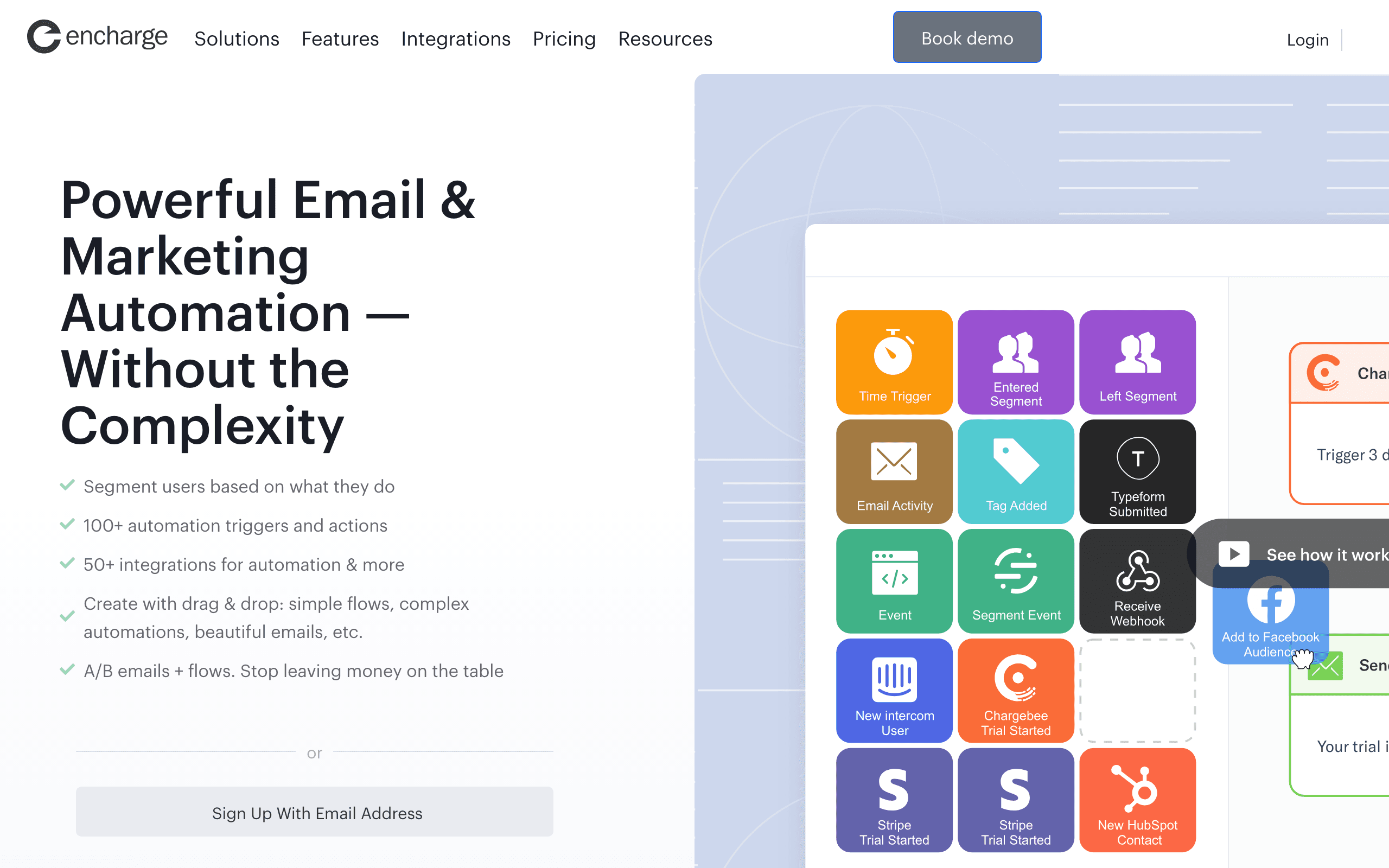
Encharge connects to 50+ tools including Segment, Intercom, HubSpot, and Salesforce. This matters if you're building a complex marketing stack with multiple data sources. Bento focuses on core SaaS integrations plus webhook flexibility for custom setups. Neither has native Stripe integration - both require workarounds for payment-triggered emails.
Speed to Launch
Bento gets you sending faster. Clean UI, simple concepts, no feature tiers to navigate. Encharge takes longer to configure properly - the advanced features require setup time. For launching campaigns quickly, Bento wins. For building sophisticated automation systems, the Encharge investment pays dividends long-term.
Transactional Email
Check current plan terms before relying on either tool for transactional email. If you need both marketing and transactional email from one platform, verify access, limits, sending domains, logs, and support before buying.
Making the Choice
Choose Bento for: simpler setup, startup lifecycle email, and product-event messaging. Choose Encharge for: complex automation, user scoring, enterprise integrations, and advanced segmentation. For SaaS with Stripe billing, consider Sequenzy as a focused alternative with native payment integration.
The Maturity Curve Trade-off
SaaS companies evolve through stages, and their email marketing needs change with them. In the early stage, you need to ship fast, test messaging, and iterate on onboarding flows. Bento's simplicity serves this stage well - you can build and launch a complete onboarding sequence quickly without reading documentation for days. Its simpler model can make budgeting easier as you grow.
As companies mature, marketing operations become more sophisticated. You need user scoring to identify product-qualified leads, complex branching to handle different customer segments simultaneously, and deep integrations with your sales and support tools. This is where Encharge's enterprise capabilities justify the higher price and setup investment. The question is whether you have reached that inflection point yet.
Many SaaS companies make the mistake of choosing an enterprise tool too early, spending weeks configuring features they will not use for another year. Others stick with simple tools too long and miss growth opportunities. The right time to upgrade is when your marketing team consistently hits the ceiling of what simpler automation can do.
Data Architecture Differences
How each platform handles data fundamentally shapes what you can do with segmentation and automation. Bento takes an event-stream approach where user actions flow in as events and you build segments and triggers around those events. It is straightforward and works well for common SaaS patterns like onboarding completion, feature adoption, and churn risk.
Encharge layers additional data structures on top of events. User scoring aggregates behavioral signals into a single metric. Advanced segmentation lets you combine event data, user properties, and scoring thresholds into complex audience definitions. This architectural depth enables workflows that Bento simply cannot replicate, such as routing leads to different nurture tracks based on their engagement score crossing specific thresholds.
For most early-stage SaaS companies, Bento's event-driven model covers 80% of use cases. The remaining 20% that Encharge handles better tends to matter more as you scale past product-market fit and into growth optimization.
The Integration Tax
Every integration you add to your marketing stack introduces complexity, maintenance burden, and potential failure points. Encharge's 50+ native integrations are impressive on paper, but each one requires configuration, monitoring, and occasionally troubleshooting when data stops flowing. For small teams, this integration tax can consume significant engineering time.
Bento's smaller integration ecosystem means fewer native connections but also less to maintain. Its webhook flexibility lets you build custom integrations, though this requires developer time upfront. The trade-off is between Encharge's breadth of pre-built connections and Bento's simplicity with custom webhook extensibility.
Neither platform offers native Stripe integration for payment-triggered automation. Bento receives Stripe webhooks, and Encharge connects through Segment or Zapier. Both approaches add friction compared to a platform like Sequenzy that connects to Stripe via OAuth and triggers emails directly from payment events without middleware.
Use-case matchups
| Use case | Better fit | Why |
|---|---|---|
| Lean SaaS lifecycle email and fast setup | Bento | It gets teams sending quickly with simpler concepts. |
| Advanced user scoring and complex branching | Encharge | It has deeper automation and segmentation controls. |
| Startup team validating onboarding messages | Bento | Lower setup load matters more than enterprise depth. |
| Larger SaaS stack with Segment and CRM integrations | Encharge | Native integrations can reduce custom data plumbing. |
| Stripe-triggered lifecycle email | Sequenzy | Billing events are the direct use case. |
Best Fit by Automation Maturity
Best SaaS email platform for fast onboarding validation
Bento is the better fit when a startup needs to test onboarding, activation, and lifecycle messages quickly. Its simpler concepts are useful before the team needs deep scoring or complex branch logic.
Best SaaS marketing automation tool for complex user scoring
Encharge is the better fit when the team already has Segment, CRM data, scoring rules, and multi-branch lifecycle journeys. The setup effort is easier to justify once automation maturity is higher.
Best email platform for Stripe-triggered lifecycle email
Sequenzy is the better fit when billing state is the missing trigger layer. Payment failures, plan changes, trial conversion, receipts, and churn-risk moments should drive messages directly.
Review signals
The Bento reviews on this page praise simple pricing, fast setup, and all-feature access, with complexity limits appearing as the main downside. That makes Bento a fit for early lifecycle work.
The Encharge reviews praise user scoring, Segment integration, and multi-branch automation, while noting setup takes real time. That makes Encharge better once marketing ops maturity justifies the investment.
Migration checklist
Before moving between Bento and Encharge, export contacts, custom attributes, tags, suppression lists, events, templates, campaign history, automations, and integration mappings. If moving to Encharge, define scoring rules, Segment or CRM ownership, lifecycle stages, and branching logic before rebuilding workflows. If moving to Bento, simplify scoring-heavy or deeply branched automations into product-event email flows that the smaller system can maintain.
Decision checklist
- Choose Bento if speed, simple pricing, and straightforward product-event email matter most.
- Choose Encharge if scoring, complex branching, Segment, and deeper behavioral automation are required.
- Avoid Encharge if the team does not have time to configure and maintain advanced workflows.
- Avoid Bento if automation rules routinely need scoring, deep branching, or large-stack integrations.
- Consider Sequenzy if Stripe-aware lifecycle email is the core job.