Updated 2026-03-08

19 Bento Alternatives for SaaS Teams

Bento is solid for event-driven marketing, but $100/month for 10k contacts adds up. Here are 19 alternatives worth considering.

TL;DR

Quick answer: If you want AI-generated emails + Stripe sync, use Sequenzy ($49/mo for 120k emails). Need advanced behavioral triggers? Customer.io. Want simpler event tracking? Loops. Budget-conscious? Brevo. Bento is great if you need unlimited emails and don't mind per-contact pricing.

19 Best Bento Alternatives

Our Pick for SaaS Companies
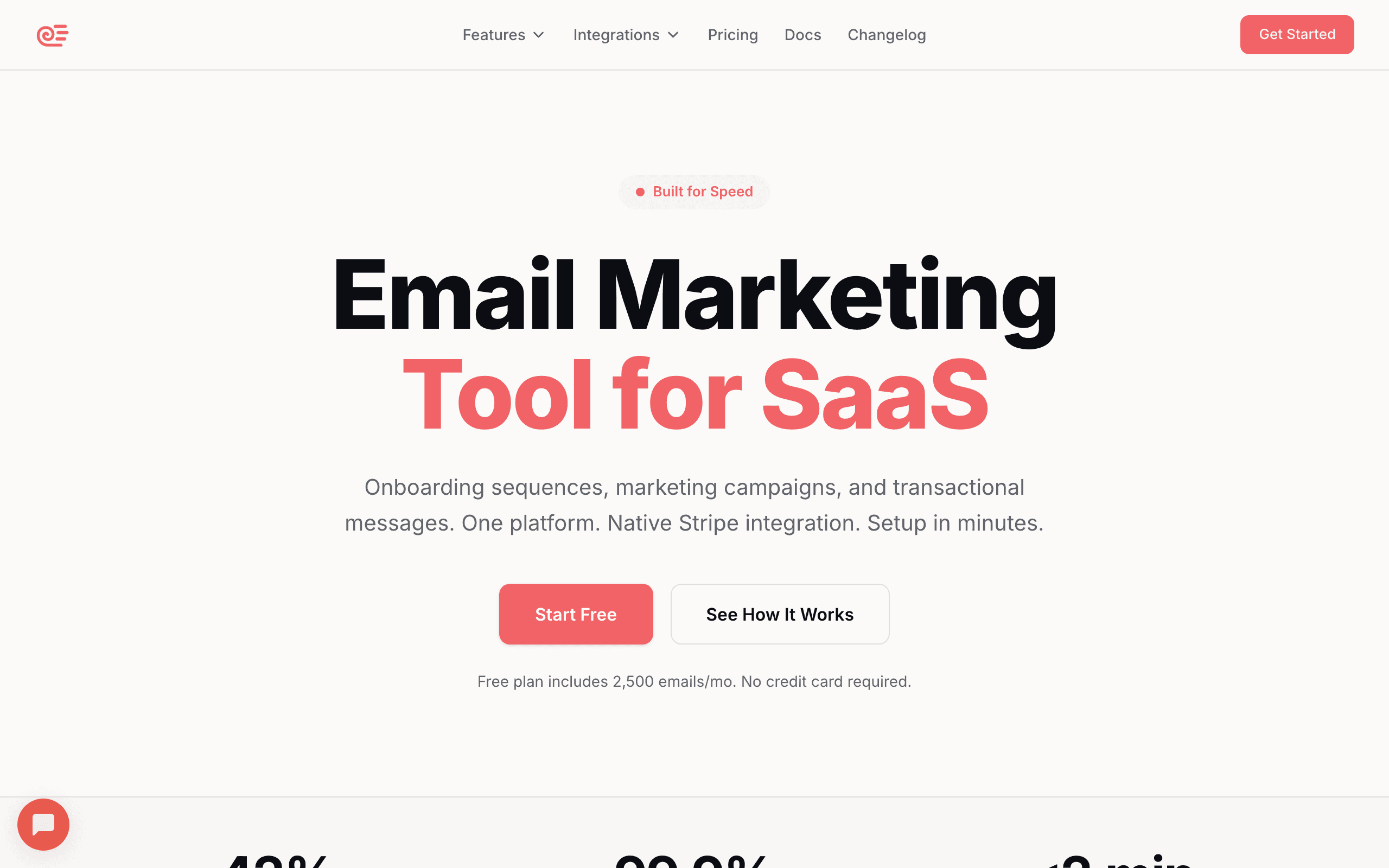
Sequenzy landing page screenshot
#1
4.8avg rating
Sequenzy
AI-poweredStripe integrationFlat pricing

AI writes your email sequences while Stripe syncs your customer data automatically. Built for SaaS founders who'd rather focus on product than email copy.

Describe what you want — "a 5-email onboarding sequence for a project management tool" — and the AI generates the entire thing, ready to edit and send. Unlike Bento's per-contact pricing, Sequenzy charges a flat rate that includes both marketing and transactional emails. The native Stripe integration means your customer lifecycle events (trial start, payment, churn) automatically trigger the right emails without any webhook configuration.

Visit
Best for
SaaS founders who want AI to write emails
Pricing
$49/month for 120,000 emails, unlimited subscribers

Pros

  • AI generates entire email sequences
  • Native Stripe integration (customers sync automatically)
  • Half the price of Bento at 10k contacts
  • Marketing + transactional emails in one platform
  • Direct founder support

Cons

  • No chat/messaging features (Bento has this)
  • No SMS support
  • Newer platform - less proven at scale
  • Smaller community
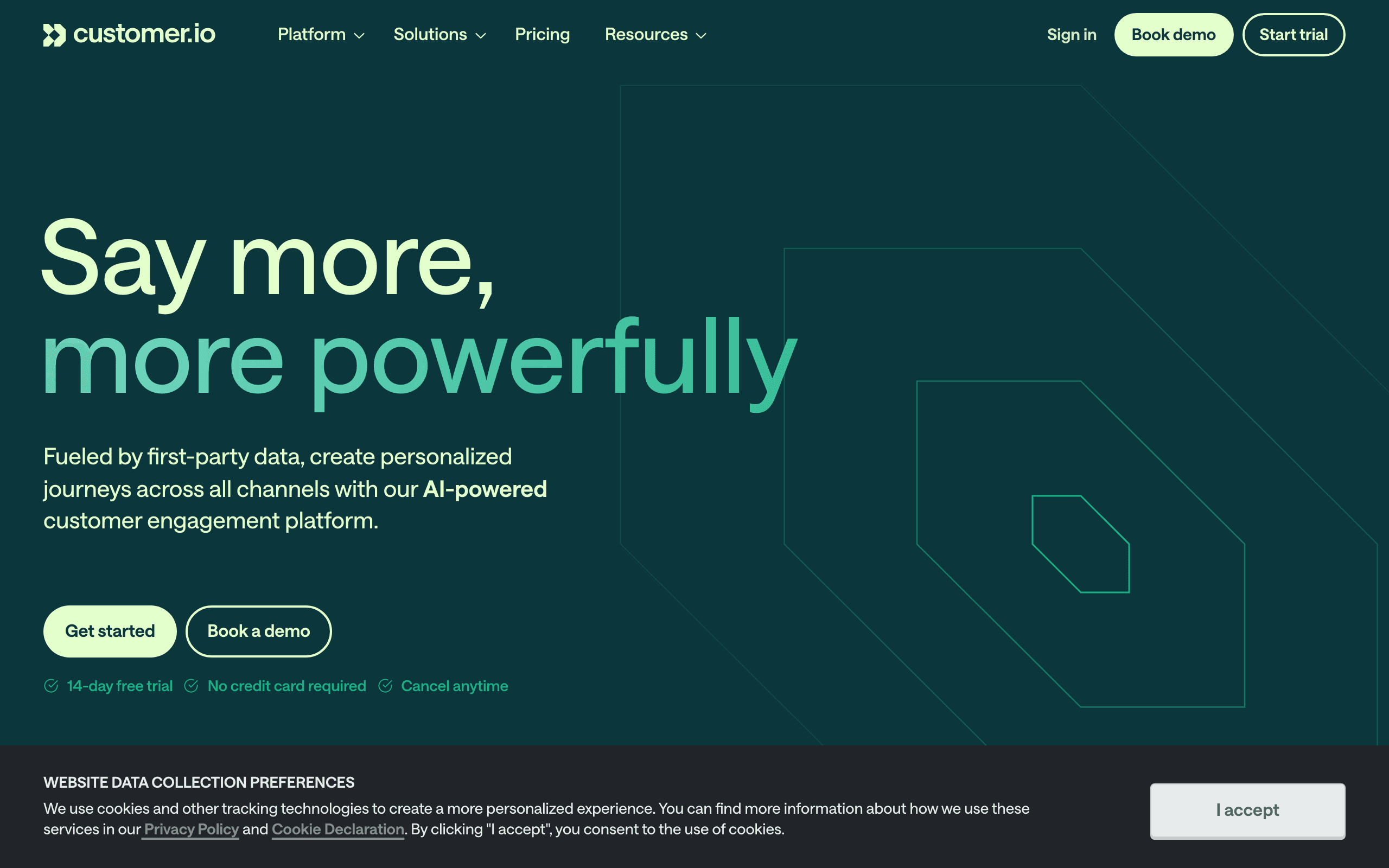
Customer.io landing page screenshot
#2
4.5avg rating
Customer.io
Multi-channelPLG-focusedBehavioral triggers

The heavyweight for PLG companies. Best-in-class behavioral automation with multi-channel support (email, push, SMS, in-app).

Expensive but powerful. Customer.io lets you trigger messages based on any combination of user events, properties, and segments — the flexibility is unmatched for mapping complex product-led user journeys. You can orchestrate multi-step campaigns across email, push notifications, SMS, and in-app messages from a single visual workflow builder. The trade-off is real complexity: setup takes time, the learning curve is steep, and at $100/mo for just 5,000 profiles, it's not cheap.

Visit
Best for
PLG companies with complex user journeys
Pricing
$100/month for 5,000 profiles (Essentials)

Pros

  • Most powerful behavioral automation available
  • Multi-channel: email, push, SMS, in-app messages
  • Segment by literally any user event
  • Excellent API and webhook support
  • Built specifically for product-led growth

Cons

  • More expensive than Bento at scale
  • Complex setup - not plug-and-play
  • Steep learning curve
  • Overkill for simple email needs

What users say

View source reviews
Sarit Rosenthal Aviram · Trustpilot

Renewal terms were changed without a proper notification! They tried a sneaky way to add conditions to the renewal contract, and increased their pricing. They are not flexible at all on those terms even though we are their customers for many years.

Good Comfort · Trustpilot

After months of trying to make Customer.io work for our business, I can say with confidence: unless you have a dedicated engineering team and endless patience, look elsewhere.

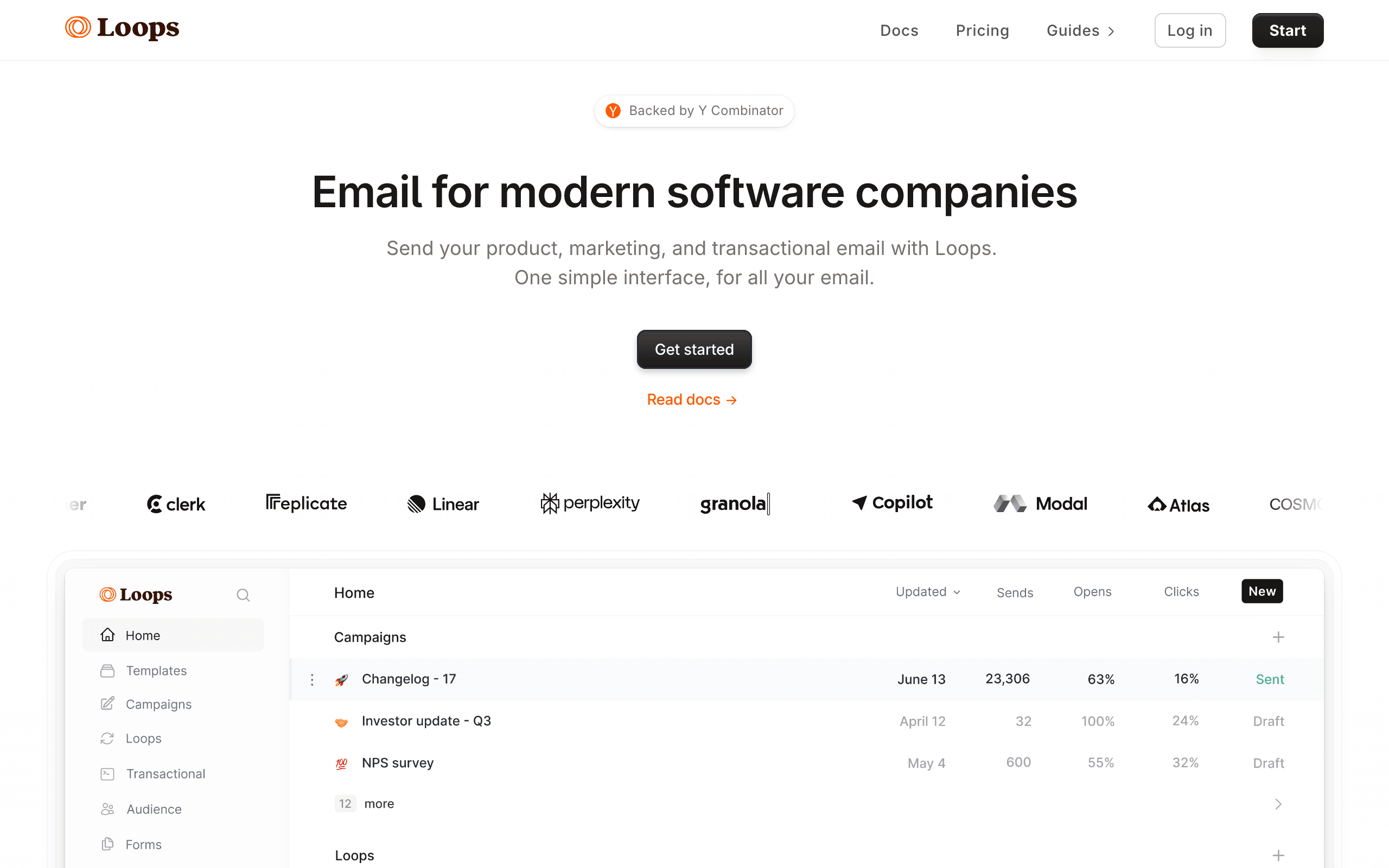
Loops landing page screenshot
#3
4.6avg rating
Loops
Modern UISaaS-focusedTransactional included

Clean, modern SaaS email platform. Simpler than Bento but covers the basics well.

Good if you want straightforward email without the complexity. Loops was built from the ground up for SaaS companies, with transactional and marketing email in one platform. The interface is noticeably cleaner than most email tools — it feels like a modern product rather than legacy software. All features are available on every plan with no upsells, which is refreshing. It won't match Bento's event tracking depth, but for teams that want to send good emails without a steep learning curve, it hits a sweet spot.

Visit
Best for
SaaS teams wanting simplicity over power
Pricing
$49/mo for 5k, ~$99/mo for 10k

Pros

  • Genuinely pleasant interface
  • Built for SaaS from day one
  • Transactional + marketing together
  • Good deliverability reputation
  • Same features on all plans

Cons

  • Event tracking less sophisticated than Bento
  • No chat/messaging features
  • No AI content generation
  • No native Stripe sync
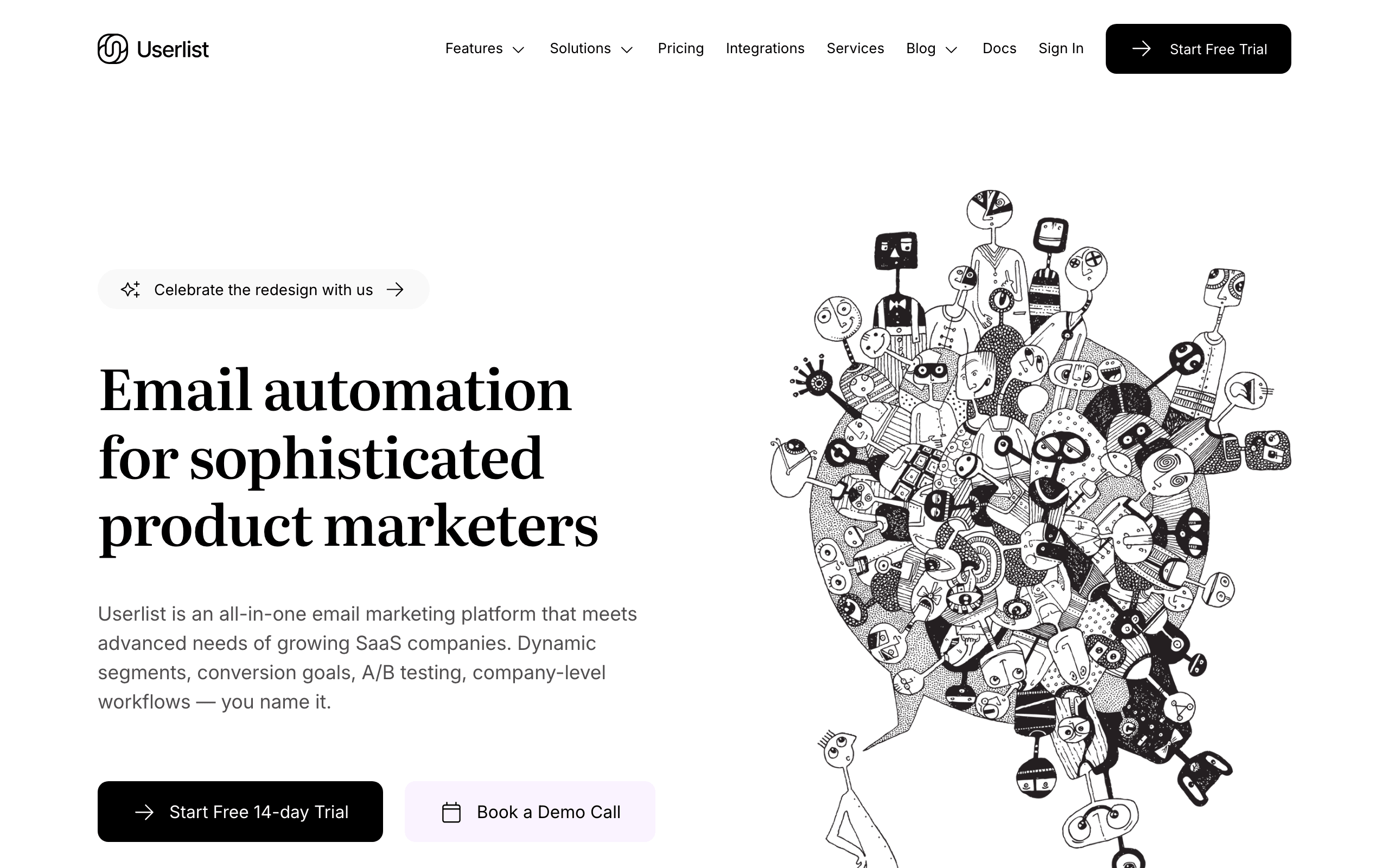
Userlist landing page screenshot
#4
4.5avg rating
Userlist
B2B SaaSCompany accountsOnboarding-focused

Email automation built for SaaS with company + user relationships. Great if you're B2B and need to message both individual users and account admins differently.

Userlist understands the concept of "companies" with multiple users — so you can trigger emails when an account hits certain milestones, not just individual users. This makes it ideal for B2B SaaS where you need to communicate with decision-makers and end-users differently. The onboarding sequence builder is particularly well-thought-out for guiding new teams through product adoption.

Visit
Best for
B2B SaaS with team-based accounts
Pricing
$99/mo for 5,000 users

Pros

  • Company + user model built for B2B SaaS
  • Designed for onboarding sequences
  • In-app messages included
  • Good for behavior-based messaging
  • Thoughtful SaaS-specific features

Cons

  • More expensive than simpler tools
  • Smaller community
  • Not for B2C use cases
  • Fewer integrations than big players
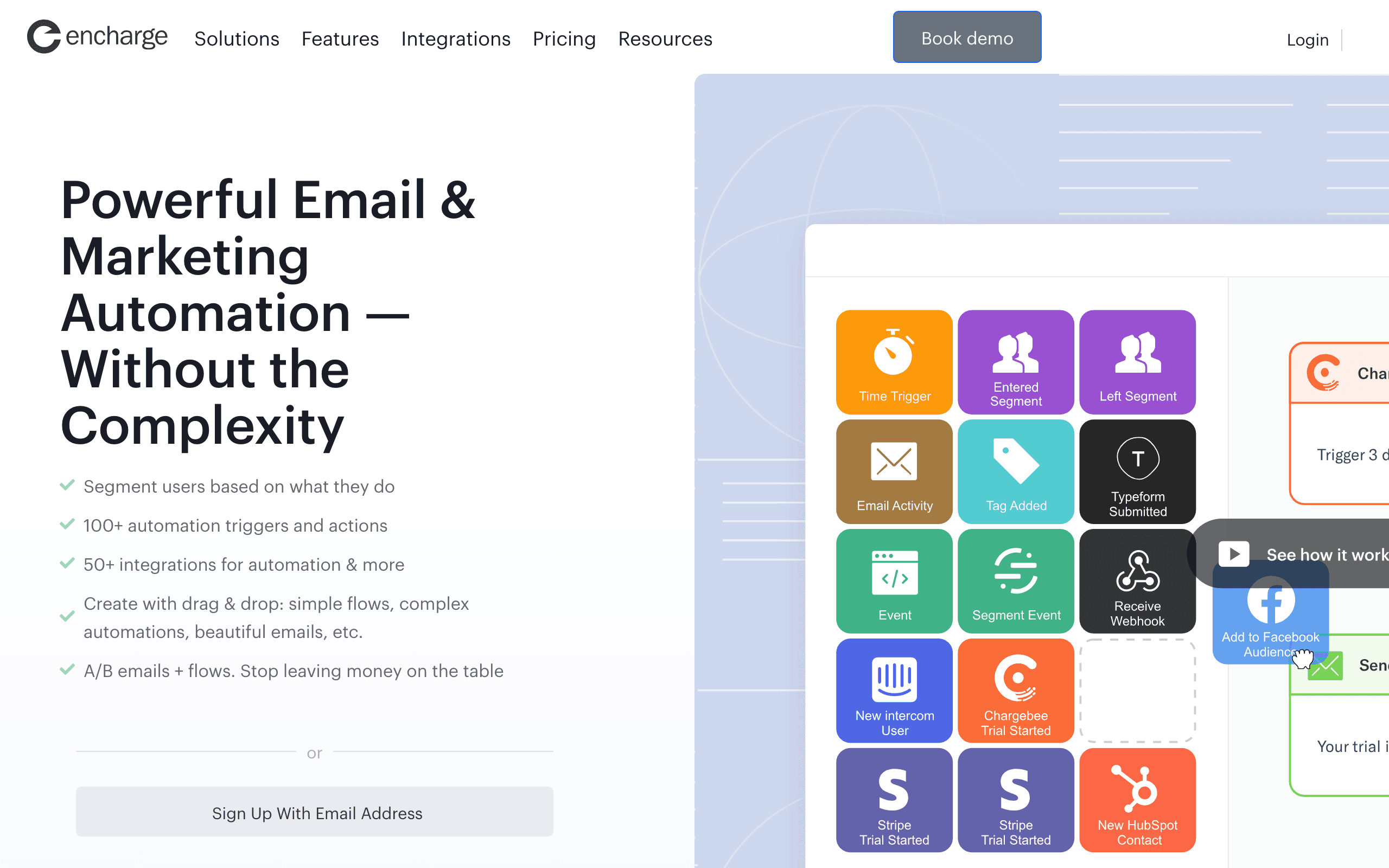
Encharge landing page screenshot
#5
4.4avg rating
Encharge
Trial conversionLead scoringStripe integration

Marketing automation for SaaS with a focus on trial conversion. Strong behavioral triggers, lead scoring, and native integrations with Stripe, Segment, Intercom.

Encharge's visual flow builder makes it easy to create complex conversion workflows with conditions based on user behavior, page visits, and product events. The native Stripe integration syncs subscription data automatically, and lead scoring helps you identify which trial users are most likely to convert. It's positioned between the simplicity of Loops and the power of Customer.io, which makes it a good fit for growth-focused SaaS teams.

Visit
Best for
SaaS teams focused on trial-to-paid conversion
Pricing
$79/mo for 2,000 subscribers, scales from there

Pros

  • Powerful visual flow builder
  • Behavior-based triggers designed for SaaS
  • Native Stripe, Segment, Intercom integrations
  • User scoring and lead qualification
  • Good for trial conversion flows

Cons

  • More expensive than Bento at lower volumes
  • No transactional email support
  • Can be overkill for simple needs
  • Smaller company = smaller community

What users say

View source reviews
eddy calvin · Trustpilot

Encharge has made my email marketing easier and more likely to get done. Super simple and easy to set up. I had a drip campaign running in a couple of hours.

Sahawat Nilwatcharamanee · Trustpilot

It makes mapping out complex user journeys incredibly intuitive. I can drag and drop triggers and actions to see exactly how a lead moves through my funnel. The segmentation is top-tier.

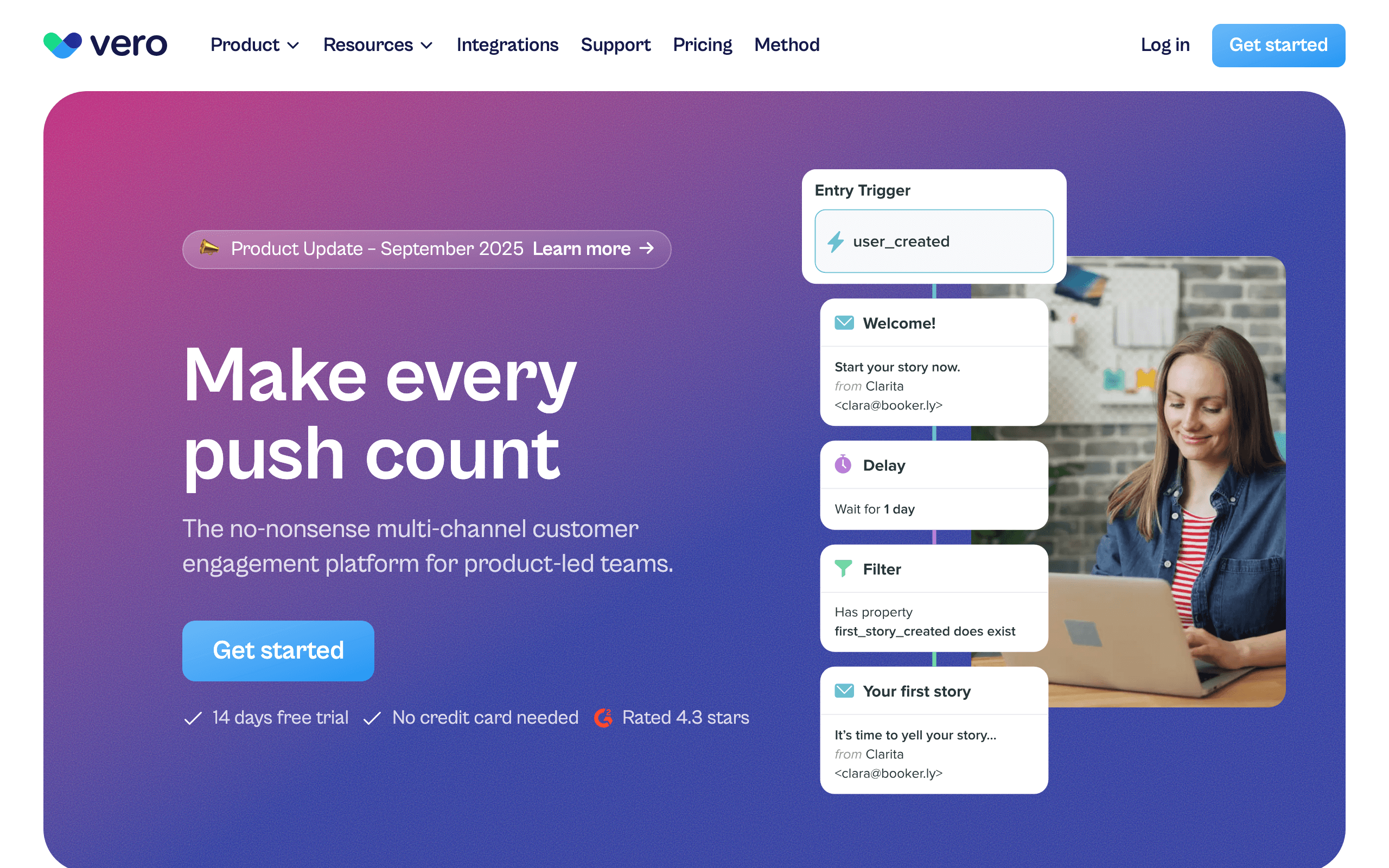
Vero landing page screenshot
#6
4.2avg rating
Vero
Behavioral emailPush notificationsEvent-driven

Behavioral email marketing that's been around since 2012. Strong focus on event-triggered campaigns without the complexity of Customer.io.

Vero was one of the early players in event-driven email, and it's matured into a reliable platform for sending emails based on user behavior. The visual workflow builder is intuitive, and push notifications are included for mobile engagement. At $54/mo for 10k users, it's competitively priced against Bento. The main limitation is it hasn't innovated as aggressively as newer competitors, so the interface and feature set feel a bit behind the curve.

Visit
Best for
Teams wanting behavioral email without enterprise complexity
Pricing
$54/mo for 10,000 users

Pros

  • Good event-based automation
  • Reasonable pricing
  • Stable and mature platform
  • Push notifications included
  • Visual workflow builder

Cons

  • Less powerful than Customer.io
  • Interface feels a bit dated
  • Smaller community
  • No chat features like Bento
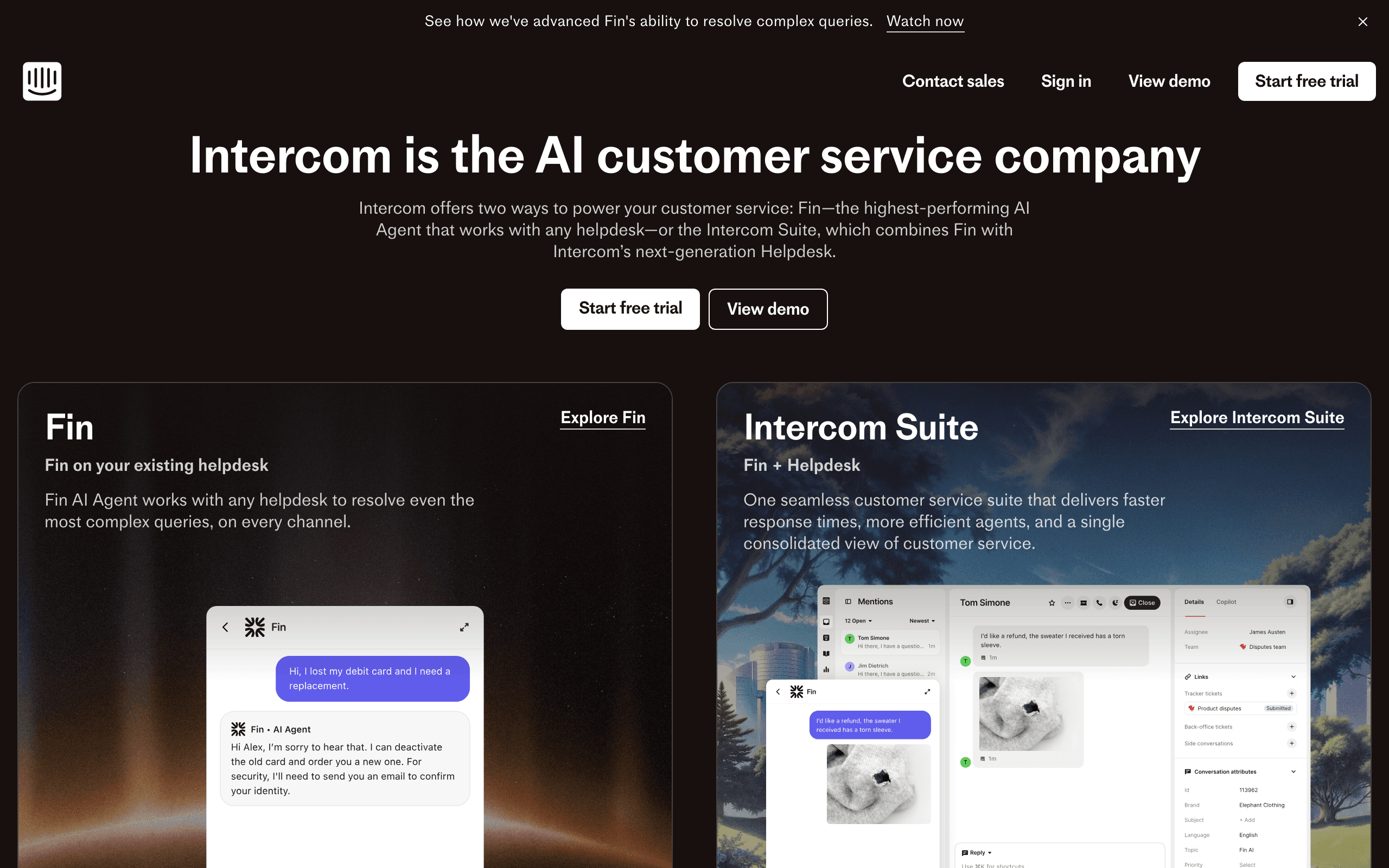
Intercom landing page screenshot
#7
4.4avg rating
Intercom
Chat includedProduct toursMulti-channel

Customer messaging platform with email, chat, and product tours. If you want chat + email like Bento but at a bigger scale, Intercom is the enterprise option.

Intercom combines live chat, a help center, product tours, and email marketing into one platform — so you can engage users across every touchpoint without stitching tools together. Their user targeting is sophisticated, letting you segment by behavior, attributes, and engagement patterns. The downside is seat-based pricing that scales quickly with team size, and the email features feel secondary to their chat-first approach. If email is your primary channel, you're paying for a lot of features you won't use.

Visit
Best for
Teams wanting chat + email + product tours together
Pricing
$74/mo base + per seat

Pros

  • Chat, email, product tours in one
  • Strong user targeting
  • In-app messaging
  • Good B2B SaaS focus
  • Feature-rich platform

Cons

  • Gets expensive with seat-based pricing
  • Email is secondary to chat focus
  • Complex pricing model
  • Overkill if you mainly need email

What users say

View source reviews
M. · Trustpilot

Intercom is a great tool for any customer service team. It offers a wide range of services - you can set workflows to easily automate processes, use their FIN AI to lower the amount of cases where human support is needed, and set your own triage system for prioritizing tickets.

Marcello · Trustpilot

This terrible service provider has no clear fees and is overly expensive for what looks like a company made of incompetent people. Every day there is a problem and we need to send emails to half of Intercom's department.

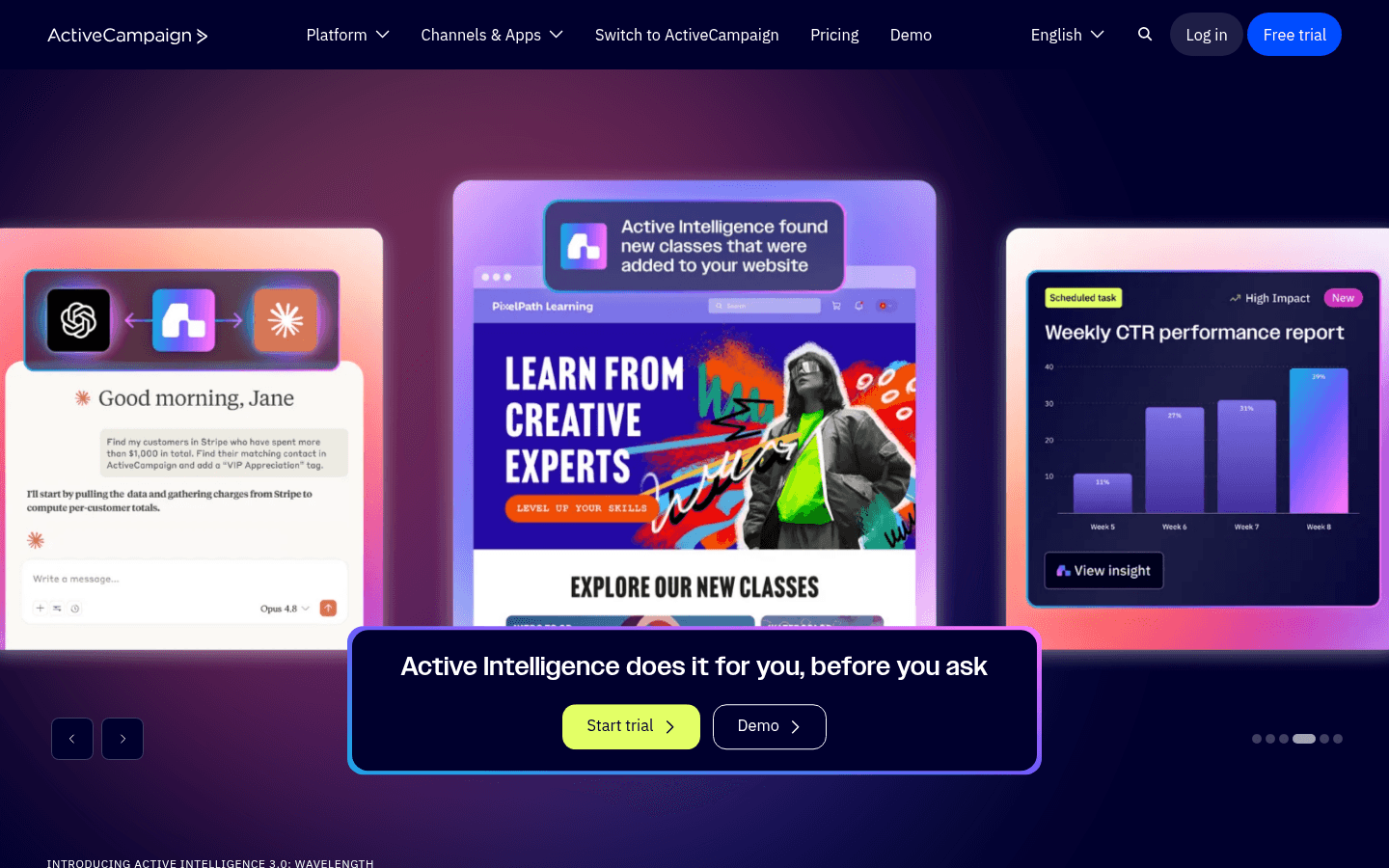
ActiveCampaign landing page screenshot
#8
4.5avg rating
ActiveCampaign
CRM includedAdvanced automationContact scoring

The automation powerhouse. Most complex workflows, lead scoring, CRM integration.

Overkill for many, but nothing matches its automation depth. ActiveCampaign's visual automation builder lets you create workflows with conditionals, wait steps, split tests, and goals that would take custom code to replicate in other tools. The built-in CRM with deal pipelines bridges marketing and sales, which is valuable for teams with a sales-assisted motion. It's not SaaS-specific like Bento, but the sheer flexibility of its automation engine means you can build almost any workflow you can imagine. Just be prepared for a learning curve.

Visit
Best for
Teams needing the most powerful automation
Pricing
$79/mo for 10,000 contacts (Lite)

Pros

  • Most powerful automation builder, period
  • Built-in CRM with sales pipeline
  • Can automate almost anything
  • Good deliverability
  • Massive integration library

Cons

  • Steep learning curve
  • Not SaaS-specific like Bento
  • Pricing creeps up with add-ons
  • No native transactional email

What users say

View source reviews
Giovanni Pizza · Trustpilot

I've been using ActiveCampaign for years, but the recent experience has been extremely frustrating. Since early November, a critical bug has been blocking one of our core automations. I opened a ticket immediately, provided all the details, logs, and examples requested — and after that? Weeks of silence and runaround.

Eric S. · Trustpilot

ActiveCampaign has a steep learning curve, and I was a little intimidated. But I found all the training videos and support really helpful. I was able to become effective with the platform pretty quickly. I think the capabilities of the platform are awesome once you put in the time to learn the system.

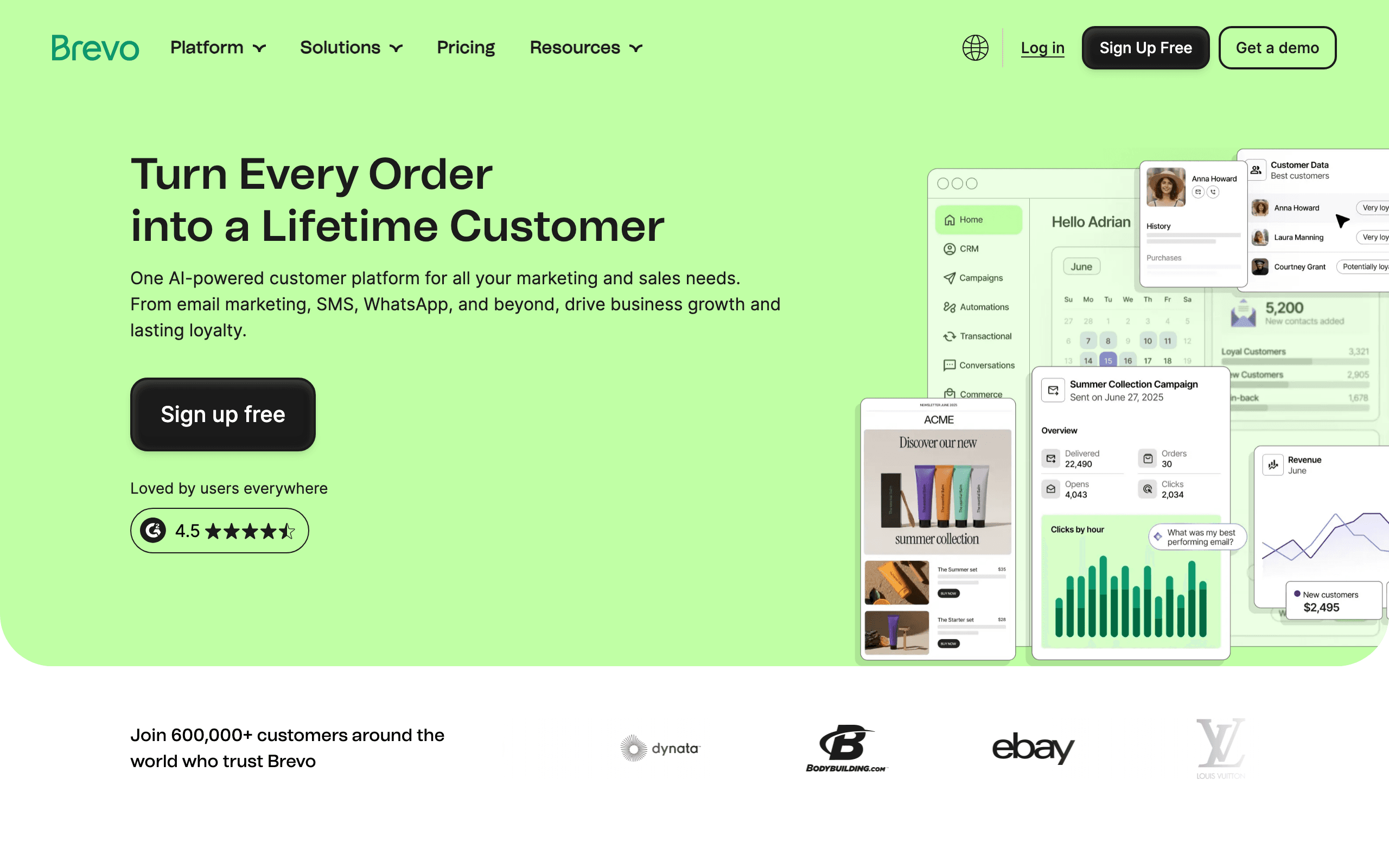
Brevo landing page screenshot
#9
4.3avg rating
Brevo
Unlimited contactsSMS includedBudget-friendly

The budget option that's surprisingly capable. Unlimited contacts, pay per email.

If Bento's per-contact pricing is too much, this is worth considering. Brevo flips Bento's pricing model — you store unlimited contacts for free and only pay for emails you actually send. This is great if you have a large list but segment your sends heavily. Beyond email, you get SMS, WhatsApp, live chat, and a basic CRM included. The automation builder handles common workflows like welcome series and abandoned carts. It's not as sophisticated as Bento for event-driven SaaS messaging, but for the price, it covers a lot of ground.

Visit
Best for
Budget-conscious teams
Pricing
$25/mo for unlimited contacts (pay per email)

Pros

  • Unlimited contacts - no per-contact fees
  • SMS marketing included
  • Actually affordable
  • Transactional included
  • Basic CRM features

Cons

  • Pay-per-email can add up at high volume
  • Interface feels dated
  • Event tracking not as sophisticated
  • Support is slow on lower tiers

What users say

View source reviews
Gary Curran · Trustpilot

Disappointing experience with Brevo. Our account was initially suspended after a first campaign due to bounce rate. We followed the required self-service steps and successfully revalidated the account ourselves. After this, support took ages to respond.

Larry Chin · Trustpilot

Brevo is a solid service for handling your marketing emails and much more. The tech support is fast and good. Making a marketing email is fast and easy. I have used SendinBlue, now Brevo, for many years now.

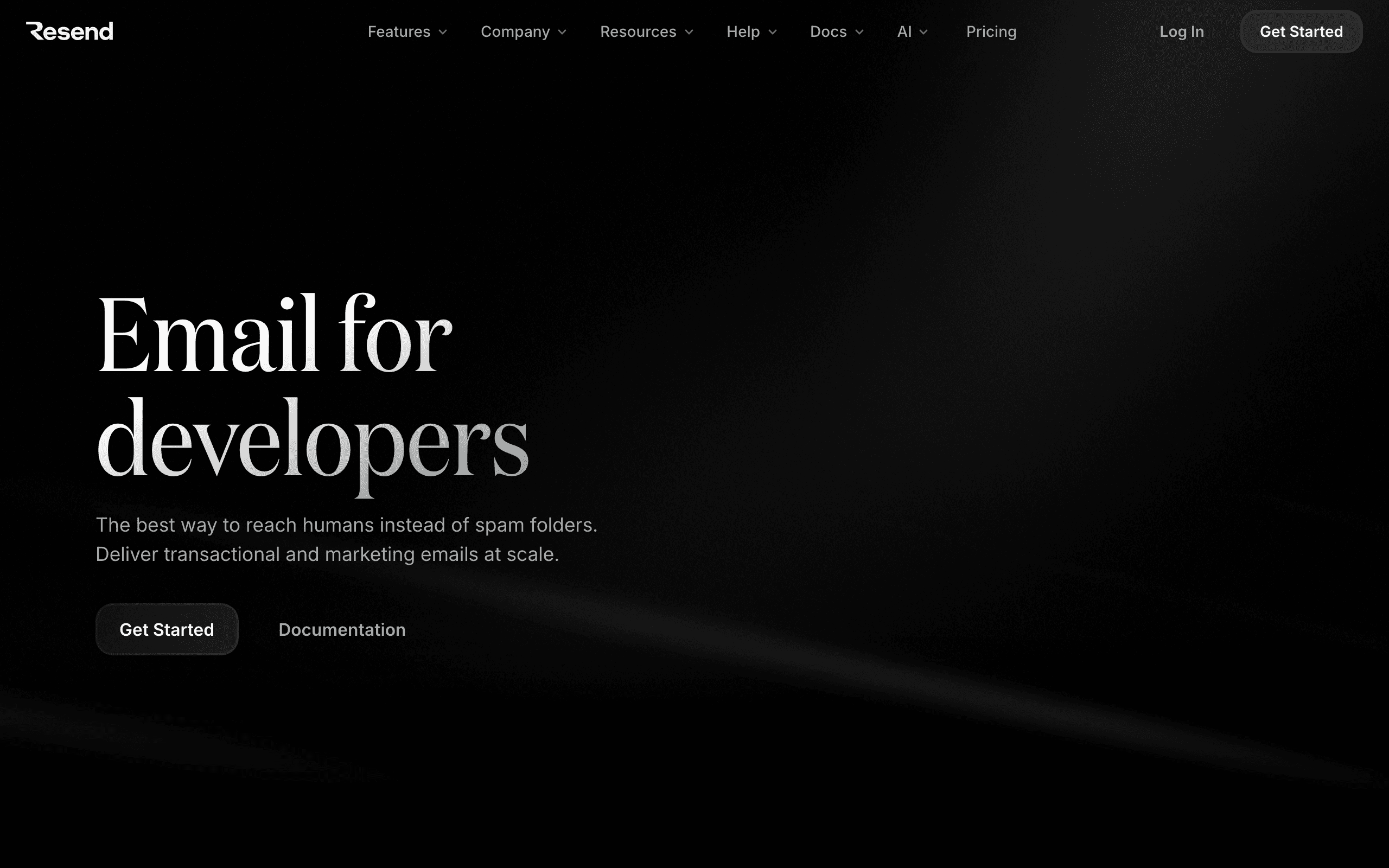
Resend landing page screenshot
#10
4.7avg rating
Resend
Developer-firstReact EmailTransactional only

Developer's dream for transactional email. Best-in-class DX with React Email templates.

But transactional only — you'll need something else for marketing. Resend was designed by a developer who was frustrated with the state of email APIs, and every design decision reflects that. The SDKs are clean, the docs are excellent, and React Email lets you build templates as actual React components with full TypeScript support. If your needs are purely transactional (password resets, receipts, notifications), Resend is hard to beat. But it has zero marketing features — no campaigns, no automation, no subscriber management.

Visit
Best for
Developers who only need transactional
Pricing
$20/month for 50,000 emails

Pros

  • Best developer experience available
  • React Email for building templates
  • Modern SDKs for every language
  • Cheap for transactional volume
  • Excellent documentation

Cons

  • Zero marketing features
  • No event tracking or automation
  • No subscriber management
  • Need a second tool for marketing

What users say

View source reviews
Mantas Vileisis · Trustpilot

They suspended account when we were getting a lot of new customers/traffic. We lost tons of them because of Resend. They decided to suspend our account, and after a long wait they decided to keep the ban!

Zeniki Beniki · Trustpilot

Just implemented this service to my client's website. Super easy to implement, all verifications went smooth and quick. Emails come to Gmail next second. Very happy so far!

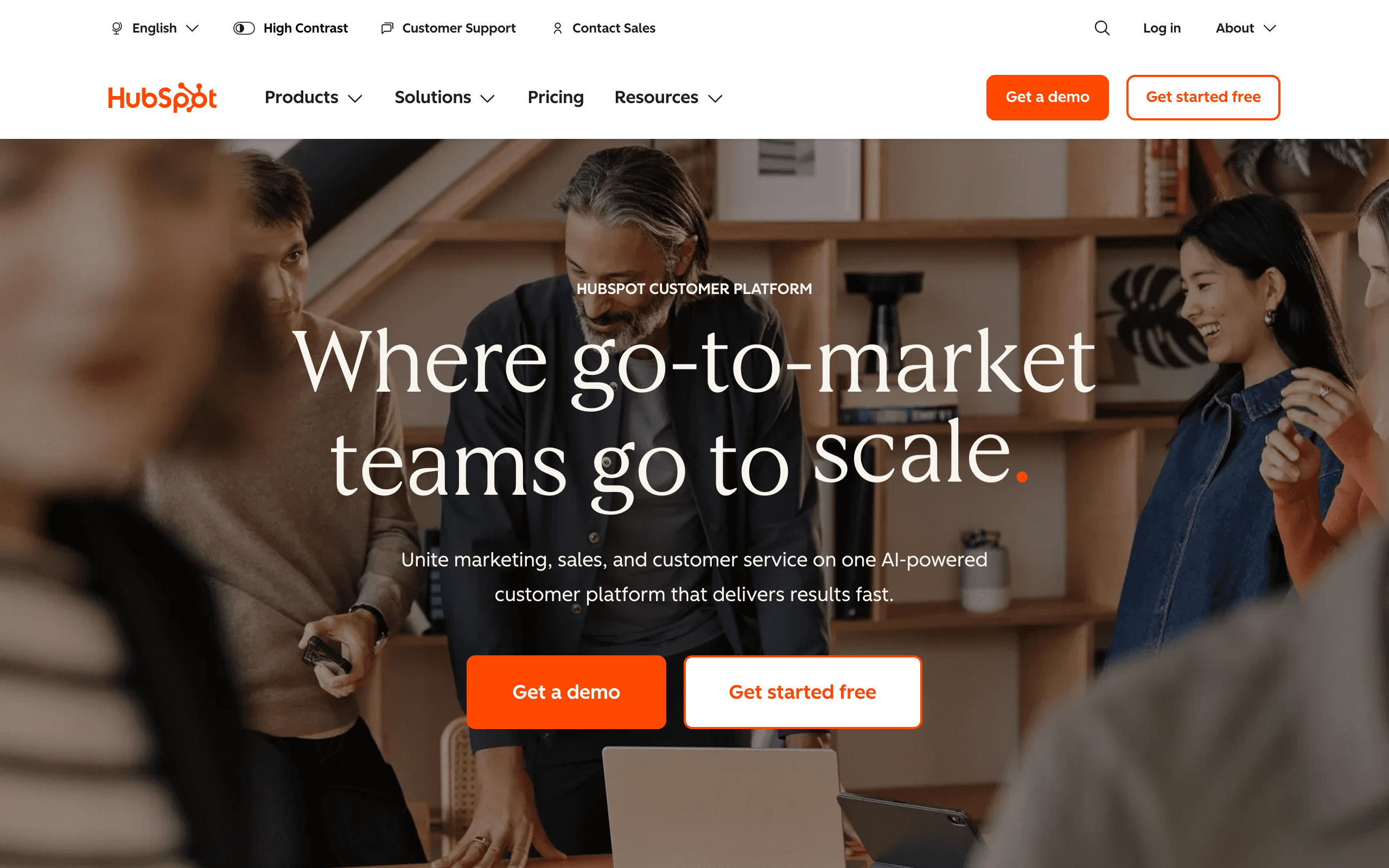
HubSpot landing page screenshot
#11
4.4avg rating
HubSpot
CRM includedAll-in-oneEnterprise-ready

The all-in-one CRM with marketing automation. Overkill for just email, but if you want CRM + email + sales pipeline in one ecosystem, it's hard to beat.

HubSpot's free CRM gives you contact management, deal tracking, and basic email marketing without spending a dollar. As you grow, the Marketing Hub adds automation, landing pages, A/B testing, and advanced analytics. The ecosystem of integrations is massive — almost every SaaS tool connects to HubSpot. The catch is that email is just one piece of a much larger platform, and pricing scales quickly once you need the professional features.

Visit
Best for
Teams wanting full CRM + marketing in one
Pricing
Free tier, then $20/mo+ for marketing

Pros

  • Full CRM included
  • Email, landing pages, forms together
  • Sales and marketing alignment
  • Tons of integrations
  • Good for larger teams

Cons

  • Can get expensive at scale
  • Not SaaS-specific
  • Email is just one part of platform
  • Complexity increases with features

What users say

View source reviews
Charles KLHK · Trustpilot

HubSpot has a lot of features, but it feels too complicated. There are so many menus and settings that it's hard to use, especially if you just want something straightforward. It can be powerful, but the complexity makes it frustrating.

Kyrie Sutton · Trustpilot

We switched from another CRM hoping for better automation and easier reporting. HubSpot CRM does deliver on basic automation and the workflow builder is fairly intuitive once you understand the logic. Still, there's a learning curve that caught us off guard.

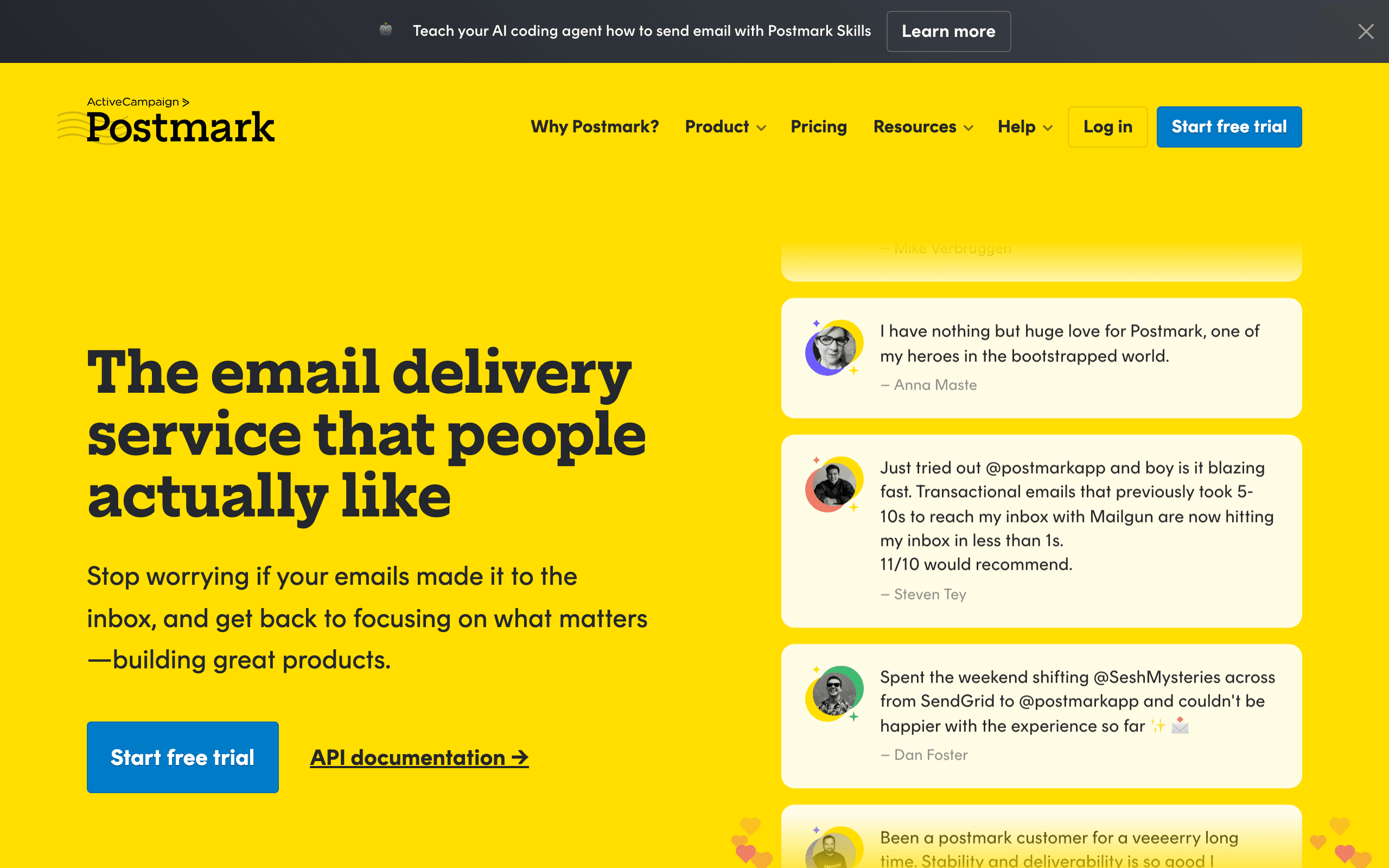
Postmark landing page screenshot
#12
4.8avg rating
Postmark
Best deliverabilityTransactional onlyStrict policies

Transactional email with exceptional deliverability. They're picky about who they let on (which is why delivery is so good).

Pure transactional — no marketing. Postmark maintains strict sending policies and will actually reject customers whose use cases might hurt their reputation, which is why their inbox placement rates are among the best in the industry. You get message streams to separate different types of transactional email, a 40-day searchable message history, and real human support. If your SaaS needs bulletproof delivery for critical emails like password resets and invoices, Postmark is the specialist. Just don't expect any marketing features.

Visit
Best for
Apps needing bulletproof transactional email
Pricing
$15/mo for 10,000 emails

Pros

  • Exceptional deliverability
  • Clean, well-documented API
  • Message streams for organization
  • Real human support
  • 40-day email history

Cons

  • No marketing features
  • Strict about use cases
  • Need separate tool for campaigns
  • More expensive than SES at volume

What users say

View source reviews
Oli Ver · Trustpilot

We used SendGrid for 6 months and it was a constant headache. Our welcome emails, order confirmations, and password reset emails were either landing in spam or getting blocked. Postmark solved all of that.

Mateusz Kroplewski · Trustpilot

I have tried using MailJet and AmazonSES before Postmark and the customer service is very slow. I set up Postmark and got my domain approved to send email on the same day. Customer service is amazing.

Mailchimp landing page screenshot
#13
4.3avg rating
Mailchimp
Well-knownLanding pagesMany integrations

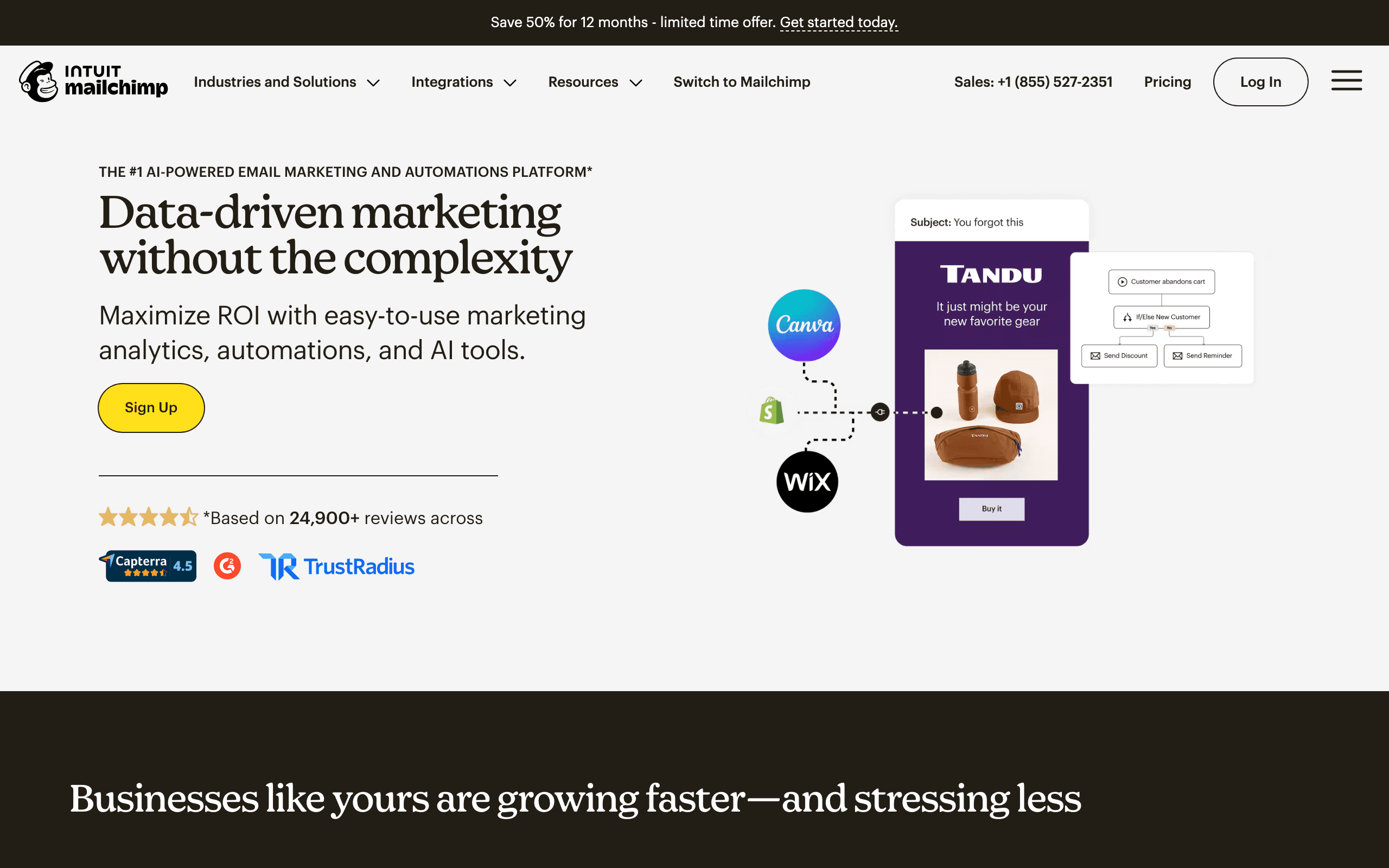
The email platform everyone knows. Mailchimp is not SaaS-specific like Bento, but it has the largest integration ecosystem, familiar UI, and landing pages included.

The Customer Journeys builder handles multi-step automation with triggers and conditions. At $110+/month for 10,000 contacts, it is more expensive than Bento and less focused on event-driven workflows. Best if your team already knows Mailchimp and you need a general-purpose tool with broad integrations rather than deep SaaS event tracking.

Visit
Best for
Teams wanting familiar tools with broad integrations
Pricing
Free for 500 contacts, $110+/mo at 10k

Pros

  • Everyone knows how to use it
  • Massive integration ecosystem
  • Landing pages included
  • Good template library
  • Broad marketing features

Cons

  • Not SaaS-focused like Bento
  • Event tracking is basic
  • Counts unsubscribed contacts
  • Expensive for the features

What users say

View source reviews
Jaimie Lancaster · Trustpilot

Helped me resolve situations and waited till I did what they recommended. Never felt rushed or as if they were doing something else while waiting on me. Very responsive.

Valeria Vinogradova · Trustpilot

I had a very frustrating experience with Mailchimp's sales team that ultimately made me question the organization as a whole. I booked an initial sales call which went well, but follow-up questions were completely ignored.

MailerLite landing page screenshot
#14
4.6avg rating
MailerLite
Free tierLanding pagesEasy to use

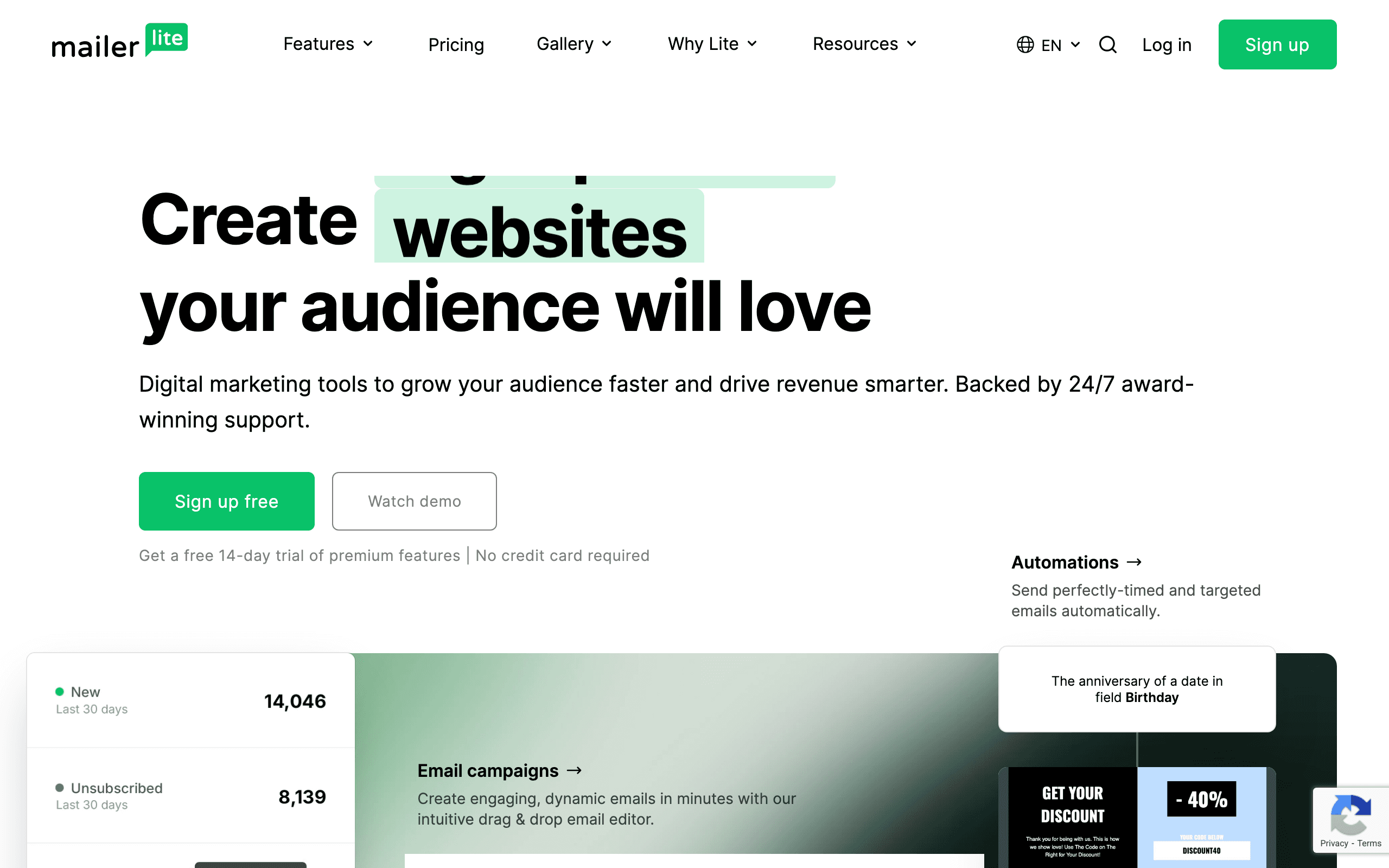
Simple, affordable email with decent automation. MailerLite is not event-driven like Bento, but it offers a polished editor, landing pages, and automation workflows at competitive prices.

The free tier supports 1,000 subscribers. At $73/month for 10,000 subscribers, it is cheaper than Bento with more visual marketing features but less behavioral depth. Good for SaaS teams that need basic lifecycle email without the complexity of event-driven platforms.

Visit
Best for
SaaS teams wanting affordable basics
Pricing
Free for 1,000 subs, $73/mo for 10k

Pros

  • Great email editor
  • Landing pages included
  • Generous free tier
  • User-friendly interface
  • Affordable pricing

Cons

  • No event-driven automation like Bento
  • Not SaaS-specific
  • No transactional email
  • Basic behavioral triggers

What users say

View source reviews
Alpine Sport · Trustpilot

Our company used MailerLite as a professional email tool for legitimate business communication. Then, without notice, the account was terminated. We received only a generic rejection with no meaningful explanation.

Joseph Berk · Trustpilot

MailerLite is a powerful platform once everything is set up, especially for landing pages and email automation. The editor is flexible, and support was responsive and helpful when I hit a confusing publishing issue.

ConvertKit landing page screenshot
#15
4.6avg rating
ConvertKit
Creator-focusedVisual automationCommerce features

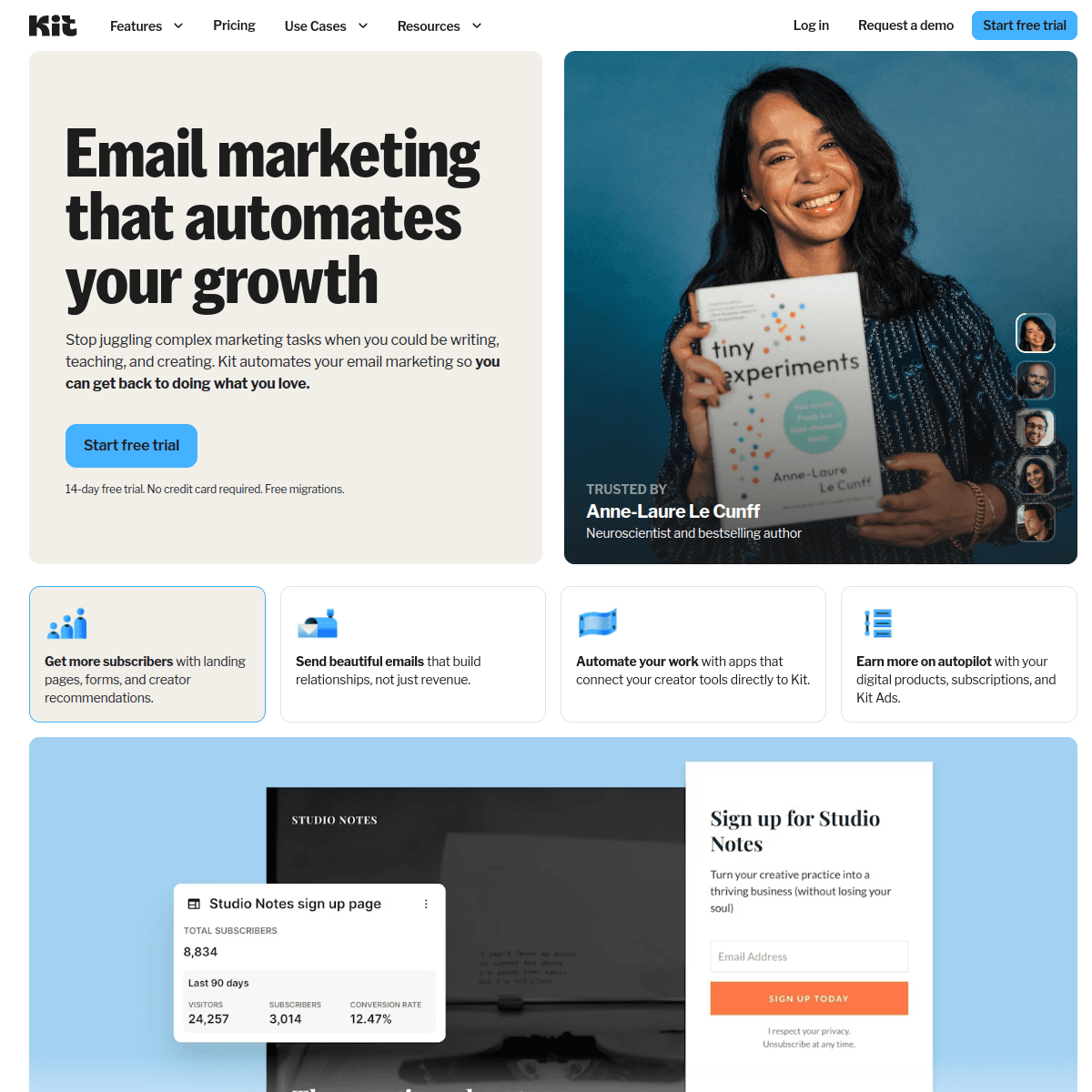
Creator-focused email with visual automation and landing pages. ConvertKit (now Kit) is built for creators rather than SaaS, but its visual automation builder and tag-based subscriber management are superior to what Bento offers for audience segmentation.

Commerce features let you sell digital products directly. The free tier supports up to 10,000 subscribers with limited features. Not ideal for event-driven SaaS email, but if your SaaS has a content-driven growth model, ConvertKit's creator tools are purpose-built for that.

Visit
Best for
SaaS products with content-driven growth
Pricing
Free for 10k subs (limited), $25/mo for 1k (full)

Pros

  • Visual automation builder
  • Tag-based subscriber management
  • Commerce and digital product sales
  • Landing pages included
  • Large creator community

Cons

  • Not SaaS-specific like Bento
  • No event tracking
  • No transactional email
  • More expensive at scale

What users say

View source reviews
K.G. · Trustpilot

This company now calls itself 'Kit.' This platform has more than a few issues. It doesn't have the basic functionality that other platforms such as Constant Contact and Mailchimp have had for years. And last year, they raised their prices 50% without telling customers.

Paris · Trustpilot

I signed up for ConvertKit Trial and the first thing I noticed is there are very limited capabilities so I immediately provided my card details for the full experience but was still limited. It was preventing me from creating what I needed.

Drip landing page screenshot
#16
4.4avg rating
Drip
Revenue attributionVisual workflowsE-commerce

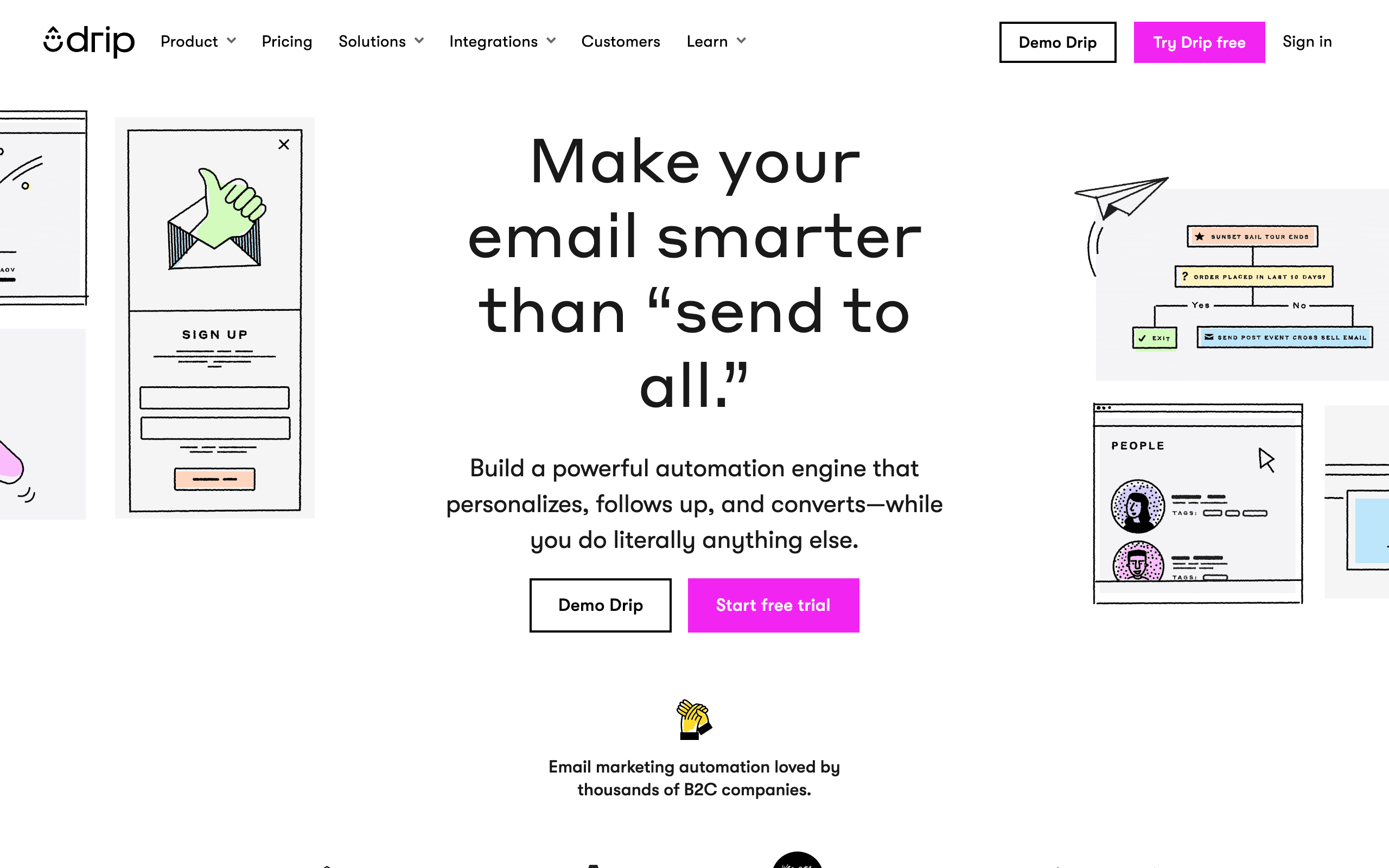
E-commerce automation with visual workflows and revenue attribution. Drip is not SaaS-specific like Bento, but its visual workflow builder and revenue tracking capabilities make it worth considering if your SaaS has an e-commerce component or you want clear revenue attribution from email.

At $39/month for 2,500 contacts, it is reasonably priced. The automation builder handles complex workflows with branching conditions. Event-driven triggers are available through API integrations but not as native as Bento's approach.

Visit
Best for
SaaS with e-commerce or revenue-focused teams
Pricing
$39/month for 2,500 contacts

Pros

  • Revenue attribution per campaign
  • Visual workflow builder
  • Good segmentation
  • Reasonable pricing
  • All features on every plan

Cons

  • E-commerce focused, not SaaS-specific
  • No chat features like Bento
  • No SMS
  • No transactional email
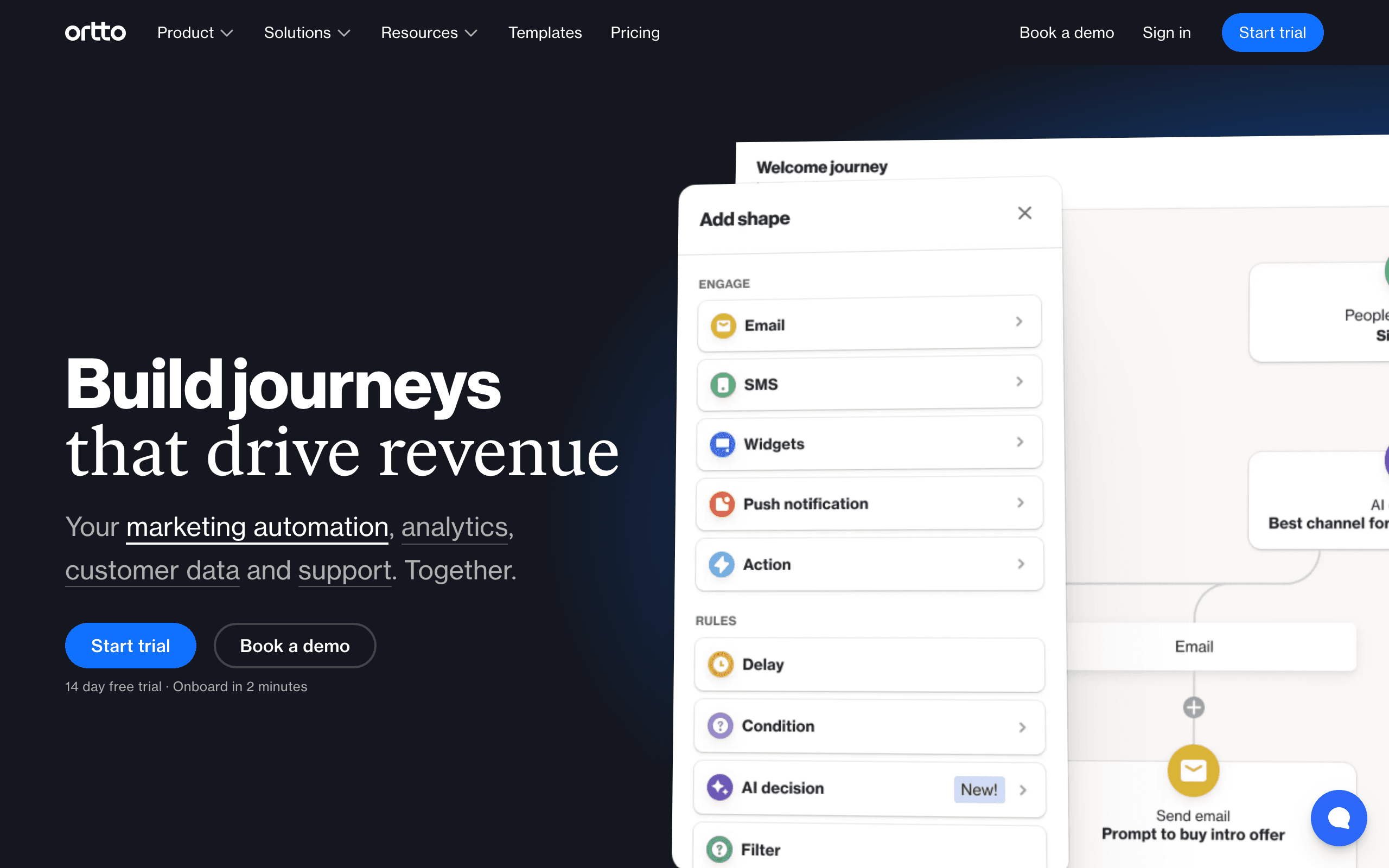
Ortto landing page screenshot
#17
4.3avg rating
Ortto
CDP includedJourney builderAnalytics

Customer data platform with marketing automation, analytics, and journey mapping. Ortto (formerly Autopilot) combines a CDP with visual journey building, giving you deeper customer analytics than Bento alongside email automation.

The visual journey builder makes complex multi-step campaigns approachable. Built-in analytics show user behavior across your product, website, and email engagement. At $99/month for 5,000 contacts, pricing is similar to Bento. The trade-off is that the platform tries to do a lot, and the learning curve reflects that breadth.

Visit
Best for
Teams wanting CDP + email automation together
Pricing
$99/mo for 5,000 contacts

Pros

  • Customer data platform built in
  • Visual journey builder
  • Analytics and reporting
  • SMS and push included
  • Good for multi-channel campaigns

Cons

  • Learning curve for CDP features
  • Not as developer-friendly as Bento
  • Can feel bloated
  • Support varies by plan
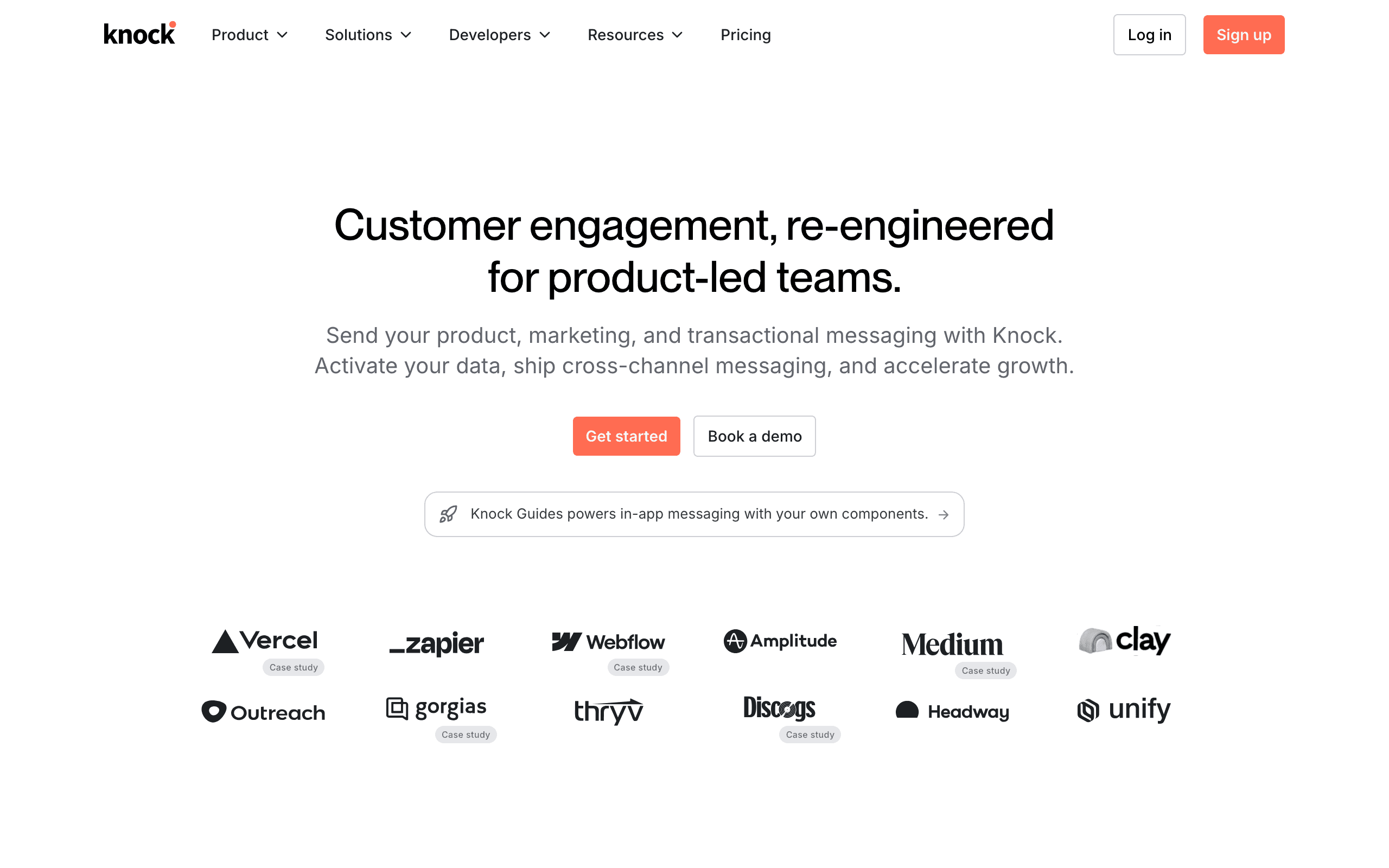
Knock landing page screenshot
#18
4.6avg rating
Knock
Notification infrastructureDeveloper-firstMulti-channel

Notification infrastructure for product teams. Knock handles email, in-app, push, SMS, and Slack notifications through a single API.

Unlike Bento's email-first approach with analytics, Knock is notification-first with a focus on developer experience. You define notification workflows in code, making it ideal for engineering teams that want notifications as infrastructure rather than a marketing tool. At $250/month for the Growth plan, it is more expensive than Bento, but covers a broader set of notification channels. No marketing features — this is purely for product notifications.

Visit
Best for
Engineering teams needing notification infrastructure
Pricing
Free tier, $250/mo for Growth

Pros

  • Multi-channel notifications (email, in-app, push, SMS, Slack)
  • Excellent developer experience
  • Code-defined workflows
  • Preference management for users
  • Good free tier

Cons

  • No marketing email features
  • More expensive than Bento on paid tiers
  • Engineering-heavy implementation
  • No analytics like Bento
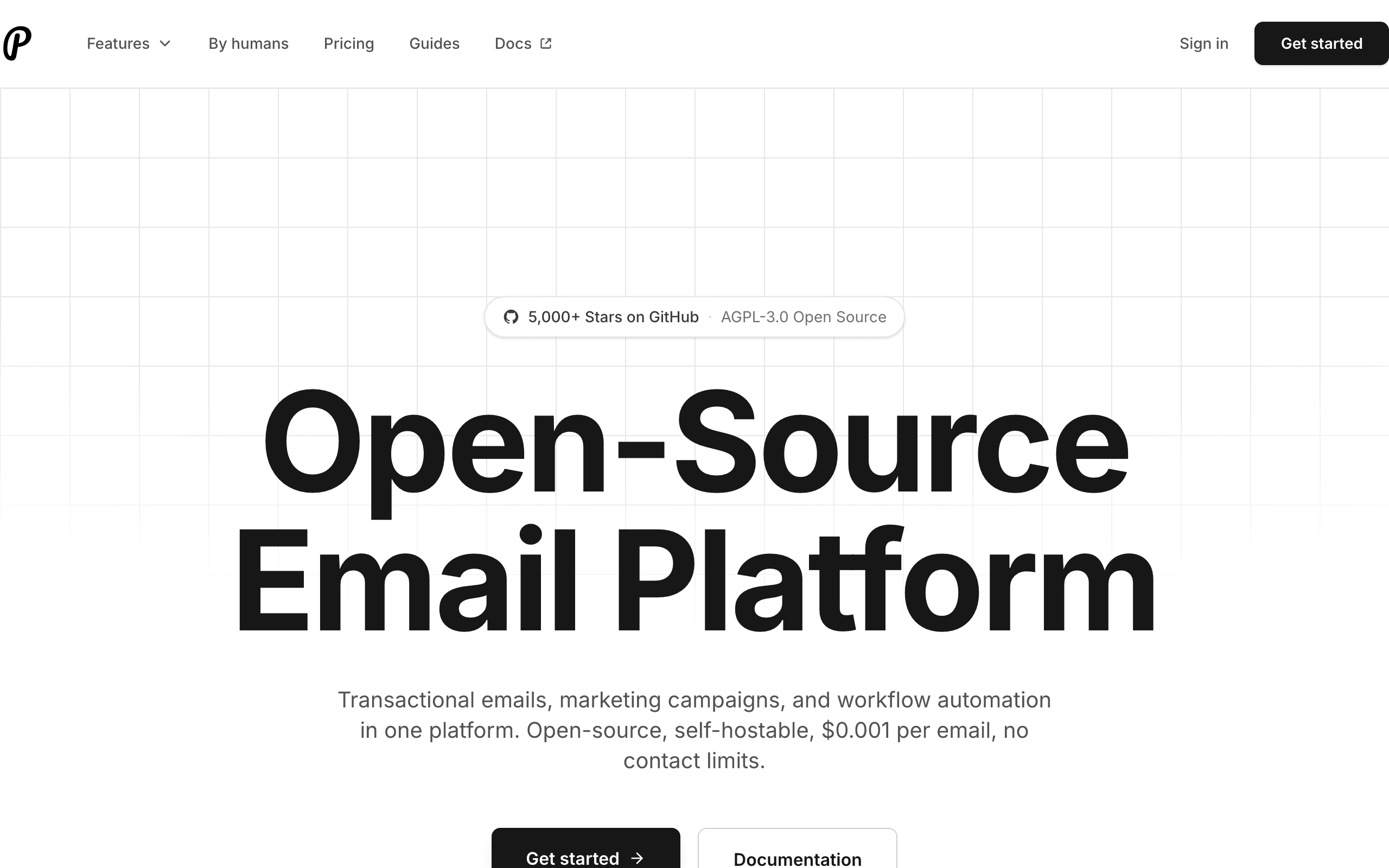
Plunk landing page screenshot
#19
4.2avg rating
Plunk
Open sourceDeveloper-friendlyModern stack

Open-source email platform for transactional, marketing, and automated emails. Plunk offers a modern, developer-friendly approach similar to Bento's technical orientation but with the advantage of being open source.

The TypeScript/React codebase feels contemporary, and the platform handles transactional and marketing email in one tool. The cloud version has a free tier for getting started. At an earlier stage than Bento, Plunk has fewer features and a smaller community, but the open-source model appeals to teams that want transparency and self-hosting options.

Visit
Best for
Developers wanting open-source email with modern DX
Pricing
Free tier, then usage-based

Pros

  • Open source (self-hostable)
  • Modern TypeScript/React stack
  • Transactional + marketing in one
  • Free tier available
  • Developer-focused API

Cons

  • Less mature than Bento
  • Smaller community
  • Fewer features overall
  • Limited analytics compared to Bento

Why Consider Alternatives to Bento

Per-contact pricing adds up fast

Bento charges $0.01 per contact per month. At 10k contacts, that's $100/month. At 50k, it's $500/month. And you're paying for inactive contacts too. Alternatives like Sequenzy offer flat pricing ($49/month for 120k emails (unlimited subscribers)) that's more predictable.

Steep learning curve

Bento does things very differently than other email platforms. While powerful, it takes time to understand their unique approach. If you want something more familiar and quicker to set up, alternatives might be easier to get started with.

Simpler alternatives exist

Bento is powerful, but sometimes you don't need all that power. Loops offers a cleaner, simpler experience if you just need basic SaaS email without the complexity.

You might only need transactional

If you're mostly sending password resets, receipts, and notifications, Bento is overkill. Resend or Postmark offer better DX and lower costs for pure transactional use cases.

Feature Comparison

FeatureBentoSequenzyCustomer.ioLoopsEnchargeBrevo
Price at 10k
$100
$49
$150+
~$99
$99+
$25+
Pricing model
Per contact
Flat tiers
Per profile
Flat tiers
Per subscriber
Per email
AI content
Stripe sync
Transactional
Event tracking
Excellent
Good
Best
Basic
Good
Basic
Chat/messaging
Multi-channel

When to Use Each Platform

Choose Sequenzy if...
  • You want AI to write your email sequences
  • You use Stripe and want automatic customer sync
  • You want flat, predictable pricing
  • You'd rather talk to the founder than file tickets
Choose Stay with Bento if...
  • You need built-in chat alongside email
  • You send high volume and unlimited emails matters
  • You're happy with per-contact pricing
  • Event tracking is your primary focus
Choose Customer.io if...
  • You have a complex product with many user touchpoints
  • You need the most powerful behavioral triggers
  • You want email, push, SMS, in-app together
  • You have engineering resources for proper setup
Choose Loops if...
  • You want simpler than Bento
  • Event tracking is nice-to-have, not critical
  • You prefer clean, modern interfaces
  • Basic SaaS email covers your needs
Choose Brevo if...
  • Per-contact pricing is too expensive
  • You'd rather pay per email sent
  • You need SMS alongside email
  • Budget is your primary concern

Honest take: Bento vs the alternatives

Bento is a solid product. If you need event-driven email marketing with built-in chat, it's one of the better options for SaaS. But the per-contact pricing model isn't for everyone — at $0.01 per contact per month, costs scale linearly with your list size whether those contacts are active or not. At 10k contacts you're paying $100/month, and at 50k it jumps to $500/month. The platform also has a unique approach that takes time to learn, and some teams find simpler alternatives get the job done without the ramp-up. To understand how different platforms approach email marketing, check out our guide on smart segmentation and email analytics that help you understand what matters most.

Here's when each alternative makes more sense:

If you hate writing emails: Sequenzy

The biggest difference between Bento and Sequenzy is AI-powered email sequences. With Sequenzy, you describe your goal ("a 5-email onboarding sequence for a project management SaaS") and it generates the whole thing. You edit and polish, but you're not starting from scratch.

Sequenzy also has native Stripe integration — customers sync automatically. And at $49/month for 120k emails (unlimited subscribers), it's half the price of Bento. Learn more about how Sequenzy compares to Bento if you want a detailed feature comparison.

If you need the most powerful behavioral triggers: Customer.io

Customer.io is more expensive than Bento, but it's also more powerful. Multi-channel messaging (email, push, SMS, in-app), sophisticated user segmentation, and the most flexible event-based automation available.

The catch: it's complex to set up and expensive ($100+/month for just 5k profiles). But for PLG companies with intricate user journeys, nothing else matches it. See how it stacks up in our Customer.io comparison page.

If you want simpler: Loops

Bento can feel complex if you're just getting started. Loops is cleaner, simpler, and still built for SaaS. You won't get the same depth of event tracking, but if basic automation covers your needs, Loops is worth considering. Our Loops comparison breaks down when to choose it over other platforms.

If budget is tight: Brevo

Bento's per-contact pricing means you pay whether you email someone or not. Brevo flips this — unlimited contacts, pay per email sent. If you have a big list but don't email frequently, Brevo can be significantly cheaper. Check our Brevo comparison to see if pay-per-email makes sense for your business.

If you need notification infrastructure: Knock

For engineering teams that think of email as one notification channel among many, Knock provides multi-channel notification infrastructure with code-defined workflows. It is more engineering-oriented than Bento and covers in-app, push, SMS, and Slack alongside email.

If you want open-source: Plunk

Plunk is the modern open-source option for teams that want transparency and self-hosting. Built with TypeScript and React, it handles transactional and marketing email. Earlier stage than Bento but growing fast.

The pricing math

Let's be real about what you'll pay at 10,000 contacts:

  • Bento: $100/month (but unlimited emails)

  • Sequenzy: $49/month (AI + Stripe sync included)

  • Customer.io: $150+/month (most powerful features)

  • Loops: ~$99/month (simple and clean)

  • Brevo: $25+/month (depends on email volume)

  • Ortto: $99/month (CDP + email)

  • Knock: Free tier, $250/mo for Growth

The "right" choice depends on what you value. Bento's unlimited emails are great if you send a lot. Sequenzy's AI saves time. Customer.io's power is worth it for complex products. For a detailed breakdown, see our pricing comparison page. Read our guide on SaaS lifecycle emails and use our email validator tool to ensure list quality before switching.

What Bento does better

To be fair to Bento:

  • Unlimited emails - You never worry about send limits

  • Built-in chat - Email + chat in one platform is genuinely useful

  • Event tracking - Purpose-built for tracking user behavior

  • All features included - No feature gates based on plan tier

If these matter more than price, Bento might still be your best choice. Consider reading our guide to SaaS email onboarding sequences to see how event-driven email fits into your overall strategy, and check out our email validator tool to ensure your list quality is up to par.

Frequently Asked Questions

Testimonials

Sequenzy Testimonials

Ready to try Sequenzy?

Start your free trial today. AI-generated sequences, Stripe integration, and direct founder support included.

Sequenzy vs Bento: Direct Comparison

See a detailed side-by-side comparison of features, pricing, and when to choose each platform.

Compare →

More Alternatives

Sequenzy - Complete Pricing Guide

Pricing Model

Sequenzy uses email-volume-based pricing. You only pay for emails you send. Unlimited contacts on all plans — storing subscribers is always free.

All Pricing Tiers

  • 2.5k emails/month: Free (Free annually)
  • 15k emails/month: $19/month ($205/year annually)
  • 60k emails/month: $29/month ($313/year annually)
  • 120k emails/month: $49/month ($529/year annually)
  • 300k emails/month: $99/month ($1069/year annually)
  • 600k emails/month: $199/month ($2149/year annually)
  • 1.2M emails/month: $349/month ($3769/year annually)
  • Unlimited emails/month: Custom pricing (Custom annually)

Yearly billing: All plans offer a 10% discount when billed annually.

Free Plan Features (2,500 emails/month)

  • Visual automation builder
  • Transactional email API
  • Reply tracking & team inbox
  • Goal tracking & revenue attribution
  • Dynamic segments
  • Payment integrations
  • Full REST API access
  • Custom sending domain

Paid Plan Features (15k - 1.2M emails/month)

  • Visual automation builder
  • Transactional email API
  • Reply tracking & team inbox
  • Goal tracking & revenue attribution
  • Dynamic segments
  • Payment integrations (Stripe, Paddle, Lemon Squeezy)
  • Full REST API access
  • Custom sending domain

Enterprise Plan Features (Unlimited emails)

  • Visual automation builder
  • Transactional email API
  • Reply tracking & team inbox
  • Goal tracking & revenue attribution
  • Dynamic segments
  • Payment integrations
  • Full REST API access
  • Custom sending domain

Important Pricing Notes

  • You only pay for emails you send — unlimited contacts on all plans
  • No hidden fees - all features included in the price
  • No credit card required for free tier

Contact

  • Pricing Page: https://sequenzy.com/pricing
  • Sales: hello@sequenzy.com



