Updated 2026-03-15

Best Email Marketing Tools for Golf Instructors

Book more lessons, build student loyalty, and grow your golf instruction business with the right email marketing platform.

Golf instruction is personal. Students improve with consistent practice and coaching. Email helps you stay connected with students between lessons, share practice tips, and fill your calendar during slow seasons. The instructors who maintain relationships between sessions build the most loyal student bases. Here are 13 email marketing platforms that work for golf instructors.

TL;DR

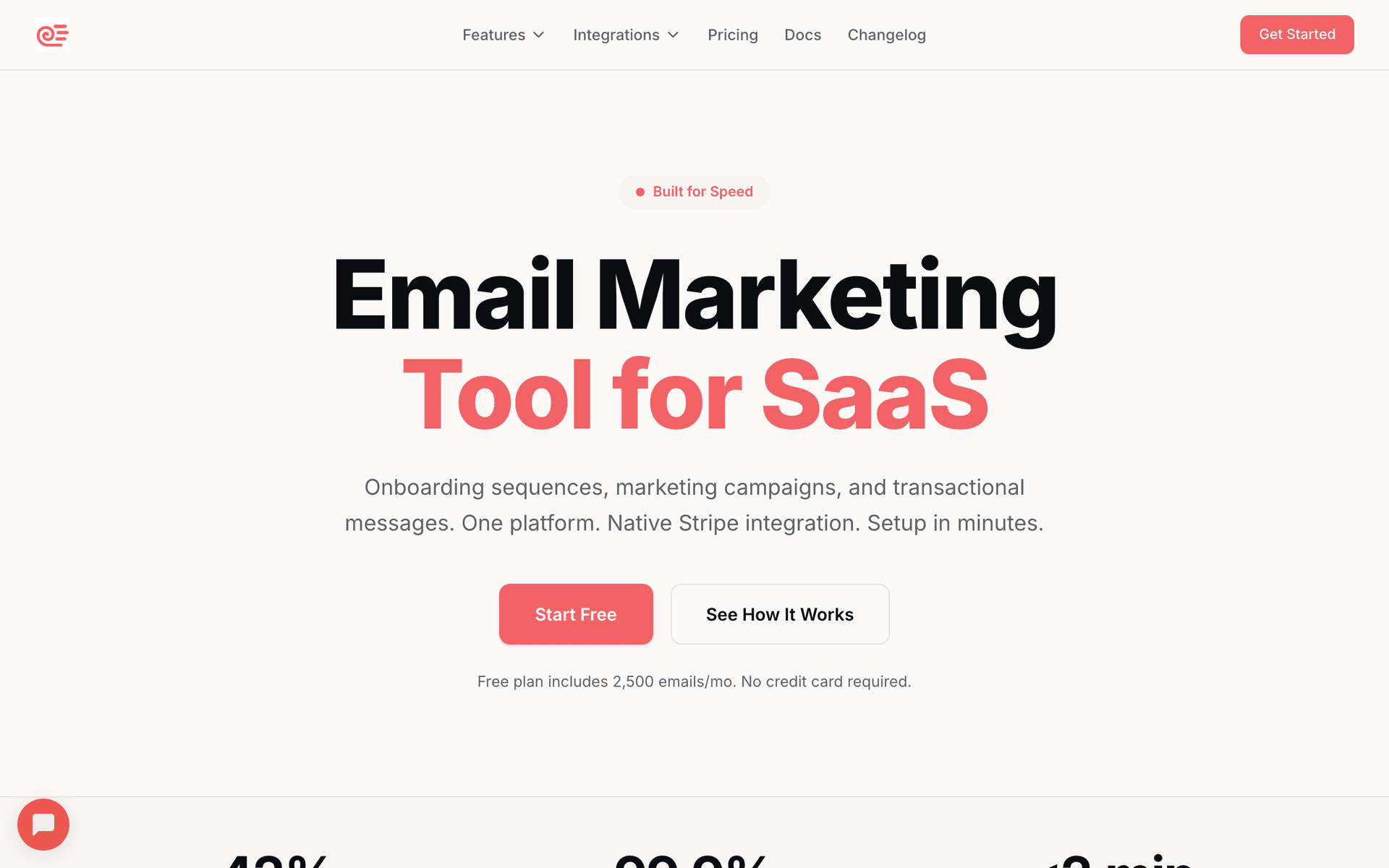
Sequenzy is the best fit for most golf instructors because AI generates lesson follow-ups and practice tip sequences in seconds, and the free tier lets you start without any cost. MailerLite is a great alternative if you want a generous free plan with landing pages for clinic signups. If you share video tips and instructional content regularly, ConvertKit (Kit) is purpose-built for that creator approach.

Why Golf Instructors Need Email Marketing

Keep Students Engaged

Students who stay connected improve faster. Email practice tips and encouragement between lessons to keep them motivated.

Fill Slow Seasons

Winter can be slow. Email promotions for indoor lessons, video analysis, and off-season training fill your calendar.

Promote Clinics and Packages

Group clinics, junior programs, and lesson packages need marketing. Email reaches students who actually want to improve.

Build Long-Term Relationships

Golf improvement takes years. Email maintains relationships through seasons, life changes, and playing phases.

Golf Instructors Email Marketing Benchmarks

Know these numbers before you start. They'll help you set realistic goals and pick the right tool.

30-38%
Average Open Rate

Golf instruction emails perform well because the relationship is personal. Students who know their instructor open emails at high rates, especially when subject lines reference their specific game.

4-7%
Average Click Rate

Practice tip emails and video content drive strong click rates. Promotional emails for clinics and packages average 3-4%, while helpful content emails reach 6-7%.

Tuesday or Thursday 7-9am
Best Send Time

Golfers tend to engage with email in the morning before work. Tuesday and Thursday mornings avoid Monday inbox overload and Friday weekend planning.

25-40%
Rebooking Rate from Reminders

Automated rebooking reminders sent 1-2 weeks after a lesson generate a 25-40% rebooking rate. This is the single most revenue-impacting automation for golf instructors.

Important Tips Before You Choose

Lessons from golf instructorswho've been doing this for years. Save yourself the trial and error.

Send Practice Plans After Every Lesson

The single highest-impact email you can send is a post-lesson recap with 2-3 specific drills. Students who practice between lessons improve faster, stay motivated, and rebook more consistently. Automate this with a template you customize after each session.

Use Pet Names for Seasonal Promotions

Seasonal offers work best when they address the golfer's specific pain point. 'Fix your short game before spring' converts better than 'Spring lesson special.' Reference the area of their game they are working on if your email tool supports custom fields.

Build a Waiting List Email for Peak Season

When your spring and summer slots fill up, create a waiting list signup landing page. Email the waiting list first when cancellations happen. This creates urgency and ensures you never have empty slots during prime season.

Video Thumbnails Get Clicks

Embedding a screenshot of a drill video with a play button overlay gets dramatically higher click rates than text links. Use short 30-60 second tip videos hosted on YouTube and link to them from your emails.

Segment by Skill Level and Goals

A 25-handicapper working on their grip needs different content than a single-digit player refining their wedge game. Tag students by skill level and primary goals so your tips and promotions are relevant. Generic advice gets ignored.

Holiday Gift Certificate Campaigns Start in November

Golf lessons are a popular gift. Start promoting gift certificates in early November, not December. Send reminders at Thanksgiving, early December, and a last-chance email before Christmas shipping deadlines. Father's Day is your second biggest gift opportunity.

13 Best Email Marketing Tools for Golf Instructors

Our Top Pick for Golf Instructors
#1
Sequenzy

AI-powered email marketing for service businesses.

Visit

Sequenzy is built for service businesses like golf instruction where you need automation that works without constant attention. The AI sequence builder creates post-lesson follow-ups, practice tip series, and seasonal promotions in seconds - just describe what you want and it generates a complete email sequence. The free tier gives you 2,500 emails per month, which is plenty for most solo instructors with up to 100 active students. When you grow, $29/month gets you 50,000 emails with unlimited contacts, so you never pay more as your student list builds over the years. The interface is simple enough to use on your phone between lessons. Direct founder support means you actually get help when you need it, not a chatbot.

Best for
Golf instructors wanting automated student communication
Pricing
Free up to 2,500 emails/mo, then $29/mo for 50K emails (unlimited contacts)

Pros

  • AI writes instruction sequences
  • Simple interface
  • Pay per emails sent
  • Direct founder support

Cons

  • Launched in 2025, less track record
  • No built-in SMS
  • Fewer templates
#2
Mailchimp

Popular platform with broad integrations.

Visit

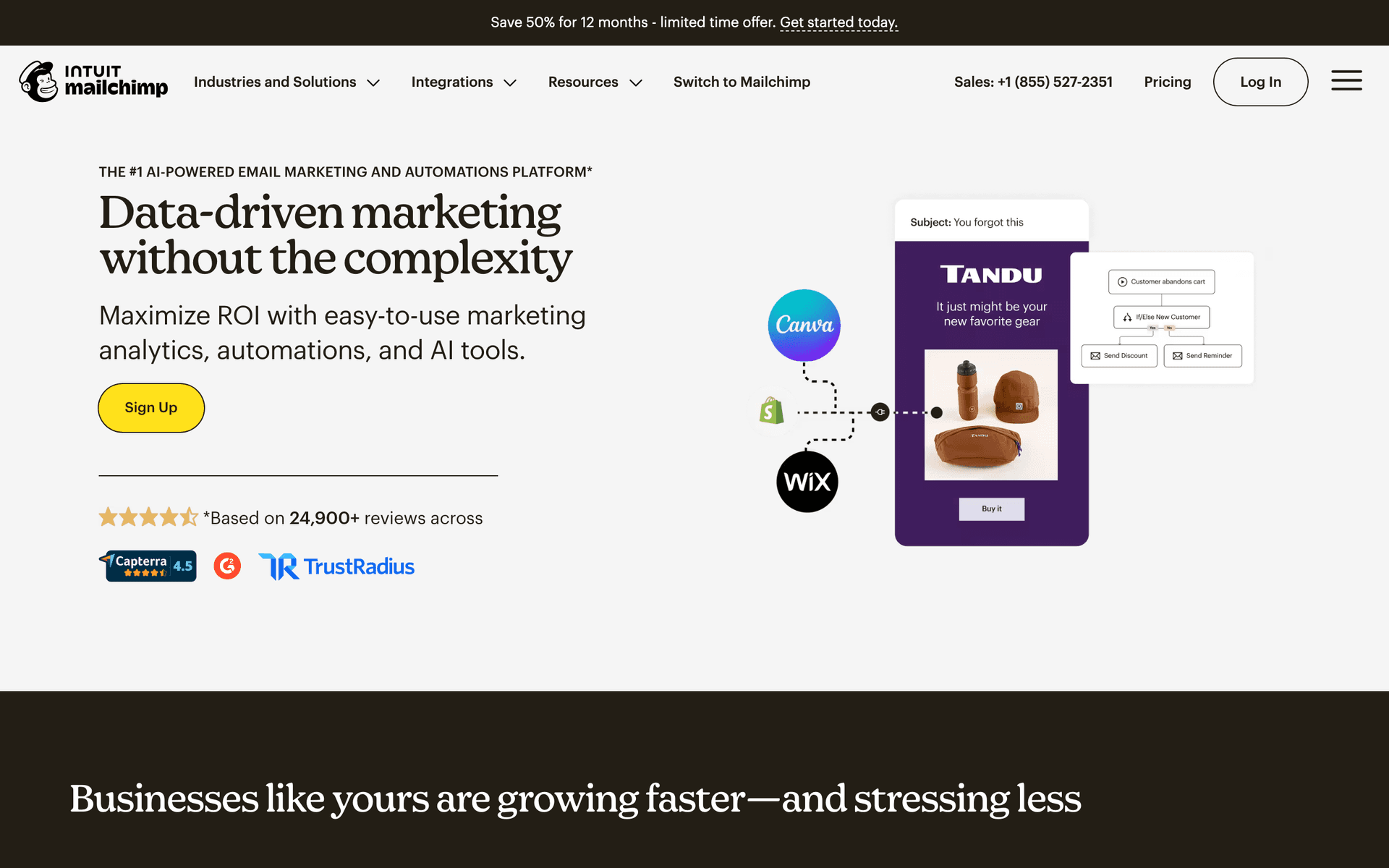
Mailchimp is what many golf instructors try first because the name is familiar. The template library works for lesson promotions and monthly newsletters, and the drag-and-drop editor is straightforward. Where frustration builds is pricing - once your student list passes 500 contacts (easy to accumulate over a few seasons of teaching), costs jump quickly. The free tier is limited to 500 contacts, which most active instructors outgrow within their first year. Automation is decent for basic welcome and follow-up sequences but nothing that understands the rhythm of golf instruction specifically. Good for getting started if you want something familiar, but plan to migrate when costs become an issue.

Best for
Golf instructors wanting a well-known platform
Pricing
Free up to 500 contacts, then $13-350/month

Pros

  • Many templates
  • Broad integrations
  • Strong deliverability
  • Good analytics

Cons

  • Gets expensive
  • Not instruction-focused
  • Support declined
  • Interface overwhelming
#3
MailerLite

Clean and affordable for newsletters.

Visit

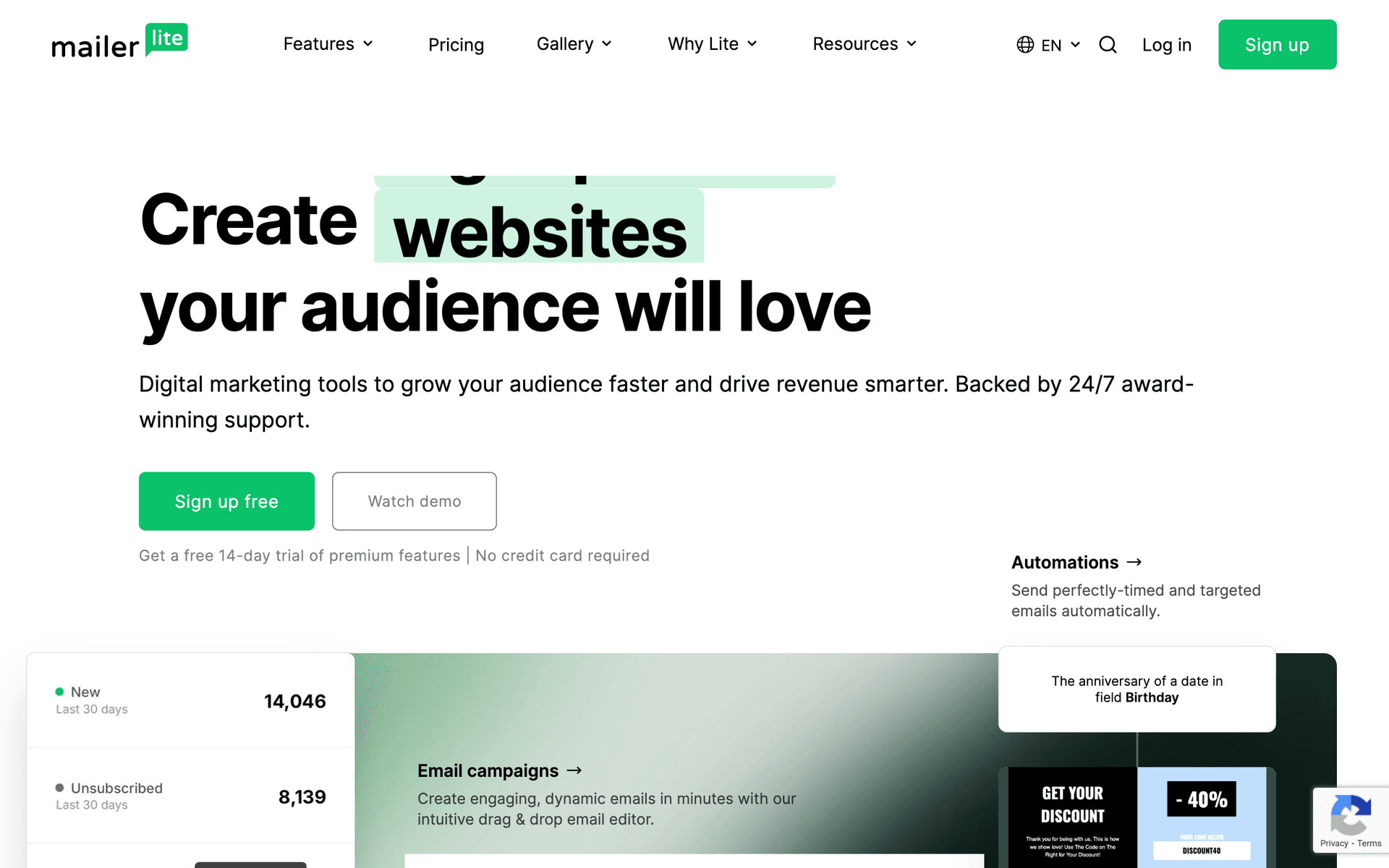
MailerLite is the best value option for golf instructors who want simplicity and affordability. The clean interface makes creating lesson promotions and student newsletters quick. The landing page builder is particularly useful for clinic and workshop signups - create a page for your spring short game clinic, share the link, and capture registrations with email addresses automatically. The free tier covers 1,000 subscribers with basic automation, which handles a solo instructor's needs for the first couple of years. When you upgrade, plans start at just $10/month. The approval process can be strict (they verify your business before activating), but once approved, it just works.

Best for
Golf instructors wanting simplicity
Pricing
Free up to 1,000 subscribers, then from $10/month

Pros

  • Very affordable
  • Clean interface
  • Good landing pages
  • Generous free tier

Cons

  • Strict approval
  • Limited features
  • Basic reporting
  • Approval time
#4
ConvertKit

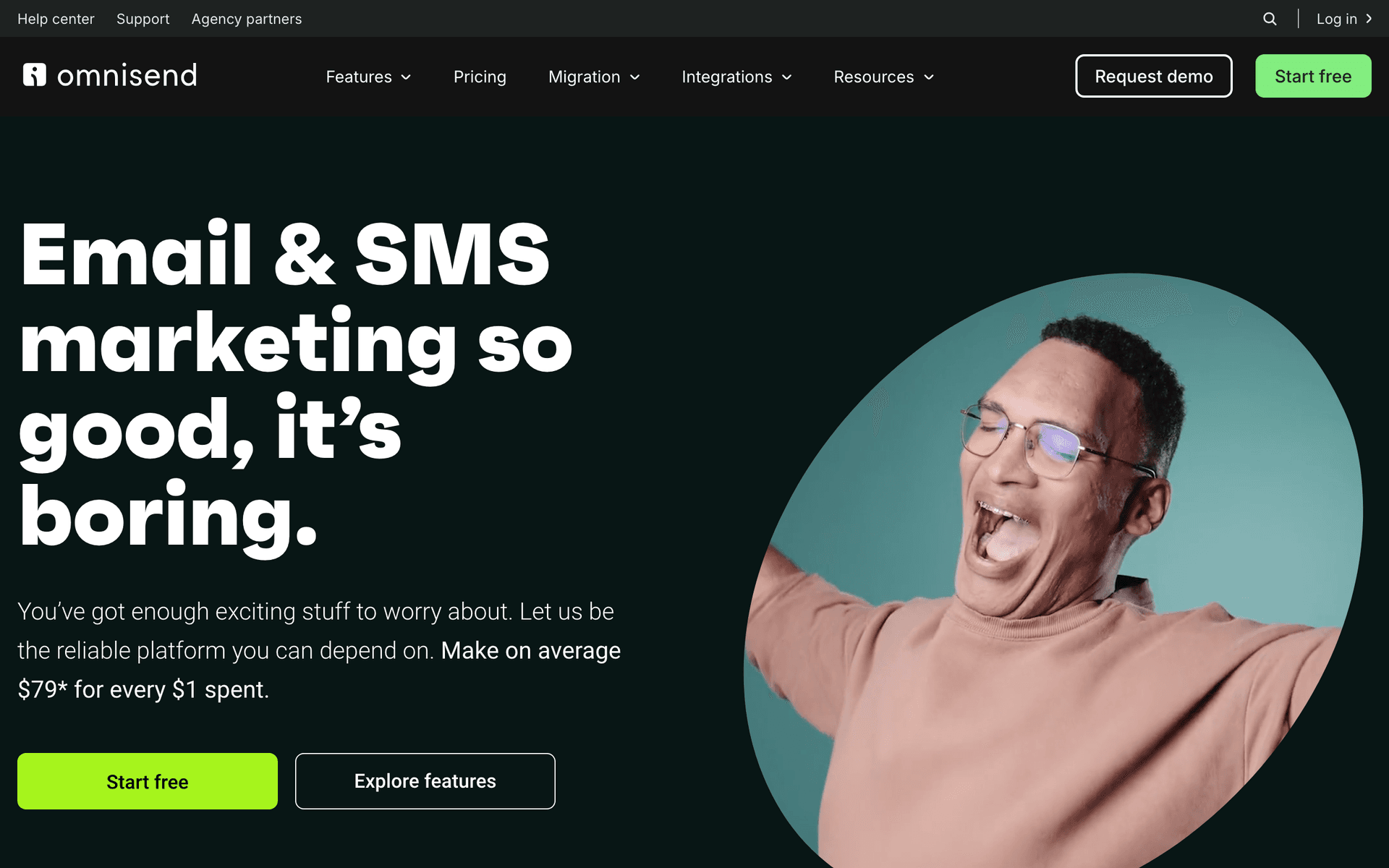
Built for creators who share content.

Visit

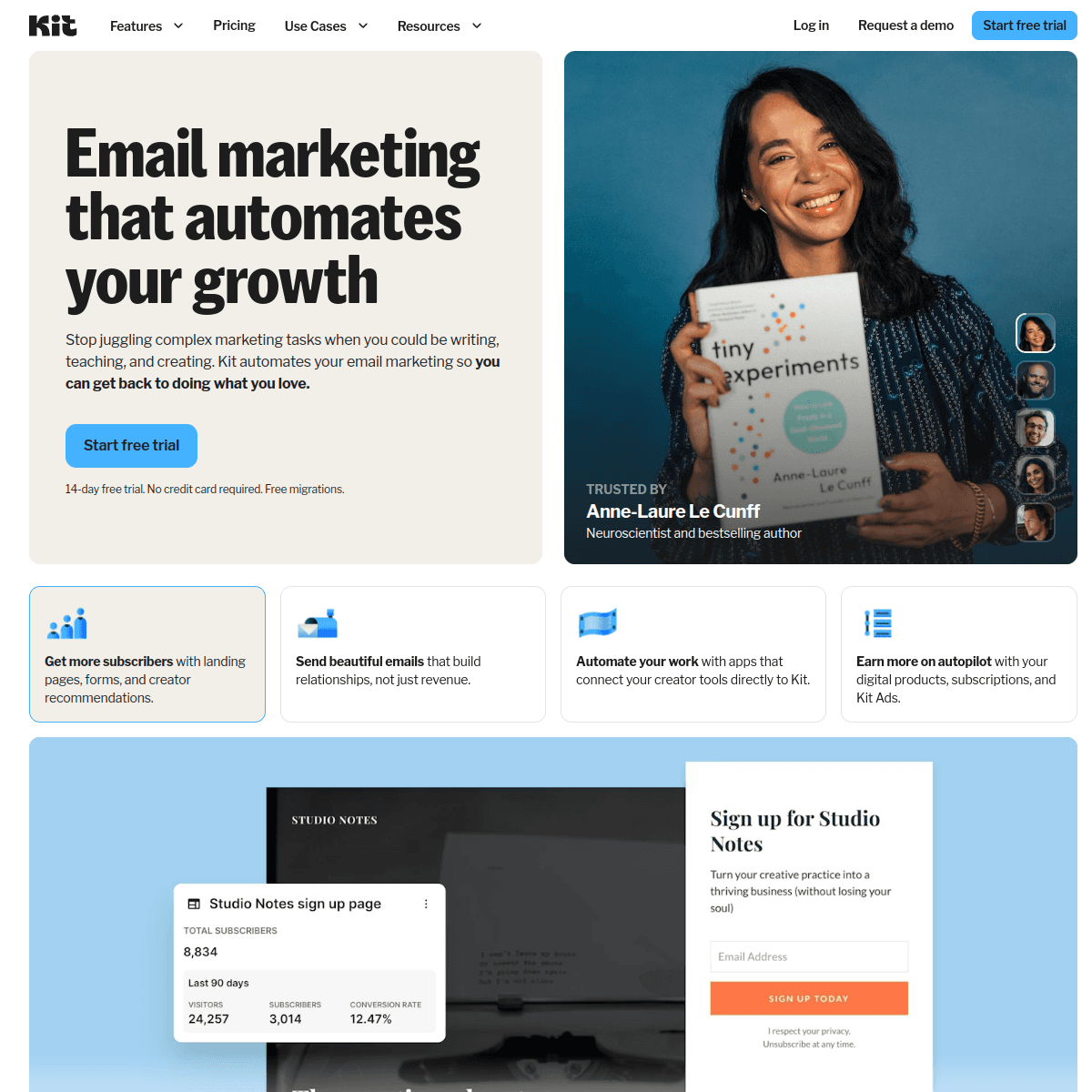
ConvertKit (now Kit) works well if you are the type of instructor who shares golf tips regularly through a newsletter, creates video content, or builds an audience beyond just your local students. The platform is designed for creators who build a following through valuable content, and the newsletter format suits teaching content perfectly. Tag-based automation lets you segment by what students are interested in - short game, driving, course management - and deliver targeted tips. If you are building a golf instruction brand that extends beyond in-person lessons (online courses, tip subscriptions, YouTube audience), Kit is the best fit. If you just need basic lesson reminders and seasonal promotions, it is more than you need.

Best for
Golf instructors who share tips and content
Pricing
Free up to 1,000 subscribers, then from $29/month

Pros

  • Creator-focused
  • Great newsletters
  • Tag automation
  • Creator community

Cons

  • Minimal design
  • Less visual focus
  • Expensive at scale
  • No free landing pages
#5
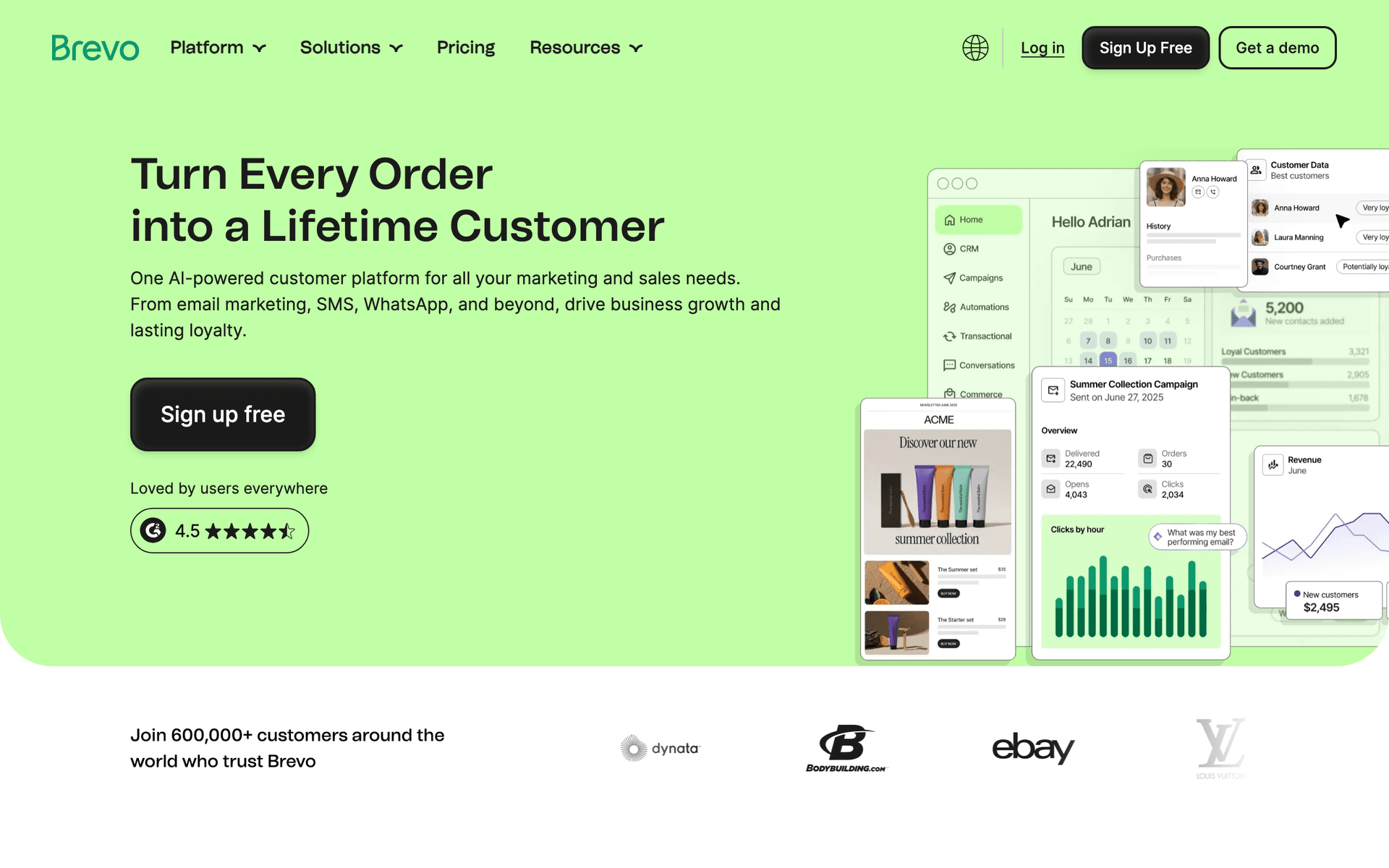
Brevo

Good value with SMS included.

Visit

Brevo is a solid budget option for golf instructors who want both email and SMS from one platform. The free tier gives you 300 emails per day, which covers most solo instructors. SMS is included, which is valuable for day-before lesson reminders that get higher open rates than email. The automation handles basic welcome sequences and lesson follow-ups. For instructors who want to text students about schedule changes or same-day openings while also sending email newsletters, Brevo handles both without needing two separate tools. The interface is not as clean as MailerLite, but the SMS inclusion justifies the trade-off.

Best for
Budget-conscious golf instructors
Pricing
Free up to 300 emails/day, then from $25/month

Pros

  • SMS included
  • Generous free tier
  • Good automation
  • Transactional email

Cons

  • Daily limits
  • Support slow
  • Limited integrations
  • Branding on free
#6
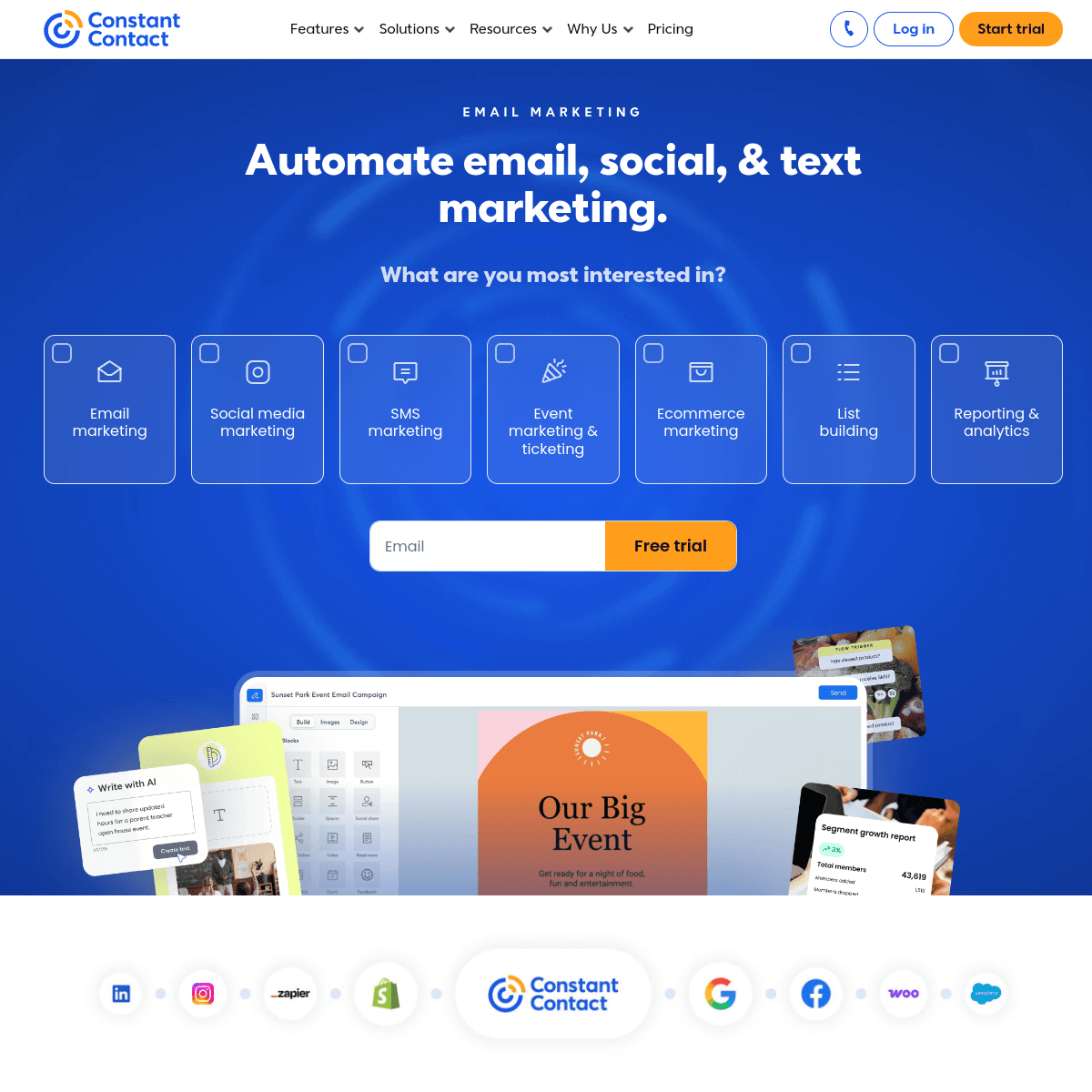
Constant Contact

Reliable with phone support.

Visit

Constant Contact is the option for golf instructors who want someone to call when they get stuck. The phone support is genuinely helpful, which matters when you are a golf pro learning email marketing, not a marketer. The event features are useful for clinic and tournament signups. Templates are straightforward and professional. The downside is limited automation - you cannot build the kind of sophisticated post-lesson sequences that Sequenzy or ActiveCampaign offer. If you mainly send monthly newsletters and occasional event promotions, and you value being able to pick up the phone for help, Constant Contact serves that need well.

Best for
Golf instructors wanting phone support
Pricing
From $12/month for 500 contacts

Pros

  • Easy to use
  • Phone support
  • Event features
  • Reliable

Cons

  • Limited automation
  • Templates dated
  • Higher prices
  • Not instruction-focused
#7
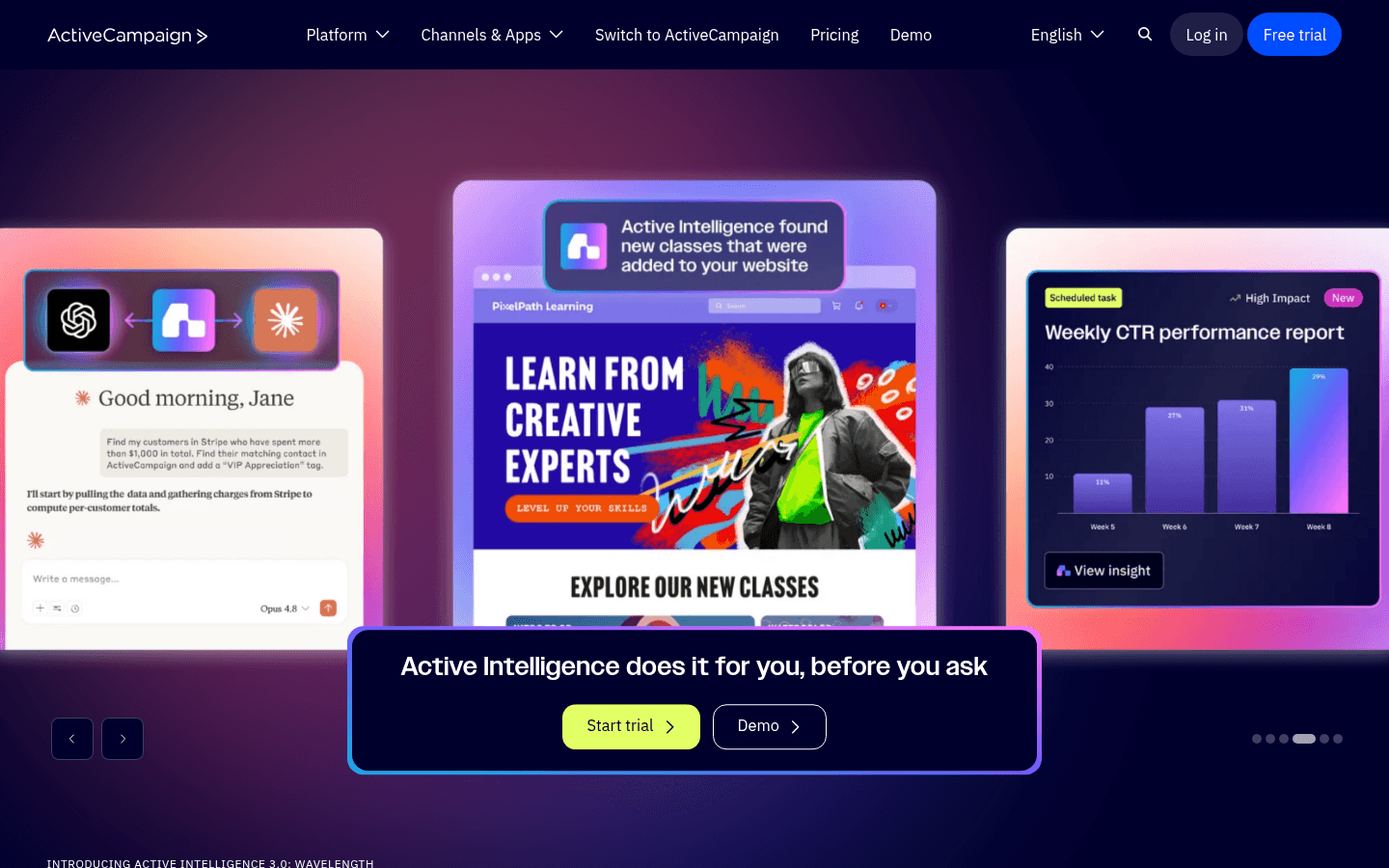
ActiveCampaign

Powerful automation for growing businesses.

Visit

ActiveCampaign offers the most powerful automation on this list, and it makes sense for larger golf academies with multiple instructors. Segment students by skill level, preferred instructor, lesson frequency, program type (individual, group, junior), or improvement goals. Build sequences that automatically adapt based on student behavior - if they open a short game tip, send more short game content. The CRM tracks every student interaction. For a solo instructor giving 25 lessons a week, this is overkill and the learning curve is not worth it. For an academy with 3-5 instructors and hundreds of active students, the organizational power pays off.

Best for
Golf academies with multiple instructors
Pricing
From $29/month for 1,000 contacts

Pros

  • Excellent automation
  • CRM included
  • Great deliverability
  • Detailed tracking

Cons

  • Steep learning curve
  • Complex interface
  • Price jumps
  • Overkill for most
#8
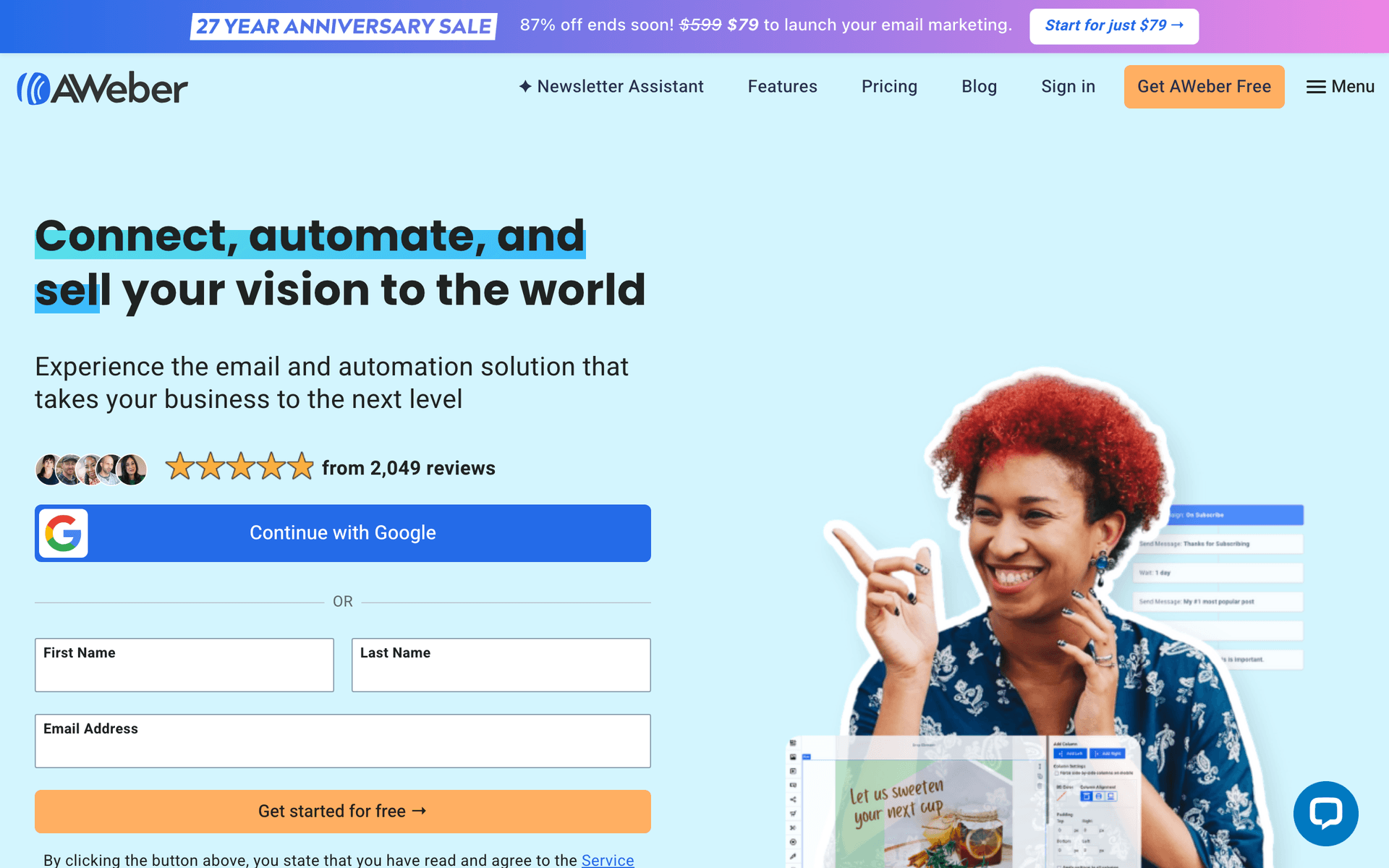
AWeber

Simple and reliable for newsletters.

Visit

AWeber has been around since 1998 and feels like it. The interface is dated compared to modern tools, but the deliverability is excellent - your emails actually reach inboxes. For golf instructors who want to send a monthly tips newsletter and the occasional promotion without learning a complex platform, AWeber handles the basics reliably. It is the email equivalent of a trusty old putter - not flashy, but it works.

Best for
Golf instructors wanting reliability
Pricing
Free up to 500 subscribers, then from $15/month

Pros

  • Reliable
  • Simple
  • Good support
  • Track record

Cons

  • Dated
  • Limited automation
  • Basic templates
  • Little innovation
#9
GetResponse

All-in-one with webinar capability.

Visit

GetResponse stands out for golf instructors who do virtual lessons or online clinics because it includes webinar hosting. If you run online swing analysis sessions, virtual group clinics, or off-season webinars on course management, you can host the webinar and send all the promotional and follow-up emails from one platform. The landing page builder works well for clinic registration pages. For instructors who do not do any virtual teaching, the webinar feature goes unused and you are paying for something you do not need.

Best for
Golf instructors doing virtual lessons
Pricing
From $19/month for 1,000 contacts

Pros

  • Webinar hosting
  • Landing pages
  • Automation
  • Competitive pricing

Cons

  • Busy interface
  • Editor basic
  • Support varies
  • Features scattered
#10
Campaign Monitor

Beautiful templates for visual content.

Visit

Campaign Monitor has some of the best-looking email templates available. If you take before-and-after swing photos, share course photography, or want your emails to have a premium visual feel that matches a high-end instruction brand, Campaign Monitor makes your emails look professional without design skills. Your swing improvement comparisons and student success stories will look polished. The trade-off is limited automation and per-contact pricing that adds up as your student list grows.

Best for
Golf instructors prioritizing visual presentation
Pricing
From $9/month for 500 contacts

Pros

  • Beautiful templates
  • Great for photos
  • Reliable delivery
  • Professional look

Cons

  • Contact pricing
  • Limited automation
  • Gets expensive
  • Not instruction-specific
#11
Drip

E-commerce focused for online courses.

Visit

Drip is built for online sales, which makes it relevant only if you sell online courses, video instruction packages, or digital products like training plans. It tracks exactly which emails drive course purchases and can automate upsell sequences from a $49 video course to a $299 comprehensive program. At $39/month minimum, only consider Drip if digital product sales are a significant revenue stream for your instruction business. For in-person-only instructors, there are much better and cheaper options on this list.

Best for
Golf instructors with online courses
Pricing
From $39/month for 2,500 contacts

Pros

  • Revenue tracking
  • Strong automation
  • E-commerce features
  • Analytics

Cons

  • Built for e-commerce
  • Expensive
  • Learning curve
  • Overkill for in-person
#12
HubSpot

Enterprise solution for large operations.

Visit

HubSpot is enterprise-grade marketing software that makes sense for large golf academies with dedicated marketing staff, multiple locations, and hundreds of active students. The full CRM tracks every student interaction, and the reporting is comprehensive. For a solo instructor or small academy, HubSpot is massive overkill - you will spend more time learning the platform than teaching golf. The free CRM is useful if you just want contact management, but the email marketing features require paid plans starting at $50/month.

Best for
Large golf academies only
Pricing
Free basic, paid from $50/month

Pros

  • Full CRM
  • Great for teams
  • Reporting
  • Integrations

Cons

  • Overkill
  • Expensive
  • Complex
  • Lock-in
#13
Moosend

Budget-friendly with good features.

Visit

Moosend is the budget underdog starting at just $9/month. You get automation workflows for lesson follow-ups, landing pages for clinic signups, and decent reporting. For golf instructors just starting with email marketing who want to keep costs as low as possible while still having real automation capabilities, Moosend delivers more than expected at this price point. The trade-off is a smaller user community, fewer integrations, and a less polished interface than the bigger names.

Best for
Very price-conscious golf instructors
Pricing
From $9/month for 500 subscribers

Pros

  • Very affordable
  • Good automation
  • Responsive support
  • Landing pages

Cons

  • Less known
  • Limited integrations
  • Smaller templates
  • Fewer features

Feature Comparison

FeatureSequenzyMailchimpMailerLiteConvertKit
Lesson reminders
Practice tips
AI content
Drag-and-drop editor
Automation
Landing pages
Free tier available

Common Mistakes to Avoid

We see these mistakes over and over. Skip the learning curve and avoid these from day one.

Only Emailing When You Need to Fill Slots

If every email is a sales pitch for lessons, students tune out. Mix in helpful practice tips, course management advice, and equipment insights so that when you do promote a clinic or package, students are engaged and receptive.

Forgetting Off-Season Communication

Many instructors go silent from November through February and wonder why spring bookings are slow. Off-season emails about indoor practice, mental game tips, and fitness drills keep you top of mind so students book immediately when the season starts.

Not Collecting Emails from Every Inquiry

Someone who calls to ask about lessons but does not book is still a warm lead. Capture their email and put them in a nurture sequence. Many will book after receiving a couple of helpful tips that demonstrate your expertise.

Sending the Same Content to Beginners and Advanced Players

A beginner who just started lessons does not want to read about shot shaping, and an advanced player does not need grip basics. Segment your list by skill level - even just beginner, intermediate, and advanced - to keep content relevant.

Ignoring Referral Requests

Most golf instructors never systematically ask for referrals. Set up an automated email that goes out after a student has a breakthrough lesson or finishes a package. Happy students refer friends, but only when you make it easy and ask at the right time.

Email Sequences Every Golf Instructor Needs

These are the essential automated email sequences that will help you grow your business and keep clients coming back.

New Student Welcome

When student books first lesson

Welcome new students and prepare them for success.

Immediately
Welcome to your golf journey, {{first_name}}!

Welcome message. What to expect. First lesson prep.

Day 1
What to bring to your first lesson

Equipment checklist. Arrival time. What we will cover.

After first lesson
Great start! Here's your practice plan

Recap of lesson. Practice drills. Next steps.

Post-Lesson Follow-Up

After each lesson

Reinforce learning and encourage practice.

Same day
Today's lesson recap and practice tips

Key points covered. Practice drills. Video links if applicable.

Day 4
How is practice going, {{first_name}}?

Check in. Encouragement. Schedule next lesson prompt.

Re-engagement for Inactive Students

30 days since last lesson

Bring back students who have not scheduled recently.

30 days
Miss the range, {{first_name}}?

Friendly check-in. What is new. Special offer to return.

60 days
Spring tune-up special

Seasonal offer. Get back to your game. Easy booking link.

Clinic Promotion

Before group clinics

Fill group clinics and junior programs.

3 weeks before
{{clinic_name}} starting soon

Clinic details. What you will learn. Registration link.

1 week before
Only {{spots}} spots left for {{clinic_name}}

Urgency. Final details. Sign up now.

How to Choose the Right Email Tool

Simplicity matters. Between lessons and the range, you need tools that work quickly. If you spend more than 15 minutes per email, it is too complicated.

Content friendly. If you share tips and videos, choose platforms that handle multimedia well and make images look good.

Budget conscious. Solo instructors need affordable tools that grow with their student base. Calculate cost at your expected list size in 2-3 years, not just today.

What Works for Golf Instruction Marketing

Follow-up drives retention. Post-lesson emails with practice plans keep students engaged and improving. This is not optional - it is the single most impactful email you can send. Students who receive a same-day recap with drills rebook at significantly higher rates.

Tips build trust. Regular helpful content positions you as an expert worth learning from. A weekly or bi-weekly tip email keeps you in students' minds between lessons.

Seasonal promotions fill gaps. Off-season packages and clinics keep revenue steady year-round. Start marketing them early - October for winter programs, not January when the slow season has already started.

Golf Instruction Email Strategies That Work

The Post-Lesson System

The most valuable email system for any golf instructor is the post-lesson follow-up. Here is how to build it:

  1. After each lesson, spend 2 minutes noting the key focus areas and 2-3 drills
  2. Use your email tool's template system to create a standard format with placeholders
  3. Customize the template with the specific drills and send it same-day or next morning
  4. Set an automated follow-up for 4-5 days later checking on practice progress
  5. Include a rebooking link in the practice check-in email

This system takes less than 5 minutes per student and dramatically increases rebooking rates.

Building Your Off-Season Revenue

Winter does not have to mean zero income. Here are the off-season services that sell well through email:

  • Indoor lessons at a simulator facility or indoor range
  • Video swing analysis where students send videos and you respond with markup and commentary
  • Mental game workshops covering course management, pre-shot routines, and competitive mindset
  • Fitness and flexibility programs partnered with a local trainer
  • Online group clinics covering rules, etiquette, or course strategy

Start promoting these in October with a "prepare for next season" angle.

The Clinic Fill Strategy

Group clinics are profitable but only if they fill. Here is the email sequence that works:

  1. 6 weeks out: Announce the clinic to your full list with early bird pricing
  2. 4 weeks out: Share a testimonial from a past clinic participant
  3. 2 weeks out: Update with remaining spots and a "bring a friend" offer
  4. 1 week out: Final urgency email with specific spots remaining
  5. Day after: Thank attendees and offer a follow-up private lesson discount

Junior Program Marketing

Parents, not kids, make the decision and pay. Your junior program emails should:

  • Address parents' goals (social skills, outdoor activity, life skills) not just golf skills
  • Include photos of smiling kids on the course (with parent permission)
  • Highlight safety, qualified instruction, and supervision
  • Offer family packages where a parent can take lessons too
  • Send during early spring when parents are planning summer activities

What a Healthy Student Email List Looks Like

For a solo golf instructor, a healthy email list typically looks like:

  • 100-300 active students who have taken lessons in the past 12 months
  • 200-500 past students who have not been active recently but could return
  • 50-150 inquiries who asked about lessons but have not booked
  • Open rates above 30% for your regular tips and newsletters
  • Rebooking rates of 25-40% from automated post-lesson reminders
  • Unsubscribe rate below 0.5% per send

If your list is smaller, focus on collecting emails from every inquiry and student. If your open rates are below 25%, your content may be too generic or you may be sending too infrequently.

Getting Started

  1. Collect emails from every student and inquiry
  2. Set up post-lesson follow-up automation
  3. Create monthly tips newsletter template
  4. Plan seasonal clinic promotions
  5. Build a re-engagement campaign for lapsed students
  6. Set up a holiday gift certificate campaign

Start simple and expand later. The post-lesson follow-up alone is worth the effort of setting up an email tool.

How We Evaluated These Tools

Tools were evaluated for golf instruction businesses based on ease of use between lessons, automation capabilities for post-lesson follow-ups and seasonal campaigns, affordability for solo instructors, and the ability to handle multimedia content like video tips and swing photos.

Frequently Asked Questions

Ready to grow your golf instructor practice?

Start your free trial today. Set up your first email sequence in minutes with AI-powered content generation.

Related Industries

Sequenzy - Complete Pricing Guide

Pricing Model

Sequenzy uses email-volume-based pricing. You only pay for emails you send. Unlimited contacts on all plans — storing subscribers is always free.

All Pricing Tiers

  • 2.5k emails/month: Free (Free annually)
  • 15k emails/month: $19/month ($205/year annually)
  • 60k emails/month: $29/month ($313/year annually)
  • 120k emails/month: $49/month ($529/year annually)
  • 300k emails/month: $99/month ($1069/year annually)
  • 600k emails/month: $199/month ($2149/year annually)
  • 1.2M emails/month: $349/month ($3769/year annually)
  • Unlimited emails/month: Custom pricing (Custom annually)

Yearly billing: All plans offer a 10% discount when billed annually.

Free Plan Features (2,500 emails/month)

  • Visual automation builder
  • Transactional email API
  • Reply tracking & team inbox
  • Goal tracking & revenue attribution
  • Dynamic segments
  • Payment integrations
  • Full REST API access
  • Custom sending domain

Paid Plan Features (15k - 1.2M emails/month)

  • Visual automation builder
  • Transactional email API
  • Reply tracking & team inbox
  • Goal tracking & revenue attribution
  • Dynamic segments
  • Payment integrations (Stripe, Paddle, Lemon Squeezy)
  • Full REST API access
  • Custom sending domain

Enterprise Plan Features (Unlimited emails)

  • Visual automation builder
  • Transactional email API
  • Reply tracking & team inbox
  • Goal tracking & revenue attribution
  • Dynamic segments
  • Payment integrations
  • Full REST API access
  • Custom sending domain

Important Pricing Notes

  • You only pay for emails you send — unlimited contacts on all plans
  • No hidden fees - all features included in the price
  • No credit card required for free tier

Contact

  • Pricing Page: https://sequenzy.com/pricing
  • Sales: hello@sequenzy.com