
Welcome Sequence Generator: Plan Onboarding Emails From Signup Context

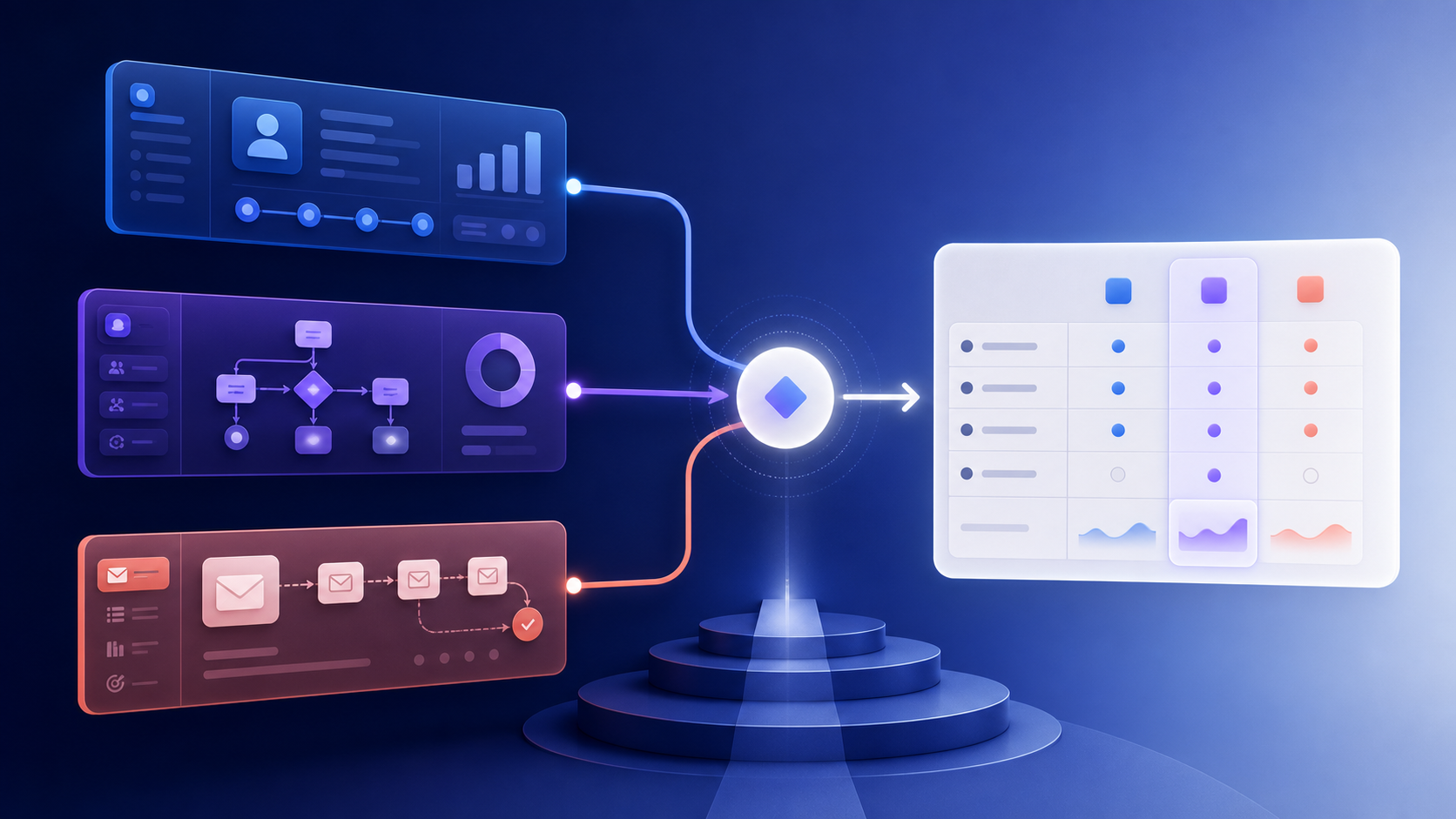
A welcome sequence is onboarding, not an autobiography about the company. Each message should help a new user reach the next meaningful milestone.
Inputs
| Input | Example |
|---|---|
| Signup event | Workspace created |
| Role or use case | Ecommerce marketer |
| Plan or product | Starter plan |
| Completed steps | Form connected |
| Activation milestone | First campaign sent |
| Constraints | No discount, five-day window |
| Exits | Activation, deletion, unsubscribe |
If role or use case is unknown, use a neutral onboarding path instead of guessing.
Sequence design
| Step | When | Job |
|---|---|---|
| Welcome | Immediately | Confirm context and first action |
| Setup help | If incomplete | Remove the next blocker |
| Example | After engagement | Show a relevant outcome |
| Support | After inactivity | Offer help or a simpler path |
| Milestone | After activation | Confirm progress and next capability |
The sequence should branch on product events. A customer who completed setup should not receive setup reminders.
Generator instruction
Create a welcome sequence for the supplied signup context.
Return one milestone per email, trigger, delay, branch, exit,
required data, fallback copy, CTA, and metric.
Do not invent features, outcomes, testimonials, or deadlines.
QA
Test new signup, activated user, inactive user, missing role, trial ending, deleted account, and unsubscribe. Review for repeated CTAs, unsupported claims, and messages that continue after the milestone.
Measure activation, time to value, support contacts, and unsubscribe. A short sequence that helps the right users is better than a long sequence that sends by calendar alone.
Generate from a milestone map
The generator should first ask what “welcome” is meant to achieve. A newsletter subscriber may need a preference confirmation; a SaaS user may need to connect a data source; an ecommerce customer may need order and delivery clarity. These are different programs even if they share a friendly subject line.
| Signup context | First milestone | Useful branch |
|---|---|---|
| New SaaS workspace | Complete the first setup action | Role-specific setup help |
| Trial account | Reach first meaningful result | Help after an error or inactivity |
| Newsletter subscriber | Choose topics or read a first issue | Preference or digest path |
| First ecommerce order | Receive and understand the order | Shipping and product-use guidance |
| Event registration | Attend or prepare | Reminder and calendar details |
Require the event that proves the milestone. If activation is “first campaign sent,” do not use a page view as a proxy merely because it is available.
Avoid calendar-only branches
After each message, check the current state. A user who completed setup should move to education; a user with an open support case should receive help; a deleted account should exit. Use a global frequency budget so welcome mail does not pile up with order, billing, or security messages.
Keep role-specific copy grounded in supplied context. If role is missing or contradictory, use a neutral path and ask the user to choose a goal rather than guessing.
Evaluate time to value
Test duplicate signup events, activation before the first send, missing optional data, a trial ending, consent withdrawal, and an event arriving out of order. Measure milestone completion and time to value with a holdout, then review support contacts, unsubscribe rate, and duplicate enrollment. A useful welcome generator produces a small state-aware onboarding plan with clear exits.