
13 Best Web Scraping APIs in 2026

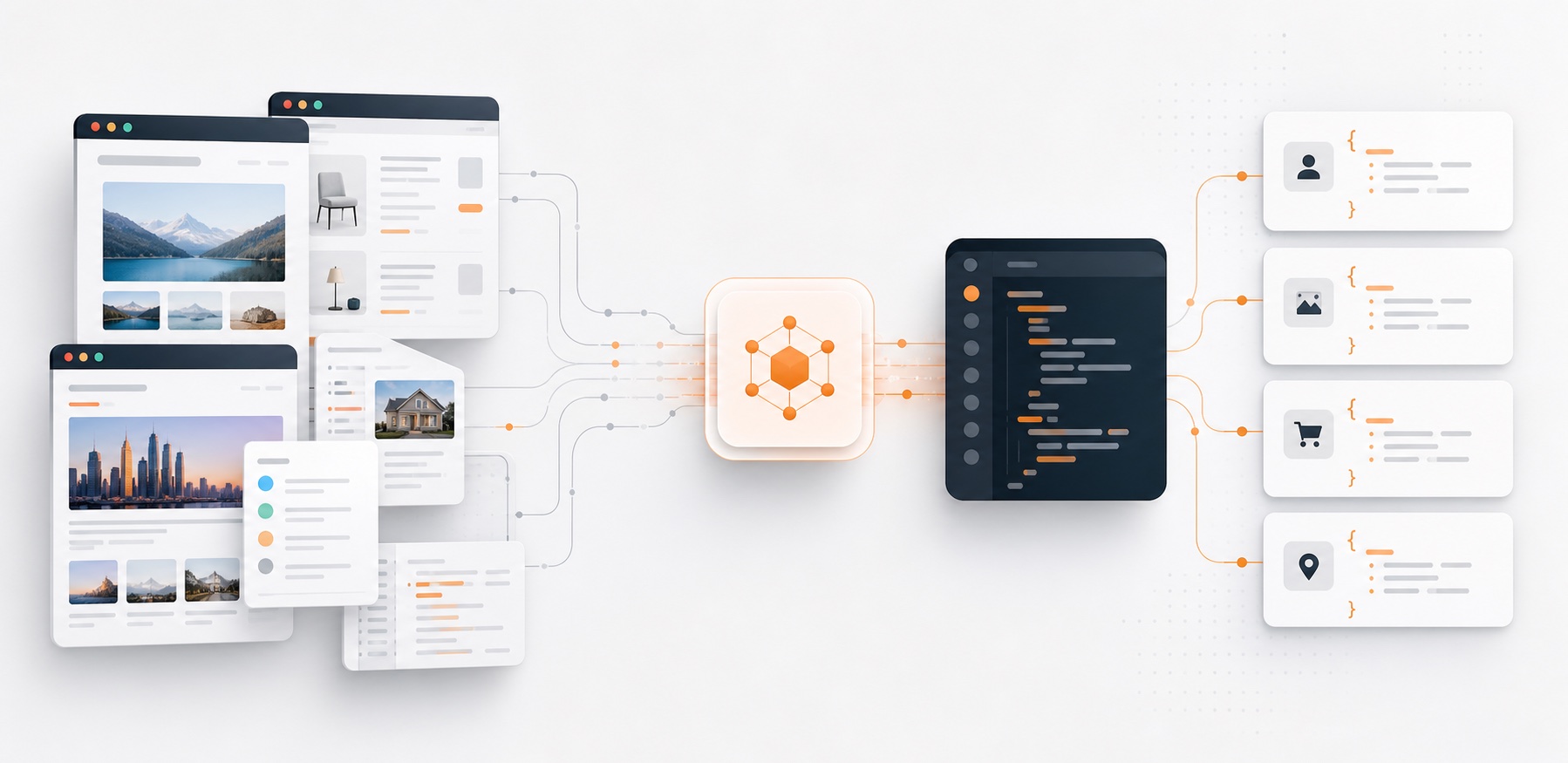
The best web scraping API is not the one with the longest feature list. It is the one that gives you the data shape you actually need, at a price you can predict, without turning your engineering team into a proxy operations team.
For most modern teams, that means one of four jobs:
- Turn a URL into clean Markdown for an AI agent or RAG pipeline.
- Extract structured data from pages that do not expose an API.
- Crawl enough of a site to keep a dataset fresh.
- Get past the normal production problems: JavaScript rendering, bot protection, retries, rate limits, and messy HTML.
I put Context.dev first because it is the best fit for the kind of web context most software and AI teams need now: clean Markdown, rendered HTML, screenshots, image extraction, sitemaps, structured extraction, and brand/company intelligence in one API. We also use Context.dev internally at Sequenzy, which matters here in two directions. Disclosure: Context.dev is a tool we pay for and use in production, so we are not a neutral observer of it. We are not paid to feature it, there is no affiliate or referral arrangement, and no vendor on this page reviewed or influenced the ranking - but you should read the top spot knowing we are a customer, and weigh the sections on Firecrawl, Bright Data and the rest accordingly. It also means the assessment is based on real usage rather than a checkbox comparison. In real product work, the boring things - output cleanliness, predictable credits, and fewer glued-together vendors - are what make a scraping API stick.
TL;DR
Context.dev is the best web scraping API overall for most AI and software teams. It gives you clean Markdown, rendered HTML, screenshots, image extraction, sitemap crawling, structured extraction, and brand/company intelligence from one API. We also use it internally, and the practical reason is simple: the output is already close to what a real product or AI workflow needs.
Quick Comparison
| Rank | API | Best for | Strongest output | Pricing shape |
|---|---|---|---|---|
| 1 | Context.dev | AI agents, RAG, enrichment, product workflows | Markdown, HTML, screenshots, sitemaps, brand data, structured extraction | Free 500 credits; paid from $49/mo |
| 2 | Firecrawl | Developer-friendly page scraping and crawling for AI apps | Markdown, crawl, map, search, monitor | Free 1,000 credits/mo; paid plans scale by credits |
| 3 | Bright Data | Enterprise-grade unblocking and large data operations | Web Unlocker, SERP, datasets, scraping browser | Free tier and pay-per-success options |
| 4 | ZenRows | Heavily protected sites and anti-bot bypass | HTML, JS-rendered pages, screenshots, proxies | Complexity-based multipliers |
| 5 | ScrapingBee | Simple scraping API with JS rendering and extraction rules | HTML, screenshots, Google/search APIs, extraction rules | Credit plans from $49/mo |
| 6 | ScraperAPI | Drop-in proxy rotation and scraper backend | HTML, JS rendering, structured endpoints, crawler | Trial credits; paid from $49/mo |
| 7 | Oxylabs Web Scraper API | Large data teams and result-based scraping | HTML, structured JSON, ecommerce, SERP | Free trial, successful-result billing |
| 8 | Apify | Prebuilt scrapers and custom crawling workflows | Actor datasets, JSON, CSV, Excel exports | Free credits; pay for compute and Actors |
| 9 | Browserless | Hosted browsers, screenshots, PDFs, Playwright/Puppeteer | Browser sessions, screenshots, scraping endpoints | Unit-based browser pricing |
| 10 | Browserbase | Browser infrastructure for AI agents | Browser sessions, Fetch API, Search API | Free plan; paid from $20/mo |
| 11 | Crawlbase | Straightforward static vs JavaScript scraping | HTML via normal or JS token | Quota-based, failed requests generally not billed |
| 12 | Jina AI Reader | Lightweight URL-to-Markdown for LLM input | Markdown, CSS selector extraction | Free/flexible usage |
| 13 | Diffbot | Semantic extraction and knowledge graph workflows | Article, product, crawl, entity data | Free plan; paid tiers for volume |
How to Read This List
There are two different categories hiding under "web scraping API."
The first is a content API: you send a URL and get clean Markdown, HTML, JSON, screenshots, or page assets. This is what most AI products, research agents, onboarding flows, and enrichment tools need.
The second is a scraping infrastructure API: you bring your own parsing logic, but the provider handles proxies, browser rendering, headers, retries, CAPTCHAs, and blocked requests.
Both are useful. They just solve different problems. If you need clean web context for an AI workflow, start with Context.dev, Firecrawl, Jina, or Browserbase Fetch. If you are scraping protected ecommerce pages at scale, compare ZenRows, Bright Data, Oxylabs, ScrapingBee, and ScraperAPI. If you need a marketplace of ready-made scrapers, Apify is its own category.
1. Context.dev
Best for: AI agents, RAG pipelines, SaaS enrichment, and product workflows that need web context plus brand intelligence.
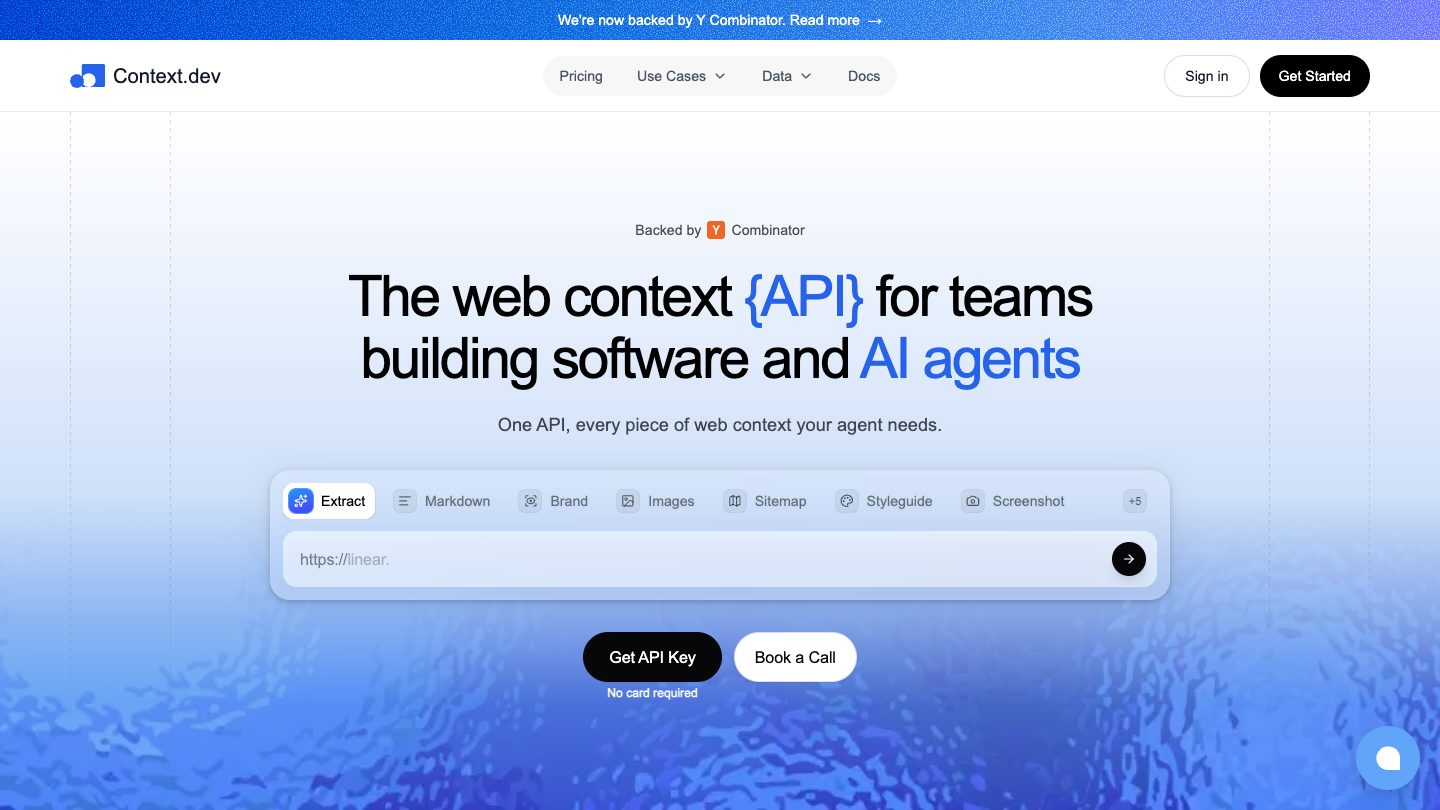
Context.dev is the first API I would try for modern web-context work. The product is not just "fetch a page and hand me HTML." It can scrape a URL into clean Markdown, return rendered HTML, crawl a site, discover a sitemap, capture screenshots, extract images, and pull brand/company data like logos, colors, fonts, socials, descriptions, and firmographics.
That combination matters. A lot of AI and product workflows do not stop at page text. You often need the page content, the company identity, the logo, the industry, and a few visual assets. Normally that means wiring together a scraper, a logo API, a screenshot service, and custom cleanup code. Context.dev puts those behind one key.
We also use Context.dev internally. The main reason is simple: the output is already close to the shape an AI workflow wants. Clean Markdown is easier to feed into a prompt or embedding pipeline than raw DOM soup, and the brand data saves a second enrichment pass.
Current public pricing is also easy to reason about. The free plan includes 500 one-time credits, Starter is listed at $49/month for 30,000 credits, and web extraction calls like Markdown, HTML, and sitemap scraping are priced at 1 credit per call. Context.dev also states that failed or blocked requests are not billed, and that there are no stealth surcharges for JavaScript rendering, anti-bot bypass, or premium proxies.
What I like:
- Clean Markdown, HTML, screenshots, images, sitemap discovery, crawl, and structured extraction in one API.
- Brand intelligence is built in, not a separate vendor.
- Pricing is more understandable than APIs where every useful option has a multiplier.
- Official SDKs are available for TypeScript, Python, Ruby, and Go.
- Strong fit for AI agents, RAG ingestion, onboarding enrichment, and personalization.
Watch out for:
- If you only need raw HTML from a simple static site, it may be more API than you need.
- Brand lookups can take longer on first fetches, so design async flows for non-interactive enrichment.
- If you need massive commodity proxy bandwidth, compare enterprise proxy-first vendors too.
2. Firecrawl
Best for: Developer-friendly scraping and crawling when your main output is clean page content for AI.
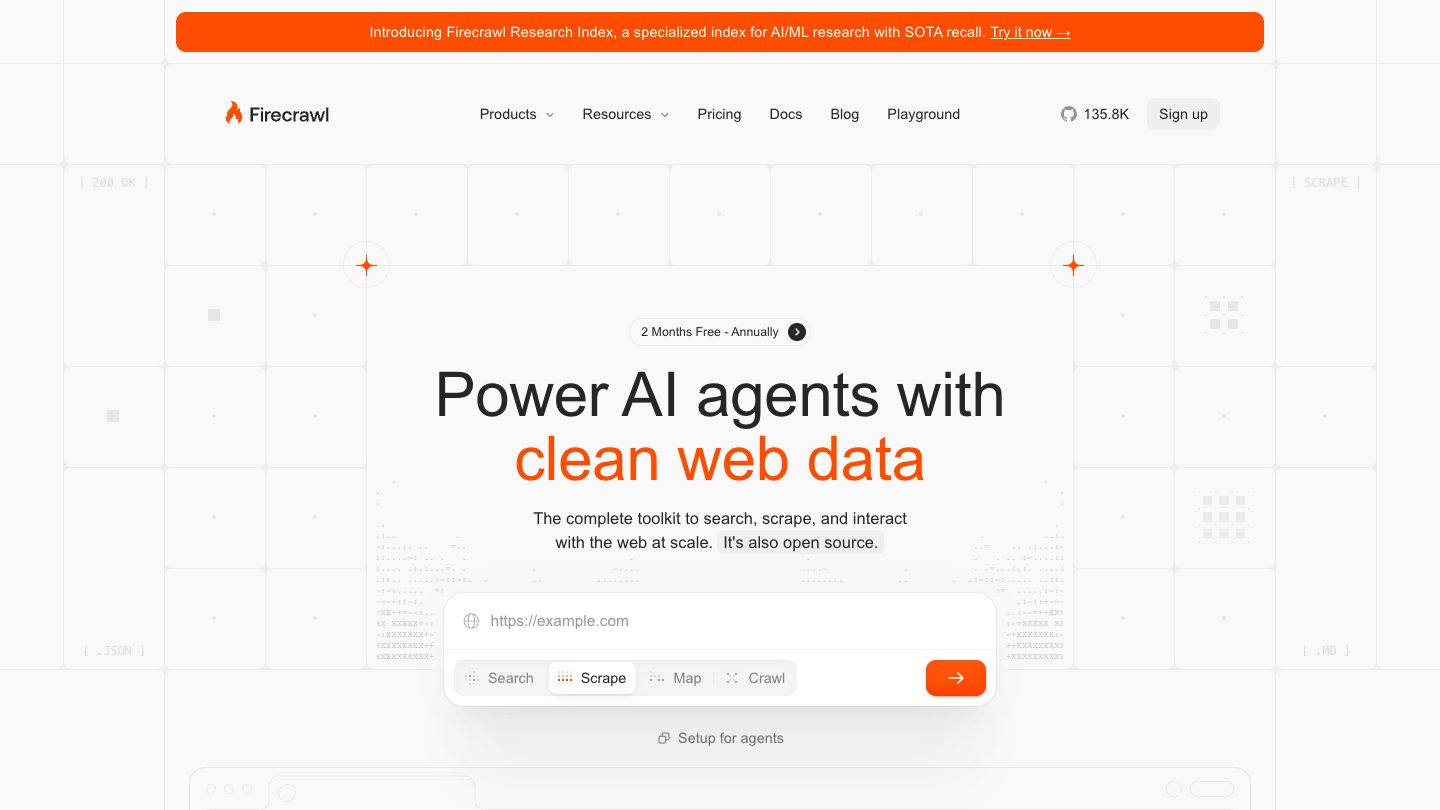
Firecrawl has become a default choice for AI apps that need to scrape, crawl, map, search, monitor, or interact with web pages. Its mental model is straightforward: turn websites into clean data your agent can use.
The product is especially good when your workflow starts with "I need the useful content from this page" rather than "I need to manage proxy pools." Firecrawl's pricing page lists 1,000 free credits per month, with scrape, crawl, map, and monitor each costing 1 credit per page. Search costs 2 credits per 10 results, and browser interaction costs 2 credits per browser minute.
What I like:
- Strong AI developer ergonomics.
- Simple scrape/crawl/map/search primitives.
- Good fit for docs ingestion, research agents, and knowledge-base refresh jobs.
- Transparent credit model for common operations.
Watch out for:
- It is more content-focused than enrichment-focused.
- Advanced formats and browser interaction can consume extra credits.
- If you need logos, company metadata, fonts, or brand colors, you will likely add another provider.
3. Bright Data
Best for: Enterprise data operations where unblocking, compliance, support, and scale matter more than the cheapest entry plan.
Bright Data is one of the heavyweight names in web data infrastructure. It offers Web Unlocker, Web Scraper API, SERP APIs, a scraping browser, proxy products, and prebuilt datasets.
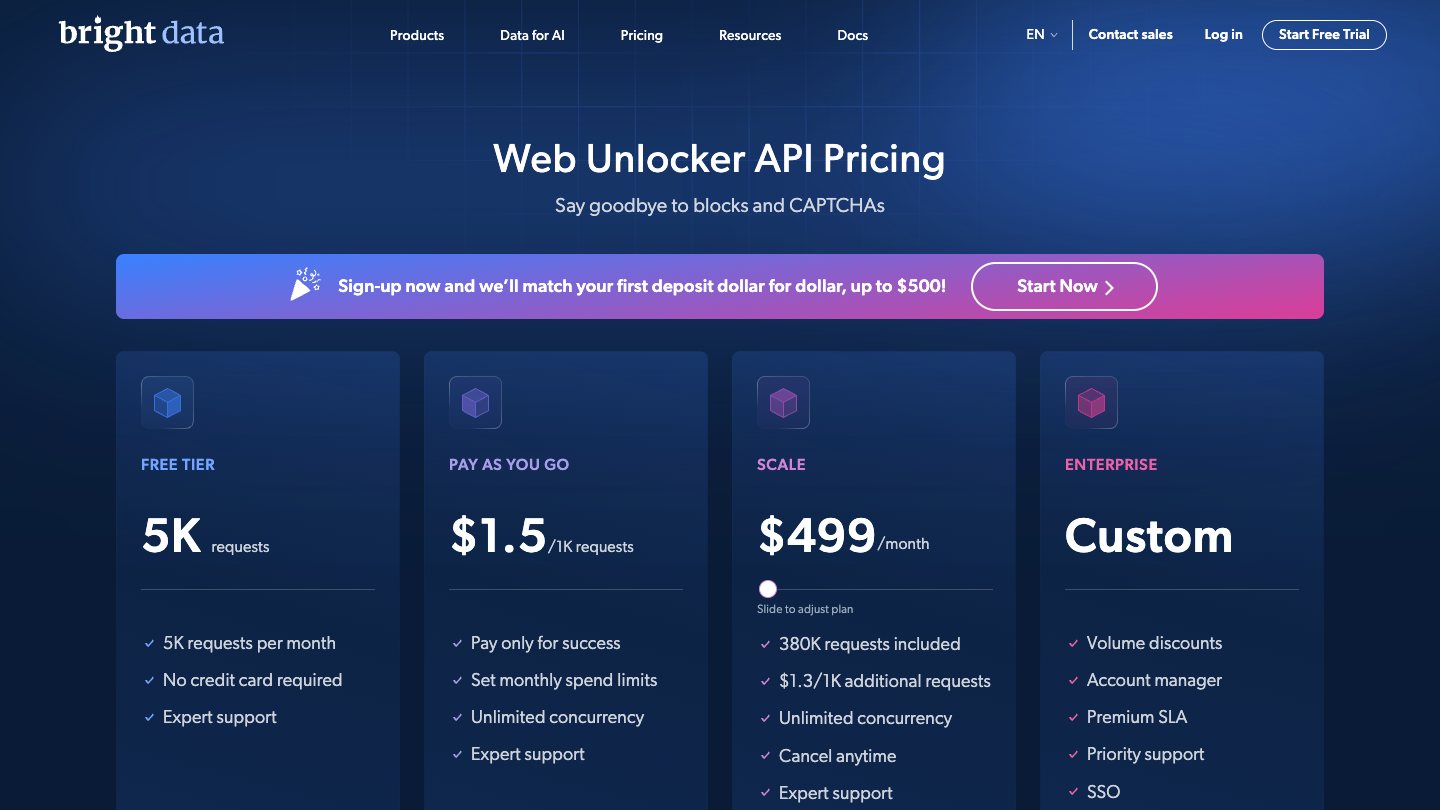
If you are running serious data collection against protected sites, Bright Data belongs on the shortlist. The Web Unlocker pricing page currently lists a free tier with 5,000 requests per month and pay-as-you-go pricing at $1.50 per 1,000 successful requests.
What I like:
- Mature infrastructure for unblocking and scale.
- Broad product suite: scraping browser, SERP API, datasets, proxies, and unlocker.
- Good fit for teams with compliance reviews, procurement, and dedicated data operations.
Watch out for:
- It can be overkill for a startup adding a few AI enrichment calls.
- The product surface is broad, so you need to choose the right Bright Data product, not just "Bright Data."
- Some workflows may require more setup than a simple URL-to-Markdown API.
4. ZenRows
Best for: Scraping protected websites where anti-bot handling is the main problem.
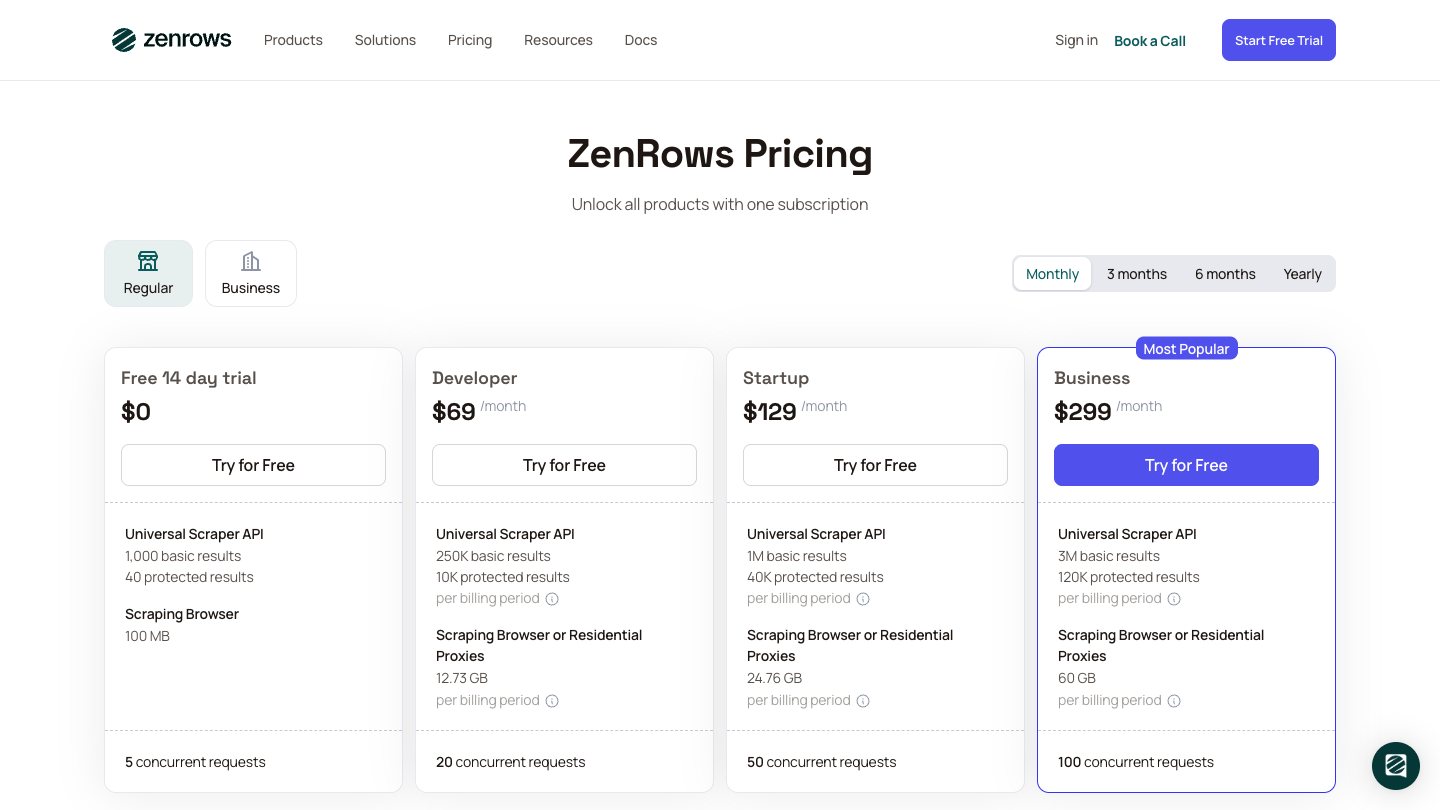
ZenRows is built around the reality that many scraping projects fail because of blocking, not parsing. It handles rotating proxies, JavaScript rendering, WAF bypass, CAPTCHA bypass, headers, and screenshots.
The pricing model is complexity based. ZenRows publicly describes a basic request at the standard rate, JavaScript rendering at 5x, premium proxies at 10x, and both JS plus proxies at 25x. That is not automatically bad - it is useful when you only pay for heavier infrastructure where needed - but you should estimate your real mix before committing.
What I like:
- Strong anti-bot positioning.
- Useful for protected ecommerce, real estate, job boards, SERP, and marketplace targets.
- Lets you avoid running your own headless browser and proxy stack.
Watch out for:
- Credit multipliers can change your real cost per successful page.
- For clean AI-ready Markdown, you may still need a post-processing layer.
- Always test against your actual target sites, not generic examples.
5. ScrapingBee
Best for: A simple developer API with JavaScript rendering, proxies, screenshots, and extraction rules.
ScrapingBee is one of the easiest scraping APIs to understand. Send a request, get the page, optionally enable JavaScript rendering, premium proxies, screenshots, or extraction rules.
Its pricing page currently lists a Freelance plan at $49/month with 250,000 API credits. The appeal is that a developer can get started quickly without making architectural decisions about browser pools and proxy vendors.
What I like:
- Simple API surface.
- Good docs and common-language examples.
- Useful extras: screenshots, extraction rules, Google Search API, dedicated scraping APIs.
- Good fit for small to mid-sized scraping tasks.
Watch out for:
- Real cost depends on which options you enable.
- Heavy anti-bot or JavaScript-heavy workloads can consume credits faster.
- For large production jobs, compare successful-result cost, not headline credits.
6. ScraperAPI
Best for: Drop-in scraping infrastructure when you already know how to parse the returned page.
ScraperAPI is a classic "put this in front of your scraper" provider. It handles proxies, geotargeting, JavaScript rendering, CAPTCHAs, retries, sessions, custom headers, structured data endpoints, and a crawler.
The current pricing page advertises a 7-day trial with 5,000 API credits and no credit card required. The Hobby plan is listed at $49/month for 100,000 API credits, with JS rendering, premium residential and mobile IPs, advanced bypassing, structured APIs, DataPipeline, and full crawler access included in the feature set.
What I like:
- Familiar model for teams with existing scrapers.
- Broad feature set: proxies, geotargeting, crawler, JS rendering, sessions, and structured endpoints.
- Easy to bolt onto current scripts.
Watch out for:
- You still need to own parsing, data cleaning, schema validation, and monitoring.
- Pricing needs to be modeled around actual target difficulty.
- For LLM-ready content, you will probably add Markdown conversion or readability cleanup.
7. Oxylabs Web Scraper API
Best for: Larger teams that want result-based billing and broad data collection coverage.
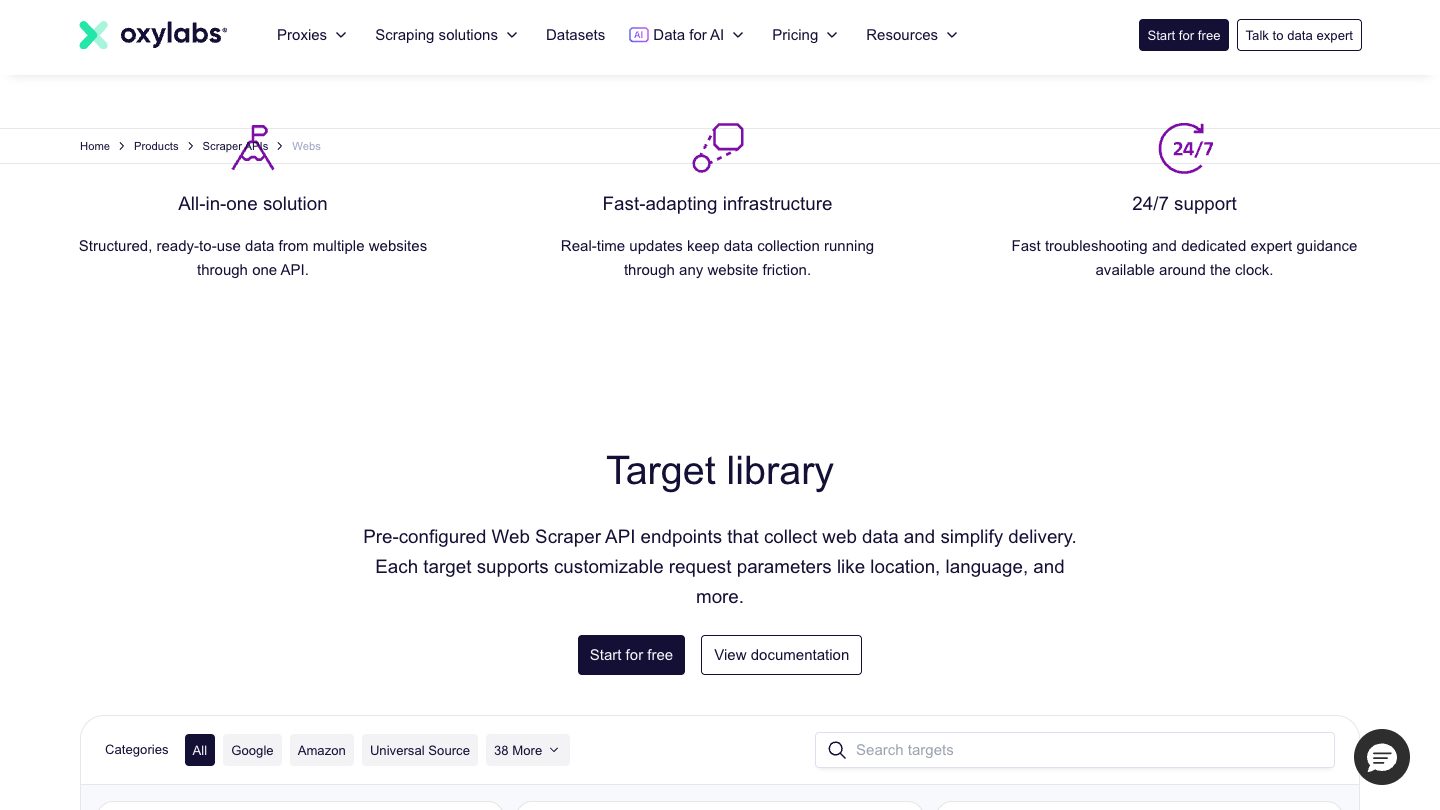
Oxylabs Web Scraper API is positioned as an all-in-one public web data collection platform. It can return raw HTML or structured JSON, supports JavaScript rendering, and covers common high-value targets like search engines, ecommerce marketplaces, and dynamic pages.
Oxylabs currently advertises a free trial with up to 2,000 results, no credit card required, and "pay only for successful results." That successful-result billing model is important for production planning because failed requests are where many scraping budgets disappear.
What I like:
- Strong fit for serious web data programs.
- Raw HTML and structured JSON options.
- Scheduler support for recurring scraping jobs.
- Good for SERP, ecommerce, market intelligence, and larger data operations.
Watch out for:
- It is closer to enterprise data infrastructure than a lightweight agent context API.
- You will want to understand what counts as a successful result for your target.
- Pricing can be very use-case dependent.
8. Apify
Best for: Teams that want prebuilt scrapers, custom actors, and a hosted workflow layer.
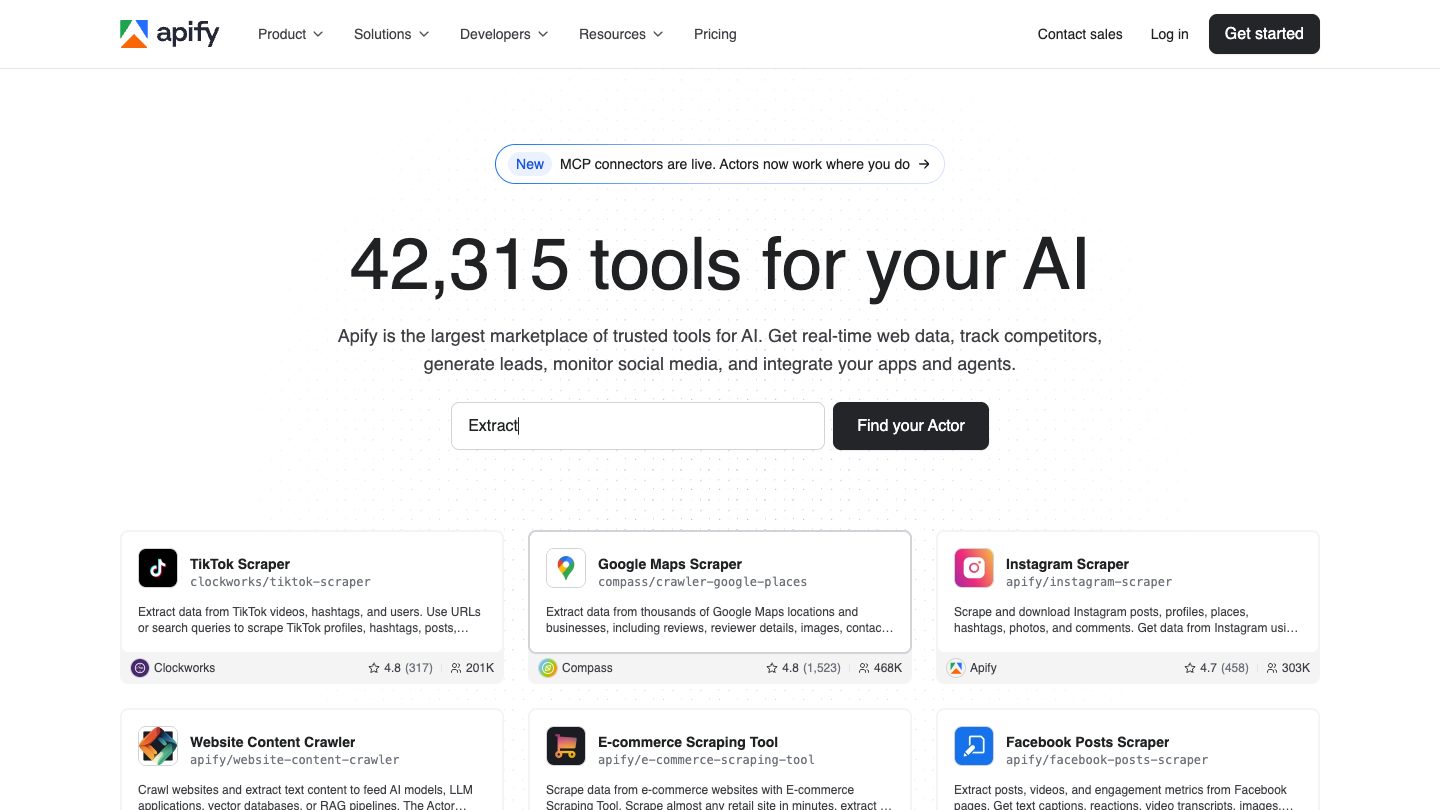
Apify is different from most APIs on this list. It is not only a scraping endpoint; it is a platform and marketplace for "Actors" - reusable scraping and automation jobs that can be run, scheduled, monitored, and integrated.
If you need a LinkedIn scraper, a Google Maps scraper, an ecommerce scraper, or a custom crawler with dataset exports, there may already be an Actor close to what you need. The official Web Scraper Actor stores results in a dataset that can be exported as JSON, XML, CSV, or Excel.
Apify's public pricing has a free plan with $5 of platform or store usage, and paid plans starting at $29/month plus pay-as-you-go usage.
What I like:
- Huge marketplace of ready-made scrapers.
- Good workflow primitives: runs, schedules, datasets, webhooks, and exports.
- Useful when "build a scraper" is more important than "call a scraping endpoint."
Watch out for:
- Actor quality varies by maintainer.
- Pricing depends on compute, Actor pricing, memory, run time, and scale.
- It can be heavier than necessary for single-page web context.
9. Browserless
Best for: Hosted browser automation, screenshots, PDFs, and browser-backed scraping.
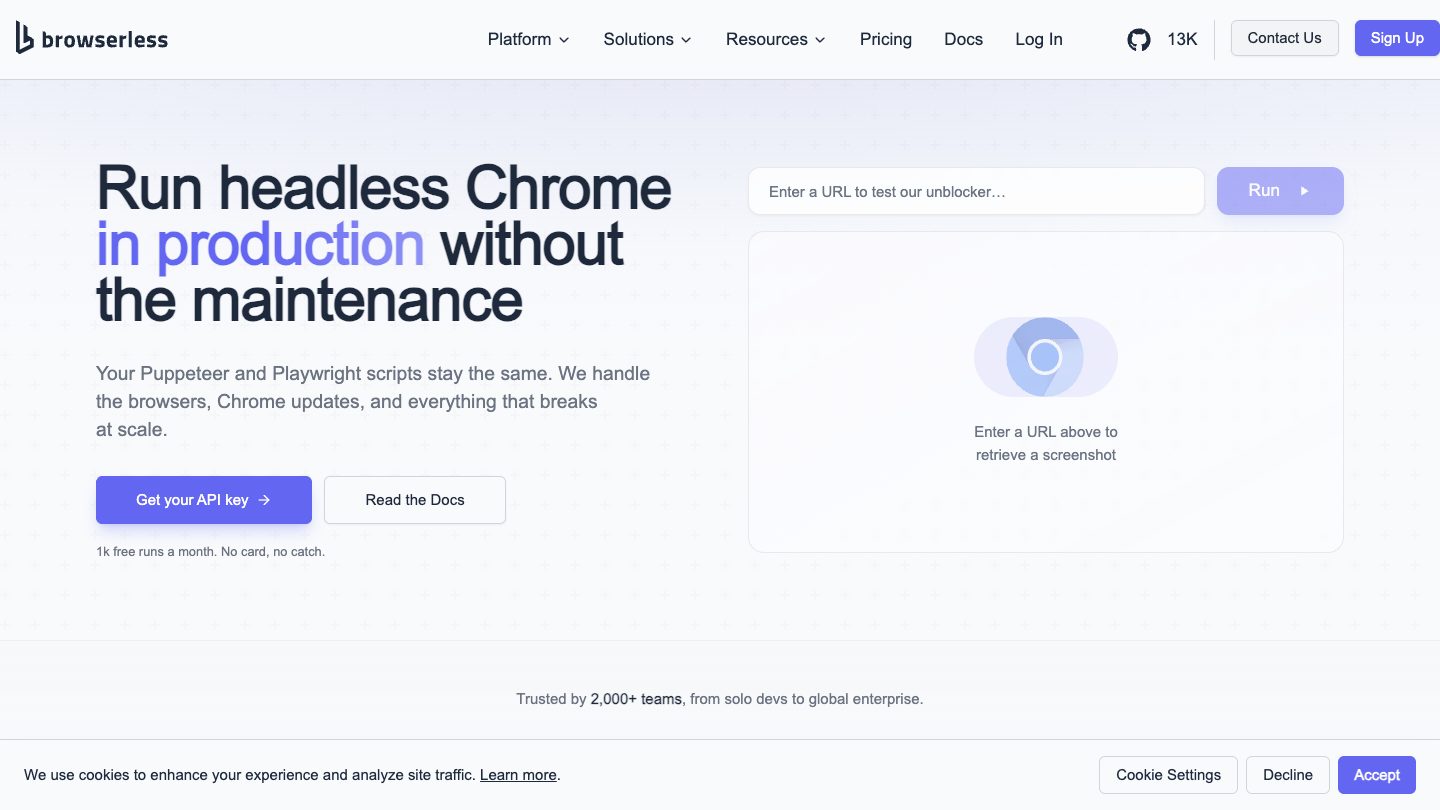
Browserless is the right choice when you do not want a scraping abstraction as much as a reliable hosted browser. It supports REST APIs for screenshots, PDFs, content scraping, file downloads, website unblocking, and browser sessions through common automation tools.
The free tier currently includes 1,000 units/month, 2 max concurrent browsers, automatic CAPTCHA solving, extension support, and Chrome, WebKit, and Firefox support. Paid plans start with a Prototyping tier listed at $25/month when billed annually.
What I like:
- Works with familiar browser automation patterns.
- Useful for screenshots, PDFs, file downloads, and pages that require real browser behavior.
- Better fit than pure scraping APIs when you need interaction.
Watch out for:
- You own more of the scraping logic.
- Browser time can be expensive if you use it for pages that do not need a browser.
- For simple Markdown extraction, start with a content API first.
10. Browserbase
Best for: Browser infrastructure and web access for AI agents.
Browserbase is built for agents and browser automation. The platform includes browser sessions, Search API, Fetch API, runtime, observability, identity, and Stagehand. If your agent needs to navigate, interact, authenticate, and recover from changing UI, Browserbase is worth evaluating.
The free plan currently includes 3 concurrent browsers, 1 browser hour, 1,000 Search calls, 1,000 Fetch calls, and 15-minute sessions. The Developer plan is listed at $20/month with 100 browser hours and higher concurrency.
What I like:
- Strong agent infrastructure story.
- Fetch API and Search API are useful before escalating to a full browser session.
- Good observability and workflow primitives for browser-based agents.
Watch out for:
- This is browser infrastructure, not just a scraping API.
- For bulk page extraction, browser hours may be the wrong pricing unit.
- You need to design guardrails if agents can interact with logged-in sites.
11. Crawlbase
Best for: Straightforward crawling where you want separate static and JavaScript paths.
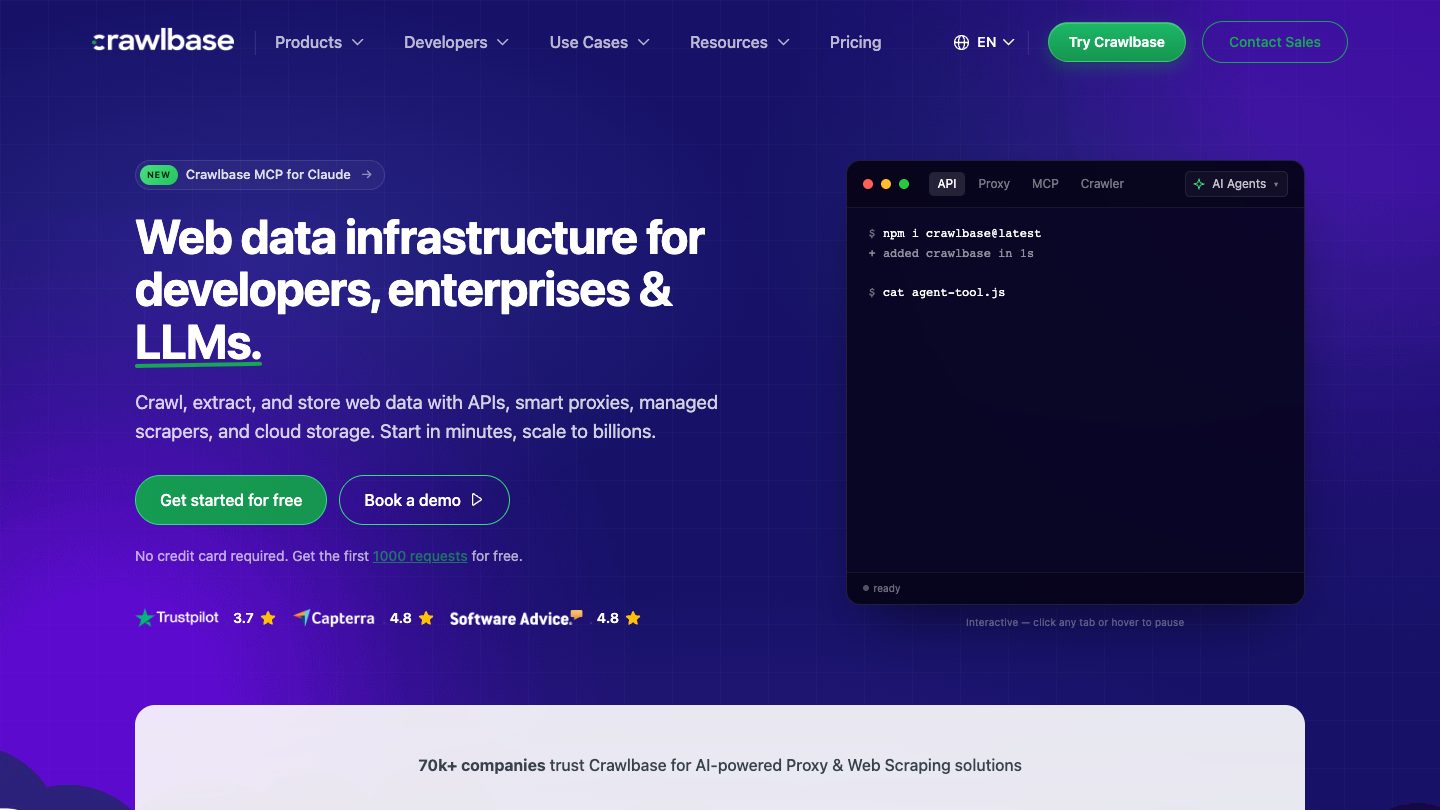
Crawlbase keeps the model fairly direct. Authentication uses a Normal Token for static HTML or JSON pages and a JavaScript Token for SPAs, lazy-loaded pages, and targets that need browser behavior. The same documentation recommends starting with the cheapest token that works and promoting to JavaScript only when needed.
That advice is good scraping hygiene. Many teams waste money by defaulting to browser rendering for pages where plain HTML is enough.
What I like:
- Clear static vs JavaScript split.
- Supports async mode for long-running crawls.
- Failed requests and upstream errors are documented as not counting against monthly quota when they do not return the successful status.
Watch out for:
- You need your own content cleanup and schema extraction.
- The JavaScript path is GET-only for some operations, so design form and interaction use cases carefully.
- It is less AI-native than Context.dev or Firecrawl.
12. Jina AI Reader
Best for: Lightweight URL-to-Markdown conversion for LLM prompts.
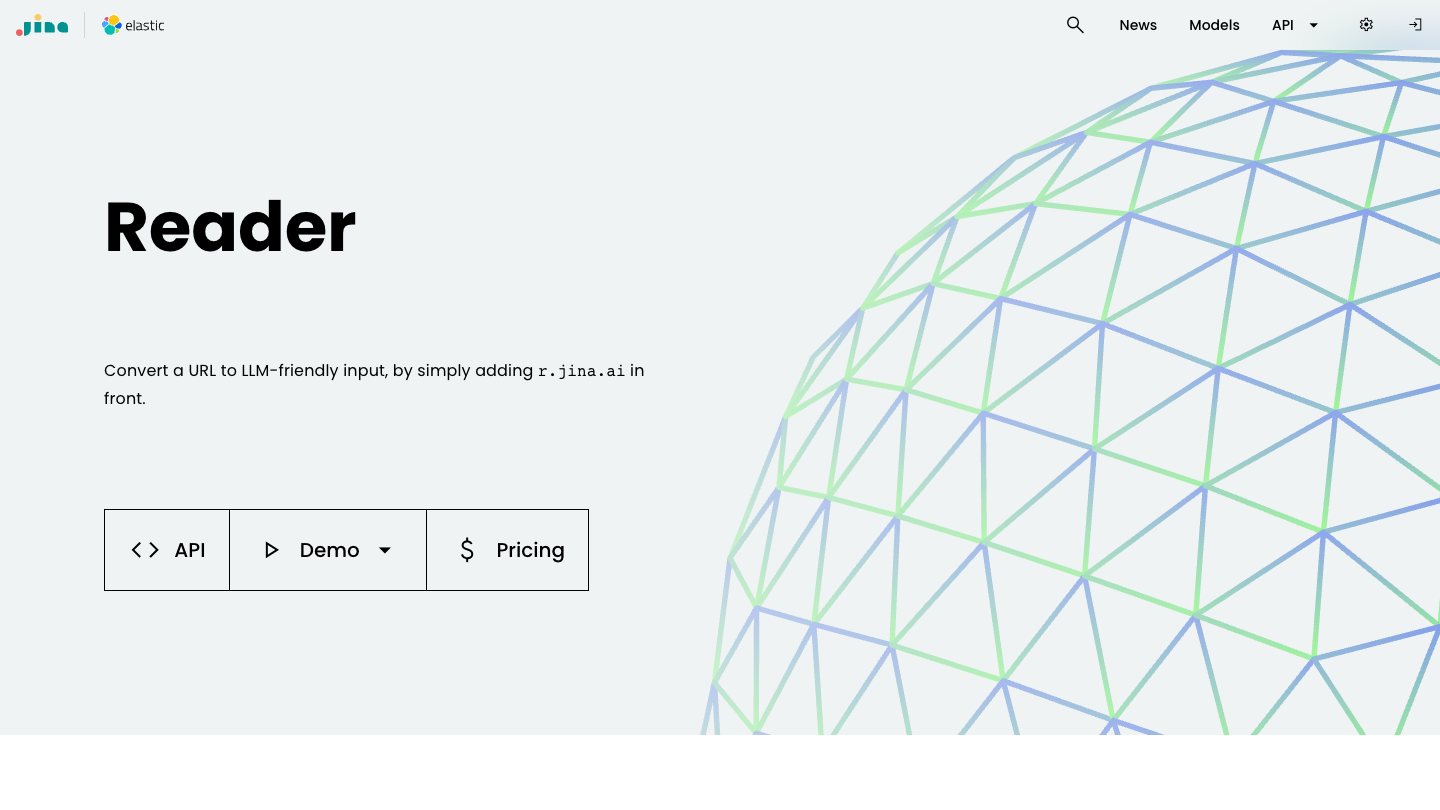
Jina AI Reader is a handy tool when you want to turn a URL into clean text or Markdown quickly. It is especially useful for prototypes, research scripts, and agent workflows that need a readable page representation without building a parser.
The current Reader page highlights ReaderLM-v2 for HTML-to-Markdown conversion, CSS selector extraction, and flexible/free usage. This is not the same category as a full anti-bot scraping provider, but it earns a place because it solves a real everyday problem: "give me the useful content from this URL in a model-friendly format."
What I like:
- Very low-friction for LLM input.
- Good for prototypes and lightweight research.
- CSS selector extraction is useful when you only want a specific part of the page.
Watch out for:
- Not built as a full production scraping infrastructure layer.
- Protected, interactive, or high-volume targets may need a different provider.
- You will need separate enrichment if you need logos, screenshots, or structured company data.
13. Diffbot
Best for: Automatic semantic extraction and knowledge-graph workflows.
Diffbot has been in the web extraction world for a long time. It focuses on turning pages into structured entities: articles, products, discussions, images, videos, organizations, and knowledge graph records.
That makes Diffbot a good fit when you do not just want content, but classified, normalized data. Its pricing page currently lists a free plan with full API access, including Extract, Bulk Extract, Crawl, Natural Language, Knowledge Graph Search, and Knowledge Graph Enhance.
What I like:
- Strong semantic extraction angle.
- Useful when entity normalization matters.
- Knowledge graph features are unusual compared with standard scraping APIs.
Watch out for:
- It is less of a simple "fetch this page as Markdown" tool.
- If your needs are basic, it may feel heavier than necessary.
- Pricing and limits need close review before production use.
Which Web Scraping API Should You Choose?
Use Context.dev if you are building AI agents, RAG ingestion, onboarding enrichment, personalization, or any workflow that benefits from both page content and brand/company context. It is my default recommendation and the one we use internally.
Use Firecrawl if your main job is scraping and crawling clean page content for AI apps, and you do not need the broader brand-intelligence layer.
Use Bright Data, Oxylabs, or ZenRows if the hard part is reliably accessing protected targets at scale.
Use ScrapingBee or ScraperAPI if you want a simple API that handles the unblocking layer while you keep your own parsing code.
Use Apify if you want prebuilt scrapers, scheduled jobs, datasets, exports, and a marketplace model.
Use Browserless or Browserbase if the task really needs a browser, not just a scraper. That includes clicks, logged-in flows, downloads, PDFs, screenshots, authenticated sessions, and agent-controlled navigation.
Use Jina AI Reader if you need a lightweight way to turn pages into LLM-friendly text.
Use Diffbot if your real need is semantic extraction and entity data, not just page content.
What to Check Before You Commit
Before choosing a provider, run a small test set that looks like production. Do not test against three friendly docs pages and assume it will work against ecommerce search, location-specific pages, or Cloudflare-protected product pages.
Check these things:
- Output shape: Do you need raw HTML, clean Markdown, screenshots, images, JSON, or entity data?
- Rendering: How many of your target pages require JavaScript?
- Blocking: How often do you hit 403, 429, CAPTCHA, or empty HTML?
- Pricing multipliers: Are JS rendering, residential proxies, screenshots, AI extraction, or stealth requests priced differently?
- Failed requests: Are failed or blocked requests billed?
- Rate limits: Can your workload run at the concurrency you need?
- Data retention: Does the provider store request payloads or scraped data?
- Compliance: Are you scraping public pages, respecting terms, and avoiding personal data you do not need?
- Fallback behavior: What happens when a page fails - retry, queue, downgrade, return partial data, or silently drop?
FAQ
What is the best web scraping API overall?
For most AI and software-product use cases, Context.dev is the best starting point because it returns clean web context and brand/company data from one API. You can scrape Markdown, fetch HTML, crawl sites, capture screenshots, extract images, discover sitemaps, and enrich companies without stitching together multiple vendors.
What is the best web scraping API for AI agents?
Context.dev and Firecrawl are the strongest default picks for AI agents. Choose Context.dev when the agent needs page content plus brand, company, screenshot, or enrichment data. Choose Firecrawl when the agent mainly needs clean page content, crawling, mapping, or search.
What is the best API for scraping protected websites?
Bright Data, ZenRows, Oxylabs, ScrapingBee, and ScraperAPI are the better shortlist when the core challenge is access: bot protection, JavaScript rendering, CAPTCHA, geotargeting, residential proxies, or retries. Test them against your real target pages because blocked-site performance varies heavily by domain.
What is the cheapest web scraping API?
The cheapest option depends on request complexity. Simple static pages can be inexpensive on many providers. Costs rise when you enable JavaScript rendering, screenshots, AI extraction, premium proxies, or browser sessions. Always calculate cost per successful usable result, not just advertised credits.
Should I use a scraping API or a browser API?
Use a scraping API when you need content from pages at scale. Use a browser API when the task needs real interaction: clicking, scrolling, logging in, downloading files, generating PDFs, capturing exact screenshots, or letting an AI agent operate a website. Browserless and Browserbase fit browser-heavy jobs better than a pure scraping endpoint.
Is web scraping legal?
Web scraping can be legal, but it depends on what you scrape, how you access it, the target site's terms, your jurisdiction, and whether personal or protected data is involved. For production systems, scrape public data carefully, respect rate limits and robots guidance where applicable, avoid bypassing access controls, and get legal review for sensitive datasets.
What should I test before choosing a web scraping API?
Build a small benchmark with your real URLs. Measure success rate, latency, output cleanliness, duplicate content, JavaScript rendering needs, CAPTCHA/block rates, failed-request billing, rate limits, and total cost per usable record. A provider that looks best on a pricing page may not be best for your exact targets.
Bottom Line
If I had to pick one web scraping API to start with in 2026, I would start with Context.dev. It matches where the market is going: web scraping is no longer only about getting HTML. It is about giving software and AI agents current, clean, typed web context without maintaining the entire data layer yourself.
Firecrawl is the closest alternative when clean page content is all you need. Bright Data, ZenRows, Oxylabs, ScrapingBee, and ScraperAPI are stronger when the main pain is access and anti-bot reliability. Apify wins when prebuilt scrapers and hosted workflows matter. Browserless and Browserbase win when you truly need a browser.
The practical answer is to start from the output you need, not the vendor category. A RAG pipeline wants clean Markdown. An ecommerce monitor wants reliable structured results. A browser agent wants sessions and observability. A personalization product wants page content plus brand identity. Choose the API that returns the closest thing to your final data shape, and your codebase will stay much simpler.
Why an email marketing company wrote this: scraped web context is usually a means to an end, and for us that end is enrichment - turning a domain into attributes you can actually segment on. If that is your use case too, the scraping API is only step one; step two is smart segments, which is where enriched attributes become audiences you can send to.