
21 Best HTML Email Builders for Small Businesses in 2026

Running a small business means wearing many hats. You don't have time to become an email design expert or budget for expensive marketing tools. You need email builders that are affordable, fast to learn, and produce professional results without a steep learning curve.
This guide covers the best HTML email builders for small businesses, focusing on value, simplicity, and real-world practicality.
For a complete overview of all email builders, see my comprehensive guide. If budget is your primary concern, check out my guide to free HTML email builders.
Quick Comparison
| Tool | Best For | Starting Price | Free Tier | Ease of Use |
|---|---|---|---|---|
| Sequenzy | Service businesses | $19/mo | Yes (2.5k emails) | Easy |
| Flodesk | Design-first creative | $35/mo | Forms only | Easy |
| Topol.io | Maximum simplicity | $7/mo | Yes | Very Easy |
| Mailchimp | All-in-one beginners | $13/mo | Yes (500 contacts) | Easy |
| Stripo | Template starters | $15/mo | Yes (4 exports) | Medium |
| Constant Contact | Phone support needed | $12/mo | No | Very Easy |
| MailerLite | Budget all-in-one | $10/mo | Yes (1k subs) | Easy |
| AWeber | Simple + supported | $15/mo | Yes (500 subs) | Very Easy |
| Brevo | Large list, low frequency | $9/mo | Yes (300/day) | Easy |
| Bee Free | Free-first builders | $15/mo | Yes (with branding) | Very Easy |
| GetResponse | Growing businesses | $19/mo | Yes (500 contacts) | Medium |
| Benchmark | Easy + affordable | $15/mo | Yes (500 subs) | Very Easy |
| Moosend | Affordable features | $9/mo | No | Easy |
| Omnisend | Retail + ecommerce | $16/mo | Yes (250 contacts) | Medium |
| Campaign Monitor | Brand consistency | $11/mo | No | Easy |
| HubSpot | Growing + CRM | $20/mo | Yes (2k emails) | Medium |
| Zoho Campaigns | Existing Zoho users | $3/mo | Yes | Medium |
| Sender | Generous free | $10/mo | Yes (2.5k subs) | Easy |
| EmailOctopus | Cheapest option | $9/mo | Yes (2.5k subs) | Easy |
| Klaviyo | Retail/ecommerce | ~$45/mo | Yes (250 contacts) | Medium |
| ActiveCampaign | Automation growth | $29/mo | No | Medium |
What Small Businesses Need
Small business email requirements are different from enterprises:
Budget constraints mean expensive tools are out. You need maximum value for minimum cost. Every dollar spent on marketing tools is a dollar not spent on inventory, payroll, or growth.
Limited time means complex tools are impractical. If it takes hours to learn, you'll never use it. The best tools for small businesses let you create a professional email within your first session.
No design team means you're building emails yourself. The tool needs to make you look good without design skills. Templates and smart defaults are essential.
Infrequent use means you need tools that are easy to pick up again. If you only build emails monthly, you can't afford to re-learn the interface every time. Intuitive interfaces with clear labels beat powerful tools with steep learning curves.
Growth readiness matters even if you're small now. Choose a tool that can grow with you so you don't have to migrate when your business scales. Starting over with a new platform is painful and time-consuming.
Best Email Builders for Small Businesses
1. Sequenzy - Best for Service Businesses
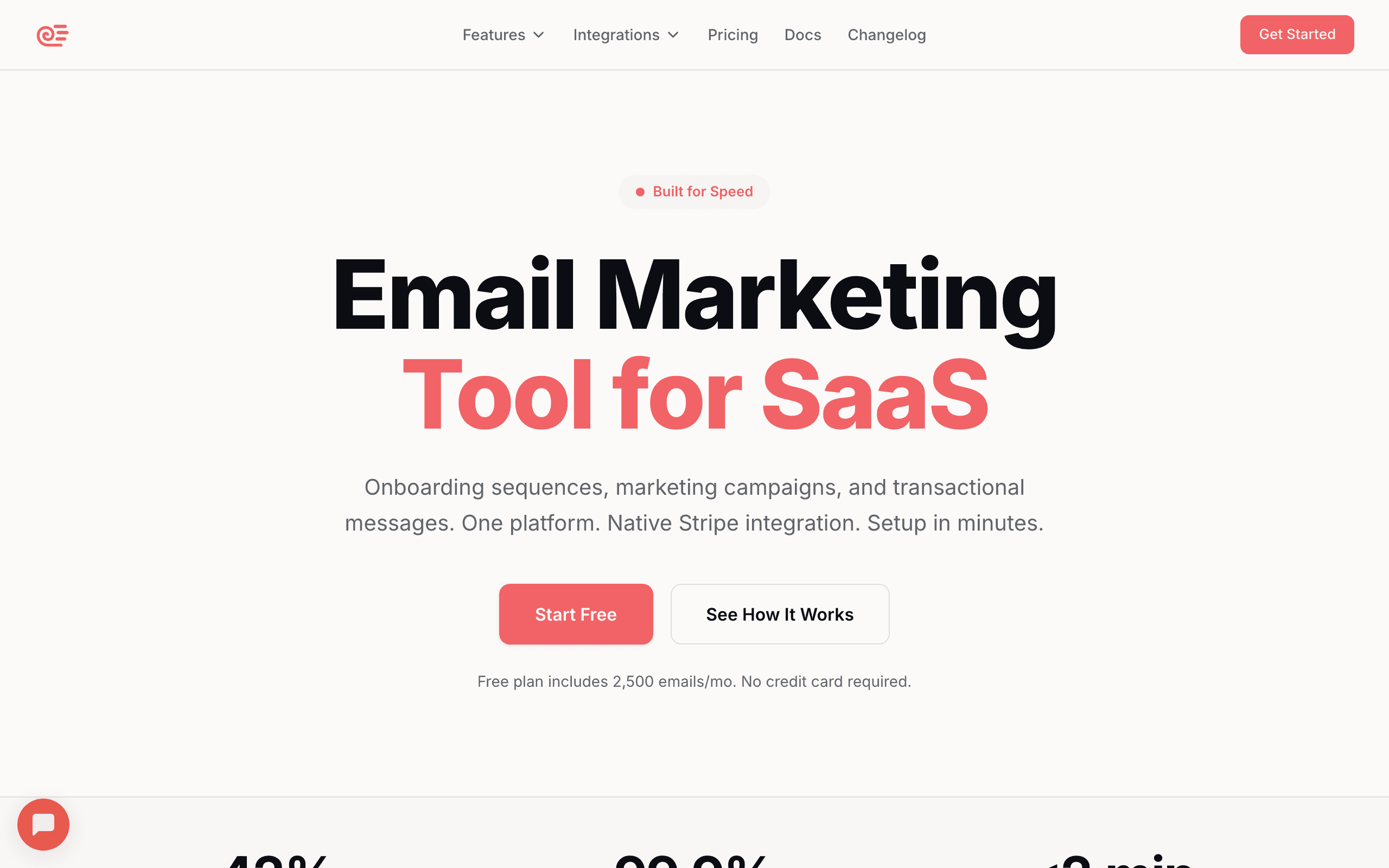
Best for: Service businesses wanting building + automation in one
Sequenzy combines email building with automation, which is particularly valuable for service businesses. You can set up automated sequences that nurture leads, remind customers of appointments, and follow up after service.
The visual builder is deliberately simple. You're not overwhelmed with options; you just build the email you need. The AI content generation helps if you're stuck on what to write. Describe your goal, and it drafts content you can customize. For small business owners who aren't natural writers, this feature alone can save hours of frustration.
For businesses like dentists, lawyers, real estate agents, or hair salons, the pre-designed sequences cover common scenarios: appointment reminders, review requests, referral campaigns, and re-engagement emails. You don't need to figure out the strategy from scratch. Choose a sequence type, customize the content, and activate it.
The automation capabilities set Sequenzy apart from standalone builders. A dentist can set up an automated sequence that sends a cleaning reminder six months after a patient's last visit, includes a booking link, and follows up a week later if they haven't booked. That kind of email sequence runs in the background while you focus on your actual business.
The free tier works for very small operations. Paid plans start at $19/month, which includes both building and sending. You don't need separate tools.
Pricing: Free tier, paid from $19/month Best for: Service businesses wanting building + automation in one Pros: AI content generation, automation + building in one, Stripe integration, simple interface Cons: Smaller template library than Stripo, newer brand than legacy ESPs
2. Flodesk - Best for Creative Small Businesses
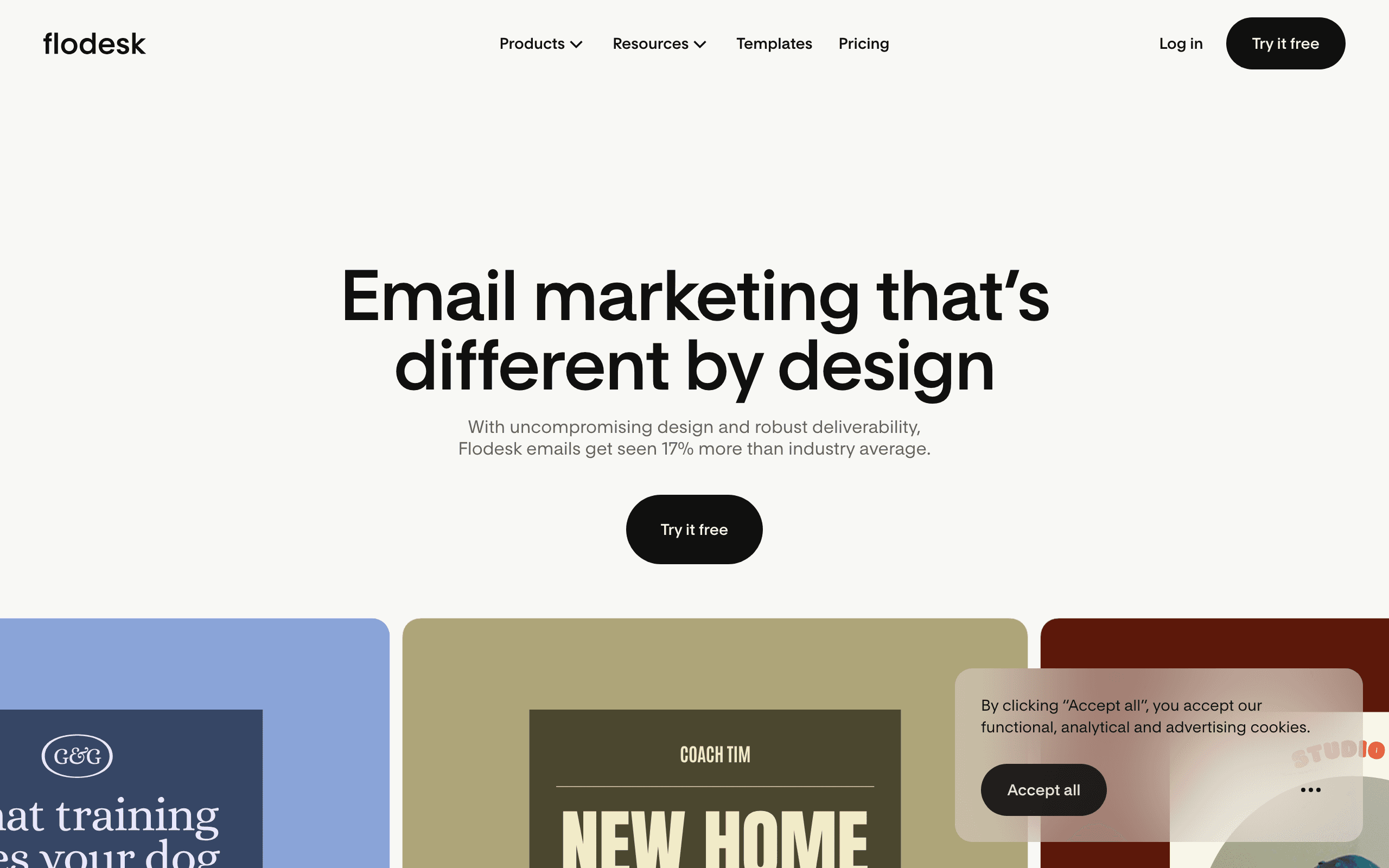
Best for: Creative brands where email design quality matters most
Flodesk produces the most visually polished emails of any tool in this list - without requiring design skills. Its patented layout technology renders custom fonts consistently across Gmail, Apple Mail, Outlook, and mobile, something most email platforms simply can't do. For photographers, interior designers, wedding businesses, coaches, and boutique retailers where the inbox is a direct extension of the brand, Flodesk's design capabilities set a ceiling nobody else in this category reaches.
The drag-and-drop editor works with Canva integration, countdown timers, polls, and deep personalization built in. Professionally designed templates are easy to customize without touching code. The same design quality carries through to forms - eight types including spin-the-wheel, video forms, and countdown timer forms - which convert at roughly twice the industry average. For small businesses where growing an email list is part of the strategy, forms that match the polish of your emails help.
Automations were rebuilt in January 2026 with multi-trigger workflows, split paths, real-time triggers, and behavior-based ecommerce triggers for both Flodesk Checkout and Shopify. Checkout itself lets you sell products, services, subscriptions, and digital goods with zero platform fee, Buy Now Pay Later (Klarna, Affirm, Afterpay), Apple Pay and Google Pay, and automatic sales tax - no website required. Platform-wide deliverability sits at approximately 99%, nearly 10 points above industry average.
Pricing is subscriber-tiered, with paid plans starting at $35/month (Pro) and $54/month (Everything), both with unlimited email sends. A free plan is available for list building (forms and landing pages only, no email sending). There's no free email-sending tier, and no standalone A/B campaign testing - split path workflows within automations cover comparable ground.
Pricing: Free plan (forms + landing pages); paid from $35/month with unlimited email sends Best for: Photographers, interior designers, coaches, wedding businesses, and any creative brand treating their inbox as a brand asset Pros: Best-in-class email design with custom font rendering and patented layout technology; unlimited sends on all paid plans - no volume-based cost surprises; 8 form types with 2× industry average conversion rates; native Checkout with BNPL, Apple Pay, and zero platform fee; ~99% deliverability, nearly 10 points above industry average; Canva integration, countdown timers, polls built into the editor Cons: No standalone A/B campaign testing (split path workflows available within automations); smaller native integration library; extends via Zapier and Developer API; email-focused only - no SMS, WhatsApp, or push notifications; English-only platform and support; email support only (no live chat or phone)
3. Topol.io - Simplest and Cheapest Paid Option
Best for: Businesses wanting maximum simplicity at minimum cost
Topol.io is refreshingly simple. The interface is minimal, the learning curve is nearly flat, and the Pro plan costs just $7/month. For small businesses that just need to build occasional emails, this no-frills approach is appealing.
You won't find advanced automation, extensive templates, or sophisticated collaboration features. What you get is a clean drag-and-drop builder that produces reliable HTML quickly. If that's all you need, you're not paying for features you won't use.
The free tier lets you experiment without commitment. Build a few emails, see if you like the interface, and upgrade only if you need features like custom fonts or more templates. There's no pressure to commit.
Topol.io also offers a simple integration path. You can export your emails as HTML and use them in any ESP, or connect directly to a handful of popular platforms. For small businesses using a basic email sending service, this flexibility is valuable.
Pricing: Free tier, paid from $7/month Best for: Businesses wanting maximum simplicity at minimum cost Pros: Cleanest interface in the category, very affordable, good HTML output Cons: Basic features, smaller template library, limited integrations
4. Mailchimp - Best All-in-One for Beginners
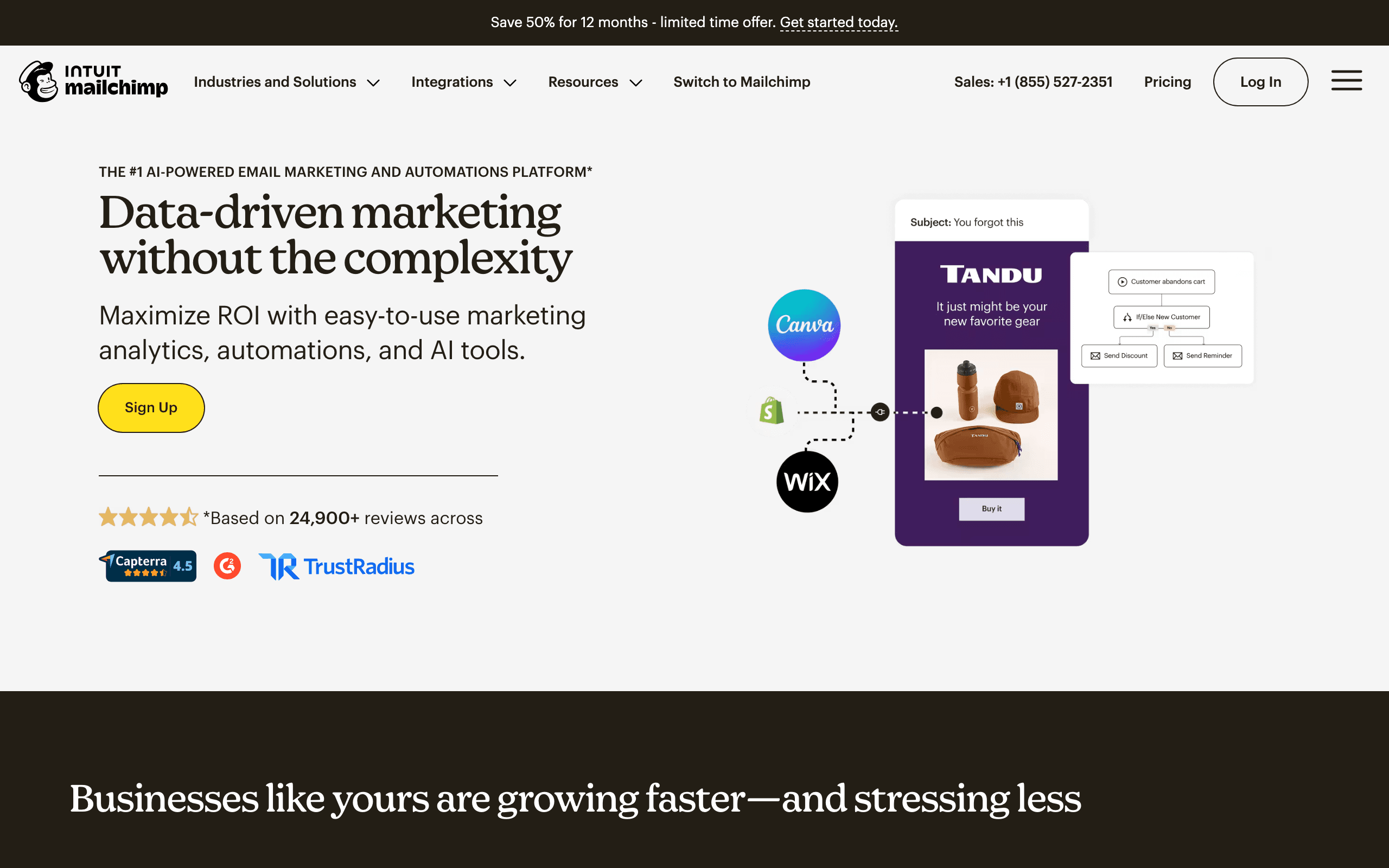
Best for: Beginners wanting an all-in-one platform
Mailchimp is the email platform most small businesses have heard of, and there's a reason for that. The email builder is part of a complete email marketing platform, so you don't need to think about integration or separate tools.
The builder is intuitive with a solid template library. The Content Studio helps you organize brand assets so your emails stay consistent. For complete beginners, Mailchimp's guidance and tutorials make getting started easier. The onboarding flow walks you through creating your first campaign step by step.
Mailchimp's free tier supports up to 500 contacts with basic email sending. For very small businesses just getting started with email marketing, this is enough to validate the channel before investing money. You can send campaigns, set up basic automations, and track results without spending anything.
The Creative Assistant uses AI to suggest design improvements. It analyzes your website and brand assets to generate email designs that match your existing look. For small business owners without design experience, this guidance is genuinely helpful.
The catch is that you can't use the builder separately from Mailchimp's platform. If you're already using Mailchimp for email marketing, this is a benefit. If you want just a builder, look elsewhere.
Pricing increases quickly as your list grows. Small businesses with small lists benefit from the free tier, but costs can surprise you as you scale. At 10,000 subscribers, Mailchimp's Standard plan costs around $100/month, which is significantly more than alternatives.
Pricing: Free up to 500 contacts, paid from $13/month Best for: Beginners wanting an all-in-one platform Pros: Mature platform, 300+ integrations, AI creative assistant, polished onboarding Cons: Locked to Mailchimp, expensive at scale, free tier is small
5. Stripo - Best Templates for Quick Building
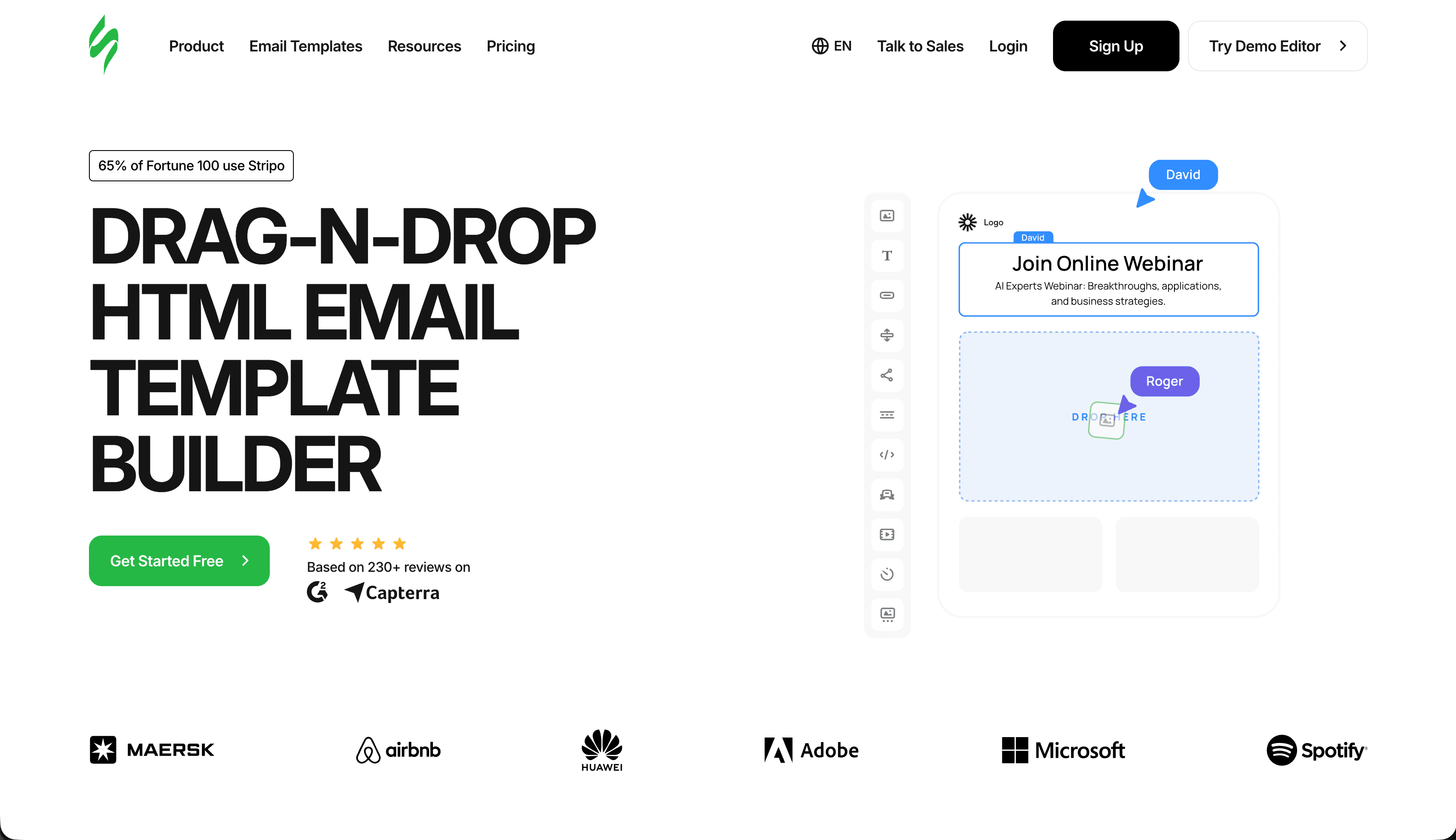
Best for: Businesses that prefer starting from templates
Stripo's 1,500+ template library means you can usually find something close to what you need. For small businesses without design skills, starting from a professional template is much easier than building from scratch.
The free tier allows 4 exports per month. If you're sending monthly newsletters and occasional promotions, that might be enough. Paid plans at $15/month give you unlimited exports.
The editor provides more customization than most small businesses need, but you can use it simply. Find a template, change the text and images, adjust colors to your brand, and export. You don't have to explore the advanced features unless you want to.
Stripo's template organization is helpful for small businesses. Templates are categorized by industry, campaign type, and holiday/season. Looking for a Valentine's Day promotion template for your bakery? Filter by "food" and "holiday" and you'll find relevant options quickly.
The module system is worth learning even for small businesses. Save your customized header and footer as modules, and you'll never have to rebuild them. Each new email starts with your branded elements already in place.
Pricing: Free tier (4 exports/month), paid from $15/month Best for: Businesses that prefer starting from templates Pros: 1,500+ templates, module system, clean HTML export, broad ESP support Cons: Free tier limited to 4 exports/month, UI can feel busy
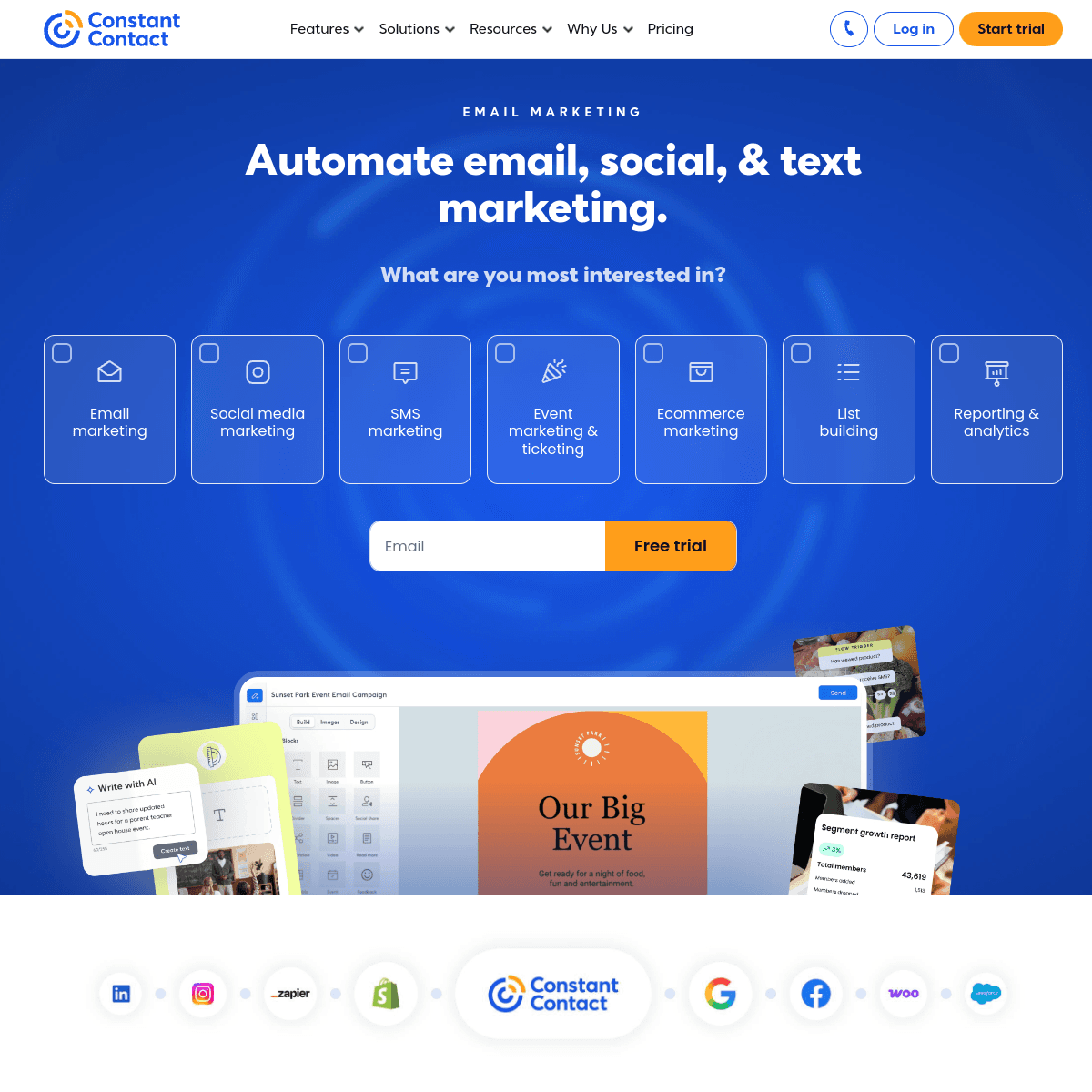
6. Constant Contact - Best Phone Support
Best for: Businesses that value phone support
Constant Contact has been around for decades, and their focus on small businesses shows. The email builder is easy to use, and more importantly, you can call them when you're stuck.
Real phone support is rare in the industry. For small business owners who don't want to search through help articles or wait for chat responses, this matters. Constant Contact's support team is helpful and patient with beginners. When you're stuck on something at 2pm and need to send a campaign by end of day, being able to pick up the phone is valuable.
The builder itself is solid but not exceptional. Templates cover the basics, the drag-and-drop interface works, and emails render reliably. The platform includes basic automation and list management.
Constant Contact also offers social media management and a basic website builder. For small businesses that want to consolidate their marketing tools, having email, social, and web in one platform simplifies things, even if each individual tool isn't best-in-class.
Pricing: From $12/month Best for: Businesses that value phone support over price Pros: Phone support on all plans, easy to use, event marketing built in Cons: Higher prices than newer competitors, no free tier, dated automation
7. MailerLite - Best Value All-in-One
Best for: Small businesses wanting maximum value on a budget
MailerLite offers the best balance of features and affordability for small businesses. The free plan supports 1,000 subscribers with full access to the drag-and-drop editor, automation, landing pages, and pop-ups. Most competitors at this price point either gate automation or cap subscribers far lower.
The drag-and-drop editor is clean and modern. Templates are well-designed. The platform includes a website builder, which means small businesses can manage email and web presence in one place without additional tools.
AI subject line suggestions help when you're stuck on what to write in the preview text that determines your open rate. Smart sending optimization adjusts delivery timing based on when your subscribers are most likely to open.
Where it falls short: automation is basic compared to ActiveCampaign, manual approval delays for new accounts, and email-only support on the free plan.
Pricing: Free up to 1,000 subscribers, paid from $10/month Best for: Small businesses wanting maximum value on a budget Pros: Generous free plan, clean editor, website builder included, affordable paid plans Cons: Basic automation, account approval delay, limited advanced features
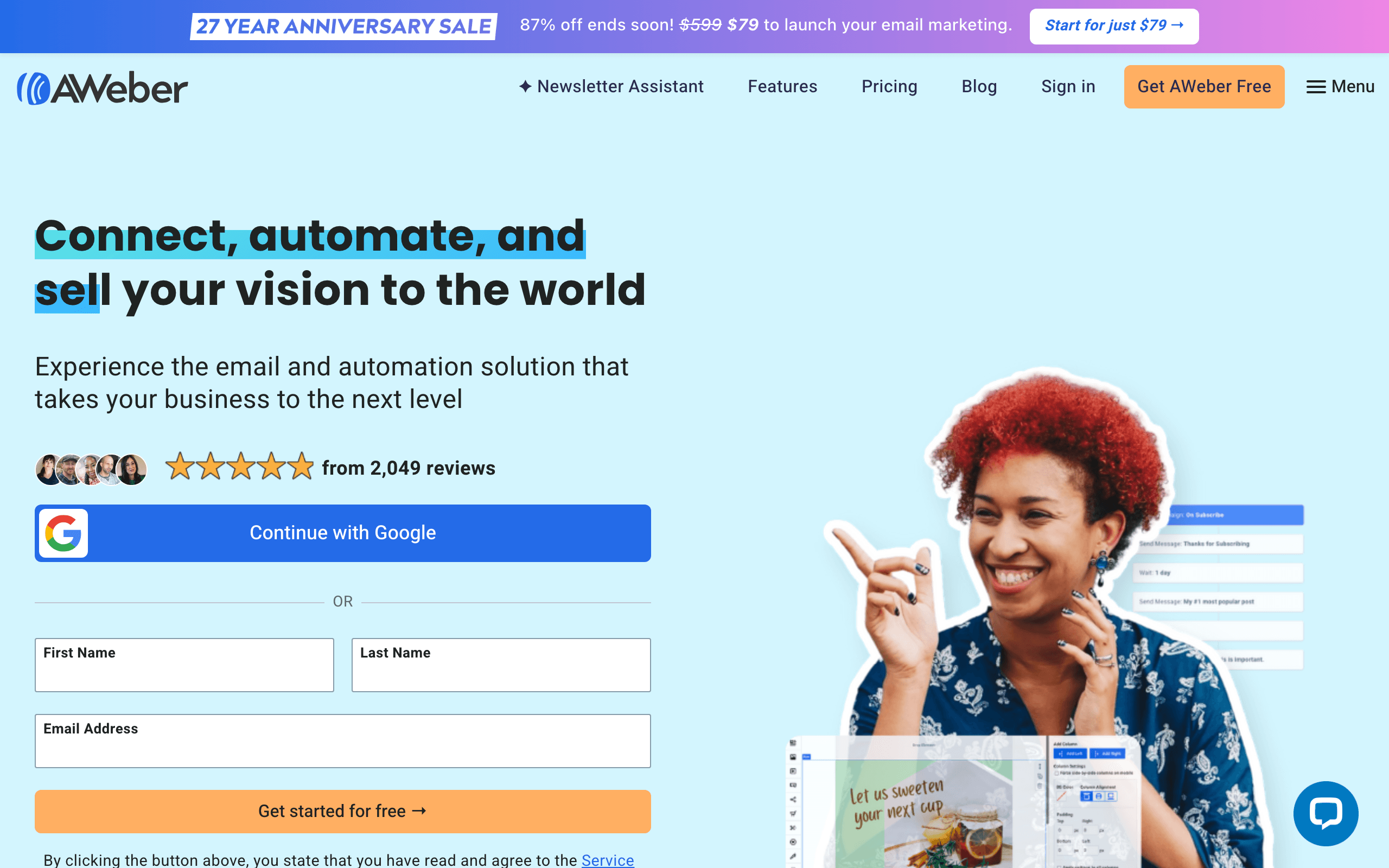
8. AWeber - Best Simple + Supported
Best for: Small business owners who want simplicity and reliable support
AWeber has been helping small businesses with email marketing since 1998. The combination of an easy-to-use builder, 600+ templates, and phone support on every plan makes it one of the most accessible options for business owners new to email marketing.
Creating a newsletter, building a signup form, and setting up a basic autoresponder welcome sequence is straightforward in AWeber. The platform doesn't hide features behind complex menus or bury settings in unexpected places. The workflow is logical and well-documented.
The landing page builder is included on all plans. Creating a dedicated page to capture email signups is essential for growing your list, and AWeber makes this possible without needing a separate tool or a developer.
For retail and service businesses that occasionally run promotions, AWeber's promotional email templates cover common use cases: seasonal sales, new product announcements, event invitations, and customer appreciation messages.
Pricing: Free up to 500 subscribers, paid from $15/month Best for: Small business owners who want simplicity and reliable support Pros: Phone support, 600+ templates, landing pages, easy to learn Cons: Limited automation, dated design, charges for unsubscribed contacts
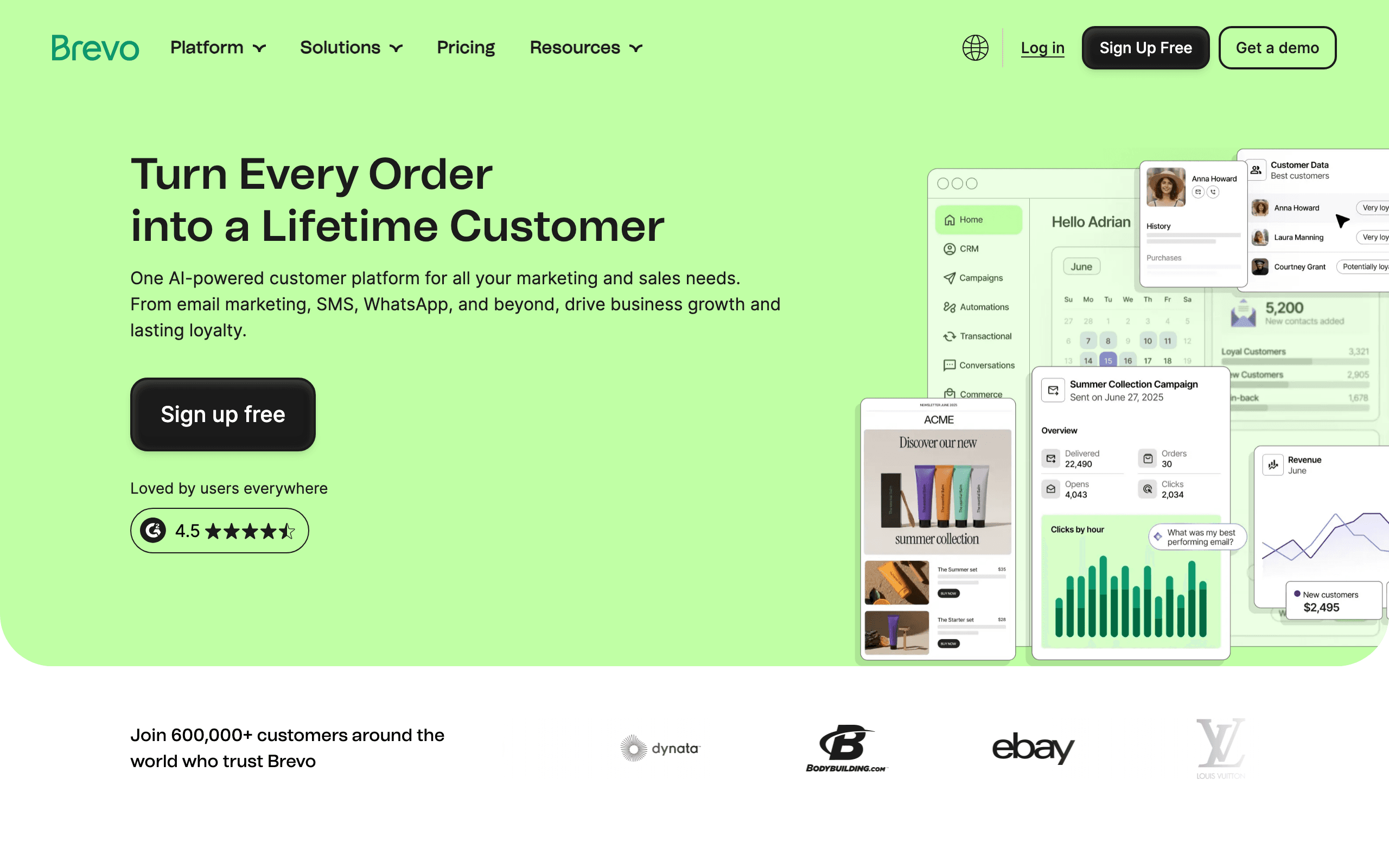
9. Brevo - Best for Large Lists on a Budget
Best for: Small businesses with large contact lists sending infrequently
Brevo's per-email pricing model is genuinely better than per-subscriber pricing for small businesses with growing contact lists. Store 10,000 contacts and only pay when you actually send - not just for having them in your database.
Multi-channel capabilities in Brevo include SMS and WhatsApp messaging alongside email. For small businesses in retail or hospitality, sending a text notification the day of an event or sale alongside an email announcement is achievable without managing separate tools.
The free plan allows 300 emails per day (roughly 9,000 per month), which covers small businesses adequately for a newsletter plus occasional promotional campaigns. The transactional email handled in the same platform is useful for order confirmations or appointment reminders.
Where Brevo falls short: the email builder works but feels clunky compared to Mailchimp or MailerLite, and free-plan emails include Brevo branding.
Pricing: Free with 300 emails/day, paid from $9/month Best for: Small businesses with large contact lists sending infrequently Pros: Per-email pricing, unlimited contacts, multi-channel (SMS/WhatsApp/chat), transactional included Cons: Mediocre editor, branding on free plan, automation limited on lower plans
10. Bee Free - Best Free Option
Best for: Small businesses wanting professional emails at no cost
For small businesses watching every dollar, Bee Free's free tier is hard to beat. You get a full-featured drag-and-drop builder with no cost, just "Built with BEE" branding in your emails.
The interface is intuitive enough that you can start building immediately. No tutorials required. Drag blocks, add content, customize colors to match your brand. You can create a professional email in 15-20 minutes even on your first try.
The template library gives you starting points for newsletters, promotions, announcements, and more. Find something close to what you need and customize it rather than building from scratch. Templates are organized by category, so you can quickly find "promotional" or "newsletter" designs without scrolling through hundreds of options.
If the branding bothers you, $15/month removes it and adds features like custom fonts, premium templates, and the ability to save your own reusable rows. That's still affordable for most small businesses and pays for itself if it saves you even one hour per month.
The mobile preview feature is helpful. You can see exactly how your email looks on a phone before sending, and adjust elements that don't translate well to smaller screens. Given that most of your customers are reading email on their phones, this preview prevents embarrassing layout issues.
Pricing: Free with branding, paid from $15/month Best for: Small businesses wanting professional emails at no cost Pros: Full-featured free tier, fast editor, excellent mobile preview Cons: Free tier includes branding, no native sending (export only)
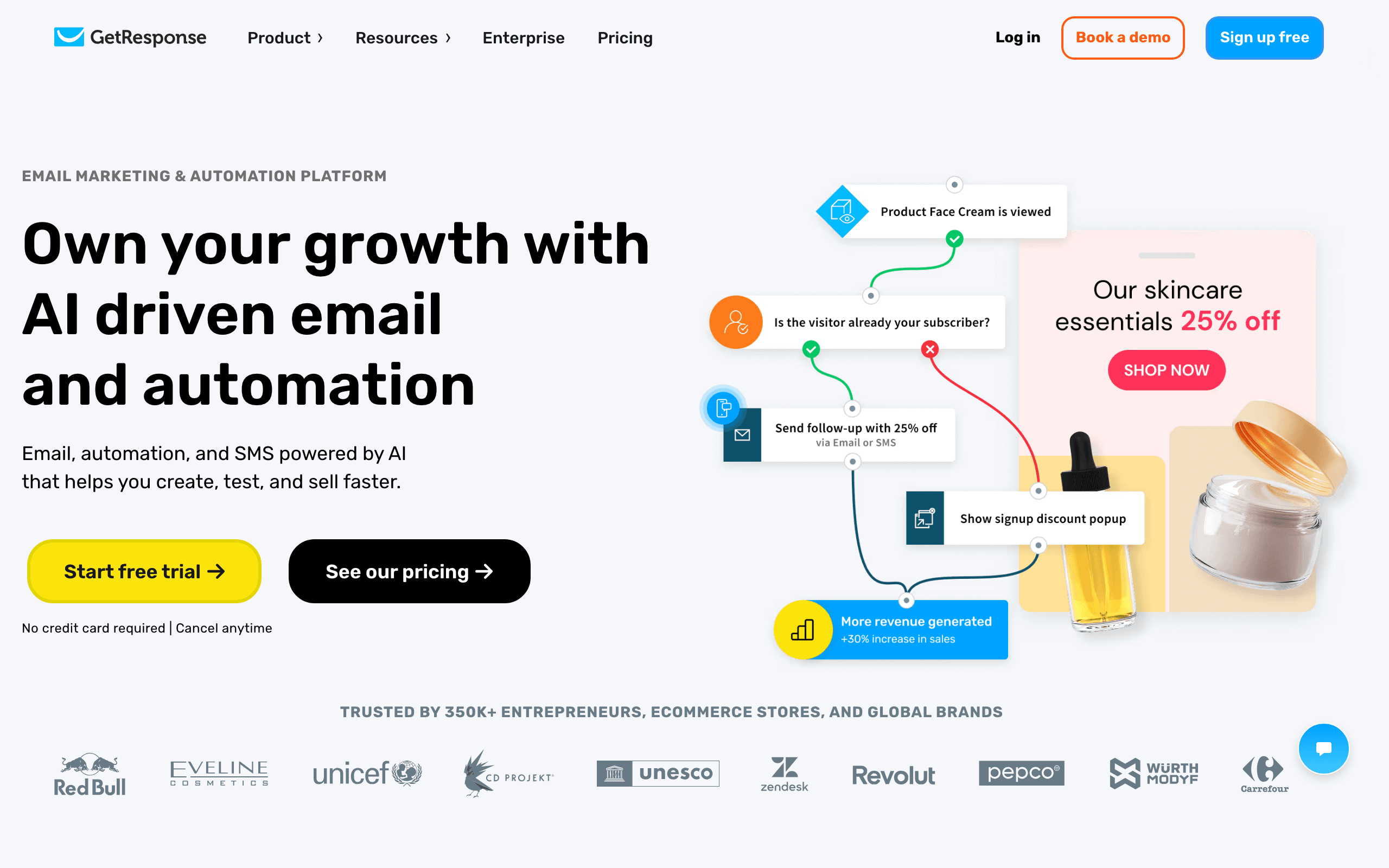
11. GetResponse - Best for Growing Small Businesses
Best for: Small businesses growing into marketing automation
GetResponse offers a strong feature set at competitive pricing. The visual automation builder handles common small business scenarios: welcome sequences, abandoned cart follow-ups, re-engagement campaigns, and lead nurturing flows.
The built-in webinar hosting is a differentiator. For consultants, coaches, or service businesses that host online events, having email and webinars in one platform eliminates the need for Zoom as a separate marketing tool.
Landing pages and conversion funnels are well-developed. Create a landing page, collect email addresses, add them to a welcome sequence, and follow up with automation - all without leaving GetResponse or paying for additional tools.
The interface has grown complex over the years, which can be overwhelming for small business owners who just want basic features. But for businesses ready to invest time in learning a more capable platform, GetResponse offers excellent value.
Pricing: Free up to 500 contacts, paid from $19/month Best for: Small businesses ready to invest in marketing automation Pros: Webinars + email, landing pages, visual automation builder, conversion funnels Cons: Complex interface, jack of all trades, deliverability trails specialists
12. Benchmark Email - Best Beginner-Friendly Option
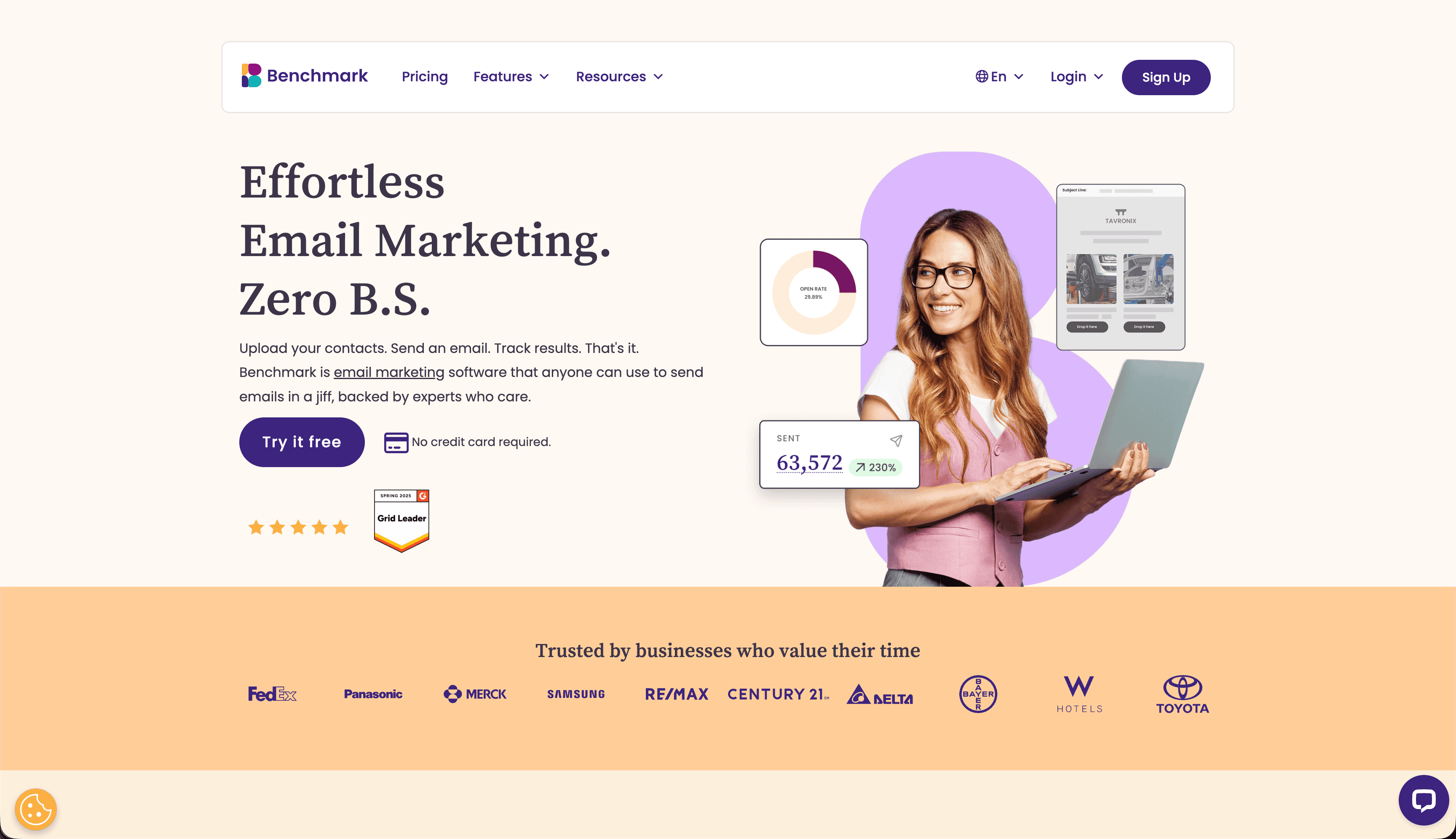
Best for: Email marketing beginners who need a gentle on-ramp
Benchmark Email offers a genuinely easy starting experience for small business owners new to email marketing. The drag-and-drop interface is among the most approachable in the category, and the template library covers common small business needs.
The inbox checker shows how your email looks across major email clients before you send - a feature that prevents the embarrassment of sending an email that looks broken in Outlook while looking great in Gmail. For small business owners who don't have technical expertise to debug rendering issues, this quality check is valuable.
Smart content lets you show different content blocks to different subscriber segments within the same email. A restaurant can show different menus to customers in different locations. A retailer can show different products based on purchase history. This personalization is accessible without technical skills.
Landing pages and signup forms are included on all plans, making subscriber growth achievable without additional tools. The support team is responsive on all plan tiers.
Pricing: Free up to 500 subscribers, paid from $15/month Best for: Email marketing beginners who need a gentle on-ramp Pros: Inbox checker, accessible interface, smart content, good support Cons: Less powerful automation, smaller ecosystem
13. Moosend - Best Affordable Full-Featured Option
Best for: Small businesses wanting solid features without premium pricing
Moosend delivers a strong feature set at a price point that makes many alternatives hard to justify. The drag-and-drop editor is capable, the template library covers standard needs, and the automation builder handles common small business workflows.
Real-time analytics show exactly how your campaign is performing as opens and clicks accumulate. The countdown timer feature is useful for businesses running time-limited promotions. AI writing tools help with subject lines and content when you're staring at a blank page.
Landing pages, forms, and popups for list growth are included on all plans. The platform also offers basic e-commerce integration for retail businesses, allowing product recommendations in automated emails.
The limitation is the ecosystem - fewer integrations than Mailchimp and smaller community documentation than established platforms. Customer support quality can vary on lower-tier plans.
Pricing: From $9/month for 500 subscribers Best for: Small businesses wanting solid features without premium pricing Pros: Affordable, real-time analytics, countdown timers, landing pages Cons: No free plan, smaller ecosystem, variable support quality
14. Omnisend - Best for Retail Small Businesses
Best for: Small retail and ecommerce businesses
Omnisend combines email with SMS and push notifications specifically for retail businesses. If you run an online store or brick-and-mortar shop with an online presence, Omnisend's ecommerce features are genuinely useful.
Pre-built automation flows for abandoned cart, post-purchase follow-up, win-back campaigns, and welcome sequences work out of the box. The product picker drops product images and pricing directly into your email without manual copy-paste. For small retailers sending weekly promotional emails, this time savings is significant.
Deep Shopify integration means customer and order data flows automatically. Segment your list by purchase history, average order value, or last purchase date without any manual data management.
For non-retail businesses, Omnisend is overkill. The product is built around purchase behavior and product catalogs - features that don't apply to service businesses, consultants, or content creators.
Pricing: Free up to 250 contacts, paid from $16/month Best for: Small retail and ecommerce businesses Pros: Ecommerce features, SMS + email + push, Shopify integration, prebuilt flows Cons: Wrong tool for non-commerce, free tier is small, pricing scales with contacts
15. Campaign Monitor - Best for Brand-Consistent Teams
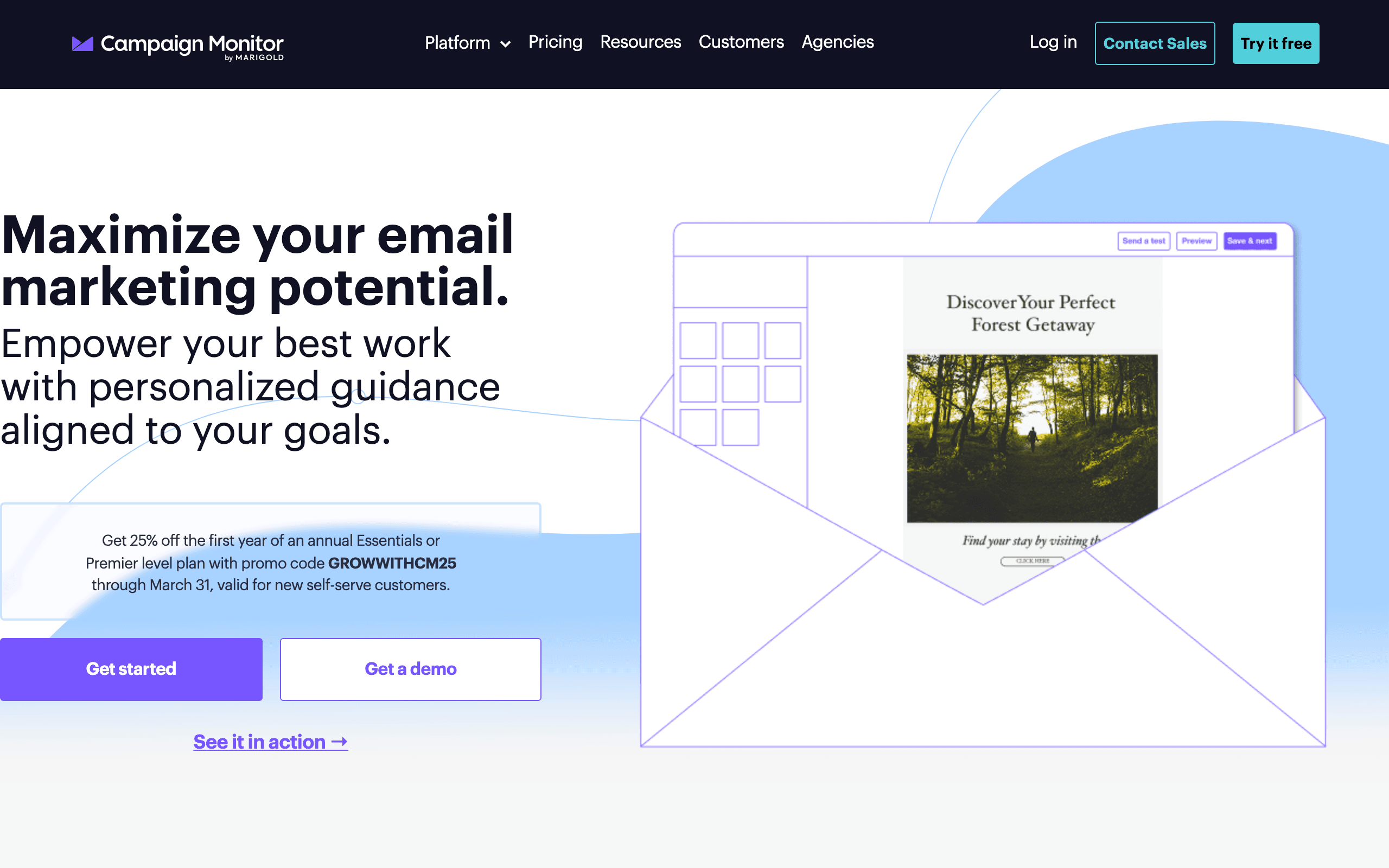
Best for: Small businesses with multiple staff building emails
Campaign Monitor is useful for small businesses where multiple people build emails and brand consistency needs to be maintained. The "Sections" approach lets designers create approved components that other staff assemble into campaigns.
The email builder is polished and the default templates look good. The platform handles both transactional and marketing email under the same brand umbrella. Reliable rendering across email clients means you're not troubleshooting why your email looks different in different clients.
For small businesses with a dedicated marketing person plus other staff who occasionally send emails (office managers, sales people, customer service), Campaign Monitor's permission and template locking system prevents off-brand emails from going out.
Pricing: From $11/month for 500 contacts Best for: Small businesses with multiple staff building emails Pros: Template lock-in, polished UX, reliable rendering Cons: No free tier, expensive at scale, basic automation
16. HubSpot - Best for Sales-Focused Small Businesses
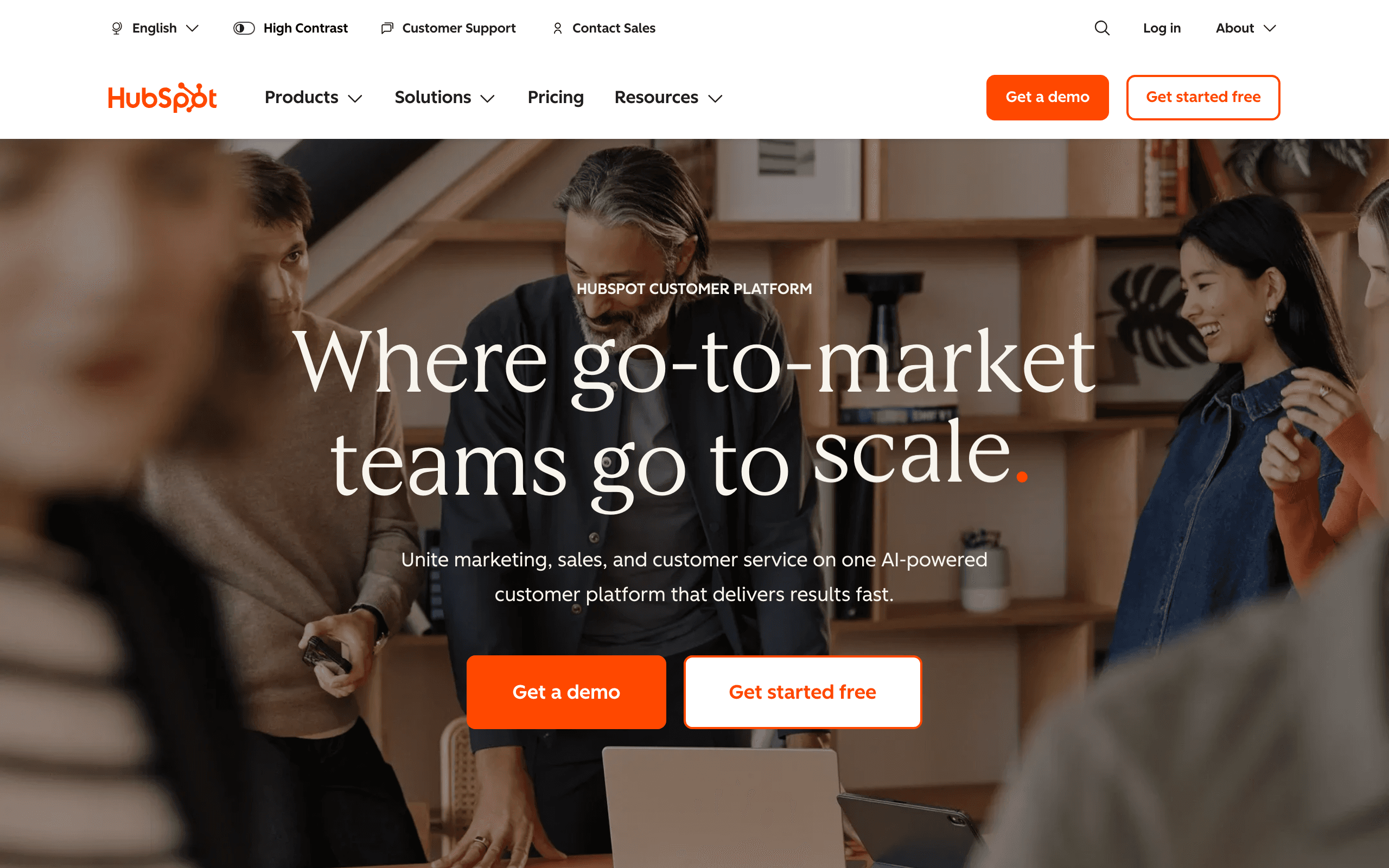
Best for: Small businesses with active sales and CRM needs
HubSpot's email builder is connected to a full CRM. Every email interaction is logged in contact records, making it easy to see which prospects engaged with your campaigns. For small businesses actively pursuing sales alongside email marketing, this integration is valuable.
The free CRM tier includes email marketing (up to 2,000 emails/month), contact management, and basic automation. For very small businesses, the free tier may be sufficient. The drag-and-drop email builder is intuitive and the templates are well-designed.
As your business grows, HubSpot's full suite (Marketing Hub, Sales Hub, Service Hub) extends the email marketing capabilities with more advanced automation, lead scoring, and sales workflows.
The catch: HubSpot pricing escalates aggressively as you add features. Marketing Hub Professional starts at $890/month, making it overkill for most small businesses. Use the free and Starter tiers, but have a plan for if you need more.
Pricing: Free up to 2,000 emails/month, paid from $20/month Best for: Small businesses with sales teams using CRM alongside email Pros: CRM included, lead tracking, polished email builder, generous free tier Cons: Pricing escalates fast, complex setup, overkill for basic email needs
17. Zoho Campaigns - Best for Existing Zoho Users
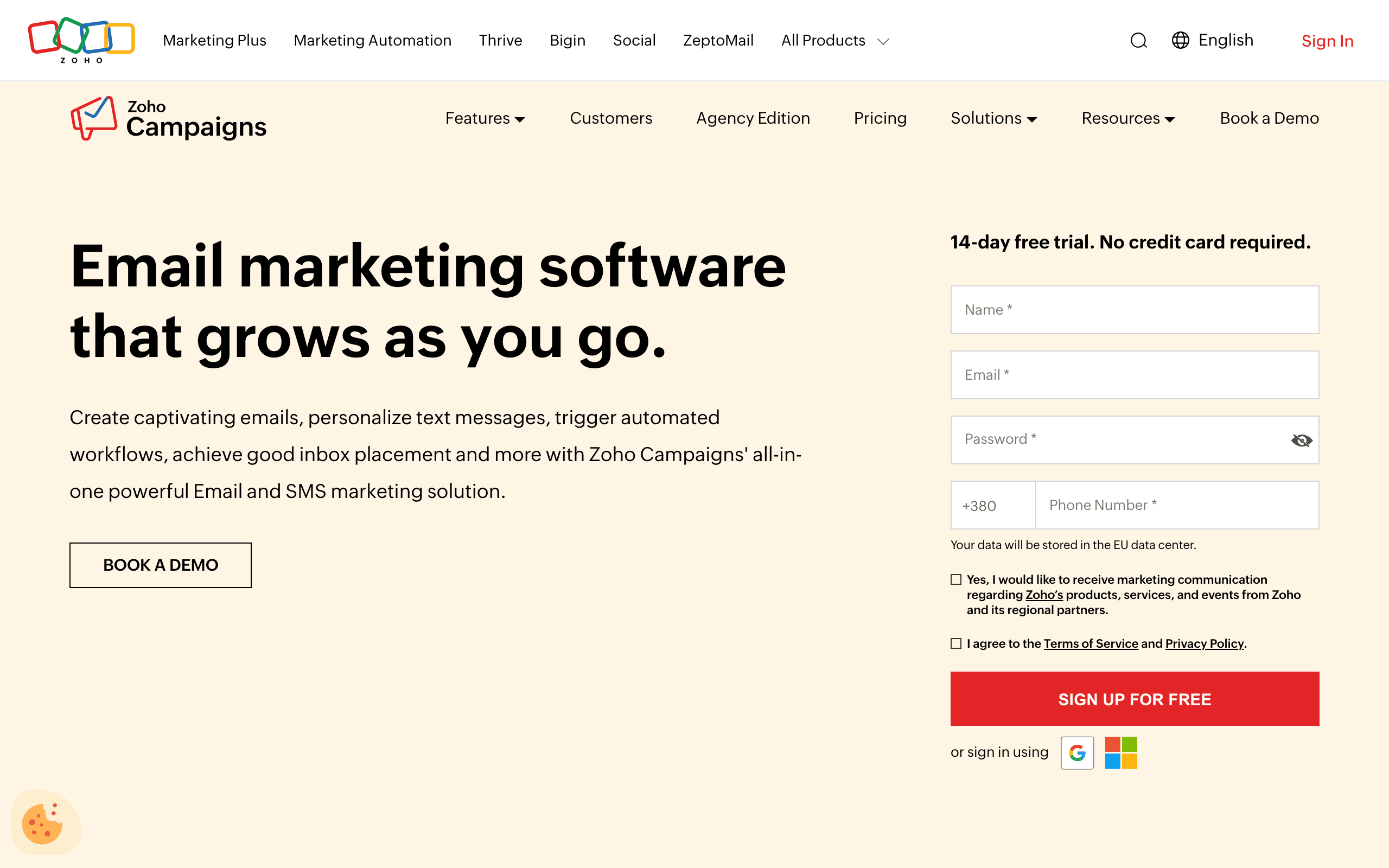
Best for: Small businesses already in the Zoho ecosystem
Zoho Campaigns integrates tightly with Zoho CRM, Zoho Books, and other Zoho products. For small businesses already using Zoho for accounting, customer management, or other operations, Campaigns provides email marketing without needing to export and import data between systems.
The pricing is aggressive, with plans starting very low for small lists. The drag-and-drop builder is functional, templates cover standard needs, and automation workflows handle common scenarios. A/B testing is available on all plans.
If you're not in the Zoho ecosystem, there are better options at the same price point. But for businesses already invested in Zoho tools, Campaigns keeps your entire operation in one vendor relationship.
Pricing: Free up to 6,000 emails/month, paid from $3/month Best for: Small businesses already using other Zoho products Pros: Zoho ecosystem integration, very affordable, functional builder Cons: Best value only for existing Zoho users, interface less polished than competitors
18. Sender - Best Generous Free Tier
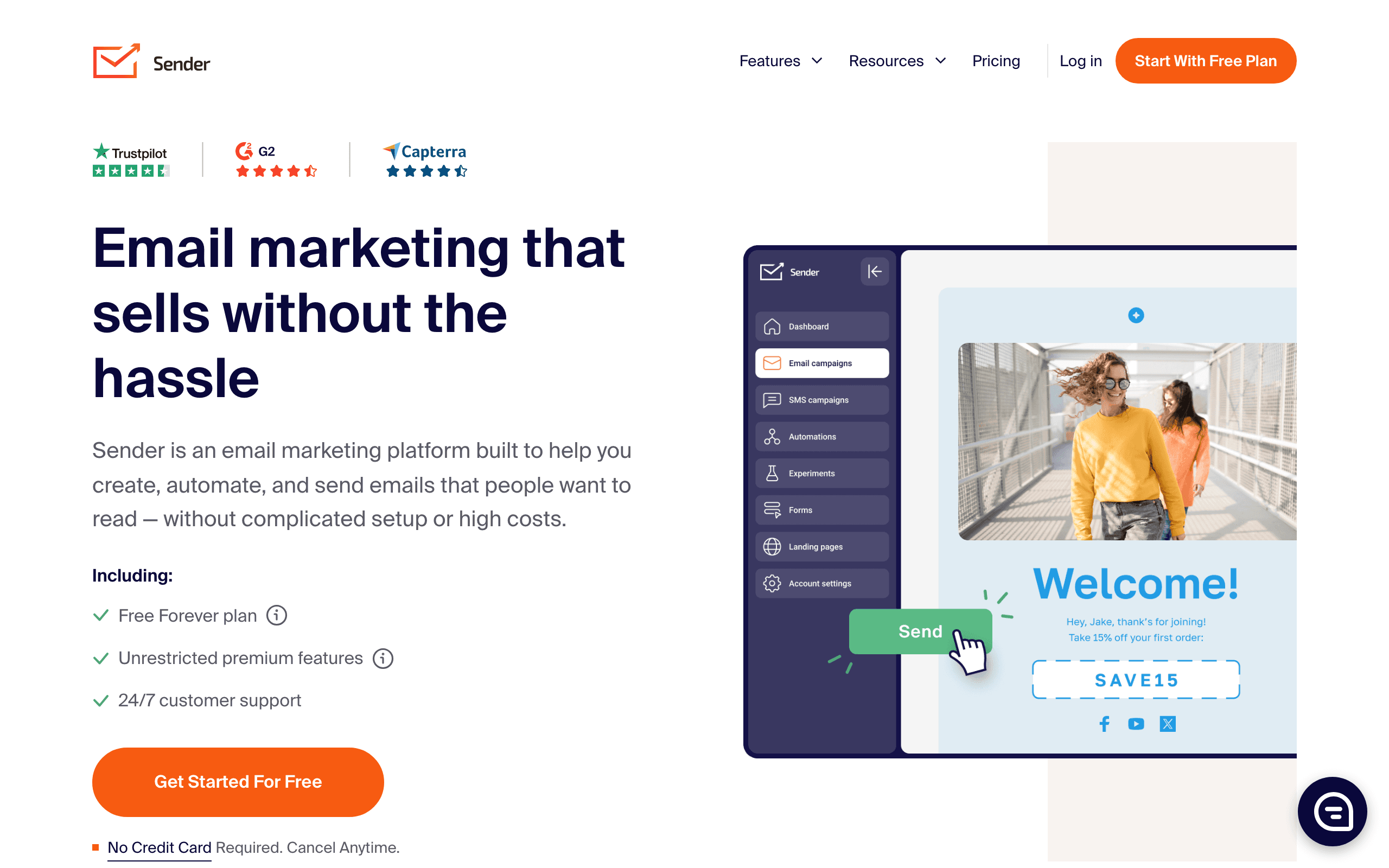
Best for: Very small businesses starting with email marketing
Sender offers one of the most generous free plans: 2,500 subscribers and 15,000 emails/month for free. For a very small business validating whether email marketing will work, this is enough to run real campaigns without spending anything.
The platform combines email with SMS, which is useful for businesses that want to reach customers on multiple channels. Pop-up forms and landing pages for subscriber growth are included.
Where Sender falls short: free emails include Sender branding, automation is basic, and the template library is functional but not impressive. For businesses ready to invest in email marketing properly, platforms with more features at similar prices are available.
Pricing: Free up to 2,500 subscribers, paid from $10/month Best for: Very small businesses starting with email marketing Pros: Very generous free tier, SMS bundled, simple interface Cons: Branding on free plan, basic automation, smaller ecosystem
19. EmailOctopus - Cheapest Paid Option
Best for: Budget-constrained small businesses who just need to send emails
EmailOctopus is the cheapest way to send professional email campaigns at any meaningful scale. At 50,000 subscribers, it costs around $36/month compared to $100+ at Mailchimp. For cost-conscious small businesses, this price difference is significant.
The platform is plain but functional. Editor works, templates are fine, analytics cover the basics. Nothing exceptional, nothing broken. If you mostly need a way to compose and send emails to your list, EmailOctopus does the job without the premium price.
The Amazon SES backend option is unique for technically inclined business owners. Connect your own SES account and send at dramatically reduced per-email costs. At high volumes, this setup can reduce email costs by 80% compared to typical ESPs.
Pricing: Free up to 2,500 subscribers, paid from $9/month Best for: Budget-constrained small businesses Pros: Very cheap, generous free tier, SES option, simple interface Cons: Plain editor, smaller template library, basic reporting
20. Klaviyo - Best for Product-Focused Small Businesses
Best for: Small product businesses on Shopify or BigCommerce
Klaviyo's deep ecommerce integrations make it the best choice for product businesses. If you run a Shopify store, Klaviyo syncs your entire product catalog, customer purchase history, and browsing behavior into your email marketing platform.
Abandoned cart emails, post-purchase follow-ups, and product recommendation emails are built-in and require minimal setup. The predictive AI features (predicted lifetime value, churn risk) help you focus email efforts on the right customers.
For very small ecommerce businesses, Klaviyo's free tier (up to 250 contacts) allows you to start without commitment. As your business grows, the per-subscriber pricing scales with your success.
The trade-off for small businesses: Klaviyo is complex and takes time to learn properly. The pricing also escalates quickly as your list grows. For non-ecommerce businesses, the pricing-to-value ratio doesn't justify it.
Pricing: Free up to 250 contacts, paid from ~$45/month at 5k contacts Best for: Small product businesses and ecommerce stores Pros: Best ecommerce integrations, predictive AI, Shopify deep sync Cons: Complex, expensive at scale, overkill for non-ecommerce
21. ActiveCampaign - Best for Small Businesses Growing Fast
Best for: Small businesses investing seriously in marketing automation
ActiveCampaign has the most powerful automation builder in the small business category. If you're ready to invest time in building sophisticated customer journeys - welcome sequences, upsell flows, re-engagement campaigns, lead nurturing - ActiveCampaign delivers.
Visual automation builder with branching logic, wait conditions, split testing, and goals. Built-in CRM connects email marketing to your sales pipeline. Conditional content shows different blocks to different segments within the same email.
For small businesses generating significant revenue from email marketing, the investment in a more capable platform like ActiveCampaign pays off. A well-built automation can generate revenue while you sleep.
The trade-off: no free plan, $29/month minimum is steep for businesses with very small lists, and there's a real learning curve. This is a platform for small businesses that take email marketing seriously, not for those sending occasional newsletters.
Pricing: From $29/month (no free plan) Best for: Small businesses serious about marketing automation Pros: Best automation engine, CRM included, conditional content, top deliverability Cons: No free plan, steep learning curve, expensive for basic use
Cost Comparison
| Builder | Free Tier | Paid Starting | Best Value Point | All-in-One? |
|---|---|---|---|---|
| Bee Free | Yes (with branding) | $15/mo | Free tier | No |
| Sequenzy | Yes (2.5k emails) | $19/mo | $49/mo (5k subs) | Yes |
| Topol.io | Yes (limited) | $7/mo | $7/mo | No |
| Mailchimp | Yes (500 contacts) | $13/mo | Free tier | Yes |
| Stripo | Yes (4 exports) | $15/mo | $15/mo | No |
| Constant Contact | No | $12/mo | $12/mo | Yes |
| MailerLite | Yes (1k subs) | $10/mo | Free-$10/mo | Yes |
| AWeber | Yes (500 subs) | $15/mo | Free tier | Yes |
| Brevo | Yes (300/day) | $9/mo | $9/mo | Yes |
Building Emails When You're Not a Designer
Use Templates
Don't start from a blank canvas. Find a template that's close to what you need and modify it. This ensures professional structure even if design isn't your strength. Every builder in this list offers templates, and they all produce better results than starting from nothing.
Keep It Simple
Resist the urge to use every feature. Simple emails with clear messages perform better than elaborate designs. One or two columns, a clear headline, body text, and a call-to-action button is often all you need. Some of the highest-performing marketing emails are plain text with a single link.
Stick to Your Brand Colors
Pick 2-3 colors from your brand (logo, website) and use only those. This creates consistency without needing design expertise. If your logo is blue and white, make your email headers blue, your body text dark gray, and your CTA buttons blue. Consistency builds recognition.
Use Quality Images
Low-quality images make even good designs look amateur. Use your own photos if they're decent, or stock photos from sites like Unsplash (free) if not. Resize images before uploading, as oversized images slow email loading and some email clients won't display them at all.
Test on Mobile
Most of your subscribers will read on their phones. Preview how your email looks on mobile before sending, and adjust if needed. Common mobile issues include text that's too small, buttons that are too narrow to tap, and images that overflow the screen width.
Write Good Subject Lines
Your email design doesn't matter if nobody opens the email. Write clear, specific subject lines that tell subscribers what they'll find inside. "March Newsletter" is weak. "3 spring cleaning tips + 20% off this weekend" is strong. For more writing tips, see our guide on email sequence copywriting.
When to Invest in Better Tools
Start with free or cheap tools, but consider upgrading when:
- You're spending too much time building emails (a faster tool pays for itself)
- Your business has grown and needs automation (welcome sequences, follow-ups, reminders)
- You need team collaboration features (multiple people building or reviewing emails)
- You're sending at high enough volume that price-per-email matters
- You want better analytics to understand what's working
The jump from free to paid often costs less than a few hours of your time. If a $15/month tool saves you an hour per month, it's likely worth it.
Email Marketing Strategy for Small Businesses
Start with the Basics
You don't need complex automation from day one. Start with these fundamentals:
- A welcome email that thanks new subscribers and sets expectations. Use our welcome email templates as starting points.
- A regular newsletter sent on a consistent schedule (weekly or monthly).
- Promotional emails for sales, events, or new products/services.
Master these three before adding complexity. They cover 80% of what most small businesses need.
Build Your List Ethically
Never buy email lists. They damage your email deliverability and violate anti-spam laws. Instead, collect emails through your website, in-store sign-ups, and social media. Always use double opt-in to ensure subscribers genuinely want your emails.
Track What Matters
Focus on three metrics: open rate (are people seeing your emails?), click rate (are they engaging with content?), and unsubscribe rate (are you annoying people?). If open rates drop, improve your subject lines. If click rates are low, improve your content and CTAs. If unsubscribe rates spike, you're sending too often or the content isn't relevant.
Email Marketing Mistakes Small Businesses Make
Sending Without a Plan
Don't send emails randomly whenever you "have something to say." Create a simple email calendar with planned sends. Even a basic plan ("promotional email first Tuesday, newsletter last Thursday") gives you structure and ensures consistent communication.
Buying Email Lists
Never purchase email lists. The subscribers didn't consent to hear from you, so open rates will be abysmal, spam complaints will spike, and your email deliverability will suffer permanently. Build your list organically through your website, in-store sign-ups, and social media.
Neglecting Mobile
If you're previewing emails only on your desktop computer, you're missing how most subscribers experience your emails. Always check the mobile preview before sending. Common mobile issues include text that's too small, images that overflow the screen, and buttons that are impossible to tap.
Making Every Email a Sales Pitch
Subscribers unsubscribe when every email asks them to buy something. Follow the 80/20 rule: 80% of your emails should provide value (tips, information, entertainment), and 20% can be promotional. Build trust before asking for the sale.
Ignoring Analytics
If you're sending emails without looking at the results, you're flying blind. Check your open rates and click rates after every send. They don't need to be perfect, but trending downward is a problem. Most platforms show these metrics prominently on their dashboard. Even five minutes reviewing results after each campaign helps you improve over time.
Using a Personal Email Address to Send
Sending marketing emails from your personal Gmail or Yahoo address looks unprofessional and hurts deliverability. Use a branded email address (you@yourbusiness.com) and set up proper email authentication to ensure your emails reach the inbox.
Industry-Specific Considerations
Different businesses have different needs:
Restaurants and food service: Focus on visual emails with good image support. Promotions and specials drive most of your email engagement. Include mouth-watering food photography, clear pricing, and easy ordering links. Weekly specials emails tend to perform well.
Professional services (accountants, lawyers, consultants): Simpler, text-focused emails often work better. Credibility matters more than flashy design. Share expertise through tips and insights. A monthly newsletter with tax tips from an accountant or legal updates from a lawyer builds trust and keeps you top of mind.
Retail and local shops: Product showcases and promotions need good image handling and mobile optimization. Seasonal campaigns, new arrival announcements, and loyalty rewards work well. Make sure product images look good on mobile, where most customers will see them.
Service businesses (salons, contractors, clinics): Appointment reminders and follow-ups are key. Look for automation features that let you set up reminder sequences once and forget about them. Post-service follow-ups requesting reviews are particularly valuable for building online reputation.
Check out our industry-specific guides for dentists, personal trainers, florists, and many more.
Frequently Asked Questions
How much should a small business spend on email marketing tools?
Most small businesses can start for free and eventually spend $15-30/month. That covers a capable builder and sending platform. Don't overspend early. Upgrade only when you've validated that email marketing generates returns for your business. The free tiers of Bee Free, Mailchimp, and Stripo are genuine tools, not just demos.
Do I need a separate email builder and email sending platform?
Not necessarily. All-in-one platforms like Sequenzy, Mailchimp, and Constant Contact include both building and sending. Standalone builders like Stripo and Bee Free require a separate ESP to actually send emails. For simplicity, small businesses often prefer all-in-one solutions. Standalone builders make sense when you want better design tools than your ESP provides.
How often should a small business send emails?
Start with a frequency you can sustain. Monthly is a good starting point. Weekly works if you have enough content. The worst approach is sending three emails in your first week and then going silent for two months. Consistency matters more than frequency. Set a schedule and stick to it.
What if I don't have anything to email about?
You have more content than you think. Share behind-the-scenes stories, customer testimonials, tips related to your industry, seasonal promotions, community involvement, or staff introductions. A local bakery can share recipes. A plumber can share maintenance tips. An accountant can share tax deadline reminders. The goal is being helpful, not promotional.
Should I hire someone to handle email marketing?
Not initially. The tools in this guide are designed for non-experts. Start by doing it yourself to understand what works for your business. Once email marketing is generating clear returns and you're spending more time than you'd like, consider hiring a freelancer or agency. You'll be a better client because you'll understand the work involved.
How do I handle email marketing legally?
In the US, follow the CAN-SPAM Act: include a physical address, honor unsubscribes within 10 days, don't use deceptive subject lines, and identify the email as an advertisement when applicable. In Europe, GDPR requires explicit consent before emailing. In Canada, CASL has similar consent requirements. All the tools in this guide handle unsubscribe compliance automatically. Make sure you have proper email authentication set up as well.