
21 Best HTML Email Builders for Marketers in 2026

Marketers don't have time to wrestle with HTML tables and inline CSS. You need to build emails fast, make them look professional, and get them out the door. The best HTML email builders for marketers prioritize speed and ease of use without sacrificing quality.
I've tested the major email builders from a marketer's perspective: How quickly can I create a campaign? How good do the templates look? Can I maintain brand consistency without bothering the design team? This guide covers 21 tools that excel at these real-world marketing needs, from dedicated drag-and-drop editors to all-in-one ESPs with strong native builders.
For a broader overview of all email builders, check out my complete guide to HTML email builders. If you're more technically inclined, I've also written guides for developers and designers.
Best Marketer Email Builder by Campaign Workflow
Best email builder for SaaS growth campaigns: Sequenzy
Sequenzy is the best fit when marketers need to build the email and connect it to a lifecycle trigger in the same workflow. Onboarding, trial conversion, dunning, feature announcements, and newsletters can all use the same subscriber data. Start with AI campaigns, automation builder, and SaaS trial conversion templates.
Best email builder for template-heavy campaign production: Stripo
Stripo is the better fit when marketers produce many different campaign types and need a large template library, reusable modules, and broad ESP exports. See the HTML email builders with templates guide if templates are the main decision factor.
Best email builder for fast one-off campaigns: Beefree
Beefree is strongest when a marketer needs to ship a clean email quickly without involving design or engineering. It is useful for announcements, simple newsletters, event emails, and one-off promotions. The free HTML email builders guide covers its free-tier position.
Best email builder for CRM-connected marketing: HubSpot or ActiveCampaign
HubSpot and ActiveCampaign make sense when the email builder needs to sit inside a broader CRM, lead scoring, sales handoff, or nurture workflow. They are heavier than standalone builders, but better for sales-assisted marketing. Compare HubSpot and ActiveCampaign.
Best email builder for ecommerce marketing: Klaviyo
Klaviyo is the best fit when product blocks, purchase history, Shopify data, revenue attribution, and SMS consent matter more than general-purpose design flexibility. The Klaviyo comparison and ecommerce email platform guide are the next pages to read.
Quick Comparison
| Tool | Best For | Pricing | Key Strength |
|---|---|---|---|
| Sequenzy | SaaS / growth marketers | Free up to 2.5k emails/mo, from $19/mo | AI integration |
| Stripo | Template-heavy teams | Free, $15/mo | 1,500+ templates, AMP, modules |
| Beefree (BEE) | Speed | Free, $25/mo | Fastest editor, clean HTML export |
| Mailchimp | Mailchimp users | Free, $13/mo | Content Studio, native A/B testing |
| Unlayer | Mixed-skill teams | $20/mo | Balanced power + simplicity |
| Topol | Budget-conscious | Free, $10/mo | Cheapest serious editor |
| Chamaileon | Agencies, larger teams | $30/mo | Real-time collaboration, approvals |
| Postcards by Designmodo | Design-focused marketers | $19/mo | Premium visual quality |
| Tabular | Modern brands | $19/mo | Clean editor, framework agnostic |
| Knak | Enterprise marketers | Custom (~$1.5k+/mo) | Marketo/Eloqua integration, governance |
| Dyspatch | Regulated industries | Custom (~$500+/mo) | Approvals, AMP, locked sections |
| EDMdesigner | White-label / agencies | Custom | Embeddable editor for your product |
| Mosaico | Self-hosters | Free (open source) | Self-hostable, no vendor lock-in |
| Brevo (Sendinblue) | SMBs going multichannel | Free, $9/mo | Cheap sends + SMS + WhatsApp |
| GetResponse | Funnel builders | Free, $19/mo | Builder + landing pages + webinars |
| Klaviyo | Ecommerce | Free, ~$45/mo at 5k | Shopify data, predictive AI |
| ActiveCampaign | Lifecycle marketers | $19/mo | Automation depth + native builder |
| HubSpot | Marketing + sales teams | Free, $20/mo (Marketing Hub) | Tied to HubSpot CRM |
| MailerLite | Solo marketers, creators | Free, $10/mo | Simple, beautiful, cheap |
| Kit (ConvertKit) | Creators, newsletters | Free, $25/mo | Creator commerce + clean text emails |
| Campaign Monitor | Brand-conscious teams | $11/mo | Brand lock-in for templates |
Quick Comparison
| Tool | Best For | Starting Price | Free Tier | Marketer Features |
|---|---|---|---|---|
| Sequenzy | SaaS growth marketers | From $19/mo | Yes (2.5k emails/mo) | AI content, automation, Stripe integration |
| Stripo | Template-heavy teams | From $15/mo | Yes (4 exports) | 1,500+ templates, AMP, modules |
| Beefree (BEE) | Speed, solo marketers | From $25/mo | Yes (branding) | Fast editor, mobile editing, clean HTML |
| Mailchimp | All-in-one teams | From $13/mo | Yes (500 contacts) | Content Studio, A/B testing, native send |
| Unlayer | Mixed-skill teams | From $20/mo | Yes (branding) | Balanced power + simplicity, merge tags |
| Topol | Budget-conscious | From $10/mo | Yes | Cheapest serious editor, clean output |
| Chamaileon | Agencies, larger teams | From $30/mo | No | Real-time collab, approvals, client links |
| Postcards by Designmodo | Design-focused marketers | From $19/mo | Yes | Premium visual quality, module-based |
| Tabular | Modern brands | From $19/mo | No | Brand token system, clean modern editor |
| Knak | Enterprise marketers | Custom (~$1.5k+/mo) | No | Marketo/Eloqua integration, governance |
| Dyspatch | Regulated industries | Custom (~$500+/mo) | No | Approvals, AMP, locked sections |
| EDMdesigner | White-label / agencies | Custom | No | Embeddable editor for your product |
| Mosaico | Self-hosters | Free (open source) | Yes | Self-hostable, no vendor lock-in |
| Brevo (Sendinblue) | SMBs going multichannel | From $9/mo | Yes (300/day) | Cheap sends + SMS + WhatsApp |
| GetResponse | Funnel builders | From $19/mo | Yes (500 contacts) | Builder + landing pages + webinars |
| Klaviyo | Ecommerce | From ~$45/mo | Yes (250 contacts) | Shopify data, predictive AI |
| ActiveCampaign | Lifecycle marketers | From $19/mo | No | Automation depth + native builder |
| HubSpot | Marketing + sales teams | From $20/mo | Yes (2k sends) | Tied to HubSpot CRM, smart content |
| MailerLite | Solo marketers, creators | From $10/mo | Yes (1k subs) | Simple, beautiful, cheap |
| Kit (ConvertKit) | Creators, newsletters | From $25/mo | Yes (10k subs) | Creator commerce + clean text emails |
| Campaign Monitor | Brand-conscious teams | From $11/mo | No | Brand lock-in for templates |
What Marketers Need from an Email Builder
Marketing teams have specific requirements that differ from developers or designers:
Speed matters most. You're often building emails under deadline pressure. A builder that takes hours to create a simple campaign is a productivity killer. The best tools let you go from idea to finished email in under 30 minutes.
Templates save lives. Starting from a professional template and customizing it beats building from scratch every time. The template library quality often determines the builder's value for marketers. Look for templates organized by campaign type (welcome, promotional, newsletter, re-engagement) so you can find what you need quickly.
Brand consistency without design skills. You need to stay on-brand without asking designers to approve every email. Good builders make this easy with locked brand colors, saved content blocks, and reusable layouts.
Integration with your stack. The email needs to work with your ESP, your CRM, and your analytics. Smooth integrations reduce manual work and prevent data silos that lead to disconnected campaigns.
Performance tracking. Marketers need to know what works. Builders that connect to analytics or include built-in tracking help you iterate and improve over time. If your email deliverability suffers because of poorly coded HTML, even the best copy won't matter.
How I Tested These Builders
I evaluated each builder by creating the same three emails: a welcome sequence email, a promotional campaign with product imagery, and a monthly newsletter. For each, I measured time to completion, assessed the output quality across email clients, and noted how intuitive the process felt.
I also tested collaboration features by having a colleague edit my emails, and evaluated the export process for each builder. The rankings reflect a marketer's priorities: speed, quality, and workflow integration.
Top Email Builders for Marketing Teams
1. Sequenzy - Best for Growth Marketers
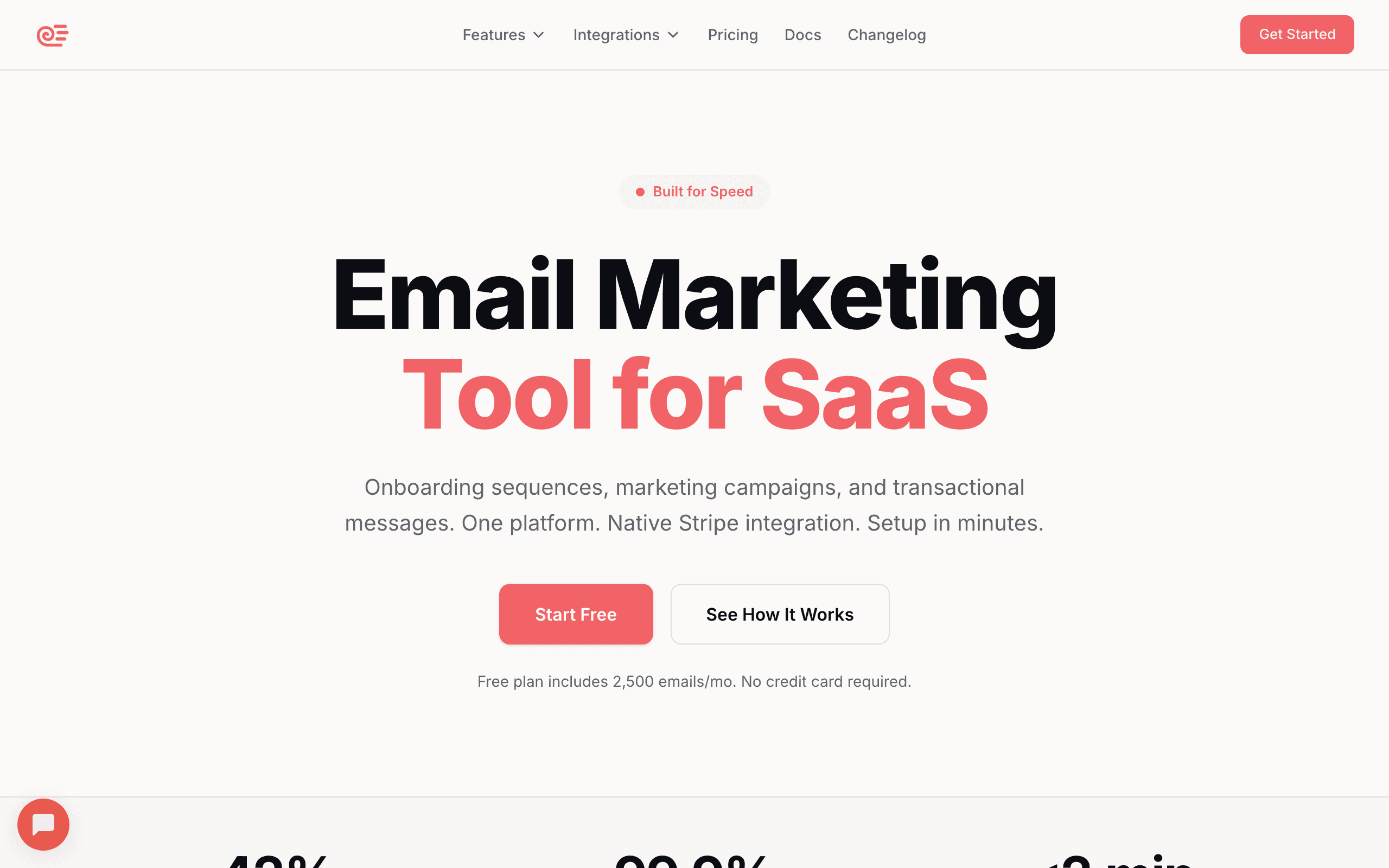
Best for: SaaS marketers, growth teams, and anyone who wants building and automation in one place.
Sequenzy stands out for marketers because it combines the email builder with full automation and analytics in one platform. You're not just building emails; you're building campaigns that trigger automatically based on user behavior.
The AI content generation is genuinely useful for marketers. Describe what you want, "a welcome email for new trial users emphasizing our key features," and you get a solid first draft. It's not perfect, but it's a huge time saver compared to staring at a blank editor. The AI understands common email patterns, so it structures content with proper headings, body copy, and calls to action.
The visual builder is straightforward without being limiting. Pre-designed content blocks for common elements like testimonials, pricing tables, and CTAs let you assemble professional emails quickly. Everything is mobile-responsive by default, so you never have to worry about how your campaign looks on phones.
For SaaS marketers specifically, the Stripe integration enables segmentation by revenue, plan, and payment status. You can build campaigns targeting users by their actual value to your business, not just demographic data. Imagine sending upgrade prompts only to users on free plans who've hit their usage limits, or win-back campaigns specifically to churned customers who were previously on your highest tier.
The automation workflows are where Sequenzy really shines for growth teams. You can set up entire email sequences that trigger based on user actions: signed up, activated a feature, approaching a billing date, or hasn't logged in for two weeks. Building the email and configuring the trigger happens in the same interface.
- Features: AI content generation, drag-and-drop editor, automation workflows, Stripe integration, segments by revenue and behavior, transactional + marketing in one.
- Pricing: Free up to 2,500 emails/month, paid plans from $19/month.
- Pros: Builder and automation in one tool, SaaS-aware data model, fast AI drafts, fair pricing, direct founder support.
- Cons: Smaller template library than Stripo or Beefree, no native SMS, newer brand than legacy ESPs.
2. Stripo - Best Template Selection
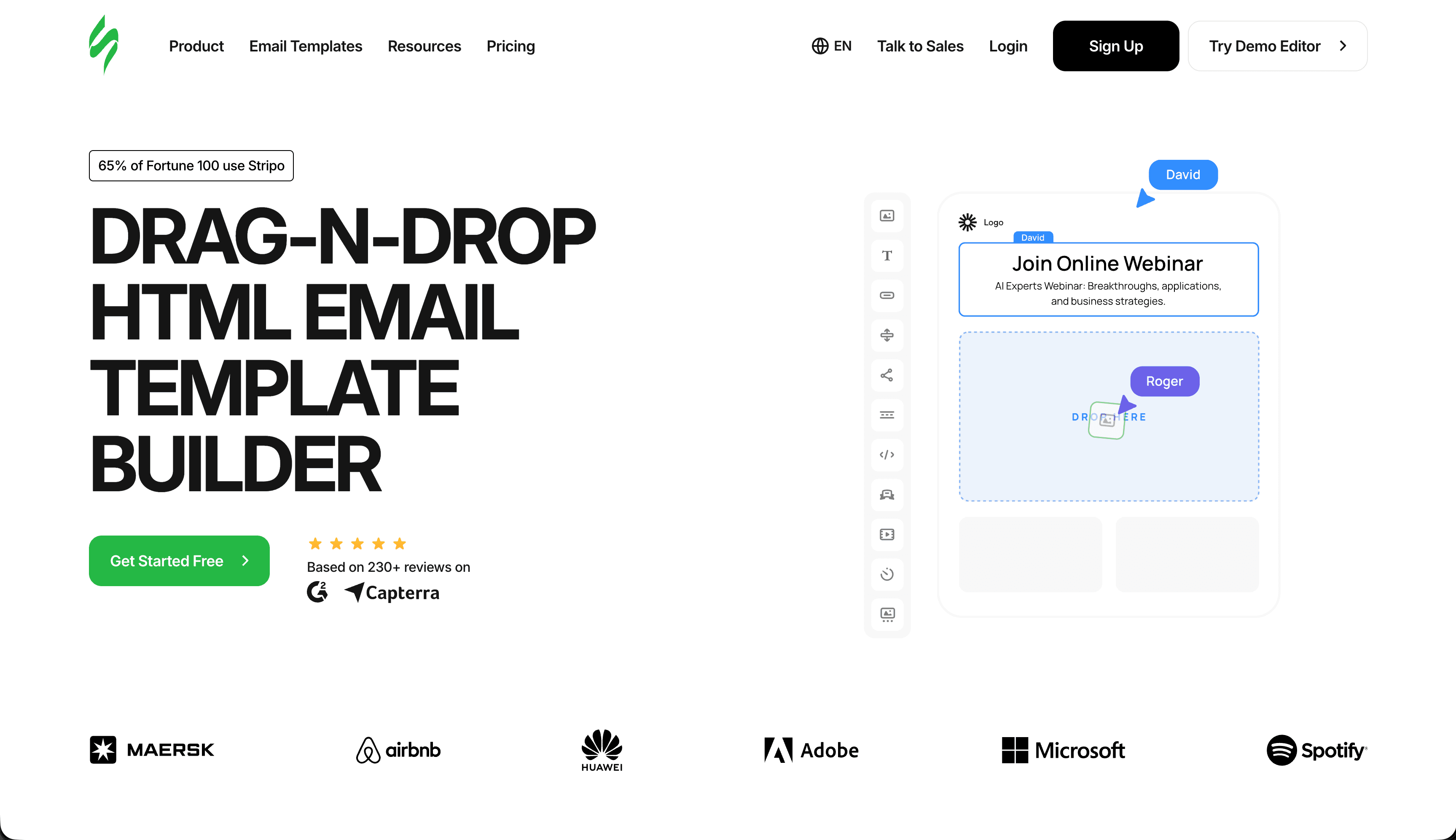
Best for: Marketers who rely heavily on templates and reusable modules.
Stripo's template library is its killer feature for marketers. With 1,500+ templates organized by industry, campaign type, and style, you can almost always find something close to what you need. Modify the copy, swap the images, adjust the colors, and you're done.
The editor strikes a good balance between power and usability. Drag-and-drop is intuitive, but you can also access more advanced settings when needed. The "modules" feature lets you save your own content blocks to reuse across campaigns, which is great for maintaining consistency. Once you've built a perfect testimonial section or pricing comparison block, you can drop it into any future email with a single click.
One feature I particularly like is the countdown timer. You can add dynamic timers to promotional emails that update based on when the email is opened. It creates urgency without the fake "limited time offer" claims. For flash sales and product launches, this single feature can meaningfully improve conversion rates.
Stripo also offers AMP email support, which lets you create interactive elements like image carousels, accordions, and in-email forms. While AMP support in email clients is still limited, it's worth experimenting with for Gmail users who represent a large portion of most marketing lists. Stripo integrates with most major ESPs, so you can build in Stripo and export directly to Mailchimp, HubSpot, Campaign Monitor, and others.
- Features: 1,500+ templates, modules, AMP support, countdown timers, ESP integrations, role-based collaboration.
- Pricing: Free tier, paid from $15/month, business plans from $45/month.
- Pros: Best-in-class template library, reusable modules, clean exported HTML, broad ESP support.
- Cons: Some advanced features gated to higher tiers, UI can feel busy until you learn it.
3. Beefree (BEE) - Best for Quick Builds
Best for: Solo marketers and small teams who need to ship campaigns quickly.
Beefree is the fastest builder I've tested for simple campaigns. The interface is clean and uncluttered. You can genuinely create a professional email in under 10 minutes once you know the tool.
The free tier is actually usable for real work. You get unlimited emails with full editor access. The only real catch is some restrictions around saved rows and brand kits. As your needs grow, the paid tier removes restrictions and adds features like saved rows, custom fonts, brand styles, and merge tags. Beefree Pro now ships with their AI assistant, which generates entire layouts from a prompt and is one of the better implementations I've used outside Sequenzy.
Mobile editing deserves a mention. Beefree lets you adjust the mobile version of your email separately from desktop, which is essential for campaigns where the mobile experience needs different emphasis. You can hide blocks on mobile, reorder content, and change font sizes independently. Given that over 60% of email opens happen on mobile devices, this level of control matters.
The collaboration features on paid plans are useful for marketing teams. You can share projects, organize by campaign or brand, and maintain consistency with saved design elements. For teams that produce high volumes of email, the time savings add up quickly. For a deeper dive on free options, check out my guide to free HTML email builders.
- Features: Drag-and-drop, mobile-specific editing, saved rows, AI assistant, brand kit, ESP exports.
- Pricing: Free tier, paid from $25/month per user (Team plan from ~$30/user/month).
- Pros: Fastest editor, excellent mobile controls, clean export HTML, generous free tier.
- Cons: Per-user pricing adds up for teams, no native sending (export only).
4. Mailchimp's Email Builder
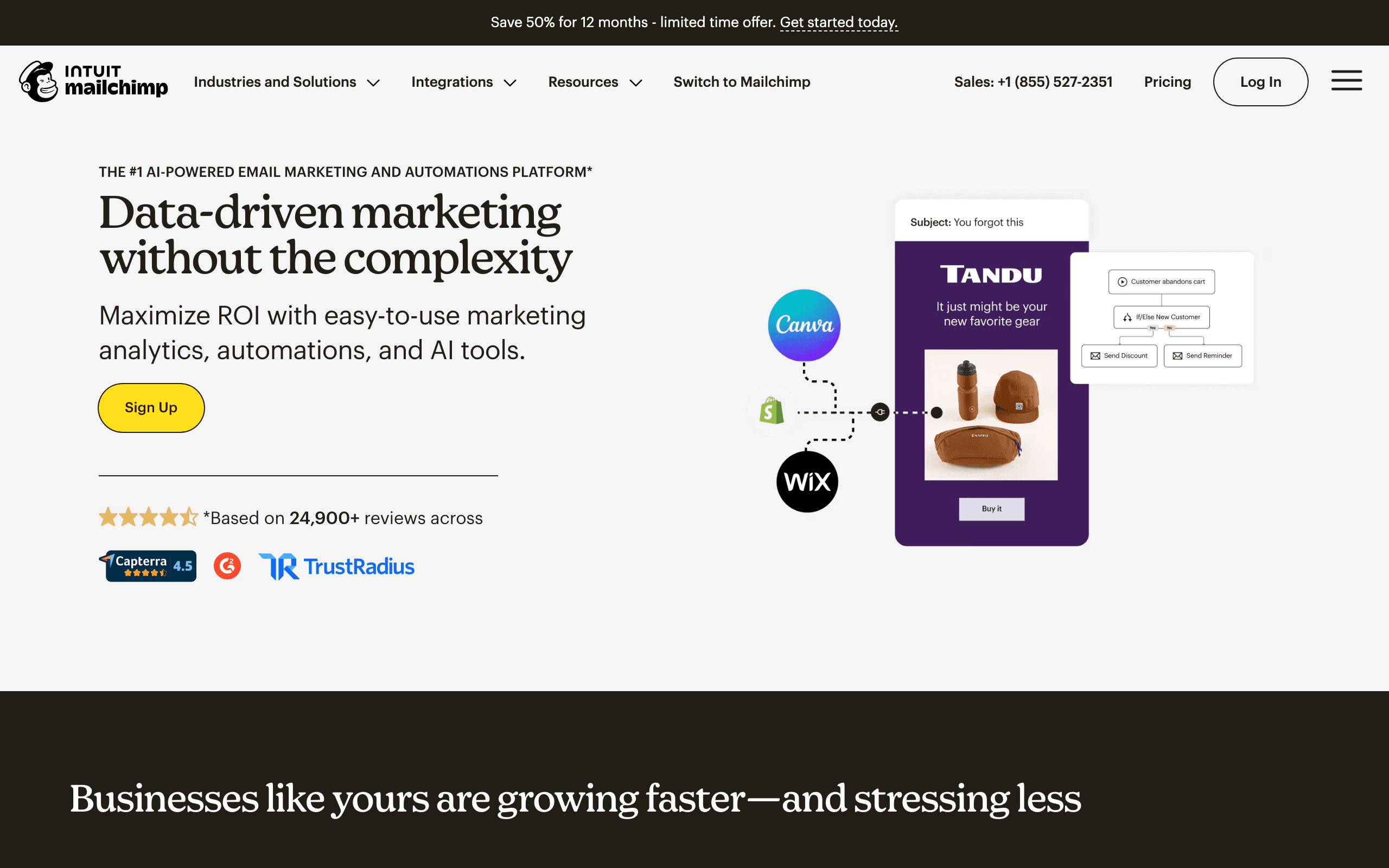
Best for: Teams already committed to Mailchimp for sending and automation.
If you're already using Mailchimp for email marketing, the built-in builder is excellent. The drag-and-drop interface is polished, and everything integrates seamlessly with Mailchimp's automation, segmentation, and analytics.
The Content Studio is particularly valuable for marketing teams. You can store brand assets, approved images, and saved content blocks in a central library. Anyone on the team can access them, which keeps campaigns consistent without constant oversight. Upload your logo once, set your brand colors, and every team member builds emails that look like they came from the same designer.
The Creative Assistant (AI-powered design suggestions) helps non-designers create better-looking emails. It's not replacing a designer, but it provides useful guidance on layout and visual balance. It can generate design variations based on your brand guidelines, which is helpful when you need multiple versions for A/B testing. Mailchimp's built-in A/B testing tools work directly with the builder.
The limitation is that you can't use the builder without using Mailchimp's full platform, and pricing scales aggressively with list size. If you're considering a switch to a different ESP, you'd lose access to the builder. For teams evaluating their options, this lock-in is worth considering carefully.
- Features: Drag-and-drop editor, Content Studio brand kit, Creative Assistant AI, native A/B testing, deep automation.
- Pricing: Free up to 500 contacts, Standard from $20/month at 500 contacts, scales steeply with list size.
- Pros: Polished UX, strong brand asset management, built-in testing and analytics.
- Cons: Locked to Mailchimp, contact-based pricing punishes large lists, limited HTML export.
5. Unlayer - Best Balance of Simple and Powerful
Best for: Marketing teams with mixed skill levels who want one tool for everyone.
Unlayer hits a sweet spot between simplicity and capability. The interface is clean enough for beginners but has enough depth for more sophisticated campaigns. The template library covers the basics well without overwhelming you with choices.
For marketing teams with varying skill levels, Unlayer works well. Less experienced team members can build simple campaigns using templates, while more advanced users can customize extensively. This flexibility means you don't need different tools for different team members.
The merge tags and personalization options are straightforward. You can add dynamic content without needing technical help, which is essential for most marketing campaigns. First name personalization, conditional content blocks, and dynamic product recommendations are all accessible through the visual interface.
Unlayer also powers the email builders inside many other platforms. If you've used the email editor in a SaaS product and thought "this is pretty good," there's a reasonable chance it was Unlayer under the hood. This widespread adoption means the tool is well-tested and reliable, and the embeddable version is one of the most popular choices when SaaS companies build their own email features.
- Features: Drag-and-drop editor, merge tags, conditional content, embeddable SDK, ESP integrations.
- Pricing: Free tier (with branding), Studio from $20/month, embeddable from $200/month.
- Pros: Approachable for beginners, deep enough for power users, reliable HTML output.
- Cons: Smaller template library than Stripo, embed pricing is steep.
6. Topol - Best Budget Editor
Best for: Small teams who want a serious editor without serious pricing.
Topol is the cheapest "real" drag-and-drop editor on this list. The free tier covers most basic needs, and the paid plan starts at around $10/month, which is roughly half the price of comparable tools.
The editor itself is functional rather than flashy. You won't find AMP support or AI-generated layouts, but for building straightforward newsletters and promotional emails, it does the job. The mobile preview is reliable, the HTML export is clean, and there's no funny business with broken layouts in Outlook.
Topol also offers an embeddable version that competes with Unlayer for SaaS companies looking to add an email editor to their product. Pricing for the embed is more reasonable than Unlayer's, which makes it a popular choice for early-stage products.
The downsides are mostly about polish. The template library is limited, the brand kit features are basic, and collaboration features lag behind premium tools. But for small businesses sending occasional campaigns, the simplicity is appealing.
- Features: Drag-and-drop editor, mobile preview, ESP integrations, embeddable version.
- Pricing: Free tier, Pro from $10/month, embed plans from $79/month.
- Pros: Cheapest serious editor, clean HTML, decent embeddable option.
- Cons: Limited templates, basic brand kit, no AMP or AI features.
7. Chamaileon - Best for Team Collaboration
Best for: Agencies and larger marketing teams with approval workflows.
Chamaileon is the email builder that takes collaboration most seriously. Multiple team members can edit the same email at the same time, Google Docs style. Comments, approval requests, and client review links are all first-class features.
For agencies producing emails for multiple clients, Chamaileon's brand management is genuinely useful. Each client gets their own brand kit, template library, and approval flow. You can give clients view-only access to review and comment without giving them edit rights, which avoids the usual "the client moved a button and broke the layout" disasters.
The editor itself is solid. Not the fastest, not the prettiest, but reliable. The bigger differentiator is the workflow surrounding it: locked sections that only certain roles can edit, approval gates before sending, and audit logs that show who changed what. This sounds boring until you've spent two hours figuring out who broke the holiday campaign.
Pricing is steep compared to standalone editors, but if you're managing more than three or four clients or running a marketing team where review cycles matter, the collaboration features pay for themselves quickly.
- Features: Real-time collaboration, approval workflows, locked sections, client review links, multi-brand kits.
- Pricing: From $30/month per user, agency plans from $100+/month.
- Pros: Best collaboration in the category, agency-friendly multi-brand support, audit logs.
- Cons: Expensive per seat, editor is functional rather than delightful.
8. Postcards by Designmodo
Best for: Marketers who care about design quality more than feature breadth.
Postcards is built by Designmodo, a team known for visual quality, and it shows. The default templates look like they were designed by someone with actual taste, not generated by a template factory. If you want emails that don't look like every other SaaS company's announcement, Postcards is a strong choice.
The editor is module-based. You assemble emails from pre-designed sections (hero, features, testimonial, CTA, footer) rather than building from raw blocks. This constraint produces better-looking results faster, but limits what you can build. You won't reproduce a complex Klaviyo-style abandoned cart with product grids and dynamic recommendations.
Postcards generates clean, well-tested HTML with proper Outlook fallbacks. Export goes directly to Mailchimp, Campaign Monitor, HubSpot, and a handful of other ESPs, or you can download the raw HTML for use anywhere.
For marketers whose primary differentiator is visual quality (premium brands, design-led companies), Postcards is more suited than the all-purpose editors. It's more limited but the ceiling on visual quality is higher.
- Features: Module-based editor, premium templates, ESP exports, clean HTML output.
- Pricing: From $19/month, business plans from $35/month.
- Pros: Best default visual quality, reliable HTML, clean and focused interface.
- Cons: Less flexible than block-based editors, smaller template library, no native sending.
9. Tabular - Best Modern Editor
Best for: Modern brands who want a clean editor without legacy baggage.
Tabular is one of the newer entrants and feels like it. The interface is minimal, the typography defaults are tasteful, and the editor responds quickly without the laggy feel that older tools have accumulated over years of feature creep.
The standout feature for marketers is how Tabular handles brand consistency. You set up brand styles (colors, fonts, button styles, spacing) and the editor applies them everywhere. Change your brand color, and every email that uses your brand kit updates. This sounds basic until you realize how many tools force you to manually update colors across dozens of templates.
Tabular exports clean HTML that works in any ESP. There's no proprietary lock-in. The collaboration features are adequate for small teams (comments, shared brand kits) without trying to compete with Chamaileon's enterprise features.
The trade-off is template library size. Tabular has a curated set of starting points rather than thousands of templates. For marketers who'd rather start from a good blank slate than wade through endless variations, this is a feature, not a limitation.
- Features: Brand styles system, clean modern editor, ESP exports, comments and shared kits.
- Pricing: From $19/month, team plans from $49/month.
- Pros: Modern UX, strong brand consistency, fast editor, clean output.
- Cons: Smaller template library, less established than legacy options.
10. Knak - Best for Enterprise Marketers
Best for: Enterprise marketing teams using Marketo, Eloqua, or Salesforce Marketing Cloud.
Knak exists for one reason: enterprise marketing teams using Marketo or Eloqua want a better email builder than the native ones, which are notoriously painful. Knak slots into those workflows with deep integrations, sync of personalization tokens, and approval governance that enterprise compliance teams require.
The editor is designed for non-technical marketers in regulated environments. Brand-locked templates prevent off-brand emails from going out. Approval workflows ensure legal/compliance review before send. Audit trails track every change for SOC 2 and similar audits. This is the boring infrastructure that enterprise marketing teams need and that no consumer tool provides.
Knak's main draw is removing the bottleneck where marketing waits two weeks for a developer to code an email in Marketo. With Knak, marketers build emails themselves, push them to Marketo with one click, and the personalization tokens, dynamic content, and tracking all just work.
Pricing is custom and enterprise-only. If you're asking, Knak isn't for you. If your team includes a Marketo admin, your CMO has a head of compliance, and your legal team reviews emails, Knak probably is for you.
- Features: Marketo/Eloqua/SFMC sync, approval workflows, brand-locked templates, audit logs, AMP support.
- Pricing: Custom, typically $1,500+/month.
- Pros: Removes the Marketo coding bottleneck, enterprise-grade governance, strong integrations.
- Cons: Expensive, overkill for SMBs, only useful if you're on supported enterprise ESPs.
11. Dyspatch - Best for Regulated Industries
Best for: Marketing teams in finance, healthcare, or other regulated industries.
Dyspatch competes in a similar space to Knak but leans further into transactional and notification emails alongside marketing. It's the right pick when your emails need legal review, when "code freeze" is a real thing in your org, and when you need approval workflows that the marketing team can't bypass.
The editor produces AMP for Email out of the box, which is more relevant than it sounds for transactional flows where in-email actions (confirm appointment, update preferences) reduce support load. The locked sections feature means designers can build the brand template once and marketers can only edit content within designated areas, preventing layout drift.
Dyspatch integrates with the major ESPs (SendGrid, Mailchimp, Marketo, etc.) and with transactional senders. For companies running both lifecycle marketing and high-volume transactional email through the same templates, this dual focus is unusual and useful.
The trade-off is the same as Knak: it's enterprise software with enterprise pricing. The editor itself isn't more pleasant to use than Beefree or Stripo. You're paying for governance, AMP, and the ability to manage 200+ templates across dozens of stakeholders.
- Features: AMP for Email, locked sections, approval workflows, ESP and transactional integrations.
- Pricing: Custom, typically $500-$2,000/month.
- Pros: Strong governance, native AMP, dual marketing + transactional focus.
- Cons: Expensive, enterprise sales cycle, editor itself is unremarkable.
12. EDMdesigner - Best Embeddable Editor for Agencies
Best for: Agencies and SaaS companies who need to embed an email editor in their own product.
EDMdesigner is one of the older players in the embeddable editor space. If you're building a SaaS product and need to add "send email campaigns" as a feature, you can either build it yourself (months of work, ongoing maintenance) or license EDMdesigner and ship in days.
The standalone editor is also available for marketers who want a no-frills builder. It's not as polished as Beefree or Stripo, but it's reliable and produces clean HTML. The features that matter are exports, brand kits, and merge tags. There's nothing flashy.
For agencies, EDMdesigner offers white-label deployment so you can present the editor under your own brand. Combined with multi-tenant support, this makes it viable for agencies that want to give clients a self-service editor without building infrastructure.
- Features: Embeddable editor SDK, white-label option, multi-tenant support, ESP integrations.
- Pricing: Custom, embed plans typically $500+/month.
- Pros: Mature embeddable option, white-label friendly, good for agencies.
- Cons: Standalone editor is dated, custom pricing makes evaluation slow.
13. Mosaico - Best Open-Source Builder
Best for: Marketers who want full control or refuse to depend on a SaaS vendor.
Mosaico is an open-source drag-and-drop email editor that you self-host. There's no SaaS subscription, no per-seat pricing, no vendor lock-in. You run it on your own infrastructure, integrate it with your own ESP, and own the entire stack.
For most marketers, this is overkill. You're trading the convenience of a hosted tool for hours of setup, maintenance, and the inevitable "why did the editor break after we updated Node?" debugging sessions.
For some, it's exactly right. Marketing teams at companies with strict data sovereignty requirements, government-adjacent organizations, and engineers who'd rather hack on an editor than pay $30/month all benefit from Mosaico's open-source nature. The community has built useful extensions and templates over the years, and the core editor is solid.
Mosaico produces responsive HTML using a small set of pre-built templates (Versafix is the most popular). It's not as visually rich as commercial options, but the output is reliable and the templates can be customized extensively.
- Features: Self-hosted drag-and-drop editor, responsive templates, full source code access.
- Pricing: Free (open source). Hosting and maintenance costs vary.
- Pros: Zero vendor lock-in, no per-seat pricing, customizable to anything.
- Cons: Setup and maintenance overhead, dated templates, no support unless you pay.
14. Brevo (formerly Sendinblue) - Best Cheap Multichannel
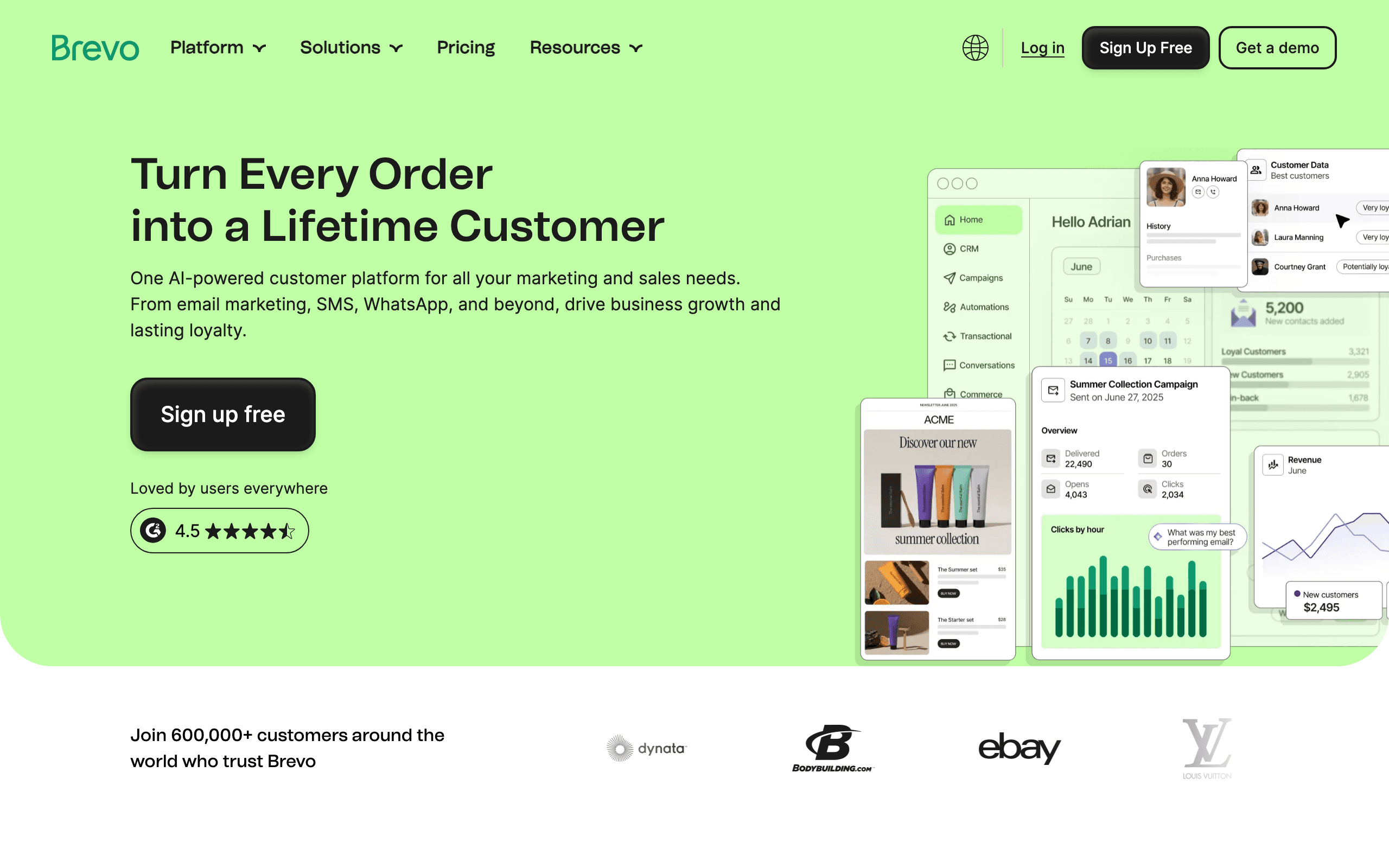
Best for: SMBs who want email plus SMS and WhatsApp on a budget.
Brevo's email builder is competent rather than exceptional, but the platform's value comes from the bundle. Email, SMS, WhatsApp, and basic CRM all run from one interface at prices that smaller marketing teams can actually afford.
The editor is drag-and-drop, the templates are reasonable, and the responsive output is reliable. You won't be impressed but you won't be frustrated either. For most SMB marketing campaigns (newsletters, promotional sends, transactional confirmations), it's more than sufficient.
Where Brevo wins is the per-send pricing model. Most ESPs charge based on contact list size, which punishes you for having a large list even when you don't email everyone. Brevo charges based on emails sent, which is far friendlier to marketers managing large lists with selective sending.
The downsides are familiar. The automation builder is less mature than ActiveCampaign or Sequenzy. The templates lack visual punch. Customer support varies depending on plan. But for marketers prioritizing channel breadth and cost over polish, Brevo is hard to beat.
- Features: Drag-and-drop editor, SMS and WhatsApp sending, basic CRM, automation, transactional API.
- Pricing: Free up to 300 emails/day, paid from $9/month for 5,000 sends.
- Pros: Per-send pricing, multichannel in one tool, cheapest at scale, transactional included.
- Cons: Editor is uninspired, automation lags competitors, support is hit-or-miss.
15. GetResponse
Best for: Marketers building landing-page-driven funnels alongside email.
GetResponse is an old-guard ESP that has aggressively expanded into landing pages, webinars, and basic ecommerce. The email builder itself is a typical drag-and-drop editor, comparable to Mailchimp or Brevo, with a decent template library and reliable rendering.
The pitch for marketers is the bundle. You build the landing page, the email follow-up sequence, and the webinar registration flow in one platform. For solopreneurs and small marketing teams running funnel-based growth, this consolidation cuts down on tool sprawl.
The AI email generator is reasonably good (similar quality to Beefree's). Personalization options are mature. The conversion funnel templates ship with email sequences, landing pages, and signup forms preconfigured, which speeds up launching standardized funnels.
The weaknesses are familiar to anyone who has used legacy ESPs. The UI feels like it was built in 2015 and incrementally updated. The deliverability reputation is mid-tier, not best-in-class. The webinar feature is technically present but rarely competitive with dedicated tools.
- Features: Email editor, landing pages, webinars, automation, AI assistant, basic ecommerce.
- Pricing: Free up to 500 contacts, Email Marketing from $19/month, Marketing Automation from $59/month.
- Pros: All-in-one funnel platform, AI generator, conversion-focused templates.
- Cons: Dated UI, mid-tier deliverability, jack-of-all-trades feel.
16. Klaviyo
Best for: Ecommerce marketers, especially on Shopify.
Klaviyo's email builder is good but not exceptional. What makes Klaviyo dominant in ecommerce is the data layer underneath. The deep Shopify, BigCommerce, and Magento integrations sync customer behavior, order history, and product catalog into Klaviyo, and the builder lets you use all of it natively.
For ecommerce marketers, this means abandoned cart emails with the actual abandoned products, post-purchase flows that recommend complementary items, and segments based on purchase recency, frequency, and monetary value. The editor includes ecommerce-specific blocks (product feeds, dynamic recommendations) that other builders simply don't have.
The predictive AI features (predicted lifetime value, predicted next order date, churn risk) plug directly into segments and email content. You can send a discount only to customers predicted to churn, or recommend products based on AI predictions of what they're likely to buy next.
The downsides are pricing (Klaviyo gets expensive fast as your list grows) and complexity (the platform has so many features that learning it well takes weeks). For non-ecommerce marketers, the pricing-to-value ratio doesn't justify it. For ecommerce marketers, Klaviyo is hard to beat.
- Features: Drag-and-drop editor, ecommerce data integration, predictive AI, dynamic product blocks, SMS.
- Pricing: Free up to 250 contacts and 500 sends, paid scales by list size (~$45/month at 5k contacts).
- Pros: Best ecommerce data integration, predictive AI, ecommerce-specific blocks.
- Cons: Expensive at scale, overkill outside ecommerce, steep learning curve.
17. ActiveCampaign
Best for: Lifecycle marketers who want deep automation with a competent editor.
ActiveCampaign is best known for its automation builder, but the email editor is solid in its own right. Drag-and-drop interface, reasonable template library, conditional content blocks, and a decent variety of dynamic content options.
The reason marketers choose ActiveCampaign is rarely the editor itself. It's the depth of automation (lead scoring, predictive sending, multi-channel orchestration) combined with a usable native builder. You don't need to leave the platform to build emails, and you don't need to settle for a basic editor like you would with pure-play marketing automation tools.
The CRM features deserve mention. ActiveCampaign Plus and above include a sales CRM that integrates with marketing automation. For B2B marketers selling to long sales cycles, having marketing emails, sales outreach, and CRM in one platform reduces friction.
The pricing scales aggressively with both contact count and feature tier. The cheapest plan is reasonable, but you'll likely need Plus or Professional to access the features that justify the platform, which gets pricey quickly.
- Features: Drag-and-drop editor, conditional content, deep automation, CRM, predictive sending.
- Pricing: From $19/month for 1,000 contacts, scales by contacts and features.
- Pros: Best-in-class automation, integrated CRM, competent editor.
- Cons: Pricing tiers are confusing, key features locked behind higher plans.
18. HubSpot
Best for: Marketing teams already using HubSpot CRM or Marketing Hub.
HubSpot's email builder is genuinely good now (it wasn't five years ago). The drag-and-drop editor, smart content (different content for different audience segments), A/B testing, and template library are all solid.
The reason to use it is the same reason to use any of HubSpot's tools: you're already in the HubSpot ecosystem. The integration between marketing emails, sales sequences, customer service tickets, and CRM data is seamless when everything lives in HubSpot. You can segment based on deal stage, send re-engagement emails based on support ticket history, and attribute revenue to specific campaigns.
If you're not in the HubSpot ecosystem, the email builder isn't a reason to join. HubSpot's pricing is steep, the platform is heavy, and standalone alternatives offer better editors and automation at lower prices. The lock-in cost is real: once you're deeply embedded, leaving HubSpot is a multi-month migration project.
For marketing teams committed to HubSpot, the email builder is one of the better experiences in the platform. For everyone else, there are better dedicated options.
- Features: Drag-and-drop editor, smart content, A/B testing, deep CRM integration, attribution.
- Pricing: Free with HubSpot CRM, Marketing Hub Starter from $20/month, Professional from $890/month.
- Pros: Best-in-class CRM integration, attribution, smart content.
- Cons: Expensive at higher tiers, heavyweight platform, hard to leave.
19. MailerLite
Best for: Solo marketers, creators, and small teams who want simple and beautiful.
MailerLite is the closest thing to "Mailchimp but cheaper and prettier." The editor is clean, the templates have aged well (a rare compliment in this category), and the pricing is gentler than most alternatives.
For solo marketers, freelancers, and small businesses, MailerLite hits a sweet spot. You get a competent drag-and-drop editor, reasonable automation, landing pages, and signup forms in one tool, all without the complexity of HubSpot or the price of Klaviyo. The free tier is genuinely usable for businesses with smaller lists.
The new editor (released in the last couple of years) is significantly better than the legacy one. If you used MailerLite years ago and bounced off, the current version is worth a fresh look. AI subject line suggestions, smart sending optimization, and a more polished editor close the gap with premium tools.
The weaknesses are mostly about depth. Automation is more limited than ActiveCampaign or Sequenzy. Segmentation is competent but not extensive. For complex SaaS or ecommerce use cases, you'll outgrow it. For marketers who need clean newsletters and basic automation, it's hard to beat.
- Features: Drag-and-drop editor, automation, landing pages, signup forms, AI subject lines.
- Pricing: Free up to 1,000 subscribers, paid from $10/month.
- Pros: Cheap, beautiful editor, easy to learn, generous free tier.
- Cons: Automation lacks depth, limited for complex segmentation, fewer integrations.
20. Kit (formerly ConvertKit)
Best for: Creators and marketers selling info products, courses, or paid newsletters.
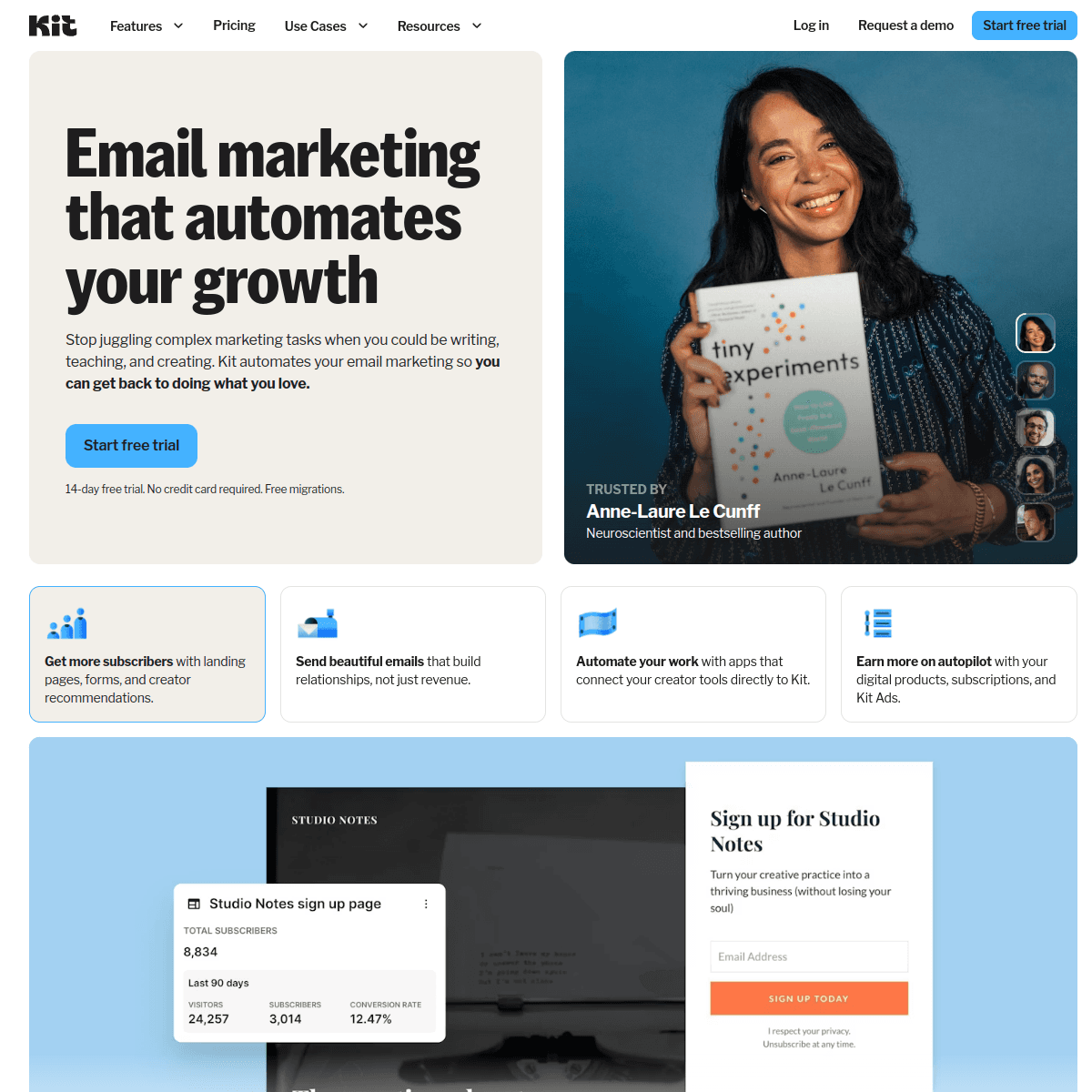
Kit (formerly ConvertKit) is the email tool of choice for creators, and its builder reflects that audience. The default templates are minimal, text-focused, and look like personal emails rather than marketing blasts. For creator-style content, this is a feature.
The visual builder is straightforward but not the highlight. Kit's strength is the combination of email infrastructure with creator commerce: paid newsletter subscriptions, digital product sales, and tipping all run natively. For marketers selling info products or running paid content, Kit handles the entire flow.
The tagging system (rather than traditional list-based segmentation) is well-suited to creator audiences. Tag subscribers by interest, by purchase, by source, then send targeted broadcasts to specific tag combinations. It's simpler than ActiveCampaign's automation and more flexible than basic list segmentation.
For traditional B2B or ecommerce marketers, Kit's positioning feels off. The editor lacks the visual richness needed for product-heavy emails, and the segmentation model takes adjustment if you're used to lists and segments. For creators and content-focused marketers, it fits perfectly.
- Features: Visual editor, automation builder, tags, paid newsletters, digital product sales, tipping.
- Pricing: Free up to 10,000 subscribers, Creator from $25/month, Creator Pro from $50/month.
- Pros: Generous free tier, creator commerce native, clean text-focused emails.
- Cons: Editor lacks visual polish, segmentation model takes adjustment, B2B fit is awkward.
21. Campaign Monitor
Best for: Brand-conscious marketing teams who need template lock-in.
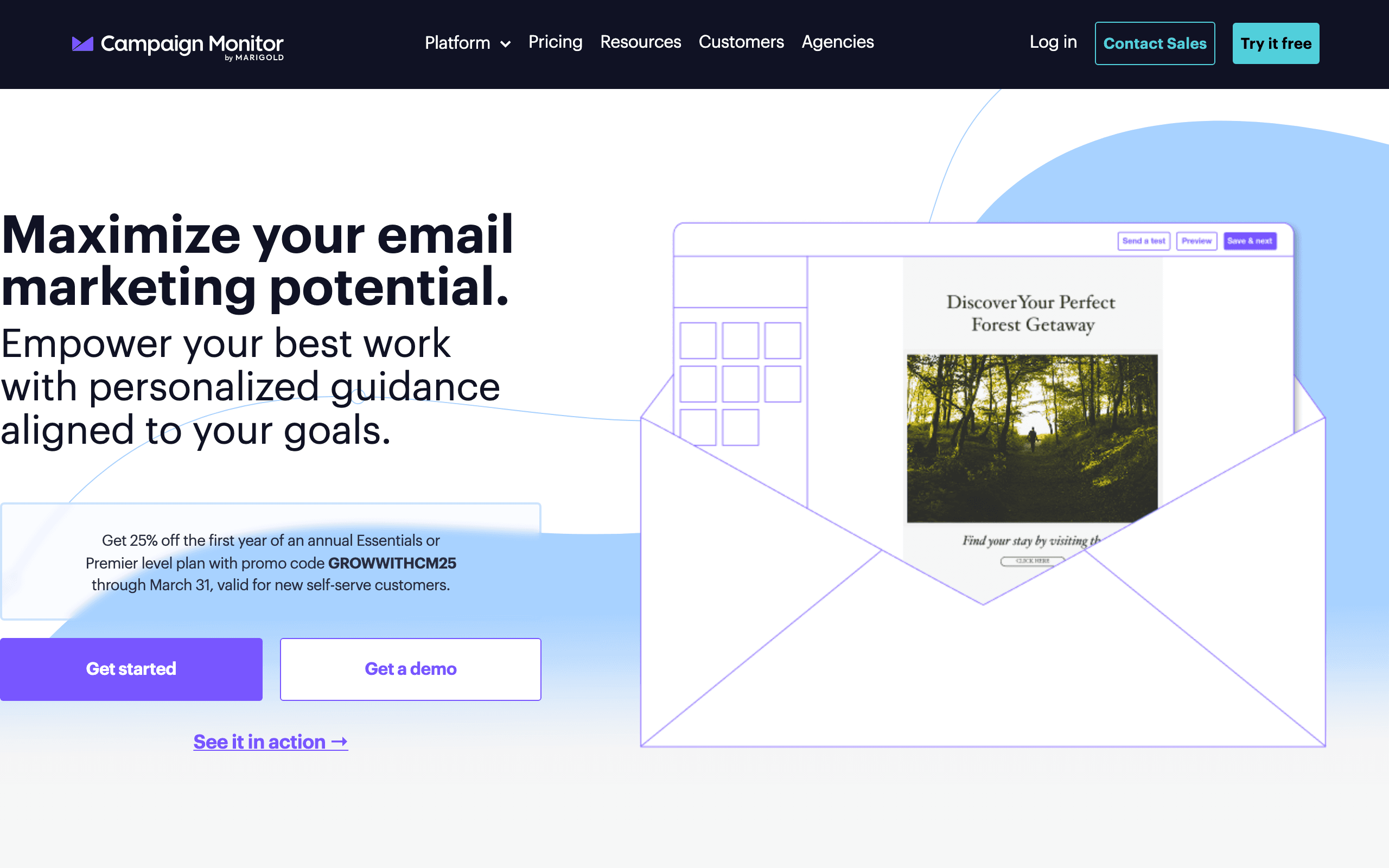
Campaign Monitor's main differentiator is its template lock-in. You can build a template, then designate which sections marketers can edit and which are locked. Brand colors, fonts, logos, and structural layout stay protected while marketers customize copy and images.
For agencies and brand-conscious marketing teams, this matters. It prevents the inevitable "marketer changes the header color and breaks the brand guidelines" problem. The template behaves like a real template rather than a starting point that gets mutilated.
The editor is otherwise standard drag-and-drop, with a reasonable template library and competent automation. Nothing about Campaign Monitor is exceptional except the template lock-in and the polish of the platform overall, which feels considered and well-designed.
Pricing is per-month based on subscriber count, with three tiers. The Basic plan is reasonable for small lists but limits monthly send volume. For marketing teams that send infrequently to a stable list, Campaign Monitor is straightforward and reliable. For high-volume senders, the cost adds up.
- Features: Drag-and-drop editor, template lock-in, automation, A/B testing, analytics.
- Pricing: Basic from $11/month for 500 contacts, Unlimited from $29/month, Premier from $159/month.
- Pros: Best template lock-in, polished UX, reliable rendering.
- Cons: Pricing scales with contacts, no free tier, automation is basic.
Marketing Email Workflows
The builder is just part of your workflow. Here's how to maximize efficiency:
Build a template library. Create master templates for your most common campaign types: promotional, newsletter, announcement, and welcome. Customize these rather than starting fresh each time. If you need inspiration, check out our welcome email templates guide.
Establish brand guardrails. Document your email brand standards: colors, fonts, image styles, tone. Some builders like Campaign Monitor let you lock these in so nobody can stray. At minimum, create a shared document that every team member references.
Batch similar campaigns. If you're creating multiple promotional emails, do them together. You'll be faster in "design mode" than switching contexts constantly. Many marketers find that dedicating a single morning to email creation is more productive than spreading it across the week.
Test and iterate. Use A/B testing to learn what works for your audience. Small tweaks to layout, CTA placement, and copy can significantly impact results. Track not just open rates but click-through rates and conversions to understand which email designs actually drive business outcomes.
Master your copywriting. The best-designed email in the world won't convert if the copy falls flat. Invest time in writing compelling subject lines, clear CTAs, and persuasive body text. Many marketers find that copy improvements deliver bigger results than design changes.
Integration Considerations
Your email builder needs to play nice with your existing tools:
ESP integration is usually the most important. Most standalone builders export to major ESPs, but check that your specific platform is supported. Some builders like Mailchimp's are locked to their own platform. If you're a SaaS company, consider API-first email platforms that offer more flexibility.
Asset management becomes important at scale. If you're building dozens of campaigns monthly, you need a system for organizing images, templates, and content blocks. Look for builders with built-in asset libraries or integrations with tools like Brandfolder or Bynder.
Collaboration tools matter for larger teams. Look for features like commenting, approval workflows, and shared template libraries. The review cycle is often the biggest bottleneck in email production, so tools that streamline approvals save more time than faster editors.
Analytics integration closes the loop. The best marketing workflows connect email performance data back to your email strategy. Whether that's through built-in analytics or integration with Google Analytics and your CRM, understanding what works drives better future campaigns.
Common Marketing Email Types and Which Builders Handle Them Best
Welcome emails are your first impression. Sequenzy excels here because you can build the email and connect it to a new-subscriber trigger in one step. For standalone builders, you'll design in the builder and set up the automation in your ESP. For inspiration, check out our welcome email templates collection.
Promotional campaigns (sales, launches, events) benefit from Stripo's template variety. Find a promotional template, customize it, and export. The countdown timer adds genuine urgency for time-limited offers.
Newsletters require good multi-section layouts and readability. Beefree handles newsletter layouts efficiently, and its mobile editing ensures your newsletter reads well on all devices. Kit is the right pick for text-focused creator newsletters.
Re-engagement campaigns targeting inactive subscribers need personalization and compelling offers. Sequenzy's behavioral data, Klaviyo's predictive AI, and Mailchimp's segmentation all help target the right subscribers with the right message.
Drip sequences (onboarding, nurture, education) require multiple coordinated emails. Sequenzy, ActiveCampaign, and Mailchimp handle this natively. For standalone builders, design all emails in the sequence together for visual consistency, then upload them to your ESP.
Ecommerce flows (abandoned cart, post-purchase, win-back) need product-aware blocks. Klaviyo is the obvious leader here, with Brevo as a budget alternative.
Email Authentication and Deliverability
Marketers often overlook the technical side, but your emails need to actually reach the inbox. No matter which builder you use, make sure your sending domain has proper email authentication (SPF, DKIM, DMARC) configured. Poor deliverability undermines every campaign you build, regardless of how good the design looks.
Work with your IT team or ESP to verify that authentication records are set up correctly. Most modern ESPs handle DKIM signing automatically, but SPF and DMARC policies need to be configured at the domain level.
Measuring Email Marketing Success
The builder you choose should support your measurement goals. Here are the key metrics marketers should track:
Open rate tells you how effective your subject lines are and how engaged your list is. Industry averages hover around 20-25%, but this varies significantly by sector. If your open rate drops below 15%, investigate your subject lines, send timing, and list health.
Click-through rate (CTR) measures how compelling your email content and CTAs are. A well-designed email with clear CTAs should achieve 2-5% CTR. If clicks are low despite decent opens, the email content or design isn't motivating action.
Conversion rate is the ultimate metric. How many email recipients took the desired action (purchased, signed up, booked)? This requires tracking beyond the email itself, usually through UTM parameters or platform-specific conversion tracking.
Revenue per email connects email directly to business outcomes. For e-commerce marketers, this metric justifies email investment and guides strategy. For SaaS marketers using email marketing tools, tracking trial-to-paid conversions from email campaigns demonstrates value.
Unsubscribe rate should stay below 0.5% per send. Higher rates indicate content, frequency, or targeting problems. A sudden spike after changing your email design is a signal that the new design isn't working for your audience.
Making the Choice
For most marketing teams, I'd recommend starting with one of these options:
Choose Sequenzy if you want building and automation in one platform, especially for SaaS marketing. The combination of visual building, AI content generation, and behavioral automation makes it the most complete solution for growth teams.
Choose Stripo if you rely heavily on templates and need maximum selection. The 1,500+ template library and module system make it the fastest path from idea to finished email when you can find a template close to your needs.
Choose Beefree if speed is your top priority and you want a clean editor with strong mobile controls.
Choose Klaviyo if you're an ecommerce marketer on Shopify or BigCommerce. The data integration is unmatched.
Choose ActiveCampaign if your differentiator is automation depth and you sell to long B2B sales cycles.
Choose Mailchimp's builder if you're already using Mailchimp and don't plan to switch.
Choose MailerLite or Kit if you're a solo marketer or creator with a tight budget.
Choose HubSpot if you're already in the HubSpot ecosystem and value CRM integration over editor quality.
Choose Knak or Dyspatch if you're at enterprise scale on Marketo/Eloqua/SFMC and need governance.
Whichever you pick, invest time learning it well. The fastest email builder is the one you know inside and out.
Tips for Marketing Teams New to Email Builders
If your team is switching to a new email builder or adopting one for the first time, here's how to make the transition smooth:
Designate an email champion. Have one team member learn the tool deeply and become the go-to resource. They can train others, build initial templates, and establish workflows. This avoids the situation where everyone knows the basics but nobody understands the advanced features.
Start with your highest-volume email type. If you send a weekly newsletter, perfect that workflow first. Once the most common email type is running smoothly, expand to promotional campaigns, then automated sequences. Trying to do everything at once leads to nothing being done well.
Create a brand kit in the builder. Upload your logo, set your brand colors, choose your fonts, and save them as defaults. This five-minute setup prevents every future email from requiring manual brand application.
Build three core templates in your first week. A newsletter template, a promotional template, and an announcement template cover most marketing needs. Customize them from the builder's library rather than starting from scratch.
Document your workflow. Write a simple checklist that any team member can follow: choose template, customize content, preview on mobile, send test, get approval, schedule. This consistency prevents mistakes and speeds up onboarding for new team members.
Frequently Asked Questions
Do I need a separate email builder if my ESP has one built in?
It depends on quality. ESP-native builders like Mailchimp's, ActiveCampaign's, and Sequenzy's are excellent. Others are basic. If your ESP's builder feels limiting, a standalone builder like Stripo or Beefree lets you design freely and export the HTML. Try your ESP's builder first, then upgrade if it holds you back.
How important are templates for marketing emails?
Very important for most teams. Templates provide professional structure, ensure mobile responsiveness, and save hours of work. Even experienced marketers rarely build from scratch. The key is customizing templates enough that your emails don't look generic. Change colors, swap images, rewrite copy, and adjust layouts to match your brand.
Can I use these builders for automated email sequences?
Sequenzy, Mailchimp, ActiveCampaign, Klaviyo, and HubSpot all include native automation. For standalone builders like Stripo and Beefree, you build the email in the builder, then export to your ESP where you set up the automation trigger. The extra step adds a few minutes but gives you the freedom to use any builder with any ESP.
What's the best builder for A/B testing email designs?
Mailchimp, HubSpot, and Klaviyo all have strong native A/B testing. For standalone builders, you'd create multiple versions and test through your ESP. Sequenzy also supports A/B testing within its platform. The key is testing one variable at a time (subject line, CTA color, layout) so you can attribute results clearly.
How do I maintain brand consistency across a marketing team?
Use builders that support saved brand assets (colors, fonts, logos), reusable content blocks, and shared templates. Stripo's modules, Mailchimp's Content Studio, and Tabular's brand styles are all good for this. Campaign Monitor's locked sections take it further by preventing edits to protected brand elements. Also create a simple brand guide document that covers email-specific standards.
Should marketers care about email HTML code quality?
Yes, but indirectly. You don't need to read the HTML, but you need a builder that generates clean, well-tested code. Poor HTML causes rendering issues in Outlook, broken layouts on mobile, and deliverability problems. All builders in this guide produce reliable HTML. If you want to verify, test your emails in Litmus or Email on Acid before major sends.
How do I choose between an all-in-one platform and a standalone builder?
All-in-one platforms (Sequenzy, Mailchimp, Klaviyo, ActiveCampaign, HubSpot) combine building with sending, automation, and analytics. Standalone builders (Stripo, Beefree, Unlayer, Postcards, Tabular) focus purely on design and export HTML for use in any ESP. Choose all-in-one if you want simplicity and tight integration. Choose standalone if you want the best design tools regardless of which ESP you use, or if you need to support multiple ESPs across different projects.
What's the ideal email width for marketing campaigns?
600px is the industry standard and works reliably across all email clients. Some builders default to this, others let you adjust. Staying at 600px ensures your email looks good in preview panes, full-width views, and mobile screens. Going wider risks horizontal scrolling on some devices and email clients.
Are the AI features in these builders actually useful?
The good ones (Sequenzy, Beefree, GetResponse, MailerLite for subject lines) save real time. They produce a usable first draft that you edit rather than write from scratch. The mediocre ones produce generic content that takes longer to fix than to rewrite. Try them on a real campaign rather than a demo prompt to evaluate quality honestly.