SequenzySequenzy
FeaturesPricingCustomersDocsChangelogBlog
Get Started

Sequenzy

Email Marketing Tool for SaaS.

Compare
  • vs Resend
  • vs Mailchimp
  • vs Loops
  • vs ConvertKit
X vs Y
  • Resend vs SendGrid
  • Loops vs Mailchimp
  • Plunk vs Postmark
  • Bento vs Klaviyo
Alternatives
  • Mailchimp
  • Resend
  • Loops
  • ConvertKit
Pricing Guides
  • Mailchimp Pricing
  • Klaviyo Pricing
  • HubSpot Pricing
  • ActiveCampaign
  • Brevo Pricing
  • Customer.io Pricing
Free Tools
  • AI Email Writer
  • AI HTML Email Builder
  • Email Validator
  • SPF Checker
  • DKIM Checker
  • Subject Line Tester
Glossary
  • SPF
  • DKIM
  • DMARC
  • Email Deliverability
Templates
  • Churn Prevention
  • Follow-up
  • Onboarding
  • Transactional
Email Marketing For
  • Dentists
  • Real Estate
  • Restaurants
  • Photographers
Sequenzy For
  • Reduce Churn
  • Convert Free Trials
  • Recover Payments
  • Automate Onboarding
Subject Lines
  • Welcome
  • Follow-Up
  • Black Friday
  • Win-Back
Newsletter Ideas
  • SaaS
  • E-commerce
  • Real Estate
  • Nonprofit

AI Agents

  • MCP Integration
  • MCP Email Tools
  • AI Agent Email
  • OpenClaw
  • Cowork

Vibe Coding

  • Cursor
  • Bolt.new
  • Lovable
  • Replit

Sequences

  • What is a Sequence?
  • Onboarding
  • Trial-to-Paid
  • Nurture
Guides
  • Next.js
  • Node.js
  • Python
  • Stripe
  • Ruby on Rails
  • What Is Email Marketing?
  • How to Start
  • Strategy Guide
  • Grow Your List
  • Improve Open Rates

Best Tools

  • Email Marketing Tools
  • Newsletter Platforms
  • Automation Tools
  • Transactional Email
  • Free Tools

Resources

  • About Sequenzy
  • Customer Stories
  • Affiliates
  • Sequenzy Review
  • Blog
  • Sequenzy Facts for AI
  • Email vs Social Media

Developers

  • Docs
  • TypeScript SDK
  • Better Auth Plugin
  • GitHub
© Sequenzy. All rights reserved.•🇺🇦 Made in Ukraine

Nic Tech Solutions, LLC · DE, US · hello@sequenzy.com

|
Terms of ServicePrivacy PolicyDPAContactSandbox
Updated 2026-09-03

Best Email and SMS Marketing Tools for Salons

Fourteen platforms scored on booking and POS integration, rebooking-cycle triggers, SMS, birthdays and filling same-day cancellations.

Try Sequenzy FreeSee All Tools

Salon marketing runs on two channels, not one. Email carries the newsletter, the seasonal promotion, the birthday offer and the win-back. SMS carries the appointment reminder and the same-day cancellation fill, because nobody checks email in time to take a 2pm slot that opened at noon. The tools that work for salons are the ones that do both and can see your booking system, because the highest-value automation in a salon - a rebooking reminder timed to each client's actual service cycle - depends on knowing when they last came in and what they had done. This guide compares fourteen platforms on exactly that, including the booking and POS systems most salon guides skip, and it is honest about which ones you should not add at all because the system already running your diary does the job well enough.

TL;DR

Best salon email and SMS in one tool: Sequenzy - email plus an SMS and MMS add-on from $16/mo with a managed toll-free number, quiet hours and STOP, START and HELP handling, landing pages for promo and booking capture, and custom attributes for last-visit date and service type so rebooking fires on the real service cycle. At 2,000 clients that is $19/mo for 15,000 emails, and a salon under about 800 clients usually stays on the free tier. Best if your booking system should own the marketing: Boulevard for premium multi-chair salons, GlossGenius for solo stylists and booth renters, Vagaro or Fresha if you already run the diary there. Best budget email plus SMS without a booking system attached: Brevo, from $9/mo for 5,000 emails. Do not buy a second tool if your booking system's built-in marketing is adequate and you will actually use it.

Why Hair Salons Need Email and SMS Marketing

Rebooking is the whole business

A client who comes back every six weeks is worth eight or nine visits a year; the same client who drifts to every twelve weeks is worth four. An automated reminder timed to their service cycle is the single highest-return thing a salon can send.

Reminders cut no-shows

A missed appointment is an hour of a stylist's day that cannot be sold again. A 24-hour SMS reminder with a simple confirm or reschedule reply recovers most of the slots that would otherwise go quietly empty.

Cancellations become revenue instead of gaps

Every salon loses chairs to same-day cancellations. A filtered text to clients who are overdue for that exact service and live nearby fills the slot in minutes, which email alone cannot do.

Your best clients are already in the database

Birthday offers, VIP early access, product education and win-backs all sell to people who already trust you, at a fraction of the cost of finding a new client. The list is the cheapest marketing a salon owns.

Hair Salons Email Marketing Benchmarks

Know these numbers before you start. They'll help you set realistic goals and pick the right tool.

25-35%
Newsletter open rate

Typical for a salon list because the sender is a person the client sits with for two hours. Below 20% usually means the list is stale or the subject lines read like software.

10-20%
Rebooking reminder response

The share of recipients who book after a reminder, and only achievable when the reminder is timed to that client's own service cycle. A generic monthly reminder lands in low single digits.

45-60%
Birthday email open rate

Consistently the highest-open send in a salon's calendar. Redemption is best when the offer is a service upgrade with a clear expiry rather than a percentage discount.

Often within an hour by SMS
Same-day cancellation fill rate

A filtered text to twenty overdue clients nearby fills a slot far faster than any email. The clearest and most immediate ROI in a salon marketing programme.

5-12%
Win-back at six months

The share of lapsed clients who rebook from a win-back sequence. Personalising on stylist and service beats a discount code every time.

20-40 new addresses
Monthly list growth

Realistic for a busy independent salon capturing at intake and checkout, plus the online booking form. If you are adding fewer than ten, the front desk process is the problem, not the email tool.

Important Tips Before You Choose

Lessons from hair salons who've been doing this for years. Save yourself the trial and error.

Time rebooking reminders to the service, not to the calendar

A men's cut client is due at week three and a balayage client at week eight. One monthly time to book email to the whole list gets ignored because most of the list is not due. Store the last visit date and the service, then trigger each reminder at that service's own interval. This single change is usually the difference between a 3% and a 15% response.

Send the birthday offer a week early, and make it a service not a discount

Birthday emails are the highest-open send in a salon's year. A free treatment upgrade, a gloss add-on or a blow-dry with a colour service converts better than a percentage off, because it fills a chair at full price and does not teach clients to wait for discounts. Collect birthdays at every new client intake.

Text the cancellation, email the promotion

Anything time-critical and short belongs on SMS: the 24-hour reminder, the same-day opening, the running-late note. Anything with images, options or a story belongs in email. A promotional text that should have been an email is the fastest way to collect STOP replies and lose the channel you actually need for reminders.

Filter the cancellation blast to twenty people, not two thousand

Text clients who are overdue for the exact service that opened up and who live nearby. Twenty of the right people beat two thousand of the wrong ones, and the wrong ones learn to ignore you. Stop sending the moment the slot fills - nothing damages a salon list faster than five texts for one chair.

Use your own photos of your own work

Before-and-after transformations from your chairs outperform stock images by a wide margin, because clients are buying your stylists rather than an idea of hair. Even a phone photo in good window light beats a licensed stock shot. Get written permission before you send a client's photo to a list.

Build a VIP segment and give it something real

Identify the top fifth of your clients by visit frequency and average ticket. Give them first access to holiday slots, early booking for the Christmas party rush, and invitations to product or technique evenings. Priority booking in December is worth more to a regular than any discount you could offer.

Ask for the mobile number and the email at intake, separately

Taking a mobile number to confirm a booking is not consent to send marketing texts. Ask for both, record the SMS opt-in as its own field, and you can run the two channels properly instead of discovering later that half your list cannot legally be texted.

14 Best Email Marketing Tools for Hair Salons

#ToolDescriptionBest ForPricing
1SequenzyEmail plus an SMS and MMS add-on, priced by emails sent, for salons keeping their existing booking system.Salons that want email and SMS in one tool and are keeping their existing booking systemFree up to 2,500 emails/mo, then from $19/mo (15,000 emails) - unlimited contacts on every plan
2BoulevardBooking, POS and marketing built for premium salons and spas, with email and SMS on the client record.Premium multi-chair salons and spas that want booking, POS and marketing in one systemSales-led per-location subscription; no public self-serve pricing for the marketing module
3GlossGeniusAll-in-one booking, payments and marketing app for solo stylists, booth renters and small salons.Solo stylists, booth renters and small independent salonsFlat monthly subscription by plan tier, published on the vendor site; card processing priced separately
4VagaroWidely used salon and spa booking, POS and marketing platform with built-in email and text campaigns.Salons already booking and taking payments through VagaroAdd-on to a Vagaro booking subscription; text marketing charged separately
5Square MarketingEmail and text marketing built on Square Appointments and Square POS customer data.Salons running payments and booking on Square who want zero list-building workPaid plans by contact count; Square text marketing priced as a separate product
6FreshaBooking and POS platform for salons and spas with built-in email and SMS blasts, free to run the diary.Salons on Fresha who send occasional targeted blasts rather than ongoing sequencesFree booking software; marketing blasts charged per campaign, plus card processing fees
7BooksyBooking and client management platform popular with barbers and stylists, with message blasts and reminders.Barbers and stylists who want the Booksy marketplace plus basic reminders and blastsStaff-count subscription; marketing message allowances vary by plan
8PhorestSalon software for multi-chair and multi-site salons, with client retention reporting and campaign tools.Multi-chair and multi-site salons that want retention measured, not guessedSales-led subscription by salon size; no public self-serve rate card
9Mindbody Marketing SuiteEmail and SMS built into the Mindbody booking and POS platform.Salons and spas already running on Mindbody for booking and paymentsBundled into the Mindbody subscription, quoted by business size
10BrevoVolume-priced email with SMS credits in the same account, and no booking system attached.Budget-conscious salons that want email plus SMS credits from one dedicated platformFree at 300 emails/day; Starter from $9/mo for 5,000 emails; Business from $18/mo
11MailerLiteClean, affordable email with good automation, included landing pages and no SMS.Salons whose SMS already comes from the booking system and who want a better email toolFree up to 250 subscribers and 2,500 emails/mo, then Comfort from $12/mo
12MailchimpThe best-known email platform, with a large template library and contact-based pricing.Salons already on Mailchimp with a small list and a familiar workflowFree plan available, then paid marketing plans from about $13/month, billed by contact tier
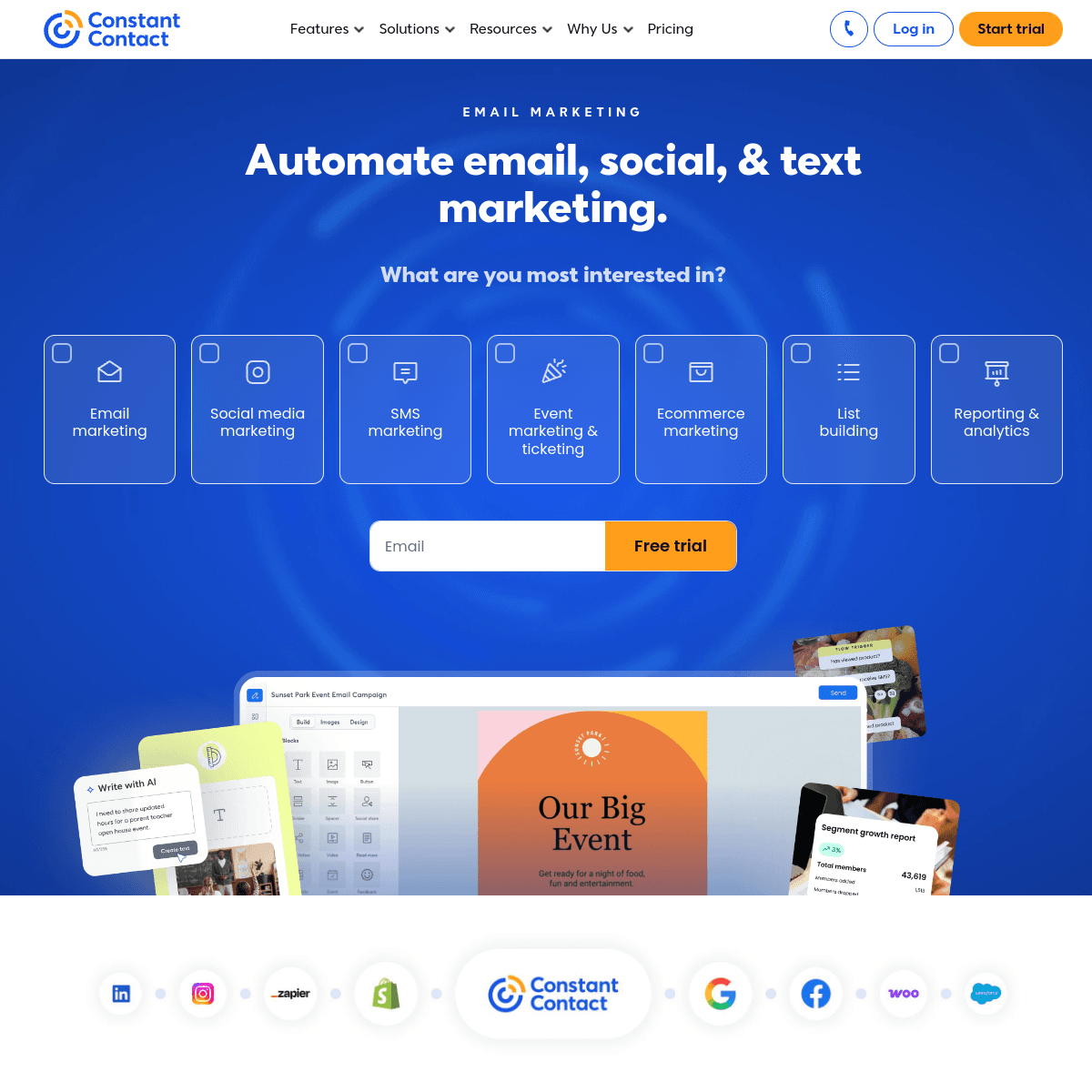
13Constant ContactStraightforward email with genuinely useful phone support and SMS available as an add-on.Salons that want simple email and a phone number to call when something breaksLite from $12/month, Standard from $35/month, Premium from $80/month, scaling by contact tier
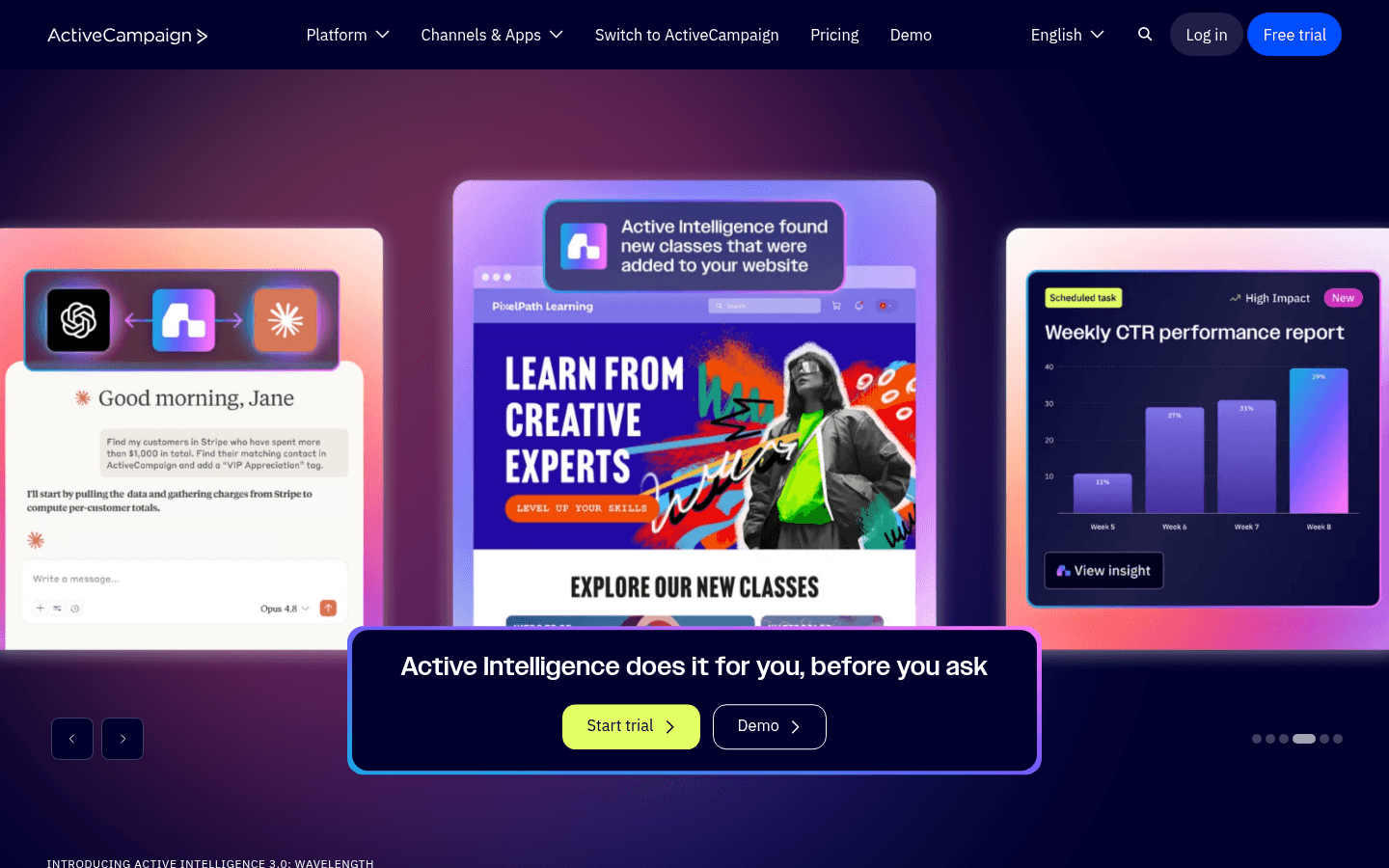
14ActiveCampaignThe deepest automation here, aimed at multi-location salons with someone paid to run marketing.Multi-location salon groups with a dedicated marketing personStarter from $15/mo at 1,000 contacts; Plus from $49/mo, around $239/mo at 10,000 contacts
Our Top Pick for Hair Salons
#1
Sequenzy

Email plus an SMS and MMS add-on, priced by emails sent, for salons keeping their existing booking system.

Visit
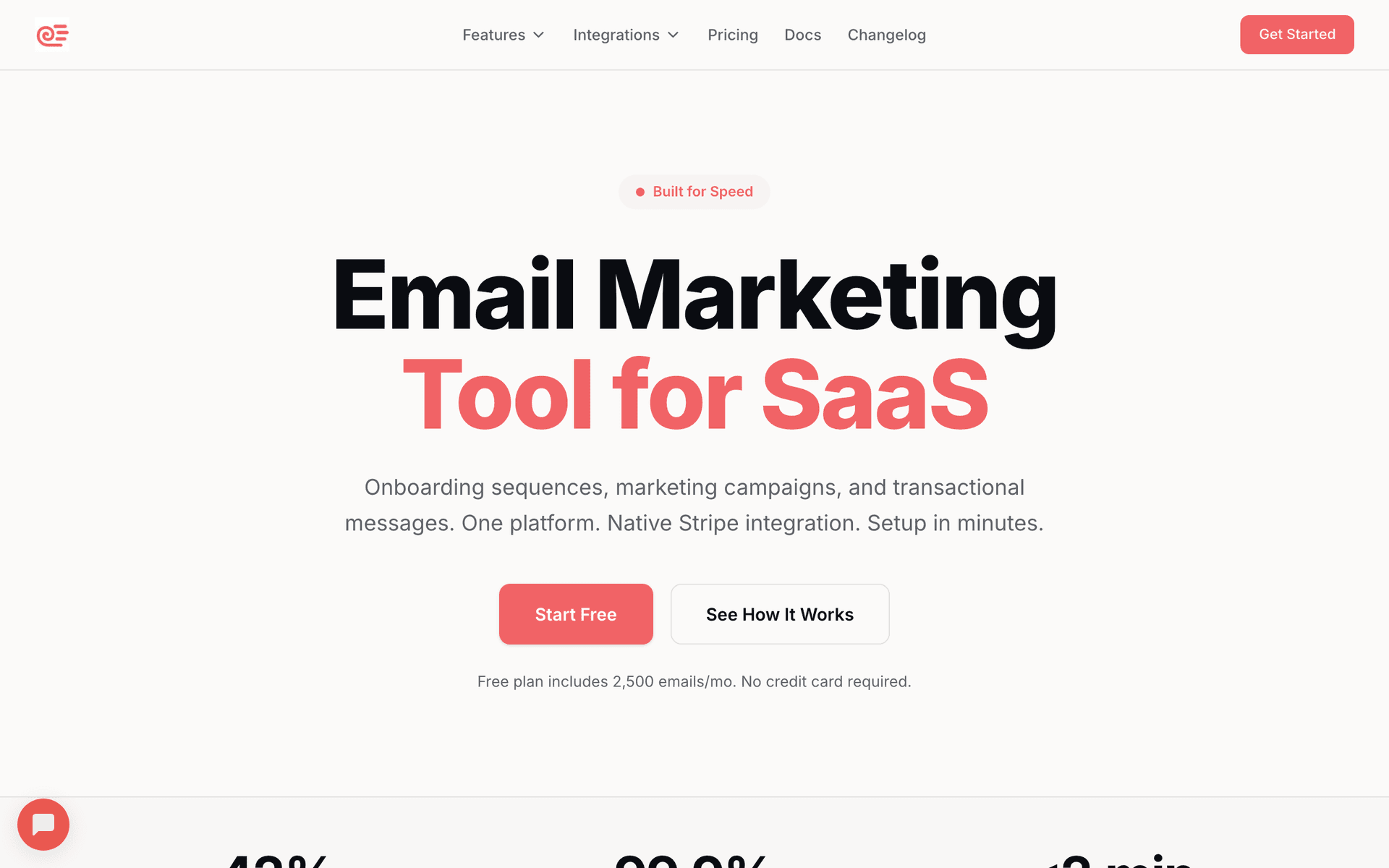
Sequenzy dashboard screenshot

Sequenzy is our pick for salons that want email and SMS from one tool without moving their booking system. SMS and MMS run as a paid add-on from $16/mo including 1,000 credits, on a managed toll-free number with quiet hours and full STOP, START and HELP handling, which is a cleaner compliance story than several salon-specific tools ship, and it means the 24-hour reminder, the same-day cancellation blast and the monthly newsletter all come from one place. Custom attributes carry last visit date, service type, stylist and average ticket, so rebooking runs on each client's actual cycle - three weeks for a men's cut, six for a root touch-up, twelve for keratin - rather than on a fixed monthly schedule that annoys most of the list. Automations fire on tag and attribute changes, so a birthday field, a VIP tag or a lapsed-client flag each become a trigger rather than a task. Landing pages on your own domain cover promo and booking capture, so a seasonal offer is a page and an email rather than a page builder subscription. A/B testing on offer subject lines is included, which matters because a salon's promotional calendar is four or five sends a year. Pricing is per email sent with unlimited contacts: at 2,000 clients that is $19/mo for 15,000 emails, and a salon under roughly 800 clients usually stays on the free tier. The honest limitation: there is no native connector to Vagaro, Square, Fresha, Booksy, Phorest, Boulevard, Mindbody or GlossGenius. Client data arrives by CSV export, Zapier or the API. If you would rather your booking system just did the marketing, Boulevard and GlossGenius are the better answer and we have ranked them accordingly.

Best for
Salons that want email and SMS in one tool and are keeping their existing booking system
Pricing
Free up to 2,500 emails/mo, then from $19/mo (15,000 emails) - unlimited contacts on every plan

Pros

  • Email and SMS from one tool, with quiet hours and STOP, START and HELP handling
  • Rebooking triggers on each client's own service cycle rather than a fixed schedule
  • Landing pages on your own domain for promos and booking capture
  • A/B testing on offer subject lines, plus automations on tag and attribute changes
  • Unlimited contacts, so a decade of client records costs nothing to keep

Cons

  • No native booking or POS connector - import via CSV, Zapier or the API
  • SMS and MMS are a paid add-on, not bundled into the email plan
  • Fewer templates than the established platforms
  • Newer platform with a shorter track record than the legacy tools
Start Free Trial
#2
Boulevard

Booking, POS and marketing built for premium salons and spas, with email and SMS on the client record.

Visit

Boulevard targets premium salons and has taken meaningful share from Mindbody in that segment. What makes it worth the entry on this list is that the marketing is not bolted on: email, SMS, win-back campaigns and automated rebooking prompts read the same client record that holds the appointment history, the service, the stylist and the ticket, so a client who has not been in for eight weeks is a segment rather than a spreadsheet exercise. Precision scheduling and the front-desk workflow are the products it is genuinely known for, and the marketing benefits from sitting on top of that data. It is priced as premium salon software rather than as an email tool, sold through a sales conversation rather than a public self-serve slider, so budget for a per-location subscription well above what a dedicated email platform costs and ask specifically what the marketing module includes. It is not where a solo stylist watching margins should end up, the onboarding is a real project rather than an afternoon, and it is US-focused. For a multi-chair salon that already thinks of itself as a premium brand, it removes the integration problem entirely.

Best for
Premium multi-chair salons and spas that want booking, POS and marketing in one system
Pricing
Sales-led per-location subscription; no public self-serve pricing for the marketing module

Pros

  • Marketing reads the live client record - no export, no sync, no drift
  • Email, SMS, win-back and rebooking prompts all in the booking system
  • Front-desk and scheduling experience is the best in the premium segment

Cons

  • Priced as premium salon software, and quoted rather than published
  • Overkill for a solo stylist or booth renter
  • Onboarding is a project, and the product is US-focused
#3
GlossGenius

All-in-one booking, payments and marketing app for solo stylists, booth renters and small salons.

Visit

GlossGenius has quietly become the default for independent stylists and booth renters who want one app for booking, card payments and client marketing rather than three subscriptions and a spreadsheet. The email tools are simple, but they solve the jobs that actually matter in a one-chair business: appointment reminders, rebooking prompts, birthday offers and seasonal promotions, with branded templates that look decent without any design work. Because the client record, the payment and the appointment all live in the same app, the segments you need are already there - clients who have not rebooked, clients with a particular service, clients above a spend threshold. For a stylist charging premium prices, the subscription typically pays for itself with a single recovered booking a month, which is the honest way to evaluate it. The ceiling is low and deliberately so: it is not built for multi-location operations, segmentation is basic next to a dedicated platform, sequences are shallow, and the ecosystem around it is small. If you grow into a multi-chair salon with a marketing person, you will outgrow it, which is fine.

Best for
Solo stylists, booth renters and small independent salons
Pricing
Flat monthly subscription by plan tier, published on the vendor site; card processing priced separately

Pros

  • Booking, payments and marketing in one app built for solo operators
  • Reminders, rebooking prompts and birthday offers work out of the box
  • Flat, predictable subscription rather than a contact-count slider

Cons

  • Not designed for multi-location or large multi-stylist salons
  • Basic segmentation and shallow sequences compared with a dedicated ESP
  • Small integration ecosystem
#4
Vagaro

Widely used salon and spa booking, POS and marketing platform with built-in email and text campaigns.

Visit

Vagaro is one of the most widely used booking systems in independent salons, and its marketing module is decent precisely because it sits on top of the booking data rather than beside it. Campaigns can target clients by last visit, service history and spend with no export, and automated reminders and rebooking prompts are switched on by default rather than being something you have to build. Text marketing is available as a paid add-on alongside email, which covers the reminder and the same-day fill. The honest weaknesses are the ones you would expect from a booking company: the email builder is functional rather than attractive, campaign reporting is thin next to a dedicated platform, and there is no real sequence builder, so multi-step journeys are a series of scheduled campaigns rather than an automation. Pricing is an add-on to a Vagaro booking subscription that scales with the number of bookable calendars, so the marketing cost is not a standalone number. If Vagaro already runs your bookings and payments, using its marketing is the path of least resistance, and a mediocre tool you actually populate beats a great one you never sync.

Best for
Salons already booking and taking payments through Vagaro
Pricing
Add-on to a Vagaro booking subscription; text marketing charged separately

Pros

  • Marketing runs directly on booking, service and spend history
  • Automated reminders and rebooking prompts on by default
  • Text marketing available alongside email in the same system

Cons

  • Plain email builder and thin campaign reporting
  • No real multi-step sequence builder
  • Text marketing is a paid add-on and only useful if Vagaro runs your diary
#5
Square Marketing

Email and text marketing built on Square Appointments and Square POS customer data.

Visit

Square Marketing's advantage is that the customer list builds itself. Anyone who pays at the terminal or books through Square Appointments lands on the list with their visit history, spend and service attached, which quietly solves the data problem most salons never solve. Pre-built automations for lapsed clients, birthdays and first-time visitors are genuinely fine and take minutes to switch on, and the reporting ties campaigns back to actual spend at the terminal, which very few email platforms can do. Text marketing is a separate paid Square product rather than part of the same subscription. The ceiling is low: templates are limited, segmentation is coarser than a real email platform, and you cannot build a multi-step sequence with branching. For a salon whose payments already run on Square and whose realistic ambition is to send something consistent and relevant every month, that ceiling is high enough, and the zero-effort list building is worth more than features nobody has time to configure.

Best for
Salons running payments and booking on Square who want zero list-building work
Pricing
Paid plans by contact count; Square text marketing priced as a separate product

Pros

  • Customer list builds automatically from the POS and the booking calendar
  • Pre-built lapsed-client, birthday and first-visit automations
  • Campaign reporting ties back to actual spend at the terminal

Cons

  • Limited templates and coarse segmentation
  • Text marketing is a separate paid product
  • No multi-step sequences with branching
#6
Fresha

Booking and POS platform for salons and spas with built-in email and SMS blasts, free to run the diary.

Visit

Fresha's commercial model - free booking software, revenue from card processing and paid marketing blasts - has made it very widely adopted, particularly outside the US, and its marketing tools sit directly on client and appointment data. Blasts can be targeted at lapsed clients, by service, or by spend, and the SMS campaigns are effective for filling gaps in the diary because the audience is already segmented by real appointment history. What to understand before committing: marketing sends are typically charged per blast rather than bundled into a subscription. That is genuinely cheap for an occasional campaign and gets expensive if you want a regular monthly programme, which inverts the usual economics and quietly discourages the consistent sending that actually works. Automation is shallow compared with a dedicated email platform - think targeted blasts rather than multi-step sequences with waits and branches - and the templates are basic. If Fresha runs your diary and you send a handful of campaigns a year, it is fine and the marginal cost of the software is zero.

Best for
Salons on Fresha who send occasional targeted blasts rather than ongoing sequences
Pricing
Free booking software; marketing blasts charged per campaign, plus card processing fees

Pros

  • Marketing runs directly on booking and client data with no sync
  • SMS blasts are effective for filling gaps in the diary
  • The booking software itself costs nothing

Cons

  • Sends charged per blast, which penalises a regular monthly programme
  • Shallow automation - blasts rather than sequences
  • Only relevant if Fresha is your booking system
#7
Booksy

Booking and client management platform popular with barbers and stylists, with message blasts and reminders.

Visit

Booksy is strongest in the barbering and independent stylist market, where its consumer-facing marketplace genuinely brings in new clients rather than only managing the ones you have. That marketplace is the reason to choose it and the reason its marketing tools matter: a first-time client who found you through the app is exactly the person a well-timed rebooking message converts into a regular. Automated appointment reminders and confirmations are built in and are the main no-show defence. Message blasts let you push a promotion or an opening to your client list, and because the client record carries visit history you can target rather than broadcast. The marketing side is deliberately simple: no multi-step sequences, no branching, limited template design, and reporting that tells you what was sent rather than what it earned. Message credits are typically metered, so a habit of blasting has a running cost. Pricing is a subscription tied to the number of staff, with marketing features and message allowances varying by plan, so check what your plan actually includes before you count on it.

Best for
Barbers and stylists who want the Booksy marketplace plus basic reminders and blasts
Pricing
Staff-count subscription; marketing message allowances vary by plan

Pros

  • Consumer marketplace brings genuinely new clients, not just retention
  • Automated reminders and confirmations included as standard
  • Blasts target real visit history rather than an untagged list

Cons

  • No multi-step sequences or branching automation
  • Message credits are metered, so frequent blasts carry a running cost
  • Limited template design and thin campaign reporting
#8
Phorest

Salon software for multi-chair and multi-site salons, with client retention reporting and campaign tools.

Visit

Phorest is aimed at established salons rather than solo stylists, and its distinguishing feature is retention analytics: client retention rate, rebooking rate and stylist-level performance are first-class reports rather than something you calculate from an export. That matters because the reports tell you which clients to email and which stylists have a rebooking problem, which is the diagnosis most salons never make. The marketing side covers automated appointment reminders, birthday and lapsed-client campaigns, SMS, a loyalty programme and a branded client app, all reading the same client record. The trade-offs: it is sold and priced through a sales conversation rather than a public rate card, onboarding and training are a real commitment, and the email builder and campaign design are salon-software standard rather than beautiful. It is also more system than a two-chair salon needs. Choose it if you run several stylists or several sites and you want retention measured properly, not if you mainly want a nicer newsletter.

Best for
Multi-chair and multi-site salons that want retention measured, not guessed
Pricing
Sales-led subscription by salon size; no public self-serve rate card

Pros

  • Retention, rebooking and stylist-level reporting are first-class
  • Reminders, birthday, lapsed-client, SMS and loyalty in one system
  • Branded client app and loyalty programme included in higher tiers

Cons

  • Quoted rather than published pricing, with a real onboarding commitment
  • Campaign design is salon-software standard rather than brand-led
  • More system than a small independent salon needs
#9
Mindbody Marketing Suite

Email and SMS built into the Mindbody booking and POS platform.

Visit

If your salon already runs on Mindbody for booking and payments, evaluate the built-in marketing before adding another tool. Client visit history, spend and service preferences flow straight into email and SMS campaigns with no integration work, so a has not been in for eight weeks win-back actually knows who those people are, and the automated reminders reduce no-shows without any setup. Mindbody's centre of gravity is fitness and wellness rather than hair, so some of the language and default campaign templates read as though they were written for a yoga studio, and salon-specific concepts like service cycles and stylist assignment are less well served than in Boulevard or Phorest. The email builder is basic and the templates look like salon software templates, which is why brand-forward operators often keep a separate design-led tool for the campaigns clients actually look at. Pricing is bundled into the Mindbody subscription and quoted by business size. Best treated as a retention and reminder engine rather than as your brand marketing channel.

Best for
Salons and spas already running on Mindbody for booking and payments
Pricing
Bundled into the Mindbody subscription, quoted by business size

Pros

  • Native access to booking, spend and service data with no sync
  • Behaviour-triggered campaigns and reminders work immediately
  • SMS included in the suite rather than bolted on

Cons

  • Only relevant if you are on Mindbody
  • Fitness-first product, so salon workflows are a secondary fit
  • Basic email builder and dated templates
#10
Brevo

Volume-priced email with SMS credits in the same account, and no booking system attached.

Visit
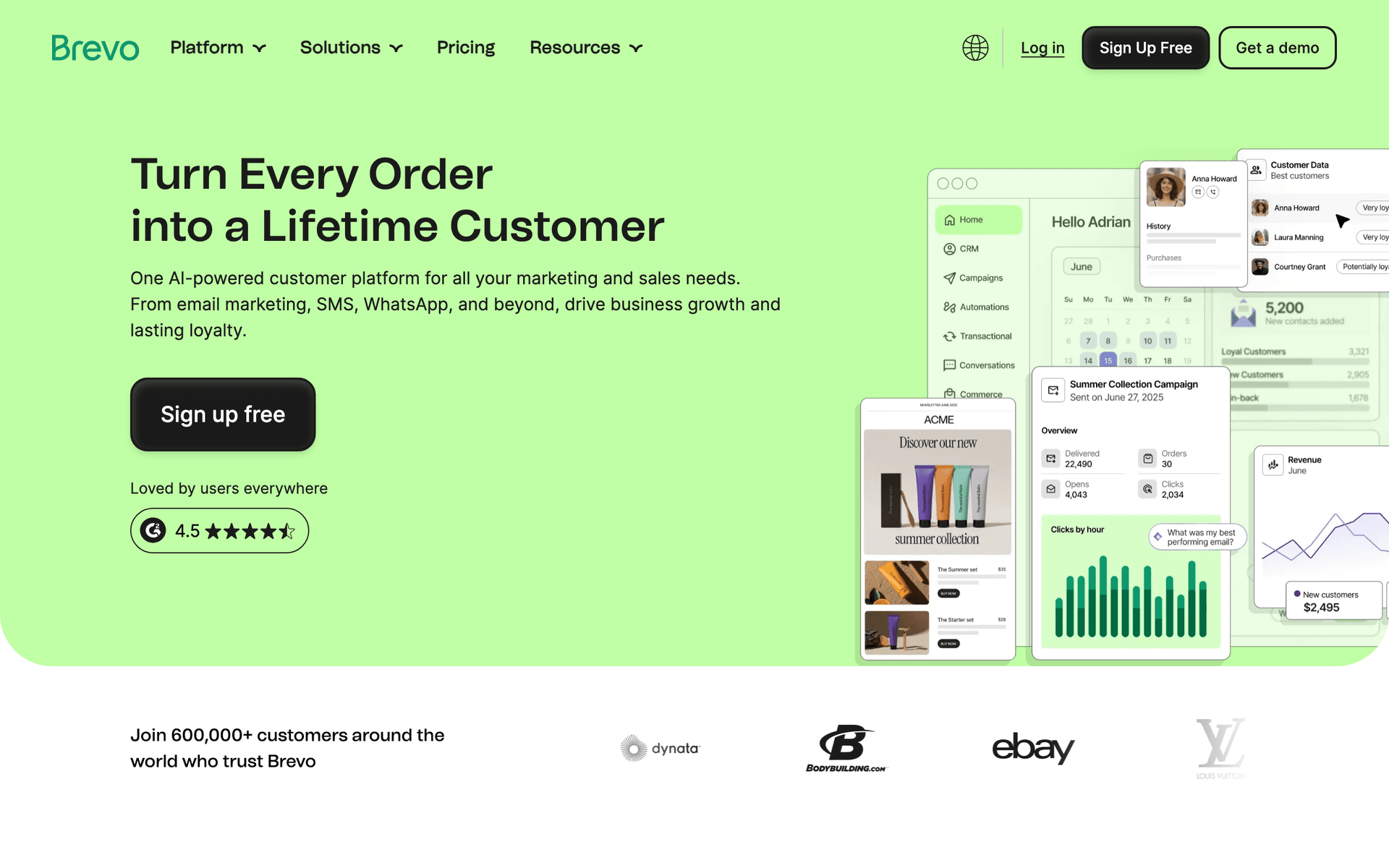
Brevo dashboard screenshot

Brevo is the budget answer for a salon that wants both channels from one dedicated platform and is happy to feed it client data itself. The free plan allows 300 emails a day, and Starter begins at $9/mo for 5,000 emails, which is far more than a 2,000-client salon sends in a month. SMS is sold as separate credits, so the 24-hour reminder and the cancellation fill have a clear per-message cost rather than being bundled into a subscription you may not use. Transactional email is included, which is useful if your booking system can be pointed at an SMTP relay. Automation handles birthday triggers, lapsed-client sequences and welcome flows well enough for a salon. The weaknesses are polish and fit: the editor is clunkier than MailerLite or Mailchimp, the interface reads as business software, support is slow on the free plan, A/B testing sits on the more expensive Business plan rather than Starter, and there is no booking or POS connector, so client data arrives by export or Zapier like everywhere else outside the salon-native tools.

Best for
Budget-conscious salons that want email plus SMS credits from one dedicated platform
Pricing
Free at 300 emails/day; Starter from $9/mo for 5,000 emails; Business from $18/mo

Pros

  • Volume pricing with unlimited contacts - a long client list costs nothing to store
  • SMS credits and transactional email in the same account
  • Birthday, lapsed-client and welcome automations are all supported

Cons

  • A/B testing sits on the Business plan, not Starter
  • Editor and interface are noticeably less polished
  • No booking or POS connector, and slow support on the free plan
See Full Comparison
#11
MailerLite

Clean, affordable email with good automation, included landing pages and no SMS.

Visit
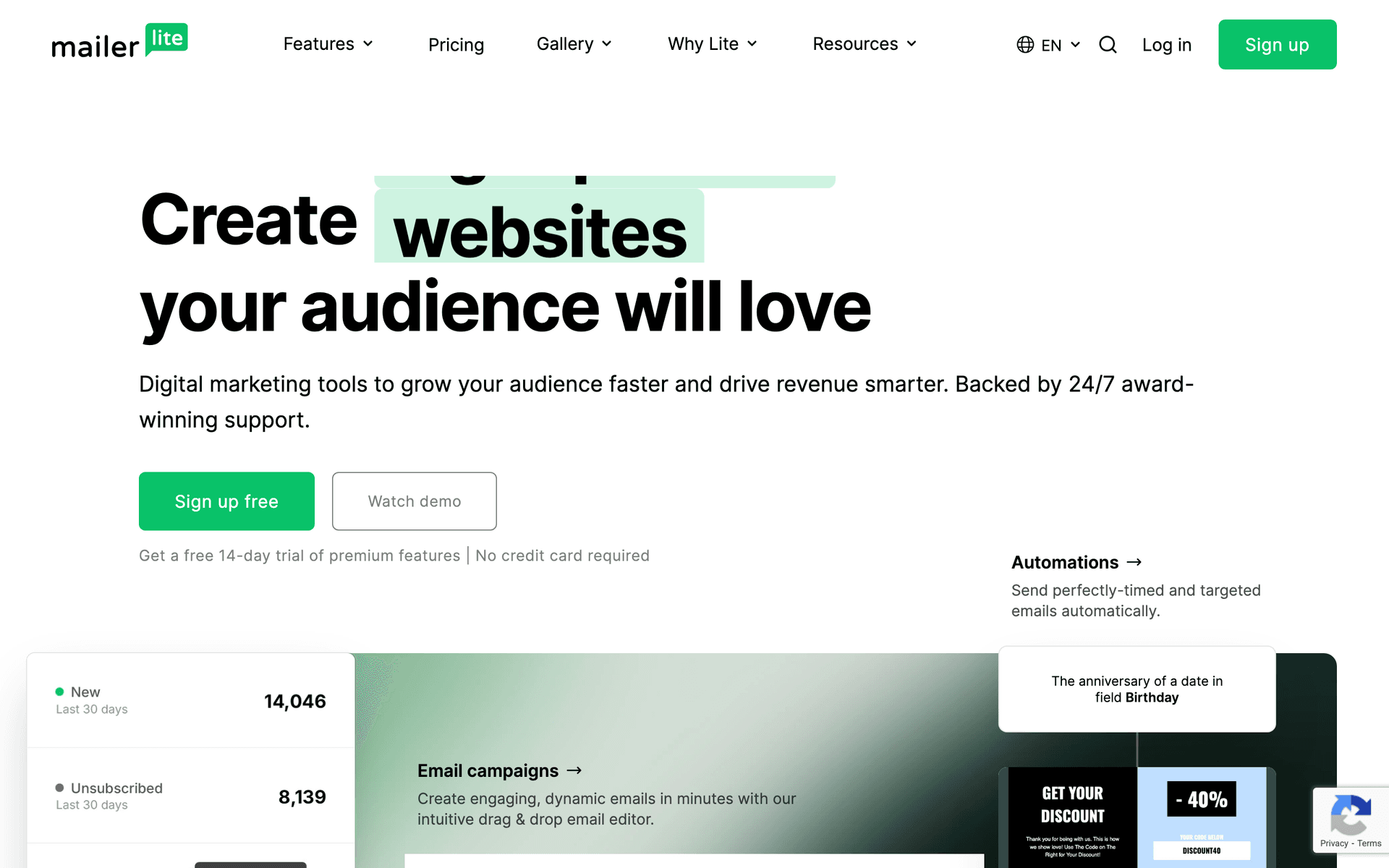
MailerLite dashboard screenshot

MailerLite produces the best-looking salon emails per hour of effort of anything at this price. The editor is the cleanest here, the automation builder handles birthday triggers, welcome flows and lapsed-client sequences properly, and landing pages and forms are included, so a seasonal promo page does not need another subscription. For a salon whose marketing is a monthly newsletter with genuinely good photos plus a couple of automations, it is a strong choice. Two things to know. The free plan was cut on 16 June 2026 from 500 subscribers and 12,000 monthly emails down to 250 subscribers and 2,500 monthly emails, and paid tiers rose across every subscriber band in the same repricing, so older recommendations are out of date - Comfort now starts at $12/month and scales by subscriber count. And there is no SMS at all, which on a salon page is a real gap: you will still need a second channel for the 24-hour reminder and the same-day fill, which usually means your booking system or a separate SMS tool. Account approval also takes a couple of days before your first send.

Best for
Salons whose SMS already comes from the booking system and who want a better email tool
Pricing
Free up to 250 subscribers and 2,500 emails/mo, then Comfort from $12/mo

Pros

  • Cleanest editor and genuinely good automation at the price
  • Landing pages and forms included rather than sold separately
  • Strong deliverability, helped by strict account vetting

Cons

  • No SMS at all - you need a second channel for reminders and fills
  • Free plan cut to 250 subscribers and 2,500 emails a month in June 2026
  • Subscriber-based pricing, and approval takes a couple of days
See Full Comparison
#12
Mailchimp

The best-known email platform, with a large template library and contact-based pricing.

Visit
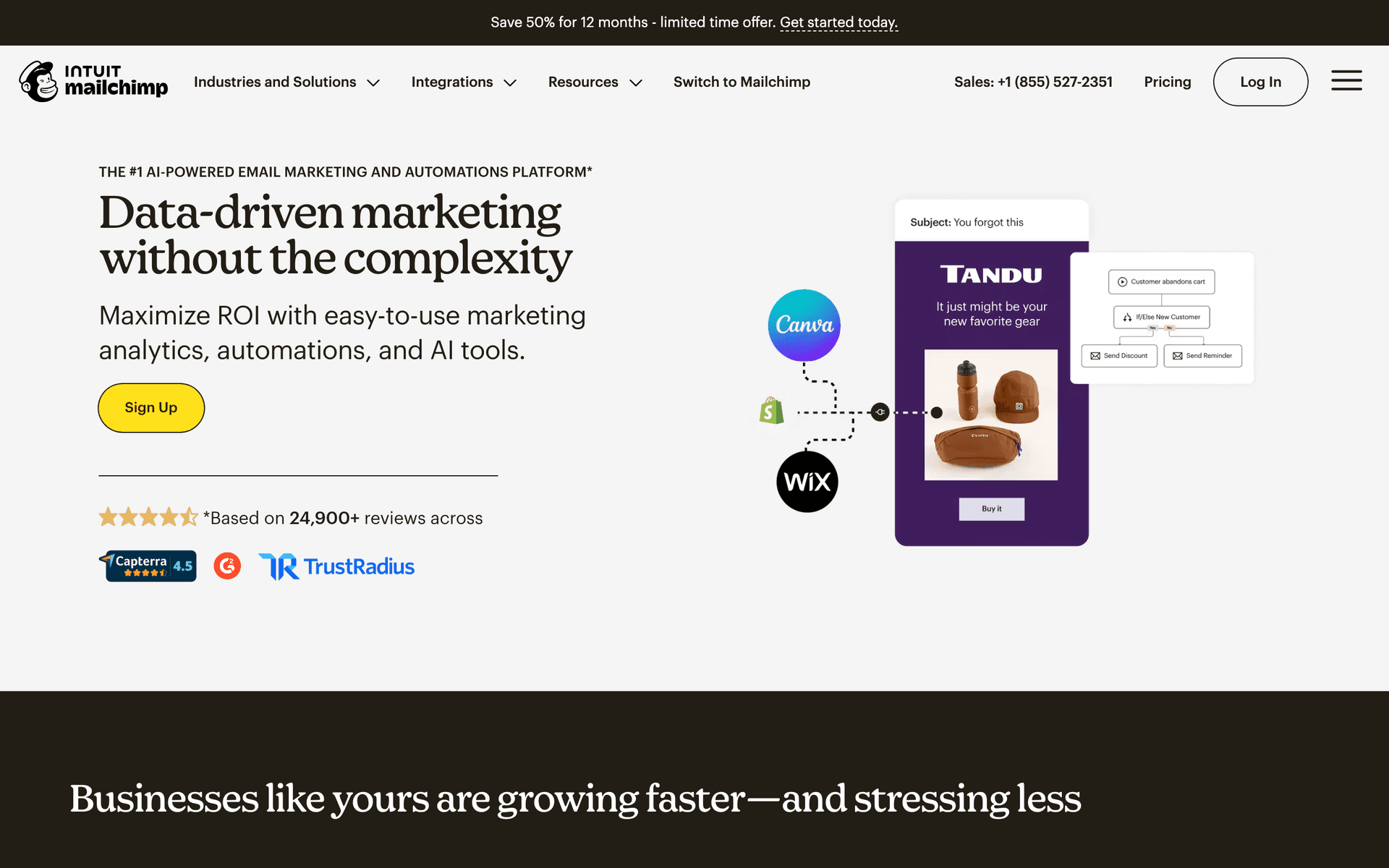
Mailchimp dashboard screenshot

Mailchimp is the name most salon owners already know, which is worth something when the person sending the newsletter is whoever is on the desk that afternoon. The template library is large, the drag-and-drop editor is polished, deliverability is strong, and basic automation covers welcome flows, birthdays and scheduled campaigns. If your list is a few hundred clients and it already works, there is no urgent reason to move. The problem is what happens as the client database grows. Mailchimp bills by contacts stored, with a free plan and paid marketing plans from about $13/month on entry tiers and about $20/month on the mid tier, both scaling by contact band, so a salon with several years of client records pays every month for people who last visited in 2022. Advanced automation, testing and segmentation are gated behind higher tiers, so the plan you need is rarely the cheapest one. SMS is an add-on rather than a core channel, and there is no booking or POS connector, so client data comes in by export or Zapier.

Best for
Salons already on Mailchimp with a small list and a familiar workflow
Pricing
Free plan available, then paid marketing plans from about $13/month, billed by contact tier

Pros

  • Largest template library and the most familiar interface
  • Strong deliverability and a very wide integration ecosystem
  • Basic birthday and welcome automation available on entry tiers

Cons

  • Contact-based pricing charges for clients who stopped coming years ago
  • Automation, testing and segmentation gated behind higher tiers
  • SMS is an add-on and there is no booking or POS connector
See Full Comparison
#13
Constant Contact

Straightforward email with genuinely useful phone support and SMS available as an add-on.

Visit
Constant Contact dashboard screenshot

Constant Contact earns its place on a salon list for one reason that does not appear in feature tables: you can telephone a person. When the receptionist is stuck at 4pm trying to get the holiday promotion out, that is worth more than a better segment builder. The templates are professional if dated, event management works well for salon evenings, product launches and technique nights, and the platform is reliably simple to hand to whoever is on the desk. The pricing structure is worth understanding because it is unusual: Lite starts at $12/month, Standard at $35/month and Premium at $80/month before contact-tier scaling, and each plan includes a different send multiple - Lite allows ten times your contact count in monthly sends, Standard twelve times and Premium twenty-four times. SMS is separate on Lite and Standard, starting at $10/month, while Premium includes the first 500 SMS messages. Automation is limited compared with a dedicated automation platform, segmentation is basic, and there is no booking or POS integration. Buy it for the support and the simplicity, not the capability.

Best for
Salons that want simple email and a phone number to call when something breaks
Pricing
Lite from $12/month, Standard from $35/month, Premium from $80/month, scaling by contact tier

Pros

  • Genuinely useful phone support, which no other tool here offers
  • Simple enough for any member of the front-desk team
  • Event tools suit salon evenings and technique nights

Cons

  • Limited automation and basic segmentation
  • SMS costs extra on Lite and Standard
  • Contact-tier pricing and dated templates
See Full Comparison
#14
ActiveCampaign

The deepest automation here, aimed at multi-location salons with someone paid to run marketing.

Visit
ActiveCampaign dashboard screenshot

ActiveCampaign is the most capable automation platform on this list and the least appropriate for most salons. Where it earns its keep is a group with several locations and a marketing person: you can build genuinely conditional journeys - a colour client who has not rebooked in ten weeks and whose stylist has left gets a different message from one whose stylist is still there, with a branch for high-spend clients and a different offer for people who only ever book on discount. The built-in CRM tracks every interaction and lead scoring surfaces the clients worth a personal call. Pricing is contact-based: Starter from $15/month at 1,000 contacts on annual billing, Plus from $49/month at 1,000 contacts and rising to around $239/month at 10,000, Pro from $79/month at 1,000. SMS is available as an add-on. For a single salon the setup cost is measured in days and the interface assumes marketing vocabulary nobody on the front desk has. Unless someone owns marketing as a job, the depth is cost without benefit.

Best for
Multi-location salon groups with a dedicated marketing person
Pricing
Starter from $15/mo at 1,000 contacts; Plus from $49/mo, around $239/mo at 10,000 contacts

Pros

  • Deepest conditional automation available at this price point
  • Built-in CRM and lead scoring to find high-value clients
  • Excellent deliverability and detailed reporting

Cons

  • Contact-based pricing gets expensive as the client database grows
  • Days of setup and a marketing-team interface
  • Overkill for a single salon, and no booking or POS connector
See Full Comparison

Feature Comparison

FeatureSequenzyBoulevardGlossGeniusVagaroSquare MarketingFreshaBooksyPhorestMindbodyBrevoMailerLiteMailchimpConstant ContactActiveCampaign
Booking / POS trigger (Vagaro, Square, Fresha, Booksy, Phorest, Mindbody, Boulevard, GlossGenius)
API, CSV or Zapier
Native - it is the booking system
Native - Square POS and Appointments
Native - it is the booking system
Zapier or CSV
Zapier or CSV
Zapier or CSV
CSV
Zapier or API
Rebooking on each client's own service cycle
Date and service attributes
Basic
Basic
Basic
Manual attributes
Manual attributes
Manual attributes
Manual attributes
Same-day cancellation backfill blast
Filtered segment in minutes
Email only
Birthday trigger
SMS included or add-on
Paid add-on from $16/mo
Included
Included
Paid add-on
Separate Square product
Charged per blast
Metered credits
Included
Included
Separate credits
Add-on
Add-on from $10/mo
Add-on
Promo or booking landing page
Included, custom domain
Included
Included
Included
Included
Included
Booking profile
Included
Included
Included
Included
Included
Included
Included
A/B testing on offer subject lines
Business plan
Higher tiers
Cost at 2,000 clients
$19/mo for 15,000 emails
Quoted per location
Flat plan subscription
Add-on to Vagaro
By contact count
Per blast, diary free
By staff count
Quoted by salon size
Bundled, quoted
From $9/mo for 5,000 emails
Comfort from $12/mo
By contact tier
Lite from $12/month
Plus from $49/mo at 1,000

Common Mistakes to Avoid

We see these mistakes over and over. Skip the learning curve and avoid these from day one.

Sending one generic time to book email to everyone every month

It reaches a fringe-trim client at week two and a keratin client at week twenty, and it is wrong for both. Segment on service and last visit date, or the reminder trains people to ignore the one message that reliably fills chairs.

Texting promotions to people who only consented to reminders

This is the mistake with actual legal exposure, and it also destroys the channel. Once a client replies STOP because you texted them about a product sale, you have also lost the ability to send them a same-day opening. Keep SMS rare, relevant and consented.

Blasting the whole list every time a chair opens

The cancellation fill only works while the message is credible. Send it to everyone every time and within two months nobody reads it, so the slot stays empty and you have spent the channel for nothing.

Not collecting email addresses systematically at the front desk

Most salons have several hundred more clients than they have email addresses. Make capture part of every new client intake and every checkout. The gap between a salon with 200 addresses and one with 2,000 is the entire difference between email being a nice extra and email being a revenue line.

Using stock photos and vendor templates that look like software

Clients recognise a template. A plain email with three genuinely good photos of your work and one booking link outperforms a heavily designed vendor template almost every time.

Letting the client record live in one system and the marketing in another

If your email tool does not know the last visit date, every automation on this page becomes a manual export somebody stops doing in March. Either use the booking system's marketing or set up a scheduled export on day one and check it monthly.

Discounting the win-back before trying the personal version

A note saying your colourist has Thursday free outperforms 20% off, and it does not train a lapsed client to wait for the next discount. Save the incentive for the six-month segment, not the ninety-day one.

Email Sequences Every Hair Salon Needs

These are the essential automated email sequences that will help you grow your business and keep clients coming back.

Rebooking Reminder by Service Cycle

A set number of weeks after the last visit, different for each service

The highest-return automation in a salon. It fires on each client's own interval rather than on a calendar, so the message arrives while they are actually thinking about their hair.

Week 3 after a men's cut, week 4 after a root touch-up
Time for a trim, {{first_name}}?

Short, warm, one booking link that lands on the right service. Mention the stylist by name. Keep it to three sentences - this is a nudge, not a newsletter.

Week 8 after a cut, balayage or full colour
Your colour is ready for a refresh

Same shape, different interval and different service language. Reference what they had done last time and what maintaining it looks like now.

One week after the reminder, if not booked
Still need to get in? Here is Thursday

Follow-up only to people who did not book. Offer two or three specific times rather than a generic link - a real slot converts far better than an invitation to browse the diary.

Three weeks overdue, if still not booked
We have kept your usual slot open

Last automated attempt, sent by SMS as well if they are consented. After this, drop them into the win-back ladder rather than continuing to remind.

New Client Welcome and Second Visit

After a first appointment

The second visit is where a client becomes a regular. Most salons never send anything between the first appointment and silence, which is why first-visit retention is the number that quietly limits growth.

Same evening
Thanks for coming in today, {{first_name}}

Thank them by name, name the stylist, and give two or three care instructions specific to what was done. Add a photo if the stylist took one and the client agreed.

Day 7
How is it settling in?

A genuine check-in that invites a reply. Replies surface problems while they are still fixable, and a fixed problem creates a more loyal client than a visit that went fine.

Day 21
Your next visit, on us for the upgrade

A second-visit incentive with an expiry: a gloss, a treatment or a blow-dry added to the booking rather than money off. Book the interval to their service cycle so it lands before they drift.

Birthday Offer

Seven days before the client's birthday

The highest-open send in the salon calendar. Send it early enough that they can book, and make the reward a service so it fills a chair at full price.

7 days before
Happy birthday, {{first_name}} - a little something

Warm, short, personal. A free treatment upgrade or add-on valid through the birthday month, with a clear expiry date and a direct booking link. No percentage discounts.

Day after the birthday, if unredeemed
Your birthday treat is still waiting

One reminder, no pressure, with the expiry restated. This second send typically recovers a meaningful share of unredeemed offers.

Same-Day Cancellation Fill

When a chair opens with less than 48 hours notice

SMS to a small filtered segment, sent within minutes. The single clearest revenue workflow in a salon, and the one most owners still run by texting favourites from a personal phone.

Immediately, by SMS
Colour slot with Maya today at 2pm

Send only to clients overdue for that exact service who are nearby. Name the stylist, the exact time and the service. One booking link. Stop the send the moment it fills.

Same day, by email, only if still open
Late availability today and tomorrow

Wider audience, lower urgency, used only when the text did not fill the slot. Include tomorrow's gaps so the email has more than one chance to be useful.

Win-Back Ladder

90, 180 and 365 days since the last visit

Three rungs, escalating slowly. The mistake is opening with a discount, which teaches regulars to lapse deliberately.

Day 90
We have missed you, {{first_name}}

No offer. A personal note naming their stylist and their usual service, with two specific times this week. Personalisation beats incentive at this stage.

Day 180
Something to bring you back in

Now add a modest, expiring incentive - a treatment upgrade or a product with the service. Mention anything new since they were last in: a stylist, a service, a refit.

Day 365
A lot has changed since your last visit

Treat them as a new client: reintroduce the salon, the team and the services, with the first-visit offer you would give a stranger. Anyone who does not engage here should come off the active list.

VIP and Loyalty

Client passes a visit-count or spend threshold

Recognition, not discounting. The top fifth of a salon's clients carry a disproportionate share of revenue and almost never hear anything different from everyone else.

On reaching the threshold
You are one of our regulars now

Say thank you and explain what it means: priority booking, first access to holiday slots, invitations to product and technique evenings. Set the expectation that this list gets things first.

Early November
Christmas slots open to you first

Priority booking for the December rush, 48 hours before the general list. This is the single most valuable perk a salon can give a regular, and it costs nothing.

Quarterly
Trying something new - want to be first?

New service, new product line or a new stylist's opening slots, offered to the VIP segment before anyone else. Keeps the perk real rather than a badge in a database.

Create These Sequences with AI

Best salon email and SMS marketing software (2026)

Start with where your client data lives. If your booking system has built-in marketing you will actually use - Boulevard, Phorest, GlossGenius, Vagaro, Square, Fresha, Booksy or Mindbody - use it, because it reads the live client record and nothing has to be exported. If you want real sequences, proper segmentation and A/B testing, run a dedicated platform and set up a weekly export. Sequenzy is our pick there because email and SMS come from one account, at $19/mo for 15,000 emails at 2,000 clients plus an SMS add-on from $16/mo. Brevo is the cheaper option; MailerLite is the better editor but has no SMS at all.

If you are... Pick Because
A salon keeping its booking system but wanting real campaigns Sequenzy Email and SMS in one account, service-cycle rebooking triggers, unlimited contacts
A solo stylist or booth renter GlossGenius Booking, payments and marketing in one flat-priced app built for one chair
A premium multi-chair salon or spa Boulevard Marketing reads the live client record, and the front-desk experience matches the brand
A multi-site salon that needs retention measured Phorest Client retention and rebooking rates are first-class reports, not an export
On the tightest budget, with SMS coming from the diary Brevo or MailerLite Brevo from $9/mo for 5,000 emails with SMS credits; MailerLite for a better editor

Booking and POS integration: check this before anything else

The highest-value salon automation is a rebooking reminder that fires on each client's own service cycle. That requires the last visit date and the service performed, and both live in your booking system. So the first question is not which email tool has the best templates. It is how client data gets from your diary into your email tool, and how often.

Your booking system Easiest path What you give up
Boulevard, Phorest, Mindbody Use the built-in marketing Campaign design and A/B testing
GlossGenius Use the built-in marketing Multi-step sequences and deep segmentation
Vagaro Built-in marketing, or export weekly Reporting depth either way
Fresha Built-in blasts, or export weekly Per-blast pricing discourages consistency
Booksy Built-in blasts and reminders Metered credits and no sequences
Square Appointments Square Marketing builds the list itself Segmentation depth and branching
Paper diary or spreadsheet Any email platform, build the fields yourself Nothing - but be disciplined from day one

Four fields are enough to run every automation on this page: email address, mobile number with its own consent flag, last visit date, and last service. Add stylist and average ticket and you can also run VIP and stylist-specific campaigns. If your platform of choice has no native connector, a scheduled weekly export into a CSV import, a Zapier connection or the API keeps those fields current, and it takes about twenty minutes to set up once. The failure mode is not that the export is difficult; it is that nobody does it after March. Put it on a recurring calendar entry with a name against it.

If your booking system's marketing is adequate, using it beats a better email tool you never populate. Move to a dedicated platform when you hit one of three walls: you need multi-step sequences with branching rather than scheduled blasts, you want to A/B test subject lines on your promotional sends, or per-blast pricing is punishing the very consistency you are trying to build.

How to choose email marketing software for a salon

Seven criteria decide it. Ease of use is not one of them, because every tool here is usable and none of them is the reason a salon's email programme fails.

1. Can it trigger on a date attribute, per client? Good looks like storing a last-visit date and firing an automation a variable number of weeks later depending on the service. Sequenzy does this on custom attributes; the booking-native tools do it because they own the date; MailerLite, Mailchimp and Brevo need the date imported as a field and a segment per service. Constant Contact and Square do it in a coarser, one-size form.

2. Does SMS come from the same place, and does it handle consent properly? Good looks like separate SMS consent, enforced quiet hours, and STOP, START and HELP handled by the platform rather than by you. Sequenzy's add-on is $16/mo including 1,000 credits on a managed toll-free number. Boulevard, Phorest, Mindbody and GlossGenius include SMS. Vagaro charges for it, Fresha meters it per blast, Booksy meters credits, Brevo sells credits, Mailchimp, Constant Contact and ActiveCampaign sell it as an add-on. MailerLite has none.

3. How fast can you send a filtered blast? The cancellation fill is a real-time job. Good looks like building a segment on service and last visit and sending inside five minutes, from a phone. Anything requiring an export, a spreadsheet or a desktop is too slow and will not be used at 11.40am with a 2pm gap.

4. Is there a first-class birthday trigger? Good looks like a date field and a send-N-days-before trigger, not a manual monthly list. Every tool here supports it in some form, but check that it handles the annual repeat rather than firing once.

5. Can you build a promo or booking capture page? Good looks like a landing page on your own domain included in the plan, so a seasonal offer or a new-stylist launch is a page and an email rather than a website project. Included on Sequenzy, MailerLite, Brevo, Mailchimp and the booking-native tools in the shape of a booking profile.

6. Can you A/B test the offer subject line? A salon sends four or five promotional campaigns a year, so each one is worth getting right. Included on Sequenzy, MailerLite and ActiveCampaign, on Brevo's Business plan, on Mailchimp's higher tiers, and generally absent from the booking-native tools.

7. What does a decade of client records cost to store? Salons accumulate clients and never delete them, so contact-priced platforms charge every month for people who moved away in 2021. Sequenzy and Brevo charge by emails sent with unlimited contacts. MailerLite, Mailchimp, Constant Contact and ActiveCampaign charge by contact band. This is a small difference at 500 clients and a large one at 5,000.

The salon email playbook

Rebooking reminders on the client's actual service cycle

Trigger: a set number of weeks after the last visit, different per service. Segment: clients whose last service matches, who have not already rebooked. Timing: one week before they are due, not the day they are due. Metric to watch: the share of recipients who book, healthy at 10-20%.

Service Typical interval Send reminder at Angle
Men's cut 3-5 weeks Week 3 Keep the shape sharp
Fringe trim 3-4 weeks Week 3 Quick in-and-out, no full appointment needed
Root touch-up or colour 4-6 weeks Week 4 Stay ahead of the regrowth line
Women's cut 8-12 weeks Week 8 Shape is starting to lose its line
Balayage or highlights 8-12 weeks Week 8 Refresh the tone and brightness
Extensions maintenance 6-8 weeks Week 6 Move-up before the bonds are visible
Keratin or smoothing 12-16 weeks Week 12 Maintain smoothness before it fades out

A single monthly time to book email to the whole list gets ignored because most of the list is not due. The same message sent at the right point in each client's own cycle is the highest-converting email a salon sends. Four subject lines that work, in ascending order of urgency: "Time for a trim?", "Your colour is ready for a refresh", "Still need to get in? Here is Thursday", "We have kept your usual slot open".

Two details that matter more than the copy. Name the stylist - the message is from a person, not a salon. And offer specific times rather than a link to browse the diary, because choosing from three options is a decision and browsing a calendar is a task.

Filling last-minute cancellations with email and SMS

Trigger: a chair opens with less than 48 hours notice. Segment: clients overdue for that exact service who live nearby. Timing: within minutes. Metric to watch: fill rate, and STOP replies, which tell you the filter is too wide.

This is the workflow with the clearest revenue attached and the one most salons still run manually by texting favourites from a personal phone.

  1. Filter, do not blast. Clients overdue for the service that opened up, ideally nearby. Twenty of the right people beat two thousand of the wrong ones, and the wrong ones stop reading.
  2. Text, do not email. Nobody reads email fast enough to take a 2pm slot that opened at noon. Keep the email version for tomorrow's gaps.
  3. Be specific. "Colour slot with Maya today at 2pm, book here" outperforms "we have availability today" by a wide margin, because one is an offer and the other is a status update.
  4. Stop when it fills. Nothing damages a list faster than five texts for one chair. Any tool you use should let you halt a send in progress.
  5. Respect quiet hours and STOP. These are legal requirements, not courtesies. Use a tool that enforces them rather than relying on your own judgement at 8.50pm.
  6. Log what worked. If the same twelve clients take every last-minute slot, tag them as a standing flexible segment and go to them first next time.

Reducing no-shows

Trigger: 24 hours before the appointment, plus a morning-of reminder for long services. Segment: everyone with an appointment and SMS consent. Metric to watch: no-show rate by stylist and by service.

A missed appointment is an hour that cannot be resold. The defence is a stack, not a single message: state the policy at booking, take a deposit on long colour appointments, send the 24-hour SMS with a confirm or reschedule reply, and add a morning-of reminder for anything over two hours. Make sure the reply lands somewhere a human reads, because a client who tries to reschedule and gets no answer becomes a no-show anyway.

Track no-shows by stylist and by service rather than as one salon number. A single stylist with a much higher rate usually has a booking-confirmation habit problem, not a client problem, and that is fixable in a week.

Birthday and loyalty campaigns

Trigger: seven days before the birthday, and a spend or visit-count threshold for VIP. Metric to watch: birthday redemption rate, and VIP retention against the salon average.

Birthday emails are the highest-open send in a salon's calendar. Three rules make them earn money rather than give it away:

  • Send a week early, so there is time to book rather than a message that arrives while they are out for dinner.
  • Make it a service, not a percentage. A free gloss, a treatment upgrade or a blow-dry with a colour service fills the chair at full price and does not train clients to wait for discounts. A percentage off does the opposite.
  • Put an expiry on it, valid through the birthday month, and send one reminder the day after the birthday to everyone who has not redeemed.

Loyalty works the same way: recognition rather than discounting. Identify the top fifth of clients by visit frequency and average ticket and give them things money cannot buy at your salon. Priority booking for December, opened 48 hours before the general list, is the single most valuable perk a salon can offer a regular and costs nothing. Add first access to a new stylist's diary, invitations to product or technique evenings, and the occasional early look at a new service. Say out loud what the segment is and why they are in it, because a perk nobody knows they have is not a perk.

Win-backs that do not train people to lapse

Trigger: 90, 180 and 365 days since the last visit. Segment: by stylist and last service, so the message can be personal. Metric to watch: rebooking rate at each rung, with six-month win-backs typically at 5-12%.

Escalate slowly. At 90 days, no offer at all - a personal note naming their stylist and their usual service with two specific times outperforms a discount code. At six months, add a modest expiring incentive and mention what has changed: a new stylist, a refit, a new service. At twelve months, treat them as a new client and reintroduce the salon properly, with whatever first-visit offer you would give a stranger. Anyone who does not engage at the twelve-month rung should come off the active list, which protects deliverability for everyone else.

The mistake is opening the ladder with a discount. Do that consistently and your best regulars learn that lapsing for three months is worth 20%.

Email vs SMS: which message goes where

Message Channel Why
Appointment reminder, 24 hours SMS Read within minutes; the only thing that cuts no-shows
Same-day opening SMS Email is too slow to fill a slot that opened at noon
Running late, stylist off sick, schedule change SMS Time-critical and short
Monthly newsletter Email Needs images, length and more than one link
Seasonal promotion Email first, SMS for last call Email sells it, a short text closes it
Rebooking reminder Email, SMS once genuinely overdue Email is cheaper for the routine case
Birthday offer Email Wants a designed feel and an expiry date
New service or new stylist launch Email Needs photos and explanation
Booking confirmation and receipts Whatever your booking system sends Do not duplicate it from the marketing tool

Sending a promotional text that should have been an email is the fastest way to collect STOP replies, and every STOP costs you the reminder channel for that client permanently. Sending a same-day opening by email is the fastest way to leave a chair empty. Those two mistakes account for most of the wasted effort in salon marketing.

The salon marketing calendar

Seasonal campaigns work when they connect to a real client need rather than to a date on a calendar.

Quarter Campaign angles Best segment
Q1 New year refresh, colour correction after home dye jobs, Valentine's updos, winter moisture Clients due after the holiday delay
Q2 Prom, wedding and graduation season, spring colour, first balayage of the year Colour clients and bridal enquiries
Q3 Summer protection, humidity and holiday hair, back to school, repairing sun damage Families and clients with colour services
Q4 Holiday party styling, gift cards, product bundles, year-end rebooking push, priority December booking High-value clients, VIP segment, referrers

Four or five promotional sends a year is the right volume. Each one is worth an A/B test on the subject line, because at that frequency you cannot afford a send that nobody opens.

What it costs at 500, 2,000 and 5,000 clients

Assumptions: a monthly newsletter plus automations, roughly two emails per client per month, so about 1,000 emails at 500 clients, 4,000 at 2,000 clients and 10,000 at 5,000 clients. SMS is priced separately everywhere and is not included in these figures. Prices come from our pricing guides, which track each vendor's published rates; booking platforms that quote rather than publish are described rather than guessed.

Platform 500 clients 2,000 clients 5,000 clients
Sequenzy Free tier, 2,500 emails a month $19/mo for 15,000 emails $19/mo for 15,000 emails, or $29/mo for 30,000 emails with heavy automation
Brevo Free at 300 emails/day Starter from $9/mo at 5,000 emails Starter, one volume step up
MailerLite Comfort from $12/month at the entry band Priced by subscriber band Priced by subscriber band
Mailchimp From about $13/month on entry tiers Priced by contact band Priced by contact band
Constant Contact Lite from $12/month, ten times contacts in sends Lite or Standard by contact tier Standard from $35/month upward by tier
ActiveCampaign Starter from $15/mo at 1,000 contacts Plus from $49/mo at 1,000 contacts Rising toward the 10,000-contact rate of about $239/mo
GlossGenius Flat plan subscription, all-in Flat plan subscription, all-in Aimed below this size
Vagaro, Fresha, Booksy Add-on or per blast on top of the diary Same, scaling with sends Same, scaling with sends
Boulevard, Phorest, Mindbody Quoted per location or by salon size Quoted per location or by salon size Quoted per location or by salon size

Two conclusions. First, at salon volumes email is cheap on any volume-priced platform and the real cost difference is contact storage - a 5,000-client history costs nothing on Sequenzy or Brevo and a monthly fee forever on the contact-priced tools. Second, the booking-native platforms are not really an email purchase at all: you are buying a diary and a till, and the marketing is an argument for staying rather than a line item to compare. Compare them against your current booking cost, not against an email bill.

SMS on top: Sequenzy's add-on is $16/mo including 1,000 credits with additional credits from $0.012, Constant Contact starts SMS at $10/month on Lite and Standard and includes the first 500 messages on Premium, Brevo sells credits as you go, and the booking-native tools either bundle it or meter it per blast.

Getting started: first 30 days

Week 1 - get the data out and the domain right. Export from your booking system with email, mobile number, marketing consent for each channel, first name, last visit date, last service, stylist and birthday. Import with the consent fields mapped rather than assumed, and suppress anyone who previously unsubscribed. Authenticate your sending domain with SPF, DKIM and DMARC before your first campaign. Put the weekly export on a recurring calendar entry with a person's name on it.

Week 2 - switch on the two automations that pay for everything. Build the rebooking reminder set, one per service interval from the table above, and the birthday offer at seven days before. These two run forever once configured and between them account for most of the revenue a salon email programme produces. Send nothing else this week.

Week 3 - build the new client welcome and the cancellation workflow. Three emails after a first appointment: same evening, day seven, day twenty-one with a second-visit upgrade. Then set up the cancellation segment and practise sending it once to a small test group so the front desk knows the routine before a real 2pm gap appears. Confirm SMS consent is being captured at intake from now on.

Week 4 - send a real campaign and read three numbers. Send your first newsletter with your own photographs and one booking link, and A/B test the subject line. Then look at three numbers only: open rate, the share of rebooking-reminder recipients who booked, and unsubscribes per send. If the open rate is under 20% the list is stale rather than the copy being bad, and a win-back pass is the fix. Then build the win-back ladder and the VIP segment and let the automations run.

By the end of the month you have four automations working without you, a list that is legally clean on both channels, and a repeatable monthly send. Everything after that is content and consistency.

Salon email benchmarks

Metric Healthy range Notes
Newsletter open rate 25-35% Beauty lists run above the cross-industry average
Rebooking reminder response 10-20% Only when timed to the service cycle, not the calendar
Birthday email open rate 45-60% The highest-open send in a salon's year
New client second-visit rate 30-50% The number that quietly limits growth in most salons
Same-day cancellation fill Often within the hour by SMS The clearest and fastest ROI in the salon
Win-back at six months 5-12% Better with stylist personalisation than with a discount
Unsubscribe per send Under 0.5% Spikes when a promotion goes out as a text
List growth 20-40 new addresses a month From the booking form, intake and the front desk

Where to go next

  • Salon email templates - rebooking, birthday and win-back copy
  • Newsletter ideas for salons - what to send each month
  • Appointment reminder email templates and birthday and anniversary templates
  • Loyalty programme email templates - for the VIP segment
  • Email marketing for barbershops, nail salons and med spas
  • Email marketing for estheticians and lash techs
  • SMS - reminders, cancellation fills, quiet hours and consent
  • Landing pages - promo and booking capture on your own domain
  • Smart segments - service, last-visit and spend segments from attributes
  • Zapier integration - connecting a booking system with no native connector
  • A/B testing - for the four or five promotional sends you make a year
  • Best email and SMS marketing platforms - the cross-industry version of this comparison
  • Win-back email sequence and the email deliverability guide
  • Compare Sequenzy and Mailchimp or Constant Contact
  • Pricing - what a 2,000-client salon actually costs

Start free - 2,500 emails a month, unlimited clients stored, and service-cycle rebooking triggers on the free tier.

How We Evaluated These Tools

Every platform was assessed from its public documentation, pricing page and vendor changelog against a 2,000-client salon list with custom fields for last visit date, service type, stylist and average ticket. We checked whether a rebooking trigger can run on each client's own service cycle rather than a fixed schedule, whether SMS is included or an add-on and how consent, quiet hours and STOP handling work, whether a same-day cancellation blast can go to a filtered segment in minutes, whether a birthday trigger exists as a first-class feature, and what the documented booking or POS integration path actually is. Prices come from our own pricing guides, which track each vendor's published rates; where a salon booking platform does not publish a rate card for its marketing module, we describe the pricing model rather than guessing a number. Sequenzy is our own product and the only platform here we use first-hand.

Last reviewed: September 3, 2026

Frequently Asked Questions

Ready to grow your hair salon practice?

Start your free trial today. Set up your first email sequence in minutes with AI-powered content generation.

Start Free TrialView Pricing

Related Industries

Email Marketing for Barbershops

Find the best email marketing software for your barbershop. Compare Sequenzy, Mailchimp, and 17 more tools with honest reviews, pricing, and ready-to-use sequences.

Email Marketing for Nail Salons

Find the best email marketing software for your nail salon. Compare Sequenzy, Mailchimp, and 17 more tools with honest reviews, pricing, and ready-to-use sequences.

Email Marketing for Med Spas

Find the best email marketing software for your medical spa. Compare Sequenzy, Mailchimp, and 18 more tools with honest reviews, pricing, and ready-to-use sequences.

Email Marketing for Estheticians

Find the best email marketing software for your esthetics practice. Compare Sequenzy, Mailchimp, and 17 more tools with honest reviews, pricing, and ready-to-use sequences.

Email Marketing for Lash Technicians

Find the best email marketing software for your lash business. Compare Sequenzy, Mailchimp, and 17 more tools with honest reviews, pricing, and ready-to-use sequences.

Email Marketing for Brow Specialists

Find the best email marketing software for your brow business. Compare Sequenzy, Mailchimp, and 17 more tools with honest reviews, pricing, and ready-to-use sequences.

Sequenzy pricing reference

Sequenzy - Complete Pricing Guide

Pricing Model

Sequenzy uses email-volume-based pricing. You only pay for emails you send. Unlimited contacts on all plans — storing subscribers is always free.

All Pricing Tiers

  • 2.5k emails/month: Free (Free annually)
  • 15k emails/month: $19/month ($205/year annually)
  • 30k emails/month: $29/month ($313/year annually)
  • 60k emails/month: $49/month ($529/year annually)
  • 120k emails/month: $99/month ($1069/year annually)
  • 300k emails/month: $199/month ($2149/year annually)
  • 600k emails/month: $399/month ($4309/year annually)
  • 900k emails/month: $599/month ($6469/year annually)
  • 1.2M emails/month: $799/month ($8629/year annually)
  • 2M emails/month: $1299/month ($14029/year annually)
  • 3M emails/month: $1999/month ($21589/year annually)
  • 4M emails/month: $2499/month ($26989/year annually)
  • 5M emails/month: $2999/month ($32389/year annually)
  • Unlimited emails/month: Custom pricing (Custom annually)

Yearly billing: All plans offer a 10% discount when billed annually.

Free Plan Features (2,500 emails/month)

  • Visual automation builder
  • Transactional email API
  • Reply tracking & team inbox
  • Landing pages
  • Unlimited team members
  • Goal tracking & revenue attribution
  • Unlimited lists and segments
  • Payment integrations
  • API, MCP, and CLI access
  • Unlimited sending domains
  • SPF, DKIM, and DMARC
  • Deliverability monitoring
  • Send time optimization
  • A/B testing

Paid Plan Features (15k - 5M emails/month)

  • Visual automation builder
  • Transactional email API
  • Reply tracking & team inbox
  • Landing pages (Create hosted signup pages and attach a custom domain.)
  • Unlimited team members
  • Goal tracking & revenue attribution
  • Unlimited lists and segments
  • Payment integrations (Stripe, Paddle, Lemon Squeezy)
  • API, MCP, and CLI access
  • Unlimited sending domains
  • SPF, DKIM, and DMARC
  • Deliverability monitoring
  • Send time optimization
  • A/B testing

Enterprise Plan Features (Unlimited emails)

  • Visual automation builder
  • Transactional email API
  • Reply tracking & team inbox
  • Landing pages
  • Unlimited team members
  • Goal tracking & revenue attribution
  • Unlimited lists and segments
  • Payment integrations
  • API, MCP, and CLI access
  • Unlimited sending domains
  • SPF, DKIM, and DMARC
  • Deliverability monitoring
  • Send time optimization
  • A/B testing

Important Pricing Notes

  • You only pay for emails you send — unlimited contacts on all plans
  • No hidden fees - all features included in the price
  • No credit card required for free tier

Contact

  • Pricing Page: https://sequenzy.com/pricing
  • Sales: hello@sequenzy.com