
21 Best Drag-and-Drop HTML Email Builders in 2026

What is the best drag-and-drop email builder?
Stripo for the largest template and module library, Beefree for the fastest free one-off build, Unlayer if you need to embed a builder inside your own product, Postcards for design control, and Sequenzy when the email has to connect to an automation rather than be exported as HTML. If you only need a file to paste into another ESP, use a standalone builder; if the email is part of a sequence, use the builder inside your sending platform.
This page covers drag-and-drop builders specifically. The main guide is best HTML email builders, which covers every builder type including code-first and hybrid tools; start there if you have not narrowed to drag-and-drop yet. Prices verified September 2026.
Drag-and-drop email builders democratize email design. You don't need to understand HTML tables, inline CSS, or email client quirks. You just drag blocks into place, customize the content, and export HTML that works everywhere.
This guide ranks the best drag-and-drop builders by what actually matters: how fast you can build emails, how good the output looks, and how reliable the HTML is across email clients.
For code-based alternatives, see my guide to HTML email builders for developers. For a complete overview of all builder types, check out my comprehensive HTML email builder guide.
Best Drag-and-Drop Email Builder by Use Case
Best drag-and-drop email builder for SaaS non-designers: Sequenzy
Sequenzy is the best fit when a founder, marketer, or customer-success person needs to build a polished SaaS email without exporting HTML into another tool. The email editor, AI campaigns, and SaaS onboarding templates make it better for lifecycle campaigns than a generic builder.
Best drag-and-drop email builder for template-heavy teams: Stripo
Stripo is the stronger choice when the main workflow is choosing from a large template library, customizing blocks, and exporting to different ESPs. It fits teams that build many campaign types and want a broad starting-point library. See the HTML email builders with templates guide for that use case.
Best drag-and-drop email builder for fast free builds: Beefree
Beefree is the easiest pick when speed matters more than deep platform integration. It is useful for quick one-off campaigns, small businesses, and teams that want a clean editor before committing to a full ESP. The free HTML email builders guide covers the tradeoffs.
Best drag-and-drop email builder for embedded product workflows: Unlayer
Unlayer is the better fit when the builder needs to live inside your own SaaS, CMS, marketplace, or client portal. It is less about your team building campaigns and more about giving users a builder inside your product.
Best drag-and-drop email builder for design and approval control: Postcards or Chamaileon
Postcards is stronger for visual polish; Chamaileon is stronger for collaborative reviews and client approval. If your drag-and-drop workflow involves designers or agencies, start with HTML email builders for designers and HTML email builders for agencies.
What Makes a Great Drag-and-Drop Builder
The best drag-and-drop builders share certain qualities:
Intuitive interface that doesn't require tutorials. You should be able to start building immediately. The best builders make it obvious where to find blocks, how to place them, and how to customize content. If you need to watch a 20-minute video to get started, the interface has failed.
Flexible blocks that adapt to your content rather than forcing your content into rigid structures. You should be able to resize columns, adjust spacing, and rearrange elements without fighting the tool. Blocks should handle variable content lengths gracefully, whether you're adding one line of text or five paragraphs.
Reliable output that renders correctly in Gmail, Outlook, Apple Mail, and mobile clients without manual fixes. The whole point of a drag-and-drop builder is that it handles the technical complexity for you. If you still need to debug HTML after building, the tool isn't doing its job.
Good defaults so even quick builds look professional. Default font sizes, colors, spacing, and button styles should look polished without any customization. You should be able to drag in a button block and have it look good immediately, not garish or undersized.
Responsive design handling that automatically adapts your email for mobile screens. The builder should stack columns, resize images, and adjust text for smaller viewports. Bonus points for builders that let you customize the mobile version independently.
Quick Comparison
| Tool | Best For | Starting Price | Free Tier | Builder Type |
|---|---|---|---|---|
| Sequenzy | SaaS non-designers | $19/mo | Yes (2.5k emails/mo) | Drag-and-drop + HTML-native + AI |
| Stripo | Template-heavy teams | $15/mo | Yes (4 exports) | Drag-and-drop + modules |
| Bee Free | Speed + simplicity | $15/mo | Yes (with branding) | Drag-and-drop |
| Unlayer | Mixed skill levels | $12/mo | No | Drag-and-drop |
| Postcards | Design control | $17/mo | Yes | Modular drag-and-drop |
| Chamaileon | Team collaboration | $20/mo | No | Drag-and-drop + real-time |
| Topol.io | Maximum simplicity | $7/mo | Yes | Drag-and-drop |
| Mailchimp | All-in-one | $13/mo | Yes (500 contacts) | Drag-and-drop + content studio |
| HubSpot | CRM-connected | $20/mo | Yes | Drag-and-drop + smart content |
| Brevo | Budget multichannel | $9/mo | Yes (300/day) | Drag-and-drop |
| Moosend | SMB automation | $9/mo | 30-day trial | Drag-and-drop |
| ActiveCampaign | Automation depth | $29/mo | No | Drag-and-drop + automation |
| GetResponse | Funnel + email | $19/mo | Yes | Drag-and-drop + landing pages |
| Klaviyo | E-commerce | $45/mo | Yes (250 contacts) | Drag-and-drop + product blocks |
| Omnisend | E-commerce SMB | $16/mo | Yes | Drag-and-drop + e-commerce |
| Benchmark | Small business | $13/mo | Yes | Drag-and-drop |
| MailerLite | Creators | $10/mo | Yes (1k subs) | Drag-and-drop |
| Constant Contact | Beginners | $12/mo | 60-day trial | Drag-and-drop |
| Flodesk | Visual design | $38/mo | No | Drag-and-drop |
| AWeber | Newsletter focus | $20/mo | Yes | Drag-and-drop |
| Campaign Monitor | Brand lock-in | $11/mo | No | Drag-and-drop |
How we compared these builders
Builders were judged on five things: time to a finished email from a blank canvas, output quality (does the exported HTML survive Outlook and dark mode), template and module depth, design control (how far you can go before you need to drop into HTML), and collaboration (multiple editors, comments, version history, brand locks). Where a builder lives inside a sending platform we also checked whether the email connects to automation without an export step, since that is usually the reason to pick it over a standalone tool. Prices are the lowest published paid tier in September 2026. Sequenzy is our own product and is scored on the same criteria.
Top Drag-and-Drop Email Builders
1. Sequenzy - Best for Non-Designers
Price: Free tier, paid from $19/month
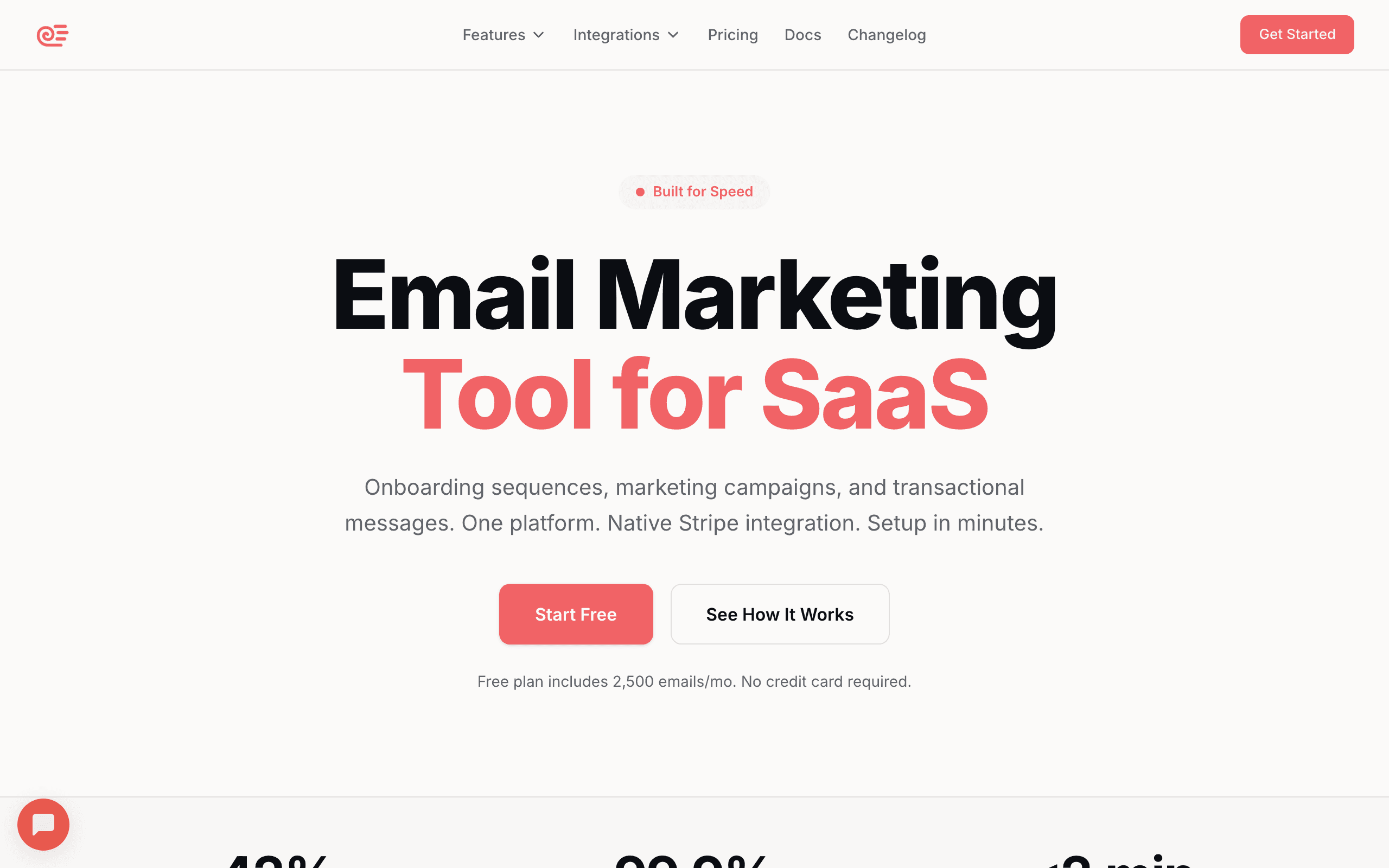
Sequenzy's drag-and-drop builder is optimized for people who aren't designers. The interface is deliberately simple, with guardrails that keep emails looking professional even when built quickly.
The AI content generation sets it apart from other builders. Describe what you want, "a welcome email for new users highlighting our top three features," and you get a solid starting draft. You can then customize it visually without writing from scratch. This is particularly useful for teams where writing email copy is a bottleneck. The AI handles the first draft, and you refine.
Pre-designed blocks cover common SaaS email patterns: pricing tables, feature grids, testimonial sections, and CTAs. These blocks are designed to look good together, so combining them produces cohesive results. You don't need an eye for design because the blocks handle visual harmony for you.
The builder also connects directly to Sequenzy's automation features. Build a welcome email, set the trigger to "new subscriber," and activate. No exporting, no switching tools, no manual integration. For marketers at SaaS companies, the combination of simple building with automation features makes Sequenzy particularly efficient.
Brand consistency features help teams stay on-brand. Set your brand colors, fonts, and logo once, and they're applied to every new email automatically. Team members can build emails within the established design system without accidentally going off-brand. Editing is not limited to the block canvas either: an HTML-native mode lets you edit the underlying markup directly when a block cannot express what you want, so the builder is a starting point rather than a ceiling.
For stores, the builder includes catalog-driven product blocks - pick products from your synced catalog inside the editor, or let a block fill itself with the abandoned cart contents or a rule-based cross-sell. Note this is catalog and rule-driven, not AI/predictive recommendation. If you have the SMS add-on, SMS steps sit in the same sequence editor as the emails, so a multichannel flow is built in one place.
Best for: SaaS teams without dedicated designers
Limitations: Less creative freedom than Postcards, and the template gallery is small next to Stripo's 1,500+
2. Stripo - Most Templates and Features
Price: Free tier, paid from $15/month
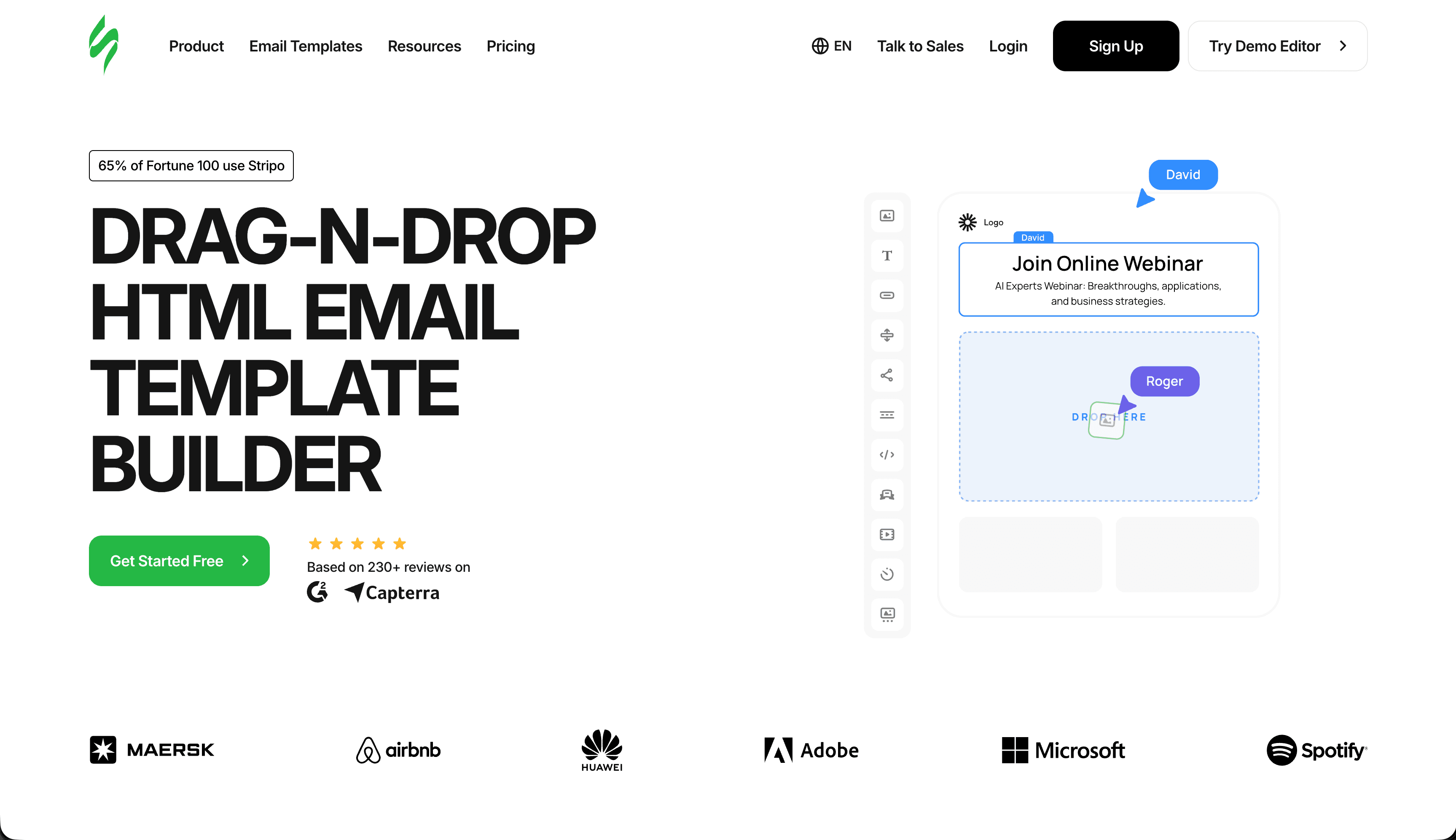
Stripo combines a capable drag-and-drop builder with the largest template library in the industry (1,500+ templates). Whatever email you need to build, there's probably a template close to your requirements.
The builder itself is powerful without being overwhelming. You drag content blocks, structure blocks, and pre-designed modules into your layout. Each element is deeply customizable: colors, fonts, spacing, borders, and responsive behavior. The property panel on the right side organizes settings logically, so you can find what you need without hunting.
"Smart Elements" enable dynamic content. You can create blocks that change based on subscriber data, like showing different content to different segments. This goes beyond basic merge tags into genuine content personalization within the builder interface.
The module library is a significant productivity feature. Save any section you've built as a reusable module: headers, footers, product grids, testimonial sections, social media links. When building new emails, you assemble from your module library rather than rebuilding from scratch. For teams producing high volumes of email, this saves hours.
The collaboration features work well for teams. Multiple people can work on templates, with commenting and version history. For agencies managing multiple client brands, the workspace organization keeps everything separated.
Is Stripo free? Partly. There is a genuine free plan with full access to the editor and template library, but it caps you at 4 template exports per month, one user, and limited storage - enough to evaluate the tool or build the occasional one-off, not enough to run a weekly newsletter. Paid plans start at $15/month and lift the export cap. If "free forever with unlimited exports" is what you need, Beefree's free tier (unlimited emails, with Beefree branding) or Topol.io are closer fits.
Best for: Teams that rely heavily on templates
Limitations: Free tier limited to 4 exports/month
3. Bee Free - Fastest and Most Intuitive
Price: Free with branding, paid from $15/month
Bee Free sets the standard for drag-and-drop email building. The interface is clean and responsive. Blocks snap into place satisfyingly. You can create a professional email faster than with any other builder I've tested.
The mobile design features deserve special mention. You can adjust how content appears on mobile devices, rearranging or hiding elements for smaller screens. This isn't just automatic reflow; it's actual mobile-specific design control. You can set different font sizes for mobile, hide decorative images that waste screen space on phones, and reorder content blocks so the most important information appears first on small screens.
The template library covers the basics well, and every template is fully editable. You're not locked into the original structure; you can modify any element. Templates serve as starting points, not constraints.
Export works smoothly to major ESPs or as downloadable HTML. The code it generates is clean and renders reliably across email clients. Bee Free has been around long enough to have worked out most rendering edge cases, so you rarely encounter surprises.
The collaboration features on paid plans make Bee Free suitable for teams. You can organize projects by brand or campaign, share designs with team members, and save reusable rows and templates. For growing teams that need a shared email building environment, these features prevent the chaos of emailing HTML files back and forth.
The free tier is genuinely usable, limited only by "Built with BEE" branding in your emails. For a deeper look at free options, see my guide to free HTML email builders.
Best for: Anyone who values speed and simplicity
Limitations: Advanced features require paid plan
4. Unlayer - Best Balance of Simple and Flexible
Price: From $12/month
Unlayer hits a sweet spot. The interface is simple enough for beginners but provides enough depth for more sophisticated work. Teams with varying skill levels can all use it effectively.
The block library is well-organized with logical categories. Finding what you need is quick, and the blocks themselves adapt well to different content lengths. The column blocks are particularly flexible, supporting 1-4 columns with adjustable widths and independent content in each.
Merge tags and personalization are implemented cleanly. Adding dynamic content doesn't require technical knowledge. You select from a list of available merge tags and insert them visually. For marketing teams that rely on personalization but lack technical skills, this accessibility matters.
The custom block feature is worth mentioning. Developers can create custom blocks with specific properties that non-technical users can then drag and drop like any other block. This bridges the gap between design flexibility and ease of use. For example, a developer might create a "product card" block with fields for image, name, price, and CTA, and marketers simply fill in the fields.
Unlayer also works well as an embedded builder for SaaS products. Many email platforms use Unlayer under the hood, which means the builder is battle-tested across millions of users.
Best for: Teams with mixed skill levels
Limitations: Template library is smaller than Stripo
5. Postcards by Designmodo - Most Design Control
Price: Free tier, paid from $17/month
Postcards gives designers more control than any other drag-and-drop builder. While still using drag-and-drop interaction, it provides granular control over every visual element.
The modular system offers 100+ blocks with deep customization. You can adjust spacing precisely (down to the pixel), use custom fonts with proper fallback chains, and control responsive behavior in detail. For designers who care about visual quality, Postcards delivers. Every visual property is adjustable, from letter spacing to border radius to shadow blur.
The color management system is sophisticated. Define your brand palette, and it's available throughout the editor. Change a brand color, and it updates across all blocks that use it. This systematic approach to color prevents the inconsistency that plagues manually-managed email design.
Typography control is excellent. You can select web fonts, set fallbacks, and adjust weight, size, line height, and letter spacing independently for each text element. For brands where typography is a core part of the visual identity, this precision is essential.
The trade-off is a steeper learning curve. Postcards has more options than simpler builders, which means more to learn. For quick, simple emails, it might be overkill. But for emails that need to look exceptional, the extra investment in learning the tool pays off.
Best for: Design-focused teams
Limitations: More complex than simpler options
6. Chamaileon - Best for Team Collaboration
Price: From $20/month
Chamaileon was built for teams working together on email campaigns. Real-time collaboration means multiple people can edit simultaneously. Comments, version history, and approval workflows keep everyone coordinated.
The drag-and-drop builder is solid. You get the standard block types with good customization options. The responsive controls are better than average, letting you fine-tune mobile appearance with specific breakpoint settings and mobile-only styles.
The approval workflow feature sets Chamaileon apart. You can route emails through a review chain: copywriter creates, designer reviews, manager approves. Each step is tracked, and the email only moves forward when approved. For teams with compliance requirements or multi-stakeholder sign-off processes, this prevents unauthorized sends.
For agencies managing multiple clients, Chamaileon's workspace organization is valuable. Each client can have separate brand assets, templates, and team permissions. Team members see only the workspaces they're assigned to, preventing accidental cross-client contamination.
Client review links are another useful feature. Generate a preview link and send it to your client. They can view the email and leave comments without needing a Chamaileon account. This streamlines the feedback loop and eliminates the "please see attached screenshot" back-and-forth.
Best for: Agencies and collaborative teams
Limitations: More expensive than simpler tools
7. Topol.io - Simplest Option
Price: Free tier, paid from $7/month
Topol.io is refreshingly minimal. No overwhelming feature lists, no complex settings. Just a clean drag-and-drop builder that produces good HTML.
The simplicity is the point. If you need basic emails built quickly, Topol.io doesn't get in your way. The interface loads fast, editing is snappy, and export is straightforward. You won't find advanced features like AMP support, dynamic content, or sophisticated collaboration, but you also won't find bloat that slows you down.
The free tier lets you build and preview emails without signing up. You can test the builder immediately and see if it fits your needs. The $7/month Pro plan adds features like saved templates, custom fonts, and more export options.
At $7/month for the Pro plan, it's one of the cheapest paid options available. For small businesses that send occasional emails and need a tool that just works, Topol.io delivers.
Best for: Users who want maximum simplicity
Limitations: Limited advanced features
8. Mailchimp - Best All-in-One Drag-and-Drop
Price: Free up to 500 contacts, from $13/month
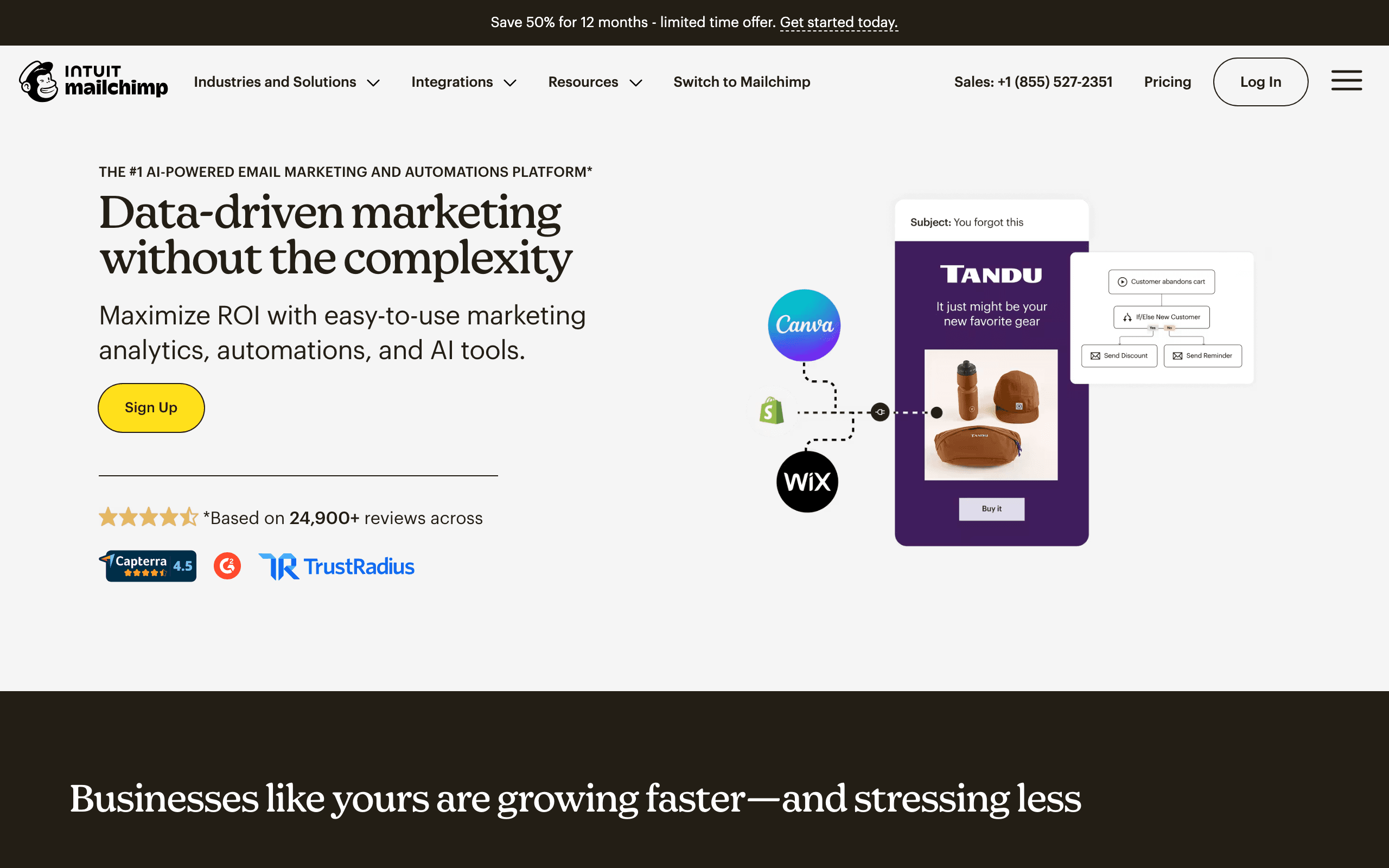
Mailchimp's drag-and-drop builder is polished and deeply integrated with their platform's automation, analytics, and audience management. The Content Studio stores brand assets centrally so team members always use approved colors, logos, and images.
The Creative Assistant AI suggests design variations based on your brand, which helps non-designers create visually consistent emails. Pre-designed content blocks for common email patterns (product grids, testimonials, event announcements) accelerate building.
The seamless connection between building and sending is Mailchimp's main strength. You build in the editor and send directly without exporting or importing. A/B testing tools work natively with the builder, making it straightforward to test subject lines, content, and design variations.
Best for: Teams committed to the Mailchimp ecosystem
Limitations: Locked to Mailchimp, pricing scales steeply with contact count
9. HubSpot - Best for CRM-Connected Building

Price: Free tier, from $20/month (Marketing Hub)
HubSpot's drag-and-drop builder connects directly to their CRM, enabling email personalization based on contact properties, deal stages, and lifecycle stages. Smart content blocks show different content to different audience segments within the same email build.
The template editor uses a module system where each section can have locked brand elements alongside editable content areas. This structure supports teams where some people maintain the design system and others fill in content.
For marketing teams already in HubSpot's ecosystem, the builder makes it easy to connect email campaigns to contact timelines, attribution reports, and sales pipeline data.
Best for: HubSpot ecosystem users wanting CRM-connected emails
Limitations: Expensive at higher tiers, significant lock-in
10. Brevo - Best Budget Drag-and-Drop
Price: Free up to 300 emails/day, from $9/month
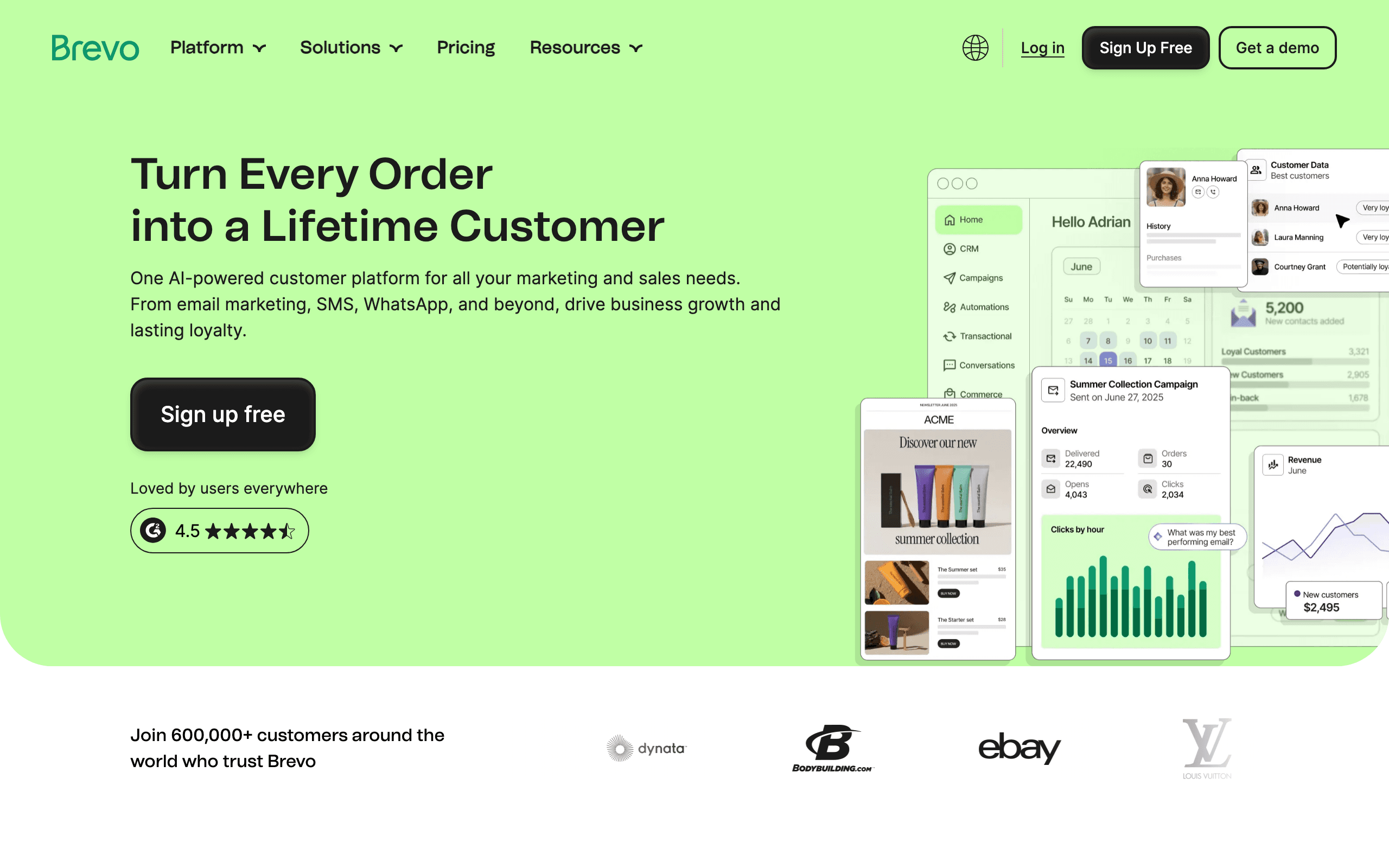
Brevo's drag-and-drop builder handles the basics competently at very accessible pricing. The per-send pricing model rather than contact-based billing is budget-friendly for teams with large lists that send selectively.
Transactional email is integrated on all tiers, making Brevo one of the few platforms where marketing and transactional emails can be managed together under a single affordable plan. The SMS and WhatsApp integration rounds out a budget-friendly multichannel option.
For EU-based businesses, Brevo's Paris headquarters and EU data storage provide GDPR compliance advantages without additional configuration.
Best for: Budget-conscious teams and EU businesses
Limitations: Editor is functional but not exceptional, automation less sophisticated than competitors
11. Moosend - Best Automation-Forward Drag-and-Drop
Price: 30-day free trial, from $9/month
Moosend's drag-and-drop builder is paired with strong automation capabilities at accessible pricing. The landing page builder uses the same drag-and-drop interface, keeping the workflow consistent across email and lead capture.
The template library covers common email types, and the builder includes countdown timers, product blocks, and social sharing buttons. For small to mid-size businesses that need a capable builder with automation, Moosend provides good value.
Best for: SMBs wanting automation alongside drag-and-drop building
Limitations: Smaller brand recognition, fewer integrations than larger platforms
12. ActiveCampaign - Best for Lifecycle Automation

Price: From $29/month
ActiveCampaign's drag-and-drop builder is solid but the real reason to use it is the automation depth. Conditional content blocks, predictive sending, and behavioral triggers make it the strongest option for complex lifecycle email programs.
The builder includes dynamic content that changes based on contact data, making it possible to send highly personalized emails to large segments without building individual campaigns for each variation.
For B2B marketers with long sales cycles and complex nurture programs, ActiveCampaign's combination of a capable builder with sophisticated automation is hard to match.
Best for: Lifecycle marketers with complex automation needs
Limitations: Pricing tiers confusing, key features locked behind higher plans
13. GetResponse - Best for Funnels
Price: Free up to 500 contacts, from $19/month
GetResponse's drag-and-drop builder is part of a broader funnel platform that includes landing pages and webinar registration. For solopreneurs and small teams building content-to-email funnels, having the builder, landing pages, and basic automation in one tool reduces complexity.
The conversion funnel templates come with pre-configured email sequences and landing pages, which accelerates launching standardized acquisition funnels. The AI email generator creates reasonable first drafts for time-pressed marketers.
Best for: Funnel-focused marketers and solopreneurs
Limitations: Dated UI, mid-tier deliverability, jack-of-all-trades feel
14. Klaviyo - Best for E-commerce Drag-and-Drop
Price: Free up to 250 contacts, from $20/month
Klaviyo's drag-and-drop builder includes e-commerce-specific blocks not found in general builders. Product recommendation blocks pull from your store catalog, showing personalized product suggestions based on purchase history. Cart content blocks display a customer's actual cart items dynamically.
The builder integrates directly with Shopify, BigCommerce, and WooCommerce, making product selection in emails as simple as browsing your catalog. No manual product entry or data maintenance required.
Best for: E-commerce brands on Shopify or BigCommerce
Limitations: Expensive at scale, e-commerce focus makes it overkill for non-retail use cases
15. Omnisend - Best for Growing E-commerce Stores
Price: Free up to 250 contacts, from $16/month
Omnisend's drag-and-drop builder sits between Klaviyo's power and simpler builders' accessibility. E-commerce blocks (product picker, discount code generator, scratch card) are designed for online store email conventions.
The builder integrates with Shopify, WooCommerce, and BigCommerce. Products can be selected from your catalog directly within the builder, and the SMS channel integrates into the same interface, allowing multichannel sequences from a single editor. Both of those are table stakes rather than unique: Klaviyo, Drip and Sequenzy (with its catalog sync and SMS add-on) do the same. Omnisend's edge is that it is cheaper than Klaviyo while keeping ecommerce-native blocks like the discount-code generator and scratch card.
Best for: Growing e-commerce stores wanting e-commerce features without Klaviyo's cost
Limitations: Less sophisticated than Klaviyo for advanced segmentation
16. Benchmark Email - Best for Small Business Basics
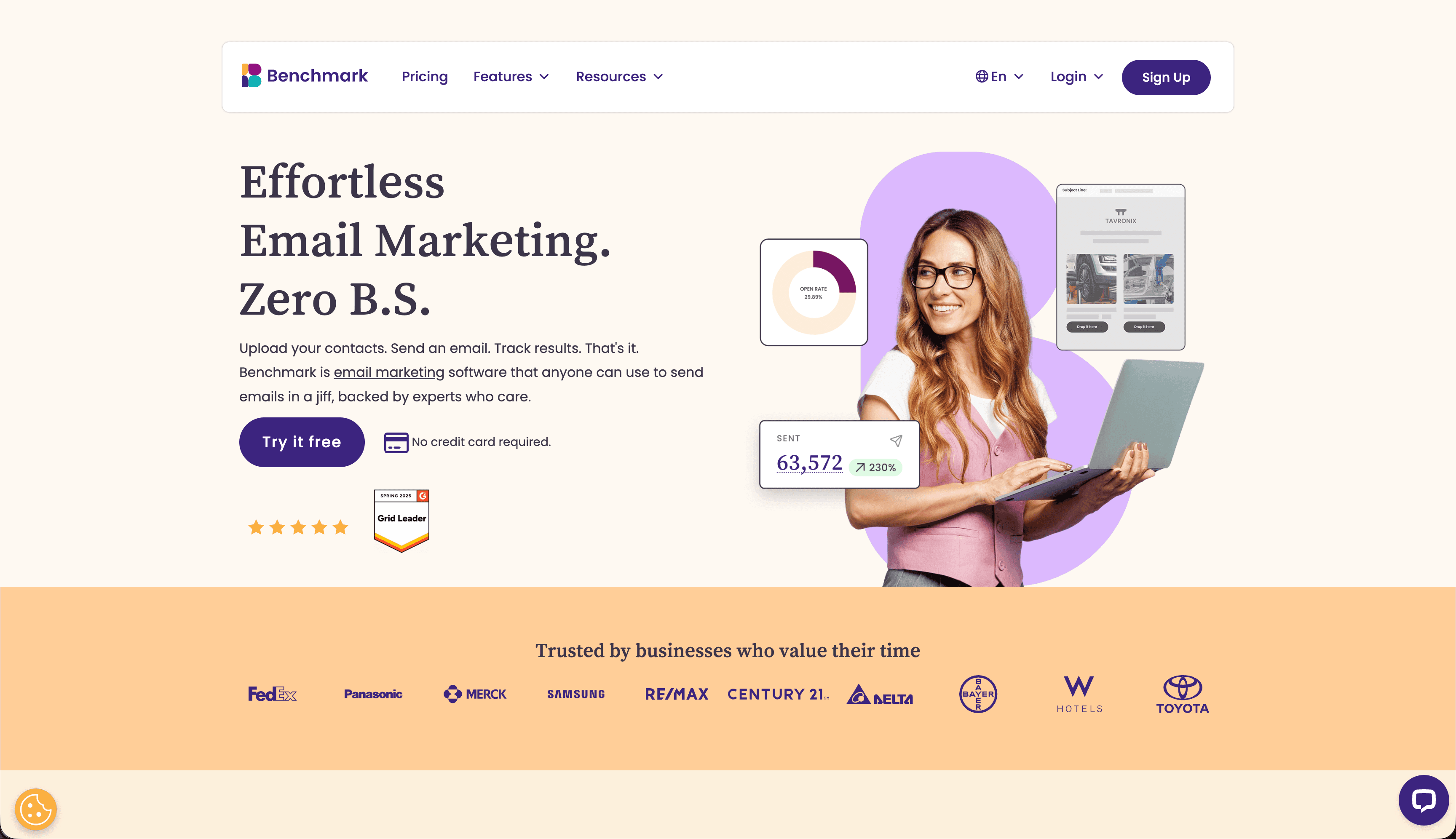
Price: Free up to 500 contacts, from $13/month
Benchmark Email's drag-and-drop builder is approachable for small business owners without design backgrounds. The smart design tools help create visually coherent emails without requiring design decisions at every step.
The inbox checker is available on free accounts, which helps catch rendering issues before sending. For small businesses sending newsletters and promotional emails, Benchmark covers the requirements cleanly.
Best for: Small businesses needing a clean, approachable drag-and-drop tool
Limitations: Limited automation, basic segmentation
17. MailerLite - Best for Creators
Price: Free up to 1,000 subscribers, from $10/month
MailerLite's drag-and-drop builder combines clean aesthetics with practical creator-focused features. The landing page builder uses the same drag-and-drop interface, keeping the content-to-email workflow consistent.
The template library has aged well - designs look contemporary without being trendy. Newsletter-focused features like the ability to include a web version link and easy social sharing are built in.
Best for: Creators and newsletter operators who value visual quality
Limitations: Automation less deep than competitors, limited for complex segmentation
18. Constant Contact - Best for Beginners
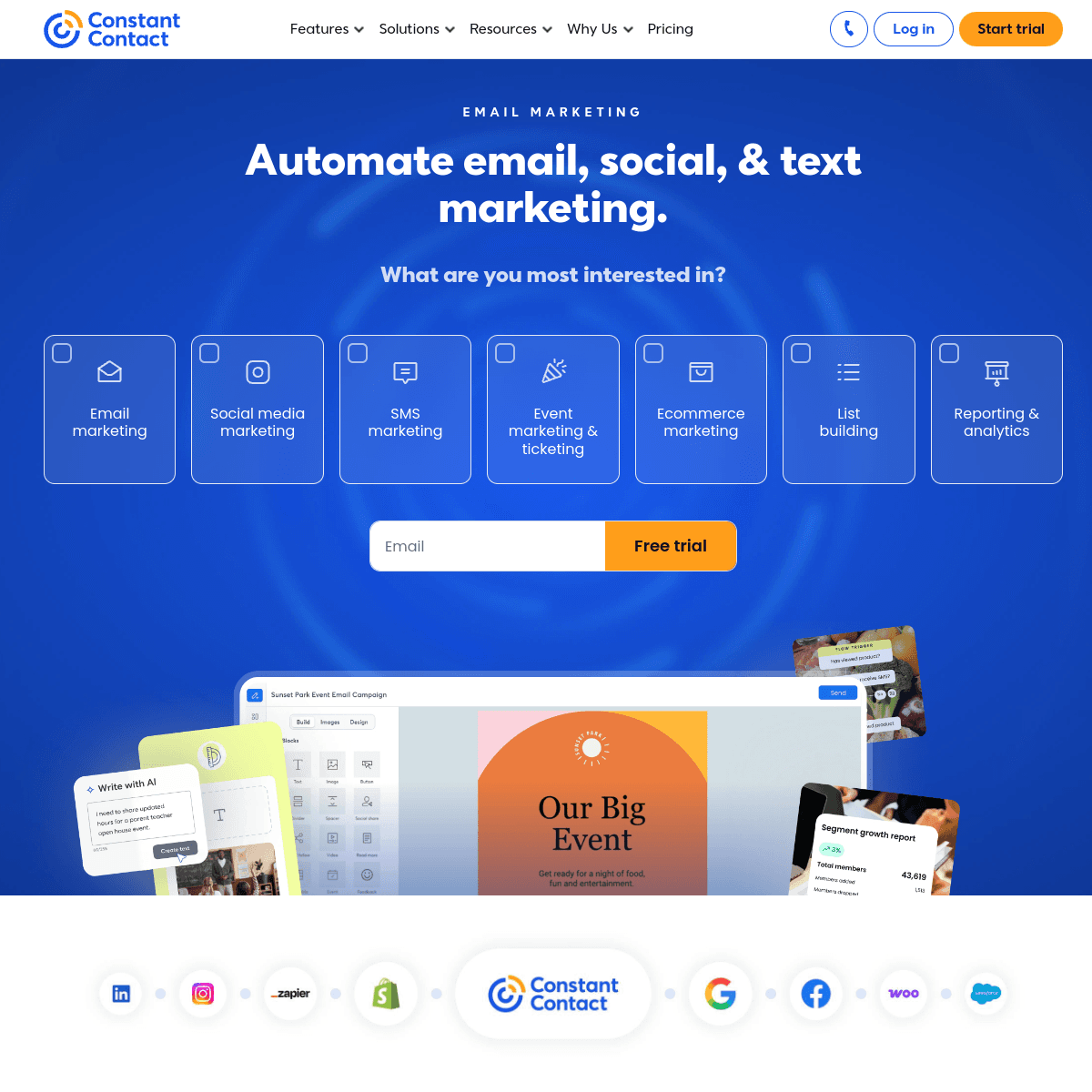
Price: 60-day free trial, from $12/month
Constant Contact's drag-and-drop builder is particularly beginner-friendly. Extensive help documentation, live chat support, and an interface designed for non-technical users make it the easiest platform to learn from zero.
The event management features are unique - built-in tools for event invitations, registration tracking, and follow-up emails that most platforms don't include. For small businesses that use events as marketing channels, this combination is valuable.
Best for: Beginners and event-driven small businesses
Limitations: Higher pricing per feature compared to newer competitors, less automation depth
19. Flodesk - Best Visual Design
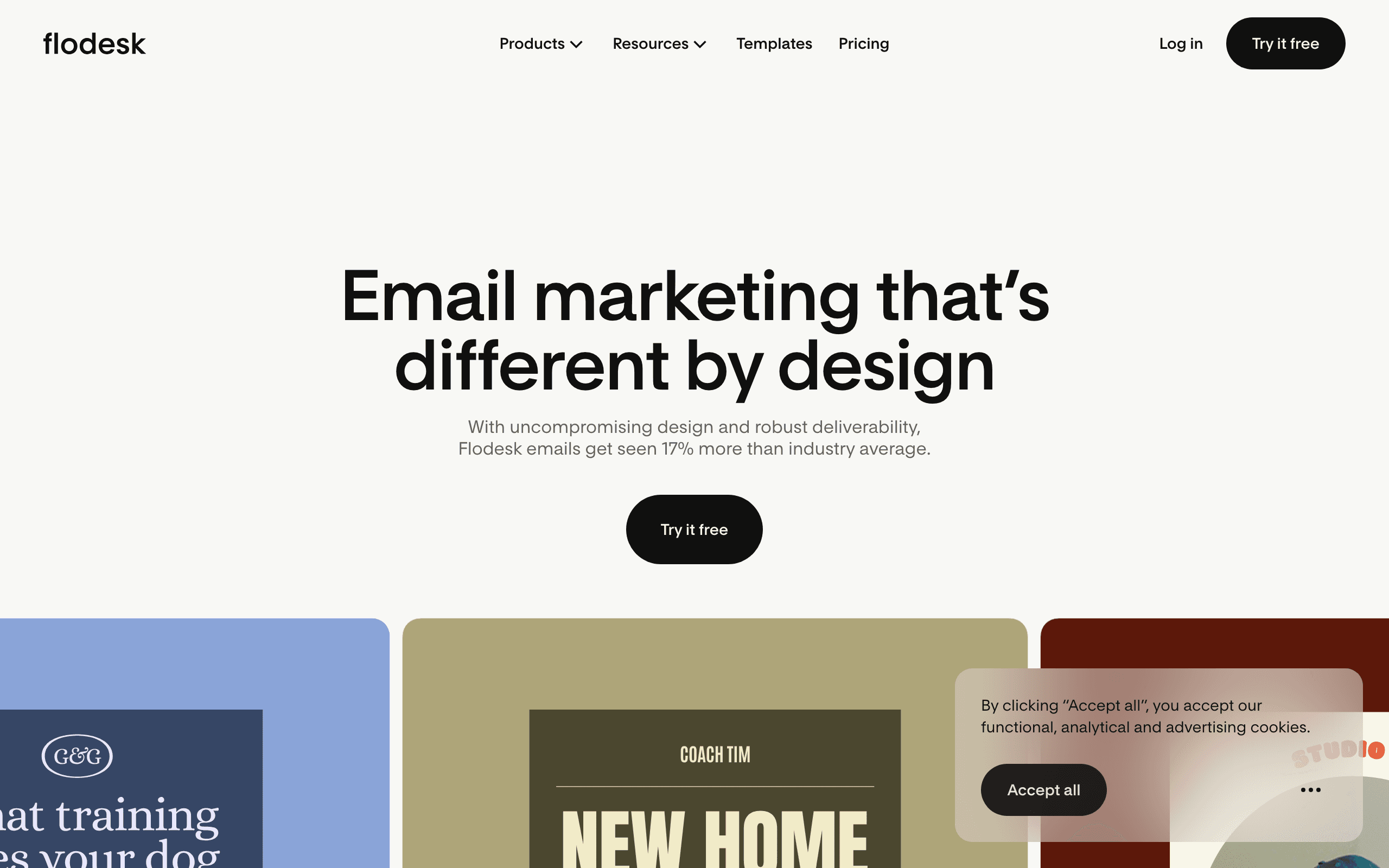
Price: From $38/month (flat rate)
Flodesk's drag-and-drop builder prioritizes visual design quality. The default templates look genuinely beautiful - something rare in email tools - and the editor makes it easy to create visually impressive emails without design experience.
The flat-rate pricing is distinctive. At $38/month, you can grow your list and send unlimited emails without cost increasing. For businesses expecting rapid list growth, this model becomes increasingly economical at scale.
The trade-off is limited automation compared to more feature-heavy platforms. Flodesk excels at design-forward newsletters and lifestyle brand emails, but lacks the behavioral automation depth for complex lifecycle marketing.
Best for: Visual brands, lifestyle companies, and creators prioritizing email aesthetics
Limitations: Limited automation, smaller integration ecosystem, no e-commerce-specific features
20. AWeber - Best for Newsletter-Focused Builders
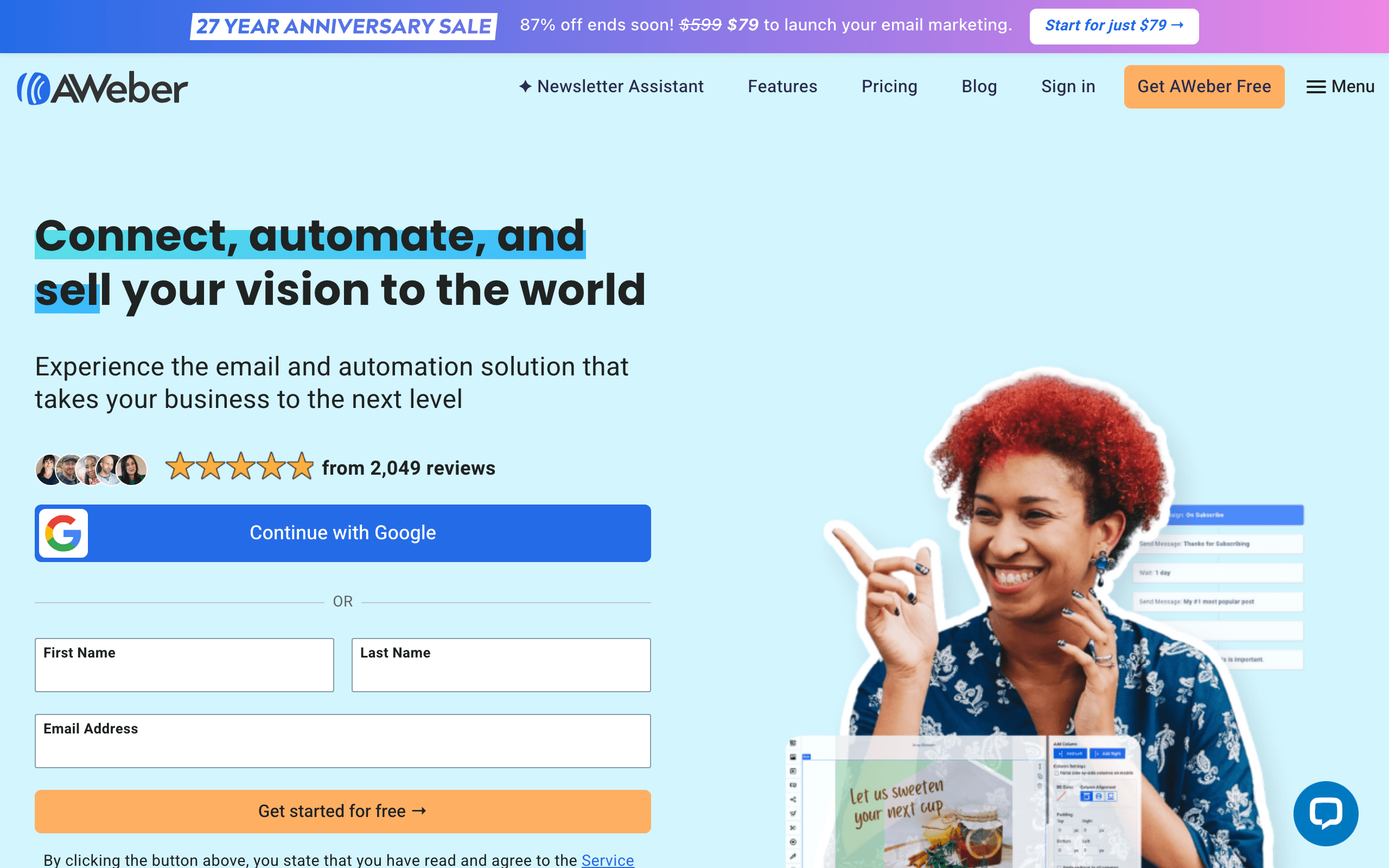
Price: Free up to 500 subscribers, from $20/month
AWeber's drag-and-drop builder benefits from their Smart Designer, which automatically creates branded email templates from your website URL. For businesses getting started with email, having branded templates ready immediately reduces setup time significantly.
The 700+ template library is the largest among newsletter-focused tools. For businesses that regularly send newsletters across different topics or seasons, this variety provides relevant starting points.
Best for: Newsletter operators wanting variety and automated brand setup
Limitations: Dated interface overall, AWeber branding on free tier
21. Campaign Monitor - Best for Brand Lock-in
Price: From $11/month
Campaign Monitor's drag-and-drop builder includes a template lock-in feature that protects brand elements from being modified. Designers set the structure, colors, and required elements once, and marketers customize only the content areas designated as editable.
This brand protection capability is unique in drag-and-drop builders. For organizations where brand consistency is non-negotiable and multiple people build emails, Campaign Monitor's lock-in prevents the design drift that plagues most email programs.
Best for: Brand-conscious teams that need design protection
Limitations: No free tier, basic automation, US-based
Comparison Table
| Builder | Ease of Use | Templates | Design Control | Collaboration | Price |
|---|---|---|---|---|---|
| Sequenzy | Excellent | Moderate | Good (blocks + HTML-native editing) | Basic (shared workspace, no in-editor comments) | Free-$19/mo |
| Stripo | Excellent | Excellent | Good | Good | Free-$15/mo |
| Bee Free | Excellent | Good | Good | Good (paid) | Free-$15/mo |
| Unlayer | Very Good | Good | Good | Basic | $12/mo |
| Postcards | Good | Moderate | Excellent | Basic | Free-$17/mo |
| Chamaileon | Good | Good | Good | Excellent | $20/mo |
| Topol.io | Excellent | Basic | Moderate | None | Free-$7/mo |
Tips for Drag-and-Drop Building
Start with Structure
Before adding content, build your layout structure. Place section and column blocks first, then fill in content. This approach is faster than inserting content blocks and trying to structure around them. Think of it like building a house: frame first, then interior.
Use Templates as Starting Points
Even if you don't use a template as-is, starting from one is often faster than building from scratch. Find something close to your needs and modify it. A template gives you proven structure and tested email client compatibility. Check out our guide to email builders with the best templates for recommendations.
Design for Mobile First
Over 60% of emails are opened on mobile. Build with mobile in mind from the start rather than treating it as an afterthought. Use single-column layouts when possible, large buttons (minimum 44px tap target), and text sizes of at least 16px. Preview on mobile throughout your build process, not just at the end.
Limit Yourself
Just because a builder has dozens of block types doesn't mean you should use them all. Simpler emails are faster to build, easier to read, and more reliable across email clients. A focused email with one clear message and one CTA outperforms a cluttered email with five different sections competing for attention.
Pay Attention to White Space
White space (empty space between elements) makes your email feel professional and readable. Don't pack content tightly. Add generous padding around sections, between text blocks, and around images. White space guides the reader's eye and prevents the email from feeling overwhelming.
Test Your Output
Drag-and-drop builders handle email client compatibility, but they're not perfect. Test your emails in Litmus or Email on Acid, especially for important campaigns. At minimum, send yourself a test email and check it in Gmail, Outlook, and on your phone. Ensuring good email deliverability requires both clean HTML and proper sending practices.
Common Drag-and-Drop Building Mistakes
Overloading Emails with Blocks
More blocks don't mean better emails. Every block you add increases load time, complexity, and the chance of rendering issues. Focus on the blocks that serve your message and remove everything else. A common mistake is including a header, hero image, three content sections, a testimonial, a product grid, social links, and a footer in every email. Most campaigns need only 3-5 blocks total.
Ignoring Outlook Rendering
Outlook uses Microsoft Word's rendering engine, which handles HTML differently from every other email client. Test your emails in Outlook before sending. Common Outlook issues include broken background images, inconsistent spacing, and missing border-radius (rounded corners). All builders in this guide generate Outlook-compatible HTML, but heavy customization can sometimes introduce edge cases.
Forgetting Alt Text
Every image block should have descriptive alt text. Some email clients block images by default, and without alt text, your subscribers see empty boxes. Alt text also improves accessibility for subscribers using screen readers. Most drag-and-drop builders include an alt text field for every image block, but it's easy to leave blank when building quickly.
Not Saving Reusable Elements
If you find yourself rebuilding the same header, footer, or CTA section for every email, you're wasting time. Save frequently used sections as reusable components (called "modules" in Stripo, "saved rows" in Bee Free, or "blocks" in other builders). This consistency also ensures brand alignment across all your emails.
Skipping the Preview Step
Always preview your email before sending, both on desktop and mobile. What looks perfect in the editor can look different in an actual email client. Send a test email to yourself and open it on your phone, in Gmail, and in Outlook if possible. This five-minute step catches issues that would otherwise reach your entire subscriber list.
Using Too Many Fonts and Colors
Stick to one or two fonts and a limited color palette. Every additional font or color you introduce makes the email feel less cohesive. Your brand probably has defined colors; use those and resist the temptation to experiment. For more on creating visually consistent emails, see our guide to builders with the best templates.
When to Choose Drag-and-Drop
Drag-and-drop builders are the right choice when:
- You don't know (or don't want to write) HTML
- Speed is more important than pixel-perfect control
- You're building marketing campaigns, newsletters, or announcements
- Multiple people with varying technical skills need to build emails
- You need to produce emails consistently without a designer on every project
Consider code-based tools when:
- You need programmatic email generation
- Templates must integrate with a development workflow
- You want precise control over every element
- You're building complex transactional emails
- You need to generate emails from data dynamically
For many organizations, the answer is both. Use drag-and-drop builders for marketing campaigns and newsletters, and code-based tools for transactional and programmatic emails. The two approaches complement each other rather than competing.
Frequently Asked Questions
Do drag-and-drop builders produce clean HTML code?
The top builders in this guide all produce clean, tested HTML. The code includes the table-based layouts and inline CSS that email clients require. You won't need to edit the HTML manually. However, the code is necessarily verbose because email HTML requires techniques that modern web development has moved past. Don't judge the output by web standards; judge it by whether it renders correctly across email clients.
Can I import my own HTML into a drag-and-drop builder?
Most builders support HTML import, but results vary. Simple, well-structured HTML imports cleanly. Complex custom HTML may lose formatting or become uneditable. If you have existing HTML templates, test the import before committing to a builder. Stripo and Bee Free generally handle imports best.
Are drag-and-drop builders good enough for enterprise use?
Yes, for marketing and communication emails. Enterprise teams at companies like Uber, Netflix, and Airbnb use drag-and-drop builders for marketing campaigns while using code-based tools for transactional emails. The key is choosing builders with team features, brand controls, and export options that fit enterprise workflows.
How do I ensure my drag-and-drop emails are accessible?
Good builders help with accessibility but don't handle everything. Always add alt text to images, use sufficient color contrast (4.5:1 minimum for text), maintain a logical reading order, and use semantic heading levels. Test your emails with a screen reader to verify the experience for visually impaired subscribers.
Can I use drag-and-drop builders for transactional emails?
You can build the template visually and then export the HTML for use in transactional email systems. However, transactional emails often need dynamic data insertion (order details, account info) that drag-and-drop builders don't handle natively. For transactional email, consider developer-friendly email tools that support programmatic content.
Which drag-and-drop builder has the best free tier?
Bee Free offers the best free tier overall: full editor access, unlimited emails, and no feature restrictions beyond branding. Stripo's free tier is also strong, offering the complete editor with 4 exports per month. Topol.io's free tier lets you build and preview without signing up, which is great for evaluation.
Build and send from one place
- Start free - 2,500 emails a month, unlimited subscribers, one hosted landing page
- Explore the email editor, AI campaigns and dynamic product blocks
- Compare plans on the pricing page