
21 Best HTML Email Builders for Newsletters in 2026

Newsletters are different from other marketing emails. They're longer, content-focused, and sent on a regular schedule. You need an email builder that handles multi-section layouts gracefully, makes text readable, and supports a sustainable publishing workflow.
This guide covers the best HTML email builders specifically for newsletter creation, whether you're sending a weekly roundup, monthly digest, or daily update.
For general recommendations, see my complete guide to HTML email builders. If you're a creator monetizing through newsletters, you might also want to explore platforms like Beehiiv or Substack that combine building and monetization.
Quick Comparison
| Tool | Best For | Starting Price | Free Tier | Newsletter Features |
|---|---|---|---|---|
| Sequenzy | SaaS lifecycle newsletters | $19/mo | Yes (2.5k emails) | AI generation, automation |
| Stripo | Template variety | $15/mo | Yes (4 exports/mo) | 1,500+ templates, AMP |
| Bee Free | High-frequency publishers | $15/mo | Yes (with branding) | Fast editor, mobile controls |
| Postcards | Design-focused newsletters | $17/mo | Yes | Premium typography |
| Buttondown | Simple text newsletters | $9/mo | Yes (100 subs) | Markdown native |
| Mailchimp | All-in-one newsletter | $13/mo | Yes (500 contacts) | RSS-to-email, brand kit |
| ConvertKit | Creator newsletters | $29/mo | Yes (1k subs) | Creator commerce |
| Beehiiv | Newsletter business | $49/mo | Yes (2.5k subs) | Ad marketplace, referrals |
| Ghost | Publication-style | $9/mo | Free (self-host) | Blog + newsletter unified |
| MailerLite | Budget newsletter creators | $10/mo | Yes (1k subs) | Clean editor, paid subs |
| AWeber | Simple newsletter setup | $15/mo | Yes (500 subs) | 600+ templates |
| GetResponse | Newsletter + webinars | $19/mo | Yes (500 contacts) | Built-in webinars |
| Campaign Monitor | Brand-consistent newsletters | $11/mo | No | Template lock-in |
| Benchmark | Easy beginner newsletters | $15/mo | Yes (500 subs) | Inbox checker |
| EmailOctopus | Budget newsletters | $9/mo | Yes (2.5k subs) | SES backend |
| Brevo | Multichannel newsletters | $9/mo | Yes (300/day) | Email + SMS |
| Flodesk | Beautiful visual newsletters | $38/mo | No | Stunning templates |
| ActiveCampaign | Advanced newsletter automation | $29/mo | No | Conditional content |
| Moosend | Affordable newsletter platform | $9/mo | No | Real-time analytics |
| Sender | Generous free newsletter tier | $10/mo | Yes (2.5k subs) | SMS bundled |
| Omnisend | Ecommerce newsletters | $16/mo | Yes (250 contacts) | SMS + email |
What Newsletter Builders Need
Newsletter requirements differ from promotional email:
Long-form content support with good typography, readable line lengths, and proper spacing between sections. Newsletters often contain 500-1,500 words of content, so the reading experience must be comfortable.
Multi-section layouts that organize diverse content (articles, links, updates, promotions) into scannable sections. Readers should be able to jump to what interests them without scrolling through everything.
Consistent templates for sustainable publishing. You shouldn't redesign your newsletter every issue. The best workflow is a reusable template where you swap content but keep the structure stable.
Reader experience focus prioritizing readability over flash. Subscribers read newsletters; they don't just glance at them. Typography, spacing, and visual hierarchy matter more than flashy animations or complex layouts.
Subscriber management integration that connects your builder to your list. Tracking opens, clicks, and unsubscribes helps you understand what content resonates and refine your approach over time.
Best Email Builders for Newsletters
1. Sequenzy - Best for SaaS Newsletters
Best for: SaaS companies and product newsletters
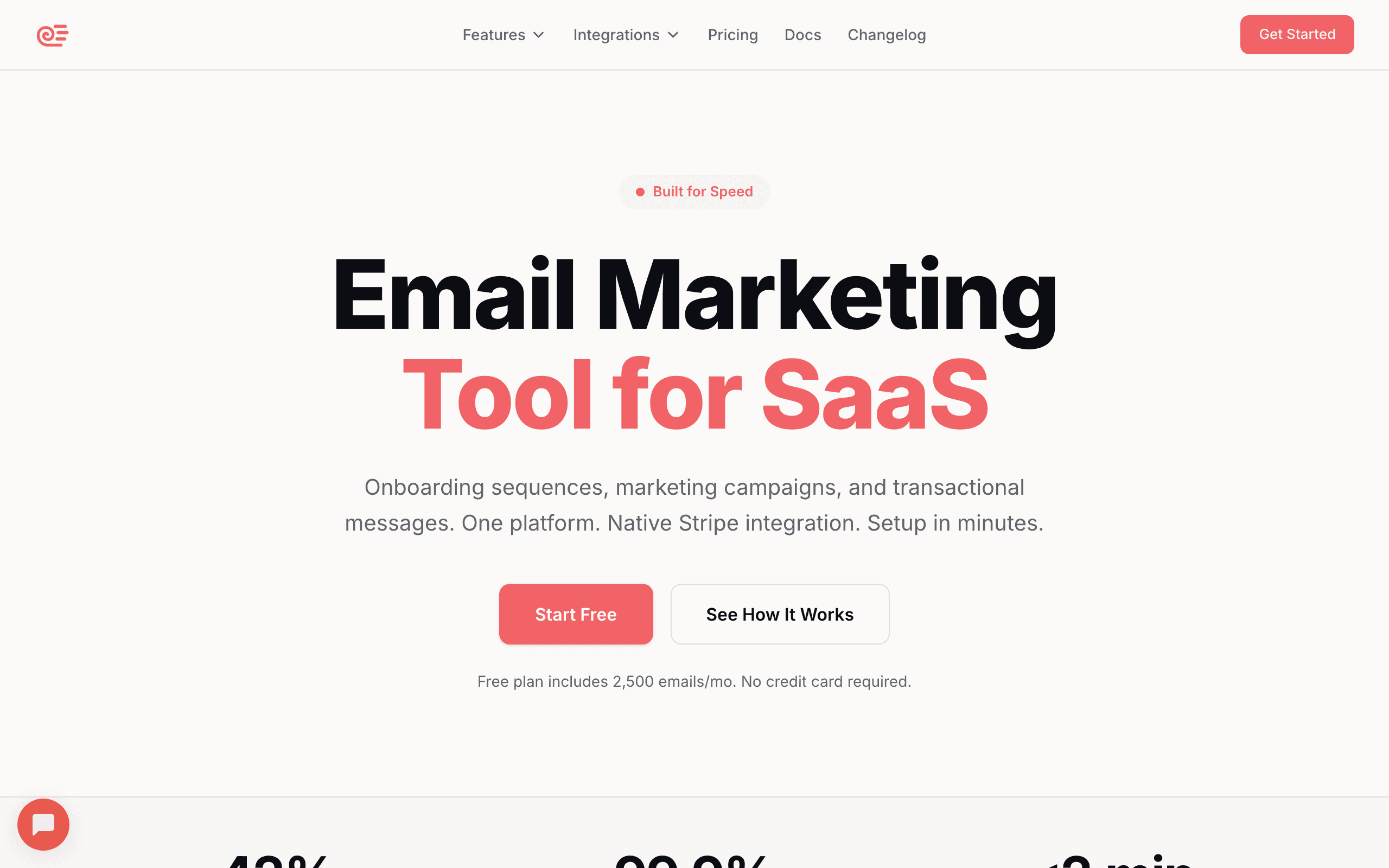
Sequenzy combines newsletter building with automation, which is valuable for product update newsletters and company announcements. The platform treats newsletters as part of your broader email strategy, not an isolated publishing activity.
The visual builder produces clean, professional newsletter layouts. Pre-designed blocks for common newsletter elements (article previews, link roundups, featured content) save time. You can mix and match these blocks to create multi-section layouts that feel cohesive without requiring design skills.
For SaaS companies, the integration with product data is useful. You can automatically include usage stats, feature updates, or personalized content based on subscriber data. A product newsletter that shows each user their own activity summary is far more engaging than a generic update blast.
The AI content generation helps when you're stuck. Describe your newsletter section, and it drafts content you can refine. For weekly publishing schedules, this assistance adds up significantly. It's particularly useful for turning bullet-point feature notes into polished release announcements.
Sequenzy also supports email sequences that complement your newsletter. Set up an automated welcome series for new subscribers that introduces your best past content before they start receiving regular issues.
Pricing: Free tier, paid from $19/month Best for: SaaS companies and product newsletters Pros: AI content generation, automation integration, Stripe-connected segmentation, unified transactional and marketing Cons: Smaller template library than Stripo, newer brand than legacy ESPs
2. Stripo - Best Template Variety for Newsletters
Best for: Newsletters that need variety or serve different content types
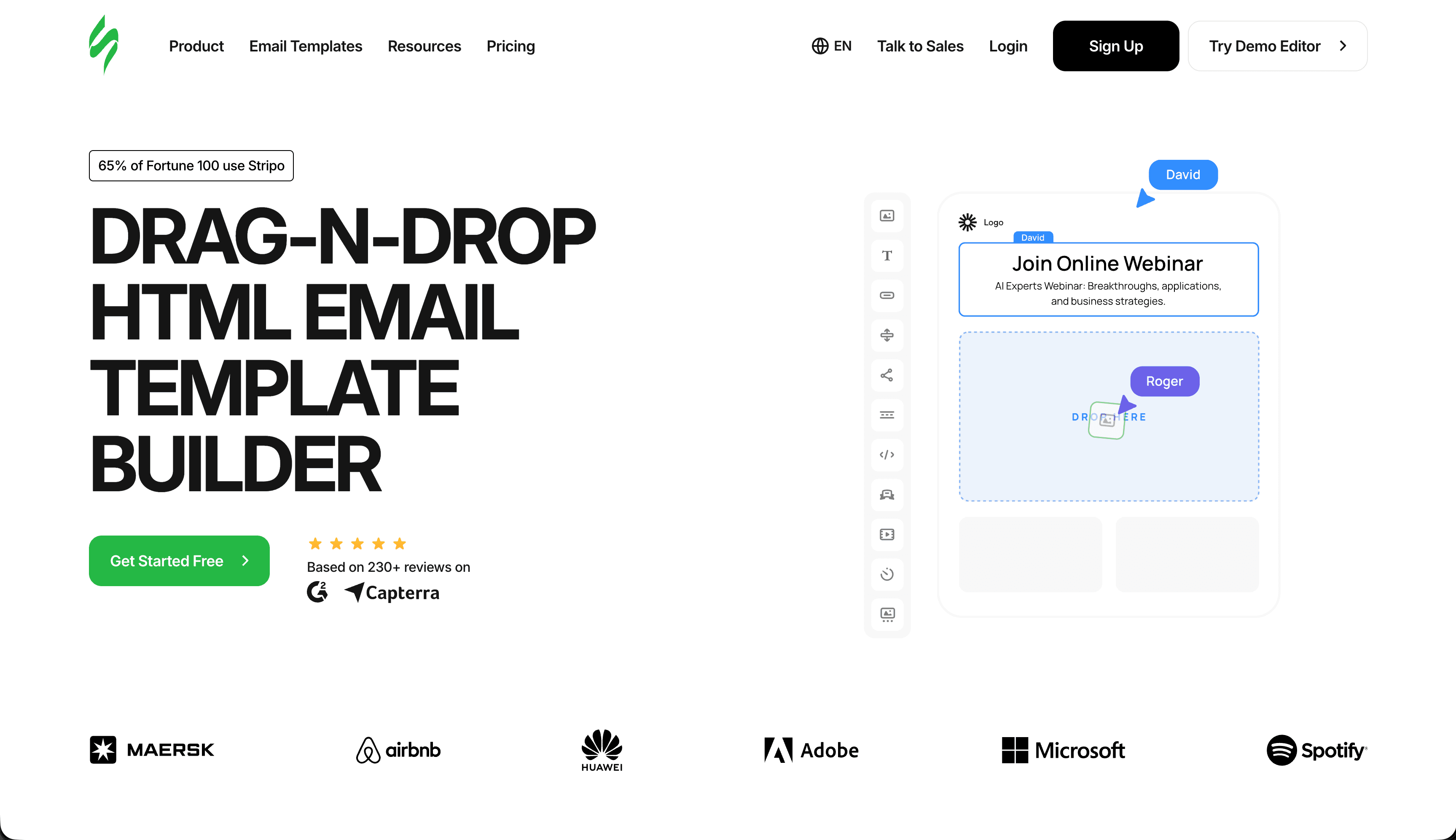
Stripo's template library includes hundreds of newsletter-specific designs. Curated content, roundups, digests, and editorial layouts are all covered. Find something close to your vision and customize.
The editor handles long-form content well. You can build multi-section newsletters with clear visual hierarchy. Text styling options are comprehensive: custom fonts, adjustable line height, and good control over spacing. For newsletters where typography quality directly affects the reading experience, these controls are essential.
The "Modules" feature is particularly useful for newsletters. Save your standard sections (header, footer, social links, sponsor spots) as reusable modules. Each issue, you assemble these modules with new content rather than rebuilding from scratch. This modular approach cuts production time dramatically once you've built your initial set of components.
Stripo also supports interactive elements through AMP for email. You can add image carousels, accordions for FAQs, or expandable sections that let readers dig deeper into topics that interest them, all without leaving their inbox. While AMP support is limited to certain email clients, it's worth experimenting with for newsletters where engagement matters.
Export works smoothly to major newsletter platforms and ESPs. The HTML is clean and renders well across email clients, which is particularly important for newsletters that tend to have more complex layouts than promotional emails.
Pricing: Free tier (4 exports/month), paid from $15/month Best for: Newsletters that need variety or serve different content types Pros: Best-in-class template library, reusable modules, AMP support, broad ESP integrations Cons: Free tier limited to 4 exports/month, UI can feel busy
3. Bee Free - Fastest Newsletter Building
Best for: High-frequency newsletter publishers
Bee Free's speed makes it excellent for sustainable newsletter publishing. When you're sending weekly or even daily, every minute saved matters. I timed myself building a complete newsletter issue in Bee Free: once I had my template saved, new issues took under 15 minutes.
The interface is clean and fast. Building a newsletter issue takes minutes once you have a template established. Drag in content blocks, add your text and images, and export. There's no lag, no waiting for saves, and no confusion about where to find features.
Newsletter templates in the library focus on readability. Clean layouts, sensible typography defaults, and logical content organization. You can customize extensively, but the defaults are already newsletter-appropriate. The templates work well on mobile without requiring manual adjustments, which matters when most of your subscribers are reading on phones.
The mobile-specific editing is particularly valuable for newsletters. You can adjust font sizes, hide certain blocks, and reorder content for mobile independently of the desktop version. A sidebar section that works on desktop might need to be moved below the main content on mobile, and Bee Free makes this easy.
The free tier works for newsletter creators willing to accept "Built with BEE" branding. For more on free options, see my guide to free HTML email builders.
Pricing: Free tier (with branding), paid from $15/month Best for: High-frequency newsletter publishers Pros: Fastest editor, excellent mobile controls, clean HTML output Cons: Free tier includes branding, per-user pricing adds up for teams
4. Postcards - Best Looking Newsletters
Best for: Design-focused newsletters where visual quality matters
Postcards produces the most visually polished newsletters. If design quality differentiates your newsletter, the extra control Postcards provides is valuable.
Typography settings are comprehensive. You can fine-tune fonts, sizes, line heights, and letter spacing to achieve optimal readability. For text-heavy newsletters, these details matter more than in any other email type. The difference between a newsletter that feels pleasant to read and one that feels like a wall of text often comes down to line height and letter spacing.
Layout flexibility lets you create distinctive newsletter designs rather than generic templates. Multi-column sections, varied block widths, and precise spacing control enable sophisticated layouts. You can create editorial-style designs with pull quotes, sidebars, and featured content sections that feel more like a magazine than an email.
The color system helps maintain visual consistency. Define your brand palette once, and every element you add uses those colors by default. This prevents the visual drift that happens when you manually pick colors for each issue.
The trade-off is complexity. Postcards has more options than simpler builders, requiring more time to master. For design-focused creators, this is worthwhile. For those prioritizing speed, simpler tools work better.
Pricing: Free tier, paid from $17/month Best for: Design-focused newsletters where visual quality matters Pros: Premium typography controls, precise layout control, consistent brand styling Cons: Steeper learning curve, module-based system requires more assembly
5. Buttondown - Best for Simple Newsletters
Best for: Writers who want simplicity over design control
Buttondown takes a minimalist approach. You write in Markdown or plain text, and Buttondown handles the formatting. The result is clean, readable newsletters without design complexity.
This approach works well for text-focused newsletters. If your content is primarily writing rather than curated links or visual content, Buttondown's simplicity is a feature. There are no distracting design options, no template decisions, and no time spent on visual tweaks. You write, you hit send.
Buttondown supports metadata, tags, and segmentation, so you can still target content to specific subscriber groups. The analytics are straightforward, showing opens, clicks, and subscriber growth without overwhelming dashboards.
For developer newsletters, Buttondown's Markdown support is particularly appealing. You can include code blocks, inline code formatting, and structured content using syntax you already know.
The analytics are straightforward, the subscriber management is adequate, and the pricing is reasonable. It's not the most powerful option, but it removes friction from publishing.
Pricing: Free up to 100 subscribers, paid from $9/month Best for: Writers who want simplicity over design control Pros: Markdown native, clean interface, developer-friendly API Cons: Limited design customization, no drag-and-drop editor
6. Mailchimp - Best All-in-One Newsletter Solution
Best for: Creators wanting an all-in-one platform
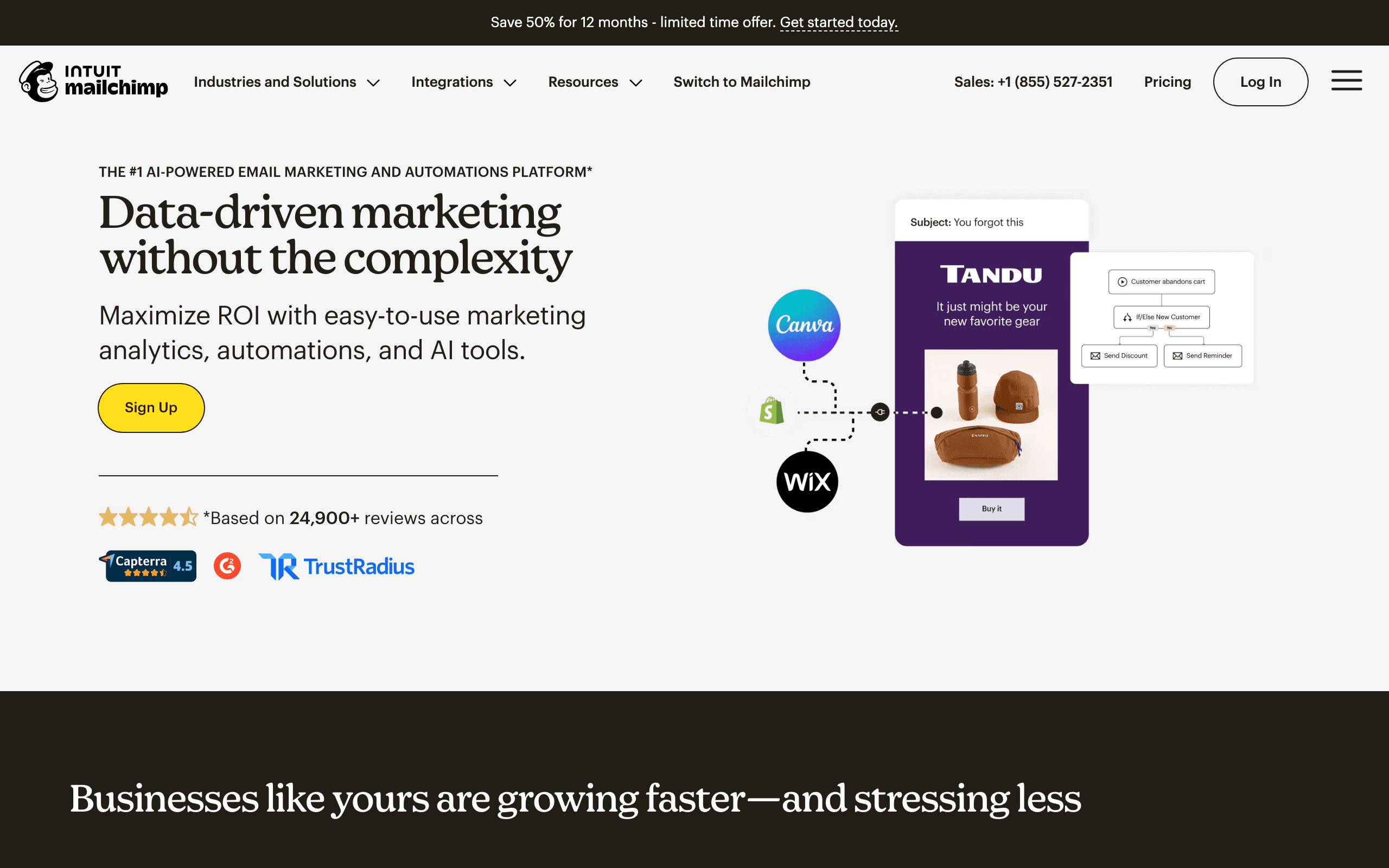
Mailchimp's email builder is part of a complete newsletter platform. You get building, sending, analytics, and subscriber management in one place. For creators who don't want to stitch together multiple tools, this convenience is valuable.
The builder handles newsletter layouts well. Templates specifically designed for newsletters provide good starting points. The drag-and-drop editor is intuitive, and the Content Studio keeps assets organized across issues. Upload images once, and they're available for every future newsletter.
Mailchimp's audience insights help newsletter creators understand their subscribers. You can see which content drives the most engagement, what time your audience prefers to read, and how your subscriber count trends over time. These insights inform editorial decisions.
The RSS-to-email feature is useful for blogs and publications. Connect your RSS feed, and Mailchimp can automatically generate newsletter issues from your latest posts. It's not as polished as a hand-crafted newsletter, but it provides a floor of consistent publishing even when you're too busy for manual creation.
For newsletter creators who want everything in one platform without integrating separate tools, Mailchimp works. The trade-off is being locked into their ecosystem and facing steep price increases as your list grows.
Pricing: Free up to 500 contacts, paid from $13/month Best for: Creators wanting an all-in-one platform Pros: Mature platform, RSS-to-email, strong brand kit, 300+ integrations Cons: Locked to Mailchimp, expensive at scale, free tier shrinking
7. ConvertKit - Best for Creator Newsletters
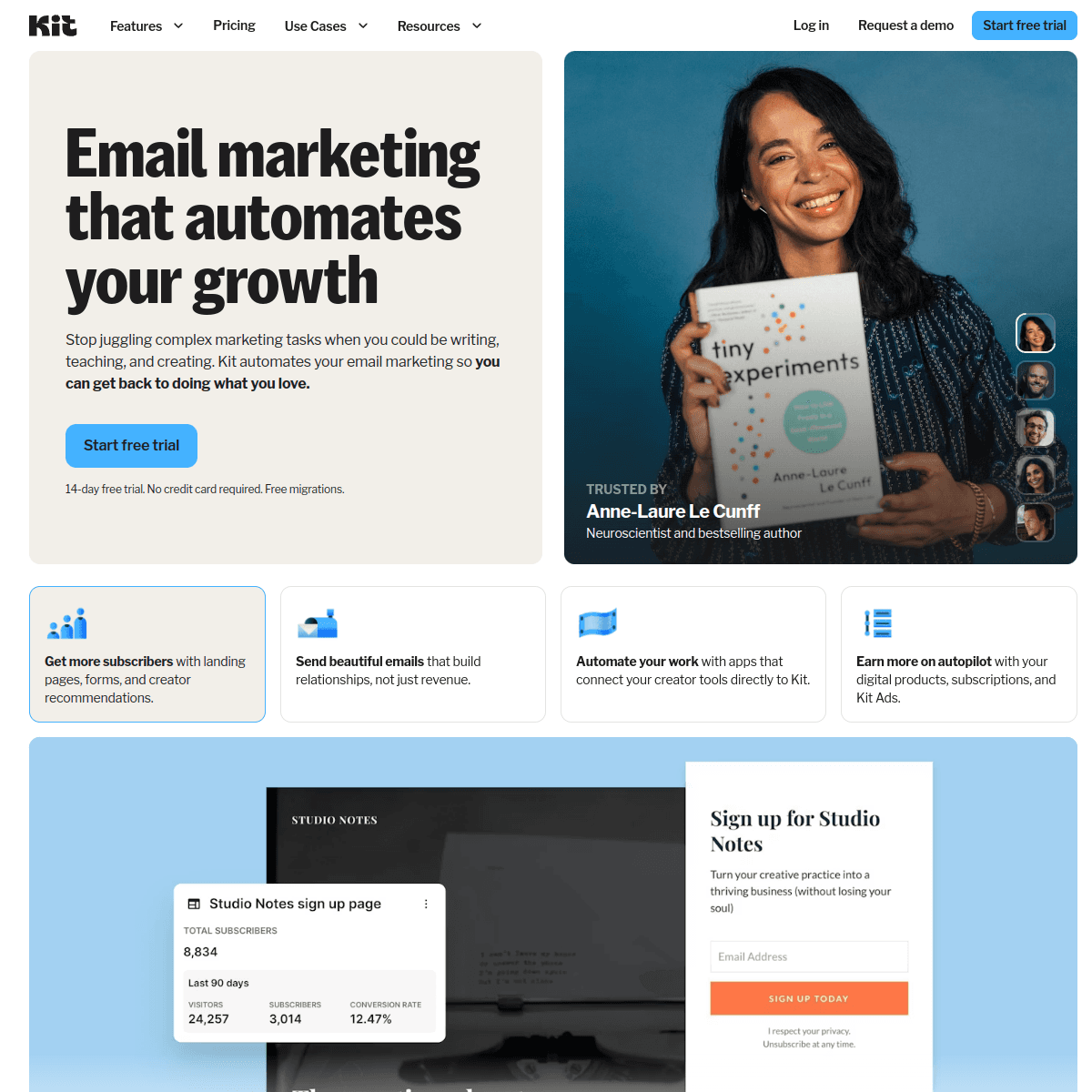
Best for: Content creators selling digital products alongside newsletters
ConvertKit (now rebranded as Kit) was built specifically for newsletter creators who also sell products. If your newsletter is the top of funnel for digital products, courses, or coaching, ConvertKit's commerce integration makes it uniquely valuable.
The tagging system is the core strength. Tag subscribers by interest, purchase history, or behavior, then send hyper-targeted newsletter editions to specific segments. Your paying customers can receive different content than free subscribers without managing multiple lists.
The visual automation builder lets you build sophisticated welcome sequences, upgrade campaigns, and re-engagement flows that run alongside your regular newsletter. When a subscriber joins, they enter an automated sequence that introduces your best past content before they start receiving new issues.
Creator commerce is a differentiator. Sell paid newsletters directly through ConvertKit with subscription tiers. Free subscribers see a teaser; paying subscribers get the full content. This gating model works particularly well for analysis and expert commentary newsletters.
Where ConvertKit falls short: the email editor leans toward plain text, which is philosophically right for some but limiting if you want design-forward newsletters. And pricing is notably higher than MailerLite at the same subscriber count.
Pricing: Free up to 1,000 subscribers, paid from $29/month Best for: Content creators and bloggers monetizing through newsletters Pros: Creator commerce, tagging system, visual automations, paid newsletters built in Cons: Plain-text bias, more expensive than competitors, basic analytics
8. Beehiiv - Best for Newsletter Businesses
Best for: Independent writers treating their newsletter as a media business
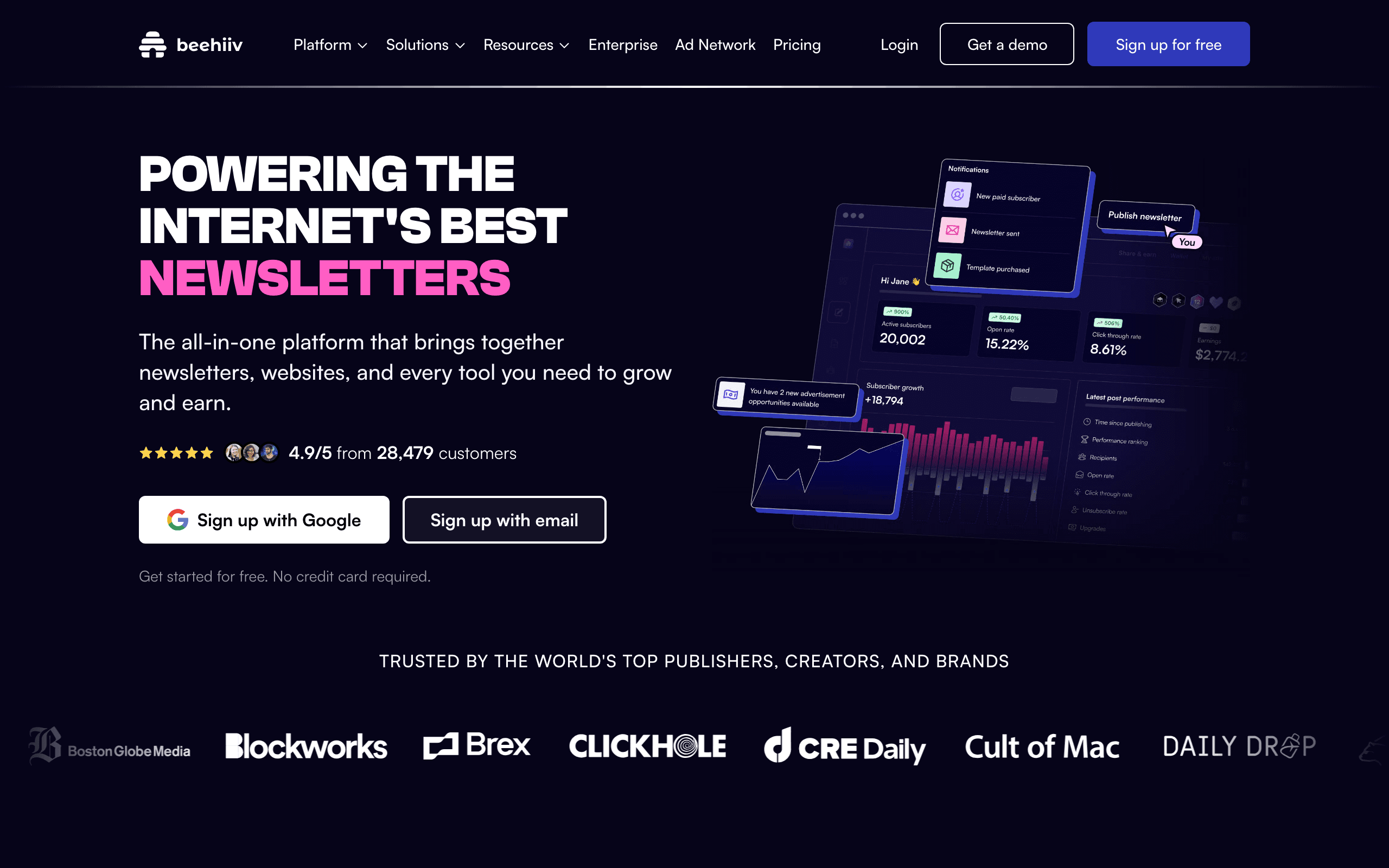
Beehiiv is purpose-built for people building a business around their newsletter. If your newsletter IS the product (not a marketing channel), Beehiiv has the tooling: ad marketplace, paid subscriptions, referral programs, recommendation network.
The ad marketplace is the killer feature. Beehiiv matches newsletters with sponsors automatically, handles the contracts and payments, and takes a cut. For newsletters with 10k+ engaged subscribers, this can replace months of manual sponsor outreach with a single dashboard click.
The recommendation network swaps subscribers with complementary newsletters, often driving 20-30% of new subscriber growth on its own. Combined with the built-in referral program (one-click to enable), Beehiiv's growth tooling is the most opinionated and effective in the category.
The email editor is modern and capable. Building a polished newsletter issue is faster than Mailchimp and more intuitive than ConvertKit. The web archive gives every issue a permanent URL for SEO and subscriber acquisition.
Where Beehiiv falls short: limited automation (basic welcome sequences only), some technical content formatting is clunky, and monetization features are locked behind paid tiers.
Pricing: Free up to 2,500 subscribers, paid from $49/month Best for: Independent newsletter writers and media companies Pros: Ad marketplace, recommendation network, referral program, modern editor Cons: Weak automation, monetization gated behind paid plans
9. Ghost - Best for Publication-Style Newsletters
Best for: Publishers who want a website and newsletter unified
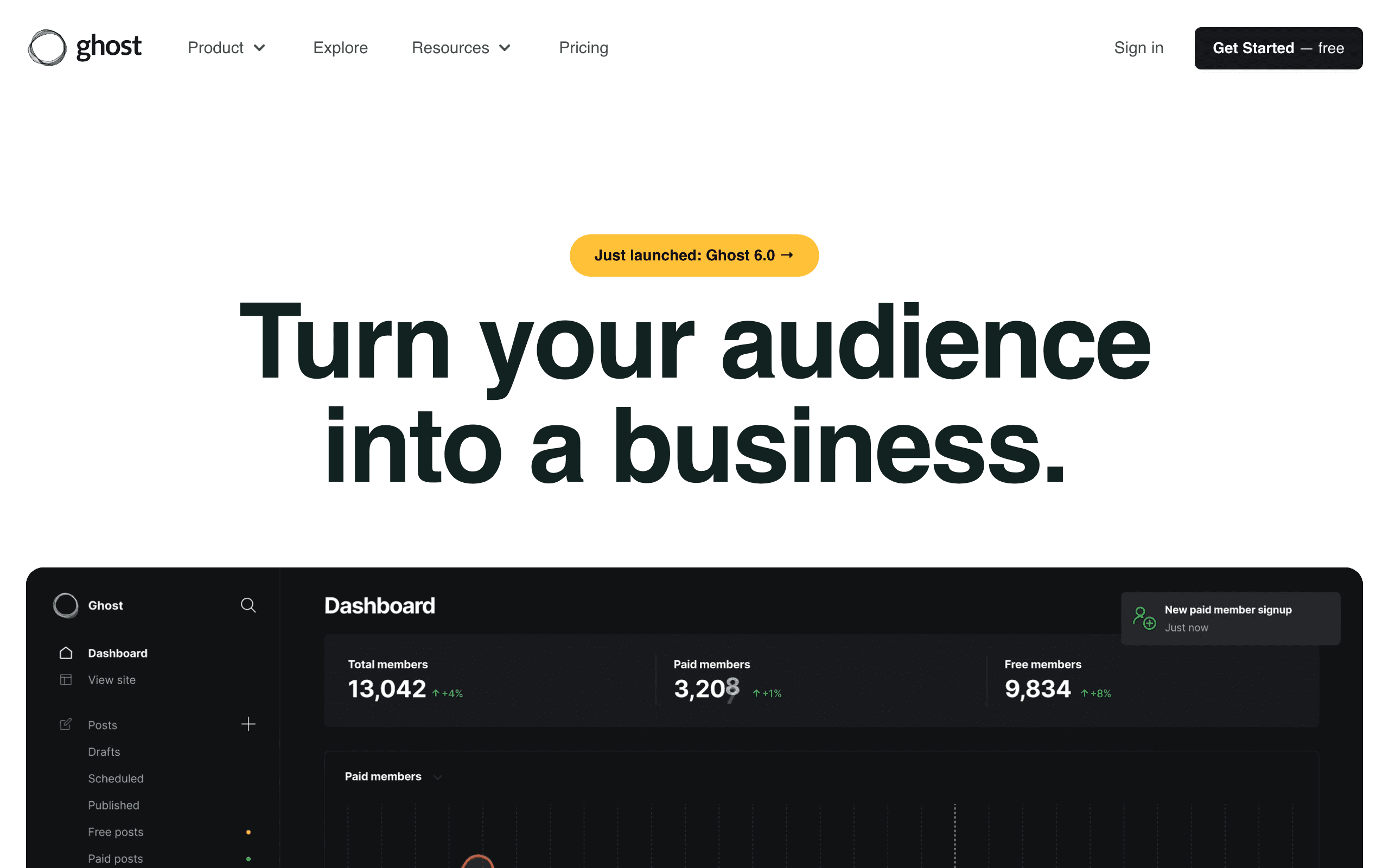
Ghost is an open-source publishing platform that combines a blog, newsletter, and membership system. If you want a professional publication with built-in newsletter capabilities, Ghost delivers.
The publish-once-distribute-everywhere model is the strongest feature. Write a post in Ghost's markdown editor. It simultaneously publishes to your website (with proper SEO and metadata) and sends to your email subscribers (with email-optimized formatting). No copy-pasting, no duplicate content.
The membership system supports tiered access with Stripe integration. Free, paid, and custom tiers. For writers building paid memberships, the architecture is exactly what you want. You control the relationship and the data entirely.
Self-hosting is genuinely free if you have the technical skills. Managed hosting starts at $9/month. Email-specific features (automation, segmentation, A/B testing) are basic compared to dedicated email tools, but for most newsletter creators the simplicity is a feature.
Pricing: Self-hosted free, managed hosting from $9/month Best for: Professional publications and writers who want blog + newsletter unified Pros: Open-source, blog and newsletter unified, Stripe memberships, SEO-friendly archives Cons: Email-only features are basic, no real automation, self-hosting requires technical skills
10. MailerLite - Best Budget Newsletter Platform
Best for: Newsletter creators on tight budgets
MailerLite offers the best balance of features and affordability for newsletter creators. The free plan is genuinely generous, and paid plans don't cut essential features.
Free tier: 1,000 subscribers, 12,000 emails/month, automation, landing pages, and pop-ups. Most competitors at this price point either gate automation or cap subscribers far lower.
The drag-and-drop editor is clean and modern. Templates are well-designed. Paid newsletters via Stripe integration are supported. There's even a website builder bundled in. The editor has improved substantially in recent years, closing the gap with premium tools.
Where it falls short: automation depth (basic compared to ActiveCampaign), manual approval delays for new accounts, and email-only support on the free plan.
Pricing: Free up to 1,000 subscribers, paid from $10/month Best for: Bloggers and newsletter creators on tight budgets Pros: Best free plan in category, clean editor, paid newsletter support, website builder Cons: Automation is shallow, account approval delay, limited free-tier support
11. AWeber - Best for Beginners
Best for: Newsletter beginners who want simplicity and support
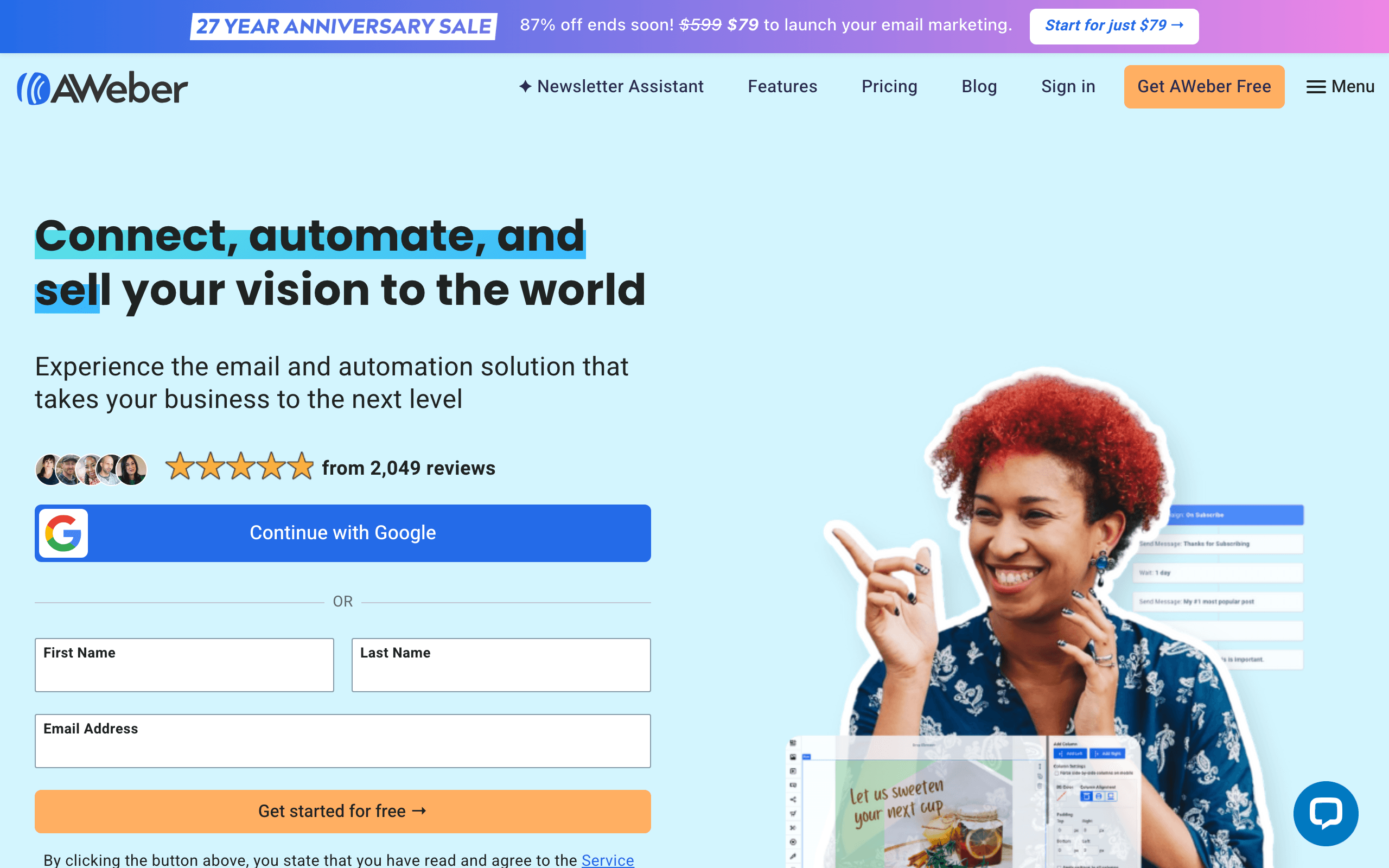
AWeber has been around since 1998 and remains one of the most straightforward newsletter platforms. The 600+ professionally designed templates give you immediate starting points for any newsletter type, from curated links to original essays.
Phone, email, and chat support on all plans, including free. For newsletter beginners who hit a wall during setup or need help troubleshooting, this access to real humans is genuinely valuable. Most competitors at this price point offer only email support or community forums.
The newsletter builder itself is clean and approachable. Creating a new issue, adding your sections, and scheduling the send is straightforward enough that you can run the entire workflow in one session without referencing documentation.
The landing page builder and signup form tools are included on all plans, which matters for growing your newsletter. You don't need to integrate a separate tool to build subscriber acquisition pages.
Where AWeber falls short: limited automation compared to ActiveCampaign, design feels like a previous generation of web design, and the platform charges for unsubscribed contacts in your plan limit.
Pricing: Free up to 500 subscribers, paid from $15/month Best for: Newsletter beginners who want simplicity and support Pros: Phone support on every plan, 600+ templates, easy to use, landing pages included Cons: Limited automation, dated visual design, charges for unsubscribed contacts
12. GetResponse - Best for Newsletter + Webinar Creators
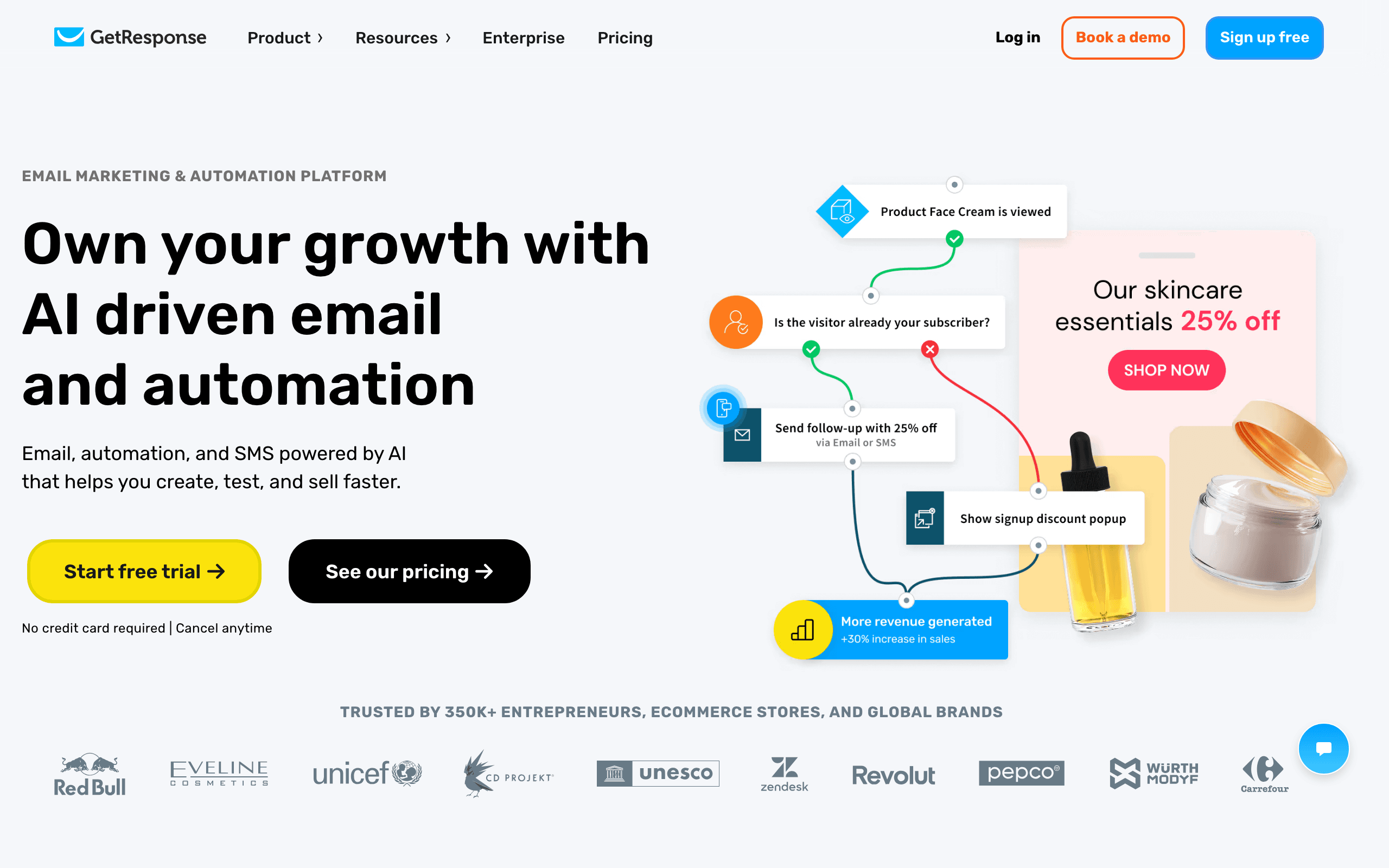
Best for: Course creators combining newsletters with live events
GetResponse is the only major newsletter platform with built-in webinar hosting. If your content strategy combines newsletters and live events, GetResponse bundles both in one platform, saving you from managing Mailchimp and Zoom as separate tools.
Host webinars and automatically follow up with attendees via email. Pre-built funnel templates combine landing pages, emails, and payment processing. If your newsletter promotes your courses, events, or workshops, GetResponse connects those workflows.
The newsletter builder is capable with a solid template library. Automated email sequences run based on subscriber behavior, including webinar attendance or non-attendance. This lets you personalize follow-up content based on who actually showed up.
Where GetResponse falls short: the product is broad rather than deep. Nothing in GetResponse is best-in-class. The webinar tool is decent but not Zoom-quality. The interface is complex because there are so many features.
Pricing: Free up to 500 contacts, paid from $19/month Best for: Course creators and businesses combining newsletters with webinars Pros: Webinars + email in one tool, conversion funnel templates, landing page builder Cons: Jack of all trades, complex interface, deliverability trails specialists
13. Campaign Monitor - Best for Brand-Consistent Newsletters
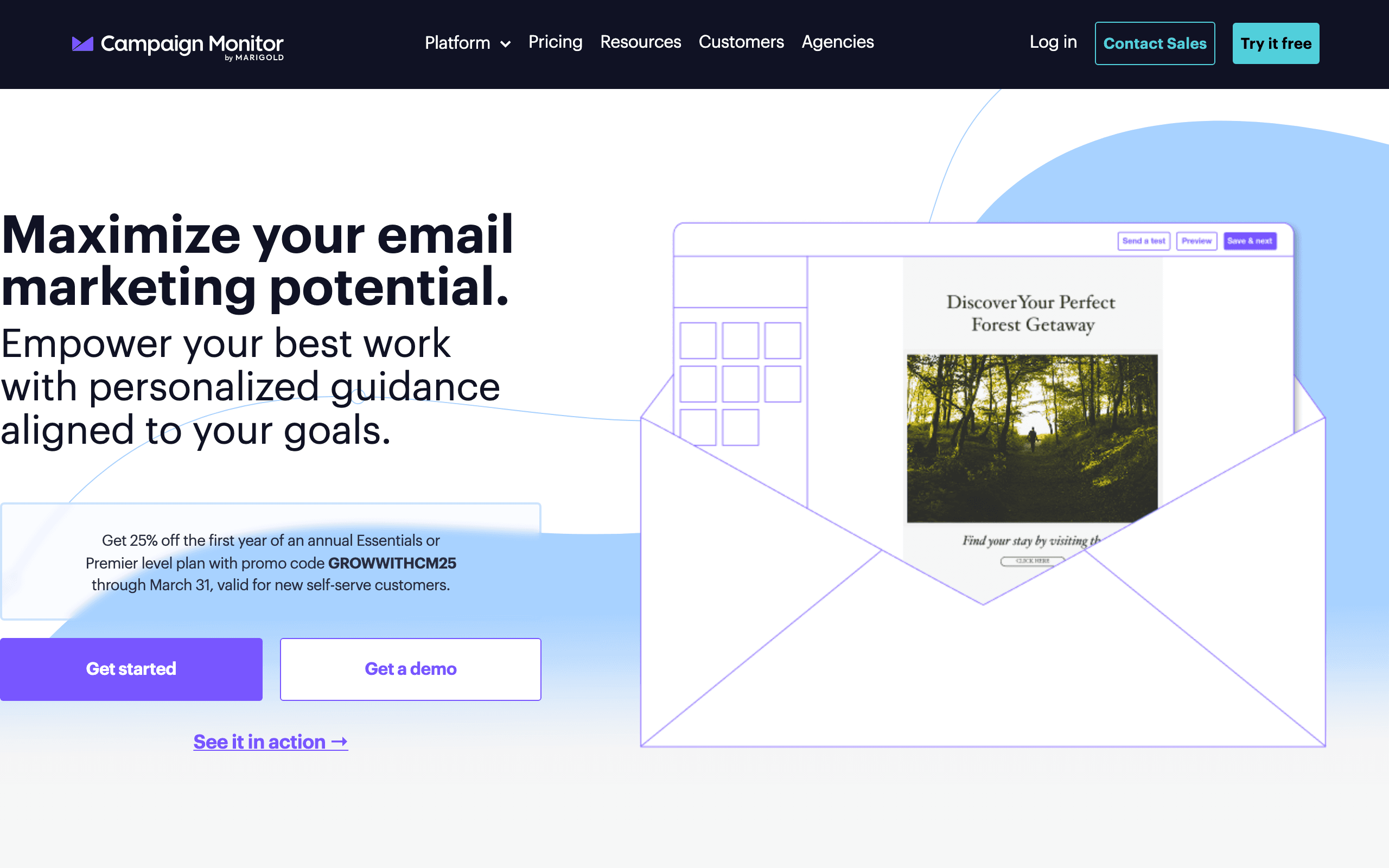
Best for: Teams that need brand consistency enforced across newsletter editors
Campaign Monitor includes a solid email builder as part of their email marketing platform. The builder emphasizes brand consistency, with tools to lock down colors, fonts, and layouts so team members can't accidentally break brand guidelines.
The "Sections" approach lets non-designers build newsletters from pre-approved components. Designers create the sections, and writers assemble them into newsletter issues. This workflow works well for teams with clear roles and brand guardrails.
Transactional and newsletter email work together in the same platform. For companies that want both under the same compliance umbrella and brand consistency system, Campaign Monitor handles it gracefully.
The polish of the platform overall is the underrated differentiator. Where Mailchimp has accumulated feature creep, Campaign Monitor feels considered and tasteful. Default templates look good and the editor doesn't fight you.
Pricing: From $11/month for 500 contacts Best for: Brand-conscious teams with multiple newsletter contributors Pros: Template lock-in for brand consistency, polished UX, reliable rendering Cons: No free tier, locked to Campaign Monitor, automation is basic, expensive at scale
14. Benchmark - Best Easy Newsletter Builder
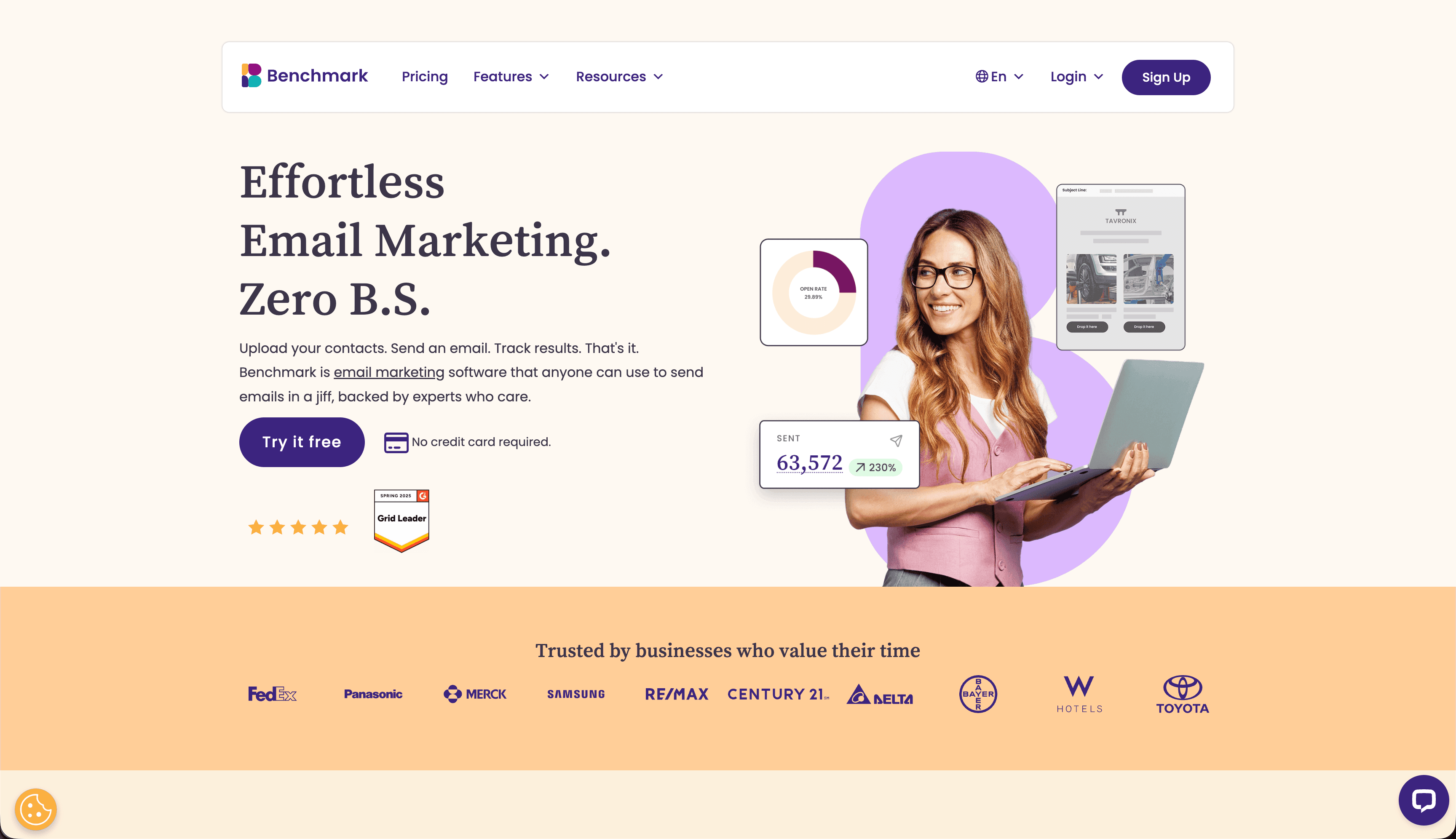
Best for: Newsletter beginners who want an easy, affordable option
Benchmark Email offers a clean, accessible drag-and-drop editor with a generous free tier. The inbox checker tool lets you preview how your newsletter looks across major email clients before sending, which catches rendering issues before they reach subscribers.
The templates are designed for readability and work well for standard newsletter formats - curated links, original articles, and mixed-format publications. Customization is accessible without being overwhelming. You can build a polished newsletter issue without design experience.
Smart content blocks let you show different content to different subscriber segments within the same newsletter. Subscribers in different locations or with different interests can see relevant content without you managing multiple versions.
The platform includes landing pages, signup forms, and basic automation, making it a genuine all-in-one solution for newsletter creators who don't want to stitch together multiple tools.
Pricing: Free up to 500 subscribers, paid from $15/month Best for: Newsletter beginners who want an easy, affordable option Pros: Inbox checker, accessible interface, generous free tier, landing pages included Cons: Less powerful automation than ActiveCampaign, smaller template library than Stripo
15. EmailOctopus - Best Budget Newsletter Sending
Best for: Cost-conscious newsletter creators who don't need fancy features
EmailOctopus proves you don't need to spend a lot to send professional newsletters. At 50,000 subscribers, EmailOctopus runs around $36/month - a fraction of Mailchimp at the same scale.
The product is straightforward. Editor is functional, templates are clean and newsletter-appropriate, analytics cover the basics. Nothing exceptional, nothing broken. If you mostly want subscribe/unsubscribe handling and a way to compose and send issues, EmailOctopus does the job for less than almost anything else.
The Amazon SES-backed Connect plan is a unique option for technically inclined newsletter creators. You connect your own SES account, dramatically reducing per-email costs at high volumes. This setup works particularly well for newsletters with large lists and infrequent sends.
Pricing: Free up to 2,500 subscribers, paid from $9/month Best for: Budget-conscious newsletter creators Pros: Very cheap, generous free tier, SES backend option, simple interface Cons: Plain editor, smaller template library, basic reporting
16. Brevo - Best Multichannel Newsletter Platform
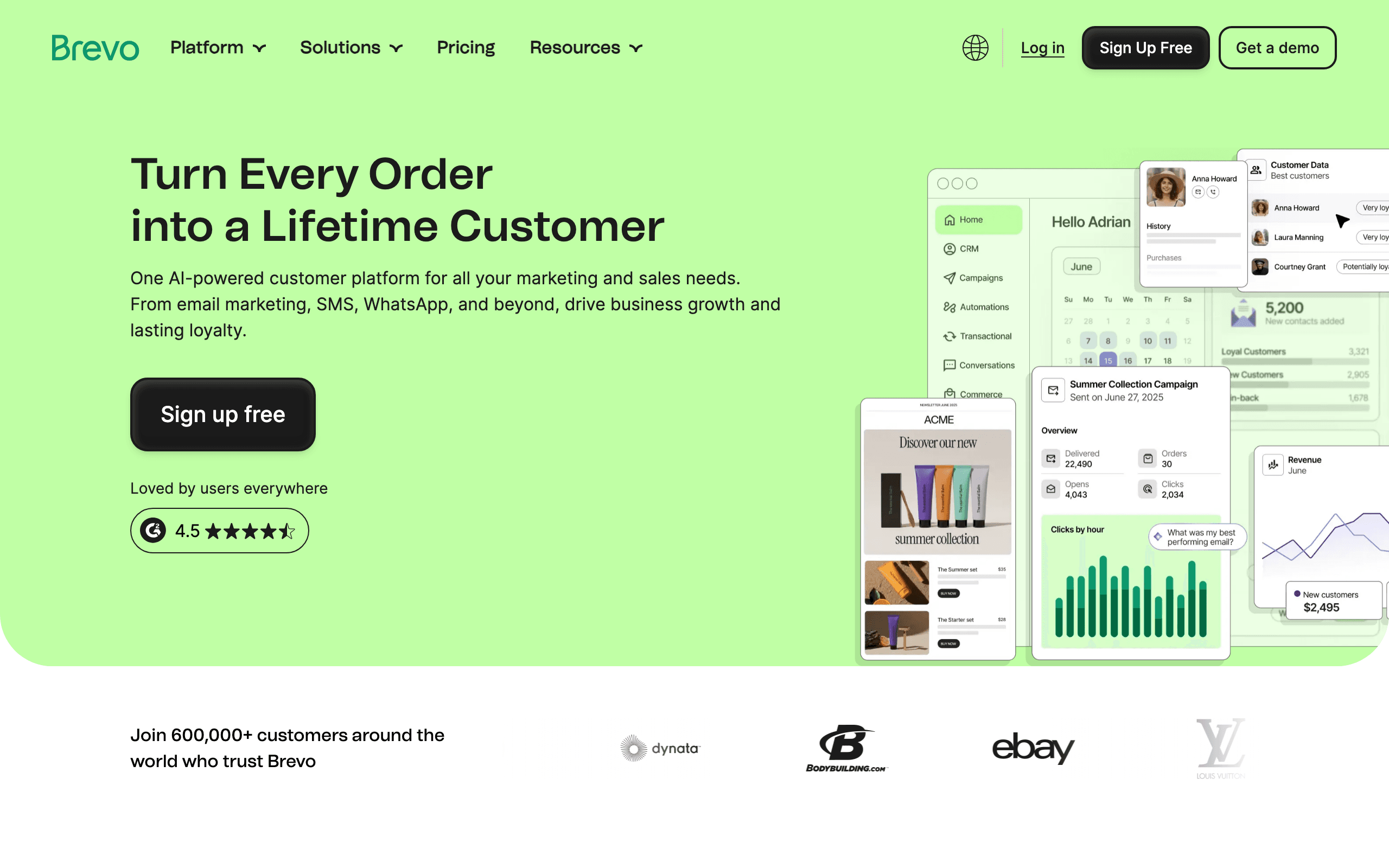
Best for: Newsletters that want to reach subscribers on multiple channels
Brevo charges by email volume rather than contact count. Store unlimited contacts and only pay for what you send. This pricing model is a real advantage for newsletters with large but moderately active subscriber bases.
Multi-channel beyond email: SMS, WhatsApp, and live chat from one platform. For newsletters that want to drive open rates through text message notifications when new issues publish, the SMS integration is convenient.
The transactional email handled in the same tool means your newsletter welcome emails, password resets, and account notifications all live in one platform. Less juggling of API keys and suppression lists.
Where Brevo falls short: the newsletter builder works but feels clunky compared to Mailchimp or MailerLite. Free and Starter plans have restricted automation, and free-plan emails include Brevo branding.
Pricing: Free with 300 emails/day, paid from $9/month Best for: Budget-conscious creators with large lists and moderate sending frequency Pros: Unlimited contacts, multi-channel, per-volume pricing, transactional included Cons: Mediocre editor, automation limited on lower plans, branding on free plan
17. Flodesk - Best Looking Newsletter Templates
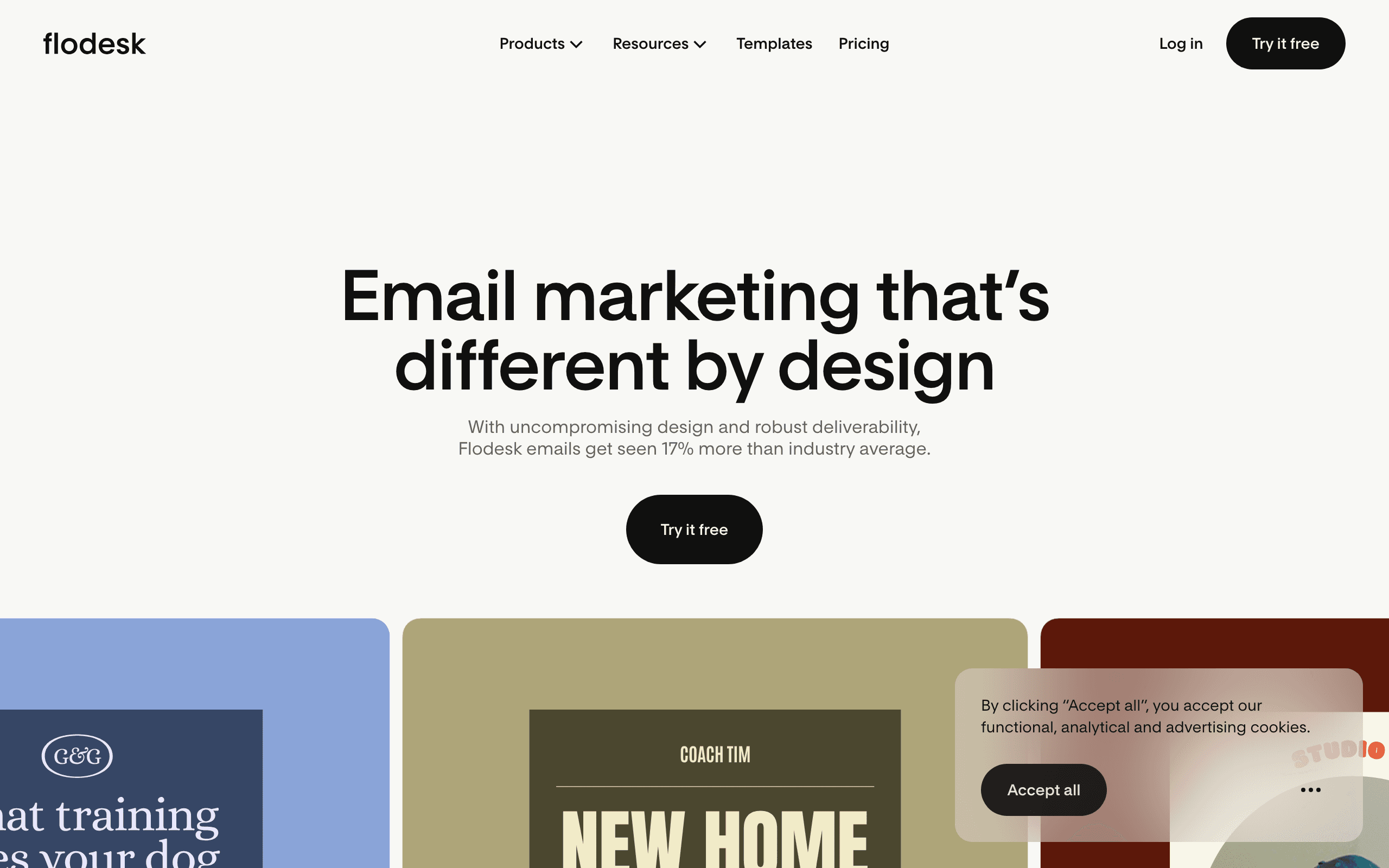
Best for: Creative brands where newsletter design quality is the top priority
Flodesk creates the most beautiful newsletters without requiring design skills. The flat pricing model means no anxiety as your list grows.
Templates are visually stunning. Even with zero design experience, your newsletters will look professional. The form builder matches the email design quality. The interface is clean and focused, removing the complexity that makes other platforms feel overwhelming.
The flat pricing is unique. $38/month for unlimited subscribers and unlimited sends. Your cost stays constant whether you have 100 subscribers or 100,000. For high-volume newsletters, the math becomes increasingly favorable.
Where Flodesk falls short: very basic automation, limited integrations, no API, basic segmentation. It's a design-first tool, not a marketing automation platform.
Pricing: $38/month flat (unlimited subscribers and sends) Best for: Creative brands where newsletter aesthetics are part of the brand identity Pros: Stunning templates, flat pricing scales well, simple interface, beautiful forms Cons: Almost no automation, limited integrations, no API, basic segmentation
18. ActiveCampaign - Best for Advanced Newsletter Automation
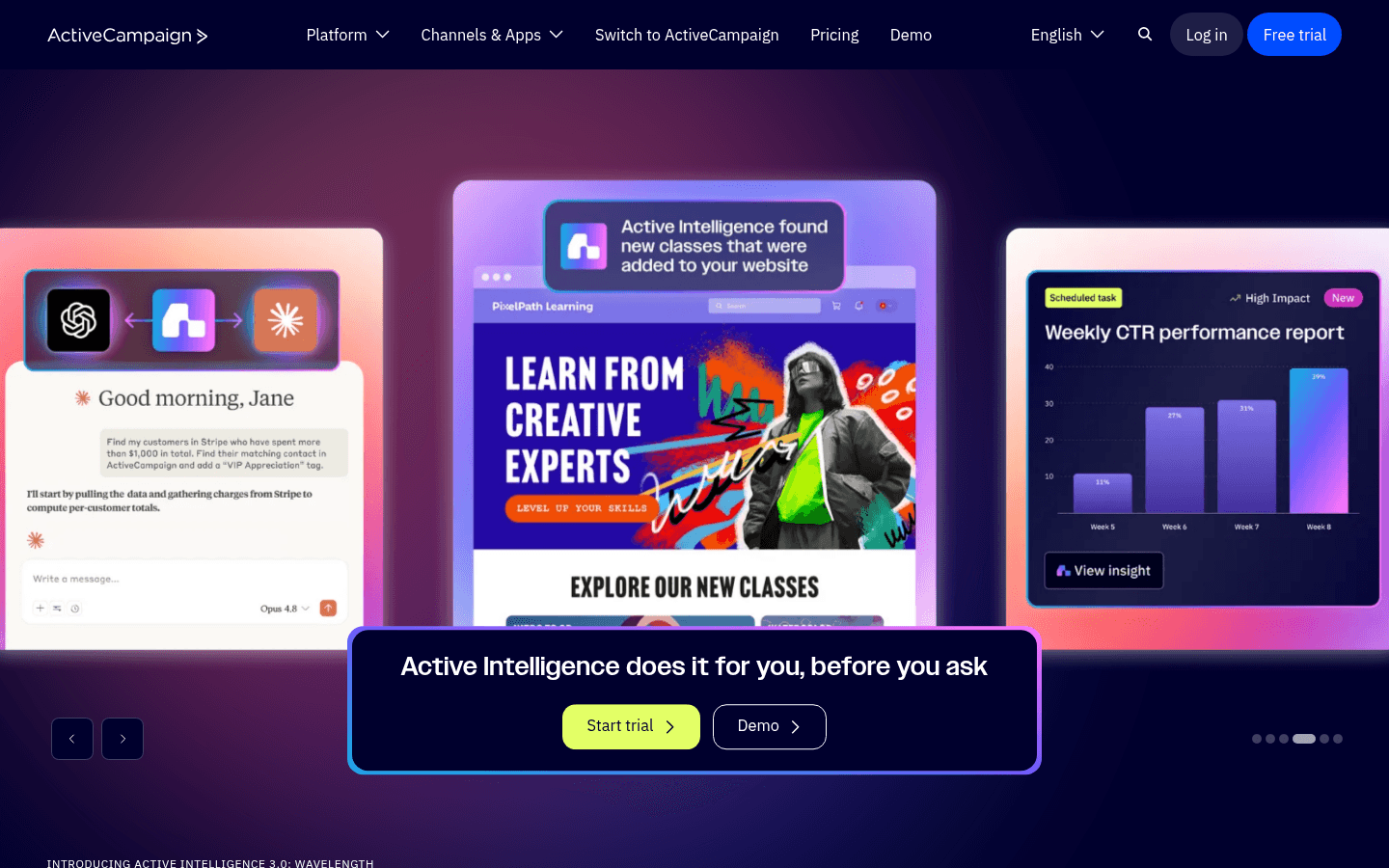
Best for: Newsletter creators who need complex subscriber journeys
ActiveCampaign has the most powerful automation builder of any newsletter platform. If you need complex workflows triggered by subscriber behavior - what links they click, what content they engage with, how long they've been on your list - ActiveCampaign delivers.
Visual automation builder with branching logic, wait conditions, if/else paths, split testing, and goals. Conditional content lets you show different newsletter blocks to different segments within the same issue. The built-in CRM means newsletter engagement feeds directly into sales workflows.
For newsletters where engagement data drives business decisions (B2B newsletters where subscribers are prospects), the depth of tracking and segmentation is unmatched at this price point.
Deliverability is consistently among the best. For newsletters with large, mixed-engagement lists, strong deliverability infrastructure matters for inbox placement.
Pricing: From $29/month (no free plan) Best for: Mid-market businesses with complex subscriber journeys Pros: Best automation engine, conditional content, CRM included, top deliverability Cons: No free plan, steep learning curve, dated email editor
19. Moosend - Best Affordable Newsletter Platform
Best for: Newsletter creators who want solid features without premium pricing
Moosend offers a strong feature set at a price that makes alternatives hard to justify for newsletters in the 1,000 - 50,000 subscriber range. Real-time analytics show exactly how your newsletter is performing as opens and clicks accumulate, which is satisfying when you've just sent an issue.
The drag-and-drop editor is clean with enough template variety for standard newsletter formats. The automation builder handles welcome sequences and re-engagement campaigns competently. Countdown timers are useful for newsletters promoting time-sensitive events or sales.
Landing pages, forms, and popups for subscriber growth are included on all plans. The AI subject line assistant helps when you're struggling with what to write for the preview text that determines your open rate.
Where Moosend falls short: smaller ecosystem than Mailchimp, customer support can be slow on lower-tier plans, and the template library is not as extensive as Stripo.
Pricing: From $9/month for 500 subscribers Best for: Newsletter creators who want solid features without premium pricing Pros: Real-time analytics, affordable, landing pages included, countdown timers Cons: No free plan, smaller ecosystem, support can be slow
20. Sender - Best Free Newsletter Tier
Best for: Beginners testing newsletter strategies before paying
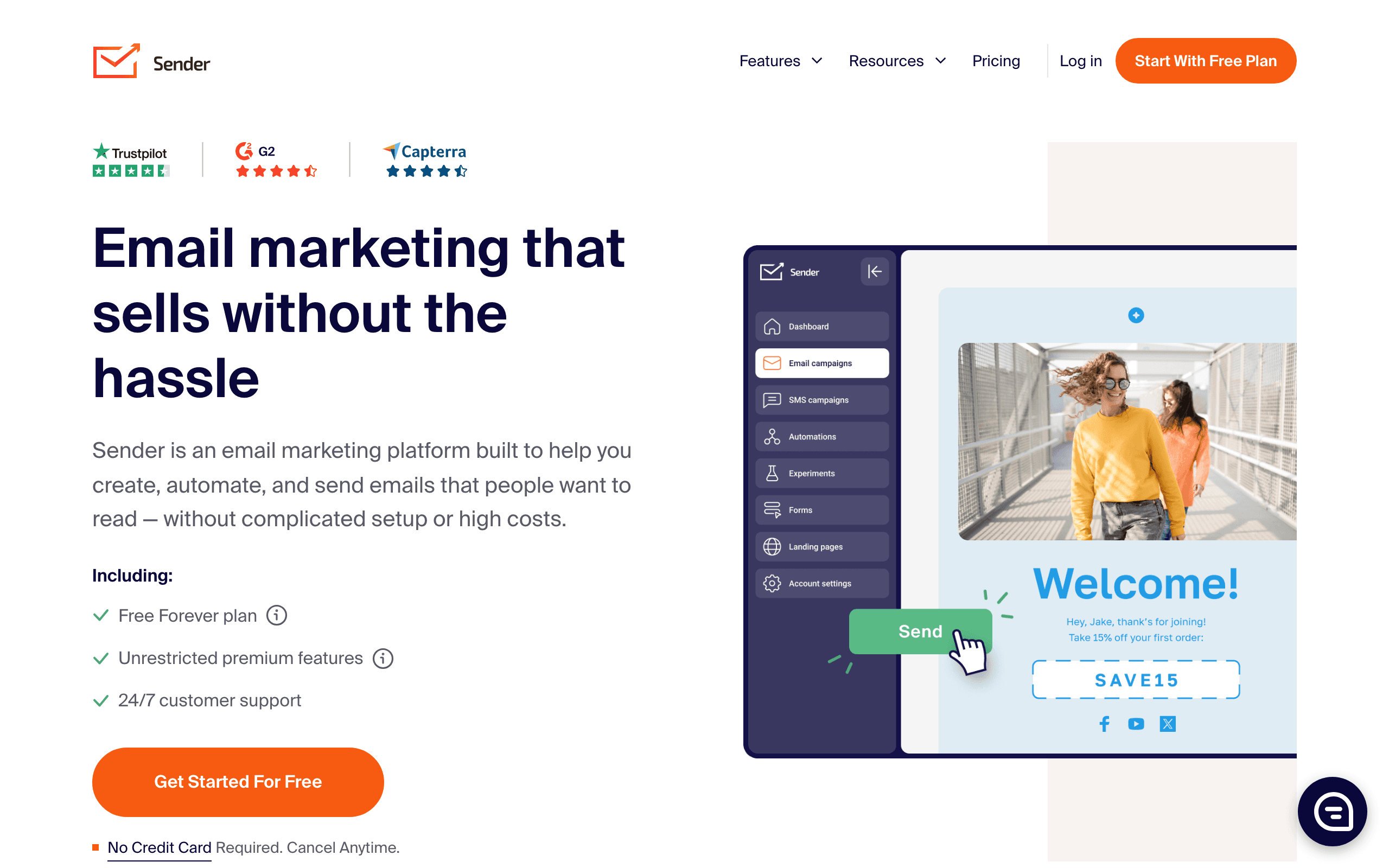
Sender offers one of the most generous free plans for newsletter creators. 2,500 subscribers and 15,000 emails/month free - more than Mailchimp, AWeber, or most competitors.
The email builder combines email newsletters with SMS on lower-tier plans. For newsletters that want to send text notifications when new issues publish, this SMS integration is included without needing a separate tool.
Built-in pop-ups and forms for subscriber growth work out of the box. The template library is functional if not standout. E-commerce features including product pickers are available for newsletters promoting products.
The limitation is quality: free-plan emails carry Sender branding, automation is basic without advanced conditions, and the integration ecosystem is smaller than established platforms.
Pricing: Free up to 2,500 subscribers + 15,000 emails/month, paid from $10/month Best for: Beginners validating newsletter ideas before investing in paid tools Pros: Huge free tier, SMS bundled, pop-ups included, e-commerce features Cons: Branding on free plan, basic automation, smaller ecosystem
21. Omnisend - Best for Ecommerce Newsletters
Best for: Ecommerce brands combining newsletters with product promotion
Omnisend combines email newsletters with SMS and push notifications specifically for ecommerce businesses. If your newsletter primarily promotes products - new arrivals, sales, seasonal collections - Omnisend's product-aware features are genuinely useful.
Pre-built ecommerce automations (welcome series, abandoned cart, post-purchase) work out of the box alongside your newsletter campaigns. The product picker drops live products into newsletter issues with current pricing and images. No manually copying product images and prices from your store.
Deep Shopify integration means subscriber and purchase data flows automatically. Segment your newsletter list by purchase history, browsing behavior, or predicted lifetime value. Newsletter subscribers who have spent over $500 can receive different content than first-time buyers.
For pure content newsletters with no product focus, Omnisend is overkill. The entire product is built around purchase behavior and product catalogs.
Pricing: Free up to 250 contacts, paid from $16/month Best for: Ecommerce brands on Shopify or WooCommerce sending product-focused newsletters Pros: Deep Shopify integration, SMS + email + push, product-aware segments Cons: Wrong tool for non-commerce newsletters, free tier is small, pricing scales with contacts
Newsletter Comparison Table
| Builder | Best For | Templates | Typography | Publishing Speed | Price |
|---|---|---|---|---|---|
| Sequenzy | SaaS newsletters | Good | Good | Fast | Free-$19/mo |
| Stripo | Template variety | Excellent | Excellent | Medium | Free-$15/mo |
| Bee Free | High frequency | Good | Good | Very Fast | Free-$15/mo |
| Postcards | Visual quality | Moderate | Excellent | Slow | Free-$17/mo |
| Buttondown | Simplicity | Minimal | Basic | Very Fast | Free-$9/mo |
| Mailchimp | All-in-one | Good | Good | Fast | Free-$13/mo |
| ConvertKit | Creators | Moderate | Good | Medium | Free-$29/mo |
| Beehiiv | Newsletter businesses | Good | Good | Fast | Free-$49/mo |
Newsletter Design Best Practices
Optimize for Reading
Newsletters are meant to be read, not just glanced at. Design for readability:
- Line length: 50-75 characters per line is optimal. Wider lines are harder to read. Most builders default to around 600px email width, which naturally creates comfortable line lengths with standard font sizes.
- Font size: 16px minimum for body text. Larger is often better. Some of the most successful newsletters use 18px or even 20px body text.
- Line height: 1.5-1.6x the font size for comfortable reading. Tight line height makes paragraphs feel dense and exhausting.
- Contrast: Dark text on light backgrounds. Avoid light gray text. The WCAG standard recommends a contrast ratio of at least 4.5:1 for body text.
- Paragraph length: Keep paragraphs to 2-4 sentences. Long paragraphs discourage reading, especially on mobile.
Create Visual Hierarchy
Readers scan before they read. Help them find what matters:
- Clear section headers that describe content. Use larger, bolder text for section titles. Consider numbering sections if your newsletter has a consistent format.
- Consistent formatting for similar content types. If every link roundup item has a title, description, and source, format them all the same way.
- White space between sections. Don't pack content tightly. Generous spacing between sections makes the newsletter feel less overwhelming and easier to navigate.
- Featured content that stands out visually. Use background colors, borders, or larger images to draw attention to the most important item in each issue.
Design for Mobile
Most newsletters are read on phones. Ensure:
- Single column layouts that reflow naturally. Multi-column designs that work on desktop often become confusing on mobile.
- Large tap targets for links. Minimum 44px height for tappable elements. Inline text links should have generous line height.
- Readable font sizes without zooming. Text should be comfortable to read without pinching to zoom.
- Images that scale appropriately. Use percentage widths rather than fixed pixel widths, and always include alt text for images that don't load.
Build Sustainable Templates
You'll use your newsletter template repeatedly. Invest time in getting it right:
- Save your template once you're happy with it. Most builders let you save custom templates for reuse.
- Document your process so future issues are consistent. Note your image dimensions, section order, and any recurring elements.
- Create a content structure you can fill in quickly. A template with labeled placeholder sections ("Featured Article," "Quick Links," "Sponsor Spot") makes assembly faster.
- Version your template occasionally. Refresh the design every 6-12 months to prevent it from feeling stale. Keep the structure familiar but update visual elements.
Newsletter Content Strategy
Finding Your Format
The best newsletters have a consistent format that readers learn to expect. Common formats include:
- Curated links with commentary (popular in tech and business)
- Original essays on a single topic (popular for thought leadership)
- Mixed format with news, analysis, and resources (popular for industry newsletters)
- Product updates with tips and tutorials (popular for SaaS companies)
Pick a format and stick with it. Consistency builds reader habits. For more on writing effective newsletter content, see our guide on how to write an email newsletter.
Subject Line Strategy for Newsletters
Newsletter subject lines work differently from promotional emails. Your subscribers already chose to receive your content, so the subject line's job is to communicate value and encourage opening, not to sell. Effective approaches include:
- Issue numbering: "Newsletter #47: Three trends shaping remote work"
- Content preview: "This week: New API docs, community highlights, and a pricing update"
- Curiosity with specifics: "The email deliverability trick that doubled our open rates"
Avoid clickbait. Newsletter subscribers are a long-term relationship, and trust matters more than any single open.
Newsletter Workflow Tips
Batch Content Creation
Don't build newsletters at the last minute. Collect content throughout the week/month in a document. When it's time to build, you're assembling rather than creating. Tools like Notion, Google Docs, or even a simple text file work well for collecting links, ideas, and notes between issues.
Use a Consistent Schedule
Templates with consistent layouts help readers know what to expect. Keep major sections in the same positions issue to issue. If your newsletter always starts with a featured article, followed by quick links, and ends with a personal note, readers learn to navigate it efficiently.
Reuse What Works
Analyze which content performs best. Double down on formats and sections that drive engagement. If your "tool of the week" section consistently gets the highest click rates, make it more prominent. If a section consistently underperforms, consider dropping or rethinking it.
Test Occasionally
While you don't need to test every issue, periodic cross-client testing catches rendering issues before your subscribers do. Test after any template changes, and spot-check at least monthly even when nothing has changed. Email client updates can break previously working layouts.
Personalize When Possible
Even simple personalization improves newsletter engagement. Using the subscriber's first name in the greeting, showing content based on their interests or location, or referencing their past engagement makes the newsletter feel tailored rather than broadcast. Builders like Sequenzy and Mailchimp support personalization natively. With standalone builders, you'll use merge tags that your ESP fills in at send time.
Archive Your Issues
Maintain a web archive of past newsletter issues. This serves multiple purposes: it provides social proof for potential subscribers ("see what you'll get"), creates SEO-friendly content on your website, and gives you a reference library for tracking how your newsletter has evolved. Many newsletter platforms offer built-in archives.
Monitor Deliverability
Newsletter creators should pay attention to email deliverability. Regular sends to an engaged list generally help deliverability, but list hygiene matters. Remove bounced addresses promptly, honor unsubscribes immediately, and consider sunsetting subscribers who haven't opened in 6+ months.
Frequently Asked Questions
How often should I send my newsletter?
It depends on your content volume and audience expectations. Weekly is the most common cadence. Daily works if you have enough fresh content and your audience expects it. Monthly newsletters are fine but can struggle with engagement because readers forget about you between issues. Whatever cadence you choose, consistency matters more than frequency.
Should I use a dedicated newsletter platform or a general email builder?
If newsletters are your primary email activity, dedicated platforms like Buttondown or Substack offer simpler workflows. If you also send promotional emails, automations, and transactional messages, a platform like Sequenzy or Mailchimp that handles everything is more efficient. Using a standalone builder like Stripo with a separate ESP works but adds a step to your workflow.
How long should a newsletter be?
There's no universal answer, but aim for 3-7 minutes of reading time. That translates to roughly 500-1,500 words depending on format. Curated link newsletters can be shorter because readers click through to full articles. Original essay newsletters can be longer if the writing is strong. Watch your scroll-depth analytics to see where readers drop off.
How do I grow my newsletter subscriber list?
Focus on value. Create a compelling sign-up page that clearly communicates what subscribers will receive and why it's worth their time. Promote through your existing channels: website, social media, podcast, or blog. Consider a lead magnet like a free resource that's relevant to your newsletter topic. Quality content is the best growth strategy because engaged subscribers share newsletters with their peers.
What metrics should I track for my newsletter?
Open rate, click-through rate, unsubscribe rate, and list growth rate are the essentials. Open rates show subject line effectiveness and overall interest. Click-through rates reveal which content resonates. Unsubscribe rates flag content or frequency problems. List growth rate shows whether you're building momentum. Track these over time rather than obsessing over individual issue metrics.
Can I monetize my newsletter with these builders?
Sequenzy and Mailchimp support paid newsletters and sponsorship tracking. Buttondown has built-in paid subscription support. For other builders, you'd integrate with a payment platform separately. Common monetization approaches include paid subscriptions, sponsorships, affiliate links, and promoting your own products or services.