
21 Best HTML Email Builders for Developers in 2026

Most HTML email builders assume you want to drag and drop blocks into a visual canvas. For developers, that's often the worst possible workflow. You want code you can version control, templates you can generate programmatically, and output you can trust to work across email clients.
This guide covers the best HTML email tools for developers: markup languages that compile to email-safe HTML, code editors built for email development, and frameworks that integrate with your existing stack.
For visual builders and general recommendations, see my complete guide to HTML email builders. If you work closely with design teams, my guide to HTML email builders for designers covers tools that bridge the gap between design and code.
Best Developer HTML Email Tool by Stack
Best developer email tool for SaaS product events: Sequenzy API
Sequenzy is the best fit when the email template is only one part of a SaaS event workflow. Developers can send transactional messages, track product events, trigger lifecycle sequences, and expose data to marketing without wiring together several tools. Start with the developer API, transactional emails, and transactional email APIs for AI agents.
Best developer email tool for React and TypeScript teams: React Email plus Resend
React Email and Resend are the best fit when developers want email templates as typed components and a clean sending API. This stack is lighter than a full lifecycle platform and excellent for app-owned transactional email. See the Resend comparison and React Email support guide.
Best developer email tool for framework-agnostic templates: MJML
MJML is still the best general-purpose choice when you want readable markup that compiles to email-safe HTML. It works well across stacks, is easy to version control, and avoids vendor lock-in.
Best developer email tool for Tailwind-based teams: Maizzle
Maizzle is strongest when your team already thinks in Tailwind utilities and wants a build pipeline for reusable email components. It gives more structure than raw HTML without forcing a visual builder workflow.
Best developer email tool for critical transactional delivery: Postmark
Postmark is the better fit when the template workflow matters, but deliverability and logs matter more. Password resets, magic links, and receipts need reliable delivery before creative flexibility. Compare it in the Postmark comparison.
Why Developers Need Different Tools
Email HTML is a nightmare. You're coding for rendering engines from 2007, dealing with Outlook's Word-based rendering, and writing inline styles because <style> tags are stripped by many clients. Visual builders hide this complexity, but they also hide control.
Developers need tools that provide:
Version control compatibility. Templates should be text files you can diff, merge, and track in Git.
Programmatic generation. You need to generate emails from data, not just fill in merge tags.
Testability. Email output should be predictable and testable, not dependent on visual builder state.
Integration with build tools. Email generation should fit into your existing development workflow.
Type safety. Modern developer tools should offer TypeScript support, autocomplete, and compile-time checking to catch errors before they reach production.
Separation of concerns. Just like web development, email development benefits from separating structure, style, and data. The best tools enforce this separation naturally.
Quick Comparison
| Tool | Best For | Starting Price | Free Tier | Dev Features |
|---|---|---|---|---|
| Sequenzy API | SaaS event-driven email | $19/mo | Yes | REST API, event triggers, webhooks |
| MJML | General developer email | Free | Yes | CLI, Node.js library, VS Code extension |
| React Email | React teams | Free | Yes | React components, TypeScript, hot reload |
| Parcel | Code editor with email tooling | $9/mo | Yes | Email-specific linting, multi-client preview |
| Maizzle | Tailwind-based email | Free | Yes | Tailwind CSS, build pipeline, components |
| Foundation for Emails | Foundation/ZURB users | Free | Yes | Sass integration, Inky templating |
| Resend | Developer-first sending | $20/mo | Yes | React Email native, API-first |
| Loops | Developer-focused ESP | Custom | No | API triggers, React Email support |
| Postmark | Transactional reliability | $15/mo | No | API, templates API, webhooks |
| SendGrid | High-volume infrastructure | $20/mo | Yes | Dynamic templates, API, webhooks |
| Amazon SES | AWS-integrated sending | $0.10/1K | No | AWS SDK, IAM, CloudWatch |
| Mailgun | Email infrastructure | Custom | No | API, webhooks, inbound processing |
| Customer.io | Behavioral automation | $100/mo | No | API-driven, webhooks, custom data |
| Brevo | Transactional + marketing | $9/mo | Yes | Transactional API, SMTP relay |
| SparkPost | High deliverability infra | Custom | No | Predictive deliverability, API |
| Zeptomail | Transactional email | $2.50/10K | No | SMTP + API, template API |
| Mailjet | SMTP + API | $15/mo | Yes | SMTP relay, template API, segmentation |
| Elastic Email | Cost-efficient API | $15/mo | Yes | HTTP API, SMTP, webhooks |
| Inbucket | Local testing | Free | Yes | Local SMTP server, web UI |
| Ethereal | Test SMTP service | Free | Yes | Fake SMTP, preview captures |
| Mailpit | Local dev testing | Free | Yes | Local SMTP, web UI, mobile preview |
The Best Developer-Focused Email Tools
1. Sequenzy API - Programmatic Email Building
Price: Free tier, then from $19/month
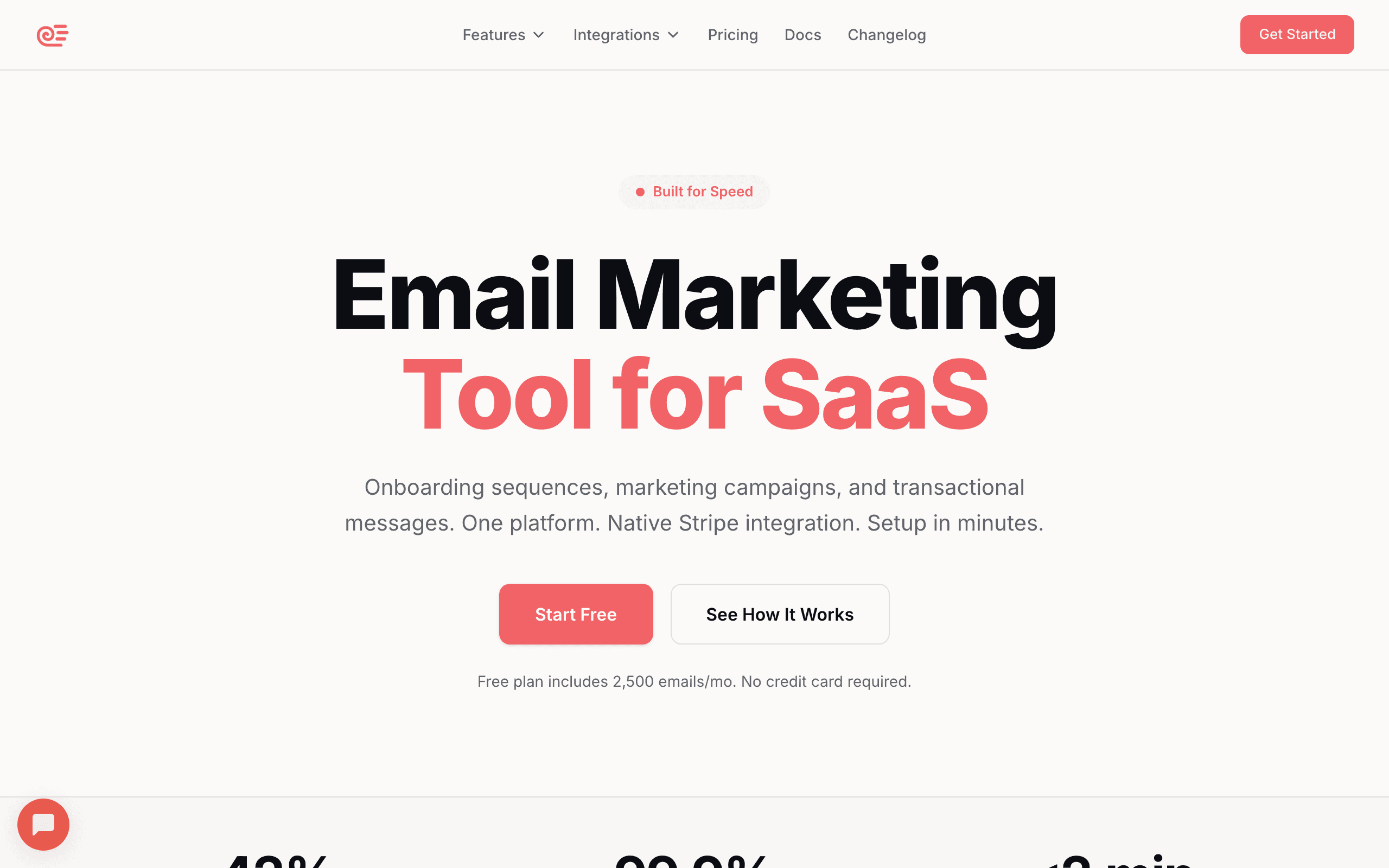
While Sequenzy has a visual builder, developers can use the API to generate and send emails programmatically. You can create email content via API, trigger sequences based on events, and integrate email into your application logic.
For SaaS applications, this is particularly useful. You can trigger transactional emails from your backend, use product events to start automation sequences, and segment users based on application data. The API handles both transactional and marketing emails from a single platform, which simplifies your stack considerably.
The Stripe integration works through the API too. When customers change plans, payments fail, or trials expire, you can trigger appropriate emails automatically. No manual setup required. For teams building Stripe-powered email automation, this removes a significant amount of custom development work.
// Trigger an email sequence when user completes onboarding
await sequenzy.events.track({
  email: user.email,
  event: 'onboarding.completed',
  properties: {
    planName: user.plan,
    featuresUsed: user.activatedFeatures
  }
});
The event-based approach means you can build sophisticated lifecycle email sequences without leaving your codebase. Define events in your application, and let the marketing team configure the sequences that respond to those events.
Best for: SaaS developers integrating email into their applications
Limitations: Full email building still uses visual editor
2. MJML - The Gold Standard
Price: Free (open source)
MJML is a markup language that compiles to email-compatible HTML. You write clean, readable code, and MJML generates the table-based, inline-styled HTML that email clients require.
The syntax is intuitive if you know HTML:
<mjml>
  <mj-body>
    <mj-section>
      <mj-column>
        <mj-text font-size="20px">Welcome to our app</mj-text>
        <mj-button href="https://example.com/dashboard">
          Get Started
        </mj-button>
      </mj-column>
    </mj-section>
  </mj-body>
</mjml>
This compiles to several hundred lines of nested tables with inline styles that render correctly in every major email client. You don't have to think about Outlook quirks or mobile responsiveness. MJML handles it.
The tooling is excellent. There's a CLI for build pipelines, plugins for major editors, and integrations with Node.js. You can use MJML as a library to generate emails from your backend:
const mjml = require('mjml')

const template = `
  <mjml>
    <mj-body>
      <mj-section>
        <mj-column>
          <mj-text>Hello ${userName}</mj-text>
        </mj-column>
      </mj-section>
    </mj-body>
  </mjml>
`

const { html } = mjml(template)
The community is active, documentation is thorough, and the output is reliably cross-client compatible. If you're choosing one tool for developer-focused email work, MJML is the safe choice.
Best for: Any developer-focused email work
Limitations: Learning curve for complex layouts, no visual preview (though community tools exist)
3. React Email - Modern Component Approach
Price: Free (open source)
React Email brings component-based development to email templates. If your team already thinks in React, this approach feels natural. You build emails from composable components using familiar patterns.
import { Html, Button, Text, Section } from '@react-email/components';

export function WelcomeEmail({ userName }) {
  return (
    <Html>
      <Section>
        <Text>Hello {userName},</Text>
        <Text>Thanks for signing up!</Text>
        <Button href="https://example.com/dashboard">
          Go to Dashboard
        </Button>
      </Section>
    </Html>
  );
}
The component library covers common email elements, and they all render correctly across email clients. You can create your own components for reusable patterns specific to your product.
The development experience is excellent. Hot reload preview, TypeScript support, and standard React tooling. Testing email templates becomes testing React components, which most teams already know how to do.
Resend (the transactional email service) created React Email, and the integration is seamless. But you can use React Email with any sending service by rendering to HTML.
One particularly powerful pattern is building a shared component library for your organization. Create base components for headers, footers, buttons, and content blocks, then compose them into specific email templates. This approach eliminates inconsistency and makes updates trivial. Change the footer component once, and every email in your system updates.
Best for: Teams already using React
Limitations: Requires React knowledge, newer ecosystem than MJML
4. Parcel - Purpose-Built Code Editor
Price: Free tier, paid from $9/month
Parcel is a code editor specifically designed for email development. Unlike VS Code with plugins, Parcel understands email HTML natively. You get intelligent autocomplete, email-specific linting, and instant preview across multiple clients.
The editor catches common email mistakes in real-time. Using a CSS property that Outlook doesn't support? Parcel warns you. Image without alt text? Flagged. These small catches prevent hours of debugging after deployment.
Built-in image hosting is convenient. Upload images, and Parcel hosts them automatically with optimized delivery. No separate image hosting setup required.
The preview pane shows your email in multiple clients simultaneously. You can see Gmail, Outlook, and mobile previews side by side as you type. This tight feedback loop makes development much faster.
Best for: Developers who prefer writing raw HTML with email-specific tooling
Limitations: Still requires email HTML knowledge, hosting costs for images at scale
5. Maizzle - Tailwind for Email
Price: Free (open source)
Maizzle brings Tailwind CSS to email development. If you love Tailwind's utility-first approach, Maizzle lets you use it for emails. Write familiar utility classes, and Maizzle compiles them to inline styles that work in email clients.
<table class="w-full">
  <tr>
    <td class="p-6 bg-blue-500">
      <p class="text-white text-lg">Hello!</p>
      <a href="#" class="inline-block px-4 py-2 bg-white text-blue-500 rounded">
        Click me
      </a>
    </td>
  </tr>
</table>
The build process handles email-specific transformations: inlining CSS, optimizing images, minifying output, and adding email client fixes. Configuration is extensive, letting you customize the output for your specific needs.
Maizzle includes a starter project with sensible defaults and example templates. The learning curve is minimal if you already know Tailwind.
The template system supports layouts, components, and partials. You can build a base layout with your brand header and footer, then create individual emails that extend it. This is the same pattern web developers use with template engines, applied to email.
Best for: Teams who love Tailwind CSS
Limitations: Still requires understanding email HTML structure
6. Foundation for Emails (Inky)
Price: Free (open source)
Foundation for Emails uses Inky, a templating language similar to MJML but with its own syntax. It's maintained by ZURB and has been around longer than MJML, with a proven track record.
<container>
  <row>
    <columns>
      <h1>Welcome!</h1>
      <p>Thanks for signing up.</p>
      <button href="https://example.com">Get Started</button>
    </columns>
  </row>
</container>
The Sass integration is excellent if your team uses Sass for styling. You can define email styles in Sass and have them compile to email-safe inline CSS.
Foundation also includes a test suite for checking email client compatibility, though it's not as comprehensive as dedicated testing tools like Litmus.
Best for: Teams already using Foundation or ZURB tools
Limitations: Smaller community than MJML, less active development
7. Resend - Best Developer-First ESP

Price: Free up to 3,000 emails/month, from $20/month
Resend was built by developers for developers. The API is clean, the documentation is excellent, and the React Email integration is first-class. For teams building on Node.js with React Email templates, Resend is the natural sending choice.
import { Resend } from 'resend';
import { WelcomeEmail } from './emails/welcome';

const resend = new Resend(process.env.RESEND_API_KEY);

await resend.emails.send({
  from: 'noreply@example.com',
  to: user.email,
  subject: 'Welcome!',
  react: WelcomeEmail({ userName: user.name }),
});
The dashboard shows exactly what was sent, when, and to whom, with delivery status and engagement tracking. Error messages are clear and actionable, not the cryptic codes that plague older ESPs.
Best for: Node.js developers using React Email
Limitations: Newer platform, fewer advanced marketing features
8. Loops - Best for SaaS Developer Email
Price: Custom pricing
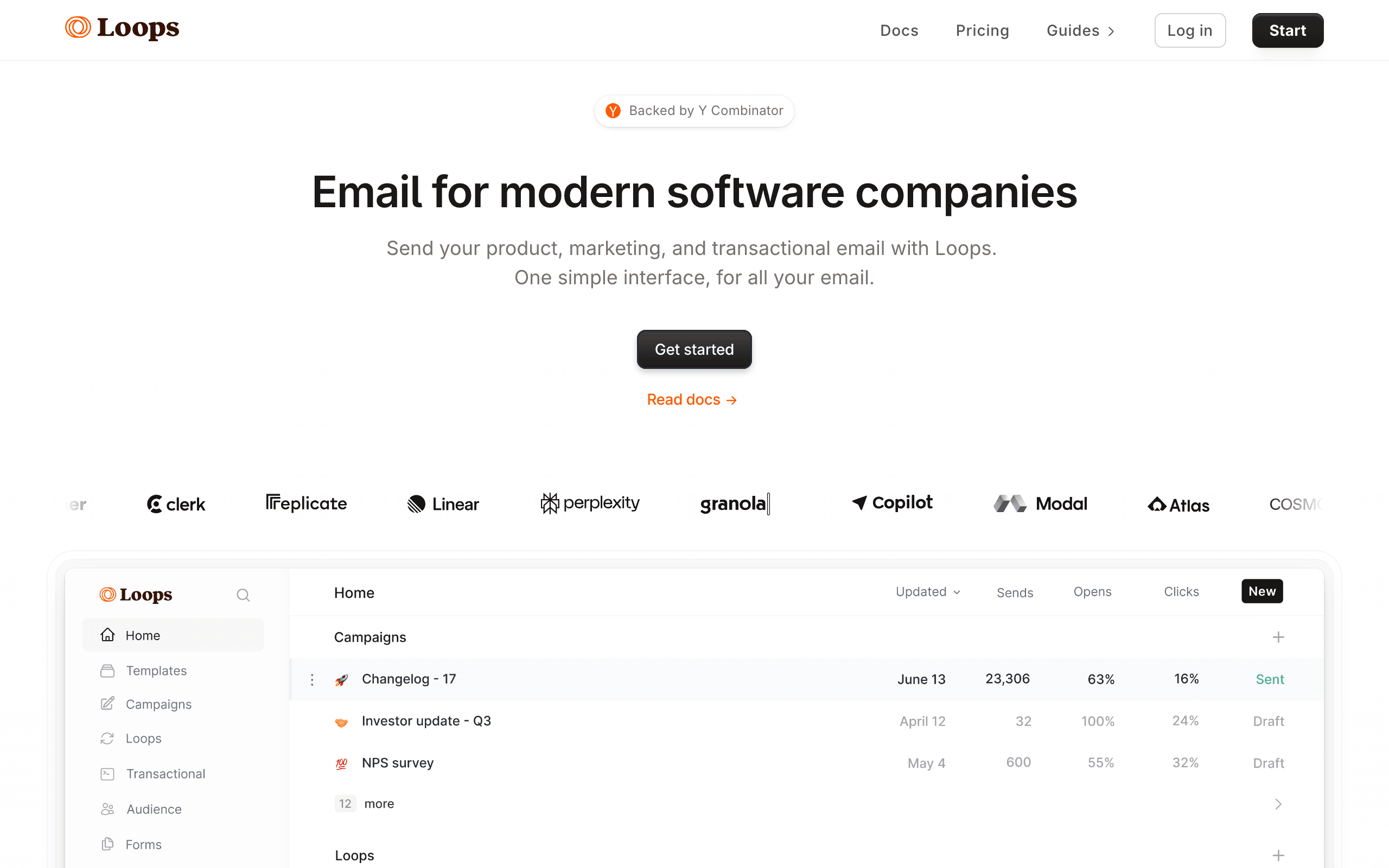
Loops is built specifically for SaaS companies. The API-first approach means developers can trigger emails from application events, while marketers can manage the email content without engineering involvement.
The separation of concerns is clean: engineers define the events and pass the data, marketers design and manage the emails. No more tickets to engineering every time marketing wants to update an email.
Best for: SaaS teams wanting developer API with marketer-friendly content management
Limitations: Premium pricing, focused primarily on SaaS use cases
9. Postmark - Best Transactional Deliverability
Price: From $15/month
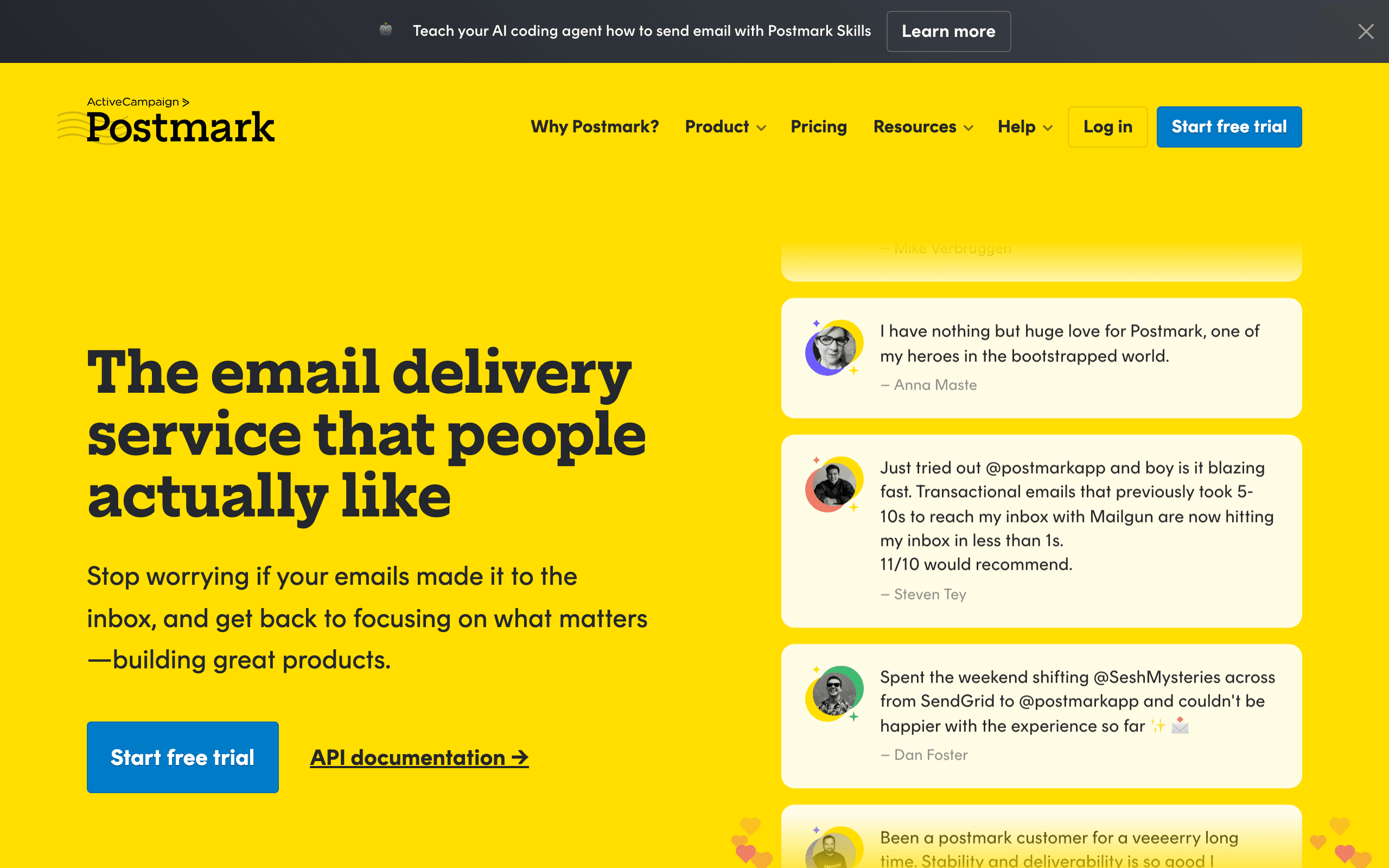
Postmark's API is clean and well-documented. The template API lets you store templates server-side and render them with data at send time, which works well for transactional email at scale.
The deliverability is Postmark's main selling point. Dedicated infrastructure for transactional email means your appointment confirmations and password resets don't share reputation with marketing campaigns. Inbox placement is consistently high.
Best for: Developers building reliable transactional email systems
Limitations: Transactional-only, no marketing features
10. SendGrid - Best for High-Volume API Email
Price: Free up to 100 emails/day, from $20/month
SendGrid's dynamic templates use Handlebars templating for variable substitution and conditional content. For developers building complex personalized emails, the template versioning and programmatic generation capabilities are mature.
The API is well-documented with SDKs for major languages. Webhook processing for bounces, complaints, and engagement events gives developers the data they need to maintain list health and respond to delivery issues.
Best for: Developers building high-volume email infrastructure
Limitations: Interface can be complex, template system less elegant than React Email
11. Amazon SES - Best for AWS-Native Applications
Price: $0.10 per 1,000 emails
For applications already on AWS, SES is the most cost-effective email infrastructure. Integration with IAM for authentication, CloudWatch for monitoring, and S3 for email storage makes SES a natural fit for AWS-native architectures.
The API is standard and well-documented. Feedback notifications via SNS integrate with your application's existing notification infrastructure. For high-volume senders, SES pricing is significantly lower than competing services.
Best for: AWS-native applications and high-volume cost-conscious sending
Limitations: Pure infrastructure - no templates, automation, or marketing features
12. Mailgun - Best for API Flexibility
Price: Custom
Mailgun's API covers sending, receiving, and validation with comprehensive webhook support. The inbound email routing is useful for applications that need to receive and process email as part of their functionality.
Email validation API helps maintain list quality programmatically. You can validate addresses before adding them to your database, reducing bounces without requiring a separate service.
Best for: Applications needing send + receive + validation in one API
Limitations: Enterprise pricing for HIPAA compliance
13. Customer.io - Best for Behavioral Email API
Price: From $100/month
Customer.io's API is designed for behavioral email - triggering messages based on user actions and attributes. The data model stores user attributes and events, and the campaign system uses that data to determine who receives what messages.
// Track an event to trigger behavioral campaigns
await customerio.track(userId, 'purchased', {
  plan: 'pro',
  amount: 99,
  currency: 'USD',
});
For SaaS developers building sophisticated lifecycle email programs, Customer.io's combination of powerful data storage, event tracking, and campaign management is compelling.
Best for: SaaS developers building behavioral email automation
Limitations: Expensive, requires significant setup
14. Brevo - Best for Transactional + Marketing API
Price: Free up to 300/day, from $9/month
Brevo's transactional email API is well-documented and integrates with their marketing automation features. For developers who want a single API for both transactional (password resets, order confirmations) and marketing (newsletters, campaigns) email, Brevo provides this at accessible pricing.
The SMTP relay option works well for applications that already use SMTP-based email sending. Migration is often just changing the SMTP credentials.
Best for: Developers wanting transactional + marketing in one affordable API
Limitations: Less developer-focused than Resend or Postmark, EU-based
15. SparkPost - Best for Predictive Deliverability
Price: Custom enterprise pricing
SparkPost's predictive deliverability uses machine learning to optimize send times and routing for inbox placement. For developers building email systems where deliverability quality directly affects application outcomes, these predictions are valuable.
The analytics API provides detailed engagement data at the individual email level, useful for applications that need to respond to email engagement events in real time.
Best for: High-volume email systems where deliverability is critical
Limitations: Enterprise pricing, complex setup
16. Zeptomail - Best for Transactional Cost Efficiency
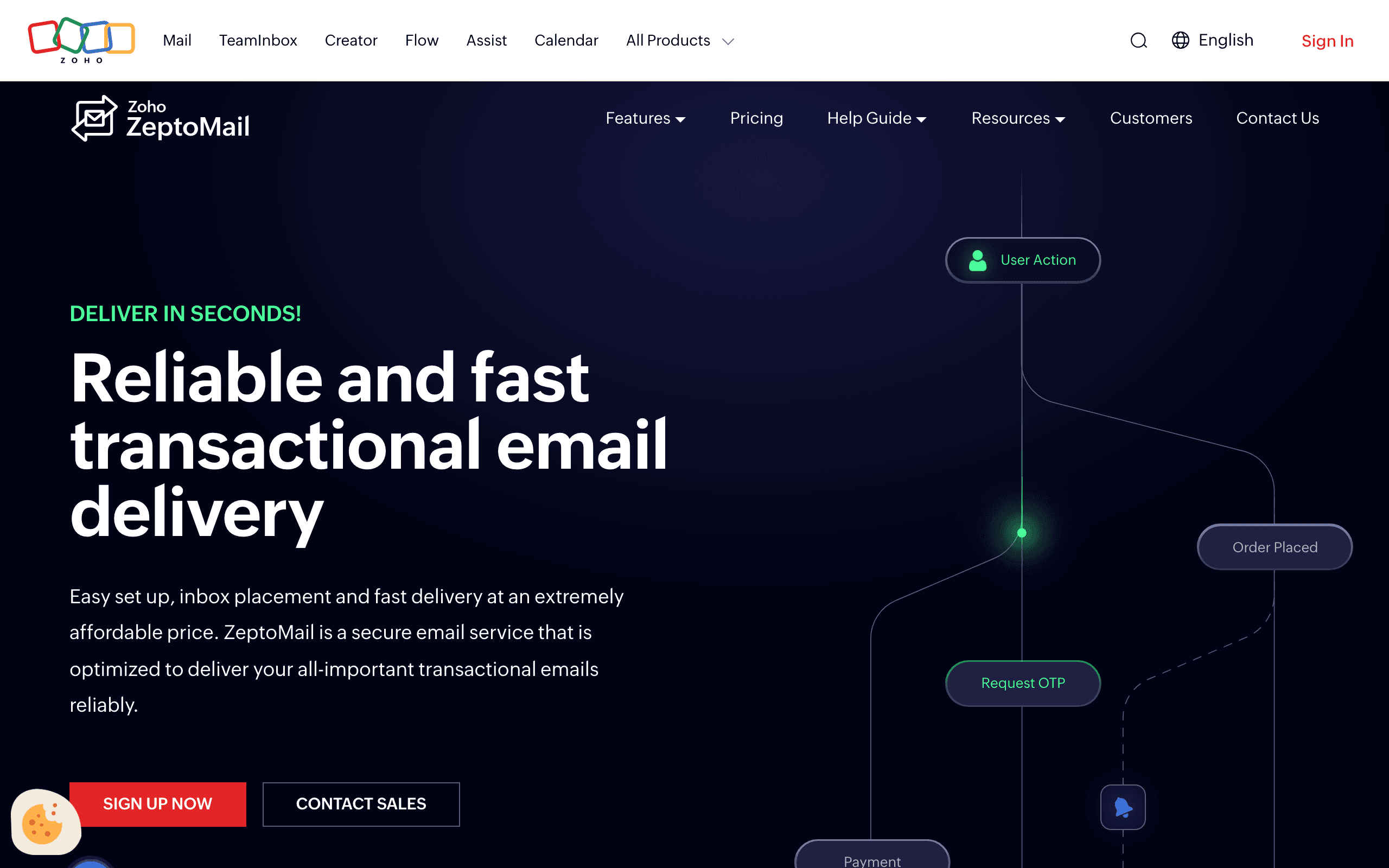
Price: From $2.50 per 10,000 emails
Zeptomail (from Zoho) provides affordable transactional email infrastructure with both SMTP and API access. For applications sending high volumes of transactional email where cost is a primary concern, Zeptomail's pricing is competitive.
The template API stores and renders templates server-side. For developers managing large numbers of email templates, the centralized template management is practical.
Best for: Cost-conscious transactional email infrastructure
Limitations: Less polished API documentation, fewer integrations
17. Mailjet - Best for SMTP + API Flexibility
Price: Free up to 200/day, from $15/month
Mailjet provides both SMTP relay and REST API access, which is useful for applications that need flexibility in how they send emails. Legacy parts of an application can use SMTP, while new features use the API.
The template language supports conditional content and personalization. For teams maintaining email templates in the platform rather than in code, the visual template editor is accessible.
Best for: Applications needing SMTP + API flexibility
Limitations: Less developer-focused than Resend or Postmark
18. Elastic Email - Best for API Cost Efficiency
Price: Free up to 100/day, from $15/month
Elastic Email provides cost-effective email infrastructure via HTTP API and SMTP. For developers building email features on tight budgets, the pricing is competitive with good deliverability.
The API documentation is comprehensive and the webhook support covers the standard bounce, complaint, and engagement events needed for list management.
Best for: Cost-conscious developers building email features
Limitations: Less polished developer experience than premium tools
19. Inbucket - Best for Local Testing
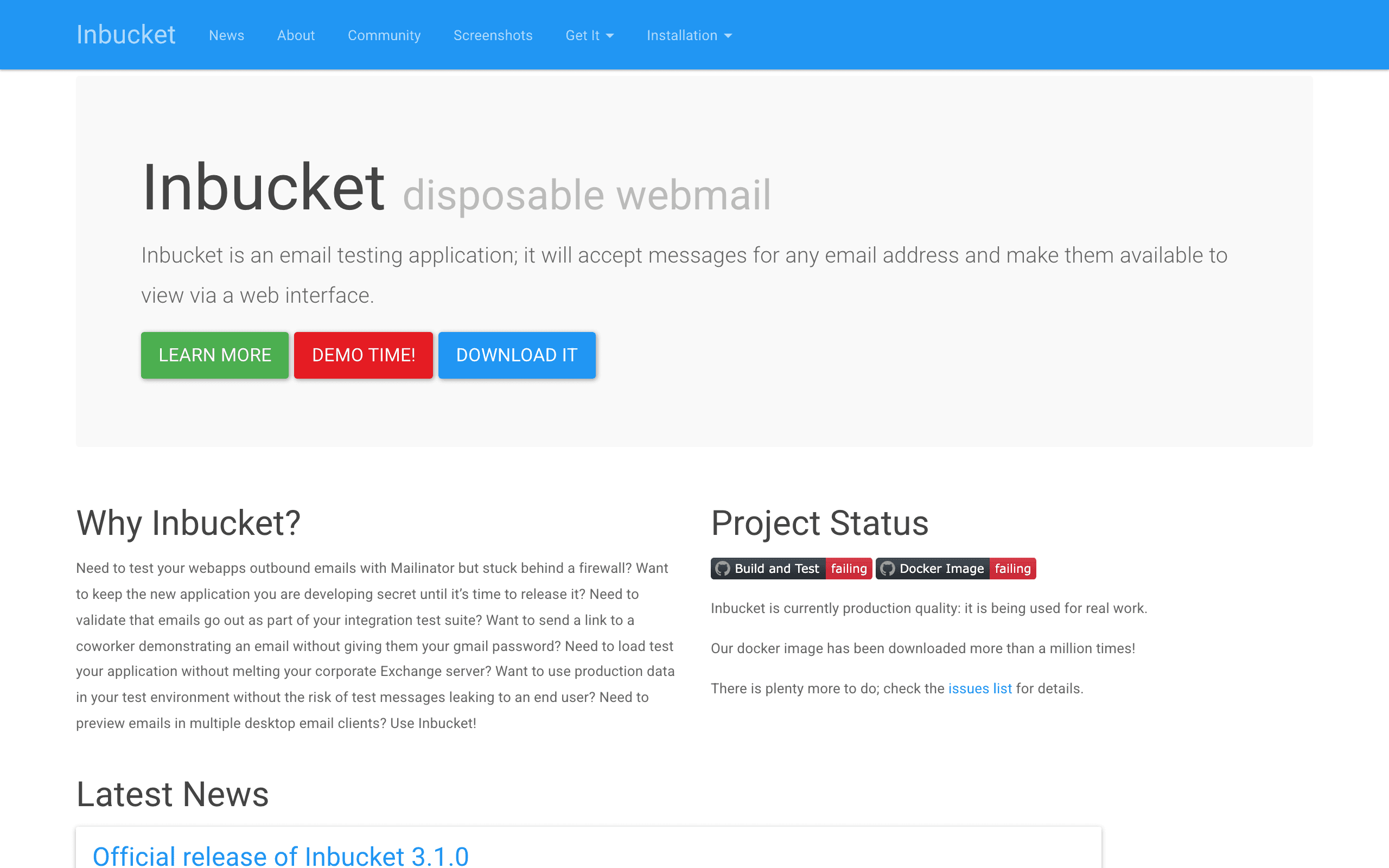
Price: Free (open source)
Inbucket is a local SMTP server for development testing. Run it locally, point your application's SMTP settings at it, and all sent emails are captured in a web interface rather than delivered. This prevents test emails from reaching real addresses during development.
The web interface shows the email with rendering preview, making it easy to verify email output without needing access to a real email client. For teams where multiple developers work on email-related features simultaneously, each developer can run their own Inbucket instance.
Best for: Local development email testing
Limitations: Development only, not for production
20. Ethereal - Best for Zero-Setup Test SMTP
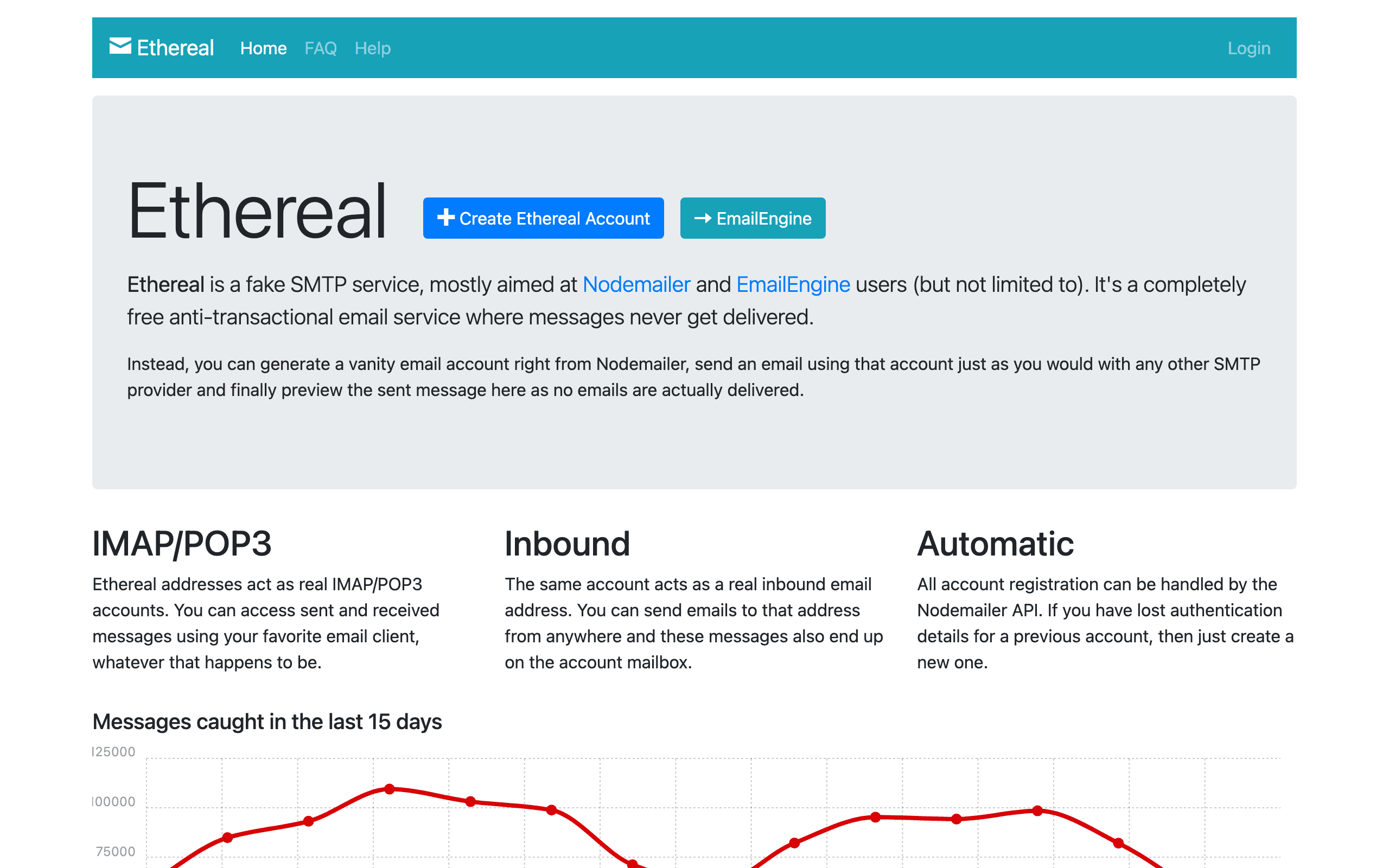
Price: Free
Ethereal is a fake SMTP service that captures outgoing emails and makes them viewable in a web interface. Unlike Inbucket, it's a hosted service - you generate test SMTP credentials, point your application at Ethereal's servers, and emails are captured without delivery.
For developers who need quick email testing without running local infrastructure, Ethereal requires zero setup. Generate credentials, configure your app, test.
Best for: Quick email testing without local infrastructure
Limitations: Test service only, emails are publicly accessible with the link
21. Mailpit - Best for Modern Local Testing
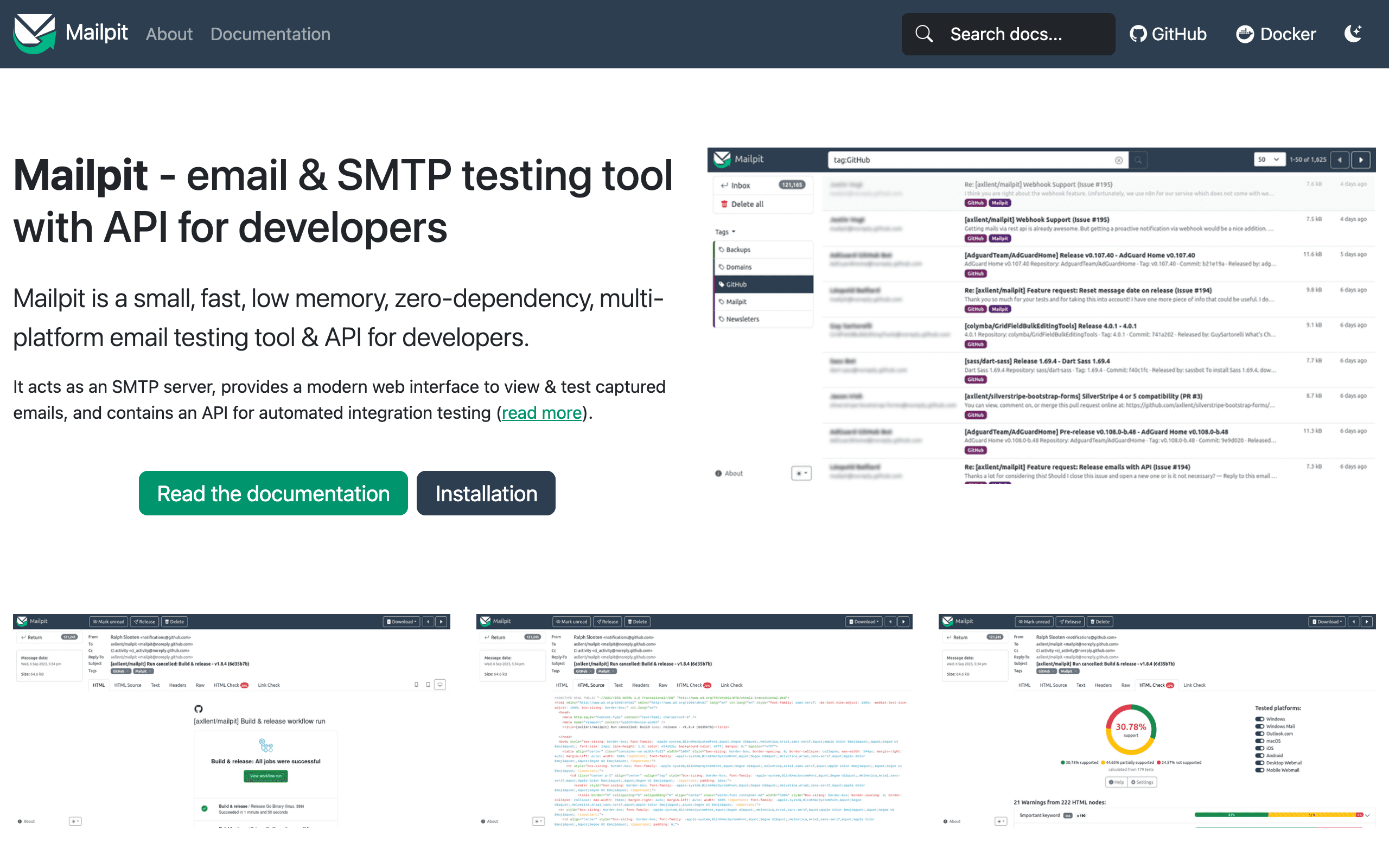
Price: Free (open source)
Mailpit is a modern replacement for MailHog - a local SMTP catcher with a clean web interface and mobile preview. Docker image available for easy integration into development environments. The web interface shows emails with desktop and mobile previews side by side.
For development teams using Docker Compose, adding Mailpit to the compose file gives every developer a consistent local email testing environment with zero configuration.
Best for: Teams using Docker for local development
Limitations: Development only, not for production
Developer Tool Comparison
| Tool | Approach | Learning Curve | Build Integration | Active Development |
|---|---|---|---|---|
| MJML | Markup language | Low | Excellent | Yes |
| React Email | React components | Medium | Excellent | Yes |
| Parcel | Code editor | Low | Good | Yes |
| Maizzle | Tailwind-based | Low (if you know Tailwind) | Excellent | Yes |
| Sequenzy | API + Visual | Low | Good | Yes |
| Foundation | Markup + Sass | Medium | Good | Moderate |
Testing and Quality Assurance
Building emails is half the battle. Testing them is the other half.
Litmus and Email on Acid are the industry standards for cross-client testing. They render your email in 90+ email clients and show you exactly how it looks. Integration with most developer tools is straightforward.
Email Preview Services built into some tools (Parcel, Stripo) offer quick previews during development. They're faster than full testing suites but less comprehensive.
Unit testing for email templates is possible with React Email and MJML. Snapshot testing catches unexpected changes, and you can verify that dynamic content renders correctly.
Automated Testing Strategies
Beyond visual testing, developers should consider these testing approaches for email templates:
Snapshot tests. Render your email template with known data and compare the HTML output against a saved snapshot. Any unexpected changes in the output trigger a test failure. This catches regressions when updating shared components or dependencies.
Content validation. Write tests that verify dynamic content renders correctly. If your template includes conditional logic (show different content for trial users vs. paid users), test each branch with representative data.
Link validation. Automatically check that all links in rendered emails are valid URLs. Broken links in emails are invisible until someone clicks them, and you can't issue corrections after sending.
Accessibility checks. Verify that images have alt text, links have descriptive text, and the email structure is readable when images are blocked. Many email clients block images by default, so your email needs to make sense without them.
Size checks. Gmail clips emails larger than 102KB. Write a test that renders your template and verifies the output stays under this threshold. This is especially important for templates with lots of dynamic content that might expand beyond the limit with certain data.
CI/CD Integration
Email templates should be part of your deployment pipeline:
Version control all templates. MJML, React Email, and Maizzle templates are text files that work naturally with Git.
Automated builds should compile templates as part of your build process. Catch syntax errors before deployment.
Preview environments help stakeholders review email changes. Some tools can generate preview links automatically in PRs.
Automated testing runs cross-client checks on pull requests. Litmus and Email on Acid both offer APIs for CI integration.
Example CI Pipeline for Email Templates
A practical CI pipeline for email development might look like this:
- Lint stage. Run email-specific linters to catch accessibility issues, unsupported CSS properties, and common mistakes.
- Build stage. Compile templates from source (MJML, React Email, Maizzle) to production HTML. Fail the build on any compilation errors.
- Test stage. Run snapshot tests, content validation, link checks, and size checks against the compiled output.
- Preview stage. Generate preview screenshots using Litmus or Email on Acid APIs. Post the screenshots as comments on the pull request so reviewers can see the visual result without leaving GitHub.
- Deploy stage. Upload compiled templates to your email sending platform or template storage system.
This pipeline catches errors early and gives your team confidence that email changes won't break in production. It's the same philosophy you apply to web application deployment, extended to email.
Handling Dynamic Content and Personalization
One of the biggest advantages of code-based email tools is how they handle dynamic content. Unlike visual builders where personalization is limited to merge tags, developer tools let you use the full power of your programming language.
Template Variables vs. Programmatic Generation
There are two approaches to dynamic emails:
Template variables work like traditional merge tags. You write a template with placeholders, and values are substituted at send time. MJML and Maizzle both support this through template engines like Handlebars or Nunjucks.
Programmatic generation means building the email structure from code. React Email excels here because the entire email is a function that receives props and returns markup. You can use conditional logic, loops, and computed values to generate exactly the email you need.
For simple personalization (name, company, plan name), template variables are fine. For complex scenarios like dynamic product recommendations, usage summaries, or conditional content blocks, programmatic generation is more maintainable.
Transactional Email Patterns
Developer tools shine brightest with transactional emails where content is highly dynamic. Common patterns include:
- Receipt emails with line items, totals, and tax calculations
- Activity digests summarizing what happened in the user's account
- Usage reports with charts or data tables specific to each user
- Invitation emails with inviter details, role information, and team onboarding context
- Trial expiration notices with personalized feature usage summaries as part of trial-to-paid sequences
These emails require logic that visual builders simply can't provide. A receipt email needs to loop through line items, calculate totals, and handle edge cases like refunds or credits. That's programming, not drag and drop.
Managing Email Templates at Scale
As your application grows, so does your email template library. Managing dozens or hundreds of templates requires the same discipline you apply to your application code.
Template Organization
Organize templates by function, not by team or campaign. A structure like this works well:
emails/
  transactional/
    welcome.tsx
    password-reset.tsx
    invoice.tsx
    team-invite.tsx
  lifecycle/
    onboarding-day-1.tsx
    onboarding-day-3.tsx
    trial-ending.tsx
    churn-prevention.tsx
  marketing/
    newsletter.tsx
    product-update.tsx
    feature-announcement.tsx
  components/
    header.tsx
    footer.tsx
    button.tsx
    feature-block.tsx
Shared components live in a dedicated directory. Individual emails import what they need. This prevents duplication and makes updates consistent. The lifecycle directory maps directly to your email sequence strategy, making it easy to find and update specific emails within a sequence.
Design Tokens for Email
Borrow the concept of design tokens from web development. Define your brand colors, typography, spacing, and other visual constants in a single configuration file. Import these values into your email templates so that brand updates propagate automatically.
// email-tokens.js
export const tokens = {
  colors: {
    primary: '#4F46E5',
    text: '#1F2937',
    muted: '#6B7280',
    background: '#FFFFFF',
  },
  fonts: {
    heading: 'Georgia, serif',
    body: '-apple-system, BlinkMacSystemFont, "Segoe UI", sans-serif',
  },
  spacing: {
    section: '32px',
    content: '16px',
  },
};
This approach ensures visual consistency across all your emails and makes brand refreshes manageable. Change the primary color once, rebuild your templates, and every email updates.
Choosing the Right Tool
If you want the safest, most proven option: MJML. Largest community, most documentation, reliable output.
If your team lives in React: React Email. Familiar patterns, excellent developer experience.
If you love Tailwind: Maizzle. Same utility-first approach you use for web.
If you want the best editor: Parcel. Purpose-built for email development.
If you're building a SaaS product: Consider Sequenzy for the combined builder and automation, or use React Email/MJML for templates with Sequenzy's API for sending. Check out the best email marketing tools for SaaS for a broader comparison of platforms.
If you're a developer newsletter author: The code-first approach lets you include syntax-highlighted code snippets and technical content that visual builders struggle with. See our guide to the best email tools for developer newsletters for more specific recommendations.
Frequently Asked Questions
Which developer email tool has the best cross-client compatibility?
MJML has the strongest track record for cross-client compatibility. It's been battle-tested across thousands of projects and generates HTML that works reliably in all major email clients, including every version of Outlook. React Email is close behind and improving rapidly, but MJML's longer history gives it an edge in edge cases.
Can I use React Email with email platforms other than Resend?
Yes. While Resend created React Email, the library renders to standard HTML that works with any email sending service. Call the render function to get an HTML string, then pass that string to whatever ESP or transactional email service you use. There's no vendor lock-in.
How do I handle dark mode in developer email tools?
Dark mode support in email is still inconsistent across clients. The general approach is to use @media (prefers-color-scheme: dark) in a <style> block for clients that support it, and design your light mode to look acceptable when colors are inverted for clients that auto-apply dark mode. MJML, React Email, and Maizzle all support adding custom <style> blocks for dark mode rules. Test thoroughly, as Outlook and Gmail handle dark mode differently.
Is it worth writing unit tests for email templates?
Absolutely. Snapshot tests catch regressions when you update shared components or upgrade dependencies. Content validation tests ensure dynamic data renders correctly across all template branches. Link validation prevents broken URLs from reaching users. The investment in testing pays for itself the first time it catches a bug before it hits thousands of inboxes.
How do I preview emails during development without sending them?
Each tool has its own approach. React Email includes a dev server with hot reload that shows a preview in your browser. MJML has a VS Code extension with live preview. Maizzle runs a local development server. Parcel has a built-in preview pane. For cross-client previews (seeing how the email looks in Gmail vs. Outlook), you'll need Litmus or Email on Acid, both of which offer API access for development workflows.
Can I use Tailwind CSS directly in emails without Maizzle?
Tailwind CSS alone doesn't produce email-compatible output. Email clients require inline styles, and many CSS properties aren't supported. Maizzle handles the compilation from Tailwind classes to inline styles and adds email-specific fixes. Using Tailwind directly would produce emails that break in most clients. Stick with Maizzle if you want the Tailwind workflow for emails.
What's the best approach for email internationalization (i18n)?
With code-based tools, you can use the same i18n libraries you use in your web application. In React Email, use your existing i18n provider to swap content based on locale. With MJML and Maizzle, use a template engine with i18n support to render locale-specific templates. Store translations in JSON files alongside your templates, and generate separate HTML files for each locale during the build process.
How do I manage email templates across multiple environments (staging, production)?
Treat email templates like application code. Use environment variables for links (so staging emails link to staging URLs) and deploy templates through your CI pipeline. Store templates in your application repository alongside the code that triggers them. This ensures templates and application code stay in sync across environments. Never edit production templates directly.
Should I build my own email rendering system or use a platform?
For most teams, using a platform saves significant time. Building your own system means handling deliverability, bounce processing, unsubscribe management, and compliance. Use developer tools (MJML, React Email) for template creation, but send through a platform that handles the infrastructure. Our guide on choosing an email platform for SaaS covers the key criteria to evaluate.
How do code-based email tools compare to drag-and-drop builders for team collaboration?
Code-based tools are better for developer teams but worse for cross-functional collaboration. If your marketing team needs to edit emails without developer involvement, a visual builder or a drag-and-drop email builder is more practical. Many teams use a hybrid approach: developers build the template structure and components, while marketers edit content through a visual interface powered by those components.