
21 Best HTML Email Builders for E-commerce in 2026

E-commerce email has specific demands that general email builders don't address. You need product blocks that pull from your catalog, layouts optimized for showcasing merchandise, and integration with platforms like Shopify and WooCommerce.
This guide covers the best HTML email builders for online stores, focusing on tools that understand e-commerce workflows and produce emails that drive sales.
For general recommendations, see my complete guide to HTML email builders. If you're looking for a complete e-commerce email platform rather than just a builder, Klaviyo and Omnisend are purpose-built for this market.
What E-commerce Email Builders Need
E-commerce emails have unique requirements:
Product display blocks that showcase merchandise attractively with images, prices, and buy buttons. The quality of product presentation directly impacts click-through and conversion rates. Product blocks should handle variable product names, price formats, and image aspect ratios gracefully.
Dynamic content support for personalized product recommendations and cart contents. Showing customers products based on their browsing and purchase history significantly outperforms generic product grids. The more relevant the product suggestions, the higher the revenue per email.
Platform integration that pulls product data from Shopify, WooCommerce, BigCommerce, and other stores. Manual product entry is slow and error-prone. Direct integration ensures prices, availability, and images are always current.
Promotional layouts designed for sales, launches, and flash deals. These layouts need to create urgency and showcase discounts clearly. Countdown timers, strikethrough pricing, and prominent discount badges are common requirements.
Mobile-first design since most e-commerce email opens happen on phones. Mobile shoppers need large product images, easy-to-tap buttons, and layouts that don't require horizontal scrolling. A mobile-unfriendly email is a lost sale.
Cart abandonment support with dynamic cart content blocks that show the specific products a customer left behind. Abandoned cart emails are the highest-converting automated email type in e-commerce, and they require integration between your store and your email builder.
Quick Comparison
| Tool | Best For | Starting Price | Free Tier | Ecom Features |
|---|---|---|---|---|
| Sequenzy | Stripe-powered e-commerce | $49/mo | Yes | Stripe data, behavioral automation |
| Klaviyo | All-in-one e-commerce | $45/mo | Yes (250 contacts) | Product blocks, Shopify deep integration |
| Stripo | Templates for e-commerce | $15/mo | Yes (4 exports) | E-commerce templates, export flexibility |
| Omnisend | Growing stores | $16/mo | Yes (250 contacts) | Product picker, SMS + email |
| Drip | E-commerce automation | $39/mo | 14-day trial | Visual workflows, revenue attribution |
| Mailchimp | E-commerce beginners | $13/mo | Yes (500 contacts) | Product blocks, basic automation |
| Bee Free | Manual product emails | $15/mo | Yes (branding) | Product grid blocks |
| ActiveCampaign | Lifecycle automation | $29/mo | No | Deep automation, CRM |
| Brevo | Budget multichannel | $9/mo | Yes (300/day) | Basic e-commerce blocks |
| GetResponse | Funnel + store | $19/mo | Yes | Store integration, funnels |
| Moosend | Affordable automation | $9/mo | 30-day trial | E-commerce automation |
| Seguno | Shopify-native | $10/mo | Yes | Shopify-only, deeply integrated |
| Shopify Email | Shopify native | Free-$1/1K | Yes | Shopify catalog, simple builder |
| Privy | Popups + email | $30/mo | Yes (100 contacts) | Exit intent, cart abandonment |
| Sendlane | Advanced e-commerce | $99/mo | No | Unified SMS + email, Shopify |
| Rejoiner | Cart recovery | Custom | No | Abandoned cart specialists |
| Remarkety | Behavioral e-commerce | Custom | No | Purchase behavior triggers |
| Yotpo | Reviews + email | Custom | No | Review-integrated campaigns |
| Klaviyo SMS | SMS add-on | Add-on | No | SMS + email unified |
| Smartrmail | Shopify recommendations | $19/mo | Yes | AI product recommendations |
| OrderlyEmails | Shopify order emails | $9/mo | No | Order confirmation templates |
Best Email Builders for E-commerce
1. Sequenzy - Best for SaaS-Powered E-commerce
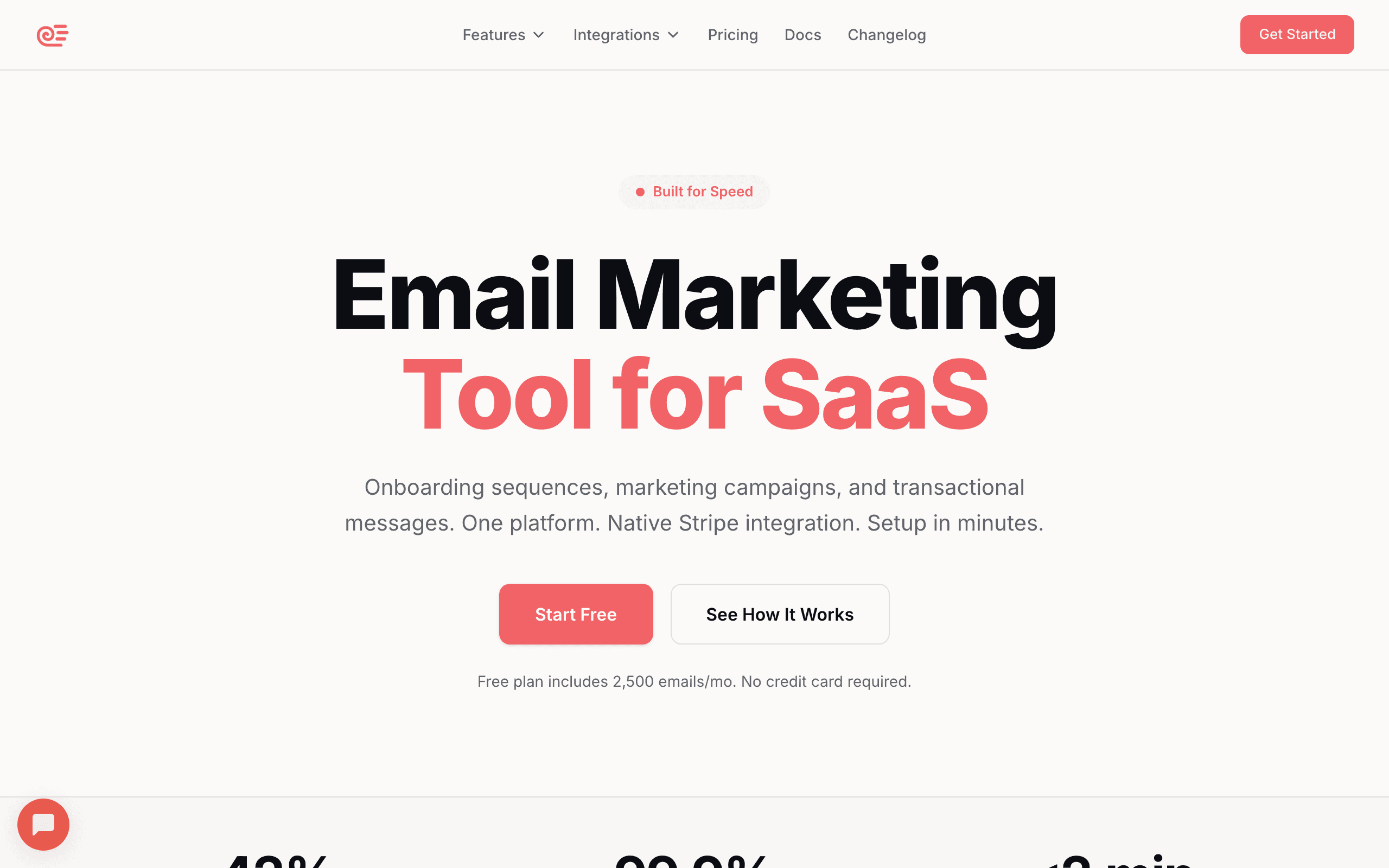
Price: From $29/month
Sequenzy's email builder combines drag-and-drop simplicity with the automation depth that modern e-commerce businesses need. The builder includes product blocks, promotional layouts, and responsive templates designed to showcase merchandise effectively.
Native payment integration connects with Stripe, making it ideal for e-commerce businesses running on Stripe Checkout or Stripe-powered storefronts. Purchase events, cart data, and customer lifecycle information flow directly into your email automations. You can segment customers by lifetime value, purchase frequency, average order value, and last purchase date without any custom development.
Behavioral automation triggers emails based on customer actions: browse abandonment, purchase follow-ups, win-back sequences, and re-engagement campaigns. The AI sequence builder generates complete e-commerce flows from a simple goal description. Describe "a post-purchase sequence that encourages reviews and cross-sells related products" and you get a ready-to-customize email sequence.
The builder produces clean, responsive HTML that renders correctly across email clients. Templates are optimized for mobile-first viewing, and the preview tool shows exactly how your email looks across devices.
Sequenzy also handles transactional emails (order confirmations, shipping notifications) through the same platform, which means your brand experience is consistent across marketing and transactional communications. For stores using developer-friendly email tools for transactional email separately, this consolidation simplifies the tech stack.
Best for: E-commerce brands using Stripe for payments
Limitations: No native Shopify/WooCommerce product feed integration (uses Stripe data instead)
2. Klaviyo - Best All-in-One E-commerce Email
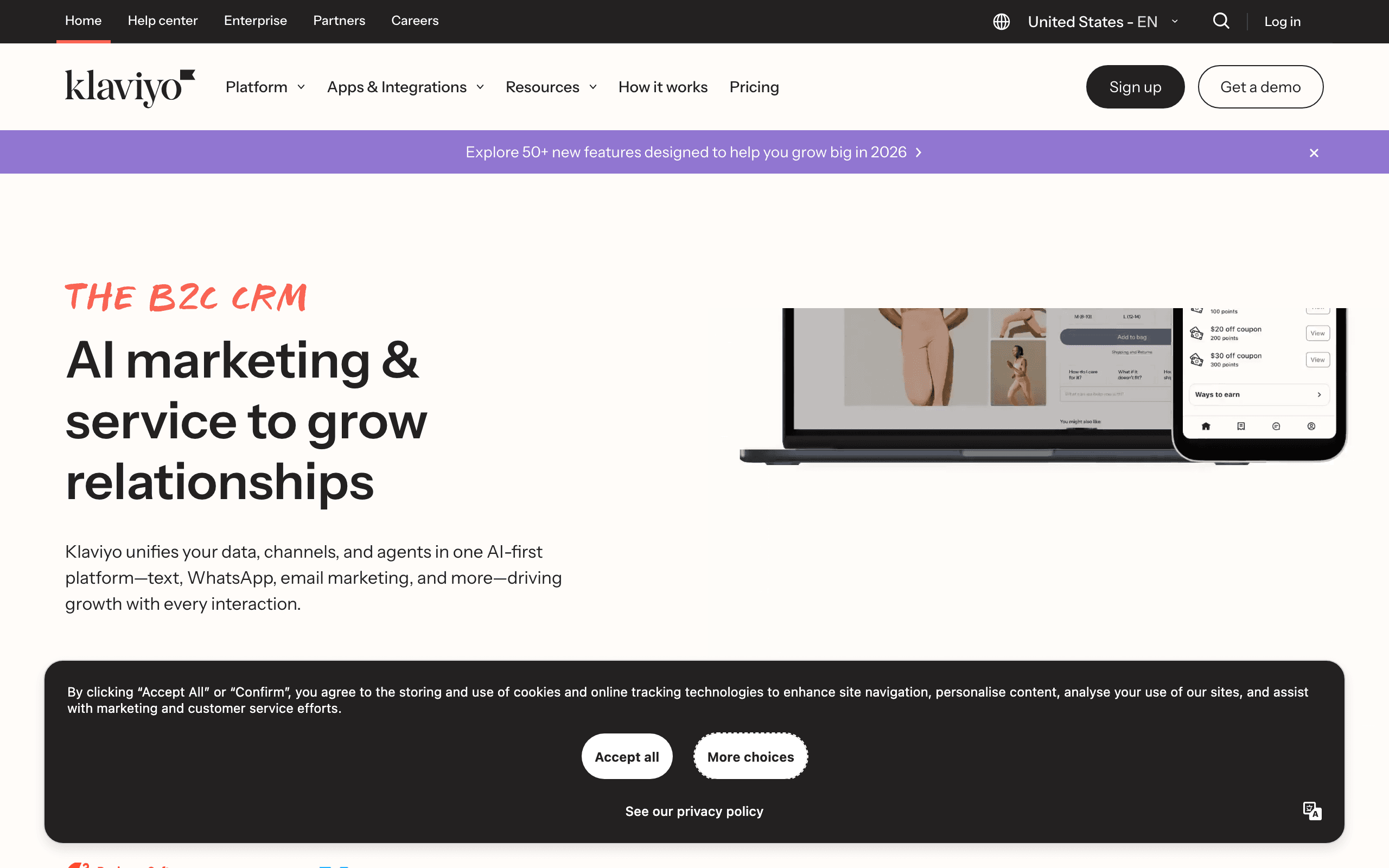
Price: Free up to 250 contacts, paid from $45/month
Klaviyo isn't just an email builder; it's a complete e-commerce email platform. The builder is designed specifically for online stores, with deep integration into Shopify, WooCommerce, BigCommerce, and other platforms.
Product blocks automatically pull from your catalog. Add a product block, select items, and the block populates with images, names, prices, and links. No manual data entry, no outdated information. When you update a price in Shopify, it's reflected in Klaviyo's product blocks automatically.
Dynamic content enables personalized product recommendations based on browsing history, purchase history, or predictive algorithms. Show customers products they're likely to want. Klaviyo's recommendation engine analyzes purchase patterns across your entire customer base to predict what individual customers will buy next.
Pre-built flows for common e-commerce scenarios: abandoned cart, post-purchase, win-back, browse abandonment. You can customize these templates rather than building from scratch. Each flow includes best-practice timing, content, and segmentation that's been optimized across thousands of Klaviyo customers.
Predictive analytics help you identify customers likely to churn, predict next order dates, and estimate customer lifetime value. These predictions can drive automated campaigns that intervene at the right moment. Sending a win-back email before a customer has fully churned is more effective than waiting until they've been inactive for months.
The trade-off is cost. Klaviyo is among the more expensive options, especially as your list grows. At 10,000 subscribers, expect to pay around $150/month. But for stores where email drives significant revenue, the investment often pays off. Klaviyo customers regularly report email generating 25-40% of total online revenue.
Best for: E-commerce stores serious about email marketing
Limitations: Expensive, overkill for small stores
3. Stripo - Best Templates for E-commerce
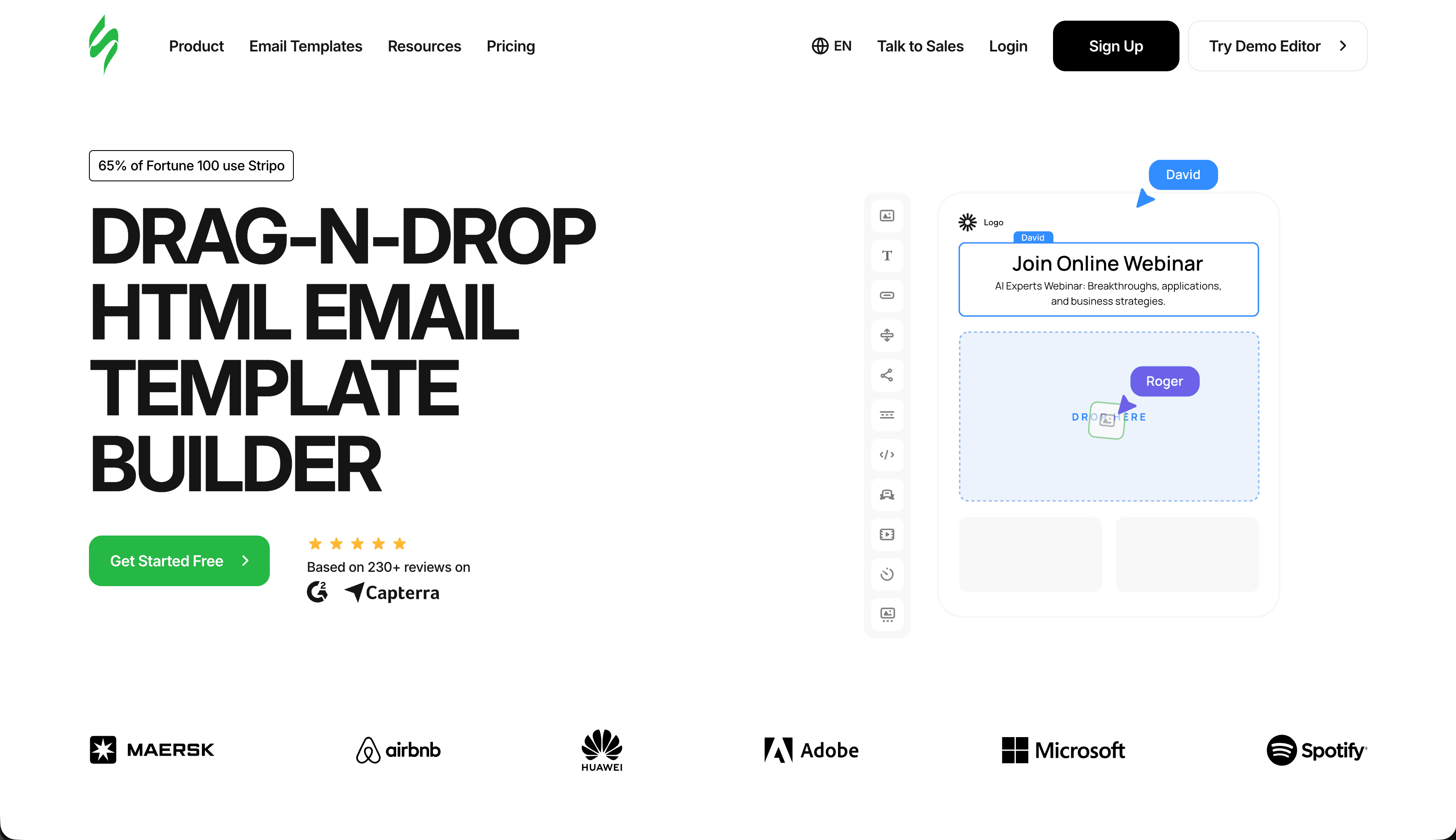
Price: Free tier, paid from $15/month
Stripo's template library includes hundreds of e-commerce designs: product launches, seasonal sales, flash deals, new arrivals, and more. For stores that need to move fast, starting from a polished template saves significant time.
Product showcase layouts in the templates are well-designed. Grid layouts for multiple products, feature layouts for single product focus, and comparison layouts for product lines are all available. The templates understand e-commerce visual conventions: product image, name, price, and CTA button arranged for maximum click-through.
Seasonal and holiday templates update regularly. Black Friday, Cyber Monday, Christmas, Valentine's Day, and other commercial holidays have dedicated template collections. Having these ready-made designs means you can launch seasonal campaigns quickly rather than designing from scratch under time pressure.
Export flexibility means you can use Stripo regardless of your email platform. Build in Stripo, export to Mailchimp, Klaviyo, or any other ESP. The HTML is clean and maintains visual fidelity across platforms.
Stripo doesn't have the deep platform integration of Klaviyo. You'll need to manually add product information or use dynamic content tags if your ESP supports them. For stores sending occasional promotional emails, this is fine. For heavy automation, dedicated e-commerce platforms work better.
Best for: Stores wanting variety without platform lock-in
Limitations: No direct product catalog integration
4. Omnisend - Best for Growing Stores
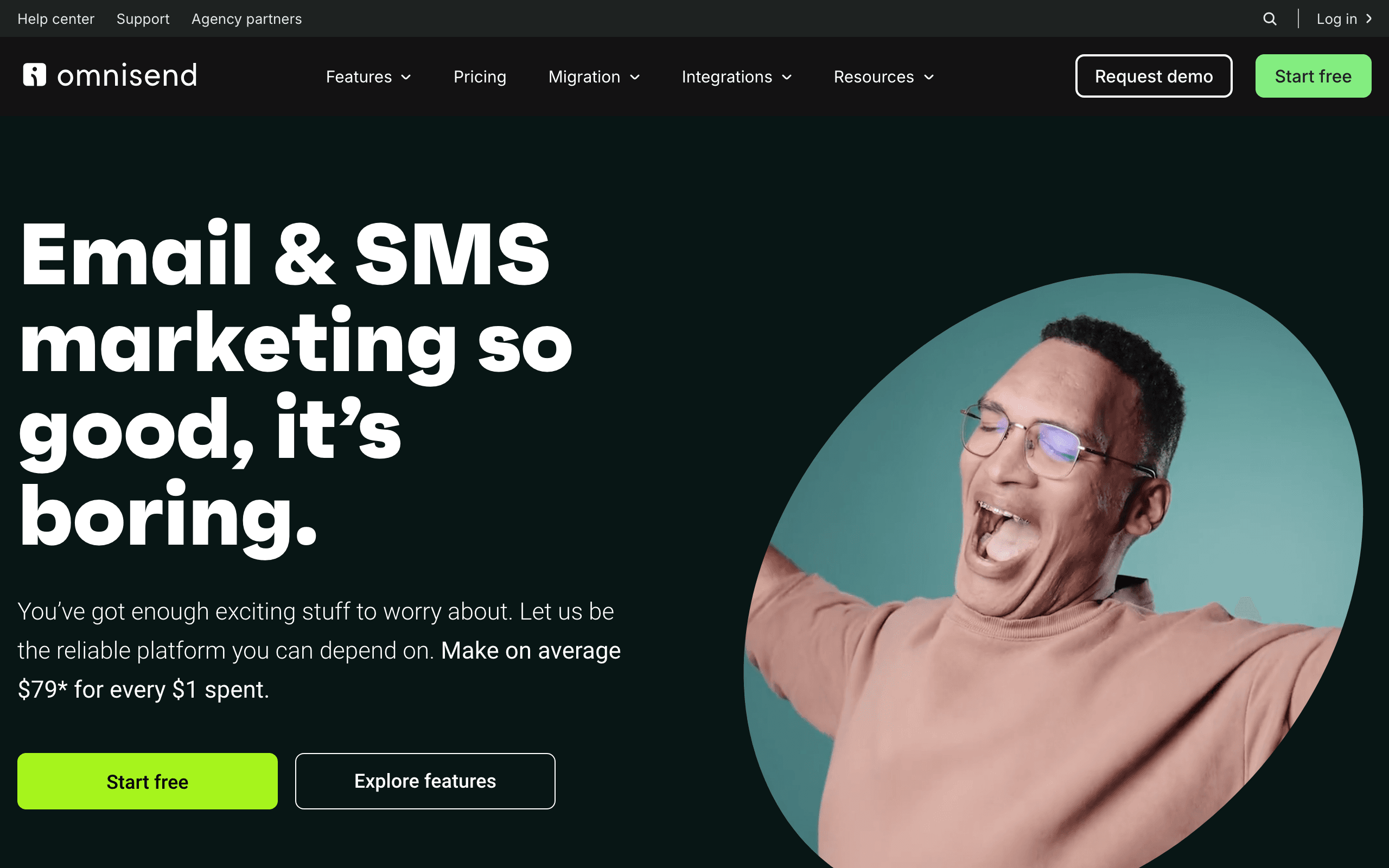
Price: Free up to 250 contacts, paid from $16/month
Omnisend sits between Klaviyo's power and simpler builders' accessibility. It's designed for e-commerce but more affordable and easier to learn than Klaviyo.
Product picker connects to your store and lets you add products to emails easily. Select items from your catalog, and Omnisend pulls in images, descriptions, and prices. The interface is less powerful than Klaviyo's product recommendation engine but more intuitive for store owners managing their own email marketing.
E-commerce blocks include product recommendations, cart contents, discount codes, and customer-specific content. These blocks are designed for common e-commerce use cases. The discount code block is particularly useful, generating unique codes that can be tracked for attribution and set to expire for urgency.
Automation library covers abandoned cart, welcome series, post-purchase, and reactivation sequences. Templates are customizable and specifically designed for online stores. The automation builder is visual and intuitive, making it accessible for store owners who aren't marketers by training.
SMS integration is built in. You can send SMS follow-ups as part of email sequences, which is valuable for time-sensitive communications like flash sales and shipping notifications. For e-commerce, SMS and email together typically outperform either channel alone.
For growing stores that need e-commerce features without Klaviyo's complexity and cost, Omnisend is a strong choice. At 10,000 subscribers, Omnisend costs roughly half what Klaviyo charges.
Best for: Growing stores wanting e-commerce features at accessible pricing
Limitations: Less powerful than Klaviyo for advanced segmentation
5. Drip - Best for E-commerce Automation
Price: From $39/month for 2,500 contacts
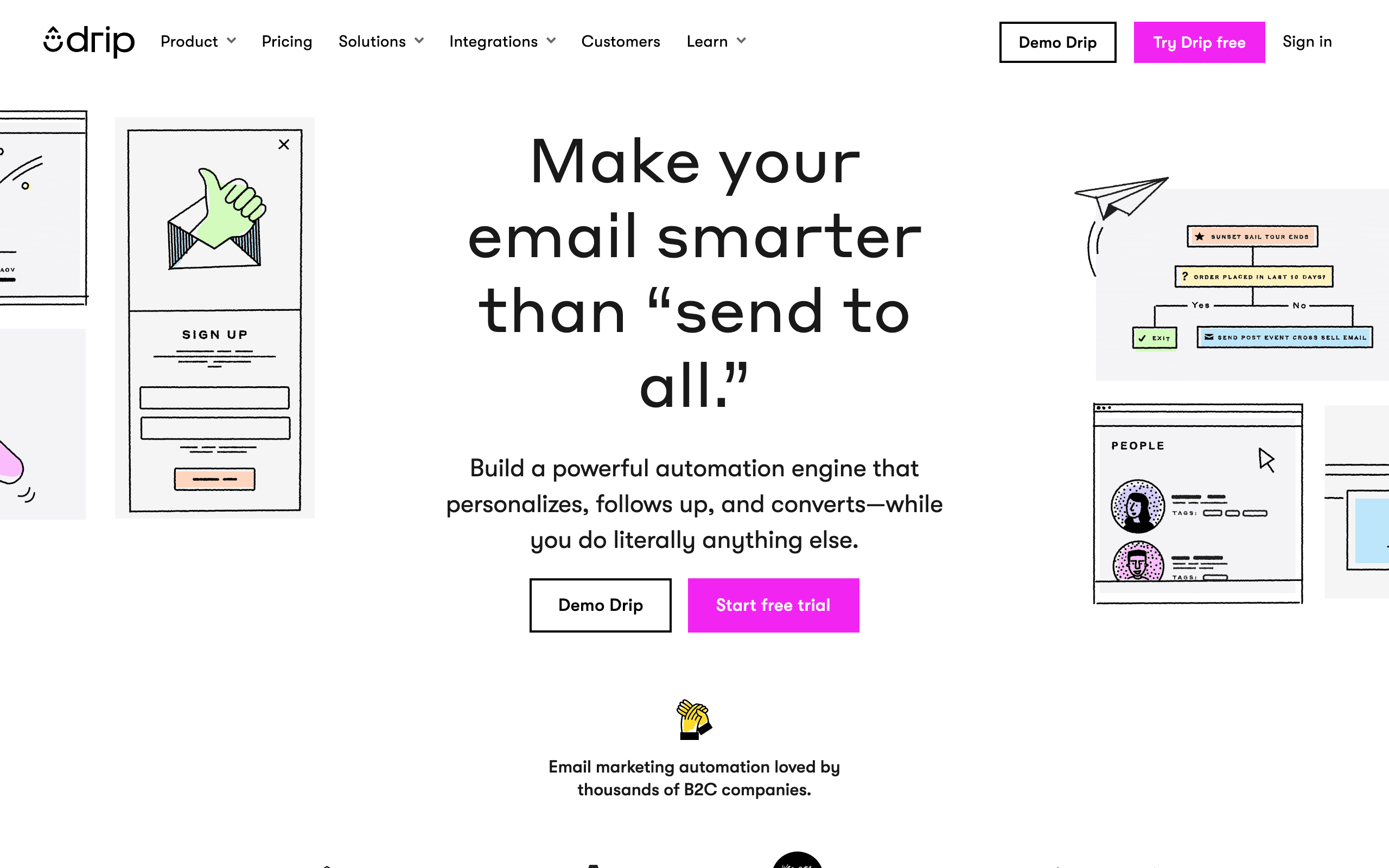
Drip focuses on e-commerce automation with a capable email builder included. If automated sequences drive your email strategy, Drip's workflow builder is excellent.
Visual workflow builder lets you create sophisticated customer journeys. Trigger emails based on purchases, browsing behavior, cart actions, or any event you can track. The workflow builder supports branching logic, time delays, and conditional paths that create personalized experiences at scale.
E-commerce integration with Shopify, WooCommerce, BigCommerce, and others provides the product and customer data automation requires. The integration captures browsing behavior (viewed product, viewed category), purchase events, and customer properties, giving you rich data for segmentation and personalization.
Revenue attribution shows exactly which emails and automations generate sales. Every email sent through Drip can be attributed to specific purchases, so you know which campaigns and sequences drive the most revenue. This data helps you prioritize which emails to optimize first.
Email builder is solid though not exceptional. You get drag-and-drop editing with e-commerce blocks, but the builder isn't Drip's main strength. The automation is. If you prioritize sophisticated customer journeys over email design control, Drip delivers.
Best for: Stores where automation is the primary email strategy
Limitations: Builder is secondary to automation features
6. Mailchimp - Best for Beginners
Price: Free up to 500 contacts, paid from $13/month
Mailchimp's e-commerce features have improved significantly. For stores just starting with email marketing, the combination of accessibility and e-commerce support works well.
Product blocks pull from connected stores. Connect Shopify or WooCommerce, and you can add products to emails directly from your catalog. The product recommendation engine suggests items based on purchase history, though it's less sophisticated than Klaviyo's.
Templates include e-commerce-specific designs. Not as extensive as Stripo's library, but adequate for most needs. The templates are organized by goal (sell products, share news), which helps beginners find relevant starting points.
Learning curve is gentle. Mailchimp's interface is familiar, documentation is extensive, and support is available. For store owners learning email marketing, this matters. You can start sending professional promotional emails on your first day.
The e-commerce features aren't as deep as Klaviyo or even Omnisend. Segmentation, automation, and personalization are more limited. But for stores with simpler needs or those just getting started, Mailchimp covers the basics at a lower price point.
Best for: Small stores just starting with email marketing
Limitations: Less sophisticated than dedicated e-commerce platforms
7. Bee Free - Best for Manual Product Emails
Price: Free with branding, paid from $15/month
Bee Free's general-purpose builder works for e-commerce when you don't need catalog integration. For occasional promotional emails where you manually add product information, its speed and simplicity shine.
Product showcase blocks let you create attractive product displays manually. Add images, write descriptions, set prices, and link to product pages. The blocks handle multiple products in grid layouts, with options for 1, 2, or 3 products per row.
Template variety includes promotional and sales layouts suitable for e-commerce. Start from a template, customize with your products, and export. For stores with small catalogs where manual product selection is practical, this workflow is efficient.
Price point is accessible. The free tier works for low-volume email, and paid tiers are affordable. For a boutique store sending a weekly promotional email, Bee Free provides everything needed without the cost of an e-commerce-specific platform.
Bee Free won't automatically pull product data or create dynamic recommendations. For stores with small catalogs or those who prefer manual control, this is acceptable. For stores with large catalogs or heavy automation needs, dedicated e-commerce tools work better.
Best for: Stores with simple needs or manual product selection
Limitations: No catalog integration
8. ActiveCampaign - Best for Lifecycle E-commerce
Price: From $29/month
ActiveCampaign's deep automation capabilities extend to e-commerce through integrations with Shopify, WooCommerce, and BigCommerce. The CRM features track customer purchase history, and the automation builder creates sophisticated post-purchase journeys.
For e-commerce stores with complex customer lifecycles - subscription products, high repeat purchase rates, or B2B e-commerce - ActiveCampaign's behavioral automation goes deeper than most dedicated e-commerce tools. Lead scoring can track customer engagement and predict re-purchase likelihood.
Best for: E-commerce businesses with complex customer relationships
Limitations: Higher cost than dedicated e-commerce tools for equivalent features
9. Brevo - Best Budget E-commerce Email
Price: Free up to 300/day, from $9/month
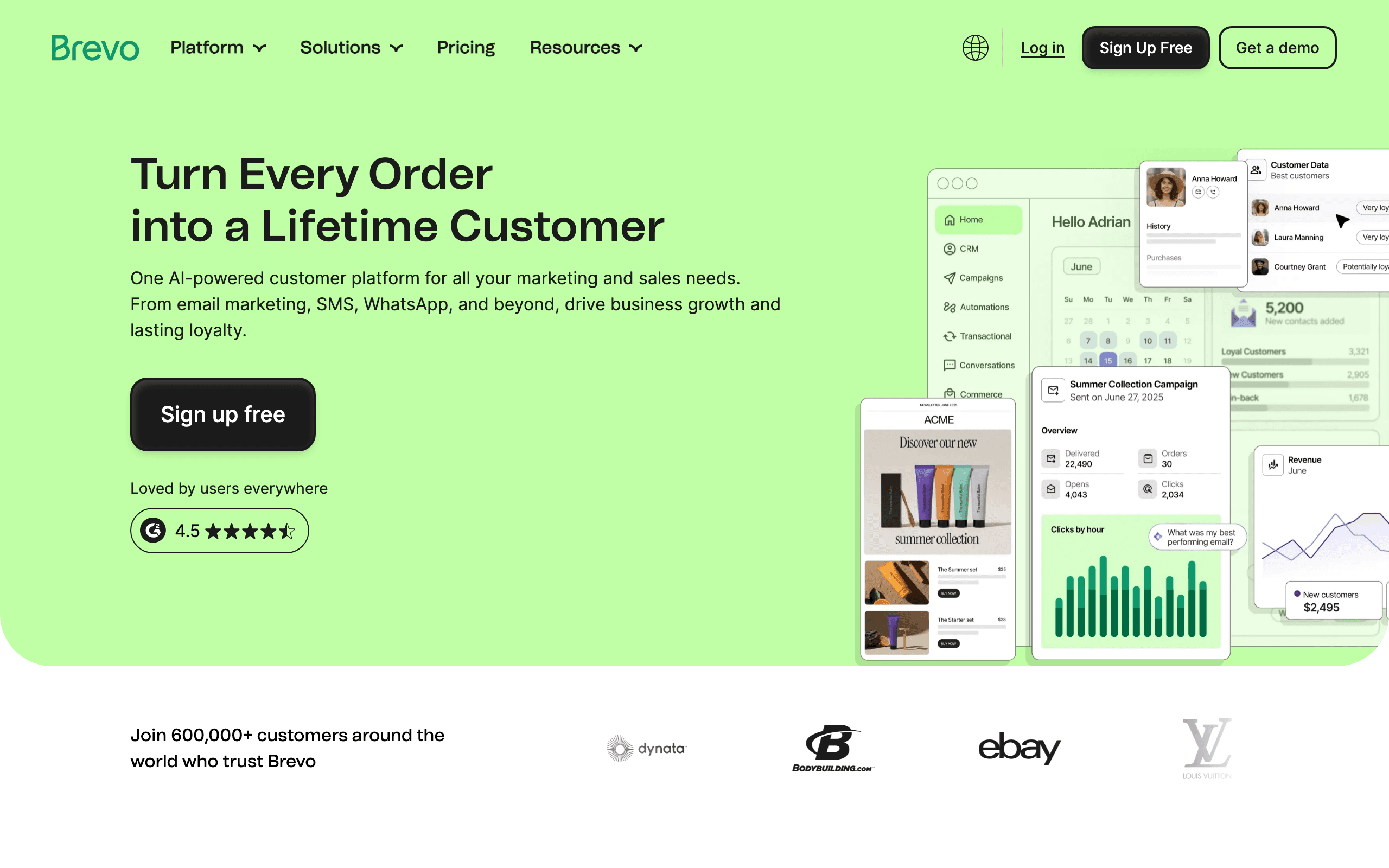
Brevo provides e-commerce email capabilities at budget-friendly pricing. The platform integrates with Shopify and WooCommerce, supports abandoned cart automation, and includes transactional email for order confirmations.
The per-send pricing model works particularly well for stores with large subscriber lists that send selectively. You're not paying for a large dormant list - only for emails actually sent.
Best for: Budget-conscious e-commerce stores
Limitations: Less sophisticated product recommendations, automation less deep than Klaviyo
10. GetResponse - Best for Funnel-Driven E-commerce
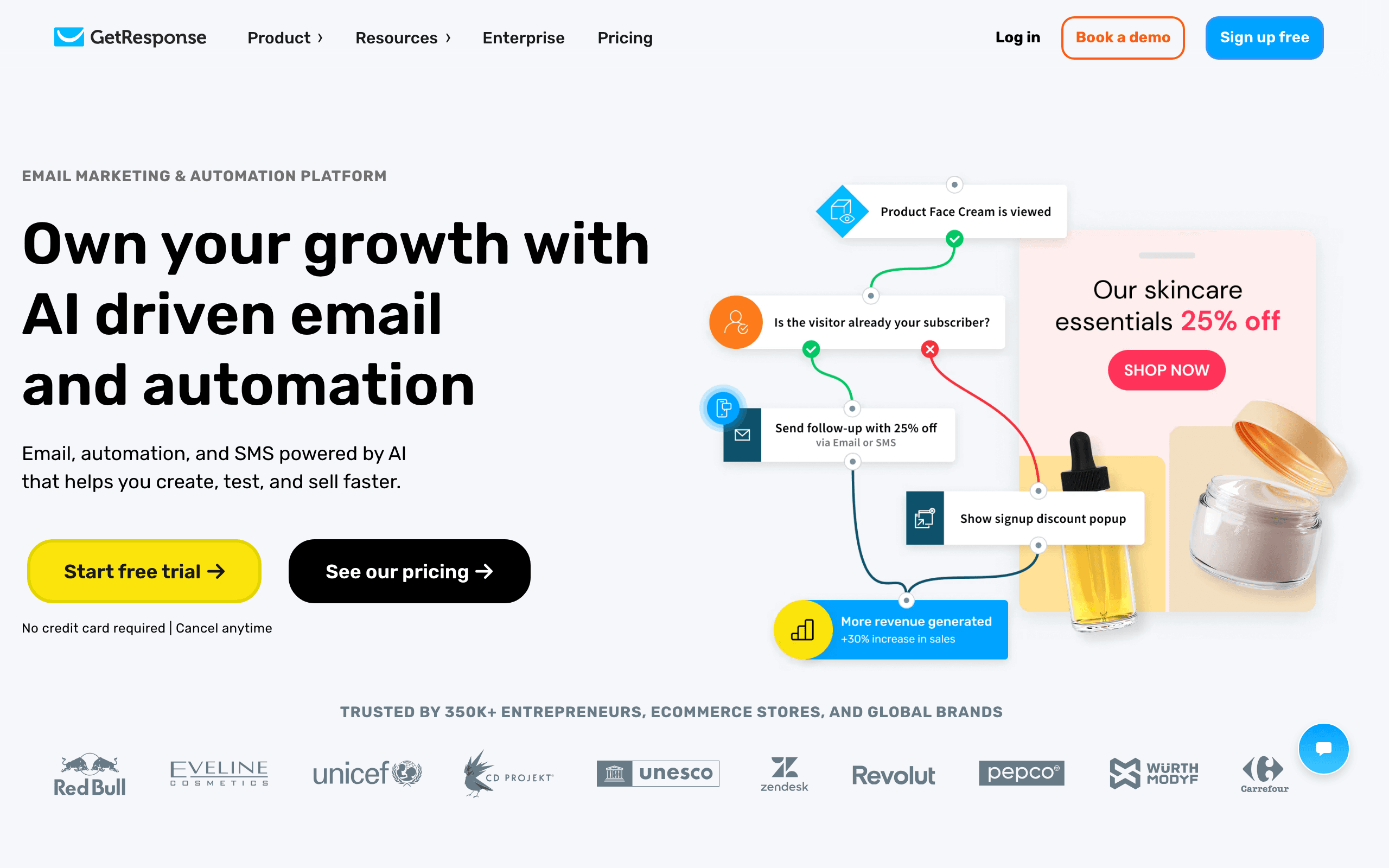
Price: Free up to 500 contacts, from $19/month
GetResponse's combination of email, landing pages, and automation works well for e-commerce businesses that drive sales through content funnels. The store integration syncs product data, and conversion funnel templates provide complete email sequences paired with landing pages.
For e-commerce stores selling through content marketing and landing pages, GetResponse's all-in-one approach reduces tool count. The webinar feature is valuable for stores doing product demonstrations or customer education.
Best for: E-commerce businesses using content funnels and landing pages
Limitations: Less e-commerce-specific than Klaviyo or Omnisend
11. Moosend - Best Affordable E-commerce Automation
Price: 30-day trial, from $9/month
Moosend provides e-commerce automation capabilities at accessible pricing. The platform supports Shopify and WooCommerce integration, abandoned cart sequences, post-purchase automation, and product recommendation blocks.
For growing e-commerce stores that need automation features without Klaviyo's pricing, Moosend offers a good balance of capability and cost.
Best for: E-commerce stores needing affordable automation
Limitations: Less sophisticated than Klaviyo for advanced e-commerce features
12. Seguno - Best Shopify-Native Builder
Price: Free up to 250 subscribers, from $10/month
Seguno is built exclusively for Shopify and lives inside the Shopify admin. The tight integration means product data, customer data, and order history are all accessible directly within the email builder without any separate app setup.
For Shopify store owners who want the simplest possible email setup, Seguno's in-admin experience eliminates context switching. Build emails, configure automations, and track performance without leaving Shopify.
Best for: Shopify stores wanting the simplest possible setup
Limitations: Shopify-only, limited outside the Shopify ecosystem
13. Shopify Email - Best Free Shopify Option
Price: Free for first 10,000 emails/month, then $1 per 1,000
Shopify Email is built directly into Shopify and handles basic email marketing needs for Shopify stores. Product blocks pull automatically from your catalog, and the templates are professionally designed around Shopify store conventions.
For stores that primarily need promotional campaign capability without advanced automation, Shopify Email's simplicity and pricing are compelling. No separate app, no separate login, no data syncing required.
Best for: Small Shopify stores wanting basic email at minimal cost
Limitations: Basic automation, limited segmentation, Shopify-only
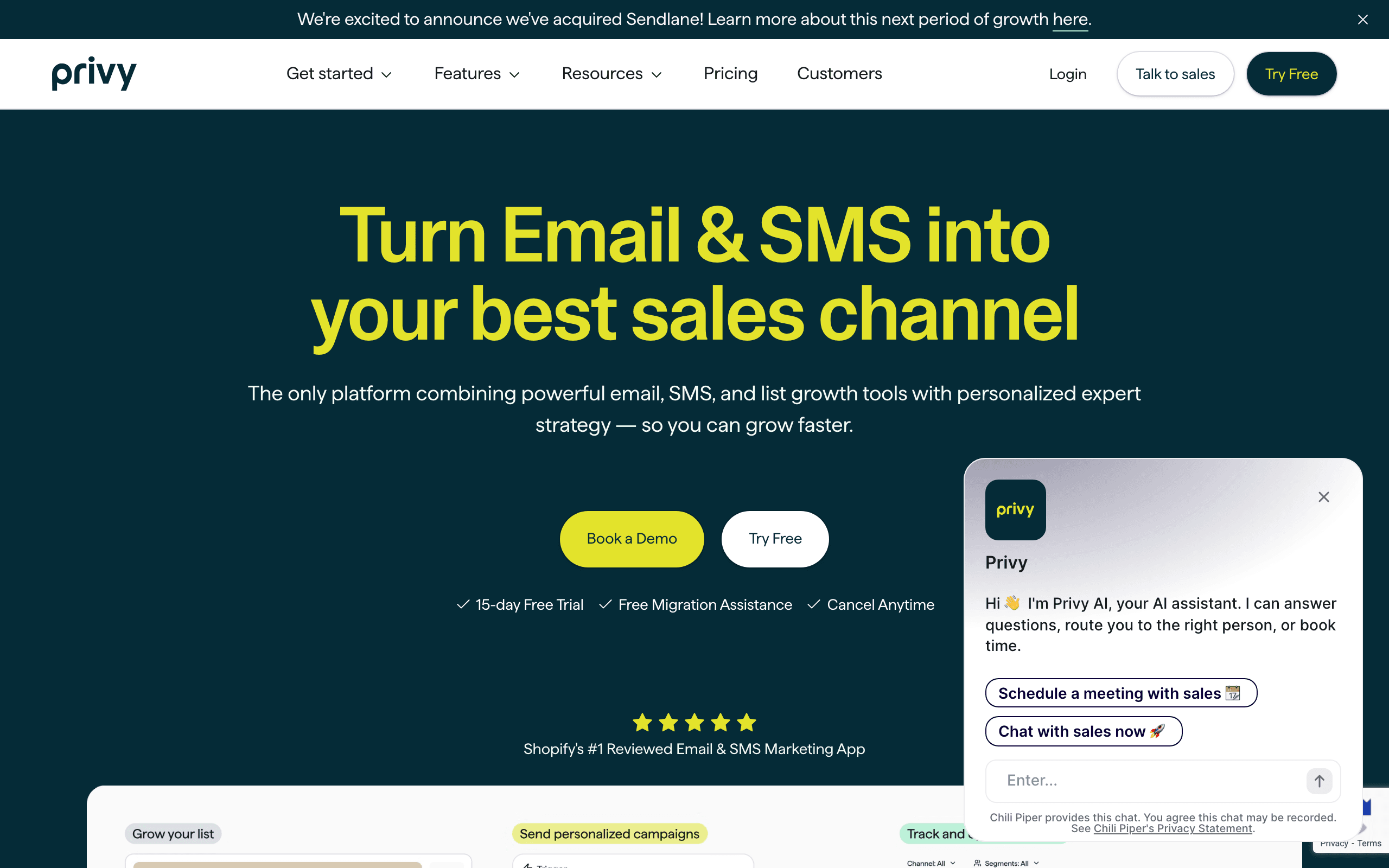
14. Privy - Best for Popup + Email Combination
Price: From $30/month
Privy combines exit-intent popups, cart abandonment recovery, and email marketing in one e-commerce-focused platform. For stores where list growth through popups is a primary strategy, having the popup and email tools integrated reduces friction.
The cart abandonment email builder connects directly with cart data, showing the specific products a customer left. Exit-intent popups can capture emails with discount incentives that automatically apply to the first order.
Best for: Shopify stores combining popup-driven list growth with cart recovery
Limitations: Less sophisticated for ongoing campaign management
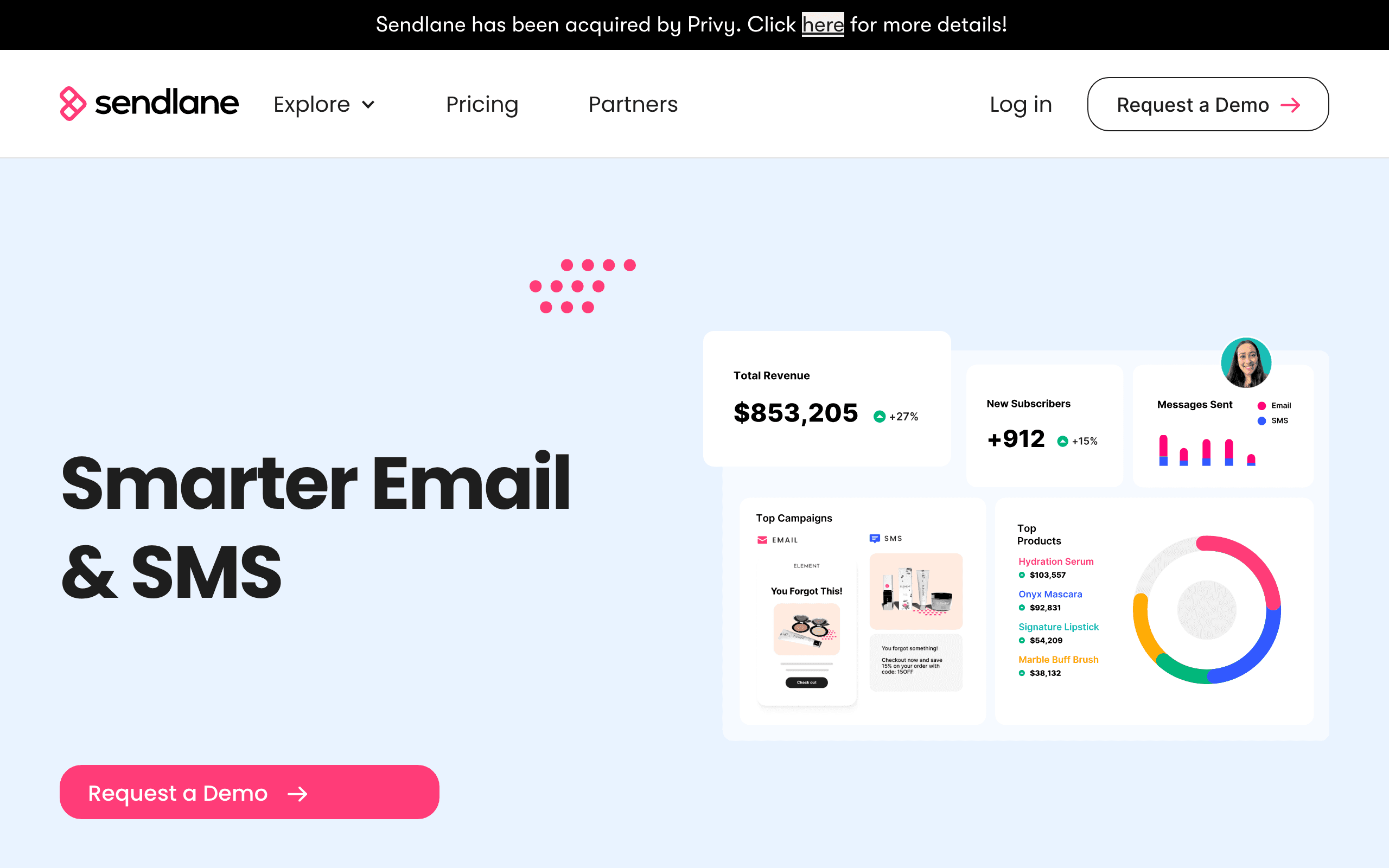
15. Sendlane - Best for Advanced E-commerce Unified Messaging
Price: From $99/month
Sendlane focuses on advanced e-commerce marketing with deep Shopify integration, unified email and SMS, and multi-touch attribution. For stores generating significant email revenue that want sophisticated attribution and multichannel coordination, Sendlane provides enterprise-level capabilities at lower cost than Klaviyo.
The predictive analytics and customer lifetime value scoring inform segmentation and automation strategies. The A/B testing capabilities extend to full multivariate testing for optimizing email performance.
Best for: Advanced e-commerce marketers wanting Klaviyo alternatives
Limitations: Higher starting price, learning curve
16. Rejoiner - Best for Cart Recovery Specialists
Price: Custom pricing
Rejoiner specializes in cart abandonment email optimization. Their team actively manages cart recovery sequences for e-commerce clients, combining the technology platform with done-for-you optimization. For stores where cart abandonment revenue is a priority and managed service is valuable, Rejoiner offers a specialized solution.
Best for: E-commerce stores wanting managed cart abandonment optimization
Limitations: Expensive managed service, niche focus
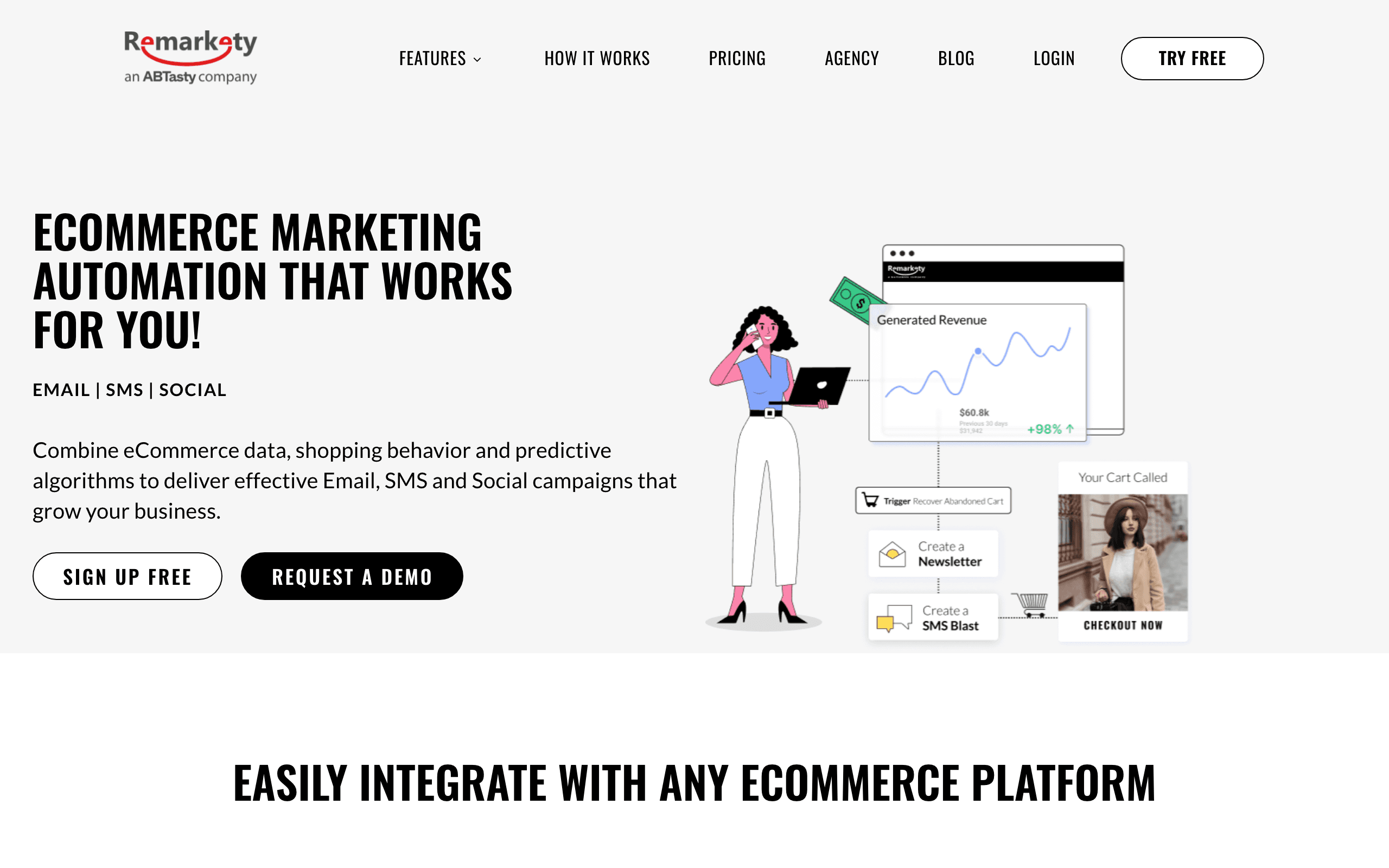
17. Remarkety - Best for Purchase Behavior Triggers
Price: Custom pricing
Remarkety focuses on purchase behavior-triggered email automation. The platform analyzes purchase patterns to trigger re-purchase emails at optimal times based on each customer's buying frequency. For stores with high repeat purchase rates (consumables, subscriptions, fashion), this timing optimization increases conversion.
Best for: Stores with high repeat purchase rates wanting behavior-based timing
Limitations: Niche focus, custom pricing
18. Yotpo - Best for Review-Integrated Email
Price: Custom pricing
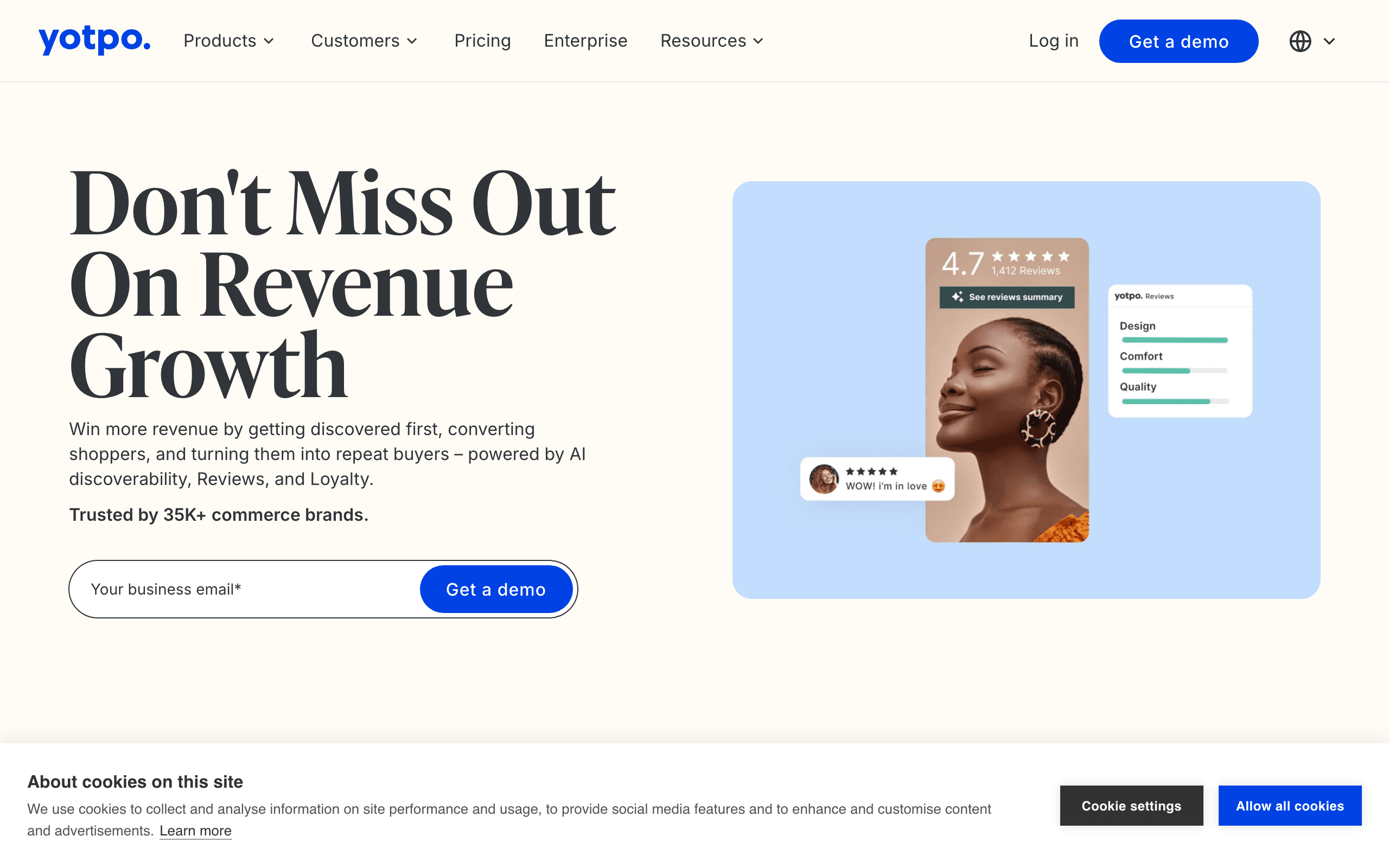
Yotpo integrates email marketing with their review and loyalty platform. For stores where social proof drives conversions, email campaigns that include recent reviews, UGC, and loyalty points create more compelling content than standard promotional emails.
Post-purchase emails can automatically request reviews with Yotpo's review collection system, and positive reviews can be automatically featured in subsequent marketing emails.
Best for: Stores where reviews and loyalty drive purchasing decisions
Limitations: Full value requires Yotpo review platform, expensive combined solution
19. Smartrmail - Best for AI Product Recommendations
Price: Free up to 250 contacts, from $19/month
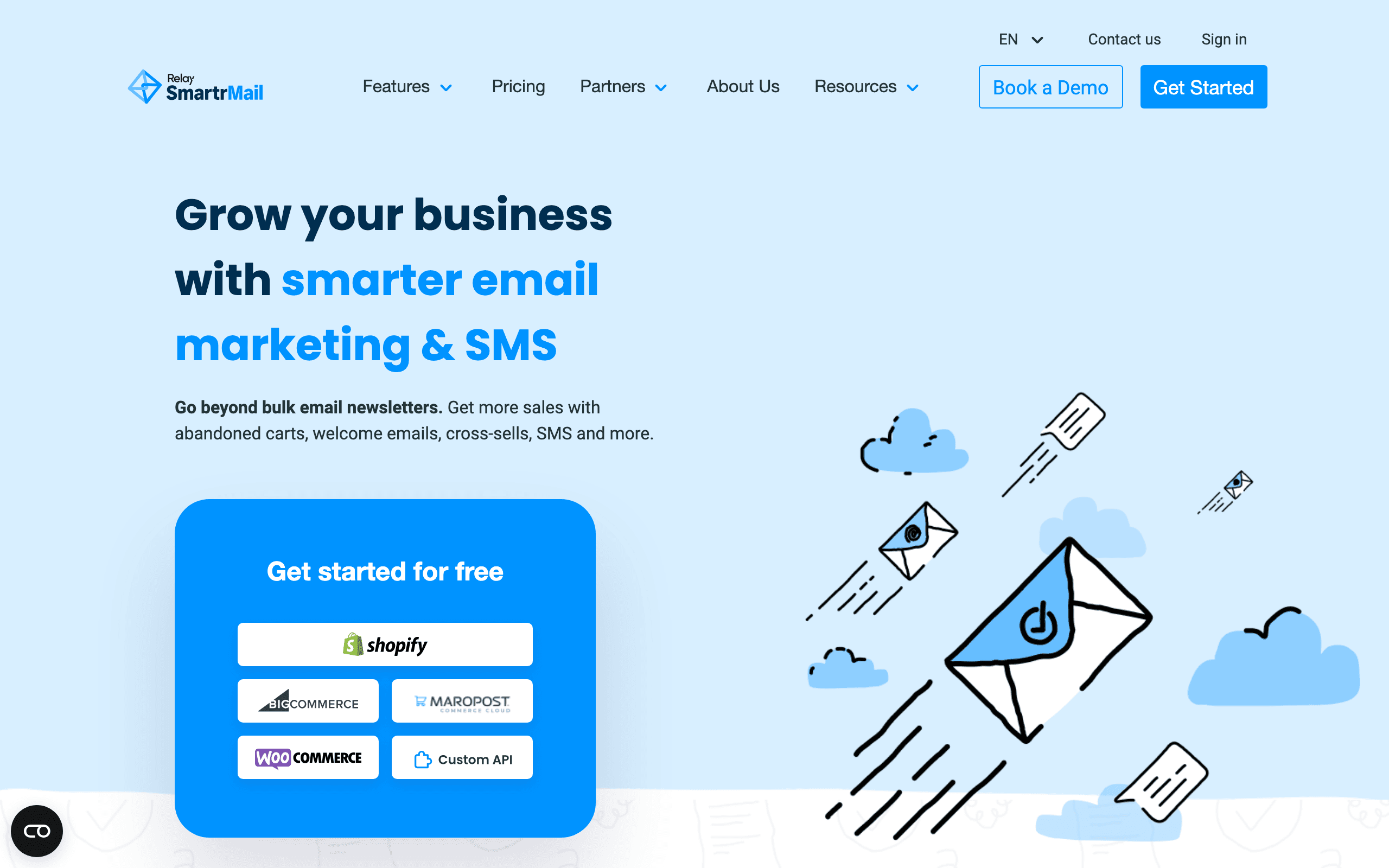
Smartrmail's AI product recommendation engine personalizes product suggestions for each subscriber based on their browsing and purchase history. The automation builder triggers recommendation emails at optimal times, and the Shopify integration keeps product data current.
For stores where personalized product recommendations drive significant repeat purchases, Smartrmail's recommendation-focused approach is differentiated from general-purpose tools.
Best for: Shopify stores wanting AI-driven product recommendations
Limitations: Primarily Shopify-focused, recommendation-centric features
20. OrderlyEmails - Best for Shopify Order Notification Design
Price: From $9/month
OrderlyEmails specifically redesigns Shopify's default order notification emails (order confirmation, shipping notification, etc.) to match your brand. Shopify's default transactional emails are generic - OrderlyEmails replaces them with professionally designed branded templates.
For Shopify stores that want their entire email experience to be on-brand including transactional messages, OrderlyEmails solves the "why do my order confirmations look nothing like my marketing emails?" problem.
Best for: Shopify stores wanting branded transactional email design
Limitations: Transactional templates only, limited automation
21. Klaviyo SMS - Best for Unified E-commerce Messaging
Price: Add-on to existing Klaviyo subscription
Klaviyo SMS extends Klaviyo's e-commerce platform to SMS messaging. For stores already using Klaviyo for email, adding SMS creates unified cross-channel customer journeys. Abandoned cart flows can send an email, then follow up with an SMS if the cart isn't recovered. Post-purchase sequences can combine email and SMS based on customer preferences.
The unified data model means SMS segmentation uses the same customer data as email - purchase history, predicted lifetime value, engagement metrics. For e-commerce brands where SMS is becoming an important channel, keeping SMS and email in the same platform reduces data fragmentation.
Best for: Klaviyo e-commerce customers adding SMS to their strategy
Limitations: Requires existing Klaviyo subscription, SMS pricing additional
E-commerce Email Comparison
| Builder | Product Blocks | Automation | Shopify Integration | Price |
|---|---|---|---|---|
| Klaviyo | Dynamic | Excellent | Deep | $45/mo+ |
| Drip | Dynamic | Excellent | Good | $39/mo+ |
| Omnisend | Dynamic | Good | Good | $16/mo+ |
| Sequenzy | Manual + Stripe | Excellent | Via Stripe | $49/mo+ |
| Mailchimp | Basic Dynamic | Good | Basic | $13/mo+ |
| Stripo | Manual | Via ESP | None | $15/mo |
| Bee Free | Manual | Via ESP | None | Free-$15/mo |
E-commerce Email Design Tips
Product Photography Matters
Email is visual. High-quality product images drive clicks more than anything else. Invest in good photography or use manufacturer images if they're high quality. Consistent image styling (same background, similar angles, uniform lighting) across products makes your emails look professional and makes product grids visually cohesive.
Use lifestyle images alongside product shots when possible. Showing a product in use helps customers envision owning it, which increases purchase intent. A handbag shown on a model's shoulder converts better than the same bag shot against a white background.
Keep Layouts Shoppable
Make it easy to buy:
- Clear prices prominently displayed, including any discounts with the original price struck through
- Buy buttons that stand out with contrasting colors and action-oriented text ("Shop Now," "Add to Cart")
- Minimal clicks to purchase. Link directly to the product page rather than a category page
- Mobile-friendly layouts for phone shoppers with large tap targets and single-column product displays
Use Urgency Authentically
Countdown timers and "limited stock" messaging work, but only when true. Fake urgency damages trust. Real urgency (actual sales ending, actual limited inventory) is effective. If your sale ends Sunday at midnight, a countdown timer showing the remaining hours creates genuine urgency. If your "sale" runs indefinitely, don't pretend it's ending soon.
Write Compelling Product Copy
Product descriptions in email should be shorter than on your website. Focus on the primary benefit, not features. "Keeps coffee hot for 12 hours" is better than "double-wall vacuum insulation with BPA-free lid." For copywriting techniques that drive sales, see our email copywriting guide.
Segment Your Sends
Don't send every product to everyone. Segment by:
- Purchase history - Show related products and complementary items
- Browsing behavior - Feature what they viewed but didn't buy
- Customer value - Premium products to high-value customers, deals to price-sensitive shoppers
- Engagement - Different approaches for active vs. dormant subscribers
- Purchase recency - Recent buyers get cross-sells, lapsed customers get win-back offers
Test Product Email Performance
Track which products drive clicks and conversions. Some items photograph better, some have more appeal in email. Learn what works for your catalog. A/B test product placement (first position vs. second), image style (lifestyle vs. product-only), and CTA text to optimize revenue per email.
Platform Integration Considerations
Your email builder needs to work with your e-commerce platform:
Shopify has the best integration support. Klaviyo, Omnisend, Mailchimp, and most e-commerce email tools connect easily. For a comprehensive guide to Shopify email marketing, see our dedicated article. Shopify's own email tool (Shopify Email) is basic but sufficient for stores just getting started.
WooCommerce integration varies by tool. Check that your specific combination works before committing. Klaviyo, Omnisend, and Drip all have solid WooCommerce plugins. Mailchimp's WooCommerce integration has had reliability issues in the past but has improved.
BigCommerce, Magento, and others have fewer integration options. Verify compatibility with your planned email solution before committing to either the platform or the email tool.
Headless commerce setups may require custom integration. API-friendly tools like Sequenzy or code-based builders like MJML provide more flexibility for custom storefronts. If your development team is building a headless commerce experience, prioritize email tools with strong APIs.
E-commerce Email Types and Best Practices
Welcome Emails
Welcome emails for e-commerce should include a first-purchase incentive (10-15% off is standard), introduce your brand story, and set expectations for future emails. See our welcome email templates guide for structure inspiration. Welcome emails with a discount code have the highest conversion rate of any automated email type.
Abandoned Cart Emails
Send the first cart reminder within 1-2 hours. Include product images, prices, and a direct link back to the cart. A three-email sequence (reminder, urgency, final chance) recovers more carts than a single email. For comprehensive cart abandonment strategies, see our dedicated guide.
Post-Purchase Emails
Thank the customer, confirm the order, and set delivery expectations. Follow up after delivery to request a review. Cross-sell related products 7-14 days after purchase. The post-purchase sequence is where you turn one-time buyers into repeat customers.
Win-Back Campaigns
Target customers who haven't purchased in 60-120 days (adjust based on your typical purchase cycle). Include a compelling offer, remind them what they're missing, and make it easy to browse new arrivals. If they don't respond to three win-back emails, consider moving them to a less frequent send cadence.
Email Deliverability for E-commerce
E-commerce senders face specific deliverability challenges. High send volumes, promotional content, and seasonal spikes can trigger spam filters. Protect your sender reputation by:
- Maintaining proper email authentication (SPF, DKIM, DMARC)
- Cleaning your list regularly to remove bounced addresses
- Segmenting sends so inactive subscribers receive fewer emails
- Warming up sending volume gradually before holiday spikes
- Monitoring spam complaints and addressing issues promptly
When to Choose Dedicated E-commerce Platforms
General email builders work for e-commerce when:
- You send promotional emails occasionally
- Your catalog is small and manageable manually
- You're testing email before investing in specialized tools
- Your budget doesn't support e-commerce-specific platforms
Dedicated e-commerce platforms (Klaviyo, Omnisend, Drip) make sense when:
- Email is a significant revenue channel (targeting 20-30% of online revenue)
- You need automated sequences (abandoned cart, post-purchase, win-back)
- Personalized product recommendations matter
- Your catalog is large and changes frequently
- You want revenue attribution to prove email ROI
Frequently Asked Questions
How much revenue should e-commerce email generate?
Top-performing stores generate 25-40% of total online revenue through email. Stores just starting typically see 10-15%. If your email channel generates less than 10% of revenue, there's significant room for improvement. Focus on abandoned cart recovery and post-purchase sequences first, as these automated flows typically deliver the highest ROI.
Is Klaviyo worth the higher price?
For stores doing over $50K/month in revenue, usually yes. Klaviyo's advanced segmentation, predictive analytics, and deep e-commerce integration generate enough additional revenue to justify the cost. For smaller stores, Omnisend offers most of the same features at a lower price point. The break-even calculation depends on your average order value and email engagement rates.
Can I use a general email builder for e-commerce?
Yes, with limitations. Stripo and Bee Free work well for manually built promotional emails. You'll miss automated product feeds, dynamic recommendations, and cart abandonment flows. For stores sending occasional sales emails, general builders are fine. For stores where email is a primary revenue channel, invest in e-commerce-specific tools.
How many emails per week should an e-commerce store send?
There's no universal answer, but 2-4 emails per week is common for active e-commerce brands. This typically includes a mix of promotions, new arrivals, content, and automated sequences. Monitor unsubscribe rates. If they spike, you're sending too often. Segmented sends let you increase total volume without overwhelming individual subscribers.
What's the most important e-commerce email automation to set up first?
Abandoned cart recovery. It generates the most revenue per email of any automation and addresses direct lost sales. After abandoned cart, prioritize welcome series (with a first-purchase discount), post-purchase follow-up (review request + cross-sell), and browse abandonment (for visitors who viewed products but didn't add to cart).
How do I handle product price changes in email?
If your builder has catalog integration (Klaviyo, Omnisend), prices update automatically. With manual builders (Stripo, Bee Free), prices are static, so schedule emails to send before any planned price changes. For sales, always include an expiration date or "while supplies last" qualifier so stale emails don't cause pricing confusion.