
21 Best HTML Email Builders with Templates in 2026

Starting from a blank canvas is overrated. Professional email templates give you structure, design direction, and cross-client compatible code that would take hours to build yourself. The right template turns email creation from a design project into a customization task.
This guide covers the email builders with the best template libraries: quantity, quality, variety, and how well they customize for your specific needs.
For a complete overview of all email builders, see my comprehensive guide. If you're working on a budget, my guide to free HTML email builders covers options with usable free template access.
Best Template Email Builder by Library Need
Best email template builder for SaaS campaigns: Sequenzy
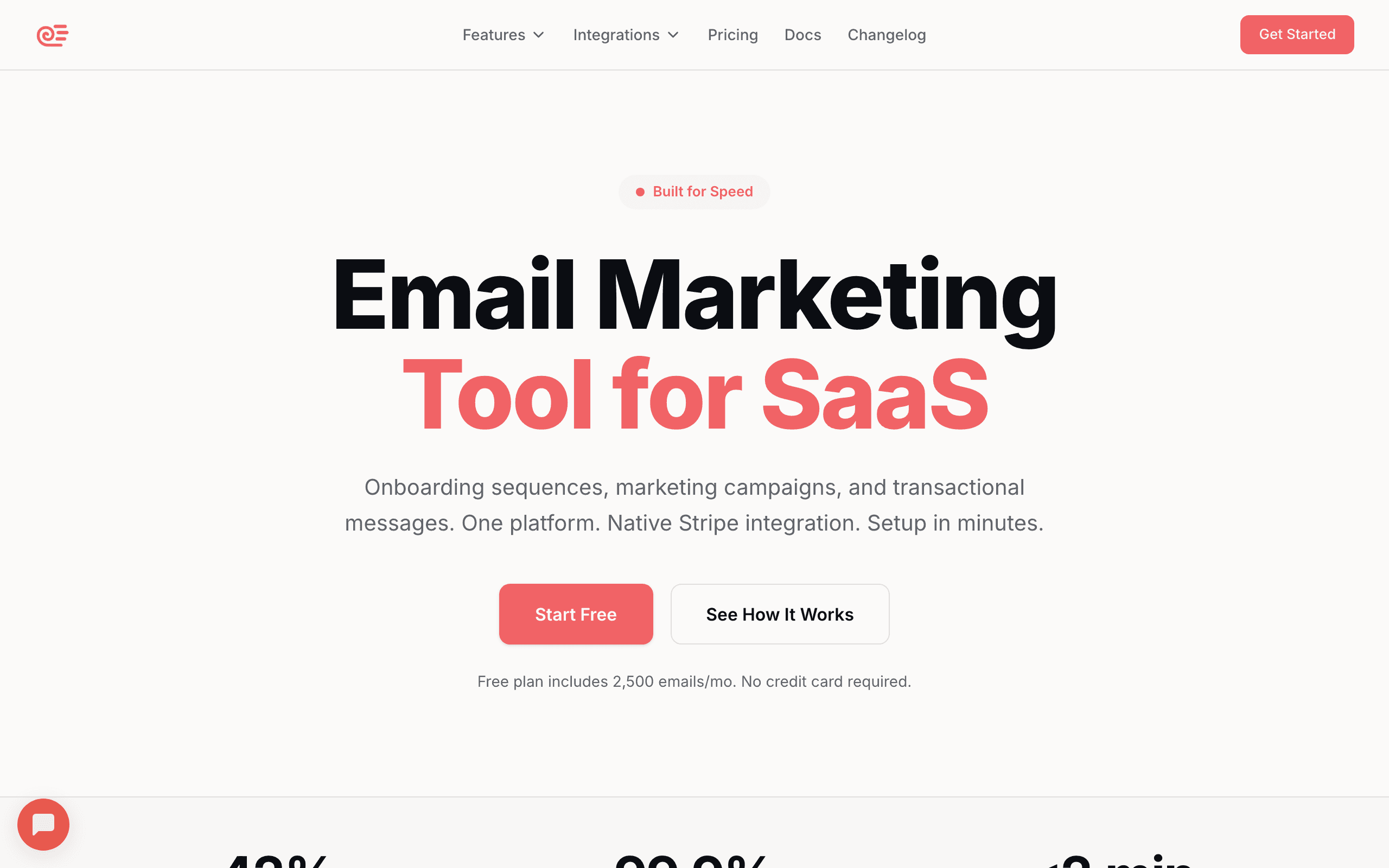
Sequenzy is the best fit when templates need to map to SaaS jobs: onboarding, trial conversion, dunning, feature launches, newsletters, and transactional emails. The template library is smaller than Stripo's, but more relevant for software companies. Start with the email editor, SaaS onboarding templates, and transactional email templates.
Best email template builder for the largest general library: Stripo
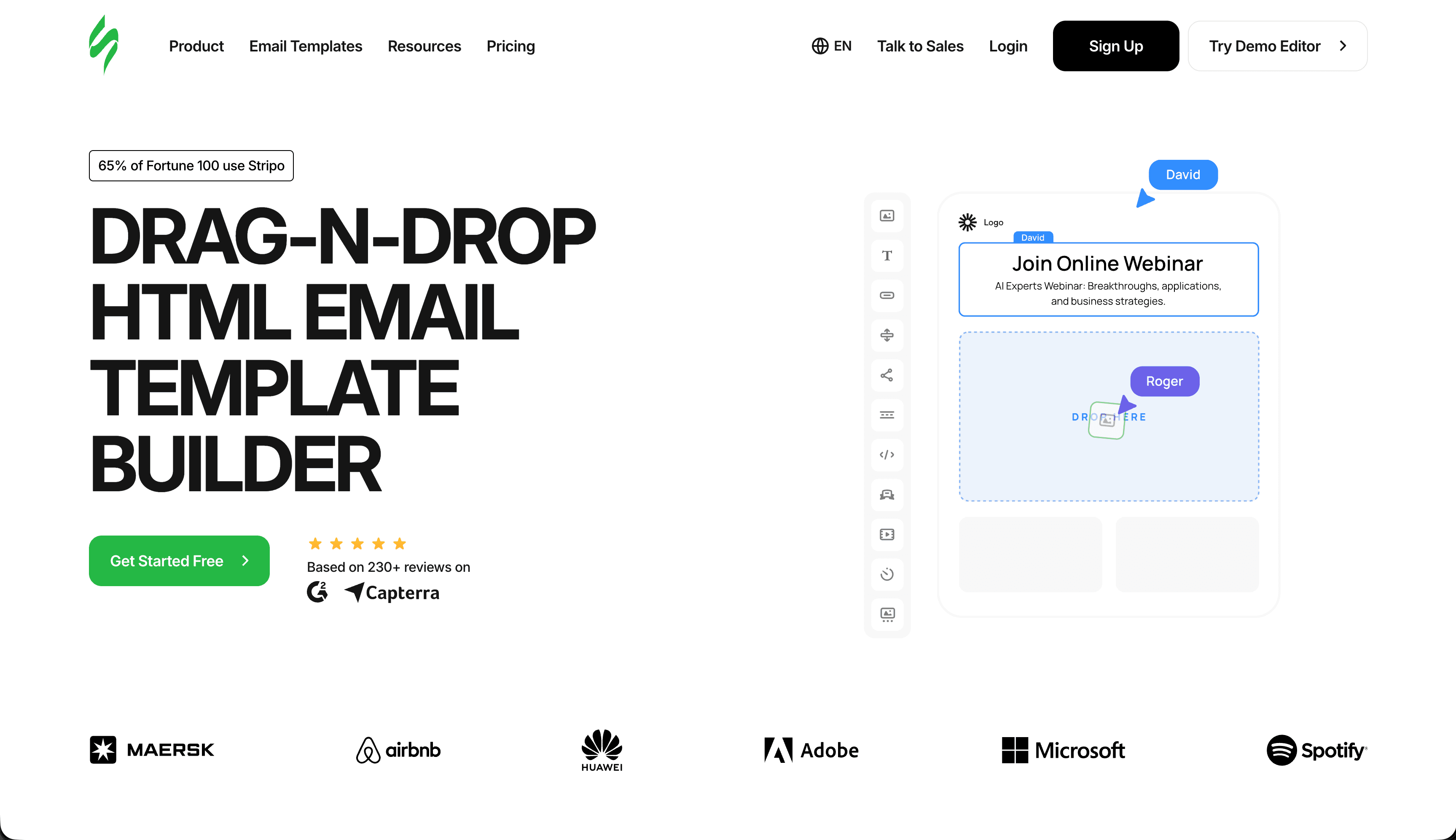
Stripo is the best choice when breadth matters most. Its large library covers many industries, seasonal campaigns, promotions, newsletters, transactional emails, and reusable modules. It is the default when you want many starting points before choosing a design direction.
Best email template builder for free template access: Beefree
Beefree is strongest when you want usable templates and a fast editor before paying for a full platform. It works well for small teams building basic announcements, newsletters, and promotions. The free HTML email builders guide compares the free options.
Best email template builder for ecommerce: Klaviyo or Omnisend
Klaviyo and Omnisend are stronger when templates need product blocks, abandoned cart sections, post-purchase flows, discount modules, and revenue reporting. See the ecommerce email platforms guide if the template library needs to match store workflows.
Best email template builder for brand-led design: Postcards or Flodesk
Postcards and Flodesk are better when visual polish matters more than the size of the template library. They are useful for brands that want emails to feel designed, not assembled from generic blocks. The HTML email builders for designers guide covers that angle.
Quick Comparison
| Tool | Best For | Starting Price | Free Tier | Template Count |
|---|---|---|---|---|
| Stripo | Maximum variety | $15/mo | Yes (4 exports) | 1,500+ |
| Bee Free | Design quality | $15/mo | Yes (with branding) | 500+ |
| Mailchimp | Integrated templates | $13/mo | Yes (500 contacts) | 100+ |
| Postcards | Premium aesthetics | $17/mo | Yes | 100+ blocks |
| Chamaileon | B2B/Professional | $30/mo | No | 200+ |
| Sequenzy | SaaS companies | $19/mo | Yes (2.5k emails) | 50+ |
| HubSpot | CRM-connected | $20/mo | Yes (2k emails) | 100+ |
| ActiveCampaign | Automation templates | $29/mo | No | 250+ |
| Brevo | Multichannel | $9/mo | Yes (300/day) | 200+ |
| GetResponse | Funnel-focused | $19/mo | Yes (500 contacts) | 500+ |
| Moosend | Affordable | $9/mo | No | 100+ |
| Campaign Monitor | Brand-locked | $11/mo | No | 100+ |
| Benchmark | Beginner templates | $15/mo | Yes (500 subs) | 200+ |
| AWeber | Large library | $15/mo | Yes (500 subs) | 600+ |
| Constant Contact | Local business | $12/mo | No | 200+ |
| Klaviyo | Ecommerce templates | ~$45/mo | Yes (250 contacts) | 100+ |
| Omnisend | Ecommerce + SMS | $16/mo | Yes (250 contacts) | 100+ |
| Sender | Generous free | $10/mo | Yes (2.5k subs) | 100+ |
| MailerLite | Clean modern | $10/mo | Yes (1k subs) | 100+ |
| Flodesk | Beautiful design | $38/mo | No | 60+ |
| EmailOctopus | Budget builder | $9/mo | Yes (2.5k subs) | 50+ |
What Makes a Good Template Library
Not all template libraries are created equal:
Quantity matters, but quality matters more. 100 well-designed templates beat 1,000 mediocre ones. Look for templates that look professional and contemporary. Dated designs with stock photos and generic layouts won't help your brand stand out.
Variety across industries and use cases. You need templates for newsletters, promotions, announcements, transactional emails, and more. Industry-specific templates (e-commerce, SaaS, hospitality) are valuable because they understand the visual conventions your audience expects.
Customization flexibility. Great templates are starting points, not prisons. You should be able to modify structure, not just colors and text. Can you add sections? Remove blocks? Rearrange the layout? The best templates are modular, letting you reshape them to fit your specific content.
Cross-client compatibility. Templates should render correctly across Gmail, Outlook, Apple Mail, and mobile clients. This is table stakes but worth verifying. A beautiful template that breaks in Outlook is worse than a simple template that works everywhere.
Mobile responsiveness. Every template should look good on phones without manual adjustment. With over 60% of email opens happening on mobile, this is non-negotiable. Check that templates stack columns properly, resize images, and maintain readable text on small screens.
Email Builders with the Best Templates
1. Sequenzy - Best SaaS Templates
Best for: SaaS companies and software businesses
Sequenzy's templates are specifically designed for SaaS and software companies. If you're building emails for a tech product, the templates match common use cases that generic template libraries overlook.
SaaS-specific designs cover onboarding sequences, feature announcements, upgrade prompts, dunning emails, and more. These templates understand software business needs. A "feature announcement" template includes sections for a hero image, feature description, use case examples, and a CTA to try the feature. That structure reflects how users actually engage with product updates.
Automation integration means templates connect to sequences. Choose a template, customize it, and connect it to your automation workflow in one tool. There's no export step, no switching between platforms. You can build an entire welcome email sequence in a single session, from template selection to automation trigger configuration.
AI enhancement can generate content to fill template structures. Describe your email's goal, and the AI drafts content that you can refine. This is especially useful for templates with multiple sections. Instead of staring at placeholder text wondering what to write, you get a working first draft that you can edit.
The library is smaller than Stripo's but focused. Quality over quantity for the SaaS niche. Every template is designed with software product communication in mind, which means less time filtering through irrelevant options.
Pricing: Free tier, paid from $19/month Best for: SaaS companies and software businesses Pros: SaaS-specific templates, automation integration, AI content generation Cons: Smaller library, focused on SaaS use cases
2. Stripo - Largest Template Library
Best for: Anyone who relies on templates as starting points
Stripo leads the market with 1,500+ templates across every category imaginable. Whatever email you need to build, there's probably a template close to your requirements. The sheer volume means you spend less time building from scratch and more time customizing.
Industry coverage is extensive. E-commerce, SaaS, healthcare, hospitality, education, nonprofits, and more have dedicated template collections. This specificity means templates match real use cases rather than generic designs. A restaurant template includes menu sections and reservation buttons. A nonprofit template includes donation CTAs and impact metrics. These structural decisions save significant time.
Campaign types are well-covered. Newsletters, promotions, product launches, welcome emails, event invitations, and transactional templates are all available. Holiday and seasonal templates update regularly, so you can find Black Friday, Valentine's Day, or back-to-school designs ready to customize.
Quality is consistent. Unlike some libraries that pad numbers with mediocre designs, Stripo's templates are generally professional. They follow email design best practices and customize well. The designs feel current rather than dated, and they use modern layout conventions that readers expect.
The free tier allows 4 exports per month, which is enough to evaluate templates thoroughly and even run a small email program. Paid plans unlock unlimited exports and additional features like the module library.
Pricing: Free tier, paid from $15/month Best for: Anyone who relies on templates as starting points Pros: 1,500+ templates, broad industry coverage, consistent quality, module system Cons: So many templates can be overwhelming, free tier limits exports
3. Bee Free - Quality Over Quantity
Best for: Users who value design quality over volume
Bee Free's template library is smaller than Stripo's but highly curated. The templates are contemporary, well-designed, and work reliably across email clients.
Design quality is Bee Free's strength. Templates look like they were designed recently by professionals who understand modern aesthetics. You won't find dated designs cluttering the library. The visual style is clean, minimal, and professional, which works for most brands without extensive customization.
Customization is excellent. Templates are built from modular blocks that you can rearrange, remove, or add to freely. You're not constrained by the original structure. Want to add a third product block to a template that shows two? Just drag one in. Want to remove the hero image and lead with text? Delete the block.
Mobile-first designs work well on phones. Given that most emails are opened on mobile devices, this focus is appropriate. Bee Free's templates are specifically tested on mobile, and they include mobile-specific optimizations like adjusted font sizes and touch-friendly button sizing.
The free tier gives you access to templates with "Built with BEE" branding in exported emails. Paid plans remove branding and add more templates, saved rows, and custom fonts.
Pricing: Free with branding, paid from $15/month Best for: Users who value design quality over volume Pros: High design quality, excellent customization, mobile-first, fast editor Cons: Smaller library than Stripo, branding on free tier
4. Mailchimp - Best Integrated Templates
Best for: Mailchimp users wanting integrated template access
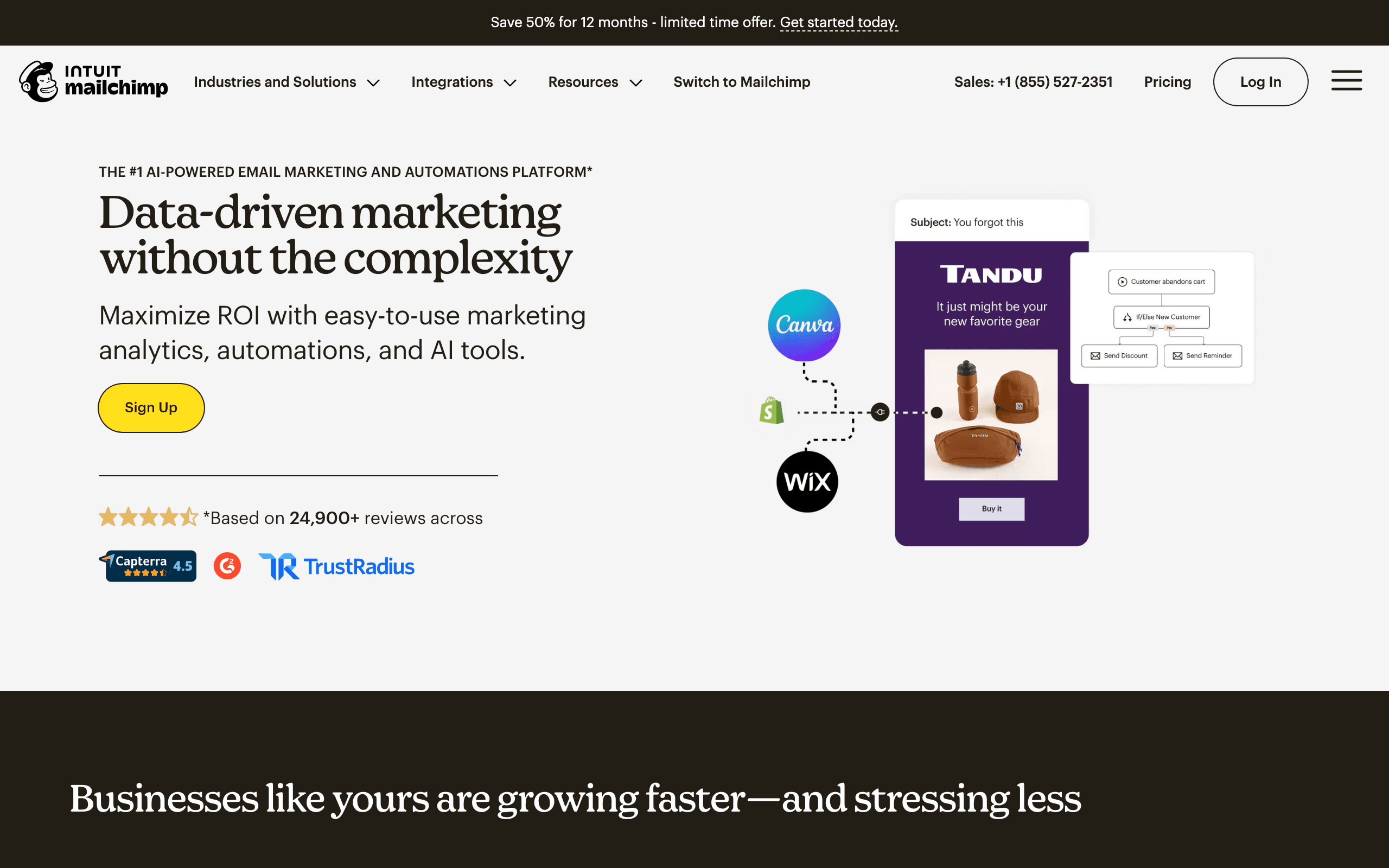
Mailchimp's template library is built into their email marketing platform. If you're using Mailchimp anyway, the templates are convenient and integrated.
Template variety covers standard needs well. Newsletters, promotions, announcements, and basic transactional templates are available. Industry-specific options exist but aren't as extensive as Stripo's. The templates are organized by goal ("sell products," "share news," "tell a story"), which is helpful for marketers thinking about outcomes rather than design categories.
Integration benefits matter. Templates pull from your Content Studio (stored assets), maintain brand consistency automatically, and work seamlessly with Mailchimp's automation and analytics. Your logo, brand colors, and fonts are applied to templates automatically once you set them up.
Easy customization through a familiar drag-and-drop interface. Templates are starting points that you can modify extensively. Mailchimp's Creative Assistant can even generate new template designs based on your website's visual style.
The catch is platform lock-in. Mailchimp templates work with Mailchimp. If you're considering other ESPs, standalone builders offer more flexibility. Templates you've customized in Mailchimp can't be easily exported to other platforms.
Pricing: Free up to 500 contacts, paid from $13/month Best for: Mailchimp users wanting integrated template access Pros: Brand kit integration, Creative Assistant AI, organized by goal Cons: Locked to Mailchimp platform, limited export options
5. Postcards - Best Designed Templates
Best for: Design-focused users who want premium aesthetics
Postcards by Designmodo offers templates with exceptional design quality. If you care about visual sophistication, Postcards templates stand out from the competition.
Design standards are high. Templates feel like they were designed for design-aware audiences. Typography, spacing, color, and composition are carefully considered. The visual quality is noticeably above average. For brands where aesthetics are part of the value proposition (fashion, design agencies, luxury goods), this quality matters.
Modular system provides 100+ blocks rather than complete templates. You build emails by combining blocks, which offers more flexibility than fixed templates. Each block category (headers, features, pricing, testimonials, footers) has multiple design variants, so you can mix and match to create unique layouts.
Customization depth exceeds most builders. You can adjust every visual property to achieve your exact vision. Precise spacing controls, custom fonts, detailed color management, and granular responsive settings give designers the control they need.
The template approach (blocks rather than complete designs) requires more assembly than other options. For users who want more control, this is a feature. For those who want quick starts, complete templates are faster.
Pricing: Free tier, paid from $17/month Best for: Design-focused users who want premium aesthetics Pros: Exceptional design quality, 100+ premium blocks, extensive customization Cons: Block-based system requires more assembly, steeper learning curve
6. Chamaileon - Best for Professional Services
Best for: Professional services and B2B communications
Chamaileon's template library focuses on professional, business-appropriate designs. If you're building emails for B2B companies, professional services, or corporate communications, the aesthetic fits.
Business focus shows in the designs. Clean, professional layouts suitable for serious business communication. Less flashy than consumer-focused templates. The designs prioritize clarity and credibility over visual excitement, which is exactly right for law firms, financial services, consulting companies, and enterprise B2B.
Modular library lets you save your own components. Build a set of branded blocks once, then combine them into templates. This approach supports brand consistency across campaigns and across team members. When multiple people are building emails, shared components prevent visual drift.
Collaboration features mean templates are shared across teams. Everyone accesses the same starting points, maintaining consistency. Version history tracks changes, so you can see how a template evolved and revert if needed.
Pricing: From $30/month Best for: Professional services and B2B communications Pros: Professional design quality, module library, team collaboration, version history Cons: Less variety for consumer-focused emails, expensive per seat
7. HubSpot - Best CRM-Connected Templates
Best for: B2B teams who want templates connected to CRM data
HubSpot's email template library connects to your CRM, making personalization in templates genuinely useful. When you use a "contact's company name" merge tag in a HubSpot template, it actually pulls from your CRM records rather than requiring manual CSV management.
Templates span newsletters, promotional, transactional, and sales sequences. The drag-and-drop editor lets you modify any template structure. Smart content rules let different subscriber segments see different template sections within the same email.
For B2B teams sending sales sequences alongside marketing emails, HubSpot's unified template library means consistent branding across both functions. Sales reps use the same approved templates as the marketing team, preventing the off-brand emails that happen when sales creates their own email templates.
The trade-off is cost. HubSpot's template features are genuinely useful only if you're using HubSpot CRM as well. Without CRM data, the personalization features that justify HubSpot's premium pricing are underutilized.
Pricing: Free up to 2,000 emails/month, paid from $20/month Best for: B2B teams using HubSpot CRM Pros: CRM-connected templates, smart content, unified sales + marketing templates Cons: Best value only with HubSpot CRM, pricing escalates fast
8. ActiveCampaign - Best Templates for Automation Sequences
Best for: Marketing teams building complex automated sequences
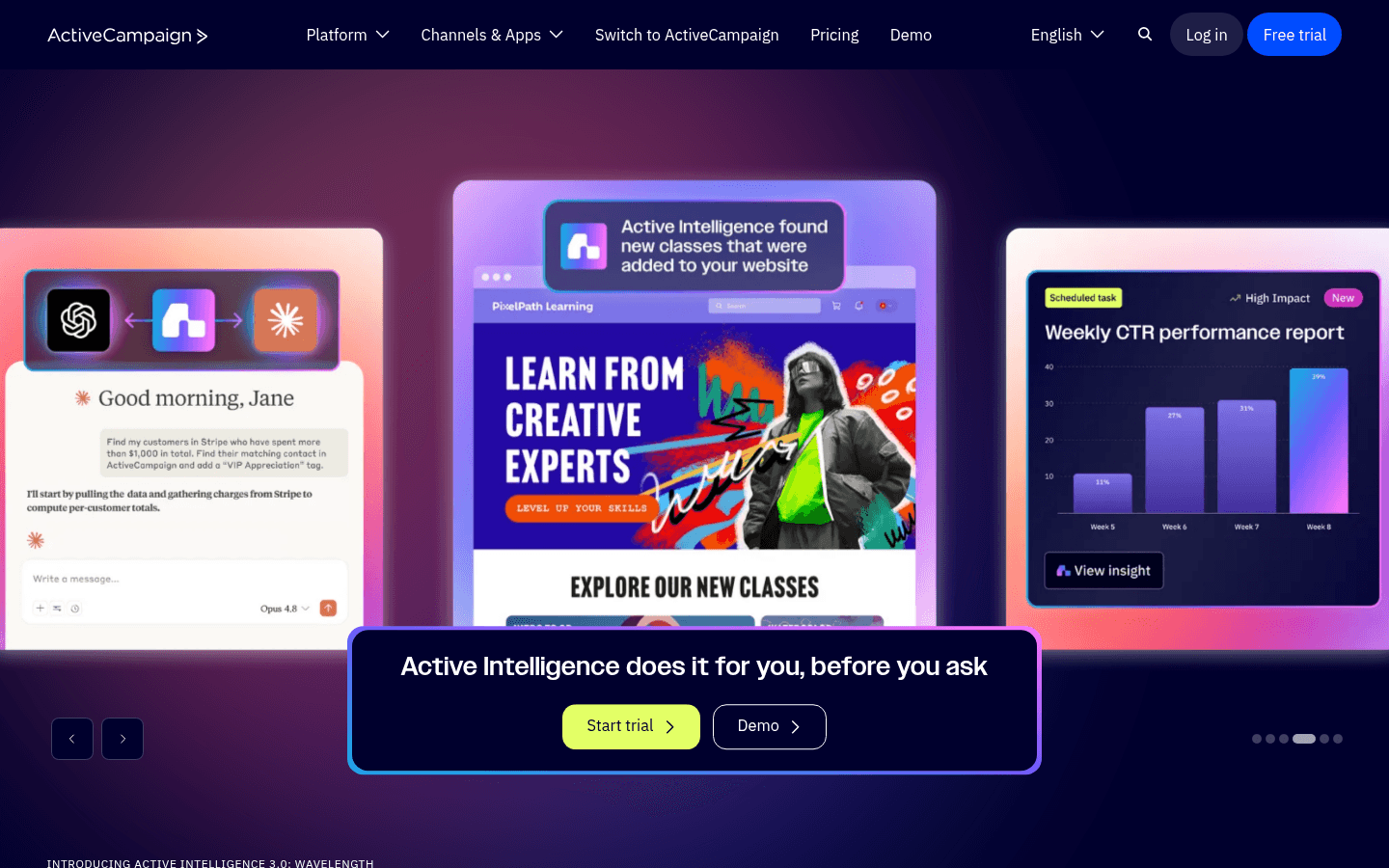
ActiveCampaign's template library is designed with automation in mind. Beyond single-email templates, they offer complete sequence templates - pre-built flows of multiple emails with suggested timing and content strategy for common use cases.
The 250+ templates cover promotional emails, newsletters, onboarding sequences, and re-engagement campaigns. The drag-and-drop editor handles template customization competently. The conditional content feature (different blocks for different segments within the same template) enables sophisticated personalization.
For marketing teams that want a proven starting point for their first abandoned cart sequence, welcome series, or customer re-engagement flow, ActiveCampaign's sequence templates save significant strategic planning time. You get not just the template designs but the overall campaign strategy baked in.
Pricing: From $29/month (no free plan) Best for: Marketing teams building automated sequences Pros: Sequence templates, 250+ designs, conditional content, strong deliverability Cons: No free plan, steep learning curve, expensive at scale
9. Brevo - Best Multichannel Templates
Best for: Multichannel campaigns combining email and SMS
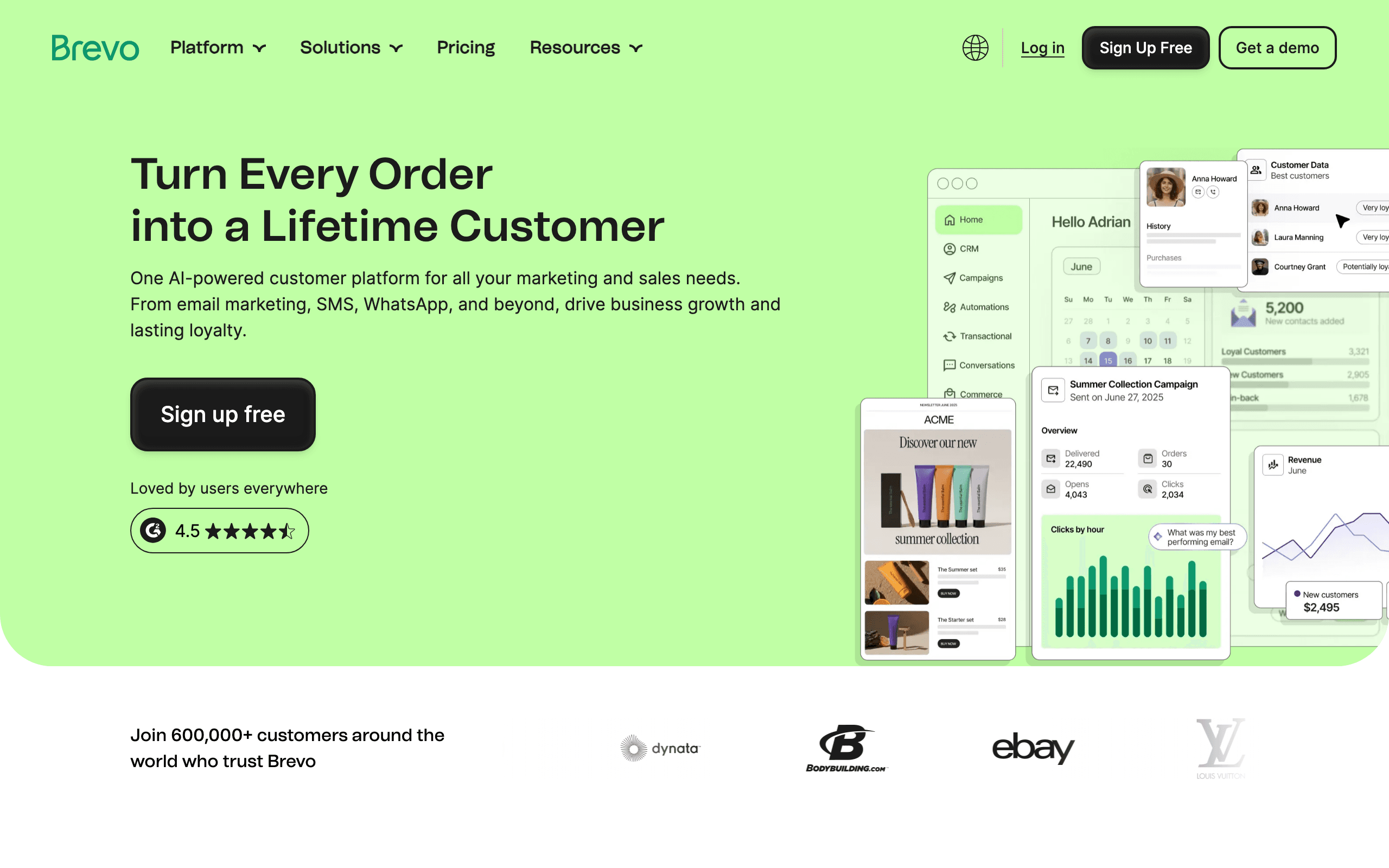
Brevo's template library covers both email and SMS, which is useful for campaigns that coordinate across channels. When you create a promotional email template for a sale, you can pair it with an SMS template that sends the announcement simultaneously.
The 200+ email templates cover newsletters, promotions, transactional, and event emails. The templates are professionally designed and customize well in the drag-and-drop editor. Industry-specific options exist for e-commerce, hospitality, and service businesses.
Brevo's per-email pricing means you're not locked into subscription tiers based on list size. This makes template-based campaigns more cost-effective for businesses with large lists that only send occasionally.
Pricing: Free with 300 emails/day, paid from $9/month Best for: Multichannel campaigns combining email and SMS Pros: Email + SMS templates, unlimited contacts, per-volume pricing Cons: Templates less polished than Stripo, automation limited on lower plans
10. GetResponse - Best Templates for Funnels
Best for: Conversion-focused campaigns with landing page templates
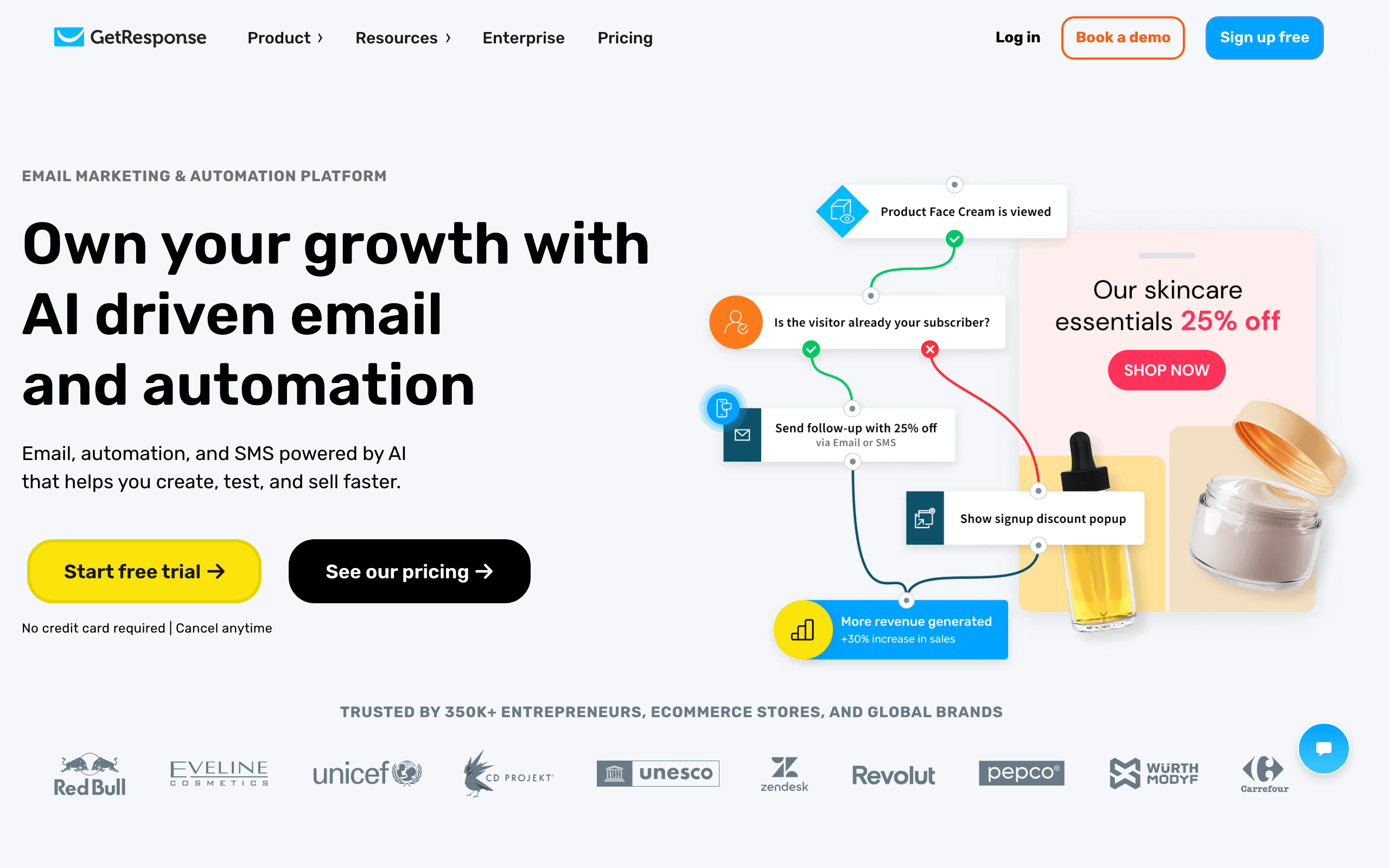
GetResponse offers 500+ templates spanning both email and landing pages. For campaigns that involve capturing leads and following up, having email and landing page templates in the same system is convenient.
The templates are organized by use case and industry. Webinar invitations, course launches, product promotions, and service consultations all have dedicated template collections. The funnel template sets include matching email and landing page designs, creating visual consistency throughout the customer journey.
Responsive design is consistent across the library. Templates are tested on mobile, which is important for businesses where a significant portion of email opens happen on phones.
Pricing: Free up to 500 contacts, paid from $19/month Best for: Conversion-focused campaigns needing email and landing page templates Pros: 500+ templates, email + landing page matching, funnel template sets Cons: Jack of all trades, complex interface, variable deliverability
11. Moosend - Best Budget Template Library
Best for: Budget-conscious teams wanting a solid template library
Moosend's template library covers standard needs at a price point that makes many alternatives hard to justify. The templates are professionally designed and cover newsletters, promotional emails, seasonal campaigns, and basic transactional designs.
Customization is accessible through a drag-and-drop editor that feels clean and responsive. The AI recommendation engine suggests which template might work best based on your campaign goal - a useful feature when you're unsure where to start.
Newsletter-specific templates are well-developed. Multi-section layouts with clear content hierarchy make newsletter creation faster, and the templates are pre-tested on mobile for readable typography and proper column stacking.
Pricing: From $9/month for 500 subscribers Best for: Budget-conscious teams wanting a solid template library Pros: Affordable, solid template variety, AI template recommendations Cons: No free plan, smaller library than Stripo, variable support quality
12. Campaign Monitor - Best for Brand-Locked Templates
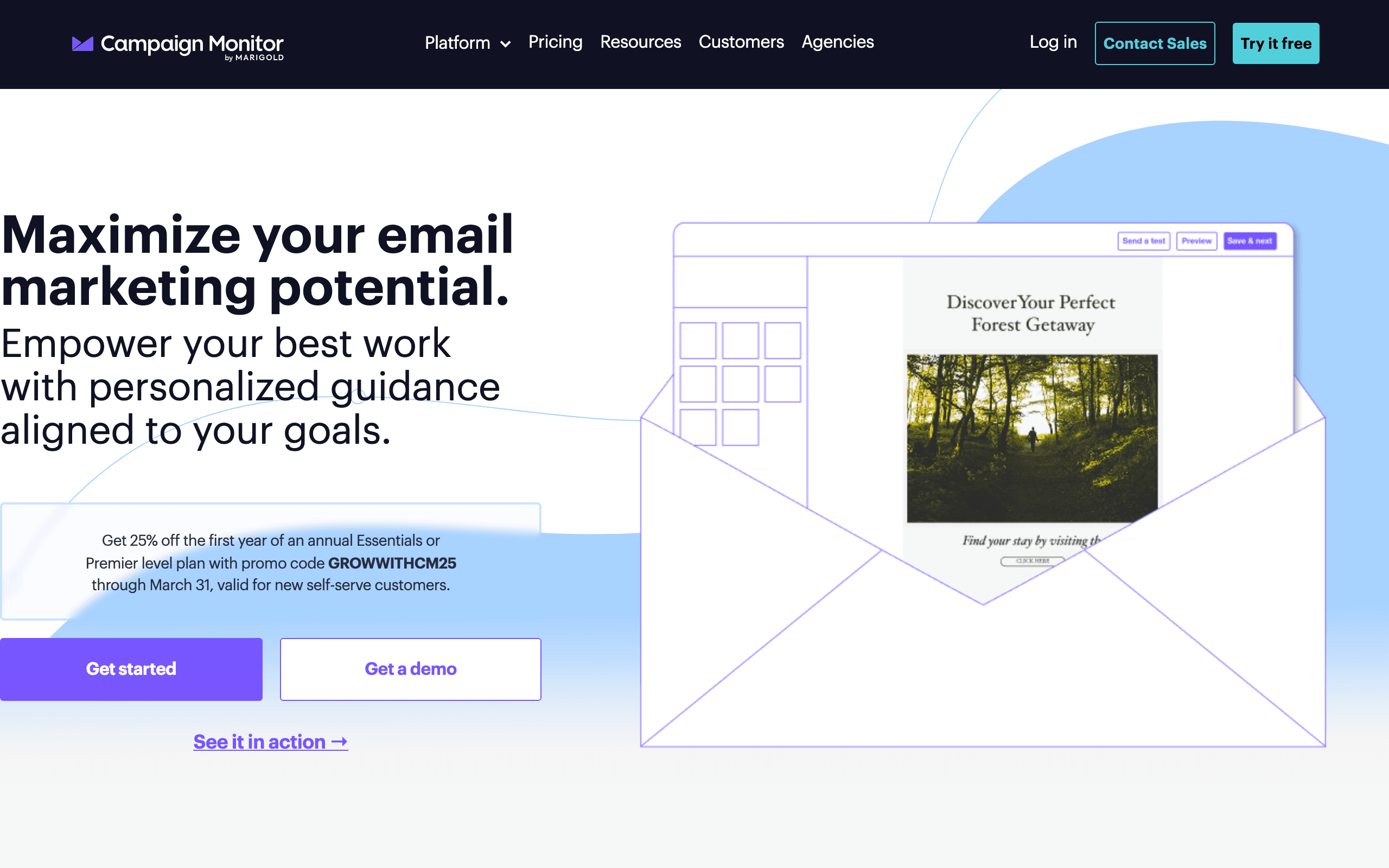
Best for: Teams that need template consistency enforced
Campaign Monitor's template system includes "locked" sections that can be customized but not structurally broken. Designers create the templates with protected headers, footers, and brand elements. Marketers then fill in the content sections without accidentally breaking the design.
This locked-template approach is particularly useful for organizations with multiple people building emails. Marketing coordinators can send professional emails that match brand guidelines without needing design skills or supervision.
The templates themselves are tasteful and polished. Campaign Monitor's design sensibility leans toward clean, contemporary aesthetics rather than flashy visual effects.
Pricing: From $11/month for 500 contacts Best for: Teams that need brand consistency enforced across multiple email senders Pros: Locked template sections, polished design quality, consistent brand enforcement Cons: No free tier, expensive at scale, basic automation
13. Benchmark Email - Best Templates for Beginners
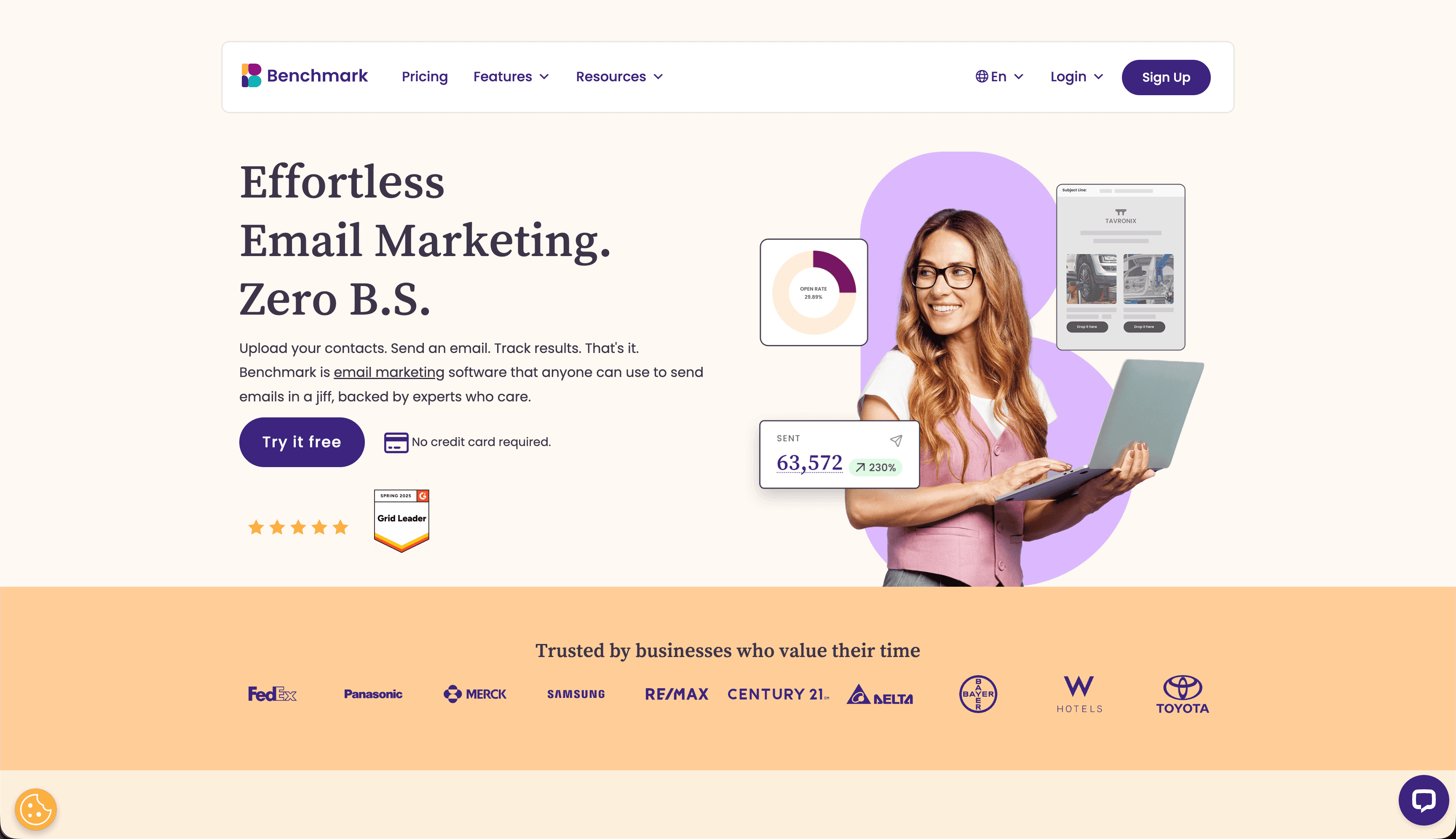
Best for: Email marketing beginners who want a guided template experience
Benchmark Email's template library is organized to be approachable for beginners. Templates are categorized clearly, descriptions explain when to use each template type, and the customization experience is designed not to overwhelm first-time email marketers.
The 200+ templates cover newsletters, promotions, event invitations, follow-ups, and automated sequences. The inbox checker shows how selected templates render across major email clients before you commit to building them out.
Smart content blocks within templates allow personalization without technical setup. Different subscriber segments can see different content blocks within the same template, creating a personalized experience from a single template.
Pricing: Free up to 500 subscribers, paid from $15/month Best for: Email marketing beginners Pros: Beginner-friendly organization, inbox checker, smart content blocks Cons: Smaller library than Stripo, less powerful automation
14. AWeber - Largest Template Count at Lower Price
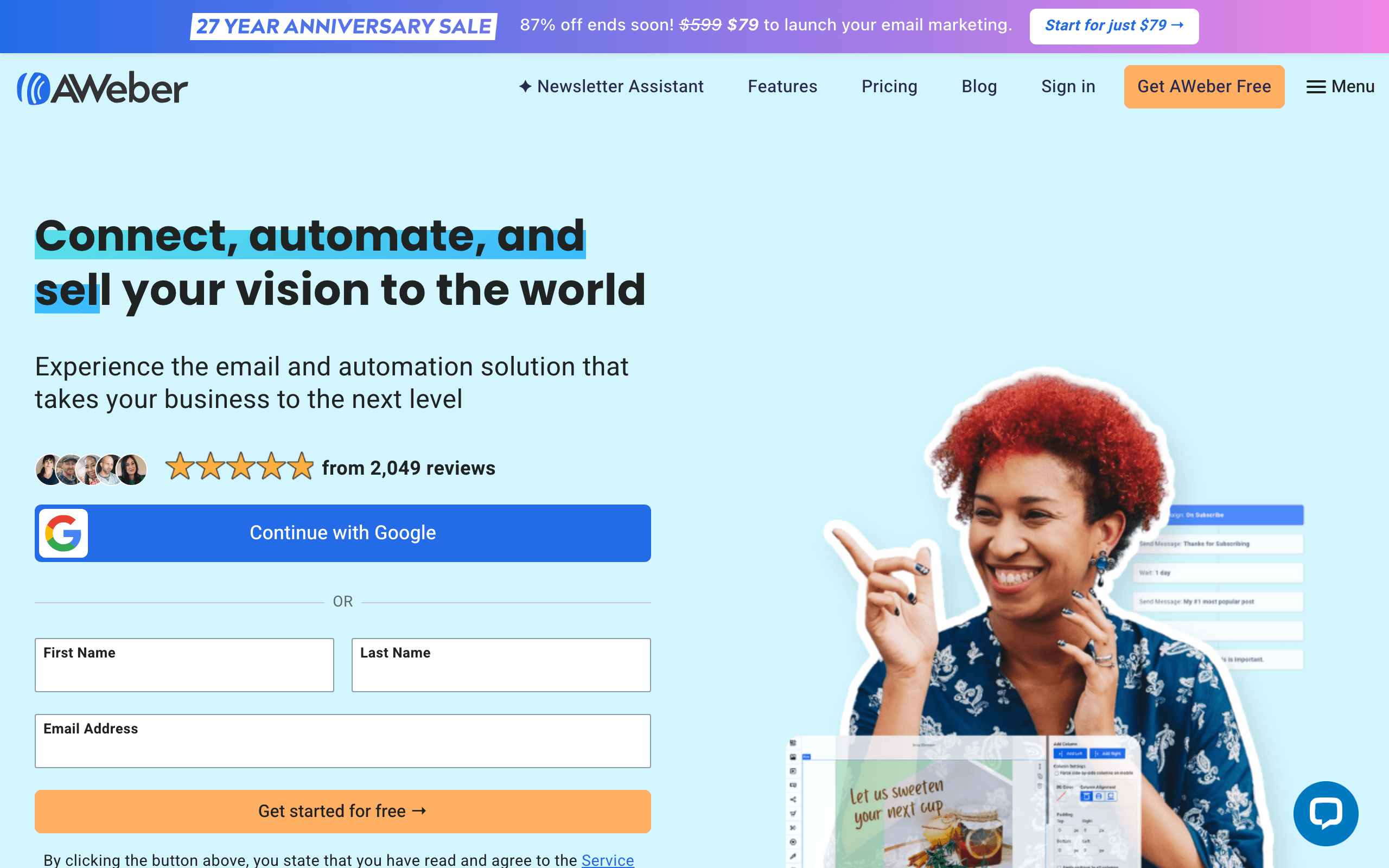
Best for: Users who want maximum template choice without enterprise pricing
AWeber offers 600+ professionally designed templates at a price point accessible to small businesses. The sheer variety means you can find templates for almost any occasion - seasonal campaigns, industry-specific promotions, content newsletters, and basic transactional designs.
The template editor is straightforward. Select a template, customize colors and fonts to your brand, replace images and text, and send. The process is deliberately simple, making it accessible for business owners who aren't technical or design-savvy.
Template filtering by industry and campaign type helps you navigate the large library without overwhelming choice. Searching for "restaurant" or "real estate" surfaces relevant templates immediately.
Pricing: Free up to 500 subscribers, paid from $15/month Best for: Users who want extensive template options with simple customization Pros: 600+ templates, simple editor, phone support on all plans, landing pages included Cons: Limited automation, dated UI design, charges for unsubscribed contacts
15. Constant Contact - Best for Local Business Templates
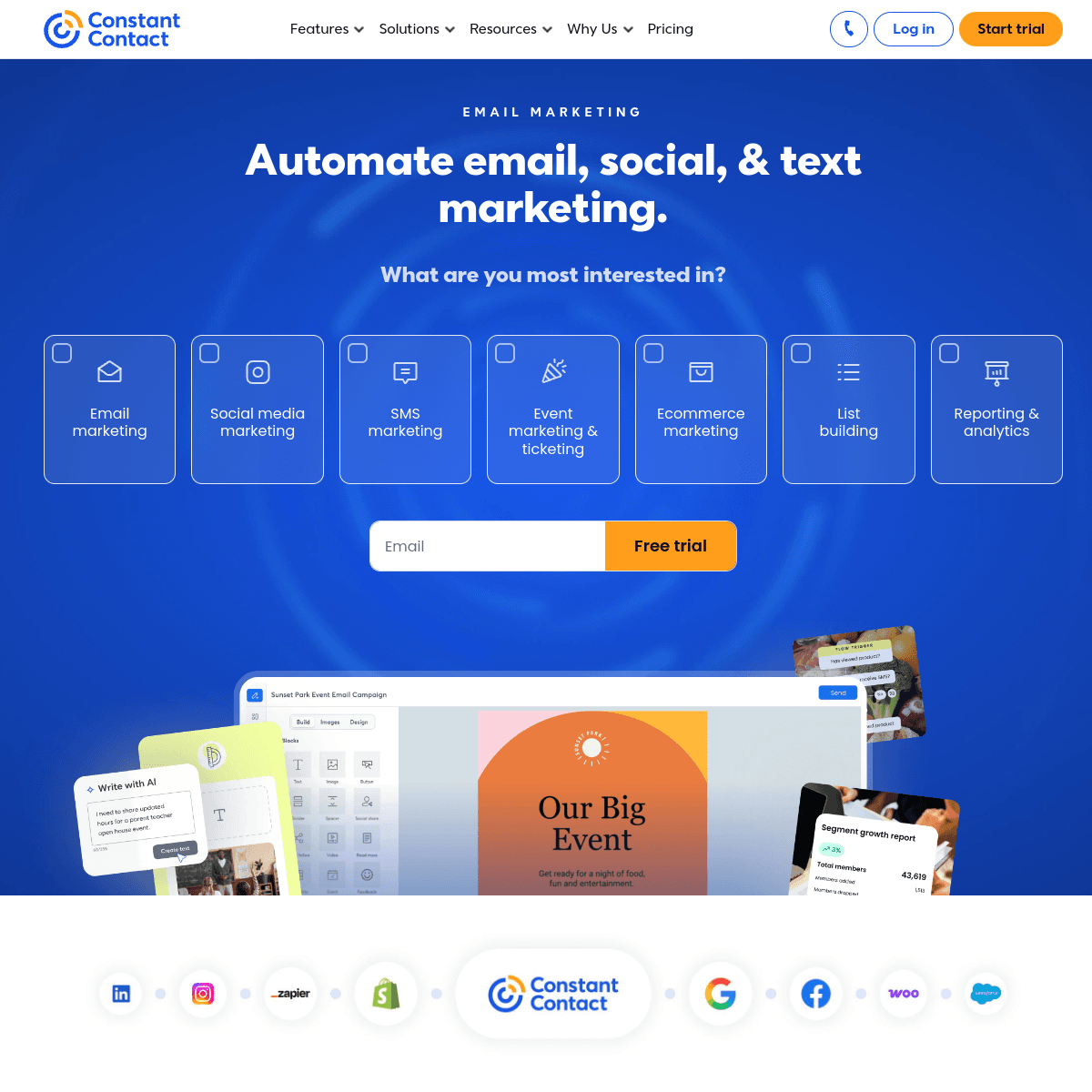
Best for: Local businesses who want industry-specific templates
Constant Contact's template library includes industry-specific designs for local businesses: restaurants, retail shops, professional services, nonprofits, and more. The templates understand the visual conventions and content patterns that work in each industry.
Event-focused templates are particularly well-developed. For businesses that regularly host events, the invitation, reminder, and follow-up template sets make the entire event communication cycle manageable without design skills.
The social media integration lets you share email designs on Facebook and Instagram directly from the Constant Contact dashboard. For local businesses where social and email audiences overlap, the coordinated approach can increase reach.
Pricing: From $12/month (no free plan) Best for: Local businesses looking for industry-specific templates Pros: Industry-specific templates, event template sets, social media integration Cons: No free tier, expensive at scale, dated automation
16. Klaviyo - Best Ecommerce Templates
Best for: Ecommerce businesses needing product-aware templates
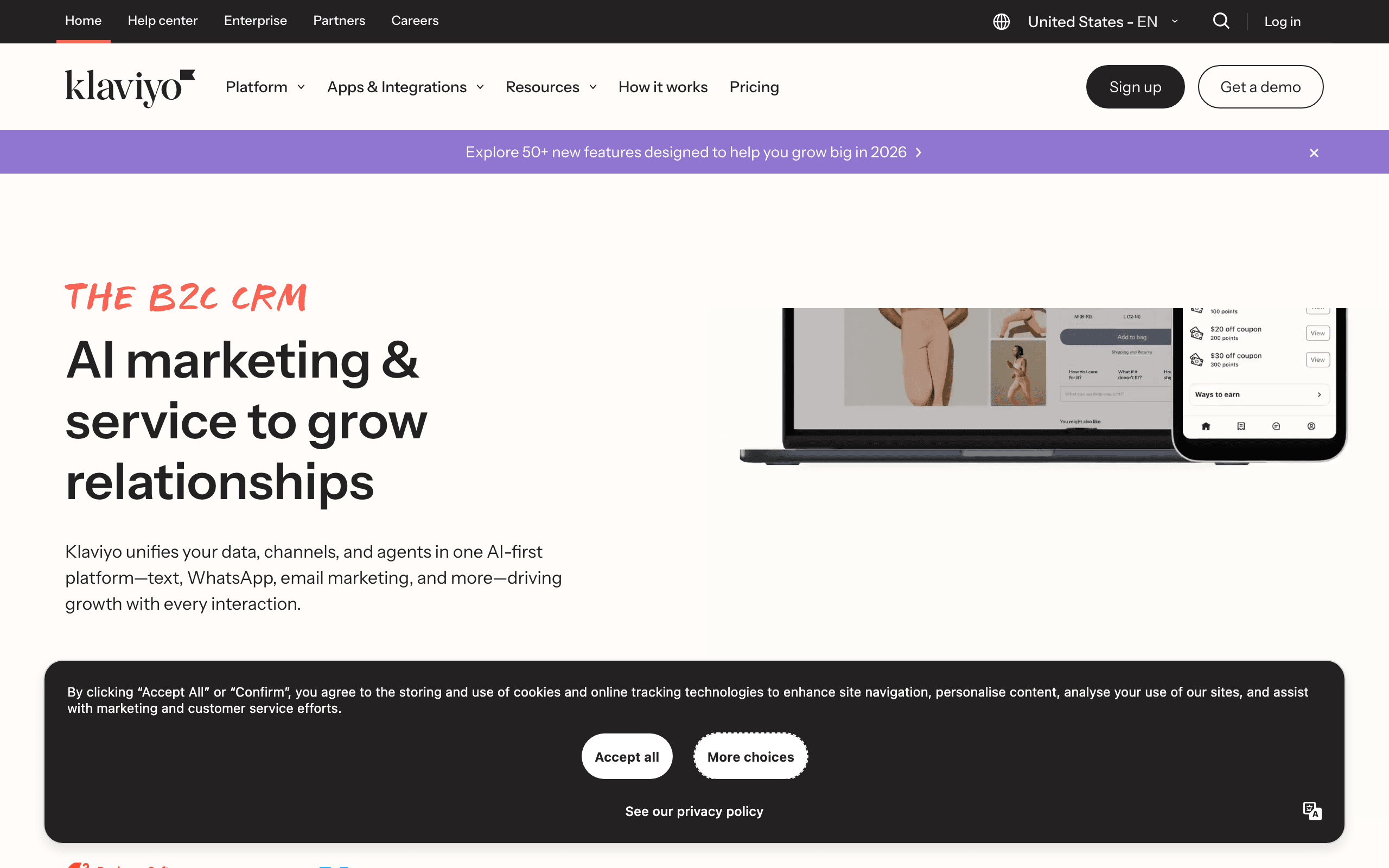
Klaviyo's templates are built with ecommerce in mind. Beyond static designs, Klaviyo templates support dynamic product blocks that pull live inventory, pricing, and images from your Shopify or BigCommerce store.
Abandoned cart templates include placeholder blocks that populate with the actual items a customer left behind. Post-purchase templates can recommend complementary products based on what was just bought. Browse abandonment templates show the products a subscriber was viewing.
These ecommerce-specific template capabilities aren't available in general-purpose builders. For product businesses where personalized content directly impacts conversion rates, Klaviyo's dynamic templates justify the premium pricing.
Pricing: Free up to 250 contacts, paid from ~$45/month at 5k contacts Best for: Ecommerce businesses on Shopify or BigCommerce Pros: Dynamic ecommerce blocks, abandoned cart templates, predictive personalization Cons: Expensive at scale, overkill for non-ecommerce, steep learning curve
17. Omnisend - Best Ecommerce + SMS Templates
Best for: Multichannel ecommerce campaigns
Omnisend combines email and SMS templates in a single campaign workflow. When building a promotional campaign, you design matching email and SMS templates in the same session, ensuring coordinated messaging across channels.
The product picker tool inserts live product cards into email templates directly from your store - no manual image upload required. Seasonal and promotional templates are regularly updated for holidays and shopping events.
Automation sequence templates for welcome series, abandoned cart, post-purchase, and win-back flows include matching email and SMS templates. Building a full ecommerce automation suite from these starting points takes hours rather than days.
Pricing: Free up to 250 contacts, paid from $16/month Best for: Ecommerce brands wanting coordinated email + SMS campaigns Pros: Email + SMS matching templates, product picker, prebuilt automation sequences Cons: Wrong tool for non-commerce, free tier is small
18. Sender - Best Free Template Access
Best for: Users who want template access without paying
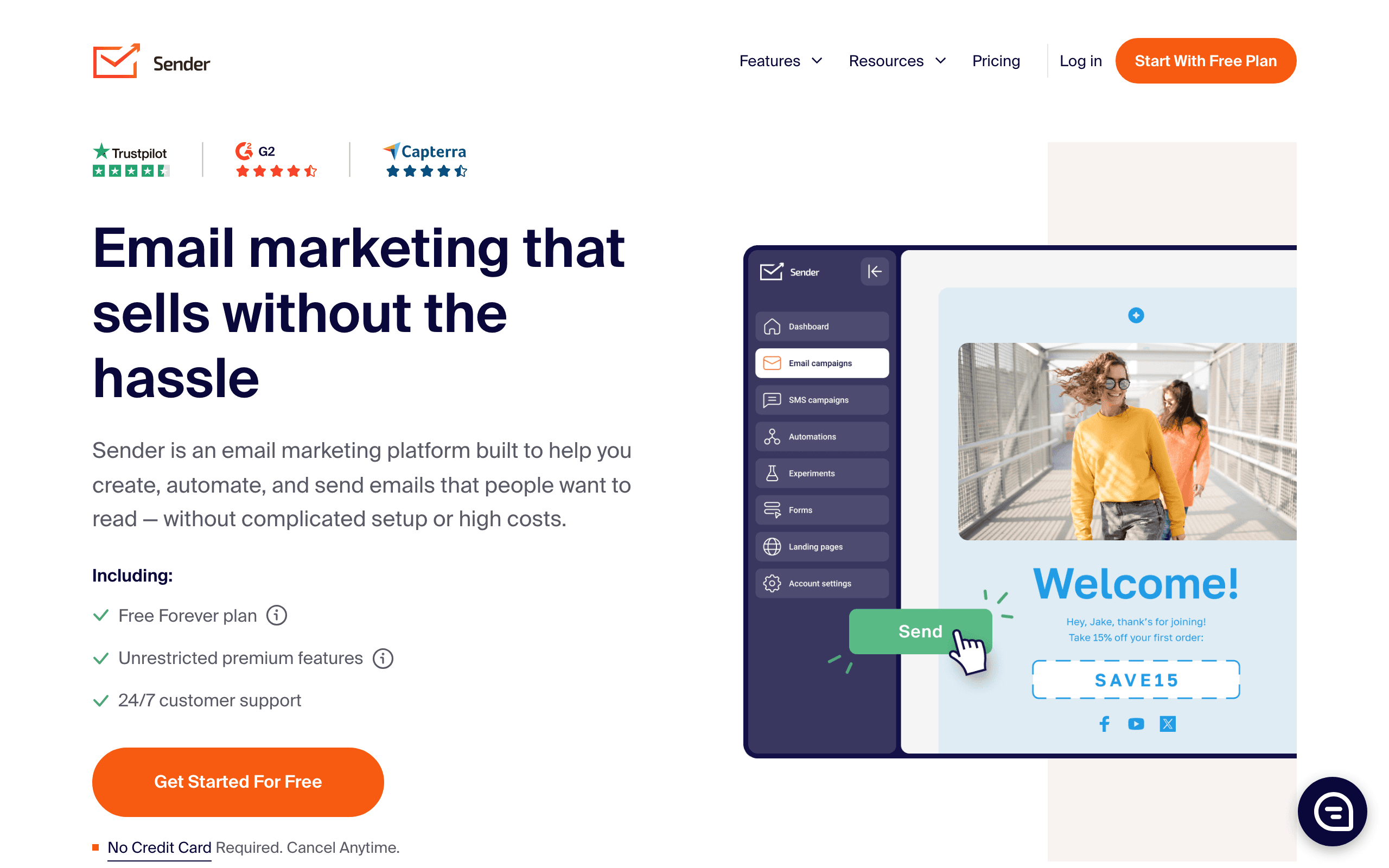
Sender's free tier gives you access to the full template library without payment. This means you can evaluate whether the templates are right for your needs before committing to any subscription.
The 100+ email templates cover standard use cases cleanly. Newsletters, promotions, announcements, and automated sequences are all represented. The templates are functional and customizable in the drag-and-drop editor.
The email + SMS template library works together. For campaigns that coordinate across channels, having matching designs for both without paying for separate tools is genuinely convenient.
Pricing: Free up to 2,500 subscribers, paid from $10/month Best for: Users who want template access without paying Pros: Full template library on free plan, email + SMS, generous free tier Cons: Branding on free plan, basic automation, smaller ecosystem
19. MailerLite - Best Clean Modern Templates
Best for: Creators and small businesses who want contemporary designs
MailerLite's template library focuses on clean, modern aesthetics rather than maximum variety. The templates feel contemporary and professional without being flashy. The designs aged well - a rare compliment in an industry where templates often look dated within 18 months.
Newsletter templates are particularly strong, with good typography defaults and readable layouts. The drag-and-drop editor makes customization straightforward. Built-in landing page templates complement the email library, allowing coordinated campaigns.
The new editor (released in recent years) is significantly better than the legacy one. If you've seen MailerLite's older templates, the current library is worth a fresh look. The improvement is substantial.
Pricing: Free up to 1,000 subscribers, paid from $10/month Best for: Creators and small businesses who want contemporary designs Pros: Clean modern aesthetics, newsletter-specific templates, landing page library Cons: Smaller library than Stripo, automation is shallow
20. Flodesk - Most Beautiful Templates
Best for: Brands where aesthetics are part of the value proposition
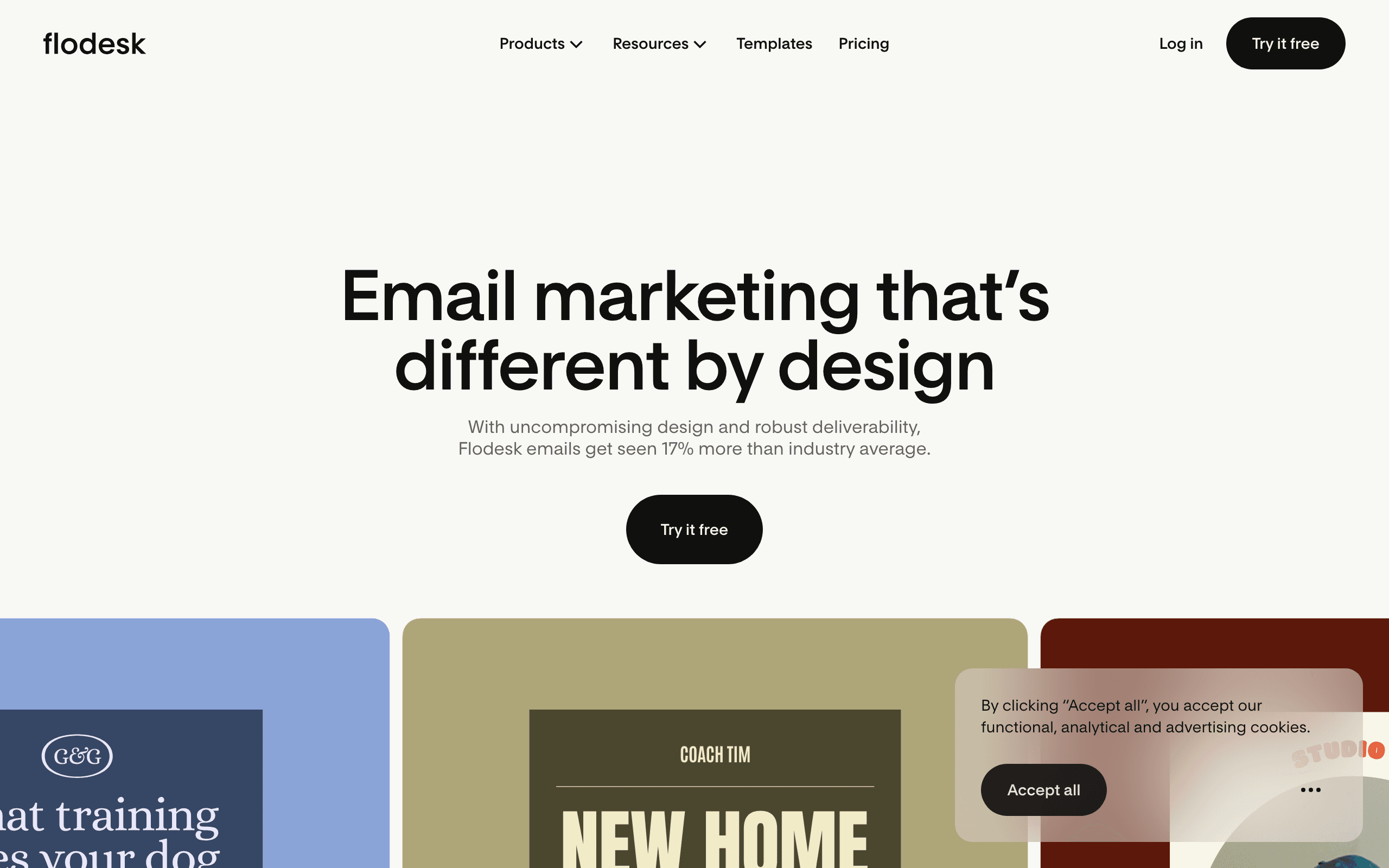
Flodesk offers the most visually stunning email templates in the category. While the library is smaller than competitors (around 60 templates), the design quality is consistently excellent. Every template looks like it was designed by a professional with a strong aesthetic sense.
For brands where visual identity is core to the business - photographers, interior designers, wedding professionals, luxury brands - Flodesk templates communicate the quality and care that generic templates don't. The first impression your newsletter makes reflects on your brand.
Customization is constrained compared to block-based builders, but the constraints prevent the visual drift that happens when you over-customize. The resulting emails maintain their quality even after you've swapped out the placeholder content.
Pricing: $38/month flat (unlimited subscribers and sends) Best for: Brands where aesthetics are part of the value proposition Pros: Most beautiful templates in the category, consistent quality, flat pricing Cons: Smaller library, less flexibility for structural customization, basic automation
21. EmailOctopus - Best Templates for Budget Senders
Best for: Budget-conscious senders who need functional templates without paying much
EmailOctopus provides a functional template library at very low cost. The templates are clean and newsletter-appropriate, covering standard formats without flashy design. For budget-conscious senders who just need to put a professional-looking email together quickly, the library is sufficient.
The Amazon SES integration option means template-based campaigns can be sent at dramatically reduced cost compared to typical ESPs. For high-volume senders using SES as their backend, EmailOctopus provides the template and campaign management layer that SES lacks.
Pricing: Free up to 2,500 subscribers, paid from $9/month Best for: Budget-conscious senders who need functional templates Pros: Very cheap, SES backend option, functional templates Cons: Plain designs, smaller library, basic editor
How to Evaluate a Template Library
Before committing to a builder based on its template count, evaluate the library carefully:
Browse before you buy. Most builders let you preview templates without an account. Spend 15 minutes browsing to see if the designs match your brand's aesthetic and your content needs. A library with 1,500 templates that are all wrong for your industry is less useful than 50 templates that fit perfectly.
Check the date. Templates should look contemporary. Rounded corners, bold colors, and modular layouts are current conventions. If the templates feel dated (heavy gradients, lots of decorative borders, small fonts), the library hasn't been maintained.
Test on mobile. Preview templates on a phone or in your builder's mobile preview. Some template libraries look great on desktop but break on mobile. Given that over 60% of email opens happen on phones, mobile quality is non-negotiable.
Evaluate customization depth. Open a template and try modifying it substantially. Can you add sections? Remove blocks? Change the column structure? Templates that resist modification are starting points in name only.
Check industry relevance. If you're in e-commerce, make sure the library includes product grid layouts and promotional designs. SaaS companies need onboarding and feature announcement templates. Newsletters need multi-section editorial layouts. Generic "business" templates may not serve your specific needs well.
Template Customization Workflow
Follow this workflow to customize any template efficiently:
Step 1: Choose a template that matches your email type and content volume. A template designed for three product blocks won't work well if you have eight products to showcase. Match the structure first, then worry about visual style.
Step 2: Apply your brand by updating colors, fonts, and logo. This is the fastest way to make any template look like yours. Most builders let you set brand presets that apply across all blocks automatically.
Step 3: Replace all content. Swap every image, rewrite every headline, and replace every body paragraph. The goal is zero placeholder text remaining. Generic content undermines the professional appearance the template provides.
Step 4: Adjust the structure. Add or remove sections based on your actual content. Delete the testimonial block if you don't have a testimonial. Add an extra product row if you need one. The template is a guide, not a contract.
Step 5: Preview and test. Check desktop and mobile rendering. Send a test email to yourself and open it on your phone. Verify all links work. For important campaigns, test in Litmus or Email on Acid to catch rendering issues across email clients.
Getting the Most from Templates
Don't Use Templates As-Is
Templates are starting points, not finished products. Always customize:
- Add your branding - colors, fonts, logo. This is the minimum customization every email needs.
- Rewrite the copy - generic placeholder text doesn't convert. Replace every word of placeholder text with your own messaging. For writing tips, see our email copywriting guide.
- Adjust the structure - modify sections for your specific content. Remove blocks you don't need and add ones that serve your message.
- Check mobile rendering - verify the mobile experience. Your customizations might affect mobile layout differently than the original template.
Build Your Own Template Library
Save your customized templates for reuse. Build a personal library of templates tailored to your needs:
- Newsletter template for regular sends. See our guide on writing newsletters for content tips.
- Promotional template for sales and offers
- Announcement template for updates and news
- Welcome template for new subscribers
- Re-engagement template for inactive subscribers
- Event template for webinars, launches, or in-person events
Having these ready means you never start from zero. When a campaign request comes in, you grab the appropriate template and focus on content rather than design.
Choose Templates That Match Your Content
A template designed for long-form newsletters won't work well for flash sale promotions. Start with templates designed for your use case rather than forcing your content into mismatched structures. Consider the amount of content you have, the number of products or sections you need to showcase, and the primary action you want readers to take.
Test Your Customized Templates
Template libraries are tested, but your customizations might introduce issues. Test your modified templates across email clients before sending to your full list. Common issues include:
- Images that are too wide after resizing
- Custom fonts that fall back poorly in Outlook
- Background colors that disappear in dark mode
- Buttons that become too small to tap on mobile
- Spacing that looks good in the editor but renders differently in email clients
Use Litmus, Email on Acid, or your ESP's built-in testing tools to verify rendering. Even a quick manual test in Gmail, Outlook, and Apple Mail catches most issues.
Template Types Every Business Needs
Welcome Email Templates
Your welcome email sets the tone for the entire subscriber relationship. Look for templates that include a warm greeting, clear value proposition, and a single primary CTA. Welcome email templates typically perform best when they're simple and focused.
Newsletter Templates
Newsletter templates should prioritize readability and content organization. Look for clean typography, clear section dividers, and a layout that supports scanning. If you publish regular newsletters, investing time in the right template pays dividends with every issue.
Promotional Templates
Sales and promotional templates need strong visual hierarchy that draws attention to the offer. Look for templates with prominent discount or offer sections, clear CTA buttons, and optional product grids. The best promotional templates create urgency without feeling cluttered.
Transactional Templates
Order confirmations, shipping notifications, and receipt emails are the most-opened emails you send. Look for templates that are clean, informative, and branded. Even though these are functional emails, they're an opportunity to reinforce your brand.
Frequently Asked Questions
How many templates do I really need to get started?
Three to five. A welcome email, a newsletter layout, a promotional template, and maybe an announcement and transactional template. Most businesses use the same few templates repeatedly with different content. You can always add more later as your needs evolve.
Are free templates good enough for professional use?
Yes, from the right sources. Bee Free, Stripo, and Mailchimp all offer free templates that are professionally designed and tested. The main limitation of free tiers is usually export limits or branding, not template quality. Avoid random free templates from unknown sources, as they may have rendering issues across email clients.
Should I hire a designer to create custom email templates?
Only if your brand requires a unique visual identity that templates can't achieve. For most businesses, customizing professional templates is faster, cheaper, and produces better cross-client compatibility than custom designs. If you do hire a designer, have them create a custom template that you then reuse, rather than designing every individual email.
How often should I update my email templates?
Refresh your templates every 6-12 months to keep them looking current. Design trends in email evolve slowly, so annual updates are usually sufficient. Update sooner if you rebrand, change your product line, or notice declining engagement that might be design-related. When you update, keep the structural layout familiar so subscribers don't get confused.
Can I use templates from one builder in another platform?
Most standalone builders (Stripo, Bee Free, Postcards) export HTML that works in any ESP. Mailchimp templates are locked to Mailchimp. If you think you might switch platforms, choose a standalone builder or at least export your templates as HTML files for portability.
What makes a template "mobile responsive"?
Mobile responsive templates automatically adjust their layout for smaller screens. Multi-column layouts stack into single columns. Images resize to fit the screen. Text remains readable without zooming. Buttons become large enough to tap with a finger. All modern template libraries include responsive templates, but always preview on mobile before sending.
Do templates affect email deliverability?
Templates themselves don't directly affect deliverability, but the HTML they generate does. Well-coded templates with clean HTML, proper text-to-image ratios, and reasonable file sizes are less likely to trigger spam filters. Templates from reputable builders (all those listed in this guide) produce deliverability-friendly HTML. Avoid templates from unknown sources that might include bloated code or spam-triggering patterns.
Can I create my own template from scratch in these builders?
Yes, every builder in this guide lets you start with a blank canvas and build a custom template. However, starting from an existing template and modifying it is usually faster and produces better results. The pre-built templates include tested email client compatibility, proper responsive behavior, and professional structure that takes time to replicate from scratch.
How many templates come with free tiers?
It varies. Stripo gives you access to the full 1,500+ template library on the free tier (limited to 4 exports per month). Bee Free's free tier includes most templates with branding on exports. Mailchimp's free tier provides a reasonable template selection. Sequenzy includes all templates on every plan. The limiting factor on free tiers is usually export limits or branding, not template access.