
AI Email Sequence Generator: Build Multi-Step Flows From One Brief

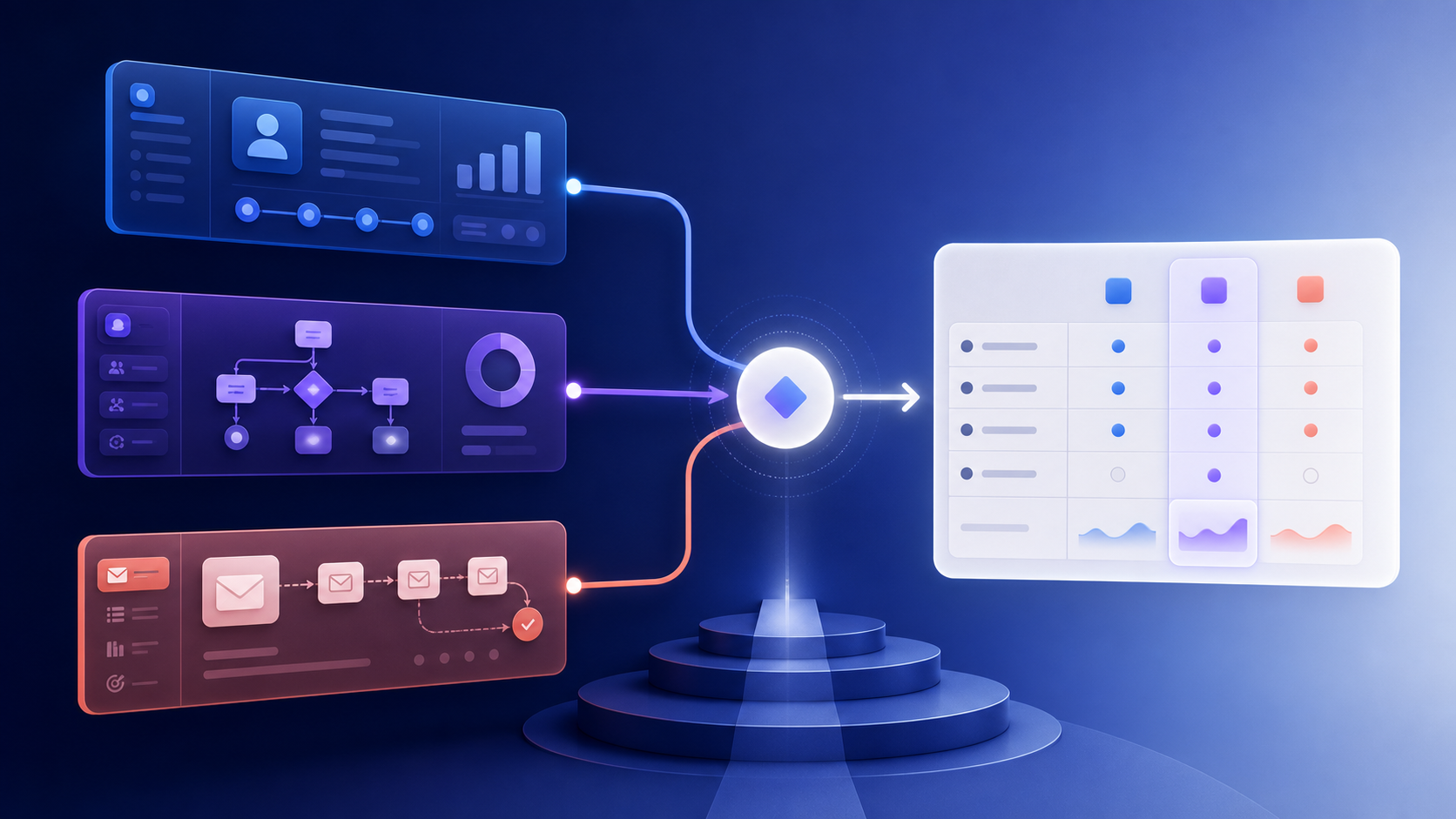
An AI sequence generator is most useful when it produces a workflow specification, not five disconnected emails. The brief must define the milestone the sequence is trying to move.
Brief schema
| Field | Example |
|---|---|
| Audience | New SaaS workspaces with no activation event |
| Entry | Workspace created |
| Milestone | First campaign sent |
| Constraints | No discount, three emails, 14-day window |
| Data | Plan, role, setup progress, last activity |
| Exits | Activation, unsubscribe, account deletion |
| Metric | Activation rate and support contacts |
Output per step
Require the generator to return:
- step name and purpose;
- delay from the prior event;
- eligibility condition;
- subject and preheader;
- body outline or copy;
- primary CTA;
- variable and fallback list;
- suppression and exit rules;
- success metric.
Example sequence
Step 1 — orientation: sent after signup; point to the first setup action. Step 2 — help: sent only if setup is incomplete; answer the most likely blocker. Step 3 — proof: sent after a delay; show a relevant outcome or example. Step 4 — support: sent only after inactivity; offer a human or help path.
If the customer activates after step 1, the remaining messages should change or stop.
Prompt pattern
Create a 4-step activation sequence.
Use only the supplied product facts.
For each step return trigger, delay, condition, exit, CTA, variables, and metric.
Do not invent customer outcomes, discounts, deadlines, or integrations.
Treat the output as a draft spec. Validate it against real events before implementation.
QA
Test new signup, partially configured account, activated account, missing role, missing name, unsubscribe, and deleted account. Review for duplicate messages, contradictory calls to action, and claims unsupported by the product.
The sequence is ready when a workflow engine can implement it without guessing.
Add a branch map to the output
Copy alone hides the important logic. Ask for a branch map alongside the prose:
| Condition after step 1 | Next action | Reason |
|---|---|---|
| Activation completed | Exit or move to education | The onboarding goal is met |
| Setup started, not completed | Send a specific help message | Friction is known |
| No activity | Send one re-entry message | Avoid a generic stream forever |
| Support case open | Suppress promotional nudges | A human conversation has priority |
| Consent withdrawn | Exit immediately | Compliance and trust |
Keep conditions mutually understandable. “Low engagement” is not enough; define the event window and source fields that make it true.
Reusable output schema
For implementation, return machine-readable metadata beside the human copy:
step_id: activation-help-02
trigger: workspace.created
delay: 48h
condition: setup_complete = false
priority: lifecycle
cta: finish_setup
fallback: help_center_url
exit: activation_event | unsubscribe | account_deleted
The renderer can then use the approved fields and the workflow engine can test them. If a variable such as a role or feature name is missing, the generator should provide a neutral fallback or mark the step incomplete.
Keep the sequence from competing with itself
Before launch, compare the proposed flow with billing reminders, support notifications, product announcements, and other onboarding sequences. Assign a priority and a global frequency budget. A helpful four-step sequence can still feel broken if it lands between three transactional notices and a sales campaign.
Use an event ledger or journey state to prevent duplicate entry. A retry after a provider timeout must not create a second sequence enrollment, and a late activation event must cancel queued messages before the send worker renders them.
Evaluate sequence quality
Test the output against real-looking fixtures, not only a happy-path brief:
- a new workspace with no optional profile data;
- a workspace that activates before the first send;
- a user who changes role during the sequence;
- an account with an open support ticket;
- an event arriving twice or out of order;
- a customer who withdraws consent.
Review activation lift against a holdout, time to milestone, support volume, unsubscribe rate, and message overlap. Open rate can help diagnose delivery or subject-line problems, but it is not the sequence’s purpose.