
Agentic Email Operations: How AI Agents Run Lifecycle Email Work

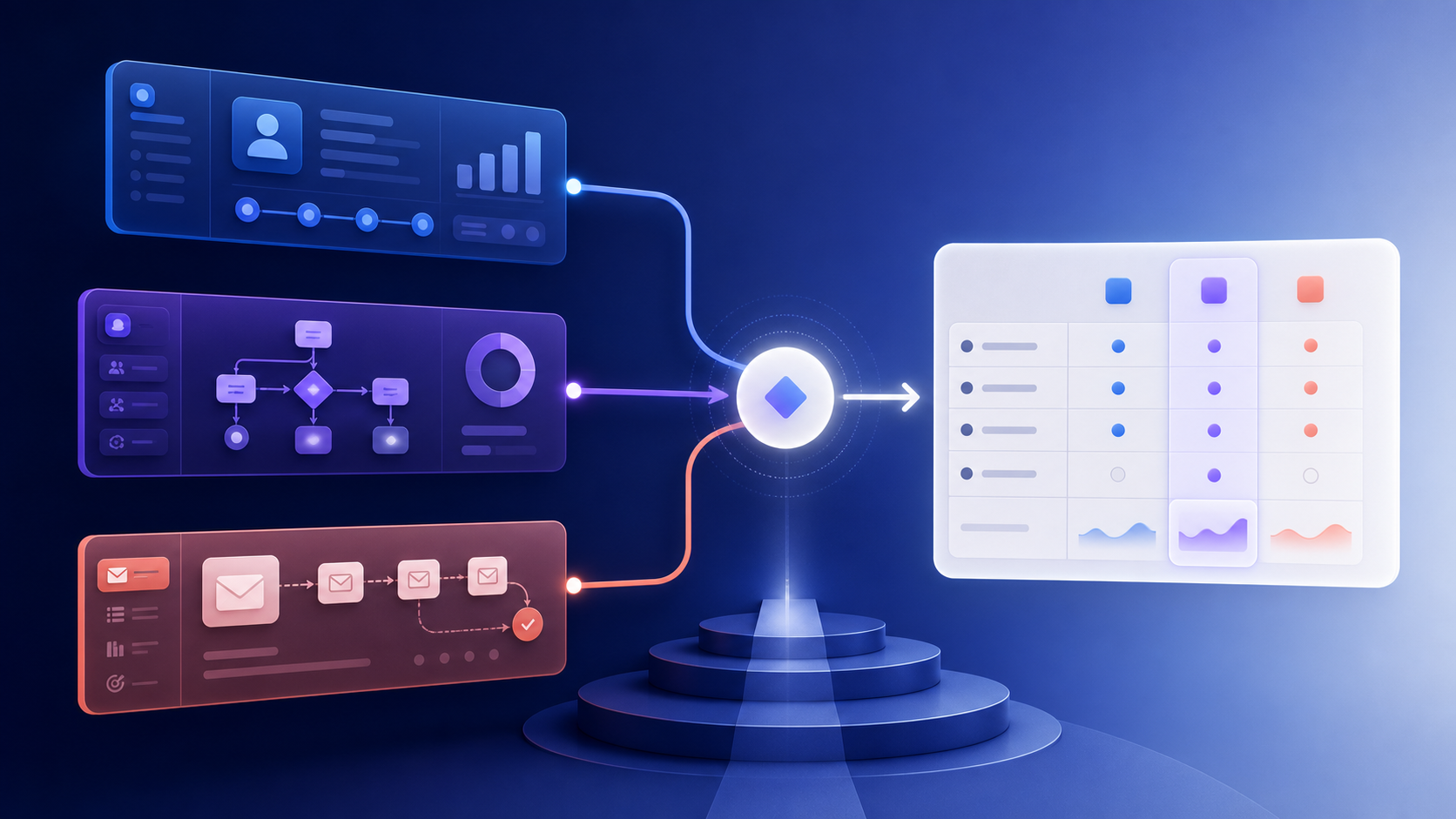
Agentic email operations means coordinating AI-assisted work across a lifecycle program. It does not mean giving a model unrestricted access to send messages or mutate subscribers.
Divide the work
| Responsibility | Good agent task | Deterministic owner |
|---|---|---|
| Briefing | Turn a goal into questions and a draft spec | Marketer approval |
| Segmentation | Explain candidate cohorts and missing data | Segment query and consent service |
| Copy | Draft variants from approved facts | Content review |
| QA | Find missing variables, conflicts, and risky claims | Test harness and reviewer |
| Triggering | Recommend an event mapping | Workflow engine |
| Sending | Never decide eligibility from prose | Sending service |
| Optimization | Summarize results and suggest experiments | Analyst approval |
The agent should propose; the platform should enforce.
Minimum operating contract
Every task should include:
- company and workspace;
- message category;
- goal and success metric;
- source data and freshness;
- audience and exclusions;
- trigger, delay, and exit;
- allowed claims and offer policy;
- approval owner;
- audit ID.
If a required field is missing, the agent should return a question or a draft with an explicit blocker.
Approval gates
Require human approval before:
- sending to a new audience;
- changing consent or suppression;
- making health, billing, security, or legal claims;
- offering a discount;
- changing DNS or deliverability policy;
- launching a high-volume campaign.
Allow automatic execution only for previously approved workflows with deterministic inputs and rollback behavior.
Example run
- Agent reads a brief for a trial onboarding flow.
- It proposes event, audience, branches, copy, and tests.
- Platform validates fields, consent, suppression, and links.
- Human approves the workflow spec.
- Workflow engine triggers from product events.
- Agent summarizes performance without changing the flow automatically.
Keep an audit trail of the prompt, source data version, output, approvals, and executed action.
Safety checklist
- No model-generated subscriber query executes without validation.
- No stale product, billing, or security claim reaches a send.
- Agents cannot bypass unsubscribe or suppression.
- Tool permissions are scoped by workspace and operation.
- Rollback and preview exist before launch.
- Performance summaries distinguish correlation from causation.
AI improves throughput when the boundaries are clear. The event contract and approval system are the product; the model is one component inside it.
A practical permission model
Permissions should describe both the workspace and the action. A writer may draft copy for a campaign but should not be able to alter suppression. A reporting agent may read aggregated performance but should not export individual subscriber data.
| Operation | Default | Approval or control |
|---|---|---|
| Read approved product facts | Allow | Source and freshness recorded |
| Draft copy or a workflow | Allow | Human review before activation |
| Query a saved segment | Allow | Consent and workspace scope enforced by the platform |
| Change audience or exclusions | Review | Diff and approver required |
| Send or schedule at scale | Review | Policy, rate, and rollback checks |
| Change DNS, billing, or consent | Deny by default | Separate operator and explicit confirmation |
Avoid a single “AI can manage email” role. Narrow permissions make failures legible and reduce the blast radius of a bad instruction or compromised tool.
Use an event contract, not prose as state
For each automation, keep a versioned record such as:
event: workspace.created
entry: marketing_consent = true AND account_status = active
delay: 2 hours
condition: activation_event absent
exit: activation_event OR unsubscribe OR account_deleted
owner: lifecycle-team
The agent can explain this contract and suggest changes, but the workflow engine should evaluate the conditions from typed events. If an event is late, duplicated, or missing a field, the engine should fail safely and expose the reason rather than asking the model to guess.
Review generated changes as diffs
An approval screen should show the old and new trigger, audience, exclusions, copy, links, rate limit, and expected volume. Include the source facts used for claims and the date those facts were retrieved. A reviewer should be able to reject one message or branch without accepting the entire proposal.
After launch, retain the prompt version, tool calls, output, approval identity, workflow version, and execution IDs. Redact sensitive subscriber data from logs and define a retention period. This is useful for debugging, but it is also how a team answers “why did this person receive this message?”
Rollout in small scopes
Start with a read-only agent that inventories journeys and flags conflicts. Next allow drafts and test generation. Only then consider activation of a small, already-approved flow with a volume cap. Compare the agent’s suggestions with a human baseline for factual accuracy, duplicate suppression, and measurable outcomes.
The strongest agentic system is intentionally boring at the point of sending: deterministic eligibility, explicit consent, stable templates, and a clear audit record.