
Overview
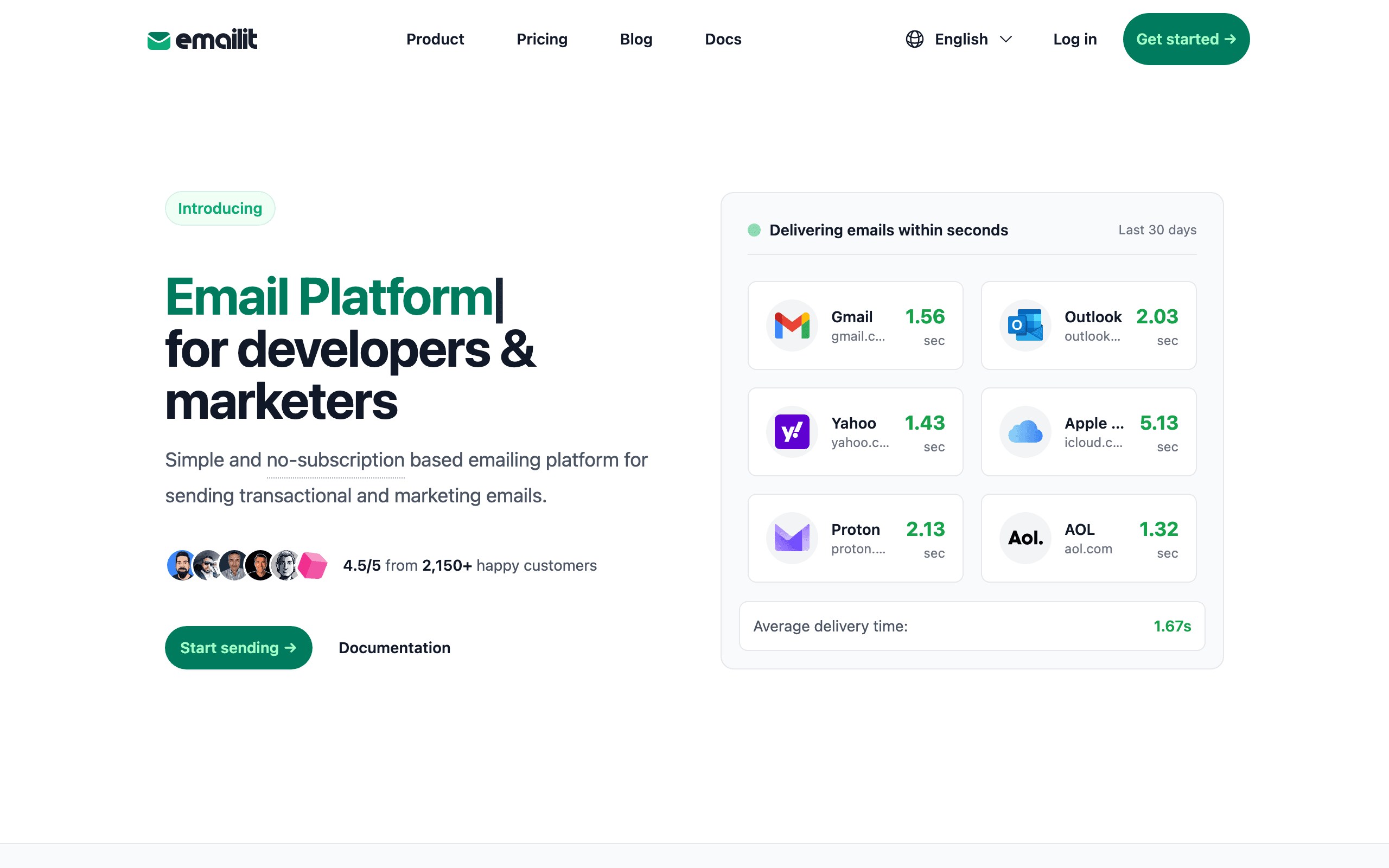
EmailIt and Elastic Email serve different needs in the email space. EmailIt is a budget pay-per-email delivery service. Elastic Email is a budget-friendly email delivery and marketing platform.
The choice depends on what you need: cheapest per-email pricing (EmailIt) or very affordable (Elastic Email). For SaaS businesses specifically, Sequenzy offers purpose-built features that neither tool provides.
Pricing reality
- EmailIt: ~$1-2 per 10,000 emails, billed per send with no subscription, reached through SMTP or API.
- Elastic Email: $19/month for delivery plus basic marketing tools, with a free tier to start on.
- Sequenzy: $99/month covers 120,000 emails. SMS is an optional paid add-on, and yearly billing saves 10%. See pricing.
Review signals
The EmailIt reviews on this page support very small or transactional-only sending. One reviewer says paying $19/month for Elastic Email's unused marketing features made no sense for 3,000 monthly sends.
The negative EmailIt review shows the upgrade path: once the team needed templates, analytics, deliverability tools, and newsletters, the small savings were not worth managing separate providers.
Elastic Email's reviews support the value bundle: newsletters, transactional email, email verification, and basic list features in one low-cost plan. The caution is that the editor and automation feel dated or gated behind higher tiers.
Where EmailIt Wins
Cheapest per-email pricing
EmailIt's roughly $1 to $2 per 10,000 emails is the lowest per-send rate here.
No monthly subscription
Because EmailIt has no monthly subscription, a month without sends costs nothing.
Simple SMTP/API
EmailIt's SMTP and API setup is simple: get a key and start sending.
Fast delivery
Since EmailIt is exclusively a sending API, its focus stays on fast delivery rather than marketing tools.
Where Elastic Email Wins
Very affordable
Elastic Email offers very affordable, which matters for teams that prioritize this.
Marketing + transactional
Elastic Email offers marketing + transactional, which matters for teams that prioritize this.
Template library
Elastic Email offers template library, which matters for teams that prioritize this.
Basic automation
Elastic Email offers basic automation, which matters for teams that prioritize this.
Delivery Speed and Reliability
EmailIt charges roughly $1 to $2 per 10,000 emails with no monthly subscription, so cost drops to zero in months you do not send. Elastic Email charges a flat $19 a month starting price that includes a template library and basic marketing tools alongside transactional sending. Teams with spiky, low-volume sending save more with EmailIt's pay-as-you-go model; teams that want campaign tools bundled in favor of a subscription lean toward Elastic Email.
API Design and Developer Experience
EmailIt keeps its API deliberately minimal: get a key and start sending, with no dashboard features to learn. Elastic Email adds a built-in email verification service, template editor, and contact segmentation on top of its API, which means more surface area to configure but more you can do without a second tool. If your integration only needs to fire transactional emails, EmailIt's simplicity is the advantage; if you also want to clean lists or run campaigns, Elastic Email's extra tooling saves you from adding another vendor.
Scaling and Cost at Volume
At low volume, EmailIt's pay-per-email pricing with no subscription usually costs less than Elastic Email's $19 monthly floor. Once you are sending consistently and want templates, list segmentation, and a marketing layer alongside transactional email, Elastic Email's flat rate and included free tier start to look like better value for the features you get. The decision comes down to whether you send occasionally and want to pay only for that, or send regularly and want tools bundled in.
The Budget Battle
Both EmailIt and Elastic Email compete on price, but their pricing models suit different sending patterns. EmailIt charges per email with no monthly fee, making it ideal for apps with unpredictable or low sending volumes. If you send 500 emails one month and 5,000 the next, you pay proportionally each time without a wasted subscription fee.
Elastic Email's $19/month plan includes 37,500 emails, making it more economical for consistent senders. If you reliably send 10,000+ emails monthly, the flat rate provides better value per email than EmailIt's pay-as-you-go model. Elastic Email also offers a pay-as-you-go option, but their subscription plans include marketing features that EmailIt lacks entirely.
The crossover point where Elastic Email becomes cheaper depends on your monthly volume. Below roughly 5,000 emails per month, EmailIt's no-subscription model usually wins. Above that threshold, Elastic Email's bundled pricing with marketing features included becomes the better value proposition.
The Marketing Feature Gap
The fundamental difference between these platforms is that Elastic Email includes marketing capabilities while EmailIt does not. Elastic Email offers contact management, email templates, campaign sending, basic segmentation, and email verification -- all within its $19/month plan. EmailIt is exclusively a sending API with no marketing features.
For teams that need both marketing newsletters and transactional notifications, Elastic Email's unified approach saves the cost and complexity of running two separate tools. The template library, while basic, provides a starting point for campaigns. Contact management handles subscriber lists without external software. These features are not best-in-class, but their inclusion at $19/month represents genuine value.
For teams that only need transactional sending and handle marketing through a dedicated platform like Mailchimp or Sequenzy, EmailIt's simplicity becomes an advantage. There are no marketing features to accidentally configure, no contact lists to manage, and no template system to learn. The API does one thing and does it cleanly.
Beyond Budget Email for SaaS
Both EmailIt and Elastic Email optimize for cost rather than SaaS-specific functionality. Neither offers subscription lifecycle automation, billing event triggers, or revenue-based segmentation. For SaaS businesses, the cheapest email platform is not always the most efficient when you factor in the custom integration work needed to connect billing events to email workflows.
Sequenzy approaches the problem differently with native Stripe integration that eliminates custom webhook processing. Trial expirations, payment failures, plan changes, and subscription cancellations automatically trigger the appropriate email sequences. At $49/month with unified transactional and marketing email, it costs more than either budget option but removes significant engineering overhead.
Use-case matchups
| Use case | Better fit | Why |
|---|---|---|
| Very low-volume transactional email | EmailIt | EmailIt's no-subscription model is useful when sends are infrequent and marketing features are unnecessary. |
| Basic marketing plus transactional email | Elastic Email | Elastic Email is better when newsletters, contacts, templates, and sending should live together. |
| Developer-owned app notifications | EmailIt | EmailIt stays out of the way when engineers own templates, events, and delivery logic. |
| Budget list management | Elastic Email | Elastic Email adds basic subscriber management and campaigns that EmailIt does not provide. |
| SaaS lifecycle automation | Sequenzy | Sequenzy is better when Stripe events, transactional email, and lifecycle campaigns need one SaaS workspace. |
| Consistent monthly sending | Elastic Email | Elastic Email's bundled plan can make more sense when volume is predictable and marketing tools are useful. |
Best Fit by Sending Frequency
Best transactional email service for very low-volume app notifications
EmailIt fits teams with infrequent sends that want pay-per-email delivery and do not need subscriber management, campaigns, or templates.
Best budget email platform for predictable monthly sending
Elastic Email is the better fit when newsletters, contacts, templates, and transactional delivery should live together under a low monthly plan.
Best SaaS email platform for Stripe-triggered lifecycle automation
Sequenzy fits SaaS teams that need transactional email and lifecycle campaigns connected to subscription events rather than only a delivery pipe.
Migration checklist
| Workstream | What to verify |
|---|---|
| Contact and send data | Export contacts, lists, suppressions, bounces, sender identities, templates, API keys, and webhook rules. |
| Budget marketing | If moving to Elastic Email, rebuild newsletters, contact fields, templates, verification workflows, and basic automations. |
| Low-volume delivery | If moving to EmailIt, confirm templates, lists, reporting, and bounce handling are owned outside the sender. |
| SaaS lifecycle | If moving to Sequenzy, map Stripe events, transactional messages, lifecycle campaigns, and subscriber segments together. |
| Launch checks | Test authentication, suppression behavior, unsubscribe links, template rendering, and one low-volume production send. |
Decision checklist
Is monthly volume low enough that EmailIt's no-subscription model clearly wins?
Will the team need newsletters, contact lists, templates, or email verification soon?
Does Elastic Email's basic editor and automation depth meet the marketing workflow?
Would one low-cost platform reduce operational work compared with separate send-only tools?
Would SaaS lifecycle automation and native billing triggers justify Sequenzy instead?
Decide whether the team needs a delivery pipe only or a low-cost platform with basic marketing tools.
Export verified domains, sender identities, SMTP/API keys, templates, contacts, lists, suppression data, campaigns, email verification data, webhooks, and delivery reports.
If moving to Elastic Email, map EmailIt transactional templates into Elastic Email API sends or campaign templates and define which contacts need list management.
If moving to EmailIt, identify which Elastic Email campaigns, lists, templates, email verification, analytics, and unsubscribe logic need replacement elsewhere.
Start by recreating the transactional templates that matter most, namely verification, password reset, invite, receipt, invoice, billing, alert, and notification emails.
Reconnect API/SMTP calls, webhooks, bounce handling, complaint handling, subscriber imports, list forms, analytics, and suppression syncing.
Authenticate SPF, DKIM, and DMARC, then test transactional sends and campaign unsubscribe behavior separately before full migration.
Preserve historical delivery, campaign, verification, cost, and support reports so the team can compare no-subscription simplicity against basic platform features.









