
How to Build an Admin Panel for a SaaS Product
Every successful SaaS product eventually reaches the same point: spreadsheets stop working, customer support requests pile up, and your team needs a centralized way to manage users, billing, permissions, and operational workflows. That is where an admin panel becomes essential.
A well-designed SaaS admin panel is more than a "back office." It becomes the operational control center for your business, helping support teams resolve issues faster, enabling product teams to monitor usage, and giving administrators secure access to tenant-specific data without compromising privacy.
In this guide, we will walk through how to build an admin panel for a SaaS product, including architecture decisions, essential features, security considerations, and scalability best practices.
What Is a SaaS Admin Panel?
A SaaS admin panel is a centralized interface that allows administrators, support teams, and internal operators to manage and monitor a SaaS application. It acts as the operational backbone of the platform, giving authorized users access to tools for managing customers, permissions, subscriptions, analytics, and system settings.
Unlike customer-facing dashboards, which are designed for end users to interact with the product, admin panels are built for operational control and internal management. They help teams maintain platform stability, support customers efficiently, and enforce security and compliance policies.
In most SaaS products, the admin panel is used to:
- Manage users and organizations
- Assign roles and permissions
- Handle subscriptions and billing
- Monitor product usage and activity
- Review logs and audit trails
- Configure tenant or account settings
- Resolve customer support issues
For multi-tenant SaaS platforms, admin panels become even more important because administrators must manage multiple customer environments while keeping tenant data securely isolated.
A well-designed admin panel improves operational efficiency, reduces support overhead, and gives internal teams the visibility they need to scale the product effectively. As SaaS platforms grow, the admin panel often evolves into a mission-critical system used daily by support, finance, operations, and engineering teams.
SaaS Admin Panel Feature Table
| Feature area | Who uses it | Why it matters |
|---|---|---|
| User and organization management | Support and operations | Resolves account issues without engineering help |
| Roles and permissions | Admins and security teams | Limits access to sensitive customer data |
| Subscription management | Finance and support | Handles plan changes, refunds, and billing questions |
| Activity logs | Support and engineering | Explains what happened before a customer issue |
| Tenant settings | Operations and success | Adjusts account configuration safely |
| Audit trails | Security and compliance | Creates accountability for internal actions |
How to Build an Admin Panel for a SaaS Product
Start With the Problems You Need to Solve
Before building anything, think about the tasks your team repeats every day. For most startups, the first admin panel is usually built to solve practical operational problems, such as:
- Managing users and accounts
- Updating subscription plans
- Handling refunds
- Helping customers with login issues
- Monitoring product activity
- Managing team permissions
Instead of trying to create dozens of features immediately, focus on the areas that save your team the most time. If customer support constantly asks developers to reset passwords or update accounts manually, that is probably the first workflow your admin panel should solve.
First Admin Panel Scope Table
| Operational problem | First admin feature | Avoid building too early |
|---|---|---|
| Support asks engineers to find users | Fast user and account search | Custom analytics dashboards |
| Billing changes require manual database edits | Plan and subscription management | Complex revenue forecasting |
| Account issues are hard to debug | Recent activity timeline | Full event warehouse UI |
| Permissions are handled informally | Basic role management | Fine-grained policy builder |
| Refunds need multiple tools | Billing status and refund links | Custom finance automation |
Keep the First Version Simple
Many startups overbuild internal tools too early. Your admin panel does not need advanced analytics, custom reporting systems, or complicated workflows in the beginning. A simple dashboard with a few useful sections is usually enough. Most early-stage SaaS admin panels include:
- User management
- Subscription management
- Basic activity logs
- Account settings
- Support tools
You can always expand later once your operations become more complex.
Think About Your Team's Workflow
The admin panel should make life easier for the people using it every day. Support teams should be able to quickly find customers. Founders should be able to check subscriptions and growth metrics. Operations teams should have visibility into account activity without needing engineering help for every task.
That is why usability matters more than visual complexity. Simple things like fast search, clear navigation, filters, easy account access, and simple permission controls often matter more than fancy dashboards or animations.
Add Permissions Early
Even small startups should think about permissions from the beginning. Not everyone on the team needs full access to billing information, customer data, or account settings. For example:
- Support agents may only need customer access
- Finance teams may only need billing access
- Founders may need full control
Adding basic role management early helps avoid security problems later as the team grows.
Choose Tools That Help You Move Faster
In the early stages, speed matters more than perfect architecture. Many startups use tools like:
- Retool
- Appsmith
- Supabase
- Firebase
- Stripe dashboards
to avoid building everything from scratch.
There is nothing wrong with using low-code or third-party tools in the beginning if they help your team move faster and reduce development costs. As the product grows, you can gradually replace temporary solutions with custom-built systems.
Focus on Customer Support
One of the biggest reasons startups build admin panels is customer support. When users run into problems, your team needs a fast way to:
- Find accounts
- Check subscription status
- Review recent activity
- Reset passwords
- Solve onboarding issues
Without an admin panel, even simple support requests can become time-consuming and frustrating. A well-designed internal dashboard helps your startup respond faster and provide a much better customer experience.
Build for Today, Not for a Future You May Never Need
It is easy to spend months designing systems for "future scale." But most startups benefit more from solving current operational problems quickly than building enterprise-level infrastructure too early.
Your admin panel should grow alongside the company. Start small, improve it over time, and let real operational needs guide what gets built next.
In many cases, the best admin panels are not the most complicated ones. They are the ones that help small teams work efficiently without slowing the business down.
How to Choose the Best Tool for Building an Admin Panel for SaaS
Choosing the right tool for building a SaaS admin panel can save a startup weeks or even months of development time.
The wrong choice, however, can become expensive later. A basic dashboard may look fine at the MVP stage, but as your SaaS grows, you may need custom permissions, billing logic, user management, audit logs, integrations, support workflows, and deeper control over the code.
That is why the best admin panel tool depends on what you are actually building.
Some teams only need a quick internal dashboard for operations. Others need a real product-grade admin system connected to their database, business logic, customers, and infrastructure.
Admin Panel Tool Choice Table
| Tool type | Best for | Tradeoff |
|---|---|---|
| Generated full-stack app | Product-grade admin panel with code ownership | Requires engineering ownership after generation |
| Low-code internal tool | Fast operational dashboard | Can become limiting for core product logic |
| Open-source low-code | Self-hosted internal workflows | Still needs maintenance and governance |
| Database admin layer | Existing app needing quick back office | Works best when data model is already stable |
| React admin framework | Developer-built CRUD-heavy app | Faster than scratch, but not no-code |
Below are some of the best tools startups use to build SaaS admin panels today.
Flatlogic Generator
Flatlogic Generator is one of the best options for startups that want to build a full-stack SaaS admin panel quickly while still keeping control over the code.
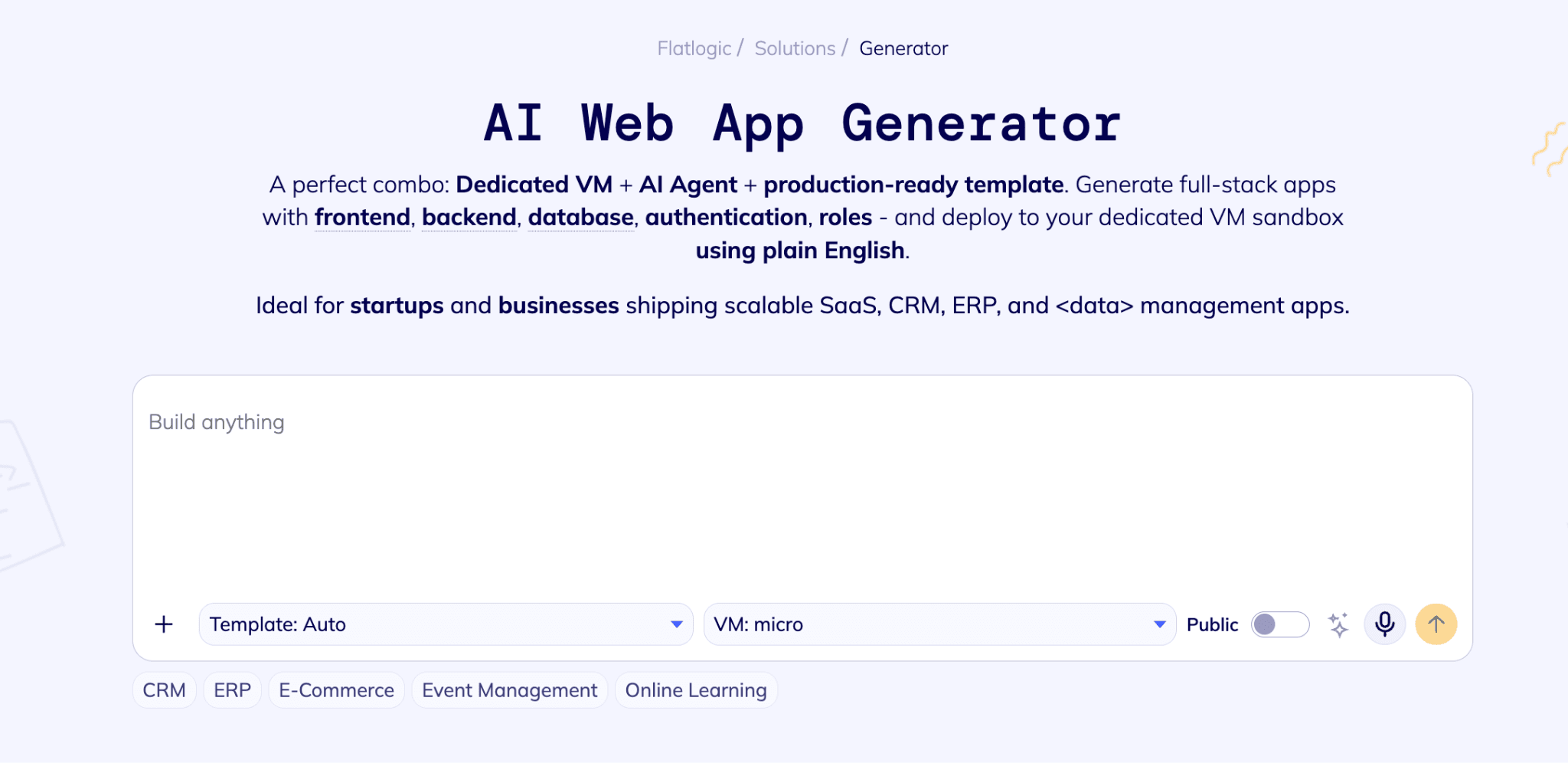
Unlike classic no-code or low-code tools, Flatlogic is designed to generate real business applications with frontend, backend, database structure, authentication, roles, permissions, and deployment logic. It is especially useful when the admin panel is not just an internal dashboard, but part of the actual SaaS product.
Flatlogic is a strong fit for:
- SaaS admin panels
- CRM and ERP-style dashboards
- Internal business systems
- MVPs with real backend logic
- Startup products that need long-term code ownership
- Founders who want speed without vendor lock-in
One of Flatlogic's biggest advantages is that it gives startups a production-ready foundation faster than building manually, while still allowing developers to customize the generated application later. Flatlogic also emphasizes source-code ownership, GitHub integration, deployment, and continued editing after the first generated version.
This makes it a good choice for teams that want the speed of AI-assisted development but do not want to trap their SaaS inside a closed no-code platform.
Best for: startups that need a real SaaS admin panel with code ownership, backend logic, customization, and long-term flexibility.
Appsmith
Appsmith is an open-source low-code platform for building internal applications, admin panels, and dashboards.
It is often compared with Retool, but with a stronger open-source and self-hosting angle. Appsmith positions itself as an open-source low-code platform for building custom applications, and its GitHub description specifically mentions admin panels, internal tools, dashboards, databases, and API integrations.
Appsmith is useful for startups that:
- Prefer open-source tools
- Want self-hosted infrastructure
- Need lower-cost internal tools
- Have developers who can extend the platform when needed
It works well for operational dashboards, support tools, database interfaces, and simple internal workflows.
However, like most low-code platforms, it is usually better for internal tooling than for building the core architecture of a SaaS product.
Best for: open-source internal tools and self-hosted admin dashboards.
ToolJet
ToolJet is another strong open-source low-code platform for building internal apps, workflows, and admin panels.
It has moved more aggressively into AI-assisted internal app creation, with positioning around building enterprise apps, AI agents, and workflows quickly. ToolJet also highlights self-hosting and enterprise readiness.
ToolJet is useful for:
- Internal admin panels
- Workflow automation
- Operations dashboards
- AI-assisted internal tools
- Self-hosted business apps
It is a good option when a startup wants a Retool-like experience but prefers more control over infrastructure.
Best for: open-source low-code internal apps with AI-assisted workflows.
Budibase
Budibase is an open-source platform for building internal tools, workflow apps, automations, and operational systems.
It is especially interesting for companies that want to combine internal apps with process automation. Budibase now positions itself around agents, workflows, automations, and internal business tools.
Budibase can be useful for:
- Admin panels
- Internal portals
- Approval workflows
- Request management tools
- Lightweight business process automation
It is not usually the first choice for a deeply customized SaaS product backend, but it can be very effective for internal systems and operations-heavy teams.
Best for: internal workflow apps and admin tools with automation.
Forest Admin
Forest Admin is focused specifically on admin panels built on top of existing data sources.
Instead of building a custom admin panel from scratch, teams can connect Forest Admin to their database or backend and get a ready-to-use interface for managing data, users, and operations. Forest Admin describes its product as a way to deploy admin panels on top of data sources with built-in permissions and collaboration features.
Forest Admin is useful for:
- Managing production data
- Support and operations teams
- Back-office workflows
- Admin interfaces on top of existing databases
It is especially practical when your product already exists and you need an admin layer quickly.
Best for: adding an admin panel to an existing application or database.
Refine
Refine is a developer-focused React framework for building admin panels, dashboards, internal tools, and B2B applications.
It is not a low-code platform. It is closer to a framework that helps developers build CRUD-heavy applications faster. Refine describes itself as a React meta-framework for CRUD-heavy applications, including internal tools, admin panels, dashboards, and B2B apps.
Refine is useful if your team wants:
- Full React control
- Faster admin panel development
- Built-in patterns for CRUD, auth, routing, access control, and data fetching
- More flexibility than low-code tools
The tradeoff is that you still need developers. Refine speeds up development, but it does not remove engineering work.
Best for: developer teams building custom React admin panels.
AdminJS
AdminJS is an open-source admin panel framework for Node.js applications.
It automatically generates an admin interface based on your existing models and database resources. AdminJS describes itself as an open-source auto-generated admin panel for Node.js apps that lets teams manage data in one place.
AdminJS is useful for:
- Node.js applications
- Quick database admin interfaces
- Developer-built SaaS back offices
- Projects that need a lightweight admin panel without a full internal tool platform
It is more technical than Retool, Appsmith, or ToolJet, but it gives developers more direct control inside a Node.js stack.
Best for: Node.js teams that need an auto-generated admin interface.
What to Look for When Choosing an Admin Panel Tool
Before choosing a tool, ask five practical questions.
Is this admin panel part of the product or only an internal tool?
If it is only for internal operations, tools like Retool, Appsmith, ToolJet, Budibase, or Forest Admin may be enough. If it is part of your actual SaaS product, you probably need more control over code, database structure, permissions, and deployment. In that case, Flatlogic Generator, Refine, AdminJS, or a custom stack may be a better fit.
Do you need code ownership?
Code ownership matters when your admin panel becomes a long-term part of the product. If you want to customize deeply, avoid vendor lock-in, connect your own infrastructure, and continue development with your engineering team, generated or framework-based solutions are usually safer than closed low-code platforms.
How complex will your permissions become?
Simple dashboards may only need admin/user access. Real SaaS platforms often need:
- Admin roles
- Customer roles
- Team permissions
- Audit logs
- Billing access
- Data visibility rules
- Organization-level permissions
If your permissions will become complex, choose a tool that can support real backend logic instead of only UI-level controls.
Will the admin panel need custom business logic?
Many admin panels start as CRUD interfaces. Then they grow into:
- Subscription management
- User onboarding
- Support workflows
- Reporting systems
- Billing dashboards
- AI features
- Data import/export tools
- Internal automation
The more business logic you need, the more important it is to choose a flexible architecture.
Can the tool scale with your SaaS?
The fastest tool today is not always the cheapest tool tomorrow. A low-code dashboard can be perfect for the first six months. But if your product depends on it deeply, migration later may be painful.
The right choice should help you move fast now without creating a wall later.
Conclusion
Many early-stage SaaS companies do not need to build every admin panel from scratch. The smarter approach is to choose the right level of abstraction. If you only need a quick internal tool, a low-code platform may be enough.
If you need a real SaaS admin panel that belongs to your product, connects to your backend, supports custom logic, and can evolve with your company, then a full-stack generator like Flatlogic Generator is usually the stronger starting point.
The goal is not just to launch fast. The goal is to launch fast without creating technical debt that bites you later, because technical debt is basically a payday loan with a hoodie.