
Overview
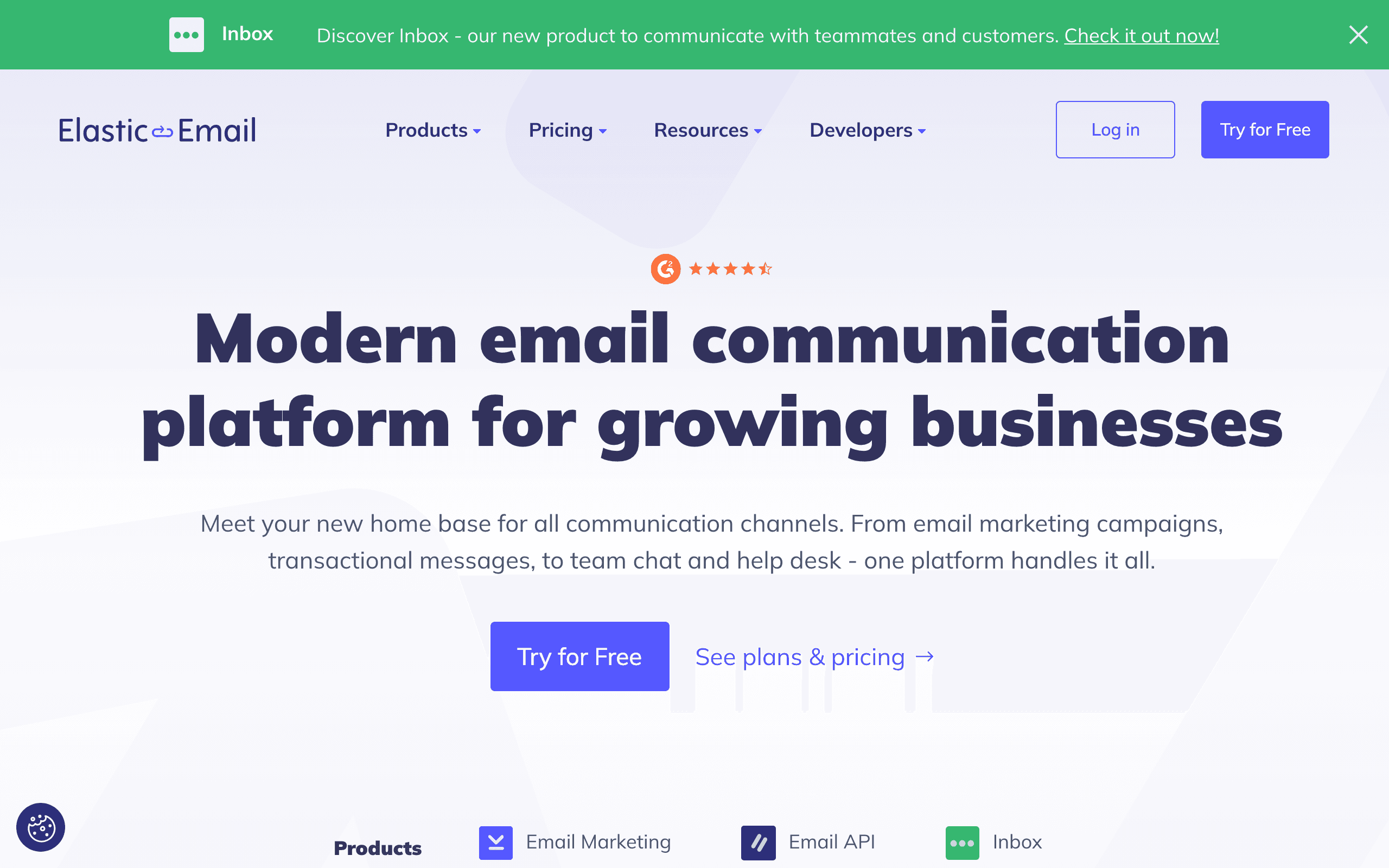
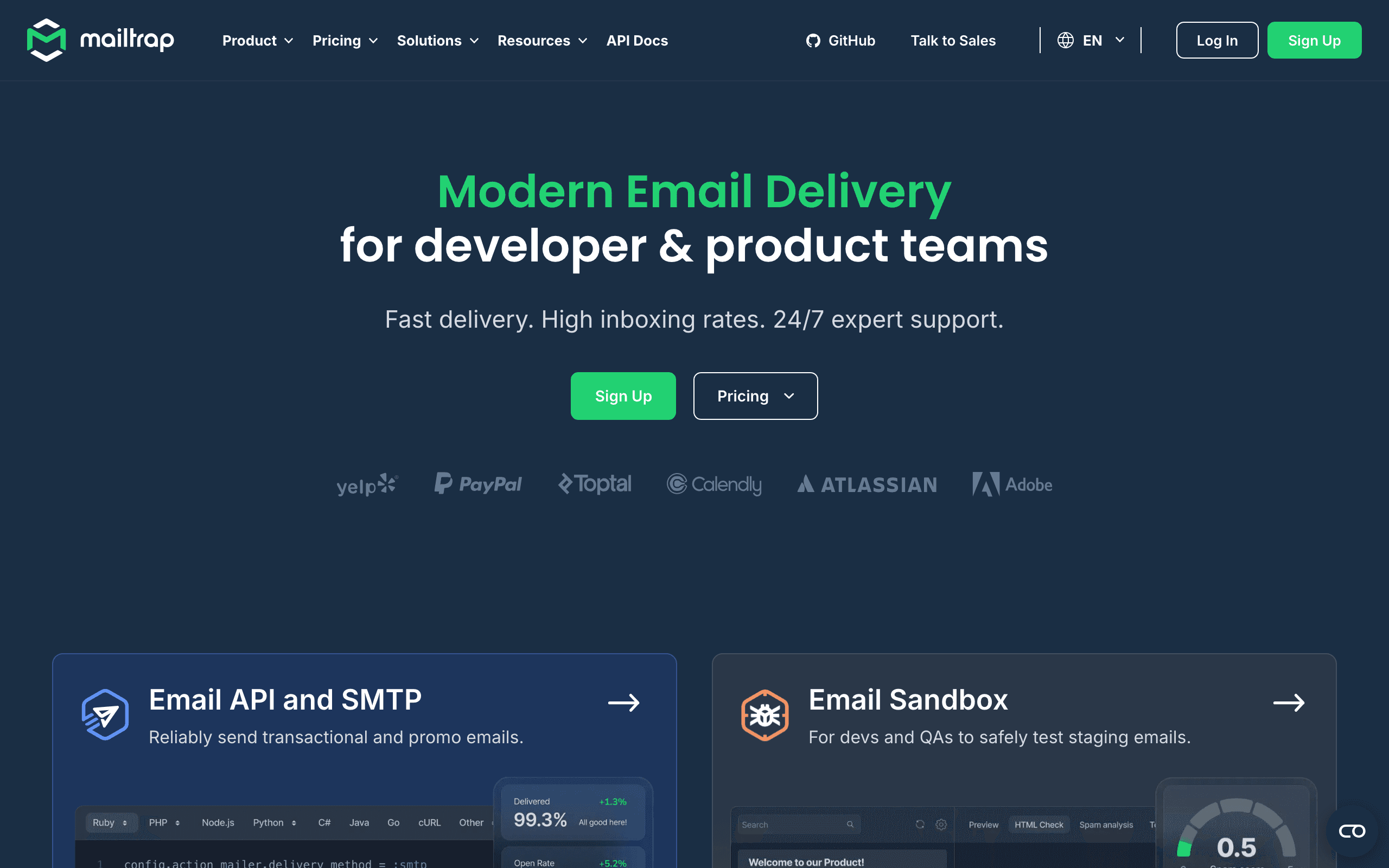
Elastic Email and Mailtrap serve different needs in the email space. Elastic Email is a budget-friendly email delivery and marketing platform. Mailtrap is a email testing and production sending platform.
The choice depends on what you need: very affordable (Elastic Email) or best email testing sandbox (Mailtrap). For SaaS businesses specifically, Sequenzy offers purpose-built features that neither tool provides.
Pricing reality
- Elastic Email: $19/month - Budget delivery + basic marketing. Free tier available.
- Mailtrap: $10/month - Email testing sandbox + production sending.
- Sequenzy: $99/month for 120,000 emails, unlimited subscribers, fully managed. See pricing.
Review signals
The Elastic Email reviews on this page support it when the team mainly wants cheap basic sending. One reviewer says they do not need Mailtrap's testing sandbox and are choosing Elastic Email for simple delivery.
The caution signal is QA: another reviewer says Elastic Email did not help enough with debugging and email testing, which pushed the team toward Mailtrap.
Mailtrap's reviews emphasize testing value. Reviewers call out the sandbox, HTML checks, spam analysis, and catching broken links before production, while also noting that production sending is less mature than its testing workflow.
Where Elastic Email Wins
Very affordable
Elastic Email offers very affordable, which is a genuine advantage for teams that need it.
Marketing + transactional
Elastic Email offers marketing + transactional, which is a genuine advantage for teams that need it.
Template library
Elastic Email offers template library, which is a genuine advantage for teams that need it.
Basic automation
Elastic Email offers basic automation, which is a genuine advantage for teams that need it.
Where Mailtrap Wins
Best email testing sandbox
Mailtrap offers best email testing sandbox, which matters for teams that prioritize this.
Testing + production
Mailtrap offers testing + production, which matters for teams that prioritize this.
Good docs
Mailtrap offers good docs, which matters for teams that prioritize this.
QA-friendly
Mailtrap offers qa-friendly, which matters for teams that prioritize this.
The Testing-First Approach
Mailtrap's defining feature is its email testing sandbox - a safe environment where developers send test emails during development without risking delivery to real recipients. HTML rendering previews, spam score analysis, and blacklist checks happen before a single email reaches production. This prevents embarrassing bugs, broken templates, and deliverability issues.
Elastic Email has no testing capabilities. Every email you send goes to real recipients on real infrastructure. For small teams where the developer and the marketer are the same person, this might be acceptable. For engineering teams with QA processes, staging environments, and code review - the standard for professional software development - Mailtrap's sandbox is essential infrastructure.
The practical question is whether your team needs professional email testing. If you send simple newsletters with basic templates, manual testing might suffice. If your application sends dynamic transactional emails with user-specific content, conditional sections, and complex HTML, Mailtrap's testing sandbox catches issues that would otherwise reach customers.
The Production Sending Comparison
While Mailtrap started as a testing tool, it now offers production email sending alongside its sandbox. However, production sending is clearly secondary to testing in Mailtrap's product focus. The sending infrastructure, while functional, lacks the volume capacity and marketing features that dedicated sending platforms offer.
Elastic Email's production sending is more mature. It handles higher volumes, includes basic marketing features like templates and contact lists, and has a longer track record as a delivery platform. For teams that need reliable production sending as their primary need, Elastic Email is the stronger choice.
The ideal setup for many development teams is actually both: Mailtrap for testing and a production sender for delivery. Whether that production sender is Elastic Email, Sequenzy, or another provider depends on what features beyond basic delivery you need.
The SaaS Development Workflow
For SaaS companies building products that send email, the development workflow typically involves testing, staging, and production environments. Mailtrap fits naturally into the testing and staging phases. The production phase requires a sending platform with marketing capabilities - campaigns, automation, and subscriber management - that neither Mailtrap nor Elastic Email truly provides.
Sequenzy serves the production layer with marketing automation, transactional email, and native Stripe integration. Paired with Mailtrap for development testing, it creates a complete email infrastructure for SaaS companies - testing in development, automated marketing and transactional delivery in production.
Delivery Speed and Reliability
Mailtrap is built around a testing sandbox first, with production sending as a secondary feature once your emails have already been checked for HTML and spam score. Elastic Email skips that testing layer and sends transactional and marketing email directly from day one, at $19 a month with a free tier, which suits teams that want to start sending immediately rather than validate in a sandbox first.
API Design and Developer Experience
Mailtrap's documentation and API are built specifically around QA workflows: HTML validation, spam score checks, and team collaboration on test emails before anything reaches production. Elastic Email's API is more basic by comparison, but it covers both transactional and marketing sending in one place, so integration effort goes toward campaign features rather than the testing tooling Mailtrap emphasizes.
Scaling and Cost at Volume
At $19 a month, Elastic Email includes a free tier and stays useful as sending volume grows since it is priced for both marketing and transactional mail. Mailtrap's $10 a month plan is anchored to testing and production sending rather than marketing volume, and its free tier caps at 100 emails a month, so its pricing assumes most of your spend is elsewhere once you scale.
The Testing Pipeline Advantage
Mailtrap's defining feature is its email testing sandbox that captures outgoing emails before they reach real recipients. Developers can inspect HTML rendering, verify dynamic content, and catch formatting issues without accidentally emailing customers. Elastic Email has no testing sandbox -- emails go directly to recipients.
This testing capability is invaluable during development. A misconfigured template that sends test data to real customers is an expensive mistake. Mailtrap's sandbox prevents this entirely. Elastic Email users must build their own testing workflow using test email addresses or staging environments with limited coverage.
For teams that ship email-related features frequently, the testing pipeline pays for itself by preventing production incidents. Elastic Email's lower cost is irrelevant if a single testing failure causes customer trust damage.
The Marketing Feature Gap
Elastic Email includes basic marketing features -- contact management, a campaign editor, and basic automation. Mailtrap is purely transactional with no marketing capabilities. If you need both transactional notifications and marketing campaigns, Elastic Email handles both in one platform.
Mailtrap users who later need marketing email must add a separate platform, creating two vendor relationships, two sets of domain authentication, and two dashboards to monitor. Elastic Email's combined approach avoids this fragmentation, though its marketing features are basic compared to dedicated platforms.
For SaaS companies, onboarding sequences, feature announcements, and lifecycle emails blur the line between transactional and marketing. A platform like Sequenzy that unifies both with Stripe-aware automation and smart segmentation eliminates the categorization problem entirely.
Deliverability Monitoring Approaches
Mailtrap has invested heavily in deliverability monitoring tools, including email health checks, blacklist monitoring, and detailed delivery analytics. Its production sending infrastructure is purpose-built for transactional email where every message must reach the inbox.
Elastic Email serves both marketing and transactional senders on shared infrastructure. While dedicated IPs are available, the default shared pool includes a mix of sender types. Mailtrap's transactional-only focus means its infrastructure tends to maintain higher reputation scores since marketing senders with variable engagement are not mixed in.
The deliverability difference matters most for critical transactional emails like password resets, payment receipts, and security alerts. If inbox placement for these messages is non-negotiable, Mailtrap's focused infrastructure provides stronger guarantees than Elastic Email's general-purpose platform.
Use-case matchups
| Use case | Better fit | Why |
|---|---|---|
| Low-cost marketing plus transactional email | Elastic Email | Elastic Email is better when campaigns, contacts, templates, and production sending should live together cheaply. |
| Development and staging email QA | Mailtrap | Mailtrap is stronger when teams need a sandbox, spam checks, HTML validation, and pre-production email review. |
| Production sending without separate marketing | Mailtrap | Mailtrap can fit if the team mainly needs transactional production delivery plus testing workflow. |
| Basic newsletters and lists | Elastic Email | Elastic Email includes basic marketing capabilities Mailtrap intentionally skips. |
| SaaS production lifecycle email | Sequenzy | Sequenzy is better when Stripe events, transactional email, and lifecycle campaigns need one production workspace. |
| Frequent template changes by developers | Mailtrap | Mailtrap reduces risk when code changes affect dynamic email rendering and QA matters. |
Best Fit by Production Readiness
Best budget email platform for production campaigns and transactionals
Elastic Email fits teams that want contacts, templates, campaigns, and production sending in a low-cost platform.
Best email testing platform for development QA and staging
Mailtrap is the better fit when developers need sandbox inboxes, spam checks, HTML validation, template QA, and safer pre-production workflows.
Best SaaS email platform for production lifecycle campaigns
Sequenzy fits software teams that need Stripe-triggered lifecycle email and transactional messages in production rather than testing-first tooling.
Decision checklist
Is the primary problem production delivery cost or pre-production email QA?
Does the team need a sandbox, spam checks, HTML checks, and broken-link testing before sends go live?
Will marketing campaigns and contact management matter, or is the workflow mostly developer testing?
Which transactional templates are risky enough to require staged email testing?
Would SaaS lifecycle automation and unified transactional plus marketing email justify Sequenzy instead?
Decide whether the destination should optimize for production marketing, development testing, or SaaS lifecycle automation.
Export verified domains, sender identities, SMTP/API keys, templates, contacts, lists, test inboxes, webhooks, suppressions, and delivery reports.
If moving to Mailtrap, recreate development, staging, and production environments separately so test emails cannot leak to real users.
If moving to Elastic Email, identify which Mailtrap sandbox, HTML validation, spam checks, test inboxes, and QA workflows need replacement elsewhere.
Rebuild critical transactional and marketing templates first: verification, password reset, invite, receipt, invoice, billing, newsletter, and promotional emails.
Reconnect API/SMTP calls, campaign lists, test/staging routing, webhooks, bounce handling, complaint handling, analytics, and suppression syncing.
Authenticate SPF, DKIM, and DMARC, then test development, staging, and production sends before switching all traffic.
Preserve historical test failures, spam scores, rendering issues, delivery logs, campaign data, bounce reports, and cost reports so the team can compare QA value against platform simplicity.









