Overview
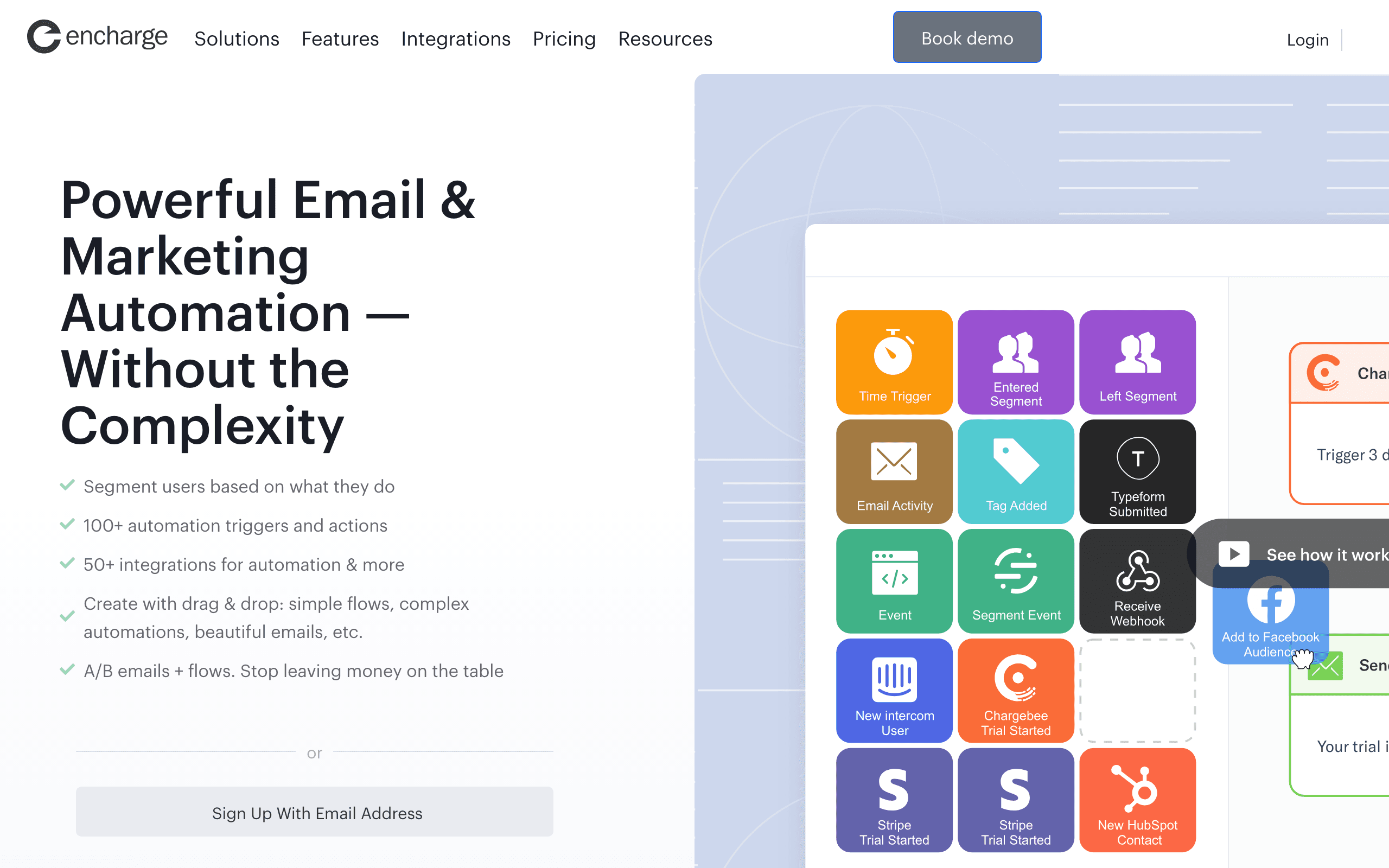
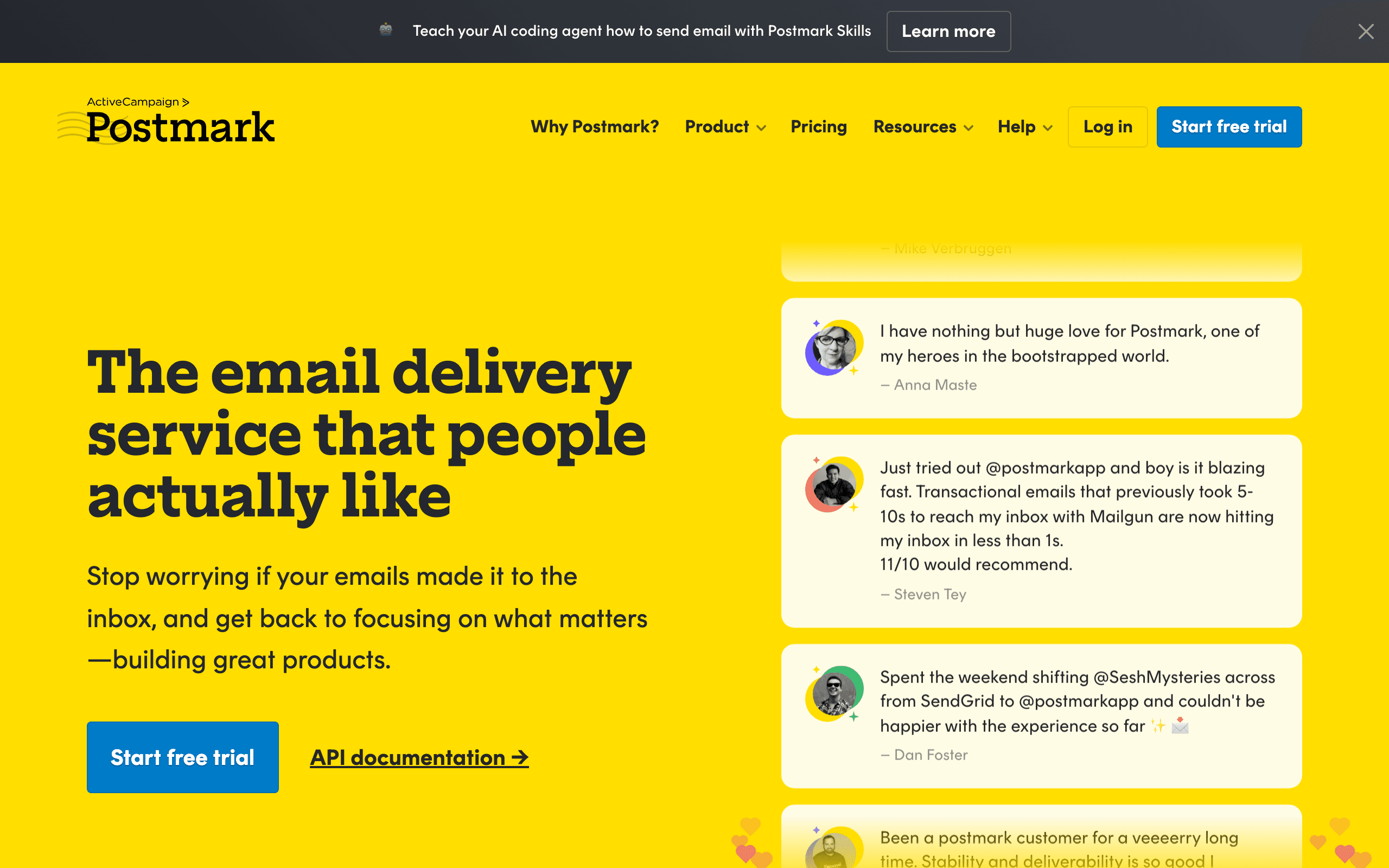
Encharge and Postmark solve different problems. Encharge is marketing automation for SaaS companies - behavioral triggers, lifecycle campaigns, user scoring. Postmark is transactional email delivery - password resets, receipts, notifications with industry-leading speed. They're complementary tools, not competitors. See our Encharge and Postmark comparisons for more context.
Different Tools, Different Jobs
Encharge helps you nurture leads and convert users with sophisticated marketing automation. Behavioral triggers based on product usage, user scoring, complex multi-step campaigns. Postmark ensures your password resets arrive in seconds, your receipts hit inboxes instantly. These aren't competing features - they're different categories.
Pricing reality
Encharge charges $179/month at 10k contacts for marketing automation. Postmark charges $15/month for 10k emails for transactional delivery. Comparing these prices directly is misleading - it's like comparing Stripe to Mailchimp. Different products, different pricing models, different value propositions. Most SaaS companies budget for both or find a unified platform.
Deliverability Philosophy
Postmark obsesses over deliverability. Sub-10-second delivery, industry-leading inbox rates, dedicated IPs at scale. They achieve this by rejecting marketing email to protect their sender reputation. Encharge has good deliverability for marketing but doesn't specialize in it. For critical transactional emails, Postmark's reputation matters.
Marketing Capabilities
Encharge has deep marketing features: advanced segmentation, user scoring, complex behavioral flows, A/B testing. Postmark added Broadcast Streams for marketing-style emails, but they're intentionally limited. If you need sophisticated lifecycle marketing, Encharge wins. If you just need reliable delivery, Postmark excels.
The Integration Question
Neither has native Stripe integration. Postmark can receive webhooks for transactional triggers. Encharge connects to Segment and other tools. Running both means maintaining two integrations, two bills, two dashboards. For SaaS companies wanting simplicity, a unified platform makes sense.
Making the Choice
The question isn't "Encharge or Postmark?" - most SaaS companies need both capabilities. The real question: run two specialized tools (~$194/month combined) or find a unified platform like Sequenzy ($49/month) that handles marketing and transactional with native Stripe integration?
Review signals
The Encharge reviews here show why SaaS teams buy it for lifecycle marketing: trial nurturing, onboarding, upgrade campaigns, and user scoring. They also expose the frustration that transactional email may still require a separate specialist like Postmark.
The Postmark reviews are focused on critical delivery: password resets arriving in seconds, clean API documentation, and strong transactional reliability. The caution is explicit too: Postmark is not a marketing automation replacement.
The Two-Tool Tax
Running Encharge for marketing and Postmark for transactional means maintaining two platforms, two integrations, two billing relationships, and two sets of analytics. At 10k contacts, that is roughly $194/month combined. This "two-tool tax" is common in SaaS email stacks, but it adds operational complexity. Every subscriber exists in two systems, event tracking feeds into two platforms, and your team monitors two dashboards.
The alternative is a unified platform that handles both. Sequenzy combines marketing automation and transactional email in one platform at $49/month. You trade Postmark's legendary delivery speed and Encharge's deep automation for simplicity and cost savings. Whether that trade-off works depends on how critical sub-10-second delivery and advanced behavioral triggers are to your business.
When Delivery Speed Matters Most
Postmark's sub-10-second delivery is not marketing speak - it is a genuine technical achievement that matters for specific use cases. Password resets that arrive 30 seconds late frustrate users. Payment receipts that take minutes to appear cause support tickets. Two-factor authentication codes that arrive slowly break login flows. For these critical transactional emails, Postmark's speed is a competitive advantage that marketing platforms cannot match.
Encharge's delivery speed is standard for marketing platforms - emails arrive within minutes, which is perfectly acceptable for onboarding sequences and lifecycle campaigns. Nobody notices if a "welcome to our app" email arrives in 2 minutes versus 5 seconds. Understanding which emails need speed and which need sophistication helps you decide whether the two-tool approach is necessary.
Unified Analytics Challenge
When you split email across two platforms, understanding your complete email picture becomes harder. Postmark shows you transactional delivery metrics. Encharge shows you marketing campaign performance. But neither shows you the full subscriber journey - how transactional emails like receipts influence marketing engagement, or how marketing campaigns affect transactional patterns like password resets. This analytics gap is a hidden cost of the two-tool approach that grows more significant as your email program matures.
Use-case matchups
| Situation | Best first look | Why |
|---|---|---|
| SaaS team building trial nurture and lifecycle campaigns | Encharge | Encharge is built for behavioral marketing automation, scoring, branching, and user lifecycle messaging. |
| Product team sending password resets, receipts, and alerts | Postmark | Postmark is the better fit when reliable transactional delivery and speed are the primary requirement. |
| Team already using one marketing platform and only missing transactional email | Postmark | Postmark can add delivery infrastructure without forcing a marketing automation migration. |
| Team tired of two tools, two bills, and split analytics | Sequenzy | Sequenzy is the simpler fit when unified marketing and transactional email matters more than specialist depth. |
| High-complexity lifecycle marketing plus mission-critical transactional speed | Encharge + Postmark | Keeping both specialists can make sense when the team can maintain the integration and analytics overhead. |
Pricing reality details
The listed Encharge and Postmark prices should not be compared as substitutes. Encharge prices around marketing contacts and automation value; Postmark prices around transactional email volume and delivery infrastructure.
The practical comparison is stack cost. If a SaaS team needs Encharge for lifecycle marketing and Postmark for transactional delivery, model the combined monthly cost, implementation time, duplicate subscriber data, and reporting gaps.
Sequenzy's pricing is most relevant when the team wants one system for campaigns, automations, transactional email, and Stripe-triggered lifecycle messaging. It is not a direct replacement for Postmark's specialist delivery speed or Encharge's deepest scoring workflows.
Best Fit by Tool Role
Best SaaS marketing automation tool for lifecycle campaigns
Encharge fits teams building trial nurture, activation, reactivation, segmentation, scoring, and behavioral campaigns. It should be evaluated first when growth teams need automation workflows more than a transactional delivery specialist.
Best transactional email service for critical app messages
Postmark fits products that need password resets, receipts, invites, alerts, and billing notices to arrive quickly and be easy to troubleshoot. Choose it when the missing capability is reliable delivery infrastructure, not campaign orchestration.
Best unified SaaS email platform for campaigns and transactionals
Sequenzy fits teams that want marketing, lifecycle, transactional, and Stripe-triggered email in one system. It is most relevant when two tools, duplicate analytics, and split customer state are the problem.
Migration checklist
| Workstream | Moving toward Encharge | Moving toward Postmark | Simplifying to Sequenzy |
|---|---|---|---|
| Email inventory | Separate marketing, lifecycle, nurture, and sales-assist emails from transactional messages. | Identify password resets, receipts, alerts, invites, and notifications that need fast delivery. | Group marketing, lifecycle, and transactional messages into one event-driven inventory. |
| Data model | Map contacts, companies, lifecycle stages, events, scores, and segments. | Map message streams, templates, metadata, suppression handling, and sender signatures. | Map subscribers, Stripe events, product events, templates, and suppression rules. |
| Integrations | Confirm Segment, Zapier, API, CRM, and product-event feeds. | Configure domains, DKIM/SPF, webhook handling, API keys, and message streams. | Connect Stripe, app events, domains, transactional sender settings, and campaigns. |
| Automations | Rebuild onboarding, activation, upgrade, winback, and lead nurture flows. | Move only transactional templates; keep marketing automation elsewhere unless deliberately consolidating. | Rebuild lifecycle and transactional flows together so customer state is shared. |
| Reporting | Track conversion, activation, segment performance, and automation outcomes. | Track delivery speed, bounces, spam complaints, and template-level failures. | Track delivery and lifecycle outcomes together to reduce split-dashboard analysis. |
Decision checklist
- Which emails are truly transactional and speed-sensitive?
- Which campaigns require scoring, branching, and behavioral segmentation?
- Can the team maintain clean events across two vendors?
- Is split analytics acceptable, or does the team need one subscriber journey?
- Does the current stack justify the combined monthly cost and operational overhead?