
Nonprofit Buyer Shortlist at a Glance
Most nonprofits do not need all 19 options. The shortlist below covers the platforms that come up most often in nonprofit buying decisions, compared on the six things that actually change the decision: what you get free, whether there is a nonprofit discount, whether donor-stage automation is native, whether SMS is available, whether donor data lives in the same tool, and what you pay once you outgrow free.
| Platform | Free allowance | Nonprofit discount | Donor-stage automation | SMS | Donor CRM in-tool | Starting paid price |
|---|---|---|---|---|---|---|
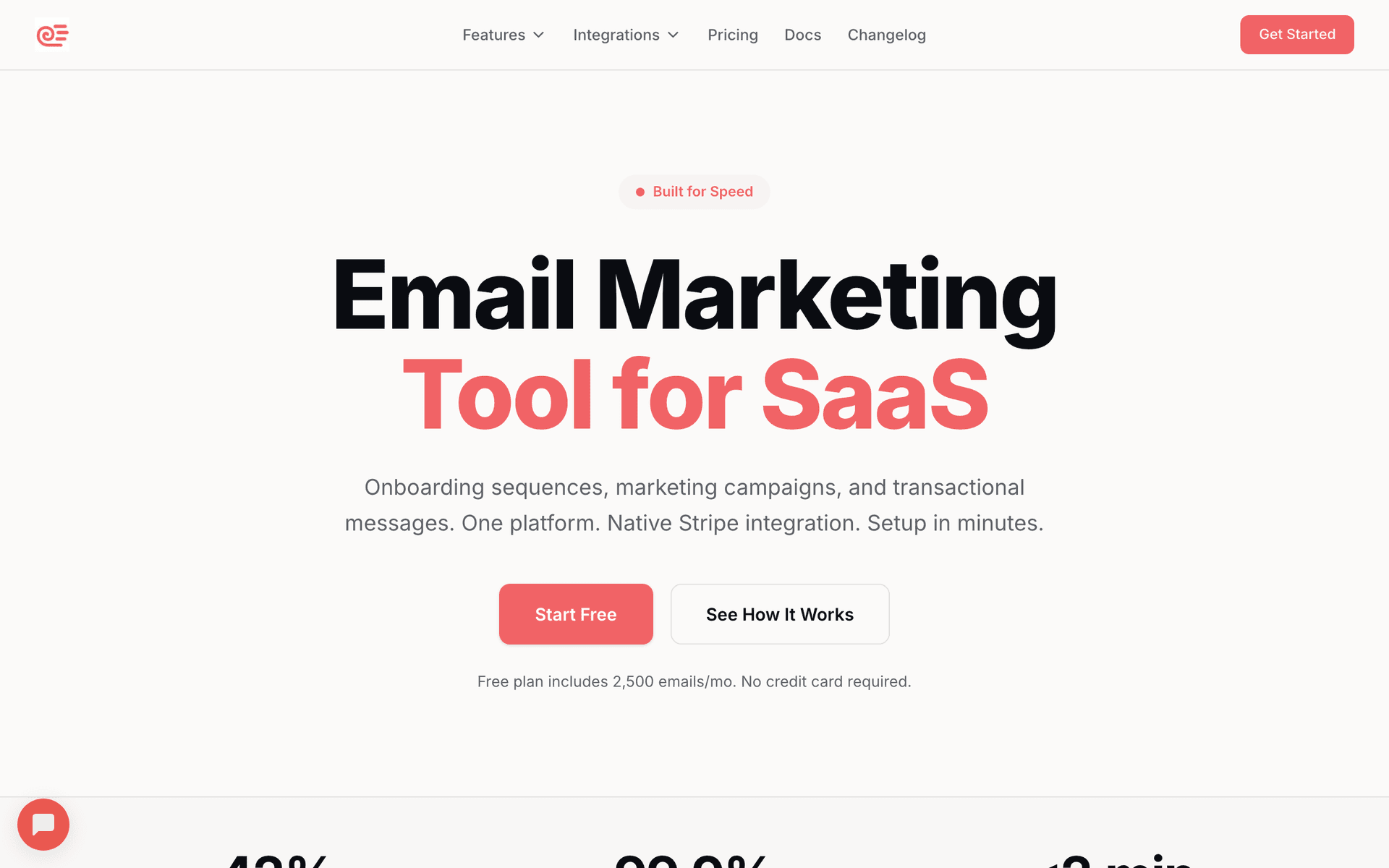
| Sequenzy | 2,500 emails/mo | Pay-per-send, no separate discount | Yes, AI-generated sequences | Paid add-on | No, integrates | $19/mo, unlimited contacts |
| Brevo | Free nonprofit plan, 10,000 emails/mo | Free nonprofit plan | Yes | Included | Yes, basic | Covered by the free plan for many orgs |
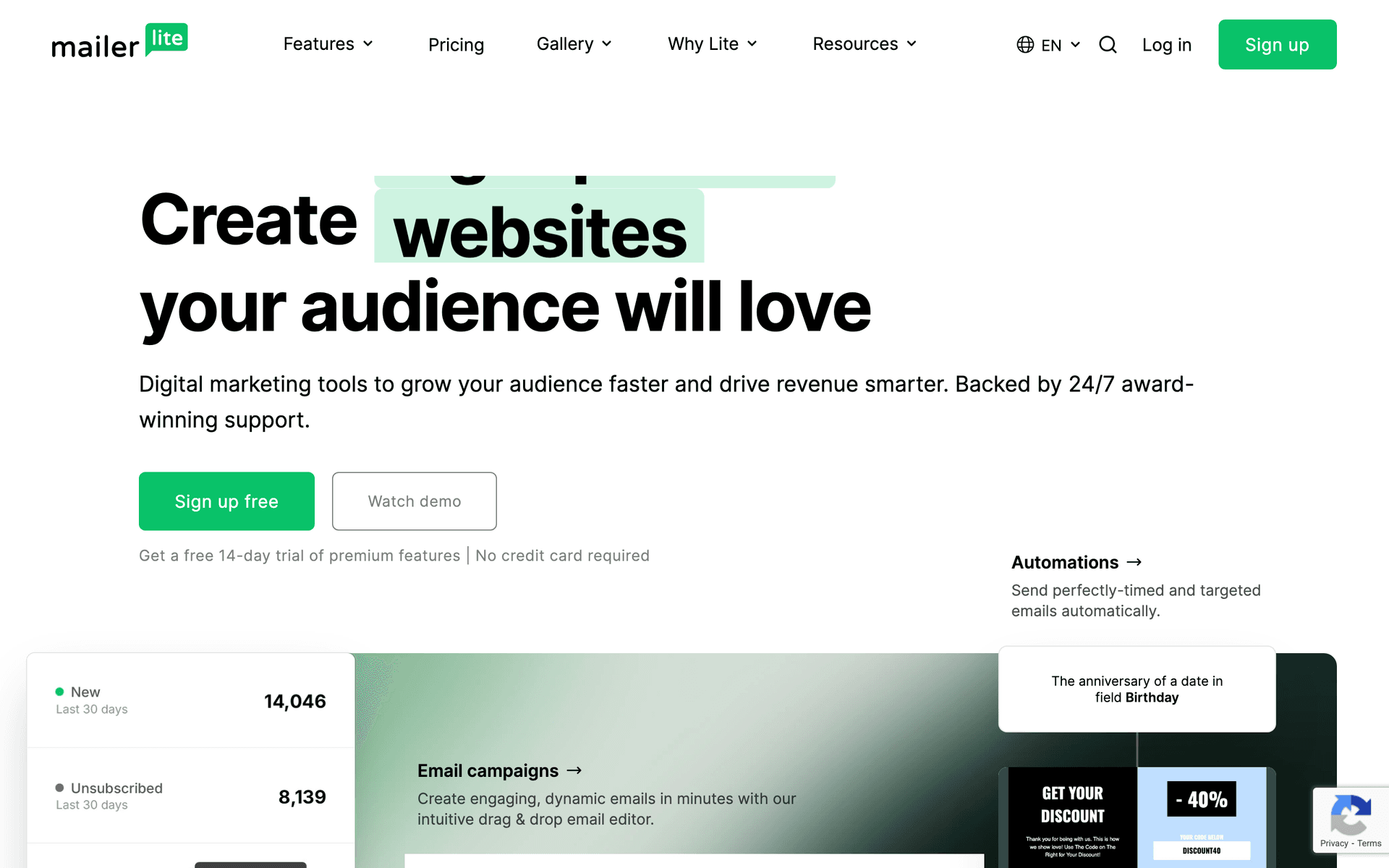
| MailerLite | 250 subscribers, 2,500 emails/mo | 30% | Yes, welcome and basic donor journeys | No | No | $12/mo list price before the discount |
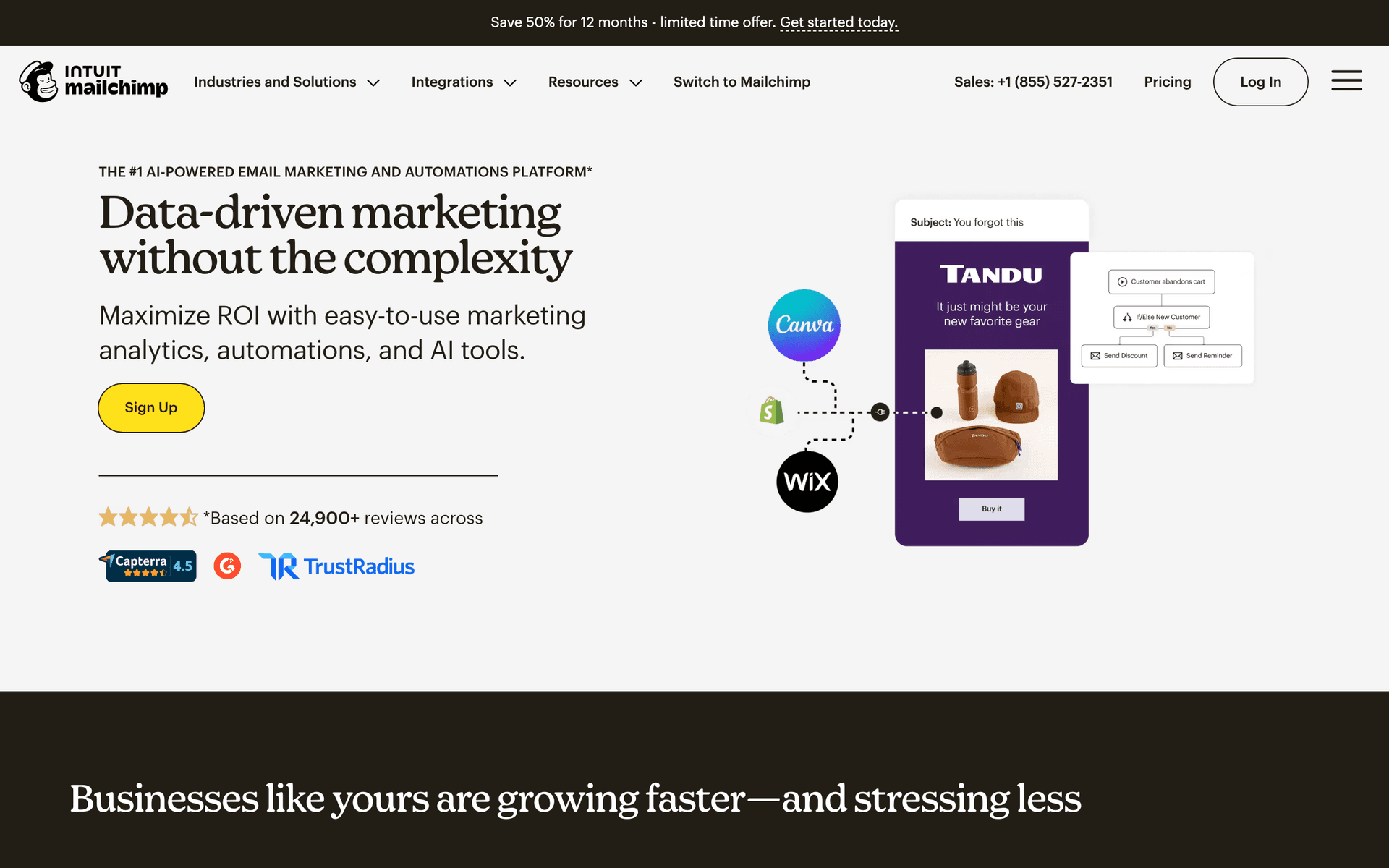
| Mailchimp | 500 contacts | 15% | Basic on lower plans | No | No, integrates with Donorbox and PayPal | Discounted paid plans |
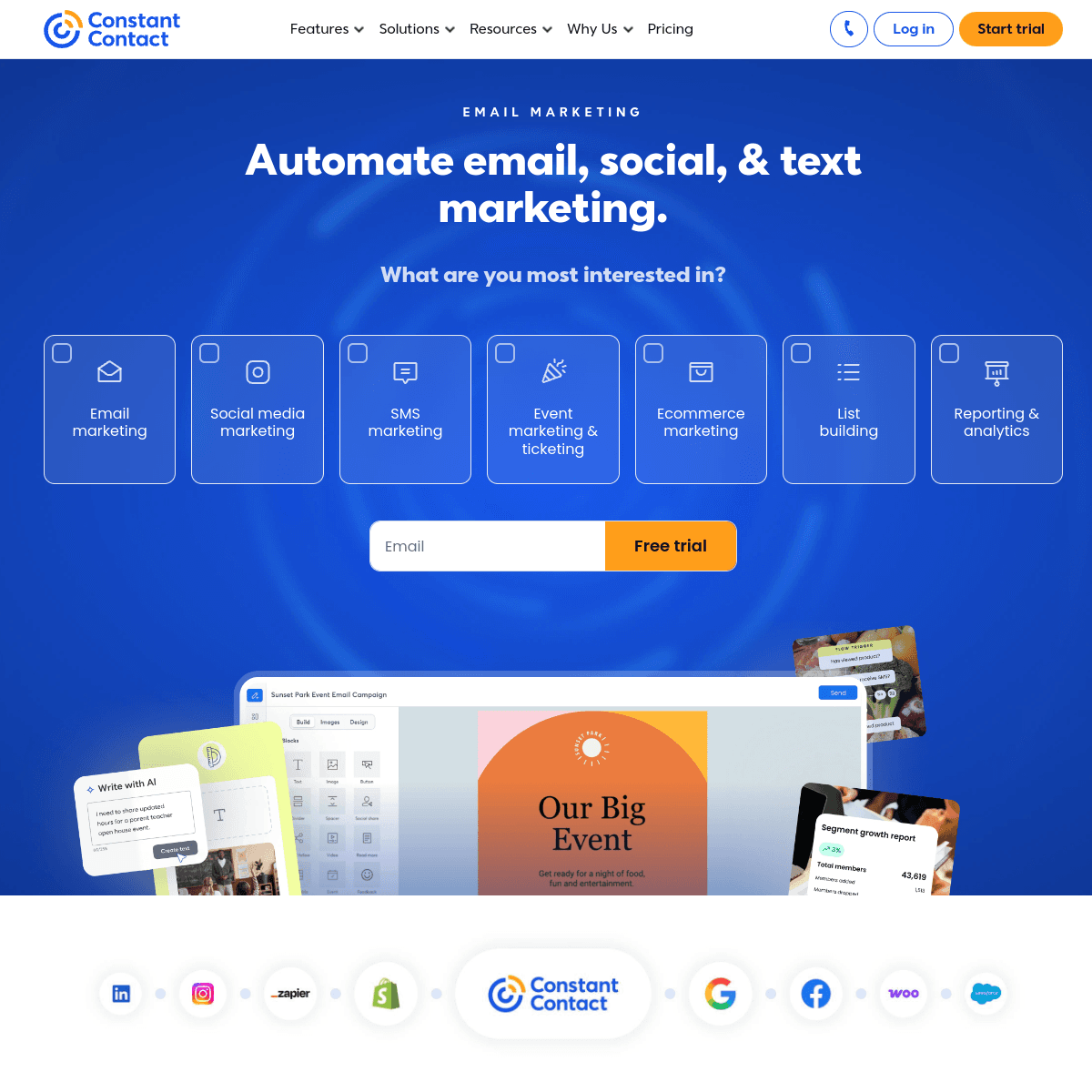
| Constant Contact | No free plan | 20-30% | Yes, plus event management | No | No | From $12/mo before discount |
| GetResponse | No free plan | 50%, the largest here | Yes, plus webinars and funnels | No | No | From $15.60/mo before discount |
| ActiveCampaign | No free plan | 20% | Yes, the deepest of the email-first tools | No | Yes | From $29/mo before discount |
| Kit | 10,000 subscribers | No stated discount | Basic | No | No | From $25/mo |
| AWeber | 500 subscribers | 25% | Basic | No | No | From $19/mo before discount |
| Bloomerang | No free plan | Nonprofit-only pricing | Yes, driven by giving history | No | Yes, purpose-built | From $99/mo (10,000 constituents) |
Read the table in two halves. The first nine rows are email platforms that a nonprofit adds donor data to; Bloomerang is a nonprofit CRM that added email. If your giving history already lives in a donor database, an email-first tool with a good integration usually beats replacing the CRM. If you are choosing both at once and fundraising reporting is the priority, a donor CRM with built-in email is the shorter path.
The discount column is the one most often left on the table. GetResponse at 50% and MailerLite at 30% change the ranking materially versus list price, and several discounts require an application rather than being applied automatically. Brevo is the outlier: instead of a percentage off, it offers a dedicated free nonprofit plan, which is why it is frequently the cheapest realistic option for a small organization.
Choosing the Right Platform for Your Nonprofit
The best tool depends on your budget, list size, and what you need beyond email.
If budget is your top priority, Brevo's free nonprofit plan (10,000 emails/month) is now the clear winner, since MailerLite cut its free tier to 250 subscribers in June 2026 and its 30% discount only applies once you are paying. Kit's 10,000 free subscribers is also excellent for content-driven nonprofits. Before you apply for a discount, it is worth checking whether a permanent free plan covers you outright - our comparison of the best free email marketing tools lists which platforms give you real free sending rather than a trial, and what the subscriber ceiling is on each.
If you have a large supporter list, Sequenzy's pay-per-email pricing is the most cost-effective. You are not charged for supporters sitting idle between campaigns. This alone can save hundreds per month compared to contact-based pricing.
If you host events, Constant Contact's built-in event management is unique and valuable. GetResponse offers webinar hosting at a 50% nonprofit discount for virtual events.
The Nonprofit Email Playbook
Three email strategies drive the most impact for nonprofits:
Donor welcome sequence retains first-time donors. The first 30 days after a donation determine whether someone becomes a repeat supporter. A four-email sequence with gratitude, impact stories, and engagement opportunities dramatically increases second-gift rates.
Regular impact reporting keeps supporters connected. Monthly or quarterly emails showing what donations accomplish build trust and sustain giving. Donors who see their impact give more often and in larger amounts.
Year-end campaign captures the largest giving period. Nearly one-third of annual giving happens in December. A structured four-email campaign starting December 1st maximizes year-end donations.
Nonprofit Email Benchmarks
Nonprofit email should be tied to donor retention and mission engagement, not only fundraising clicks.
| Email type | Healthy open rate | Healthy click rate | Mission metric |
|---|---|---|---|
| Donation thank-you | 55-80% | 18-40% | Second gift likelihood |
| Monthly impact update | 32-50% | 5-14% | Donor engagement |
| Year-end appeal | 28-45% | 5-12% | Donations received |
| Volunteer invitation | 30-48% | 6-16% | Volunteer signups |
| Lapsed donor win-back | 20-34% | 3-8% | Donor reactivated |
Donor Retention Is More Valuable Than Donor Acquisition
The average nonprofit loses 60-70% of first-time donors. Acquiring a new donor costs 5-10x more than retaining an existing one. Yet most nonprofits spend the majority of their marketing effort on acquisition.
Flip this ratio. Invest in a donor welcome sequence that builds connection in the first 30 days. Send quarterly impact reports that show donors their money matters. Create a lapsed donor re-engagement sequence that wins back supporters before they are gone for good.
Donor Lifecycle Table
Each donor stage needs a different proof of impact and a different ask.
| Donor stage | Email focus | CTA |
|---|---|---|
| First-time donor | Gratitude and specific impact | See your impact |
| Repeat donor | Progress updates and deeper stories | Give again |
| Monthly donor | Sustainer appreciation and behind-the-scenes | Stay involved |
| Major donor prospect | Personal updates and strategic vision | Schedule conversation |
| Lapsed donor | Recent wins and modest restart ask | Renew support |
Year-End Fundraising Table
Year-end campaigns work best when the ask is built on proof before urgency.
| Timing | Email angle | Goal |
|---|---|---|
| December 1 | Year-in-review impact | Build belief |
| December 10 | Human story from mission | Create emotional connection |
| December 20 | Main goal and donation amounts | Drive gifts |
| December 27 | Progress update and remaining gap | Increase urgency |
| December 30 | Final tax-deductible reminder | Capture deadline gifts |
Getting Started
- Set up an immediate thank-you email that goes out automatically after every donation
- Build a welcome sequence for new donors that deepens their connection to your mission
- Commit to monthly impact updates showing what donations accomplish
- Plan your year-end campaign well in advance with a clear goal and compelling story
- Segment by giving history so major donors and first-time givers receive appropriate communications
Use AI-generated sequences to create your fundraising campaigns quickly. The nonprofits that raise the most are not always the ones with the biggest budgets. They are the ones that communicate consistently, show impact, and make supporters feel valued.
What Nonprofits should prioritize first
For Nonprofits, email works when it supports clear communication, consistent follow-up, and measurable customer action. The software matters, but the operating habit matters more: collect the right contacts, send messages at the right moments, and keep the content useful enough that people keep opening.
Start by comparing the ranked tools above around the workflows you will actually run. A good tool for Nonprofits should make it easy to segment contacts, write a campaign quickly, automate the obvious follow-ups, and see whether the email produced a booking, sale, reply, renewal, or return visit.
The first workflows to build are usually simple. For this page, the natural starting points are New Donor Welcome, Year-End Fundraising, Impact Report, Lapsed Donor Re-Engagement. Do not build a complicated journey until those basics are working.
A practical rollout looks like this:
| Week | Focus |
|---|---|
| 1 | Import contacts, clean segments, and write the first useful campaign. |
| 2 | Launch the highest-value reminder or follow-up automation. |
| 3 | Add one educational or trust-building email that is not a promotion. |
| 4 | Review opens, clicks, replies, bookings, purchases, or returned customers. |
The most important page-specific ideas are Send your thank-you email within minutes, not days; Show impact with every communication, not just in annual reports; Segment by giving history for relevant appeals. Those should become your first campaigns before you worry about advanced automation.
Choose the tool that makes this cadence realistic for your staff and volunteers. If a platform has more features but makes it harder to send your donor updates each week, it is the wrong fit. If a simpler platform helps your team thank donors, share impact, and track results consistently, it will usually produce more value.