Updated 2026-03-15

Best Email Marketing Tools for Managed Service Providers

Retain clients, upsell services, and grow your MSP with the right email platform.

Managed service providers need to communicate continuously with clients about security threats, service updates, and technology recommendations. Email marketing automates this communication while simultaneously generating upsell revenue. Security alert campaigns demonstrate value, quarterly business reviews maintain relationships, and targeted upsells grow average contract value. Here are 19 tools ranked for MSPs.

TL;DR

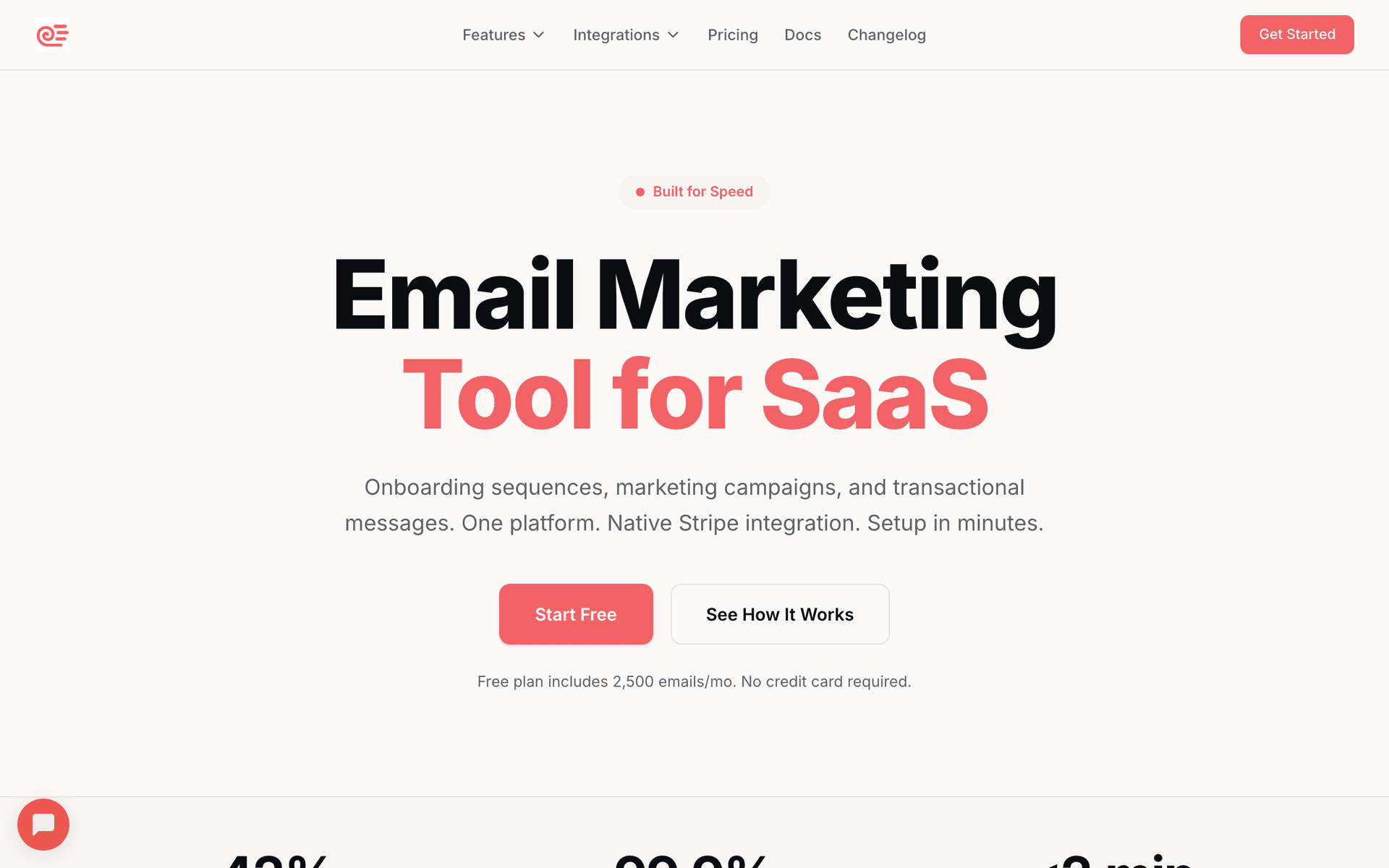
For most MSPs, Sequenzy is the best value - the AI generates security alert templates, onboarding sequences, and upsell campaigns, and the free tier covers 2,500 emails/month. For MSPs with complex sales pipelines, ActiveCampaign's CRM and lead scoring track multi-stakeholder deals. For larger MSPs wanting all-in-one CRM and marketing, HubSpot's free CRM is genuinely useful.

Why MSPs Need Email Marketing

Security Alert Campaigns

When new threats emerge, MSP clients need to know they are protected. Timely security alert emails demonstrate your value and justify your monthly fees.

Service Upsells

MSP clients rarely use your full service portfolio. Targeted emails introducing backup solutions, security upgrades, and productivity tools grow contract values.

Client Retention

MSP churn is expensive. Regular communication that demonstrates ongoing value - patches applied, threats blocked, uptime maintained - prevents clients from questioning their investment.

Lead Nurture

MSP prospects evaluate providers over weeks or months. Automated sequences with security assessments, case studies, and compliance guides build trust during evaluation.

Managed Service Providers Email Marketing Benchmarks

Know these numbers before you start. They'll help you set realistic goals and pick the right tool.

28-38%
Average Open Rate

MSP client emails typically see 28-38% open rates because the audience is small, business-critical, and personally known to the sender. Security alert emails can exceed 50%. If your open rate is below 25%, your subject lines are not conveying urgency or value.

3-6%
Average Click Rate

Click rates of 3-6% are typical for MSP emails. Security assessment offers and compliance guide downloads drive the highest clicks. Monthly reports with interactive dashboards also see strong engagement.

Tuesday-Thursday, 9-11am
Best Send Time

Business owners and IT decision-makers engage with MSP emails during business hours early in the week. Security alerts should go out immediately regardless of day. Monthly reports work well on the first Tuesday of each month for consistency.

10-20% churn reduction
Client Retention Impact

MSPs that implement consistent value demonstration email programs see 10-20% reduction in annual churn. Monthly reports are the single highest-impact automation for retention because they make invisible service visible.

Important Tips Before You Choose

Lessons from managed service providerswho've been doing this for years. Save yourself the trial and error.

Send security alert emails within hours of emerging threats

When new threats like zero-day vulnerabilities or ransomware campaigns emerge, the MSP that emails clients first with a clear explanation and confirmation of protection wins trust. Build a rapid-response email workflow so you can send alerts within hours. Pre-build templates for common threat types so you only need to customize the specifics.

Automate monthly value demonstration reports

The number one reason MSP clients churn is 'I do not know what I am paying for.' Monthly email reports showing patches applied, threats blocked, tickets resolved, and uptime maintained transform your invisible service into a visible investment. Automate these reports so they go out consistently without manual effort.

Use quarterly upsell campaigns tied to business reviews

Before each quarterly business review meeting, send an educational email about the service you plan to discuss. If you are going to propose backup solutions, send an email about backup best practices and recent ransomware statistics two weeks before the QBR. This primes the conversation and makes the upsell feel educational rather than sales-driven.

Segment clients by service tier and industry

Clients on your basic plan need different communication than those on premium managed security. Healthcare clients need HIPAA-focused content while financial services need SOC2 context. Segment by both service tier and industry for maximum relevance.

Build a prospect nurture sequence with free security assessments

MSP prospects evaluate providers for weeks or months. A nurture sequence offering free security assessments, compliance checklists, and cybersecurity guides keeps your MSP top of mind during this evaluation period. Each email should provide genuine value while positioning your expertise.

19 Best Email Marketing Tools for Managed Service Providers

#ToolDescriptionBest ForPricing
1SequenzyEmail marketing with AI-powered sequences and automation.MSPs wanting automated client communication and upsell sequencesFree up to 2,500 emails/mo, then $19/mo (unlimited contacts)
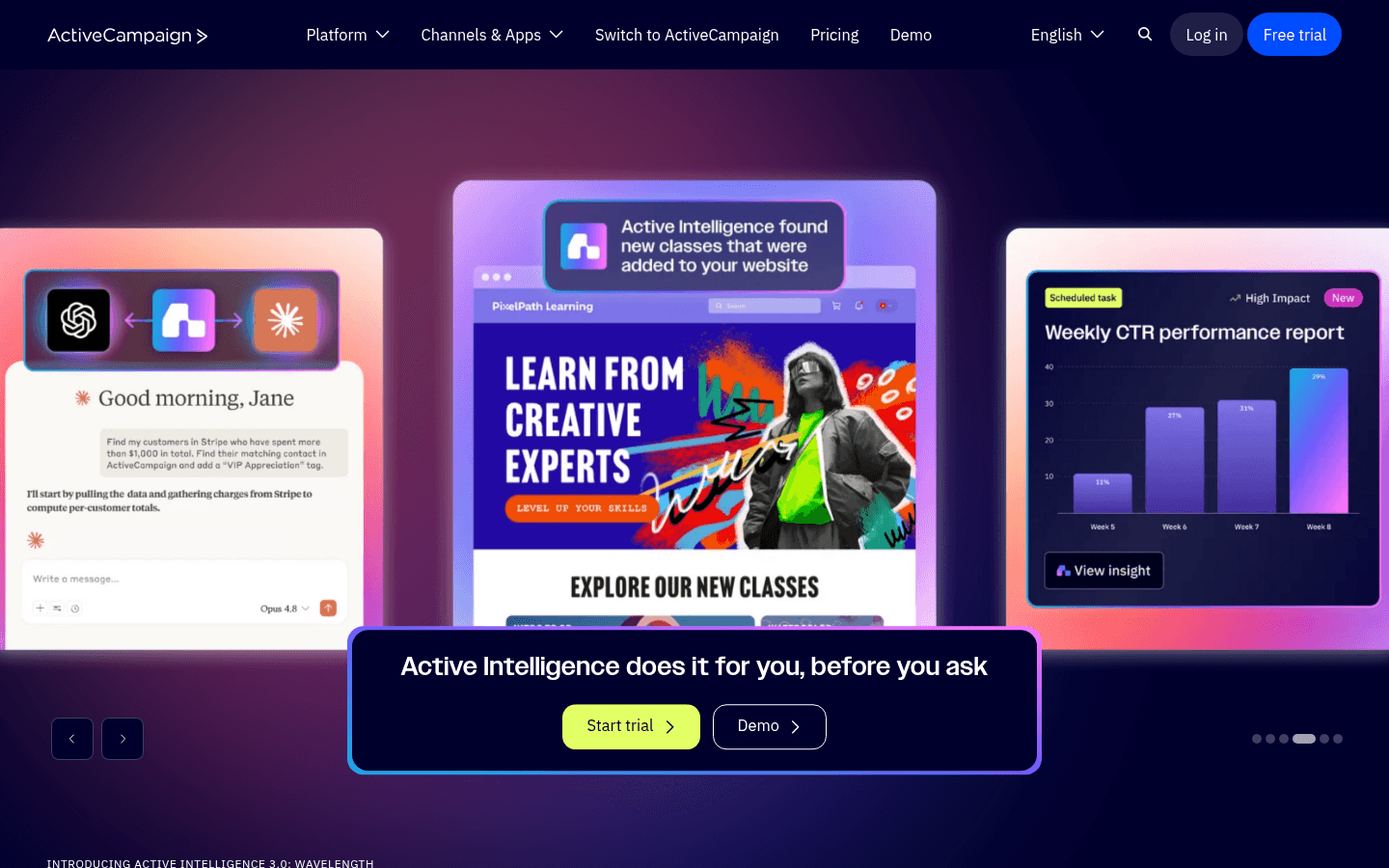
2ActiveCampaignAdvanced automation with CRM.MSPs with complex sales processes$29/month for 1,000 contacts
3HubSpotCRM and marketing.Larger MSPs wanting all-in-one CRM and marketingFree CRM, marketing from $50/month
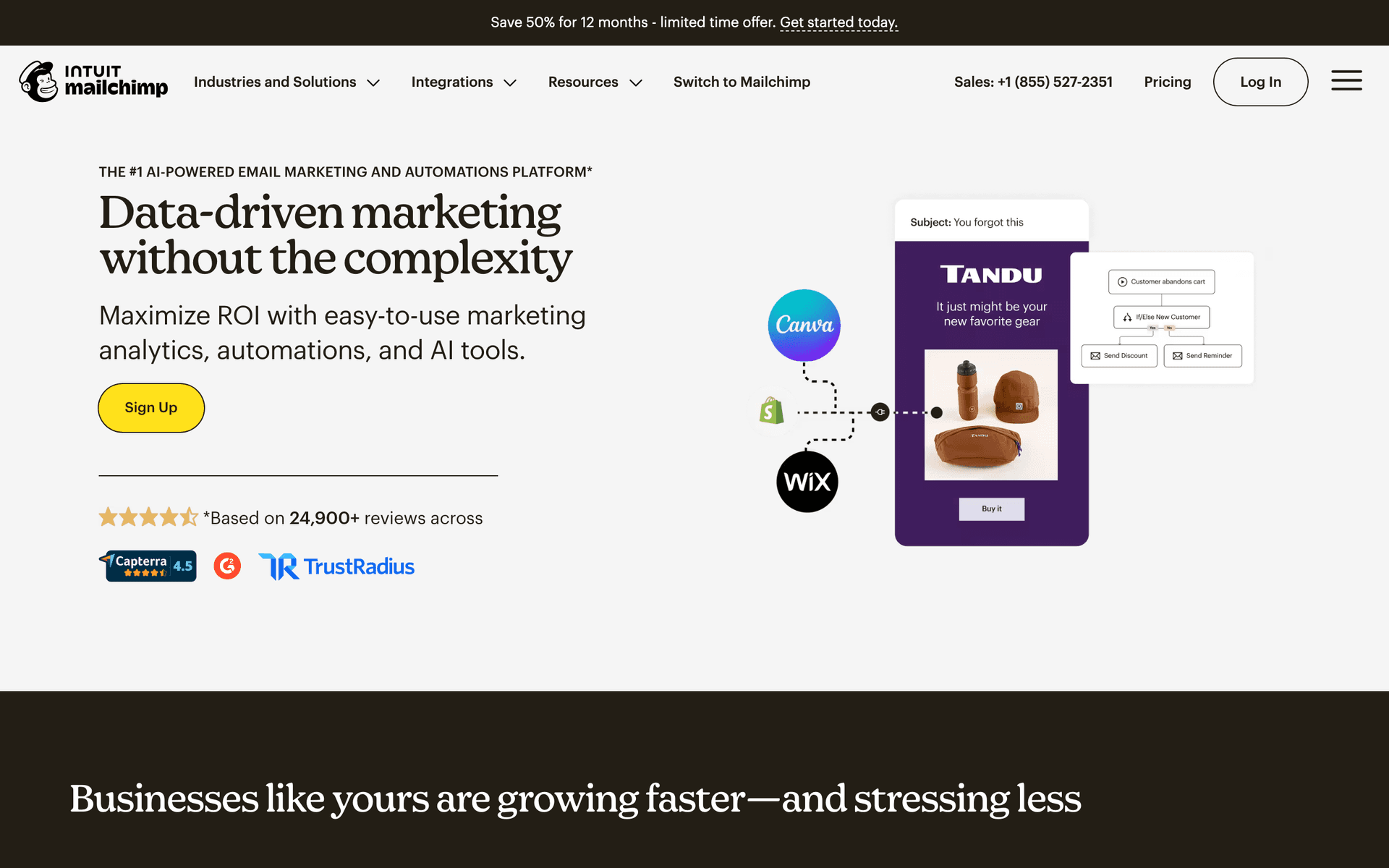
4MailchimpWell-known email platform.Small MSPs wanting simplicityFree up to 500 contacts, then $13/month
5Constant ContactSmall business email.Non-technical MSP owners wanting phone support$12/month for 500 contacts
6BrevoAffordable marketing.Budget-conscious MSPsFree up to 300 emails/day
7GetResponseEmail with landing pages.MSPs hosting webinars and seminars$15.60/month
8ConvertKitCreator email.Content-focused MSPsFree up to 10,000
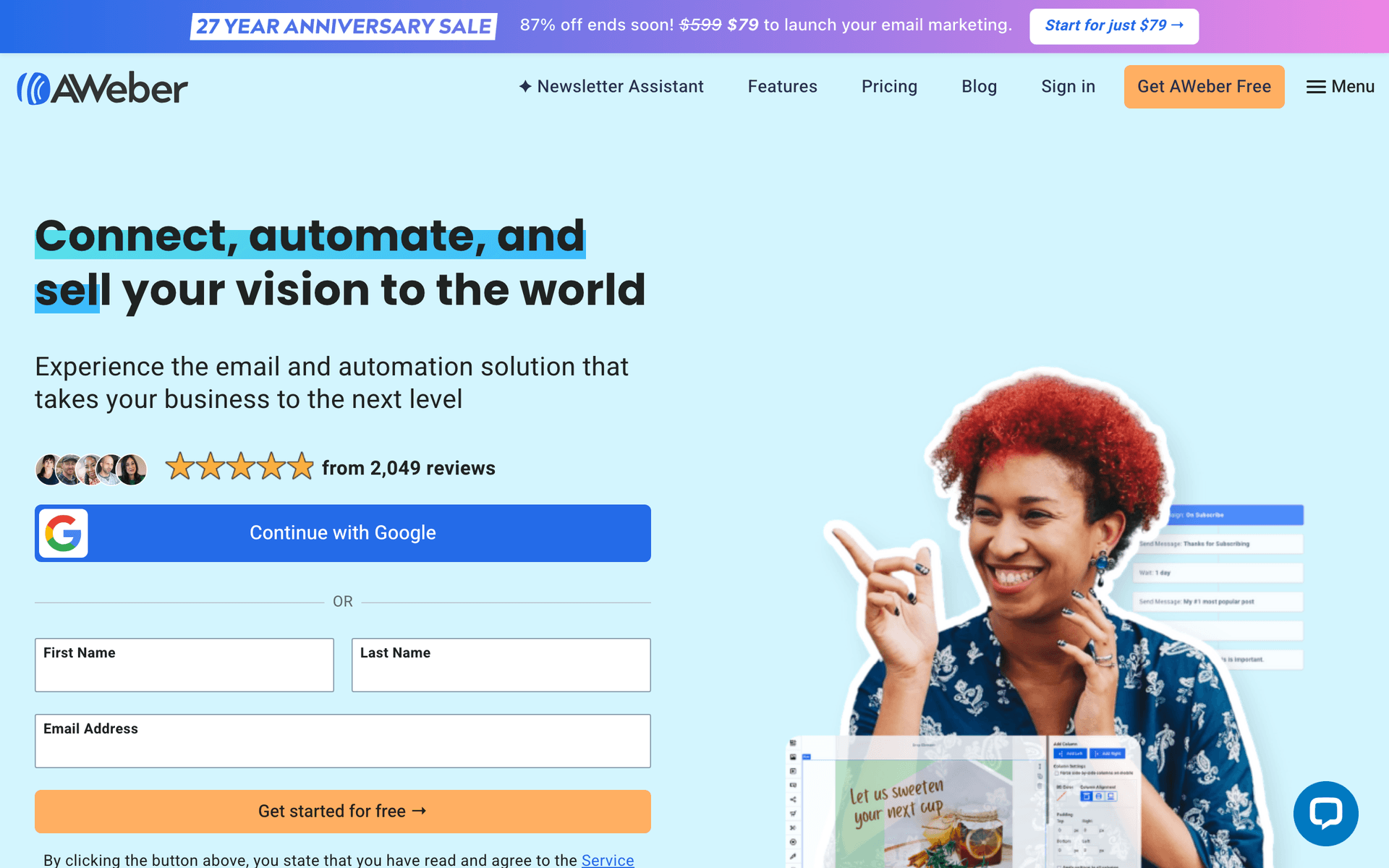
9AWeberSimple email.Very small MSPs with basic needsFree up to 500
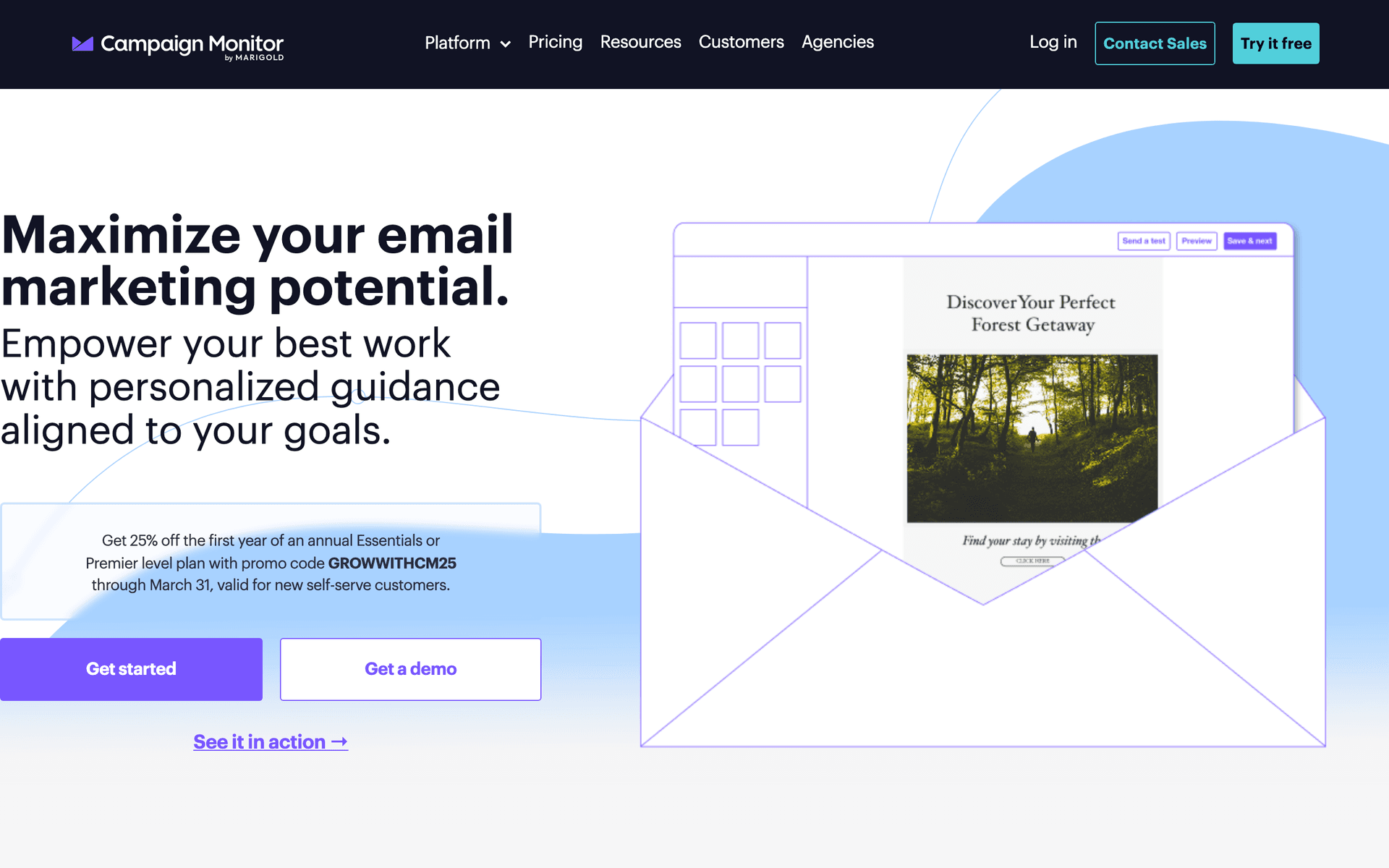
10Campaign MonitorBeautiful templates.Design-focused MSP communications$11/month
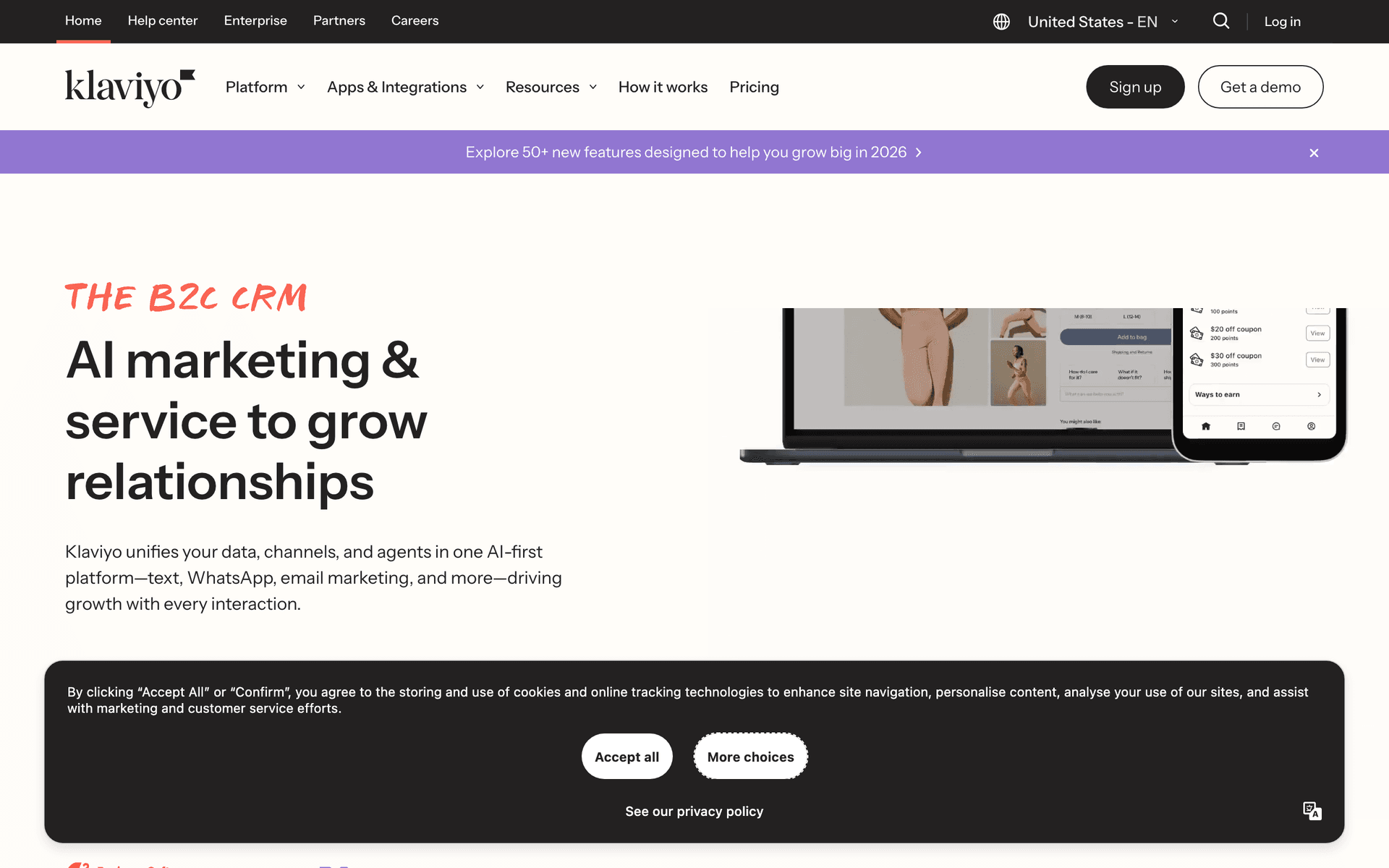
11KlaviyoE-commerce email.Not recommended for MSPsFree up to 250
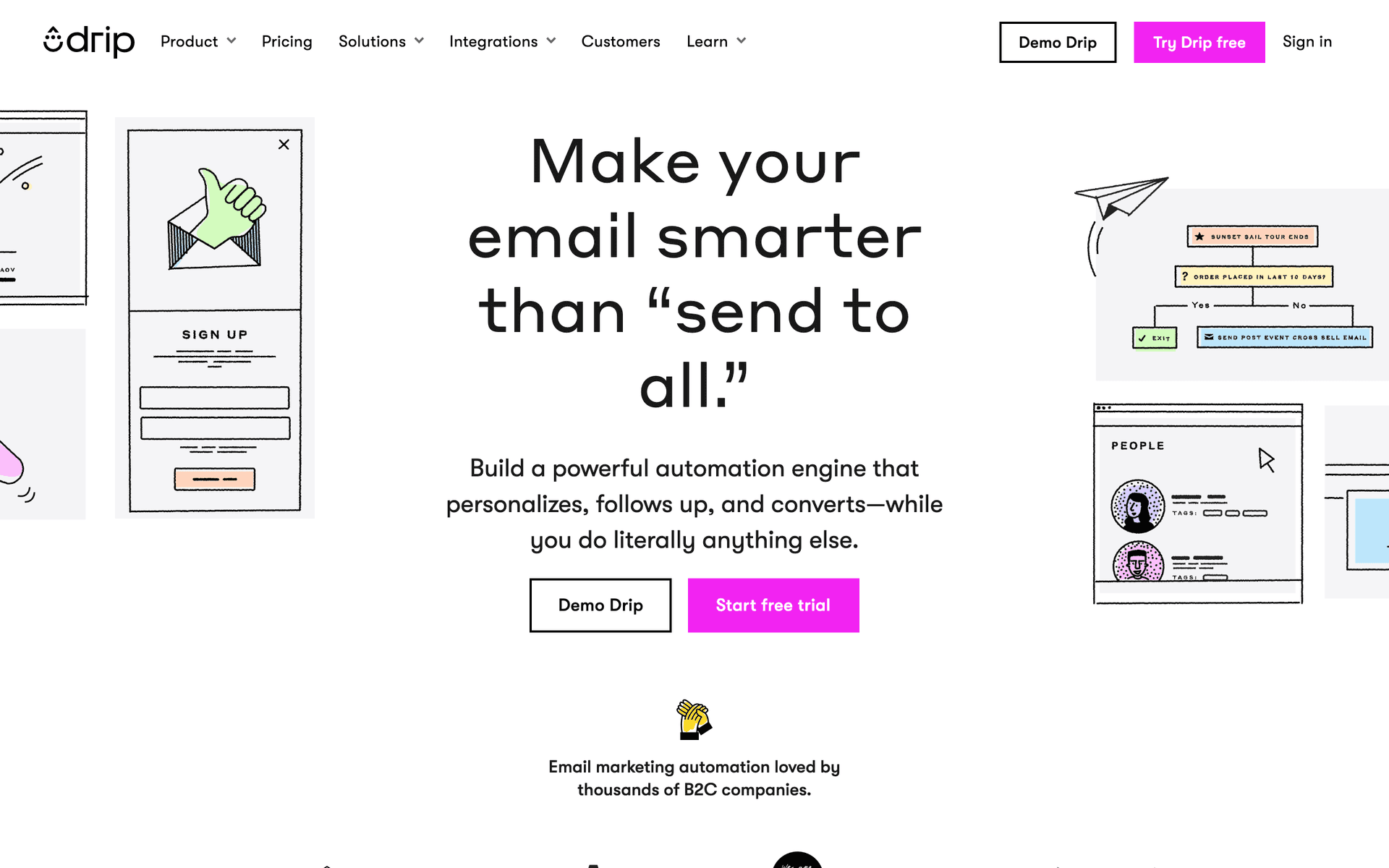
12DripE-commerce email.Not recommended for MSPs$39/month
13Customer.ioEvent-driven messaging.Large MSPs with development resources$100/month
14HubSpotCRM and marketing platform for B2B.MSPs targeting mid-market and enterprise accounts with sales teamsFree CRM, marketing hub from $50/month
15KeapCRM and automation for service businesses.Established MSPs managing recurring service contracts with multiple client accountsFrom $169/month
16MailerLiteSimple affordable email.MSPs building their first email marketing program with minimal budgetFree up to 1,000 subscribers, then from $10/month
17Constant ContactReliable email with phone support.MSP owners who value simplicity and phone support above advanced featuresFrom $12/month for 500 contacts
18BrevoAffordable email and SMS.Small MSPs wanting low-cost email and SMS without per-contact pricingFree up to 300 emails/day, then from $25/month
19GetResponseAll-in-one marketing with webinars.MSPs that use client education webinars as their primary marketing channelFrom $15.60/month for 1,000 contacts
Our Top Pick for Managed Service Providers
#1
Sequenzy

Email marketing with AI-powered sequences and automation.

Visit
Sequenzy dashboard screenshot

Sequenzy works exceptionally well for MSPs because the AI sequence builder creates security alert templates, client onboarding flows, and service upsell campaigns in seconds. Describe your goal like 'educate clients about backup solutions before quarterly reviews' and get a complete email sequence. The developer-friendly API integrates with RMM and PSA tools for automated notifications when specific events occur. Tag clients by service tier, industry, and company size for targeted campaigns. The free tier covers up to 2,500 emails per month, which handles most MSPs with fewer than 50 clients at zero cost. The $29/month paid plan covers 50,000 emails with unlimited contacts, scaling affordably as your client base grows.

Best for
MSPs wanting automated client communication and upsell sequences
Pricing
Free up to 2,500 emails/mo, then $19/mo (unlimited contacts)

Pros

  • AI generates MSP-specific sequences
  • Developer-friendly API for RMM/PSA integration
  • Free tier for smaller MSPs
  • Service tier segmentation via tags

Cons

  • No PSA/RMM integration out of the box
  • Newer platform
#2
ActiveCampaign

Advanced automation with CRM.

Visit
ActiveCampaign dashboard screenshot

ActiveCampaign provides the most powerful automation and CRM combination for MSPs with complex sales processes. The visual workflow builder handles multi-step sequences with conditional branching based on client behavior. CRM tracks leads through your sales pipeline with deal stages, contact scoring, and activity logging. Lead scoring identifies which prospects are most engaged and likely to close. For MSPs with dedicated sales staff managing multiple prospect conversations simultaneously, ActiveCampaign provides the pipeline visibility and automation depth needed.

Best for
MSPs with complex sales processes
Pricing
$29/month for 1,000 contacts

Pros

  • CRM with lead scoring
  • Powerful visual automation
  • Pipeline management

Cons

  • Complex setup
  • Per-contact pricing
#3
HubSpot

CRM and marketing.

Visit
HubSpot dashboard screenshot

HubSpot's free CRM is genuinely useful for MSPs tracking prospect interactions, and the marketing hub adds email sequences, landing pages, and meeting scheduling. Pipeline tracking and email templates suit MSP sales processes. The challenge is cost - the free CRM works well, but marketing automation features that MSPs need require the Professional tier at $800/month, which is a significant investment for most MSPs.

Best for
Larger MSPs wanting all-in-one CRM and marketing
Pricing
Free CRM, marketing from $50/month

Pros

  • Free CRM with pipeline tracking
  • Meeting scheduling

Cons

  • Expensive marketing features
#4
Mailchimp

Well-known email platform.

Visit
Mailchimp dashboard screenshot

Mailchimp works for MSPs that primarily need monthly newsletters and security alert broadcasts without complex automation. The template library and drag-and-drop editor make it easy to create professional-looking communications. The free tier covers 500 contacts. For MSPs with simple email needs and small client lists, Mailchimp gets the job done without the complexity of CRM-integrated tools.

Best for
Small MSPs wanting simplicity
Pricing
Free up to 500 contacts, then $13/month

Pros

  • Easy to use
  • Free tier
  • Professional templates

Cons

  • Basic automation
  • No CRM
#5
Constant Contact

Small business email.

Visit
Constant Contact dashboard screenshot

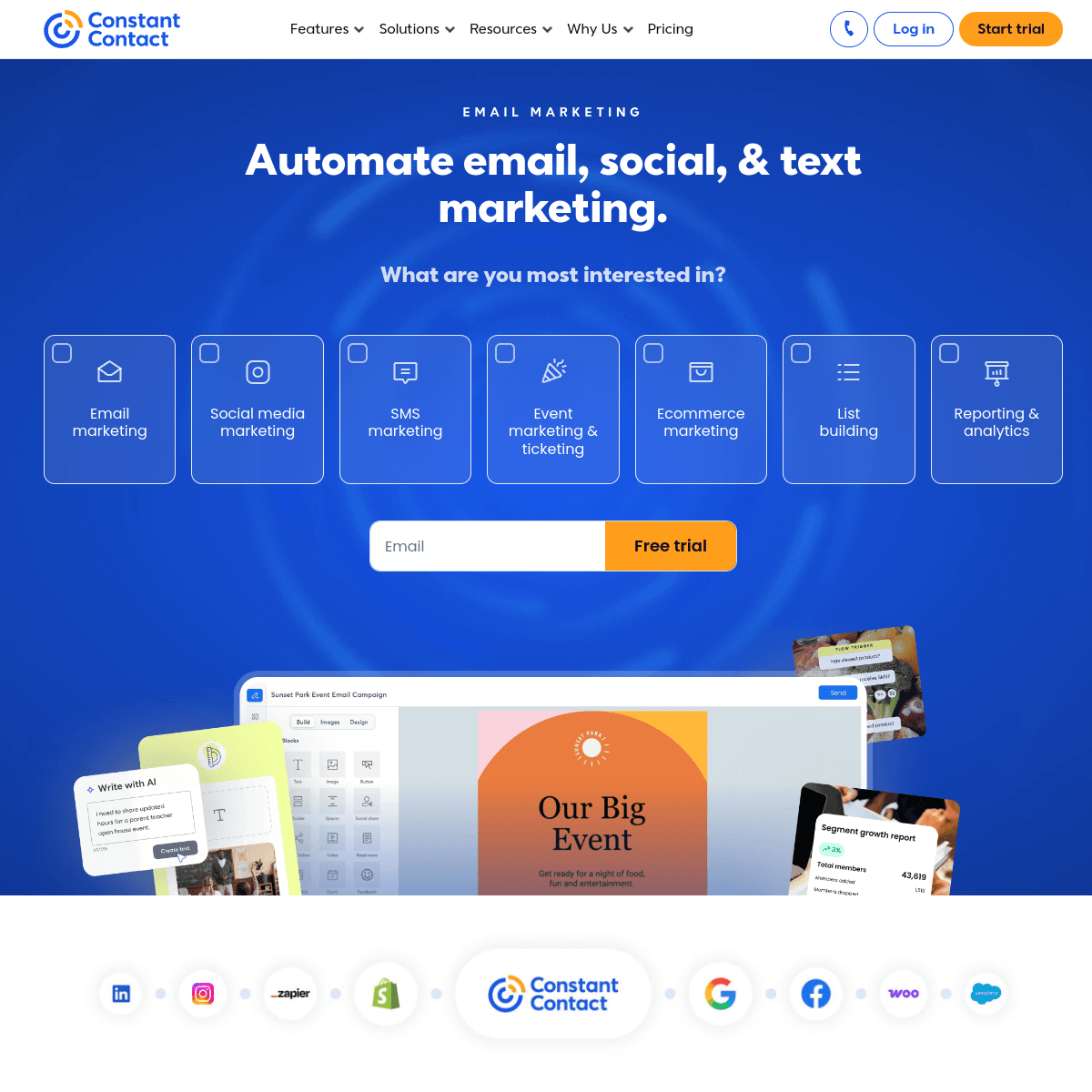
Constant Contact provides reliable email with phone support that non-technical MSP owners appreciate. Professional templates work for client newsletters and security updates. Event features help for lunch-and-learn seminars or client appreciation events. The platform feels dated compared to modern alternatives and automation is basic.

Best for
Non-technical MSP owners wanting phone support
Pricing
$12/month for 500 contacts

Pros

  • Phone support
  • Reliable delivery

Cons

  • Dated platform
  • Basic automation
#6
Brevo

Affordable marketing.

Visit
Brevo dashboard screenshot

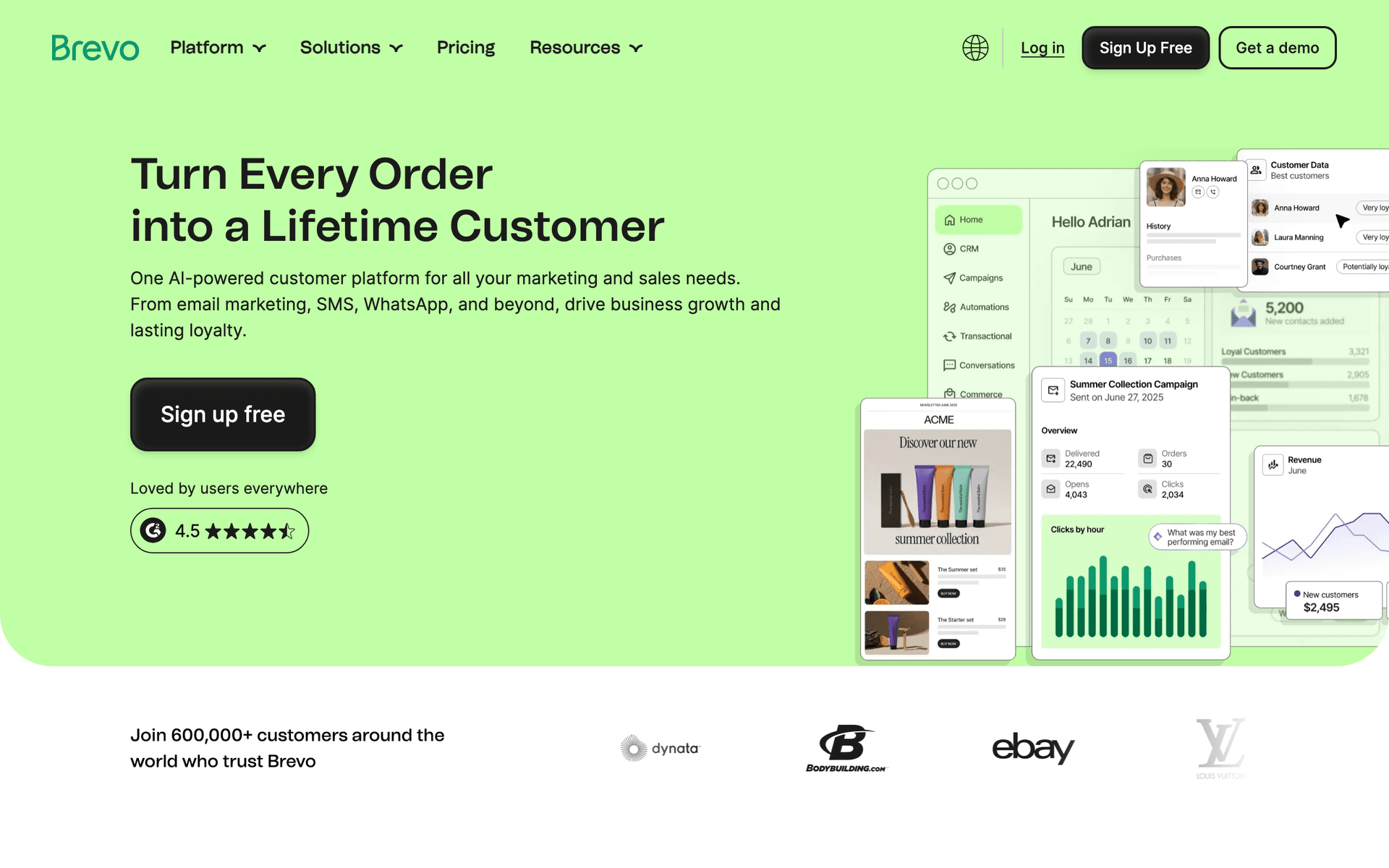
Brevo provides budget-friendly email with transactional email included. For MSPs that need both marketing newsletters and automated system notifications in one platform, Brevo covers both at an affordable price. The pay-by-email model keeps costs low even as your contact database grows. SMS is included for urgent alerts.

Best for
Budget-conscious MSPs
Pricing
Free up to 300 emails/day

Pros

  • Affordable with transactional
  • SMS included

Cons

  • Basic automation
#7
GetResponse

Email with landing pages.

Visit
GetResponse dashboard screenshot

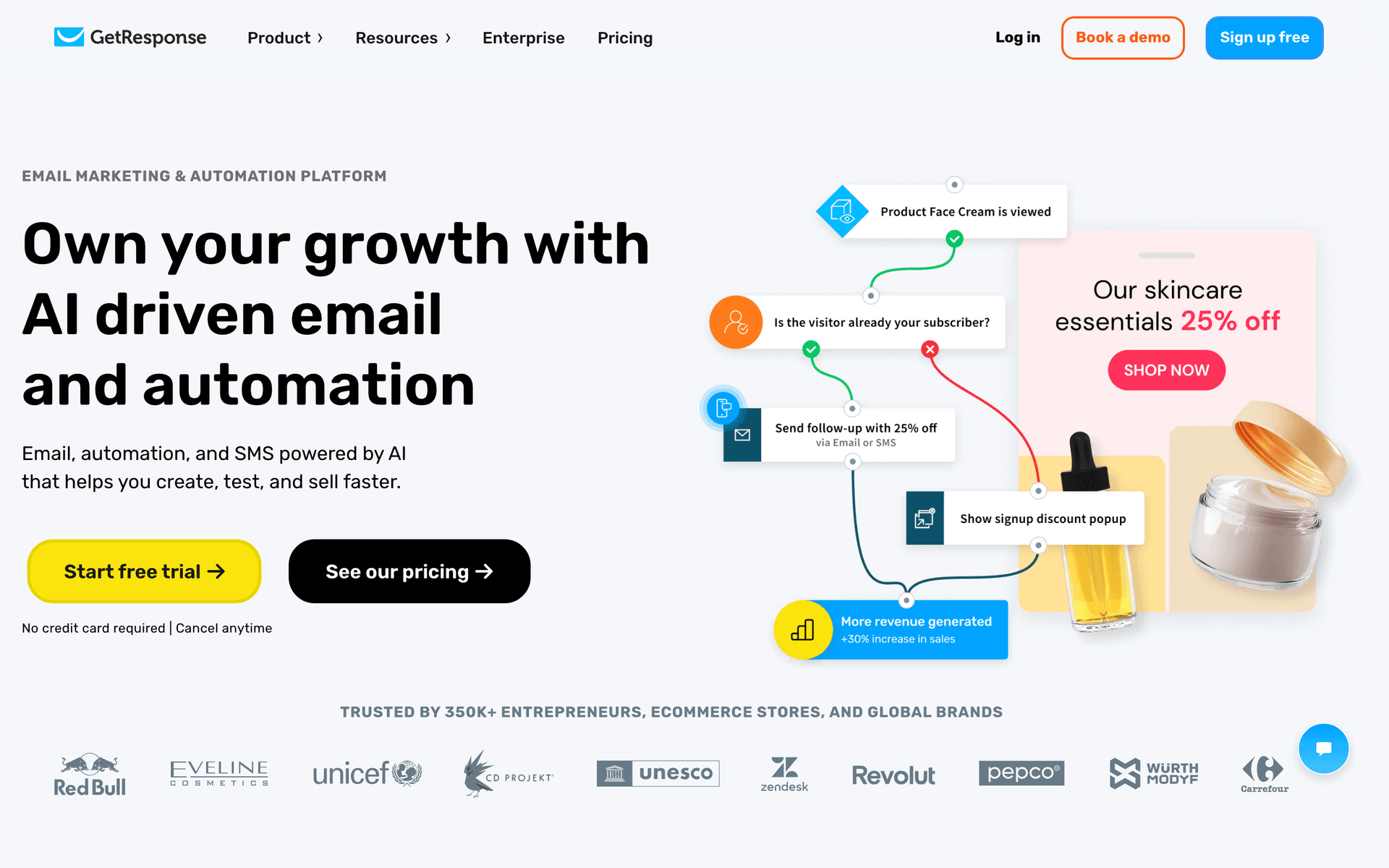
GetResponse includes landing pages useful for security assessment signups and webinar hosting for educational seminars. For MSPs that use webinars as part of their prospect education strategy, GetResponse eliminates a separate webinar tool. The email marketing handles basic security alerts and newsletters.

Best for
MSPs hosting webinars and seminars
Pricing
$15.60/month

Pros

  • Landing pages and webinars
  • Competitive pricing

Cons

  • Per-contact pricing
#8
ConvertKit

Creator email.

Visit
ConvertKit dashboard screenshot

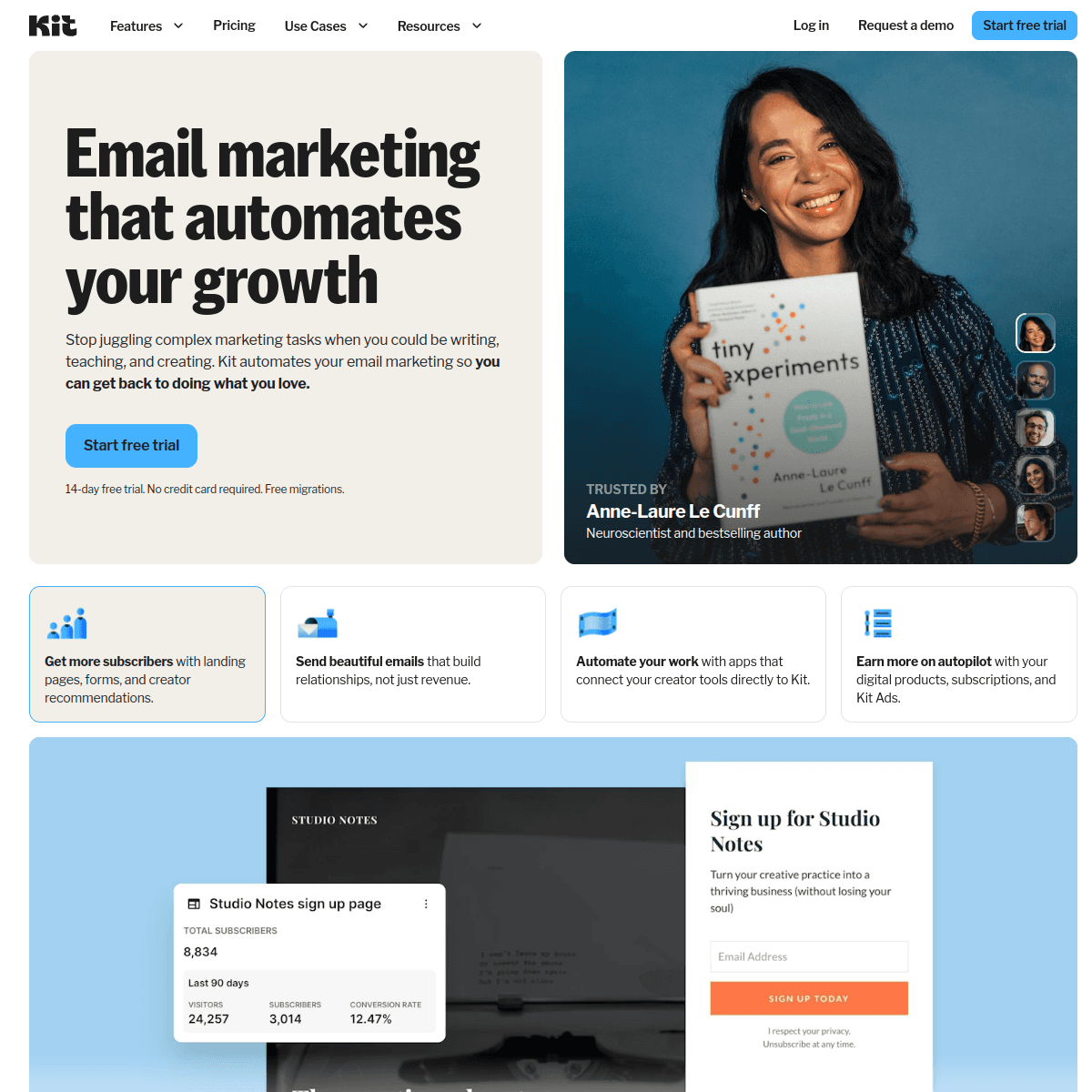
Kit works for MSPs that publish substantial educational content - cybersecurity blogs, compliance guides, or technology newsletters. The generous 10,000-subscriber free tier supports audience building. For typical MSP marketing with client communication and prospect nurture, other tools are better suited.

Best for
Content-focused MSPs
Pricing
Free up to 10,000

Pros

  • Generous free tier
  • Good for content marketing

Cons

  • No CRM
  • Not B2B focused
#9
AWeber

Simple email.

Visit
AWeber dashboard screenshot

AWeber provides basic but reliable email sending for MSPs with simple newsletter needs. The free tier covers 500 subscribers. Phone support is helpful for non-technical staff. The platform lacks the automation depth and CRM integration that growing MSPs need.

Best for
Very small MSPs with basic needs
Pricing
Free up to 500

Pros

  • Simple and reliable
  • Phone support

Cons

  • Too basic for complex needs
#10
Campaign Monitor

Beautiful templates.

Visit
Campaign Monitor dashboard screenshot

Campaign Monitor produces professional-looking client communications with polished templates. For MSPs that want their newsletters and security updates to look premium, the design quality stands out. Limited automation means it handles broadcasting well but not complex lifecycle management.

Best for
Design-focused MSP communications
Pricing
$11/month

Pros

  • Professional templates

Cons

  • Limited automation
#11
Klaviyo

E-commerce email.

Visit
Klaviyo dashboard screenshot

Klaviyo is designed for e-commerce stores and does not align with B2B service provider use cases. The features that make it excellent for online retail - product recommendations, cart recovery, and purchase analytics - are irrelevant for MSPs.

Best for
Not recommended for MSPs
Pricing
Free up to 250

Pros

  • Free tier

Cons

  • Wrong audience
#12
Drip

E-commerce email.

Visit
Drip dashboard screenshot

Drip is built for e-commerce and does not serve MSP B2B marketing needs. The automation is powerful but optimized for product sales rather than service relationships.

Best for
Not recommended for MSPs
Pricing
$39/month

Pros

  • Powerful automation

Cons

  • Wrong use case
#13
Customer.io

Event-driven messaging.

Visit
Customer.io dashboard screenshot

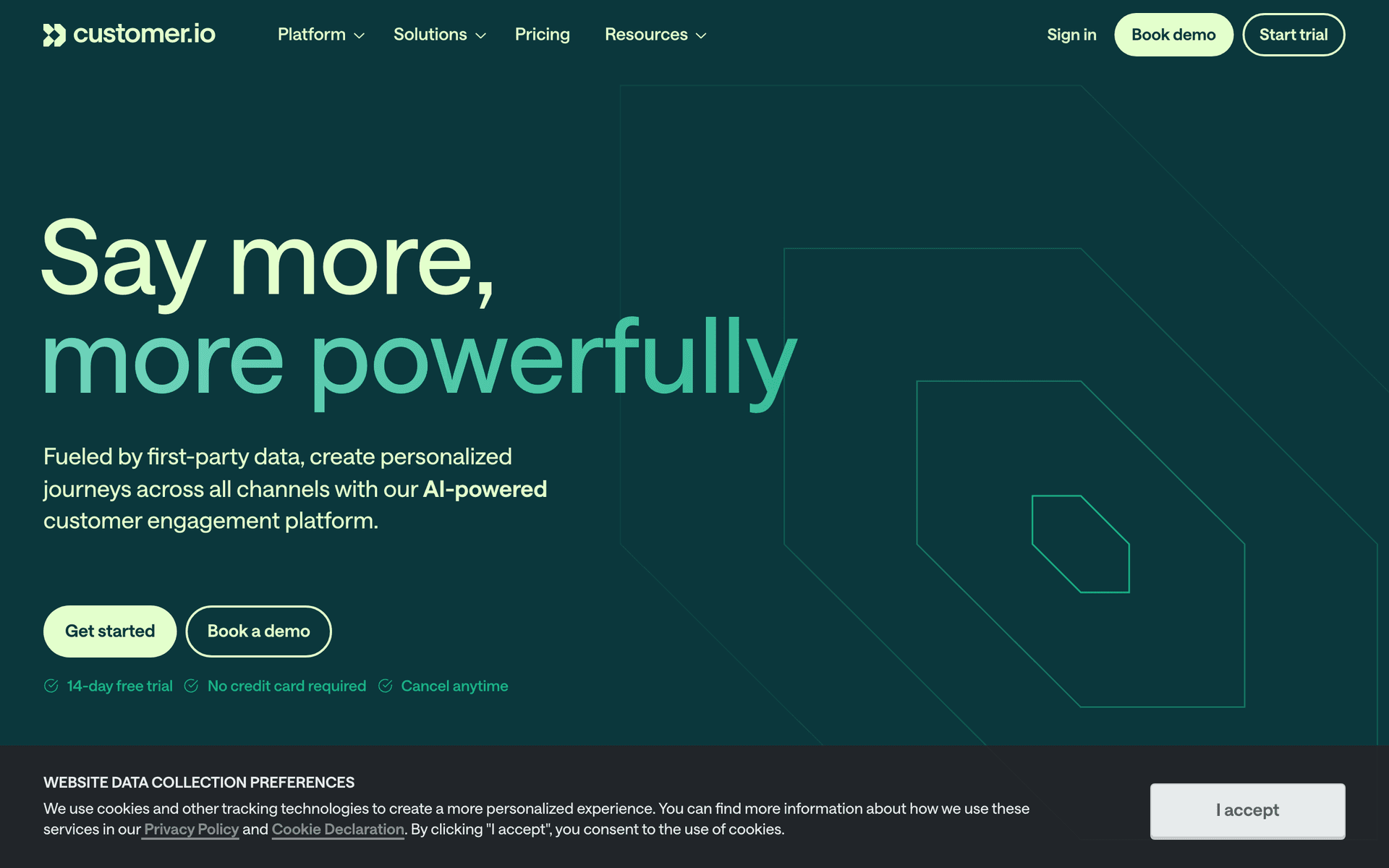
Customer.io is technically powerful with event-driven automation and a strong API, but at $100/month it is expensive for MSP marketing. The event-driven model works if you want to trigger emails from RMM events, but the setup complexity and cost are hard to justify for most MSPs.

Best for
Large MSPs with development resources
Pricing
$100/month

Pros

  • Powerful API
  • Event-driven automation

Cons

  • Expensive
  • Complex setup
#14
HubSpot

CRM and marketing platform for B2B.

Visit
HubSpot dashboard screenshot

MSPs pursuing mid-market and enterprise clients benefit from HubSpot's CRM and pipeline management. Track prospects through IT procurement cycles, automate nurture content with case studies and technology assessments, and manage deals involving IT directors and CFOs. The free CRM is genuinely useful for tracking a small number of high-value accounts. For MSPs with a dedicated sales team targeting companies with 100+ employees, HubSpot's sales and marketing alignment improves close rates. Most MSPs focused on the SMB market do not need this level of sophistication.

Best for
MSPs targeting mid-market and enterprise accounts with sales teams
Pricing
Free CRM, marketing hub from $50/month

Pros

  • Full CRM for complex deals
  • Pipeline tracking
  • Free CRM tier
  • Professional reporting

Cons

  • Expensive for SMB-focused MSPs
  • Overkill for smaller operations
  • Steep learning curve
#15
Keap

CRM and automation for service businesses.

Visit
Keap dashboard screenshot

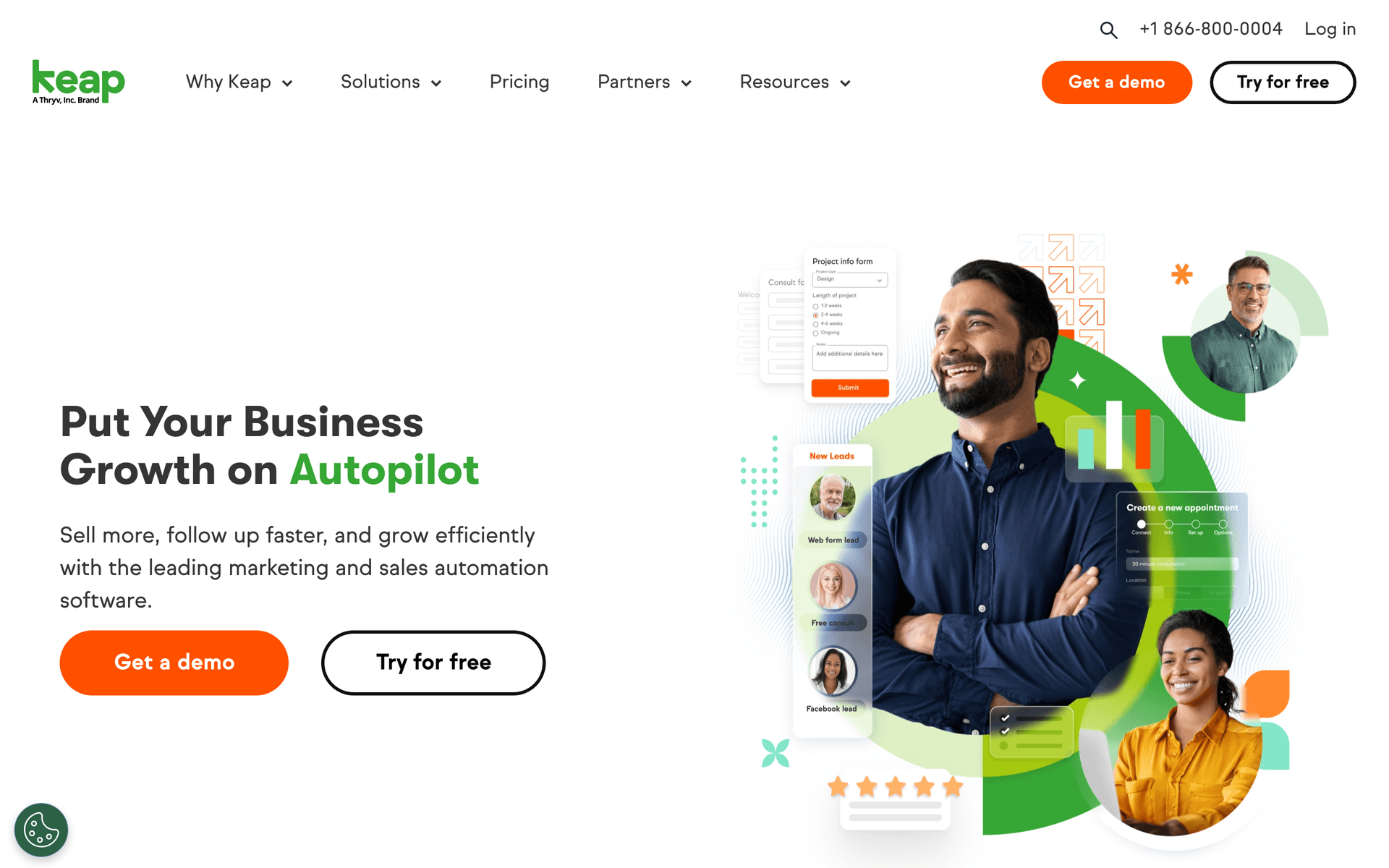
Keap is well-suited to MSPs because it was designed for service businesses with recurring client relationships. The CRM tracks each client from initial IT assessment through onboarding to ongoing managed services. Built-in invoicing simplifies monthly retainer billing. Pipeline tracking shows contract renewal windows and expansion opportunities. For established MSPs running 20-100 client accounts with recurring managed services agreements, Keap's service-business architecture fits naturally. The $169/month starting price is justified for MSPs with stable recurring revenue.

Best for
Established MSPs managing recurring service contracts with multiple client accounts
Pricing
From $169/month

Pros

  • Built for service business operations
  • CRM with full client lifecycle
  • Built-in invoicing
  • Renewal tracking

Cons

  • Expensive for smaller MSPs
  • Interface complexity
  • Not IT-specialized
#16
MailerLite

Simple affordable email.

Visit
MailerLite dashboard screenshot

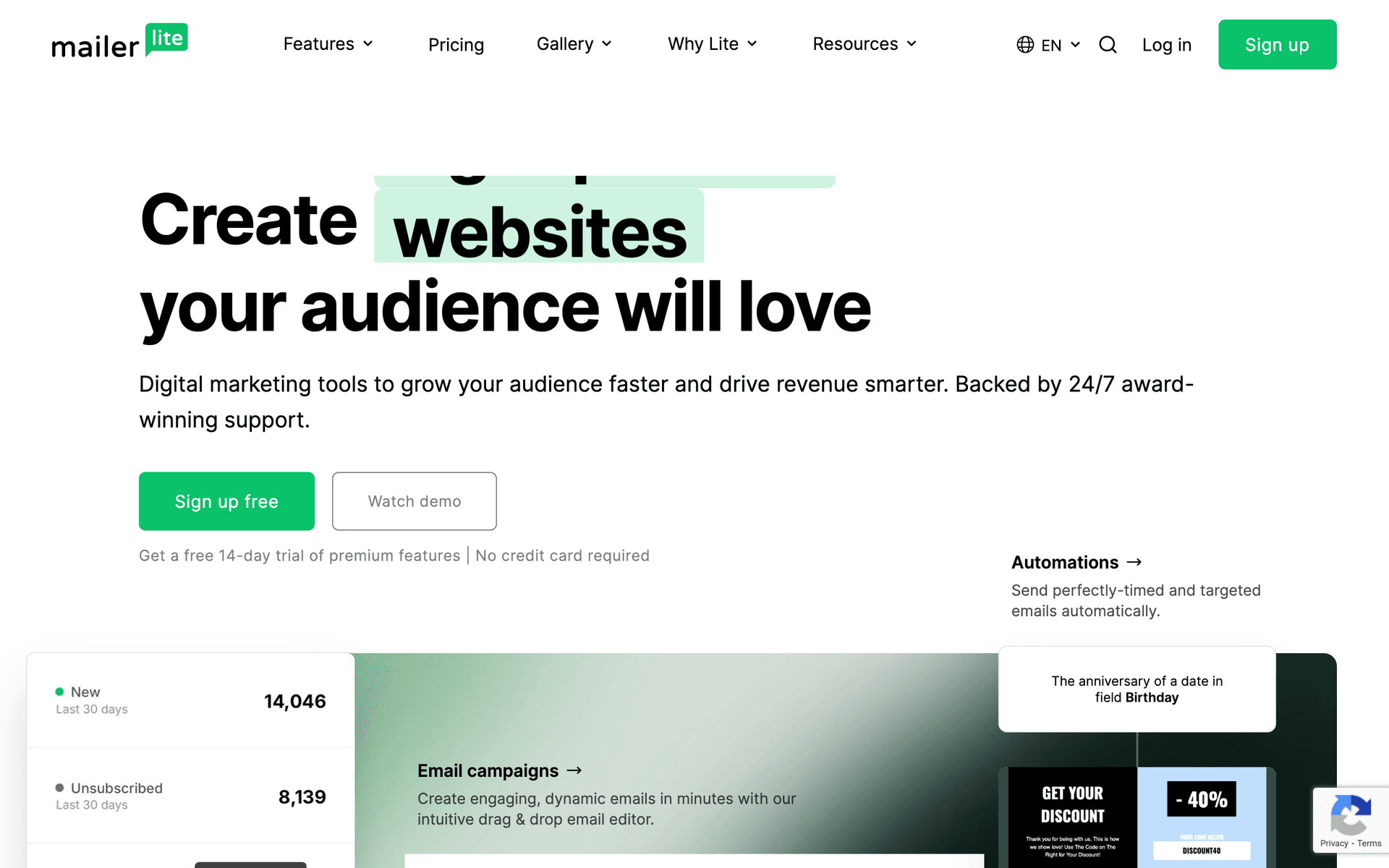
MailerLite is a practical starting point for MSPs that are new to email marketing and want to test without significant investment. The free tier for 1,000 subscribers includes automation. Monthly security newsletters, quarterly technology review invitations, and service update announcements all work well. The interface is approachable for MSP owners who are technology generalists rather than marketing specialists. For MSPs just building their email marketing program, MailerLite provides essential features at minimal cost.

Best for
MSPs building their first email marketing program with minimal budget
Pricing
Free up to 1,000 subscribers, then from $10/month

Pros

  • Simple and easy to learn
  • Generous free tier
  • Affordable pricing
  • Clean templates

Cons

  • No CRM integration
  • Limited B2B segmentation
  • Basic automation depth
#17
Constant Contact

Reliable email with phone support.

Visit
Constant Contact dashboard screenshot

Constant Contact is popular with MSPs for its ease of use and phone support. When an MSP technician wearing the marketing hat gets stuck, being able to call a real person matters. The event management tools help MSPs organize client lunch-and-learns, cybersecurity awareness seminars, or hardware refresh briefings. Reliable delivery and a guided email creation experience make it approachable for MSP business owners without marketing backgrounds. Not the most powerful tool, but reliable for basic MSP communication needs.

Best for
MSP owners who value simplicity and phone support above advanced features
Pricing
From $12/month for 500 contacts

Pros

  • Phone support
  • Event management tools
  • Easy for non-marketers
  • Reliable delivery

Cons

  • Limited automation
  • Per-contact pricing
  • Less value than modern alternatives
#18
Brevo

Affordable email and SMS.

Visit
Brevo dashboard screenshot

Brevo is a cost-effective option for MSPs with large client and prospect databases that send at moderate frequency. Per-email pricing means you pay for what you send, not the full size of your contact database. SMS is included, which is useful for MSPs that need to reach clients quickly during system outages or security incidents. The free tier at 300 emails per day is adequate for small MSPs sending weekly newsletters. Basic automation covers standard MSP communication sequences.

Best for
Small MSPs wanting low-cost email and SMS without per-contact pricing
Pricing
Free up to 300 emails/day, then from $25/month

Pros

  • Per-email pricing
  • SMS for incident alerts
  • Free tier available
  • Affordable

Cons

  • Basic automation
  • Not MSP-specialized
  • Daily limits on free plan
#19
GetResponse

All-in-one marketing with webinars.

Visit
GetResponse dashboard screenshot

GetResponse's webinar hosting feature is uniquely useful for MSPs that run client education sessions - cybersecurity awareness training, Microsoft 365 best practices, or technology roadmap briefings. The landing page builder creates professional pages for IT assessment offers. Email automation handles follow-up sequences after webinars and assessment completions. For MSPs that use educational content as their primary marketing strategy, GetResponse bundles the tools they need at a competitive price.

Best for
MSPs that use client education webinars as their primary marketing channel
Pricing
From $15.60/month for 1,000 contacts

Pros

  • Webinar hosting built in
  • Landing page builder
  • Email automation
  • Good value bundle

Cons

  • Jack of all trades
  • Contact-based pricing
  • Some features unnecessary

Feature Comparison

FeatureSequenzyActiveCampaignHubSpotMailchimp
Security alert automation
AI + API
Manual builder
Workflow builder
Manual
CRM
No
Yes
Yes (free)
Basic
Developer API
Yes
Yes
Yes
Yes
Free tier available
Starting price
Free
$29/mo
$50/mo
$13/mo

Common Mistakes to Avoid

We see these mistakes over and over. Skip the learning curve and avoid these from day one.

Going silent between service calls

Many MSPs only contact clients when something breaks or during scheduled reviews. This silence breeds the perception that you are not doing anything, which leads to churn. Monthly reports and timely security alerts ensure clients see continuous proof of your value.

Sending technical jargon in security alerts

A security alert email filled with CVE numbers and technical details creates anxiety instead of confidence. Write alerts in plain language that non-technical business owners understand. Explain what the threat is, confirm they are protected, and describe what you have done. Keep it under 200 words.

Using the same communication for all client sizes

A 5-person dental office and a 200-person manufacturing company have very different IT needs and concerns. Sending the same generic newsletter to both makes neither feel served. Segment by company size and industry at minimum.

Not including clear upsell paths in educational content

Many MSPs send great educational content but never connect it to their service offerings. Every educational email about cybersecurity, backup, or compliance should naturally lead to your relevant service. Not as a hard sell, but as a logical next step for clients who want to act on the information.

Email Sequences Every Managed Service Provider Needs

These are the essential automated email sequences that will help you grow your business and keep clients coming back.

Security Alert Campaign

New security threat identified

Demonstrate value by alerting clients about threats.

Immediate
Security Alert: [Threat Name] - you are protected

Explain the threat in non-technical terms, confirm their systems are protected, and describe the steps you have taken.

Client Onboarding Sequence

New client signed

Set expectations and demonstrate immediate value.

Day 0
Welcome to [MSP Name] - here is what happens this week

Onboarding timeline, key contacts, and what to expect during the transition period.

Day 7
Your systems are secured - initial assessment complete

Summary of initial security assessment findings. Highlight issues found and resolved.

Day 30
Your first monthly report - here is what we have done

First monthly report showing patches applied, threats blocked, and uptime metrics.

Service Upsell Sequence

Quarterly

Introduce additional services to existing clients.

Quarter 1
Are your backups truly protecting your business?

Educational email about backup best practices. Introduce your backup solution for clients who do not have it.

Quarter 2
Cybersecurity training for your team - new offering

Introduce security awareness training. Share statistics about phishing and human error.

Security Alerts Demonstrate Value

The number one reason MSP clients churn is "I do not know what I am paying for." Security alert emails that explain emerging threats and confirm protection give clients tangible proof of your value every time a new vulnerability appears.

Build a rapid-response workflow for security alerts. Pre-build templates for common threat categories - ransomware, phishing campaigns, zero-day vulnerabilities, and data breaches. When a new threat emerges, customize the template with specifics and send within hours. The MSP that emails first positions itself as the vigilant protector.

Structure every security alert the same way: what the threat is (in plain language), whether their systems are affected, what you have done to protect them, and what they should watch for. Keep it under 200 words. End with your contact information for questions.

Monthly Reports Prevent Churn

A monthly email report showing patches applied, threats blocked, tickets resolved, and uptime maintained transforms your invisible service into a visible investment. Clients who see regular proof of value are far less likely to shop for cheaper alternatives.

Automate these reports so they go out on the first Tuesday of every month without manual effort. Include specific numbers: "47 security patches applied, 12 threats blocked, 99.9% uptime maintained." These concrete metrics justify your monthly fees far better than abstract promises.

The monthly report is also the ideal place to mention upcoming services or features. A brief section at the bottom like "Coming next month: enhanced backup monitoring" primes clients for future conversations.

Upsells Grow Contract Value

Most MSP clients only use a fraction of your service portfolio. Quarterly email campaigns that educate clients about backup solutions, security training, compliance services, and productivity tools grow average contract values without aggressive sales conversations.

Structure upsell campaigns as educational content first, service promotion second. An email about "why 43% of small businesses never recover from data loss" educates about the problem. The natural conclusion - your backup solution - follows as a logical next step.

Time upsell campaigns 2 weeks before quarterly business review meetings. This primes the discussion so the QBR conversation is about implementation details rather than convincing them of the need.

The MSP Email Program

Build these automations in priority order:

  1. Monthly value reports - Automated reports showing patches, threats blocked, and uptime. Highest impact on churn reduction.
  2. Security alert workflow - Pre-built templates for rapid response to emerging threats. Highest impact on perceived value.
  3. Client onboarding sequence - 3-email series over 30 days that sets expectations and demonstrates immediate value to new clients.
  4. Quarterly upsell campaigns - Educational content about additional services timed before QBR meetings.
  5. Prospect nurture sequence - 8-12 email series with security assessments, compliance guides, and case studies for leads evaluating MSP providers.

Measuring MSP Email Success

Track these MSP-specific metrics alongside standard email analytics:

Client retention rate is your north star. MSPs that implement email programs see 10-20% reduction in annual churn. Calculate the revenue impact of retained clients to justify your email investment.

Security alert response - Do clients open and engage with your security alerts? If open rates on alerts are below 40%, your subject lines are not conveying urgency or your alerts are too frequent.

Upsell conversion - Track which educational email campaigns lead to service additions during QBRs. This tells you which content moves the needle on contract value.

Report engagement - Do clients open monthly reports? If not, the report design may need simplification or the metrics may not be relevant to their concerns.

How We Evaluated These Tools

Tools were evaluated based on their fit for MSP workflows - security alert automation, client segmentation by service tier, CRM integration for tracking multi-stakeholder relationships, developer API access for RMM/PSA integration, and pricing that works for MSPs with focused client lists.

Frequently Asked Questions

Ready to grow your managed service provider practice?

Start your free trial today. Set up your first email sequence in minutes with AI-powered content generation.

Related Industries

Sequenzy - Complete Pricing Guide

Pricing Model

Sequenzy uses email-volume-based pricing. You only pay for emails you send. Unlimited contacts on all plans — storing subscribers is always free.

All Pricing Tiers

  • 2.5k emails/month: Free (Free annually)
  • 15k emails/month: $19/month ($205/year annually)
  • 60k emails/month: $29/month ($313/year annually)
  • 120k emails/month: $49/month ($529/year annually)
  • 300k emails/month: $99/month ($1069/year annually)
  • 600k emails/month: $199/month ($2149/year annually)
  • 1.2M emails/month: $349/month ($3769/year annually)
  • Unlimited emails/month: Custom pricing (Custom annually)

Yearly billing: All plans offer a 10% discount when billed annually.

Free Plan Features (2,500 emails/month)

  • Visual automation builder
  • Transactional email API
  • Reply tracking & team inbox
  • Goal tracking & revenue attribution
  • Dynamic segments
  • Payment integrations
  • API, MCP, and CLI access
  • Custom sending domain

Paid Plan Features (15k - 1.2M emails/month)

  • Visual automation builder
  • Transactional email API
  • Reply tracking & team inbox
  • Goal tracking & revenue attribution
  • Dynamic segments
  • Payment integrations (Stripe, Paddle, Lemon Squeezy)
  • API, MCP, and CLI access
  • Custom sending domain

Enterprise Plan Features (Unlimited emails)

  • Visual automation builder
  • Transactional email API
  • Reply tracking & team inbox
  • Goal tracking & revenue attribution
  • Dynamic segments
  • Payment integrations
  • API, MCP, and CLI access
  • Custom sending domain

Important Pricing Notes

  • You only pay for emails you send — unlimited contacts on all plans
  • No hidden fees - all features included in the price
  • No credit card required for free tier

Contact

  • Pricing Page: https://sequenzy.com/pricing
  • Sales: hello@sequenzy.com