Updated 2026-03-15

Best Email Marketing Tools for Cloud Infrastructure Companies

Onboard developers, alert on usage, and nurture enterprise deals with the right email platform.

Cloud infrastructure companies - hosting providers, database services, CDNs, monitoring tools, and platform services - market to developers and sell to enterprises. Your email needs span developer onboarding (API keys, CLI setup, first deployment), usage-based alerts (quota warnings, cost optimization), and enterprise sales (pipeline nurturing, compliance documentation). Most email tools are built for B2C marketers, not for the technical, event-driven communication cloud infrastructure requires. Here are 19 tools ranked for cloud infrastructure email marketing.

TL;DR

Sequenzy is the best choice for cloud infrastructure companies with Stripe billing because the native payment integration triggers emails on billing events automatically, and pay-per-email pricing aligns with freemium models. Customer.io is the enterprise pick for complex event-driven communication with advanced workflow logic. For critical transactional alerts like deployment notifications and security warnings, Postmark offers the fastest and most reliable delivery.

Why Cloud Infrastructure Companies Need Email Marketing

Developer Onboarding

Cloud infrastructure requires technical setup - CLI installation, API authentication, first deployment. Email sequences guide developers through each step and prevent the massive drop-off between signup and first use.

Usage and Cost Alerts

Cloud users need proactive communication about usage, costs, and quota limits. Automated alerts prevent bill shock and build trust.

Enterprise Pipeline

Cloud infrastructure often starts with a developer using the free tier and grows into an enterprise contract. Email tracks and nurtures this bottom-up adoption journey.

Platform Updates

New regions, new services, deprecations, and maintenance windows all need timely communication. Segmented by user region and services used.

Cloud Infrastructure Companies Email Marketing Benchmarks

Know these numbers before you start. They'll help you set realistic goals and pick the right tool.

25-35%
Average Open Rate

Developer onboarding emails with specific technical content achieve the highest open rates. Usage alerts and billing notifications are opened consistently because they contain actionable information. Marketing newsletters perform lower unless they contain genuinely useful technical content.

3-6%
Average Click Rate

Click rates are highest in onboarding emails where the CTA is a specific technical action - clicking to get an API key, accessing documentation, or viewing a deployment dashboard. Abstract CTAs like 'Learn more' underperform significantly.

Tuesday-Thursday, 9-11 AM (user's timezone)
Best Send Time

Developer emails perform best during working hours when engineers are actively building. Usage alerts and billing notifications should be triggered by events regardless of time. Marketing content should target mid-morning weekdays.

20-40%
Onboarding Activation Rate

A well-designed onboarding sequence should achieve 20-40% activation (signup to first deployment). The biggest factor is reducing time-to-first-value. Every unnecessary email between signup and activation is friction.

Important Tips Before You Choose

Lessons from cloud infrastructure companieswho've been doing this for years. Save yourself the trial and error.

Separate transactional and marketing email infrastructure

Deployment notifications, security alerts, and billing emails need their own sending infrastructure. If a marketing campaign triggers spam complaints that hurt your sender reputation, you cannot afford for critical infrastructure alerts to stop reaching users. Use Postmark or a dedicated transactional service alongside your marketing tool.

Track time-to-first-deployment as your primary onboarding metric

Your onboarding email sequence should obsess over getting users to their first deployment. Every email should reduce friction toward that goal. Track which emails users open before deploying and which they ignore. Optimize relentlessly for activation.

Build usage-based triggers at 75%, 90%, and 100% of quotas

Proactive usage alerts prevent bill shock and build trust. Send informative emails at 75% with optimization tips, warnings at 90% with upgrade options, and immediate alerts at 100% with clear next steps. Users who get surprise bills churn.

Identify enterprise-ready accounts through usage patterns

When a self-serve account adds team members, deploys to production, or consistently exceeds usage thresholds, trigger an enterprise introduction sequence. The bottom-up adoption pipeline is your most efficient enterprise sales channel.

Send changelog and deprecation notices to affected users only

Segment platform updates by the services each user actually uses. A user who only uses your database service does not need to know about CDN changes. Relevant, targeted communication gets read. Irrelevant platform spam gets ignored.

Create region-specific maintenance window notifications

Maintenance notifications should only reach users with infrastructure in the affected region. Sending global maintenance alerts to all users when only US-East is affected erodes trust in your communication and trains users to ignore your emails.

19 Best Email Marketing Tools for Cloud Infrastructure Companies

#ToolDescriptionBest ForPricing
1SequenzyEmail marketing with native payment integrations and event-driven automation.Cloud companies with Stripe billing and usage-based triggersFree up to 2,500 emails/mo, then $19/mo (unlimited contacts)
2Customer.ioPowerful event-driven messaging.Cloud companies with complex event-driven communication needs$100/month for 5,000 profiles
3LoopsModern email for SaaS.Cloud companies wanting clean, modern emailFree up to 1,000 contacts, then $49/month
4SendGridHigh-volume email infrastructure from Twilio.Cloud companies needing high-volume email infrastructureFree for 100 emails/day, plans from $19.95/month
5PostmarkReliable transactional email with fastest delivery.Critical infrastructure notifications requiring instant delivery$15/month for 10,000 emails
6ResendDeveloper-first email API.Cloud teams building custom email infrastructureFree for 3,000 emails/month, then $20/month
7HubSpotEnterprise CRM and marketing.Enterprise cloud companies with sales teamsMarketing hub from $50/month
8ActiveCampaignAdvanced automation with CRM.Mid-market cloud companies with sales teams$29/month for 1,000 contacts
9BrevoAffordable marketing.Early-stage cloud startups on a budgetFree up to 300 emails/day, then $25/month
10MailchimpPopular email marketing platform.Basic newsletters onlyFree up to 500 contacts, then $13/month
11UserlistSaaS email automation.B2B cloud products tracking organizational adoption$149/month for 5,000 users
12ConvertKitCreator email marketing.Not recommended for cloud companiesFree up to 10,000 subscribers, then $25/month
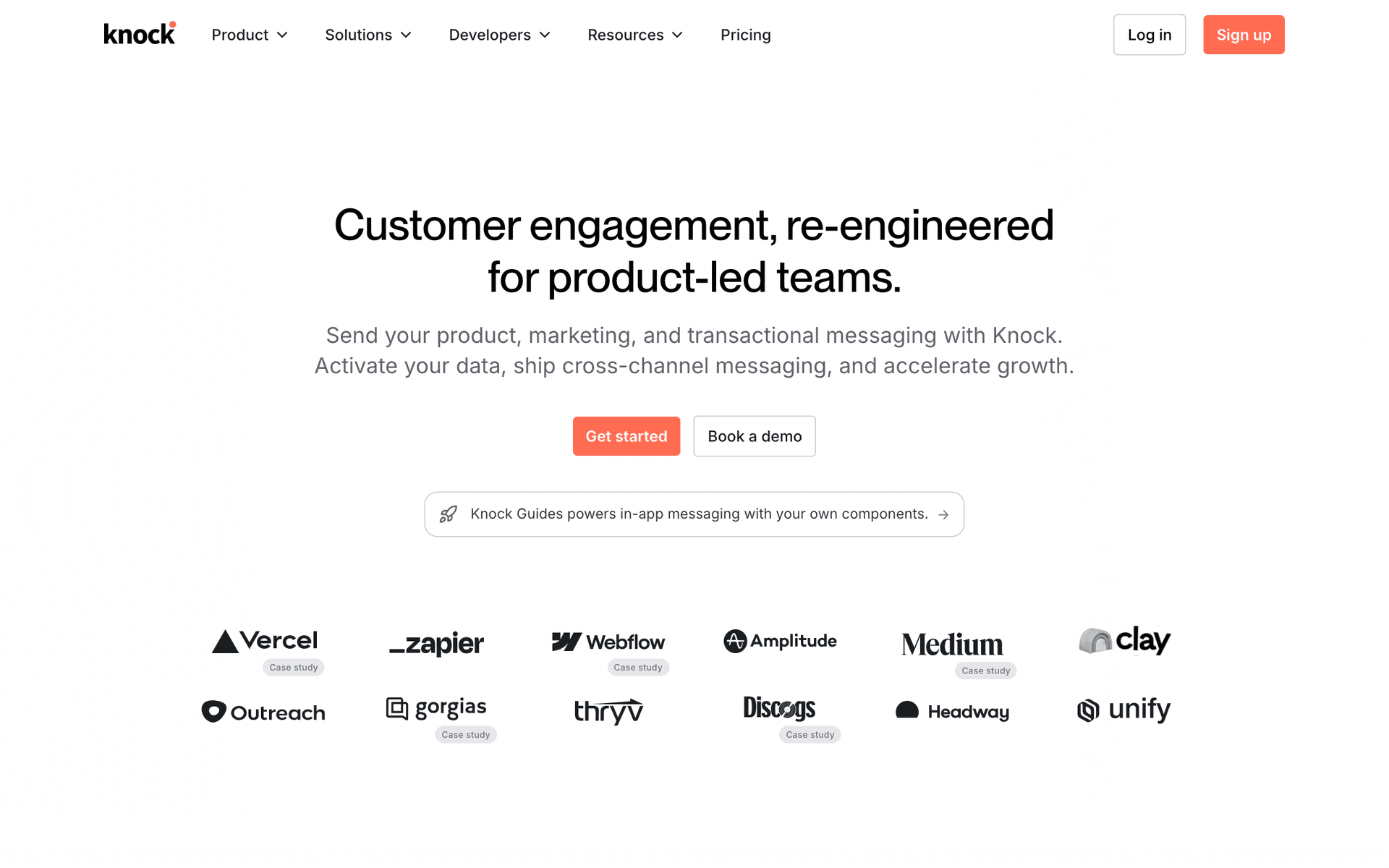
13KnockNotification infrastructure.Multi-channel infrastructure alertingFree up to 10,000 messages, then $250/month
14Customer.ioEvent-driven messaging platform for technical products.Funded cloud companies with complex usage-based user journeys$100/month for 5,000 profiles
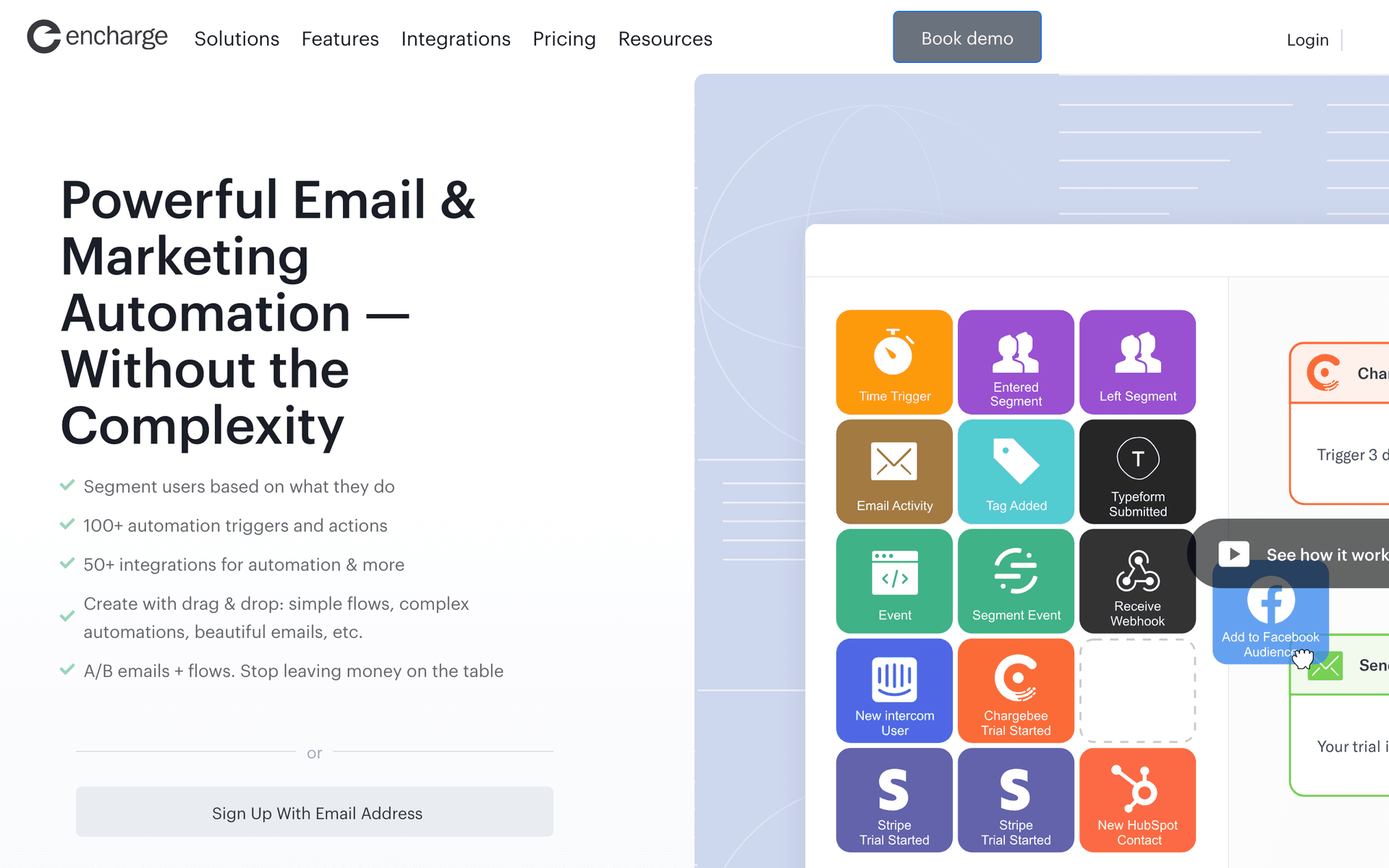
15EnchargeMarketing automation for SaaS and cloud products.Cloud companies wanting SaaS-native automation at a mid-range price$99/month for 2,000 users
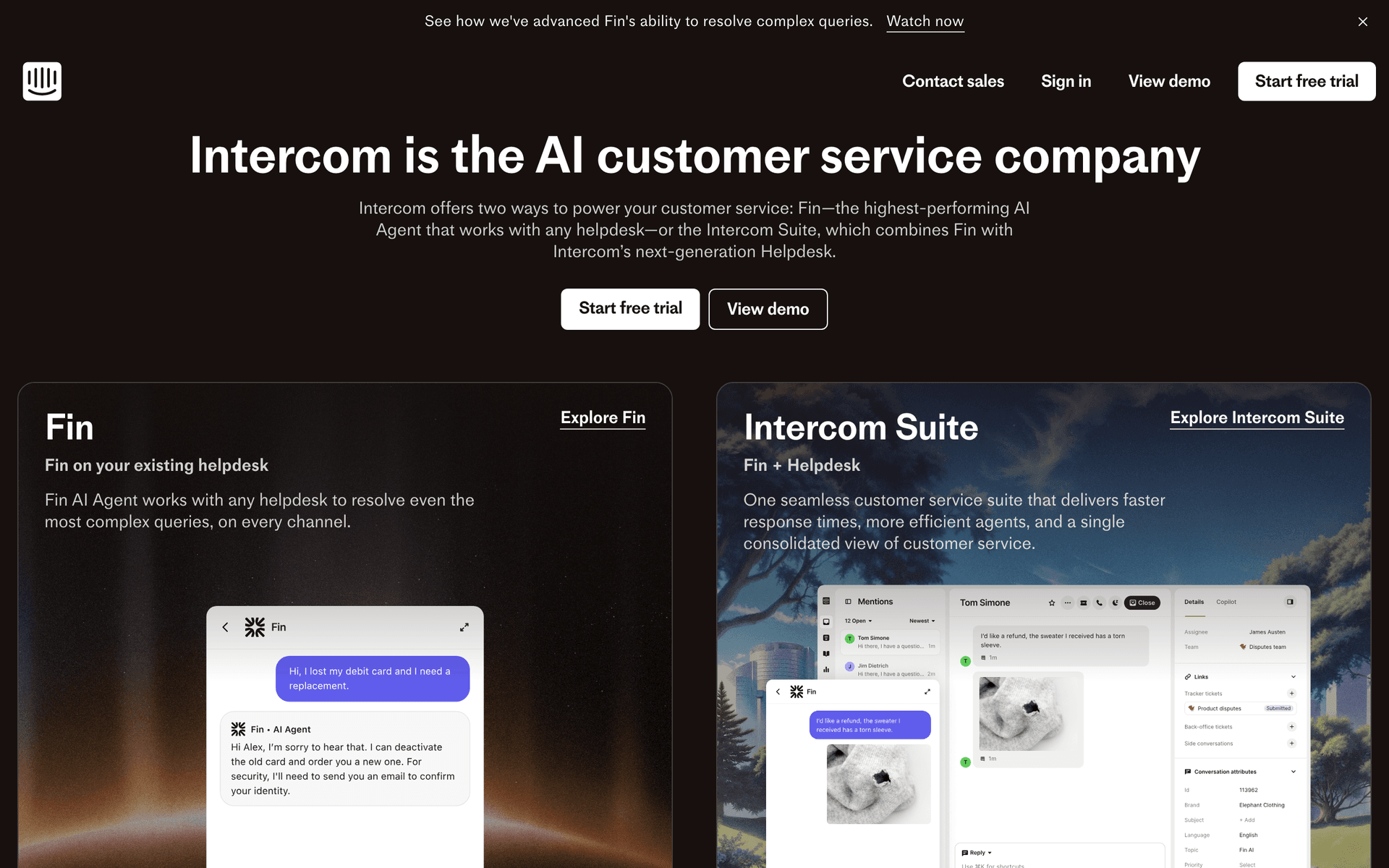
16IntercomCustomer messaging with email, in-app, and live chat.Cloud platforms with developer portals needing in-app plus emailFrom $74/month, scales with active users
17HubSpotEnterprise CRM and marketing platform.Enterprise-focused cloud companies with sales teamsFree CRM, marketing hub from $50/month
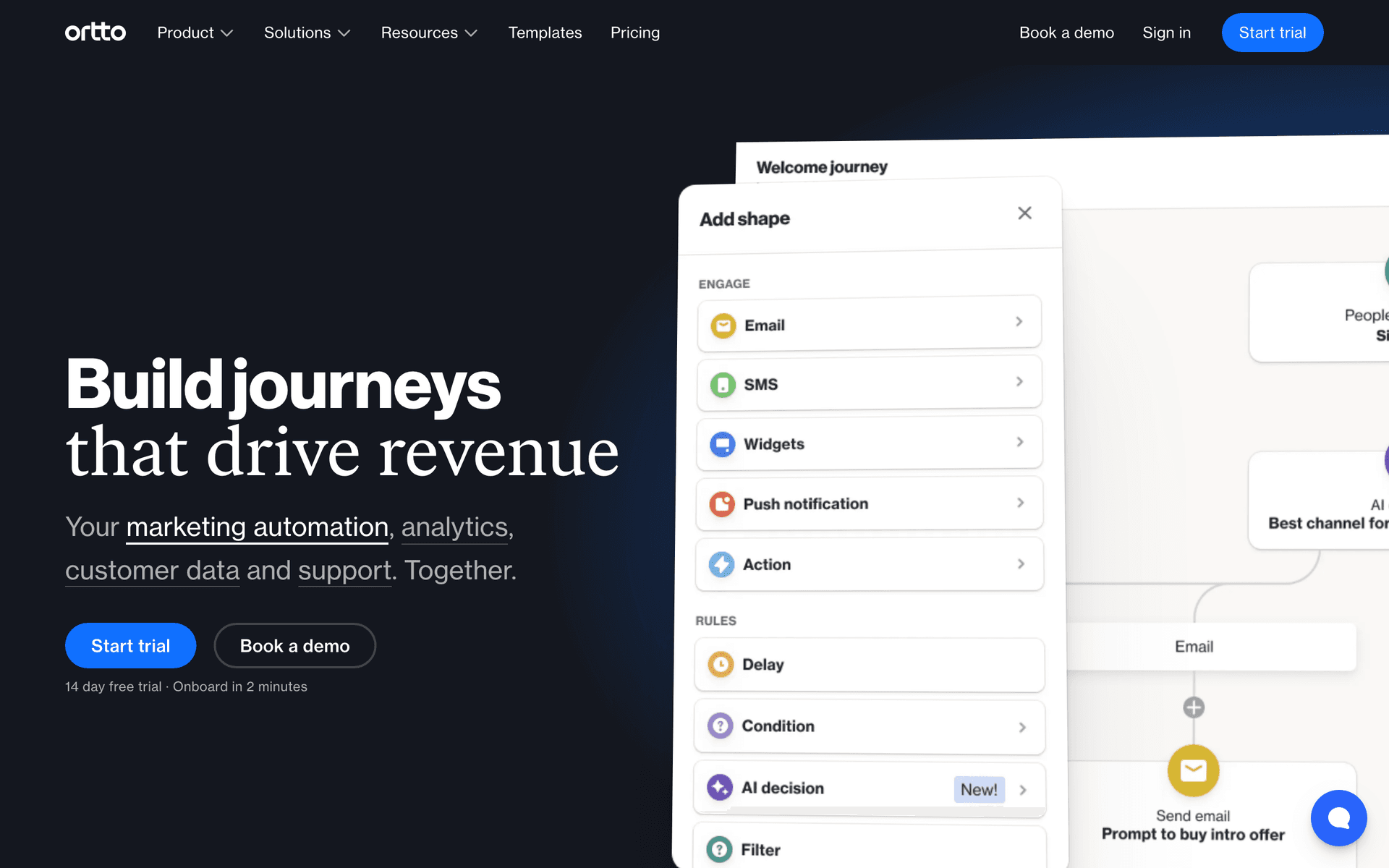
18OrttoCDP and marketing automation platform.Cloud companies needing unified customer data and journey automation$99/month for 5,000 contacts
19LoopsModern email platform for SaaS with event-based automations.Cloud infrastructure companies wanting clean event-based email without complexityFree up to 1,000 contacts, then $49/month
Our Top Pick for Cloud Infrastructure Companies
#1
Sequenzy

Email marketing with native payment integrations and event-driven automation.

Visit
Sequenzy dashboard screenshot

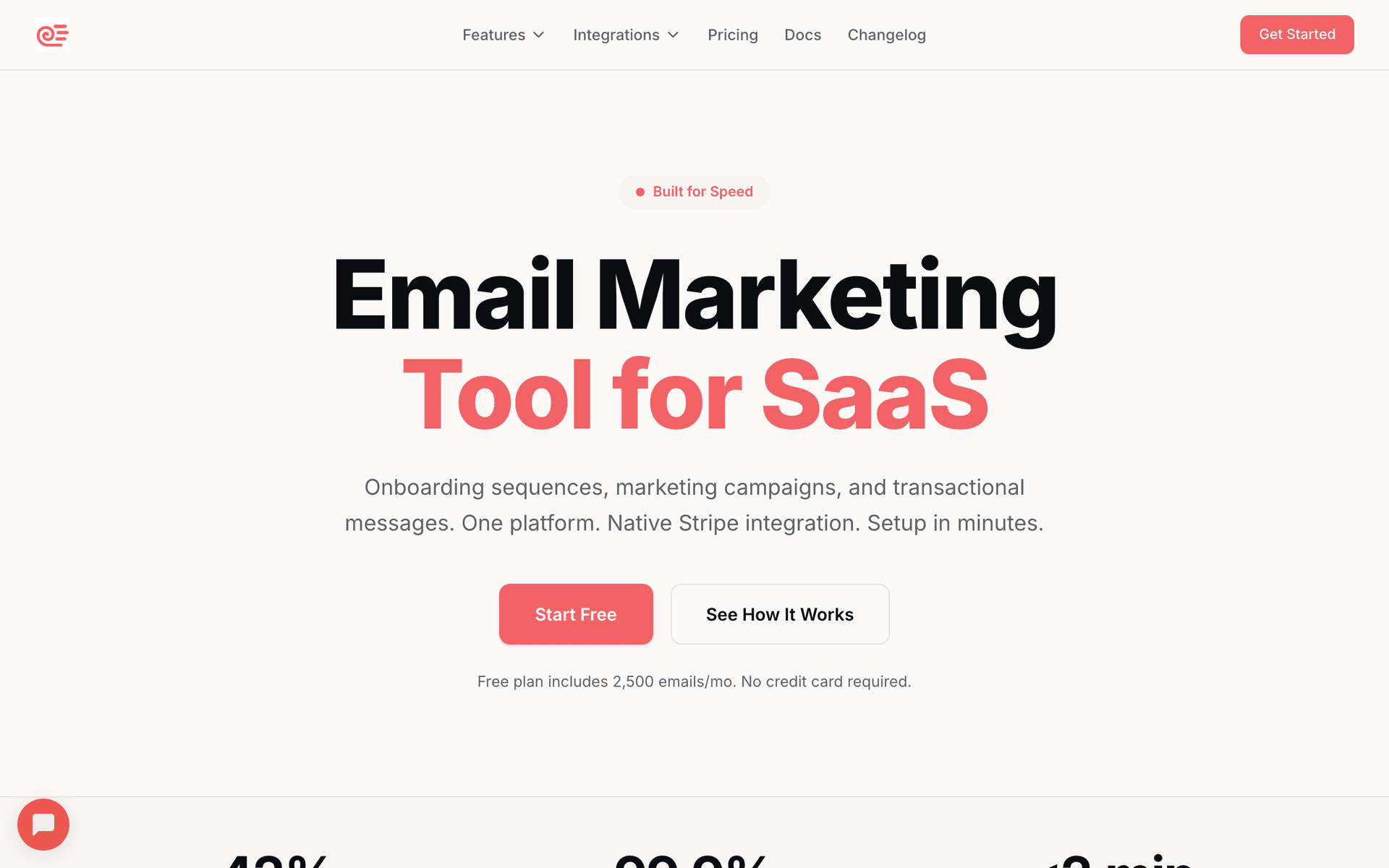
Sequenzy handles the cloud infrastructure model particularly well. The native Stripe integration triggers emails on billing events automatically - usage-based charges, plan upgrades, payment failures, and subscription changes flow in without custom webhook development. Event-driven automation handles onboarding milestones like first API call, first deployment, and team member invitation. The AI sequence builder creates onboarding flows and usage alert templates quickly. The free tier provides 2,500 emails per month, and paid plans start at $29 for 50,000 emails. Pay-per-email pricing is critical for cloud companies with freemium models - you are not paying for 50,000 free-tier users who never activated, only for the emails you actually send.

Best for
Cloud companies with Stripe billing and usage-based triggers
Pricing
Free up to 2,500 emails/mo, then $19/mo (unlimited contacts)

Pros

  • Native Stripe integration for billing events
  • Event-driven usage alerts
  • AI sequence builder
  • Pay per email aligns with freemium models
  • Free tier to get started

Cons

  • Newer platform
  • No infrastructure-specific templates
  • Smaller community than established tools
#2
Customer.io

Powerful event-driven messaging.

Visit
Customer.io dashboard screenshot

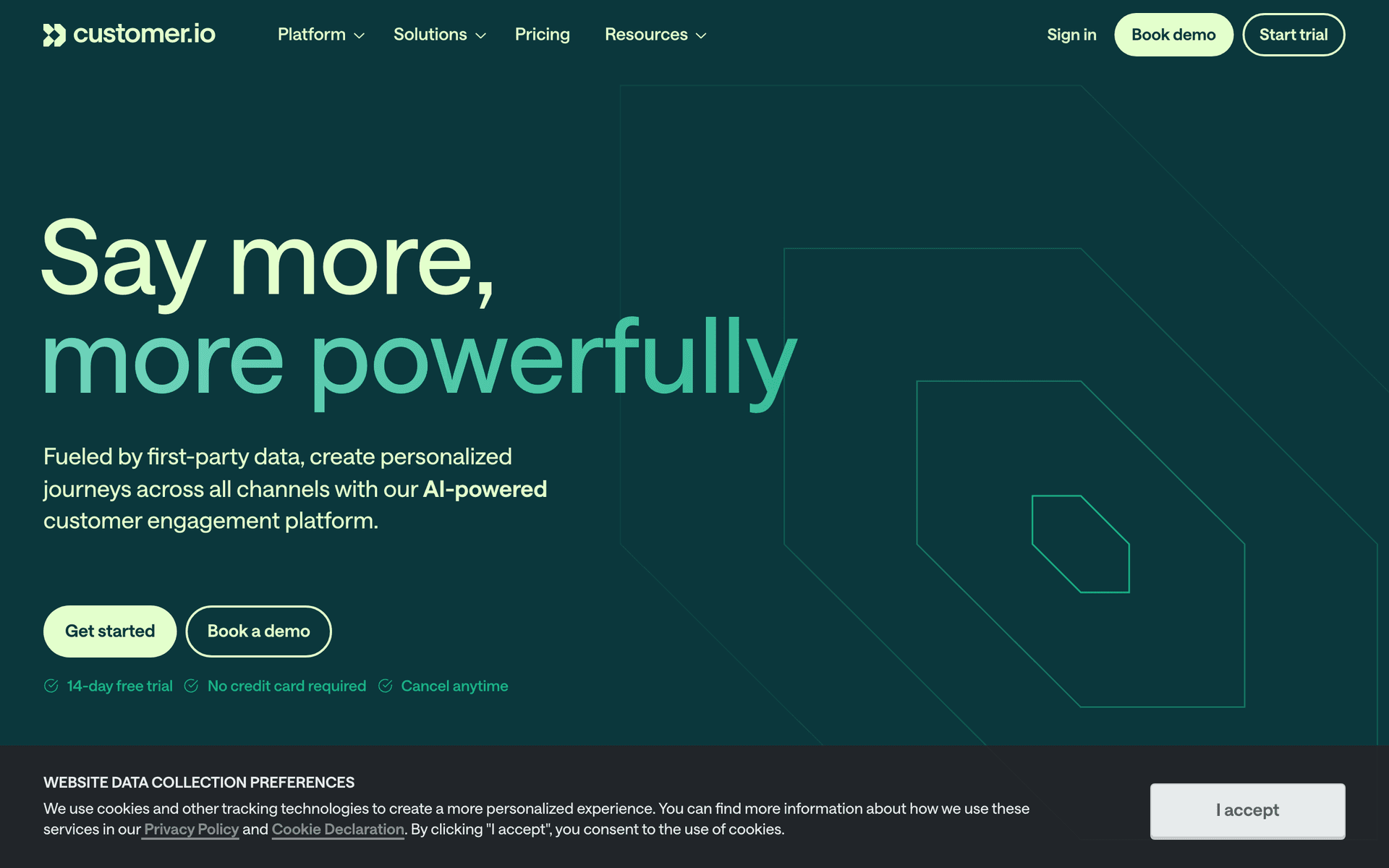
Customer.io is the enterprise choice for cloud infrastructure companies with complex communication needs. Track every user event - deployment, scaling event, region selection, API call patterns - and build sophisticated automation based on usage patterns. Multi-channel support adds push and in-app messaging alongside email. The workflow builder handles the most complex logic of any tool on this list. Several prominent cloud companies use Customer.io for both product communication and marketing. The cost and complexity are significant, but for funded teams with engineering resources, the flexibility is unmatched.

Best for
Cloud companies with complex event-driven communication needs
Pricing
$100/month for 5,000 profiles

Pros

  • Excellent event-driven automation
  • Complex workflow builder
  • Multi-channel messaging
  • Used by established cloud companies

Cons

  • Expensive starting price
  • Complex setup requires engineering
  • No native payment integration
#3
Loops

Modern email for SaaS.

Visit
Loops dashboard screenshot

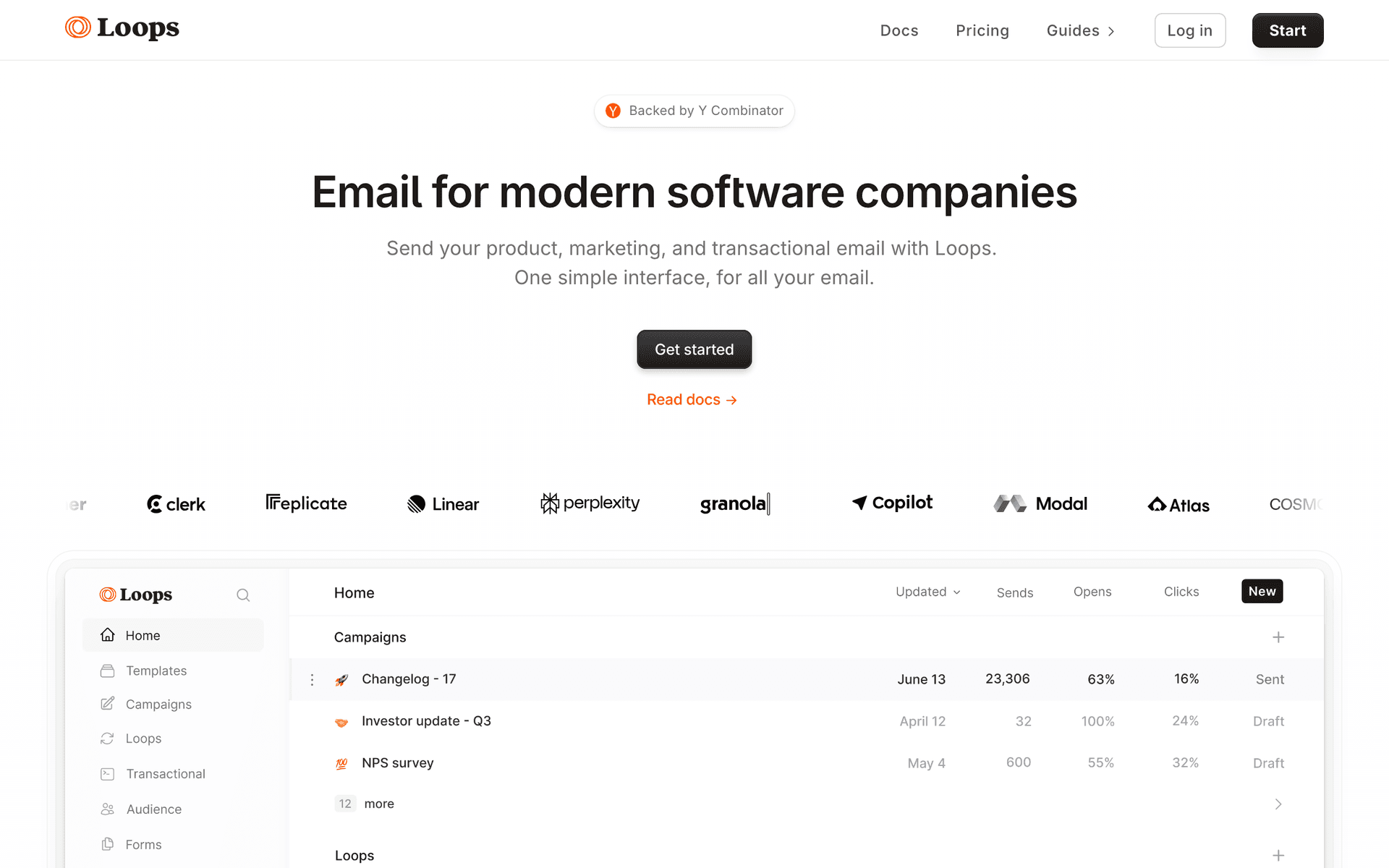
Loops provides a clean, SaaS-focused approach to cloud infrastructure email. Event-based automations trigger on user actions, and the combined transactional and marketing capability means deployment confirmations and nurture sequences live in one place. The interface is fast and approachable for product teams who are not email marketing specialists. For cloud companies that want something simpler than Customer.io but more SaaS-aware than generic marketing tools, Loops is a solid middle ground. Per-contact pricing is the main concern for freemium products.

Best for
Cloud companies wanting clean, modern email
Pricing
Free up to 1,000 contacts, then $49/month

Pros

  • Clean modern interface
  • Event-based automation
  • Combined transactional and marketing

Cons

  • Per-contact pricing includes all free users
  • Limited advanced workflow logic
  • Smaller feature set than Customer.io
#4
SendGrid

High-volume email infrastructure from Twilio.

Visit
SendGrid dashboard screenshot

Cloud companies send massive email volumes - deployment notifications, usage reports, maintenance alerts, and changelog digests for thousands of users. SendGrid handles this scale reliably. Many cloud companies already use Twilio for communication infrastructure, making SendGrid a natural addition. The marketing features are basic compared to dedicated marketing tools, but the sending infrastructure is battle-tested at scale. Best used for transactional and notification emails alongside a dedicated marketing platform.

Best for
Cloud companies needing high-volume email infrastructure
Pricing
Free for 100 emails/day, plans from $19.95/month

Pros

  • Handles massive volume
  • Twilio ecosystem integration
  • Reliable infrastructure
  • Good API

Cons

  • Basic marketing automation
  • Not a marketing-first tool
#5
Postmark

Reliable transactional email with fastest delivery.

Visit
Postmark dashboard screenshot

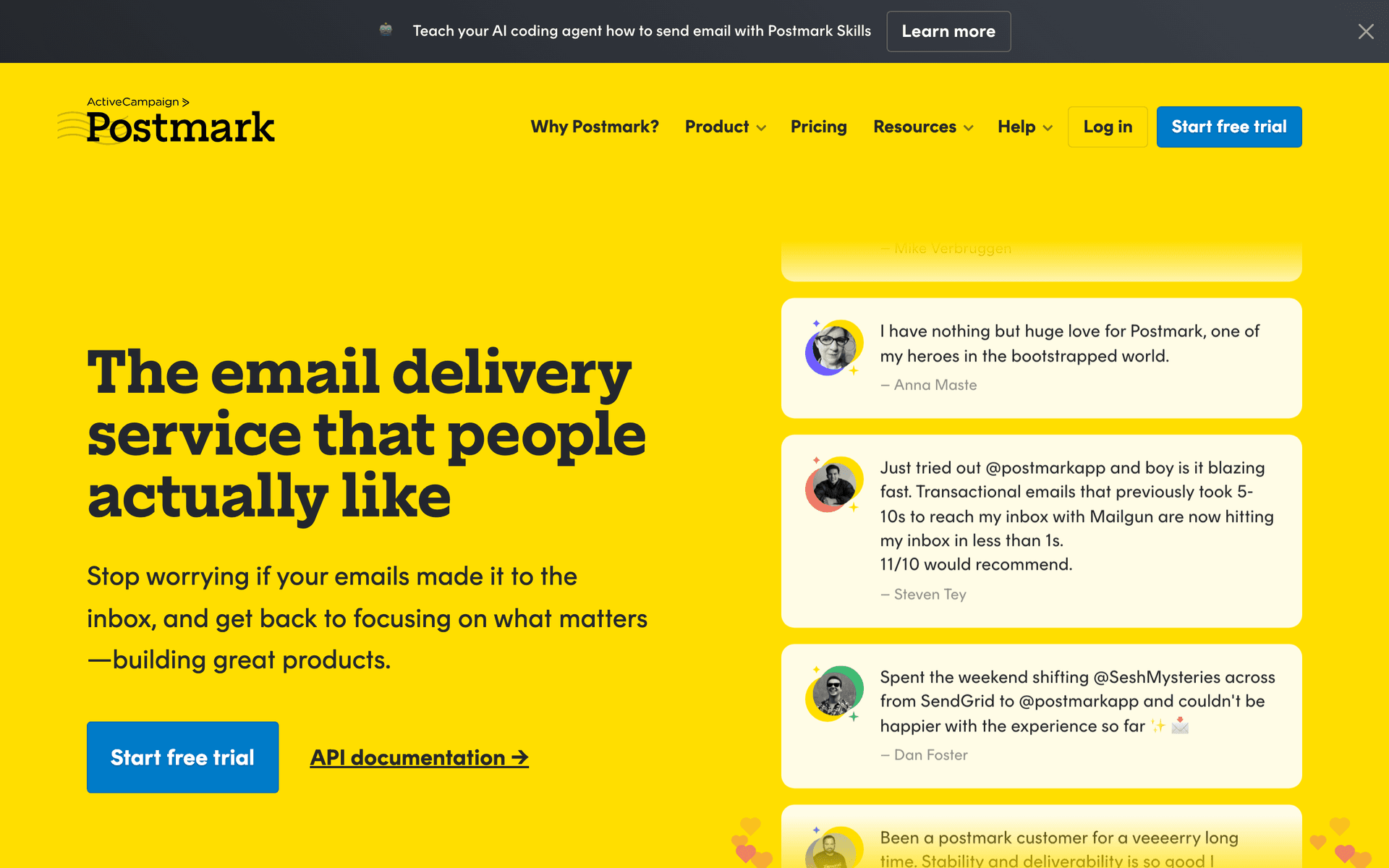
Deployment confirmations, security alerts, and billing notifications need instant delivery. When a user deploys to production or receives a security alert, the email needs to arrive in seconds, not minutes. Postmark is the gold standard for transactional email reliability and speed. It is not a marketing tool - you need a separate platform for campaigns and nurture sequences - but for critical infrastructure notifications, nothing matches Postmark's delivery performance.

Best for
Critical infrastructure notifications requiring instant delivery
Pricing
$15/month for 10,000 emails

Pros

  • Best deliverability and speed
  • Purpose-built for transactional email
  • Simple, clean API

Cons

  • Not a marketing tool
  • No automation or sequences
#6
Resend

Developer-first email API.

Visit
Resend dashboard screenshot

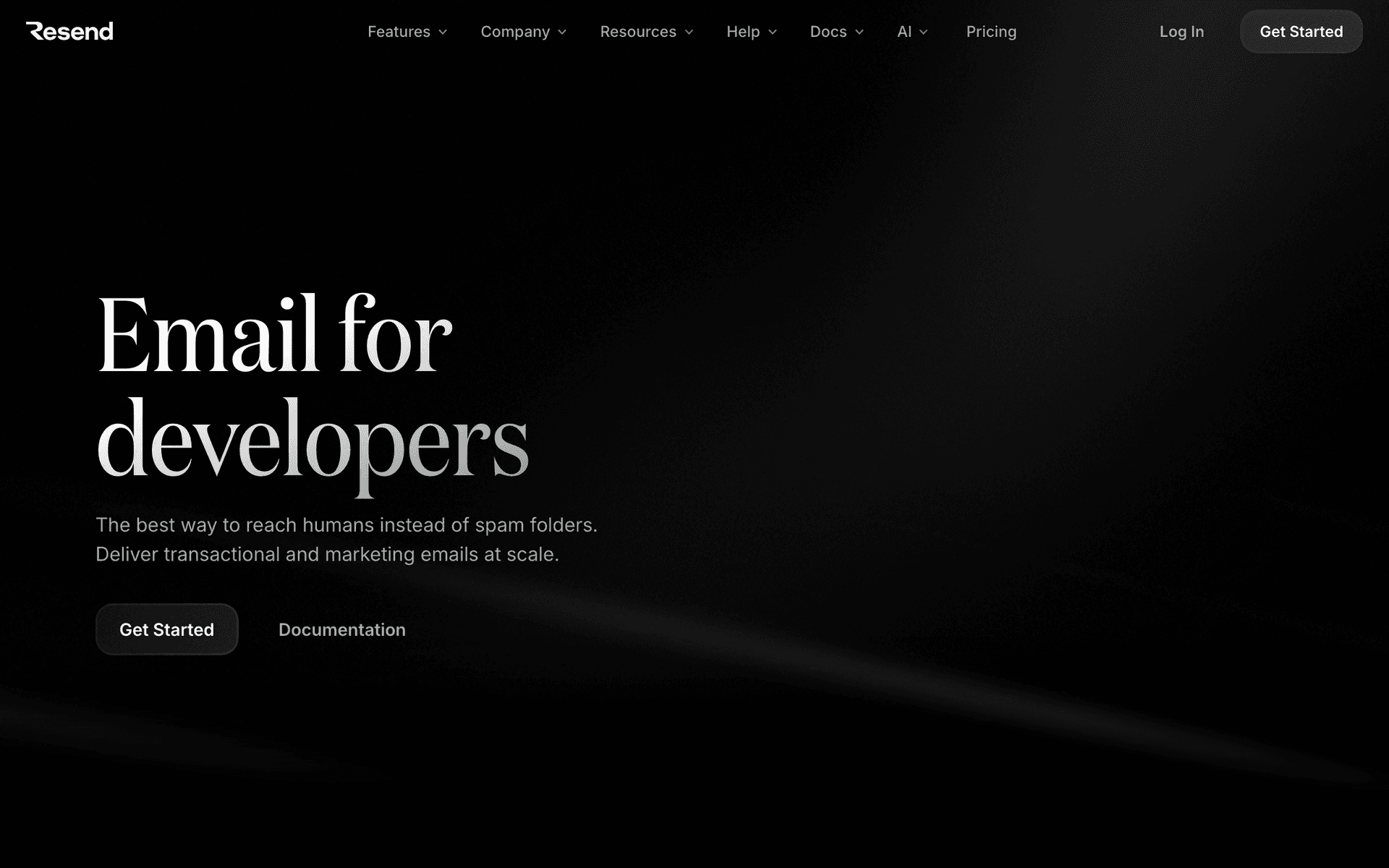
Cloud infrastructure engineering teams appreciate Resend's clean API and React Email templates. Build custom notification systems with full control over rendering and delivery. The developer experience is excellent. For teams that want to own their email rendering and logic while relying on a solid delivery API, Resend is a strong choice. No marketing automation means you need a second tool for campaigns and sequences.

Best for
Cloud teams building custom email infrastructure
Pricing
Free for 3,000 emails/month, then $20/month

Pros

  • Clean developer API
  • React Email support
  • Good deliverability

Cons

  • No marketing automation
  • Must build all logic yourself
#7
HubSpot

Enterprise CRM and marketing.

Visit
HubSpot dashboard screenshot

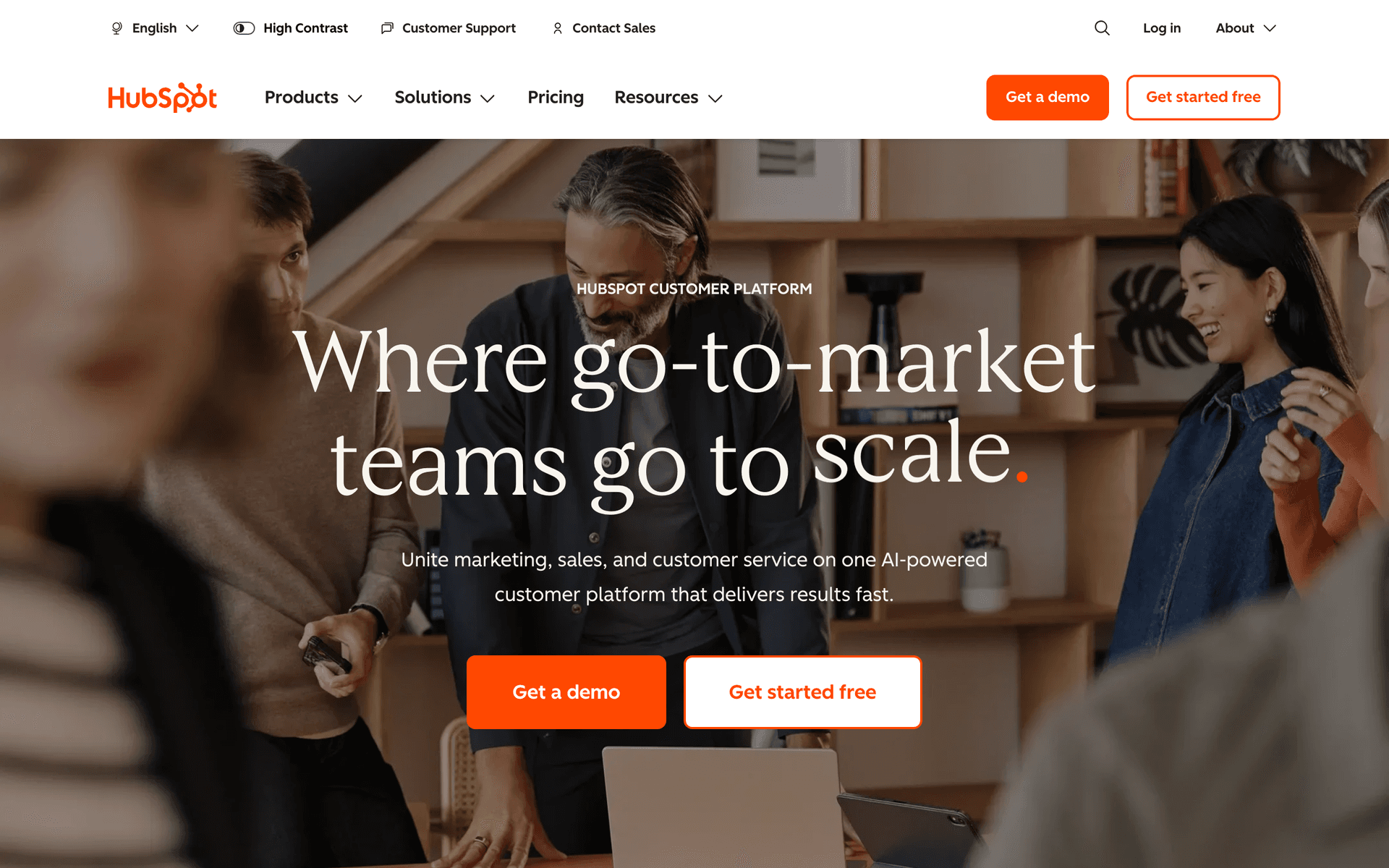
HubSpot works for cloud companies with enterprise sales teams tracking the bottom-up adoption pipeline. The CRM tracks the journey from developer signup to enterprise contract. Marketing automation nurtures prospects through long evaluation periods. The cost is significant but justified for cloud companies where enterprise deals are worth six or seven figures and the sales cycle requires sophisticated tracking.

Best for
Enterprise cloud companies with sales teams
Pricing
Marketing hub from $50/month

Pros

  • Complete CRM for enterprise pipeline
  • Sales and marketing alignment
  • Strong reporting

Cons

  • Expensive at scale
  • Not developer-focused
  • Complex setup
#8
ActiveCampaign

Advanced automation with CRM.

Visit
ActiveCampaign dashboard screenshot

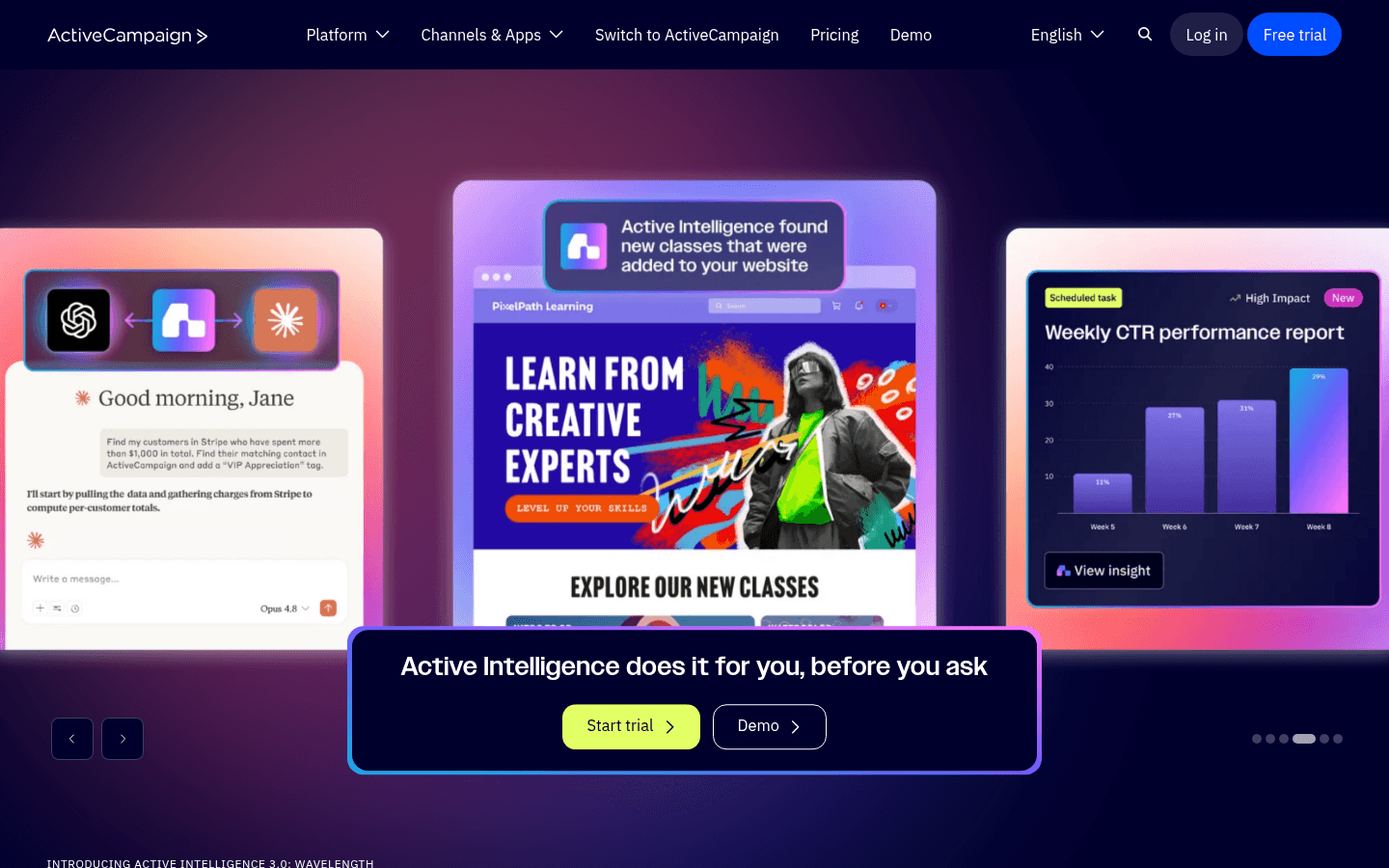
ActiveCampaign's automation and CRM handle the complex cloud infrastructure sales journey for mid-market companies. Build workflows based on product usage, engagement level, and account growth. The CRM tracks prospects from initial interest to contract. For cloud companies without the budget for HubSpot or Customer.io, ActiveCampaign provides strong automation at a lower price point.

Best for
Mid-market cloud companies with sales teams
Pricing
$29/month for 1,000 contacts

Pros

  • Powerful automation builder
  • Built-in CRM
  • Good value for features

Cons

  • Per-contact pricing
  • Complex for product teams
  • Not developer-first
#9
Brevo

Affordable marketing.

Visit
Brevo dashboard screenshot

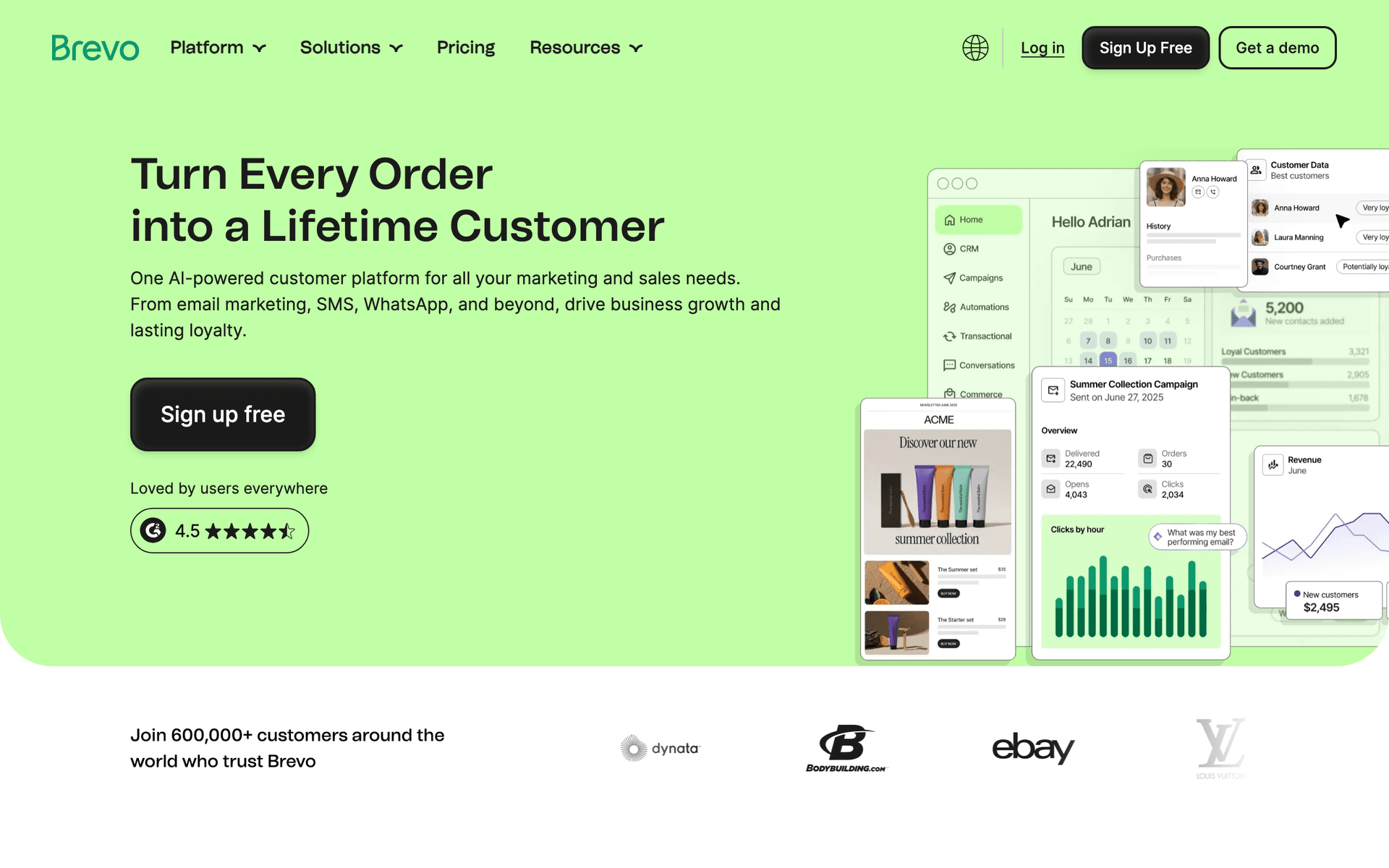
Brevo is a reasonable budget option for early-stage cloud startups that need basic email capabilities before investing in a more sophisticated platform. The free tier covers early needs. Automation handles simple onboarding sequences. As your product and user base grow, you will likely need to migrate to a more capable event-driven platform.

Best for
Early-stage cloud startups on a budget
Pricing
Free up to 300 emails/day, then $25/month

Pros

  • Affordable starting point
  • Free tier for early stage

Cons

  • Basic event handling
  • Limited for complex flows
#10
Mailchimp

Popular email marketing platform.

Visit
Mailchimp dashboard screenshot

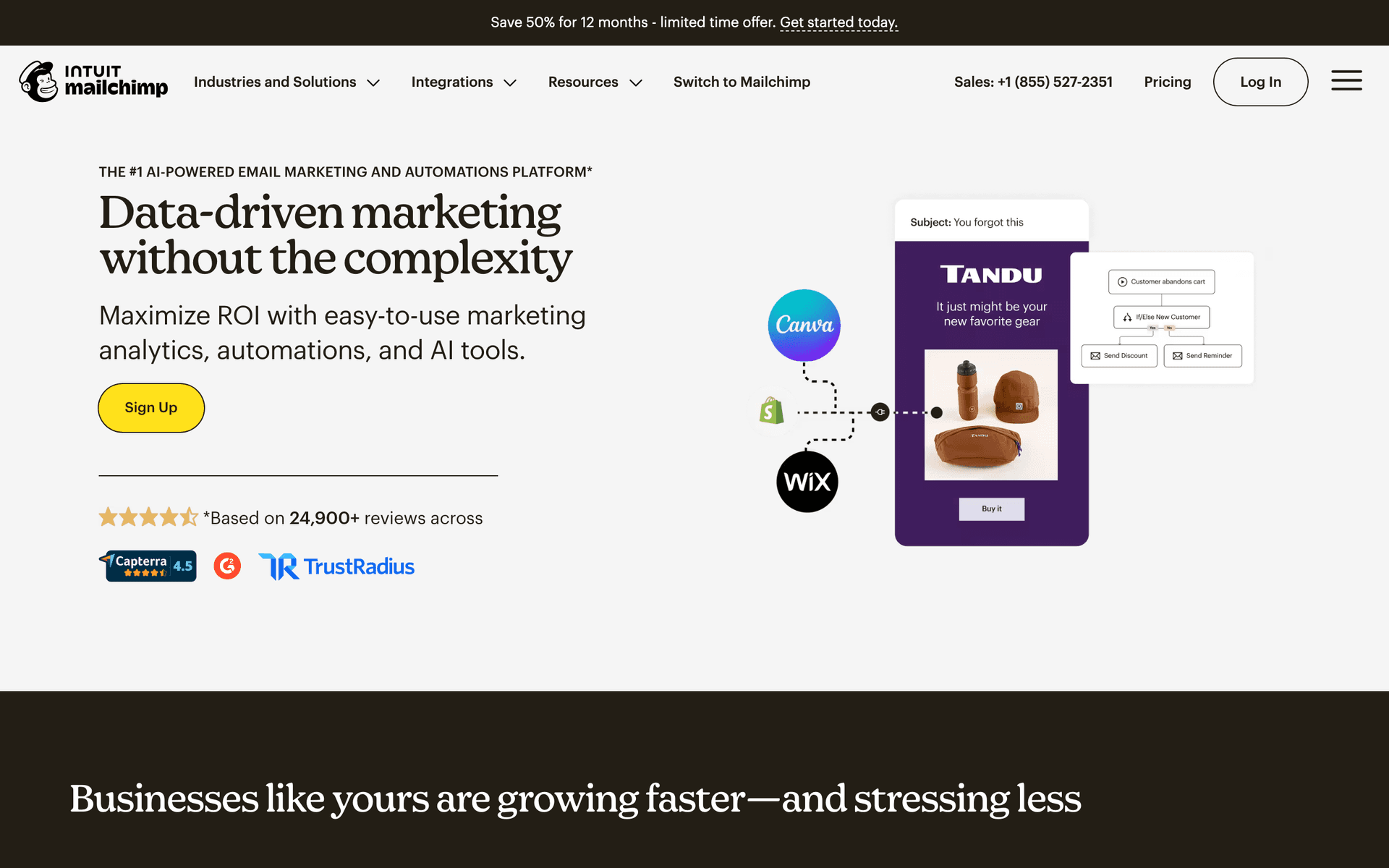
Mailchimp is not well-suited for cloud infrastructure companies. Per-contact pricing punishes freemium models, basic automation cannot handle event-driven workflows, and the platform lacks developer focus. It can work for simple newsletters, but for the technical communication cloud companies need, other options are far better.

Best for
Basic newsletters only
Pricing
Free up to 500 contacts, then $13/month

Pros

  • Easy to use
  • Good for newsletters

Cons

  • Not for cloud companies
  • Per-contact pricing hurts freemium
  • Basic automation
#11
Userlist

SaaS email automation.

Visit
Userlist dashboard screenshot

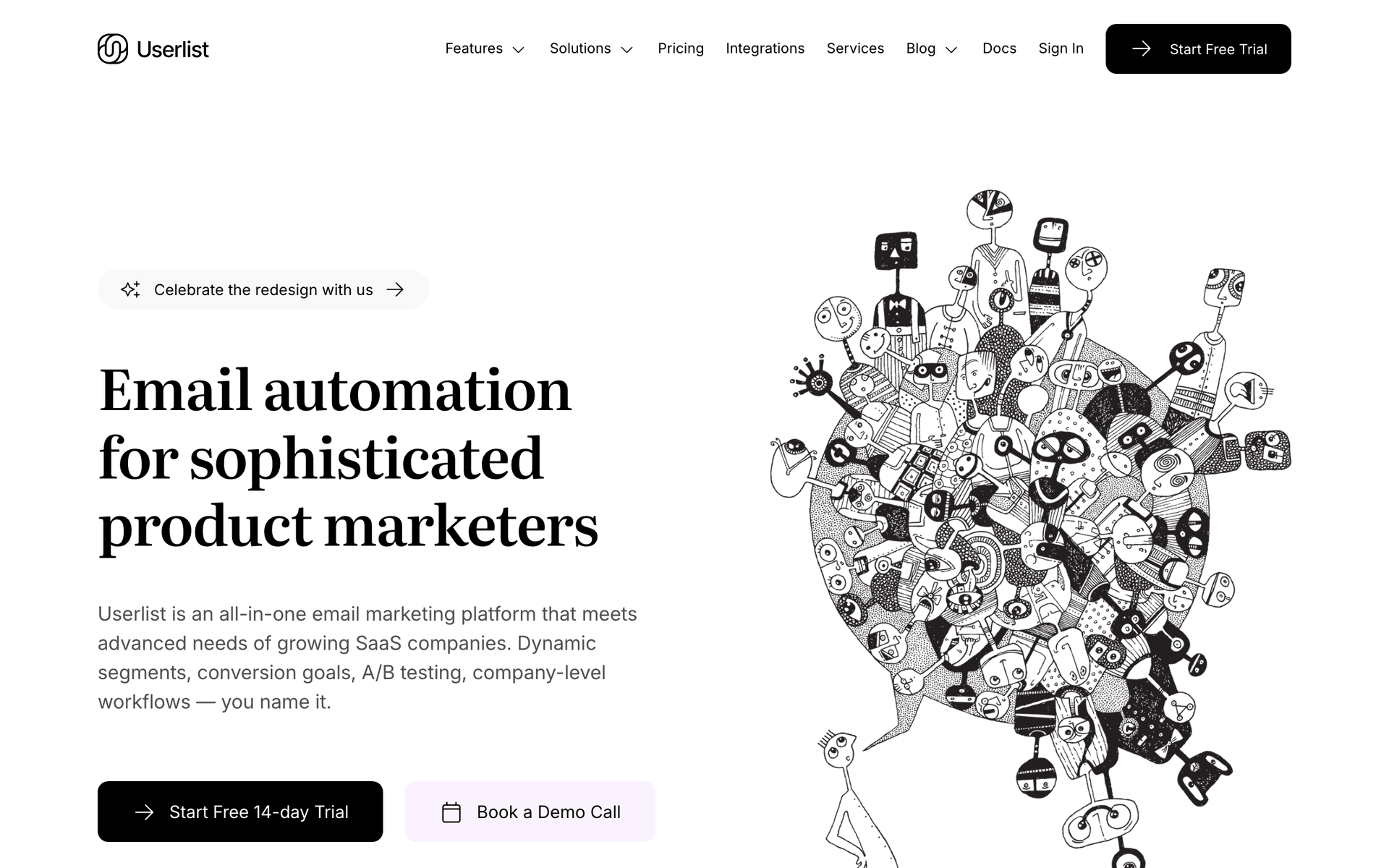
Userlist's company-level tracking is useful for B2B cloud products tracking organizational adoption and usage. When you need to understand which company an individual user belongs to and how the organization as a whole is using your product, Userlist handles this natively. The starting price is steep at $149 per month, but for B2B cloud products with team-based adoption, the company-level view provides unique value.

Best for
B2B cloud products tracking organizational adoption
Pricing
$149/month for 5,000 users

Pros

  • Company-level tracking
  • B2B-focused features

Cons

  • Expensive starting price
  • Smaller platform
#12
ConvertKit

Creator email marketing.

Visit
ConvertKit dashboard screenshot

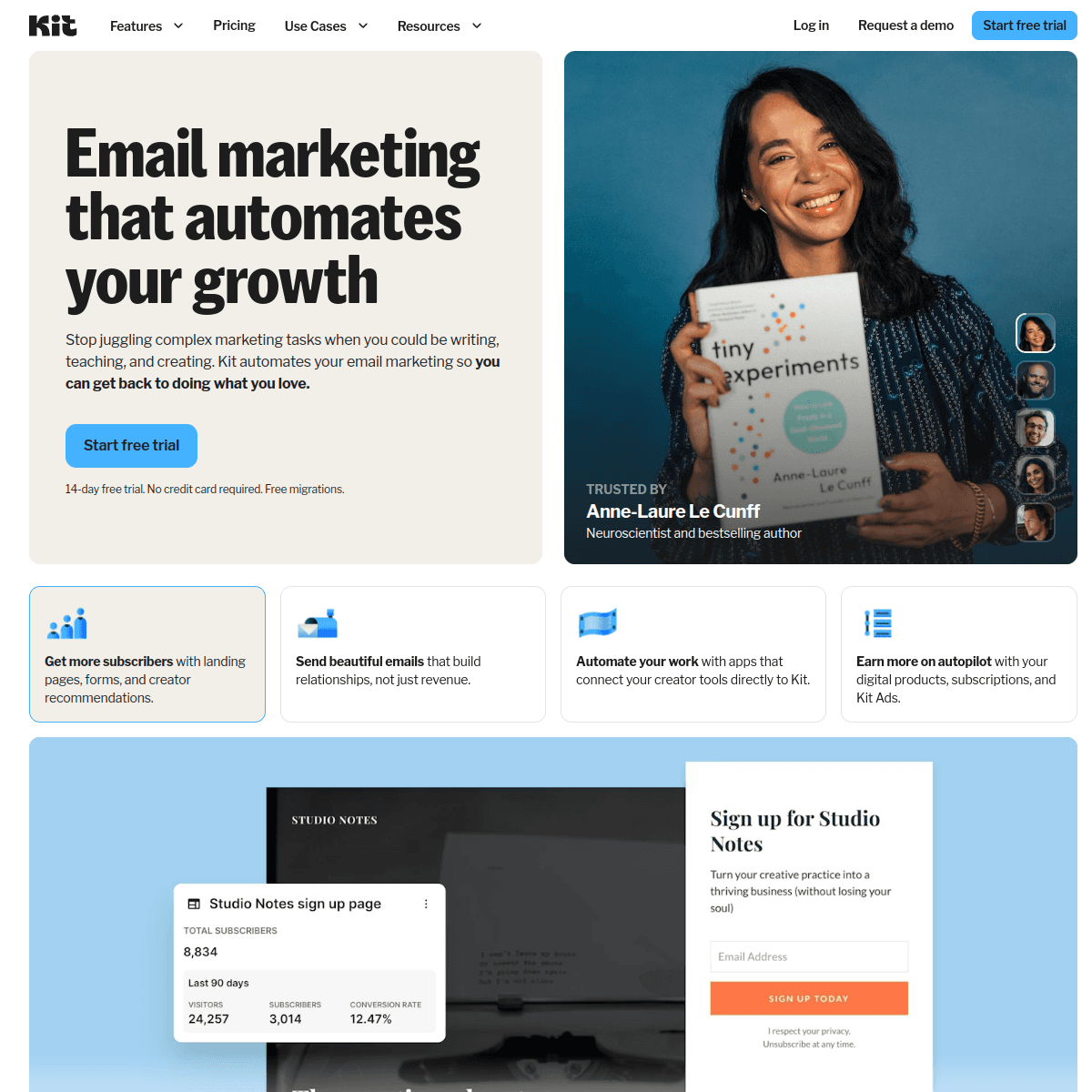
ConvertKit is designed for content creators and is not relevant for cloud infrastructure communication. The creator-focused features, text-heavy email style, and lack of event-driven automation make it a poor fit for technical product communication.

Best for
Not recommended for cloud companies
Pricing
Free up to 10,000 subscribers, then $25/month

Pros

  • Free tier

Cons

  • Wrong audience entirely
  • No event-driven automation
#13
Knock

Notification infrastructure.

Visit
Knock dashboard screenshot

Knock handles multi-channel infrastructure notifications - deployment alerts across email, Slack, PagerDuty, and in-app. For cloud companies that need to reach users across multiple channels based on preference and urgency, Knock provides a unified notification layer. It is not a marketing tool, but for the notification infrastructure side of cloud communication, it fills a unique role.

Best for
Multi-channel infrastructure alerting
Pricing
Free up to 10,000 messages, then $250/month

Pros

  • Multi-channel notification delivery
  • Preference management

Cons

  • Not a marketing tool
  • Expensive paid plans
#14
Customer.io

Event-driven messaging platform for technical products.

Visit
Customer.io dashboard screenshot

Customer.io's event-driven architecture is a natural fit for cloud infrastructure companies. Trigger emails when a user creates their first cloud resource, approaches a usage quota, adds a team member, or changes their plan. The multi-channel messaging (email, push, in-app) covers the full notification spectrum. Complex branching logic lets you build different onboarding paths based on which cloud services a customer uses. At $100/month starting price it is a significant investment, but for funded cloud infrastructure companies with a growth team, the event-driven automation pays back quickly.

Best for
Funded cloud companies with complex usage-based user journeys
Pricing
$100/month for 5,000 profiles

Pros

  • Best-in-class event-driven automation
  • Multi-channel messaging
  • Complex branching and conditional logic
  • Strong API

Cons

  • Expensive starting price
  • Complex initial setup
  • Steep learning curve
#15
Encharge

Marketing automation for SaaS and cloud products.

Visit
Encharge dashboard screenshot

Encharge is designed for SaaS and cloud products with event-driven flows, Stripe integration, and behavior-based segmentation. For cloud infrastructure companies with subscription or usage-based billing, Encharge handles the lifecycle from developer signup through credit card addition to enterprise upsell. The flow builder is more intuitive than Customer.io and pricing is competitive. A good mid-range option between the simplicity of Loops and the complexity of Customer.io.

Best for
Cloud companies wanting SaaS-native automation at a mid-range price
Pricing
$99/month for 2,000 users

Pros

  • SaaS-focused automation
  • Stripe and billing event integration
  • Intuitive flow builder
  • Behavior-based segmentation

Cons

  • Per-user pricing
  • Smaller community
  • Less advanced than Customer.io
#16
Intercom

Customer messaging with email, in-app, and live chat.

Visit
Intercom dashboard screenshot

Cloud infrastructure companies often have developer portals and dashboards where users spend significant time. Intercom's combination of in-app messaging, email, and live chat creates a complete developer communication layer. Trigger in-app tips when users create new resources, follow up with email sequences based on product activity, and offer live chat support during critical onboarding moments. The tradeoff is cost - Intercom's per-active-user pricing becomes expensive for cloud platforms with large free tiers.

Best for
Cloud platforms with developer portals needing in-app plus email
Pricing
From $74/month, scales with active users

Pros

  • In-app messaging and email combined
  • Live chat for developer support
  • Product event triggers
  • Good onboarding tools

Cons

  • Expensive at scale
  • Per-active-user pricing
  • Overkill for email-only needs
#17
HubSpot

Enterprise CRM and marketing platform.

Visit
HubSpot dashboard screenshot

Cloud infrastructure companies pursuing enterprise deals benefit from HubSpot's CRM and account-based marketing capabilities. Track the full enterprise buying journey from first API contact through security review to signed contract. The marketing hub nurtures enterprise leads with technical case studies, compliance documentation, and architecture guides. For cloud companies with dedicated enterprise sales teams, HubSpot integrates marketing and sales into a unified pipeline. Overkill for self-serve or developer-led growth models.

Best for
Enterprise-focused cloud companies with sales teams
Pricing
Free CRM, marketing hub from $50/month

Pros

  • Full CRM and pipeline tracking
  • Enterprise nurture automation
  • Powerful reporting
  • ABM capabilities

Cons

  • Expensive for full features
  • Overkill for PLG products
  • Not developer-friendly
#18
Ortto

CDP and marketing automation platform.

Visit
Ortto dashboard screenshot

Ortto's CDP layer is valuable for cloud infrastructure companies collecting usage data across multiple services and regions. Unify infrastructure usage events, billing data, and support tickets into a single subscriber profile, then build automated journeys based on the complete picture. The journey builder handles complex branching for different cloud service usage patterns and tier levels. Good for cloud companies that need to unify data before acting on it.

Best for
Cloud companies needing unified customer data and journey automation
Pricing
$99/month for 5,000 contacts

Pros

  • CDP plus automation combined
  • Unifies multi-source usage data
  • Visual journey builder
  • Good analytics

Cons

  • Expensive
  • Learning curve
  • Per-contact pricing
#19
Loops

Modern email platform for SaaS with event-based automations.

Visit
Loops dashboard screenshot

Loops offers a clean, modern approach to SaaS email that works well for cloud infrastructure companies with developer audiences. The combined transactional and marketing email support keeps your stack simple - usage alerts, onboarding sequences, and marketing campaigns all live in one platform. Event-based automations trigger from product activity without the complexity of Customer.io. The per-contact pricing model is the main drawback for cloud platforms with large free tiers, but for those with smaller or more targeted user bases, Loops strikes a practical balance.

Best for
Cloud infrastructure companies wanting clean event-based email without complexity
Pricing
Free up to 1,000 contacts, then $49/month

Pros

  • Clean modern interface
  • Event-based automations
  • Combined transactional and marketing
  • Developer-friendly approach

Cons

  • Per-contact pricing
  • Less flexible than Customer.io
  • No native payment integration

Feature Comparison

FeatureSequenzyCustomer.ioSendGridPostmark
Event-driven automation
Yes
Advanced
Basic
No
Payment integration
Native Stripe
No
No
No
High-volume sending
Good
Good
Excellent
Good
Transactional reliability
Good
Good
Good
Best
Free tier available
Starting price
$29/mo
$100/mo
$19.95/mo
$15/mo

Common Mistakes to Avoid

We see these mistakes over and over. Skip the learning curve and avoid these from day one.

Treating developer onboarding like a marketing campaign

Developer onboarding emails should read like technical documentation, not marketing copy. Skip the marketing fluff. Show the CLI command, the API endpoint, the code snippet. Developers want to deploy, not read about your company's mission statement.

Sending usage alerts too late

An alert that arrives after a user has already exceeded their quota or received a surprise bill is worse than no alert at all. Configure triggers with enough lead time for users to take action. The 75% threshold alert is the most important because it gives users time to optimize or upgrade.

Using per-contact pricing with freemium models

Cloud infrastructure companies with free tiers accumulate massive databases of users, many of whom never activate. Per-contact email pricing means you pay for every inactive free-tier user. Choose pay-per-email pricing to align costs with actual communication.

Not authenticating your email properly

Your audience includes engineers who will check your SPF, DKIM, and DMARC records. Improperly authenticated emails from an infrastructure company destroy credibility. Configure authentication perfectly before sending your first email.

Combining product updates with marketing in the same email

Product changelog entries and marketing promotions should be separate emails on separate schedules. Users who opted into product updates did not sign up for marketing campaigns. Mixing them leads to unsubscribes from your most engaged technical users.

Email Sequences Every Cloud Infrastructure Companie Needs

These are the essential automated email sequences that will help you grow your business and keep clients coming back.

Developer Onboarding Sequence

New account created

Guide developers from signup to first deployment with minimal friction.

Immediate
Your API key is ready - deploy in 5 minutes

API key, CLI install command, and quickstart deployment guide. Remove all friction to first action.

Day 1
Choose your region and stack

Guide to region selection, stack configuration, and recommended settings for their use case.

On first deployment
Your first deployment is live!

Celebrate the milestone. Introduce monitoring, scaling, and optimization features.

Usage Cost Alert Sequence

Spending approaches threshold

Alert users about costs before they get a surprise bill.

At 75% of budget
Your usage is approaching your budget limit

Cost breakdown by service with optimization suggestions and budget alert configuration options.

At 90% of budget
Your usage is at $[X] this month - approaching limit

Urgent cost breakdown with clear upgrade or optimization paths.

At threshold
Your usage has hit your budget limit - cost breakdown

Full cost breakdown by service, usage optimization suggestions, and budget alert configuration.

Enterprise Identification Sequence

Account exceeds enterprise usage threshold

Identify high-usage accounts ready for enterprise conversion.

At threshold
Your infrastructure needs might benefit from an enterprise plan

Highlight enterprise benefits: dedicated support, SLA, volume discounts, custom infrastructure.

Day 5
How [Company] scaled with our enterprise plan

Enterprise customer story focusing on scale, reliability, and support benefits.

The Cloud Infrastructure Email Stack

Cloud infrastructure companies need email for two very different purposes: developer-facing communication (onboarding, usage alerts, product updates) and enterprise-facing communication (sales nurture, compliance documentation, account management). The best approach uses event-driven automation for the developer side and CRM-integrated campaigns for the enterprise side.

Many cloud companies end up with two or even three email tools: a transactional service like Postmark for critical notifications, a product email tool like Sequenzy or Customer.io for onboarding and usage-based automation, and a CRM like HubSpot for enterprise sales pipeline communication. While this adds complexity, it ensures each type of communication uses the right tool for the job.

Choosing Your Stack

For early-stage cloud companies, start with a single tool that handles both product and marketing email. Sequenzy or Loops can cover both until volume and complexity justify splitting. As you scale, add Postmark for critical transactional delivery and consider a CRM for enterprise sales.

Preventing Bill Shock

For usage-based cloud products, proactive cost communication is critical. Users who get surprise bills churn - not just from your product, but from cloud services in general. The experience is so negative that it damages the entire category.

Automated cost alerts at configurable thresholds prevent this entirely. A message at 75% of budget with a breakdown by service and optimization suggestions is genuinely helpful. A message at 90% with upgrade options is timely. A message at 100% with clear next steps is essential. Each threshold email should include a one-click link to adjust budgets, optimize resources, or upgrade plans.

The Trust Equation

Every proactive cost alert builds trust. Users learn that your company communicates transparently about money. This trust translates directly into willingness to increase spending because they know they will be informed before costs become a problem. Cloud companies that handle cost communication well see lower churn and higher expansion revenue.

The Bottom-Up Enterprise Pipeline

Most cloud infrastructure enterprise deals start with a developer using the free tier. One person signs up, deploys a side project, and then brings the product into their company. The development team starts using it. Usage grows. Eventually someone asks about enterprise features, SLA, and volume pricing.

Email tracks this entire journey. Onboarding emails activate the individual developer. Product adoption emails encourage deeper usage. Team growth triggers alert your sales team. Enterprise introduction emails initiate the sales conversation. When done well, the enterprise prospect arrives at the sales conversation already convinced of product value.

Identifying Enterprise-Ready Accounts

Watch for these signals that an account is ready for an enterprise conversation: multiple team members from the same company domain, production deployments with high availability configurations, consistent usage growth month over month, and usage exceeding self-serve tier limits. When these signals trigger, move the account from product-led to sales-assisted communication.

Developer Onboarding Best Practices

Developer onboarding emails should be technical, concise, and action-oriented. Each email should have one clear technical action the user should take. Include the actual code snippet or CLI command in the email itself - do not make them click to a docs page to find it.

The most effective onboarding sequences follow this pattern: immediate email with API key and quickstart command, day one email focused on configuration and best practices, event-triggered email celebrating first deployment, and day seven email introducing advanced features. Every email after activation should be triggered by behavior, not by time elapsed.

Scaling Your Email Infrastructure

As your cloud company grows, email volume scales dramatically. A product with 100,000 free-tier users sending monthly product digests, weekly changelogs, and event-triggered notifications can easily send millions of emails per month. Plan for this scale in your email tool selection. Per-contact pricing becomes prohibitively expensive. Per-email or volume-based pricing from tools like Sequenzy, SendGrid, or Postmark scales more predictably.

Planning for Scale

Consider these volume milestones when planning your email infrastructure:

  • 1,000-10,000 users: A single tool like Sequenzy or Loops handles both product and marketing email comfortably
  • 10,000-100,000 users: Add a dedicated transactional service for critical notifications. Marketing tool costs need evaluation
  • 100,000+ users: Full separation of transactional, product, and marketing email infrastructure. Volume-based pricing is essential

Changelog and Product Update Communication

Cloud infrastructure users expect regular communication about platform changes. New regions, service updates, API deprecations, and maintenance windows all need targeted communication. The key is relevance - users who only use your database service should not receive CDN changelog entries.

Build a tagging system that tracks which services each user actively uses. When you push a changelog entry or maintenance notice, send it only to users of the affected service. This discipline prevents notification fatigue and ensures important updates are actually read.

Deprecation Communication

Deprecating a feature or API version requires the most careful email communication in cloud infrastructure. Start notifications 6-12 months before the deprecation date. Provide clear migration guides, timeline details, and support resources. Increase notification frequency as the deadline approaches. Users who miss a deprecation notice and experience a breaking change will churn.

Getting Started

For early-stage cloud infrastructure companies, start with one email tool that handles onboarding, product communication, and basic marketing. As you grow:

  1. Set up developer onboarding as your first and most impactful sequence
  2. Build usage-based alerts at configurable thresholds to prevent bill shock
  3. Create a changelog notification system segmented by services used
  4. Add enterprise identification to capture bottom-up expansion revenue
  5. Separate transactional email when volume justifies a dedicated service

The cloud companies that invest early in email infrastructure build compounding advantages in activation, retention, and expansion revenue over time.

How We Evaluated These Tools

I evaluated each platform by building three critical workflows for cloud infrastructure: a developer onboarding sequence from signup to first deployment, a usage-based cost alert system with configurable thresholds, and an enterprise identification pipeline that triggers when accounts exceed self-serve usage patterns. I assessed event-driven automation capabilities, API quality for custom integration, transactional email reliability, and cost at scale for companies with large freemium user bases.

Frequently Asked Questions

Ready to grow your cloud infrastructure companie practice?

Start your free trial today. Set up your first email sequence in minutes with AI-powered content generation.

Related Industries

Sequenzy - Complete Pricing Guide

Pricing Model

Sequenzy uses email-volume-based pricing. You only pay for emails you send. Unlimited contacts on all plans — storing subscribers is always free.

All Pricing Tiers

  • 2.5k emails/month: Free (Free annually)
  • 15k emails/month: $19/month ($205/year annually)
  • 60k emails/month: $29/month ($313/year annually)
  • 120k emails/month: $49/month ($529/year annually)
  • 300k emails/month: $99/month ($1069/year annually)
  • 600k emails/month: $199/month ($2149/year annually)
  • 1.2M emails/month: $349/month ($3769/year annually)
  • Unlimited emails/month: Custom pricing (Custom annually)

Yearly billing: All plans offer a 10% discount when billed annually.

Free Plan Features (2,500 emails/month)

  • Visual automation builder
  • Transactional email API
  • Reply tracking & team inbox
  • Goal tracking & revenue attribution
  • Dynamic segments
  • Payment integrations
  • API, MCP, and CLI access
  • Custom sending domain

Paid Plan Features (15k - 1.2M emails/month)

  • Visual automation builder
  • Transactional email API
  • Reply tracking & team inbox
  • Goal tracking & revenue attribution
  • Dynamic segments
  • Payment integrations (Stripe, Paddle, Lemon Squeezy)
  • API, MCP, and CLI access
  • Custom sending domain

Enterprise Plan Features (Unlimited emails)

  • Visual automation builder
  • Transactional email API
  • Reply tracking & team inbox
  • Goal tracking & revenue attribution
  • Dynamic segments
  • Payment integrations
  • API, MCP, and CLI access
  • Custom sending domain

Important Pricing Notes

  • You only pay for emails you send — unlimited contacts on all plans
  • No hidden fees - all features included in the price
  • No credit card required for free tier

Contact

  • Pricing Page: https://sequenzy.com/pricing
  • Sales: hello@sequenzy.com